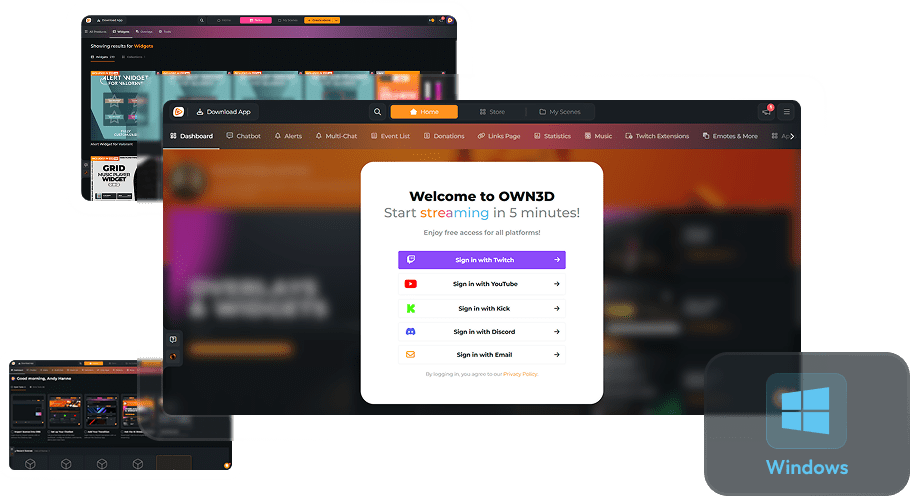
AI Widget Maker
Your perfect widget, exactly how you want it
Finding the right widget among countless options can be overwhelming, but that’s where our AI Widget Maker steps in. Create exactly the widget you’re looking for, fully personalized to your style and stream, ready in minutes. Focus on your vision and let AI bring it to life.
Bring Your Ideas To Life
Fast, simple, and stream-ready
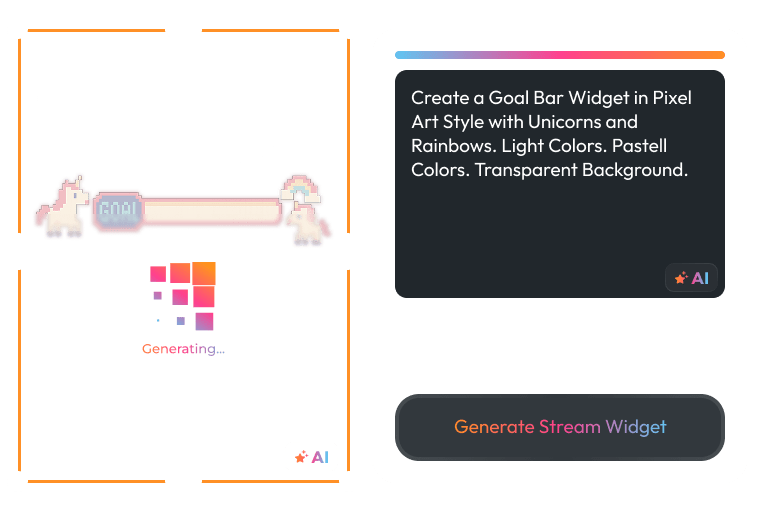
Turn your ideas into fully functional stream widgets. With AI on your side, you can design, customize, and launch interactive tools that perfectly fit your stream. No coding or design experience is needed.
Reprompt And Refine
Your stream, your vision, your style
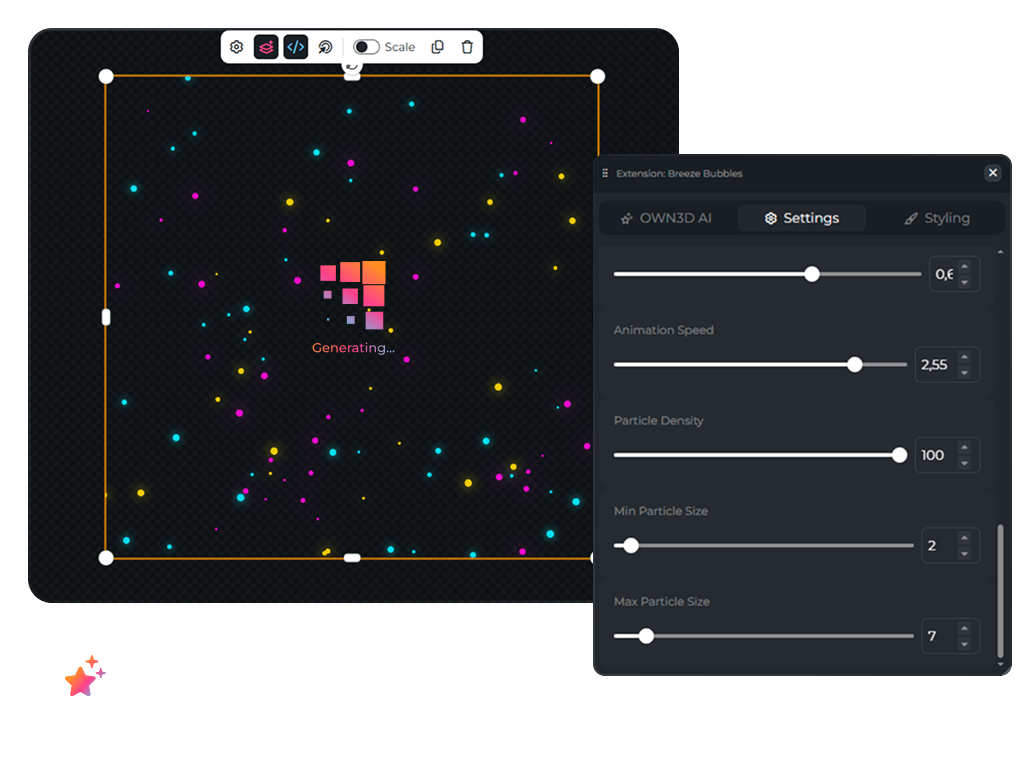
Didn’t get what you imagined the first time? Just reprompt. Adjust your description, and the AI will instantly regenerate your widget. Better, smarter, and closer to your vision each time.
The Choice Is Yours
Big stream widgets library available
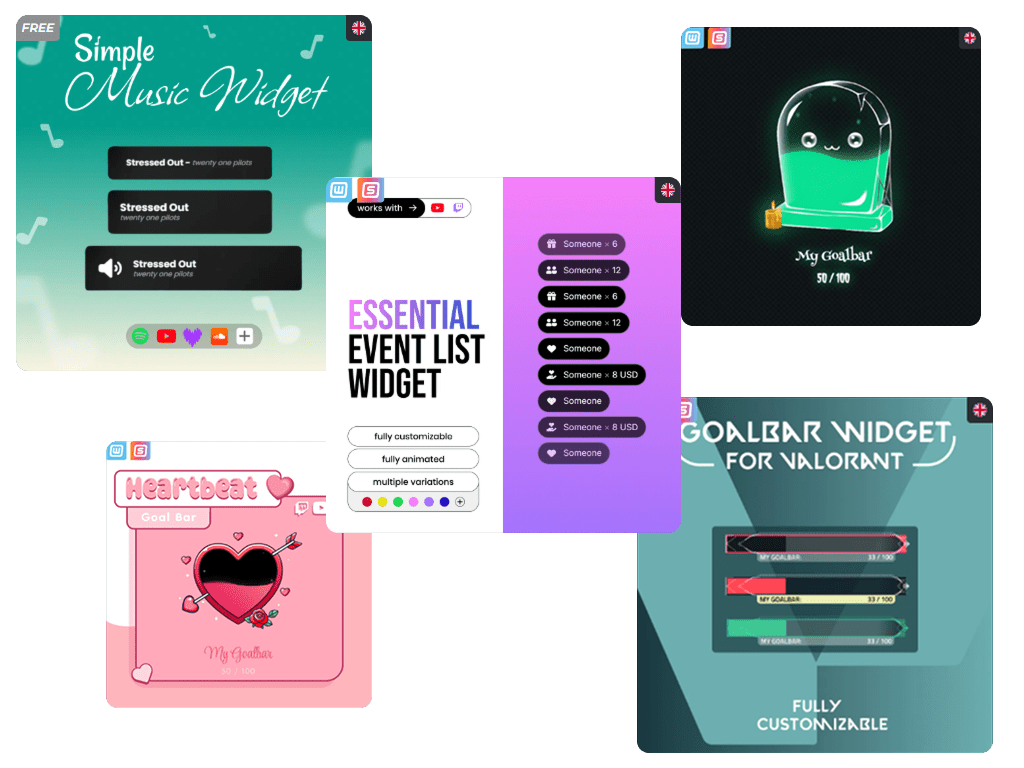
Discover ready-made widgets passionately crafted by our developers or generate your own in seconds. Customize, create, and stream your way.
Powered By AI, Inspired By You
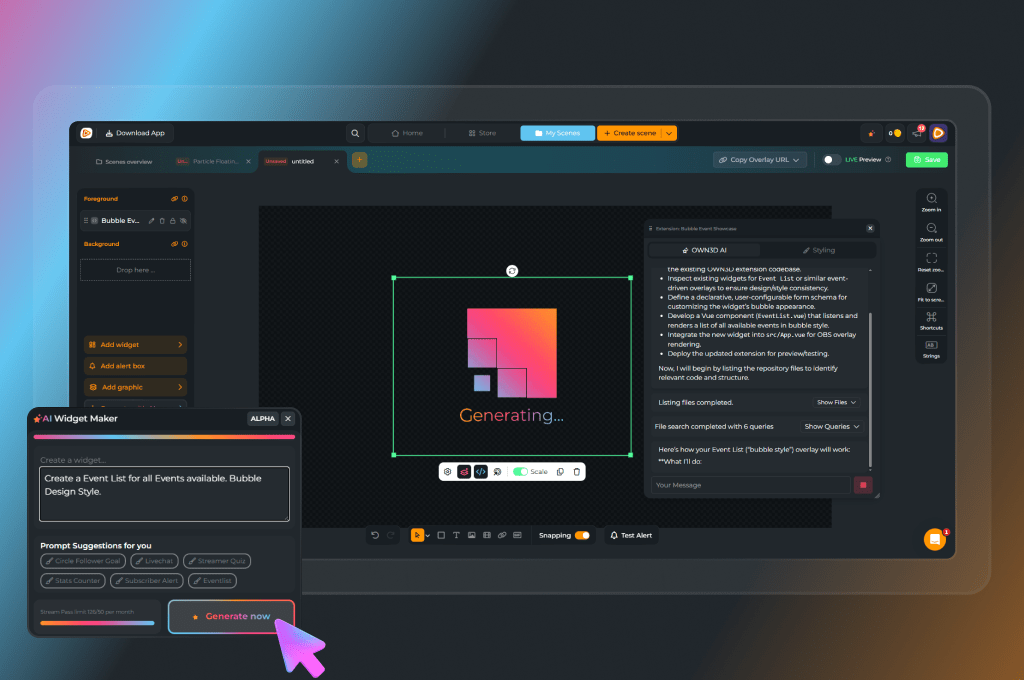
Let AI handle the setup so you can focus on your ideas. It’s not just about saving time. It’s about making your vision come to life with just a few simple inputs.
Fast And Intuitive
Go from idea to finished widget in just a few minutes.
Scene Builder Integration
Design, test, and use widgets directly in our Scene Builder.
Free To Explore
Test the magic with five free AI credits before upgrading.
AI Widget Maker Features
Generate custom stream widgets instantly with your own ideas.
Custom Stream Widgets
AI Stream Widgets
Instant Generation
Creator Tools
Interactive Streams
Frequently Asked Questions
What is the AI Widget Maker?
It’s an AI-powered tool that lets you create fully customized widgets for your stream in minutes. Just describe what you need, and AI builds it. No coding or design experience required.
How fast can I create a widget?
In just a few minutes! From the moment you type your idea, the AI generates stream-ready widgets almost instantly, saving you time and helping you focus on your content.
Can I reuse or reprompt my widgets?
Yes! All your AI widgets are saved under My AI Creations. You can reopen them anytime, tweak your prompts, and generate new versions. Each reprompt uses additional credits.
Where can I find the AI Widget Maker?
It’s built right into the Scene Builder, so you can access it directly while setting up your stream.
How can I add my widgets to my broadcasting tool?
It’s super easy! Once you’ve added your widget to a scene, simply copy the browser source URL and paste it into your broadcasting tool (like OBS, Streamlabs, or others). That’s it. Your custom widget is now live and ready to shine on your stream.
Is it free to use?
Free users get 5 AI credits to explore. Widget Pass users receive 20 credits per month, and Stream Pass users unlock 50 monthly credits. Since we’re constantly improving our tools, credits, monthly limits, and features may change. Check the subscription page for the latest details.
Will the AI Widget Maker keep improving?
Yes! We’re always refining our AI Tools with new features and updates. You’ll always have access to the latest technology, ensuring your widgets stay fresh, interactive, and ahead of the curve. For more information, visit the subscription page or the AI Tool directly.
What if I need help?
We’ve got you covered! Visit our Help Center for support. Whether you have technical questions or need creative guidance, our team is here to help you get the most out of AI Tools.
Is the tool in beta?
Yes, the AI Widget Creation Wizard is currently in Beta. That means you get early access to exciting features and improvements as we continue to enhance your creation experience.
Do I have to create a widget, or can I use something that’s already available?
You don’t have to start from scratch. OWN3D Pro offers hundreds of ready-to-use widgets created by our in-house team, from alerts and goals to chat boxes and more. A selection of free widgets is available to all users, while even more exclusive widgets can be unlocked with the Widget Pass or Stream Pass. You can also explore AI-generated widgets published by other creators and use them directly in your stream.
Who created the community AI widgets?
AI widgets are generated automatically by the AI Widget Creation Wizard based on prompts from our users. When a widget is published, the AI creator’s name is displayed so you can see who made it, install it, or get inspired by their creativity before crafting your own.
Who created the premade widgets?
All premade widgets on OWN3D Pro are designed by our professional creators and developers. Each widget is optimized for performance, usability, and visual consistency — so you can instantly enhance your stream without setup hassle.
What if my widget violates copyright?
We provide the AI tool, but you’re responsible for the widgets you generate. Make sure your prompts and ideas don’t include protected names, trademarks, or any intellectual property you don’t have rights to.
Please note: OWN3D Pro actively reviews shared AI widgets to ensure quality and safety. However, users remain fully responsible for any legal issues related to the content they create.