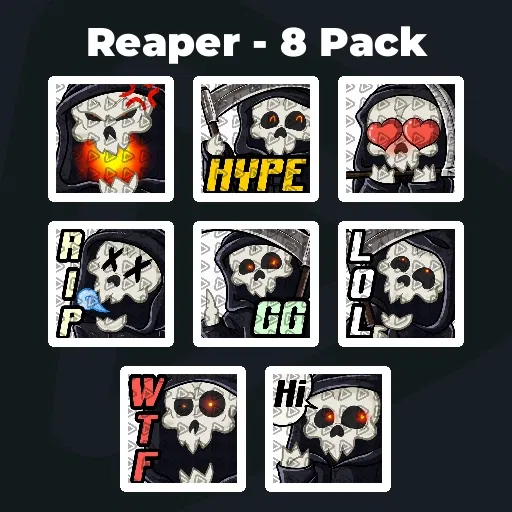
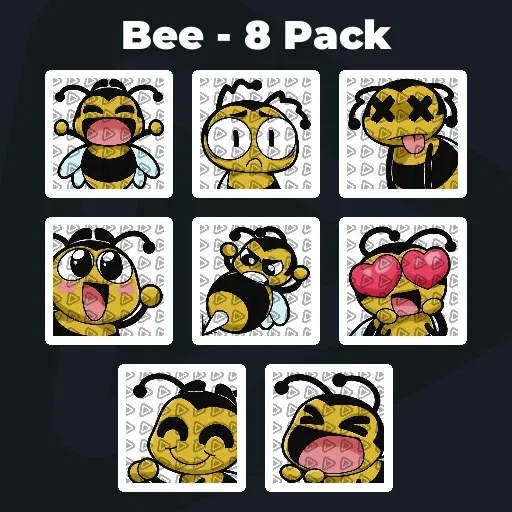
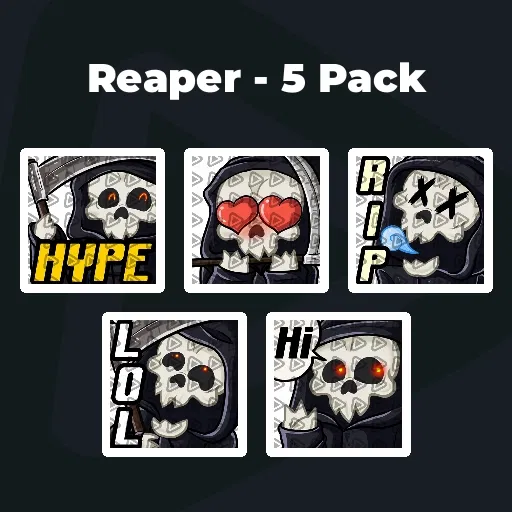
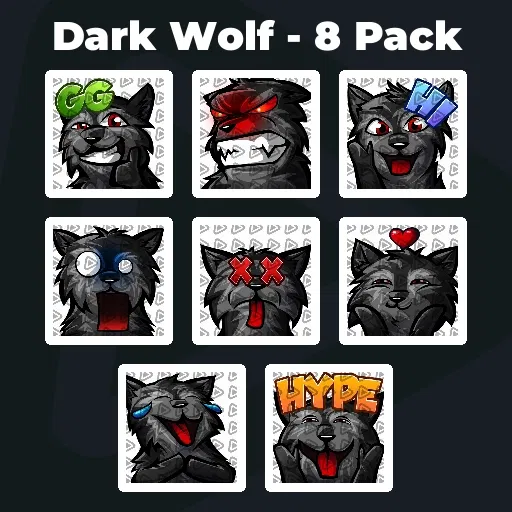
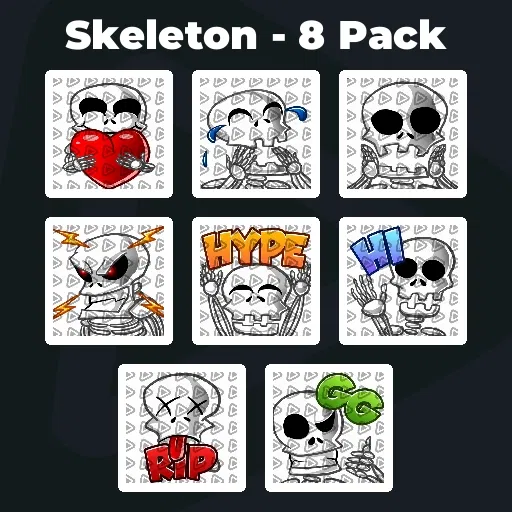
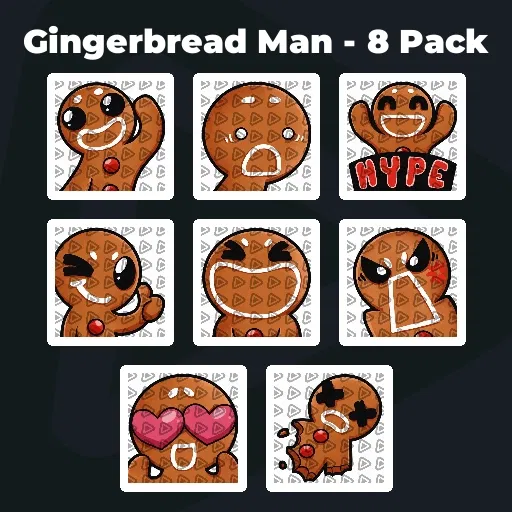
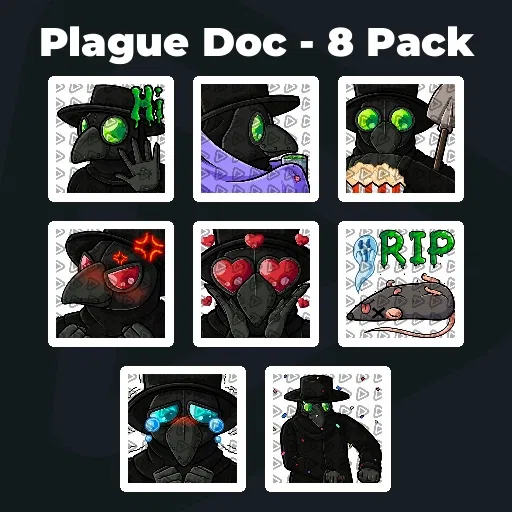
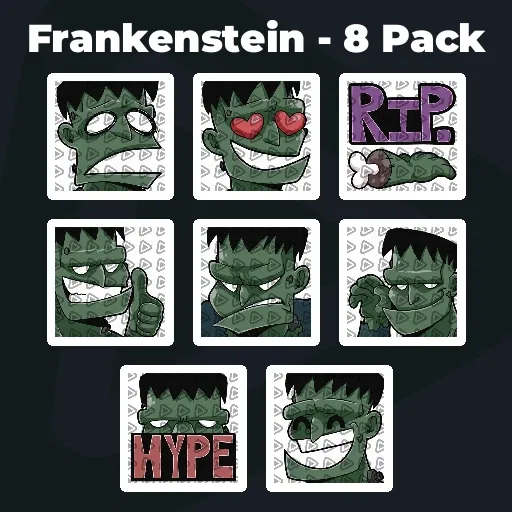
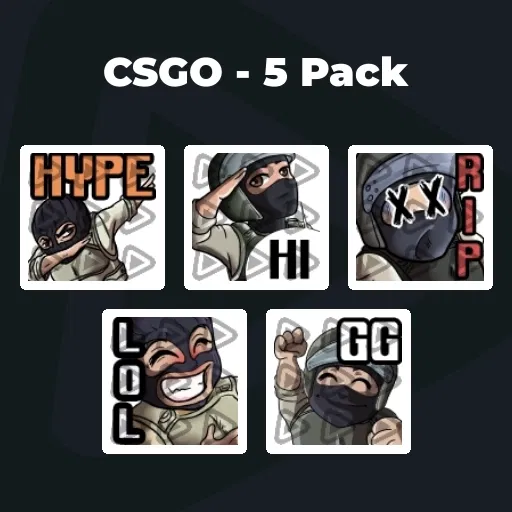
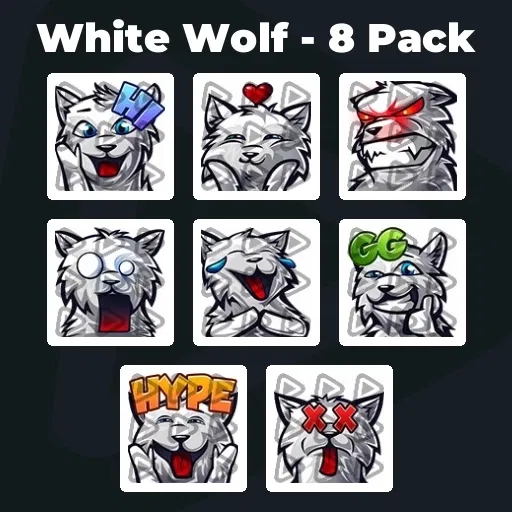
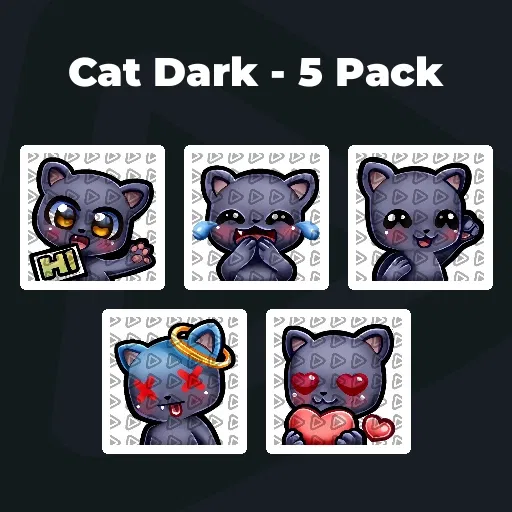
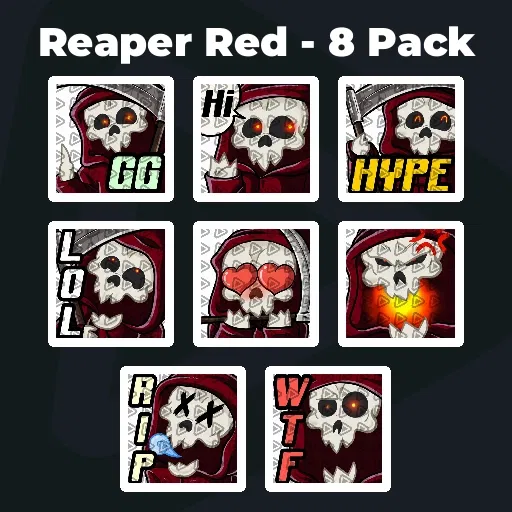
Premium Kick Emotes
Our Community’s Favorite Kick Emotes
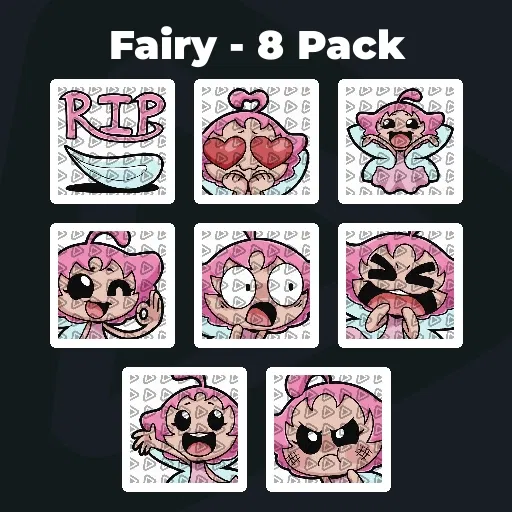
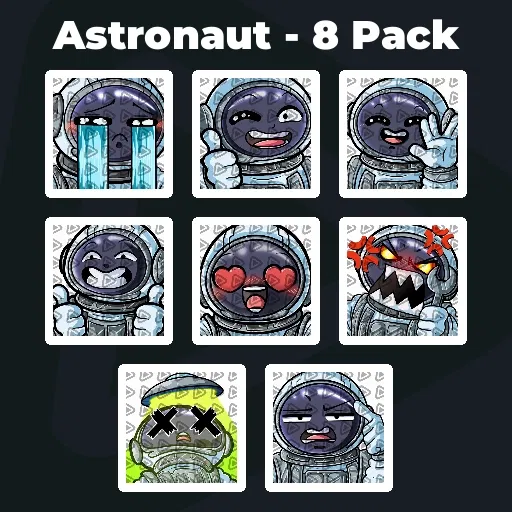
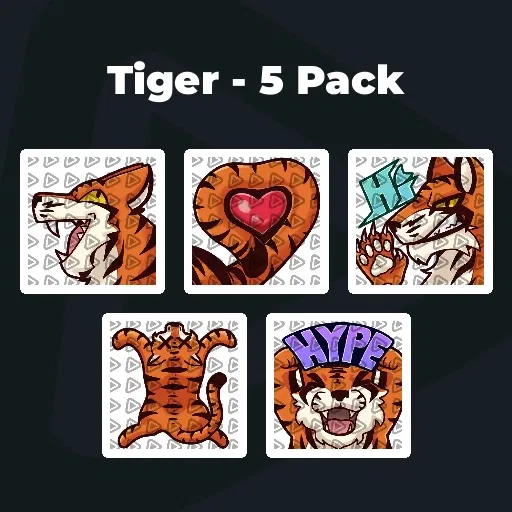
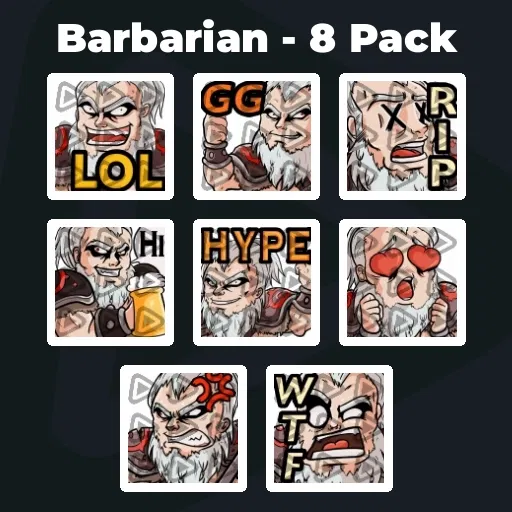
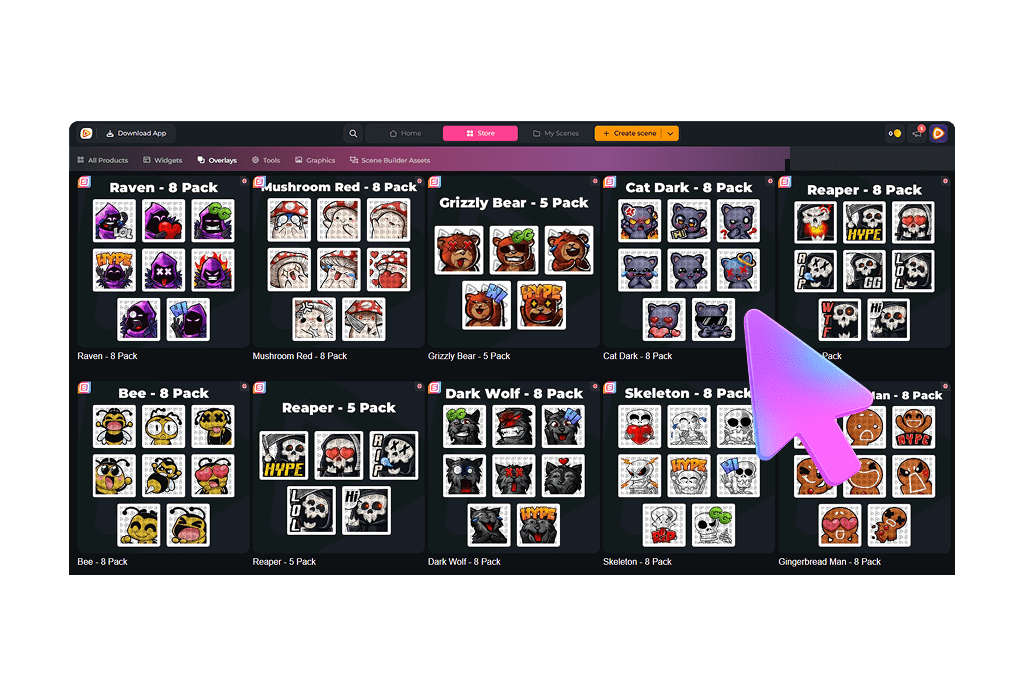
All Premium Kick Emotes
Kick Emotes That Hit Different
This is where your community becomes real
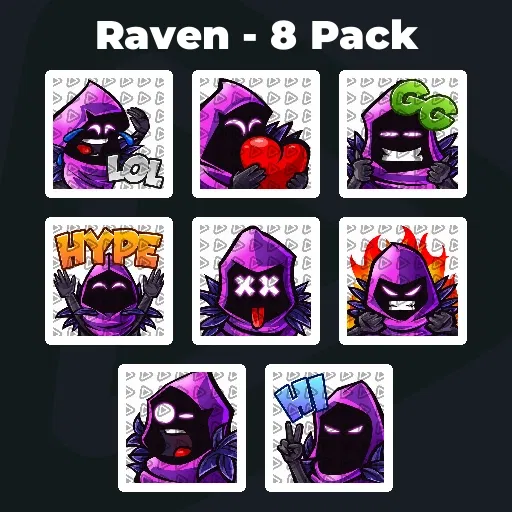
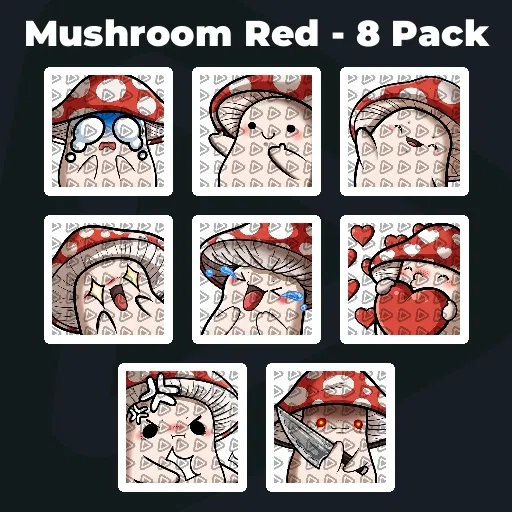
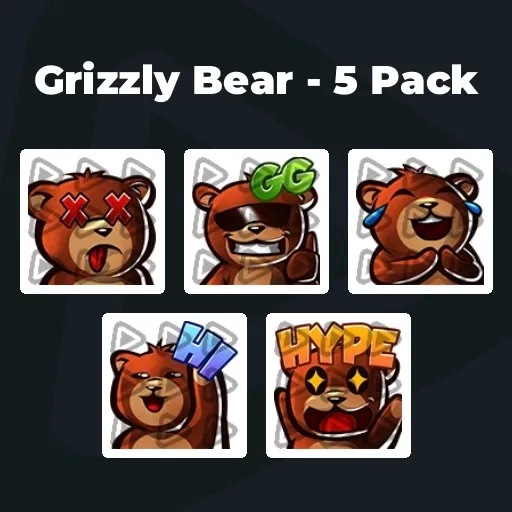
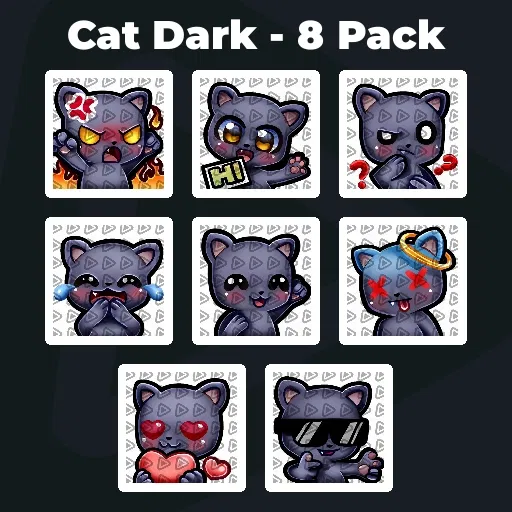
At first, it is just chat. Messages scroll by. People test the vibe. Then something shifts. A specific emote starts appearing in key moments. It becomes your thing. The reaction your viewers drop when you clutch. The symbol they spam when chaos breaks loose. That is when your Kick emotes stop being graphics. They become part of your culture.
With unlimited* downloads, you are not locked into one style. You can grow, switch, experiment, and shape a visual language that evolves with your community.
Emotes Everyone Can Use From Day One
Set up Kick emotes before starting your first stream
On Kick, you can set emotes from the very beginning. No unlock systems, no waiting, no barriers. Once you upload your Kick emotes, everyone in your channel can use them instantly. That means your community language starts forming on day one. New viewers do not just watch. They participate. They react. They become part of the vibe within seconds.
The right emotes for Kick make your channel feel alive, even in early stages. And as your stream grows, those same emotes grow with your identity.
What Happy Customers Say About Our Kick Emotes
See how our product makes a difference for content creators.
One Pass. Everything Included.
The Stream Pass gives you full access to everything OWN3D Pro has to offer. All products, including overlays, alerts, badges, widgets, Kick emotes, and more, are included and not sold separately.
Works with all broadcasting tools
Customize your overlays in the Scene Builder and use them with OBS Studio, Streamlabs, XSplit, and more. Easy to integrate with any setup.
Unlimited* asset downloads
Download Kick emotes, badges, panels, and more static assets. *Our unlimited plan is subject to fair use.
AI-powered creations
Get 50 AI credits with your Stream Pass to generate custom stream widgets, webcam frames, emotes for Kick, and more.
Multistreaming ready
Stream on Twitch, YouTube, and Kick with all the tools you need for a professional-looking livestream.
How to Set Up Kick Emotes
Let’s get your emotes into your chat. Here is how to upload your emotes for Kick.
Step 1
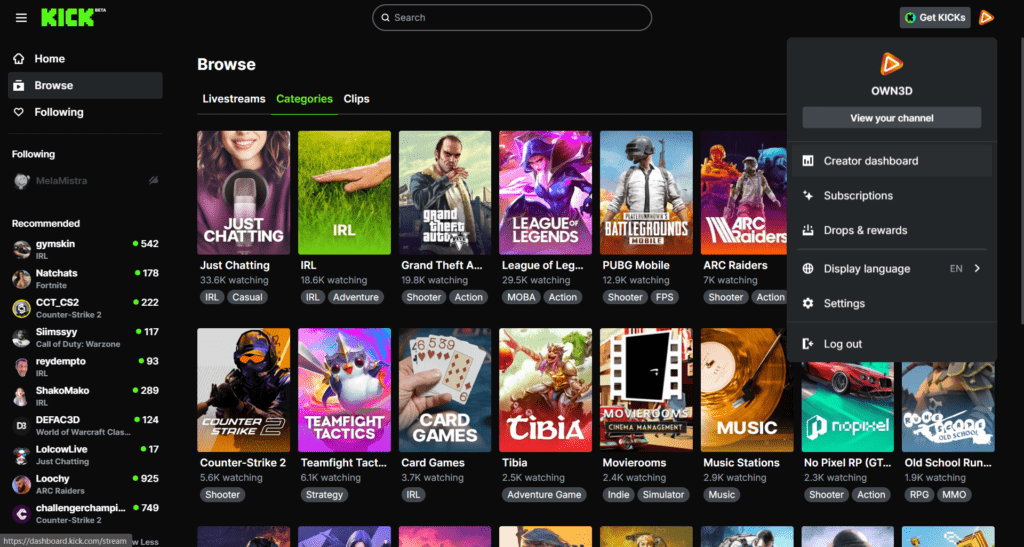
Log in to Kick and click your profile picture in the top right corner. Open your Creator dashboard.
Step 2
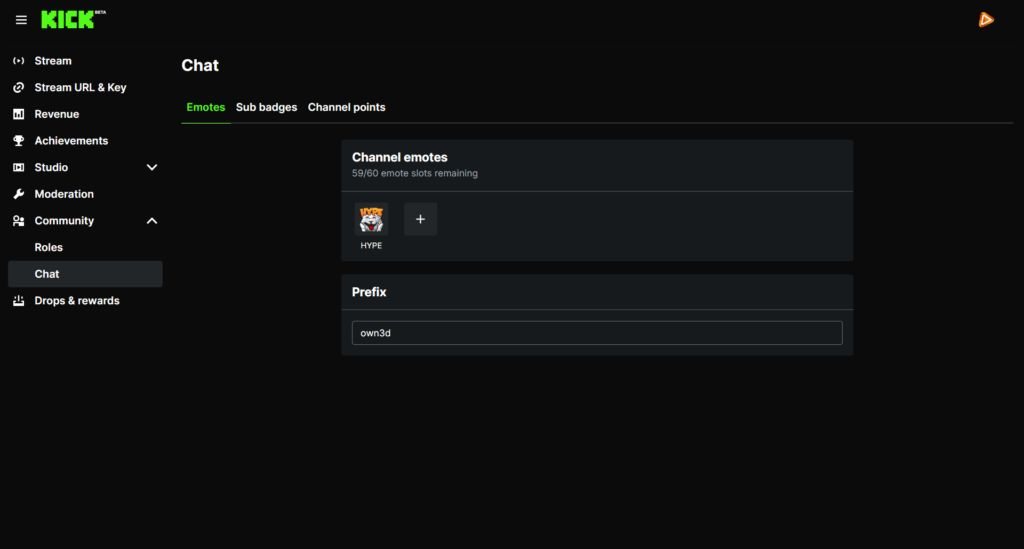
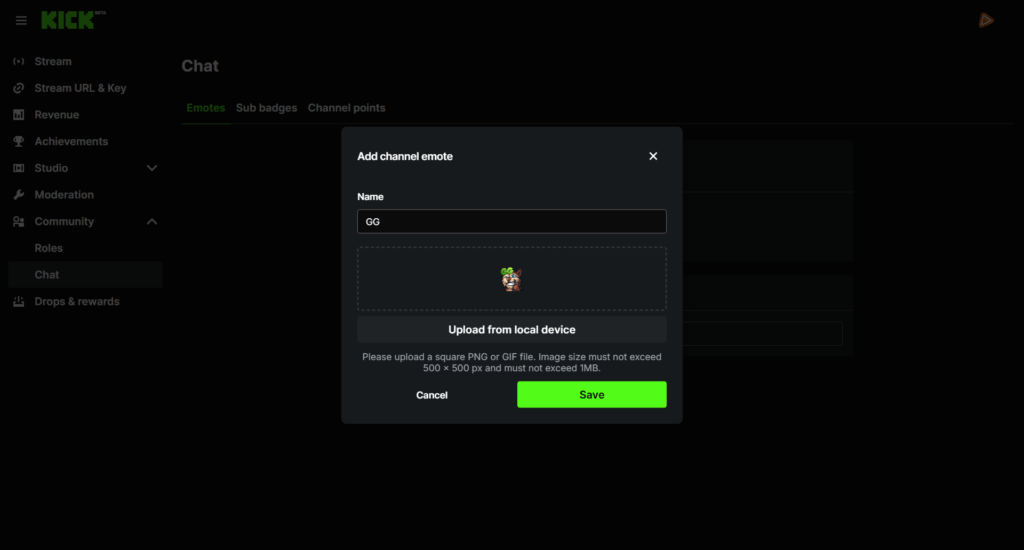
Go to Community, then Chat. This is where you manage and upload your Kick emotes, whether static or animated.
Step 3
Now it is time to add your Kick emote. Upload the required sizes, give your emote a name, and click save. That’s it, your new emote is ready to use in chat!
FAQs About Our Kick Emotes
What are Kick emotes?
Kick emotes are custom graphics your viewers can use in your Kick chat. They represent reactions, memes, and emotions that shape your community culture.
Can everyone use my Kick emotes?
Yes. On Kick, once you upload your emotes for Kick, everyone in your channel can use them right away. This makes it easier to build a strong community language from the start.
How many Kick emotes can I upload?
You can upload up to 60 Kick emotes to your channel. Once added, all of them are instantly available for everyone in your chat to use. This gives you plenty of room to build a full reaction library, create recurring inside jokes, and shape your channel’s identity from day one.
Do animated Kick emotes include static files?
Yes. Every animated Kick emote pack includes matching static PNG versions. You receive GIF files for animated use and PNG files in multiple sizes, ready for upload.
Are these custom Kick emotes made only for my channel?
Are there free Kick emotes included?
Can I use these emotes for Kick on other platforms?
Yes. The files are compatible with Kick and also work on Twitch, YouTube, and Discord. Ideal if you multistream and want consistent branding.
How many Kick emotes can I download with the Stream Pass?
* What does fair use mean?
The unlimited plan allows up to 25 downloads per day per category. This keeps the system stable and fair for everyone. Bulk or automated downloads may lead to temporary restrictions. Download what you truly need and explore freely within those limits.
Why can I download so many Kick emotes?
Do I need design skills to use emotes for Kick?
No. All Kick emotes are ready to upload. Simply download your favorites, add them in your Creator dashboard, and your community can start using them immediately.