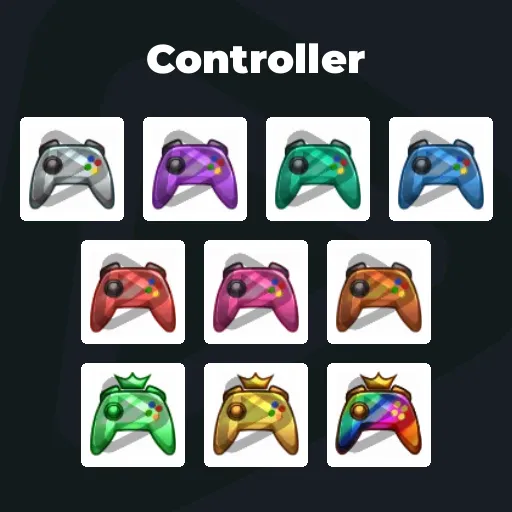
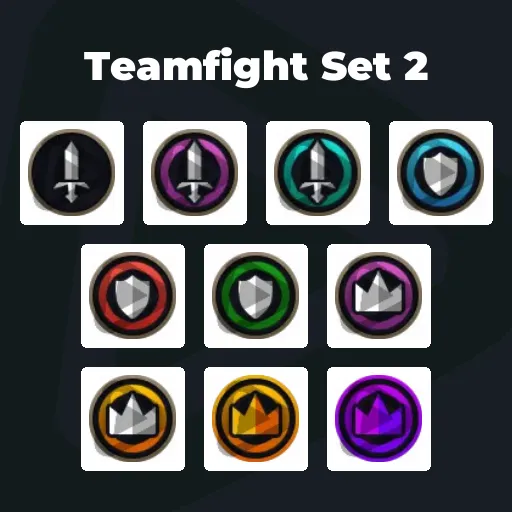
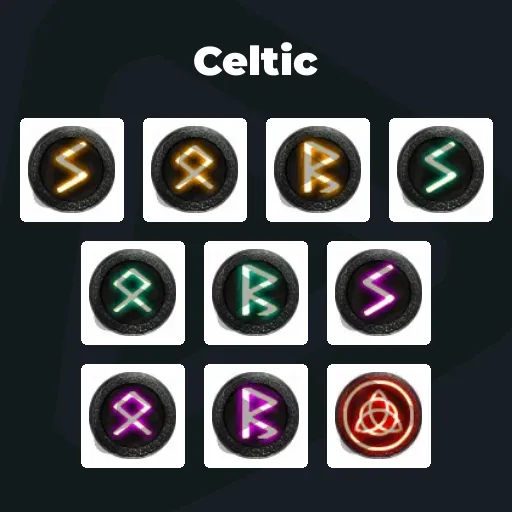
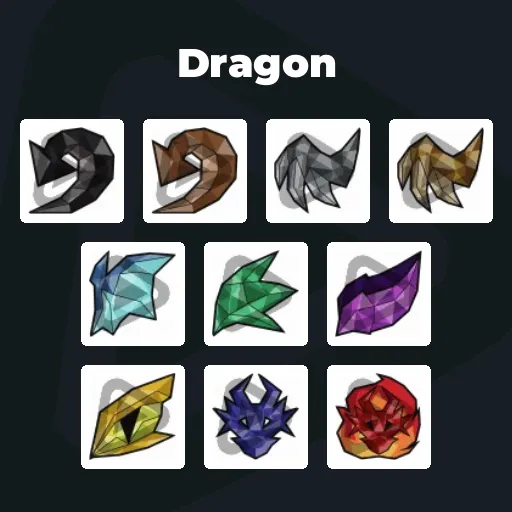
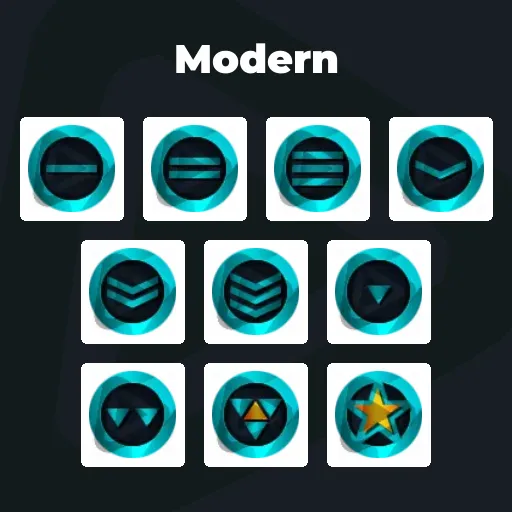
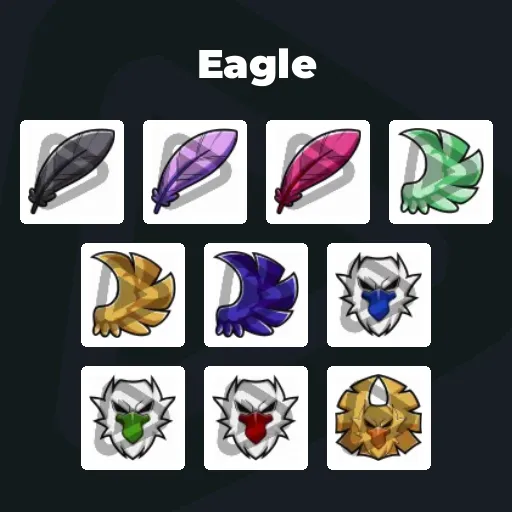
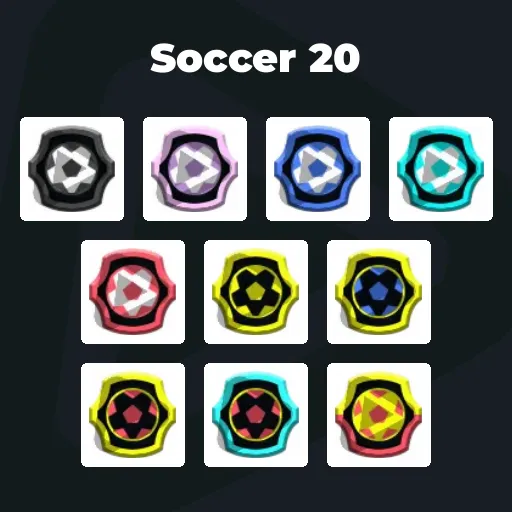
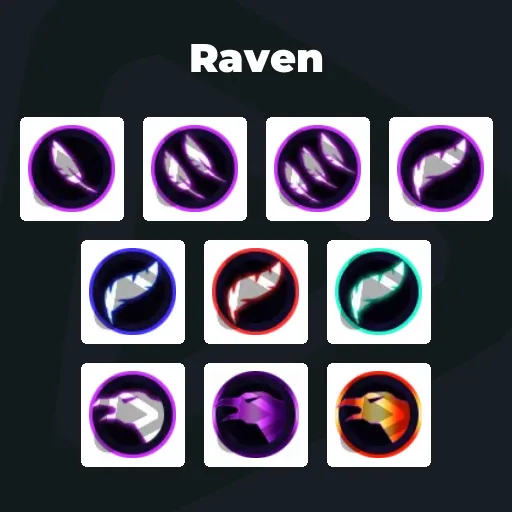
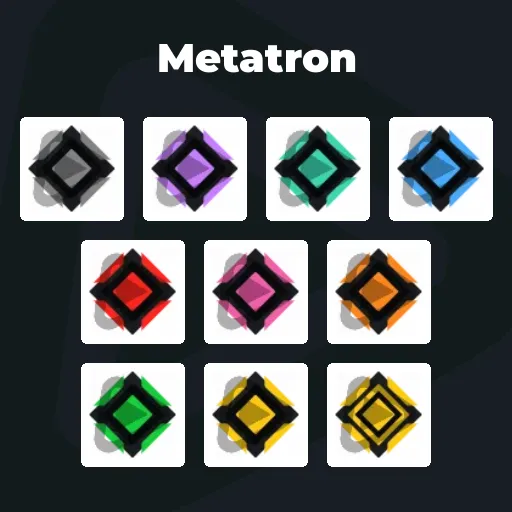
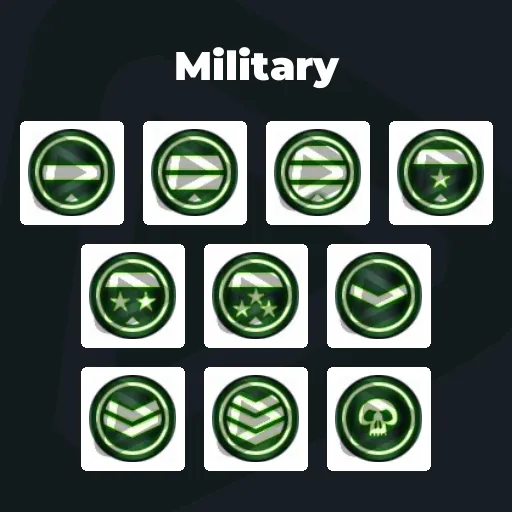
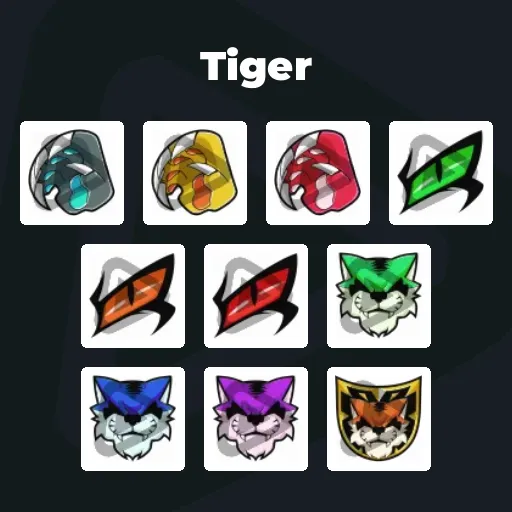
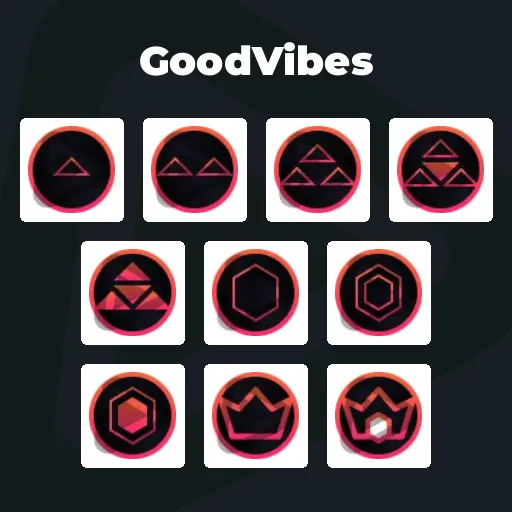
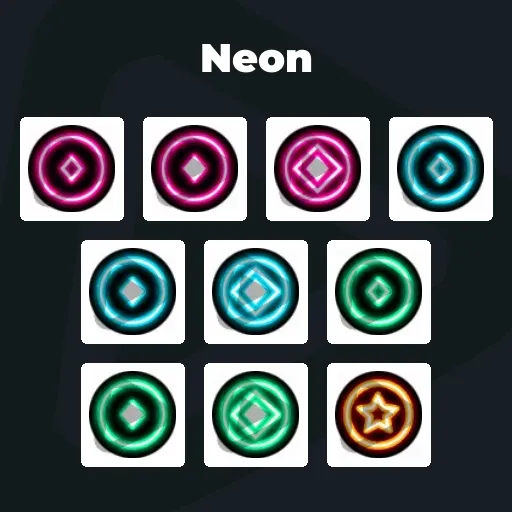
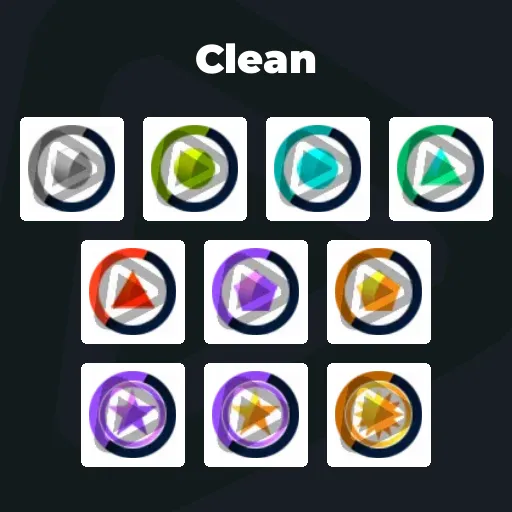
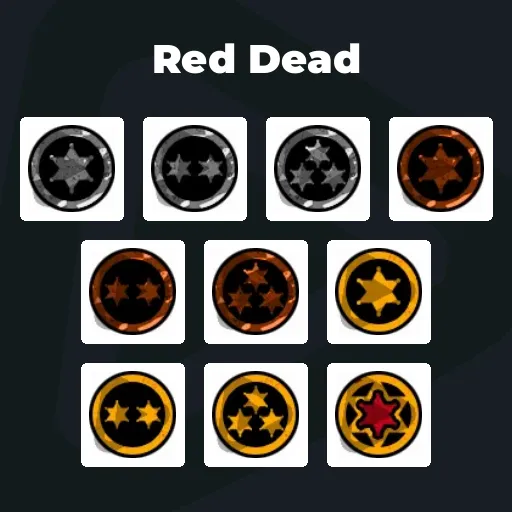
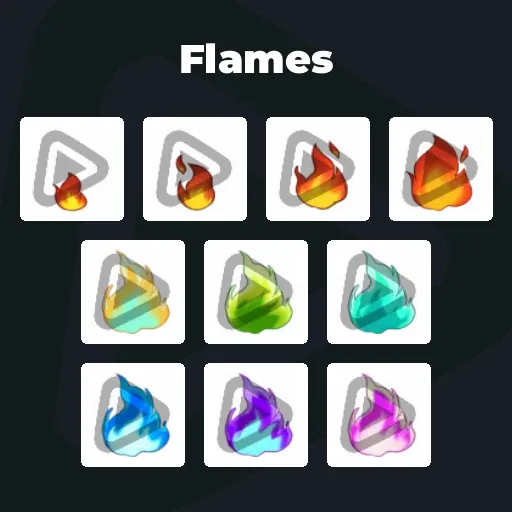
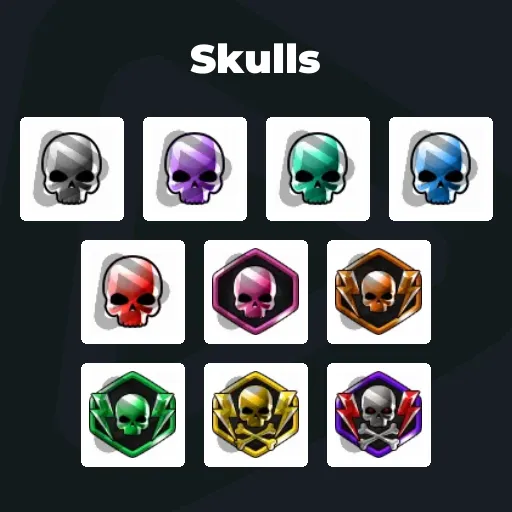
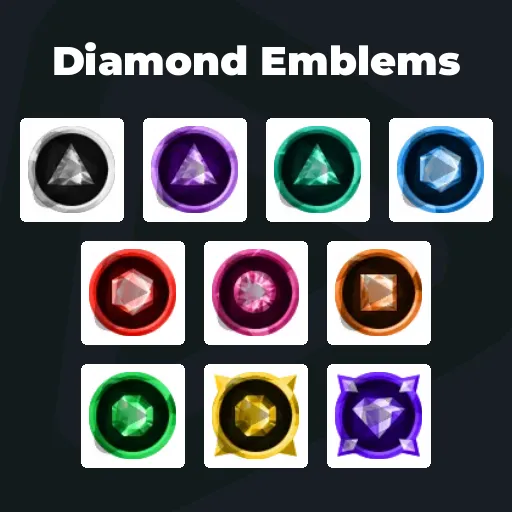
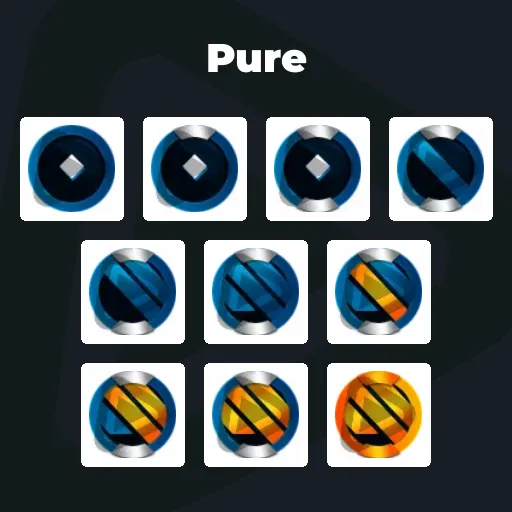
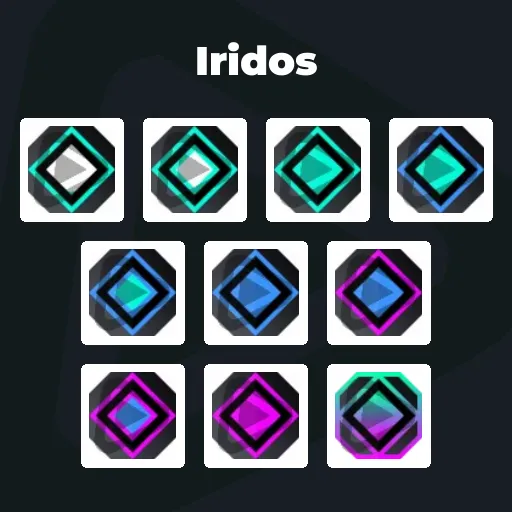
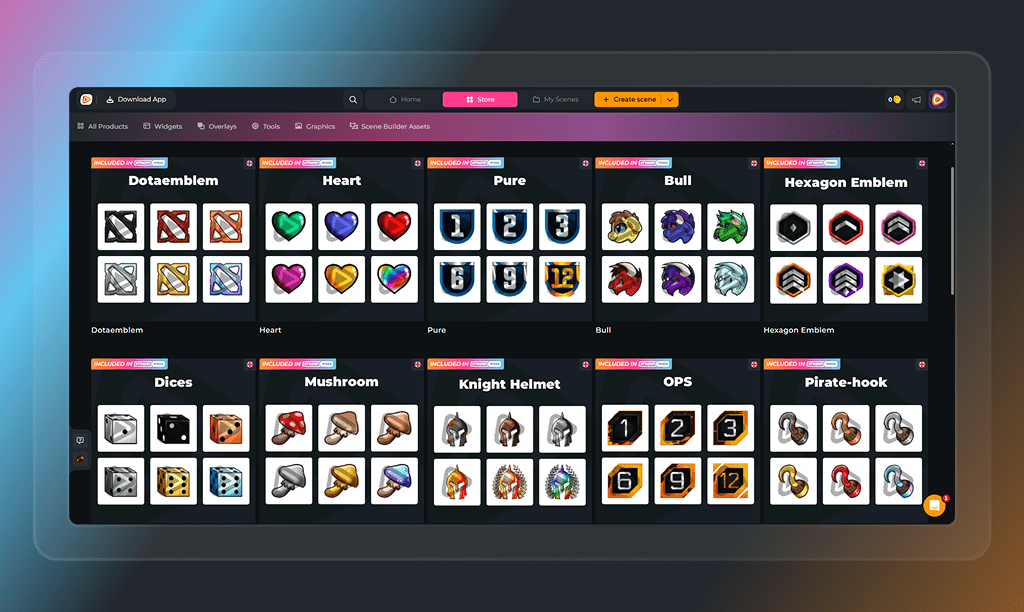
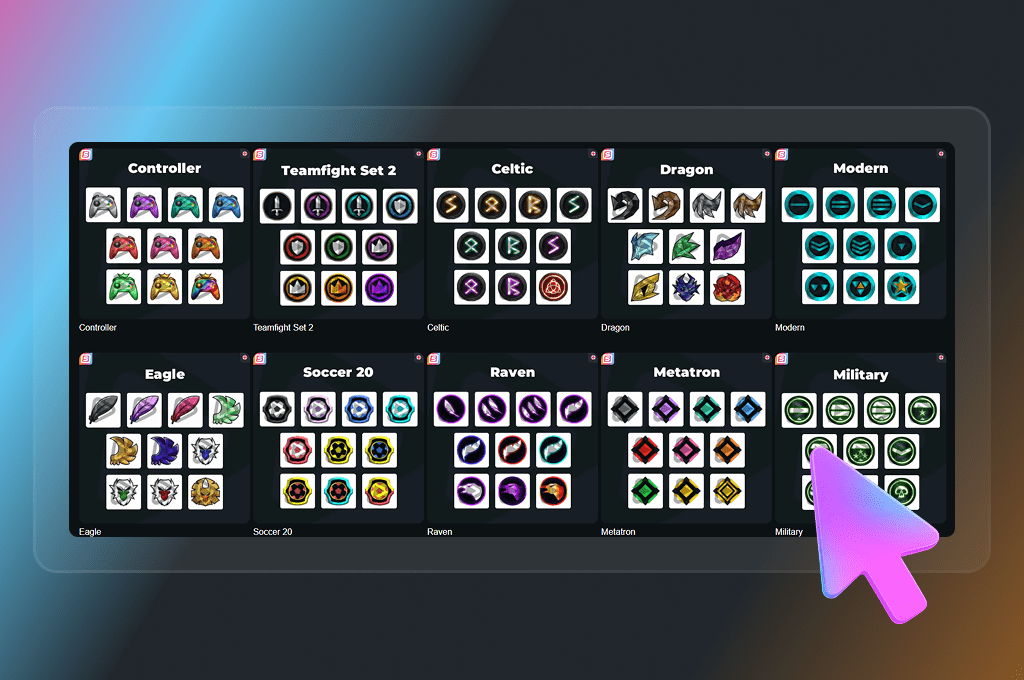
Premium Twitch Bit Badges
Your community does not just watch. They send a Cheer and ignite your chat when moments hit. Twitch Bit badges turn that hype into a visible status. Every Cheer becomes progress. Every milestone stands out next to their name. With the Stream Pass, you unlock unlimited* Twitch Bit badges that celebrate your biggest supporters and make every level up feel legendary.
All Premium Twitch Bit Badges
Turn Cheers Into Status
Reward every level of support
Twitch Bit badges are small icons displayed next to a viewer’s name when they send a Cheer and use Bits in your chat. They show how much someone has supported you over time and turn hype into a visible status.
From the first Cheer to high Bit tier badges, every milestone becomes part of your channel identity. Bit badges Twitch creators use are more than graphics. They are proof of loyalty, passion, and shared moments.
Recognition That Grows With Every Cheer
Turn Twitch Bits into milestones your viewers chase
Supporters with higher Bit badges stand out in every message. You instantly recognize your biggest hype drivers. And new viewers see the progression. They see the levels. They want to climb them too.
What Happy Customers Say About Our Twitch Bit Badges
See how our product makes a difference for content creators.
One Pass. Everything Included.
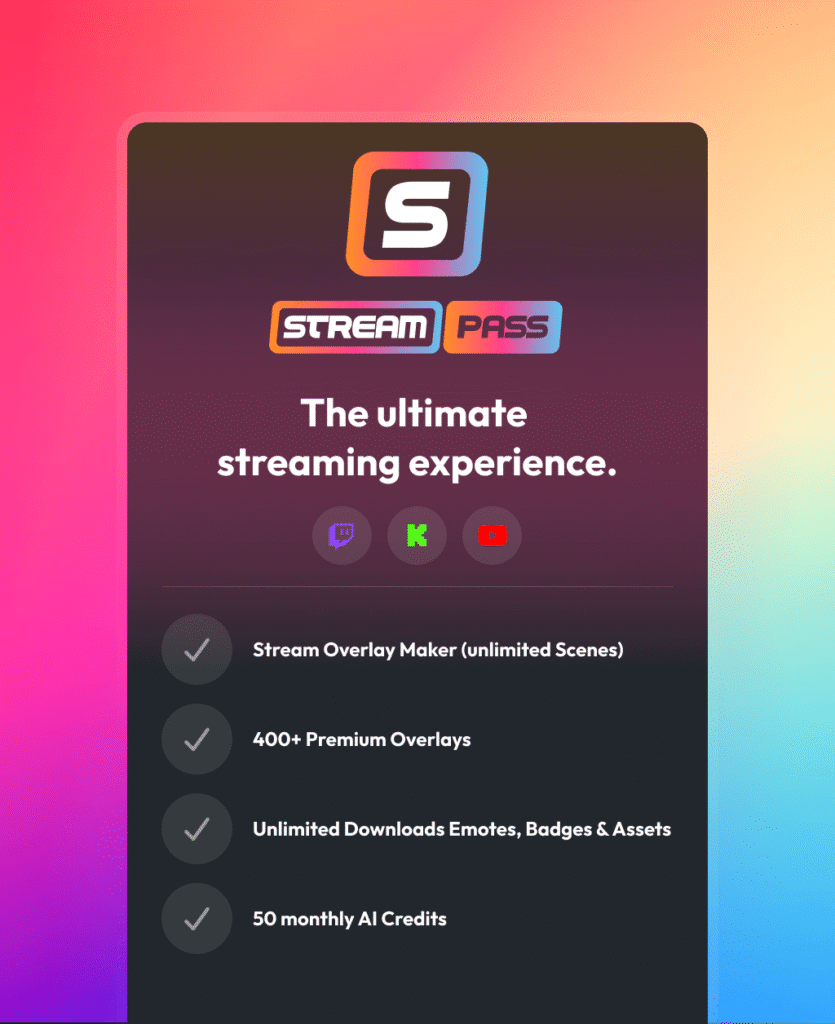
The Stream Pass gives you full access to everything OWN3D Pro has to offer. All products, including overlays, alerts, Twitch Bit badges, widgets, emotes, and more, are included and not sold separately.
Works with all broadcasting tools
Customize your overlays in the Scene Builder and use them with OBS Studio, Streamlabs, XSplit, and more. Easy to integrate with any setup.
Unlimited* asset downloads
Download emotes, sub badges, Twitch Bit badges, panels, and more static assets. *Our unlimited plan is subject to fair use.
AI-powered creations
Get 50 AI credits with your Stream Pass to generate custom stream widgets, webcam frames, emotes, and more.
Multistreaming ready
Stream on Twitch, YouTube, and Kick with all the tools you need for a professional-looking livestream.
How to Set Up Twitch Bit Badges
Ready to upgrade your chat and reward every Cheer? Here is how to activate your Twitch Bit badge designs.
Step 1
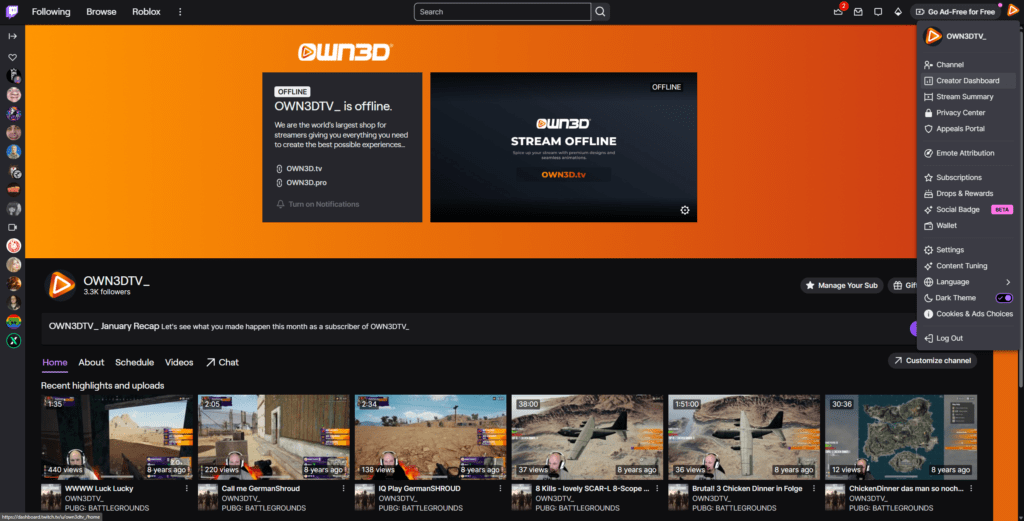
Log in to Twitch and click your profile picture in the top right corner. Open the Creator Dashboard to access your control center.
Step 2
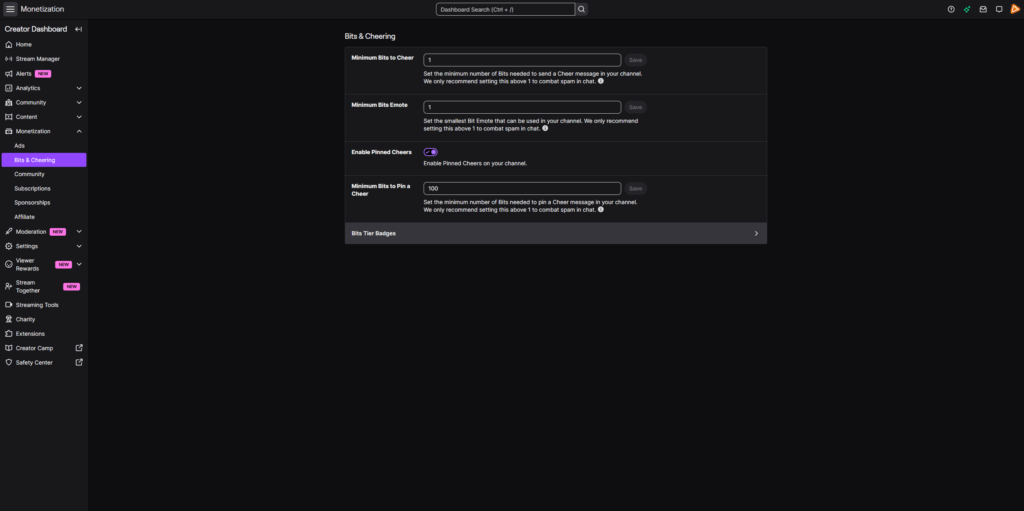
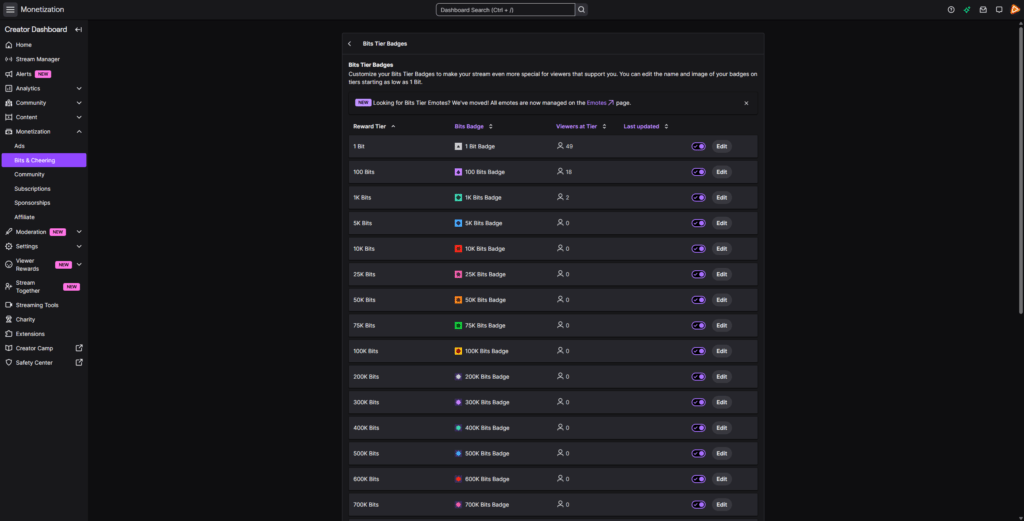
In the left sidebar, click Monetization, then Bits & Cheering. This is where you manage your Twitch Bit badges and Cheer settings. Click “Bits Tier Badges”.
Step 3
Upload your Twitch Bits PNG files in the required sizes. Assign them to the different Bit tier badges so each milestone has its own unique look. Save your changes, and you are done.
FAQs About Our Twitch Bit Badges
What are Twitch Bit badges?
Twitch Bit badges are icons displayed next to a viewer’s name when they send a Cheer and use Bits in your chat. They reflect how many Bits someone has used on your channel over time.
Why are Twitch Bit badges important?
They reward supporters who regularly send Cheers. Each Twitch Bit badge represents progress. That progression motivates viewers to continue using Bits and stay engaged in your community.
What are Bit tier badges?
Bit tier badges are just another term for Twitch Bit badges. They describe the same badge system that reflects how many Bits a viewer has used on your channel. As supporters send Cheers more often, their badge changes to match their milestone and show their continued support.
Do I need specific file formats like Twitch Bits PNG?
Yes. Twitch requires specific image sizes and formats for Bit badges. We provide ready-to-upload Twitch Bits PNG files that meet the platform requirements.
Are Bit badges Twitch exclusive?
Yes. Bit badges are tied directly to the Cheer and Bits feature on Twitch. They are separate from sub badges or membership badges on other platforms.
How do I get access to the Twitch Bit badges?
Twitch Bit badges are included in the Stream Pass. They are not sold individually. With the Stream Pass, you can download unlimited* Bit badges within our fair use limits and update your channel anytime.
* What does the fair use policy mean?
Our unlimited plan allows up to 25 downloads per day per category (Twitch Bit badges, sub badges, emotes, and more). This ensures system stability and fair access for all users. Bulk or automated downloads may lead to temporary restrictions. The idea is simple. Download what you truly need for your stream and explore freely within those boundaries.
Why can I download so many Twitch Bit badges with the Stream Pass?
Because your stream never stands still. Your branding evolves. Your vibe changes. Your community grows with every Cheer. Instead of locking you into one single Twitch Bit badge design, the Stream Pass gives you the freedom to test different Bit badges, explore new styles, and adjust your look as your channel grows.