Premium Twitch Channel Point Icons
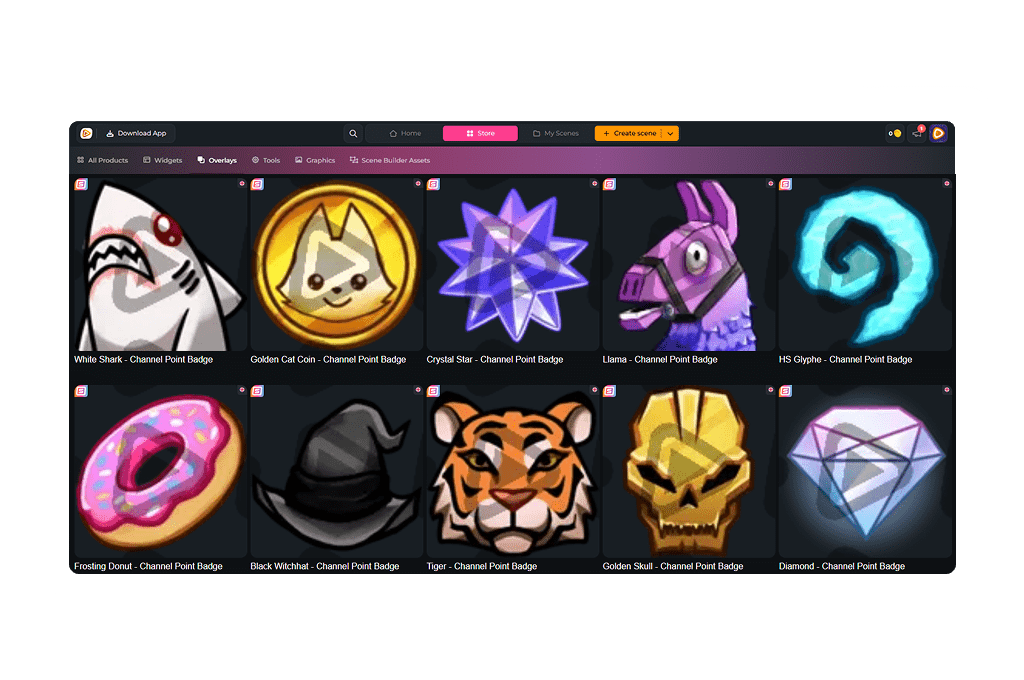
Your viewers earn them. They redeem them. They trigger moments with them. You know what we are talking about: channel points. With Twitch channel point icons, you turn that feature into something visual and unmistakably yours. Use them for your entire channel points system, from the icon below your chat to your Twitch channel point rewards. With the Stream Pass, you unlock unlimited* designs to match your branding and elevate every redemption.
Our Community’s Favorite Twitch Channel Point Icons
All Premium Twitch Channel Point Icons
Give Your Channel Points a Signature Look
Twitch channel point icons that define your rewards
Channel points on Twitch give your viewers influence. They collect points, unlock interactions, and shape what happens live.
Every redeem is tied to a reward and connected with the channel points. You can use your channel point icons for the symbol below your chat and for your individual Twitch channel point rewards. A heart for wholesome moments. A banana for chaos. A bold color for high value redeems. You decide how your channel points feel!
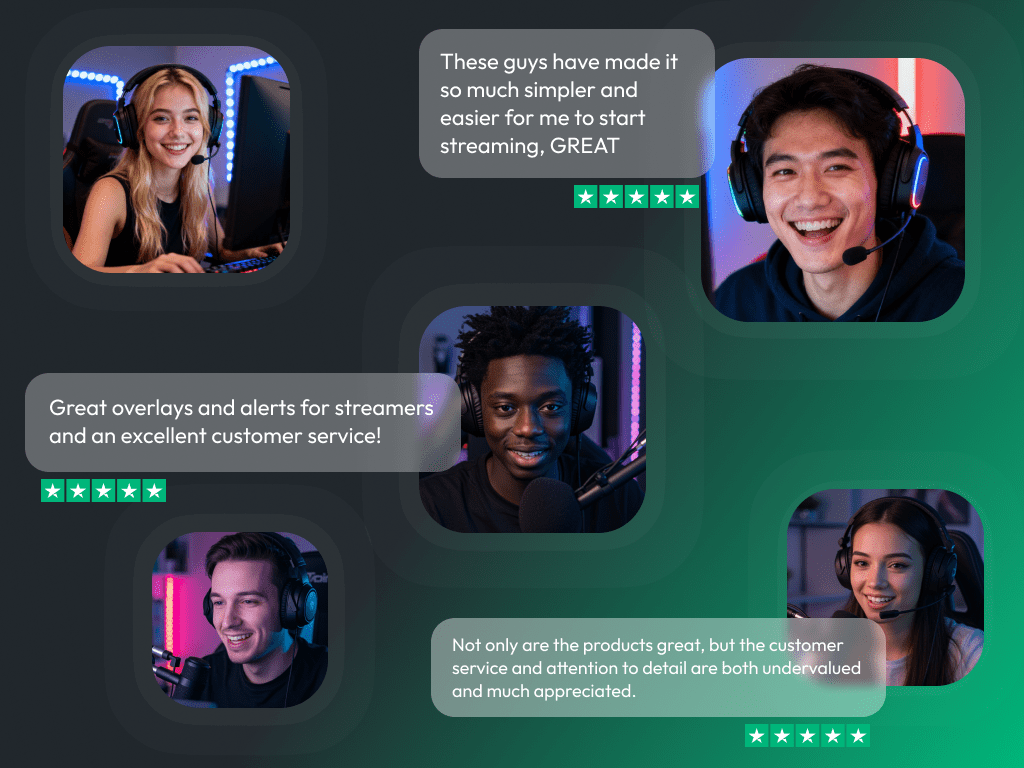
What Happy Customers Say About Our Channel Point Icons
See how our product makes a difference for content creators.
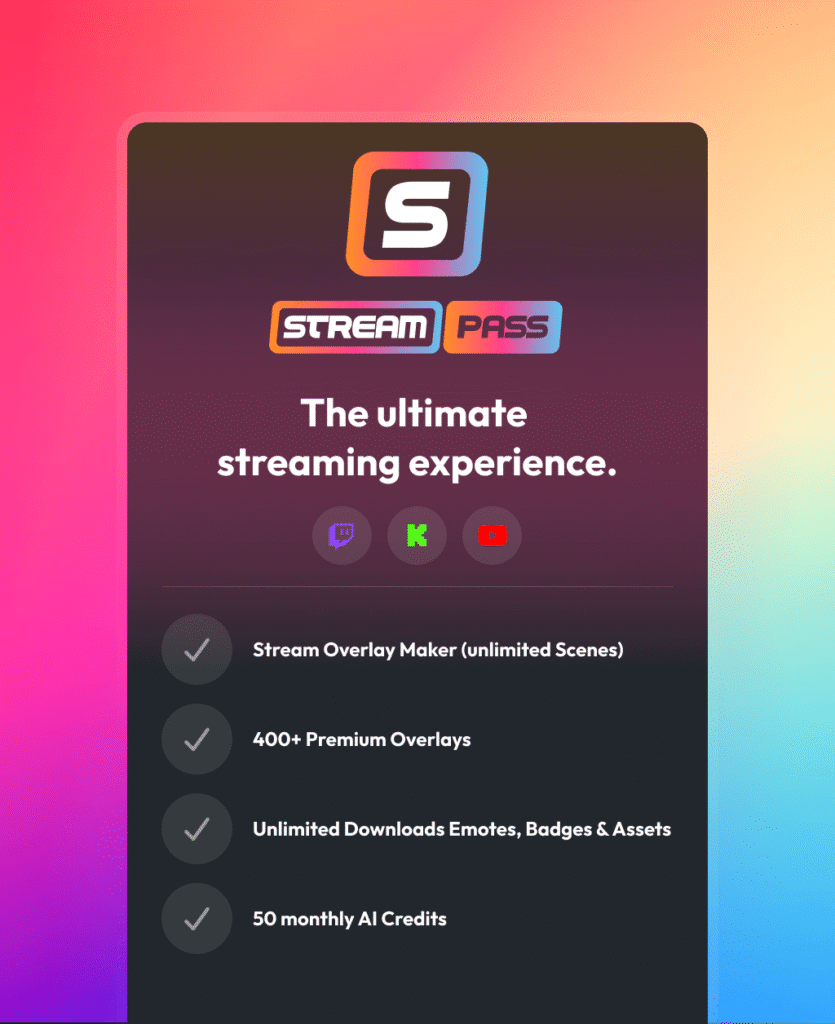
One Pass. Everything Included.
The Stream Pass gives you full access to everything OWN3D Pro has to offer. All products, including overlays, alerts, Twitch channel point icons, widgets, emotes, and more, are included and not sold separately.
Works with all broadcasting tools
Customize your overlays in the Scene Builder and use them with OBS Studio, Streamlabs, XSplit, and more. Easy to integrate with any setup.
Unlimited* asset downloads
Download emotes, sub badges, channel points icons, panels, and more static assets. *Our unlimited plan is subject to fair use.
AI-powered creations
Get 50 AI credits with your Stream Pass to generate custom stream widgets, webcam frames, emotes, and more.
Multistreaming ready
Stream on Twitch, YouTube, and Kick with all the tools you need for a professional-looking livestream.
How to Set Up Twitch Channel Point Icons
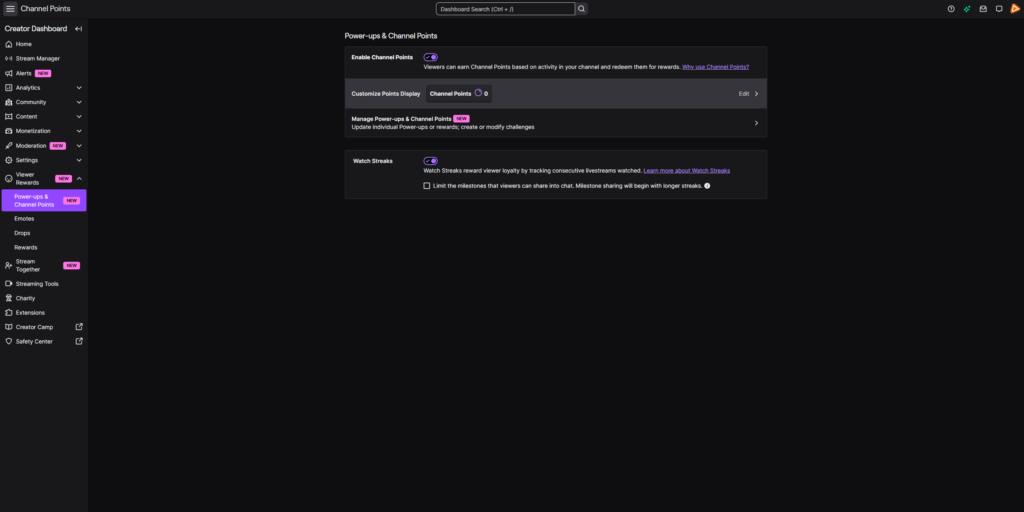
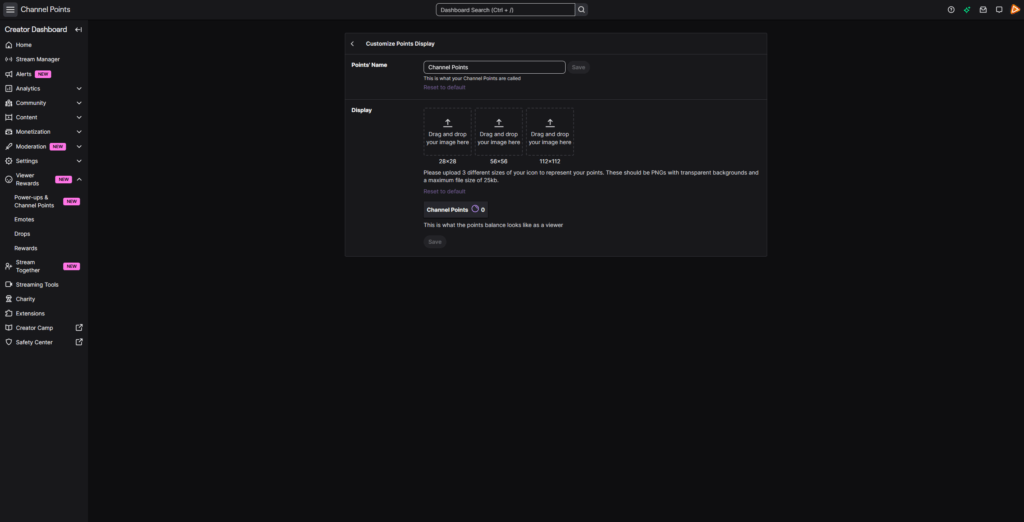
Ready to upgrade your channel points on Twitch? Here is how to upload your own icons.
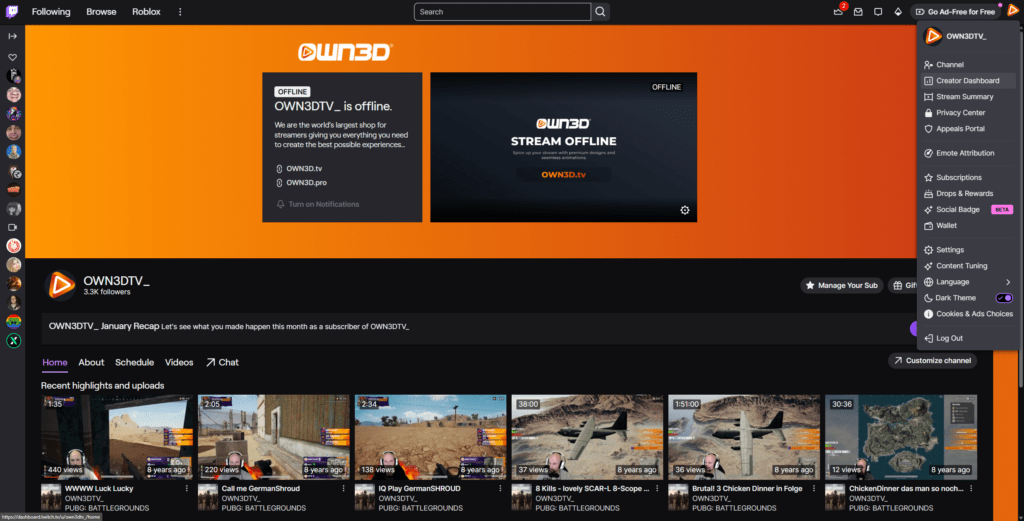
Step 1
Log in to Twitch and click your profile picture in the top right corner. Open the Creator Dashboard.
Step 2
Step 3
Upload your icon to update your channel points display. To customize your individual Twitch channel point rewards as well, open “Manage Power-ups & Channel Points” and edit them there. Don’t forget to save, and your new look is live.
FAQs About Our Twitch Channel Point Icons
What are Twitch channel point icons?
Twitch channel point icons are the graphics that represent your channel points on Twitch. They appear below your chat next to the earned points and can also be used for individual Twitch channel point rewards. This allows you to style both your overall channel points display and your rewards.
Where can viewers find channel points on Twitch?
Viewers can see their channel points for your Twitch channel directly below the chat at any time, whether you are live or offline. The current amount of channel points is always displayed next to your Twitch channel point icon. Since the icon appears right next to the earned points, your Twitch channel point icons stay visible and connected to your brand at all times. When they click it, a panel opens showing all available Twitch channel point rewards. As a creator, you can customize these rewards, adjust their names, actions, costs, and add icons to match your stream style.
When can I use Twitch channel points?
Channel points are available for all monetized streamers who participate in the Twitch monetization program. As soon as you are a Twitch Affiliate, channel points on Twitch are automatically enabled for your channel.
How do Twitch channel points work?
Can I use different icons for different Twitch channel point rewards?
Yes. You can use different channel points icons. This gives you the freedom to match each reward with its own theme, color, or inside joke.
Why are channel points icons important?
They add personality to your entire channel points Twitch experience. From the icon below your chat to your Twitch channel point rewards, strong designs make every redeem feel more intentional and more connected to your stream.
Do I need specific file formats for channel points on Twitch?
Yes. Twitch requires specific image sizes and formats. We provide ready-to-upload files that work for both your channel points display and your Twitch channel point rewards.
Are Twitch reward icons different from sub badges?
Yes. Twitch reward icons are tied to your channel points system. Sub badges and Bit badges represent subscription and Cheer milestones.
How do I access the Twitch channel point icons on OWN3D Pro?
All Twitch channel point icons are included in the Stream Pass. With the Stream Pass, you can download unlimited* designs within our fair use limits.
*What does the fair use policy mean?
Our unlimited plan allows up to 25 downloads per day per category (Twitch channel point icons, sub badges, emotes, and more). This ensures system stability and fair access for all users. Bulk or automated downloads may lead to temporary restrictions. The idea is simple. Download what you truly need for your stream and explore freely within those boundaries.
Why can I download so many Twitch channel point icons with the Stream Pass?
Because your stream keeps evolving. Your branding shifts. Your inside jokes change. Your community grows with every redeem. Instead of locking yourself into one single Twitch channel point icon, the Stream Pass gives you the freedom to experiment. Try different channel point icon designs for your main channel points display, switch up designs for individual Twitch channel point rewards, and adjust your look as your stream identity evolves. Your channel grows. Your visuals can grow with it.
Why should I upgrade my Twitch channel point icon?
Because even small details shape perception. Your Twitch channel point is visible on every stream. A custom design turns a basic feature into a recognizable part of your brand.