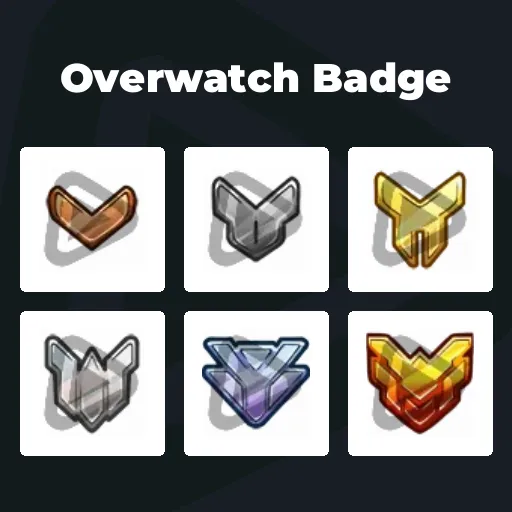
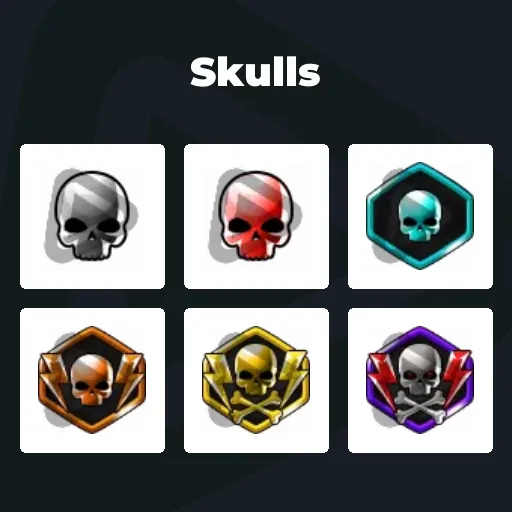
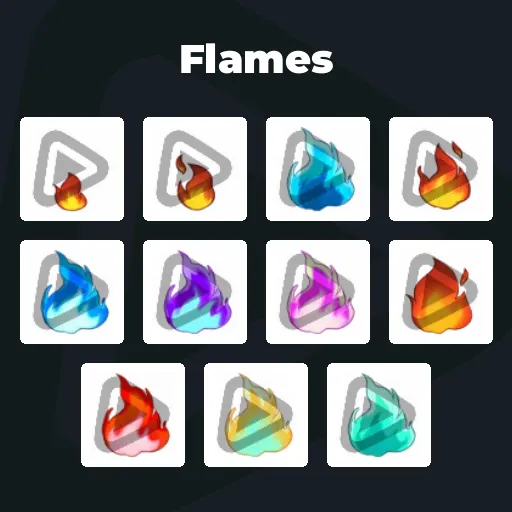
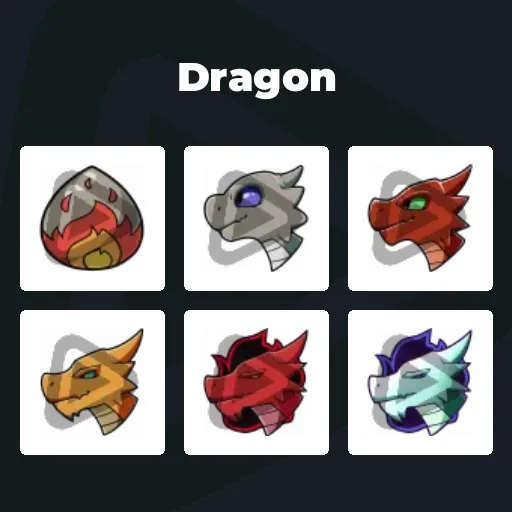
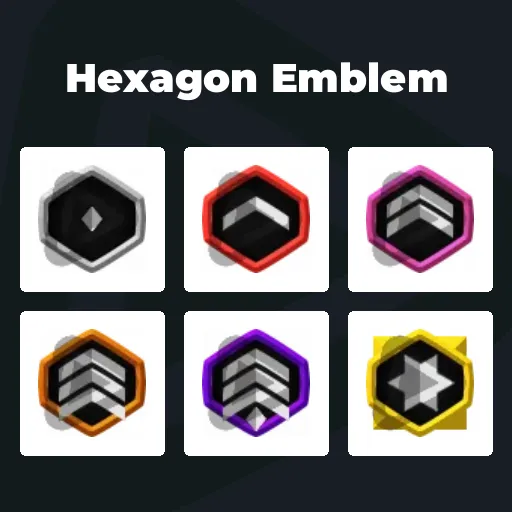
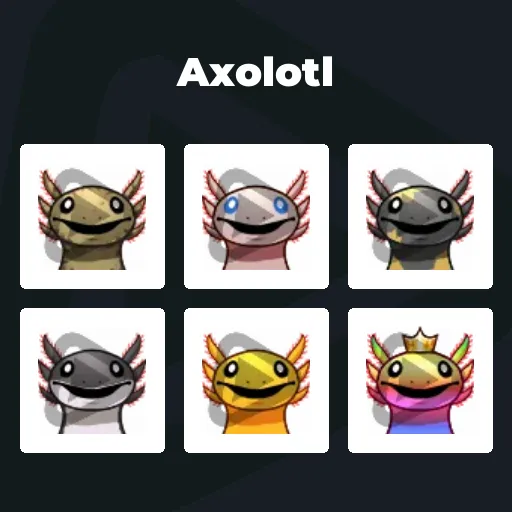
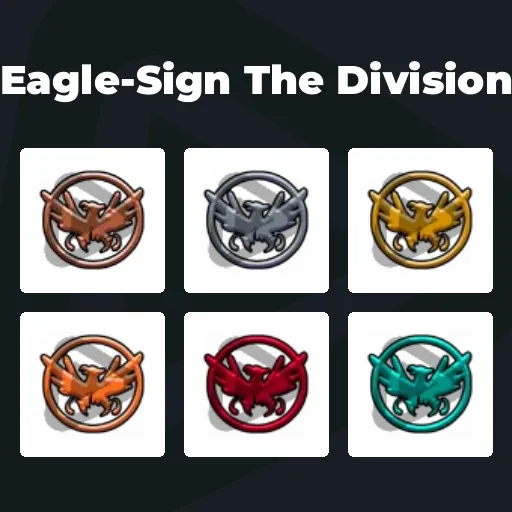
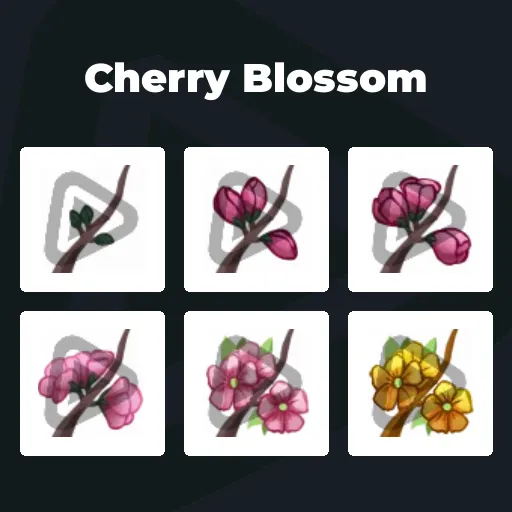
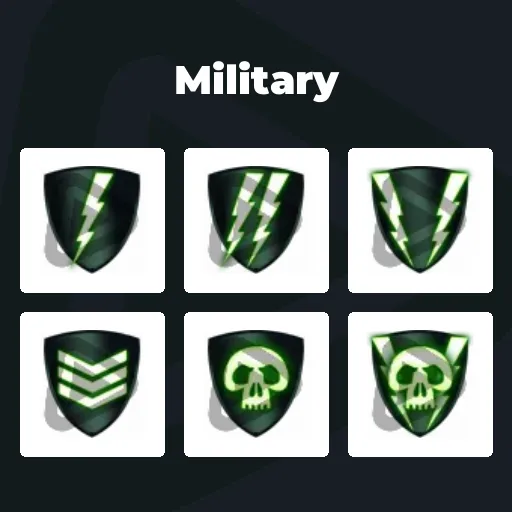
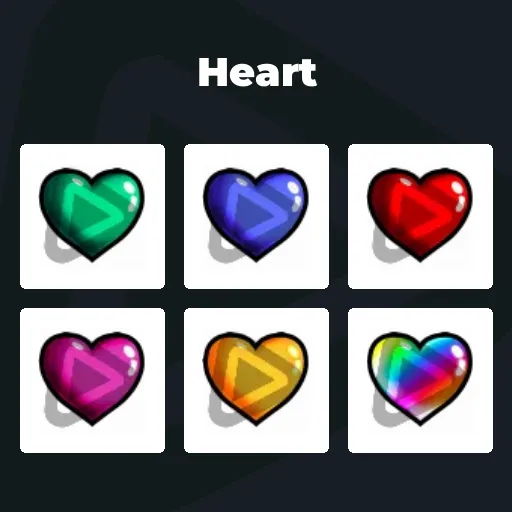
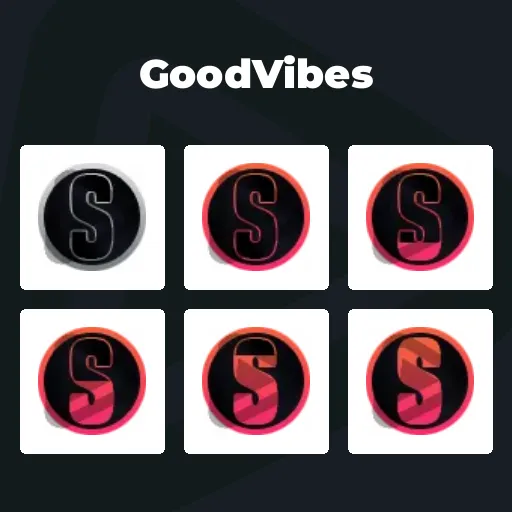
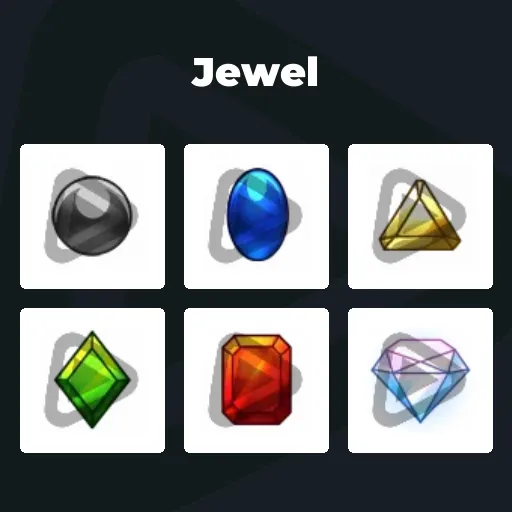
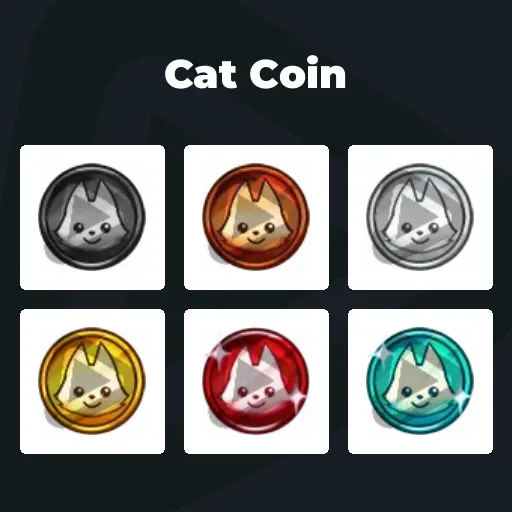
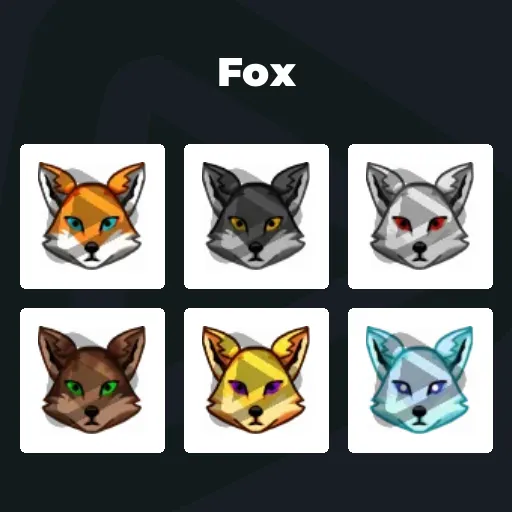
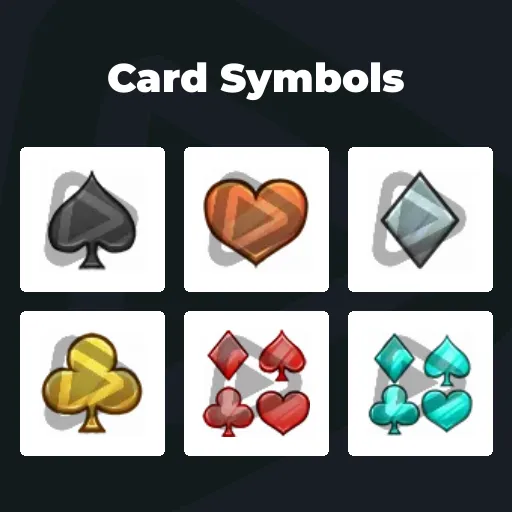
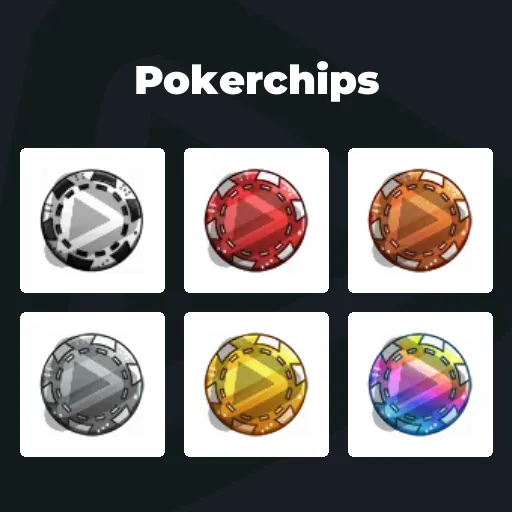
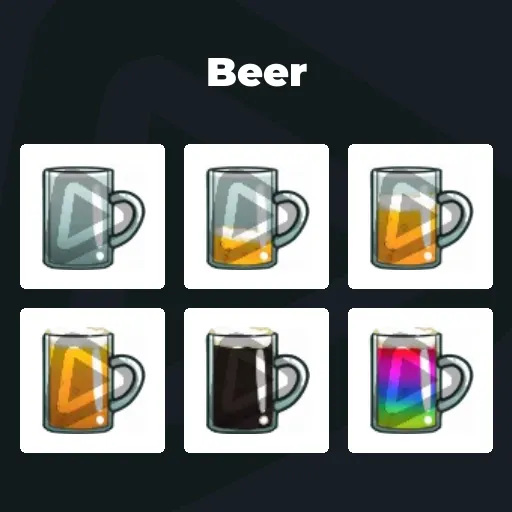
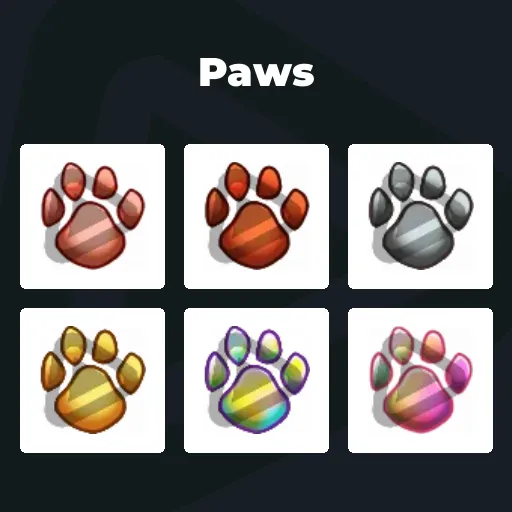
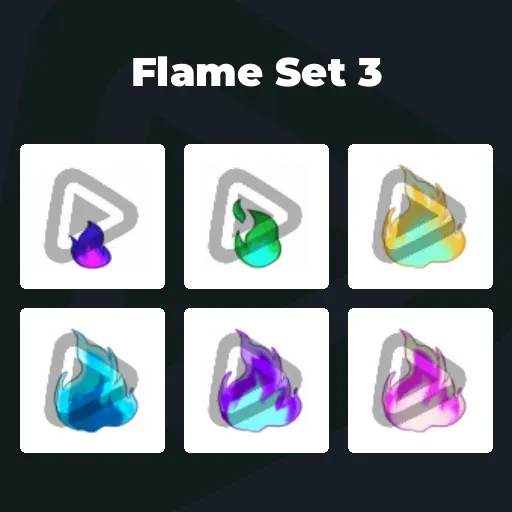
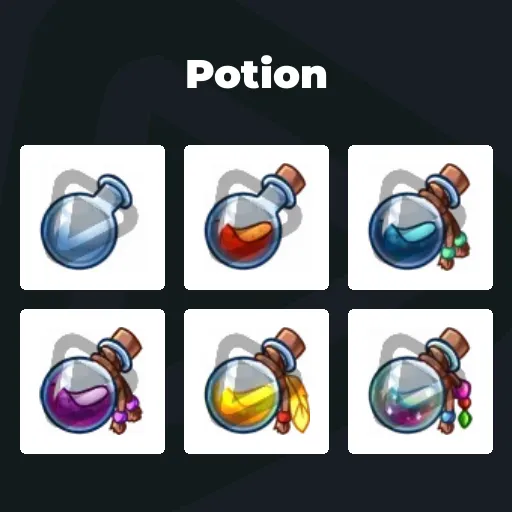
Premium YouTube Membership Badges
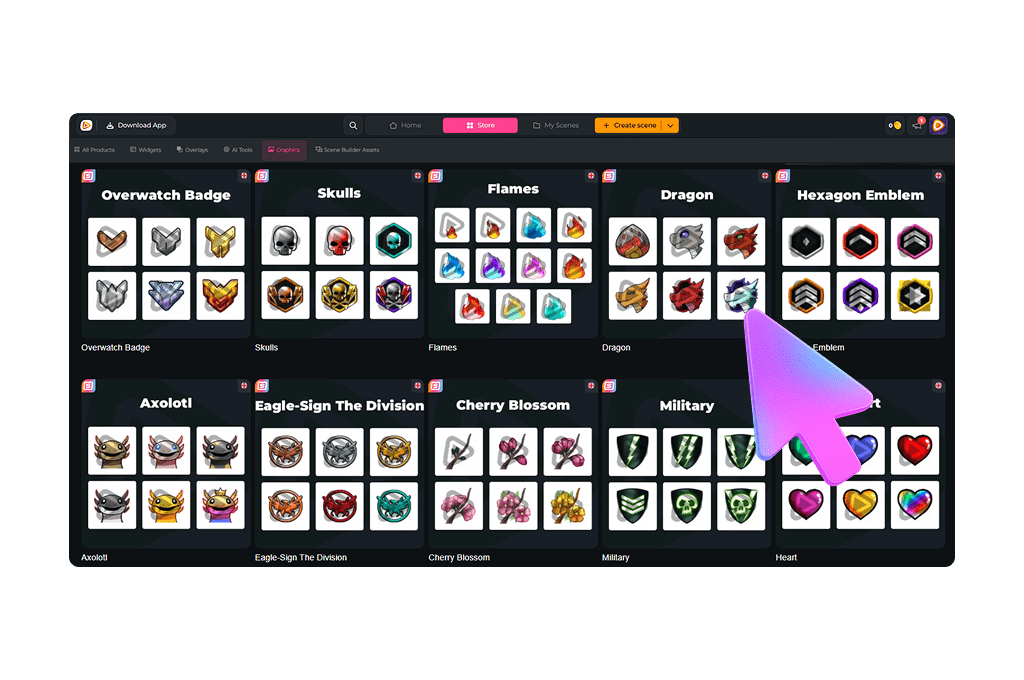
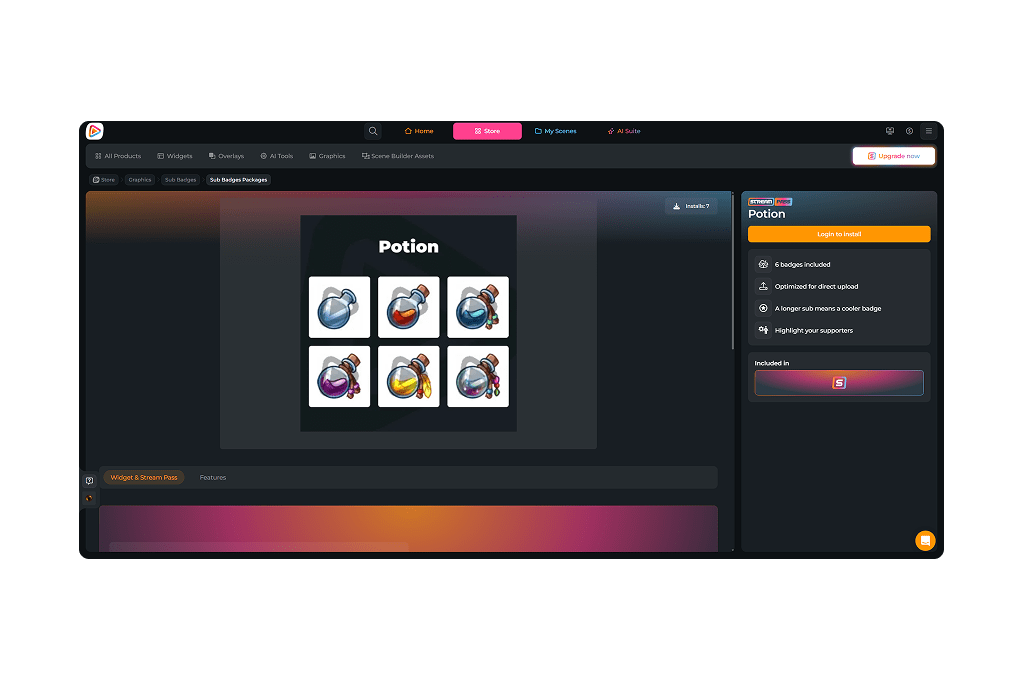
Your biggest supporters join your channel memberships, comment on every upload, and show up for every livestream. YouTube membership badges turn that loyalty into visible recognition. Every active member receives a badge that highlights their commitment and time spent supporting your channel. With the Stream Pass, you unlock unlimited* YouTube loyalty badges and professionally designed membership visuals that instantly elevate your live chat and comment section.
Our Community’s Favorite YouTube Membership Badges
All Premium YouTube Membership Badges
YouTube Membership Badges for Stronger Communities
Give your loyal members the credit they deserve
YouTube membership badges are small icons displayed next to a member’s name in live chat and comments. They show how long someone has supported your channel through paid memberships.
On YouTube, these loyalty badges create identity and visible milestones. From new member to long-term supporter, each badge for YouTube membership marks the progress your community is proud to display.
Make Your Members Instantly Recognizable
YouTube loyalty badges make long-term supporters stand out
When members participate in chat or comment on your videos, their membership badge YouTube icon appear instantly.
You can immediately recognize who has been supporting your channel for months. That visibility feels earned and reinforces loyalty.
New viewers notice advanced YouTube membership badges and feel motivated to join your membership program. The result is simple: higher retention, stronger engagement, and more recurring revenue.
What Happy Customers Say About Our YouTube Membership Badges
See how our product makes a difference for content creators.
One Pass. Everything Included.
The Stream Pass gives you full access to everything OWN3D Pro has to offer. All products, including overlays, alerts, YouTube membership badges, widgets, emotes, and more, are included and not sold separately.
Works with all broadcasting tools
Customize your overlays in the Scene Builder and use them with OBS Studio, Streamlabs, XSplit, and more. Easy to integrate with any setup.
Unlimited* asset downloads
Download emotes, YouTube membership badges, panels, and more static assets. *Our unlimited plan is subject to fair use.
AI-powered creations
Get 50 AI credits with your Stream Pass to generate custom stream widgets, webcam frames, emotes, and more.
Multistreaming ready
Stream on Twitch, YouTube, and Kick with all the tools you need for a professional-looking livestream.
How to Set Up YouTube Membership Badges
Ready to upgrade your chat and give your supporters the recognition they deserve? Here is how to activate your membership badges for YouTube.
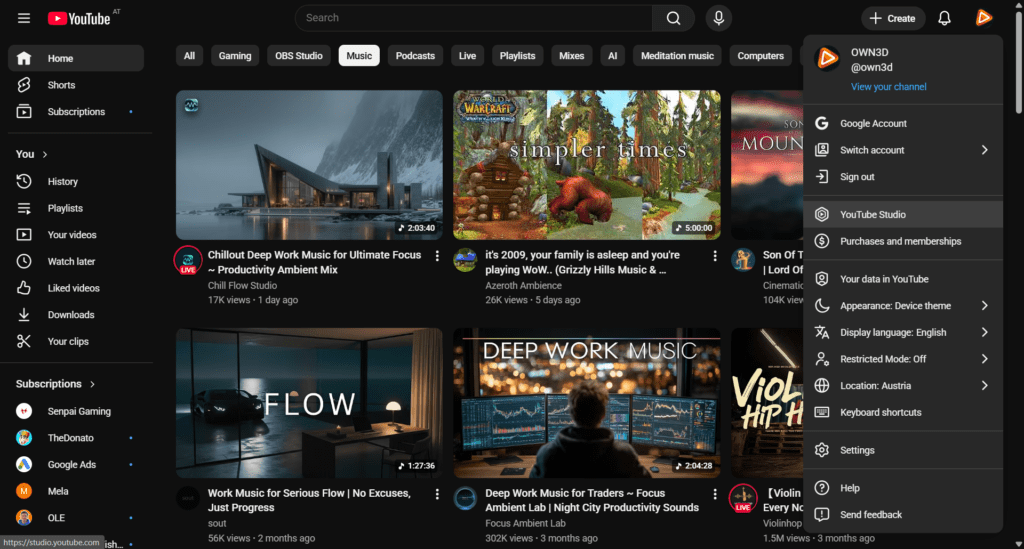
Step 1
Log in to YouTube and click your profile picture in the top right corner. Open YouTube Studio and head straight into your control center.
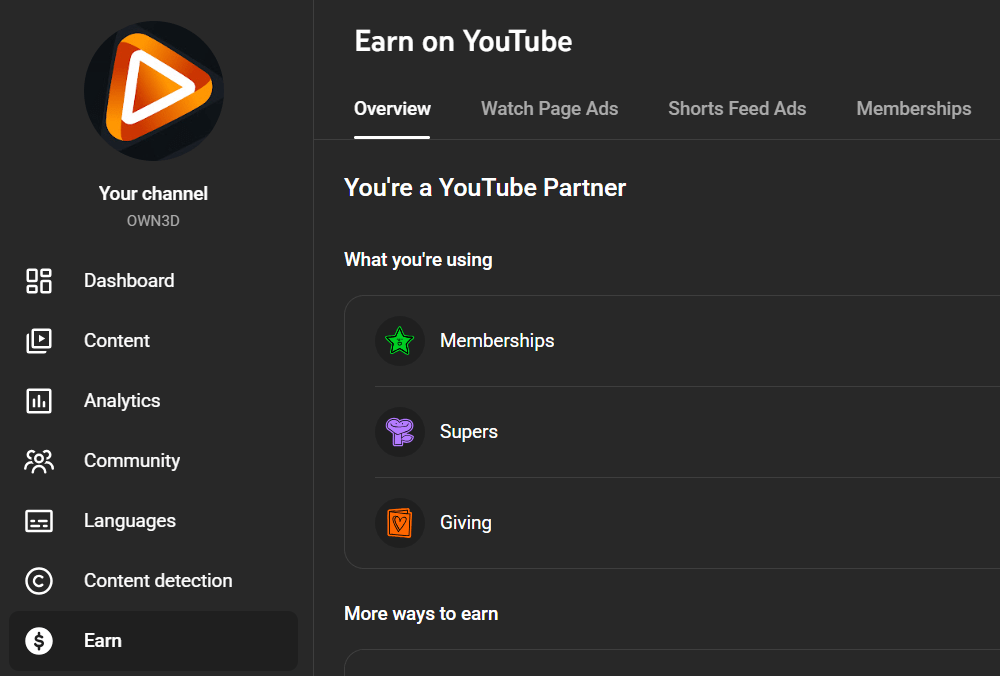
Step 2
In the left sidebar, click Earn, then Memberships. This is where your community perks are.
Step 3
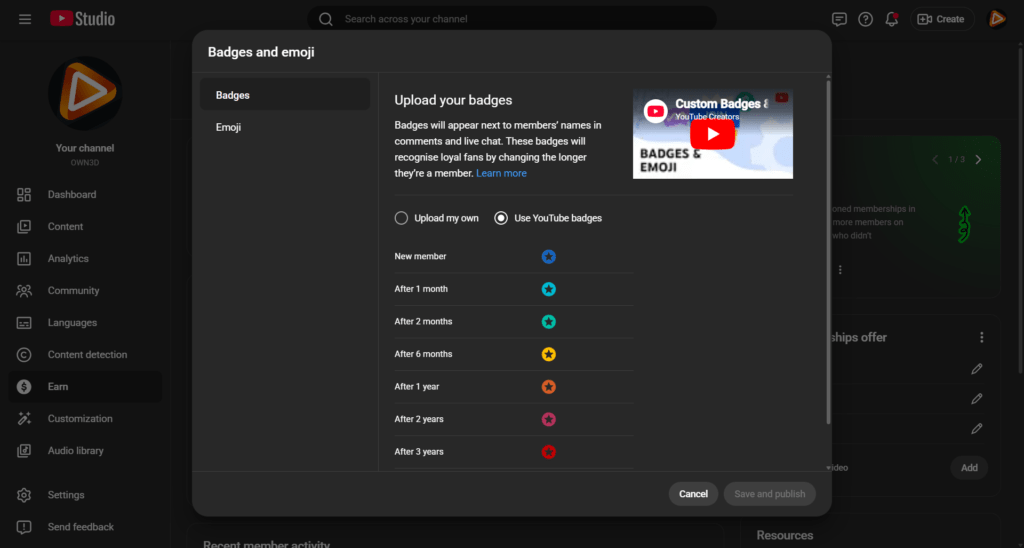
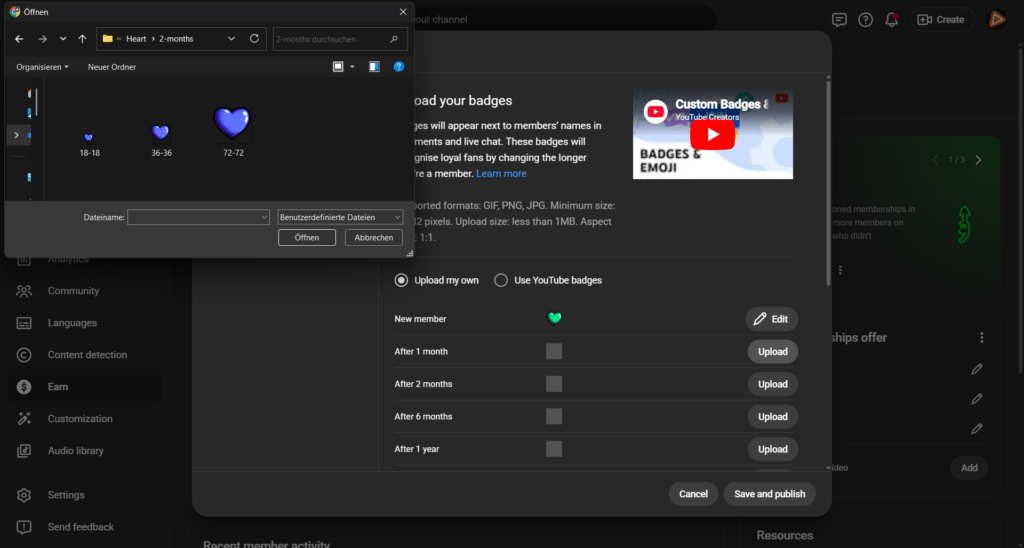
Open Badges and emoji, next upload your own.
Step 4
Now it is time to bring your badges to life. Choose the month you want to change and upload your YouTube membership badge files. You can use the biggest size. Hit save and publish. That’s it!
FAQs About Our YouTube Membership Badges
What are YouTube membership badges?
YouTube membership badges are loyalty icons shown next to a member’s name in live chat and comments. These YouTube loyalty badges change depending on how long someone has been an active paying member of your channel.
Why are YouTube loyalty badges important for creators?
Loyalty badges on YouTube increase retention by rewarding long-term memberships. Each milestone unlock motivates members to stay subscribed and continue supporting your content.
Can I use the same badge for YouTube membership across platforms?
Yes. Many creators use consistent designs across Twitch, Kick, and YouTube to maintain a unified brand identity while adapting them as platform-specific loyalty badges YouTube members recognize.
* What does the fair use policy mean?
Our unlimited plan allows up to 25 downloads per day per category (YouTube membership badges, emotes, and more). This ensures system stability and fair access for all users. Bulk or automated downloads may lead to temporary restrictions. The idea is simple. Download what you truly need for your stream and explore freely within those boundaries.
Why should I upgrade my membership badge YouTube design?
Professional YouTube membership badges increase perceived channel quality. When members are proud to display their badge in chat and comments, they are more likely to maintain their subscription in the long term.
How do I set up YouTube membership badges as perks?
YouTube membership badges are automatically part of your channel memberships. In YouTube Studio, go to Earn → Memberships → Badges and emoji and upload your YouTube membership badges for each loyalty milestone (1 month, 2 months, 6 months, etc.).
Once published, the system automatically assigns the correct badge to members based on their subscription duration. You don’t need to manually grant them; they are directly connected to your membership duration.
How do membership levels work with YouTube membership badges?
Membership levels are cumulative. When you define Level 1 and assign perks such as YouTube loyalty badges and custom emojis, those perks are automatically included in higher levels through the “Perks from previous levels” system.
That means:
- – Level 2 includes everything from Level 1
- – Level 3 includes everything from Level 1 and Level 2
Your membership badge YouTube progression stays consistent across all tiers, while higher levels simply add extra perks on top.
How many membership levels should I offer?
Offering at least three price levels has been shown to increase revenue potential. Multiple tiers allow viewers to choose their preferred support level.
A proven structure looks like this:
- Entry tier (accessible price, core perks)
- Mid tier (additional perks)
- Premium tier (exclusive content or community access)
Your YouTube membership badges remain the visual loyalty indicator across all levels, while pricing and perks create increasing value.
Can I set different prices for my membership tiers?
Yes. You can define individual prices for each membership level within YouTube’s available pricing structure. This allows you to tailor your offer to your audience and niche. Your badge for YouTube membership reflects loyalty duration, while pricing determines the value tier and additional benefits.