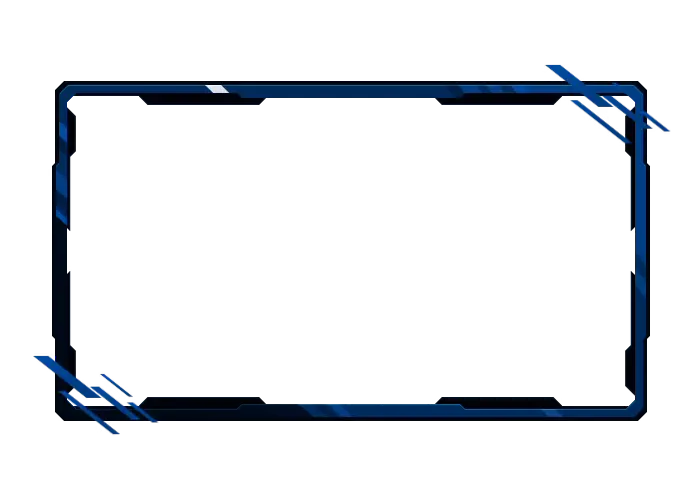
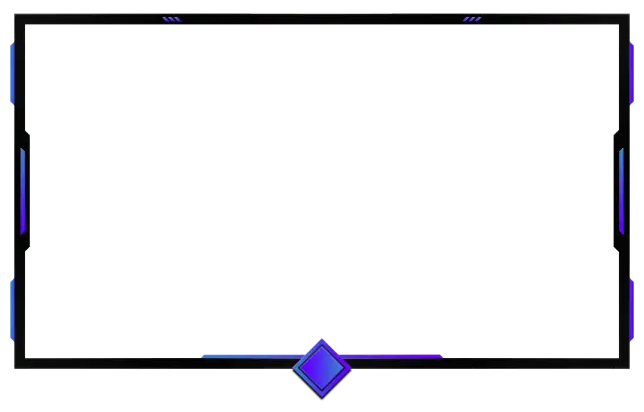
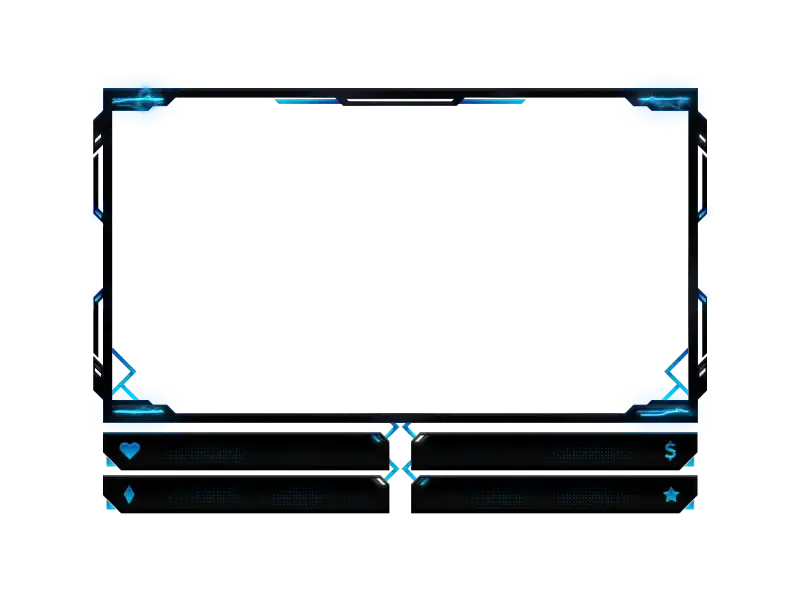
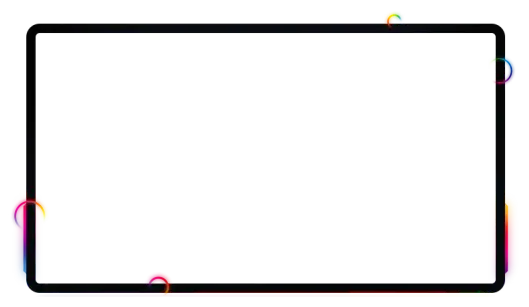
Free & Premium Twitch Camera Overlays

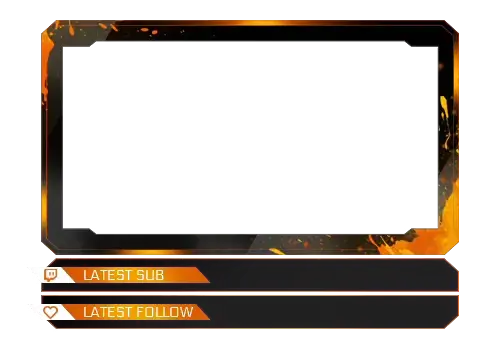
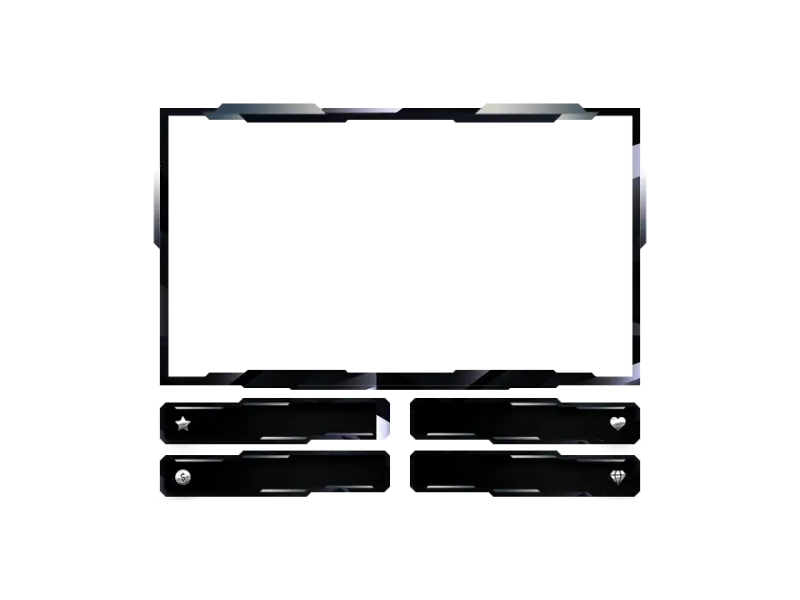
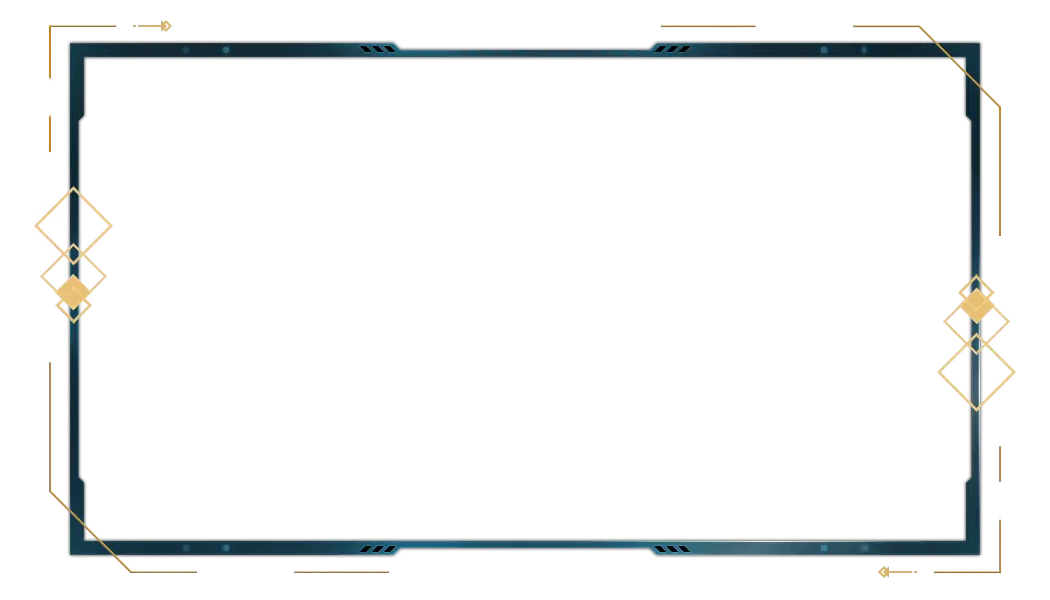
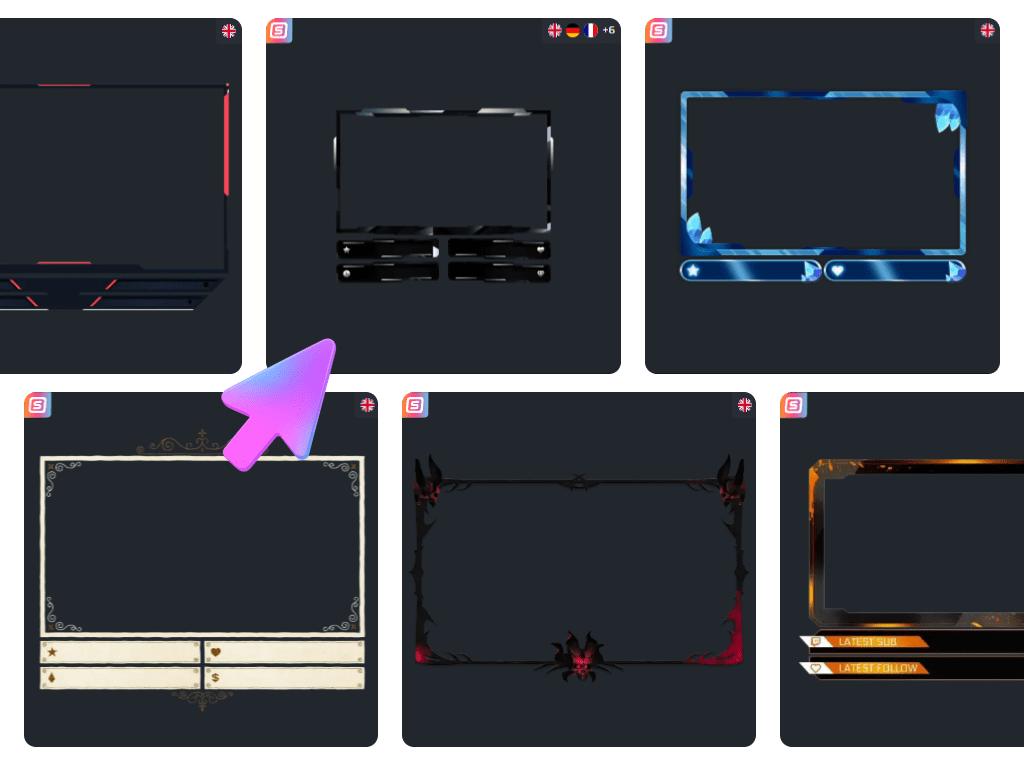
On Twitch, your face is the reaction. Your reaction is the moment. And the moment is what chat remembers. A powerful Twitch camera overlay ensures your facecam isn’t just floating somewhere on the screen. It gives your facecam presence. Structure. Energy. And with built-in Twitch labels like latest follower, latest subscriber, or top donor, your community becomes part of the frame. This is not just a webcam border. This is where you and your viewers connect.

All Twitch Camera Overlays Free/Premium

1

Your Facecam Is a Community Spotlight

Let your community live inside your frame

Every stream has moments that matter. The laugh you cannot control. The silence after a fail. The shock when someone gifts five subs out of nowhere.


A Twitch camera overlay frames those reactions with intention. Keep it clean or integrate Twitch labels like latest follower or latest subscriber, and your webcam becomes a dynamic space where your content and your community meet in real time.

Start Free, Upgrade With Your Growth

Your Twitch camera overlay should evolve with you

Your first streams do not need to be perfect. But they should feel intentional. A clean Twitch camera overlay instantly gives your layout structure and makes your facecam look like it belongs on screen.


As your community grows, your setup can grow with it. Refine your cam overlay Twitch style to match new games, special events, or milestone streams. Your content changes. Your community expands. Your webcam Twitch overlay should reflect that growth.

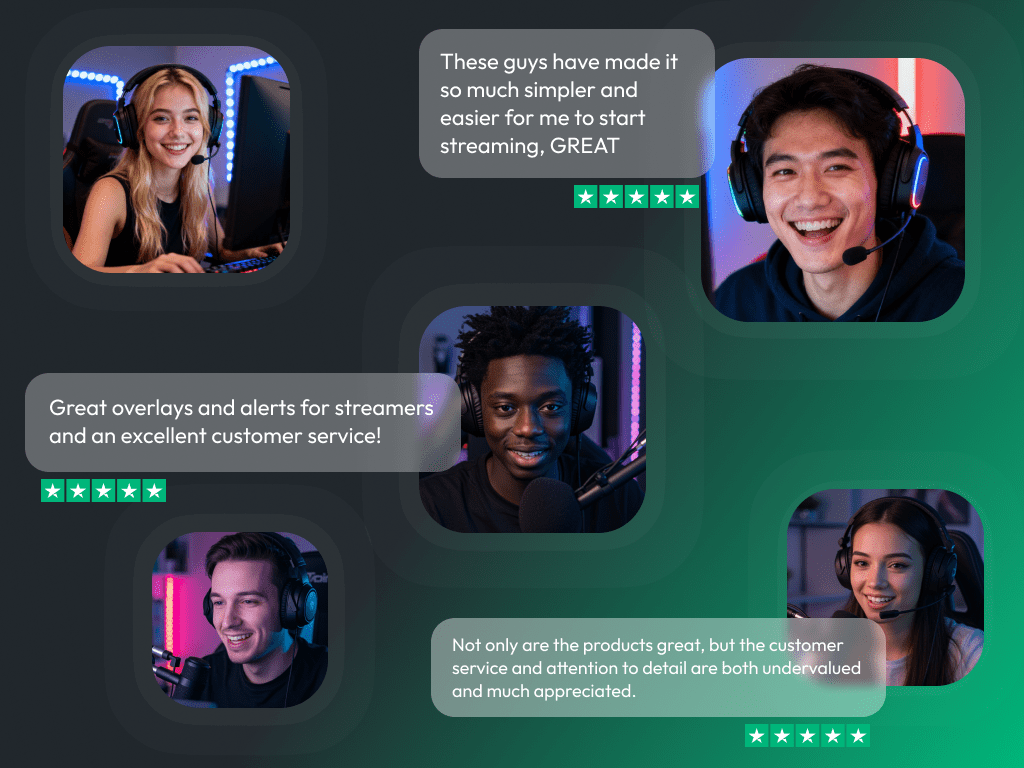
What Happy Customers Say About Our Twitch Camera Overlays

See how our product makes a difference for content creators.

One Pass. Everything Included.

The Stream Pass gives you full access to everything OWN3D Pro has to offer. All products, including Twitch camera overlays, alerts, widgets, emotes, and more, are included and not sold separately.

Works with all broadcasting tools

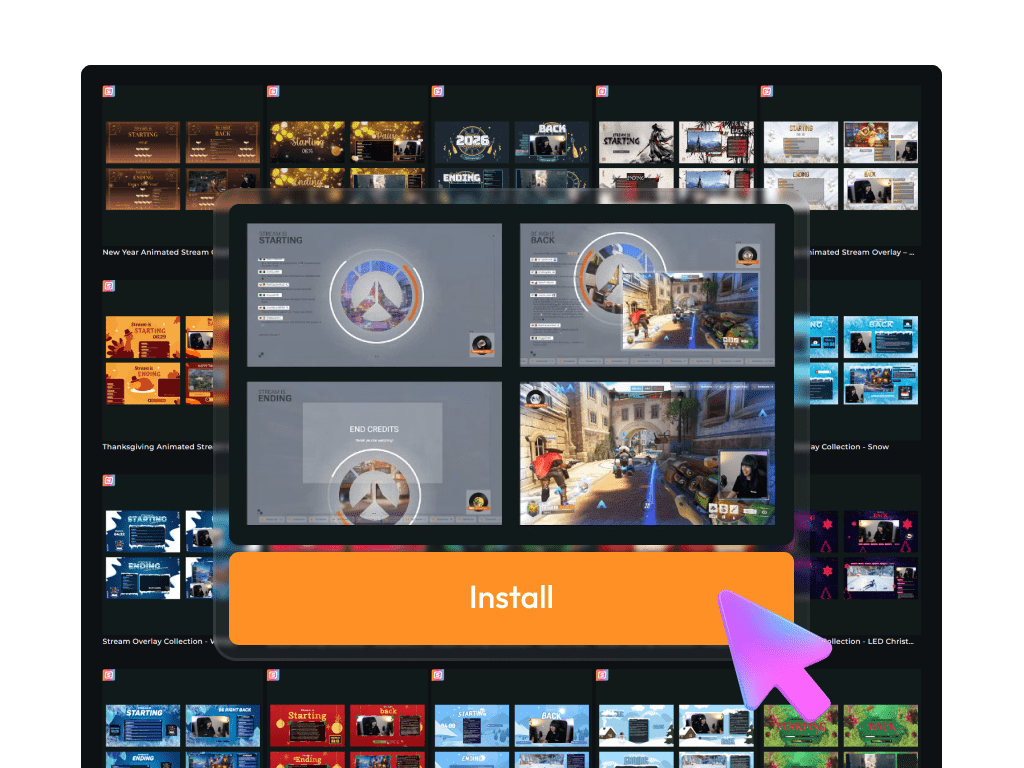
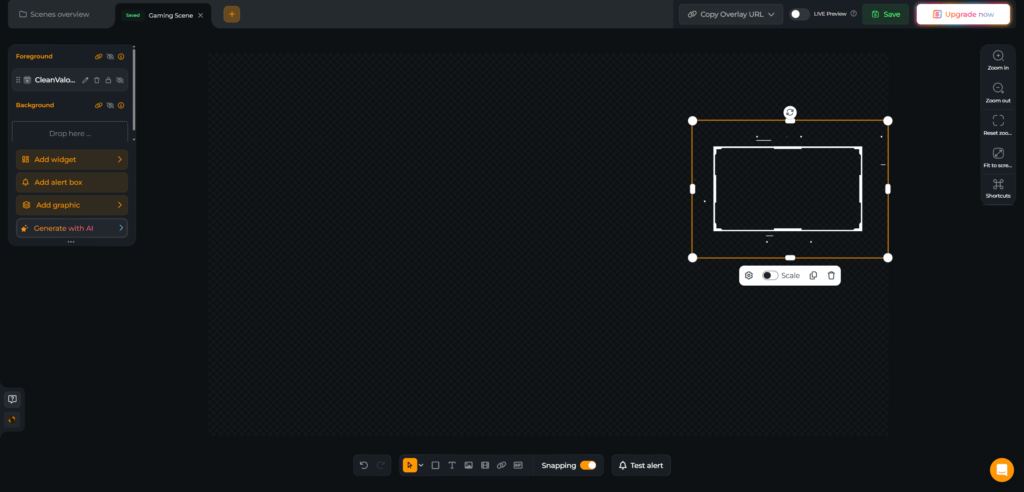
Customize your Twitch camera overlays in the Scene Builder and use them with OBS Studio, Streamlabs, XSplit, and more. Easy to integrate with any setup.

Unlimited* asset downloads

Download emotes, badges, panels, and more static assets. *Our unlimited plan is subject to fair use.

AI-powered creations

Get 50 AI credits with your Stream Pass to generate custom stream widgets, Twitch camera overlays, emotes, and more.

Multistreaming ready

Stream on Twitch, YouTube, and Kick with Twitch camera overlays and all the tools you need for a professional-looking livestream.
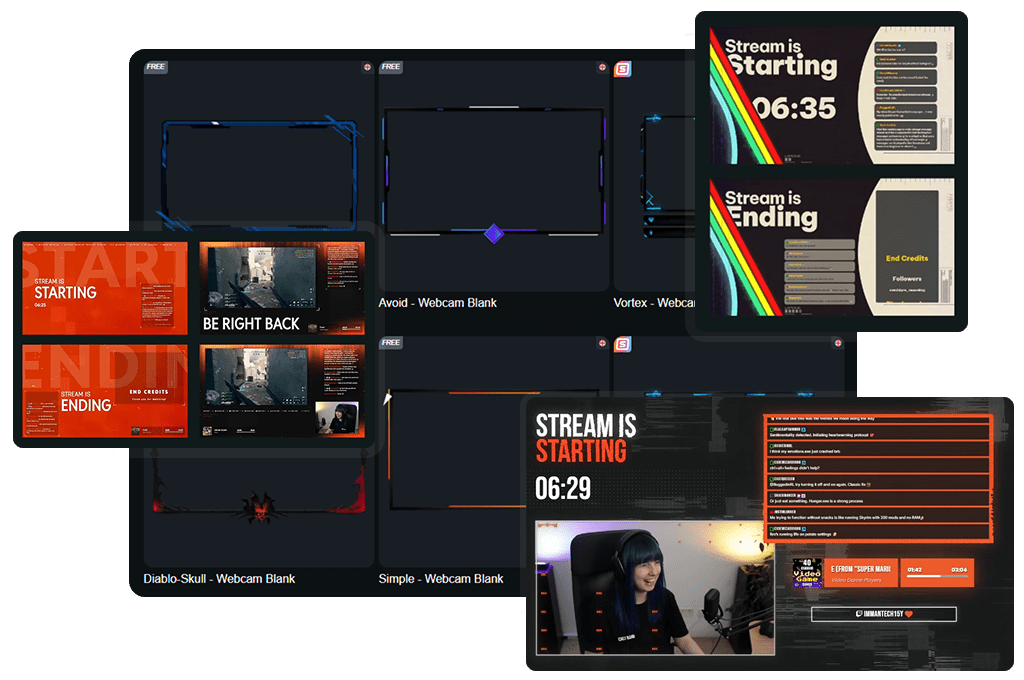

How to Set Up Your Twitch Camera Overlay

Your upgrade only takes a few minutes. Need help? This guide has you covered.

FAQs About Our Twitch Camera Overlay

What is a Twitch camera overlay?

A Twitch camera overlay frames your facecam and integrates it into your layout. It can be a simple border with an animation, or include live Twitch labels like latest follower, subscriber, or donor, making your community visible directly around your webcam.
Yes. Many Twitch camera overlay designs let you integrate stream labels directly into your webcam overlay. You can highlight latest follower, latest subscriber, gifted subs, and more.

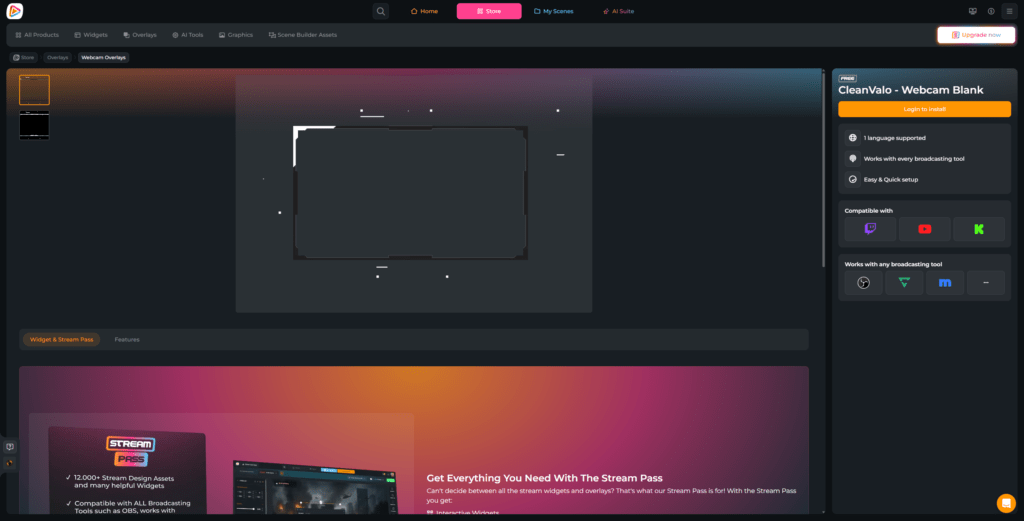
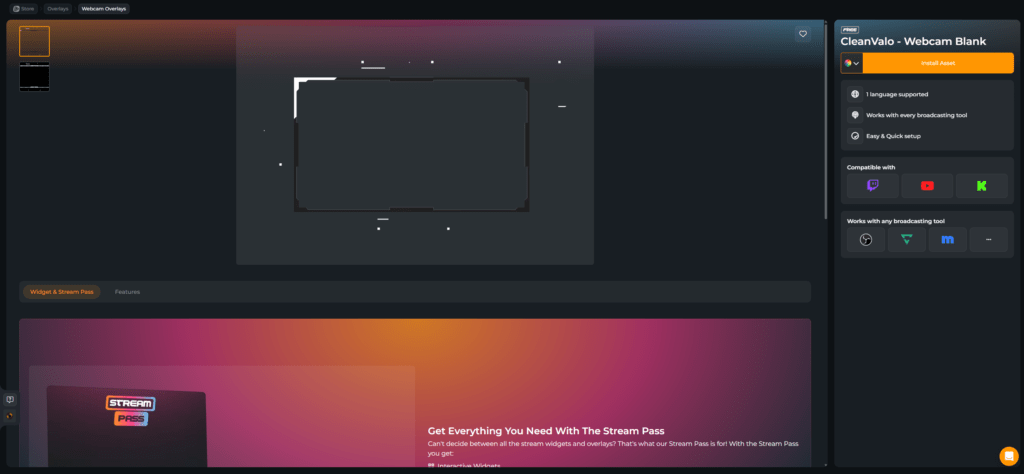
Yes. You can start with a free Twitch camera overlay and create a clean facecam setup instantly. Premium overlays inside the Stream Pass offer more styles and animated versions.

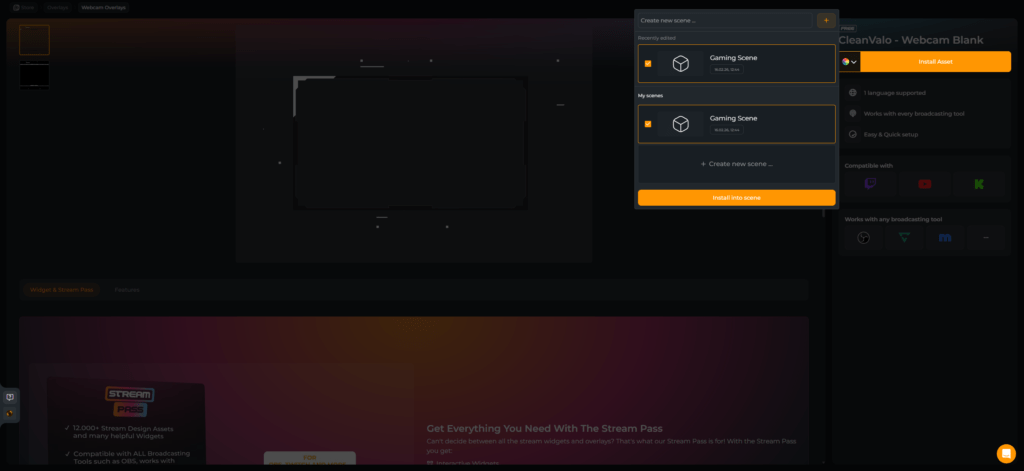
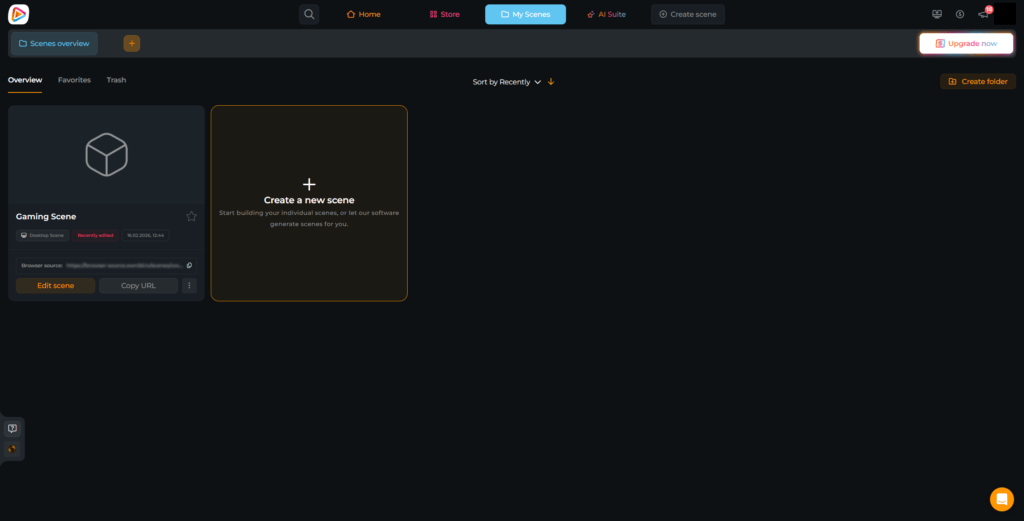
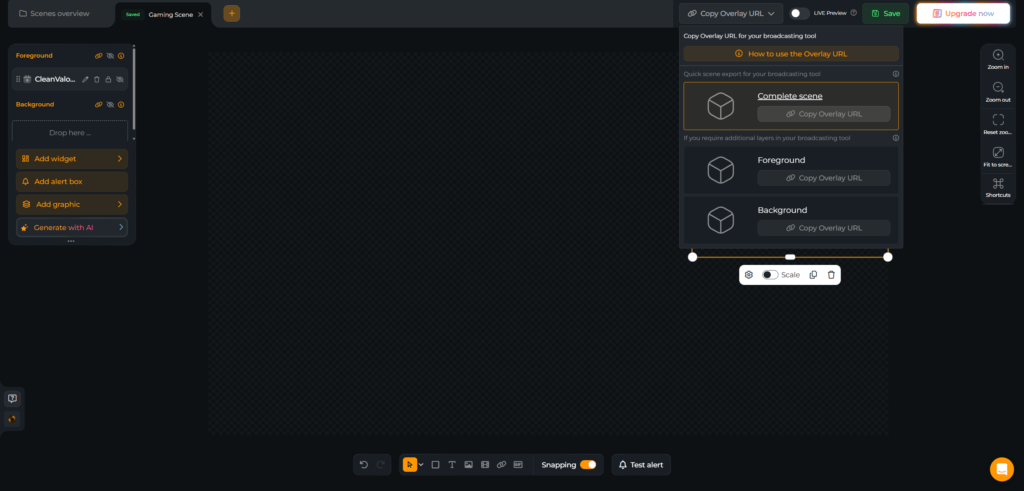
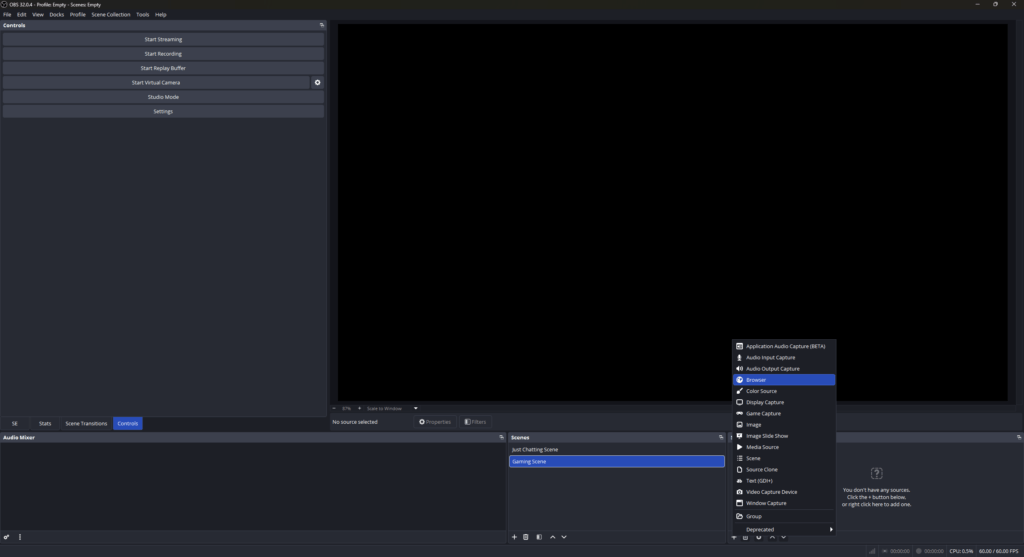
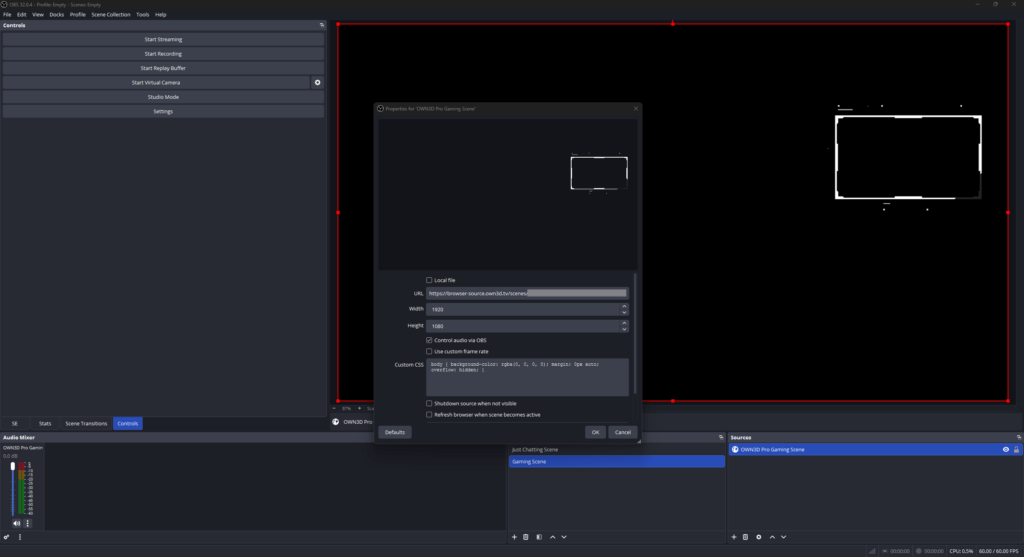
No. Your Twitch cam overlay setup is created and managed in the Scene Builder. You add it as a browser source in OBS.

Copy the browser source link from your Scene Builder scene. In OBS, add a new Browser source, paste the link, set it to 1920×1080, and place it above your camera source. Your Twitch camera overlay is ready.

Yes. With the AI Webcam Frame Generator, you can design your own static Twitch camera overlay. You receive 5 free AI credits to start. The Stream Pass includes additional monthly AI credits for more creative freedom.