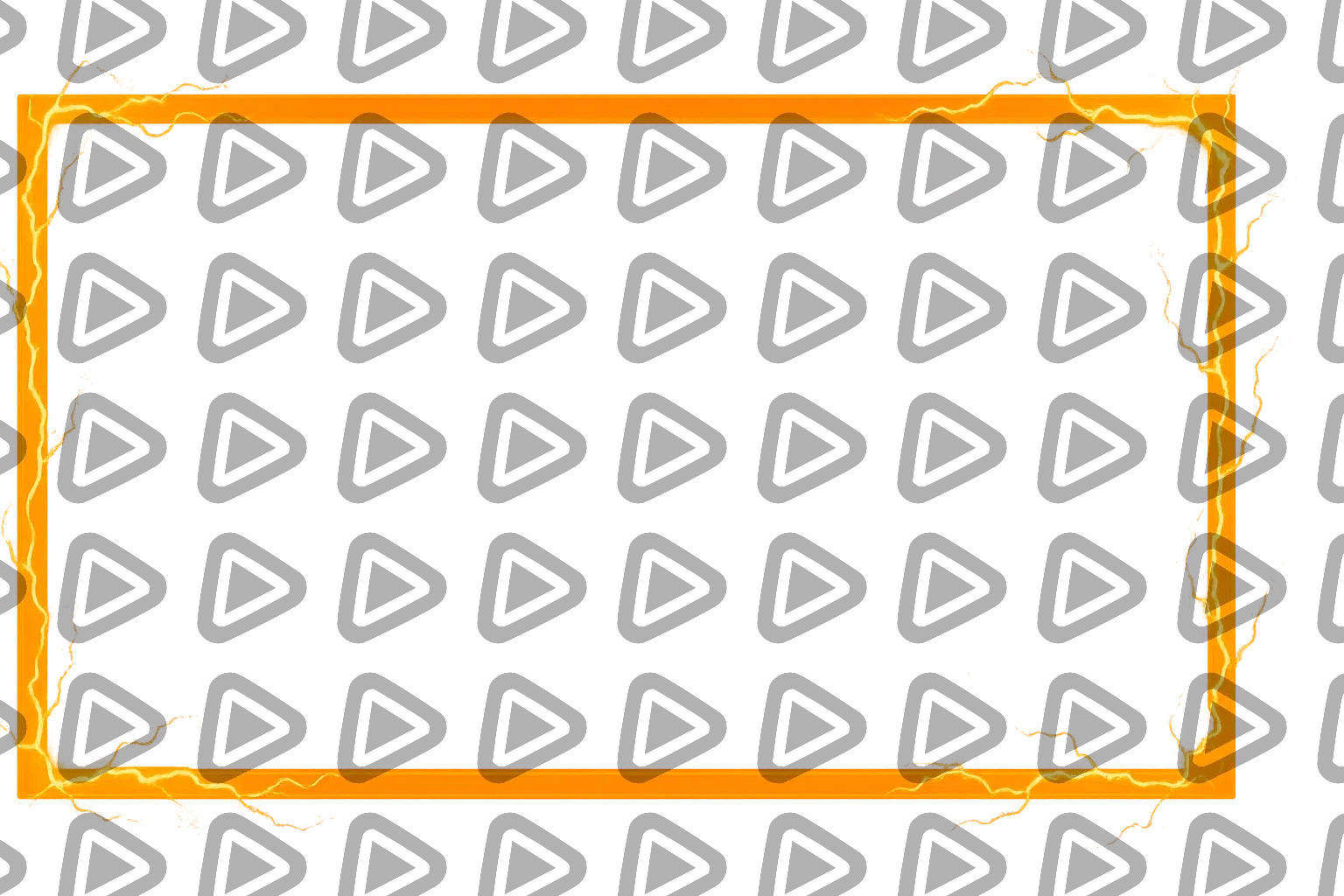
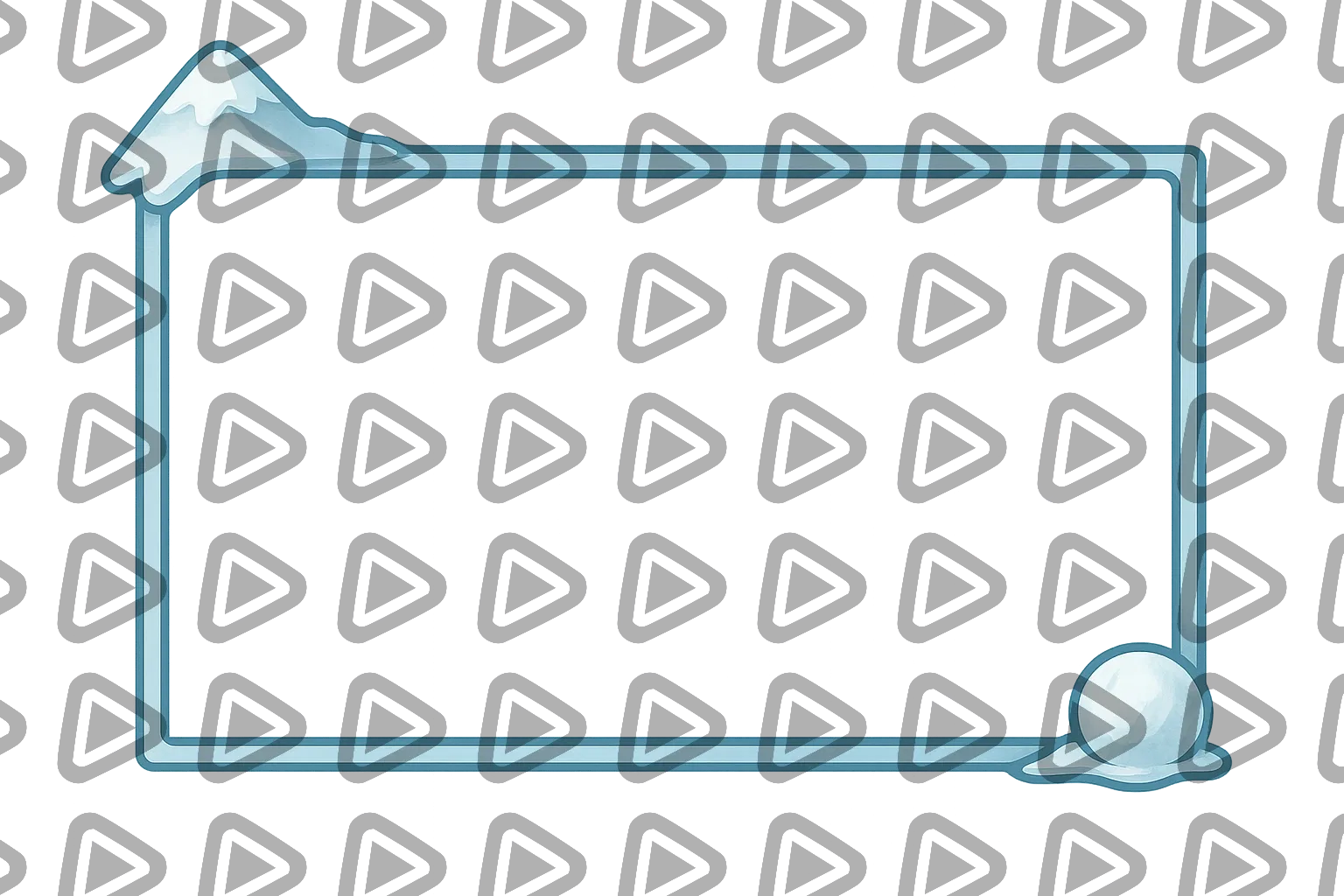
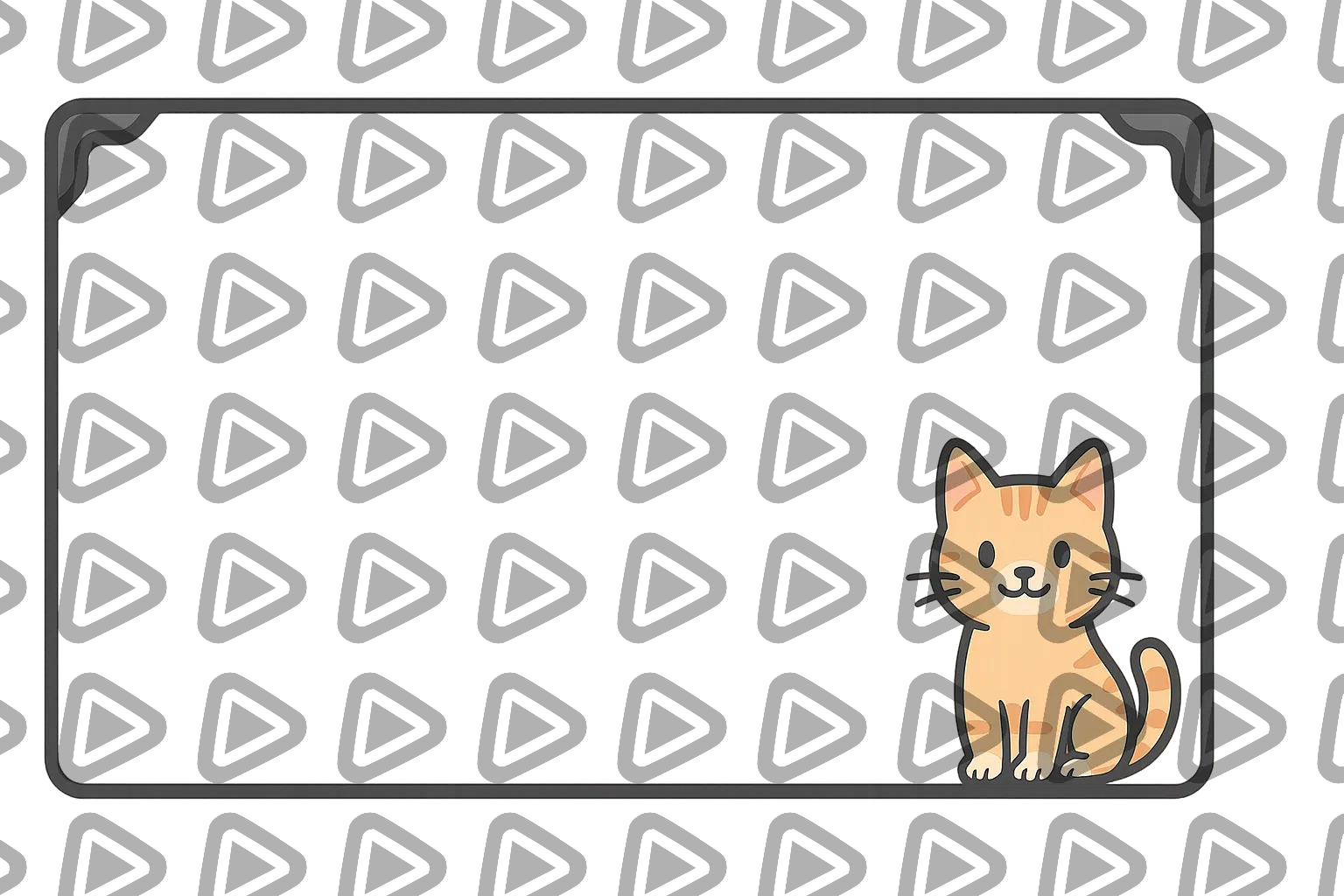
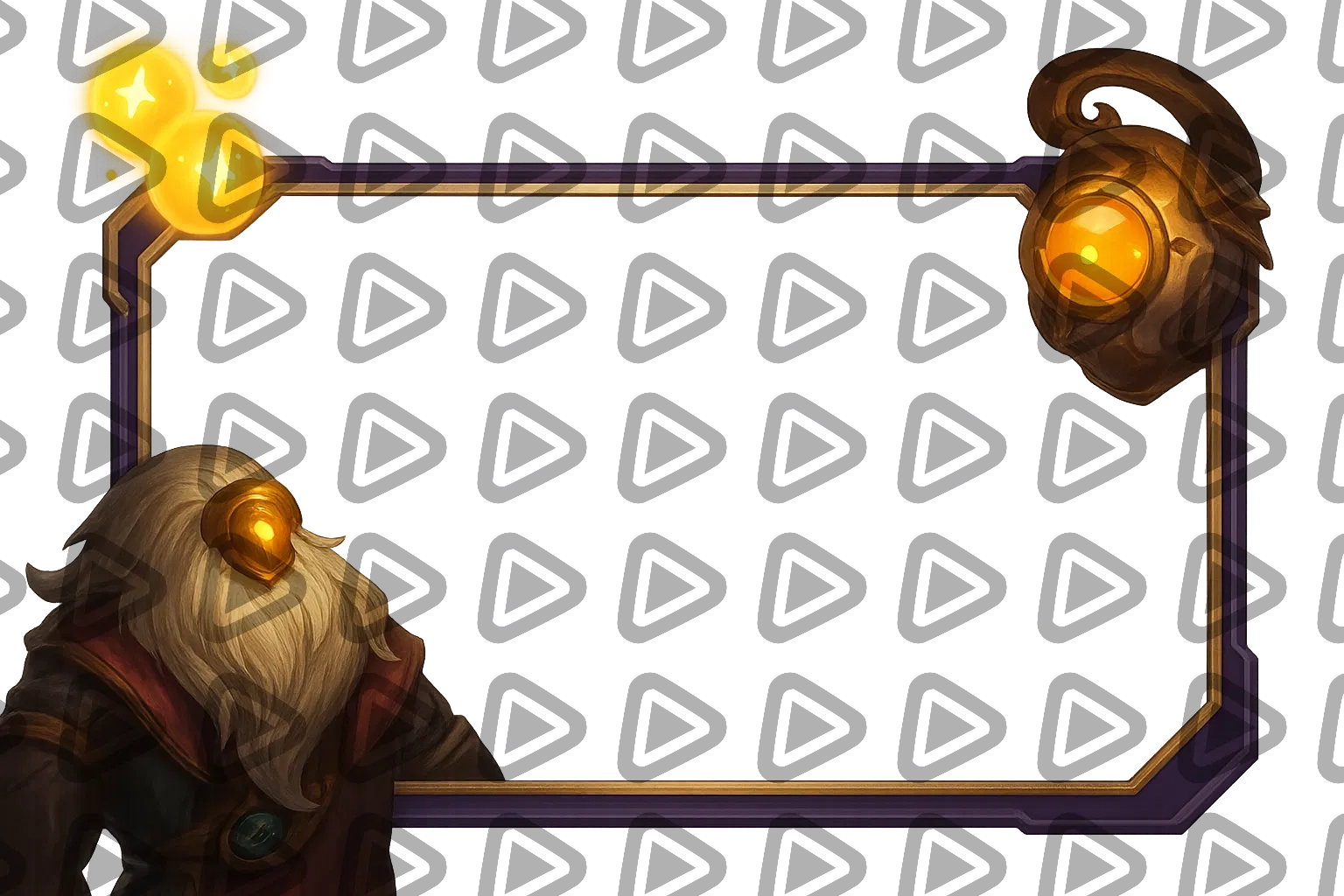
Free & Premium Animated Webcam Overlays

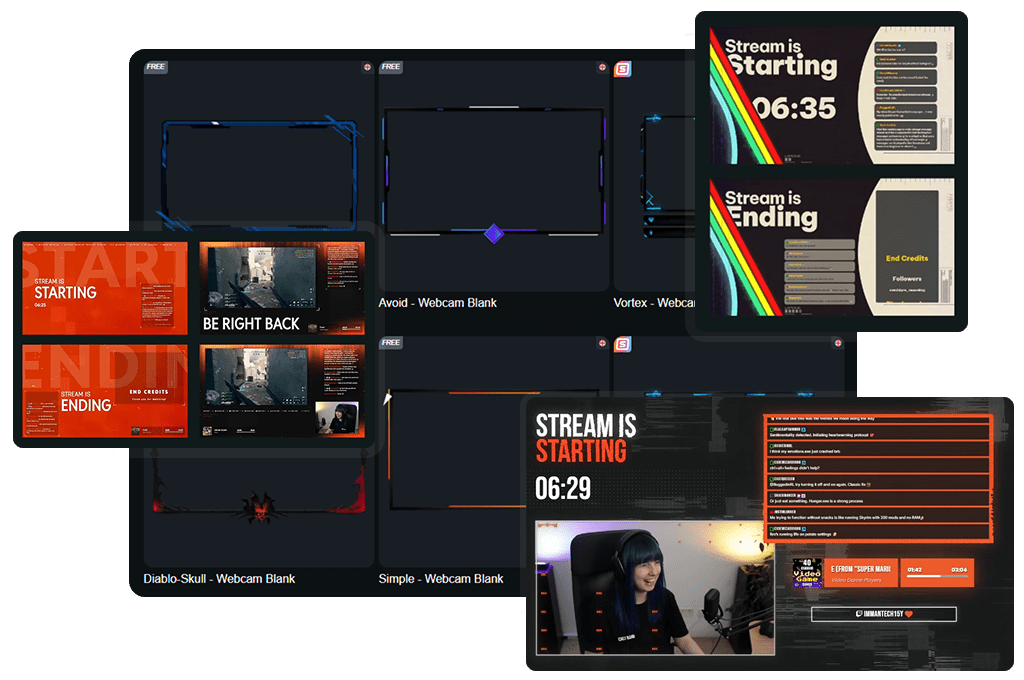
People do not remember perfect gameplay. They remember your reaction. The stunned silence. The scream. The grin you try to hide. An animated webcam overlay turns those raw moments into a visual statement, adding motion around your cam and energy that amplifies your personality. Install premium and free animated webcam overlays built for Twitch, YouTube, Kick, and fully compatible with every major broadcasting tool.

All Animated Webcam Overlays Free/Premium

Free
Stream Pass
Widget Pass
1

Add Movement to Every Moment

Subtle animation that makes your reactions impossible to ignore

Your stream never stands still. Neither should your facecam. An animated webcam overlay adds smooth motion, light effects, and dynamic details, bringing your camera area to life. Not distracting. Just enough movement to guide the eye and frame your reactions perfectly. 


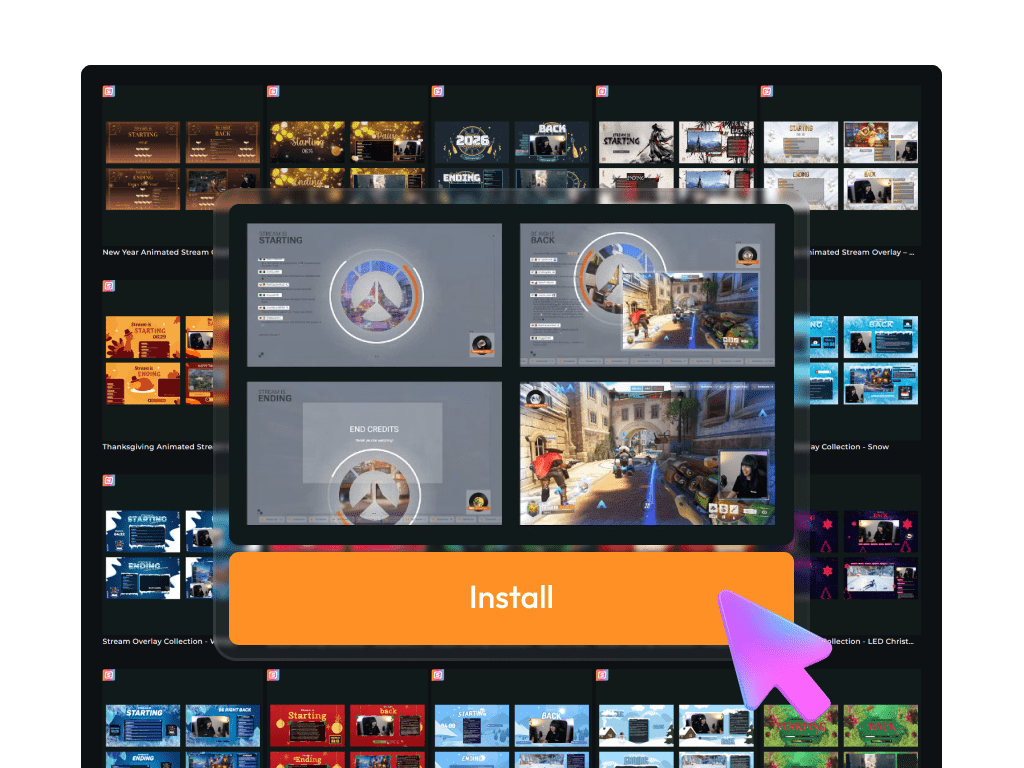
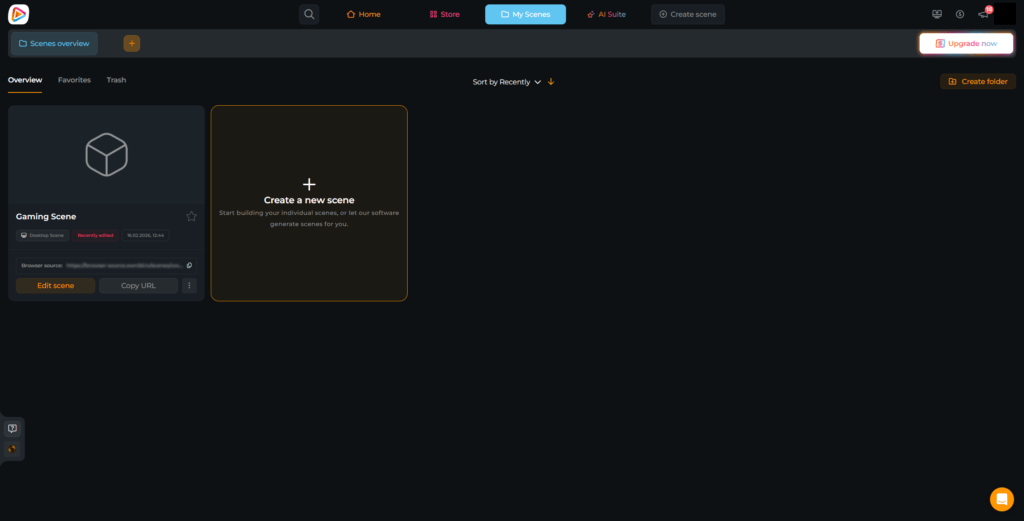
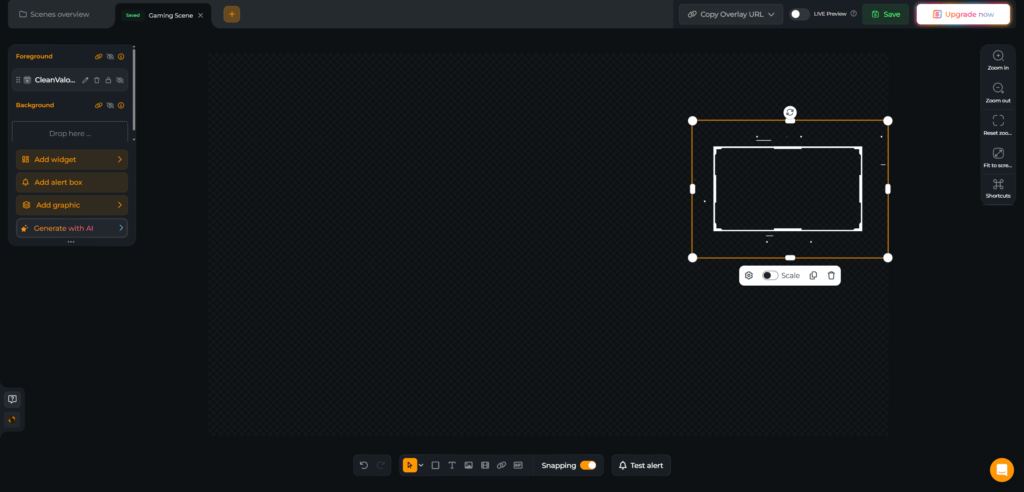
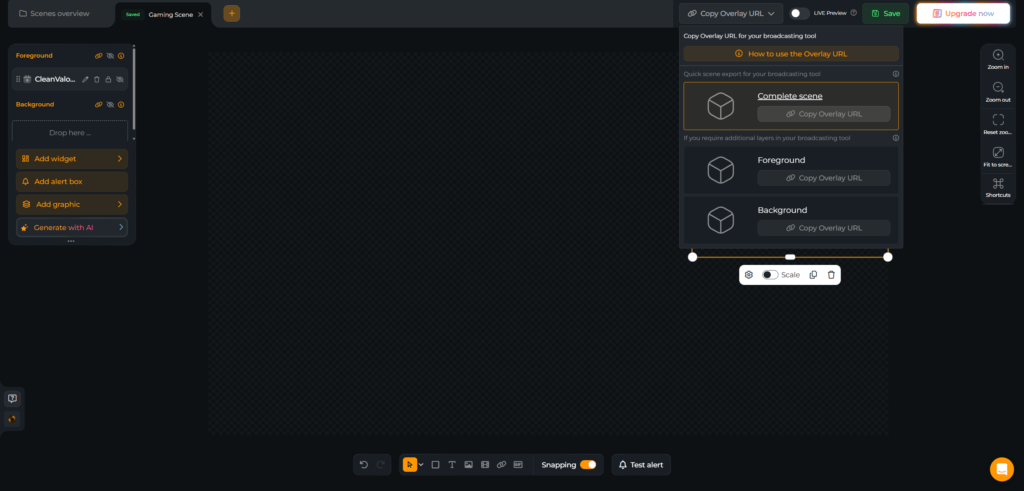
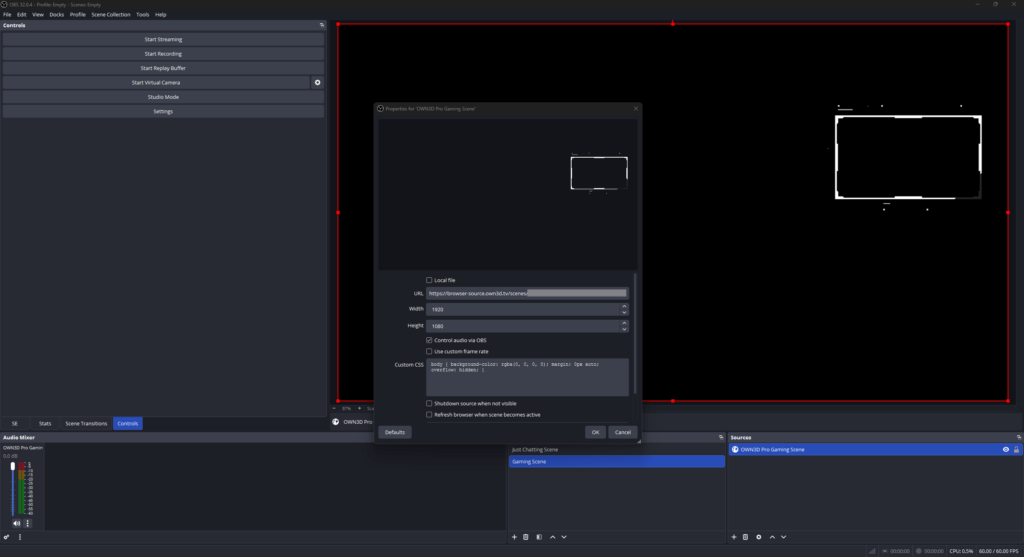
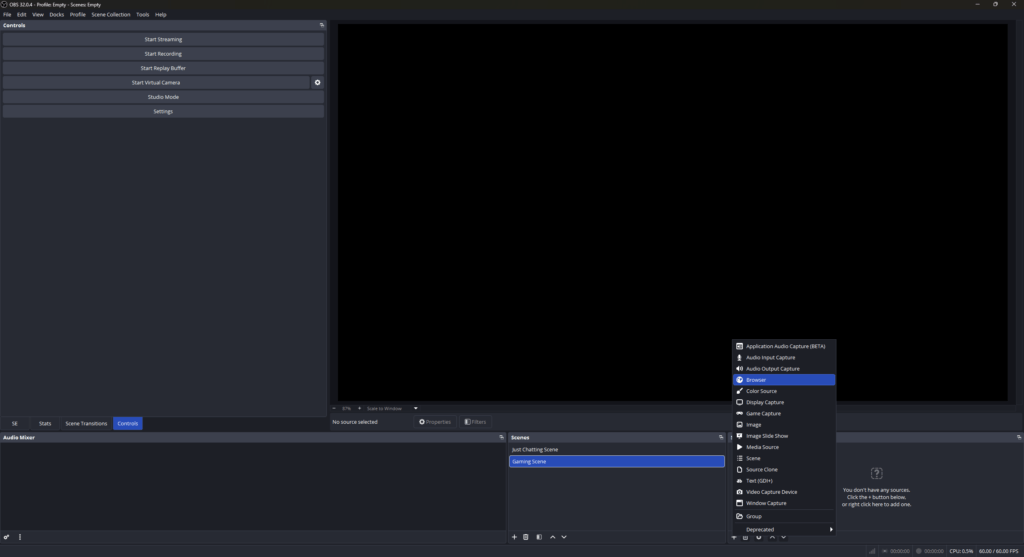
Create your animated webcam overlay inside the OWN3D Pro Scene Builder and add it to OBS Studio, Streamlabs, Meld Studio, XSplit, or any broadcasting tool using a simple browser source.

Where Motion Meets Personality

Your reactions are dynamic, so your overlay should be too

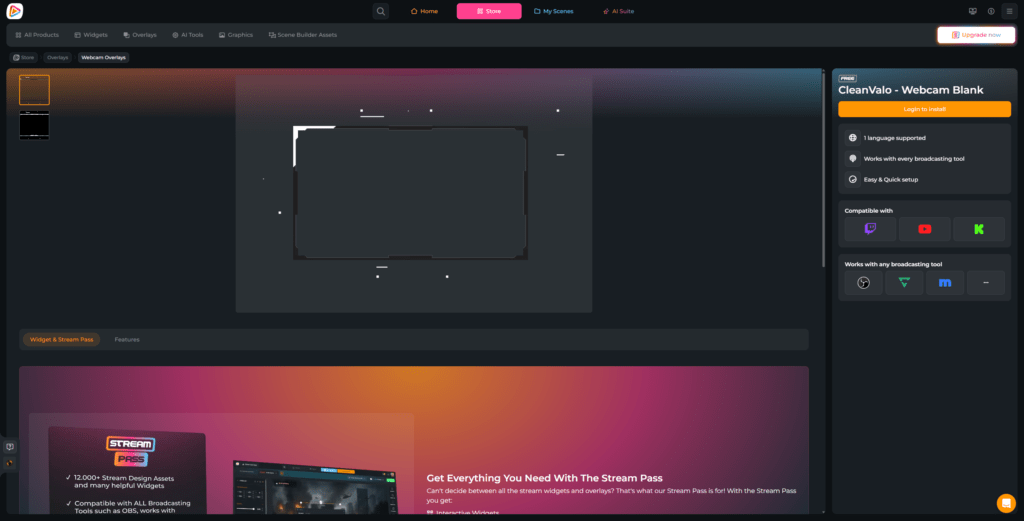
You do not need an expensive setup to create impact. Start with free animated webcam overlays and add instant movement to your facecam. 


When you want even more presence, premium animated designs deliver bolder visuals, stronger effects, and more expressive motion, so your webcam overlay doesn’t just frame you. It evolves with your stream.

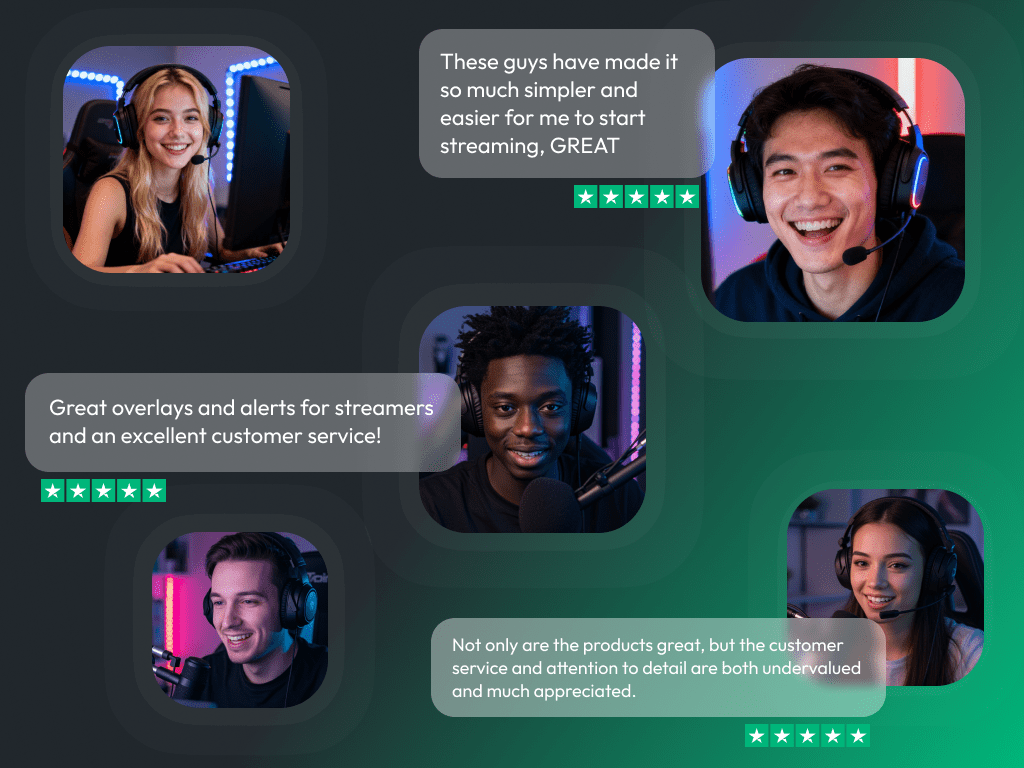
What Happy Customers Say About Our Animated Webcam Overlays

See how our product makes a difference for content creators.

One Pass. Everything Included.

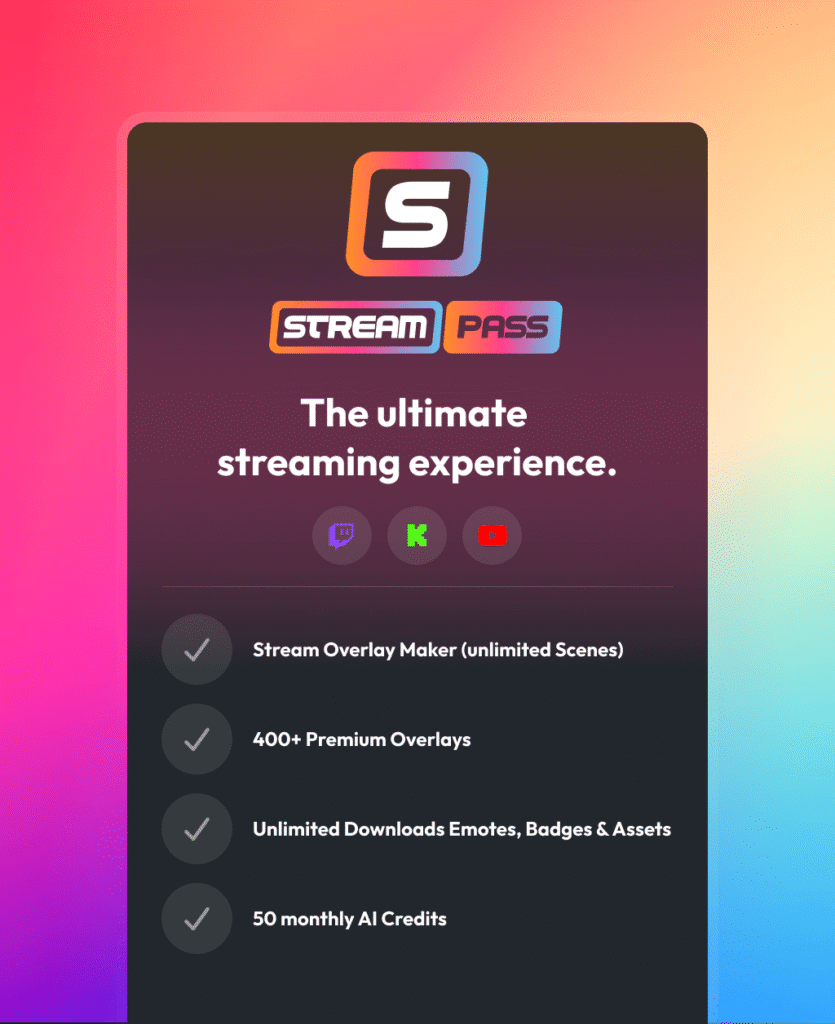
The Stream Pass gives you full access to everything OWN3D Pro has to offer. This includes our entire library of animated webcam overlays, alerts, widgets, emotes, and more.

Works with all broadcasting tools

Customize your animated webcam overlays in the Scene Builder and use them with OBS Studio, Streamlabs, XSplit, and more. Easy to integrate with any setup.

Unlimited* asset downloads

Download emotes, badges, panels, and more static assets. *Our unlimited plan is subject to fair use.

AI-powered creations

Get 50 AI credits with your Stream Pass to generate custom stream widgets, static webcam frames, emotes, and more.

Multistreaming ready

Stream on Twitch, YouTube, and Kick with animated webcam overlays and all the tools you need for a professional-looking livestream.

How to Set Up an Animated Webcam Overlay

Adding motion to your facecam takes just a few minutes. Need help? This guide has you covered.

FAQs About Our Animated Webcam Overlay

What is an animated webcam overlay?

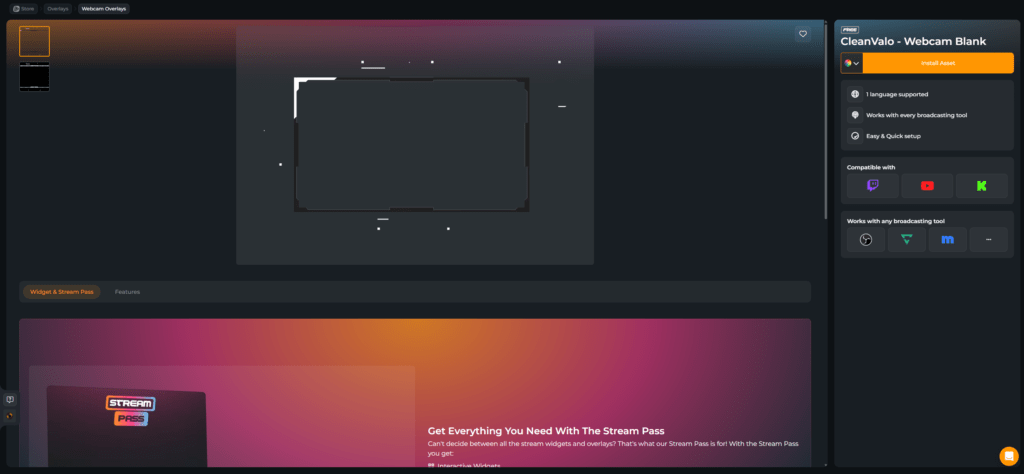
An animated webcam overlay is a moving frame for your facecam. Instead of a static border, it includes subtle motion elements, such as flowing accents or dynamic light effects, that make your camera area feel more alive and visually integrated into your stream.

Yes. You can start with a free animated webcam overlay and instantly add motion to your facecam. Premium animated webcam overlays with exclusive styles and expanded design options are included in the Stream Pass.

No. Animated webcam overlays are not traditional download files. They are created and managed inside the OWN3D Pro Scene Builder and added to OBS or other broadcasting tools as a browser source. This keeps everything flexible and easy to update.

Yes. You can use your animated webcam overlay with OBS Studio, Streamlabs, XSplit, Meld Studio, and similar broadcasting tools. Simply add it as a browser source and position it above your camera.

Yes. Your animated webcam overlay runs through your broadcasting tool as a browser source, so the design itself works on any platform you stream to. The animation is platform-independent.

If you add OWN3D Pro labels or other widgets around your animated webcam overlay, those are optimized for Twitch, YouTube, and Kick. This allows you to display your latest follower, subscriber, donor, or other supporter highlights directly around your facecam.

Yes. There are different layout options available. You can use a clean animated webcam overlay for a minimal look, or choose one that includes space for labels. If you want, you can add elements like latest followers, subscribers, donors, or other supporters to highlight around your animated webcam overlay. Or keep it simple. It is entirely up to your style and your stream setup.

Animated webcam overlays are optimized for streaming and designed to run smoothly when used as a browser source in a standard setup.

With the AI Webcam Frame Generator, you can design your own custom static webcam overlay. You receive 5 free AI credits to get started. Animated motion designs are available within the prebuilt animated webcam overlay library.
Free animated webcam overlays offer high-quality motion graphics to instantly upgrade your stream. Premium overlays included with the Stream Pass offer a larger design library, exclusive styles, and more advanced visual effects, providing greater creative flexibility.

Absolutely! You can choose to buy and unlock your favorite animated webcam overlay as individual design assets. Once unlocked, you have unlimited access to use your purchased product with your account!
 

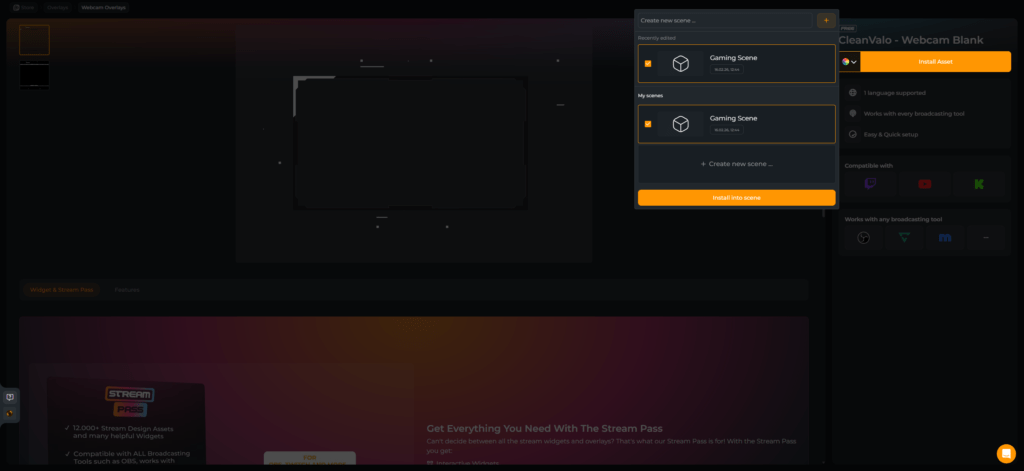
After your purchase, you can install your asset into a scene and edit it in the Scene Builder, where you can customize it to fit your brand before adding it to your broadcasting tool. Keep in mind that each animated webcam overlay is a unique asset, and the specific customization options can vary depending on the design. You can always check the preview to see how the asset looks and behaves within a scene.


One quick tip: As a free user, you can install these assets as long as you are within the limit of 6 free scenes. If you have space left, you can simply create a new scene for your animated webcam overlay and customize it there. Please note that individual design assets, like an animated webcam overlay, do not bypass the scene limit. However, you can always install them into any premium overlay pack you have purchased, as those packs do not count towards the regular scene limit. If you have any more questions, feel free to reach out to our support team anytime!