Free and Premium Animated Overlays
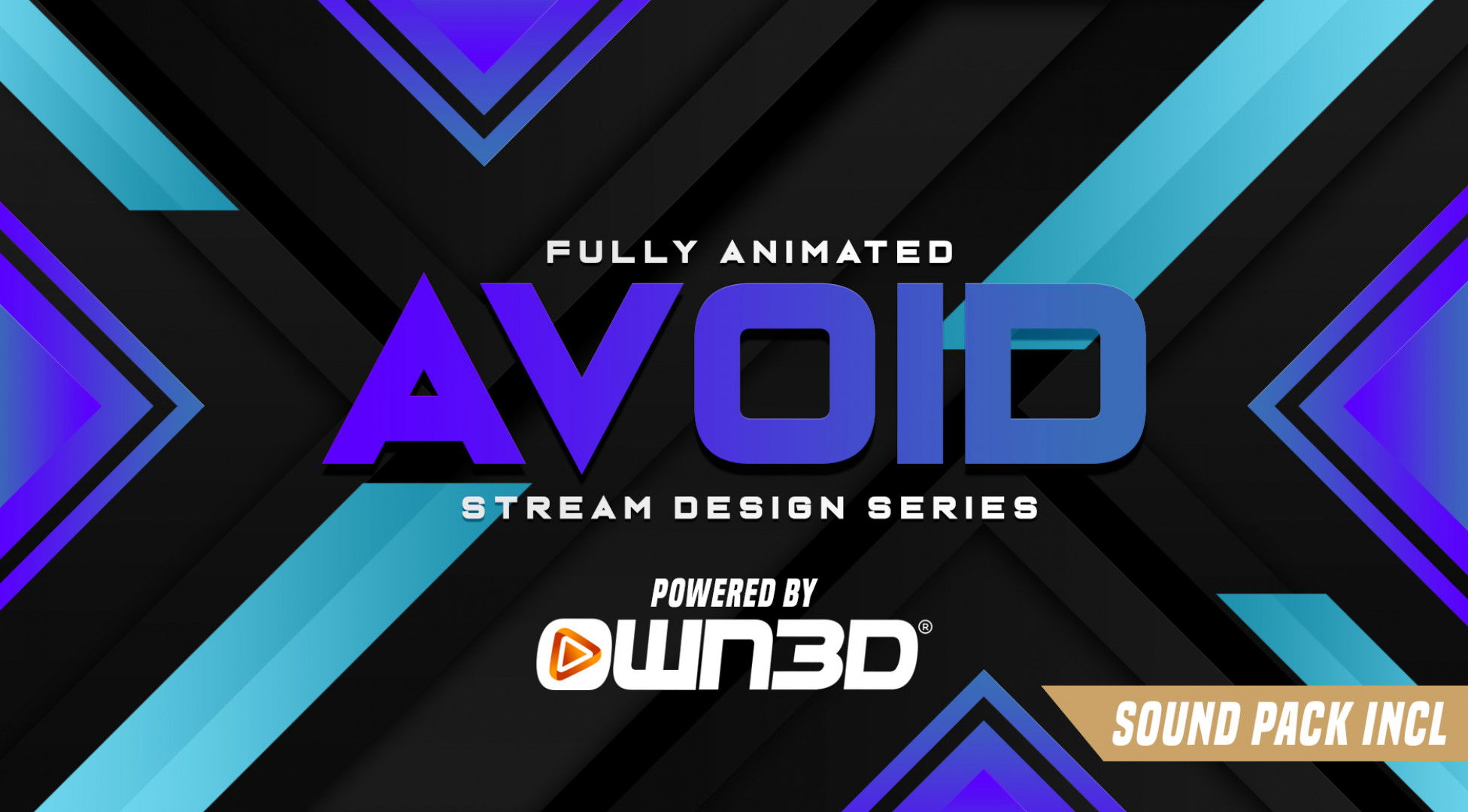
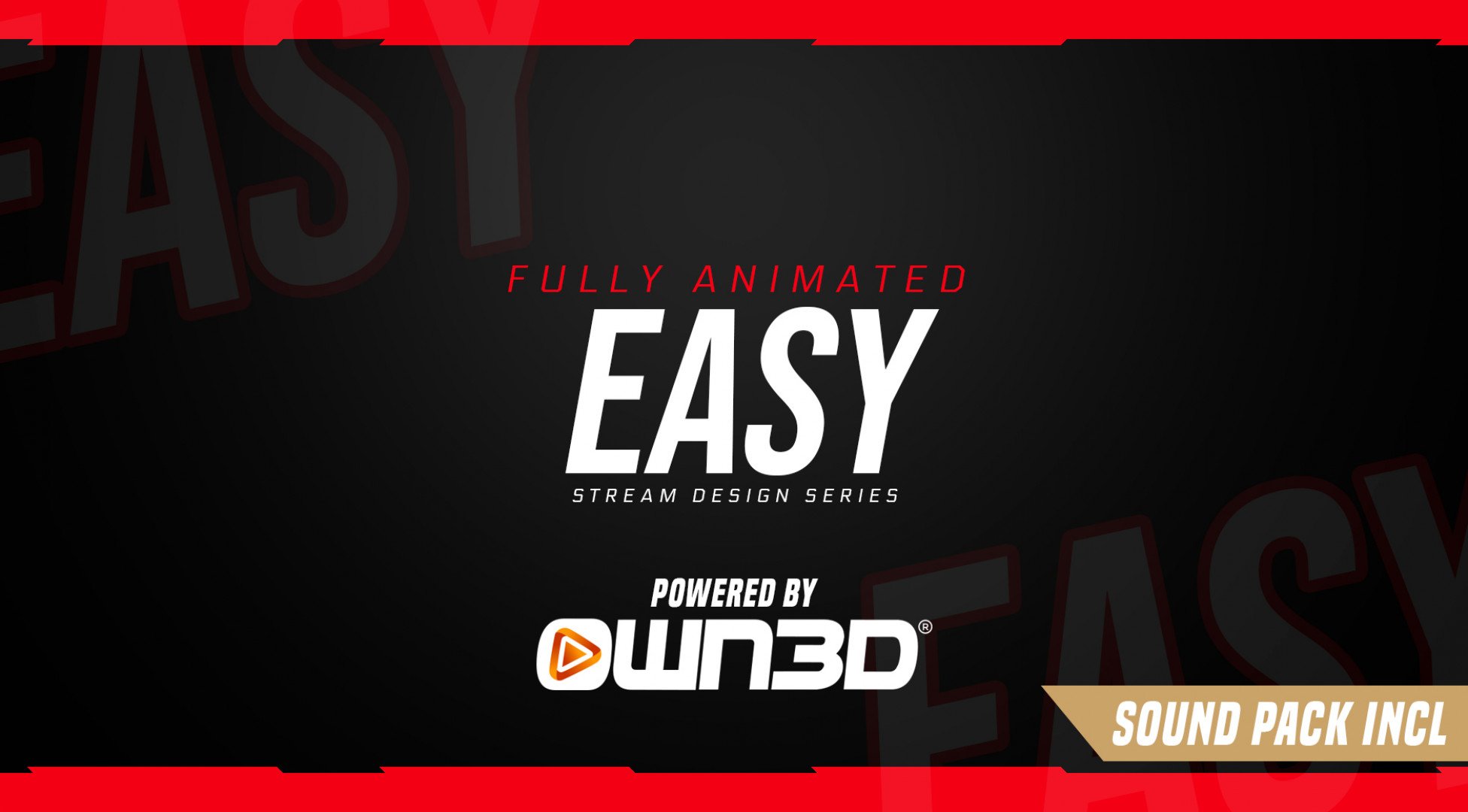
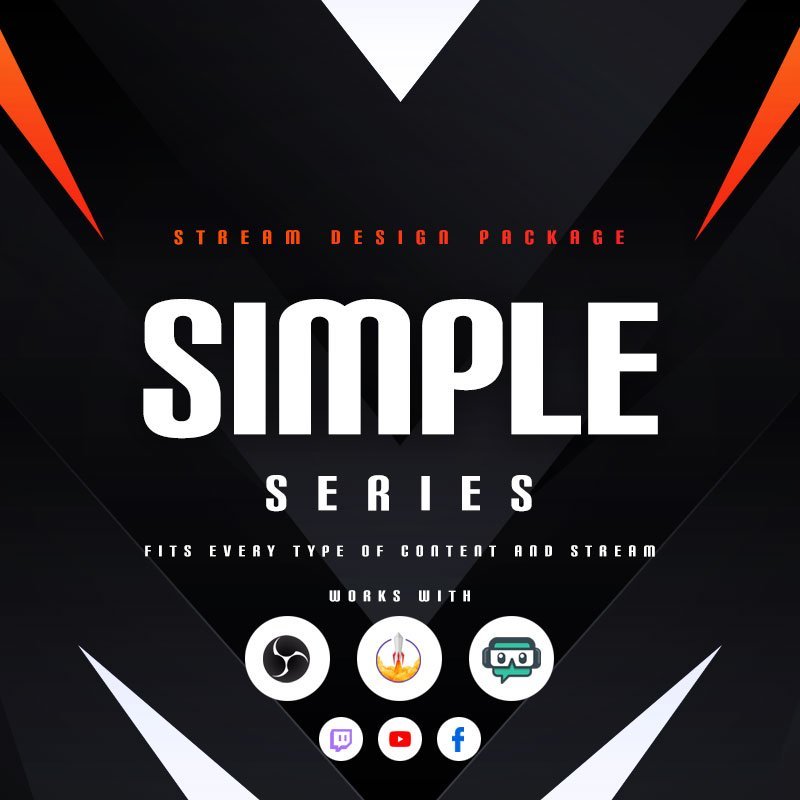
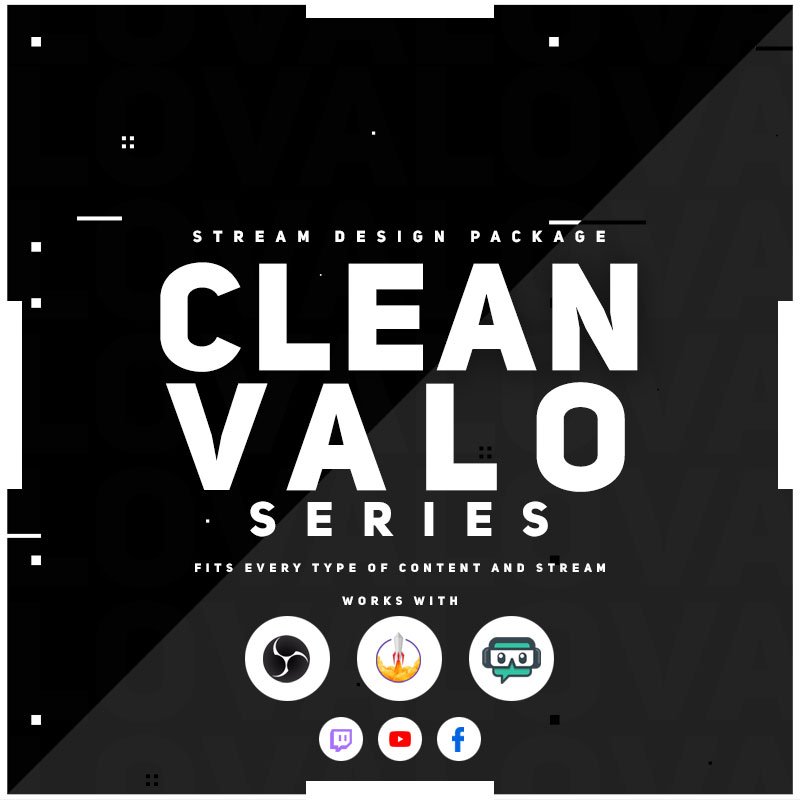
Bring your stream to life with animated overlays from OWN3D Pro. Whether you’re just starting out or want to give your content a dynamic edge, our animated stream overlays are built to impress. Choose from premium or free animated overlays or create your own in minutes. Perfect for Twitch, YouTube, and Kick and easy to install, so you can focus on what matters most: your content and your community.
Our Community’s Favorite Animated Overlays
All Animated Overlays Free/Premium
What Happy Customers Say About Our Animated Overlays
See how our animated overlays make a difference for content creators.
One Pass. Everything Included.
The Stream Pass gives you full access to everything OWN3D Pro has to offer. All products, including animated overlays, alerts, widgets, emotes, and more, are included and not sold separately.
Works with all broadcasting tools
Customize your animated overlays in the Scene Builder and use them with OBS Studio, Streamlabs, XSplit, or other tools. Everything works smoothly with your setup.
Unlimited* asset downloads
Download emotes, badges, panels, and more static assets. *Our unlimited plan is subject to fair use.
AI-powered creations
Get 50 AI credits with your Stream Pass to generate custom stream widgets, webcam frames, emotes, and more.
Multistreaming ready
Stream on Twitch, YouTube, and Kick with all the tools you need for a consistent and professional livestream.

FAQs About Animated Overlays
What are animated overlays, and why should I use them?
Animated overlays add motion and energy to your stream. They include moving backgrounds, transitions, alerts, and other visual elements. They help your stream stand out, feel more professional, and keep your viewers engaged.
Are there free animated stream overlays available?
Yes. OWN3D Pro offers a selection of free animated overlays you can use right away. They’re great for new creators who want motion effects without extra cost.
Do animated overlays work on Twitch?
Absolutely. They’re fully compatible with Twitch, YouTube, and Kick. You can use animated overlays directly in OBS Studio, Streamlabs, or any broadcasting tool that supports browser sources.
What’s the difference between static and animated stream overlays?
Static overlays are simple images that don’t move. Animated overlays include subtle motions or full-screen effects that make your stream look more lively and interactive.
How do I add animated overlays to my stream?
Use the Scene Builder on OWN3D Pro to customize your overlay. Then copy the browser source link and paste it into your broadcasting tool. The animation loads automatically and updates live.
Do animated overlays affect performance?
Our overlays are optimized to run smoothly. If you’re using a modern setup and stream with OBS Studio or Streamlabs, performance issues are unlikely.
Can I customize the animated elements?
Yes. Even animated stream overlays can be edited in the Scene Builder. You can adjust colors, fonts, labels, widgets, and positioning to match your brand.
Do I need special software to use animated overlays?
No. You just need a broadcasting tool that supports browser sources, like OBS Studio, Meld Studio, Streamlabs, or XSplit. You customize and install everything directly in your browser on OWN3D Pro, then simply add it to your broadcasting tool. Quick, smooth, and no extra software needed.
Can I use animated overlays across different scenes?
Yes, you can. Whether it’s your starting screen, a short break, or your stream ending, animated overlays work across all scenes and keep your stream looking consistent from start to finish.