Free and Premium Animated Alerts

Make every stream moment stand out with ready-to-use animated alerts. Our designs help you highlight follows, subs, donations, and more without extra effort. Choose free animated alerts or premium designs and set them up in minutes. Everything works smoothly with Twitch, OBS, YouTube, and Kick, no design work required.

All Free/Premium Animated Alerts

1

What Happy Customers Say About Animated Alerts

See how our animated alerts make a difference for content creators.

One Pass. Everything Included.

The Stream Pass gives you full access to everything OWN3D Pro has to offer. All products, including overlays, animated alerts, widgets, emotes, and more, are included and not sold separately.

Works with all broadcasting tools

Set up your animated alerts in the Scene Builder and use them with OBS Studio, Streamlabs, XSplit, or any other broadcasting software. Everything runs smoothly with your existing setup.

Unlimited* asset downloads

Download emotes, badges, panels, and more static assets. *Our unlimited plan is subject to fair use.

AI-powered creations

Get 50 AI credits with your Stream Pass to generate custom stream widgets, webcam frames, emotes, and more.

Multistreaming ready

Stream on Twitch, YouTube, and Kick with all the tools you need for a consistent and professional livestream.

FAQs About Animated Alerts

What are animated alerts, and how do they work?

Animated alerts are motion-based notifications that appear directly on your stream when something big happens, such as a new follower, subscription, membership, donation, or raid. These alerts play automatically during your livestream and help draw attention to important moments without interrupting your content.

Yes. You can set up free animated Twitch alerts right away. These ready-to-use designs don’t require any design work and are perfect if you want professional-looking alerts without upgrading to premium content.

No. All animated alerts are fully prepared and ready to use. You simply choose an alert, set it up through the Scene Builder, and connect it to your broadcasting tool. No design experience or coding knowledge is needed.

Animated stream alerts work with Twitch, YouTube, and Kick. They are also compatible with multistream setups, so you can use the same alerts across these platforms at the same time.

Yes. Animated alerts work as browser sources and are fully compatible with OBS Studio, Streamlabs, XSplit, and other popular broadcasting tools.

Animated alerts can be used for follower alerts, subscriptions, donations, bits, raids, and other supported stream events. Each alert is triggered automatically when the event happens, and you thank your supporter automatically.

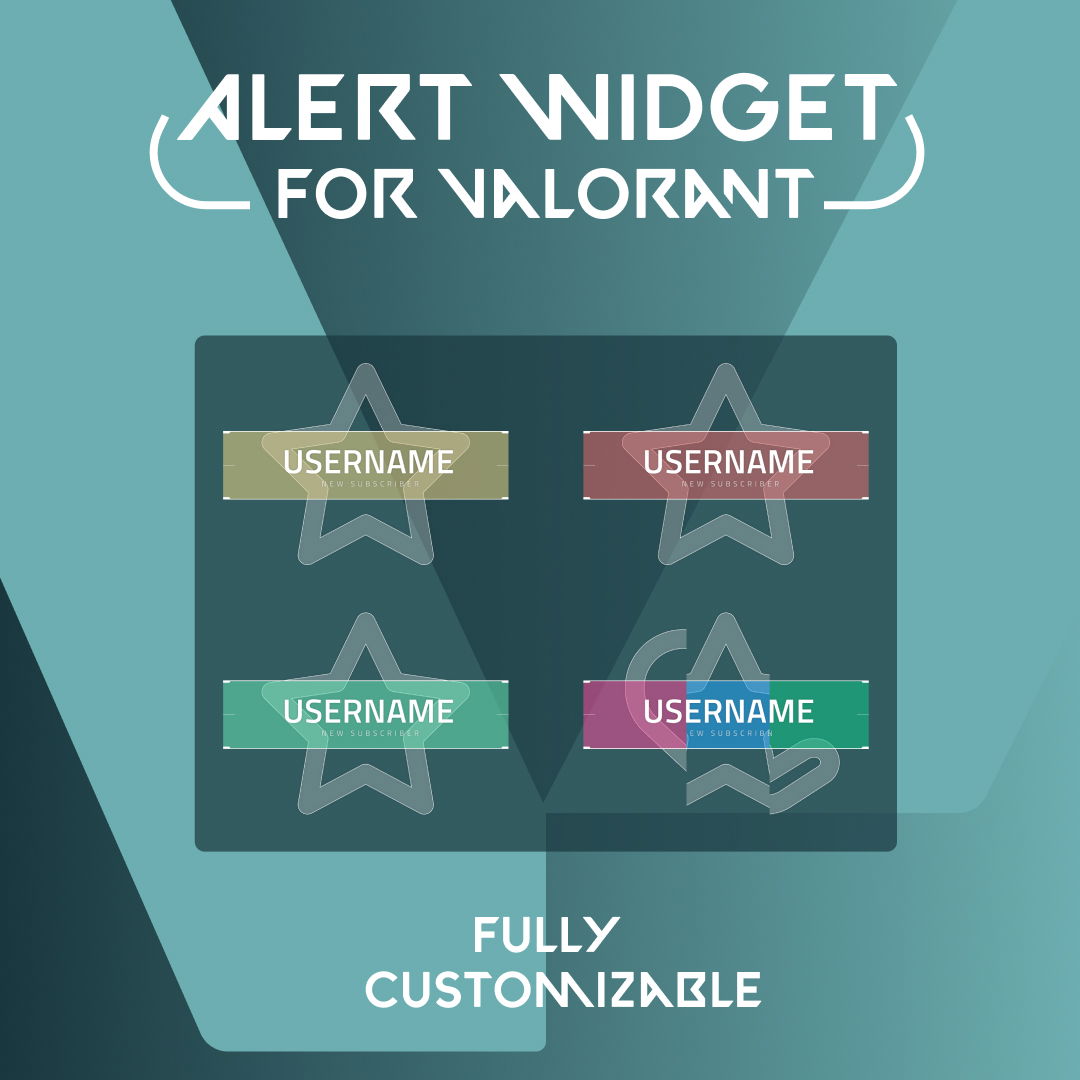
Yes. While the alert animations are ready to use, you can still adjust text, names, and sounds to better match your stream’s style. You can also upload your own graphics.

Free animated alerts offer clean, professional designs that work great for most streams, and if you’re happy sticking with these free alerts, that’s totally fine. However, if you’re looking for more variations, different designs, or advanced animations, premium animated alerts offer exclusive styles and greater visual variety, which you can unlock by upgrading to the Stream Pass.

Yes. The Stream Pass gives you full access to all animated alerts, along with overlays, widgets, emotes, and other OWN3D Pro assets in one subscription.

Absolutely. You can switch between different animated alerts at any time or even create different sets for different events, allowing your stream visuals to evolve as your branding or content changes.