Free & Premium
Stream Overlays
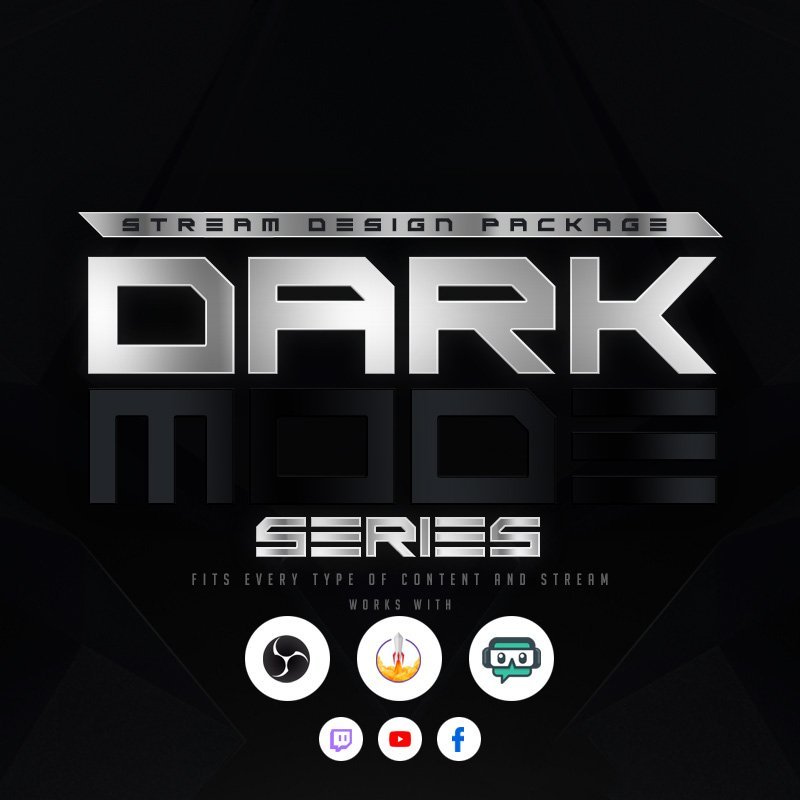
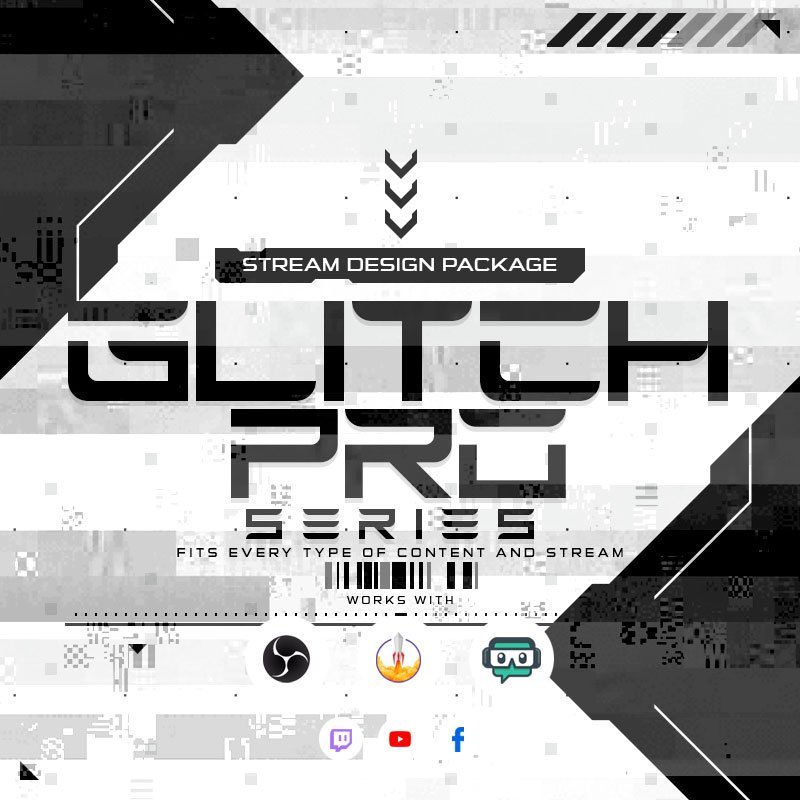
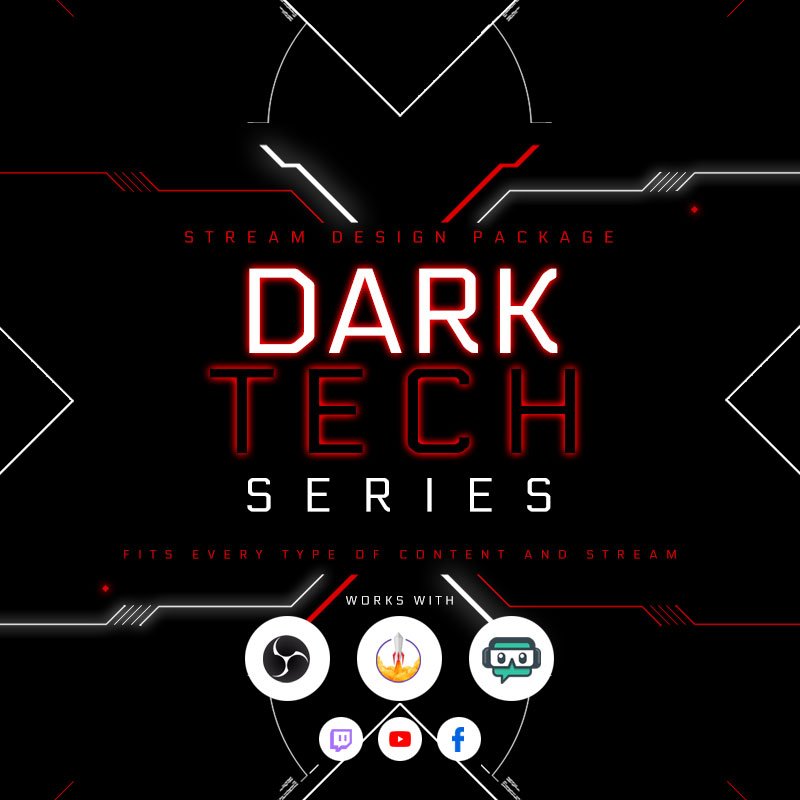
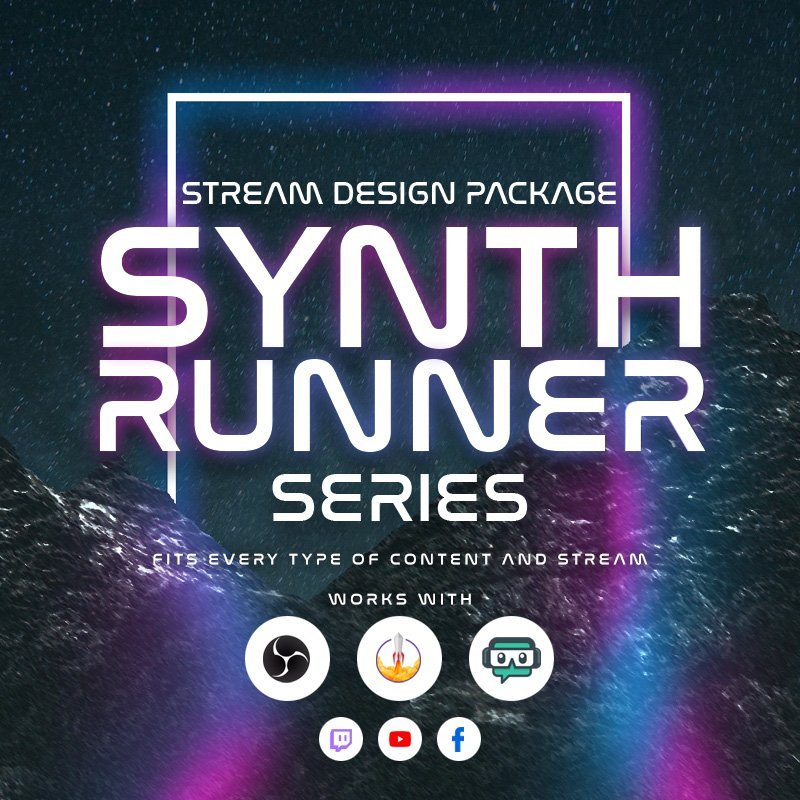
Stream overlays are part of your creative identity. But building them from scratch? That’s tough. That’s why OWN3D Pro gives you a head start with free stream overlays and premium stream overlays. They’re fully designed and ready to use, but still customizable to match your style. Select a design, refine the details, and focus on your content, your vibe, your community.
Our Stream Overlay Bestsellers
All Stream Overlays
The Largest Stream Overlay Library
Use free stream overlays
Sign up and get direct access to exclusive, free streaming overlays. Use all the free features, including the Scene Builder, free stream widgets, the donation page, the free stream overlays, and much more.
Hundreds of premium stream overlays
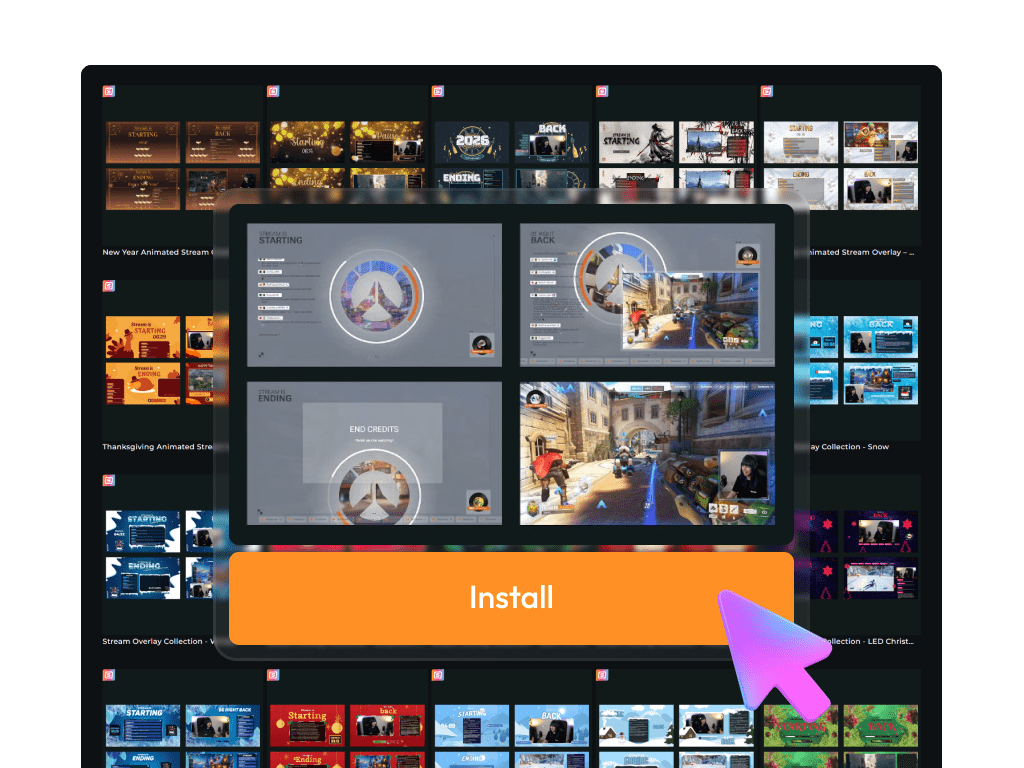
Want more variety or change your overlay regularly? With the Stream Pass, you get access to 100+ customizable stream overlays and 400+ overlay templates, ready to enhance Twitch, YouTube, and Kick streams.
What Happy Customers Say About Our Stream Overlays
See how our stream overlays make a difference for content creators.
One Pass. Everything Included.
The Stream Pass gives you full access to everything OWN3D Pro has to offer. All products, including stream overlays, alerts, widgets, emotes, and more, are included and not sold separately.
Works with all broadcasting tools
Customize your stream overlays in the Scene Builder and use them with OBS Studio, Streamlabs, XSplit, or other tools. Everything works smoothly with your setup.
Unlimited* asset downloads
Download emotes, badges, panels, and more static assets. *Our unlimited plan is subject to fair use.
AI-powered creations
Get 50 AI credits with your Stream Pass to generate custom stream widgets, webcam frames, emotes, and more.
Multistreaming ready
Stream on Twitch, YouTube, and Kick with all the tools you need for a consistent and professional livestream.
What’s Inside
Your Stream Overlay
From labels to special scenes – everything you need as a streamer
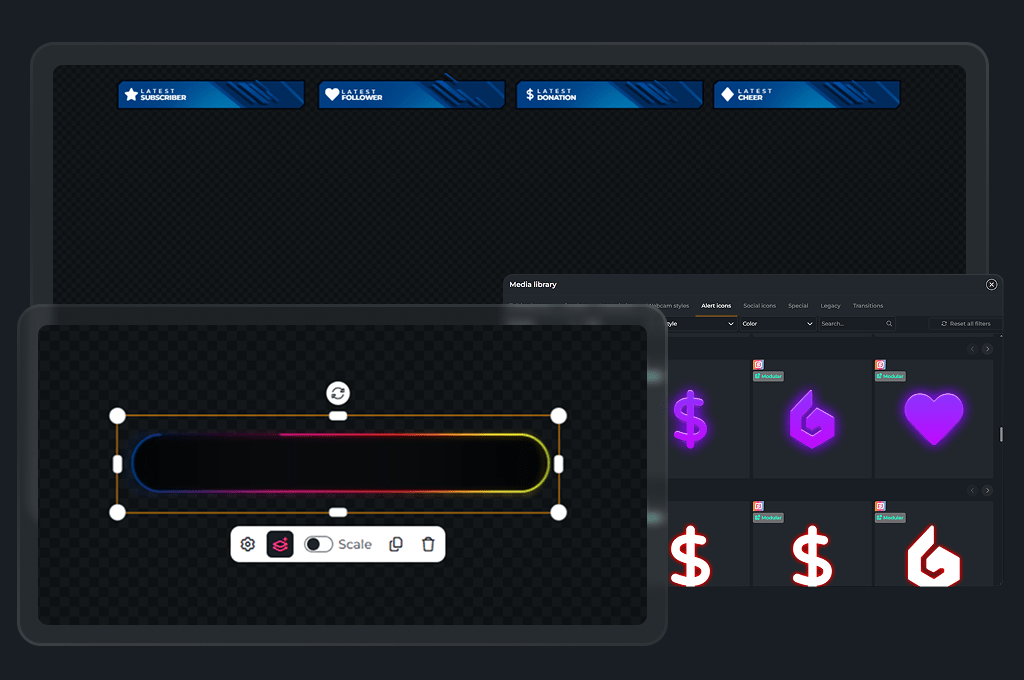
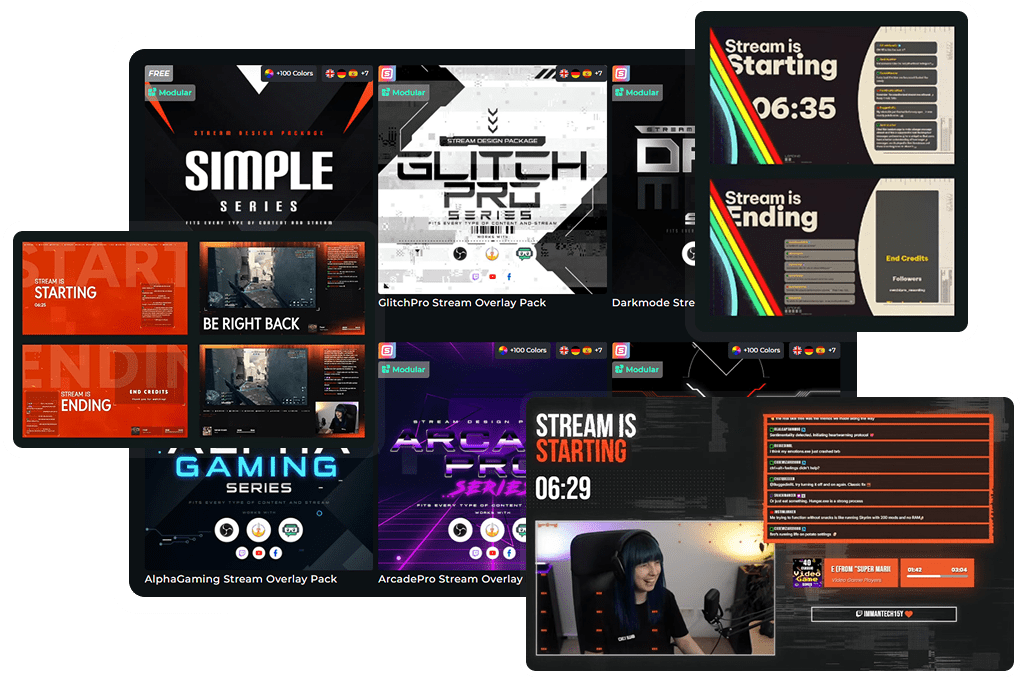
Generate your stream overlays with the Scene Builder and see exactly what it will look like. It includes labels, special scenes for starting, breaks, webcam frames, and more. Widgets and labels can be moved, hidden, or customized.
Stream Overlay
Your stream overlay comes packed with everything you need to make your livestream look clean, professional, and interactive. Whether you’re using free stream overlays or premium designs, each element works together to improve your branding, viewer engagement, and overall stream quality. All overlay elements are fully compatible with Twitch, YouTube, and Kick.
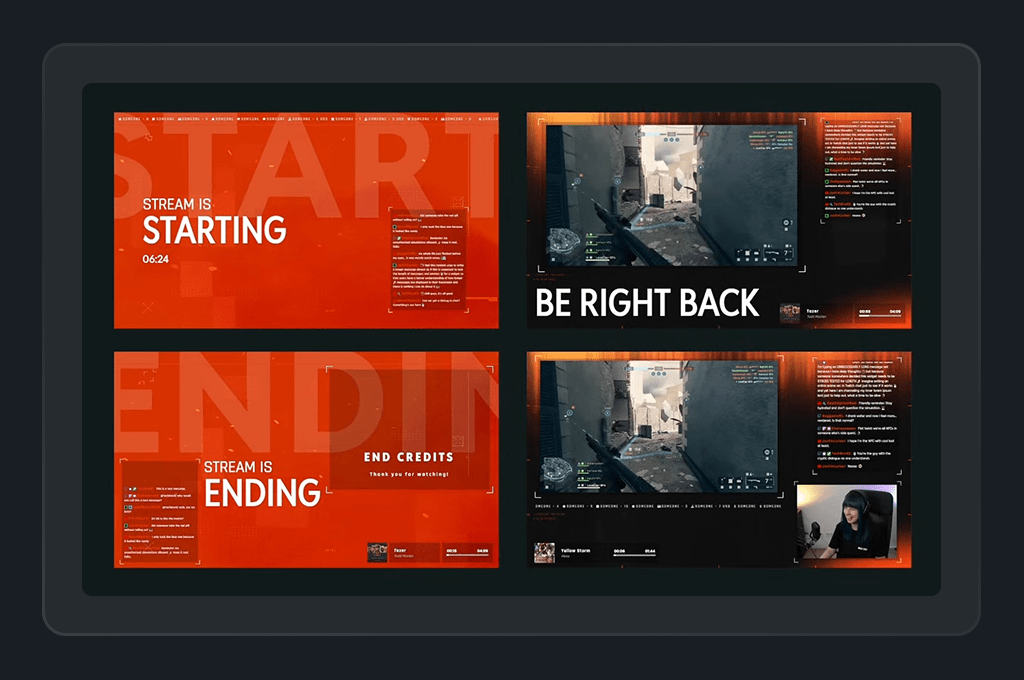
Starting, Intermission, End and Offline Banners

These full-screen banners keep your viewers informed before, during, and after your stream. Starting Soon, Be Right Back, and Stream Ending screens are essential parts of any complete livestream overlay, especially when you want smooth transitions and a professional flow.

Stream Alerts
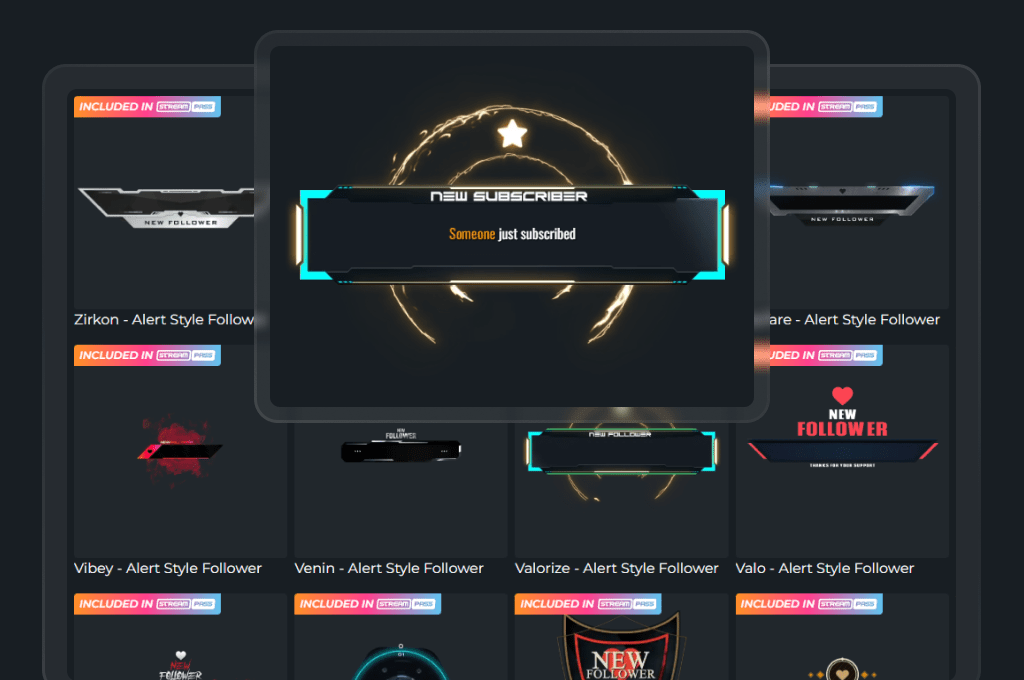
Includes over 500 animated alerts for follows, subs, members, raids, or donations. Alerts create exciting moments for your community and are a must-have feature in any Twitch, YouTube, or Kick stream overlay setup.
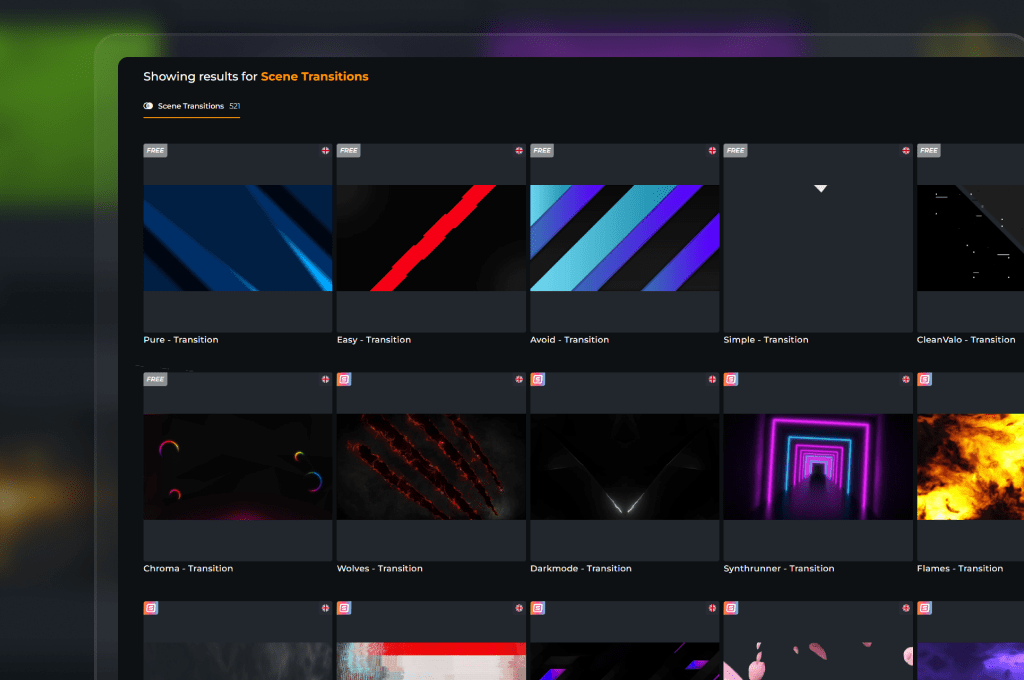
500+ Animated Stream Transitions
Stream transitions are short animations used when switching scenes. They add flow and professionalism to your livestream. With over 500 transitions included, you’ll always find one that fits your design, even when using free streaming overlays.
Stream Widgets and More
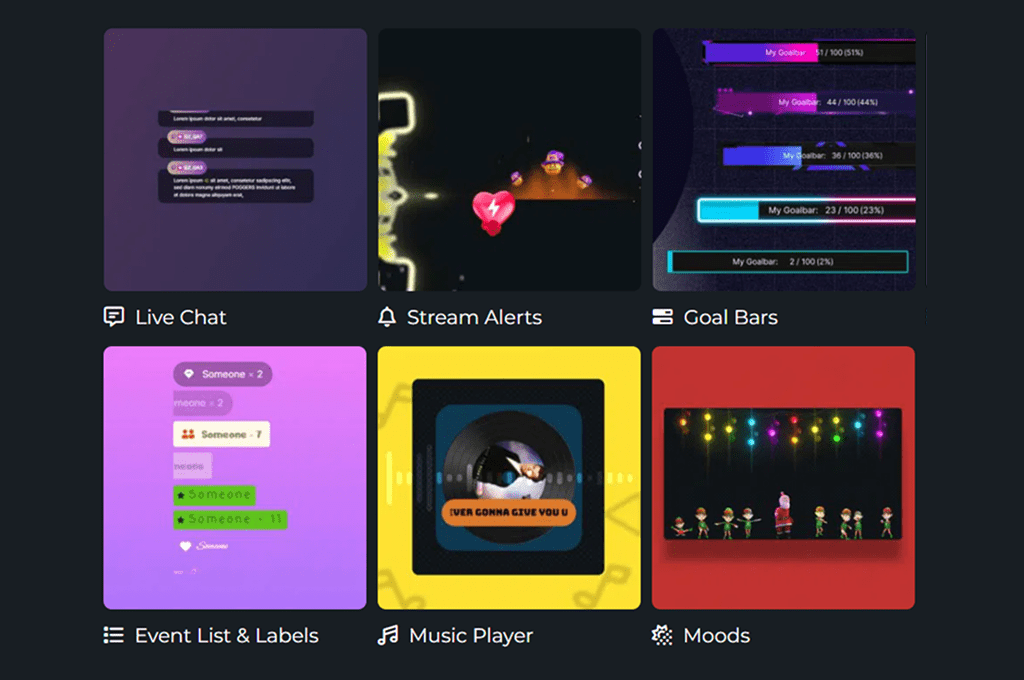
Powerful, interactive widgets bring your stream to life and keep your community engaged from the first second. With over 200 customizable options, you can show livechat, goals, and more, all fully compatible with Twitch, YouTube, and Kick. Whether you’re streaming on one platform or going multistream, your stream overlays connect your community.
Why Choose OWN3D Pro Stream Overlays?
Stream Overlays from others
- Limited selection and generic designs
- Often not optimized for Twitch, YouTube, and Kick (Multistreaming)
- No integrated tools for customization
- Complicated setup with little guidance
Stream Overlays from OWN3D
- Over 500 ready-to-use stream overlay packs in different styles
- Built for Twitch, YouTube, and Kick with full platform support
- Easy customization with the integrated Scene Builder
- Works with any broadcasting tool like OBS Studio, XSplit, or Streamlabs
- Includes matching alerts, widgets, and design assets for a complete setup
- Stream overlays for horizontal and vertical formats
FAQs About Stream Overlays
What is a stream overlay?
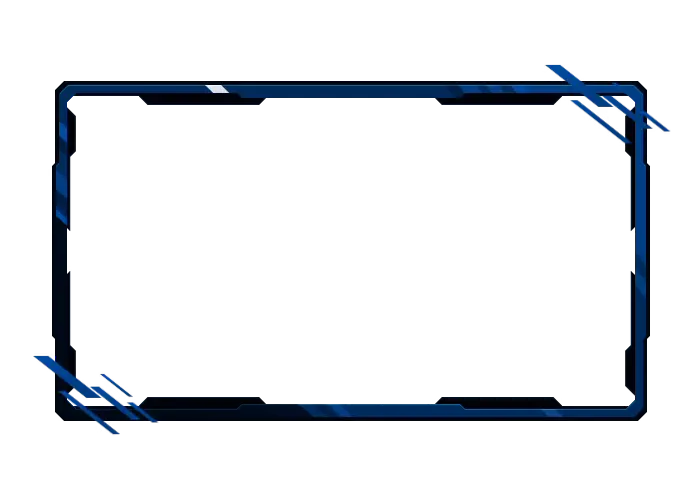
A stream overlay is a graphic layer placed on top of your livestream. It includes webcam frames, labels, alerts, and scene transitions that make your stream look more professional and visually engaging. Stream overlays are added through your broadcasting tool and help establish your brand, keeping viewers focused on the action.
Do you need a stream overlay to start streaming?
No, you don’t need an overlay to go live, but using even a free streaming overlay can make a big difference. It helps your stream look more polished, keeps important info like your social handles or alerts visible, and creates a better experience for your viewers. If you’re just starting out on Twitch, YouTube, or Kick, a simple overlay can help your stream stand out.
Do stream overlays work on all platforms?
Yes, stream overlays work across major platforms like Twitch, YouTube, and Kick. Since they’re added as a browser source, they are compatible with any broadcasting tool you prefer, including OBS Studio, Streamlabs, XSplit, and others.
What’s the difference between a free and a Stream Pass overlay?
Free overlays offer a basic set of scenes and graphics to help you get started streaming quickly. The Stream Pass unlocks access to: hundreds of premium overlay packs, animated designs, themed templates, stream overlay, collections, game stream overlays, stream widgets, and more!
It’s ideal if you want to fully customize your channel and create a strong, interactive stream.
How do stream overlays work?
What size should a stream overlay be?
Most overlays use 1920×1080 resolution for horizontal layouts, and 1080×1920 for vertical streams. This keeps your stream visuals crisp and correctly aligned on any screen.
What is included in the free stream overlays?
Free overlays include several ready-to-use assets, such as:
- Intermission overlays
- Gaming Overlays
- Webcam Frames
- Customizable Elements
- Fitting free stream widgets
They work on Twitch, YouTube, and Kick, and are great for getting started without investing in premium designs.
What benefits come with the Stream Pass?
With the Stream Pass, you unlock the full OWN3D Pro experience:
- Access to all stream designs, including over 12,000 assets and more than 500 ready-to-use overlay packs
- Access to all stream widgets, with over 200 customizable widgets for a fully personalized setup
- Access to all stream alerts, including 500+ animated alerts