Free and Premium
Overlays for Lightstream
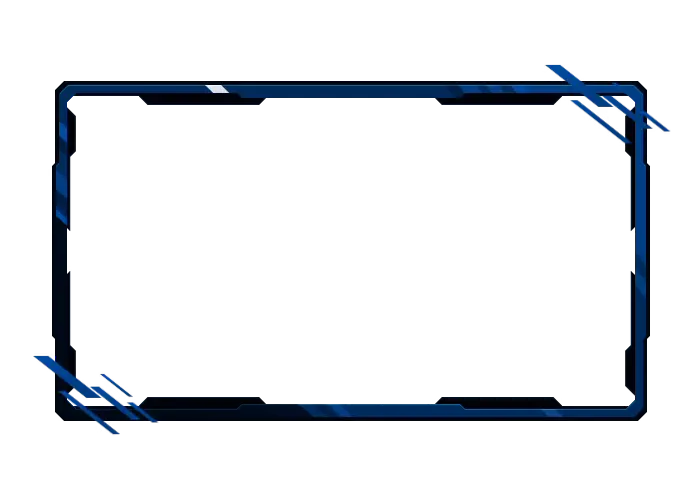
Your stream should reflect your personality, your energy, and your style. With premium and free overlays for Lightstream from OWN3D Pro, you can create a custom layout in just a few clicks or use one of the ready-made options. Add chat boxes, labels, and widgets for Twitch, YouTube, or Kick. Let your content shine with clarity, personality, and your own creativity.
Our Community’s Favorite Lightstream Overlays
All Lightstream Overlays Free/Premium
What Happy Customers Say About Our Lightstream Overlays
See how our Lightstream overlays make a difference for content creators.
One Pass. Everything Included.
The Stream Pass gives you full access to everything OWN3D Pro has to offer. All products, including Lightstream overlays, alerts, widgets, emotes, and more, are included and not sold separately.
Works with all broadcasting tools
Customize your Lightstream overlays in the Scene Builder and use them with Lightstream, OBS Studio, Streamlabs, or other tools. Everything works smoothly with your setup.
Unlimited* asset downloads
Download emotes, badges, panels, and more static assets. *Our unlimited plan is subject to fair use.
AI-powered creations
Get 50 AI credits with your Stream Pass to generate custom stream widgets, webcam frames, emotes, and more.
Multistreaming ready
Stream on Twitch, YouTube, and Kick with all the tools you need for a consistent and professional livestream.

FAQs About Lightstream Overlays
Can I use overlays with Lightstream?
Yes, you can use Lightstream overlays from OWN3D Pro to build a fully branded stream. Add webcam frames, alerts, labels, and widgets for Twitch, YouTube, or Kick. The overlays are flexible, easy to use, and update live.
Do Lightstream overlays work with the free Lightstream plan?
The free version of Lightstream does not support third-party browser sources, which are required to use overlays. To unlock full overlay functionality, you’ll need a paid Lightstream plan. You can check their current plans on the Lightstream website.
How do I add OWN3D Pro overlays to Lightstream?
After creating your overlays for Lightstream in the Scene Builder on OWN3D Pro or selecting a ready-made template, just copy the browser source link and paste it into a “Browser Source” in Lightstream. That’s it. Your Lightstream overlays appear instantly and update in real-time.
Are the overlays compatible with Twitch, YouTube, and Kick?
Absolutely. Lightstream overlays from OWN3D Pro are designed to work seamlessly with Twitch, YouTube, and Kick. You can easily add platform-specific widgets like follower alerts, chat boxes, and stream labels to personalize your stream.
Is Lightstream a good option for new streamers?
Yes, Lightstream is beginner-friendly and a great choice if you want to stream directly from a PlayStation or Xbox without using a capture card. However, the free plan comes with some limitations, such as a 10-hour stream cap, a maximum of three scenes, limited resolution (480p or 720p), and no option to add third-party overlays. To use custom Lightstream overlays from OWN3D Pro, you’ll need a paid plan. Alternatively, you can stream for free with OBS Studio, but that setup does require a capture card. Each option has its own pros and cons depending on how you want to stream.
Are there free overlays for Lightstream available?
Yes, you can use free overlays for Lightstream from OWN3D Pro. They’re easy to customize in your browser and can be added as browser layers to your Lightstream stream setup in just a few clicks.