Free and Premium YouTube Alerts
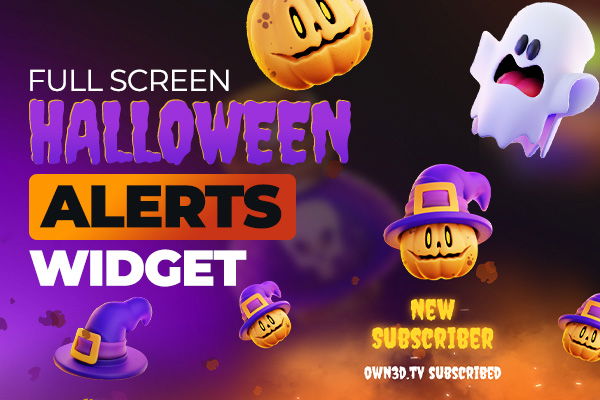
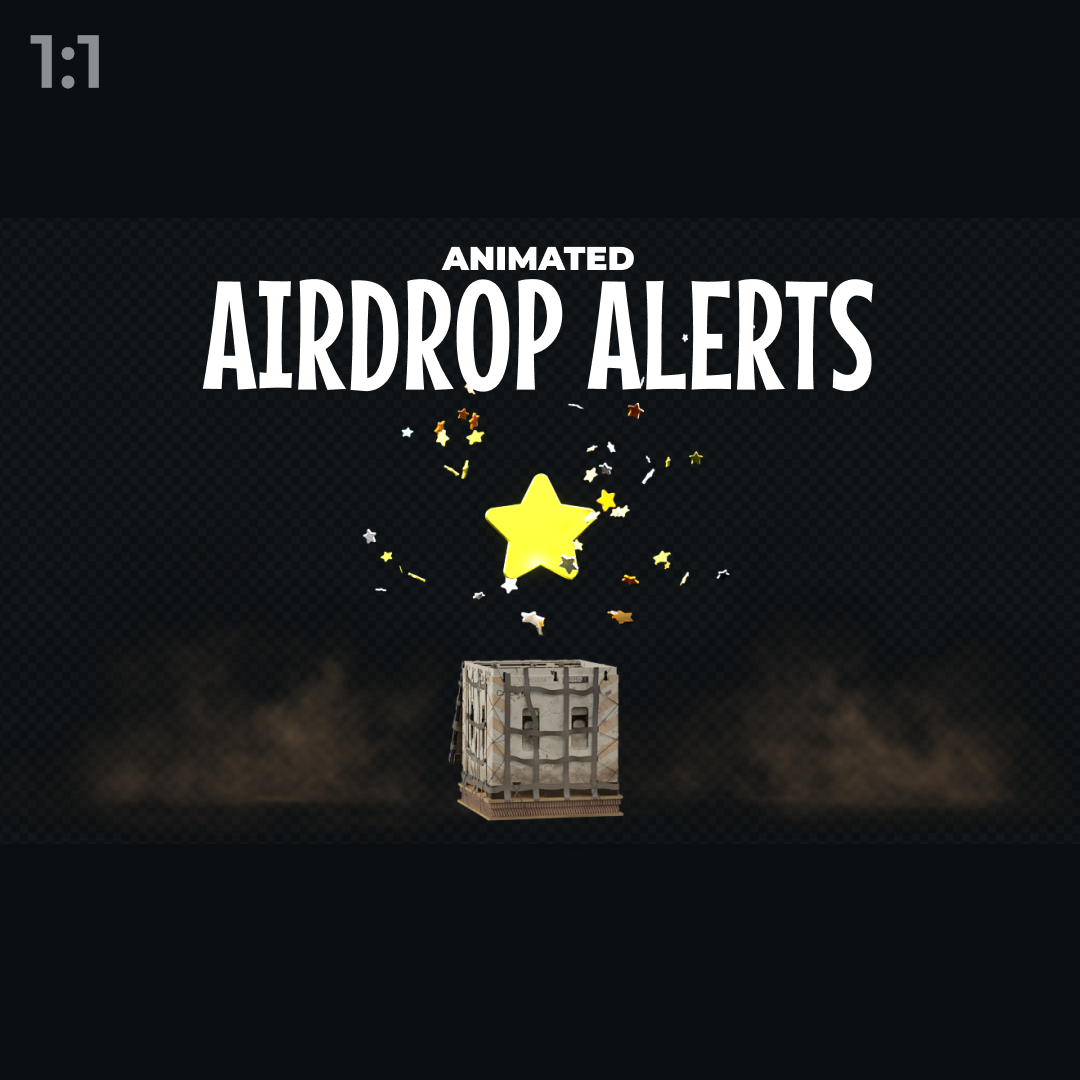
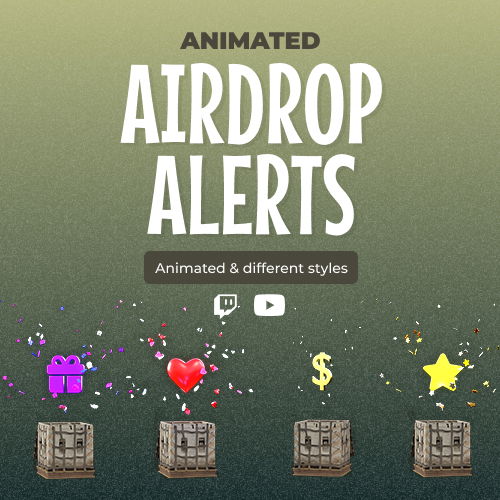
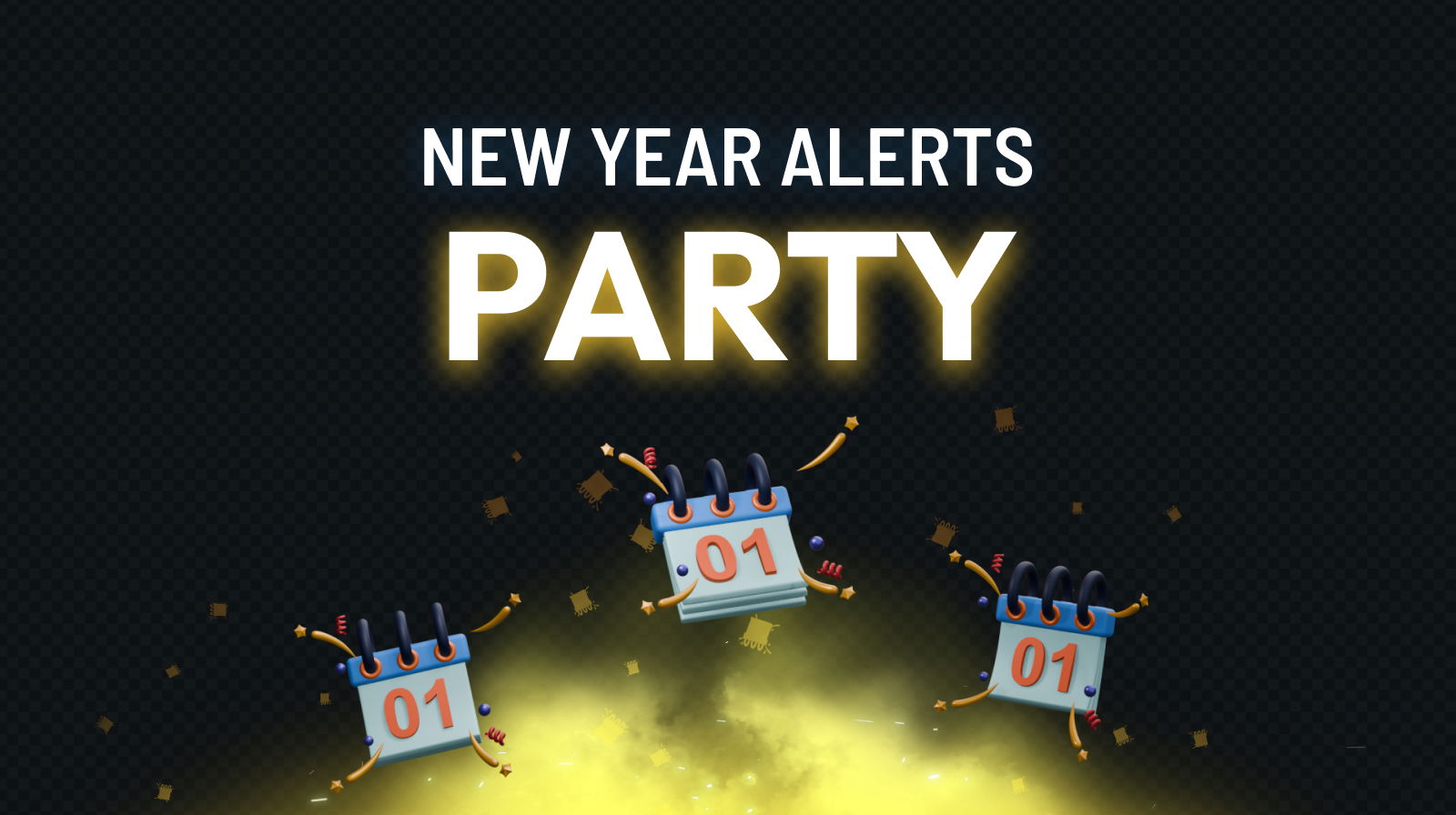
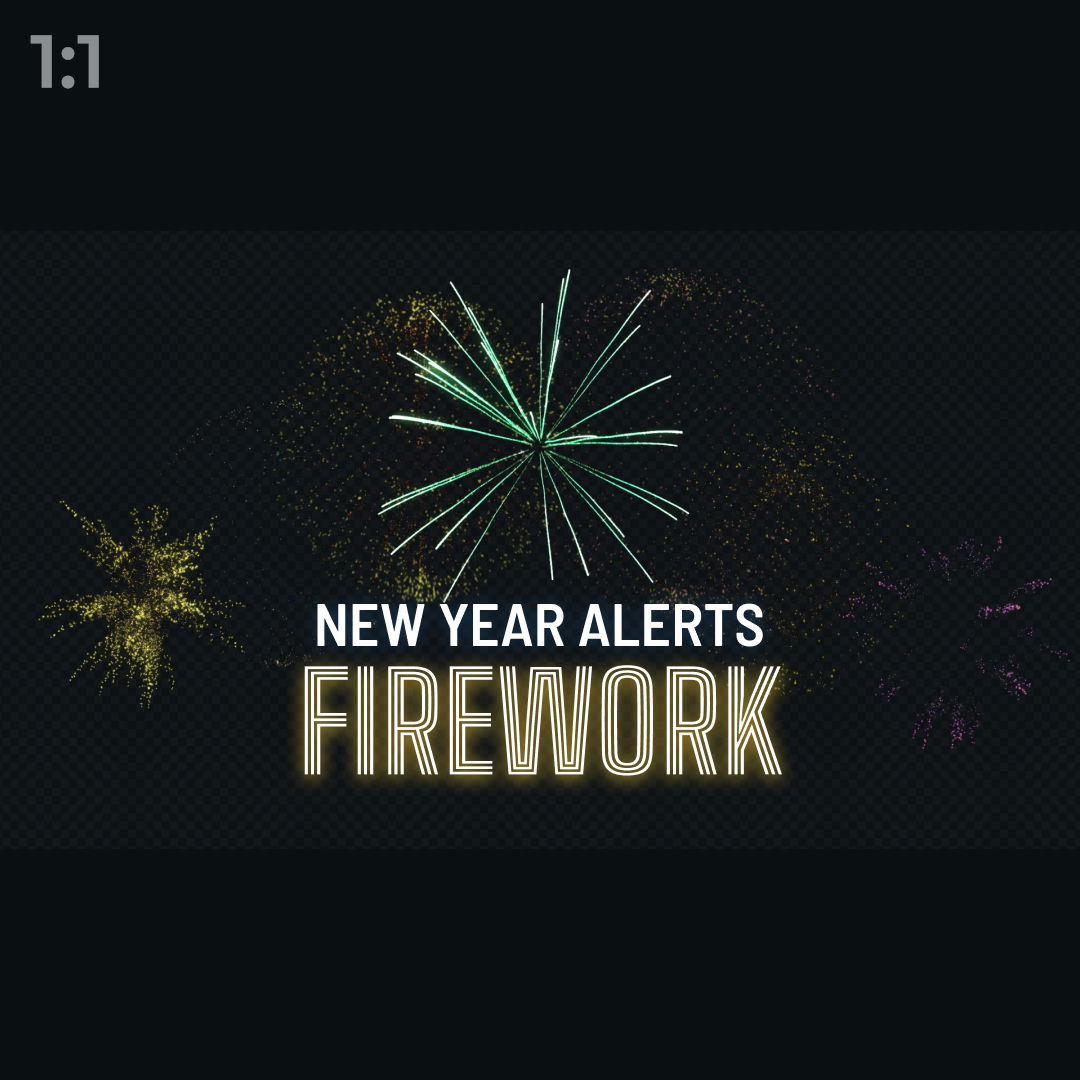
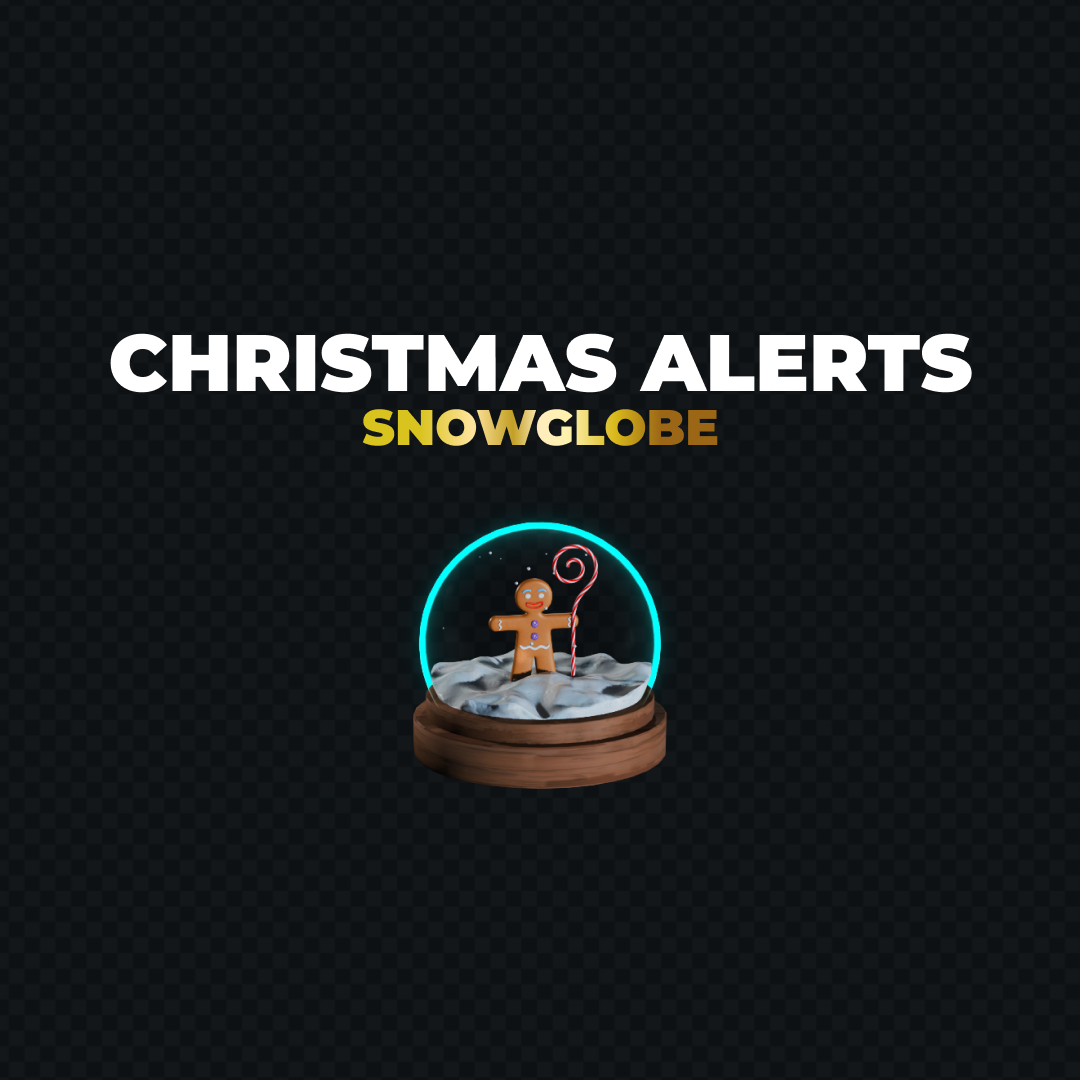
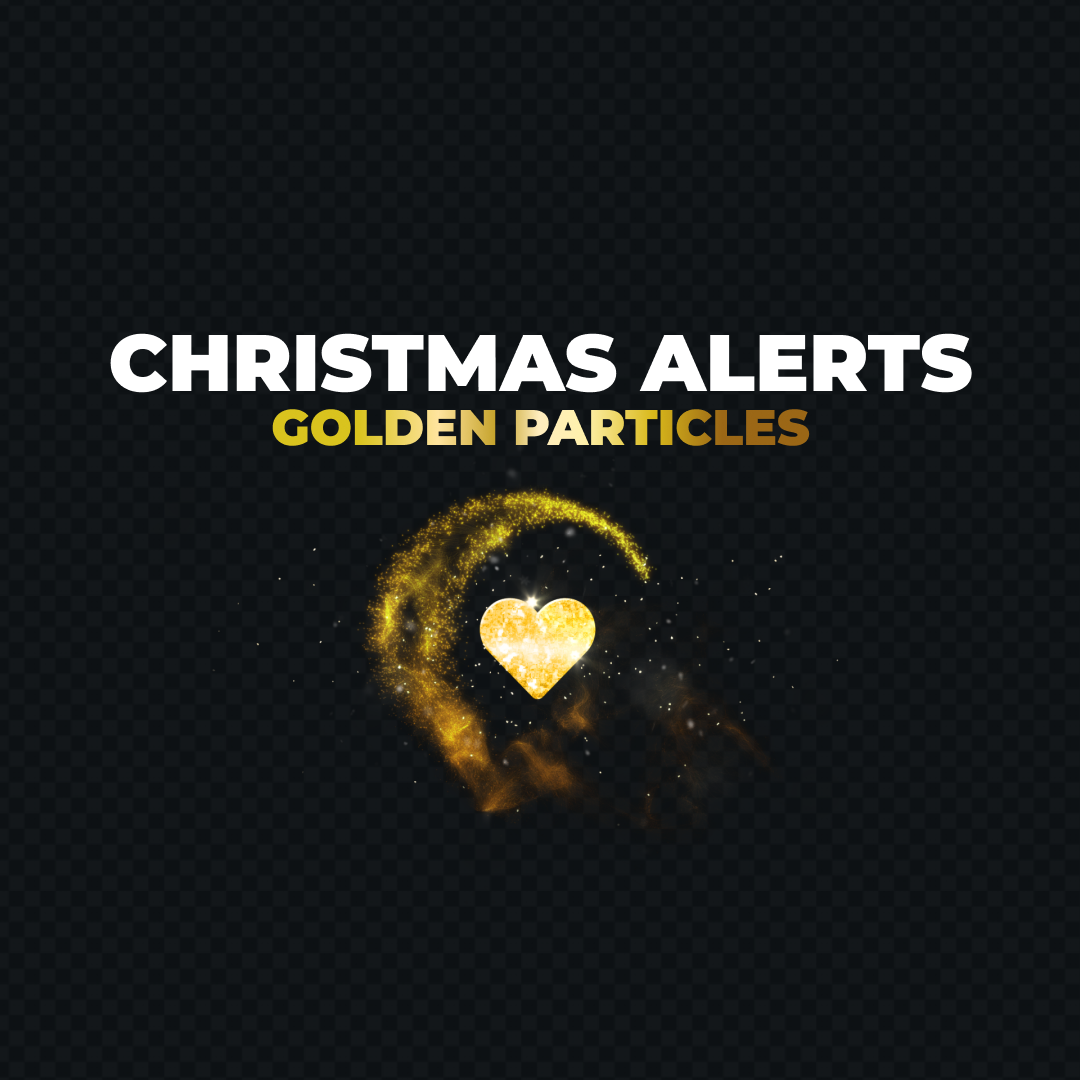
Enhance your livestream with ready-to-use YouTube alerts made to bring energy and emotion to every moment. Each alert highlights your community’s support in real time, turning every interaction into something special. Start with free alerts or upgrade to premium designs for even more impact, and get set up quickly with OBS and other streaming tools.
Our Community’s Favorite YouTube Alerts
All Free/Premium YouTube Alerts
What Happy Customers Say About YouTube Alerts
See how our YouTube alerts make a difference for content creators.
One Pass. Everything Included.
The Stream Pass gives you full access to everything OWN3D Pro has to offer. All products, including overlays, YouTube alerts, widgets, emotes, and more, are included and not sold separately.
Works with all broadcasting tools
Customize your YouTube alerts in the Scene Builder and use them with OBS Studio, Streamlabs, XSplit, or other tools. Everything works smoothly with your setup.
Unlimited* asset downloads
Download emotes, badges, panels, and more static assets. *Our unlimited plan is subject to fair use.
AI-powered creations
Get 50 AI credits with your Stream Pass to generate custom stream widgets, webcam frames, emotes, and more.
Multistreaming ready
Stream on Twitch, YouTube, and Kick with all the tools you need for a consistent and professional livestream.

FAQs About YouTube Alerts
What are YouTube alerts, and how do they work?
YouTube alerts are dynamic on-screen notifications that instantly light up your livestream when viewers subscribe, send a Super Chat, donate, or become members. They play automatically to celebrate every big moment, boost excitement, and showcase your community’s support in real time, all while keeping the focus on your content and the action on stream.
Are there free YouTube alerts available?
Yes, you can set up free YouTube alerts instantly. These ready-to-use designs are perfect for creators who want professional visuals right away and can be used immediately. If you’re looking for more variations and exclusive designs, you can upgrade to the Stream Pass to unlock even more creative designs, while the free alerts already deliver a great streaming experience.
What types of YouTube stream alerts are included?
YouTube stream alerts can be used for subscribers, donations, memberships, and other supported live events. This includes YouTube subscriber alert designs and general YouTube live alerts.
Do YouTube alerts work with OBS?
Yes, YouTube alerts work with OBS Studio. You can easily add them as a browser source and use them with OBS Studio, Streamlabs, or XSplit, ensuring your alerts run smoothly and look great during every livestream.

Do I need any technical knowledge to set up YouTube alerts for streaming?
No. All YouTube alerts come fully ready to use. Simply select an alert, customize it if desired, or leave it as is, and then add it to your broadcasting tool as a browser source.
Can I use alerts for YouTube streaming and other platforms simultaneously?
Yes, YouTube alerts also work in multistream setups and can play alerts simultaneously on Twitch and Kick. This allows you to stream on multiple platforms with consistent visuals. Just ensure that each platform allows you to display alerts from other platforms on your stream.
What is the difference between free and premium YouTube alerts?
Can I change my YouTube streaming alerts later?
Absolutely. You can switch YouTube alerts at any time, giving you full flexibility to adapt your visuals whenever you want. Whether you’re refreshing your style, matching a new theme, or setting up special alerts for events, celebrations, or else.