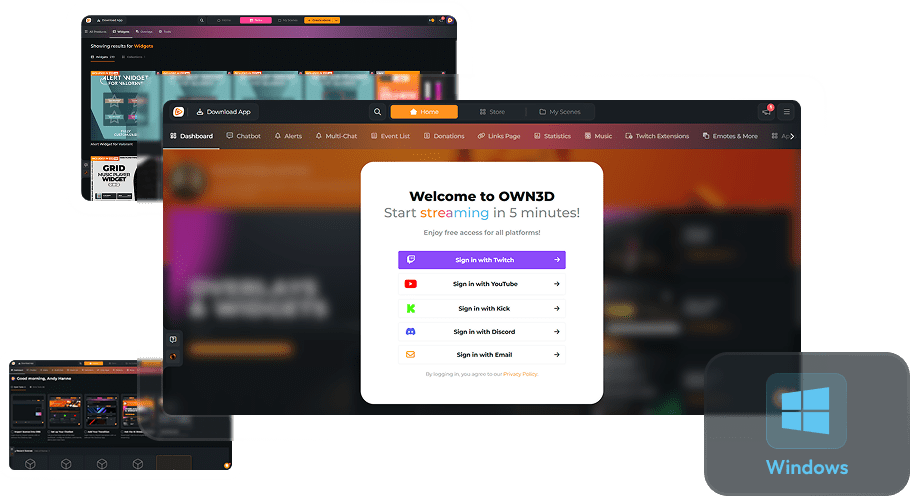
AI Stream Tools
Streaming should be fun and stress-free, and now it finally is
We know what it’s like: endless setup, finding your unique style, and keeping your stream interactive while delivering amazing content. It’s a lot to juggle. That’s why we built AI Tools to take the hard work off your shoulders and help you create widgets, designs, and more with ease. Your ideas, your style, our AI. Together, anything is possible!
AI Webcam Frame Generator
Instantly make your stream stand out
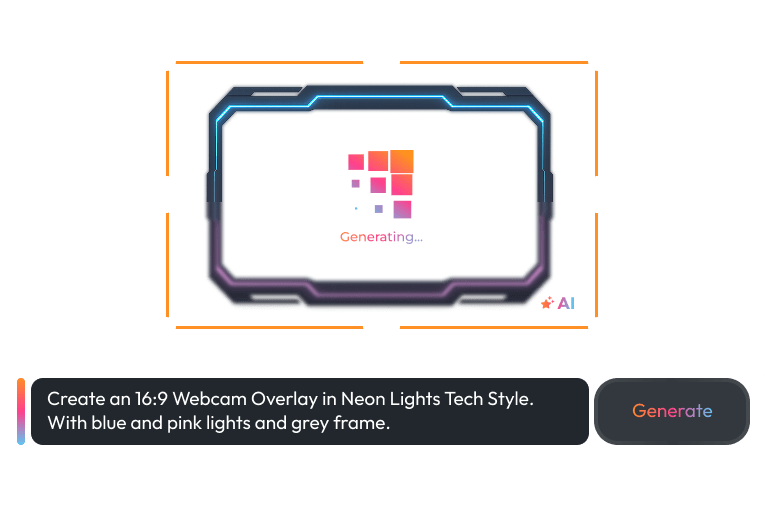
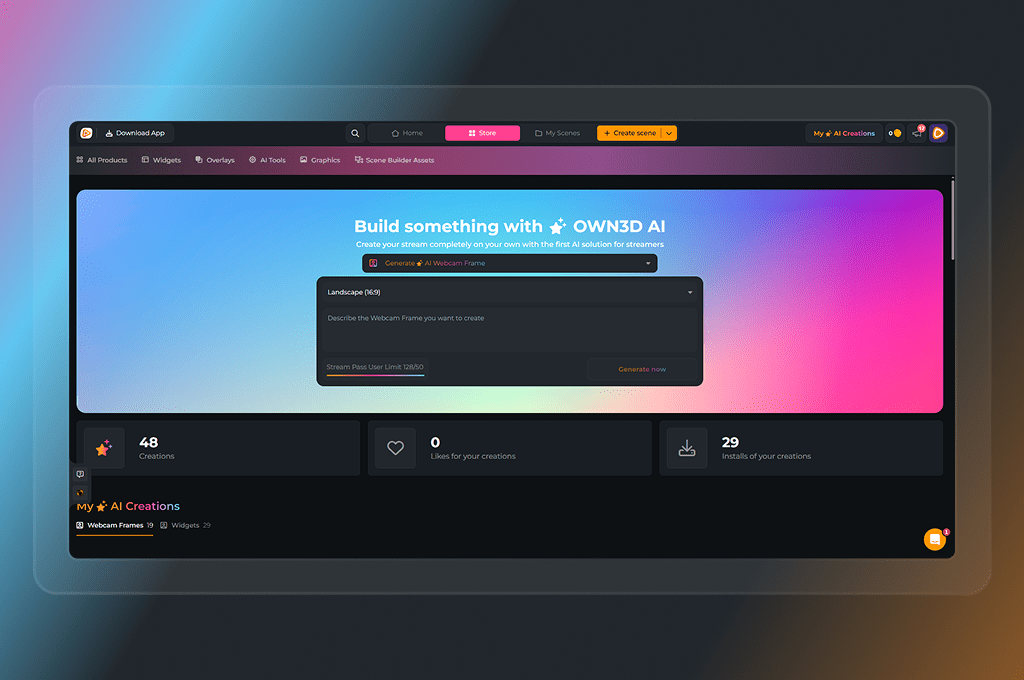
Your webcam frame is your first impression. Make it bold, make it unique, make it you. With the AI Webcam Frame Generator, you can create one-of-a-kind frames in seconds – no design skills required. Type your idea, watch AI generate it, and go live ready to wow your viewers.
AI Widget Maker
Your perfect widget, exactly how you want it
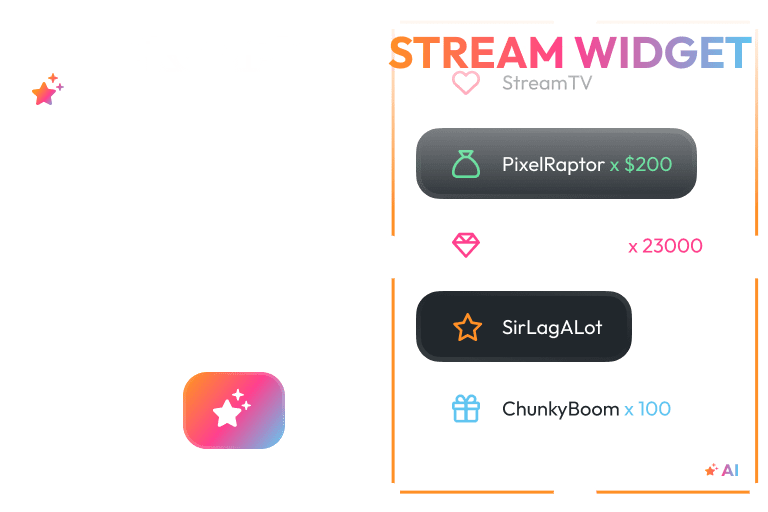
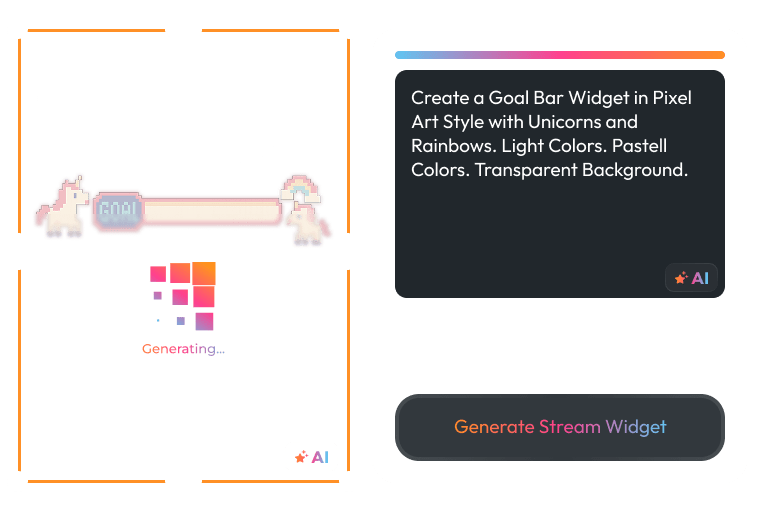
Finding the right widget among countless options can be overwhelming, but that’s where our AI Widget Maker steps in. Create exactly the widget you’re looking for, fully personalized to your style and stream, ready in seconds. Focus on your vision and let AI bring it to life.
AI Emote Maker
Where your ideas become emotes
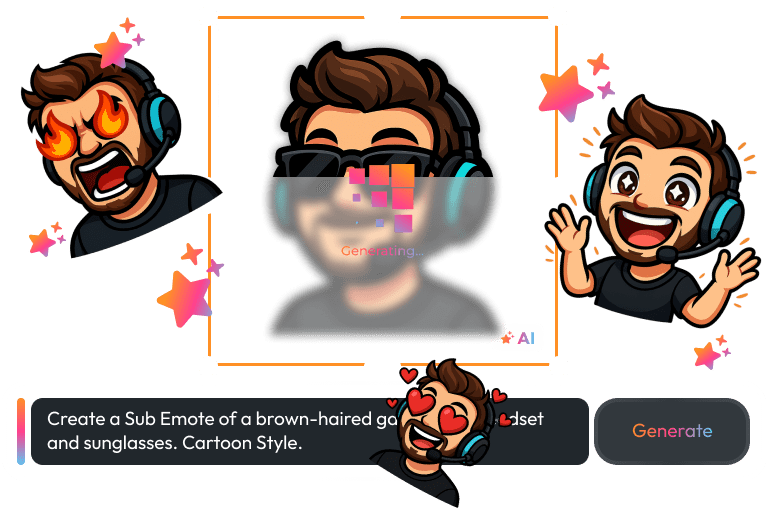
Your emotes say more than words. They’re fun, loud, chaotic, or cute, just like your stream. With the AI Emote Maker, you can turn simple ideas into custom emotes in seconds. Type a prompt or upload your own, and let AI bring your emotions to life.
AI Logo Maker
Your logo, your story, your brand
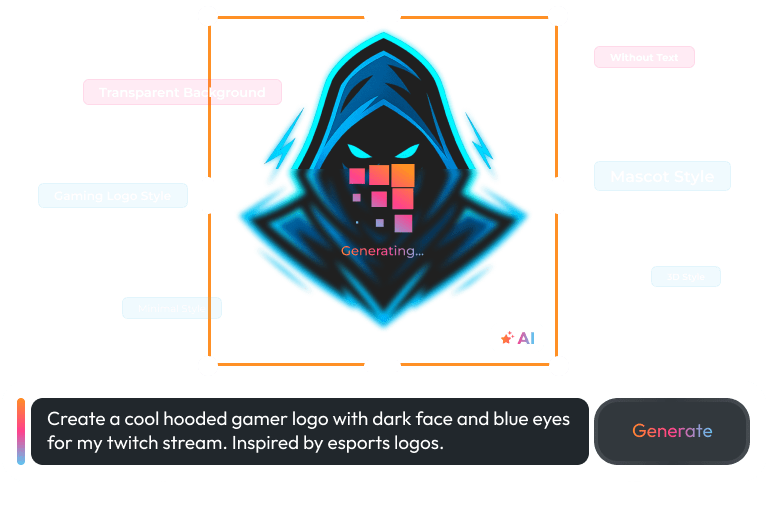
Every creator has a vibe. Your logo captures yours. With AI, you turn an idea into a logo that feels real and true to you. Make a logo that speaks before you do
Stream Smarter, Create Bigger
Your ideas deserve the spotlight, not a mountain of setup and technical work. With AI handling the details, you can experiment, innovate, and make your stream bigger, bolder, and more interactive than ever.
Fully Personalized Creations
Frames, widgets, and more, tailored to your style and your stream.
Multi-Platform Ready
Works for Twitch, YouTube, and Kick – all your streams covered.
Fast & Easy Workflow
From idea to live stream, AI turns your vision into reality almost instantly.
AI Tools Features
AI Tools make every step faster, easier, and fun. From frames to widgets, your ideas come alive.
Unique Stream Widgets
Stress-Free
AI-Powered
Custom Streaming Tools
Customizable
Frequently Asked Questions
Do I need design experience to use AI Tools?
Not at all! Our AI Tools are built for creators of all skill levels. You don’t need to know anything about design or coding, just your ideas and vision. The AI handles all the technical details, so you can instantly generate professional-looking webcam frames, custom widgets, and more.
Which platforms are supported?
Our AI Tools work seamlessly with Twitch, YouTube, and Kick. Whether you’re streaming on one platform or across multiple, everything you create is ready to use instantly.
How fast can I generate my creations?
Almost instantly! From the moment you type your idea, AI generates stream-ready visuals and widgets in just a few minutes. That means less time struggling with setup or design and more time focusing on your content and engaging with your viewers.
Are there free options to try?
Yes! You can start using AI Tools for free with five free AI credits. The Stream Pass unlocks 50 monthly AI credits, and the Widget Pass 20 monthly AI credits.
Can I see who created AI frames or widgets?
Yes! Once a user decides to publish their AI creation (if the AI tool supports it), their name will appear on the widget or design. This highlights the creators behind AI-generated content, builds community recognition, and lets you explore and use other styles and get inspired by other creators before making your own personalized designs.
How do I get support if I run into issues?
We provide full support through our Help Center. Whether you have questions about customization or technical issues, our team is here to help you get the most out of the AI Stream Tools.
Will the AI Tools keep improving over time?
Yes! We are constantly working on the AI Tools, adding updates, improvements, and new features to make sure everything runs perfectly. You’ll always have access to the latest technology, keeping your streams fresh, engaging, and ahead of the curve. Since we’re continuously enhancing the tools, credits, monthly limits, and features may change over time. For the most up-to-date details, check the subscription page or the AI Tool you’re using directly.
How many creations can I make?
The number of creations depends on your plan. Stream Pass users unlock 50 AI credits per month, giving you plenty of freedom to experiment. Widget Pass users get 20 monthly AI credits, perfect for testing ideas and customizing your stream. Free users can start with 5 AI credits – the perfect way to explore the magic before upgrading. Features and limits can change, so always refer to the subscription page for the most up-to-date details.
What if my AI creation violates copyright?
We provide the AI tools, you provide the ideas. As a user, you’re fully responsible for the content you create using our AI features. That includes any prompts, uploaded images, or generated results.
Please avoid using names, characters, logos, assets, or any content that is trademarked or copyrighted, unless you have the legal rights to do so.
OWN3D Pro actively monitors shared AI content to uphold quality and safety standards. However, we cannot guarantee that all user-generated content complies with copyright laws. You, as the creator, are solely responsible for any legal consequences related to the use, upload, or publication of your AI creations.
If you’re unsure whether something is protected, it’s always safest to create something original.