Free & Premium Stream Labels

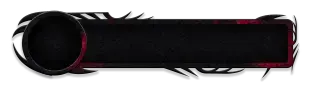
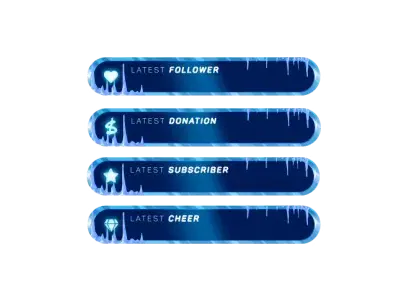
Every stream lives from its community. New followers come in, supporters show up, and every interaction becomes visible. Our free and premium stream labels make sure none of it goes unnoticed. They bring everything that’s happening on Twitch, Kick, and YouTube right into your overlay. Clean, visible, and easy to follow, with designs and widgets that keep everything structured without feeling overloaded.

All Stream Labels Free/Premium

1

Designed to Fit Your Stream

Find a look that actually matches your vibe

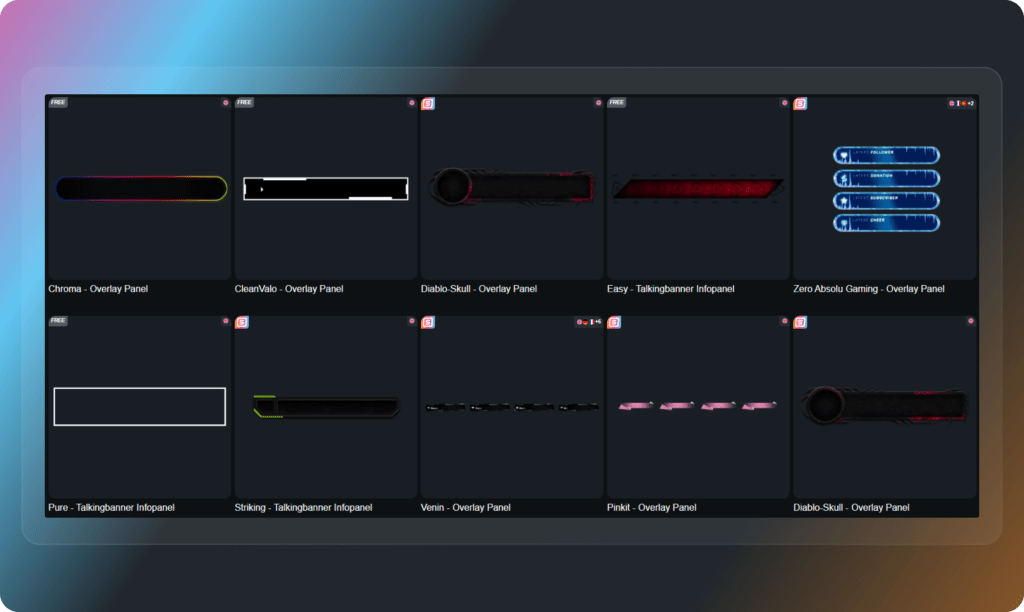
Stream labels are not just functional; they are part of your overall design. Choose from different styles, such as gaming, minimalist, animated, or modern UI, and match them to your overlay. When labels and design work together, your stream feels consistent and clean without trying too hard.

Easy to Set Up, Easy to Use

Get your stream labels running fast

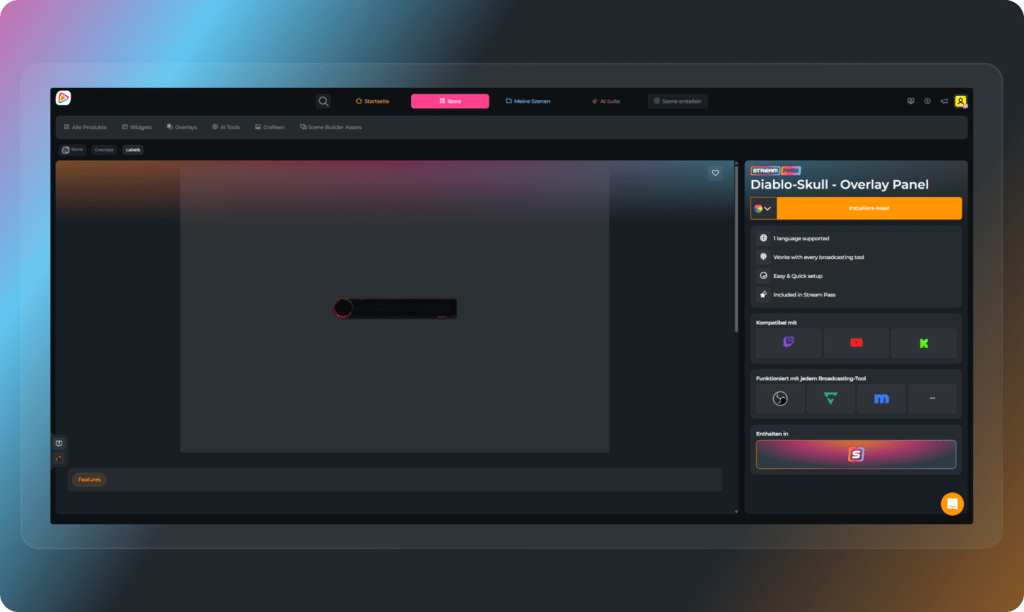
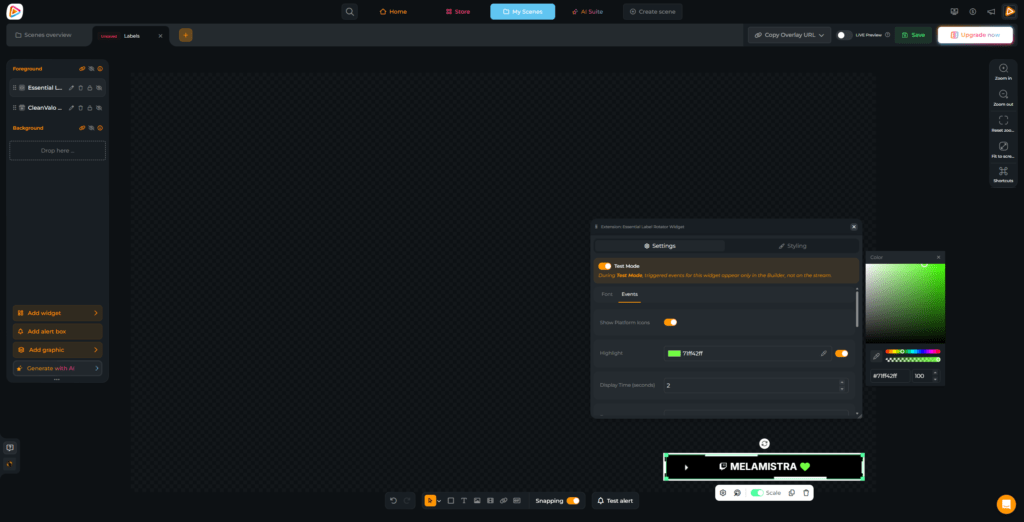
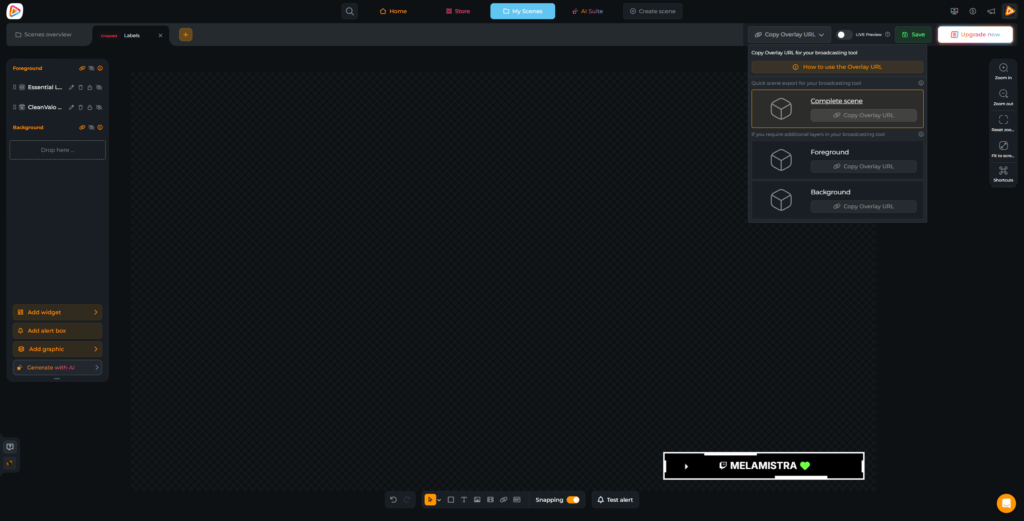
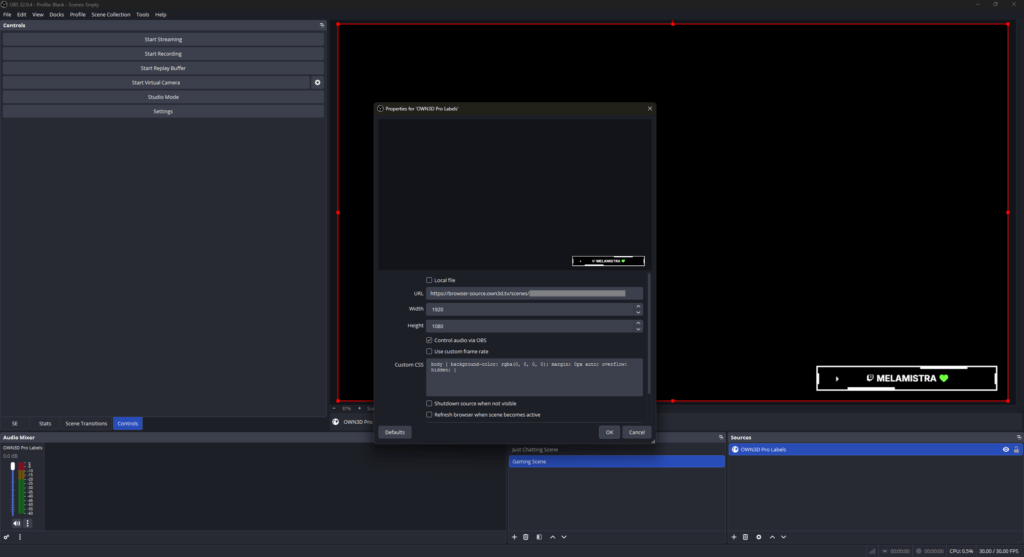
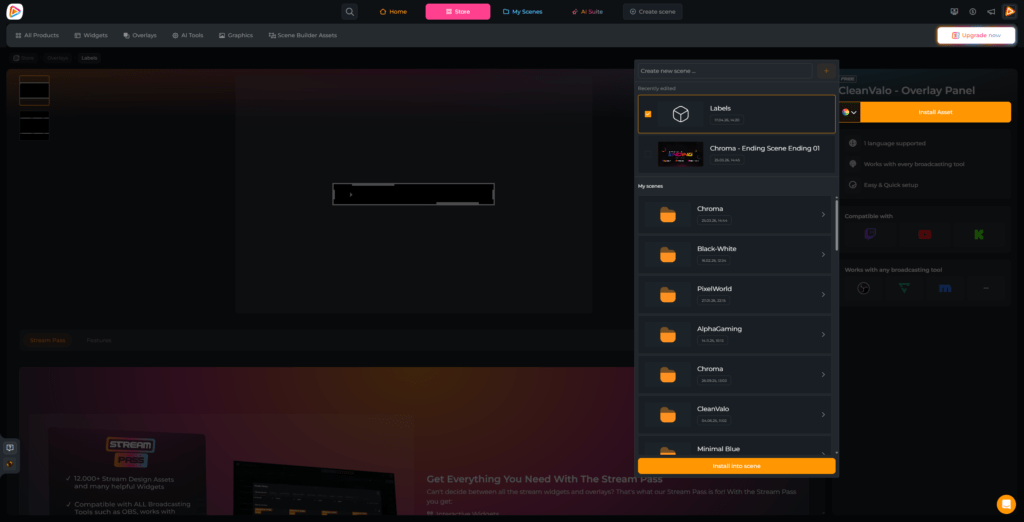
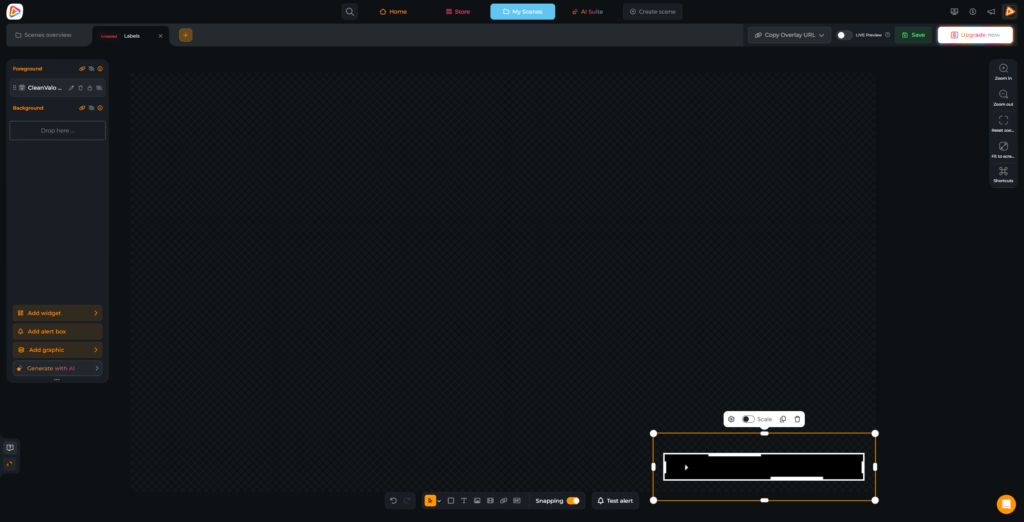
Pick your favorite designs, add them to an OWN3D Pro scene, place your stream label widgets on top, and copy the browser source link. Paste it into OBS Studio or Streamlabs, and you are ready to go. Your labels go live instantly and update automatically while you stream.

Free Rotating Label Widget

Keep your overlay clean and dynamic

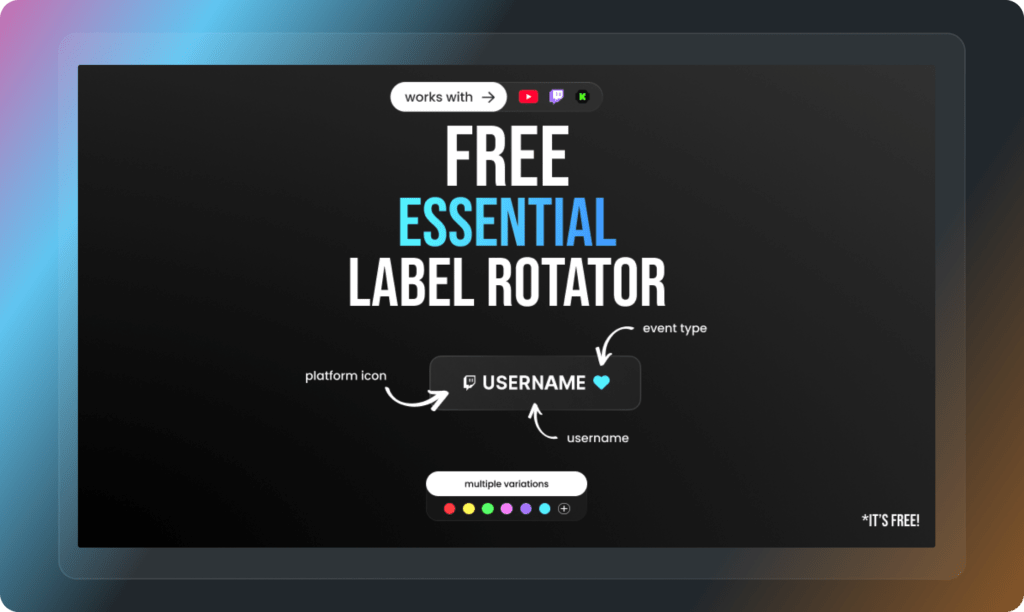
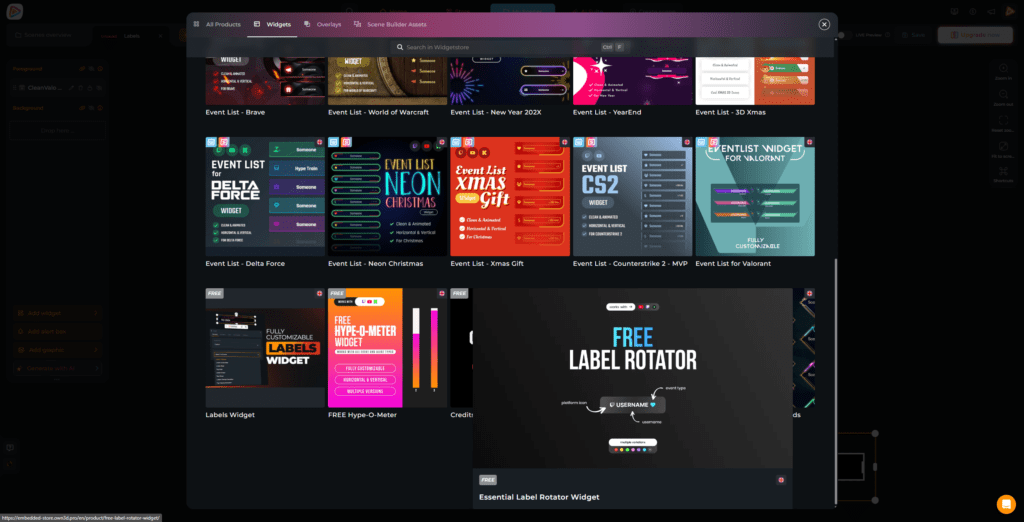
If you like a clean setup, this one just makes sense. The Rotating Label Widget cycles through your latest followers, subscribers, and more in a single spot. All your Twitch, Kick, and YouTube events are included. Nothing feels overloaded, but everything still shows up when it matters. It keeps your stream looking calm while still reacting to what’s happening live.

Free Custom Stream Label Widget

Place your labels your way

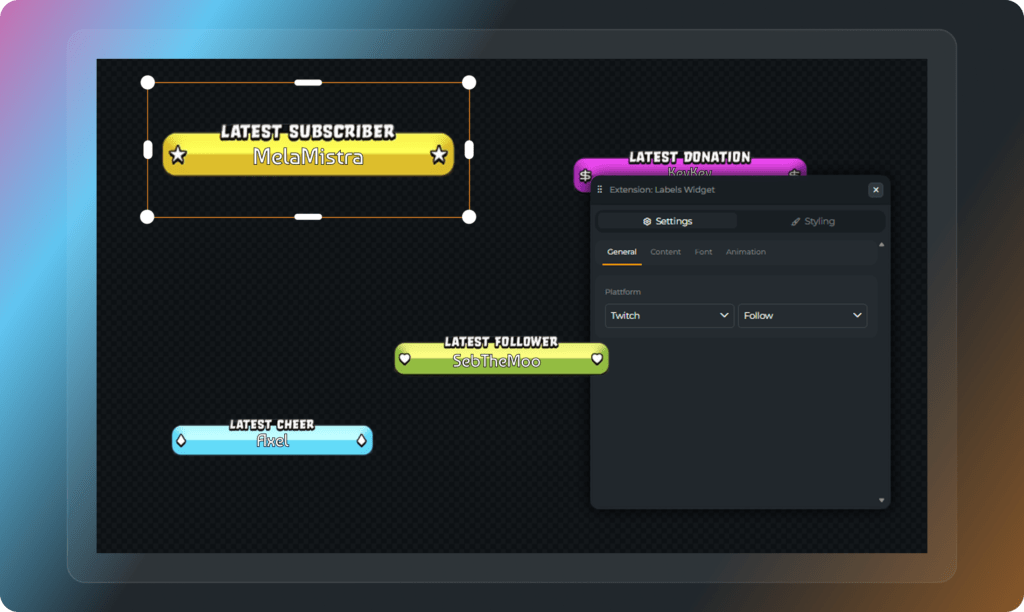
With the fully customizable free stream label widget, you decide what gets attention on your stream. Highlight only your latest follower, or add a few labels in one spot. Paired with the right designs, everything feels clean and consistent. Works for Twitch, YouTube, and Kick.

What Happy Customers Say About Our Stream Labels

See how our product makes a difference for content creators.

One Pass. Everything Included.

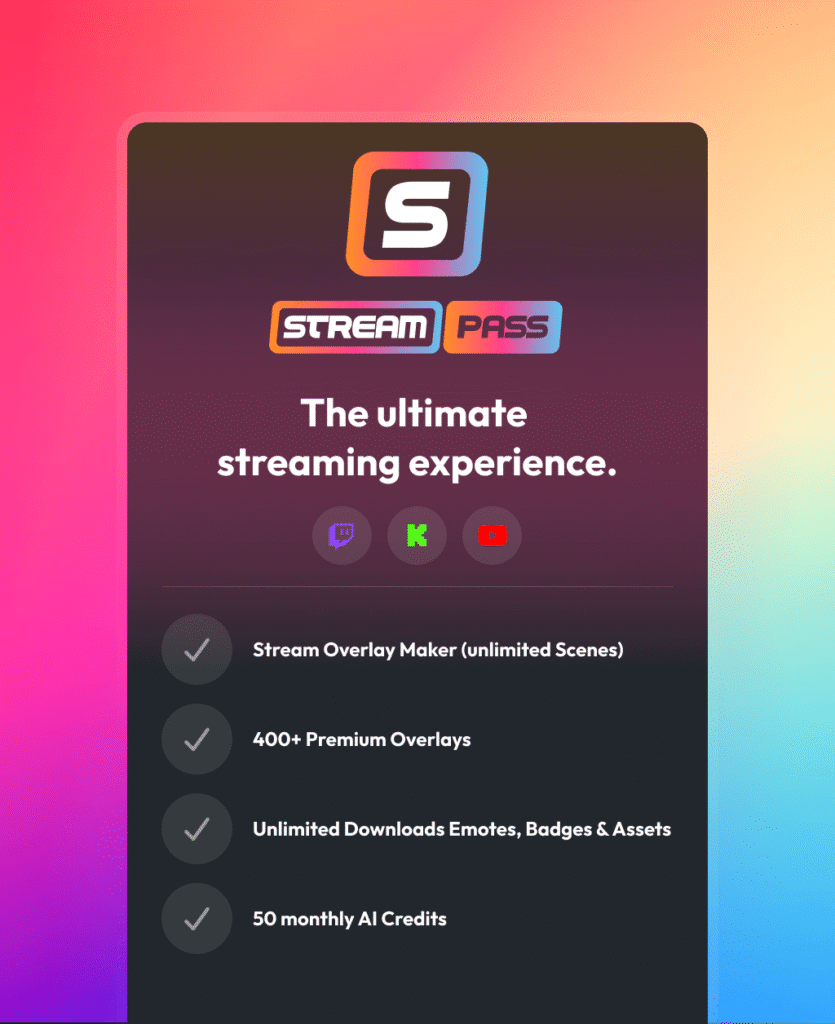
The Stream Pass gives you full access to everything OWN3D Pro has to offer. This includes our entire library of overlays, stream labels, alerts, badges, widgets, emotes, and more.

Works with all broadcasting tools

Customize your stream labels in the Scene Builder and use them with OBS Studio, Streamlabs, XSplit, and more. Easy to integrate with any setup.

Unlimited* asset downloads

Download emotes, badges, panels, and more static assets. *Our unlimited plan is subject to fair use.

AI-powered creations

Get 50 AI credits with your Stream Pass to generate custom stream widgets, webcam frames, emotes, and more.

Multistreaming ready

Stream on Twitch, YouTube, and Kick with all the tools you need for a professional-looking livestream.

How to Set Up Stream Labels with OWN3D Pro

We will show you how to set up stream labels in OWN3D Pro and bring real-time events from Twitch, YouTube, and Kick into your overlay in just a few steps.

FAQs About Our Stream Labels

What are stream labels?

Stream labels are dynamic elements in your overlay that display real-time data, such as your latest follower, subscriber, donations, and more. They are a core part of any label stream setup and help make your content feel more active and engaging.

No. You do not need a stream labels download or to manually download stream label files. Everything works directly inside OWN3D Pro, so you can skip file management completely.

Yes. You can start with free stream labels that are easy to use and perfect for beginners. We have free stream label widgets and designs. If you want more advanced styles, you can upgrade to premium designs with the Stream Pass.

Animated stream labels include subtle motion and transitions that make your overlay feel more dynamic. They help your stream stand out without being distracting.

To use stream labels in OBS or labels in Streamlabs, simply install your designs and widgets into an OWN3D Pro scene, copy the browser source link from OWN3D Pro, and paste it into your broadcasting tool. Once added, your labels will update automatically.

Yes. Labels Streamlabs integration is fully supported through browser sources. The same setup also works with OBS Studio and other broadcasting tools.

Yes. Stream labels are compatible with all of these major platforms. You can display events from Twitch, YouTube, and Kick in your overlay.

You can display a wide range of real-time events across Twitch, YouTube, Kick, and donations, giving you full control over what appears in your overlay.


Twitch events include:

  • – Follow
  • – Subscribe
  • – Re-Subscribe
  • – Gift-Subscribe
  • – Cheer (Bits)
  • – Raid
  • – Shoutouts (Create & Receive)
  • – Hype Train Begin
  • – Charity-Donation
  • – Channel Points


YouTube events include:

  • – Subscribe
  • – Membership
  • – Membership Milestones
  • – Gifted Memberships
  • – Super Chat
  • – Super Sticker


Kick events include:

  • – Follow
  • – Subscribe
  • – Re-Subscribe
  • – Gift-Subscribe


Donation events include:

  • – OWN3D Donations / Tips


You can mix these events, display them individually, or combine them using widgets like the rotating label to keep your overlay clean and dynamic.

Stream labels free options are great for getting started and keeping things simple, but look as good as our premium designs. Premium labels offer more designs, animations, and customization to match your brand.

The rotating label widget cycles through multiple events within a single element. Standard labels show individual data points and give you more control over your layout.

Yes. Once set up, your stream labels update in real time while you stream. There is no need to refresh or manually change anything.
Yes. You can adjust position, size, colors, and styles to match your overlay. Combined with the right designs, your labels fit perfectly into your stream.
No. You do not need any special skills. The setup is simple, and everything is designed to work without complicated steps.

Stream labels make your stream feel alive. They highlight your community support in real time, improve your visual quality, and help viewers instantly understand what is happening.