Free YouTube Livestream Countdown
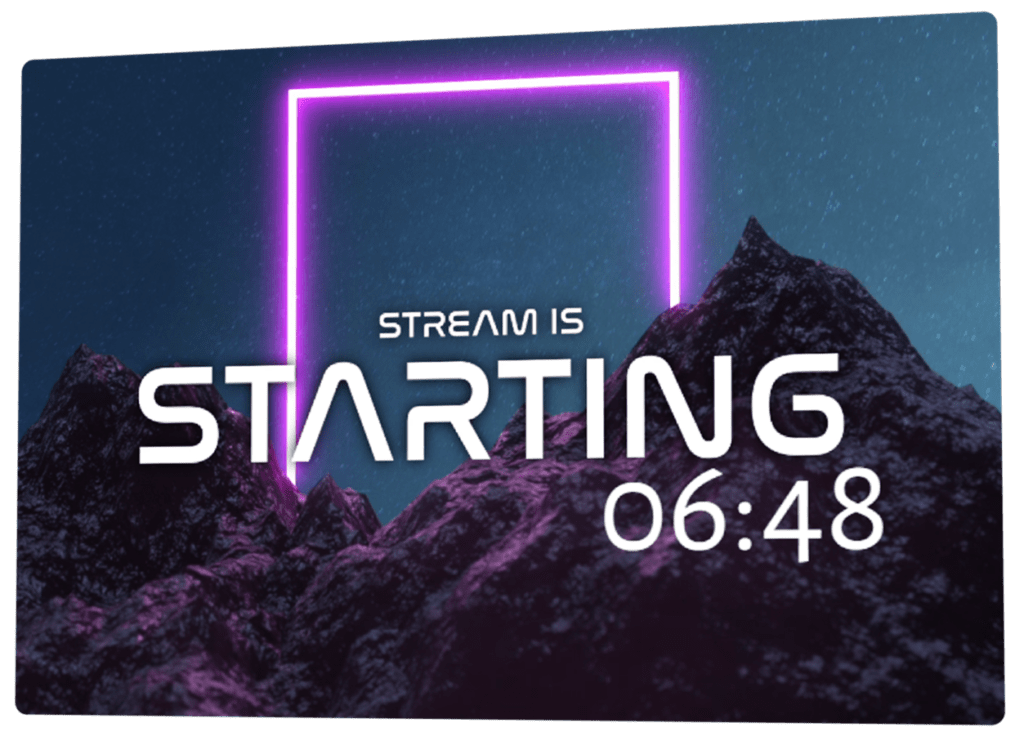
A YouTube livestream countdown helps you start your stream with intention instead of rushing into it. It gives viewers time to join, creates a shared moment before you go live, and sets the mood for what’s coming next. Whether you stream weekly or plan special YouTube Live events, a countdown makes your stream feel prepared and worth showing up early for.
Go Live Faster on YouTube
Designed for YouTube creators
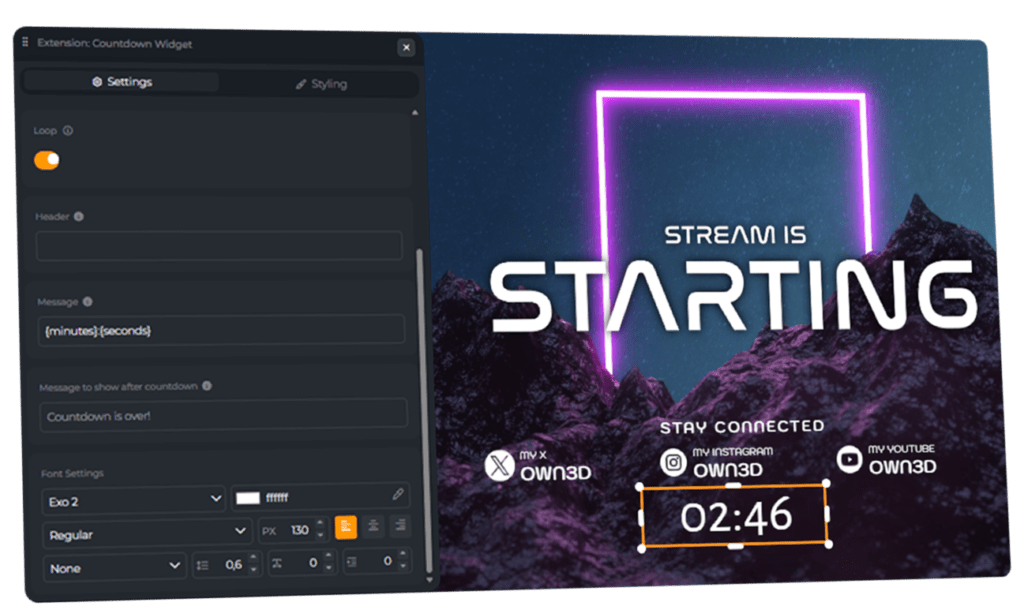
Set up your YouTube livestream countdown using the OWN3D Pro tools and add it directly to your stream as a browser source. It works perfectly with OBS Studio, Streamlabs, and other broadcasting tools commonly used for YouTube Live.
Make it yours in seconds
Your YouTube livestream countdown is easy to personalize. Adjust colors, fonts, size, and position so it blends naturally into your layout. Use it before the stream starts, during short breaks, or whenever you want to pause without losing momentum.
How YouTube Creators Use Livestream Countdowns
Many YouTube creators use a YouTube livestream countdown to create a calm, confident start. While the timer runs, you can prepare your first talking point, check your audio, or interact with early viewers in chat. Countdowns are also useful for breaks, premieres, scheduled segments, or timed moments during longer YouTube Live streams.
YouTube Livestream Countdown Features
Smart countdown feature designed to keep your YouTube livestream on track.
Flexible countdown timers
Styles that match YouTube streams
Pre-stream countdown screens
Break and pause timers
Ready to use countdown widgets
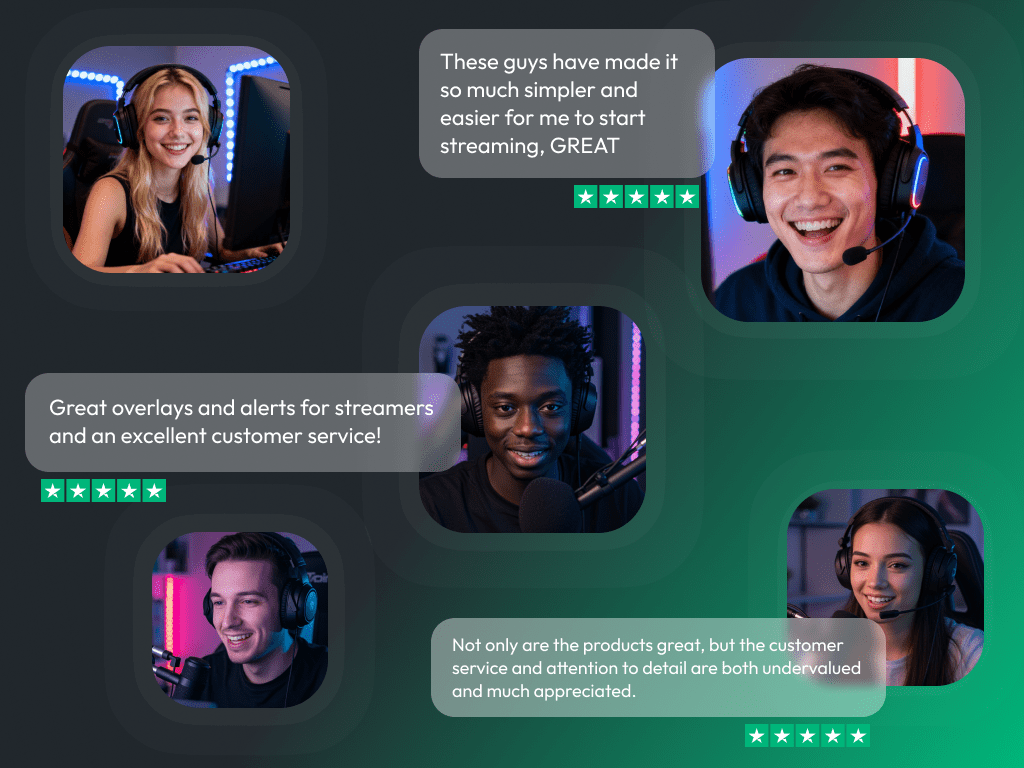
What Happy Customers Say About Our YouTube Countdown Timer & OWN3D Pro
See how our product makes a difference for content creators.
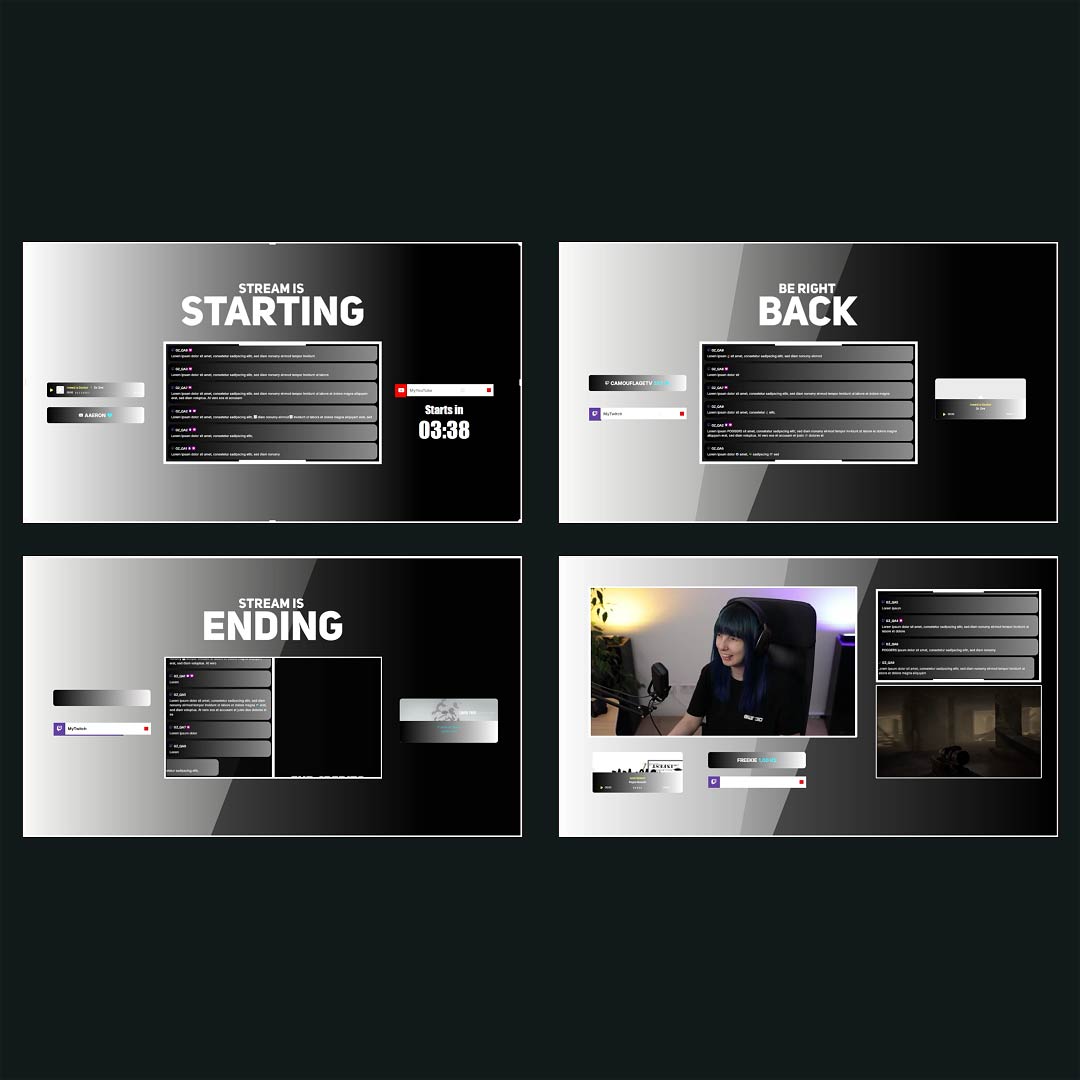
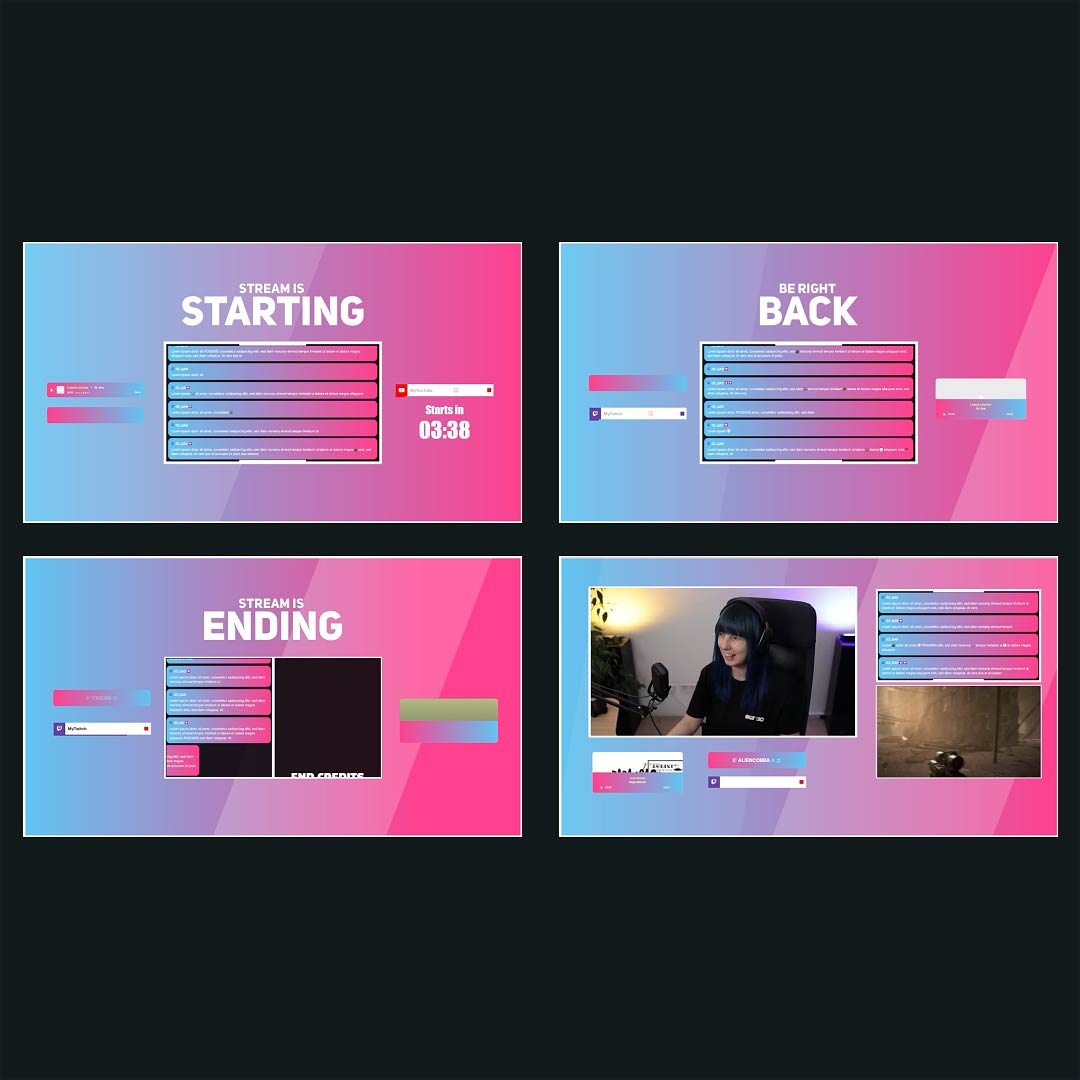
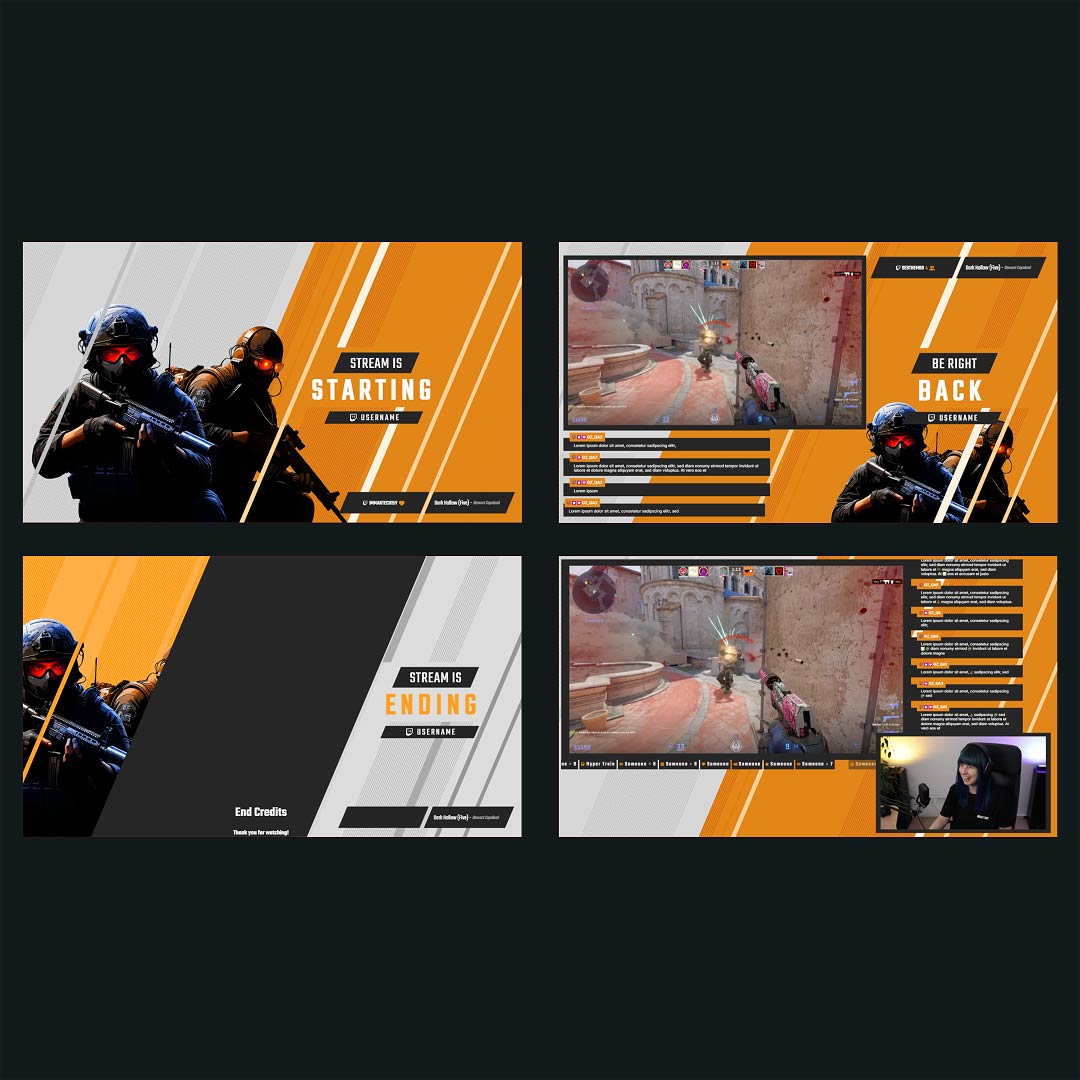
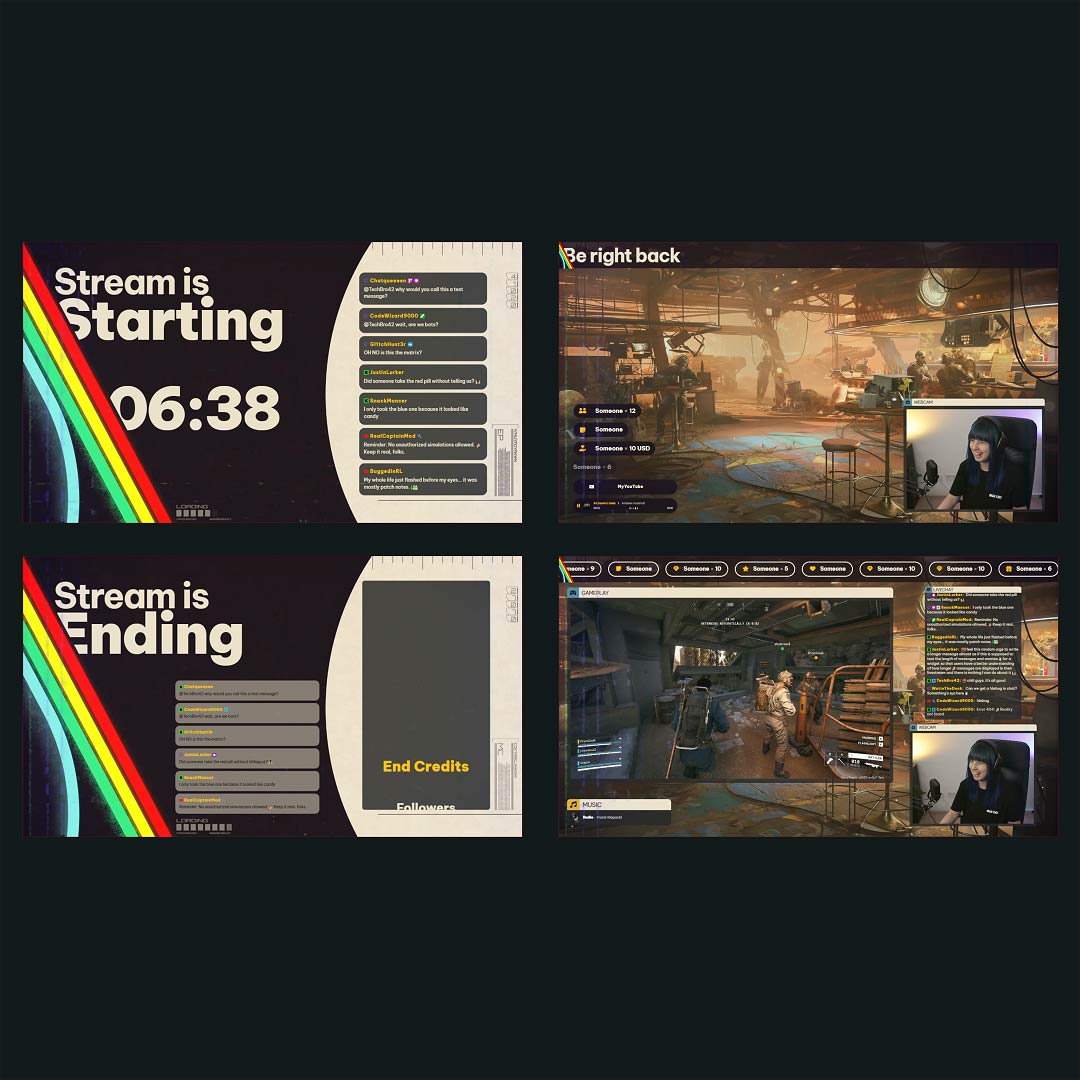
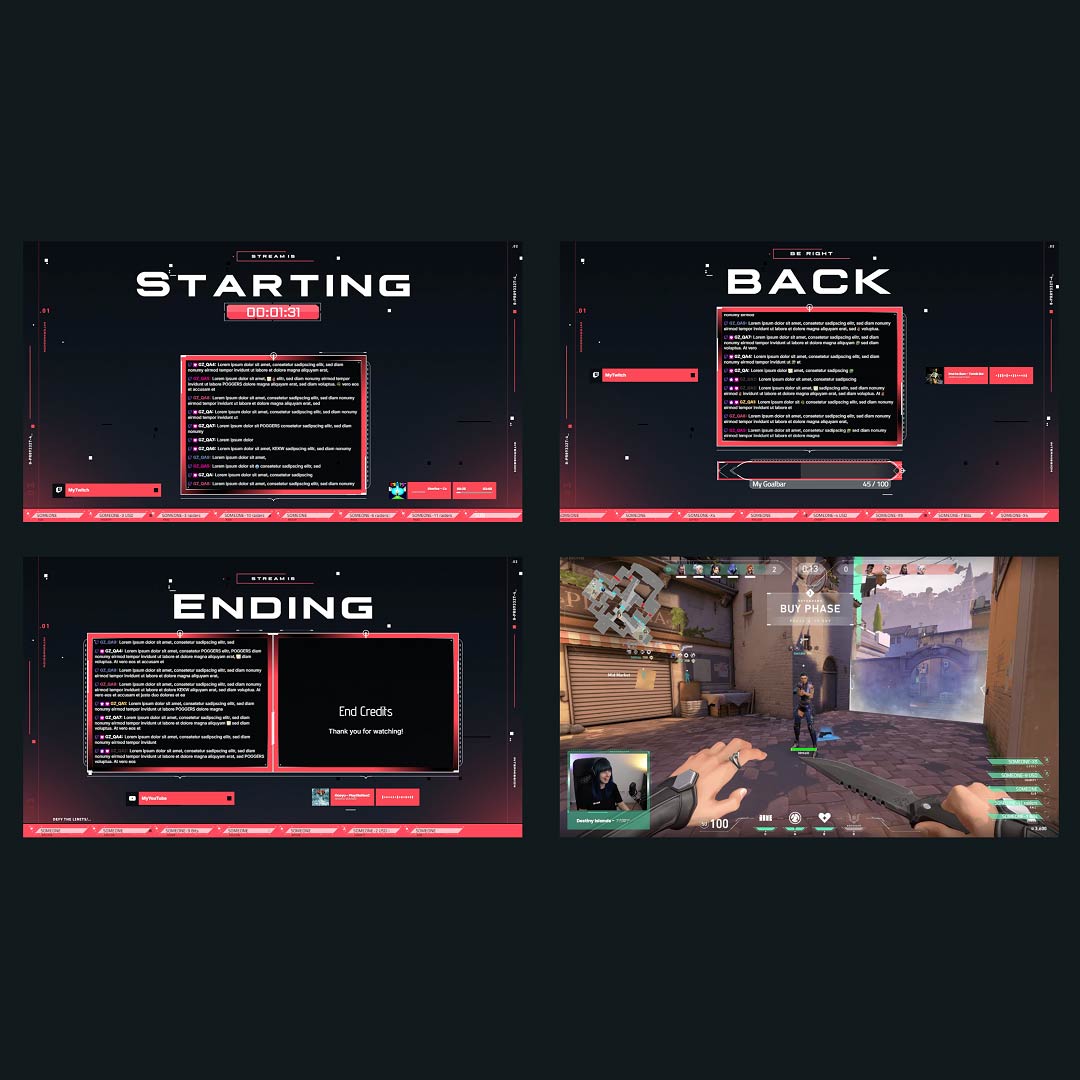
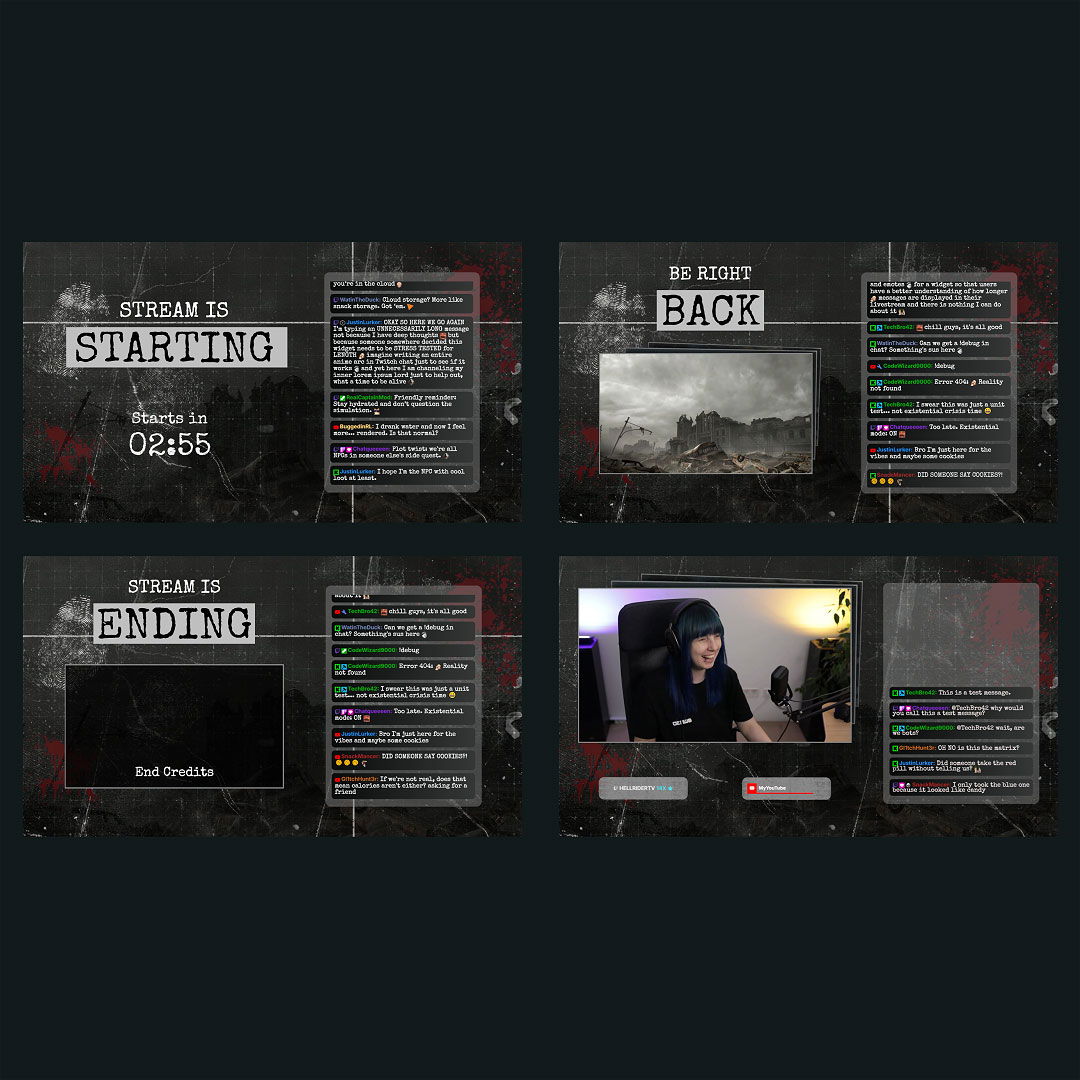
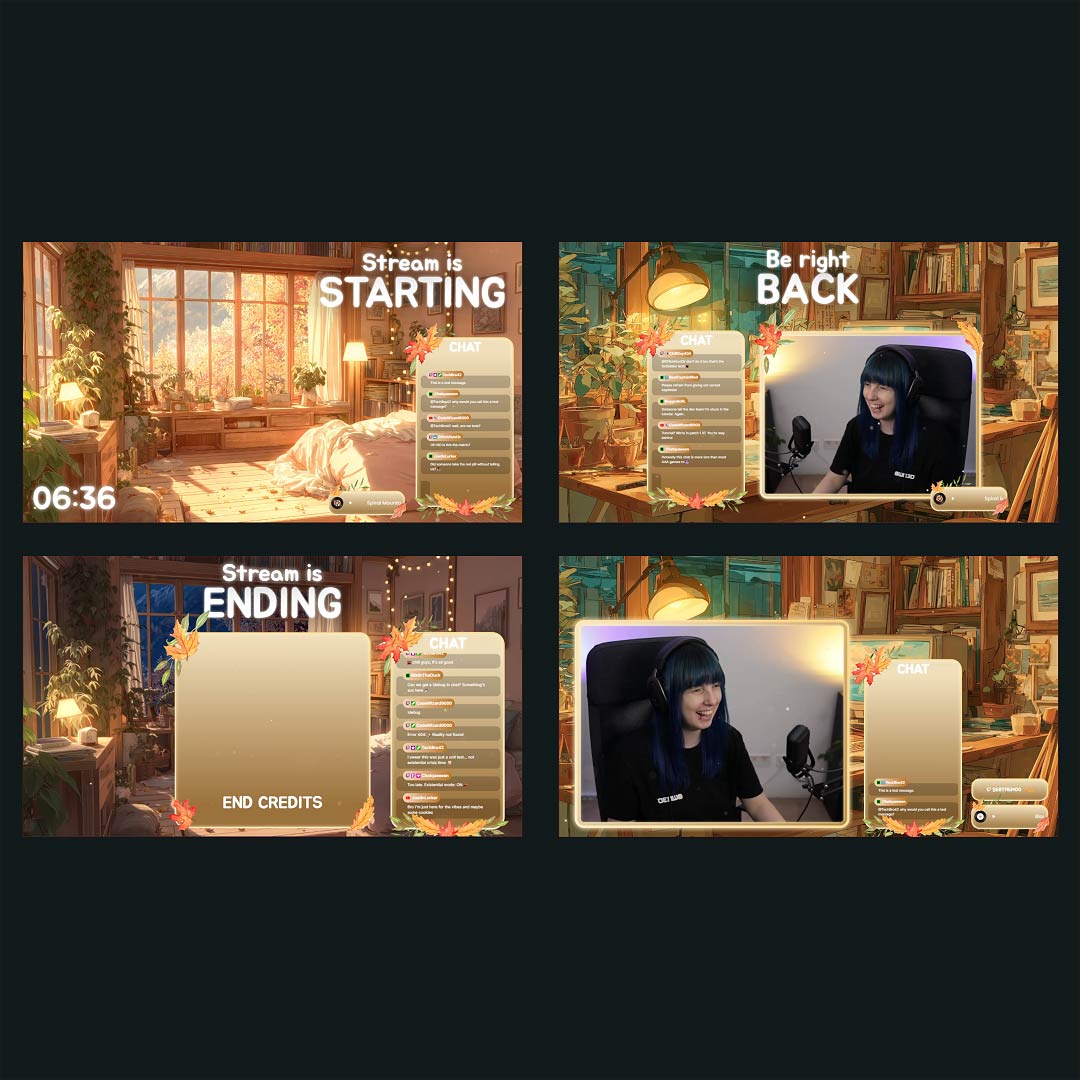
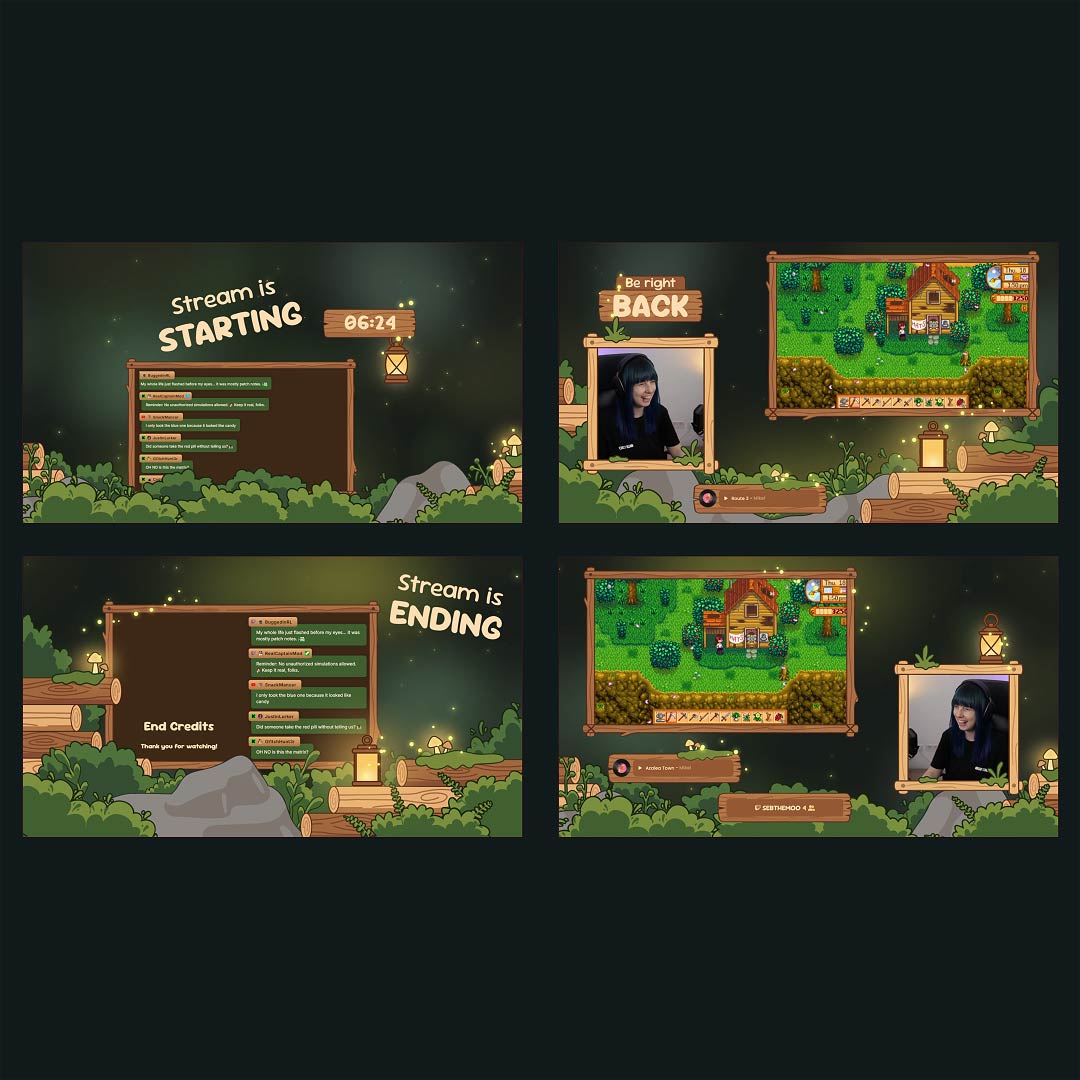
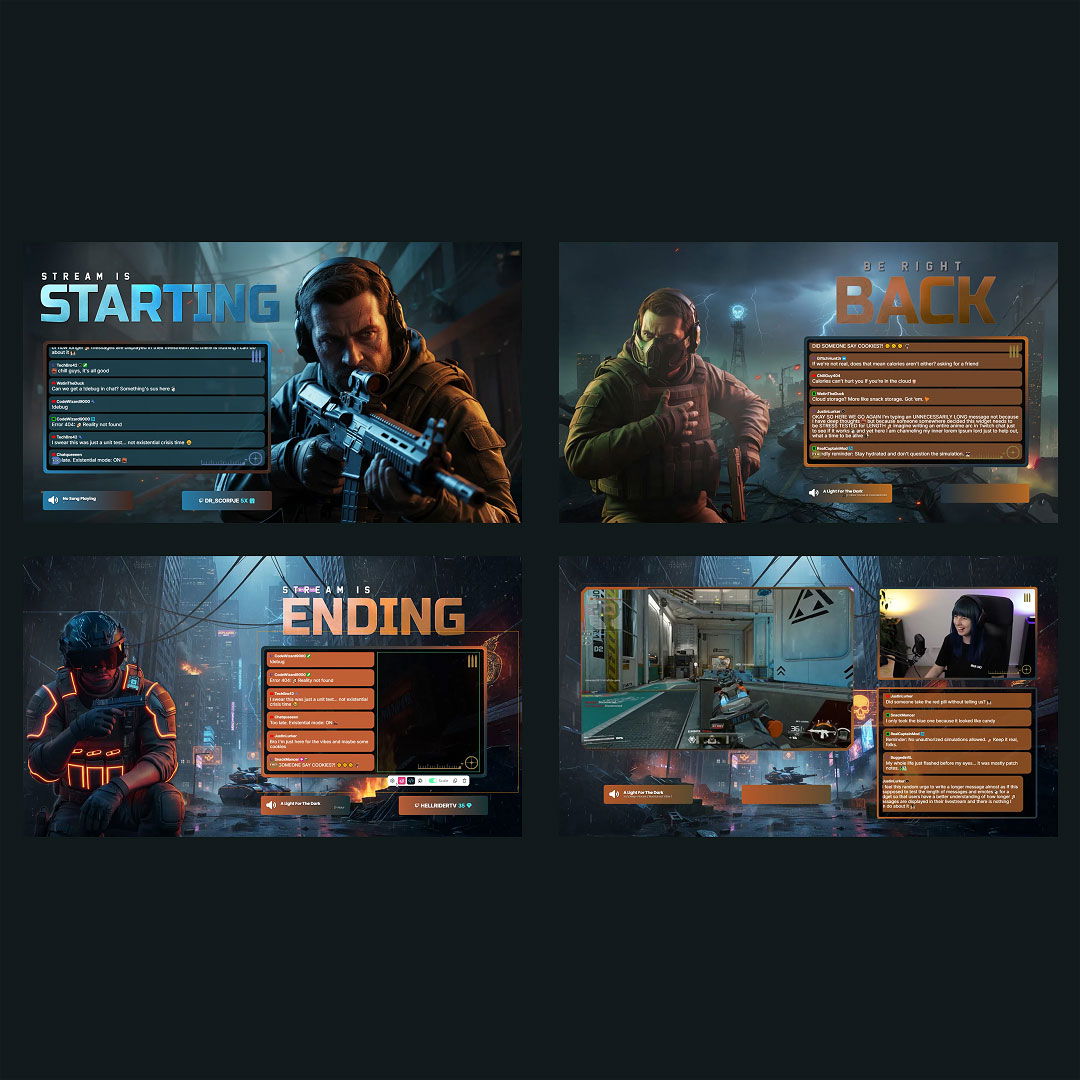
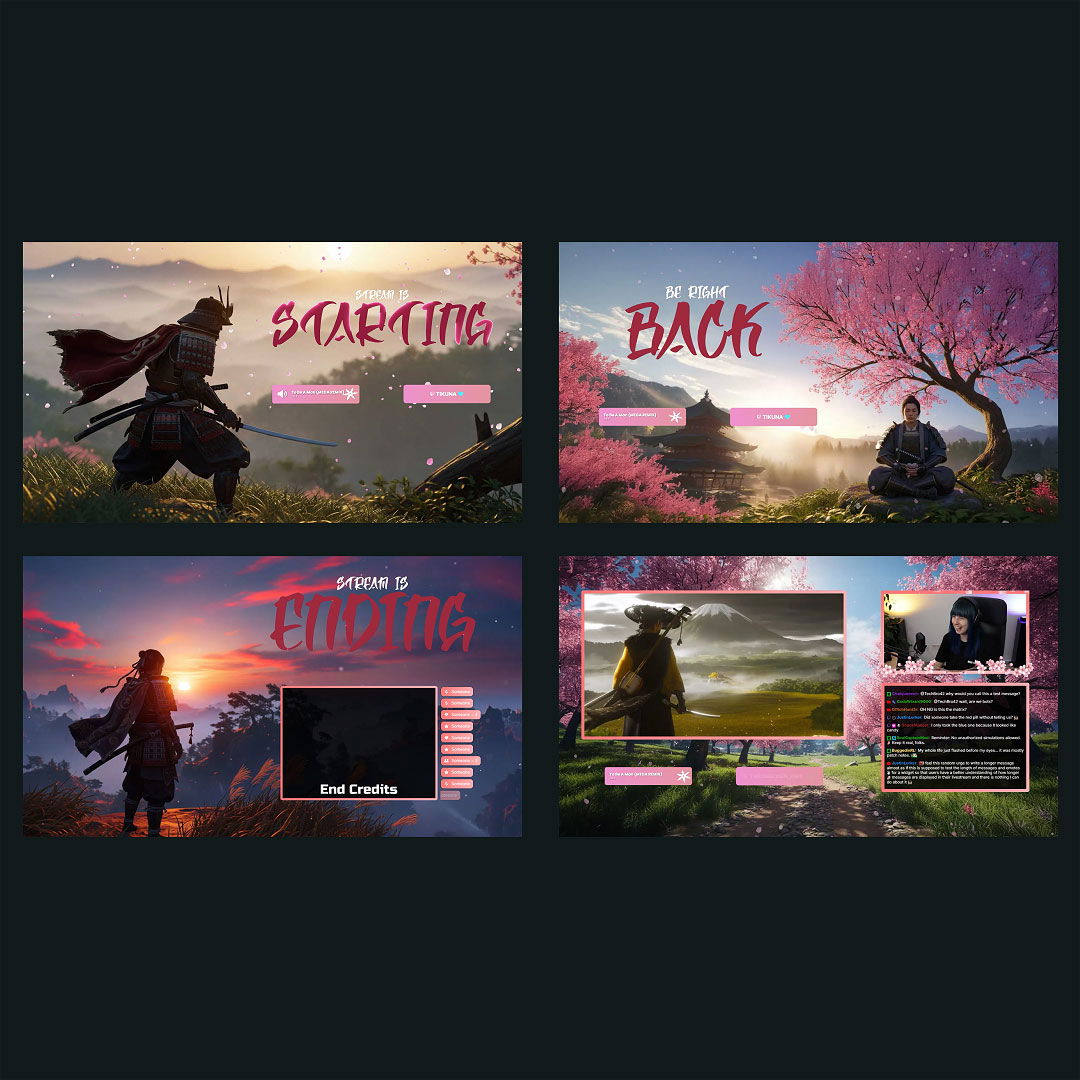
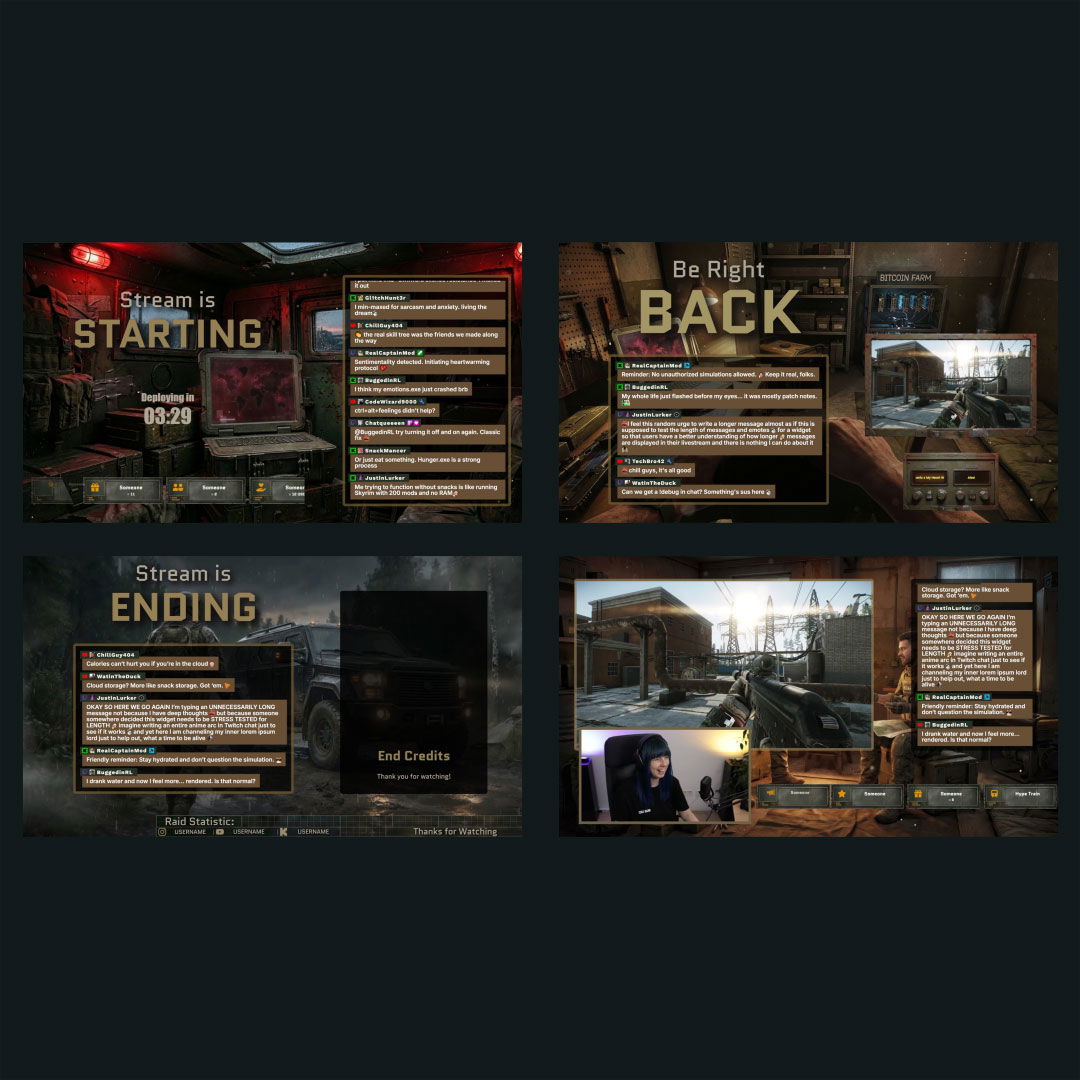
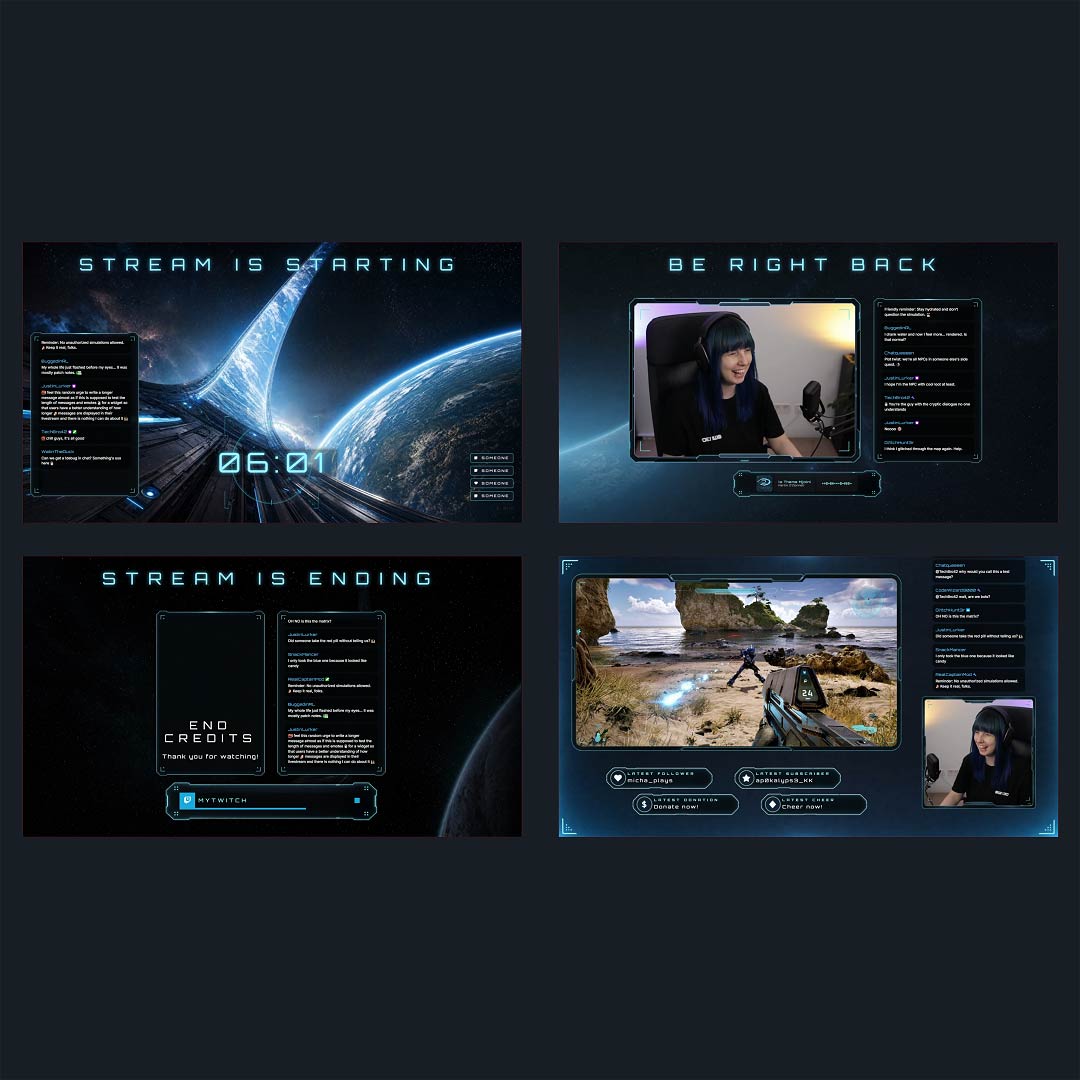
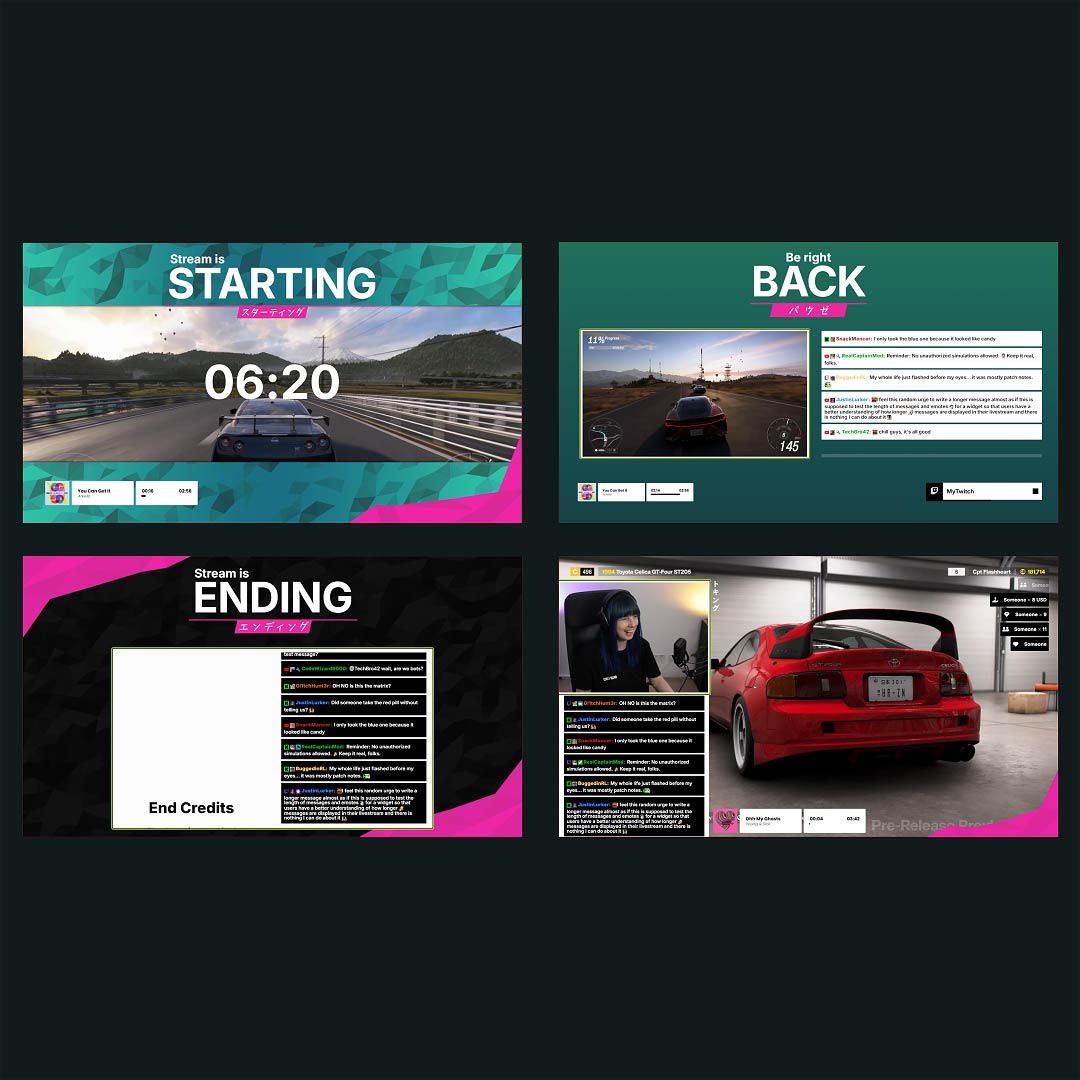
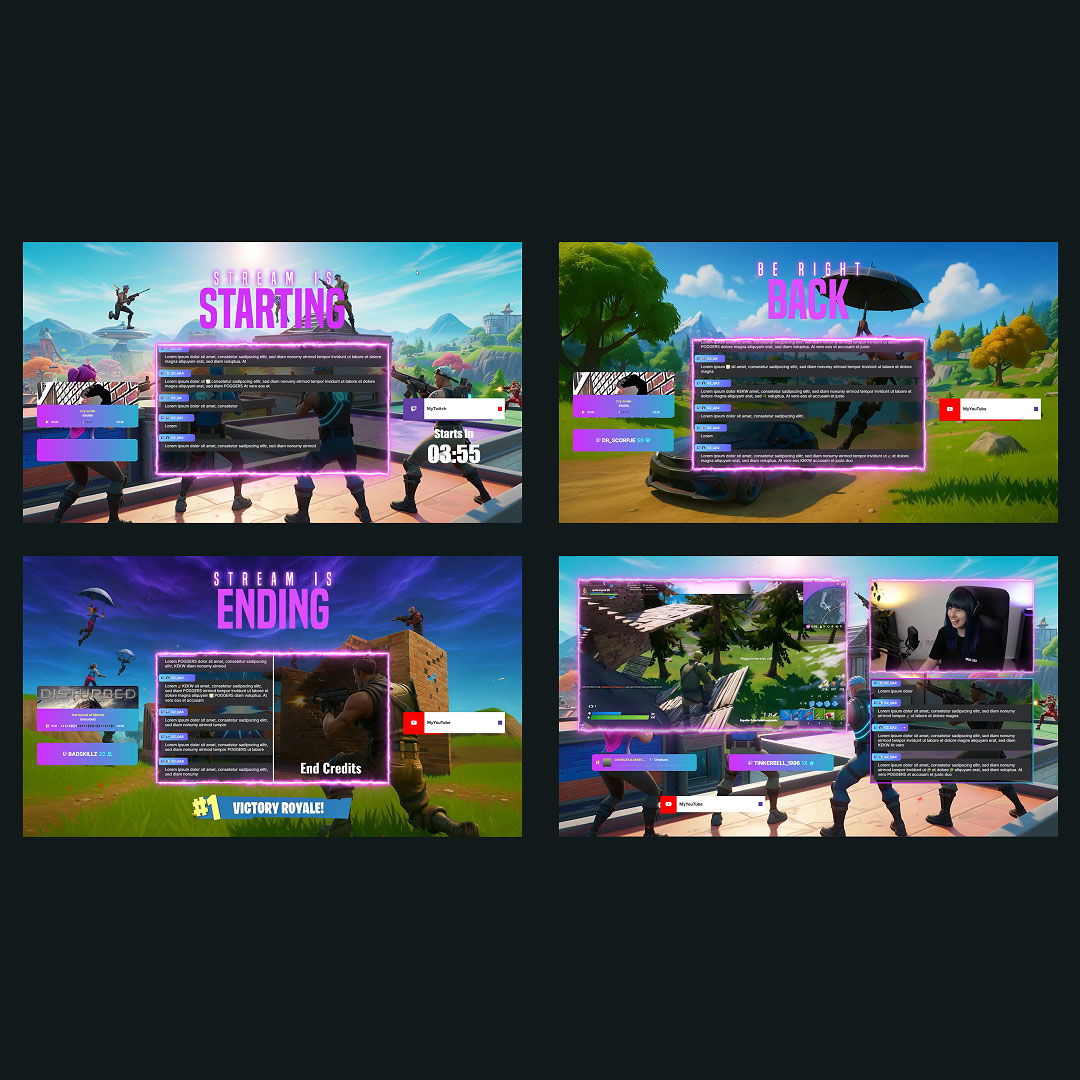
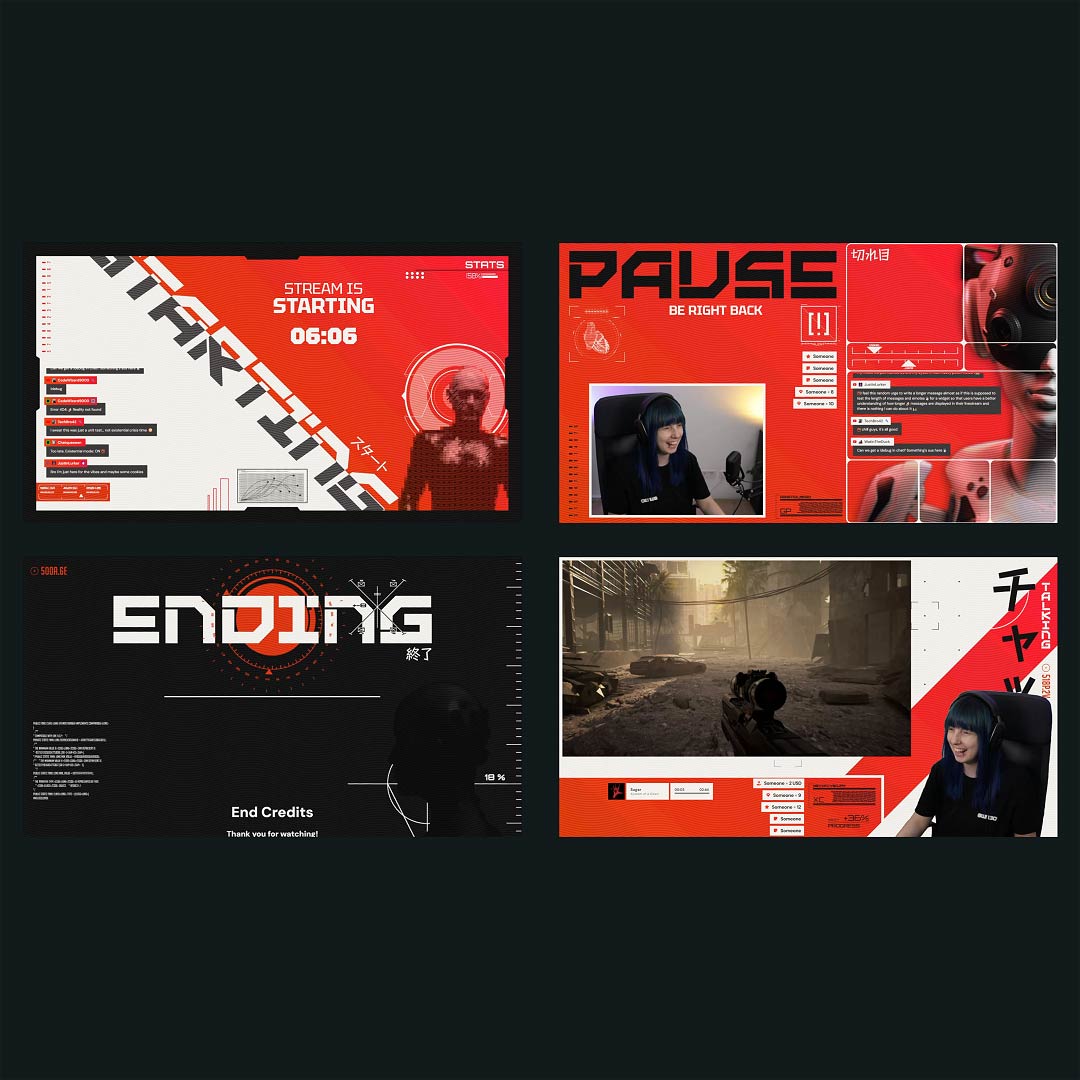
Overlays with YouTube Countdowns Free/Premium
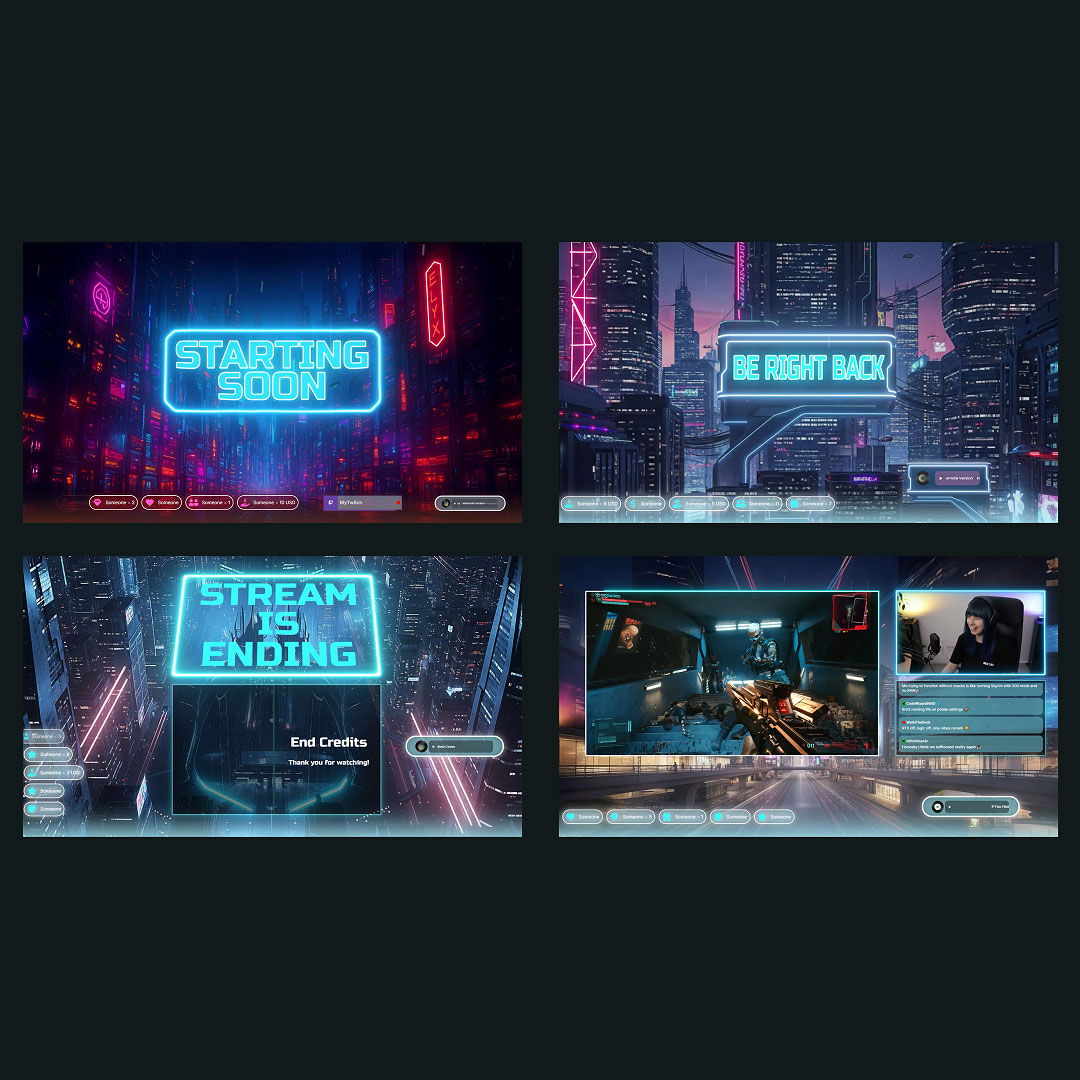
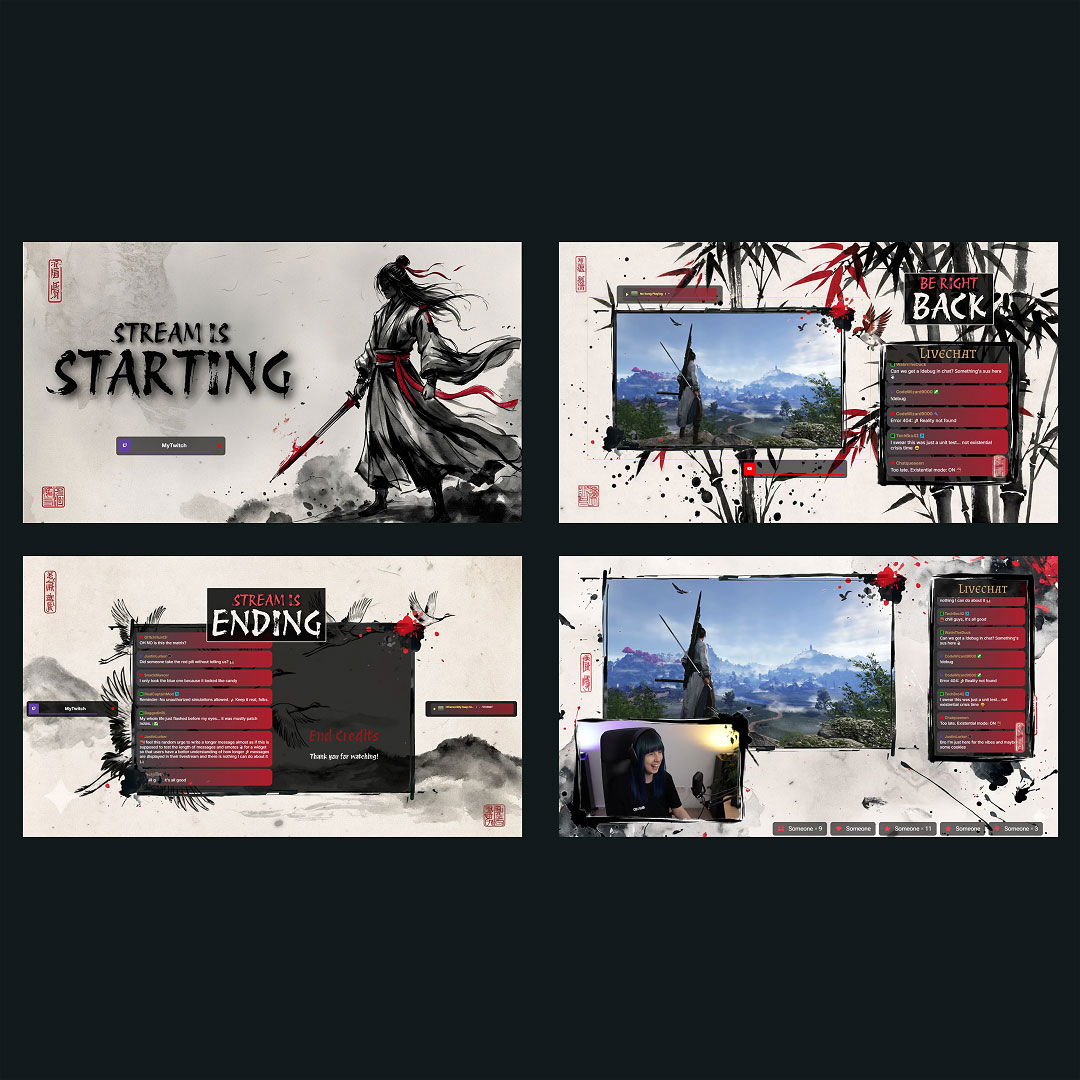
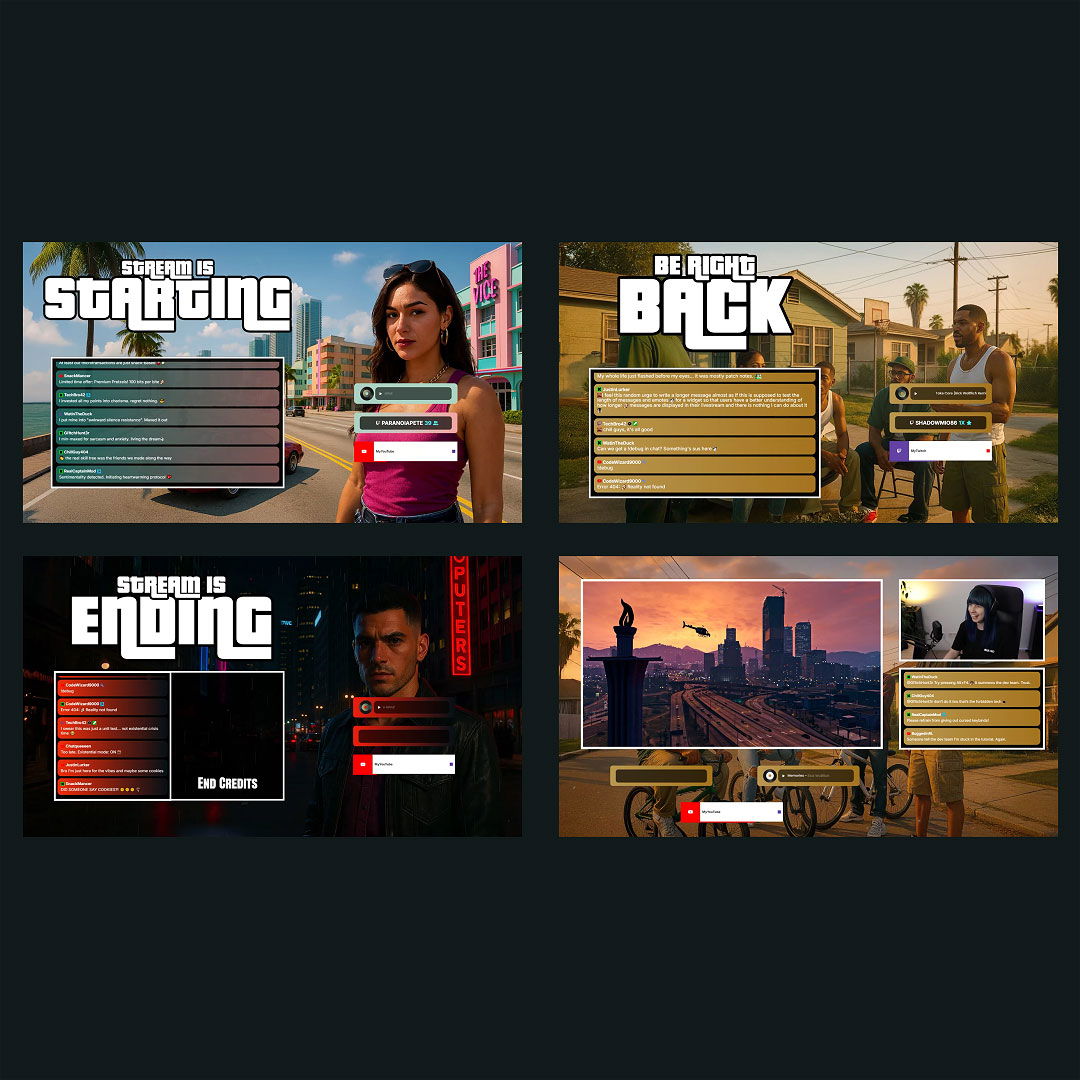
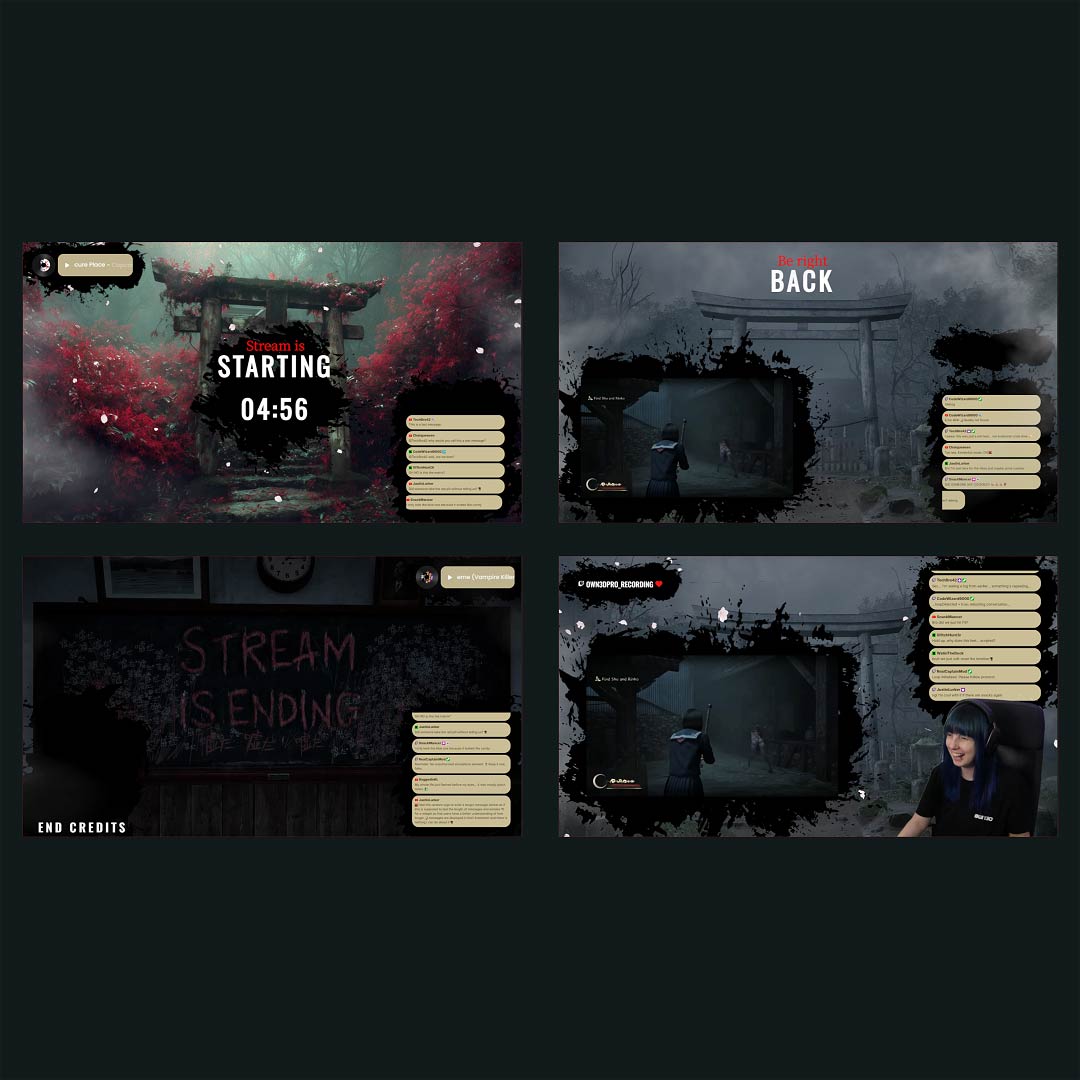
Ready-to-use overlays with built-in YouTube countdown timers that you can fully adjust to your liking.
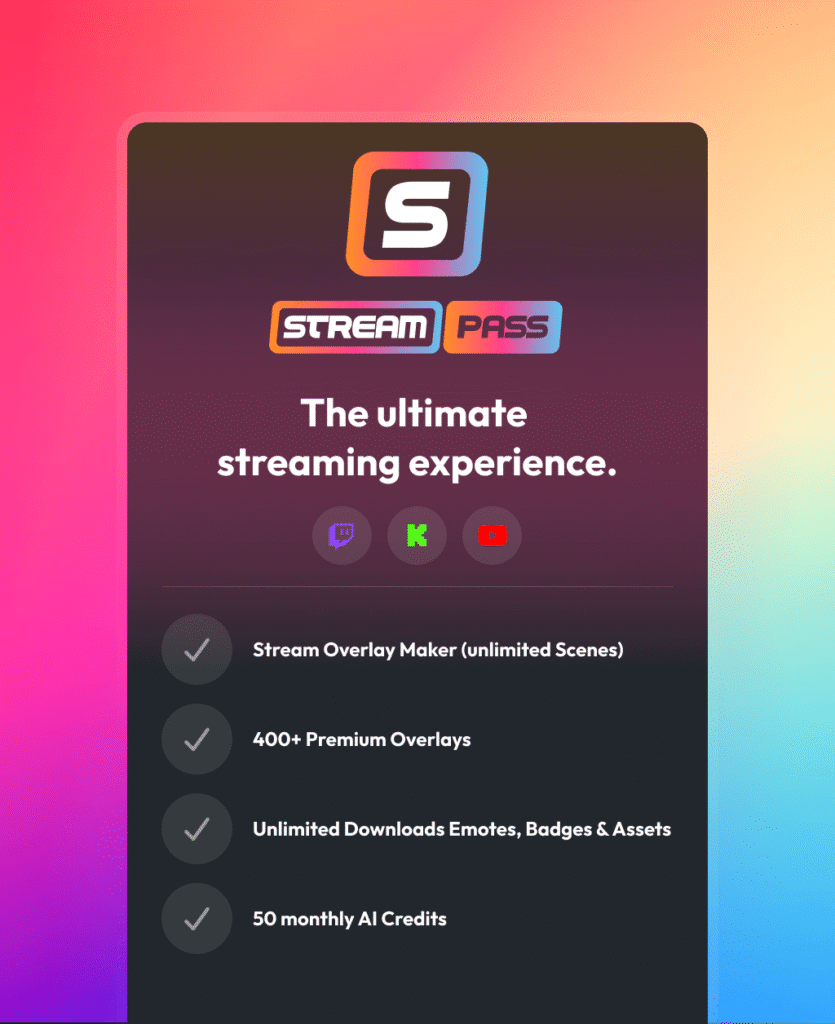
One Pass. Everything Included.
The Stream Pass gives you full access to everything OWN3D Pro has to offer. All products, including overlays, alerts, widgets, our YouTube livestream countdown, emotes, and more, are included and not sold separately.
Works with all broadcasting tools
Customize your YouTube livestream countdown in the Scene Builder and use it with OBS Studio, Streamlabs, XSplit, or other tools. Everything works smoothly with your setup.
Unlimited* asset downloads
Download emotes, badges, panels, and more static assets. *Our unlimited plan is subject to fair use.
AI-powered creations
Get 50 AI credits with your Stream Pass to generate custom stream widgets, webcam frames, emotes, and more.
Multistreaming ready
Multistream on Twitch, YouTube, and Kick with all the tools you need for a professional-looking livestream.
FAQs About YouTube Livestream Countdown
Why use a YouTube livestream countdown instead of starting right away?
A YouTube livestream countdown gives viewers time to join and prepares your community for the stream. It creates anticipation and makes the start feel intentional and organized.
Can I use a YouTube livestream countdown for scheduled streams?
Absolutely. A YouTube livestream countdown works great for scheduled YouTube Live streams. It bridges the time between opening the stream and actually starting your content, so viewers know the exact start moment.
Can I customize the YouTube stream countdown?
Yes. You can adjust the color, font, size, and placement to make the countdown fit your channel and stream design.
Is a YouTube livestream countdown suitable for long streams?
Yes. Many creators use a YouTube livestream countdown not only at the start but also for breaks, segments, or planned pauses during longer streams to keep everything structured.
Can I use a YouTube livestream countdown for vertical streams?
Yes. You can set up vertical layouts for your YouTube livestream countdown, which makes them perfect for vertical streams like YouTube Shorts Lives. The countdown adapts to 9:16 formats and fits naturally into vertical scenes.
Can I combine a YouTube livestream countdown with chat interaction?
Yes. While the countdown runs, many creators use the time to welcome early viewers in chat, answer questions, or build excitement before the stream begins.
Does a YouTube livestream countdown work with OBS Studio scenes?
Yes. A YouTube livestream countdown can be added as a browser source and used across different scenes in OBS Studio, making it easy to reuse throughout your stream.
Is the YouTube livestream countdown free to use?
Yes. The countdown widget is free and included with free overlays, so you can use it on YouTube Live without paying.
Can I use a YouTube livestream countdown on other platforms?
Yes. Your YouTube livestream countdown can also be used on Twitch and Kick, including multistream setups. Just make sure to review each platform’s rules before streaming to multiple platforms simultaneously.