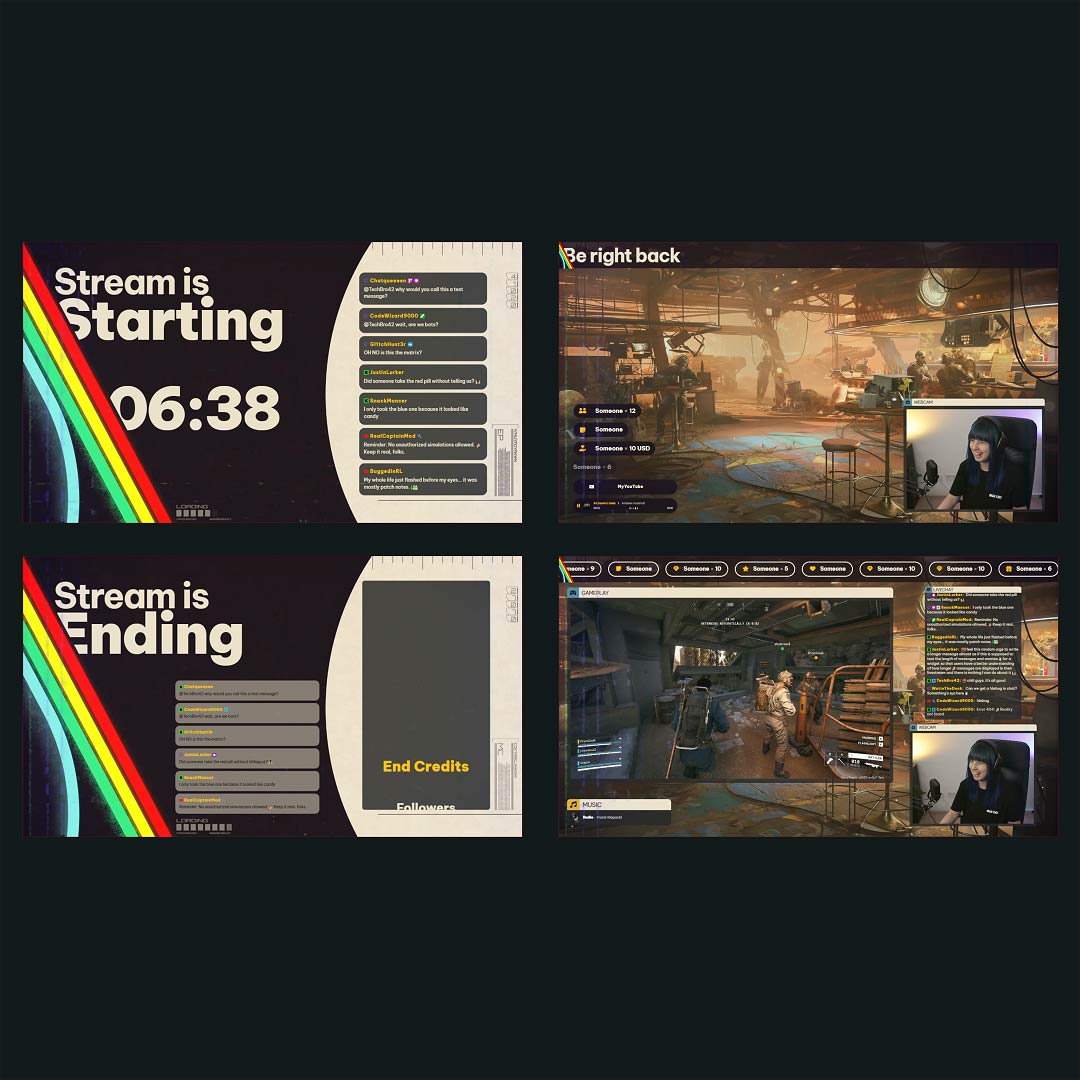
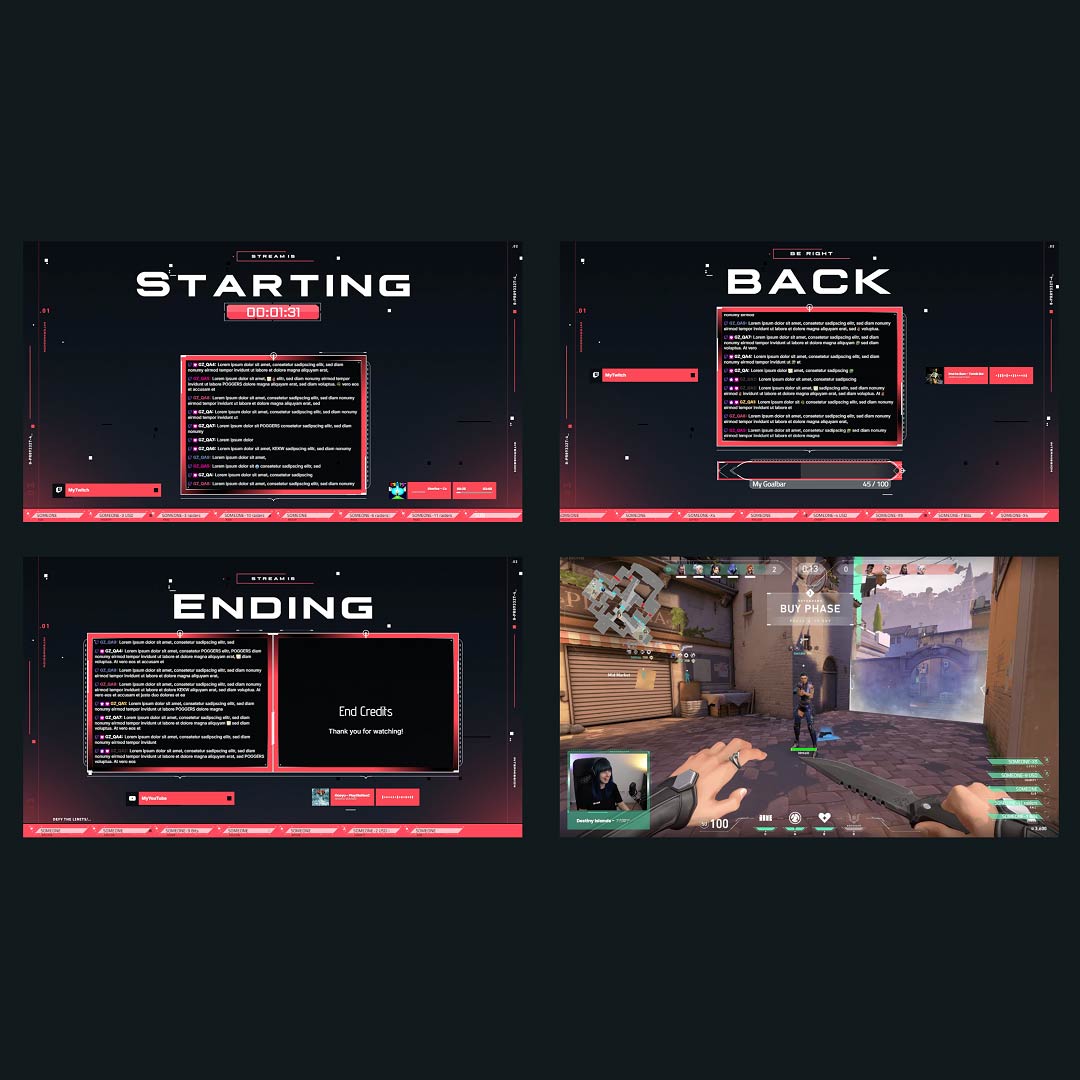
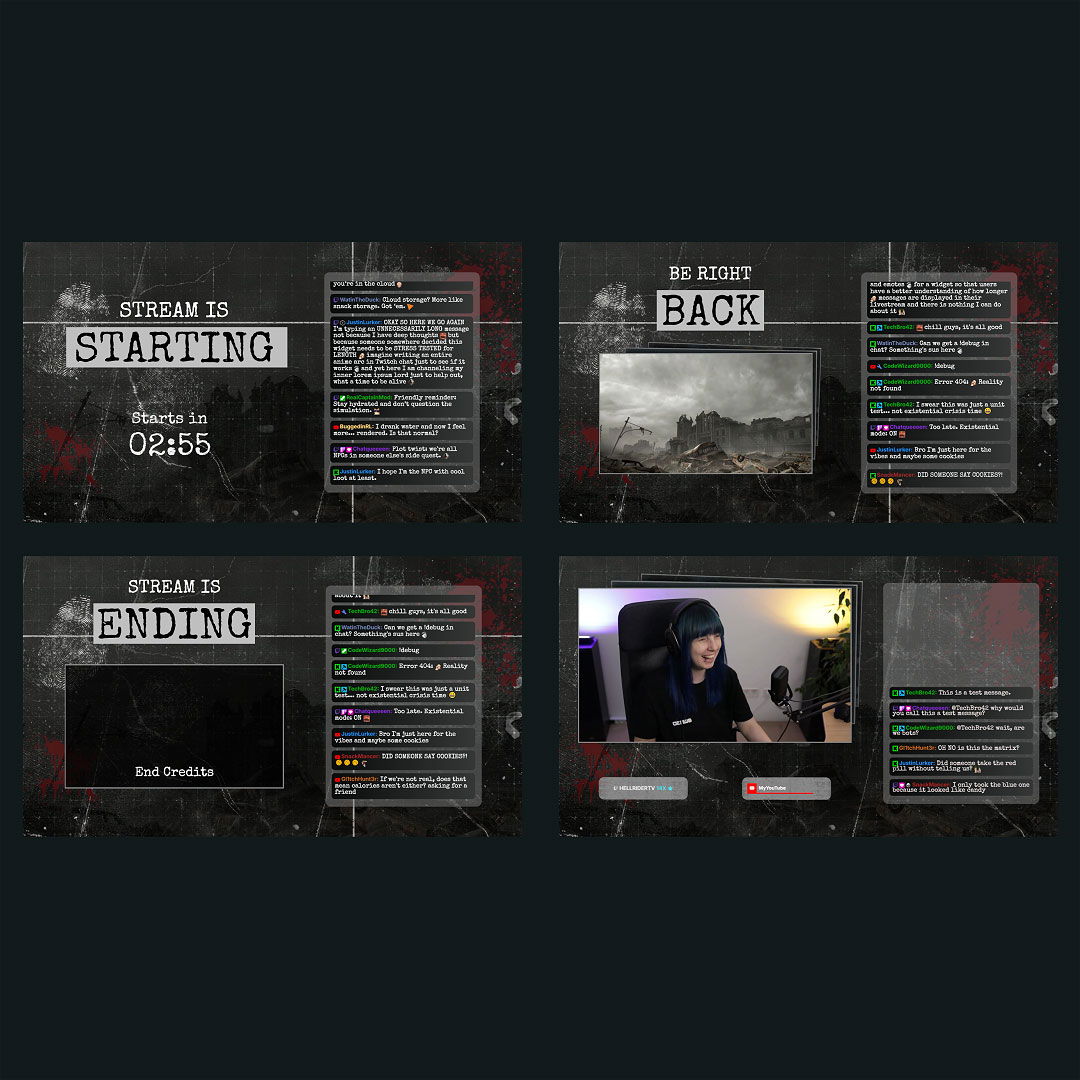
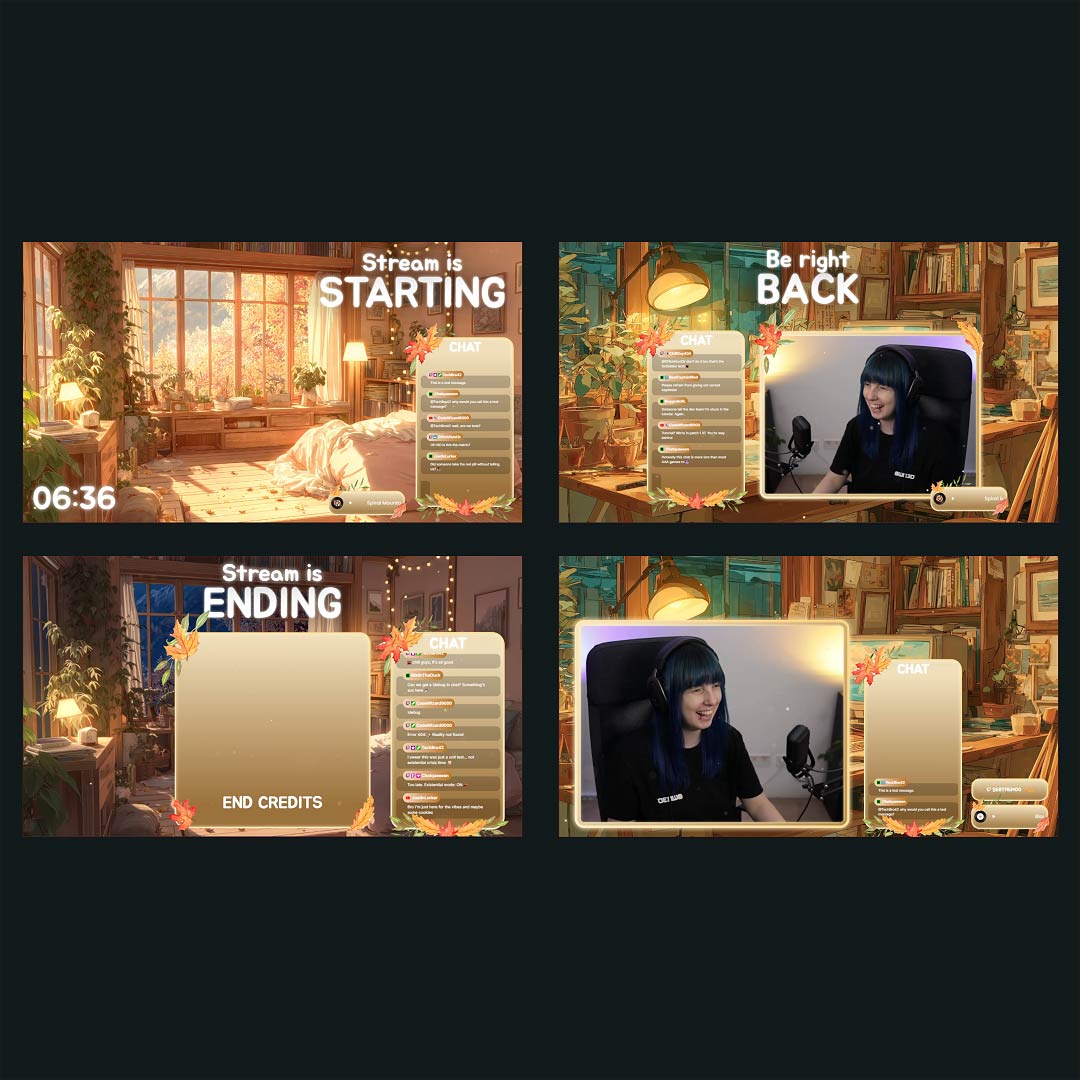
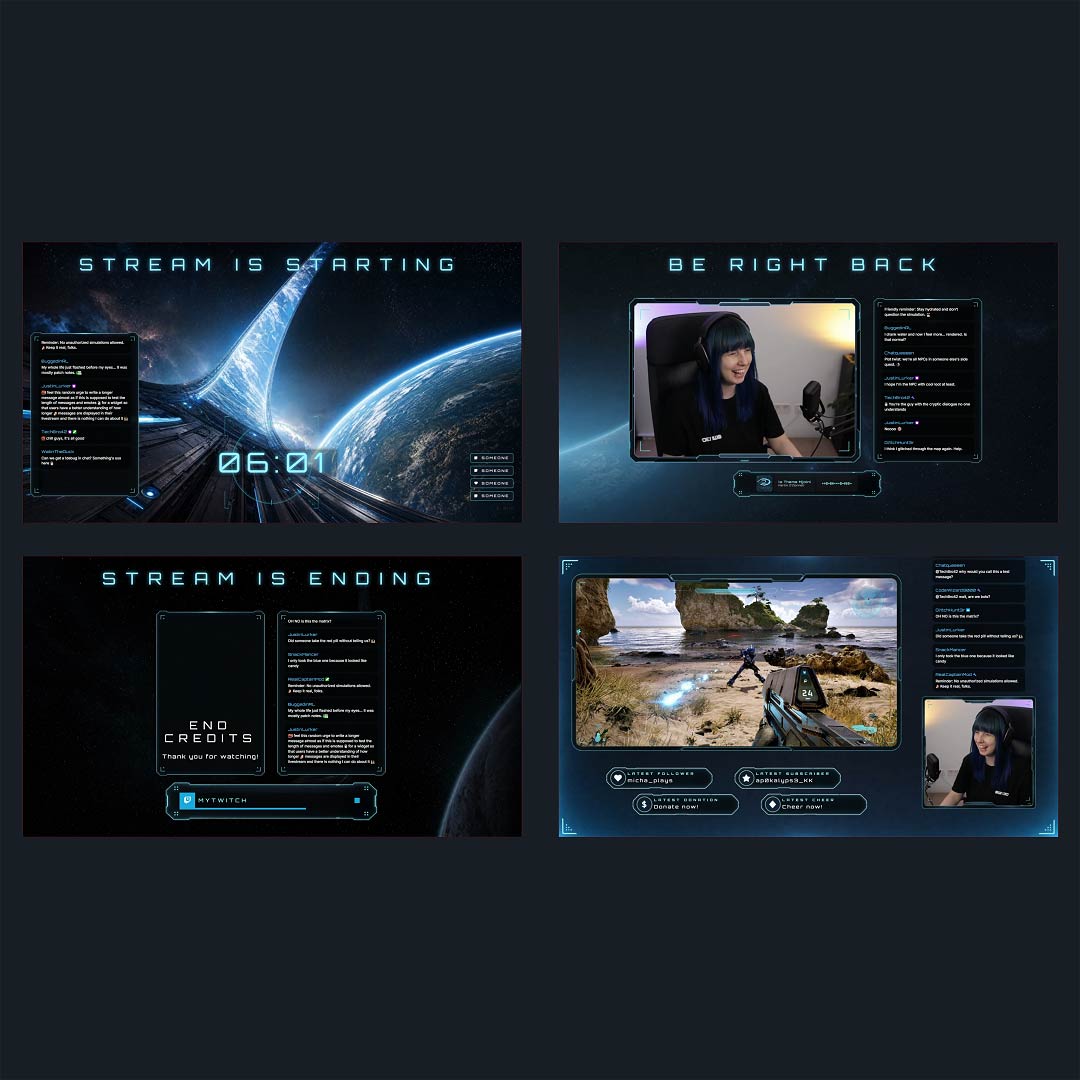
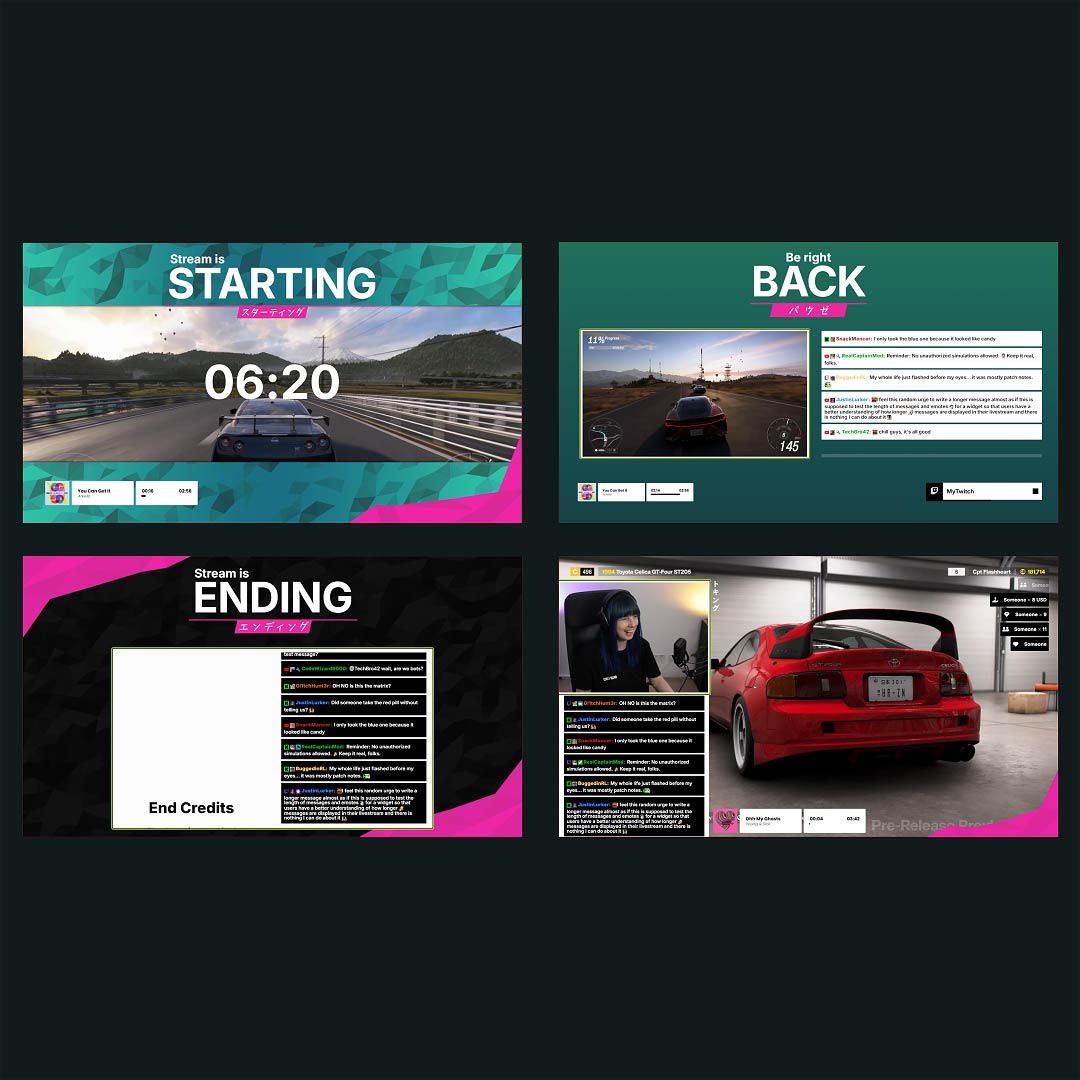
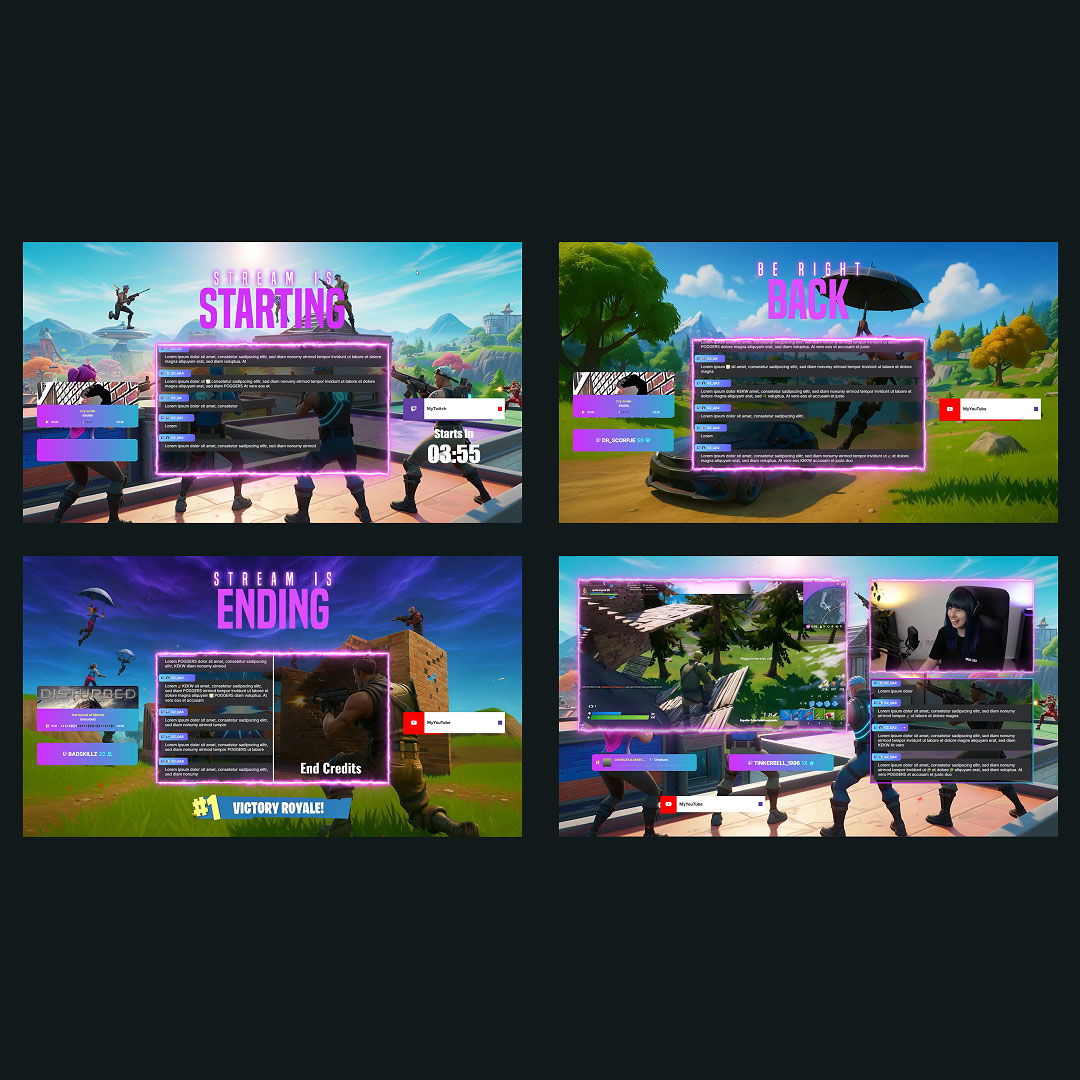
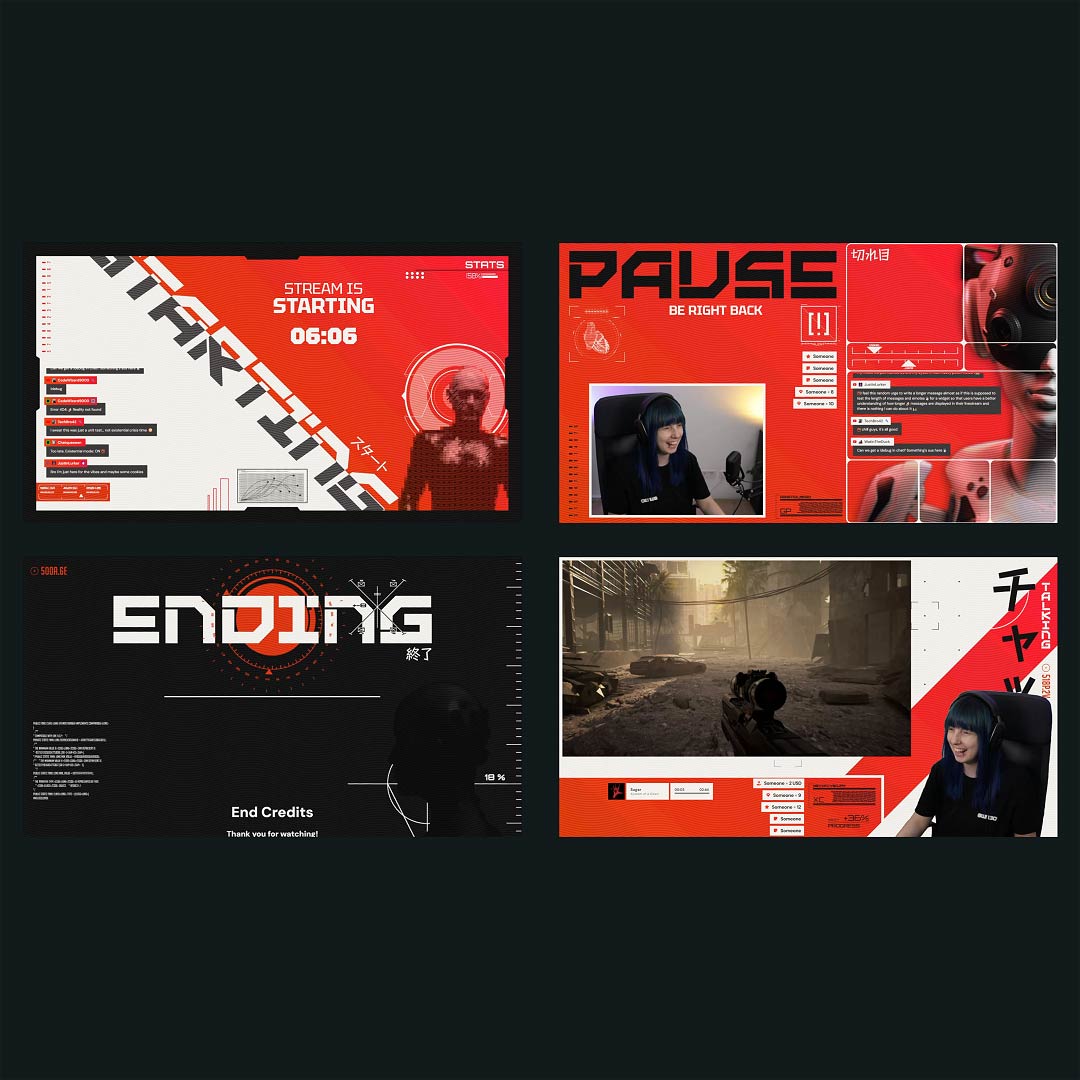
Free Twitch Countdown Timer

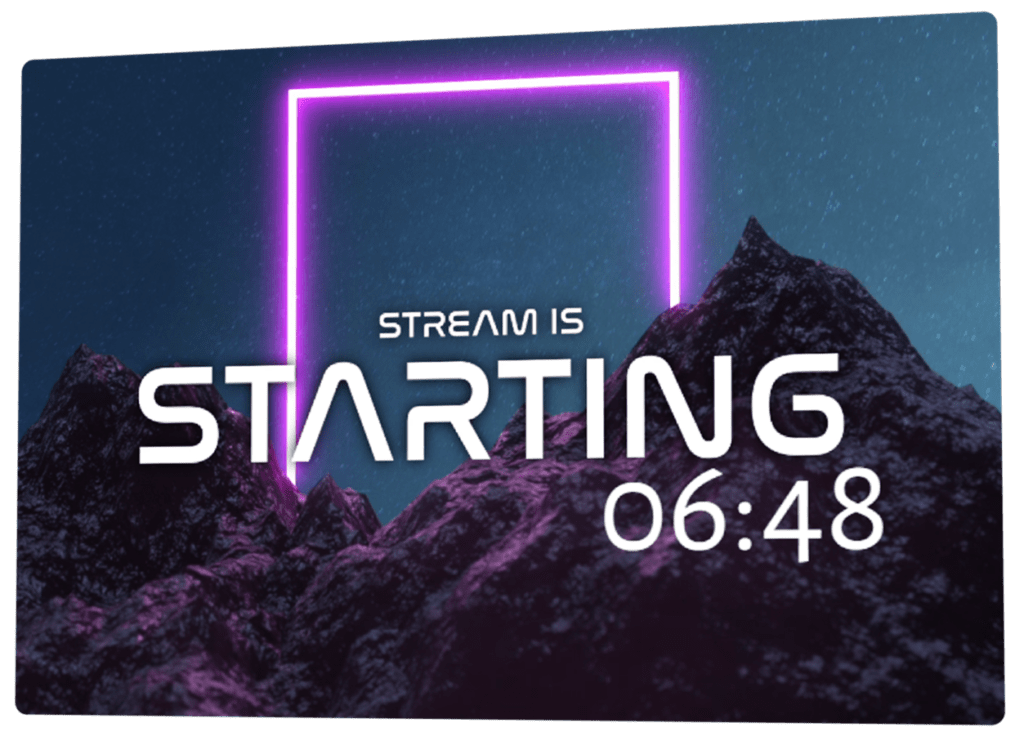
The moment before you go live matters. A Twitch countdown timer turns those first minutes into a shared experience rather than an awkward wait. While the timer runs, your viewers gather, chat starts moving, and anticipation builds naturally. Instead of rushing into gameplay, you give your stream a clear beginning that feels intentional, confident, and worth sticking around for.

Turn Waiting Time Into a Moment

Give your stream a real opening

A Twitch countdown timer turns the minutes leading up to your content into part of the experience. Instead of an empty screen, your viewers know exactly when things begin and can settle in together. While the countdown runs, you stay in control, finish last checks, and start your stream on your terms, not in a rush.

Shape the countdown around your stream

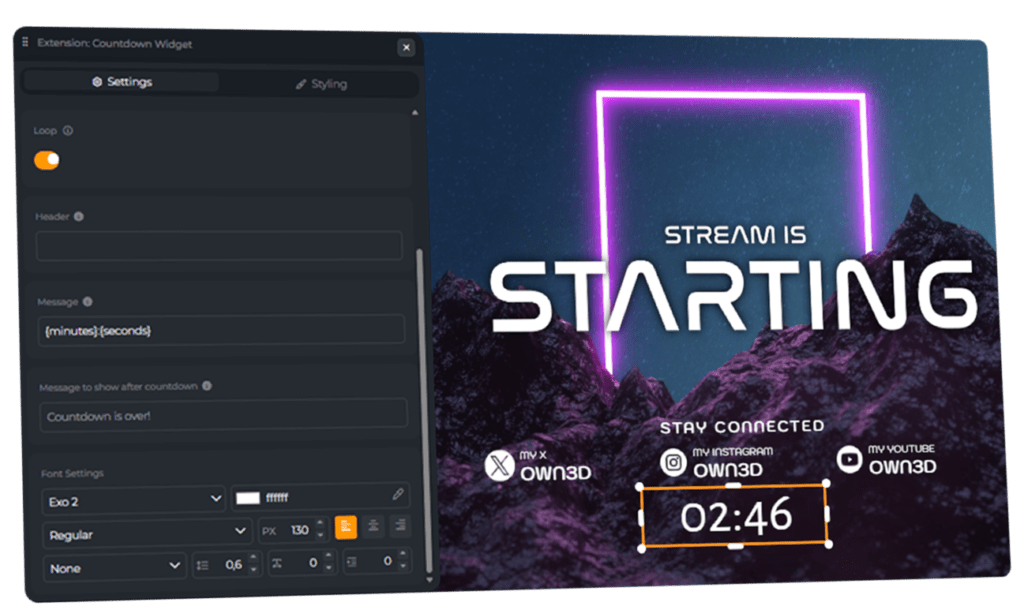
Your countdown timer for Twitch should feel intentional. Adjust its look, placement, and timing so it fits your layout and your vibe. Use it as a bold opening moment or a subtle signal before you go live.

Why Creators Use Countdown Timers for Twitch

Many Twitch streams do not really start when the gameplay begins. They start when viewers arrive, say hello in chat, and settle in. A Twitch countdown gives your community that moment. While it runs, you can check audio, adjust scenes, or simply take a breath before going live. Creators also use a Twitch countdown timer for breaks, intermissions, or timed challenges to keep everything clear and structured.

Twitch Countdown Timer Features

Everything in place for a Twitch countdown that sets the start.

Customizable Twitch countdowns
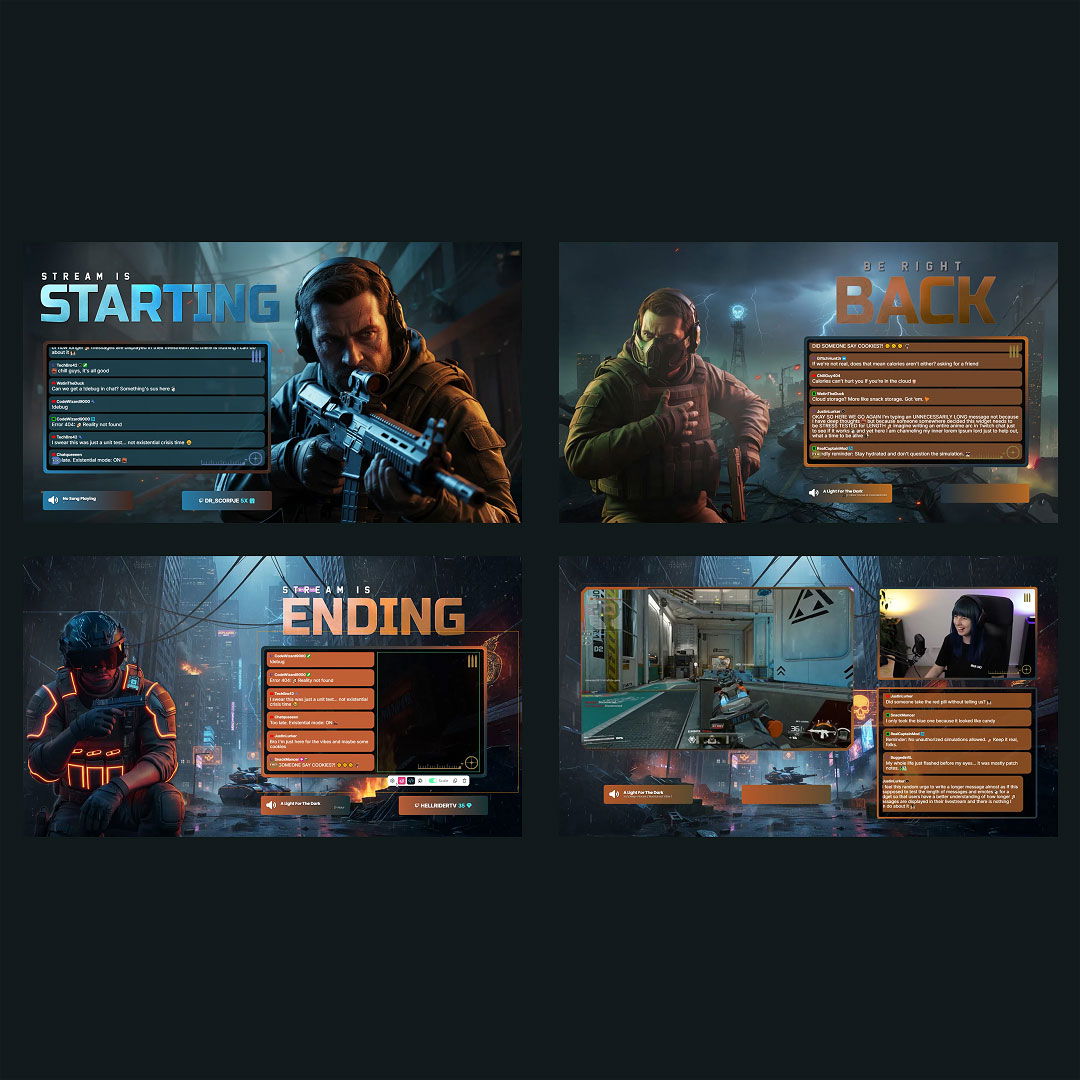
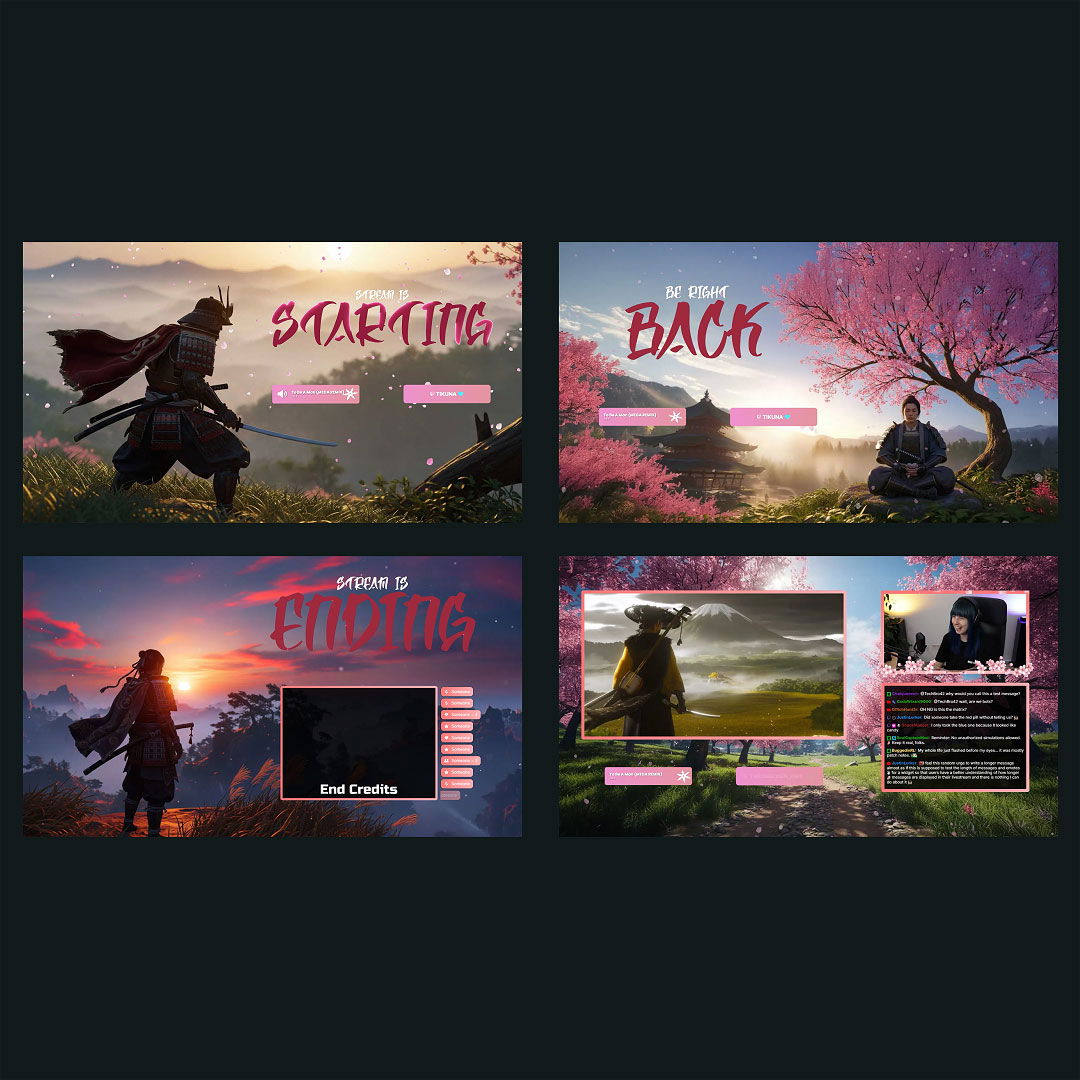
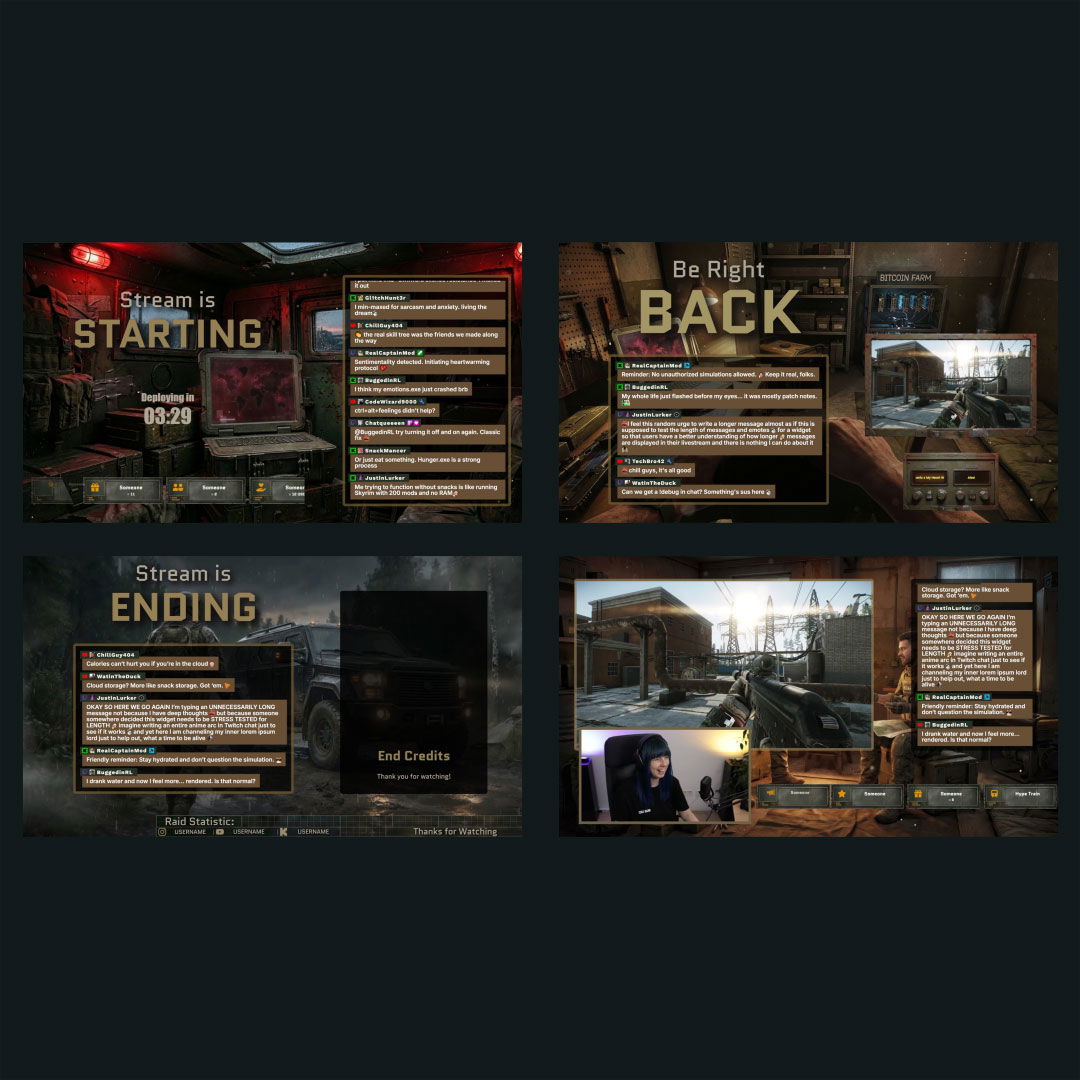
Themed designs for Twitch
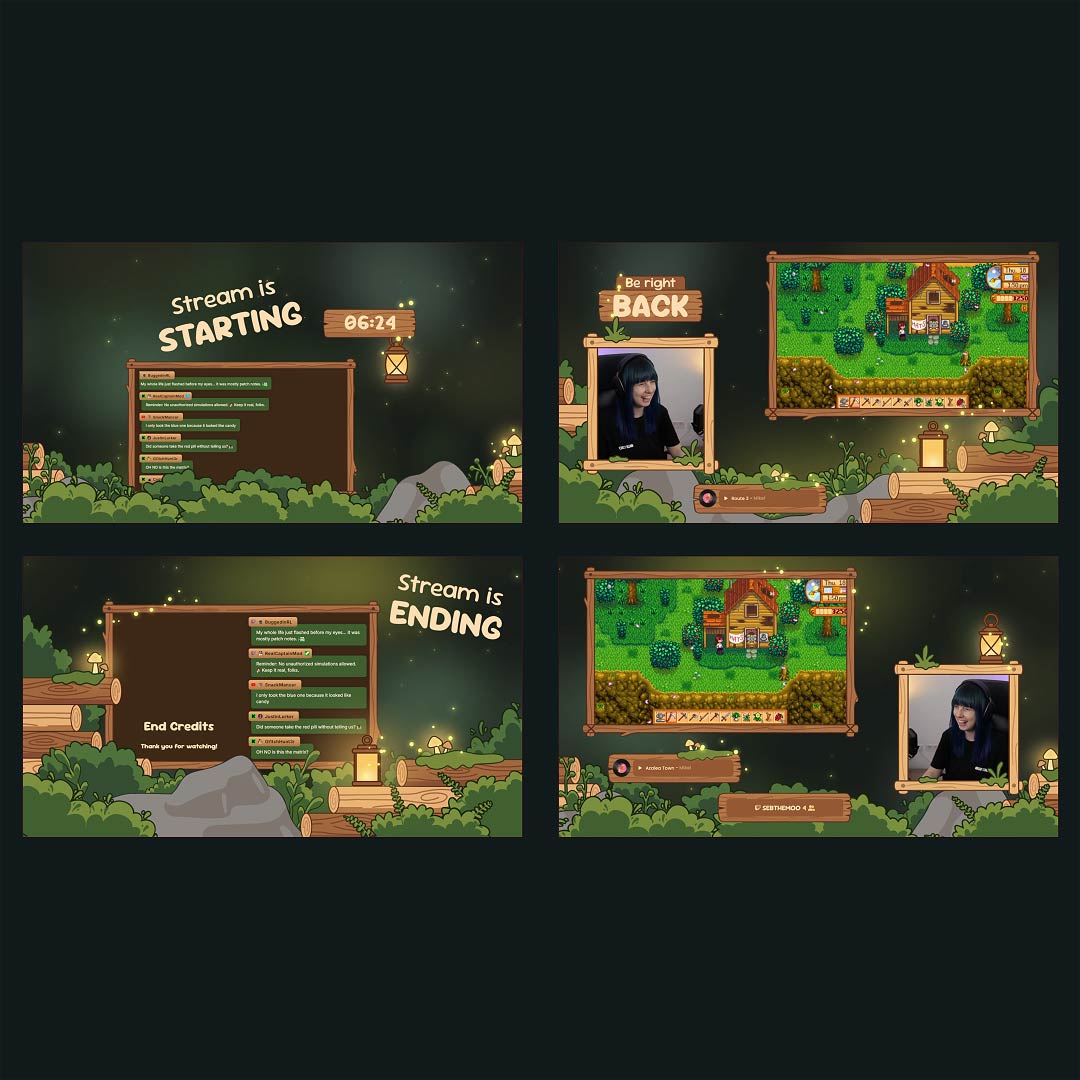
Twitch start countdown
Break and intermission timers
Ready-to-Use Countdown

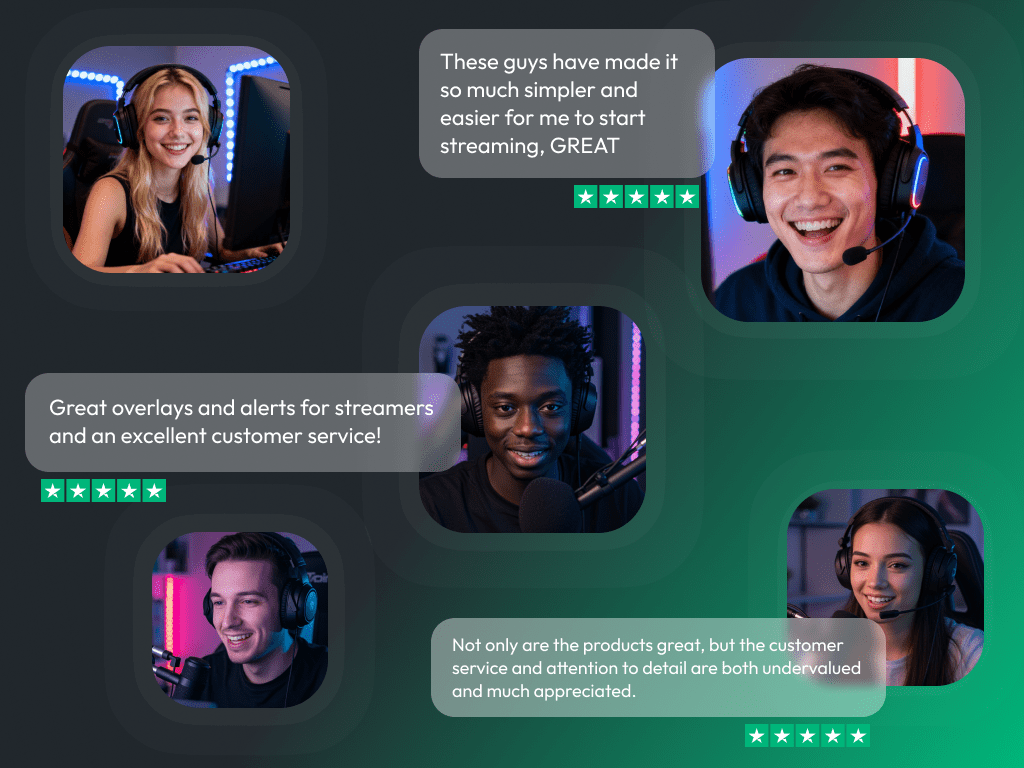
What Happy Customers Say About Our Twitch Countdown Timer & OWN3D Pro

See how our product makes a difference for content creators.

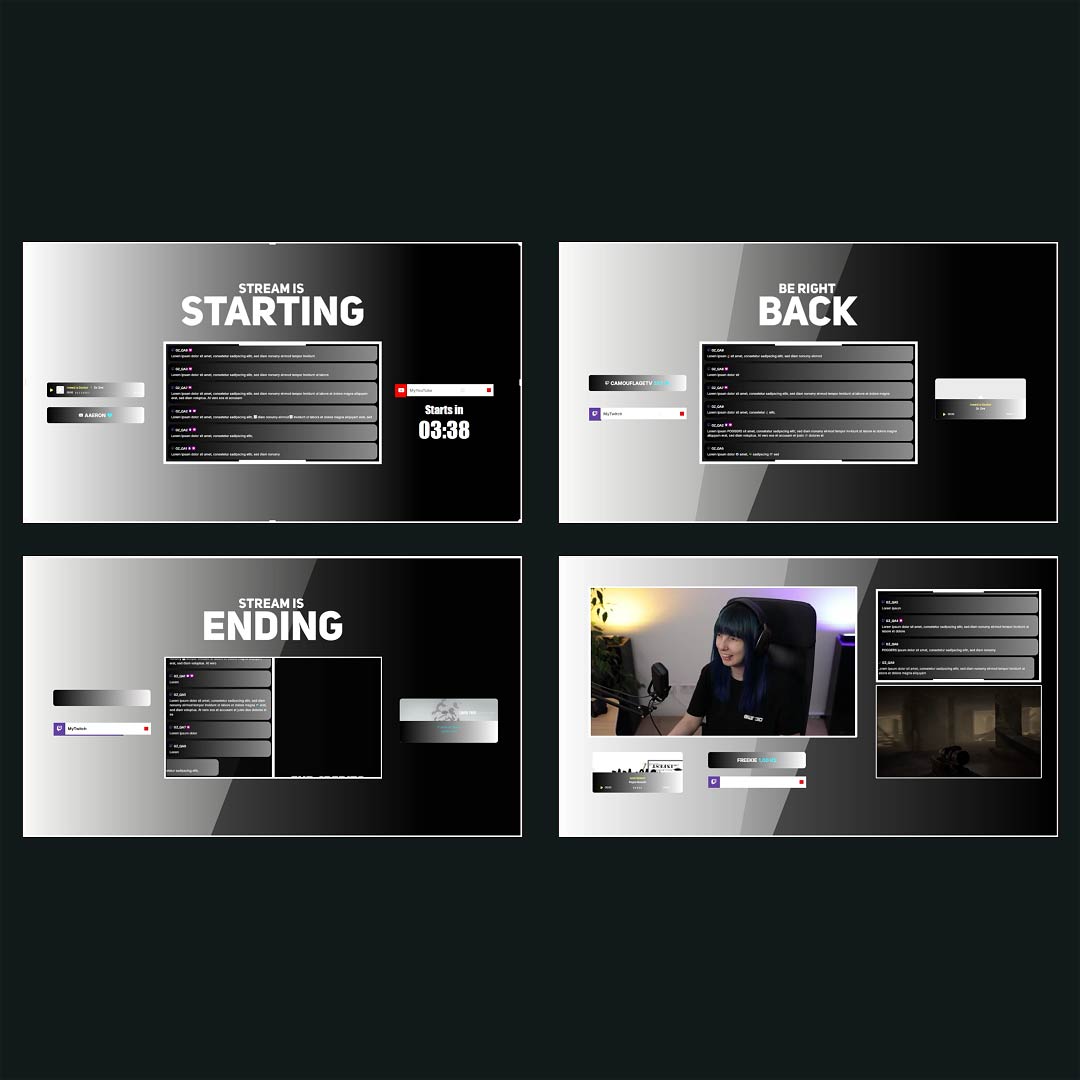
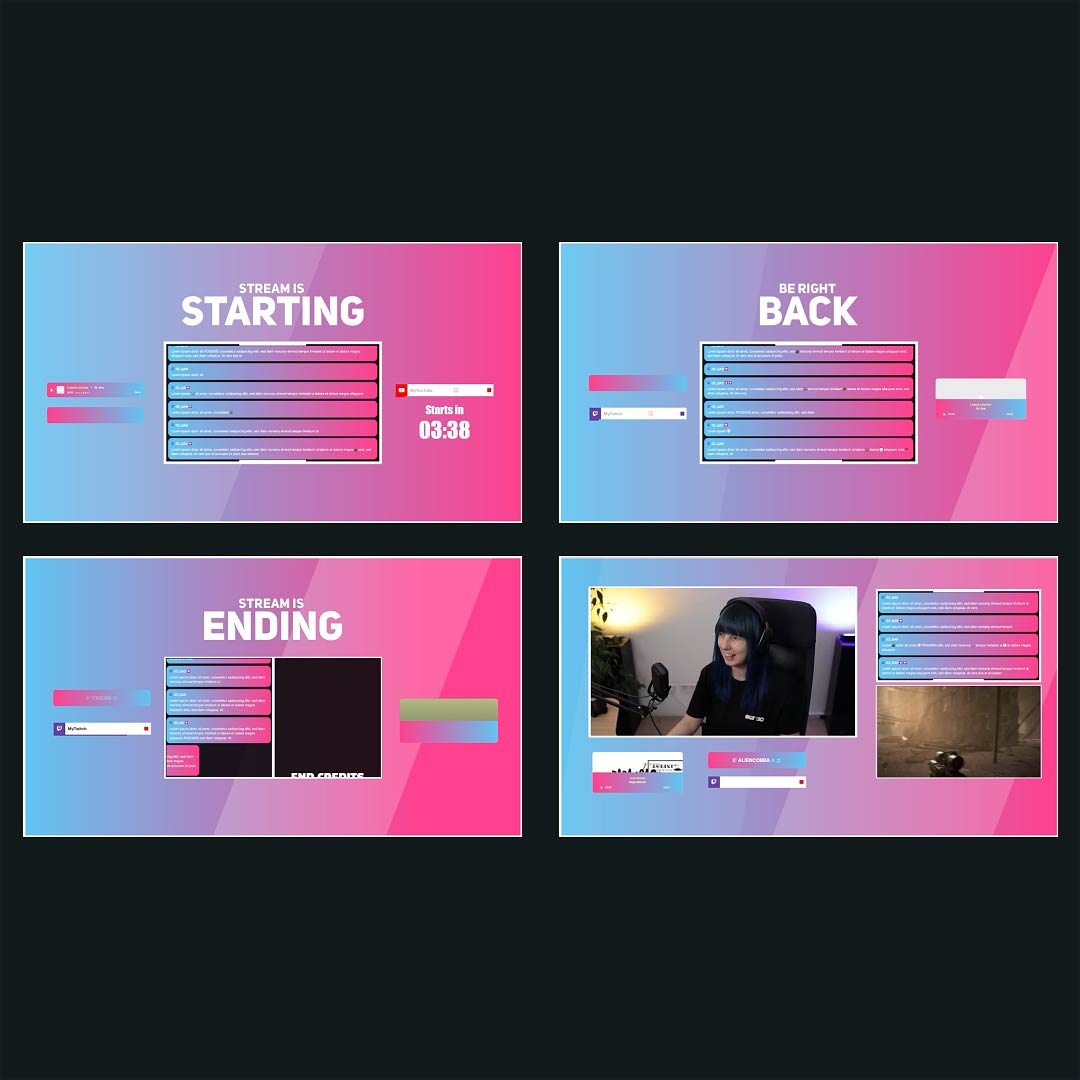
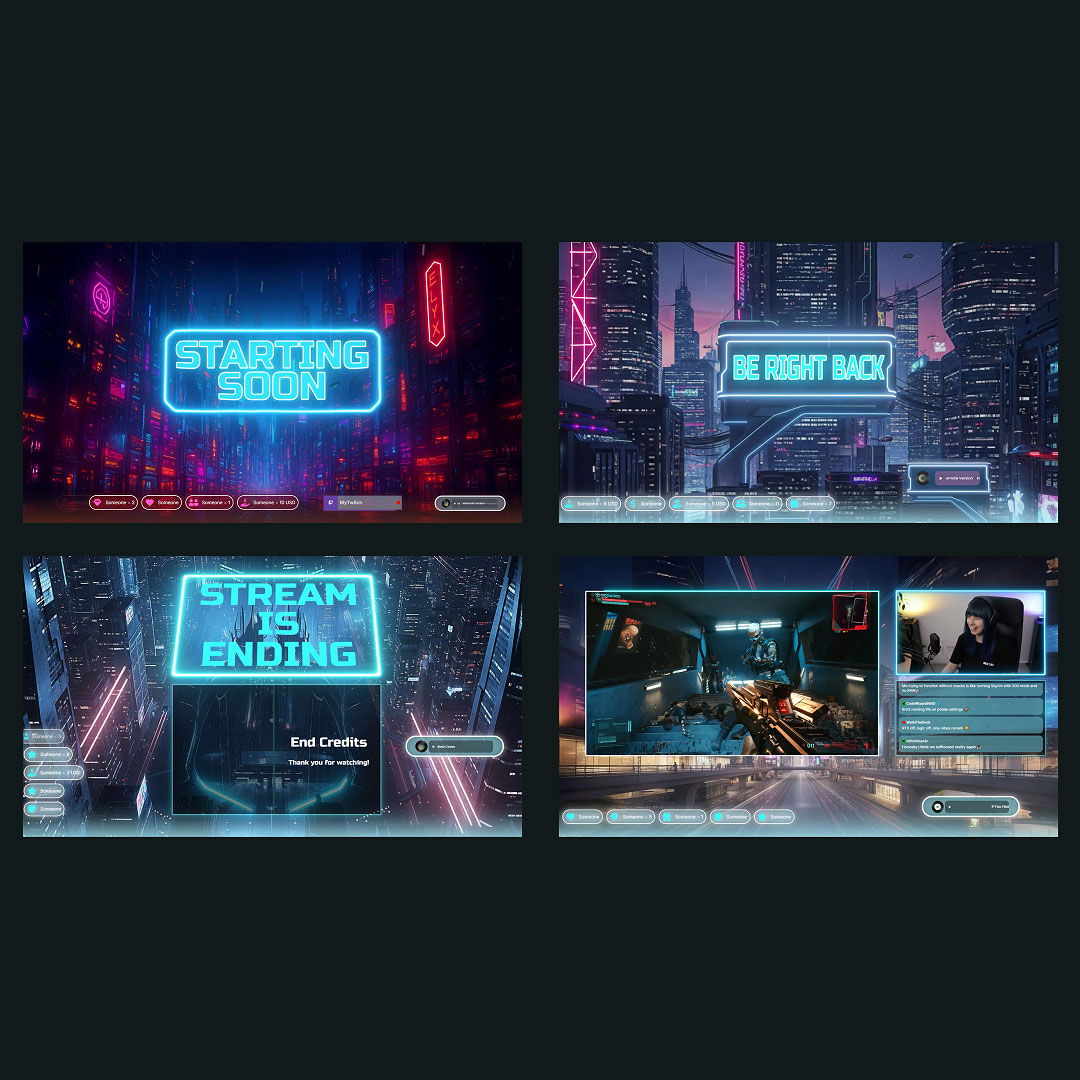
Overlays with Twitch Countdowns Free/Premium

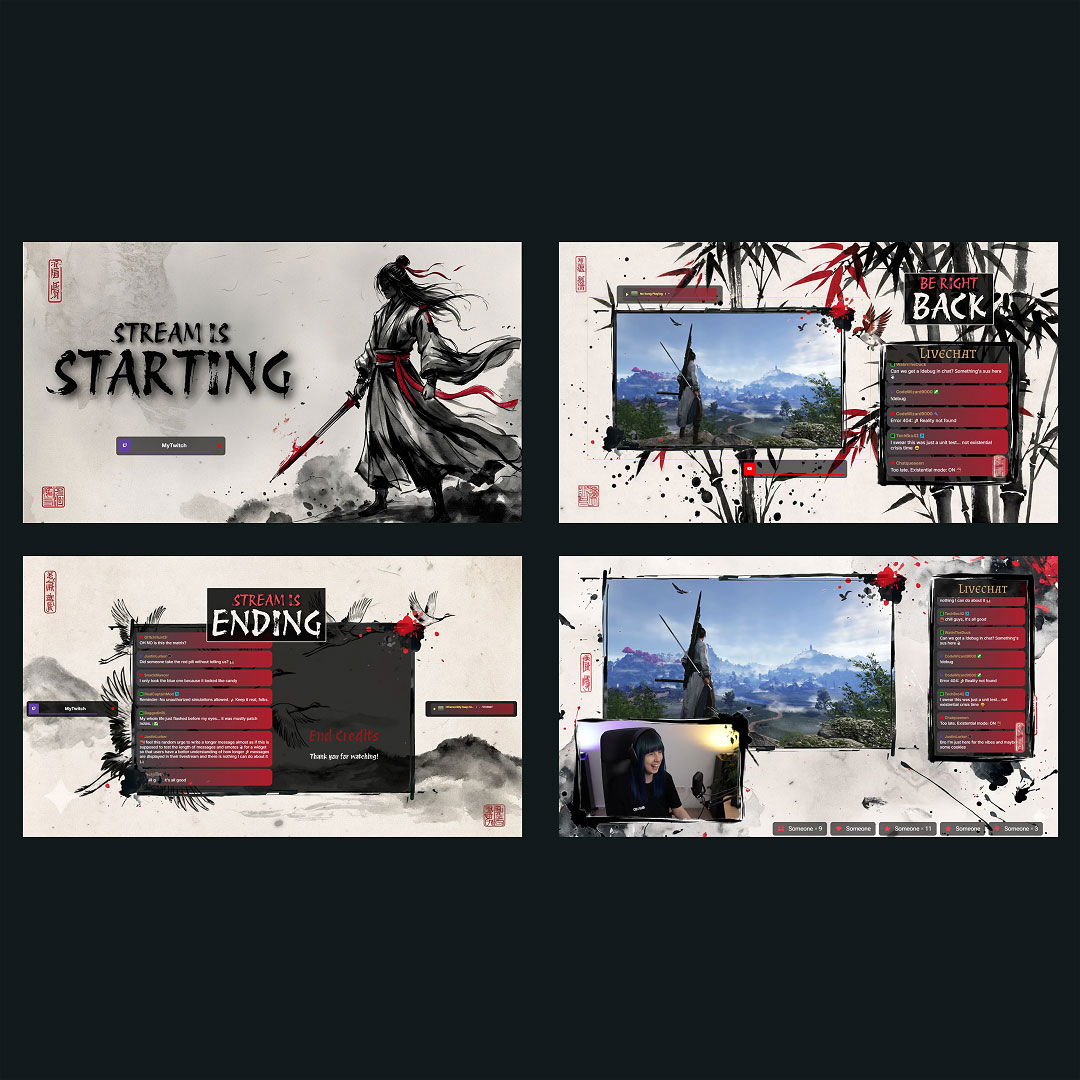
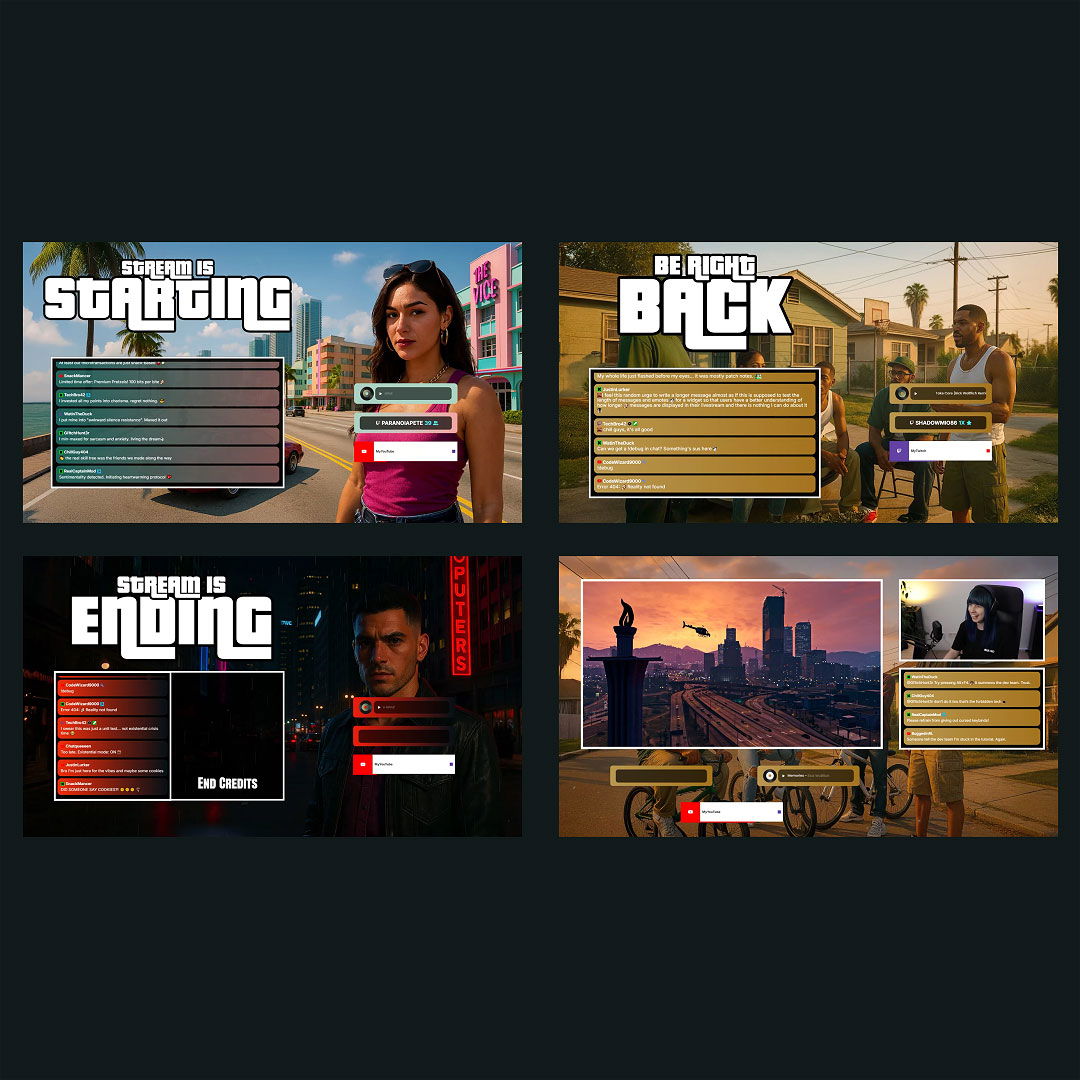
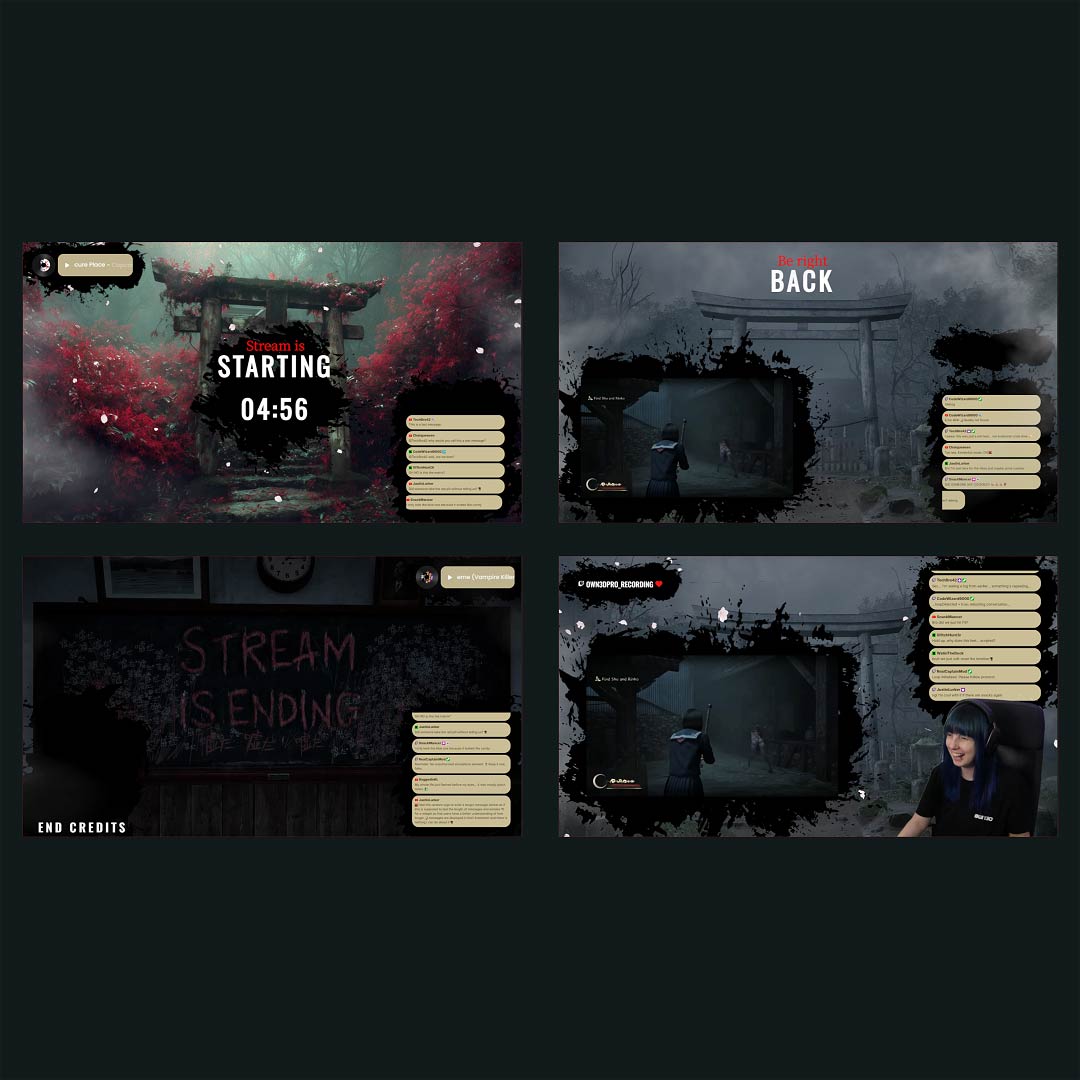
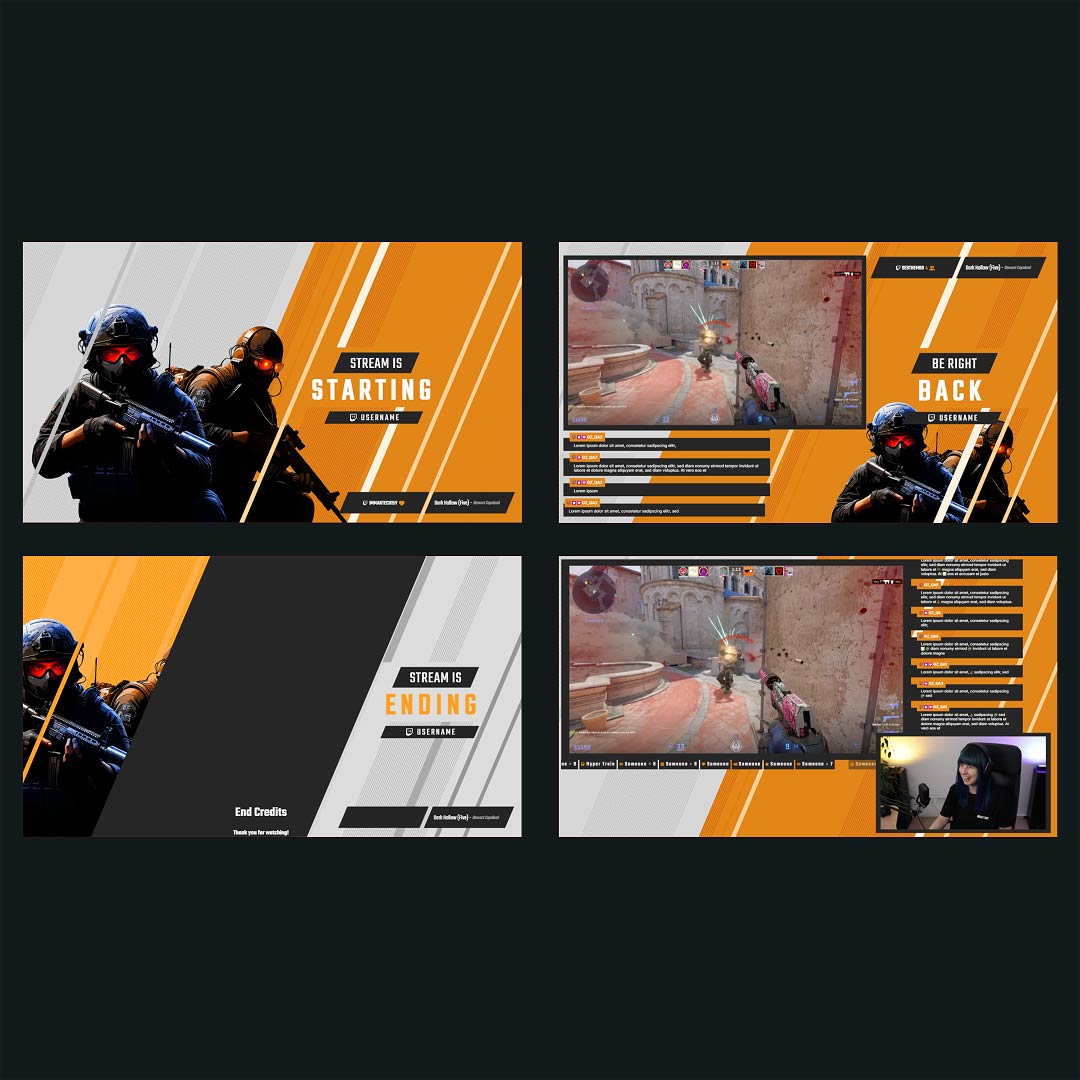
Ready-to-use overlays with built-in Twitch countdown timers that you can fully adjust to your liking.

1

One Pass. Everything Included.

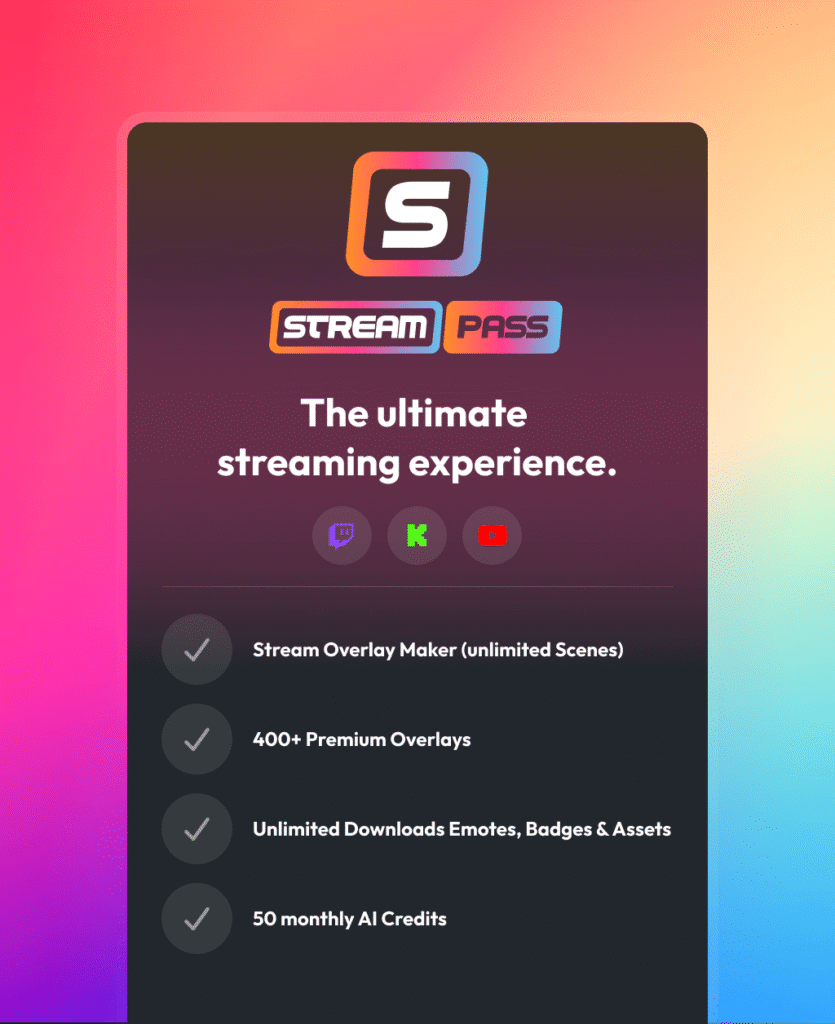
The Stream Pass gives you full access to everything OWN3D Pro has to offer. All products, including overlays, alerts, widgets, our Twitch countdown, emotes, and more, are included and not sold separately.

Works with all broadcasting tools

Customize your Twitch countdown timer in the Scene Builder and use it with OBS Studio, Streamlabs, XSplit, or other tools. Everything works smoothly with your setup.

Unlimited* asset downloads

Download emotes, badges, panels, and more static assets. *Our unlimited plan is subject to fair use.

AI-powered creations

Get 50 AI credits with your Stream Pass to generate custom stream widgets, webcam frames, emotes, and more.

Multistreaming ready

Multistream on Twitch, YouTube, and Kick with all the tools you need for a professional-looking livestream.
FAQs About Twitch Countdown Timer

Why should I use a Twitch countdown timer?

A Twitch countdown timer gives viewers time to join and creates anticipation before the stream begins. It makes your stream feel structured instead of rushed.

Yes. You can customize your countdown timer for Twitch with your own colors, fonts, and layout so it feels like a natural part of your stream.
Yes. A Twitch countdown is added as a browser source and runs smoothly in OBS Studio, Streamlabs, and other broadcasting tools that support browser sources.

Absolutely. You can restart your Twitch countdown timer, reuse it for every stream, or create multiple timers with different lengths.

Yes. The countdown timer Twitch setup is free and included in free overlays, so you can start without any cost.

Yes. Many creators use a Twitch timer countdown during breaks, events, or scheduled segments to keep viewers informed and engaged.

Yes. Your Twitch countdown timer can also be used on YouTube and Kick with OWN3D Pro, including multistream setups. Just make sure to review each platform’s guidelines before streaming to multiple platforms at the same time.