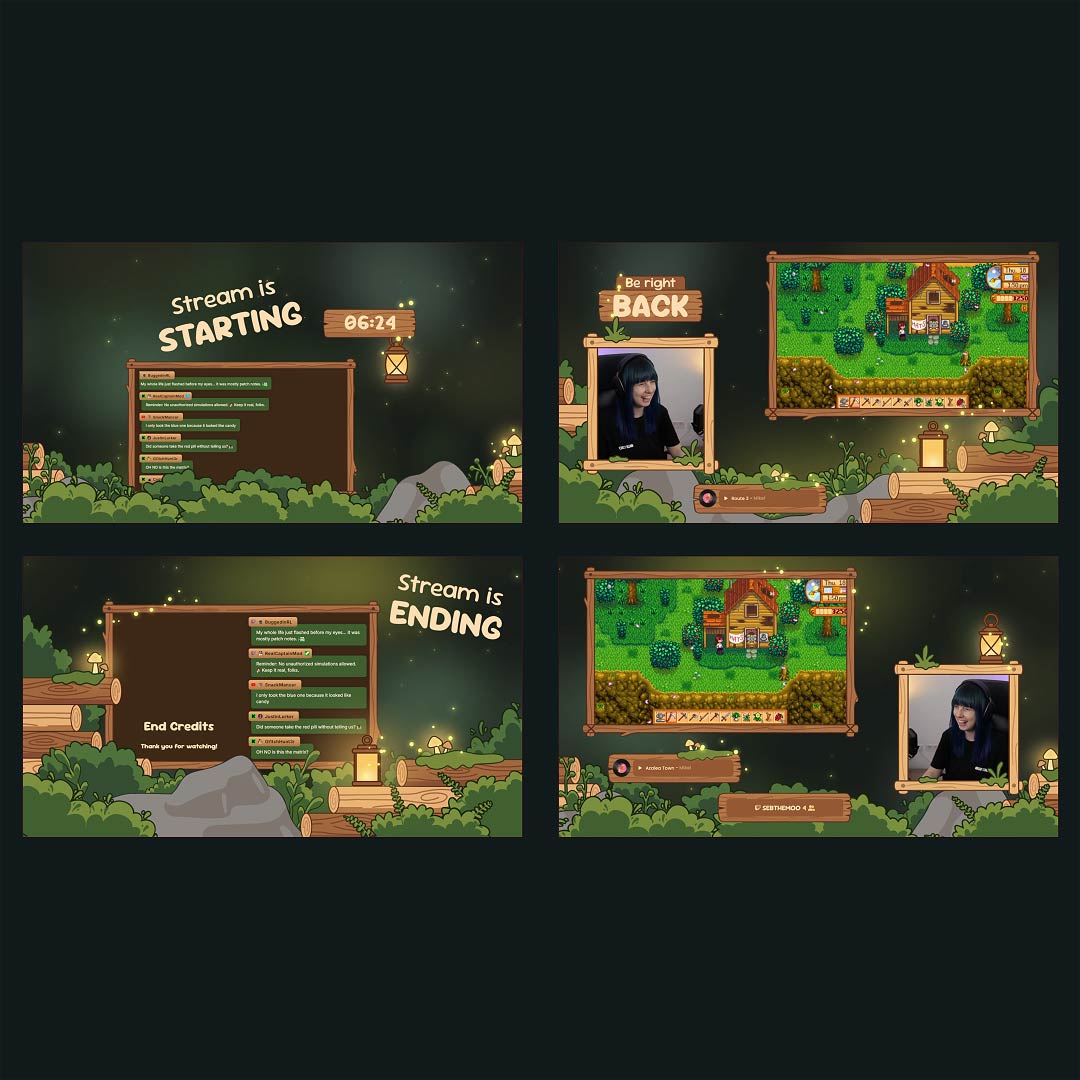
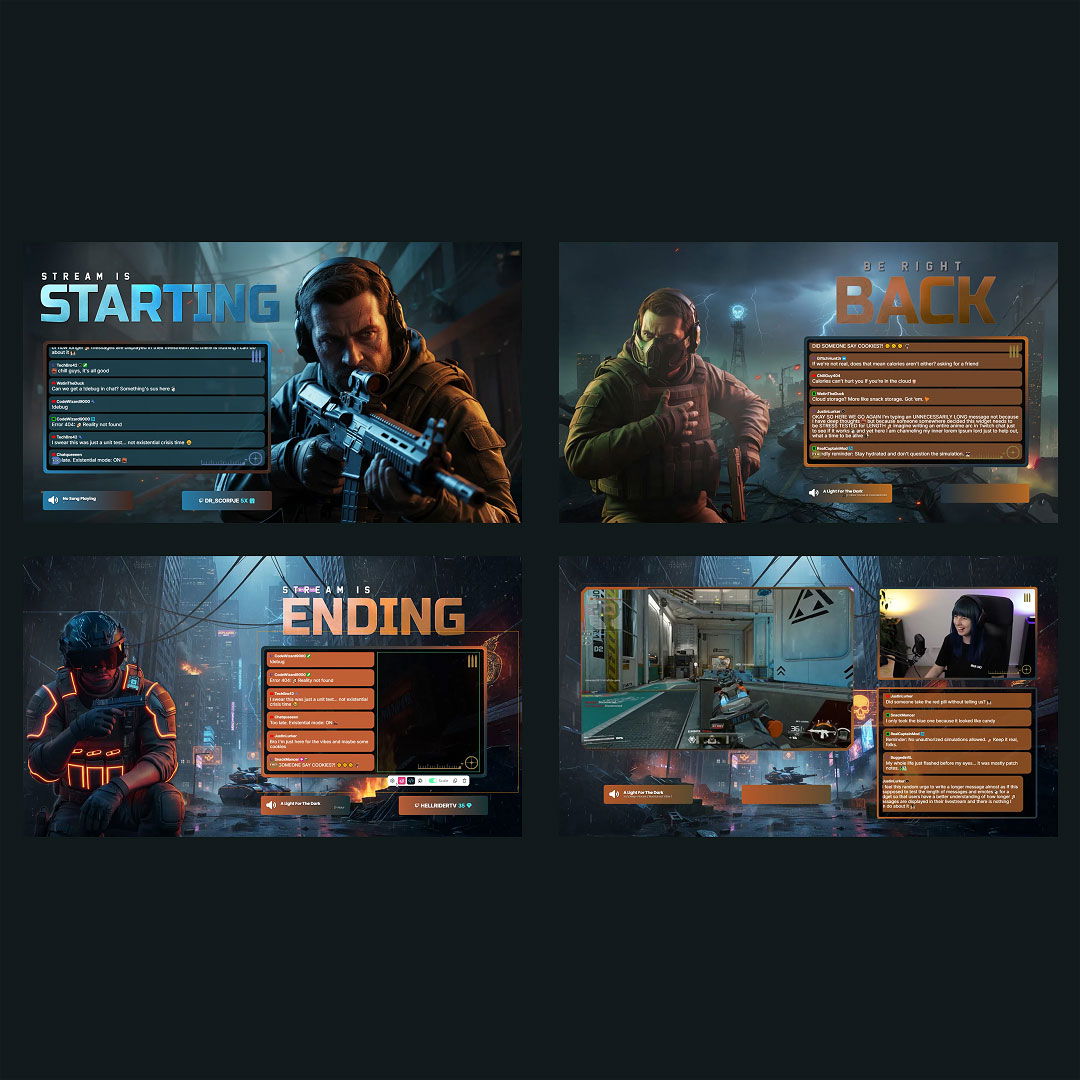
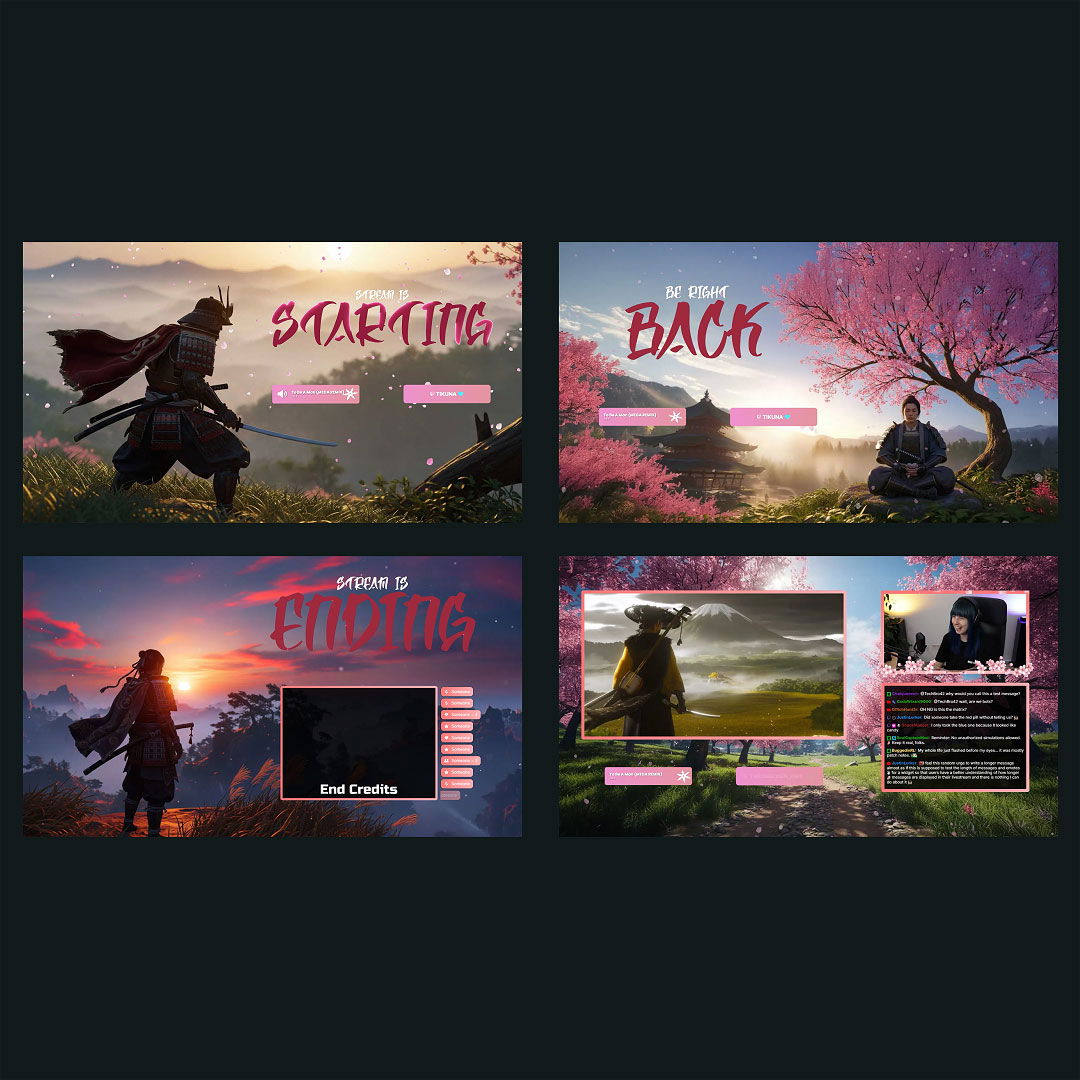
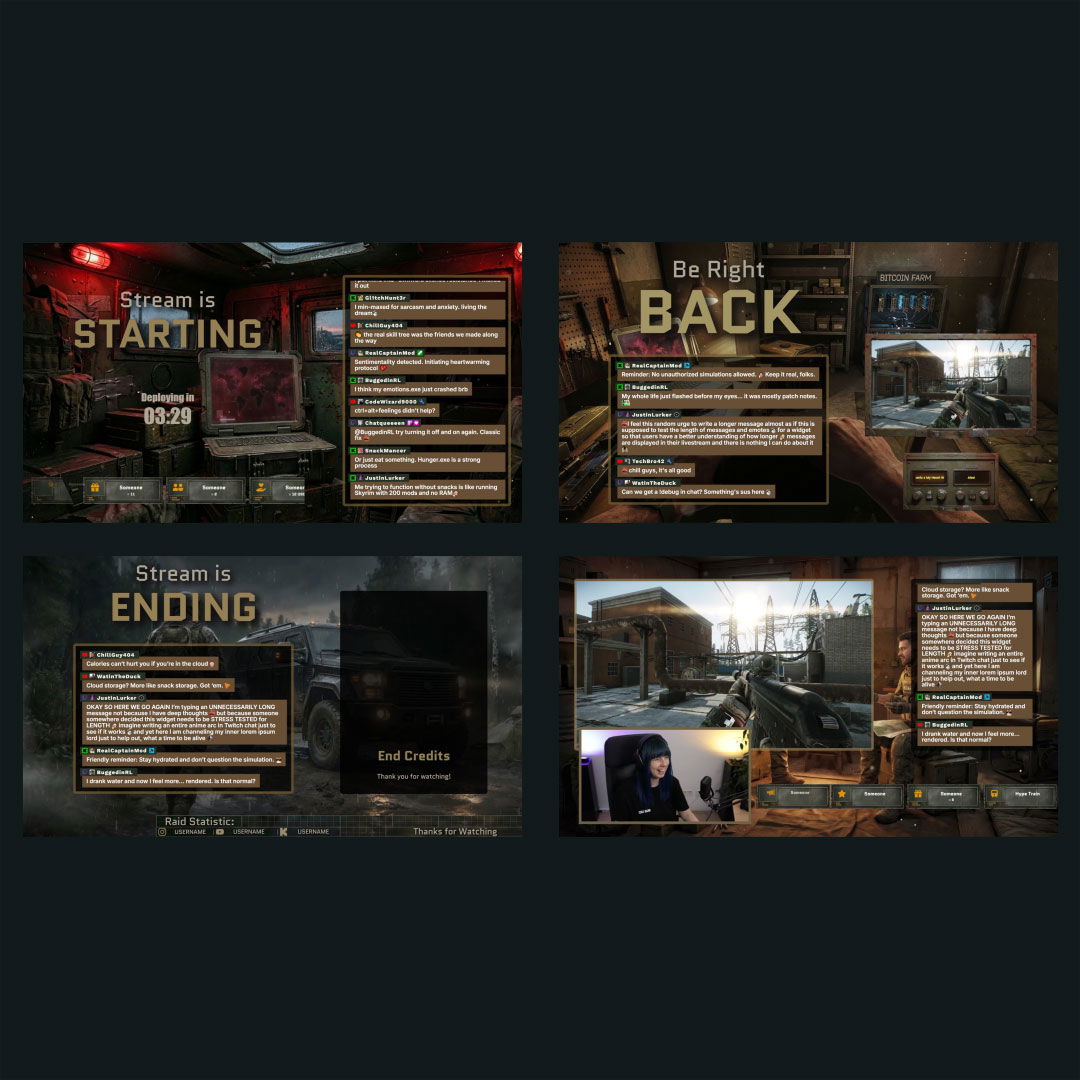
Free Twitch Chatbox Widget

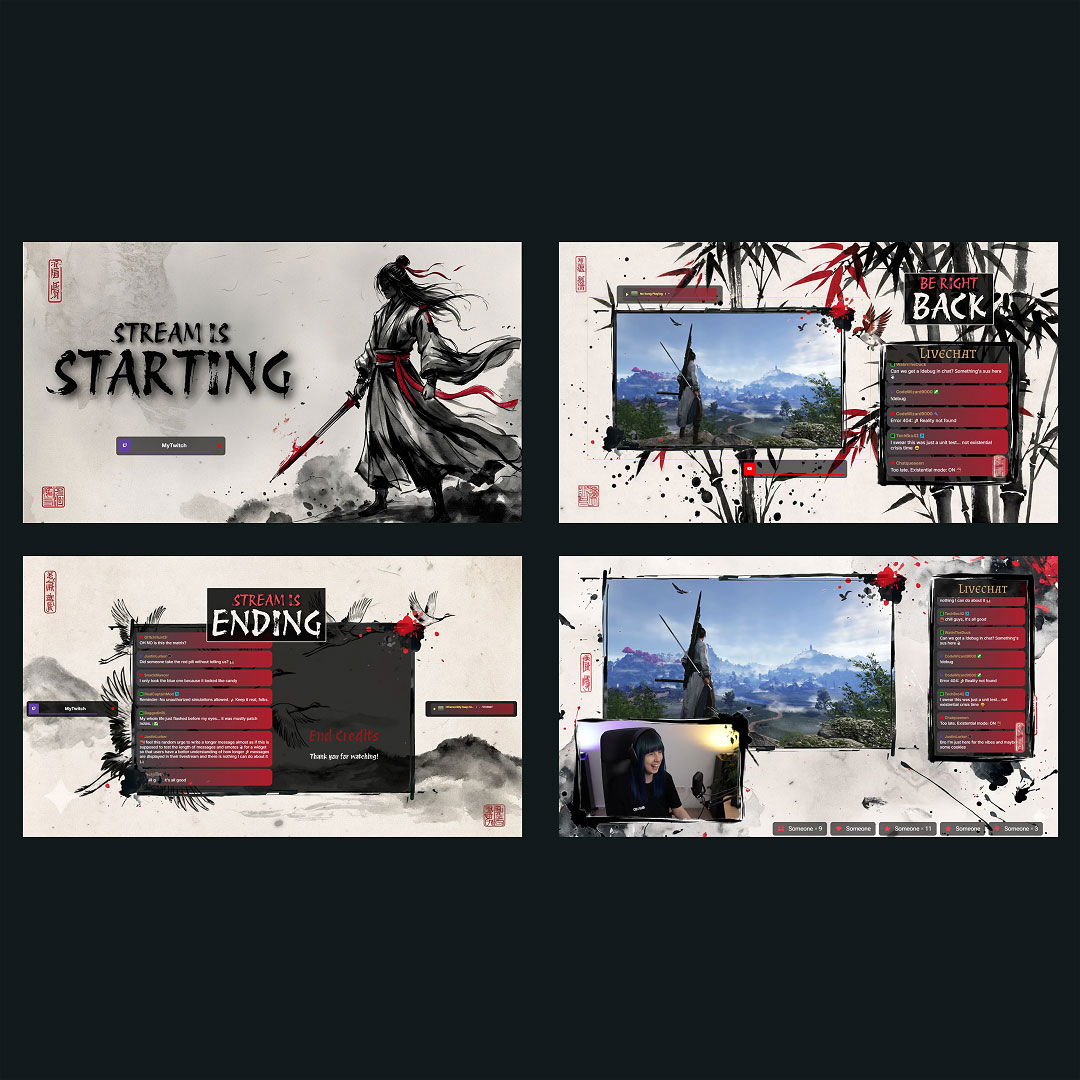
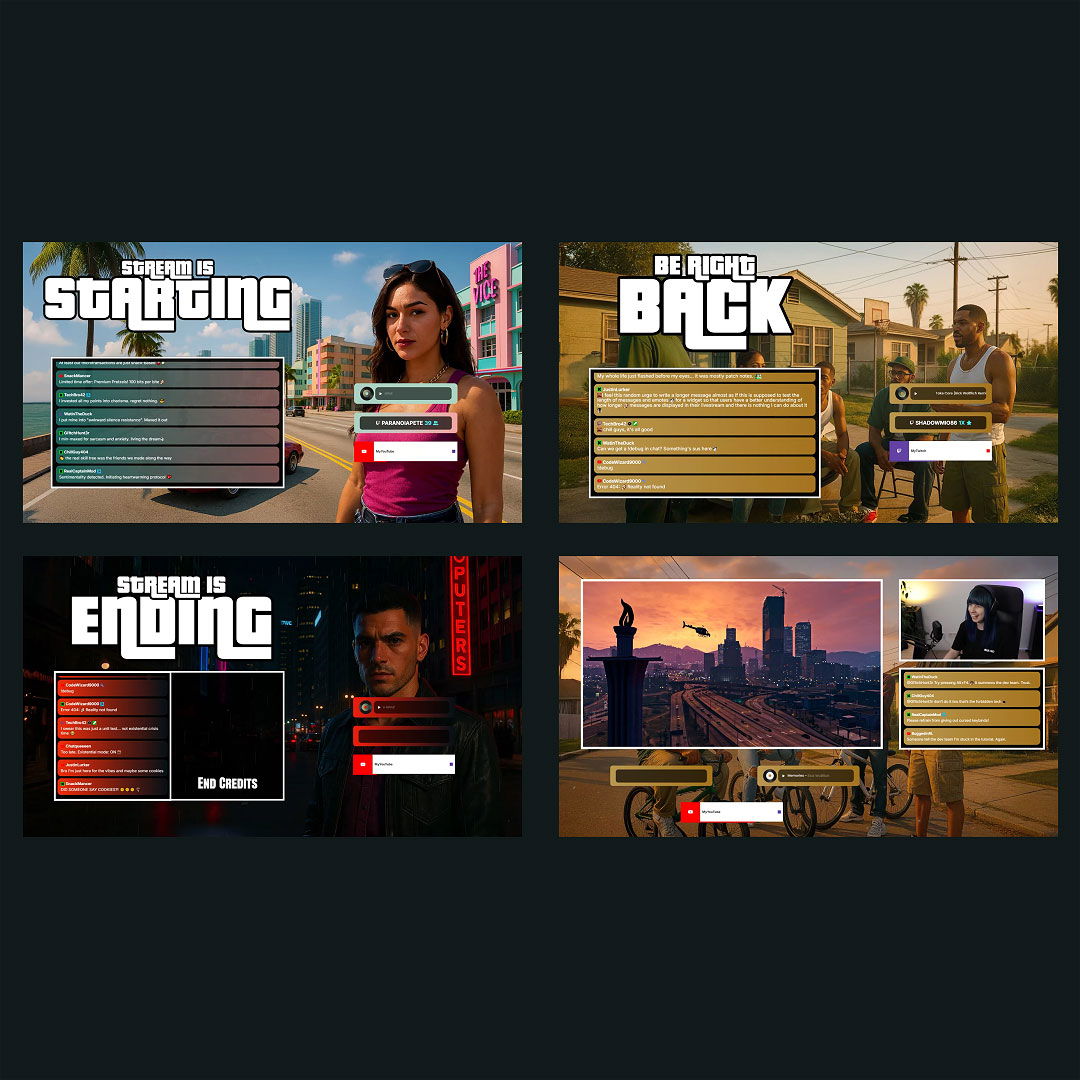
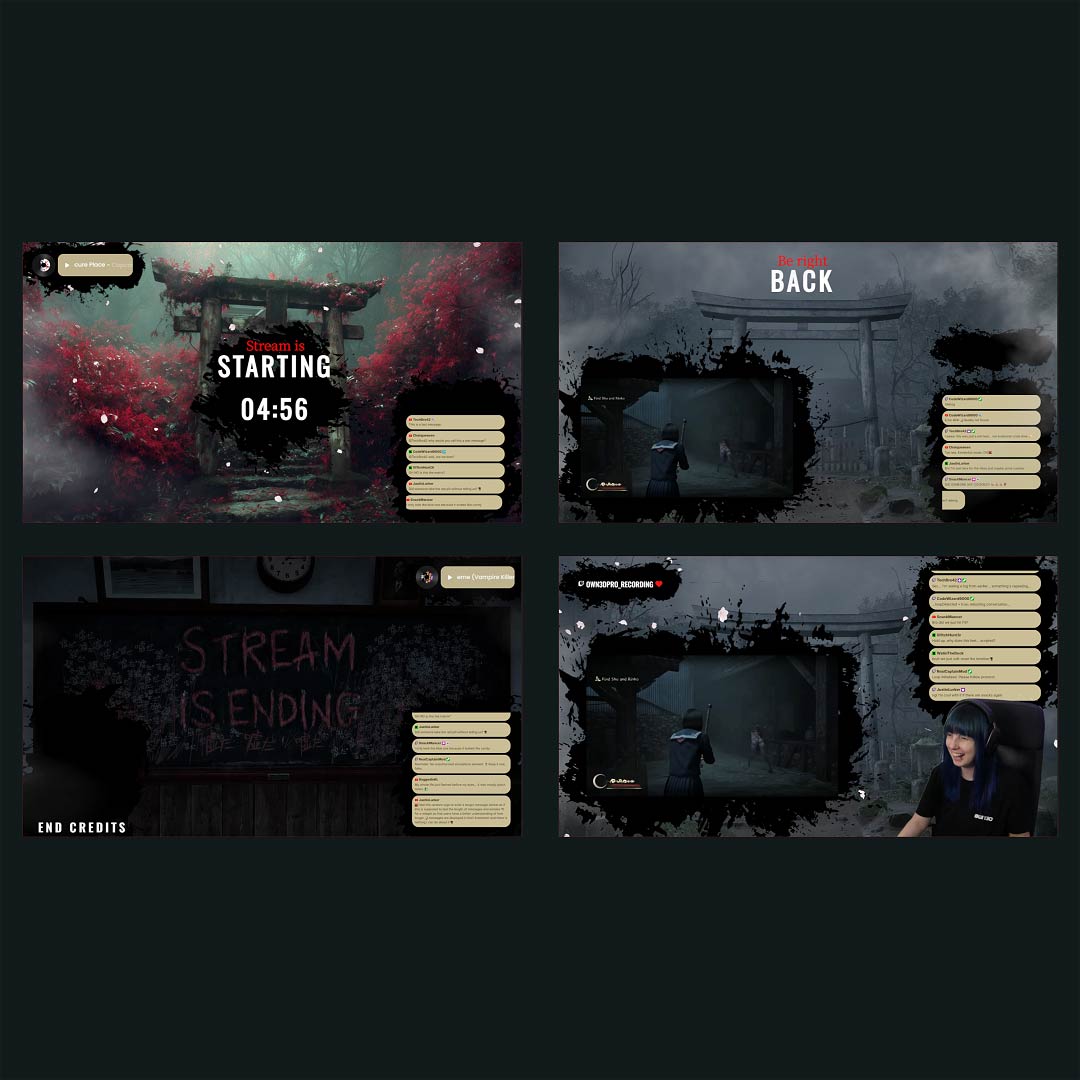
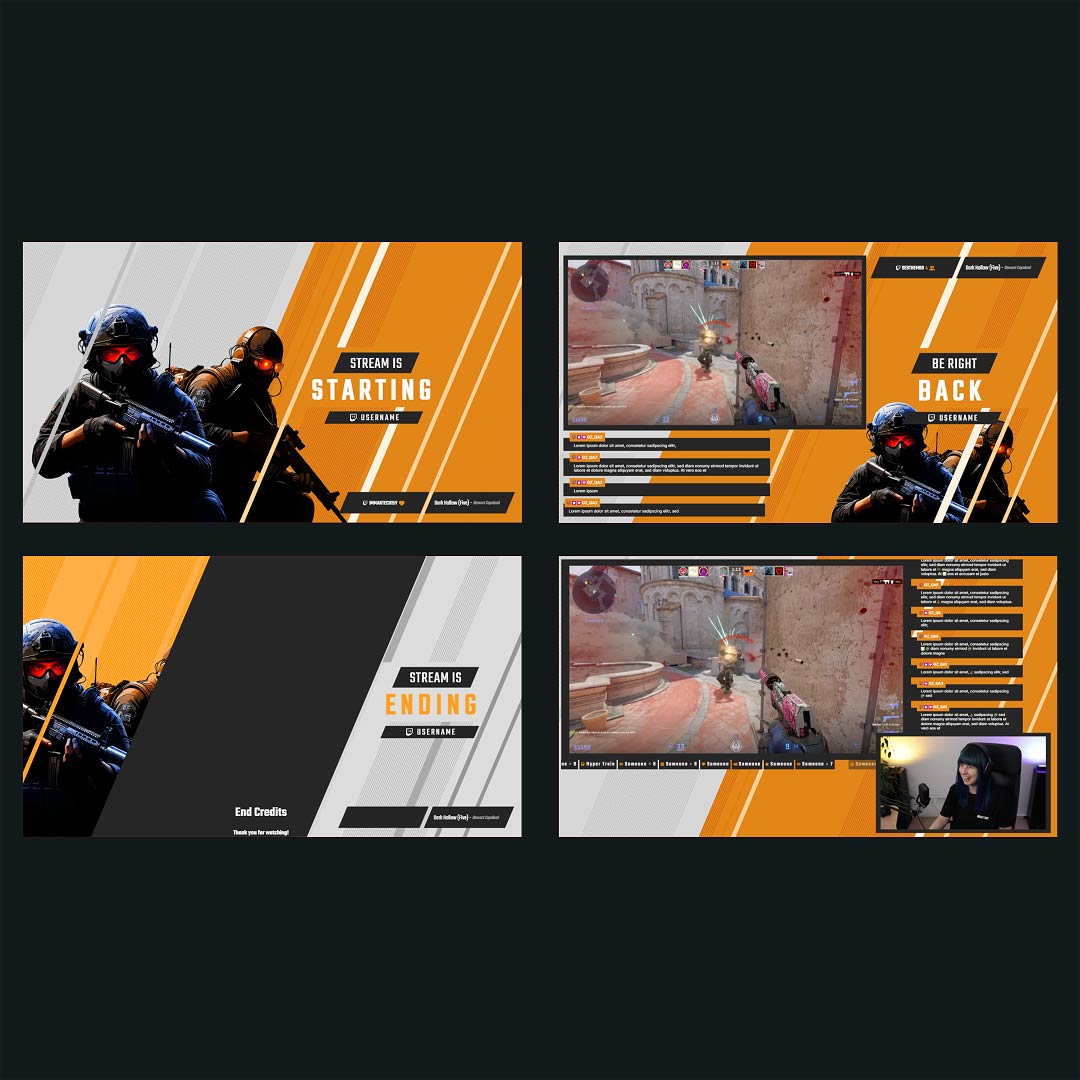
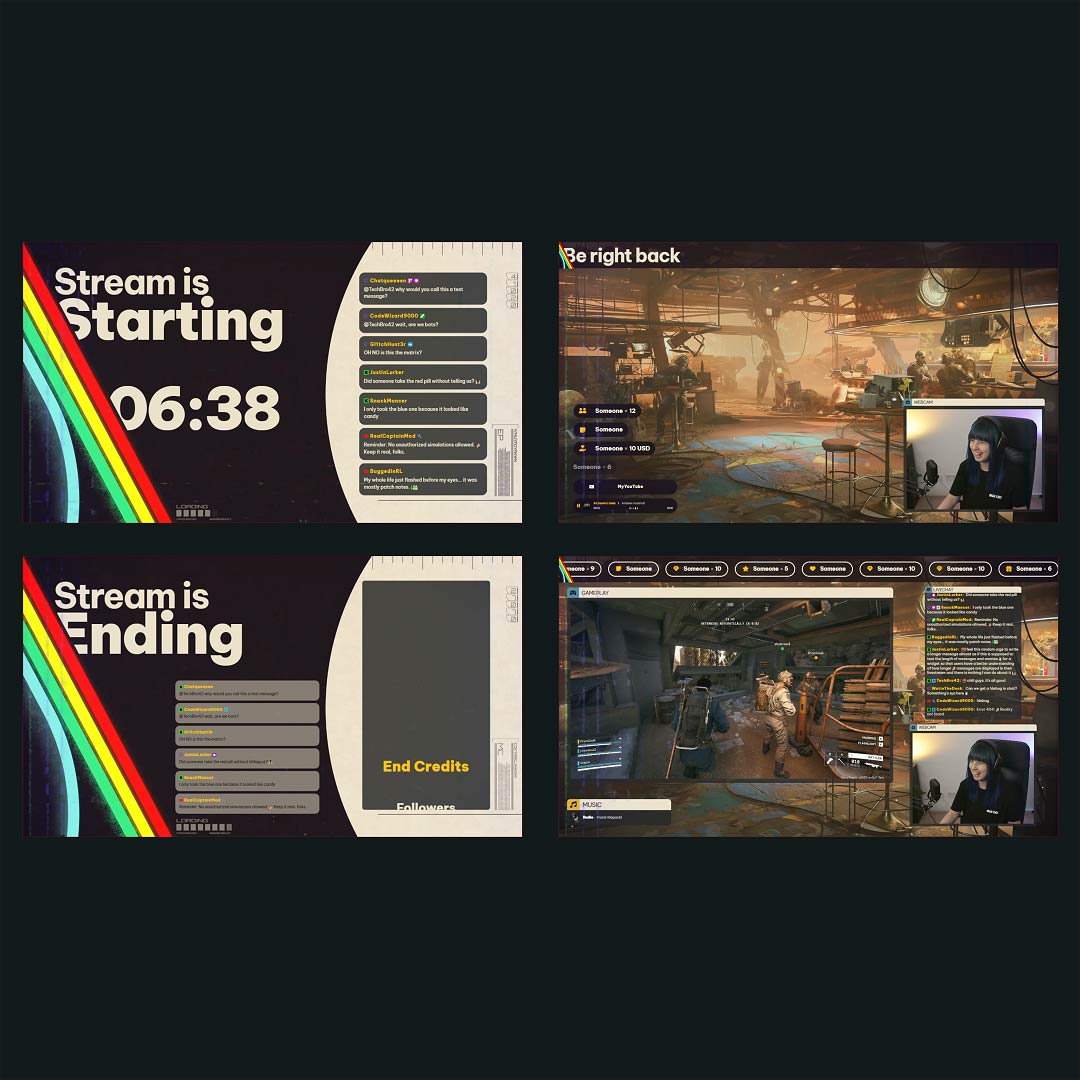
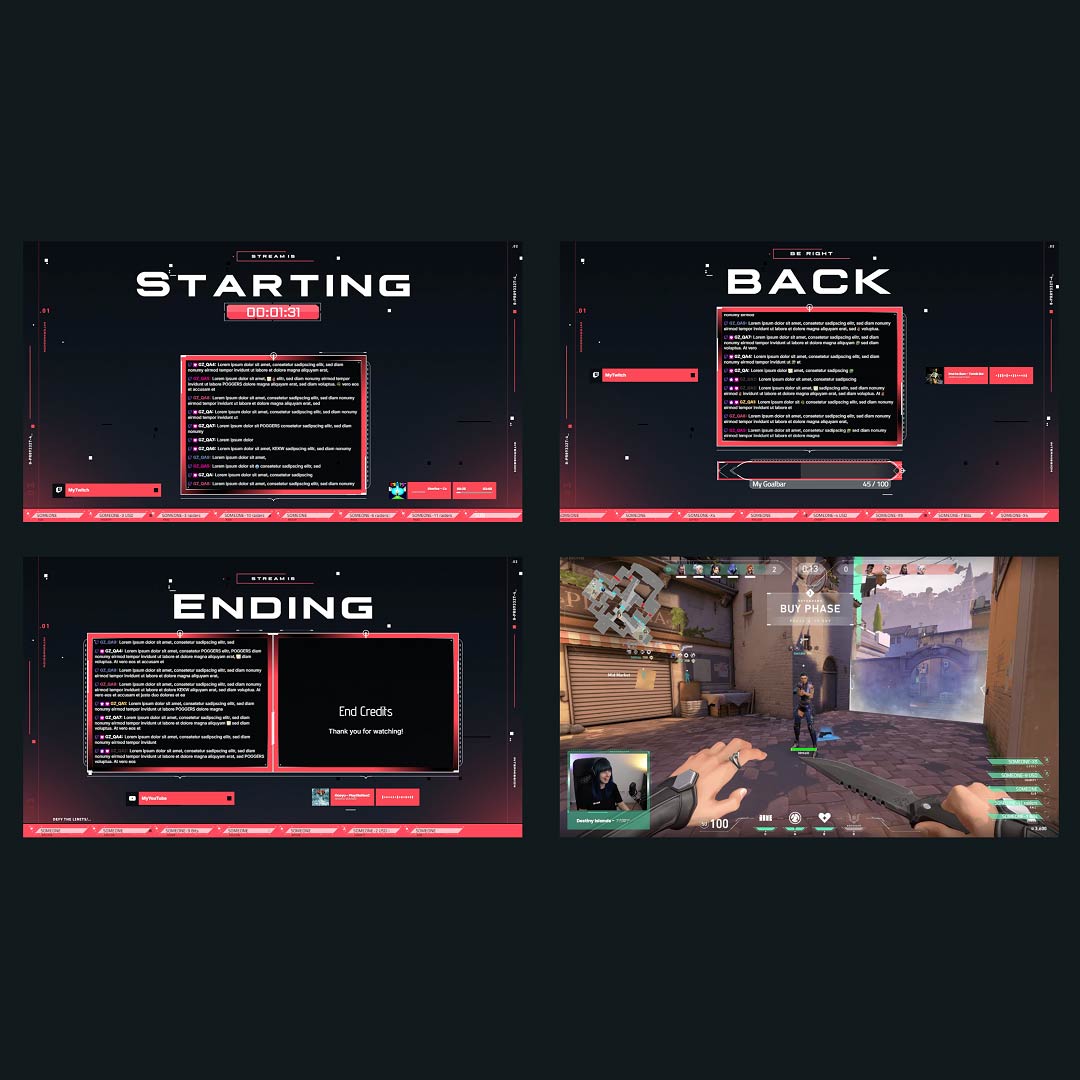
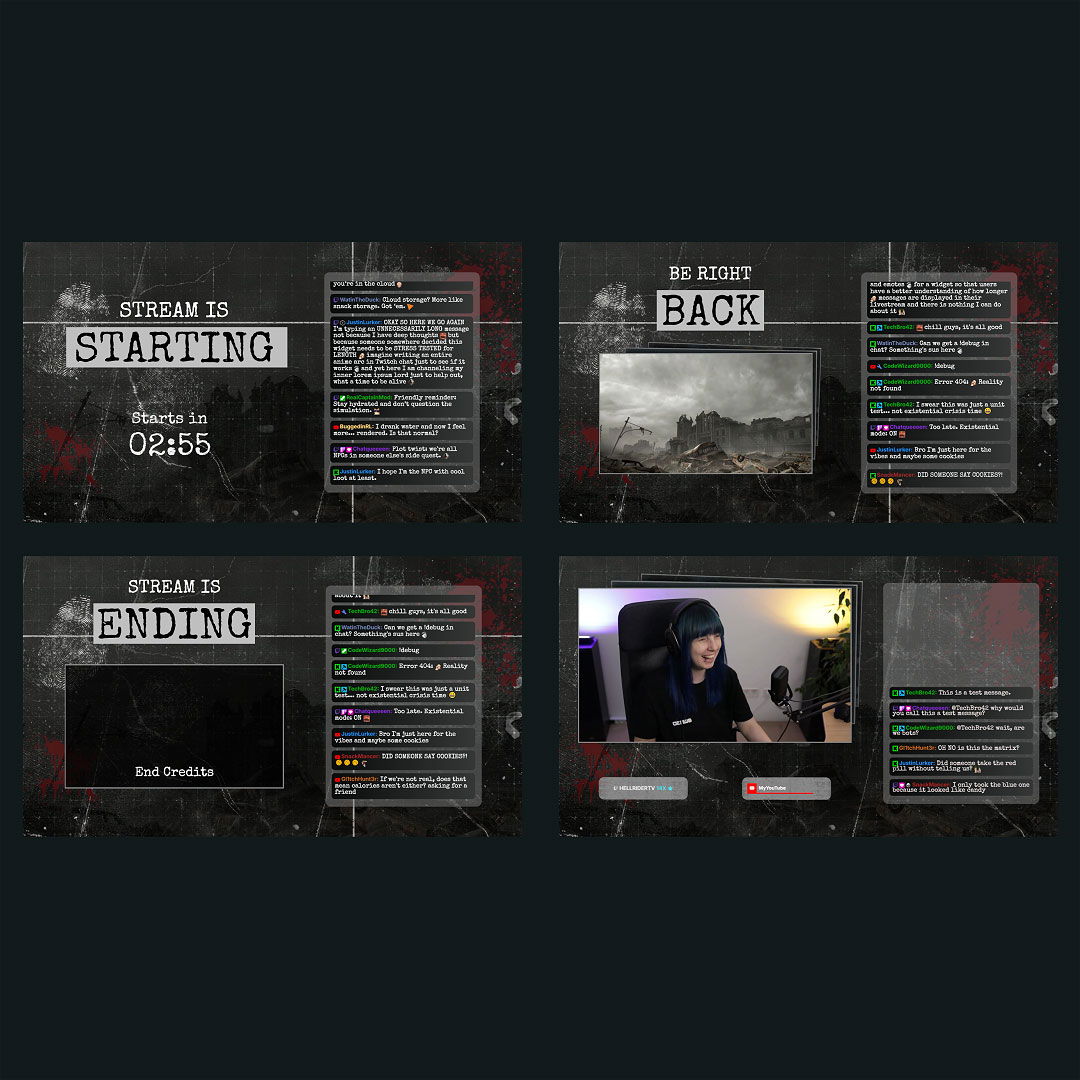
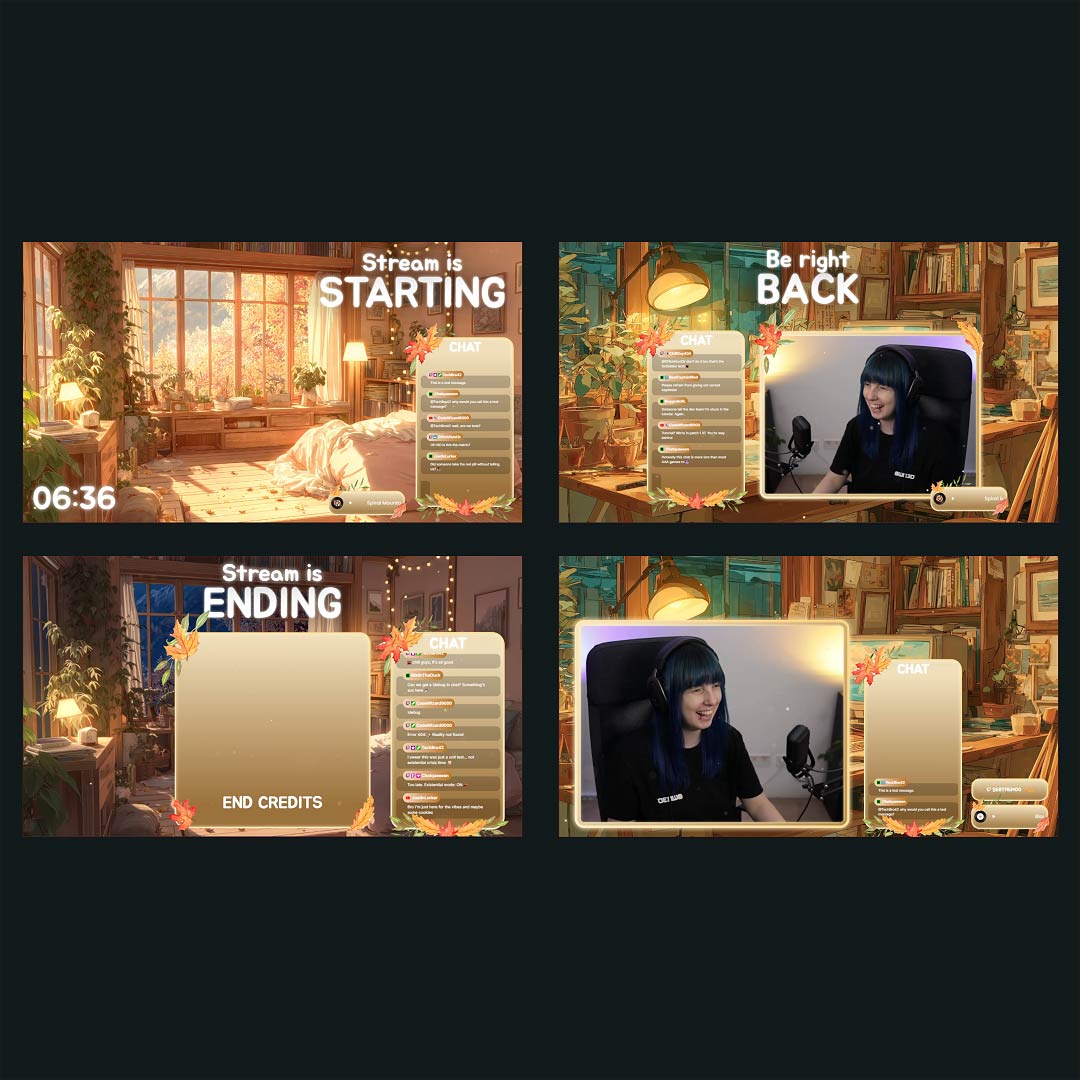
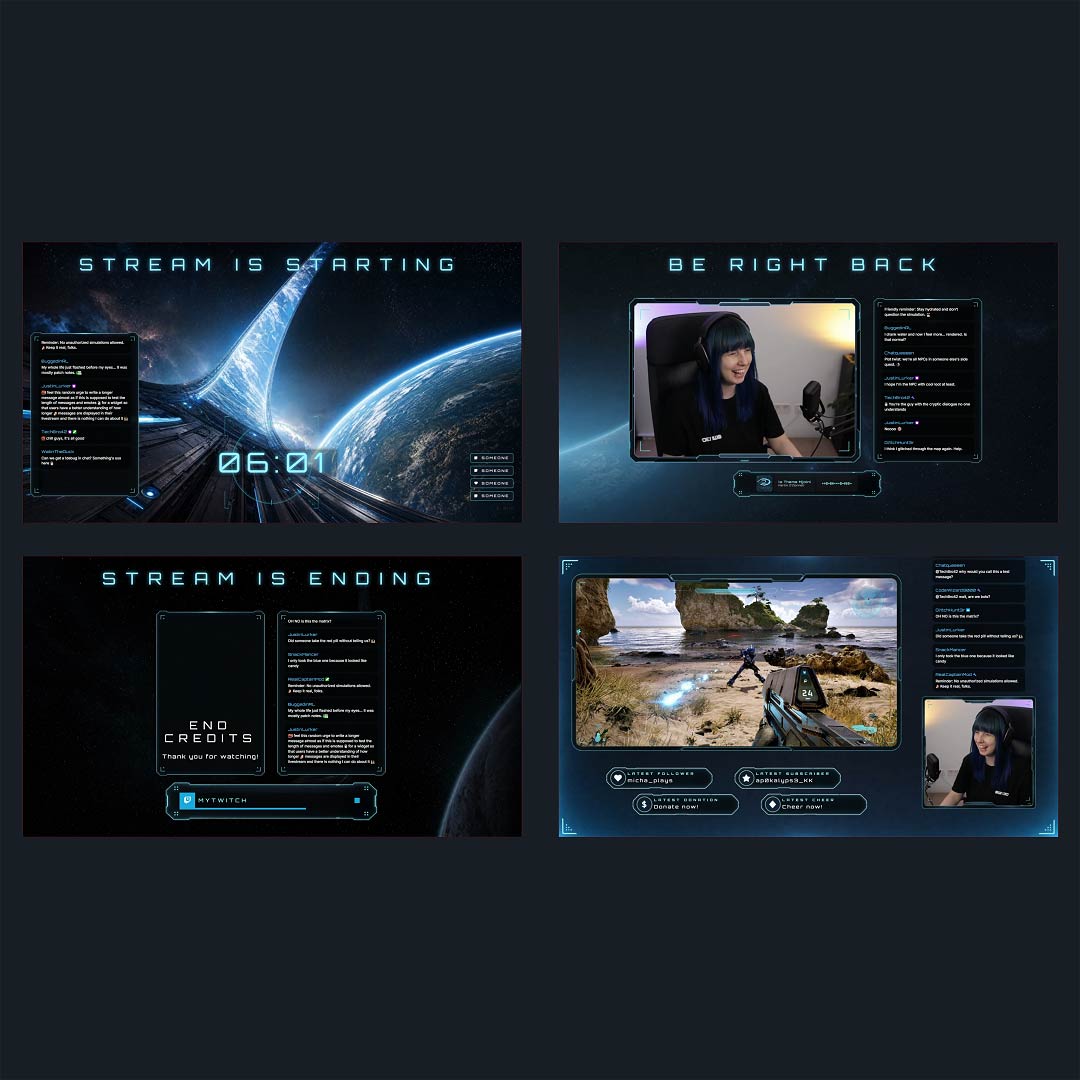
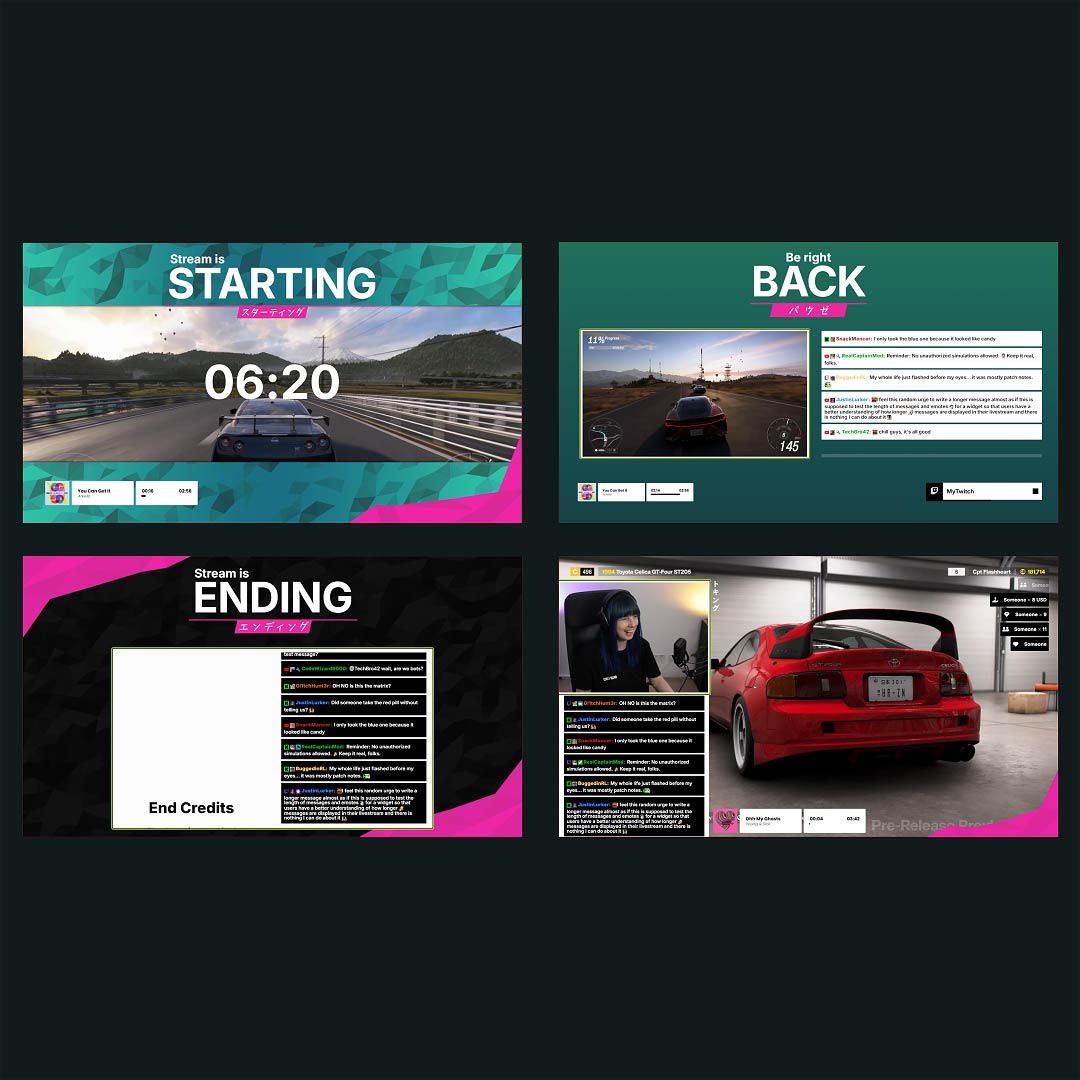
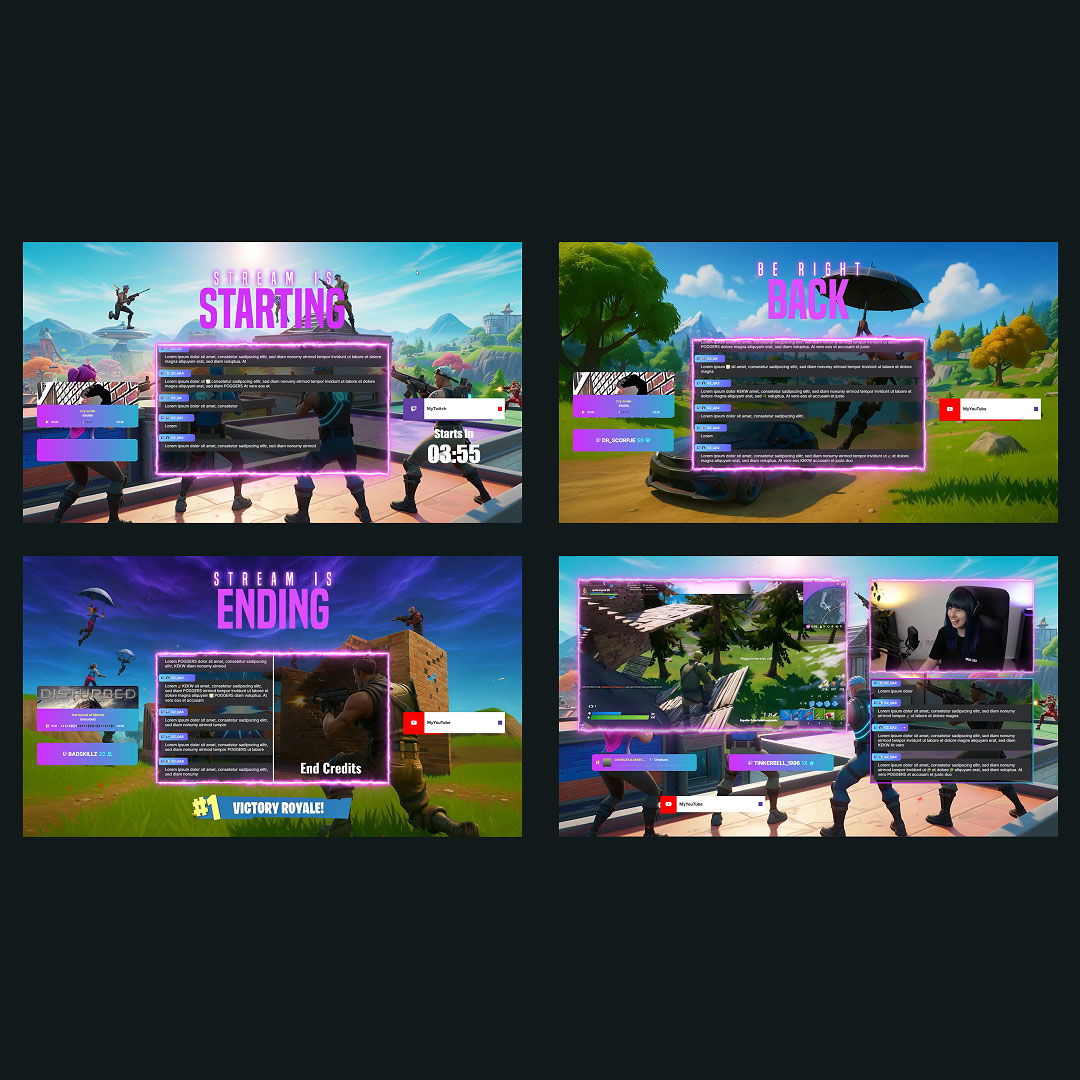
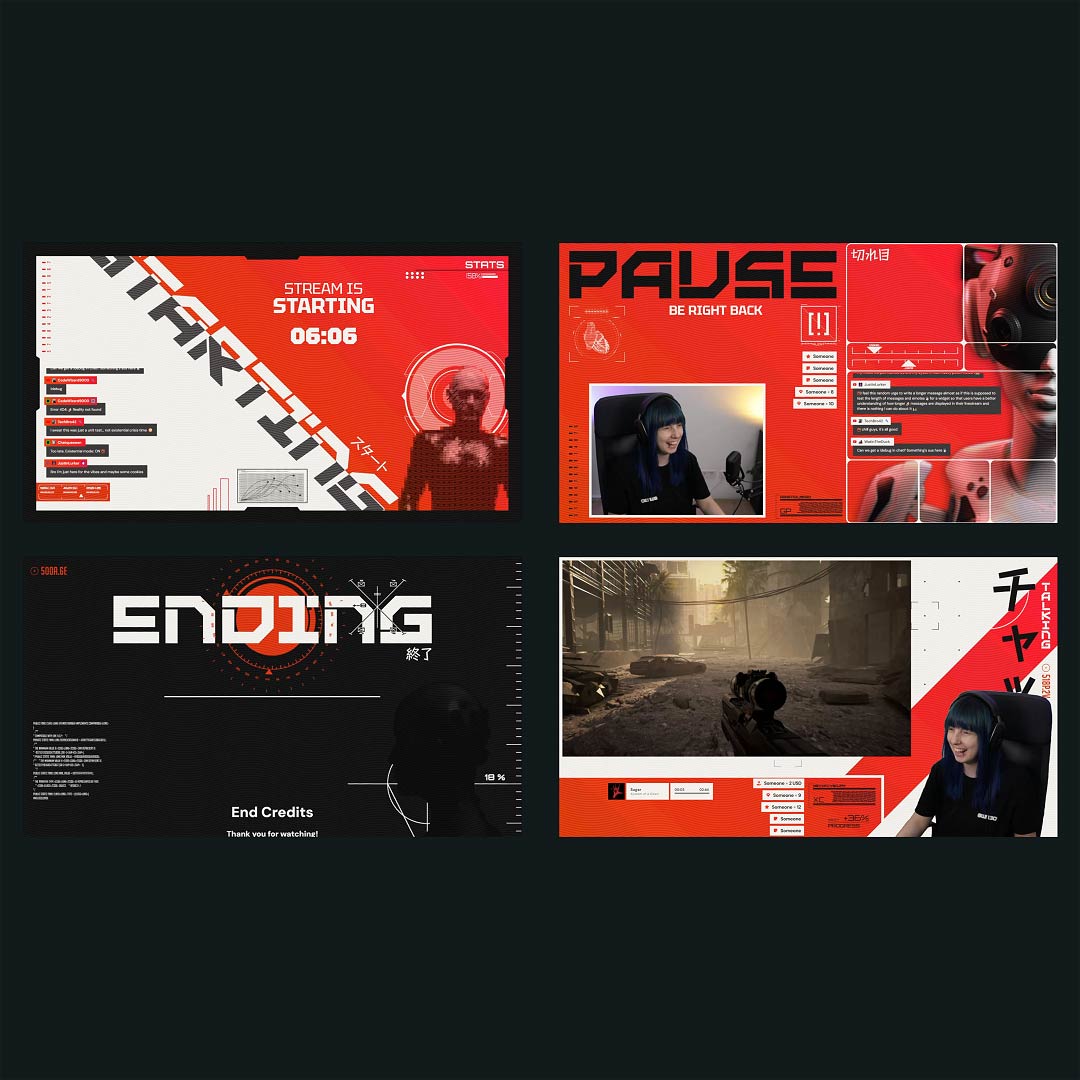
On Twitch, chat is the content, too. It’s the laughs, the clutch reactions, the emote storms, and the inside jokes that only your community understands. Our Twitch chatbox widget makes sure none of that gets lost off-screen. Show your chat in a way that feels like you, clean, bold, colorful, or minimal, fully styled to match your overlay. Also works for Kick and YouTube, and every broadcasting tool.

Bring Your Community
Into the Frame

A chat design that feels personal

Pick a style that matches your channel’s mood, then tweak fonts, colors, spacing, alignment, and scroll direction until it fits perfectly. Want your Twitch chatbox widget to stay tidy when chat goes wild? Turn on auto-disappearing messages and keep everything clean without losing the vibe.

Capture the hype moments

Twitch runs on momentum. Your chatbox widget for Twitch can show events right next to messages, follows, subscriptions, resubs, gifted subs, donations, and more. When something big happens, it shows up instantly, so nobody misses the moment.

Clean Overlay, Real Conversation

Cut the clutter, keep the good stuff

Bots and command spam can drown out the fun. Filter specific users, hide bots, and remove commands, so the Twitch chatbox widget highlights the messages that actually build your community.

Emotes that land the way they should

On Twitch, emotes are a language. Your chatbox supports animated emotes plus BetterTTV, FrankerFaceZ, and 7TV, so every reaction appears exactly as your viewers meant it.

Twitch Chatbox Widget Features

Everything you need to make your Twitch chat look and feel right on stream.

Easy Customization
Different Styles
Third-Party Emotes
Quick Twitch Setup
Twitch Chat & Events

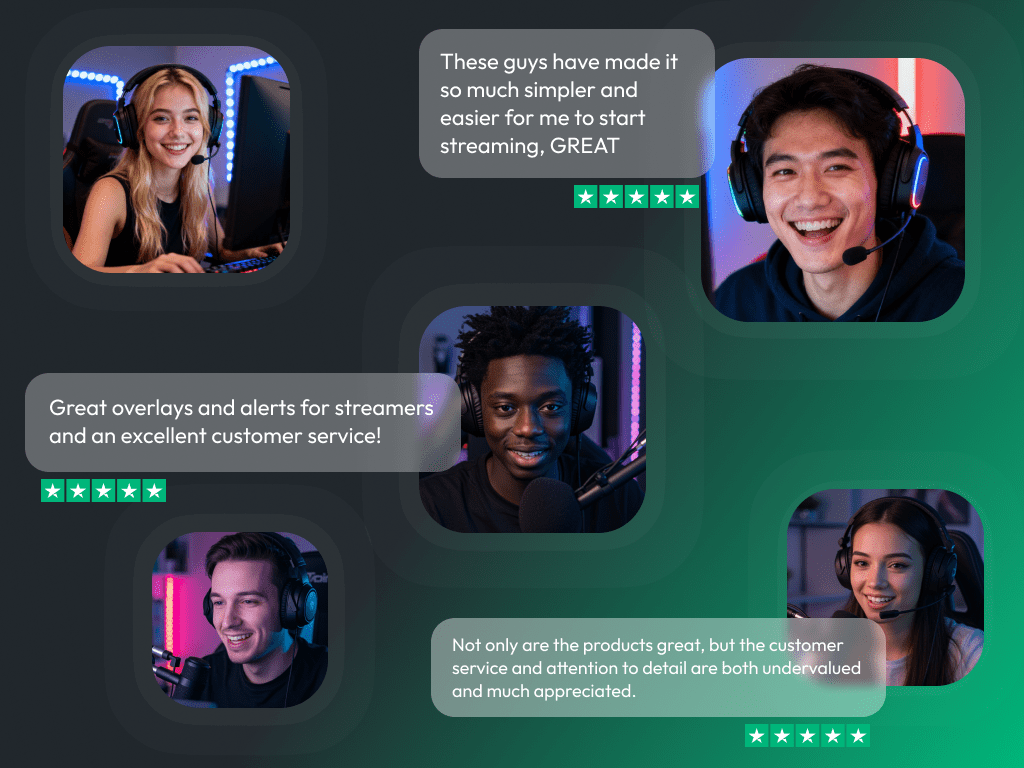
What Happy Customers Say About Our Twitch Chatbox Widgets

See how our product makes a difference for content creators.

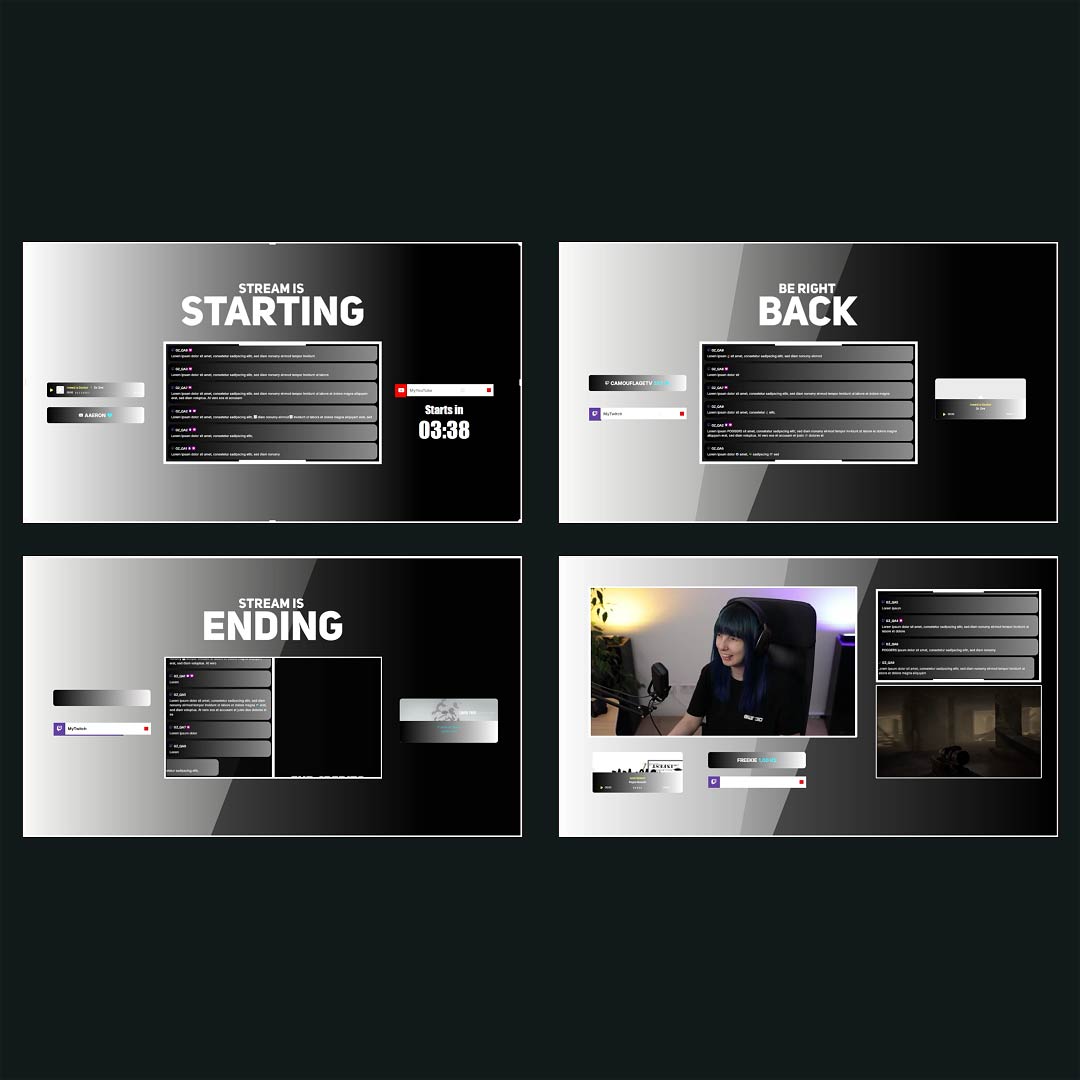
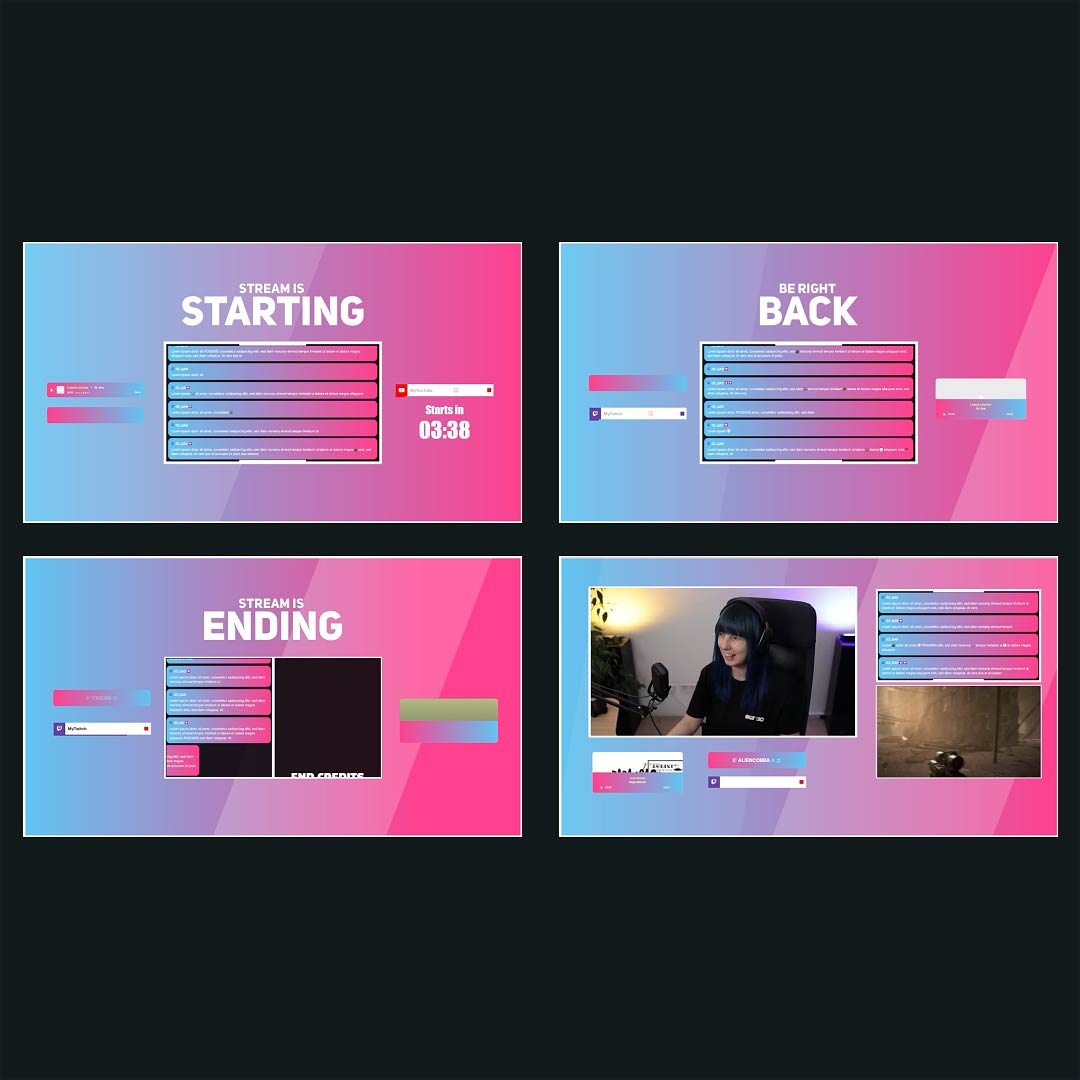
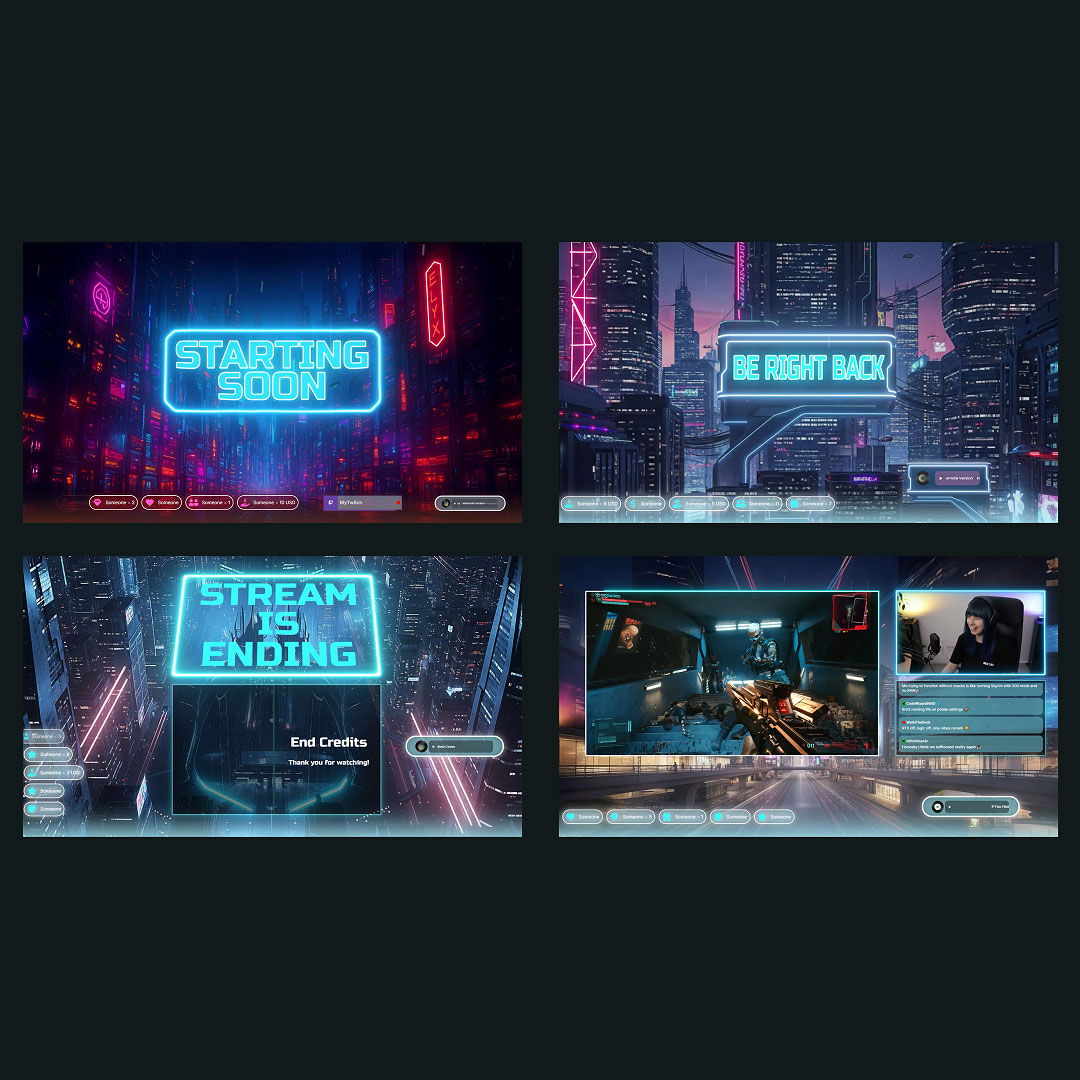
Overlays with Twitch Chatbox Widgets Free/Premium

Ready to use overlays with Twitch chatbox widgets you can tailor to your brand and vibe.

1

One Pass. Everything Included.

The Stream Pass gives you full access to everything OWN3D Pro has to offer. All products, including overlays, alerts, widgets, emotes, and more, are included and not sold separately.

Works with all broadcasting tools

Build overlays with the Twitch chatbox widget in the Scene Builder and use them with OBS Studio, Streamlabs, XSplit, and more. Easy to integrate with any setup.

Unlimited* asset downloads

Download emotes, badges, panels, and more static assets. *Our unlimited plan is subject to fair use.

AI-powered creations

Get 50 AI credits with your Stream Pass to generate custom stream widgets, webcam frames, emotes, and more.

Multistreaming ready

Stream on Twitch, YouTube, and Kick with all the tools you need for a professional-looking livestream.
FAQs About Our Twitch Chatbox Widgets

Is the Twitch chatbox widget free?

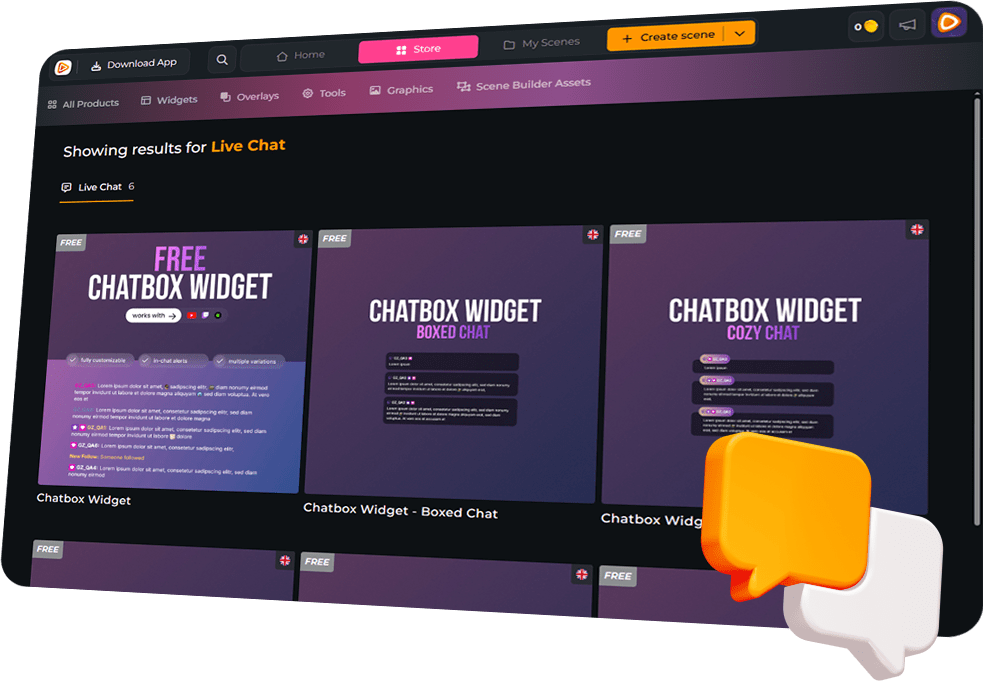
Yes, it’s 100% free. You can set it up in minutes and start showing your Twitch chat on stream right away, no paywall, no waiting.

Yes. This chatbox widget is built for Twitch, fast chat flow, emote-heavy reactions, and clean overlays that still feel alive. If Twitch is your home, this will fit.

Our chatbox widget for Twitch also supports YouTube and Kick. If you multistream, you can pull everything into one chat feed, so nobody feels left out, and you don’t miss messages when things get busy. Just make sure you follow each platform’s rules and permissions for displaying chat from other services on stream.

No. Just add your Twitch chatbox widget as a browser source in your broadcasting tool, and you’re done. The sooner you set it up, the sooner your Twitch chat becomes part of the show.

Absolutely. Fonts, colors, layout, size, alignment, scroll direction, message visibility, and more: you can shape the chatbox widget for Twitch until it looks like it was made for your channel, not copied from someone else.

Yes. Keep the chat on point. Filter bots, commands, and specific users, so your overlay shows the moments your viewers actually care about.

Yes. Follows, subs, resubs, gifted subs, donations, and more can appear right inside your free Twitch chatbox widget, so you never miss a hype moment, even when you’re focused on the game.

Yes. Static and animated emotes work inside our chatbox widget for Twitch, plus BetterTTV, FrankerFaceZ, and 7TV, so your community’s reactions show up exactly how they meant them, and your chat feels instantly more alive.

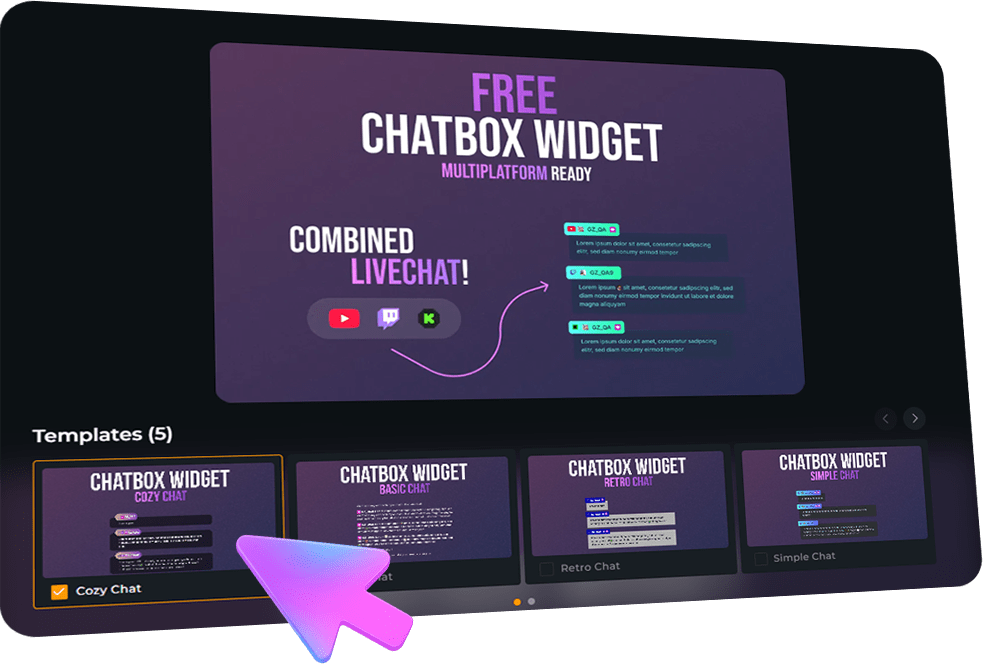
Yes. You can pair it with other OWN3D Pro widgets in the Scene Builder, so your whole overlay matches, and your stream looks cohesive instead of stitched together.

Yes. The Twitch chatbox widget supports horizontal and vertical layouts, so your chat looks clean on mobile setups too.