Free YouTube Chatbox Widgets

Some streams feel quiet until chat shows up. One message lands, then another, and suddenly your live has a pulse, a shared rhythm between you and everyone watching. That is the part you want on screen, not hidden in a side panel. A YouTube chatbox widget brings your YouTube chat into your overlay, so the connection you’re building feels visible, warm, and real.

Let Your YouTube Chat Be Seen

Make your chat fit every format you stream in

In the Scene Builder, you can create your YouTube chatbox widget in horizontal and vertical layouts, both styled exactly the way you want. Multistream with them, or switch your layouts in seconds when you go from a classic wide stream to Shorts-style live. Your community stays visible, your overlay stays you, no matter the format.

Keep the vibe, keep it readable

Chat can be fast, and the best messages are easy to miss. With your YouTube chatbox widget, you can filter bots, commands, and specific users, so the on-screen chat shows the lines that actually matter, questions, jokes, reactions, and the kind of comments that make people feel like they belong.

When Chat Reacts, Let It Show

More emotion in every message

A stream feels different when reactions are visible. Your YouTube chatbox widget supports static and animated emotes, so your overlay catches the mood in real time, the hype, the laughs, the little bursts of joy, without drowning your scene.

Multistream ready, if you need it

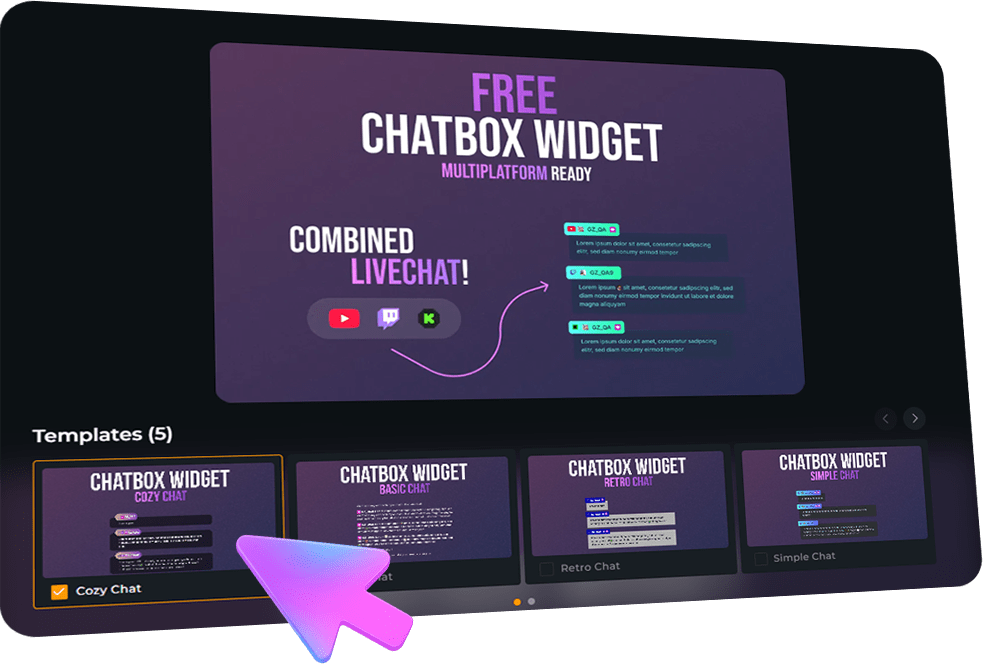
The YouTube chatbox widget is multistream ready for YouTube, Twitch, and Kick, so chat and key moments from new subscribers to members appear together in one clean feed.

YouTube Chatbox Widget Features

Build your YouTube chatbox widget and let it blend into your overlay as if it had always belonged there.

Easy Customization
Different Styles
Animated Emotes
Quick Setup
Chat & Events

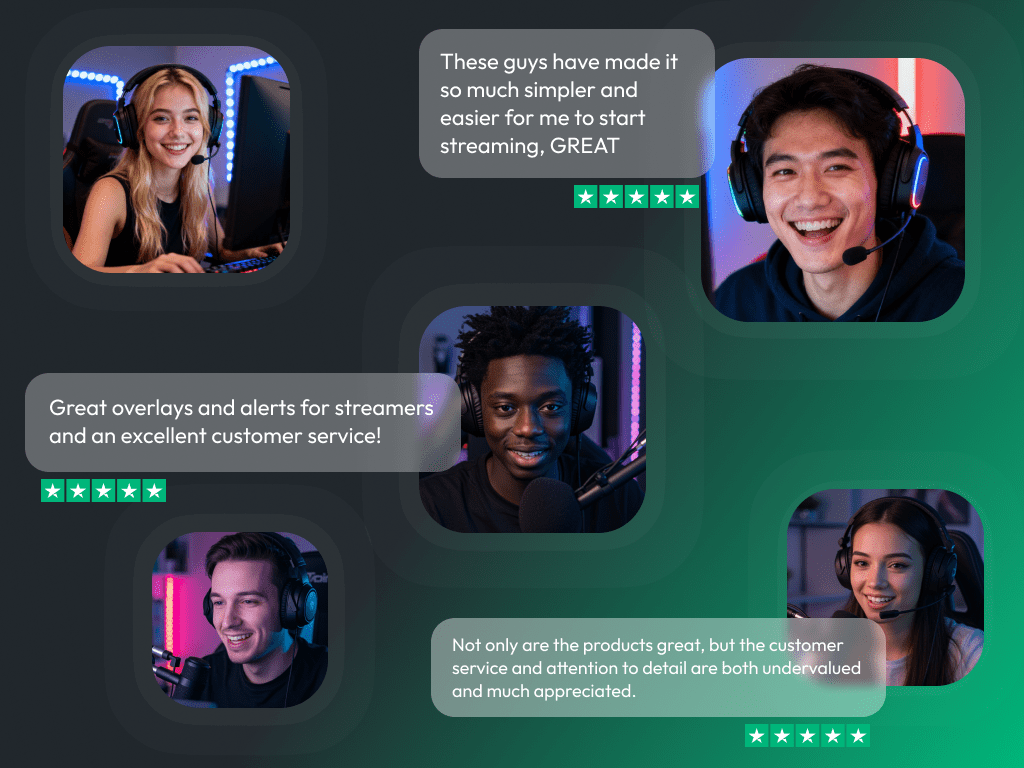
What Happy Customers Say About Our YouTube Chatbox Widgets

See how our product makes a difference for content creators.

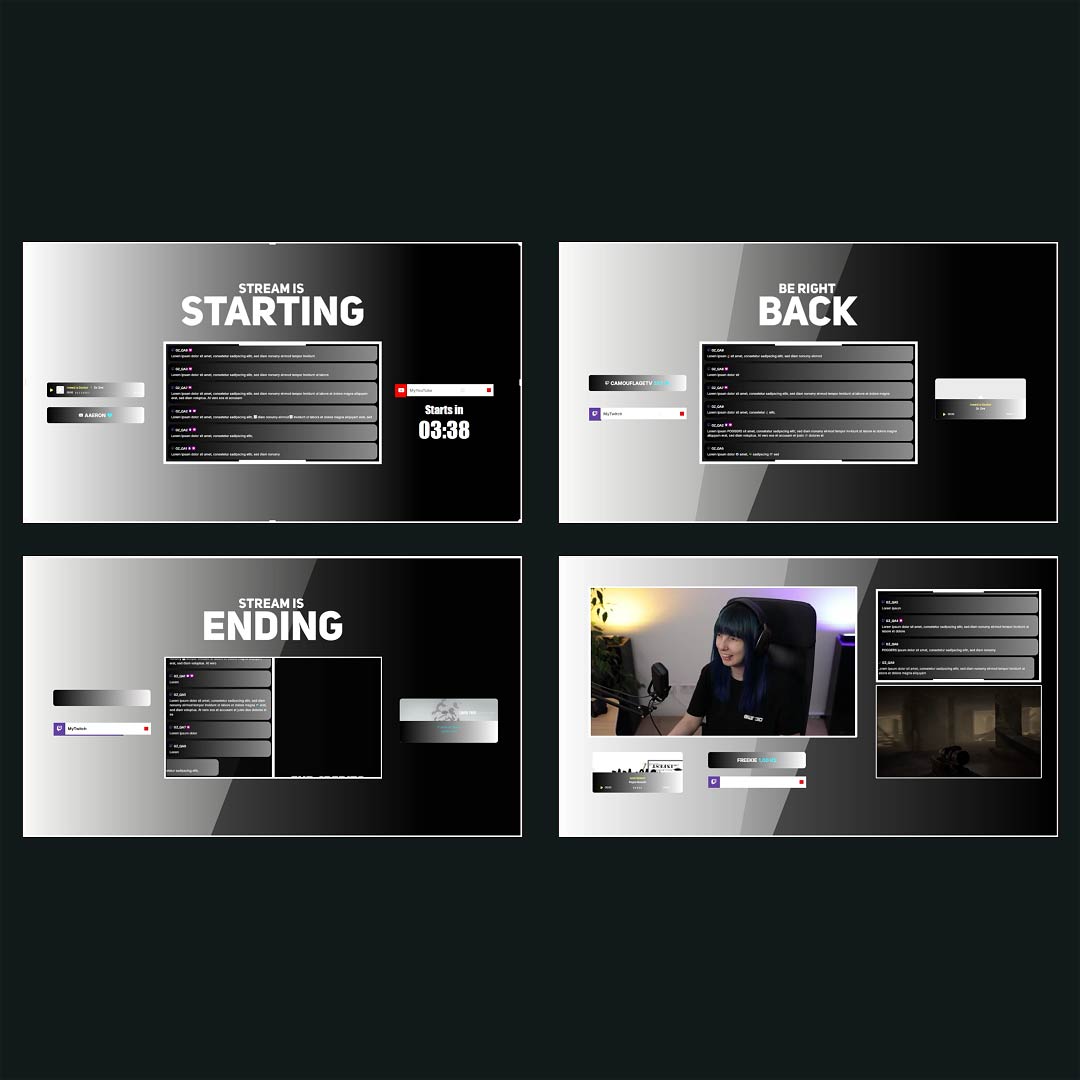
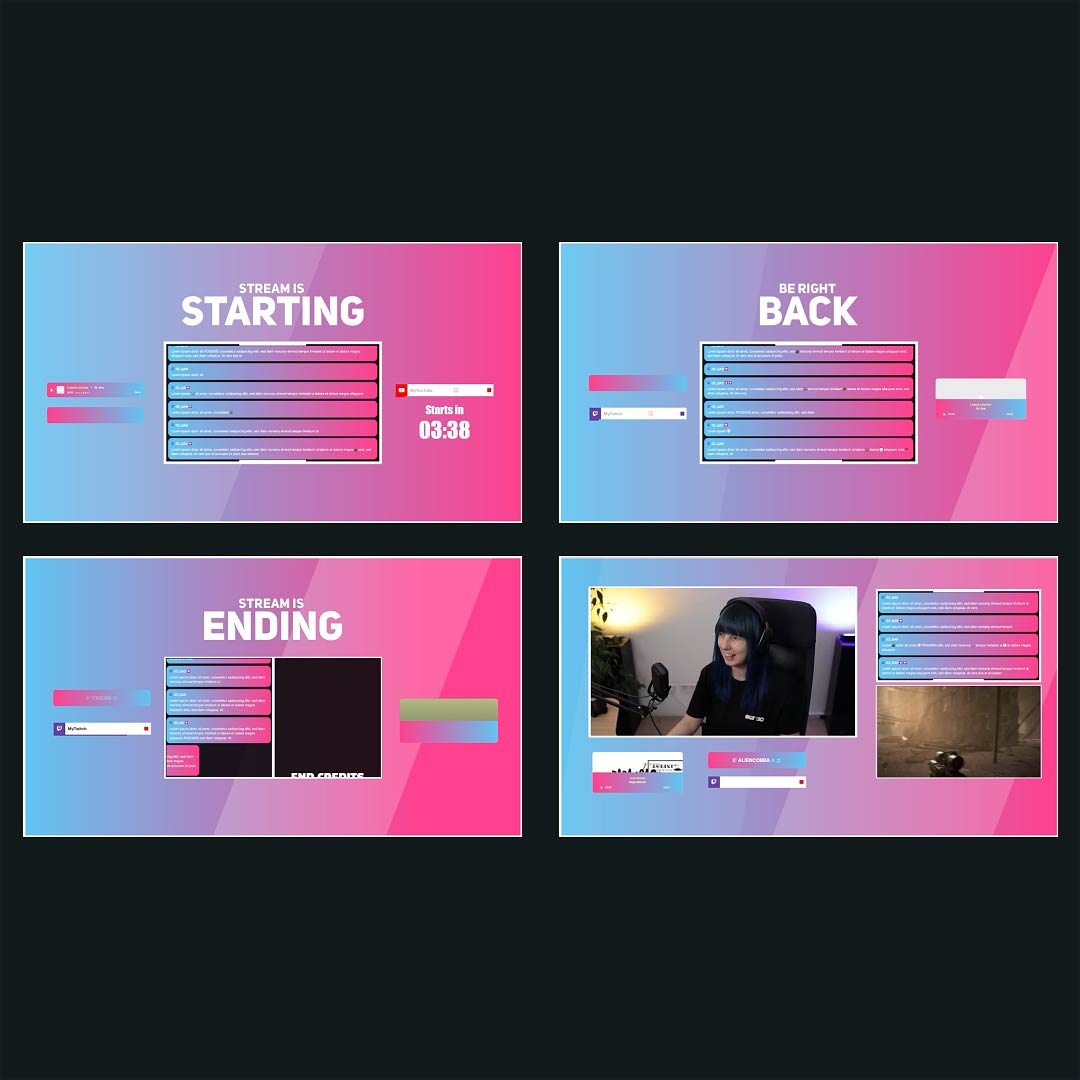
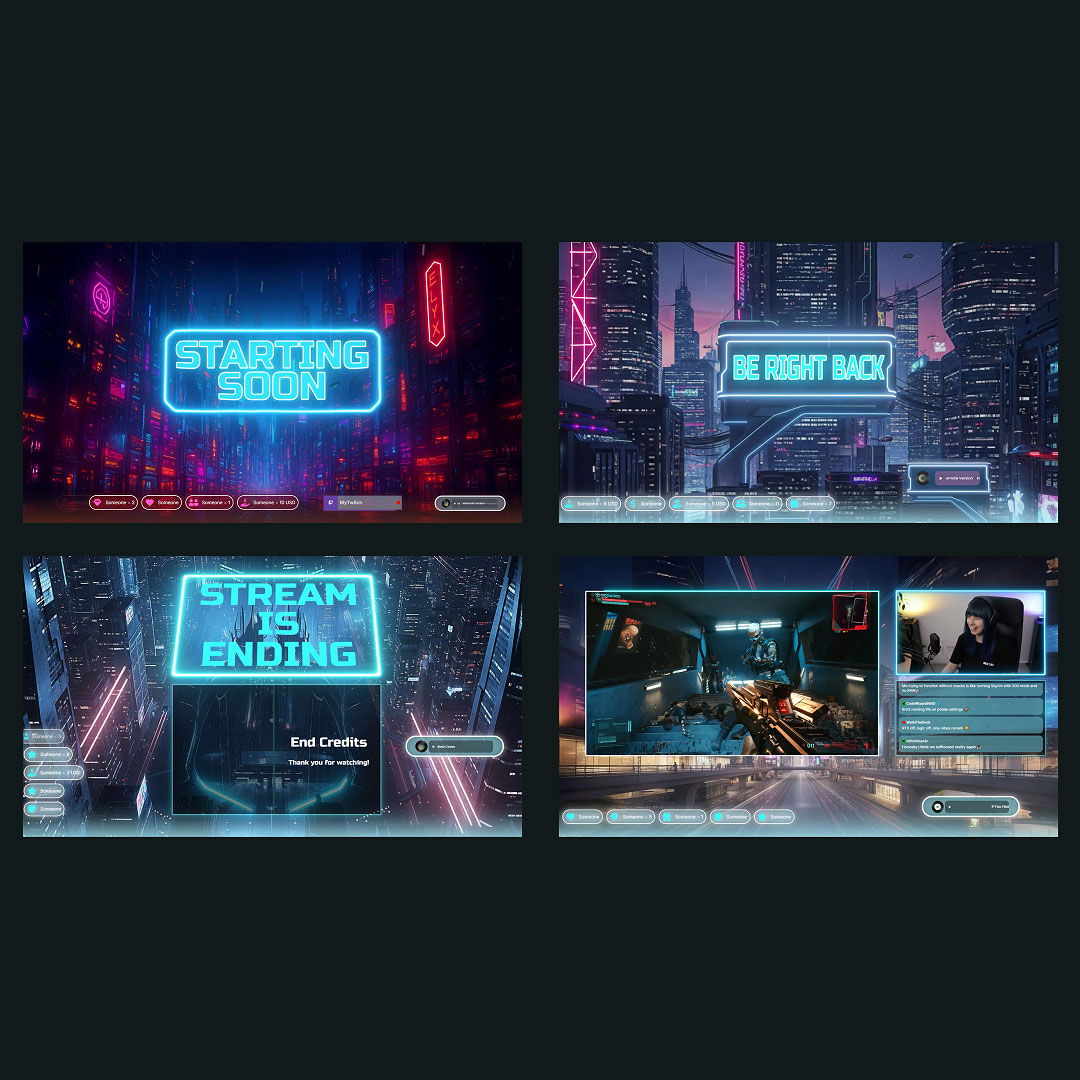
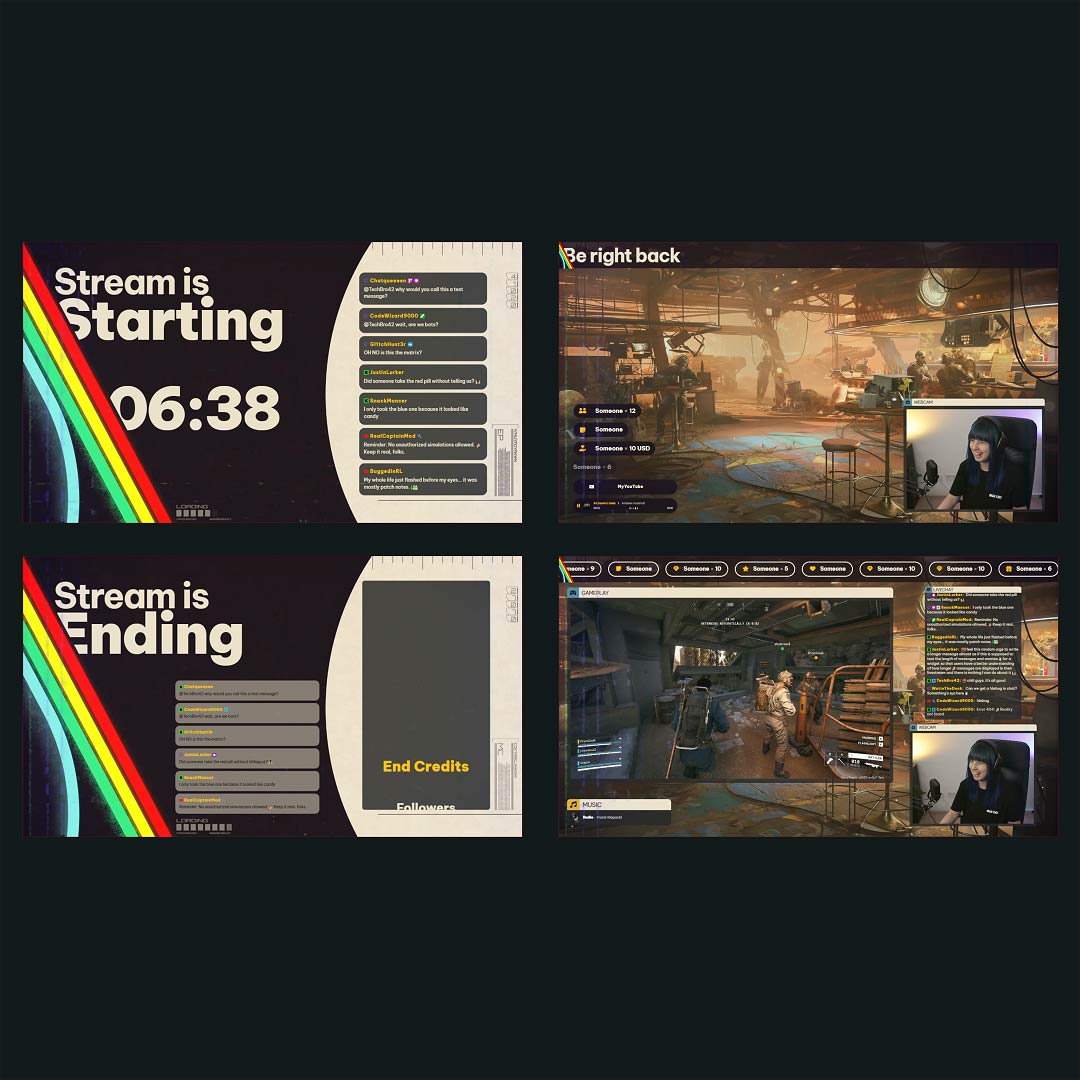
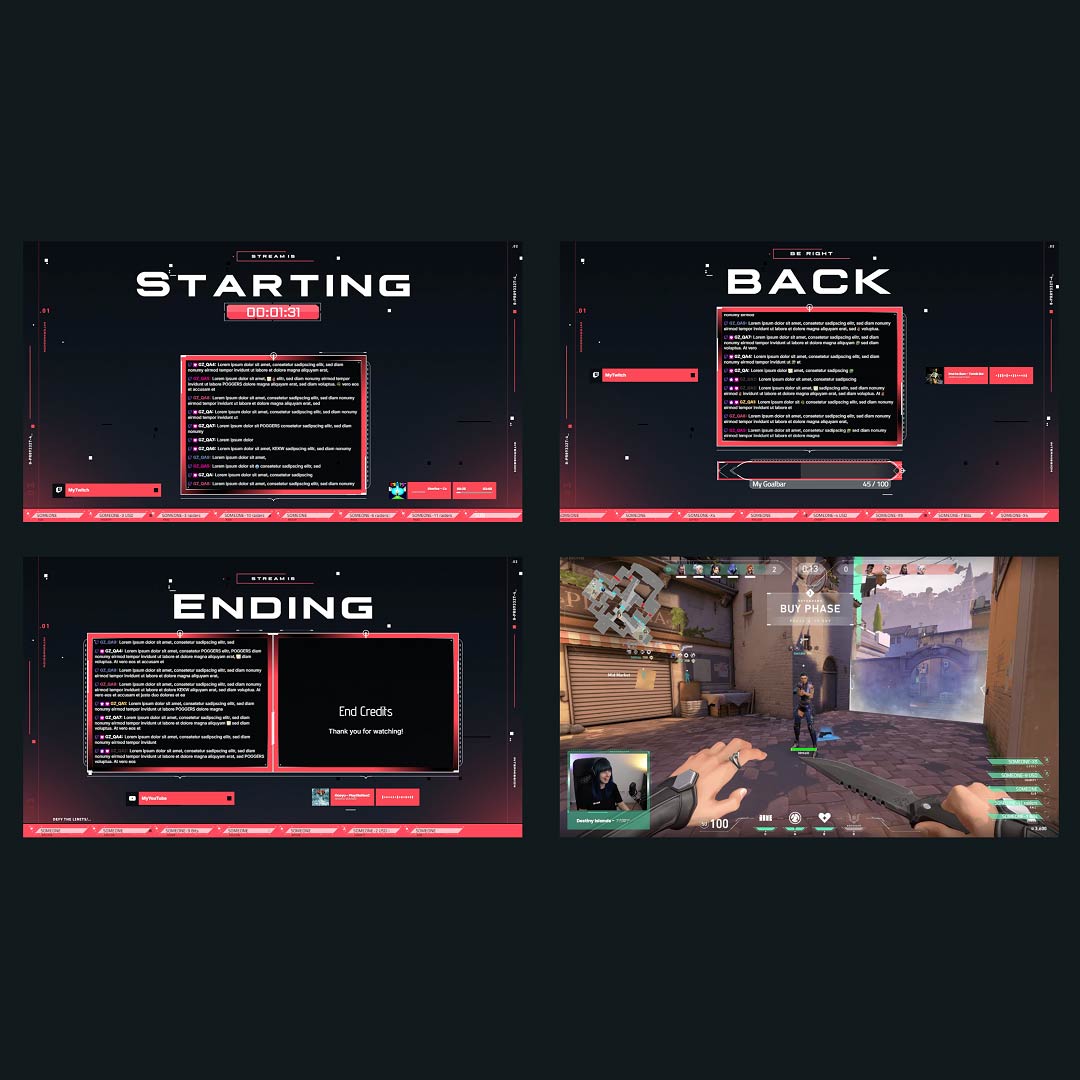
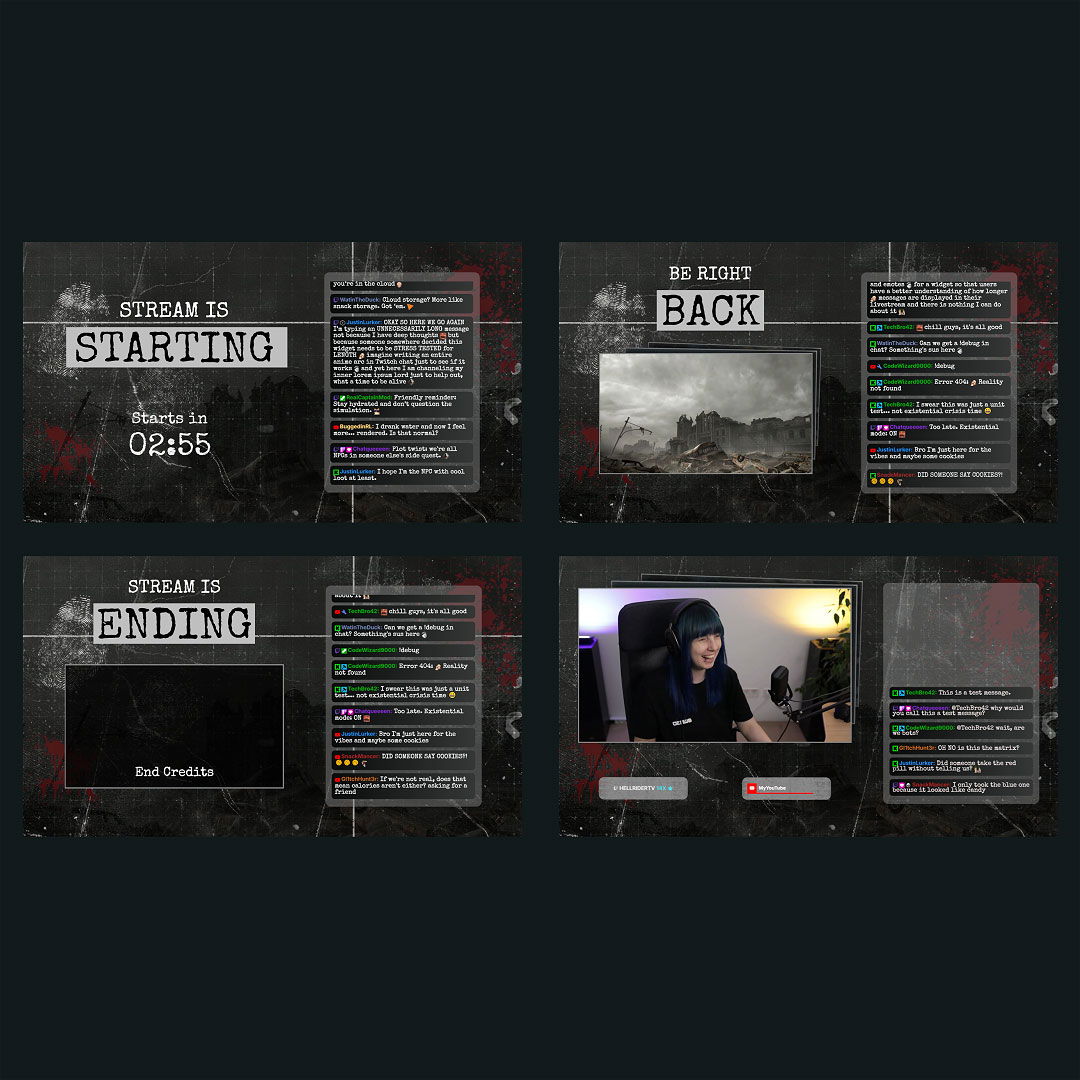
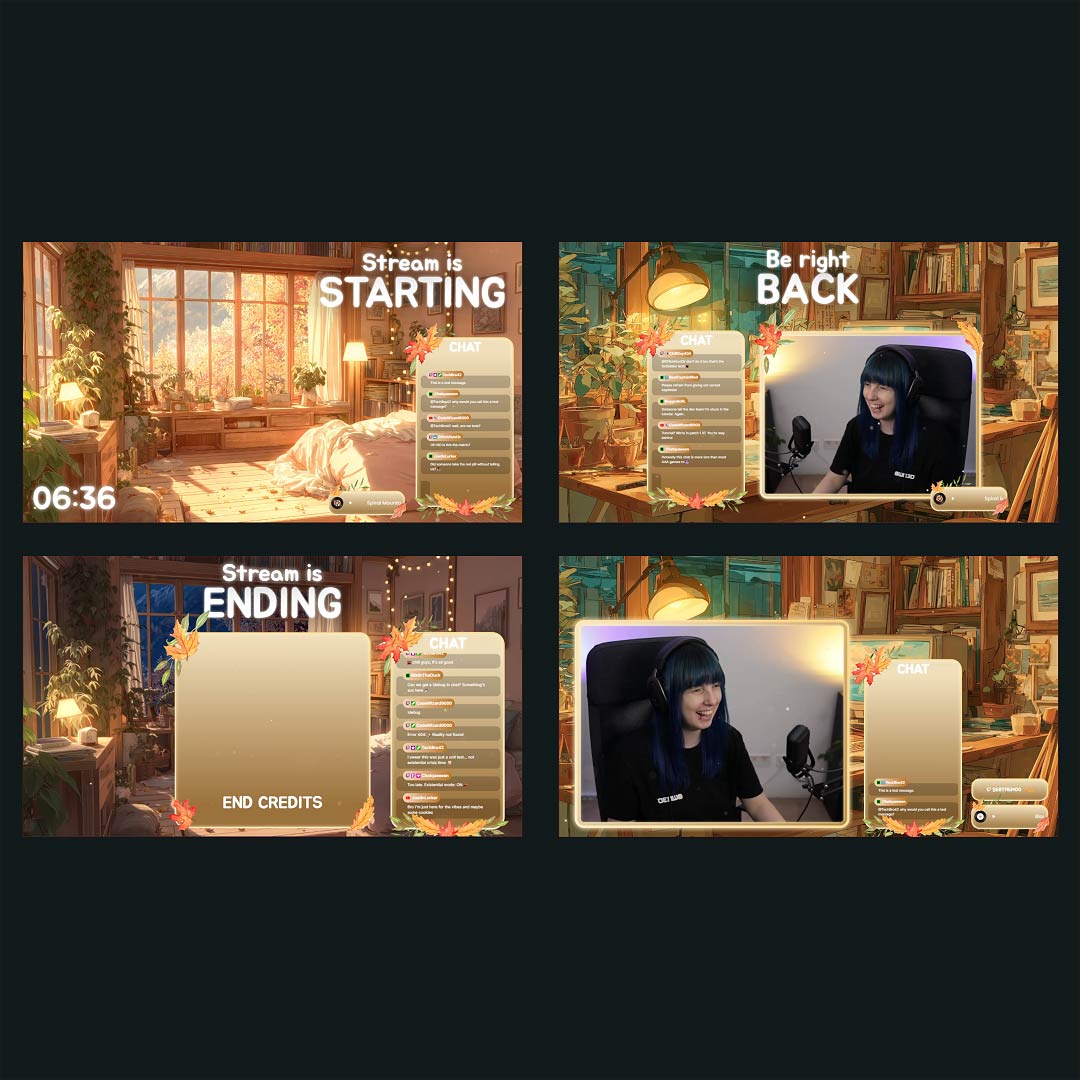
Overlays with YouTube Chatbox Widgets Free/Premium

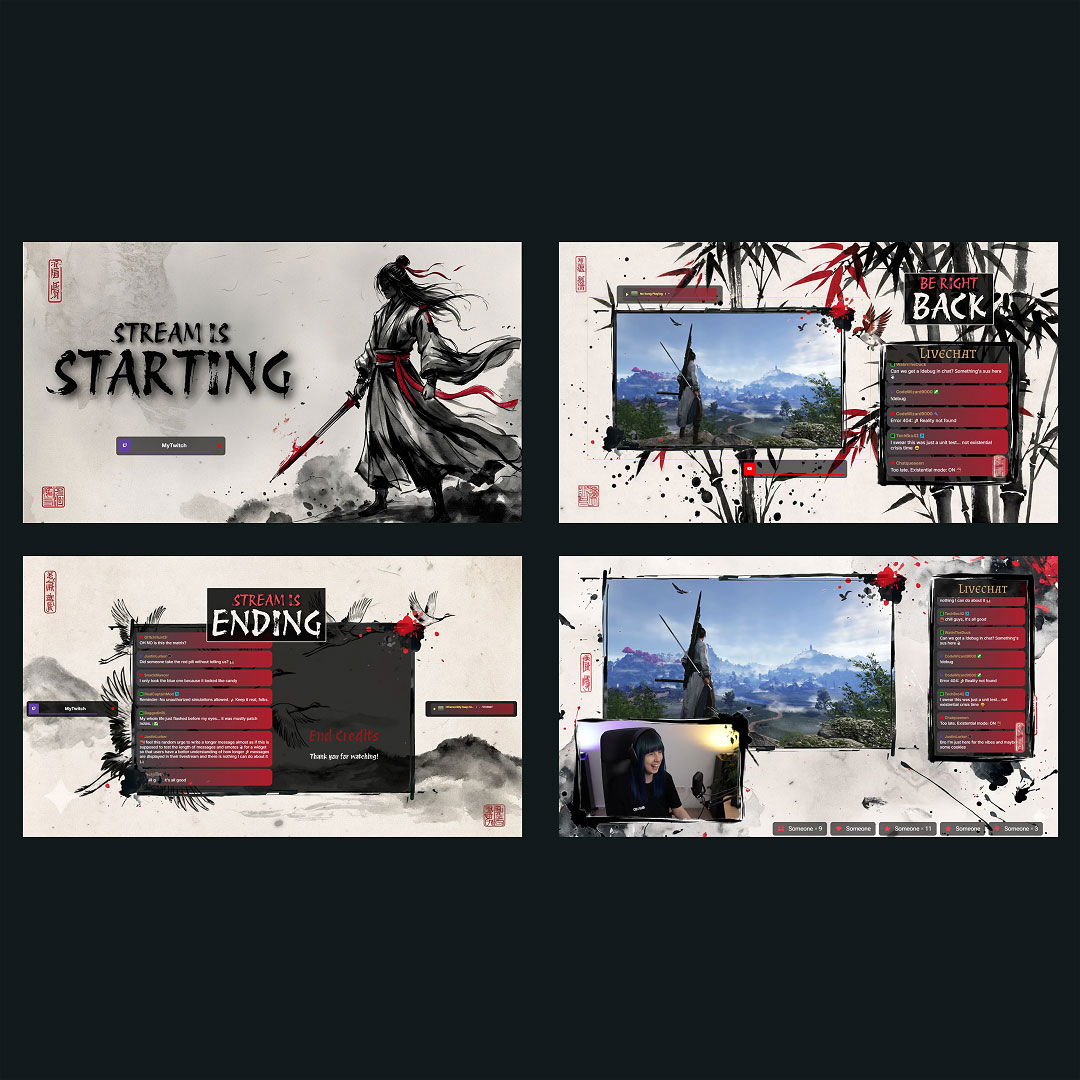
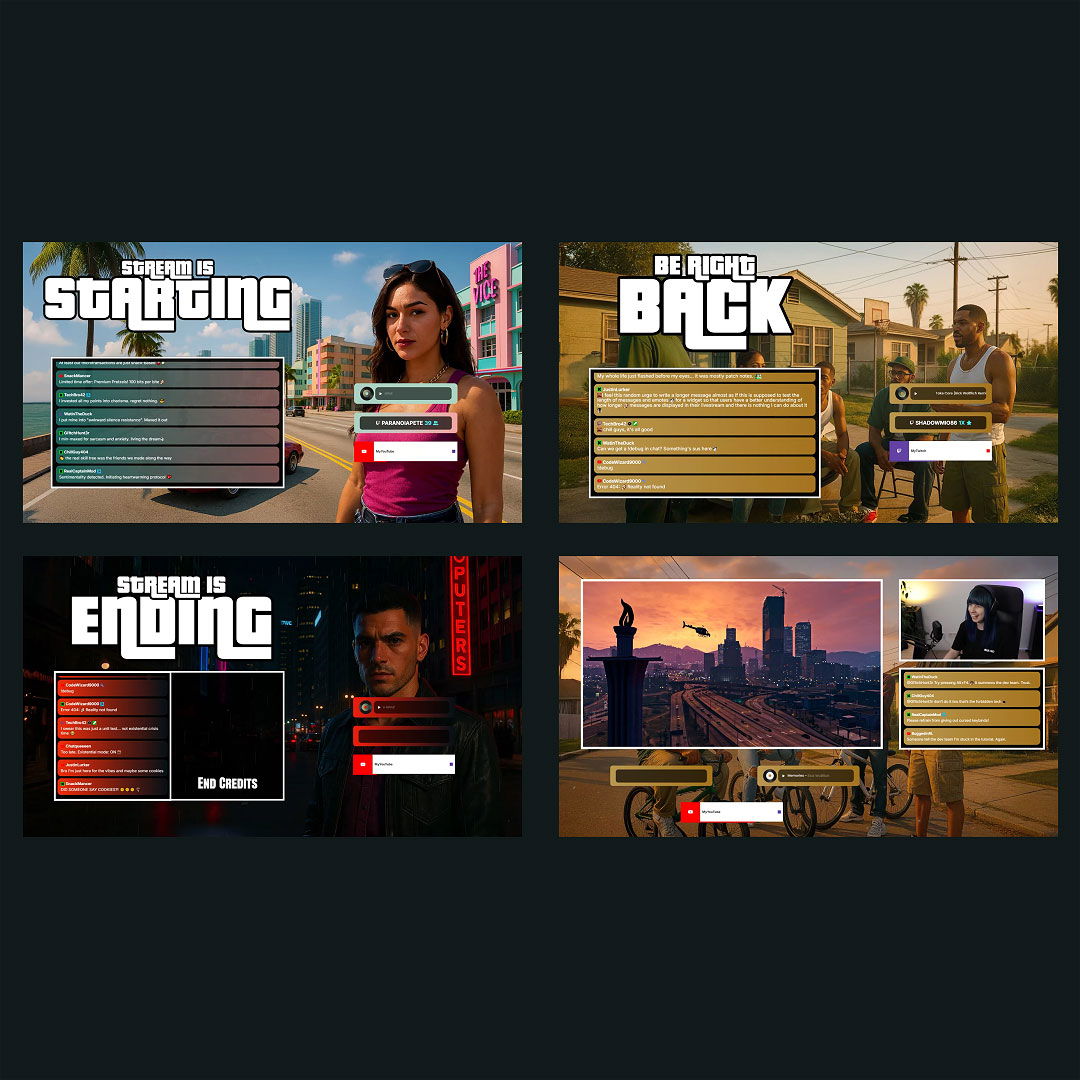
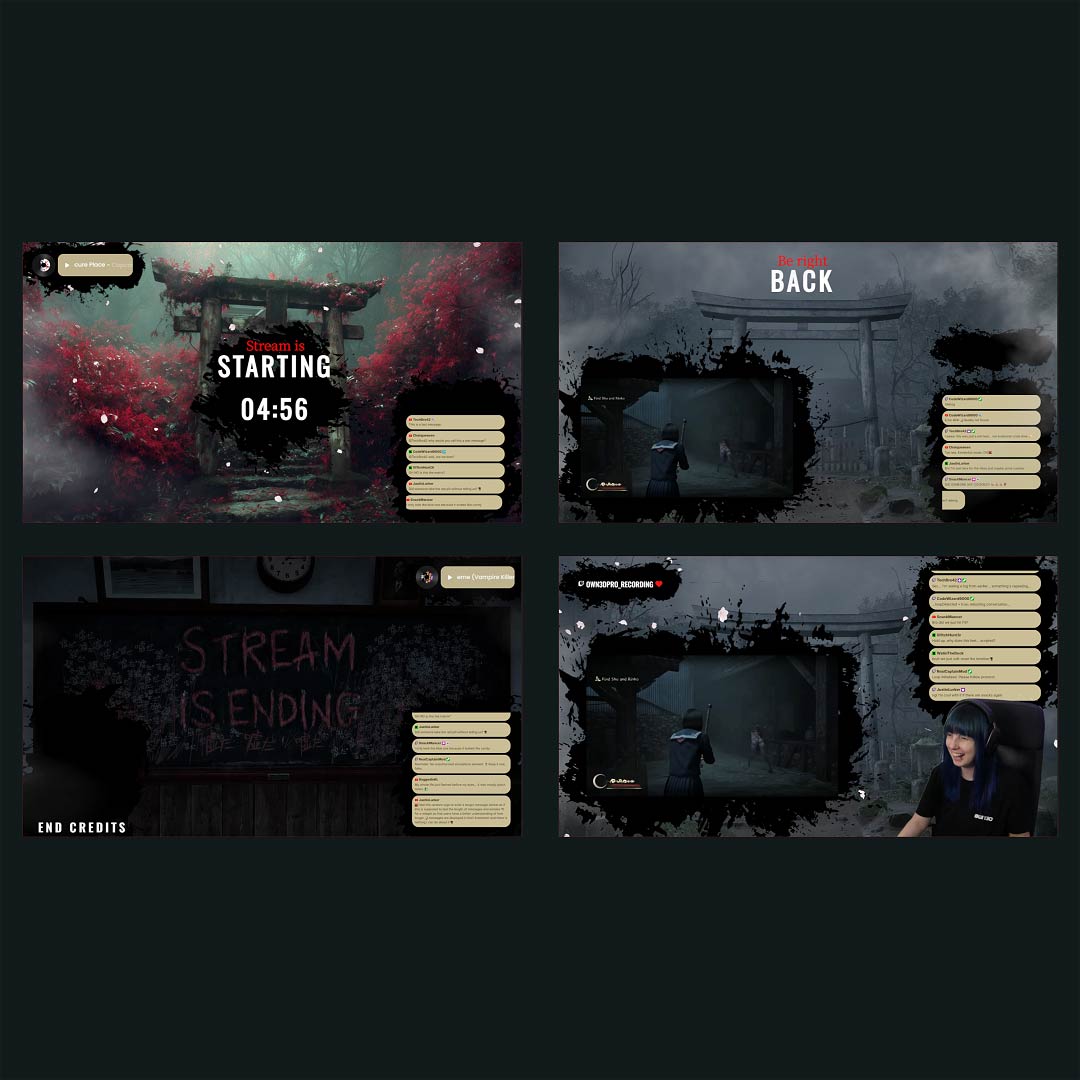
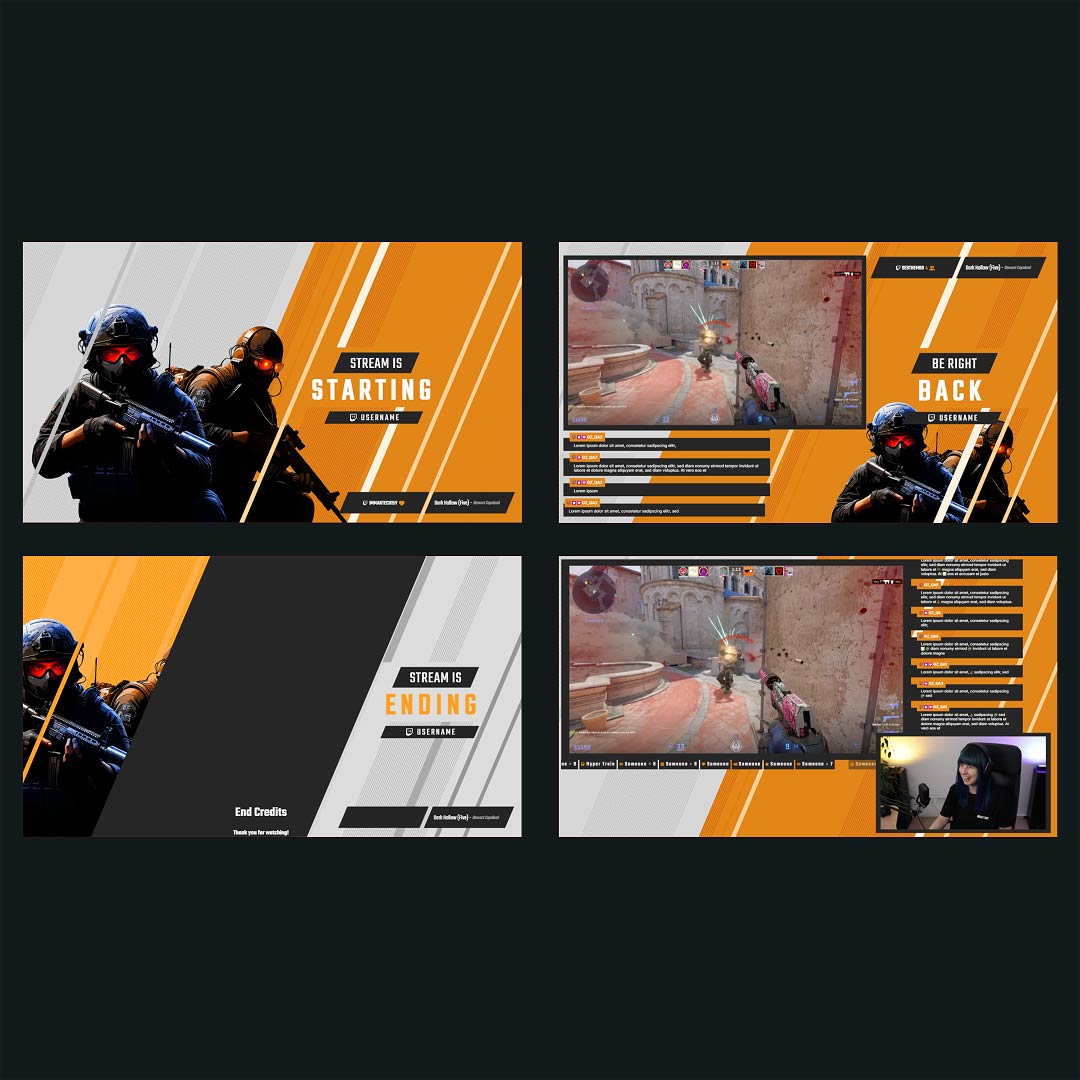
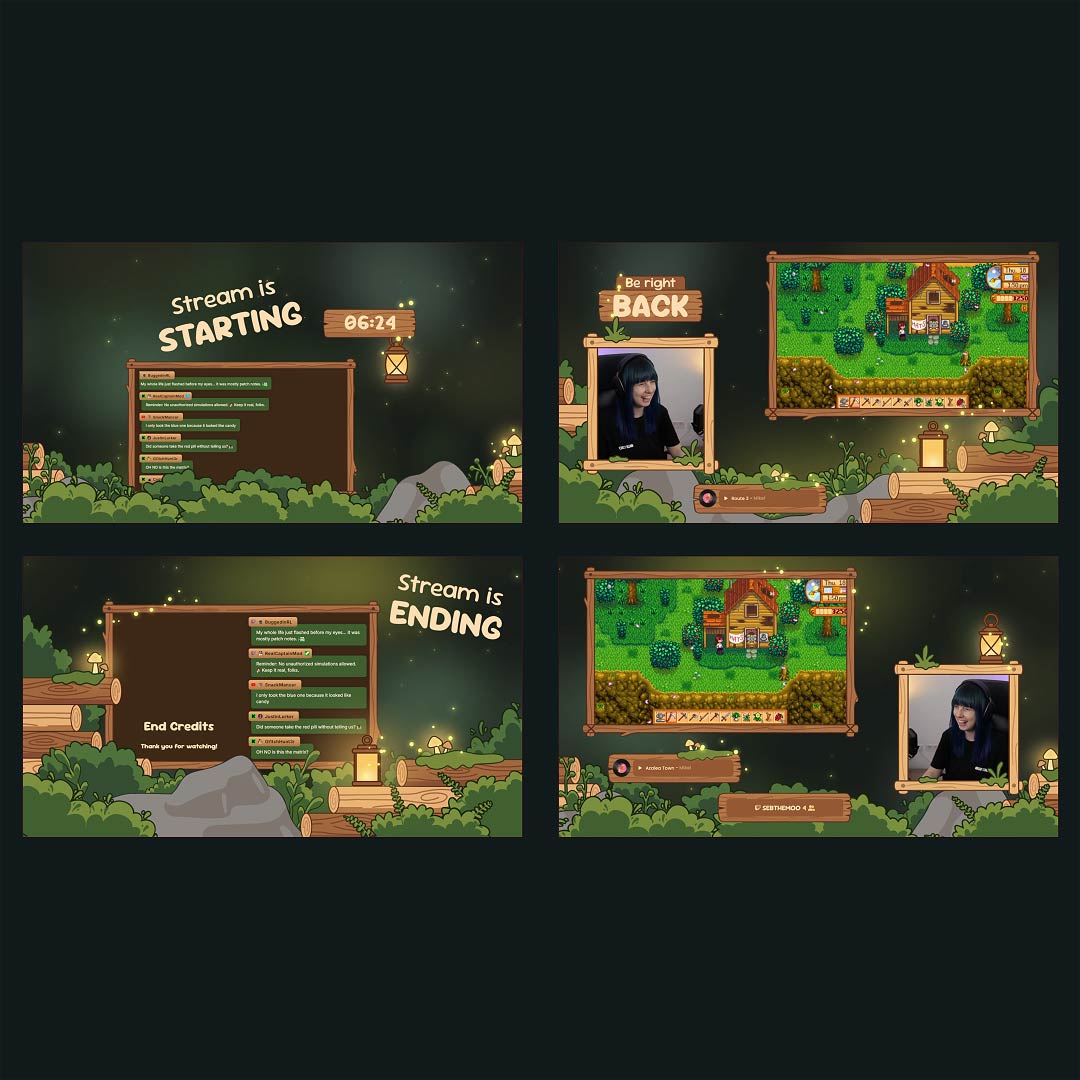
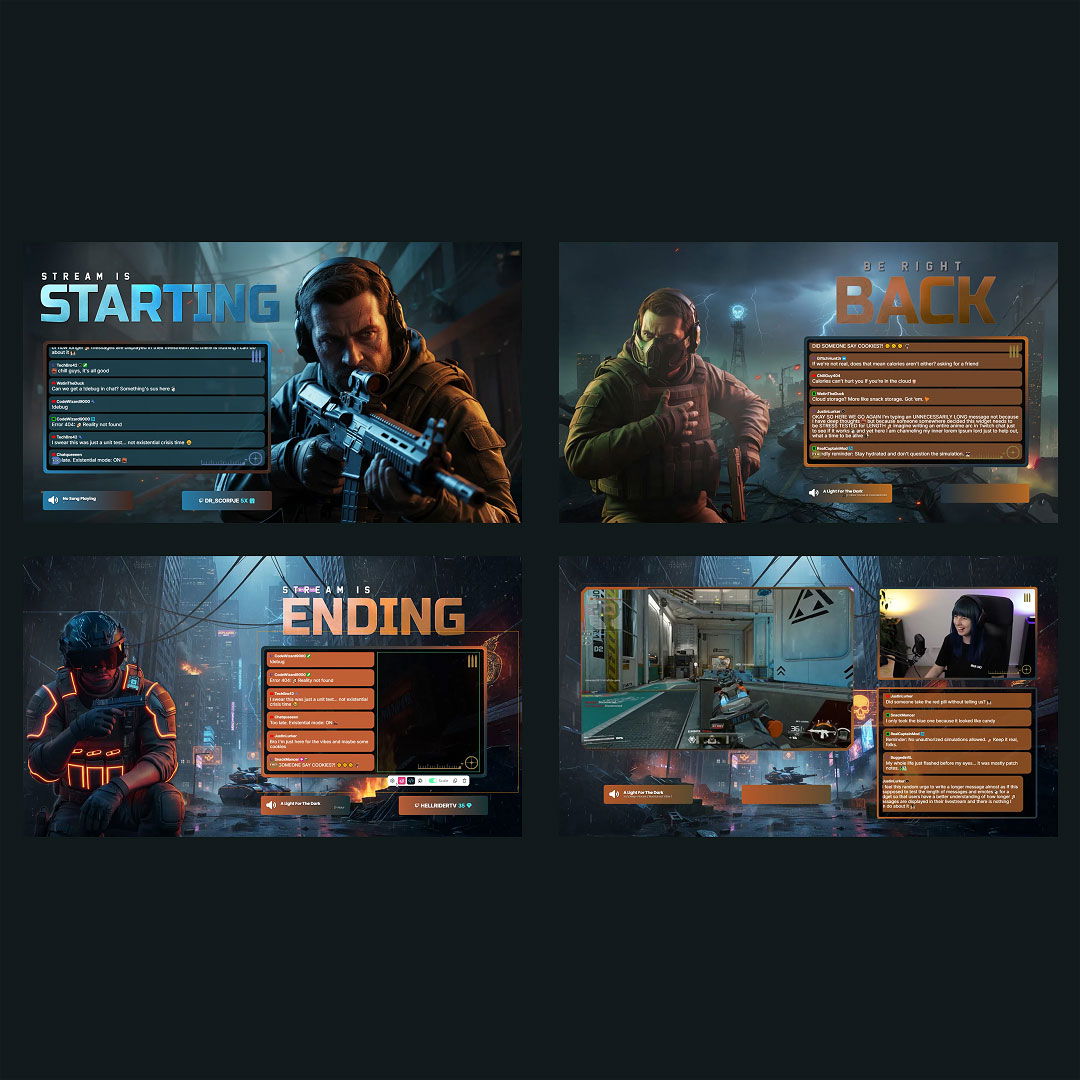
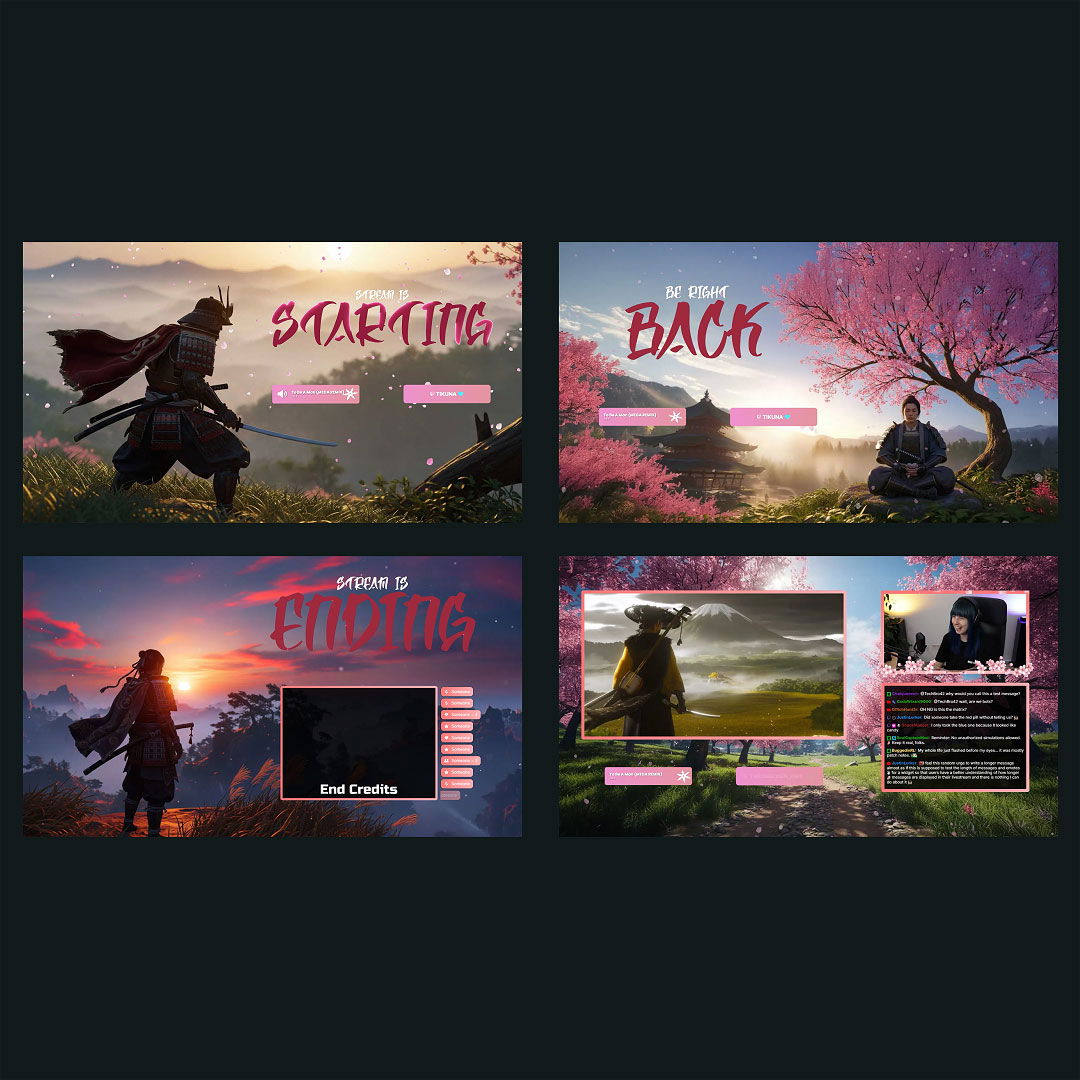
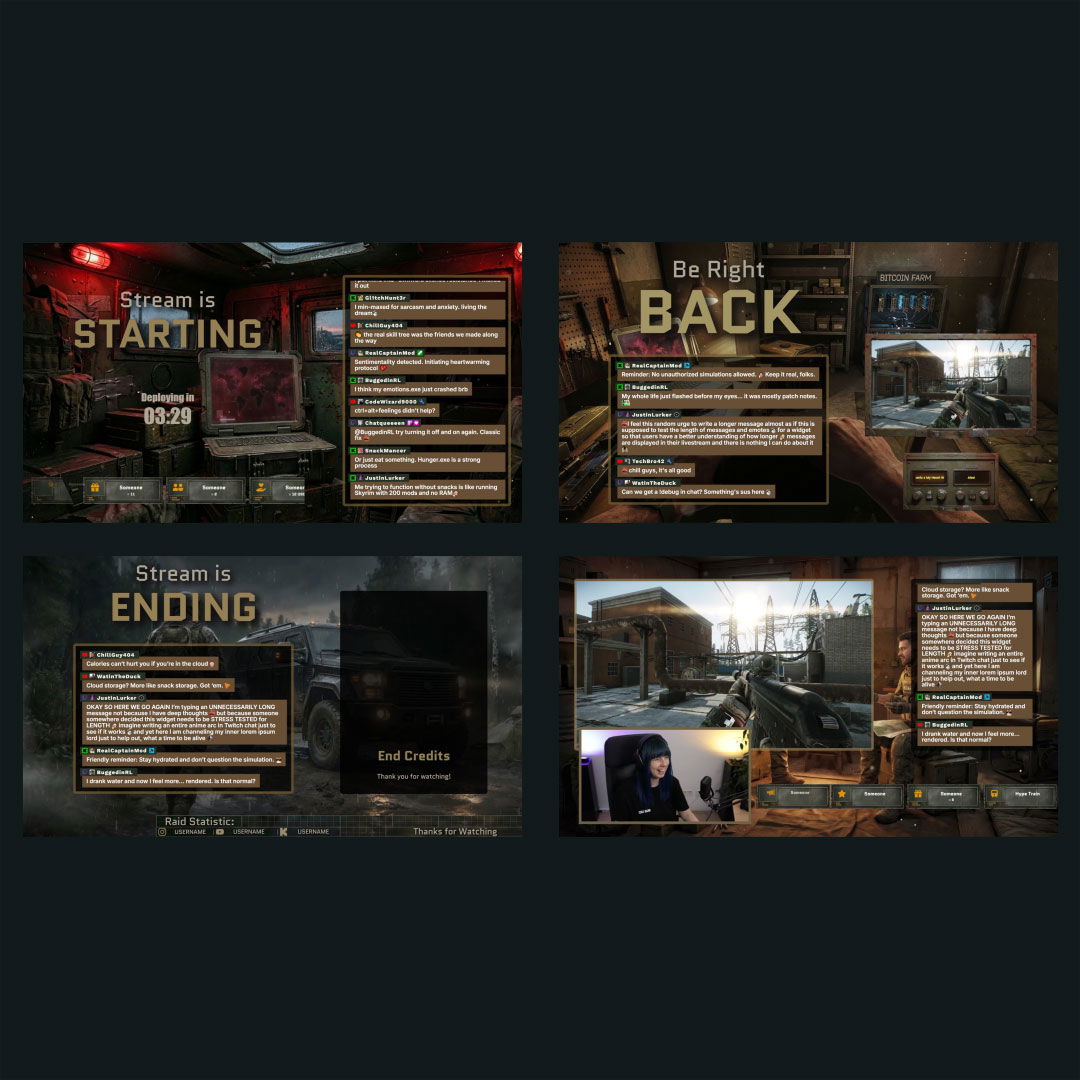
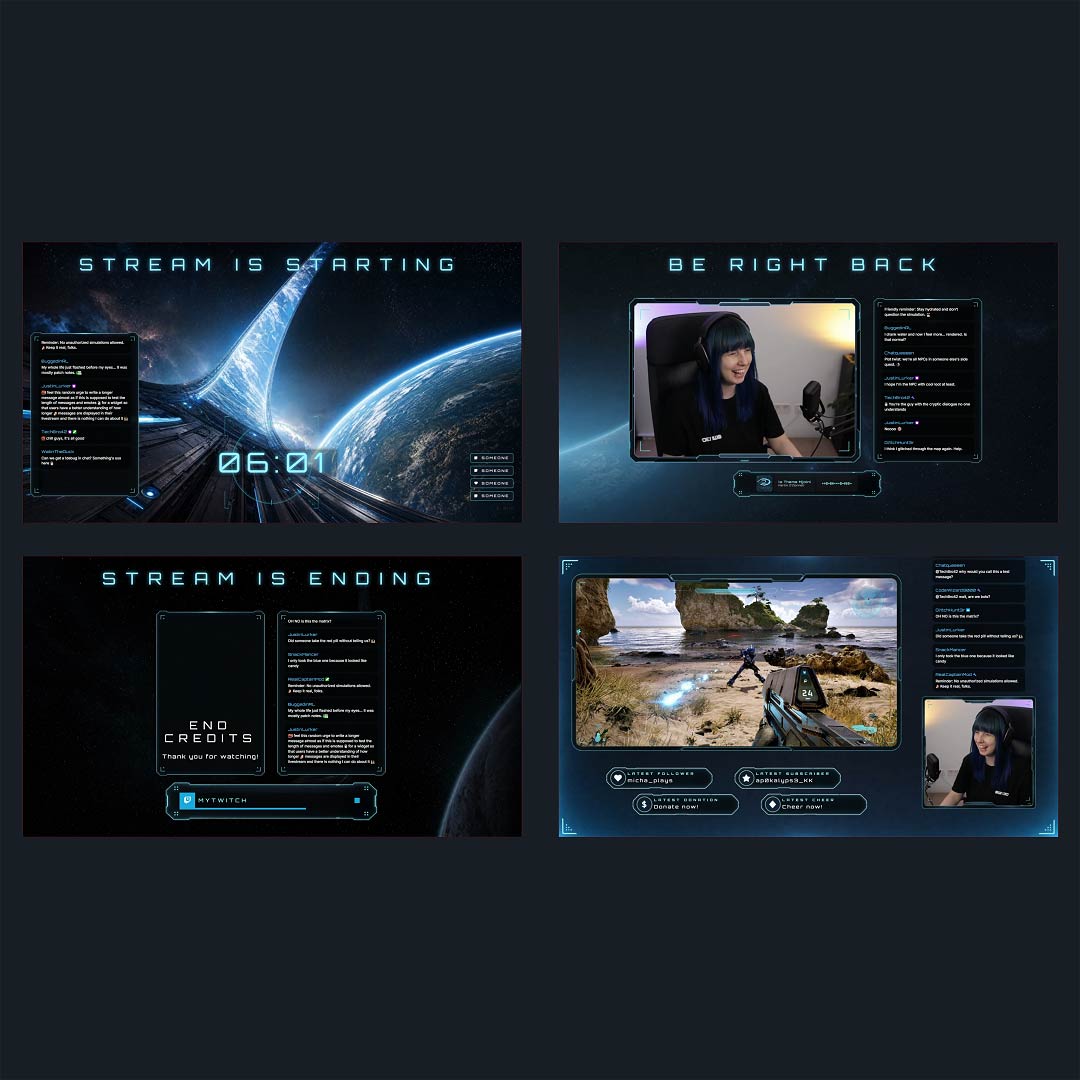
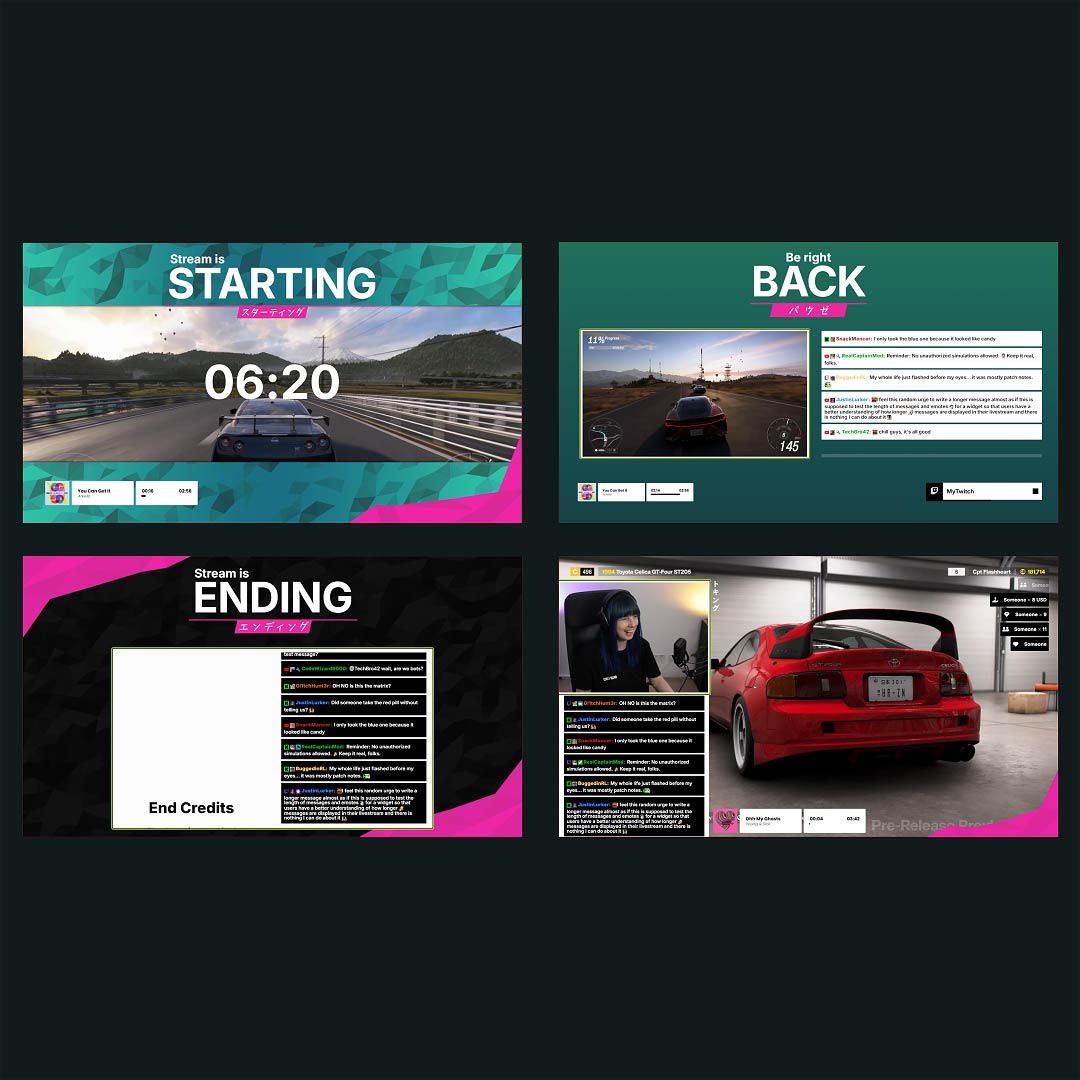
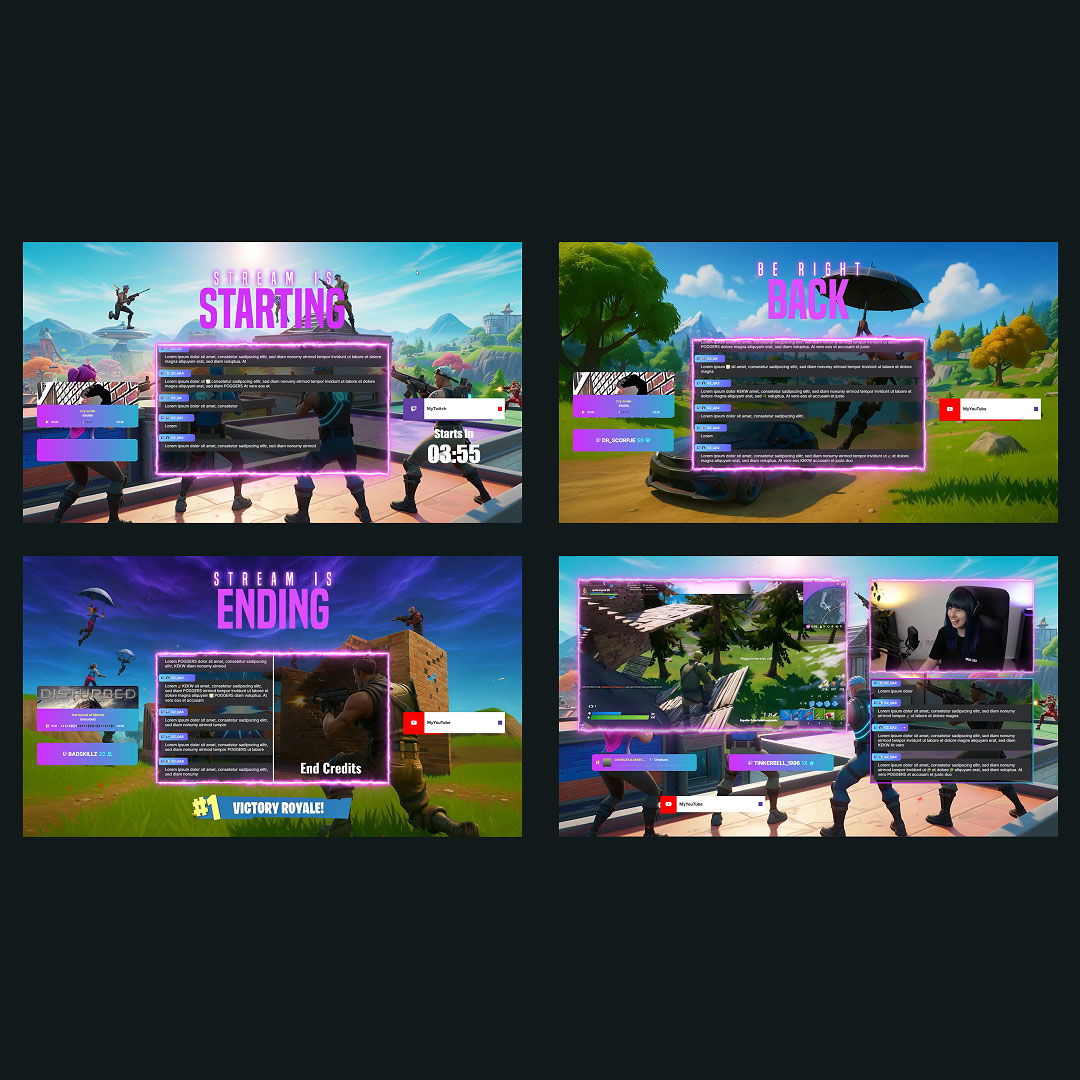
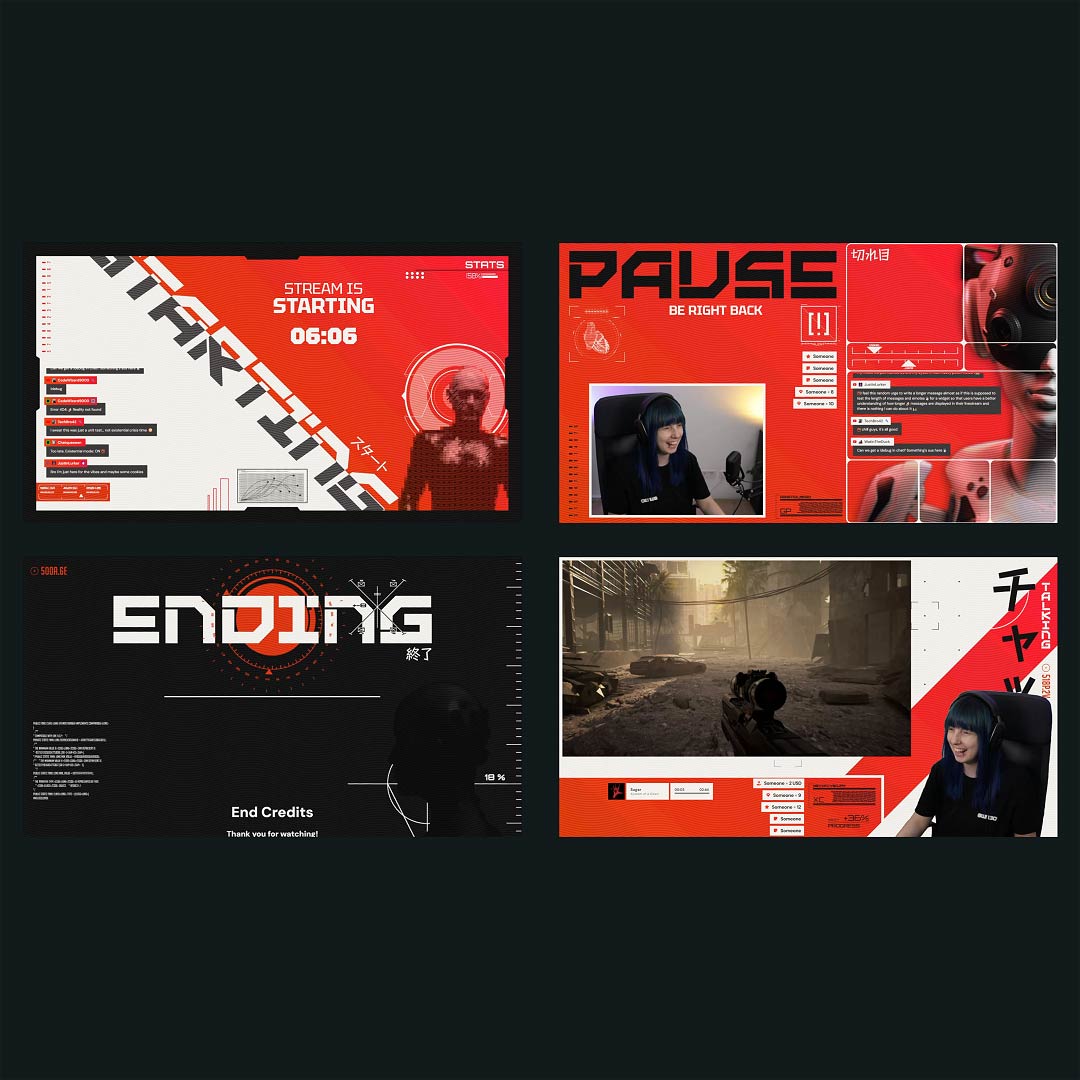
Ready-to-use overlays with built-in YouTube chatbox widgets that blend naturally into your stream.

1

One Pass. Everything Included.

The Stream Pass gives you full access to everything OWN3D Pro has to offer. All products, including overlays, alerts, widgets, emotes, and more, are included and not sold separately.

Works with all broadcasting tools

Build overlays with the YouTube chatbox widget in the Scene Builder and use them with OBS Studio, Streamlabs, XSplit, Meld Studio, and more. Easy to integrate with any setup.

Unlimited* asset downloads

Download emotes, badges, panels, and more static assets. *Our unlimited plan is subject to fair use.

AI-powered creations

Get 50 AI credits with your Stream Pass to generate custom stream widgets, webcam frames, emotes, and more.

Multistreaming ready

Stream on Twitch, YouTube, and Kick with all the tools you need for a professional-looking livestream.
FAQs About Our YouTube Chatbox Widgets

Is the YouTube chatbox widget free?

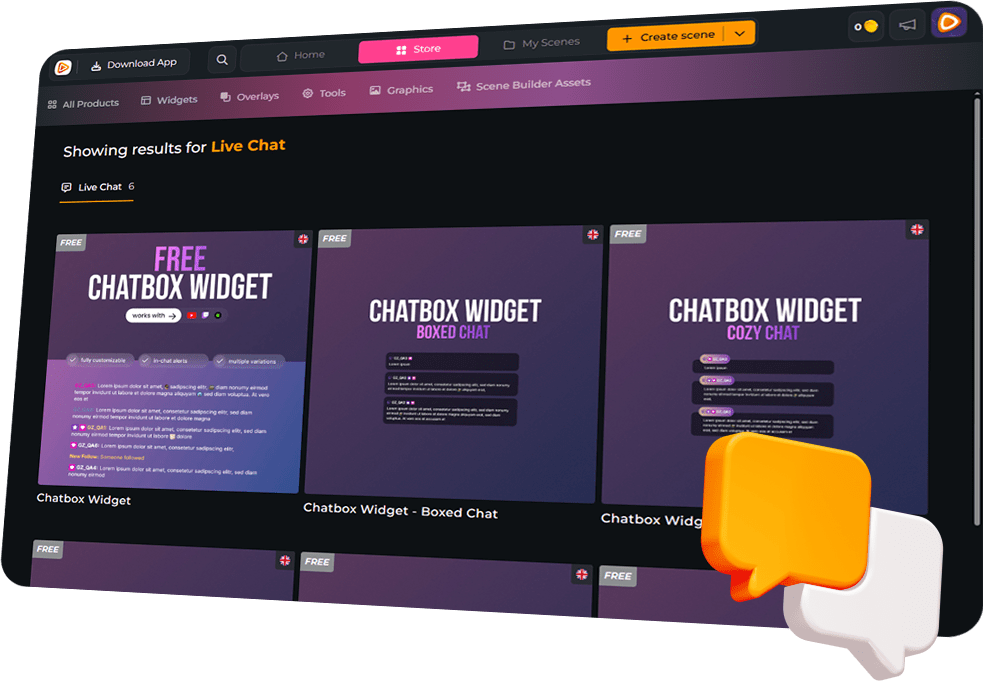
Yes, the YouTube chatbox widget is 100% free. You can set it up quickly and make chat part of the stream right away.

Create your widget in your OWN3D Pro scene, then add it as a browser source in your broadcasting tool and place it in your scene.

Yes. Alongside chat, the YouTube chatbox widget can display YouTube-specific events, including new subscribers, members, membership milestones, gifted memberships, and live support moments like Super Chats and Super Stickers. If you multistream, you can also show Twitch and Kick events in the same flow. Just make sure you follow each platform’s rules and permissions when combining content across services.

Yes. In the Scene Builder, you can create horizontal and vertical layouts, customize both, and use them depending on how you go live.

Yes. Adjust fonts, colors, spacing, alignment, scroll direction, and message visibility until your YouTube chatbox widget feels like your channel.

Yes. Filter bots, commands, and specific users so your on-screen chat stays clean and focused.

Yes. Static and animated emotes are supported, so reactions feel more alive on screen.

Yes. The YouTube chatbox widget is multistream ready for Twitch and Kick. If you show chat across platforms, follow each platform’s rules and permissions.

No. The YouTube chatbox widget runs as a browser source in your broadcasting tool, so no downloads or plugins are needed.