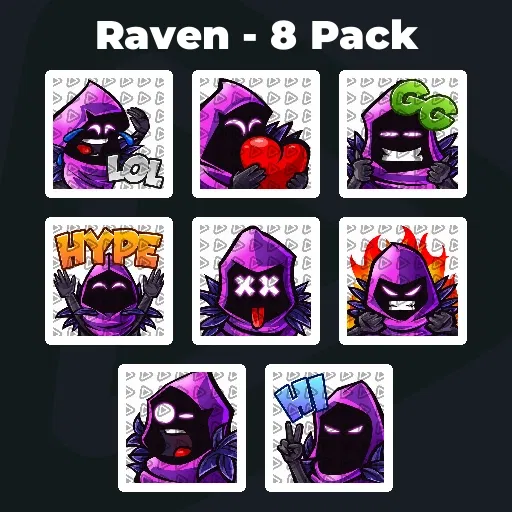
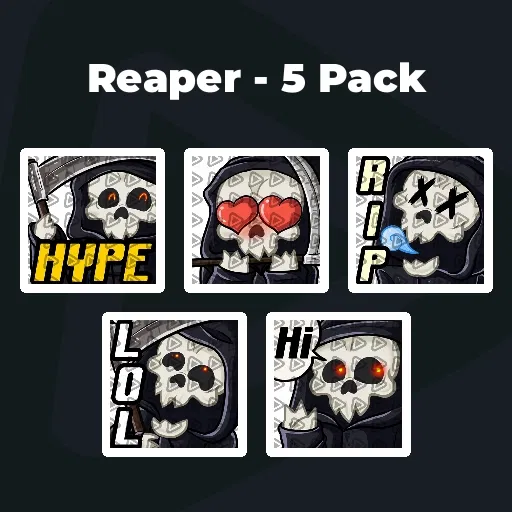
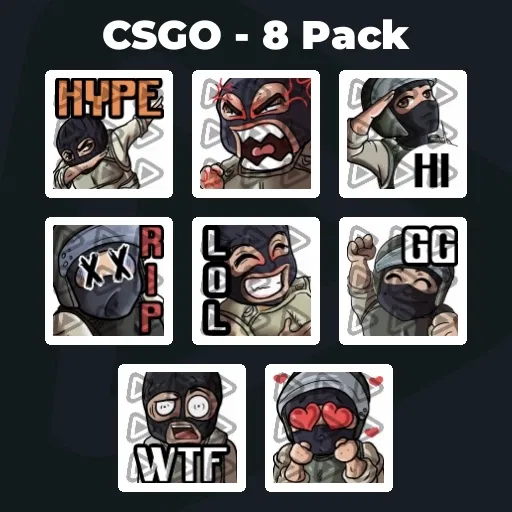
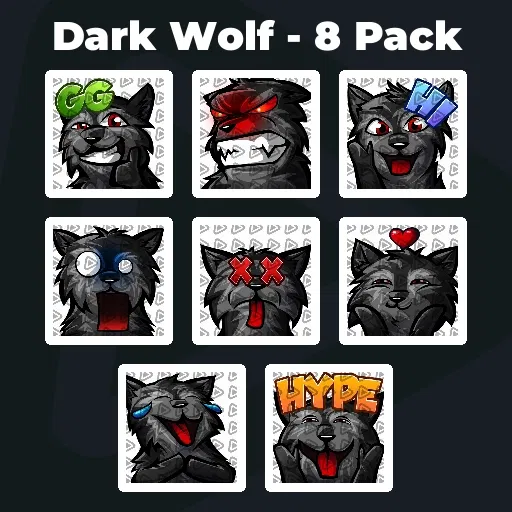
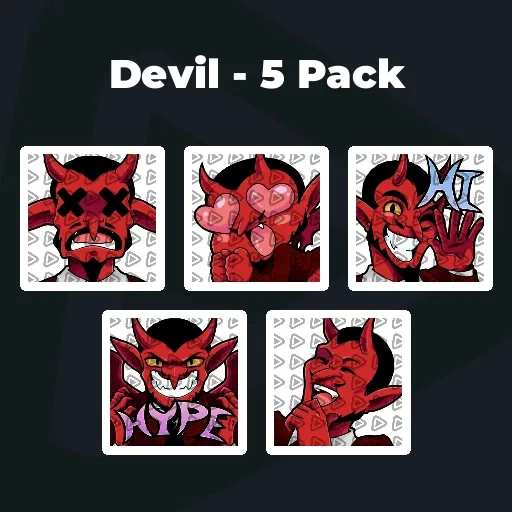
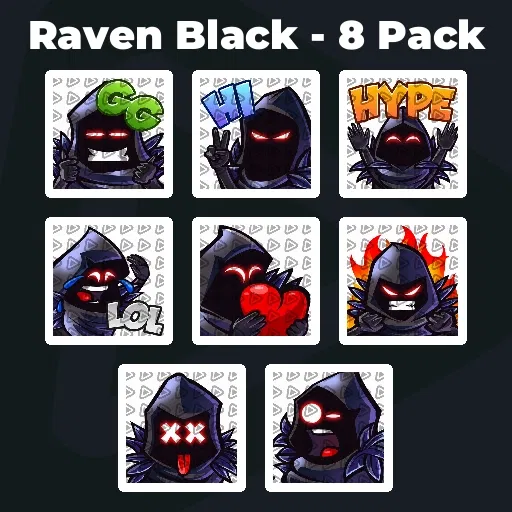
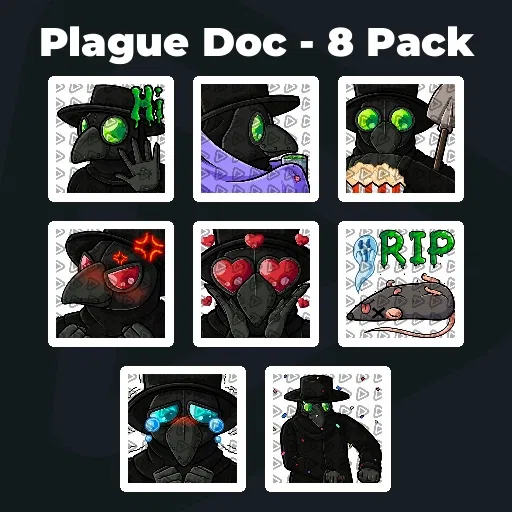
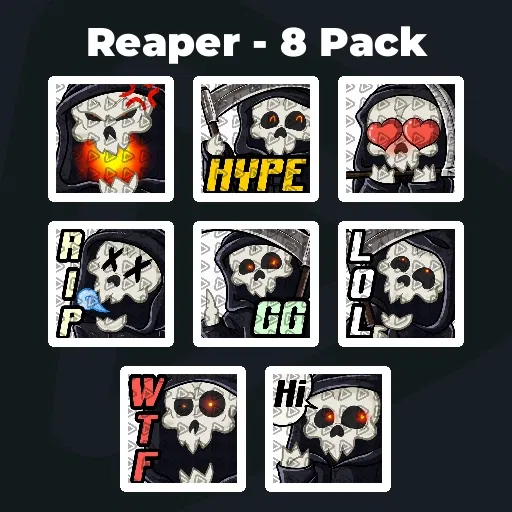
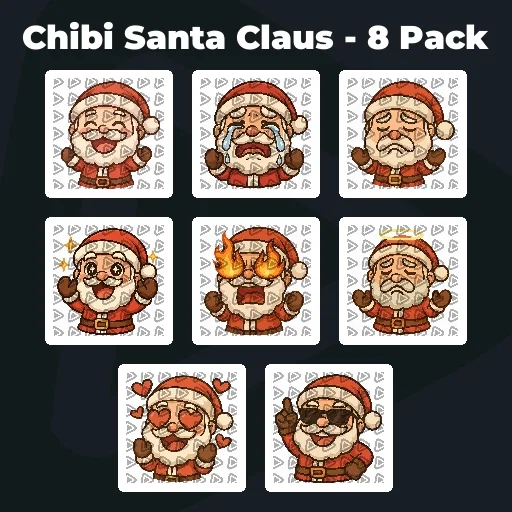
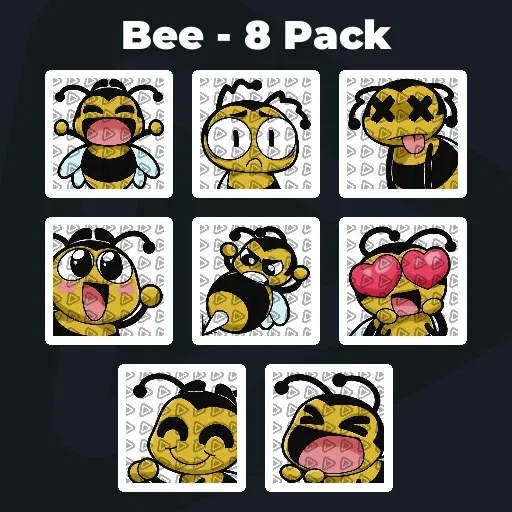
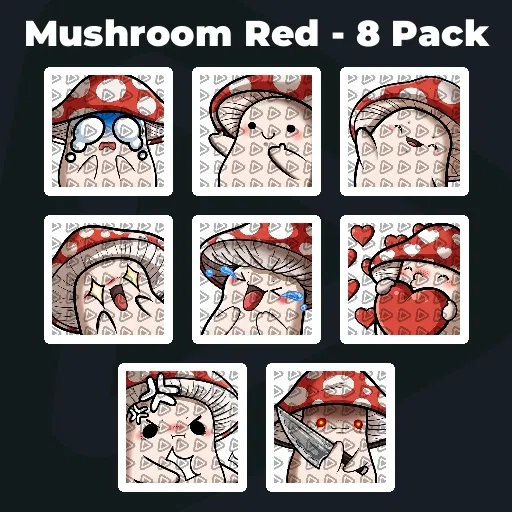
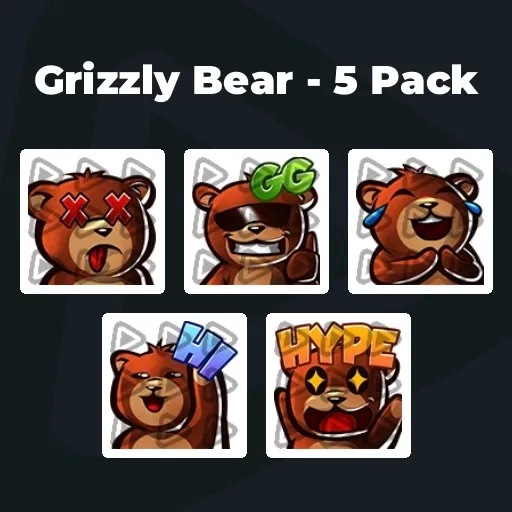
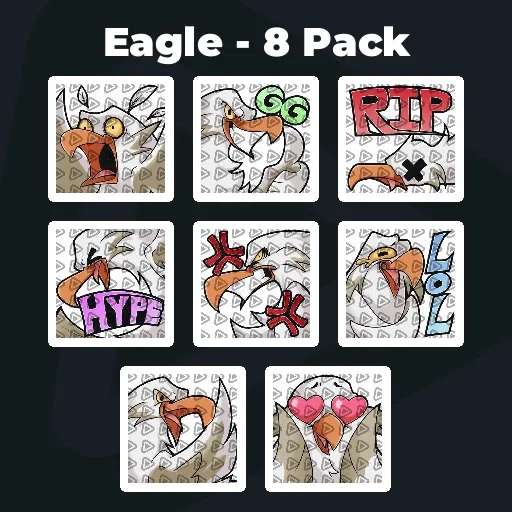
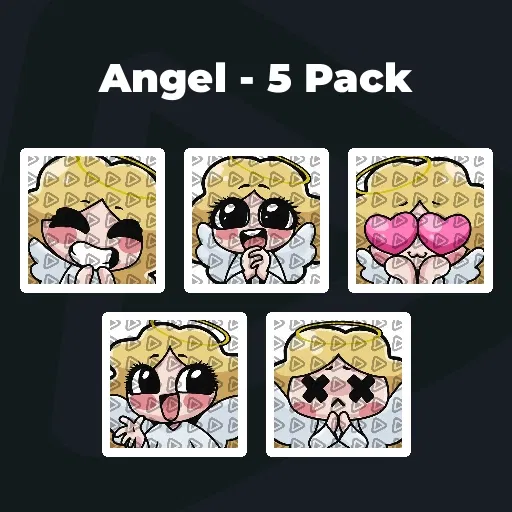
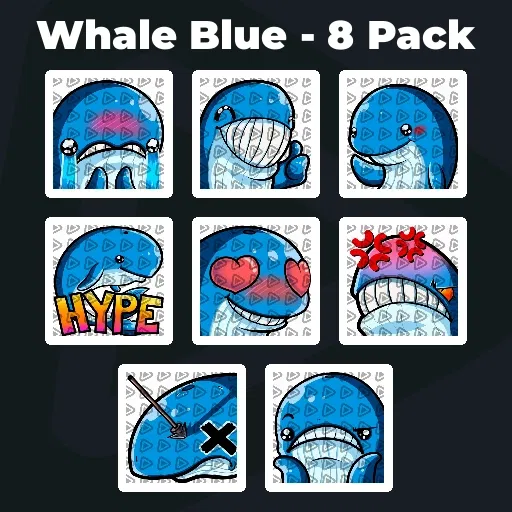
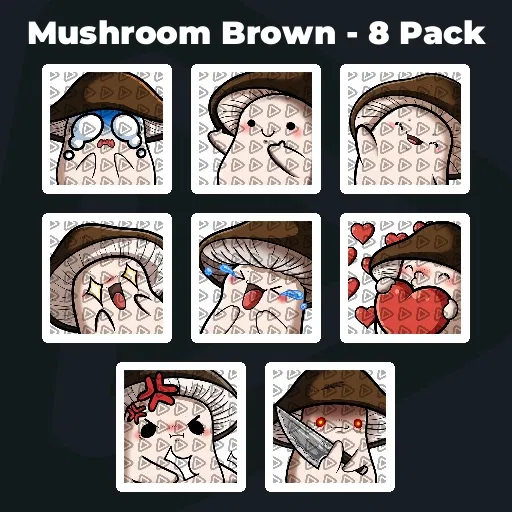
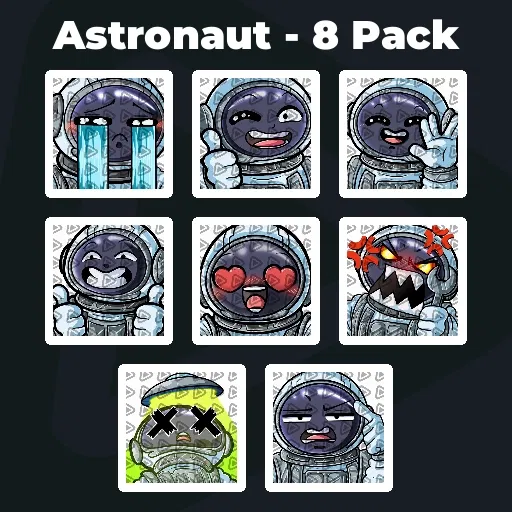
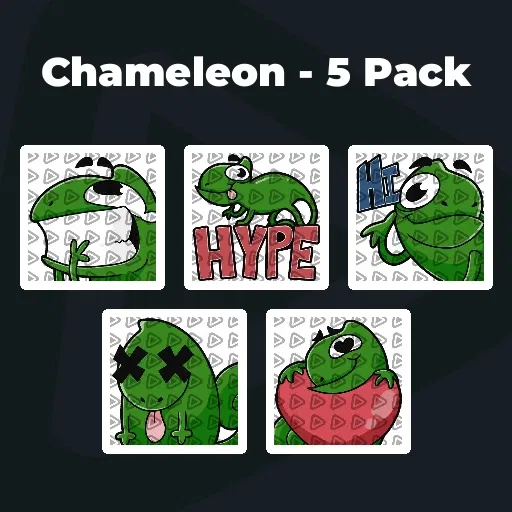
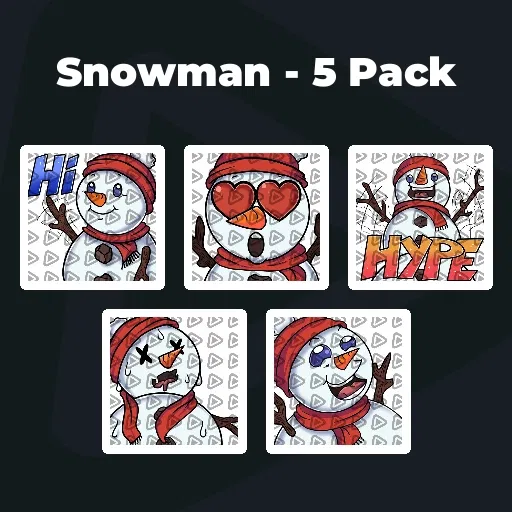
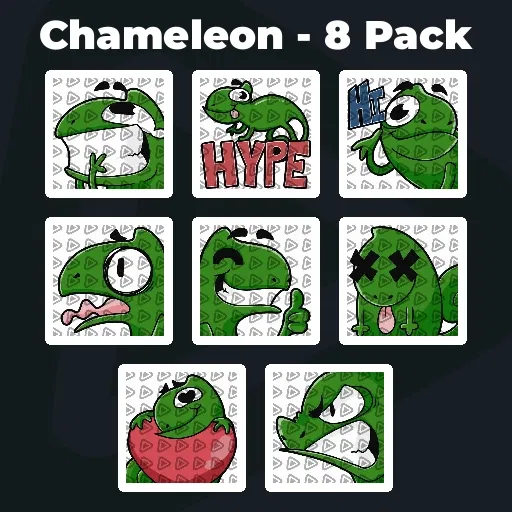
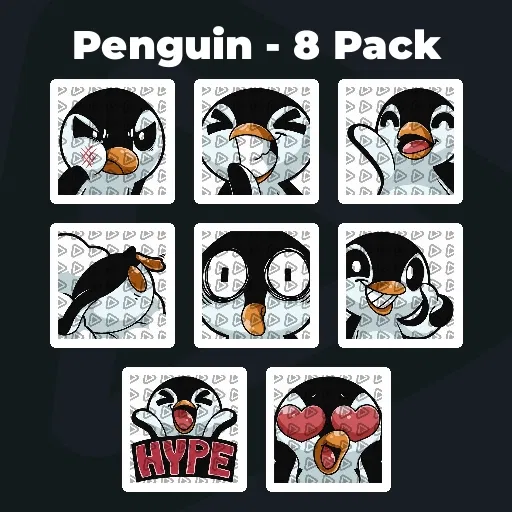
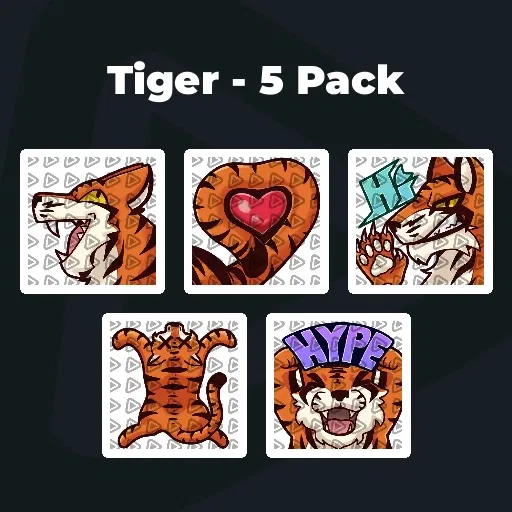
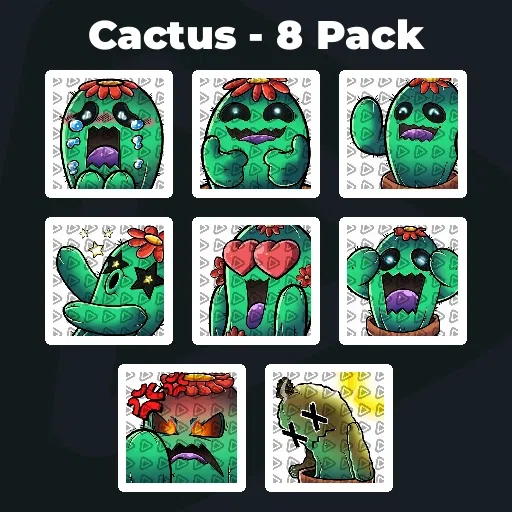
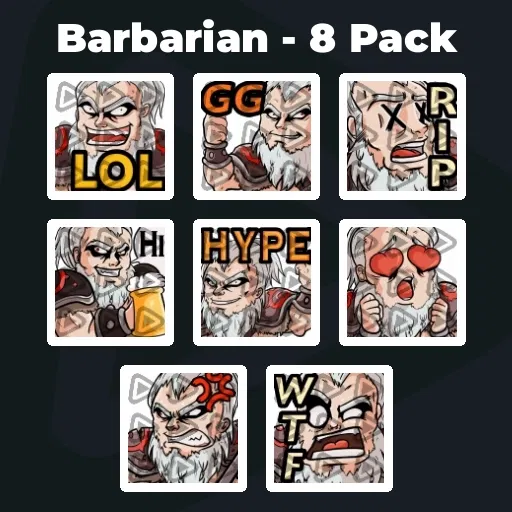
Premium Animated Twitch Emotes
Chat is not static. Your stream is not static. So why should your emotes be? Twitch animated emotes turn reactions into motion and moments into memories. Every funny moment, every clutch play, every chaotic meltdown hits harder when it moves. With the Stream Pass, you unlock unlimited* premium animated emotes for Twitch that make your chat impossible to ignore.
Our Community’s Favorite Animated Twitch Emotes
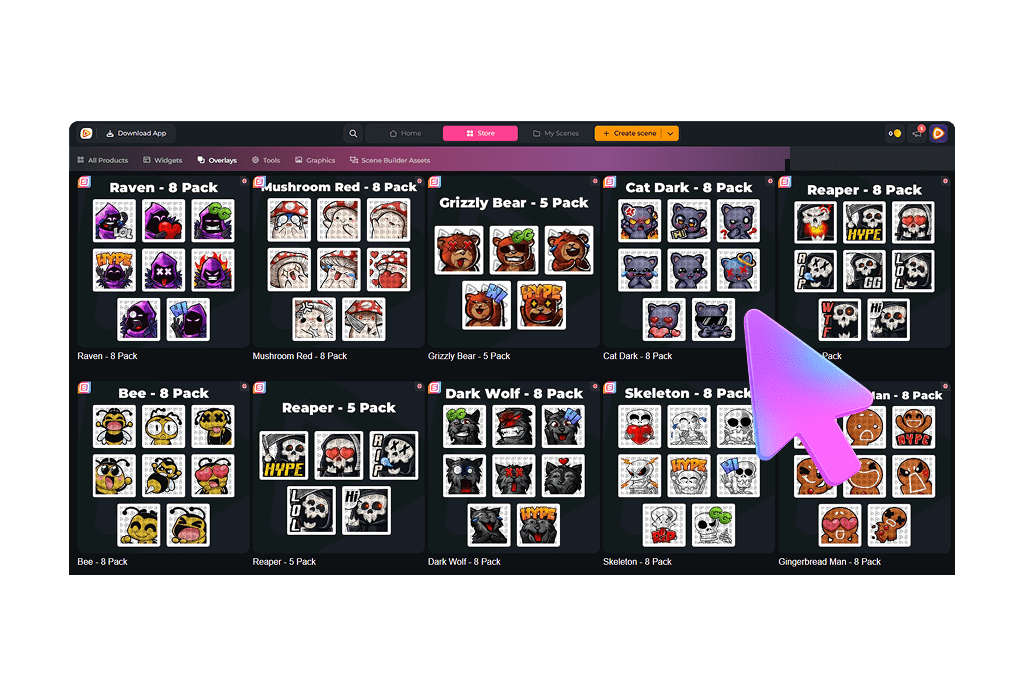
All Premium Twitch Animated Emotes
Animated Twitch Emotes That Move With Your Community
Static is nice, but movement stands out
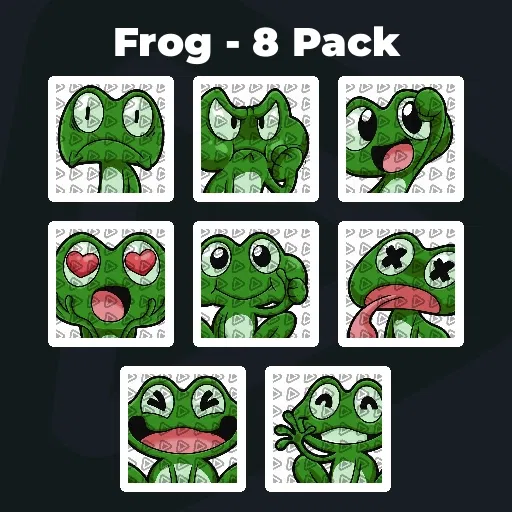
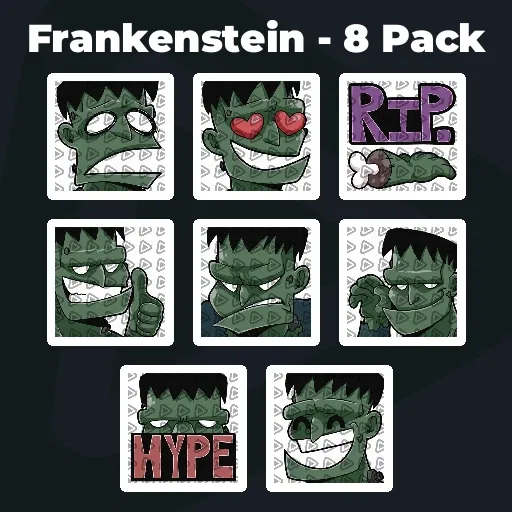
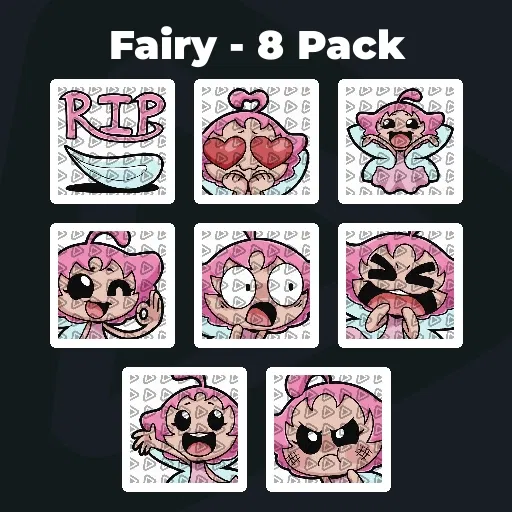
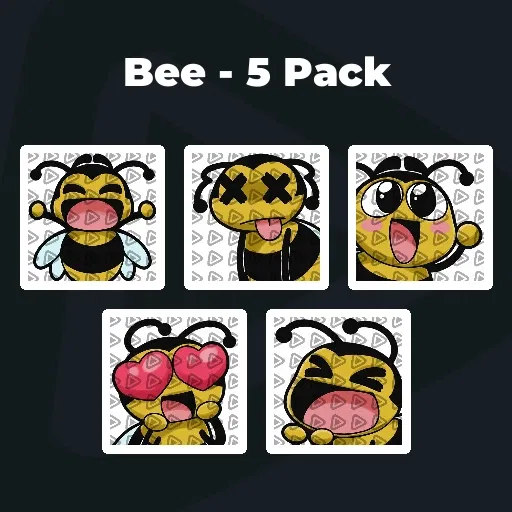
Twitch animated emotes turn reactions into moments that loop in chat again and again. Every pack includes high-quality GIF emotes that Twitch communities love, plus matching static PNG versions in all required sizes.
Upload your Twitch emote GIF once and let it dominate every hype train, clutch play, or chaotic meltdown.
When Chat Explodes, Let It Move
Animated energy in chat is contagious
A perfectly timed animated emote for Twitch can take over the entire conversation. But animated Twitch emotes are more than just movement. They are exclusive rewards for your supporters. On Twitch, animated emotes are reserved for subscribers, making them a powerful incentive and a visible sign of community loyalty.
Inside jokes become moving symbols. Big wins turn into looping GIF spam. Your subscribers unlock reactions that feel special and earned.
What Happy Customers Say About Our Twitch Animated Emotes
See how our product makes a difference for content creators.
One Pass. Everything Included.
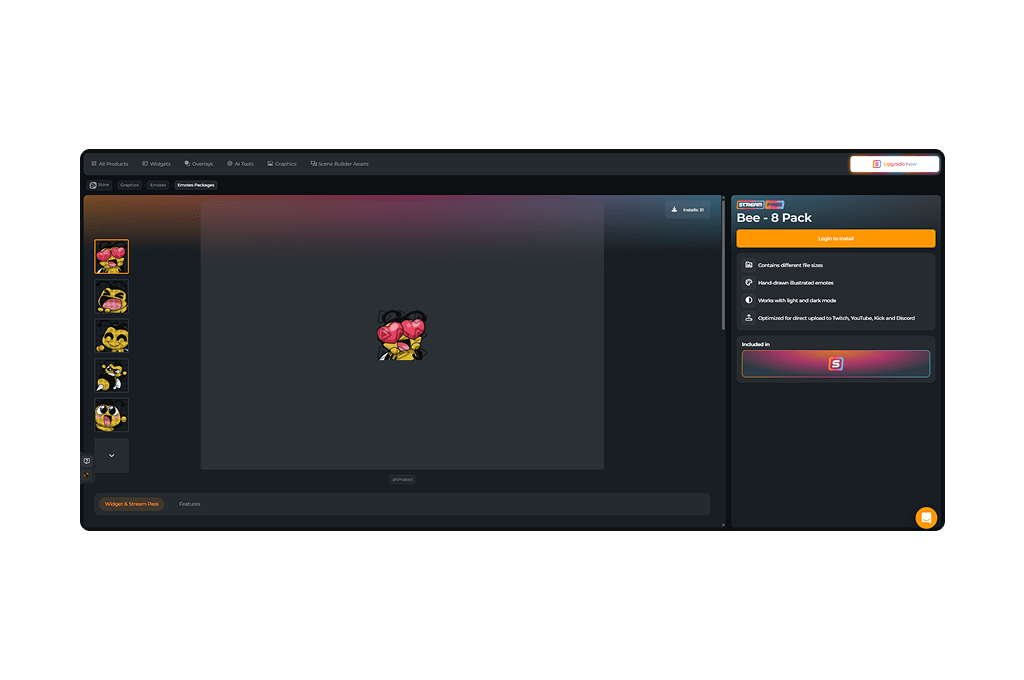
The Stream Pass gives you full access to everything OWN3D Pro has to offer. All products, including overlays, alerts, badges, widgets, Twitch animated emotes, and more, are included and not sold separately.
Works with all broadcasting tools
Customize your overlays in the Scene Builder and use them with OBS Studio, Streamlabs, XSplit, and more. Easy to integrate with any setup.
Unlimited* asset downloads
Download Twitch animated emotes, badges, panels, and more static assets. *Our unlimited plan is subject to fair use.
AI-powered creations
Get 50 AI credits with your Stream Pass to generate custom stream widgets, webcam frames, static stream emotes, and more.
Multistreaming ready
Stream on Twitch, YouTube, and Kick with all the tools you need for a professional-looking livestream.
How to Set Up Twitch Animated Emotes
Let’s get your animated emotes for Twitch into chat.

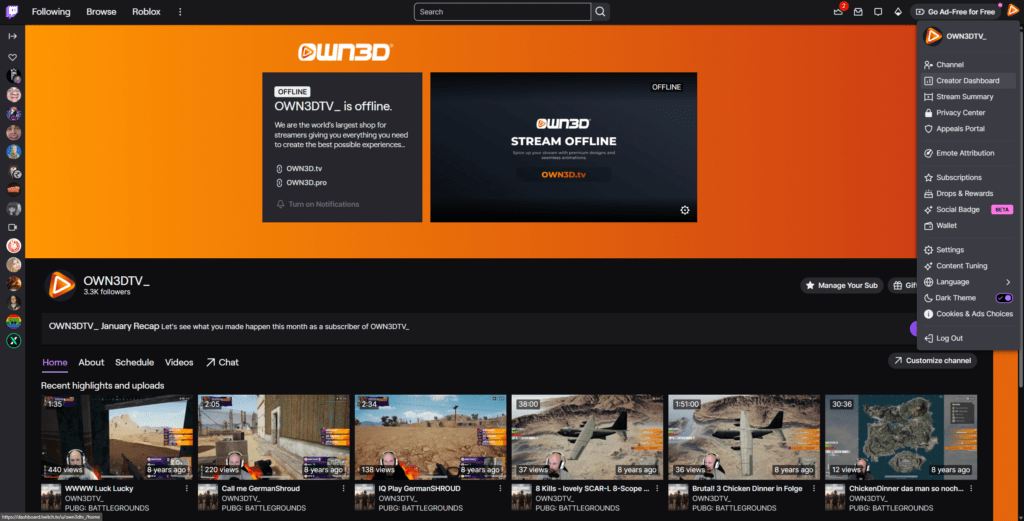
Step 1
Log in to Twitch, click your profile picture in the top right corner, and open the Creator Dashboard.
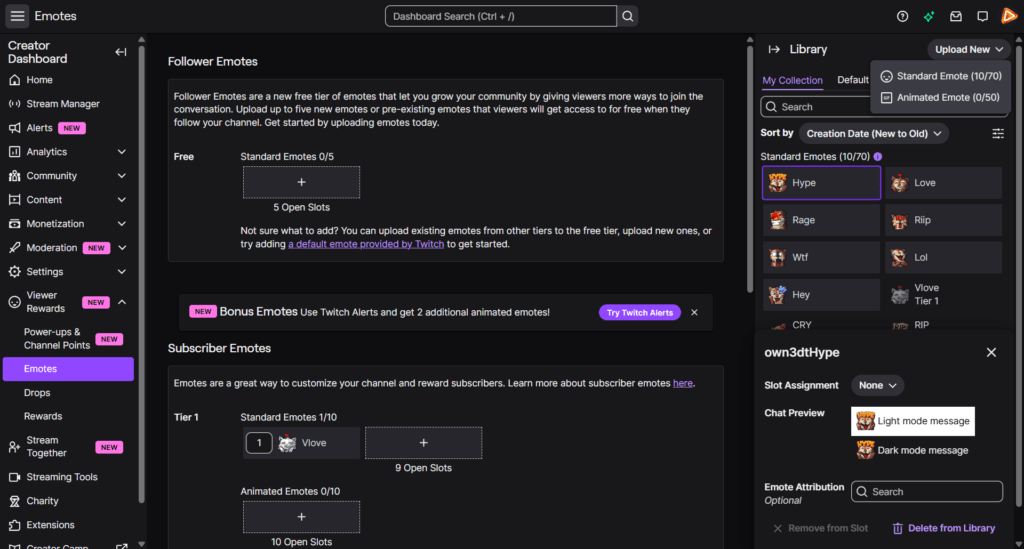
Step 2
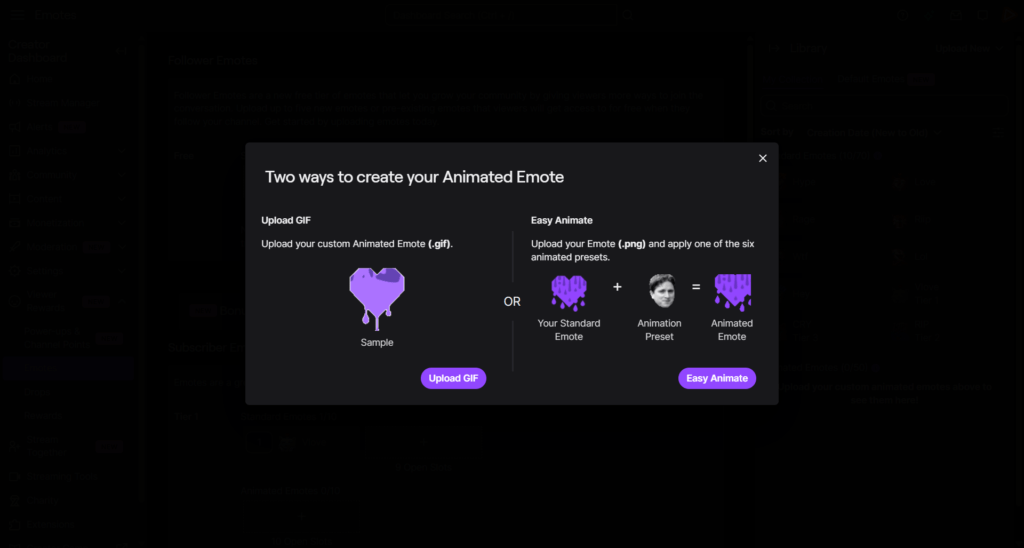
Navigate to Viewer Rewards and select Emotes. Click “Upload New” in the top right and choose Animated Emote.
Step 3
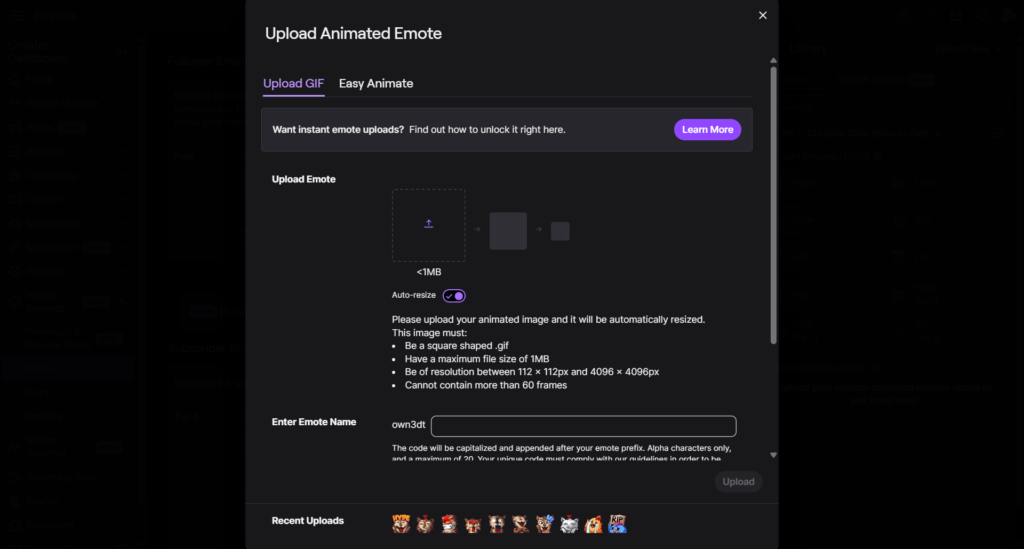
You have two options. Upload your own animated emote as a GIF file or upload a static PNG and apply one of Twitch’s animation presets. For full control and quality, upload the GIF file from your pack.
Step 4
Now it is time to add your animated emote. Upload the required sizes, give it a name, and add attribution if needed. Click “Upload” and assign it to an available slot in your emote library. Twitch will review your submission. Once approved, your subscribers can use the animated emote in chat.
FAQs About Twitch Animated Emotes
What are Twitch animated emotes?
Twitch animated emotes are moving GIF versions of regular emotes that subscribers can use in chat. Unlike static images, these Twitch emotes are animated, adding motion to every reaction and making hype moments, inside jokes, and big plays stand out instantly.
Are animated Twitch emotes for subscribers only?
Yes. On Twitch, animated emotes are exclusive to subscribers. They act as premium rewards and increase the value of your subscription tiers.
Do animated emote packs include static versions?
Yes. Every animated Twitch emote pack includes both GIF files and matching static PNG versions in all required sizes. This gives you full flexibility for different slots and platforms.
Are there free animated Twitch emotes included?
Are these animated emotes exclusive to my channel?
The animated emote packs are professionally designed collections and not exclusive to one creator. They are ready to use and optimized for Twitch requirements.
Can I use these emotes on other platforms?
Yes. You can use them anywhere animated emotes are supported. Each pack includes animated GIFs and matching static PNG versions, so you can use them across Twitch and any platform that supports animated emotes. Always check the specific platform guidelines for current requirements.
How many Twitch animated emotes can I download with the Stream Pass?
* What does the fair use policy mean?
Our unlimited plan allows up to 25 downloads per day per category (sub badges, stream emote packs, and more). This ensures system stability and fair access for all users. Bulk or automated downloads may lead to temporary restrictions. The idea is simple. Download what you truly need for your stream and explore freely within those boundaries.