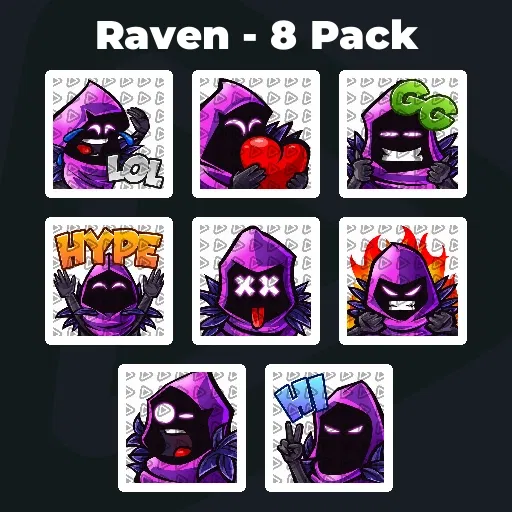
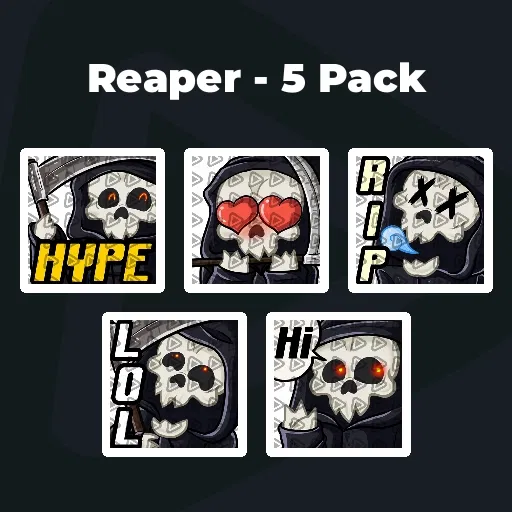
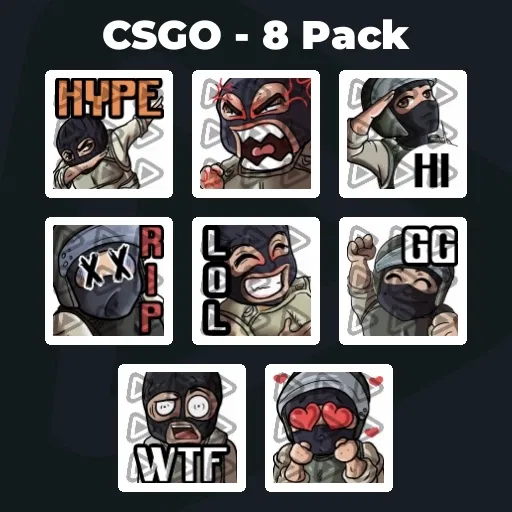
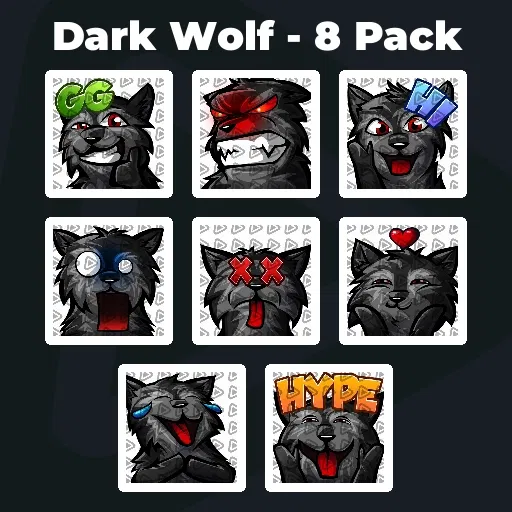
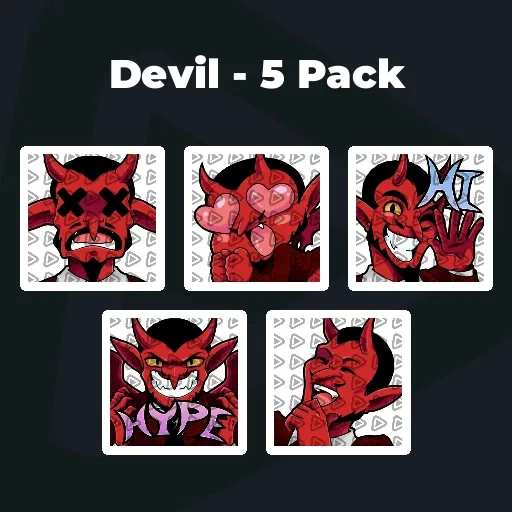
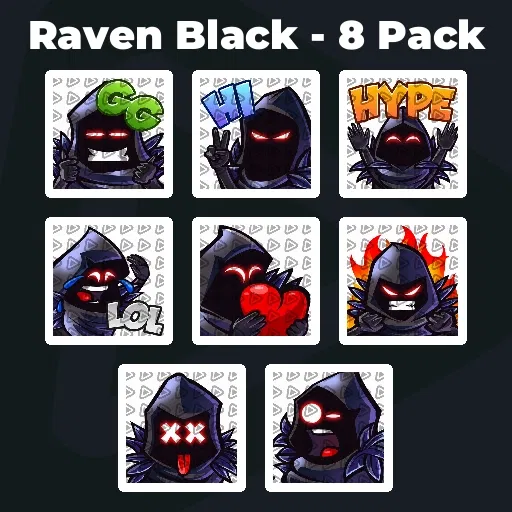
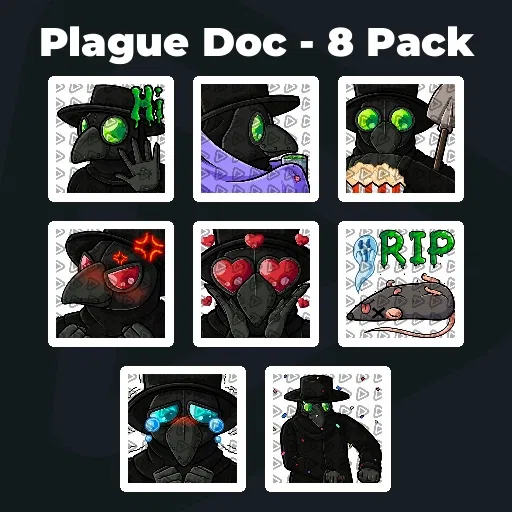
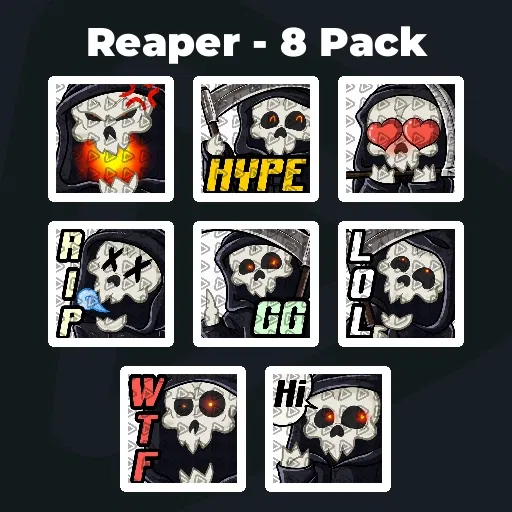
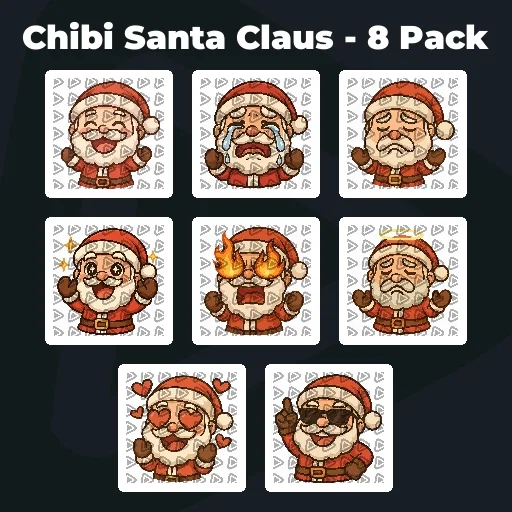
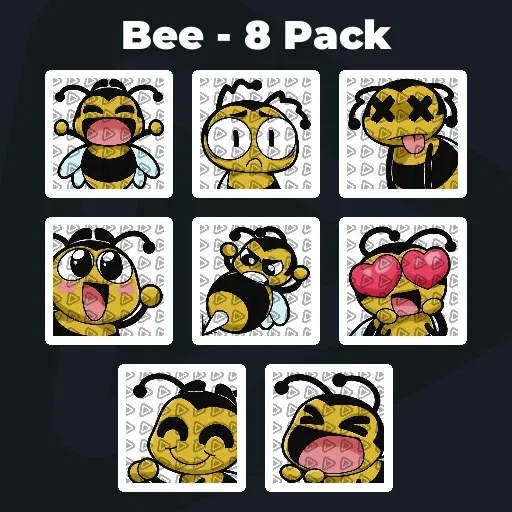
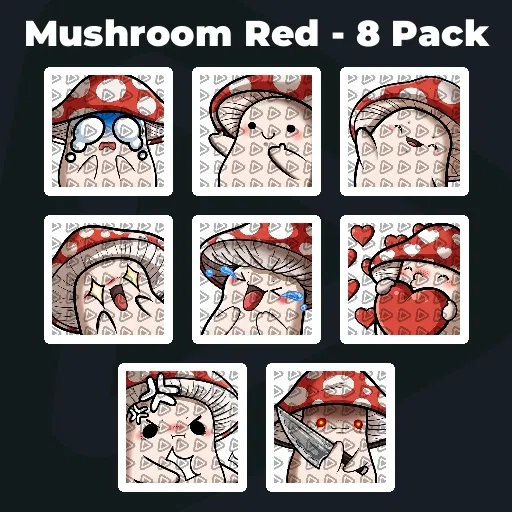
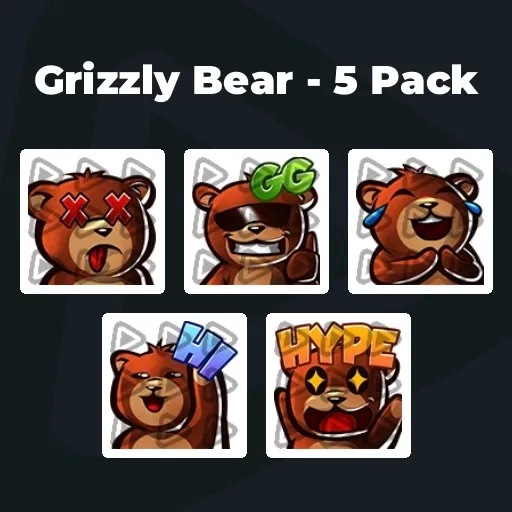
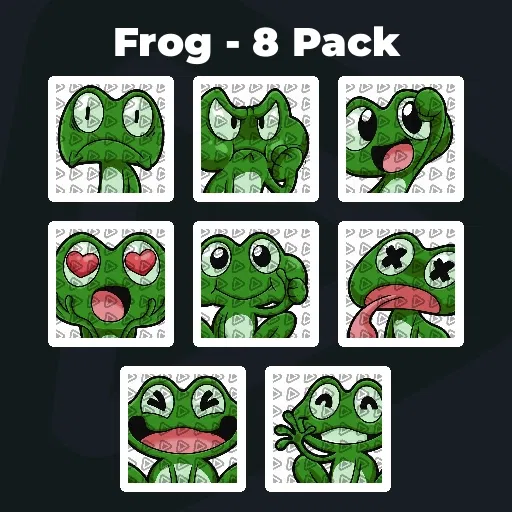
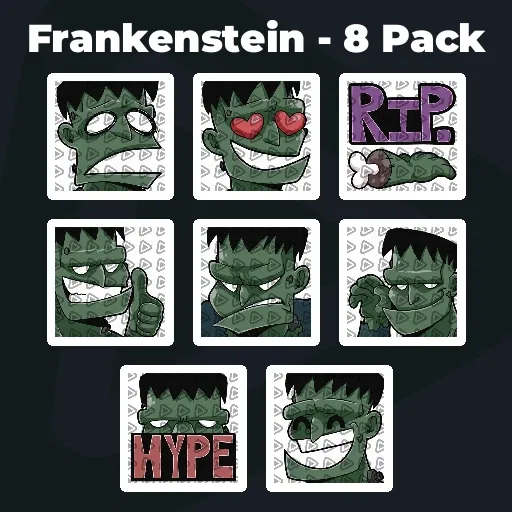
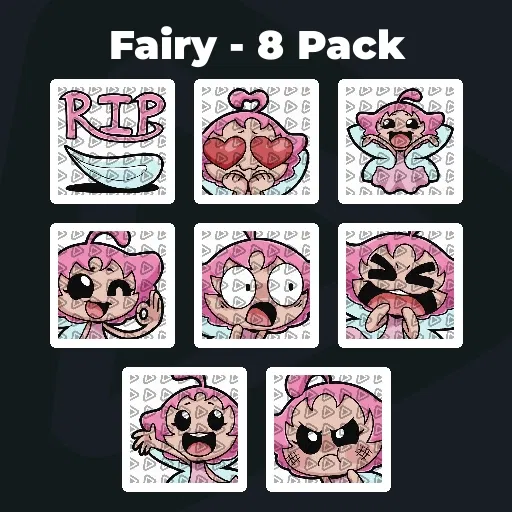
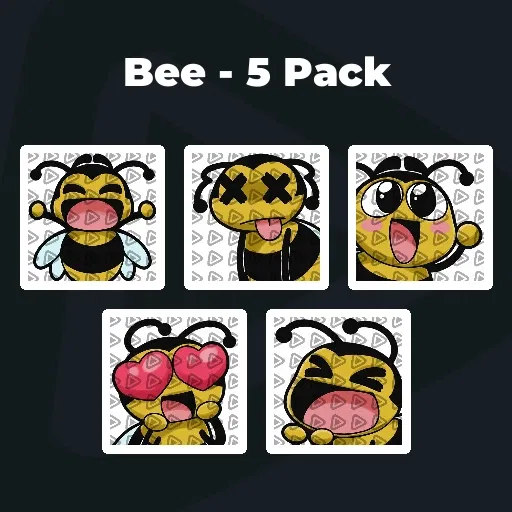
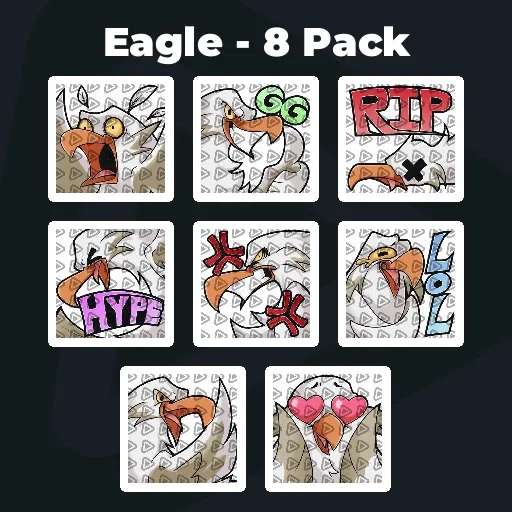
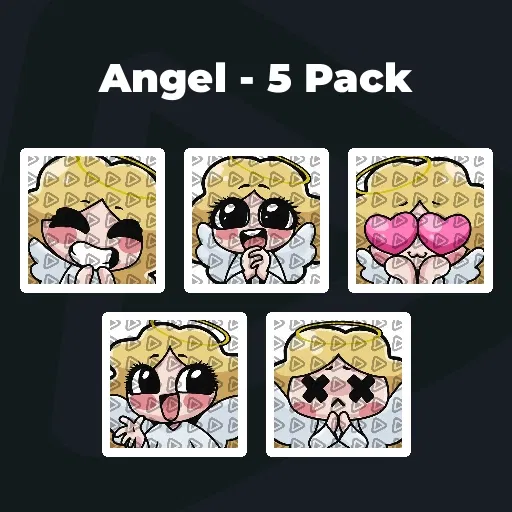
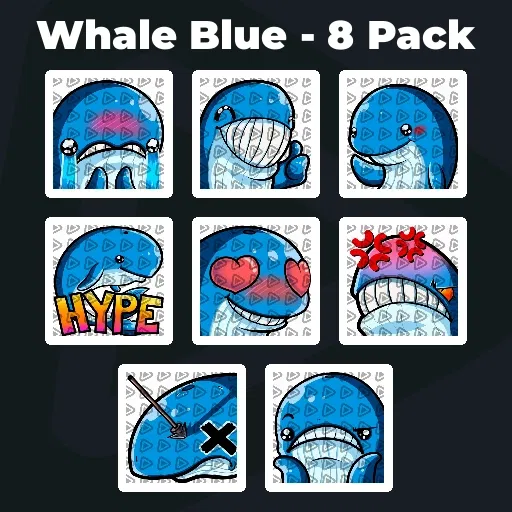
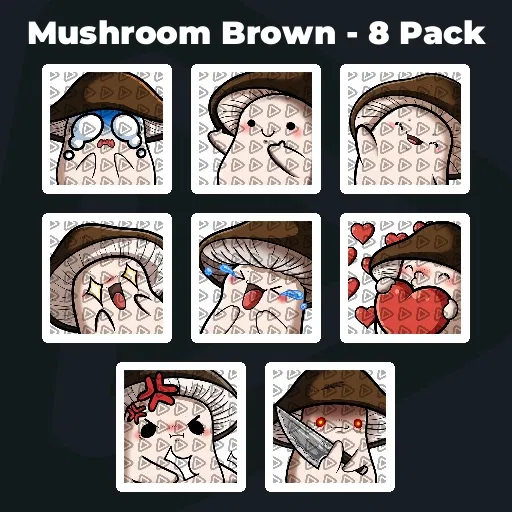
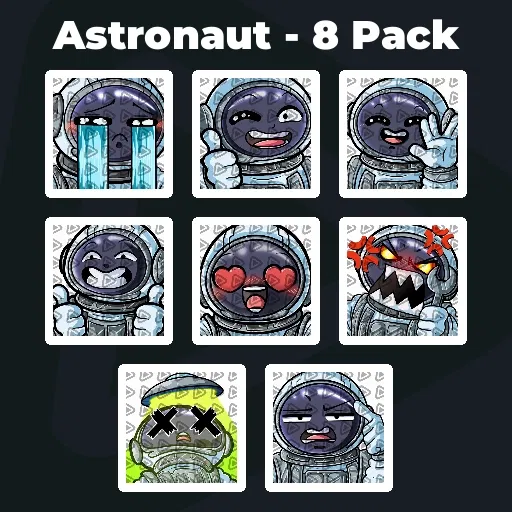
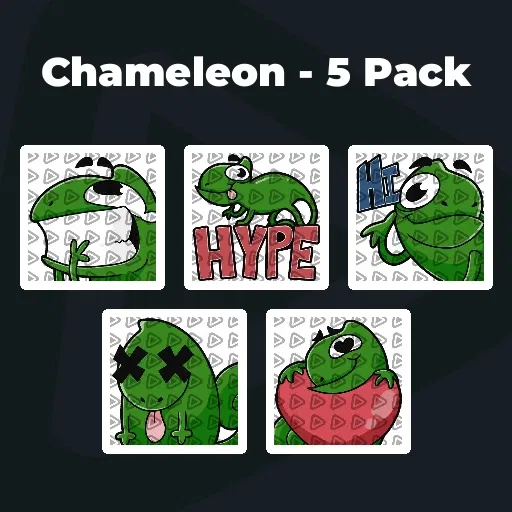
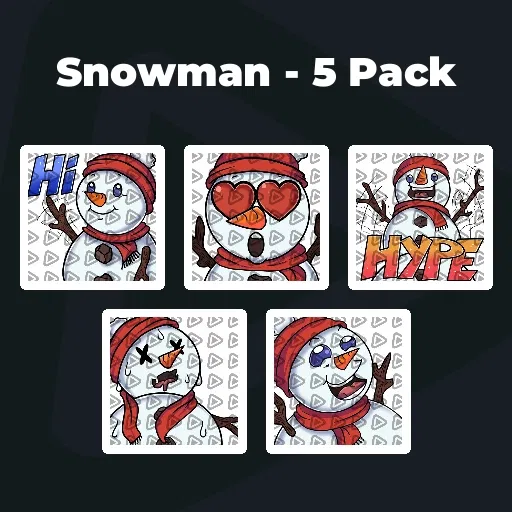
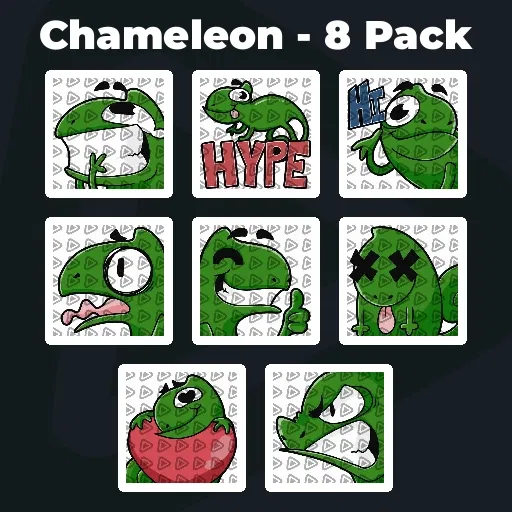
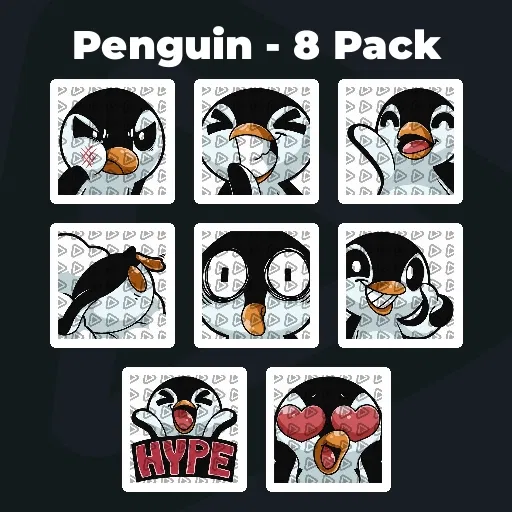
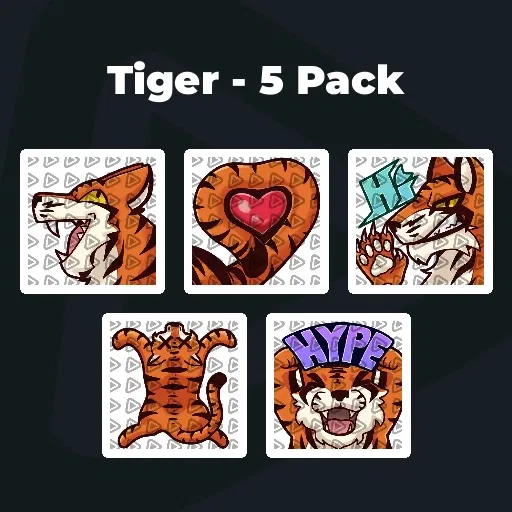
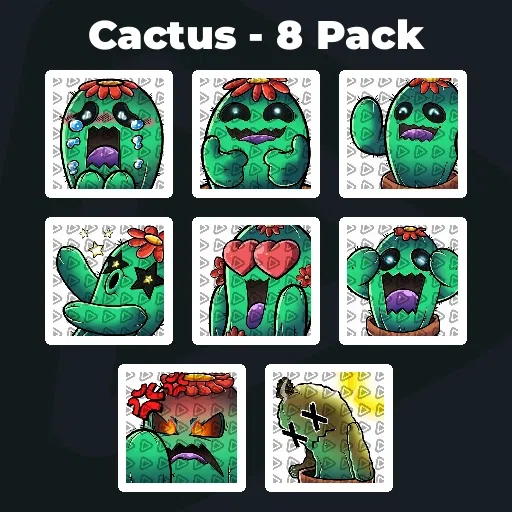
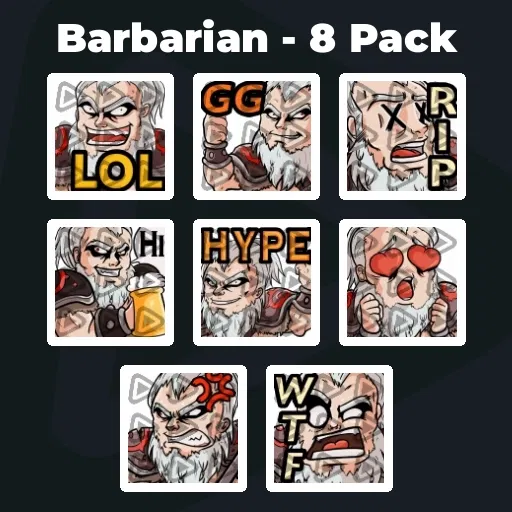
Premium YouTube Emojis & Emotes
Our Community’s Favorite YouTube Emotes
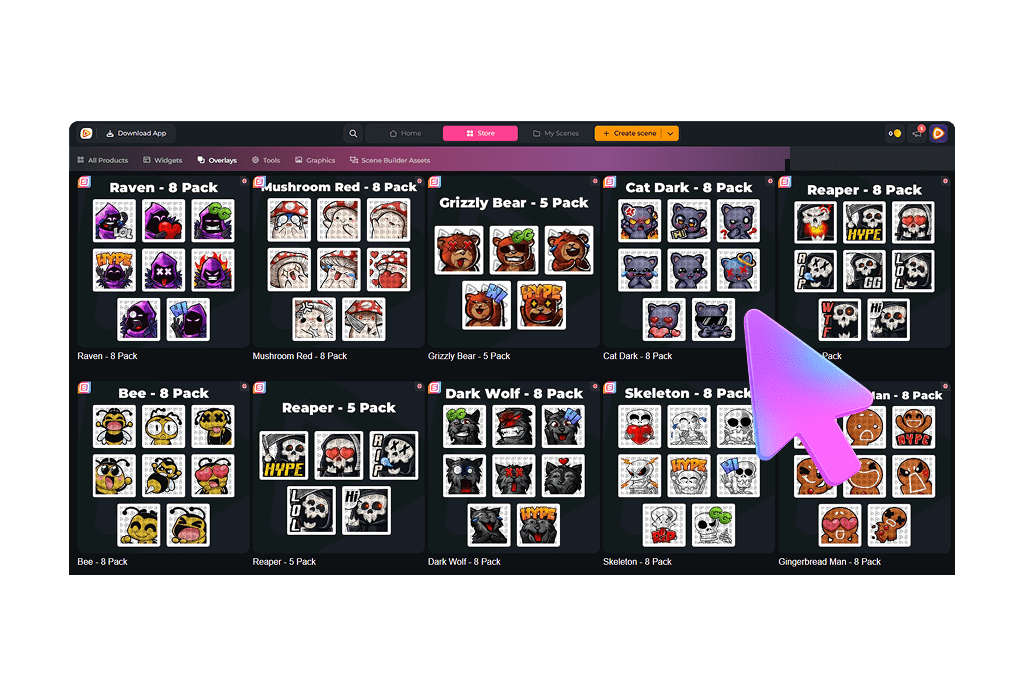
All Premium YouTube Emotes
YouTube Emotes That Feel Like Your Channel
Symbols your community instantly recognizes
Your content has its own tone. Your humor has its own style. Your community has its own references. YouTube emotes should reflect exactly that. They are not just visual add-ons. They are symbols your members actively choose to use.
Every time someone drops one in chat or in the comments, it reinforces what your channel stands for. Our packs include platform-ready emotes for YouTube, so you can upload them instantly and make them part of your channel culture.
Your Emotes Do Not End When The Stream Ends
They live in chat, premieres, and comments
One of the biggest strengths of YouTube emotes is that they stay visible beyond the live moment.
They appear in livestream chat, show up during premieres, and remain in the comment section under your videos. That means your inside jokes and shared reactions do not disappear when the stream ends. They continue to show up wherever your community interacts with your YouTube content.
What Happy Customers Say About Our YouTube Emotes
See how our product makes a difference for content creators.
One Pass. Everything Included.
The Stream Pass gives you full access to everything OWN3D Pro has to offer. All products, including overlays, alerts, badges, widgets, YouTube emotes, and more, are included and not sold separately.
Works with all broadcasting tools
Customize your overlays in the Scene Builder and use them with OBS Studio, Streamlabs, XSplit, and more. Easy to integrate with any setup.
Unlimited* asset downloads
Download YouTube emotes, badges, panels, and more static assets. *Our unlimited plan is subject to fair use.
AI-powered creations
Get 50 AI credits with your Stream Pass to generate custom stream widgets, webcam frames, YouTube emotes, and more.
Multistreaming ready
Stream on Twitch, YouTube, and Kick with all the tools you need for a professional-looking livestream.
How to Set Up YouTube Emotes
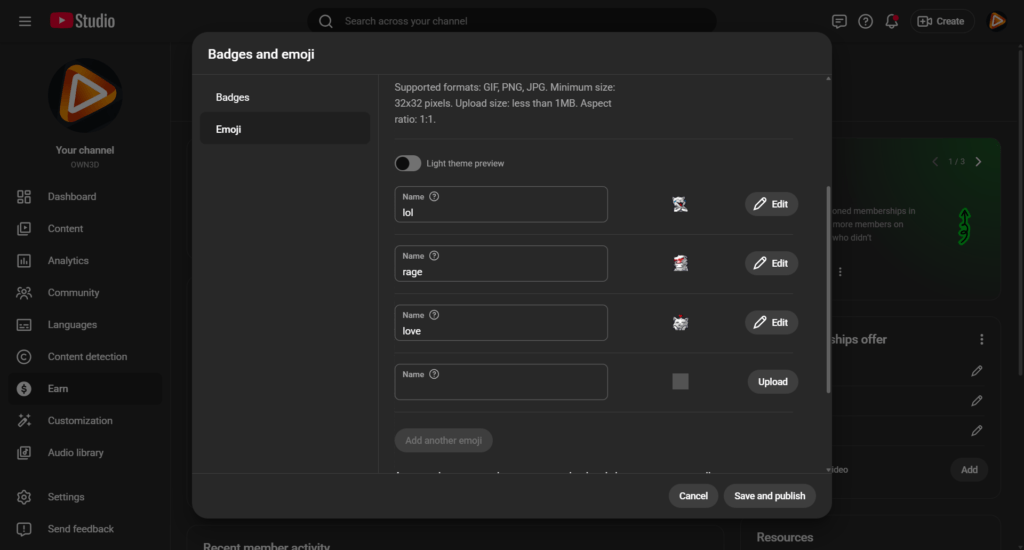
Setting up your YouTube emotes is straightforward once channel memberships are enabled.

Step 1
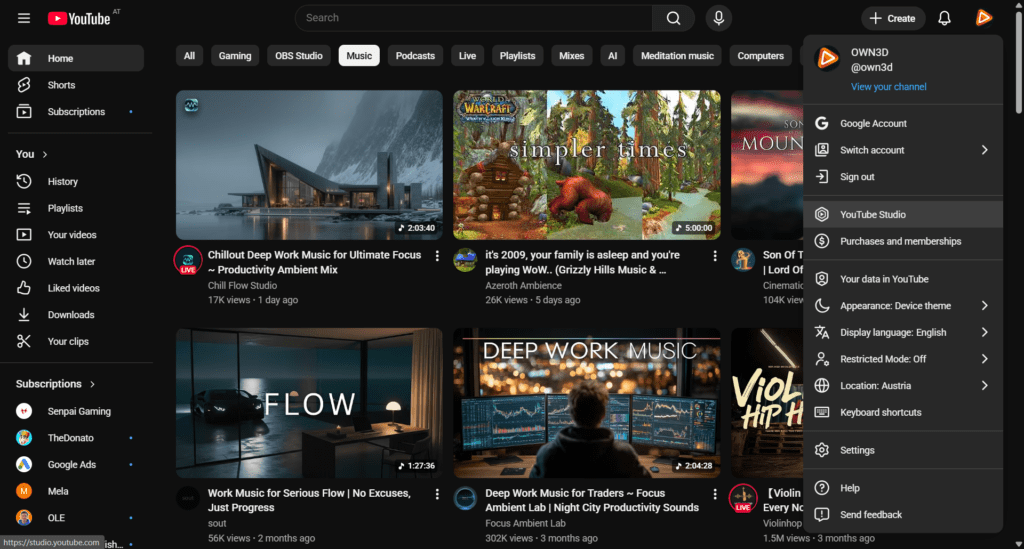
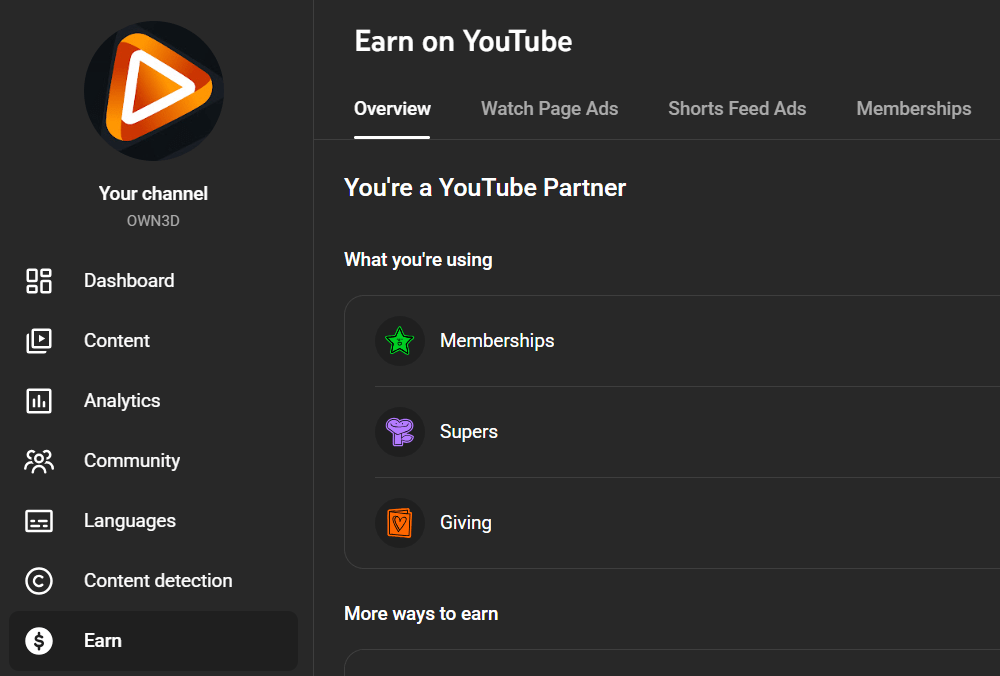
Open YouTube Studio and navigate to the Monetization section.
Step 2
Select Memberships and go to the Emojis tab, where you can manage your YouTube live emotes.
Step 3
Upload your emote file in the required size and format according to YouTube’s current guidelines. Assign a name to your emoji and publish it. That’s it!
FAQs About Our YouTube Emotes
What are YouTube emotes?
YouTube emotes are custom emojis that channel members can use in livestream chat, during premieres, and in the comment section. They represent reactions, inside jokes, and shared community moments.
Are YouTube live emotes only for members?
Yes. YouTube stream emotes are part of channel memberships and are exclusive to paying members.
Where can emotes for YouTube be used?
They can be used in livestream chat, during premieres, and in the regular comment section under your videos.
Do the emote packs include the correct sizes for YouTube?
Yes. All YouTube emotes are delivered in platform-ready formats so you can upload them directly without editing.
Are there free YouTube emotes included?
Are these emotes exclusive to my channel?
How many YouTube emotes can I download with the Stream Pass?
* What does the fair use policy mean?
Our unlimited plan allows up to 25 downloads per day per category (sub badges, YouTube emote packs, and more). This ensures system stability and fair access for all users. Bulk or automated downloads may lead to temporary restrictions. The idea is simple. Download what you truly need for your stream and explore freely within those boundaries.
When can I upload YouTube emotes?
You can upload YouTube emotes once your channel has access to channel memberships. This requires eligibility for the YouTube Partner Program and membership features to be enabled in YouTube Studio. As soon as memberships are active, you can add custom YouTube emotes for your members in the Badges and emojis section.
What are the requirements to unlock channel memberships and YouTube emotes?
To unlock channel memberships and upload YouTube emotes, your channel must be eligible for the YouTube Partner Program and meet YouTube’s monetization requirements.
Currently, this includes:
- – At least 500 subscribers
- – At least 3 public uploads within the last 90 days
- – And either 3,000 valid public watch hours in the last 12 months or
- – 3 million valid public Shorts views in the last 90 days
Please note that eligibility requirements can vary by country and may change over time. You can check whether your channel qualifies and see your current progress directly in YouTube Studio under the Earn section.