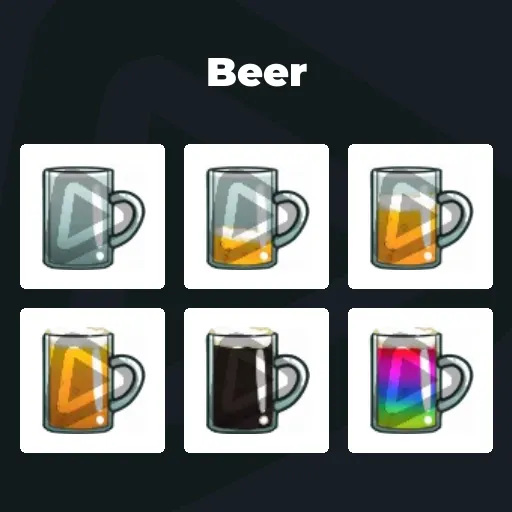
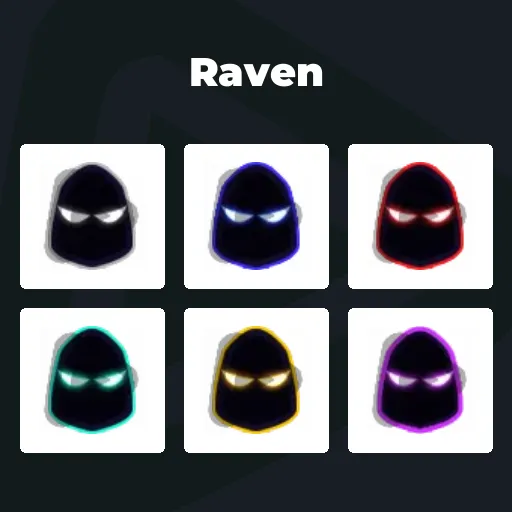
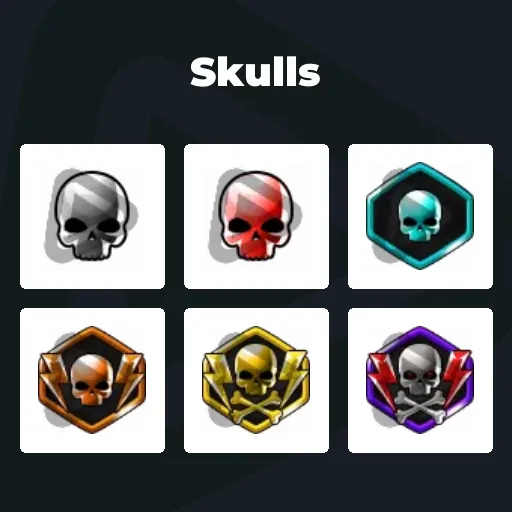
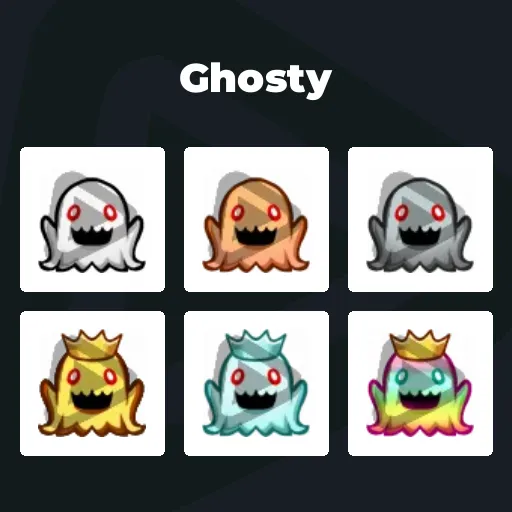
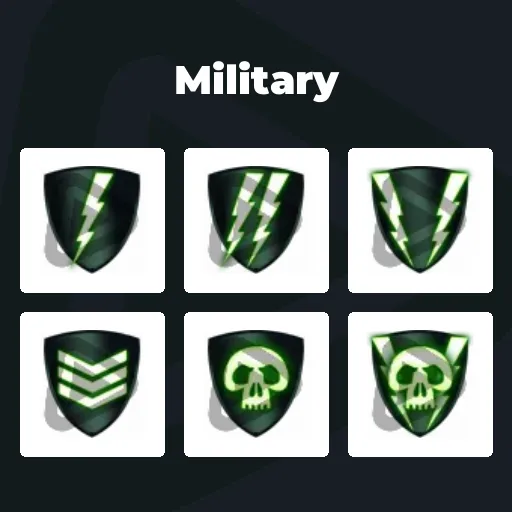
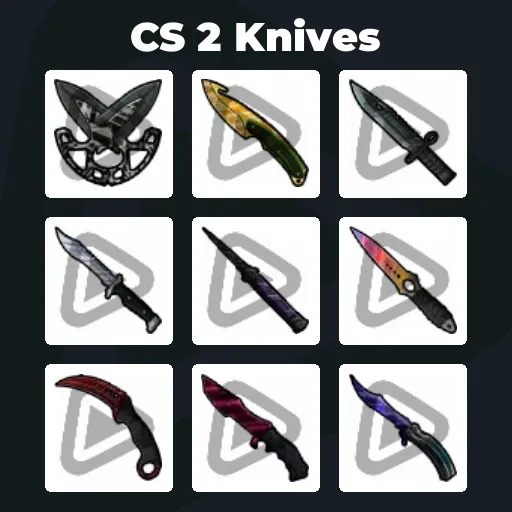
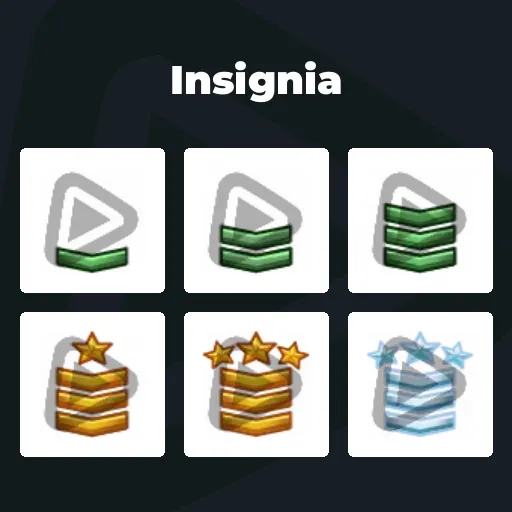
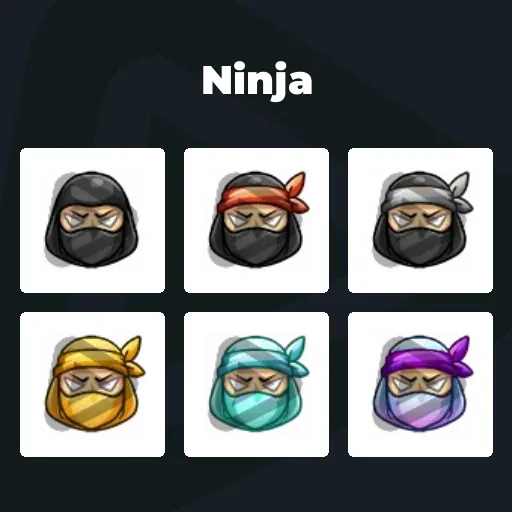
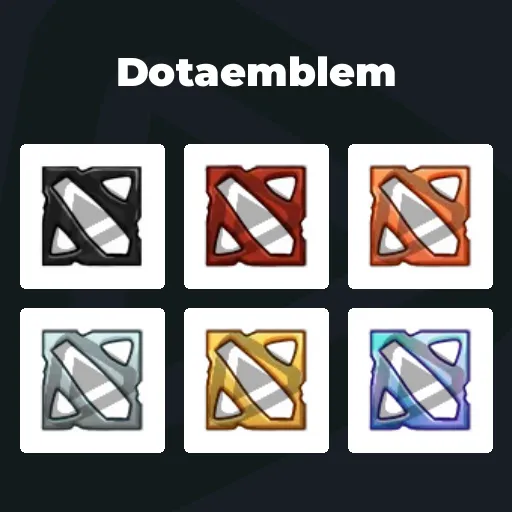
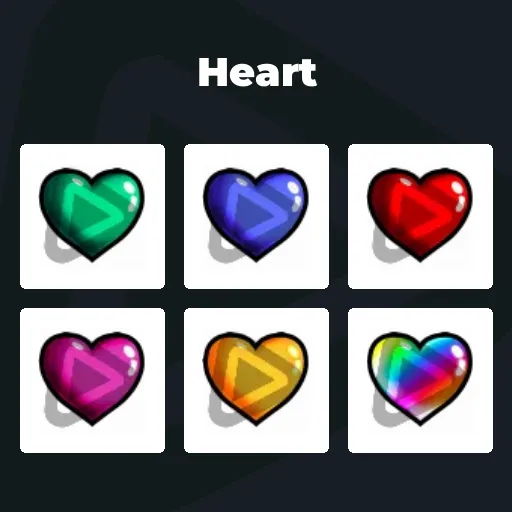
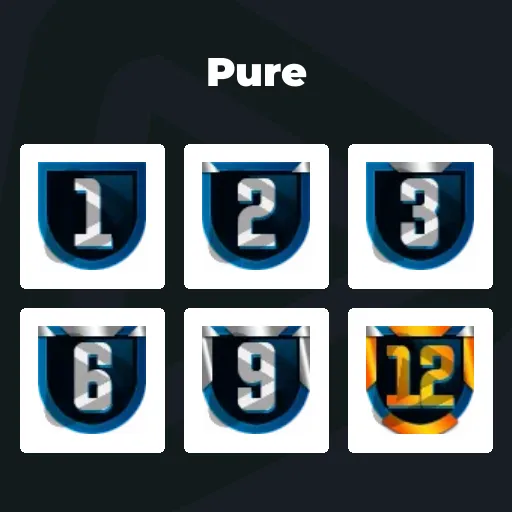
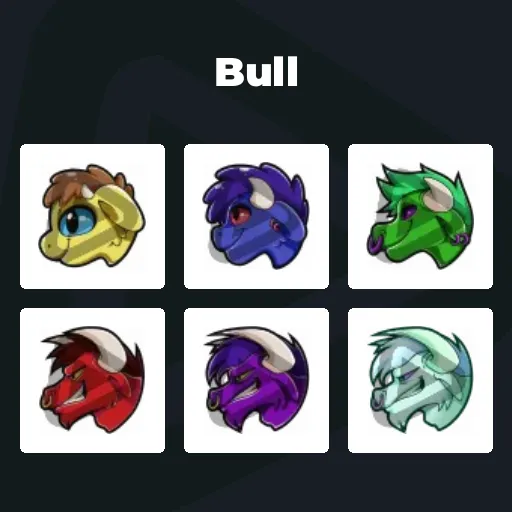
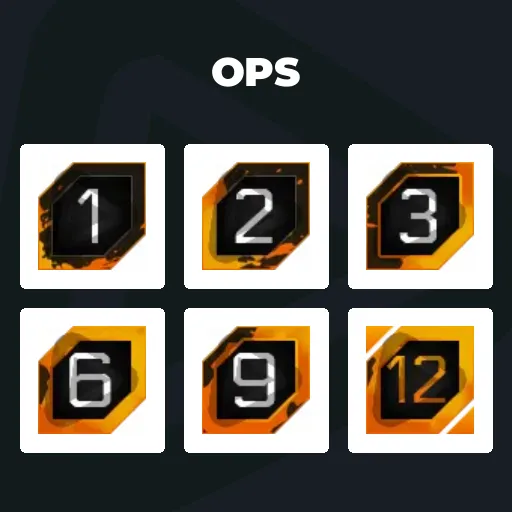
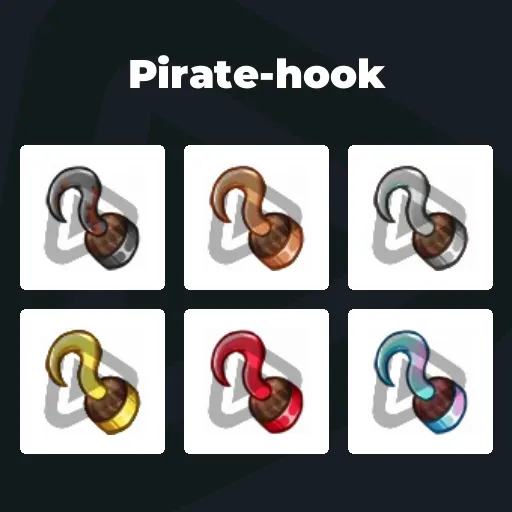
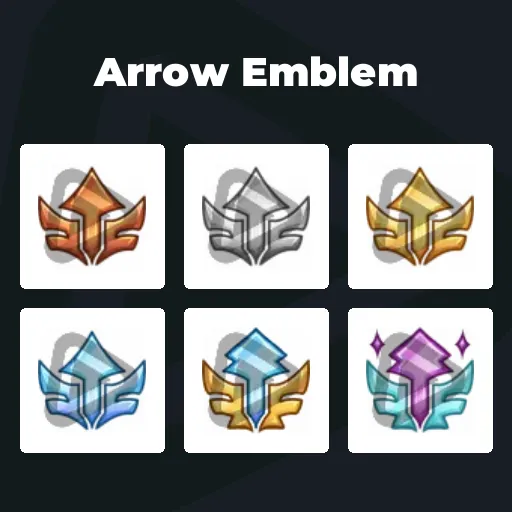
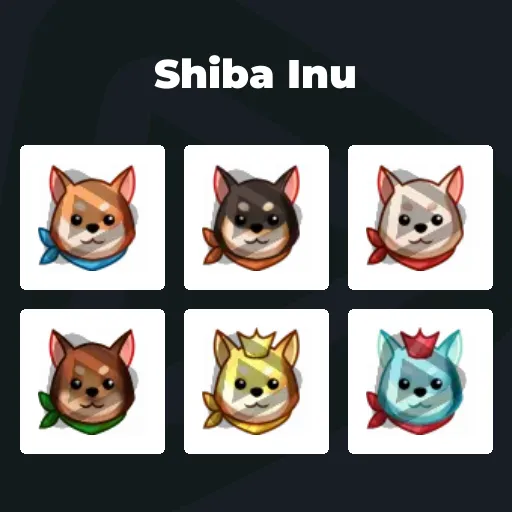
Premium Twitch Sub Badges
Your community shows up. They subscribe. They support YOU and your content. Twitch sub badges turn that loyalty into something everyone can see. A small icon next to a name becomes a symbol of support, history, and status in your chat. With the Stream Pass, you unlock unlimited* Twitch sub badges ready to download anytime.
Our Community’s Favorite Twitch Sub Badges
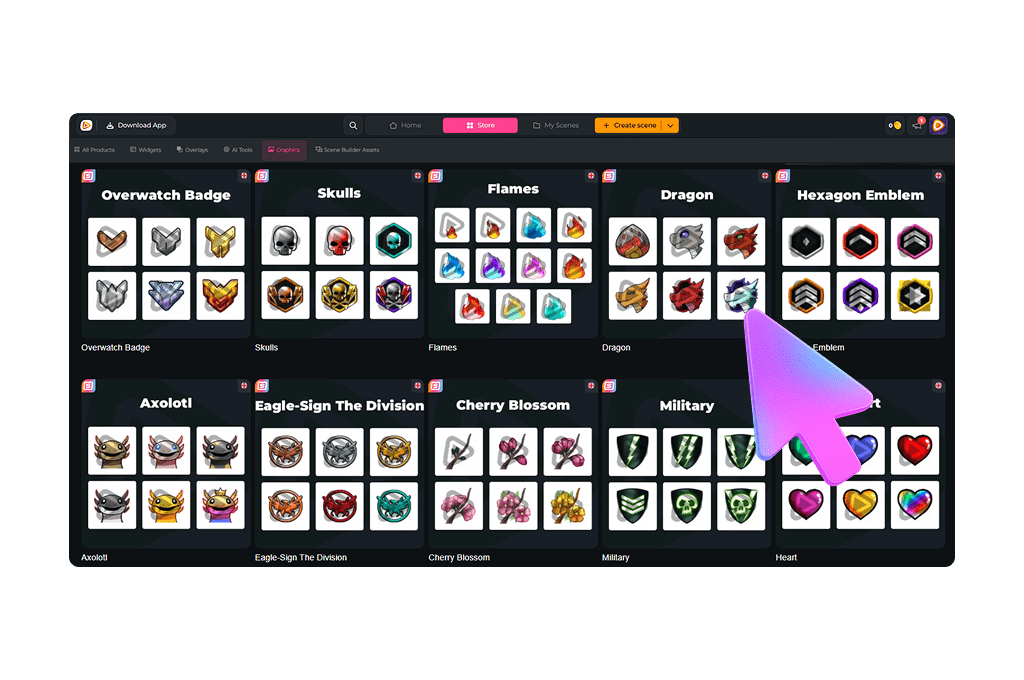
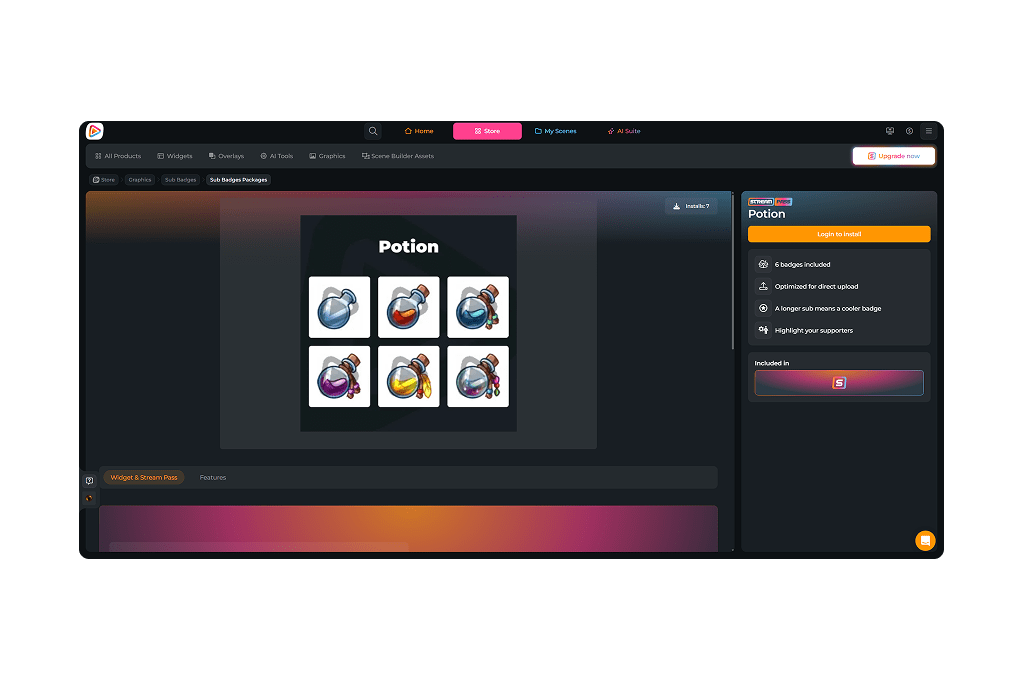
All Premium Twitch Sub Badges
Twitch Sub Badges That Show Who’s Really With You
Every badge represents real support
Your Twitch sub badges are more than small icons in chat. They represent viewers who actively choose to support you every single month. That is real commitment.
The moment someone subscribes, their badge appears next to their name. Everyone can see they are backing you.
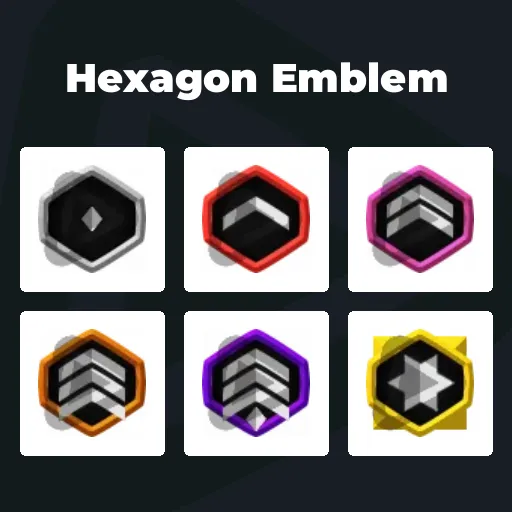
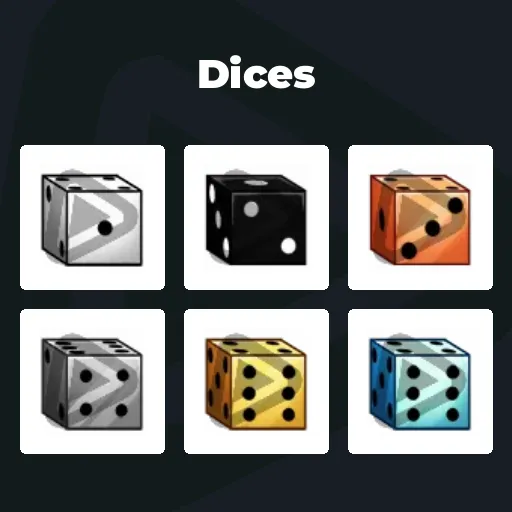
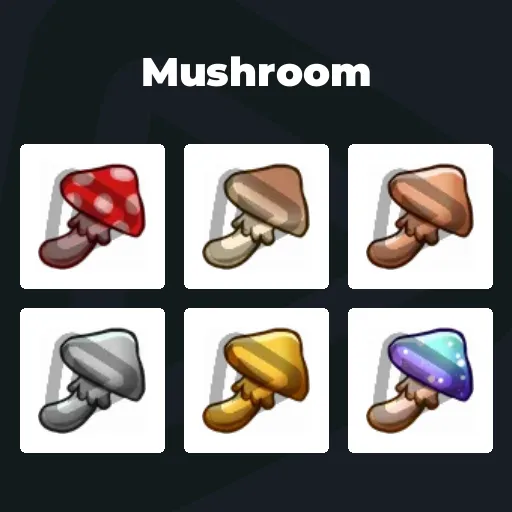
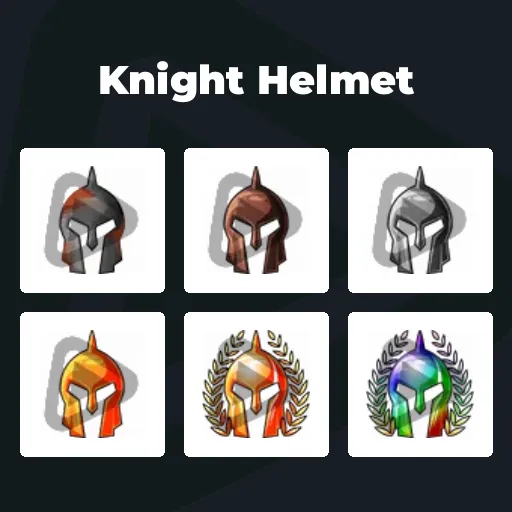
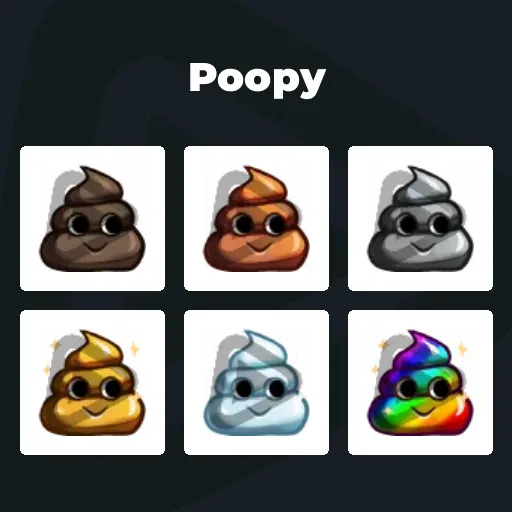
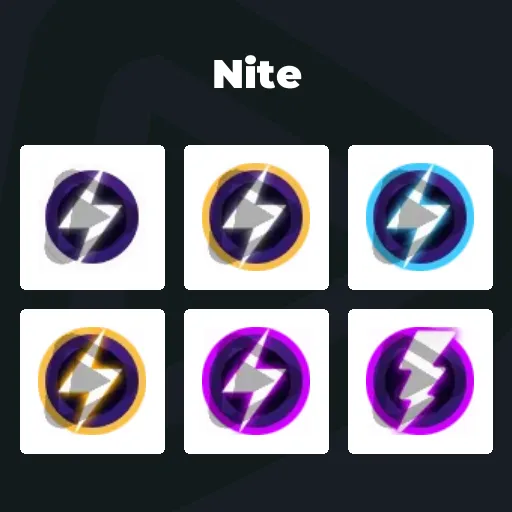
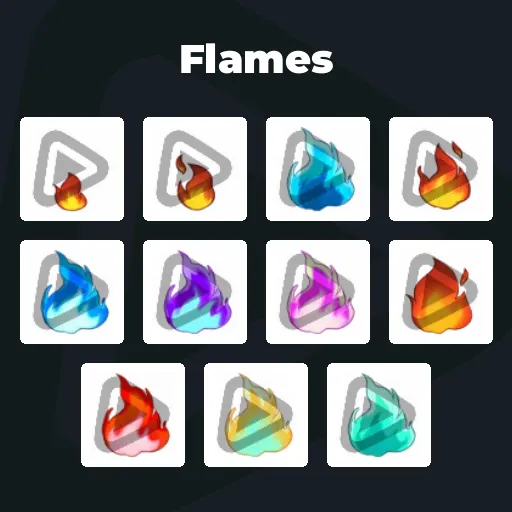
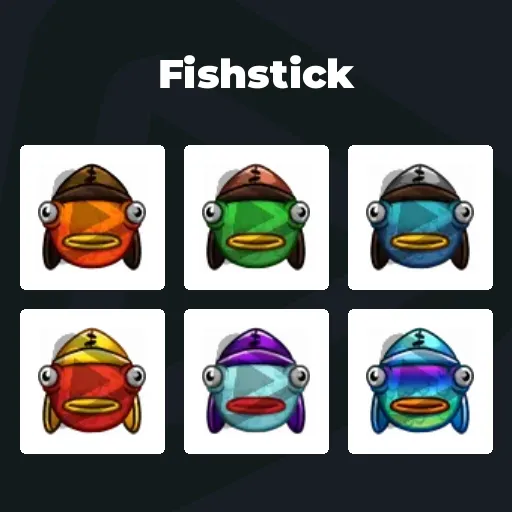
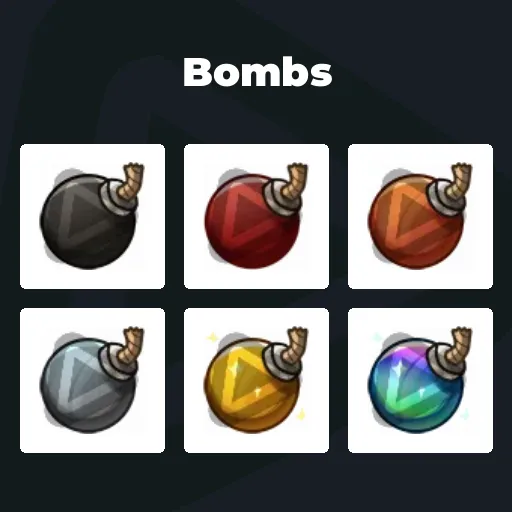
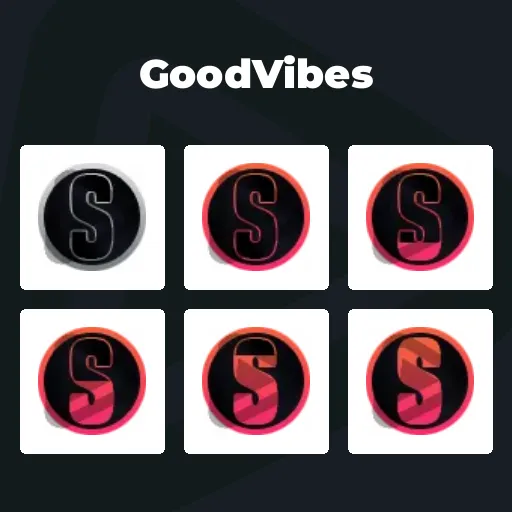
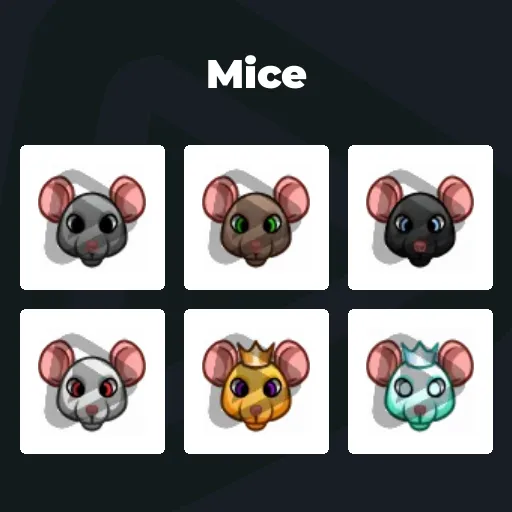
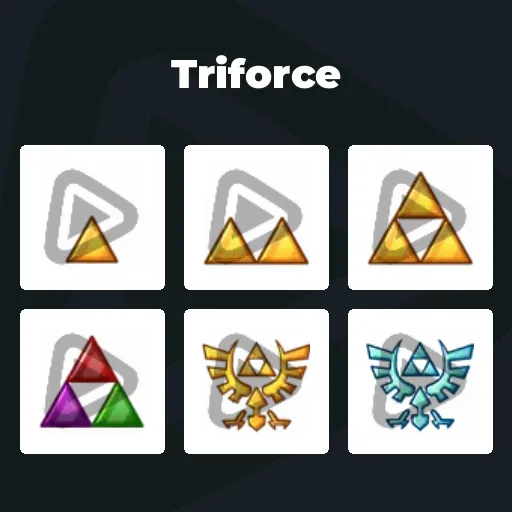
As months pass and the badge upgrades, it becomes proof of long-term loyalty. First month. Third month. Six months. One year. Every stage tells a story.
Turn Loyalty Into Visible Status
Twitch sub badges make your biggest supporters impossible to miss
The moment someone types in chat, their sub badges stand out. You instantly see who’s been supporting your Twitch streams for 3 months, 6 months, or over a year. That visibility builds connection. It also motivates others to subscribe.
If you want stronger engagement, a stronger community identity, and more recurring revenue, upgrading your Twitch subscription badges is a simple win.
What Happy Customers Say About Our Twitch Sub Badges
See how our product makes a difference for content creators.
One Pass. Everything Included.
The Stream Pass gives you full access to everything OWN3D Pro has to offer. All products, including Twitch sub badges, overlays, alerts, widgets, emotes, and more, are included and not sold separately.
Works with all broadcasting tools
Customize your overlays in the Scene Builder and use them with OBS Studio, Streamlabs, XSplit, and more. Easy to integrate with any setup.
Unlimited* asset downloads
Download Twitch sub badges, emotes, panels, and more static assets. *Our unlimited plan is subject to fair use.
AI-powered creations
Get 50 AI credits with your Stream Pass to generate custom stream widgets, webcam frames, emotes, and more.
Multistreaming ready
Stream on Twitch, YouTube, and Kick with all the tools you need for a professional-looking livestream.
How to Set Up Twitch Sub Badges
Ready to upgrade your chat and give your supporters the recognition they deserve? Here is how to activate your sub badges on Twitch.
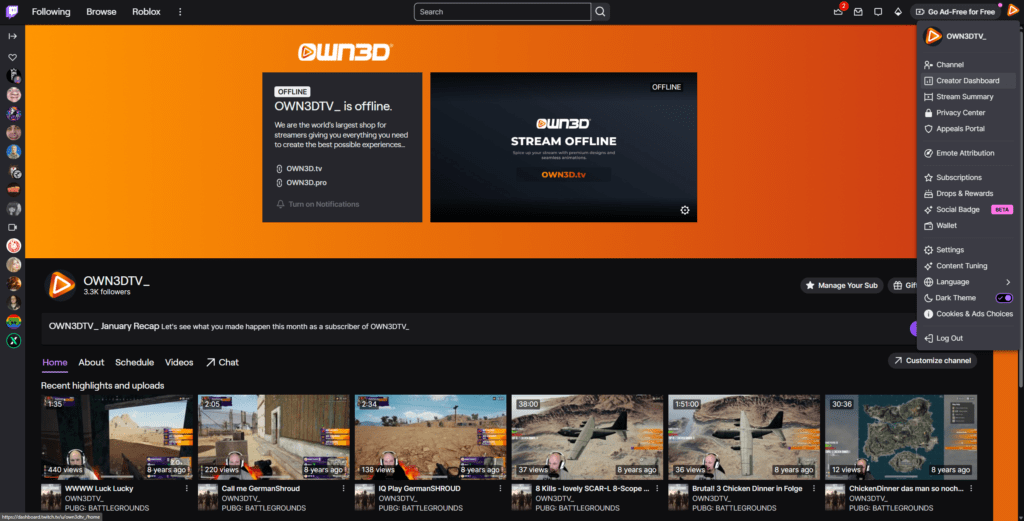
Step 1
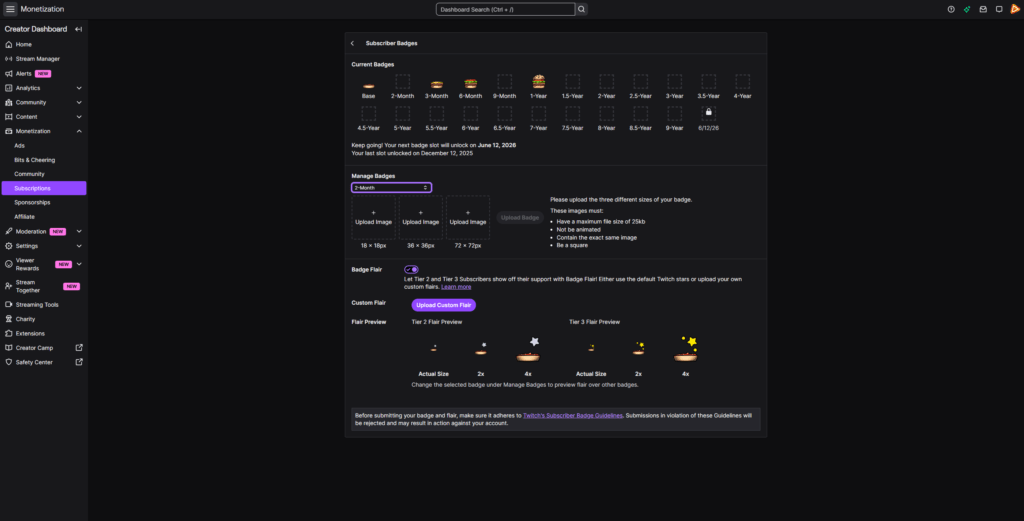
Log in to Twitch and click your profile picture in the top right corner. Open the Creator Dashboard and head straight into your control center.
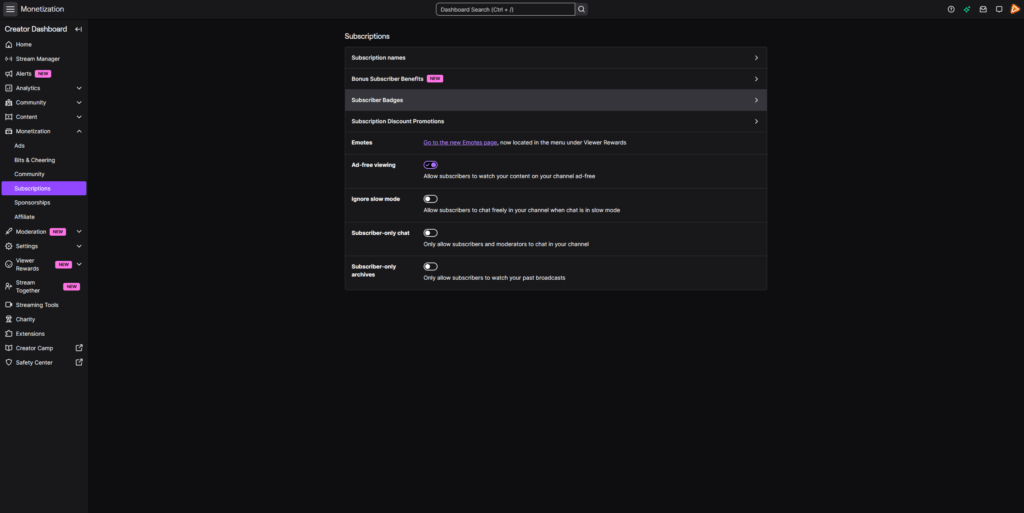
Step 2
In the left sidebar, click Monetization, then Subscriptions. Select Subscriber Badges to access your loyalty system.
Step 3
Now it is time to bring your badges to life. Choose the loyalty duration from the dropdown menu and upload your Twitch sub badge files in the required sizes. You can update existing designs, replace older ones, or add exclusive badges for Tier 2 and Tier 3 supporters. That’s it!
FAQs About Our Twitch Sub Badges
What are Twitch sub badges, and how do they work?
Twitch sub badges are loyalty icons displayed next to a subscriber’s name in chat. Every time someone subscribes, their badge appears instantly. The longer they stay subscribed, the more their badge evolves based on the loyalty duration you define (for example, 1 month, 3 months, 6 months, 1 year, and beyond). These Twitch subscription badges visually represent commitment. They turn recurring support into a visible status inside your community and make long-term subscribers stand out in every message they send.
Why are Twitch sub badges important for growing my channel?
Twitch sub badges create a built-in motivation system. Viewers don’t just subscribe for perks; they subscribe to progress, and because they want to support you. Each month moves them closer to the next milestone badge. This increases retention. When viewers see premium-looking Twitch Sub Badges that others are proud to display, they are more likely to subscribe themselves and stay committed longer.
What is the difference between a subscriber badge on Twitch and a Twitch VIP badge?
A subscriber badge on Twitch is tied to a paid subscription and reflects loyalty duration. It upgrades automatically over time. A Twitch VIP badge, on the other hand, is manually assigned by the streamer to selected community members. It is not connected to paid subscriptions or milestones. Sub badges reward financial support, while the Twitch VIP badge recognizes special community members.
Can I get Twitch sub badges free?
Twitch sub badges are not available as free downloads. They are included in the Stream Pass. With it, you unlock unlimited* access to an entire library of premium Twitch sub badges within the fair use limits. Rather than purchasing a single Twitch subscriber badge, you can explore different designs, test new styles, and update your branding whenever you want with the Stream Pass.
Can I use the same Twitch sub badges on other platforms?
Absolutely. While they are optimized as Twitch subscription badges, the same visual designs can also be used as YouTube membership badges or Kick sub badges. Many creators keep a consistent loyalty progression across platforms to strengthen brand recognition.
* How many Twitch badges can I download with the Stream Pass?
The unlimited plan allows up to 25 downloads per day per category, including Twitch badges, emotes, and more. This fair use policy ensures stable access for all creators while giving you enough flexibility to experiment with multiple sub icon Twitch designs.
How do I choose the right Twitch sub badge for my brand?
Your Twitch sub icon style should match your overall stream identity. Clean and minimal badges work well for competitive or esports-focused channels. Cute styles fit cozy and variety streamers. Bold, high-contrast Twitch subscription badges are ideal if you want maximum visibility in fast-moving chats.
Why should I upgrade my Twitch subscription badges instead of using basic ones?
Default badges blend into chat and show no progress. Premium Twitch sub badges stand out immediately. They increase perceived channel quality, strengthen your brand, and give supporters something they are proud to show off. When your badges look professional, your channel feels professional, and that directly impacts how new viewers see your stream.