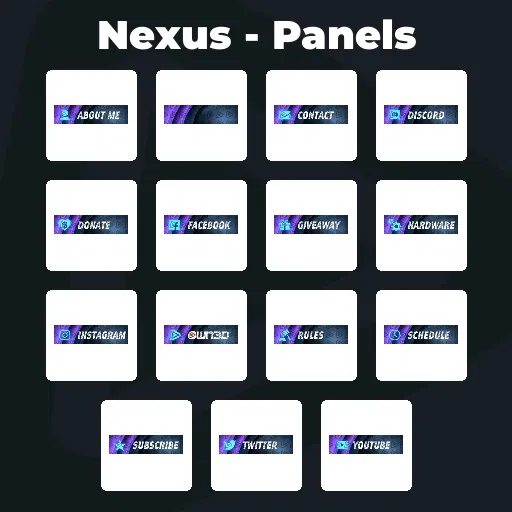
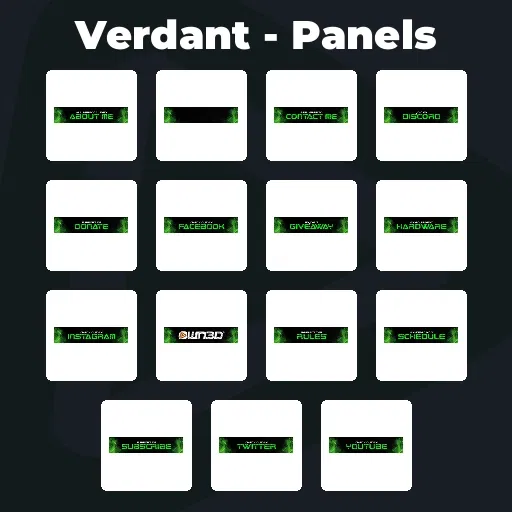
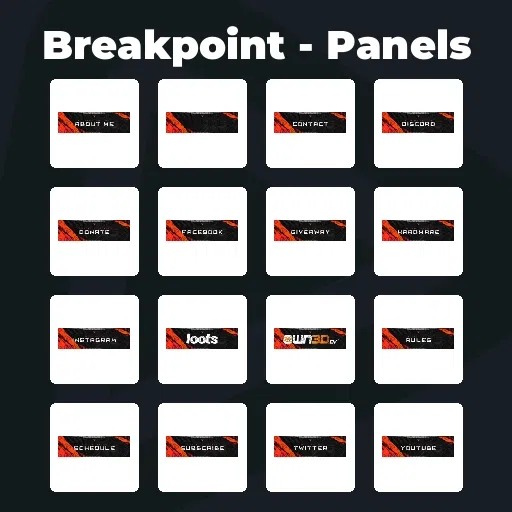
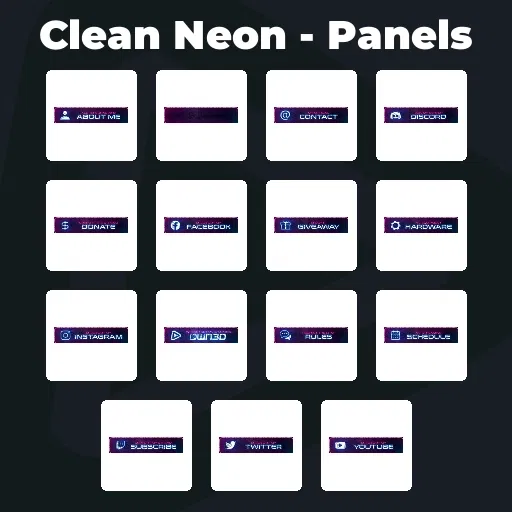
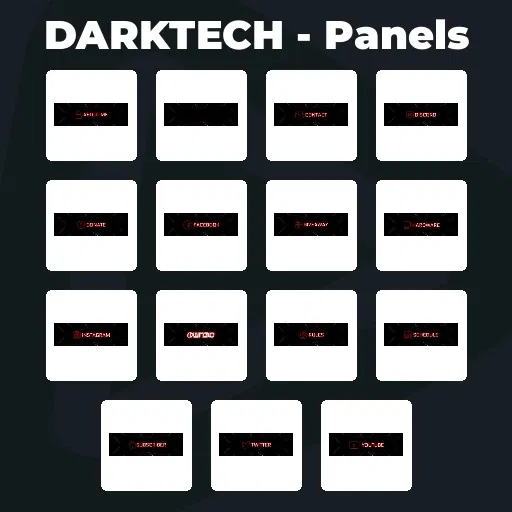
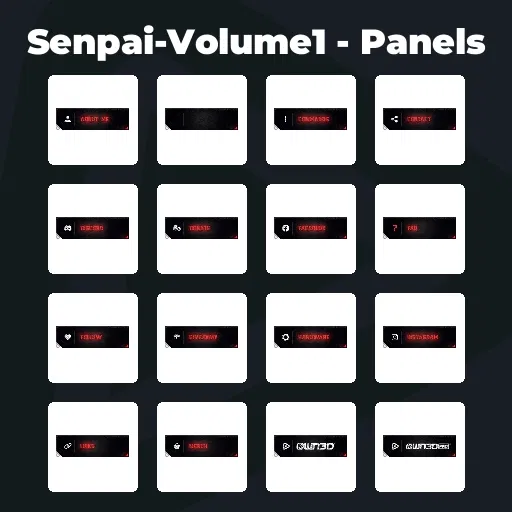
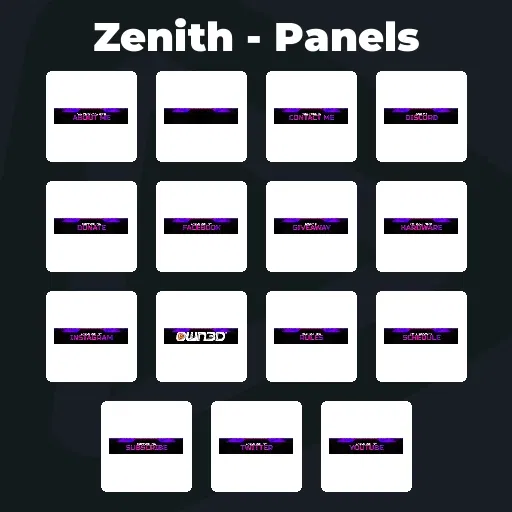
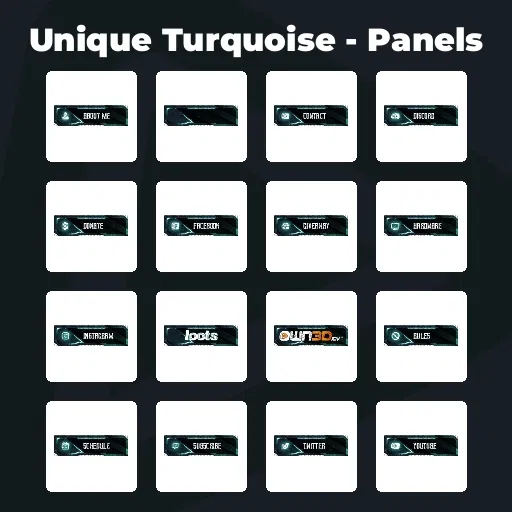
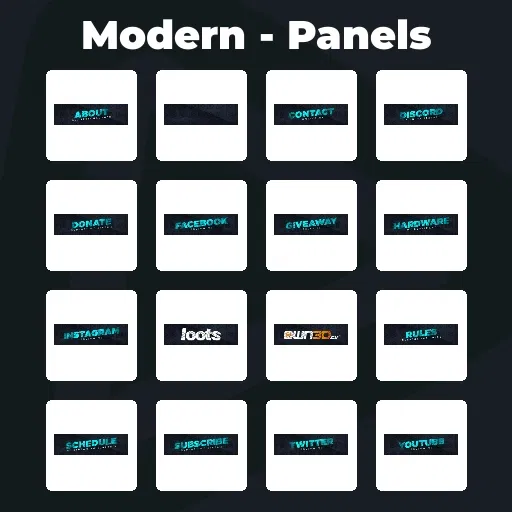
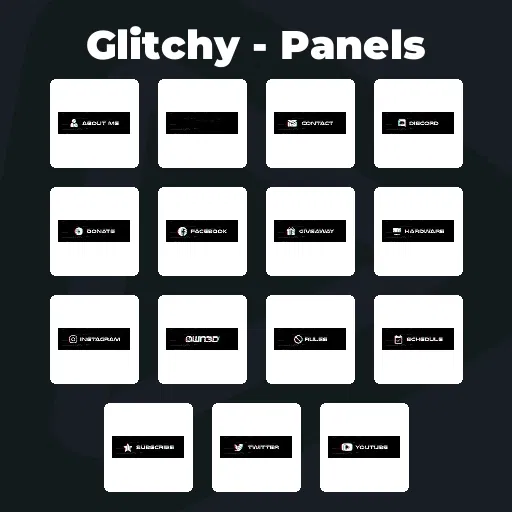
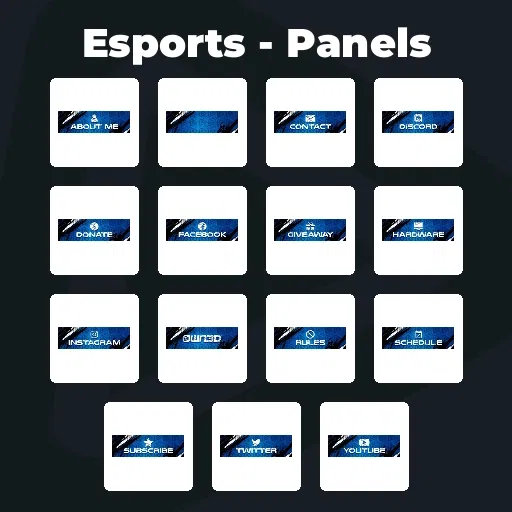
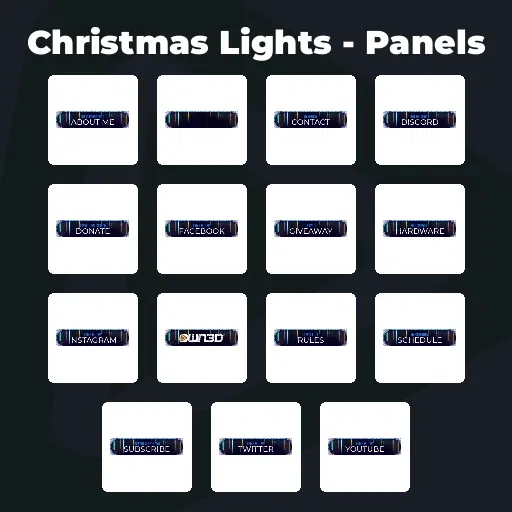
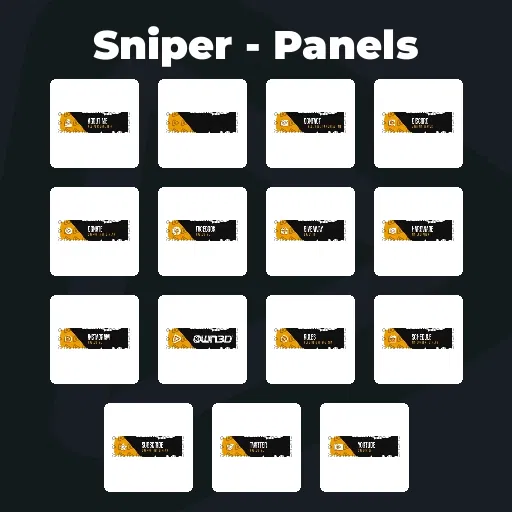
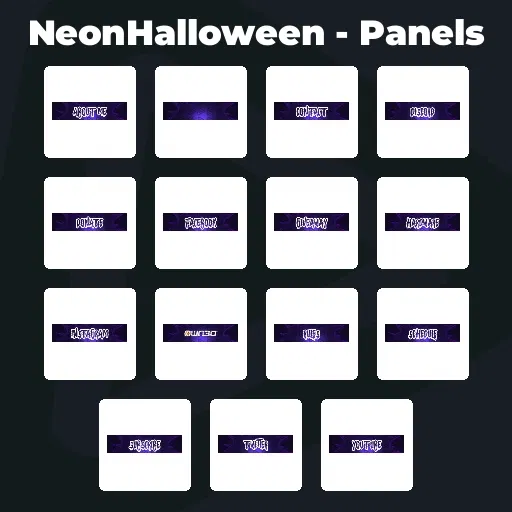
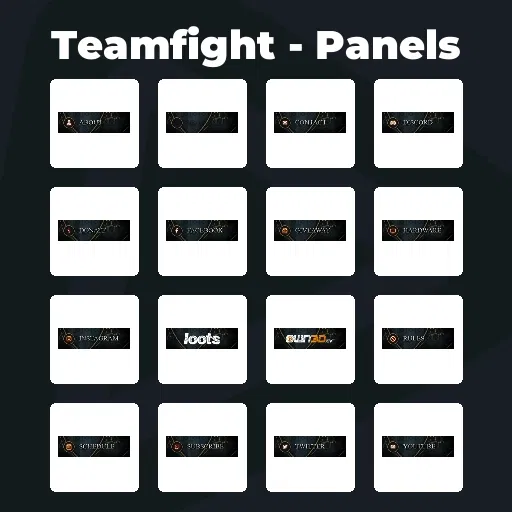
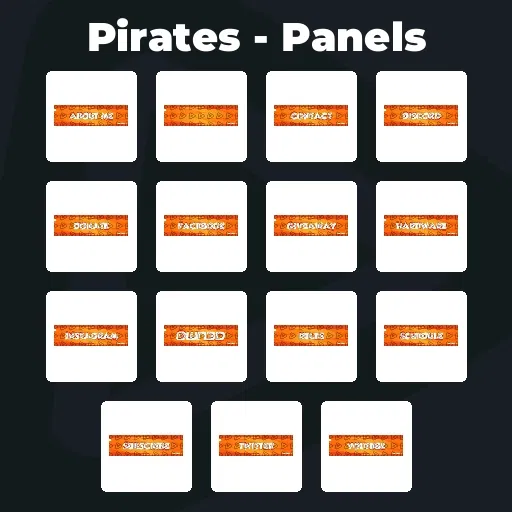
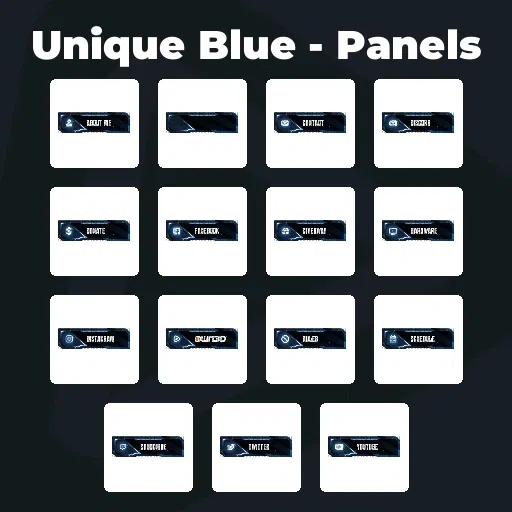
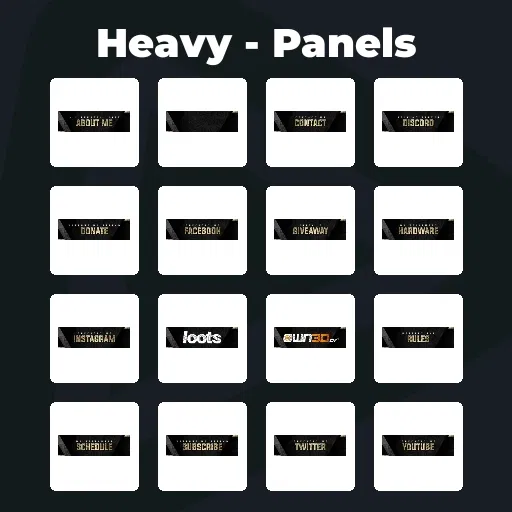
Premium Kick Panels
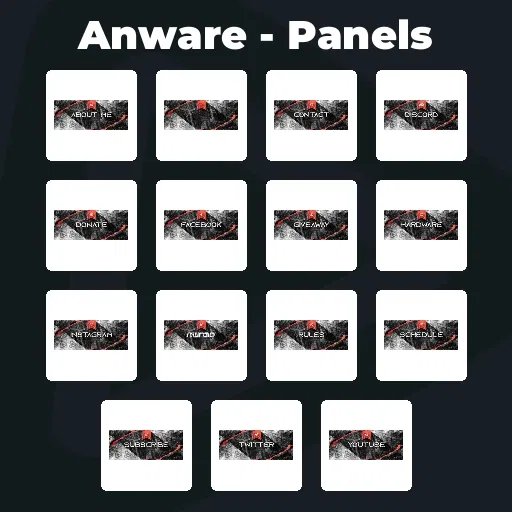
Your stream is what pulls people in. Your Kick panels are what help them find their way around. They are not the main show, but they make everything around it feel complete. With the Stream Pass, you unlock unlimited* Kick panels to build a profile that feels clear, structured, and easy to explore without overcomplicating your setup.
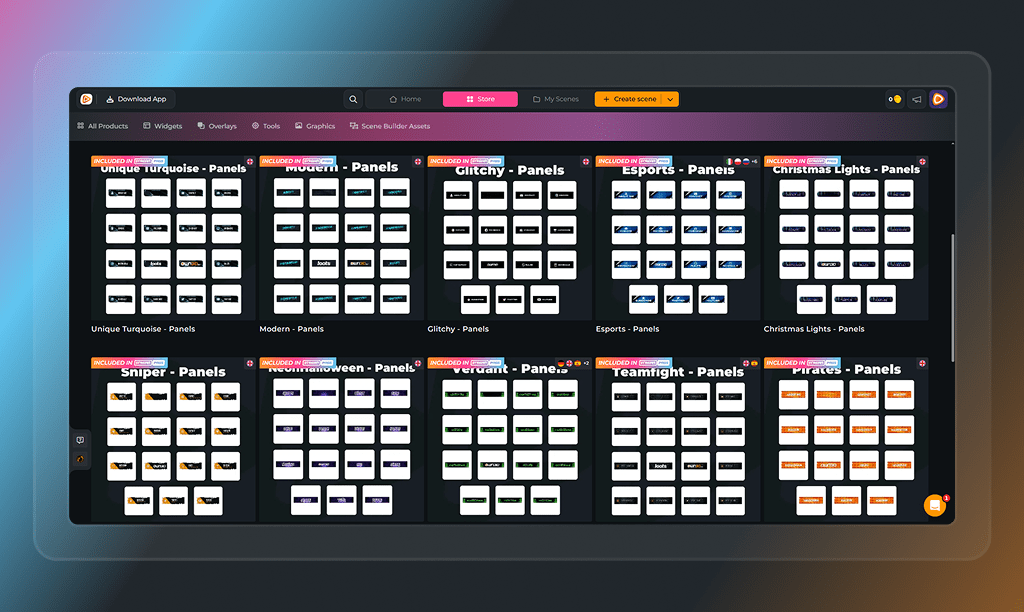
Our Community’s Favorite Kick Panels
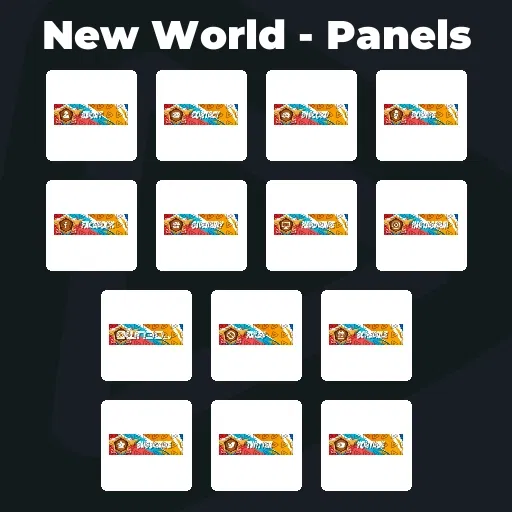
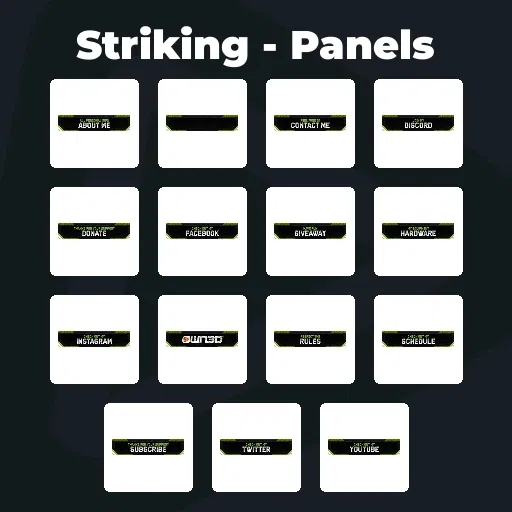
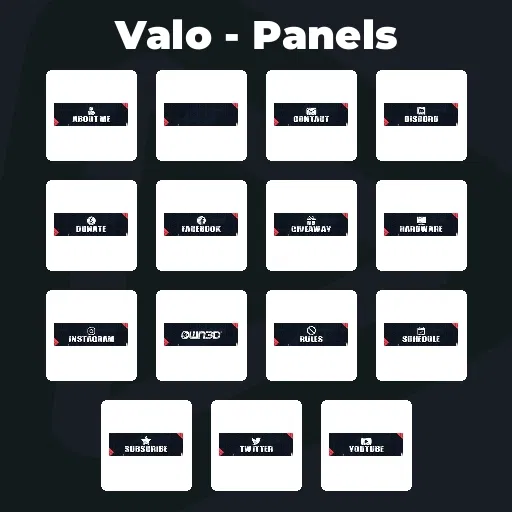
All Premium Kick Panels
Give Your Profile Some Structure
Make your channel easier to understand
People should not have to figure out your channel. Kick panels help you organize your profile and bring structure into your setup.
Whether you are searching for ready-to-use Kick panels or building your own panel Kick layout, the goal stays the same: clarity, easy navigation, and a clean experience for your viewers.
Everything Important One Scroll Away
Help viewers find what they are looking for
If someone wants to go deeper, your panels are where they look. Join Discord. Check socials. Read your rules. Support your content. Kick panels remove friction and make those next steps feel natural.
What Happy Customers Say About Our Kick Panels
See how our product makes a difference for content creators.
One Pass. Everything Included.
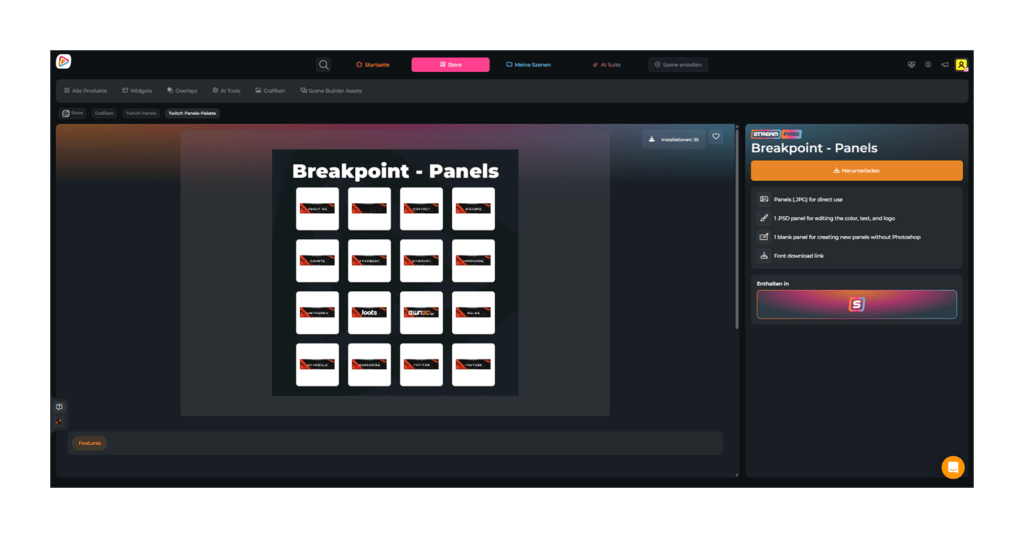
The Stream Pass gives you full access to everything OWN3D Pro has to offer. This includes our entire library of overlays, alerts, badges, widgets, Kick panels, and more.
Works with all broadcasting tools
Customize your overlays in the Scene Builder and use them with OBS Studio, Streamlabs, XSplit, and more. Easy to integrate with any setup.
Unlimited* asset downloads
Download sub emotes, badges, Kick panels, and more static assets. *Our unlimited plan is subject to fair use.
AI-powered creations
Get 50 AI credits with your Stream Pass to generate custom stream widgets, webcam frames, emotes, and more.
Multistreaming ready
Stream on Twitch, YouTube, and Kick with all the tools you need for a professional-looking livestream.
How to Set Up Your Kick Panels
Setting up your Kick panels is quick and works just like on Twitch.
Step 1
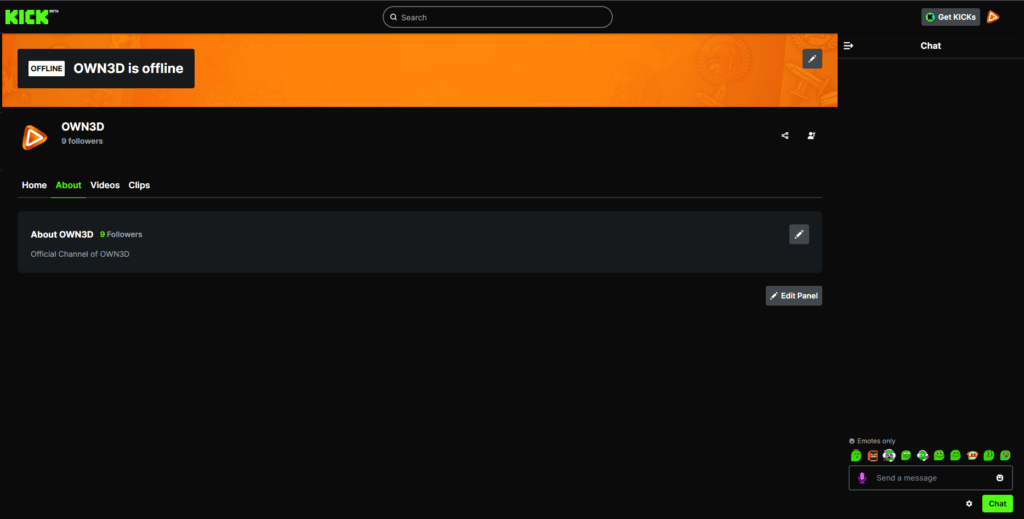
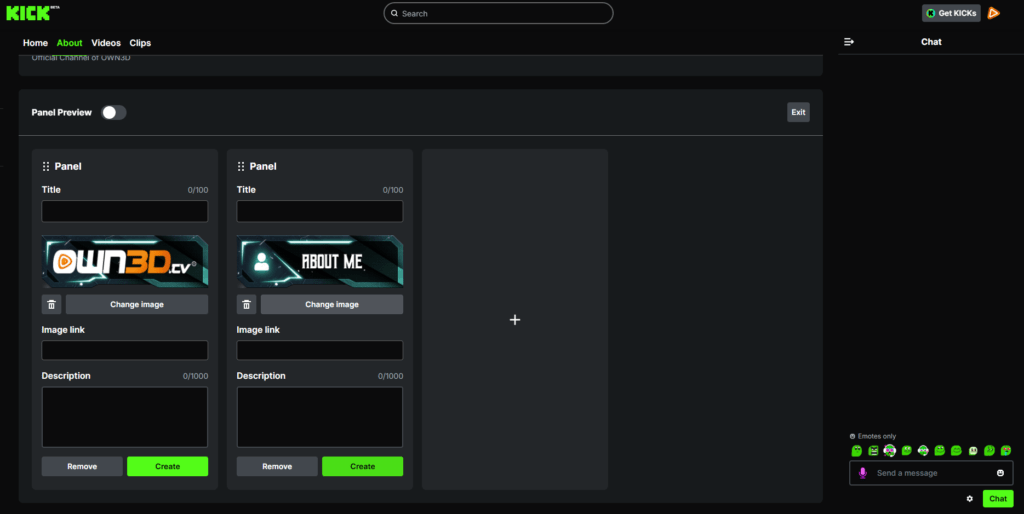
Open your Kick profile and navigate to your panel or about section. Enable “Edit Panel”.
Step 2
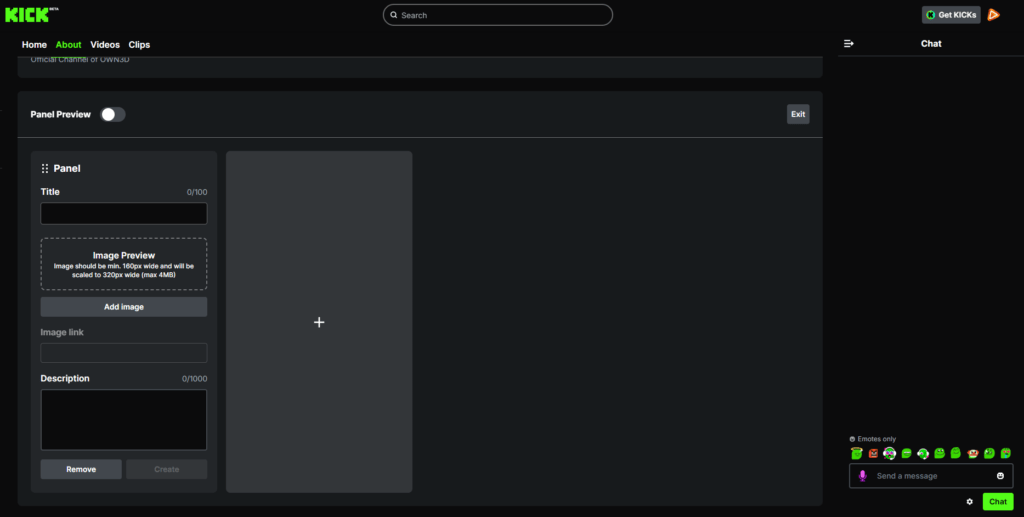
Click the “+” icon.
Step 3
Upload your design. Add your text, links, or descriptions based on the panel type, then save by hitting “Create”. Repeat to build your layout with panels like About, Rules, or Socials.
Step 4
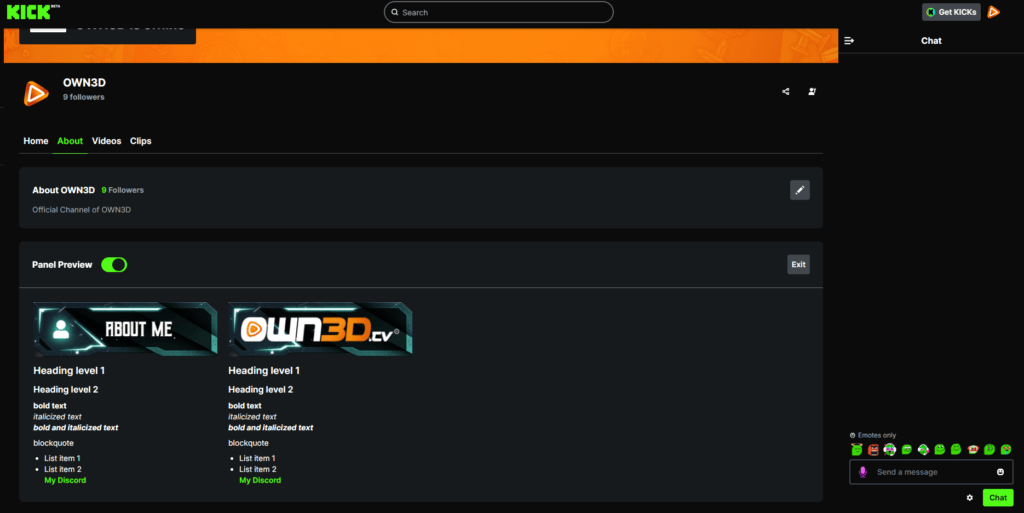
Once you are done, click the “Panel Preview” slider to see how your full panel setup looks on your profile. That’s it!
FAQs About Kick Panels
What are Kick panels, and why do streamers use them?
Kick panels are sections on your profile that display key information, such as your bio, rules, links, or schedule. They help structure your channel, making it easier for viewers to understand your content and connect with you.
Why are Kick panels important for growing a channel?
Your stream might catch attention, but your Kick panels guide what happens next. They help build trust, improve your first impression, and encourage viewers to take actions such as following, joining your community, or supporting your content.
Are there free Kick panels or free panel Kick templates included?
No. There are no free Kick panels included. All designs are premium and part of the Stream Pass to ensure high-quality visuals and consistent branding. If you are specifically looking for free Kick panels, you would need to create them yourself.
What Kick panels should every creator have?
A strong setup usually includes:
- About Me
- Rules
- Social Links
- Discord
- Support or Donations
- Schedule
This structure helps viewers instantly understand your channel and gives them clear next steps.
Can I customize Kick panel designs?
How many Kick panels can I download with the Stream Pass?
With the Stream Pass, you get unlimited* Kick panels.
* What does Unlimited* mean?
Fair use applies with up to 25 downloads per day per category. This allows you to test different styles, swap designs anytime, and keep your profile fresh.
Can I use Kick panels on other platforms?
Yes. Kick panels can also be used on Twitch or adapted for other platforms. This gives you flexibility to keep your branding consistent across all your content.
Can I format text inside my Kick panels?
Yes. Kick supports Markdown formatting similar to Twitch. This helps you structure your text and make it easier to read.
Examples:
# Heading level 1
## Heading level 2
***bold and italicized text***
**bold text**
*italic text*
– List item
– Another item
[My Discord](https://example.com)
Why would I need multiple Kick panels?
Because your content is not static. Your style evolves, your community grows, and your stream changes over time.
With unlimited* access, you can switch between different Kick panels whenever you want and always keep your channel aligned with your current vibe.