Alert Widgets

Full-screen animations that feel epic

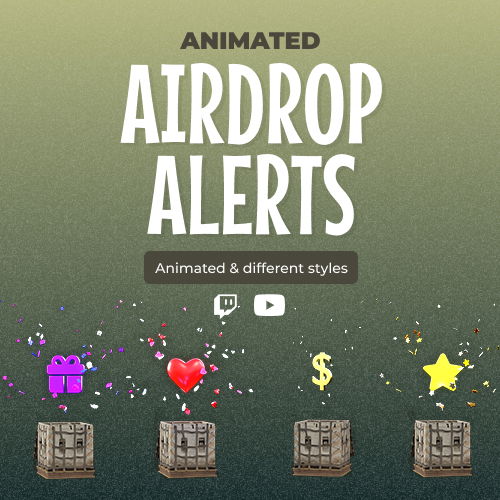
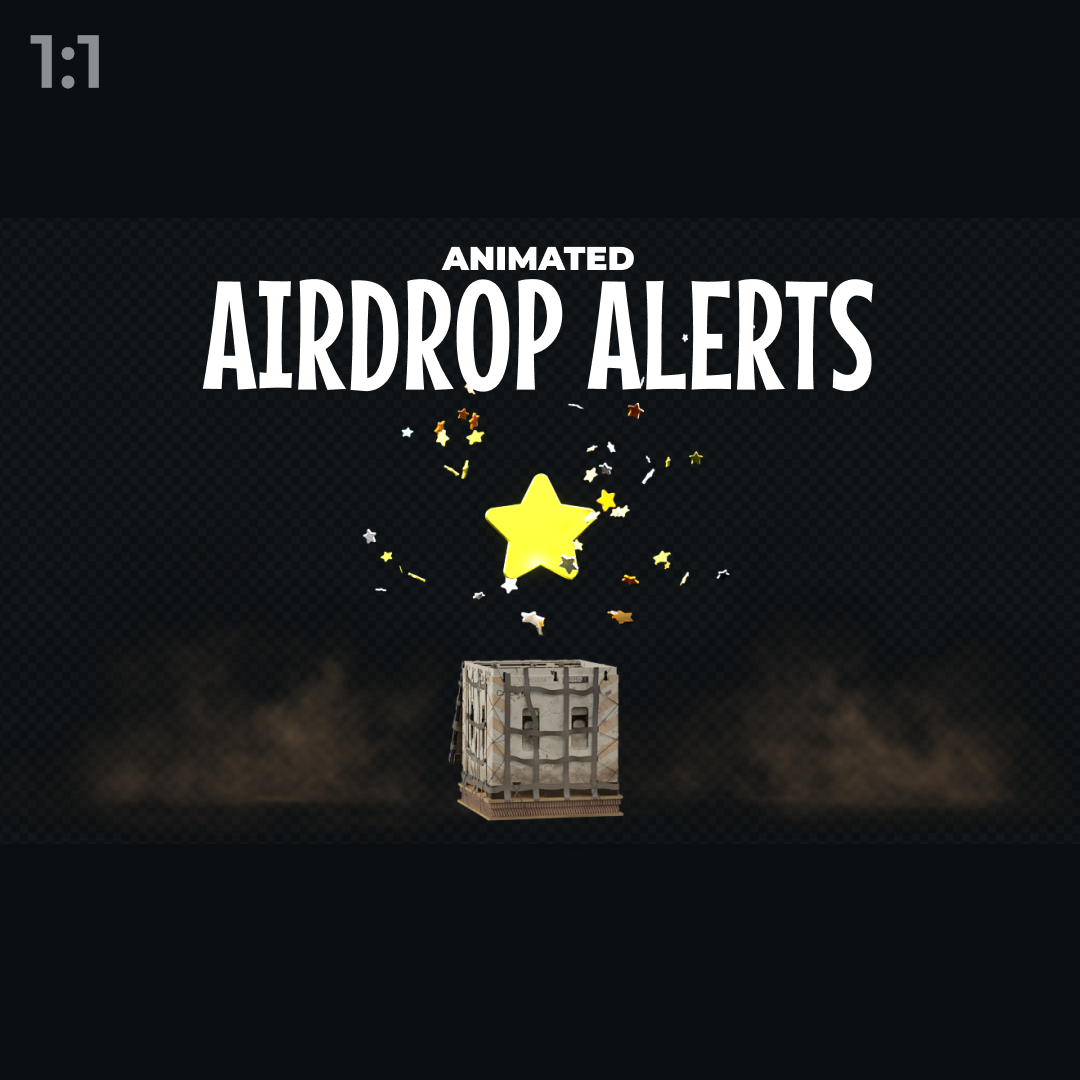
With our Alert widgets, every interaction hits like a highlight. Full-screen animations, dramatic effects, and game- or season-inspired designs make your community feel the hype. Integrate into any broadcasting tool and stream on Twitch, YouTube, and Kick.

Built for Maximum Engagement

Turn every interaction into a highlight

Followers, subs, donations, membership, and more events trigger massive, full-screen visuals paired with sound. Every interaction feels like a major in-game moment. Keep viewers amazed and create shareable moments that make your stream memorable.

Themes That Wow

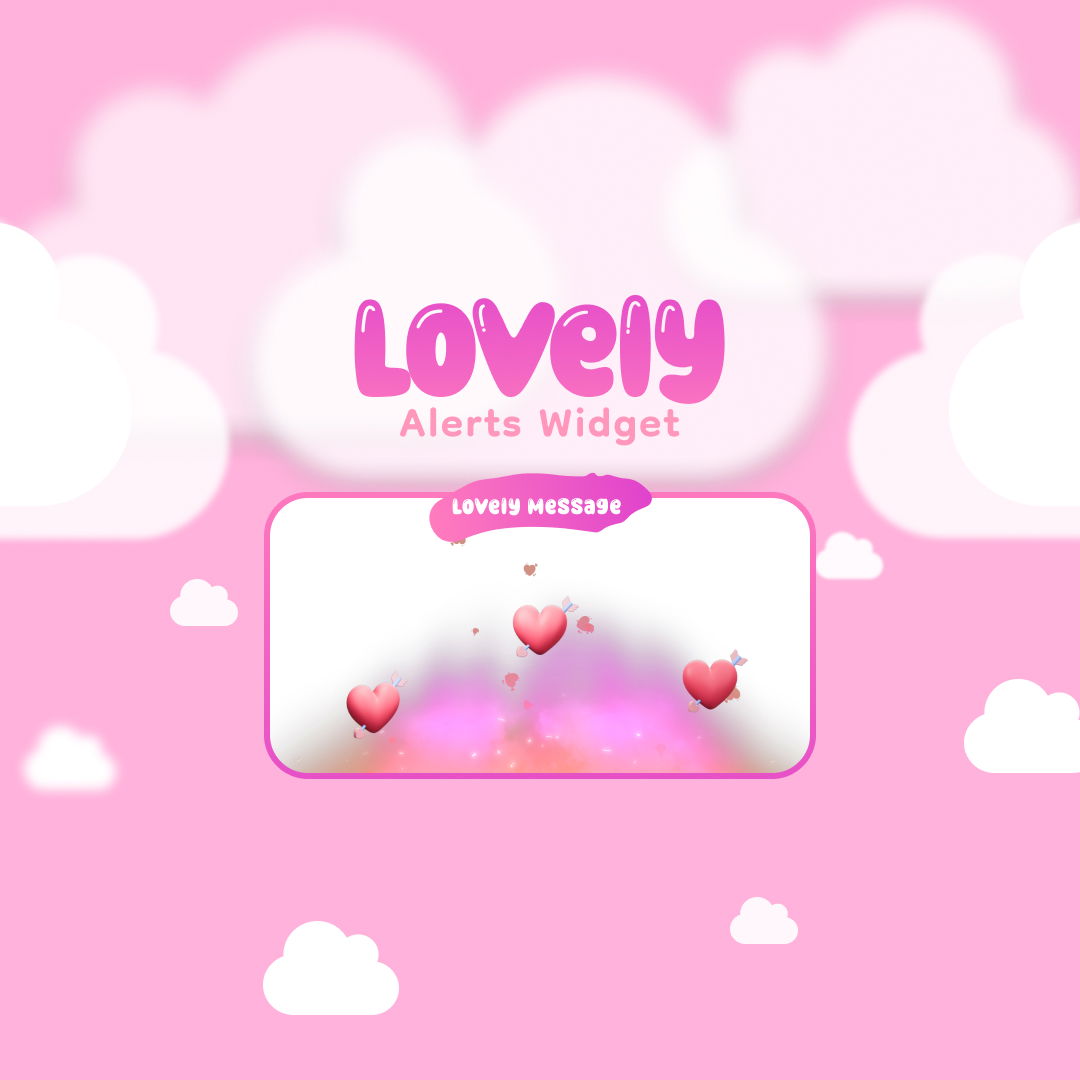
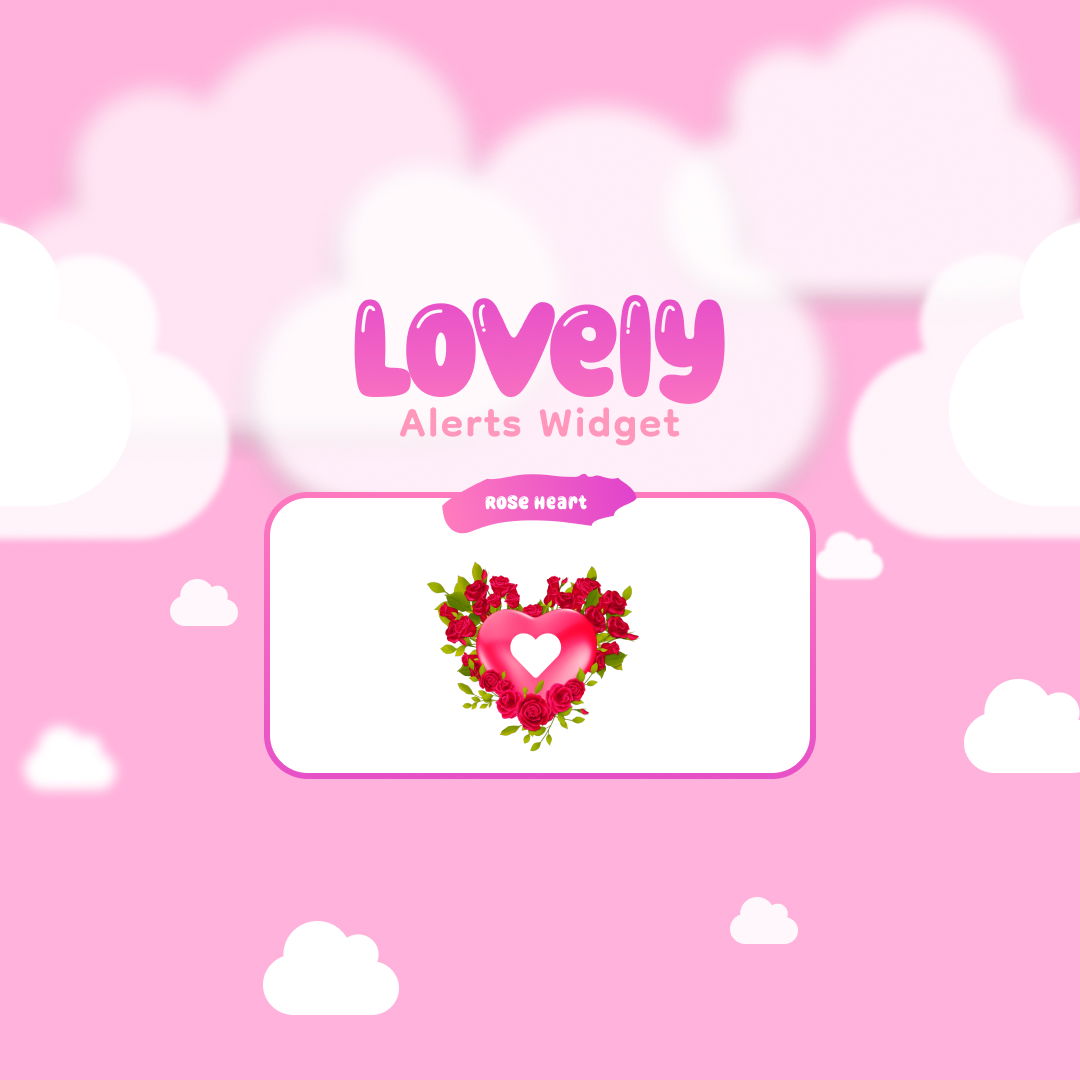
Seasonal, game-inspired, and romantic alerts

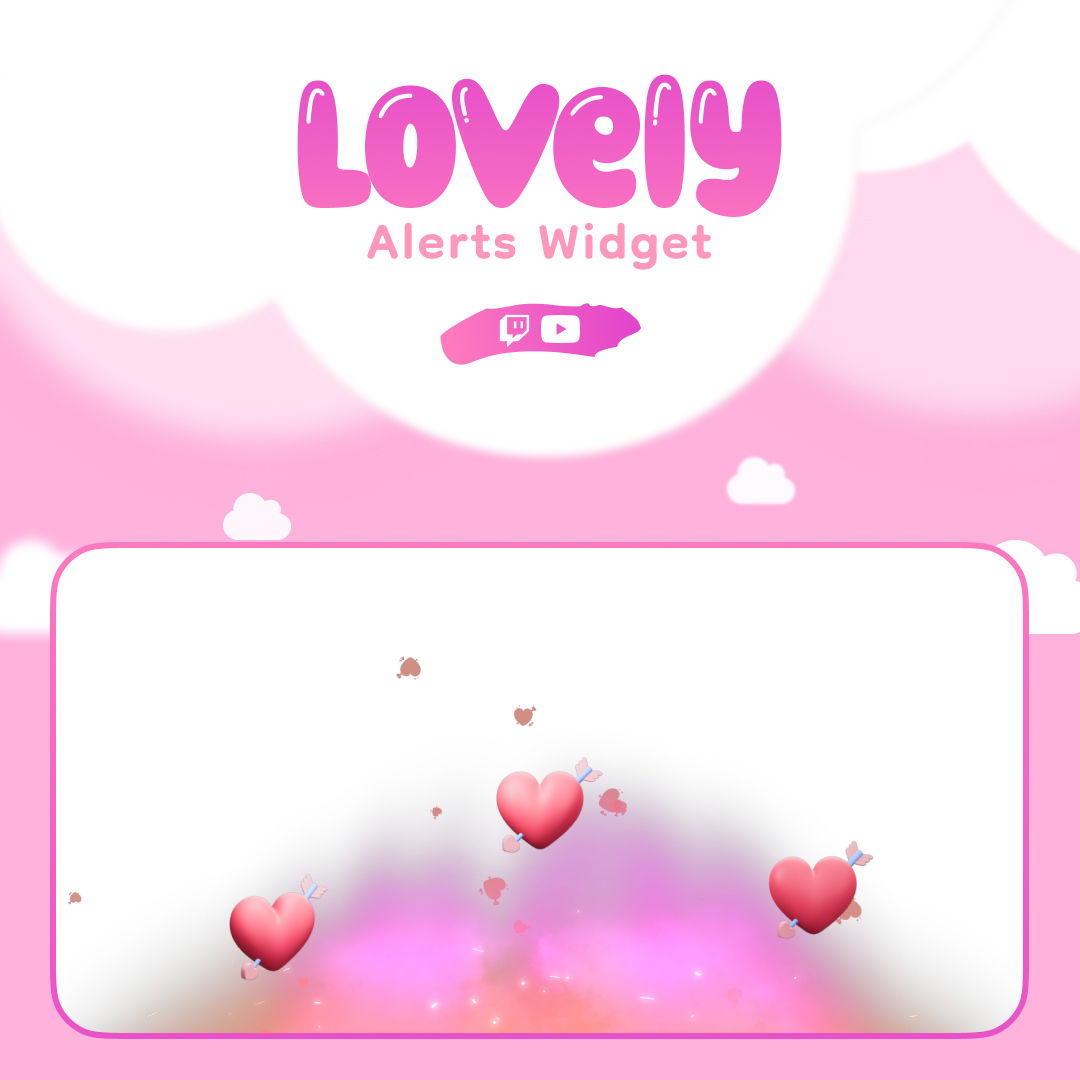
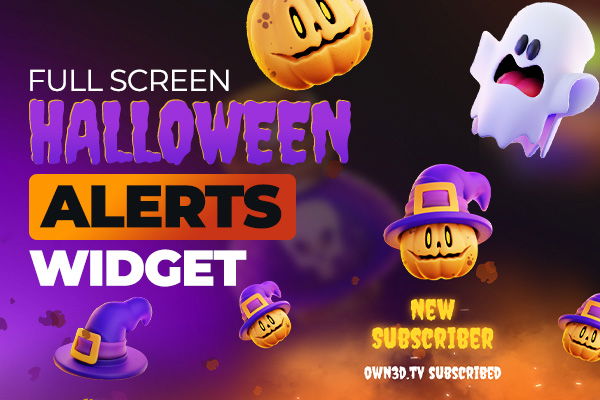
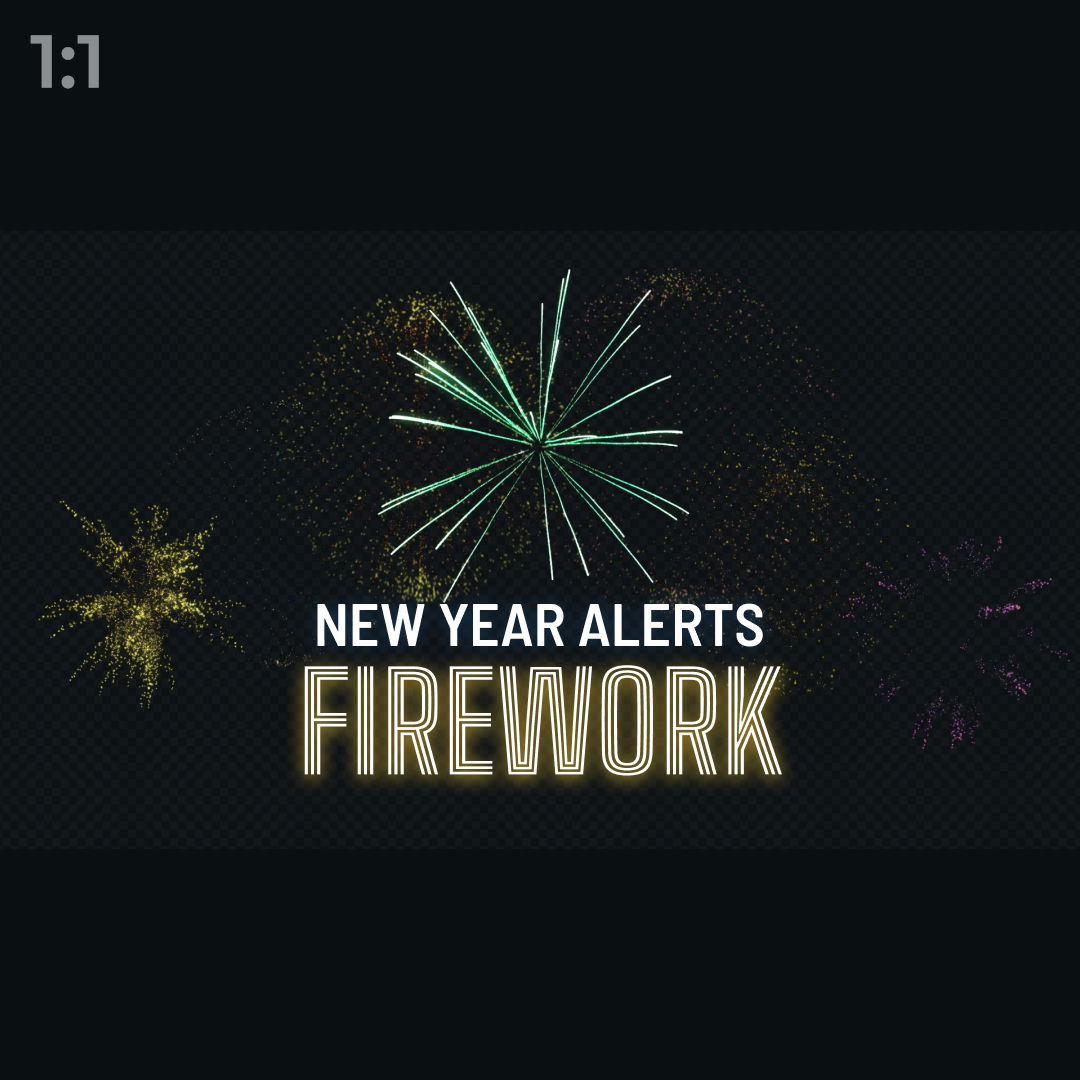
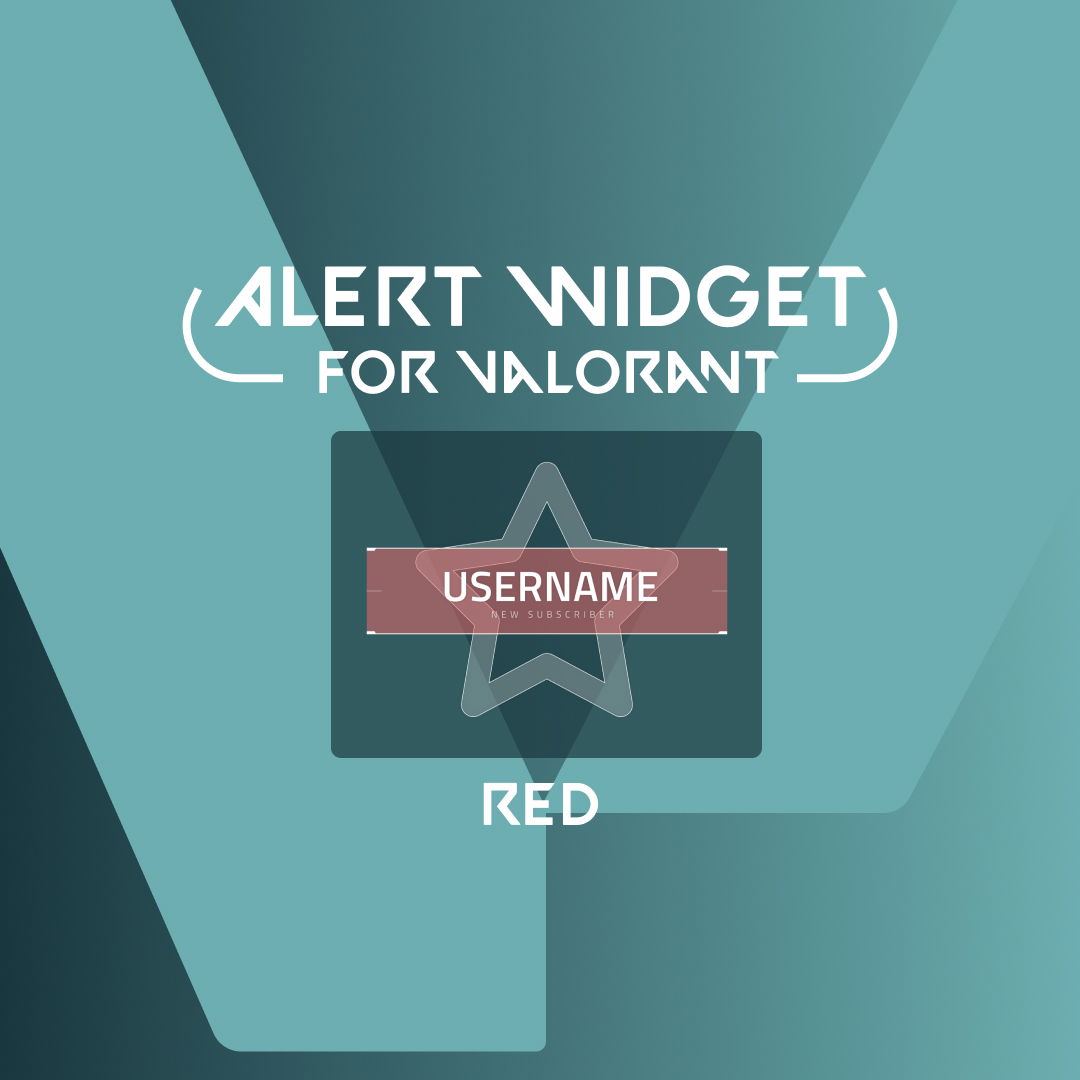
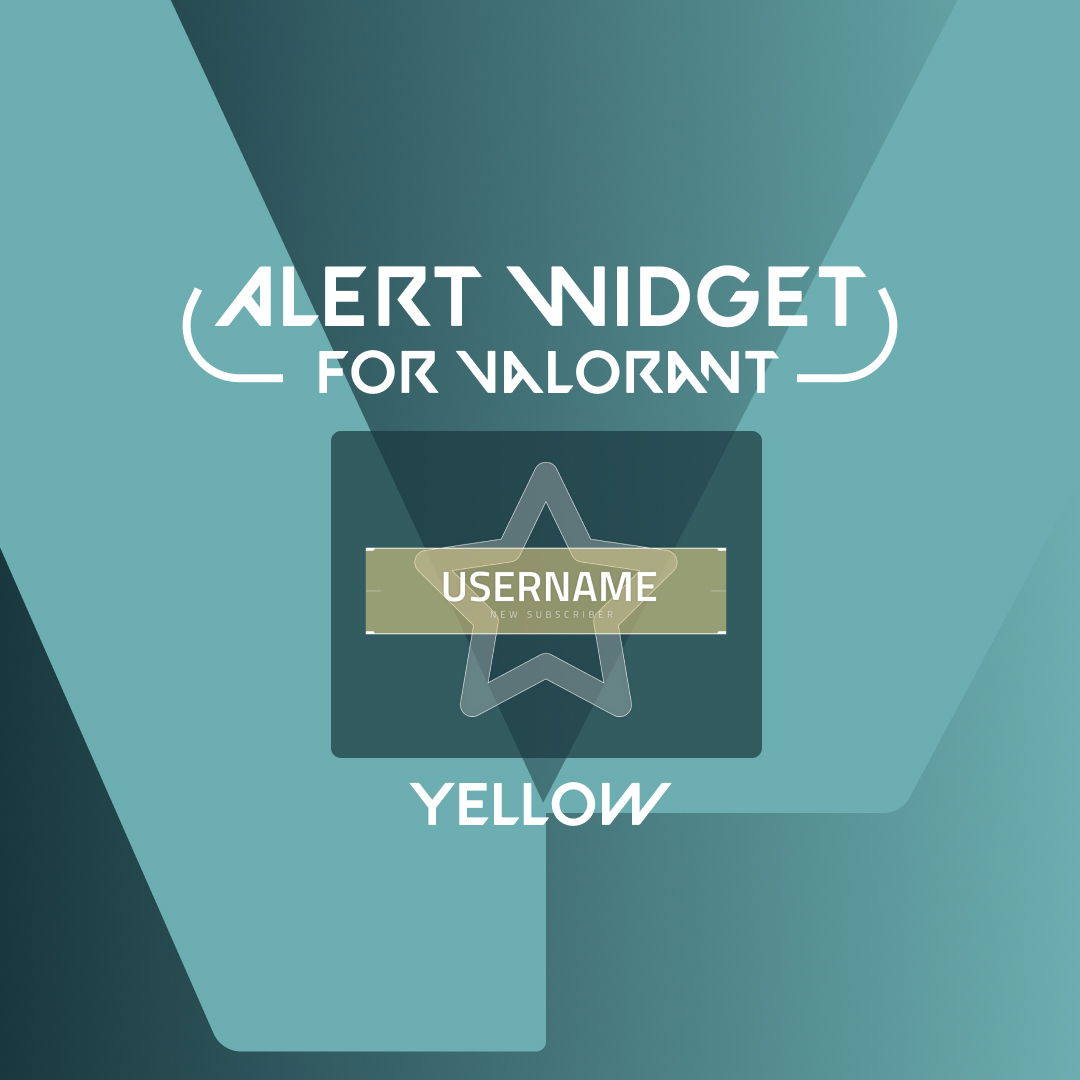
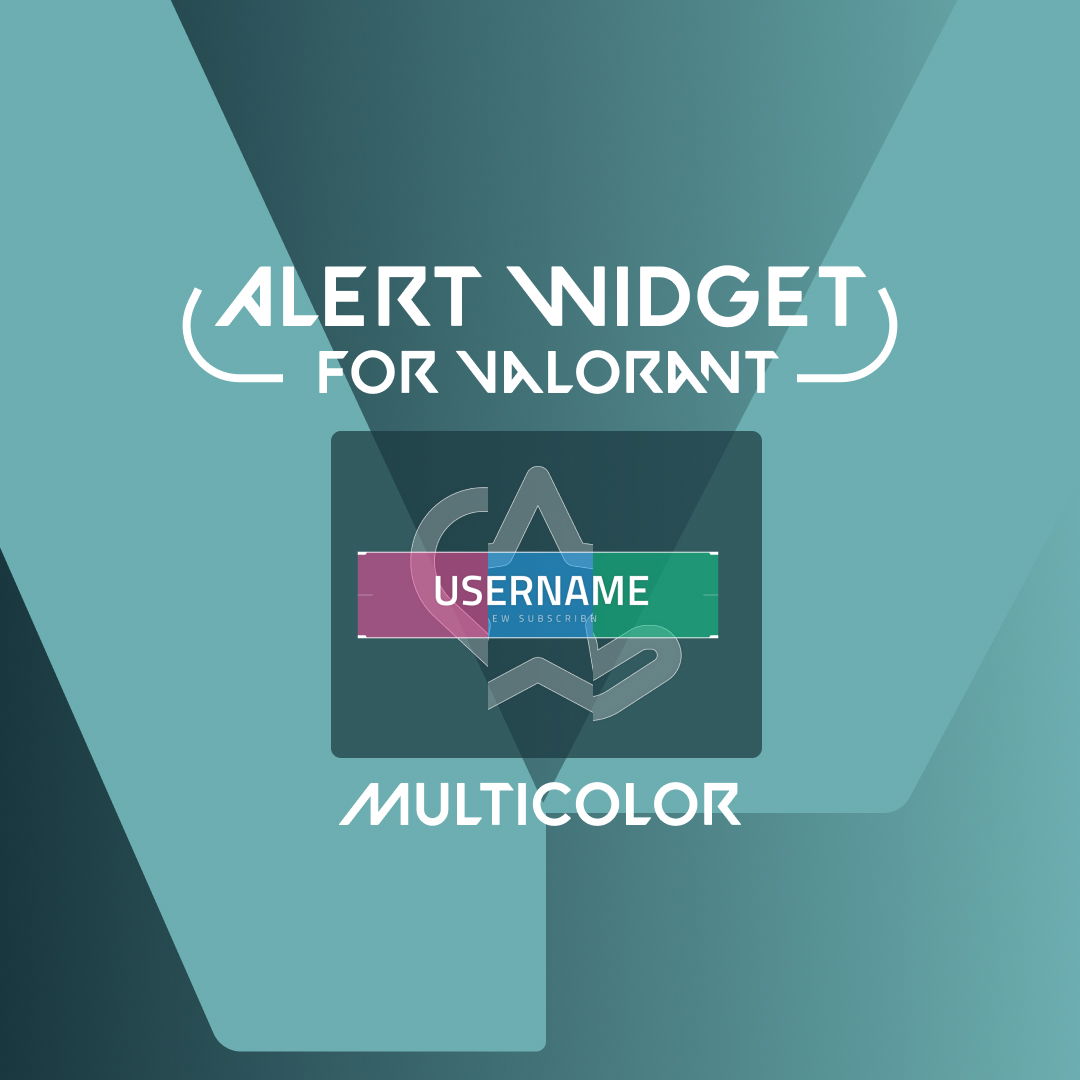
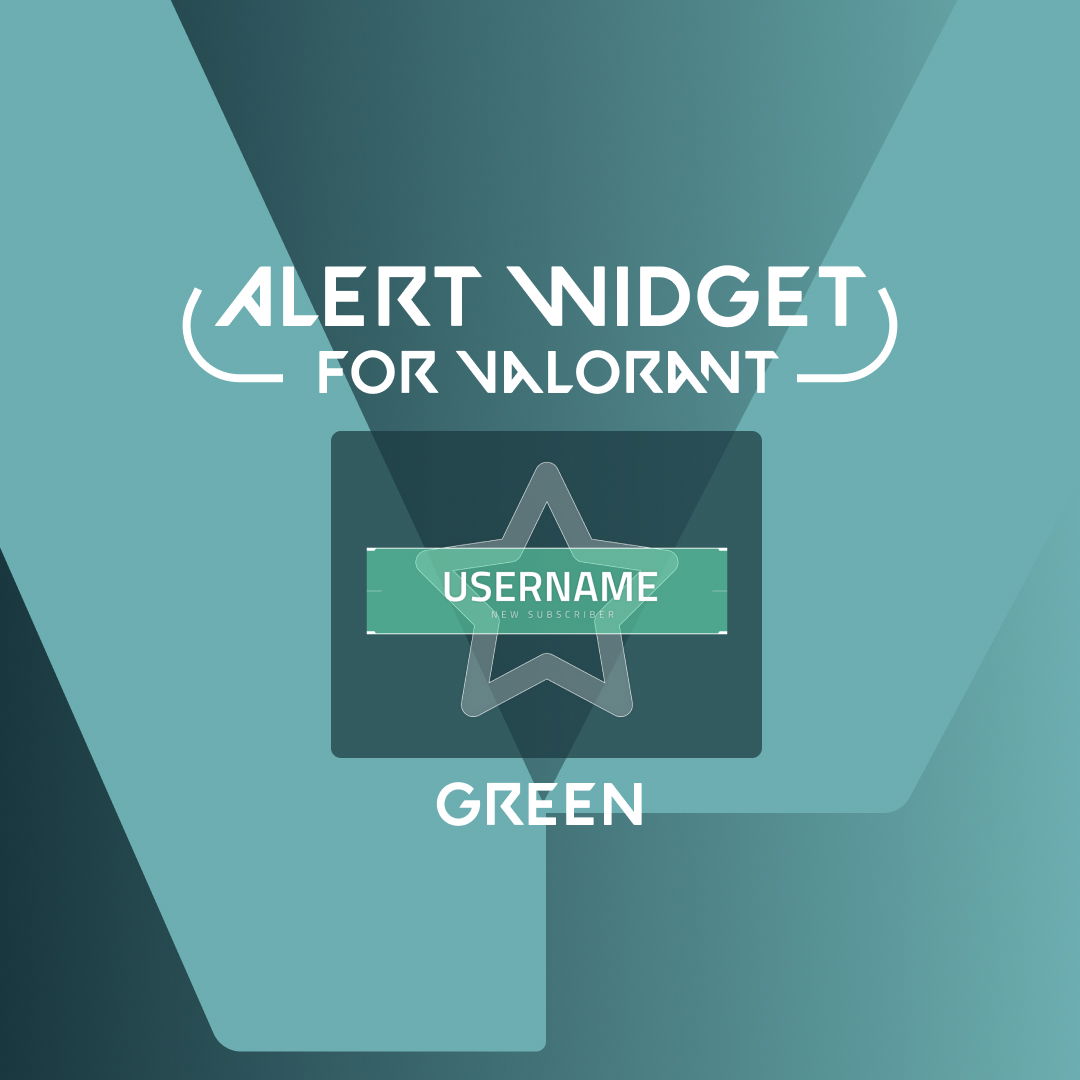
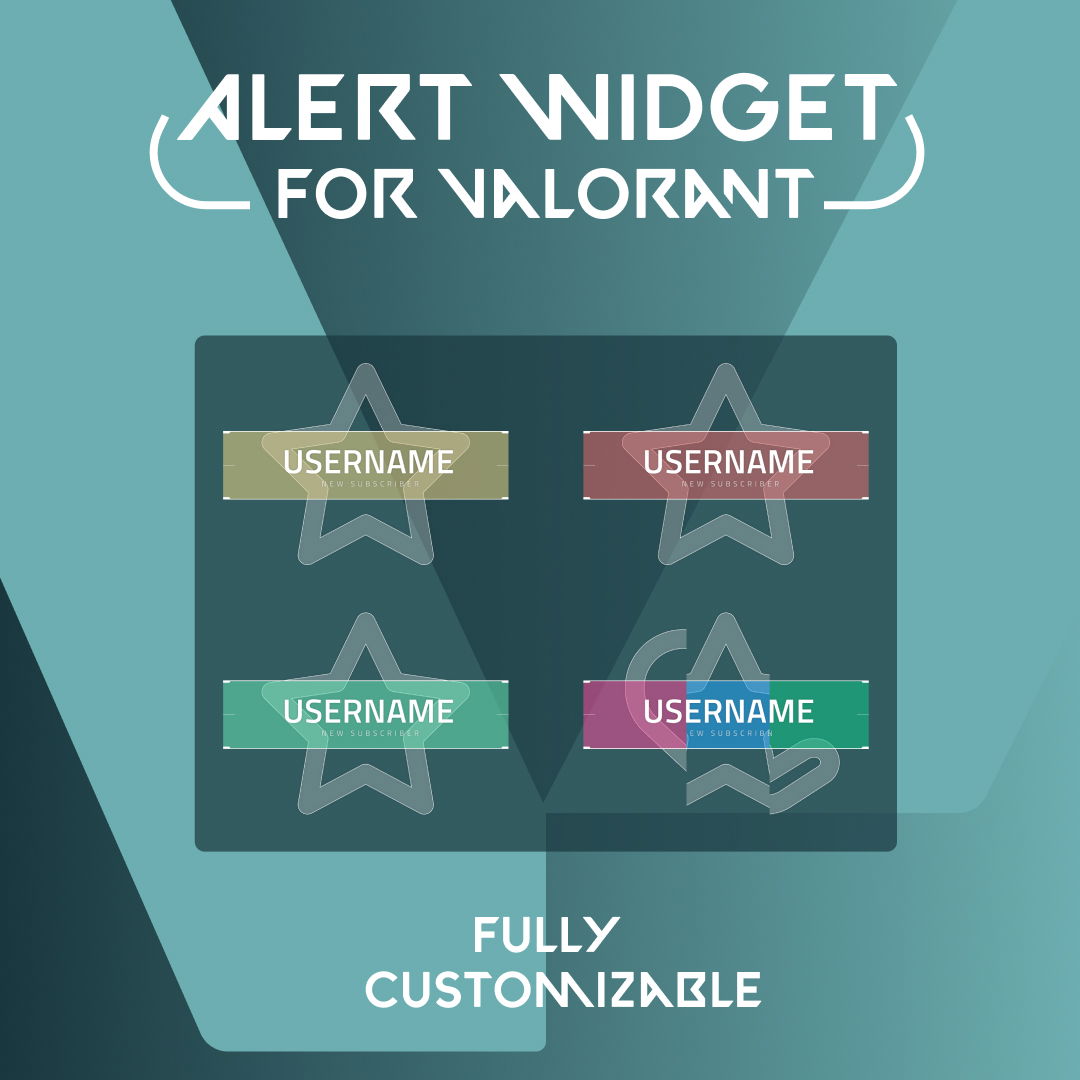
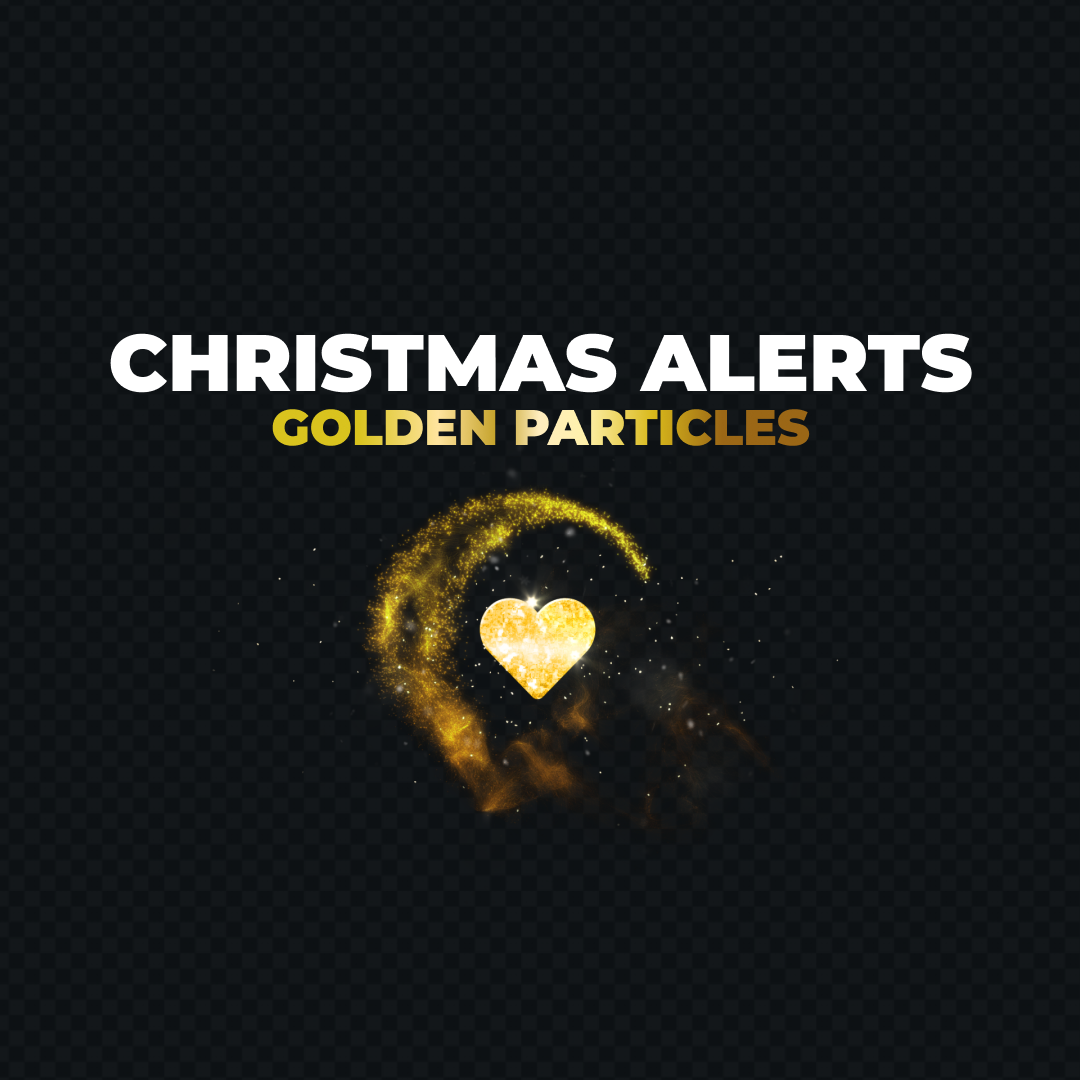
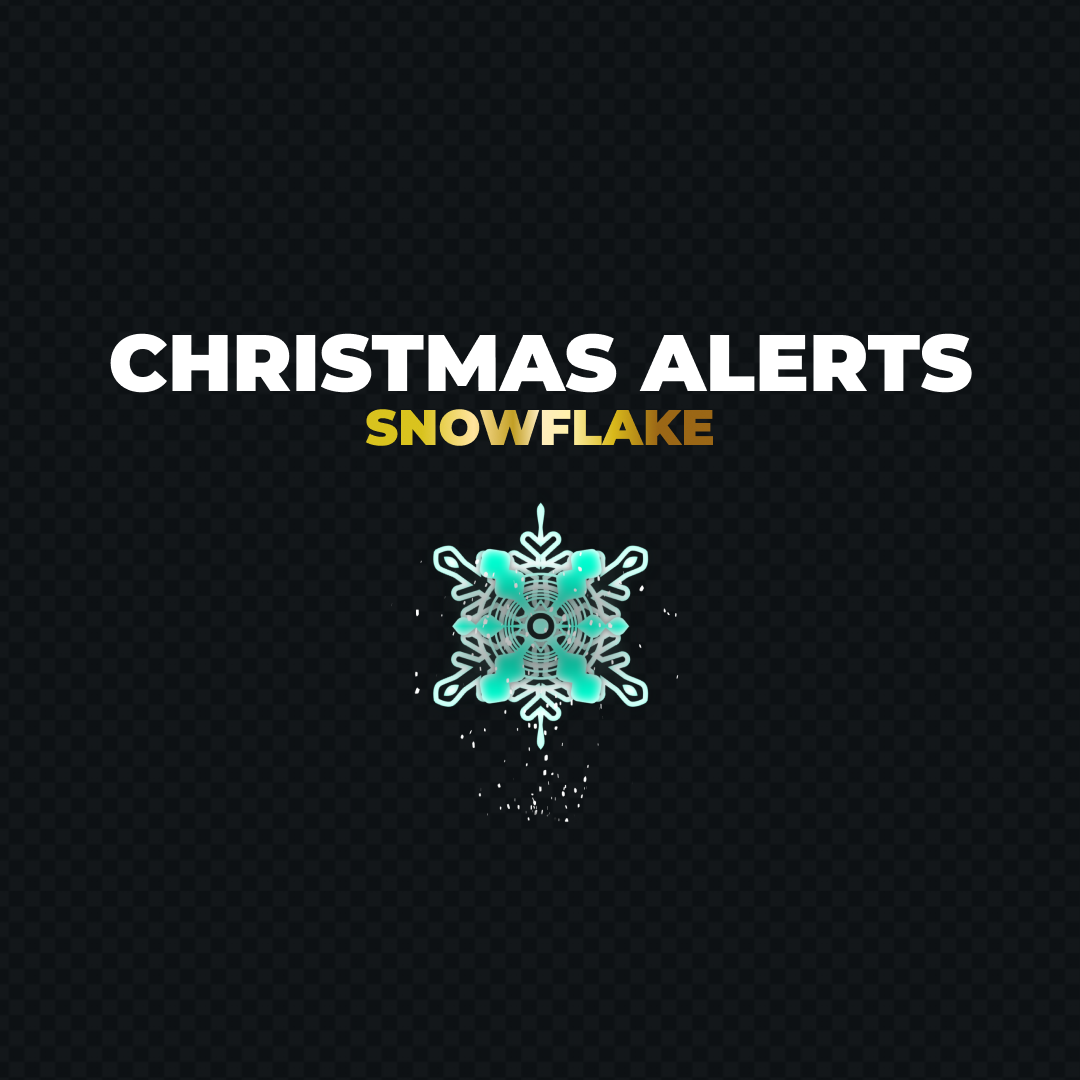
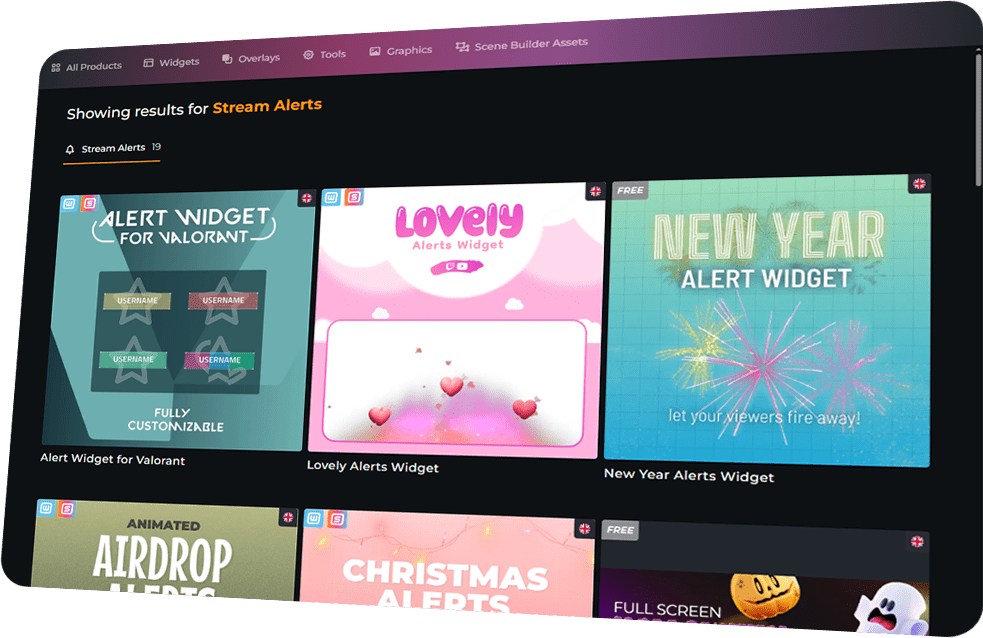
From Halloween scares to New Year fireworks or Valorant-style designs, every alert becomes a visual spectacle that keeps your audience engaged.

Built for All Streamers

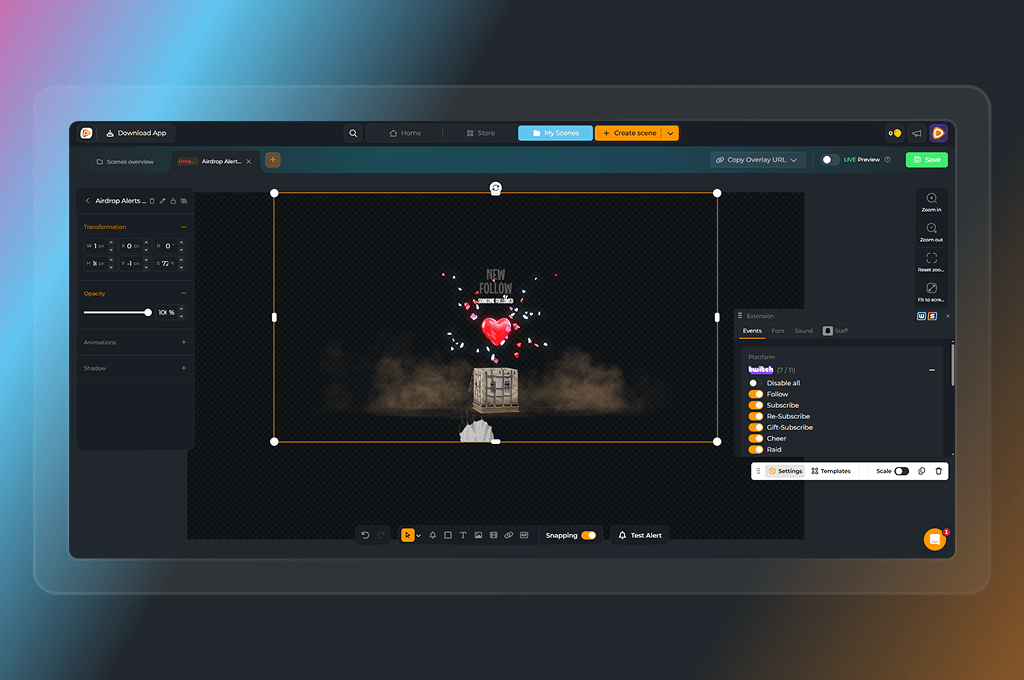
From setup to streaming, it couldn’t be easier. OWN3D Pro Alert widgets are installed through Scene Builder and added as a browser source in your broadcasting tool. Compatible with Twitch, YouTube, and Kick, they deliver full-screen hype in minutes.

Free & Premium Widgets

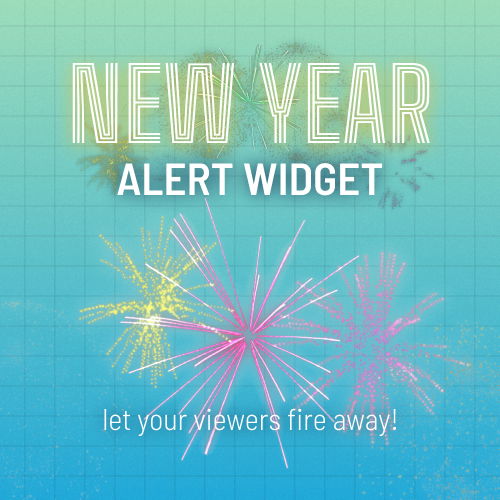
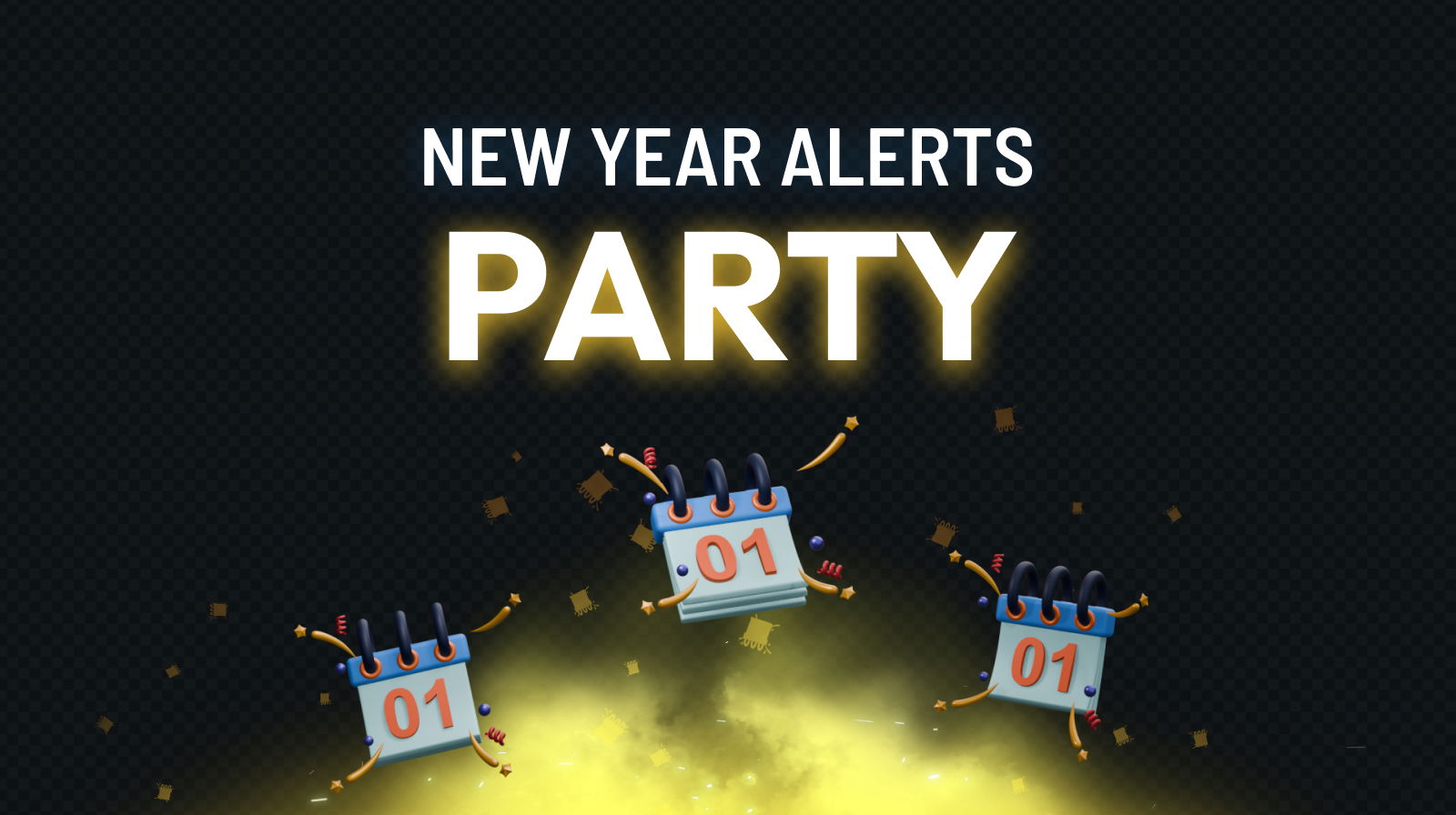
New Year Alerts are free — Widget Pass or Stream Pass unlocks the rest.

Full-Screen Impact

Every interaction becomes an immersive overlay event.

Seasonal & Game Designs

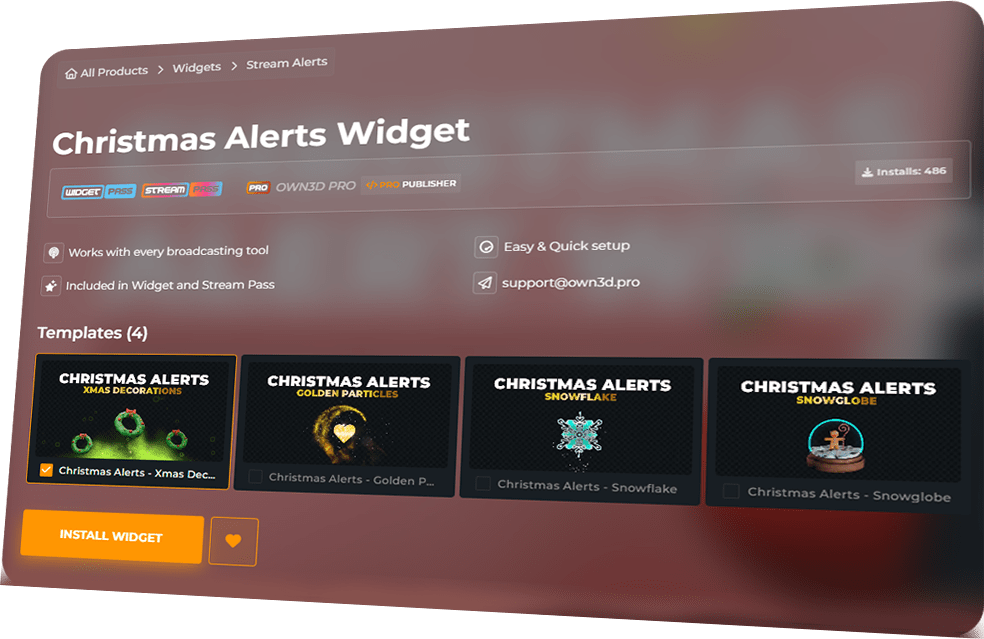
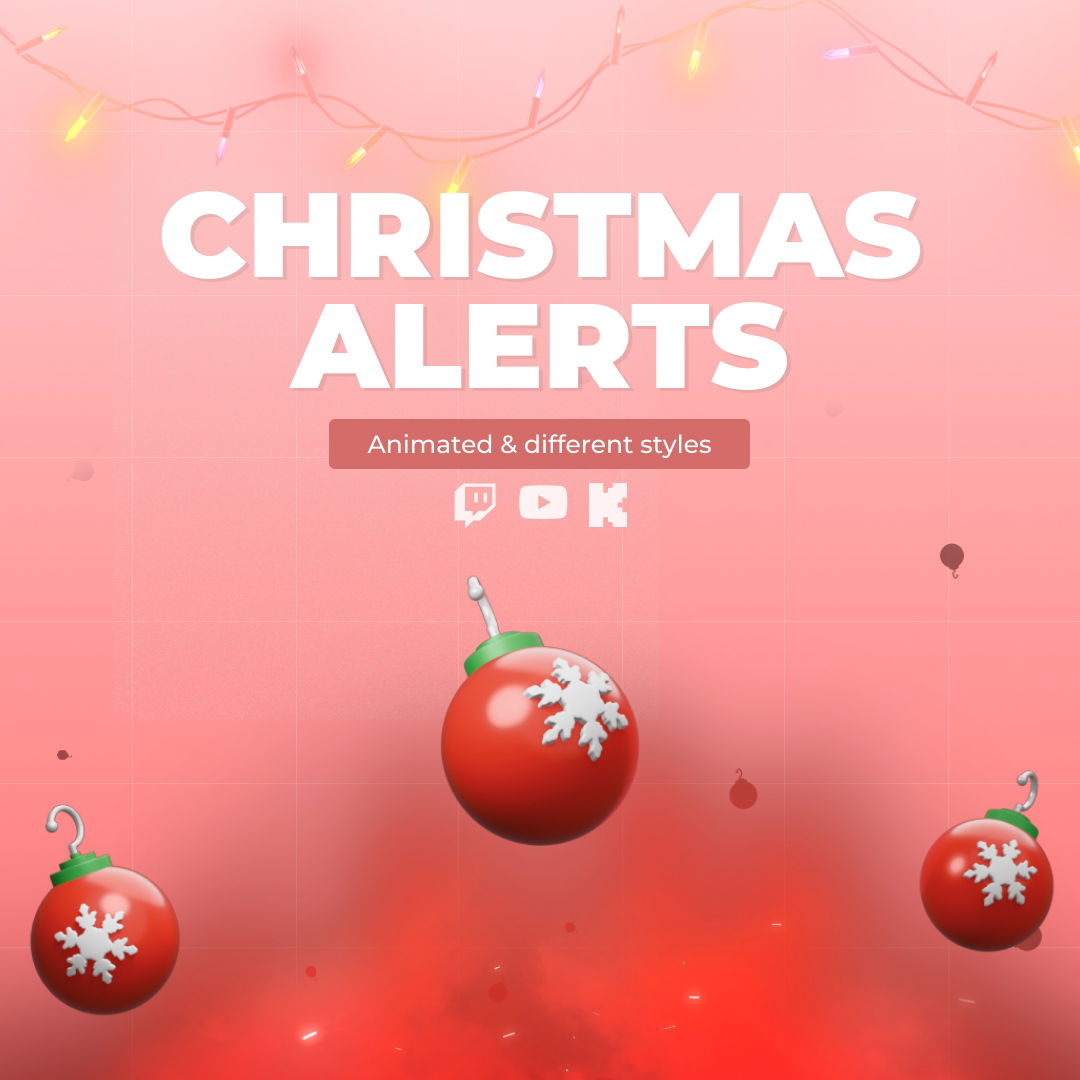
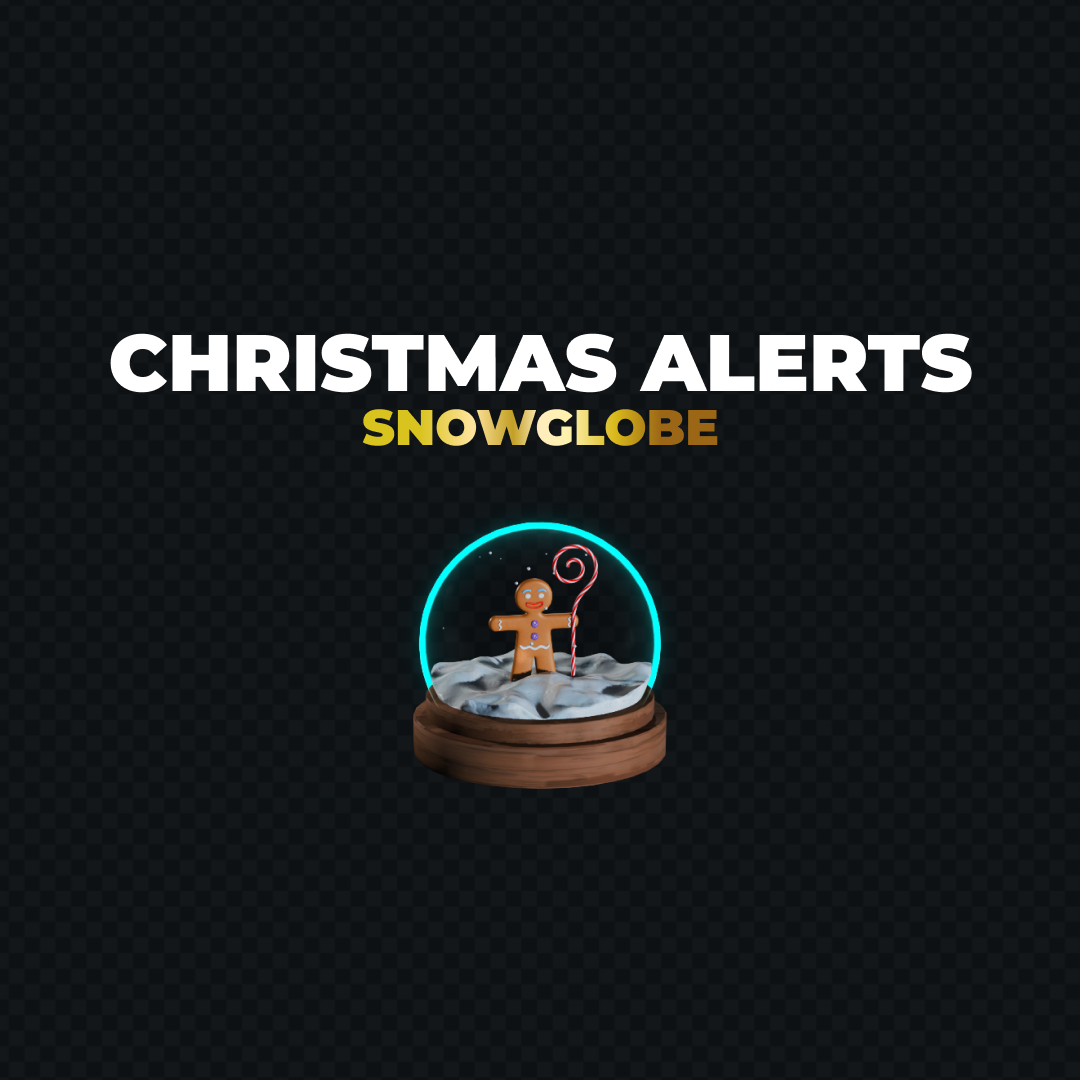
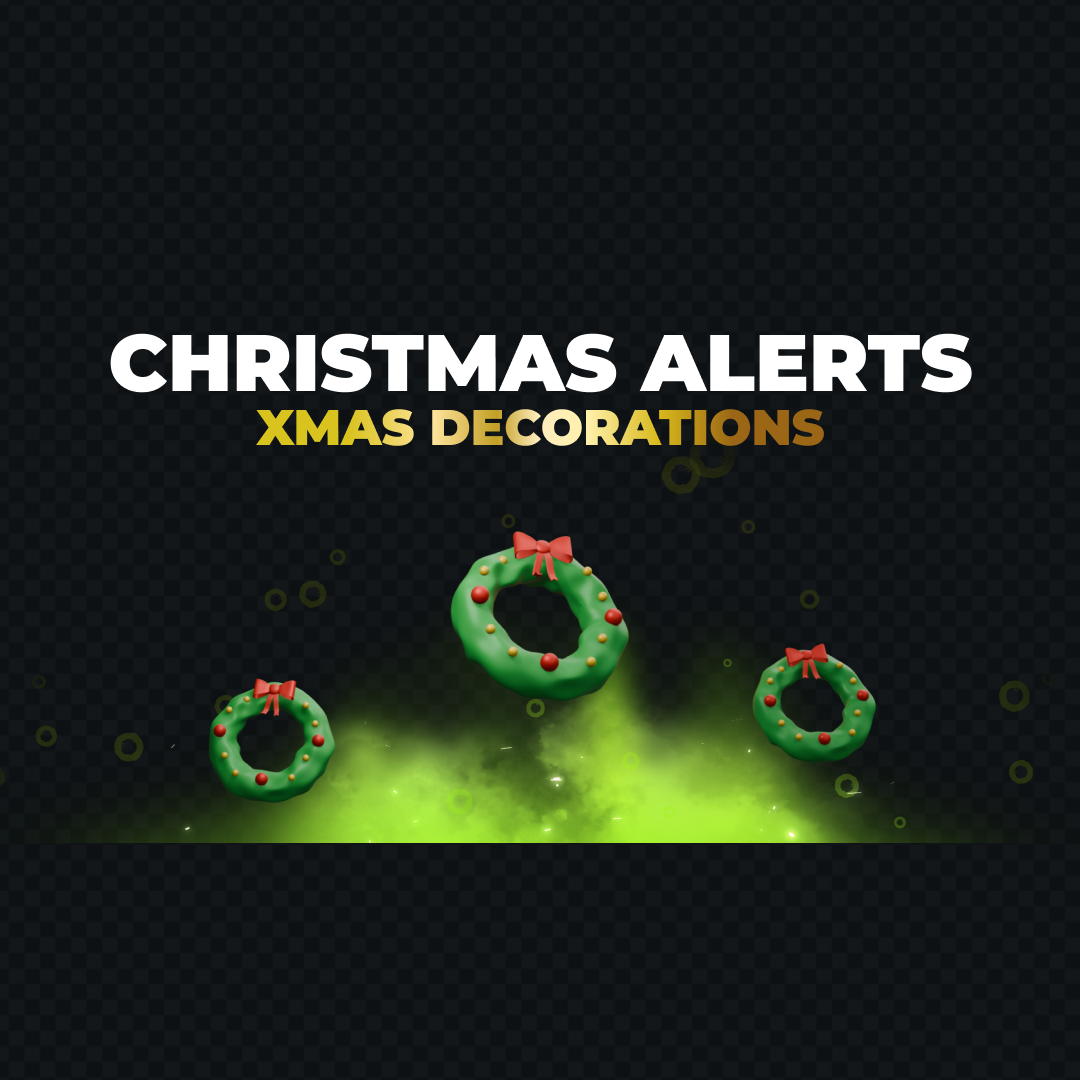
Halloween, Christmas, romantic, and Valorant-style themes included.

Alert Widgets Features

Transform stream events into epic moments with dynamic full-screen alerts.

Full-Screen Effects
Hype Moments
Cross-Platform Ready
Seasonal Designs
Game-Inspired Alerts

Frequently Asked Questions

Are any Alert widgets free?

Yes! The New Year Alerts widget is completely free. All other designs are included in the Widget Pass or Stream Pass.

Alert widgets work with Twitch, YouTube, and Kick.

Just add the widget as a browser source in OBS Studio, Streamlabs, or any broadcasting tool. A broadcasting tool is required to stream on Twitch, YouTube, or Kick.

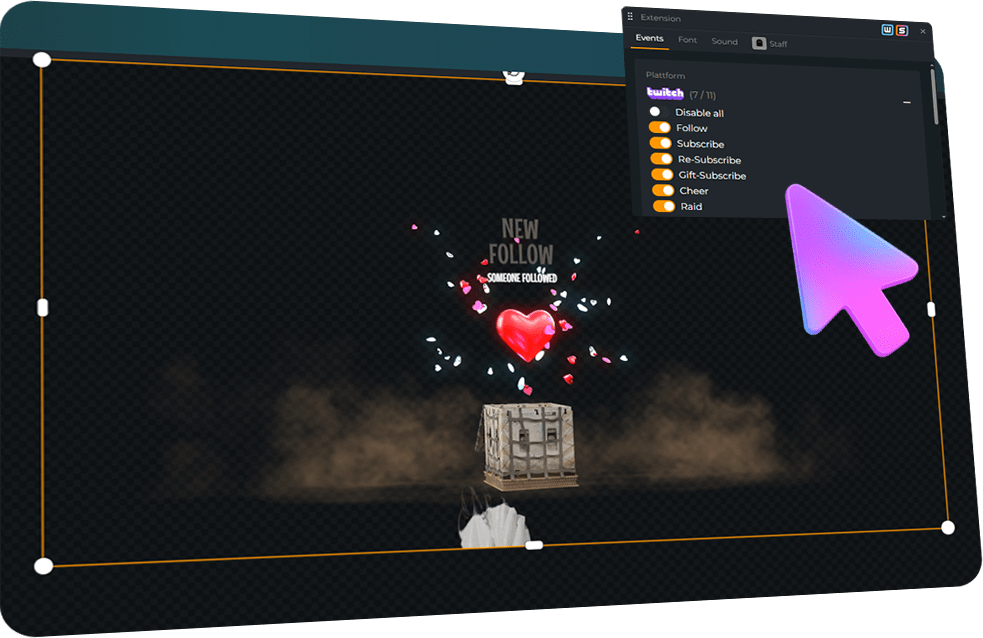
Followers, subscribers, donations, memberships, Cheers, and more. Every event from Twitch, YouTube, and Kick is supported.

Absolutely! You can choose to buy and unlock your favorite Alert widget as an individual product. Once unlocked, you have unlimited access to use your purchased product with your account!


After your purchase, you can install your widget into a scene and edit it in the Scene Builder. There, you can customize the appearance to match your stream’s style before adding it to your broadcasting tool. Keep in mind that each Alert widget is a unique product, and the specific customization options can vary depending on the widget. You can always check the preview to see how the widget triggers and displays your alerts for new followers, subscribers, or other events.


One quick tip: As a free user, you can install these widgets as long as you are within the limit of 6 free scenes. If you have space left, you can simply create a new scene for your Alert widget and customize it there. Please note that individual products like an Alert widget do not bypass the scene limit. However, you can always install them into any premium overlay pack you have purchased, as those packs do not count towards the regular scene limit. If you have any more questions, feel free to reach out to our support team anytime!
Start Streaming
With OWN3D Pro