Free & Premium Camera Overlays

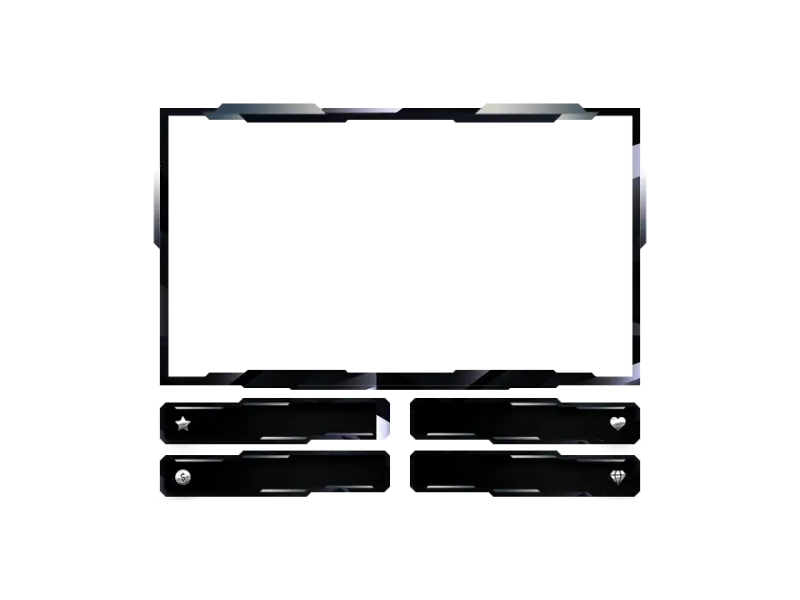
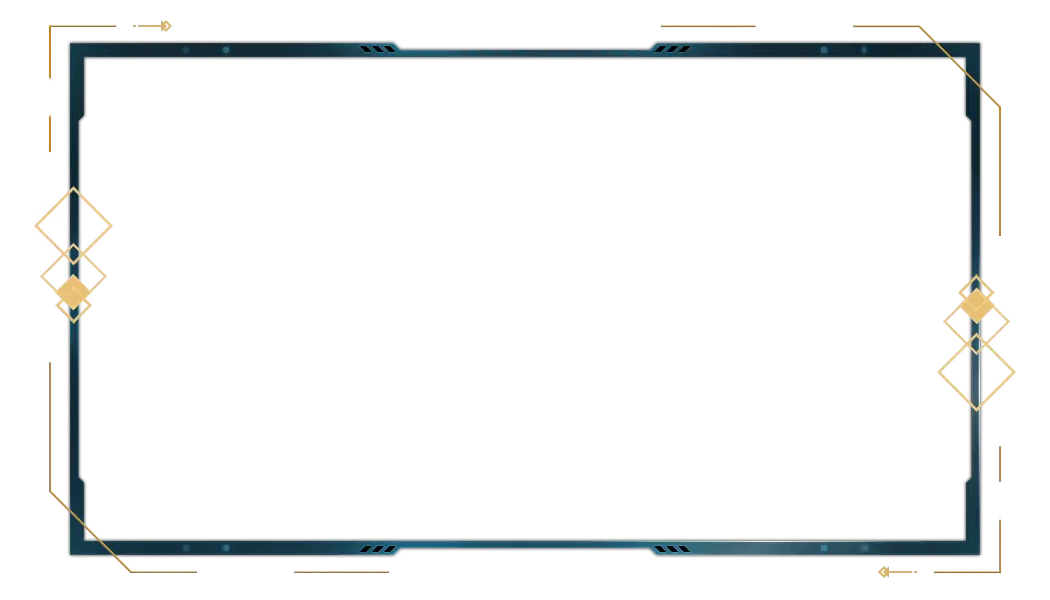
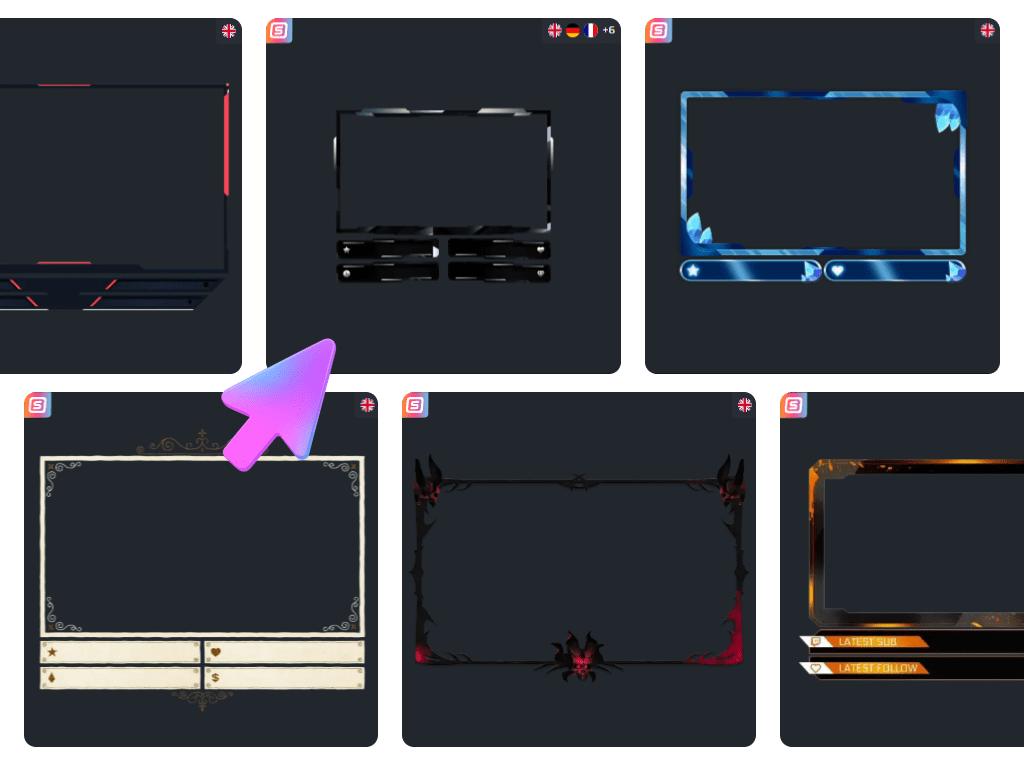
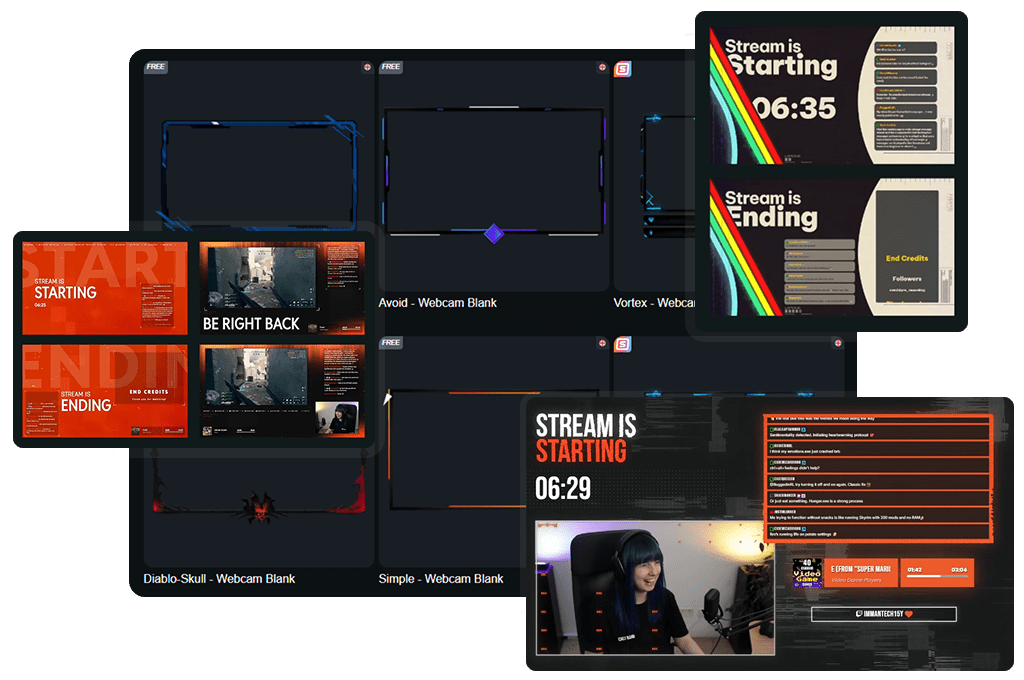
Your facecam is where the magic happens. The grin after a clutch, the instant shock, the laugh that makes chat spam emotes. Camera overlays keep that moment front and center. In OWN3D Pro, you set up your cam overlay in the Scene Builder and use it as a browser source in any broadcasting tool. Add a fancy webcam overlay, a clean webcam border, or a webcam with labels for supporters. Optimized for Twitch, YouTube, and Kick.

All Camera Overlays Free/Premium

1

Turn Your Facecam Into a Showpiece

Make your reactions impossible to miss

Your camera is your personality and your story. With camera overlays, your facecam stops feeling like a random square in front of your game and becomes a real part of the scene. Build your cam overlay in the OWN3D Pro Scene Builder, then bring it into OBS Studio, Streamlabs, Meld Studio, XSplit, or any broadcasting tool as a browser source.

Your Next Stream Look Starts Free

Give your facecam the perfect spotlight

You do not need an expensive setup to look confident on your stream. Start with free camera overlays and get a clean overlay webcam style in minutes. When you want that extra spark, premium designs bring more variety, more motion, and more personality, so your cam overlay feels even more like you.

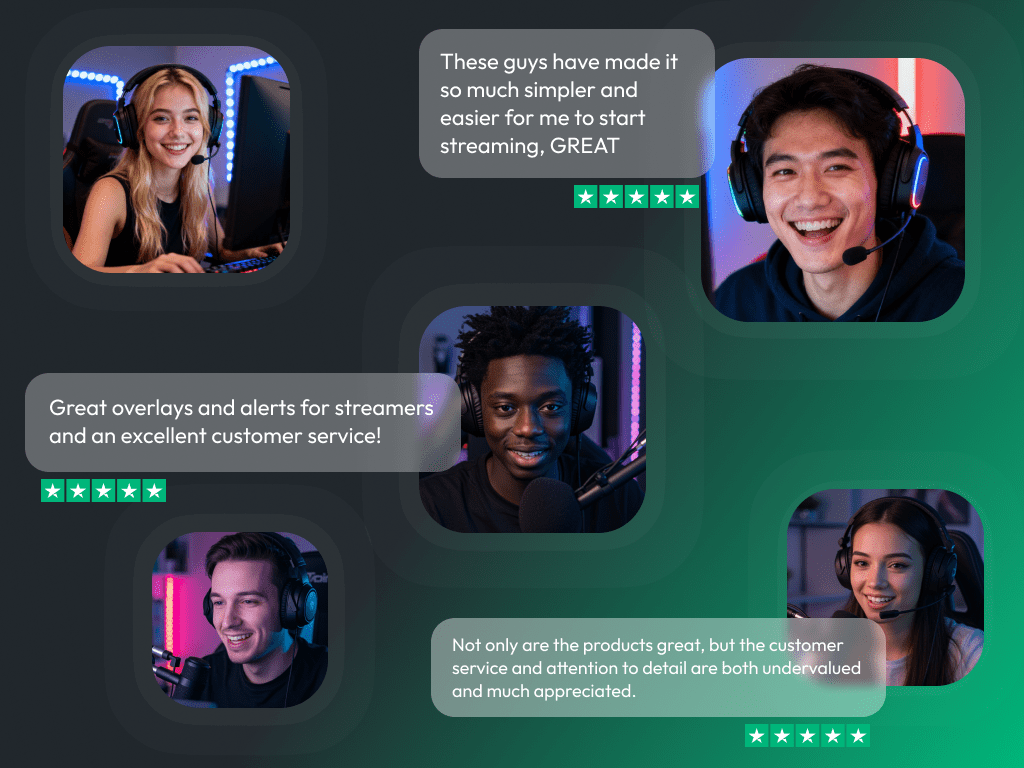
What Happy Customers Say About Our Camera Overlays

See how our product makes a difference for content creators.

One Pass. Everything Included.

The Stream Pass gives you full access to everything OWN3D Pro has to offer. All products, including camera overlays, alerts, widgets, emotes, and more, are included and not sold separately.

Works with all broadcasting tools

Customize your camera overlays in the Scene Builder and use them with OBS Studio, Streamlabs, XSplit, and more. Easy to integrate with any setup.

Unlimited* asset downloads

Download emotes, badges, panels, and more static assets. *Our unlimited plan is subject to fair use.

AI-powered creations

Get 50 AI credits with your Stream Pass to generate custom stream widgets, webcam frames, emotes, and more.

Multistreaming ready

Stream on Twitch, YouTube, and Kick with camera overlays and all the tools you need for a professional-looking livestream.

How to Set Up a Camera Overlay

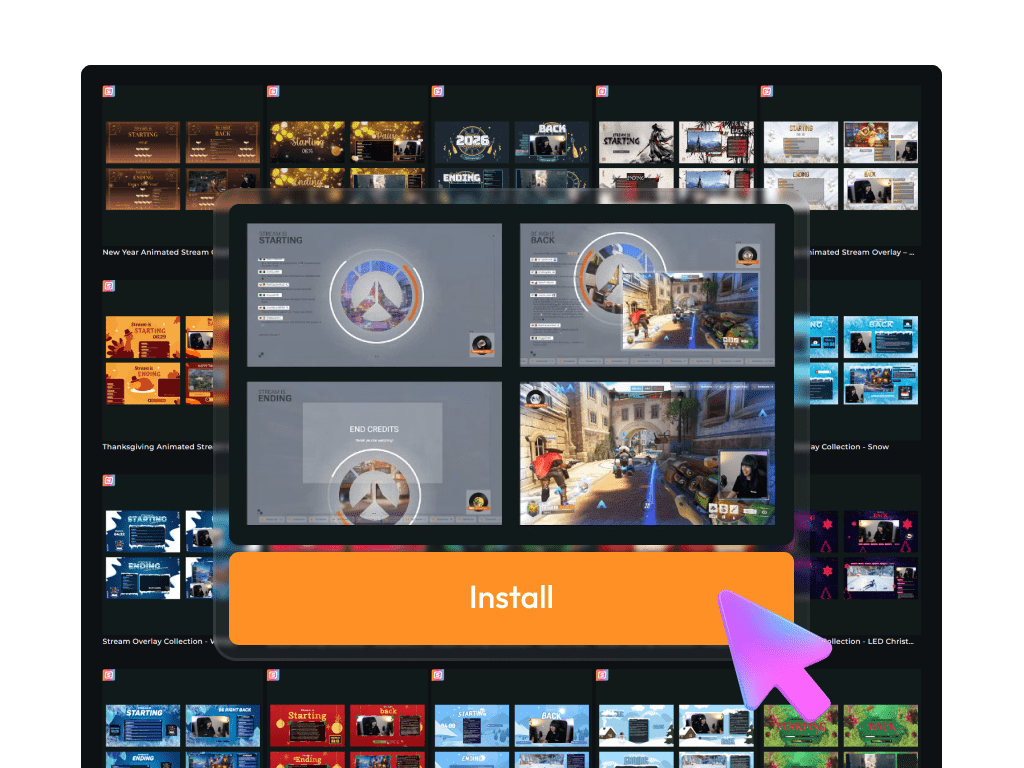
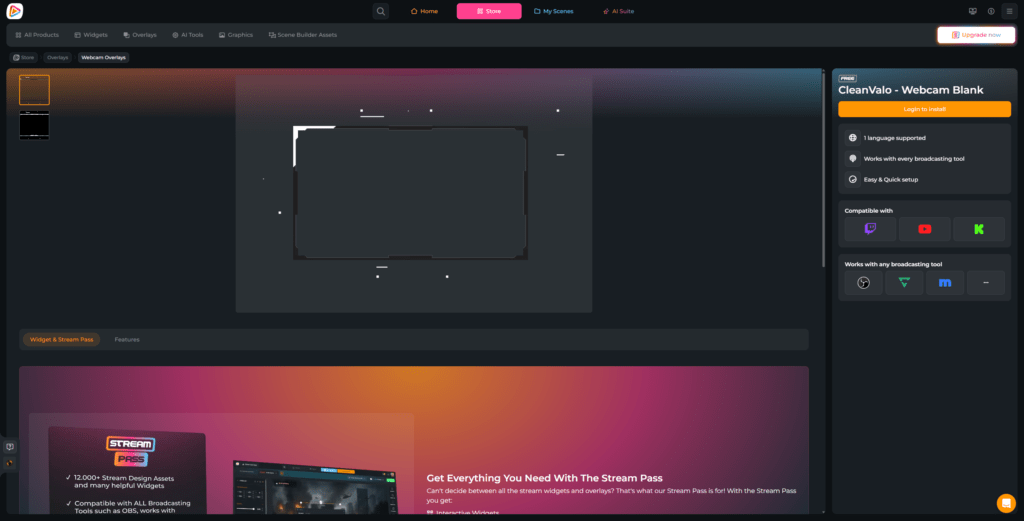
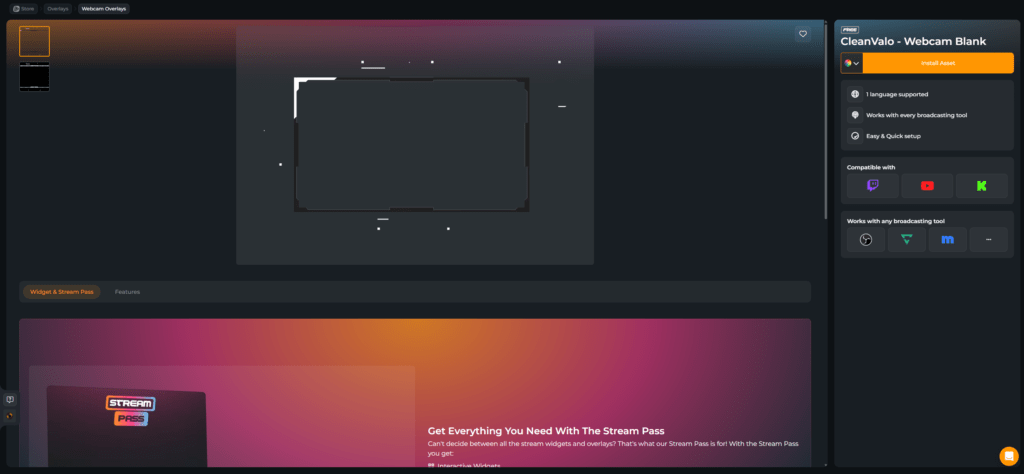
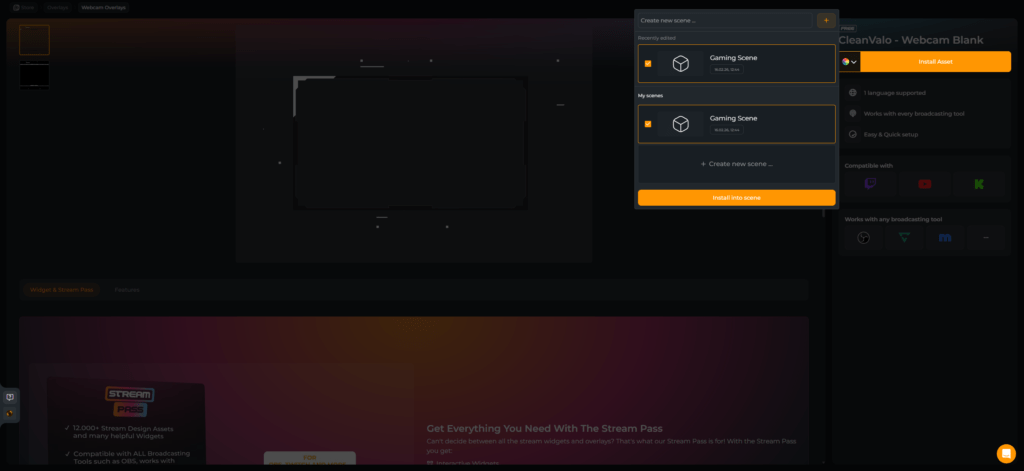
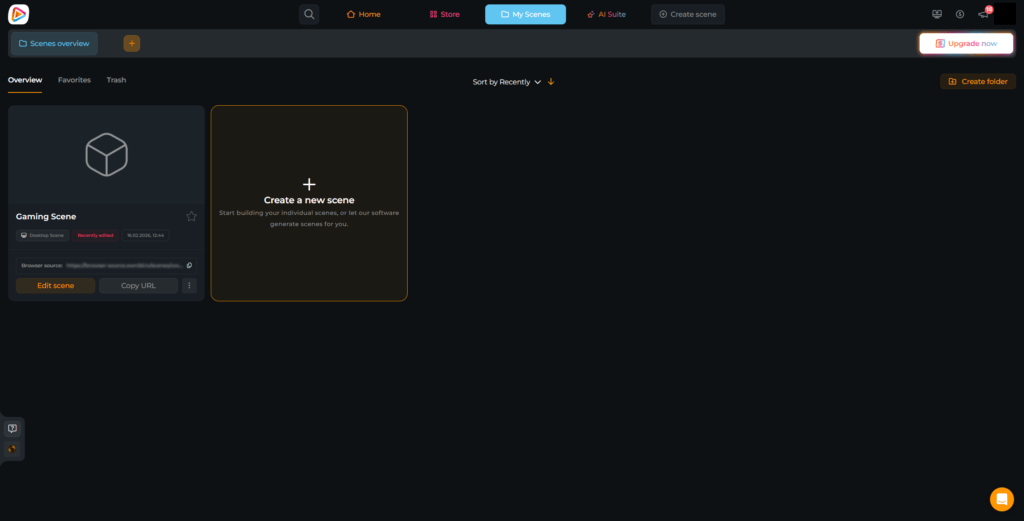
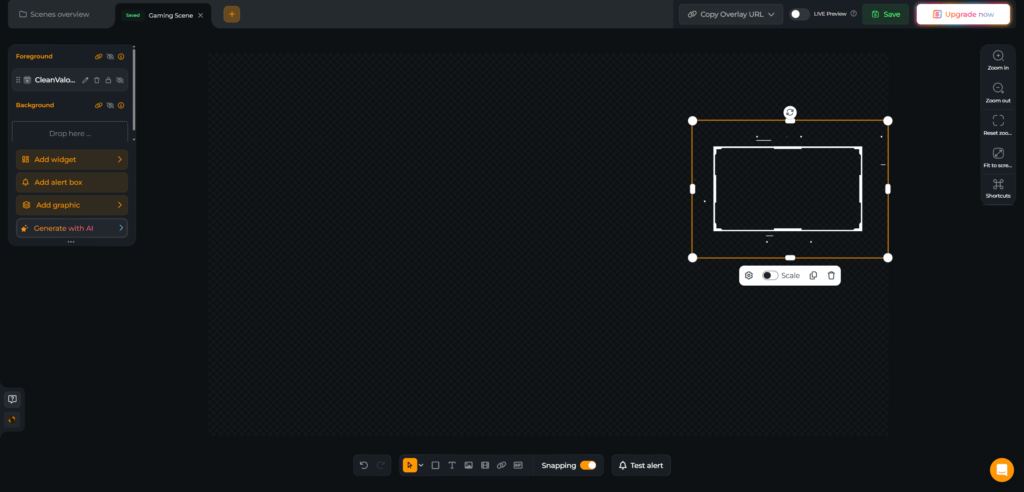
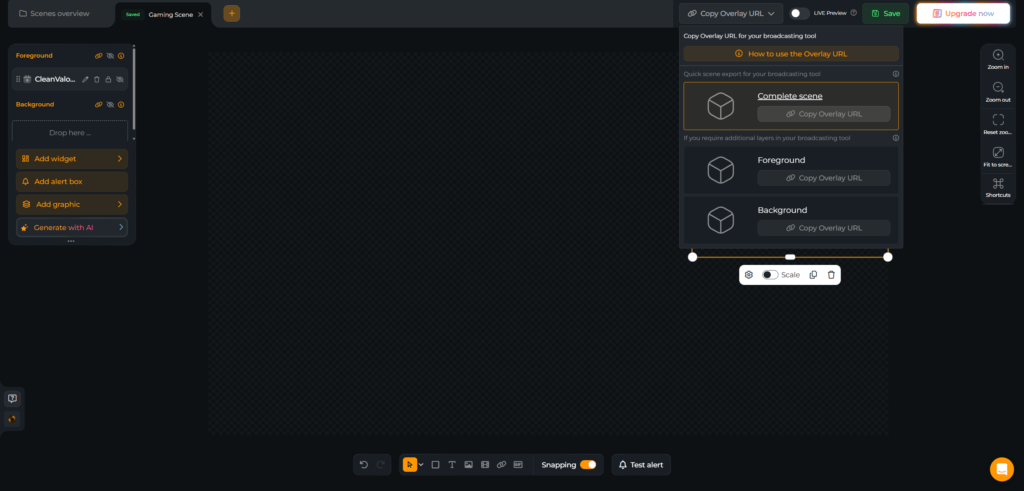
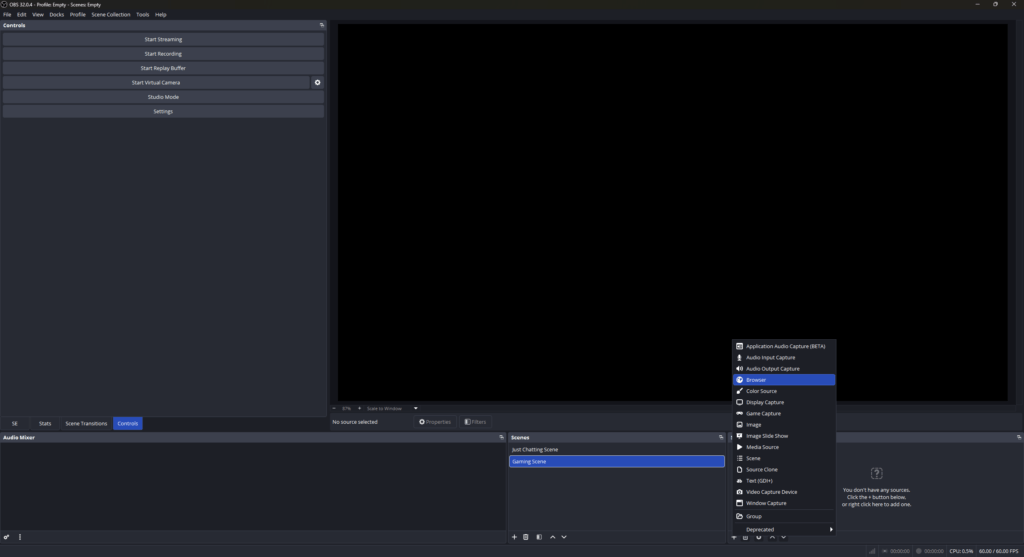
Your camera overlay is only a few clicks away. Pick a design, install it into a scene, and add it as a browser source in your broadcasting tool. Need help? This guide has you covered.

FAQs About Our Camera Overlays

What are camera overlays, and why do streamers use them?

Camera overlays frame your facecam so your reactions stand out, your layout looks intentional, and your branding feels consistent across every scene.

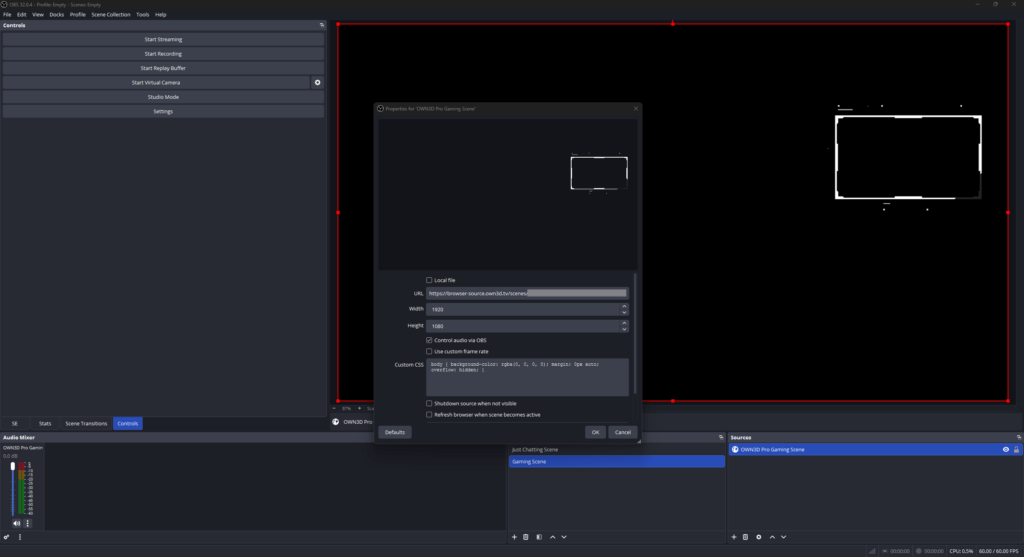
Create your overlay webcam design in the OWN3D Pro Scene Builder, copy the scene’s browser source link, then add it as a browser source in your broadcasting tool. Place it above your camera source, and you are done.

No. Your overlay for your webcam is created in the Scene Builder and added as a browser source. That means it stays lightweight, quick to update, and easy to use on any setup.

Yes. You can build a webcam border look that fits your style and combine it with stream labels so your community gets the spotlight they deserve.

Yes. Since you add the overlay to your webcam as a browser source in your broadcasting tool, it works for any platform you stream to. But the stream labels and other widgets you can use with OWN3D Pro are optimized for Twitch, YouTube, and Kick.

Go for a simple webcam border with subtle edges and strong contrast.

Absolutely. That is part of the fun. Switch camera overlays to match your game, mood, or event, and keep your stream feeling fresh without rebuilding everything. As a free user, you can already create some scenes and integrate free camera overlays. If you need more, you can upgrade to the Stream Pass at any time.