Free YouTube Overlay Maker
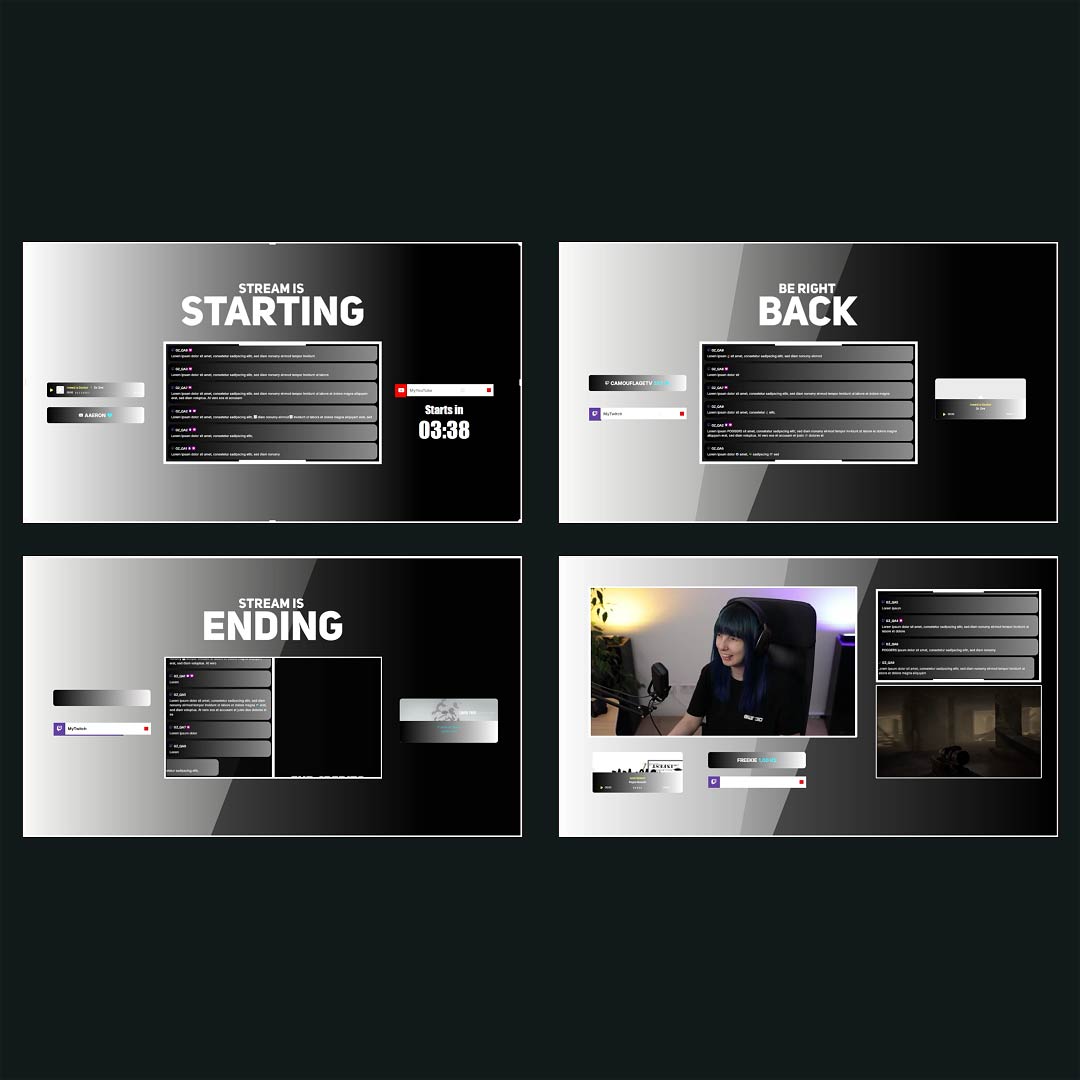
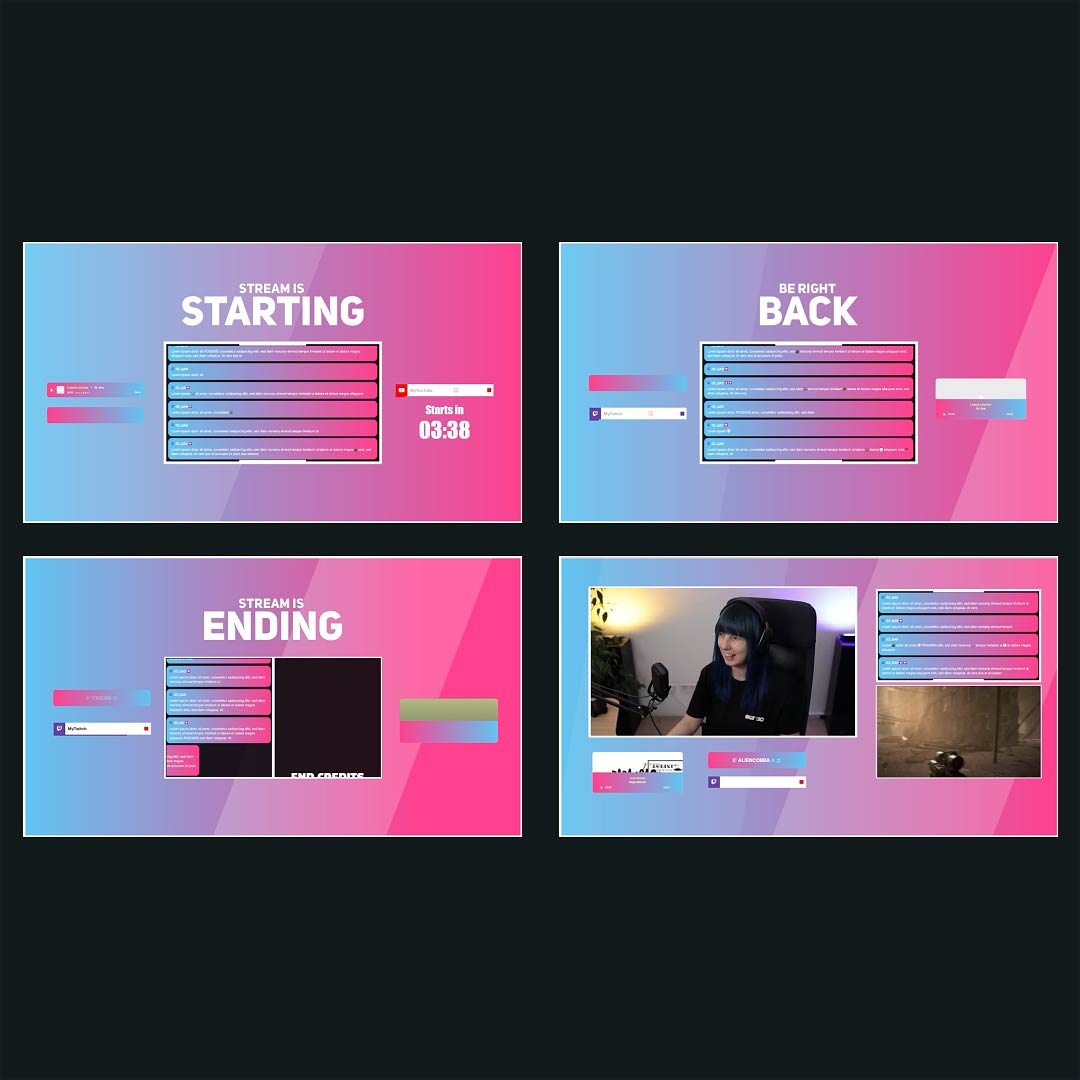
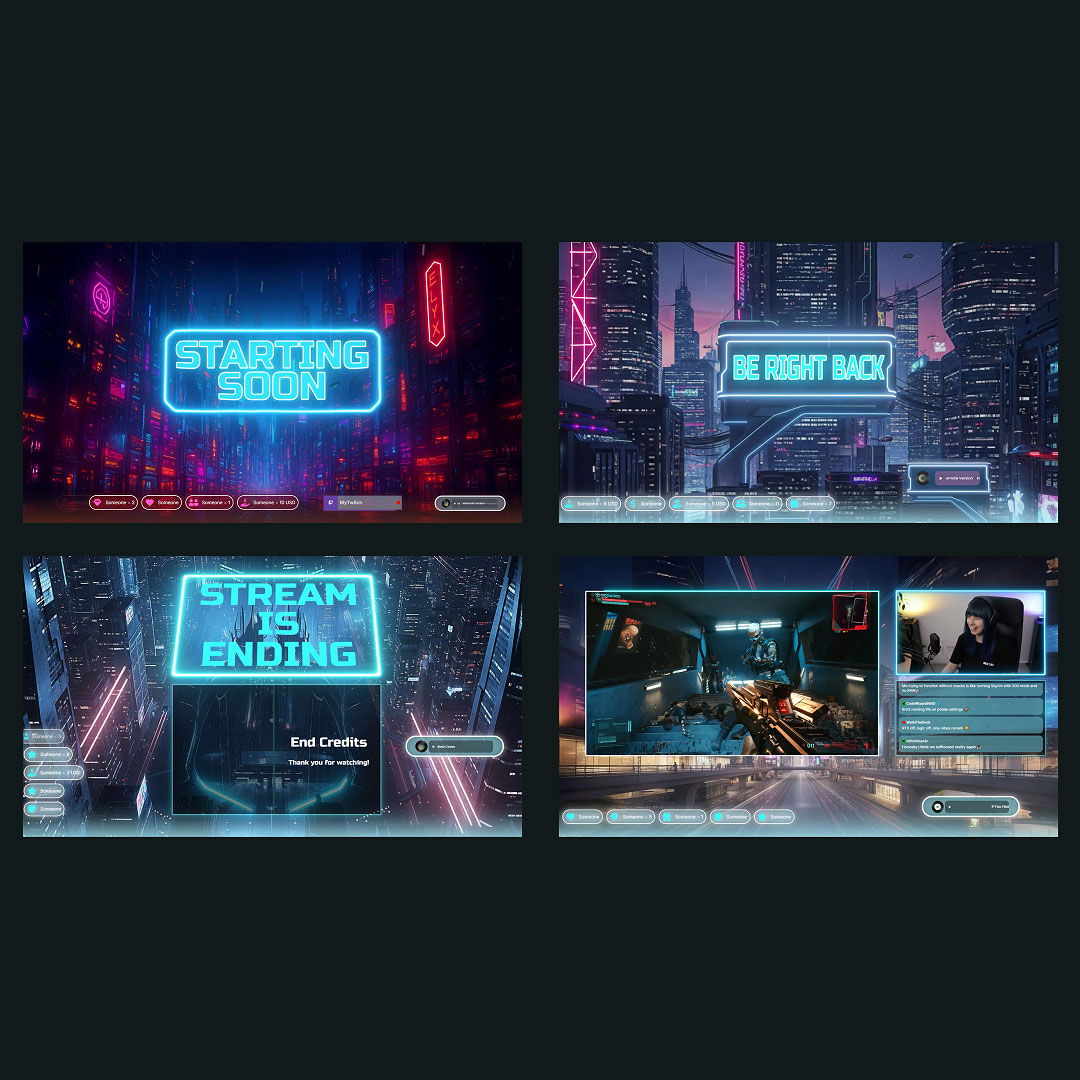
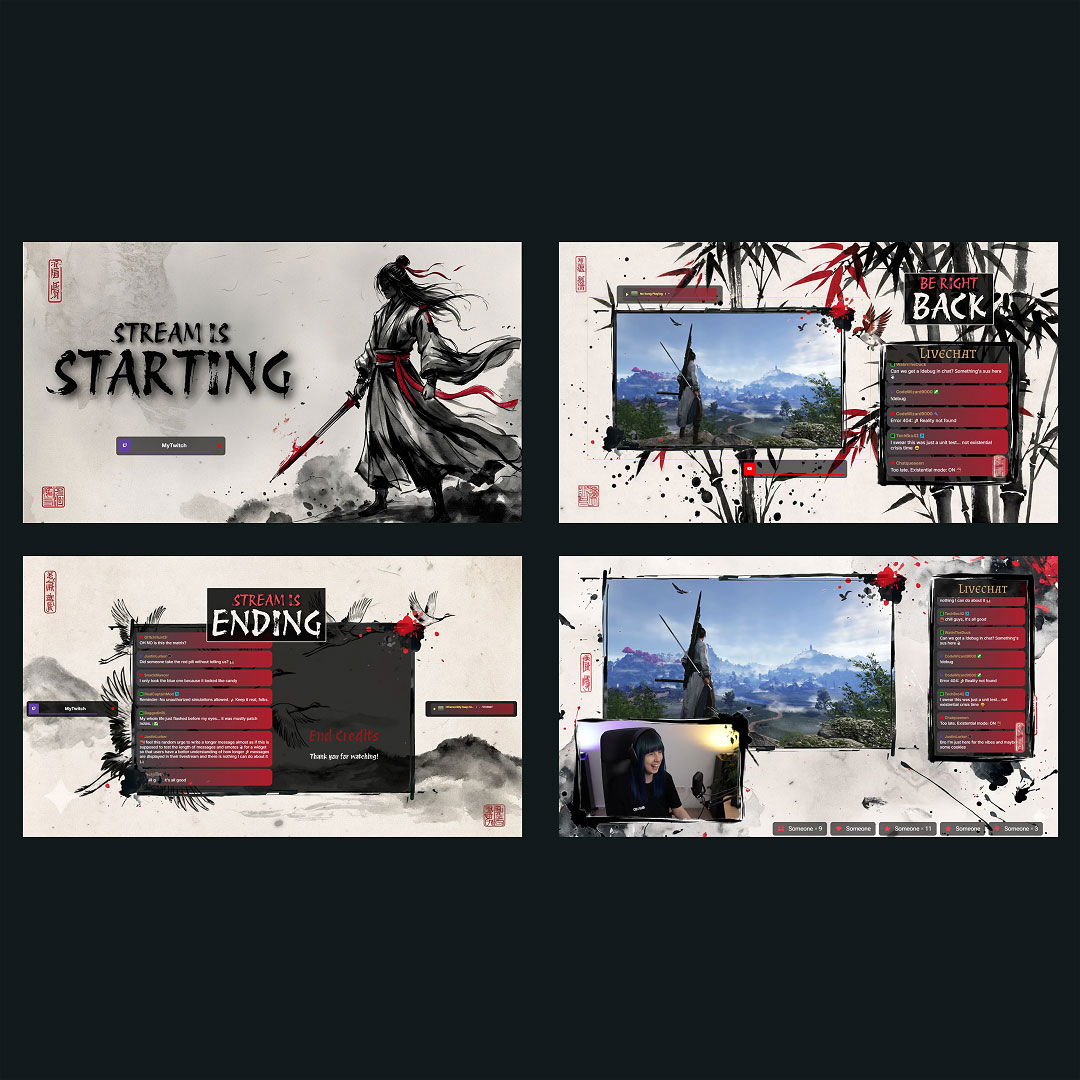
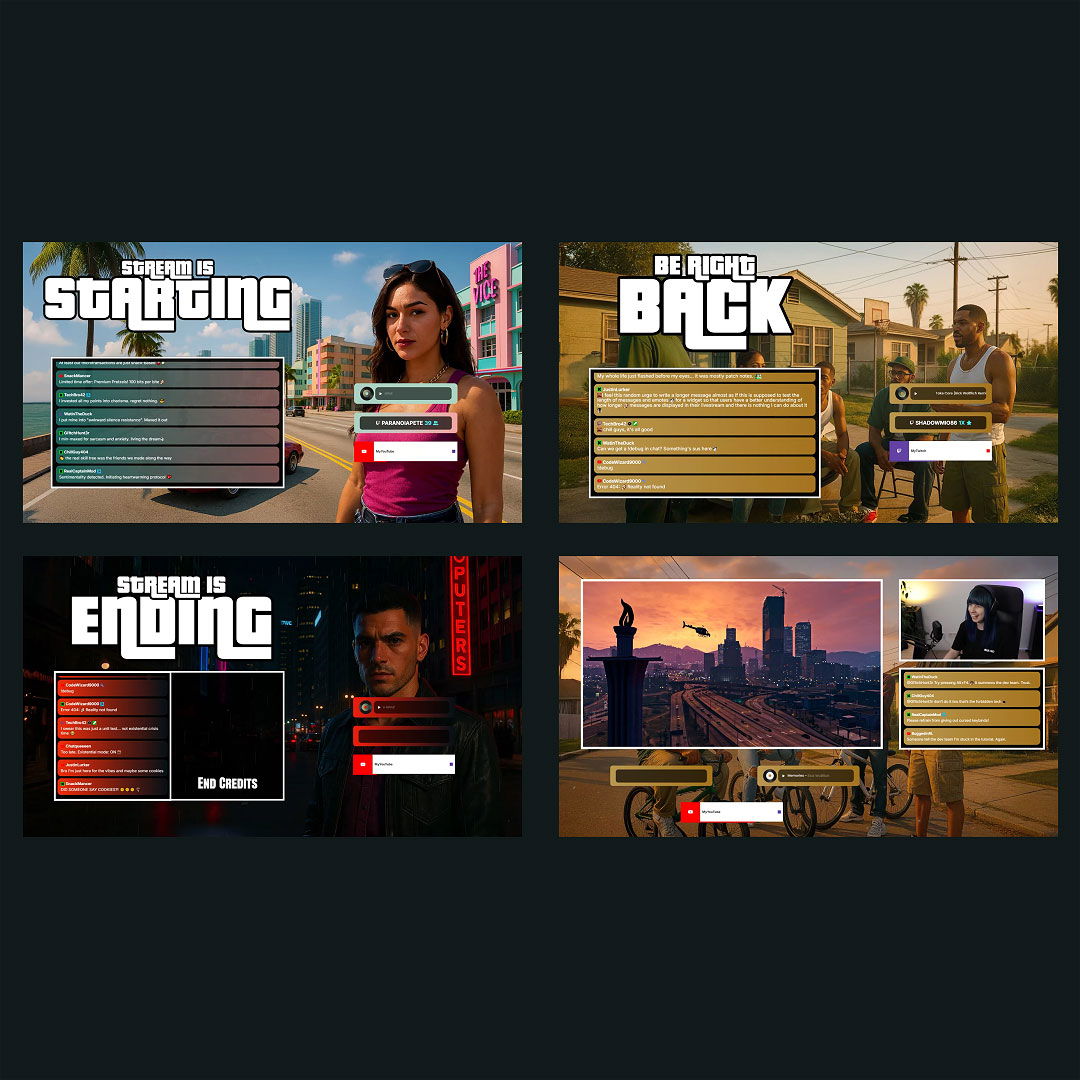
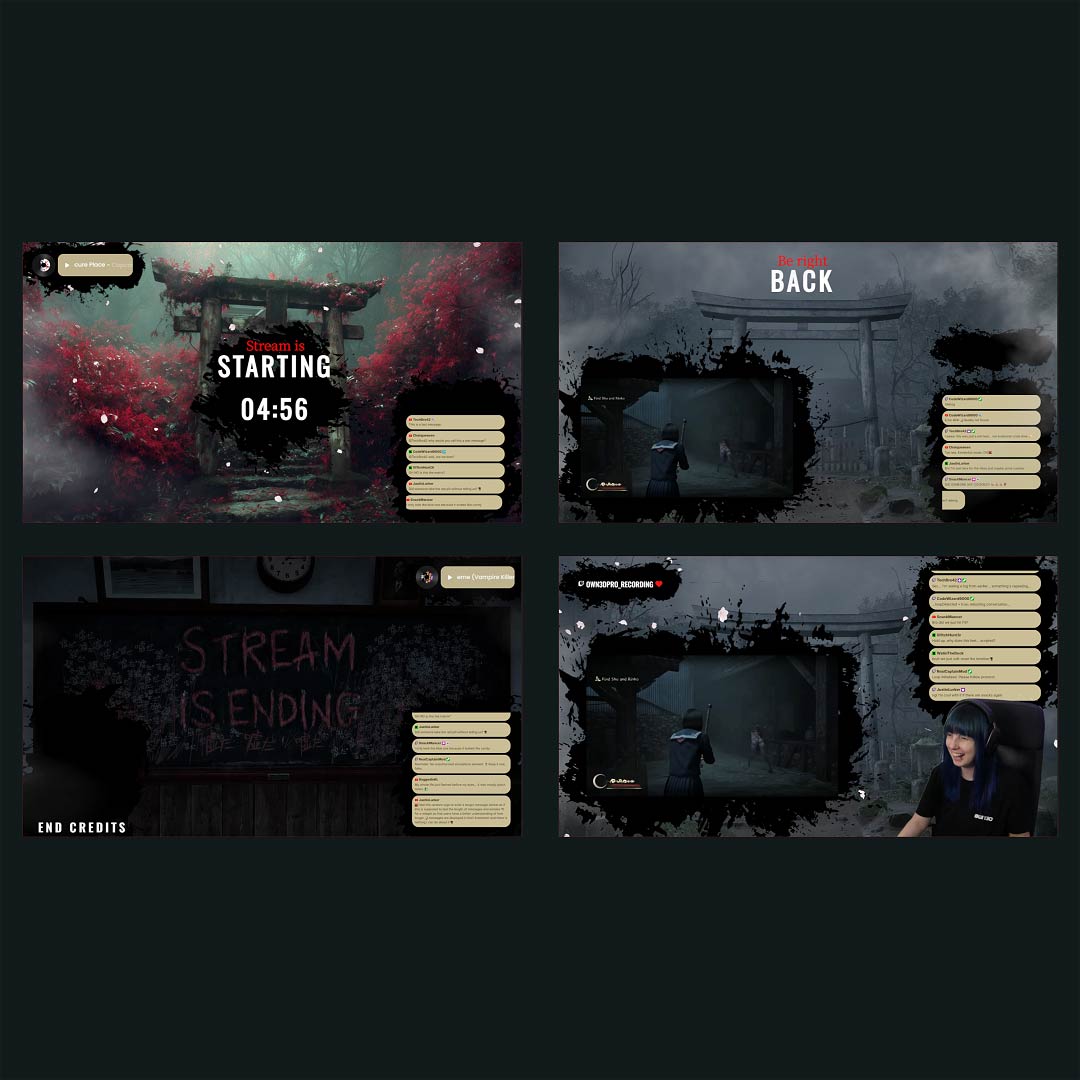
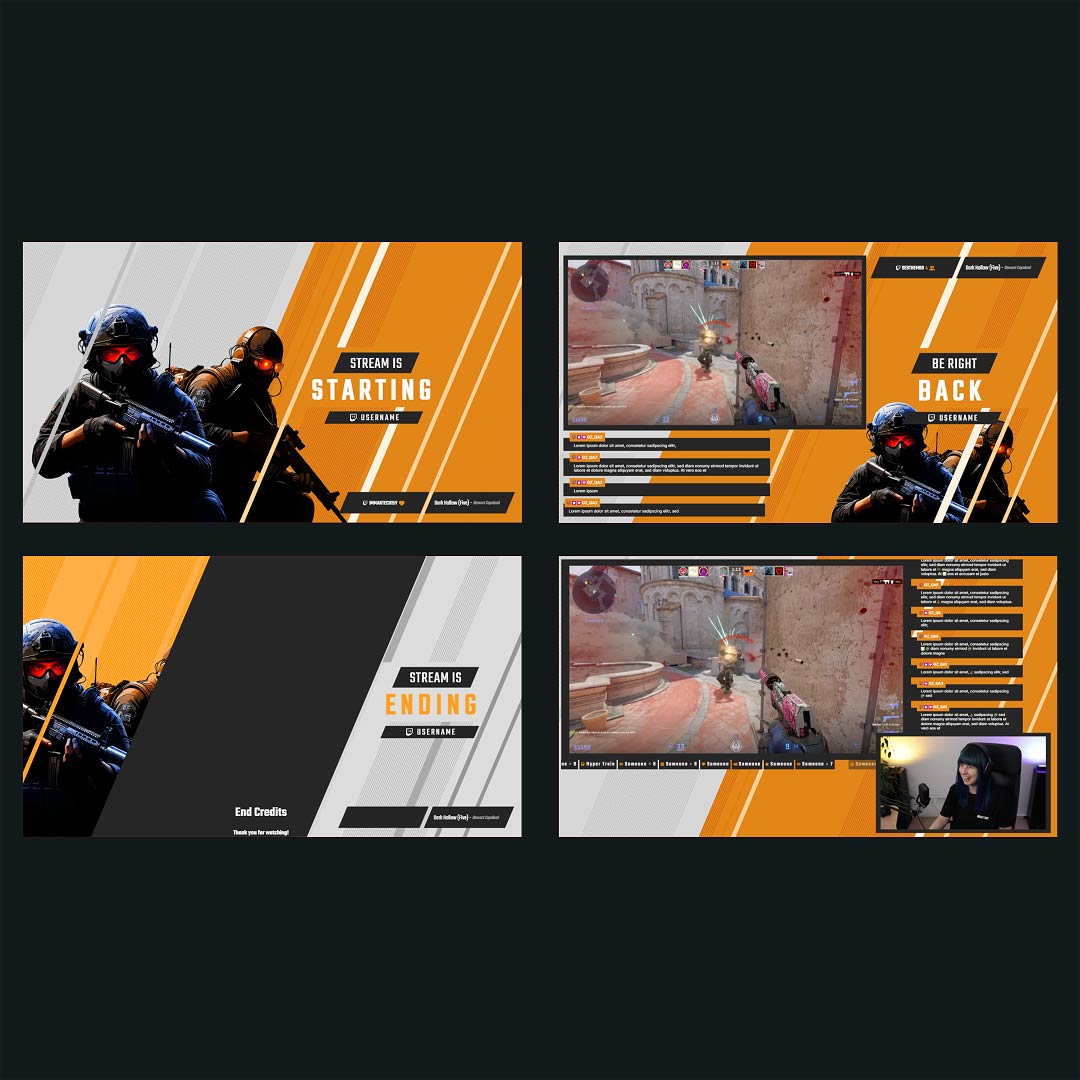
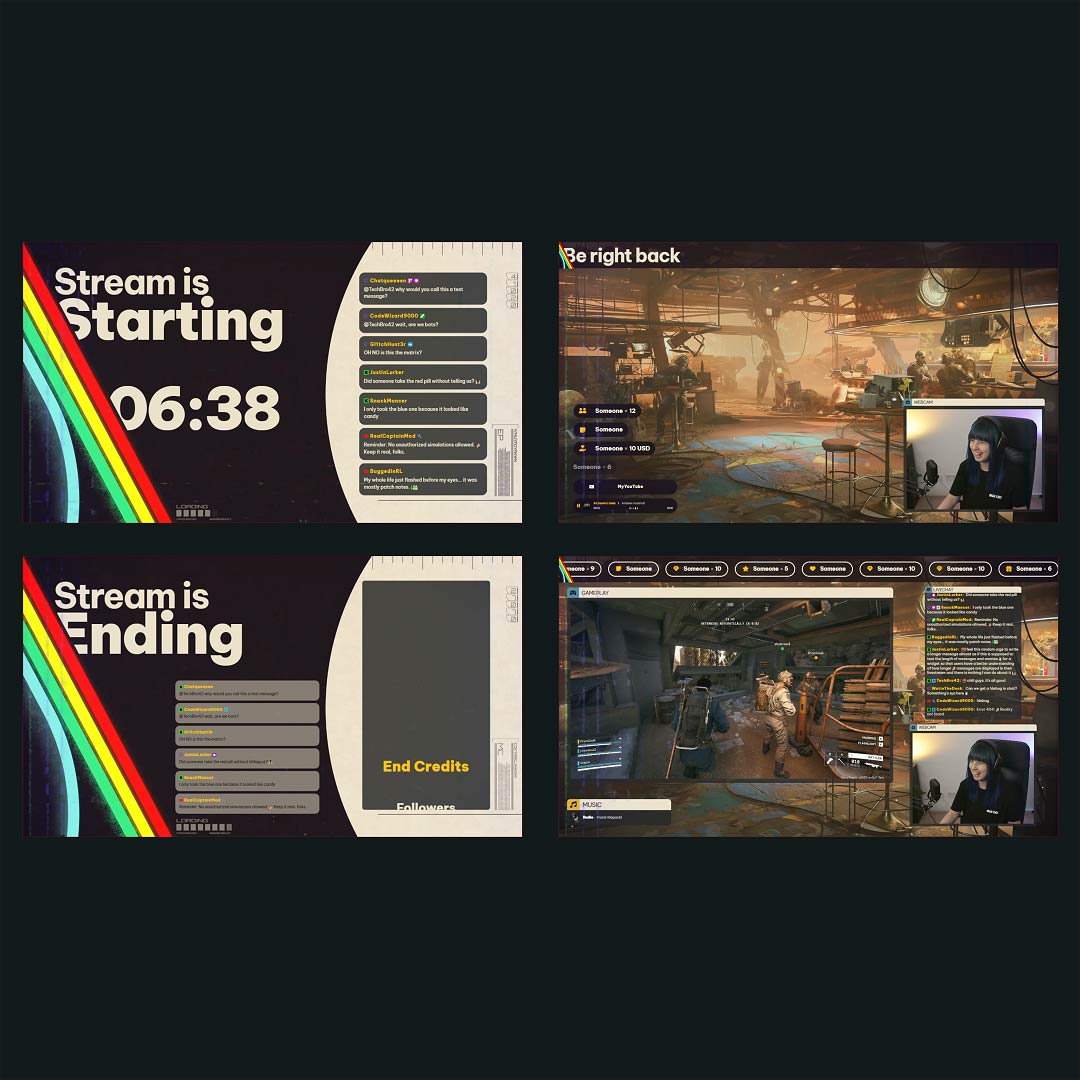
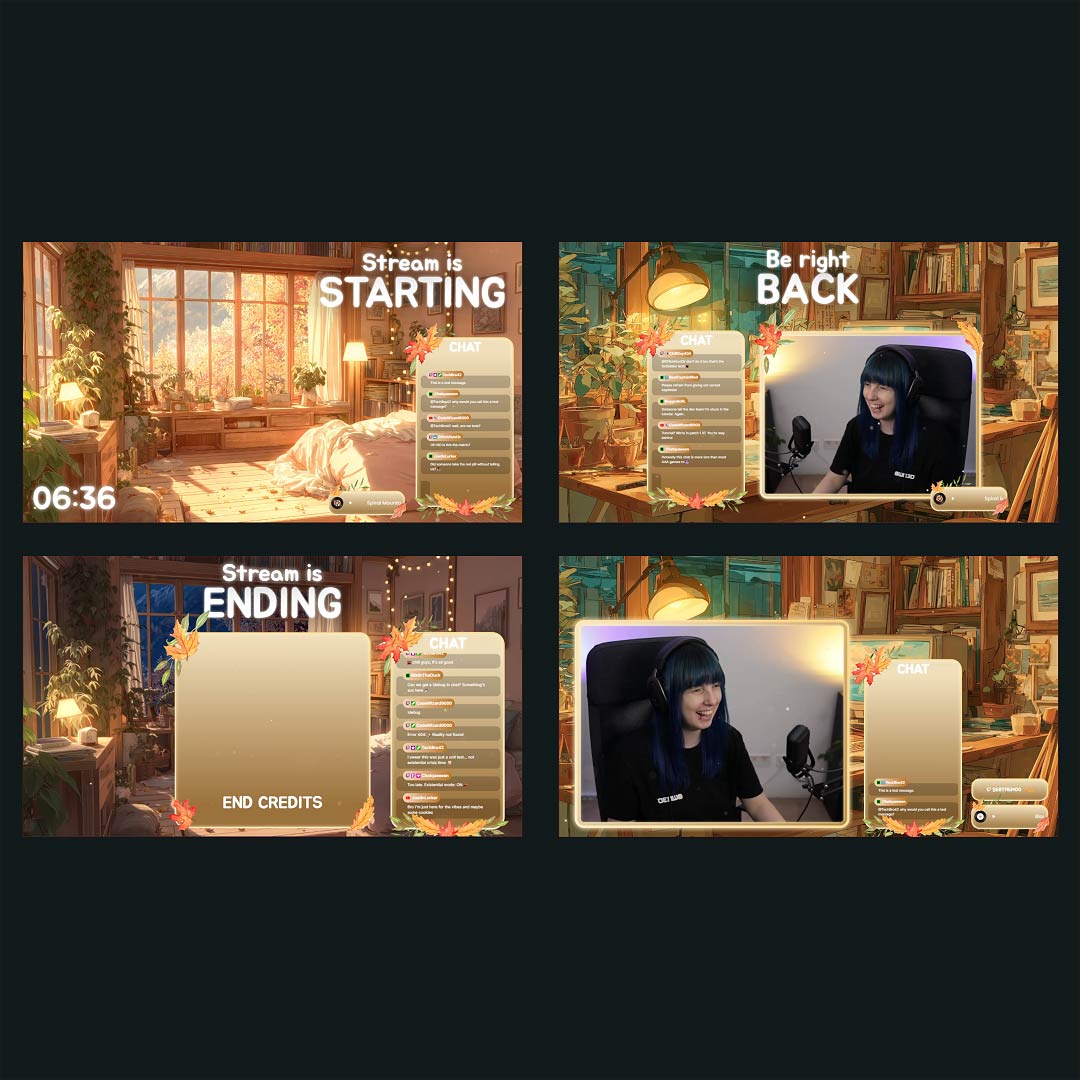
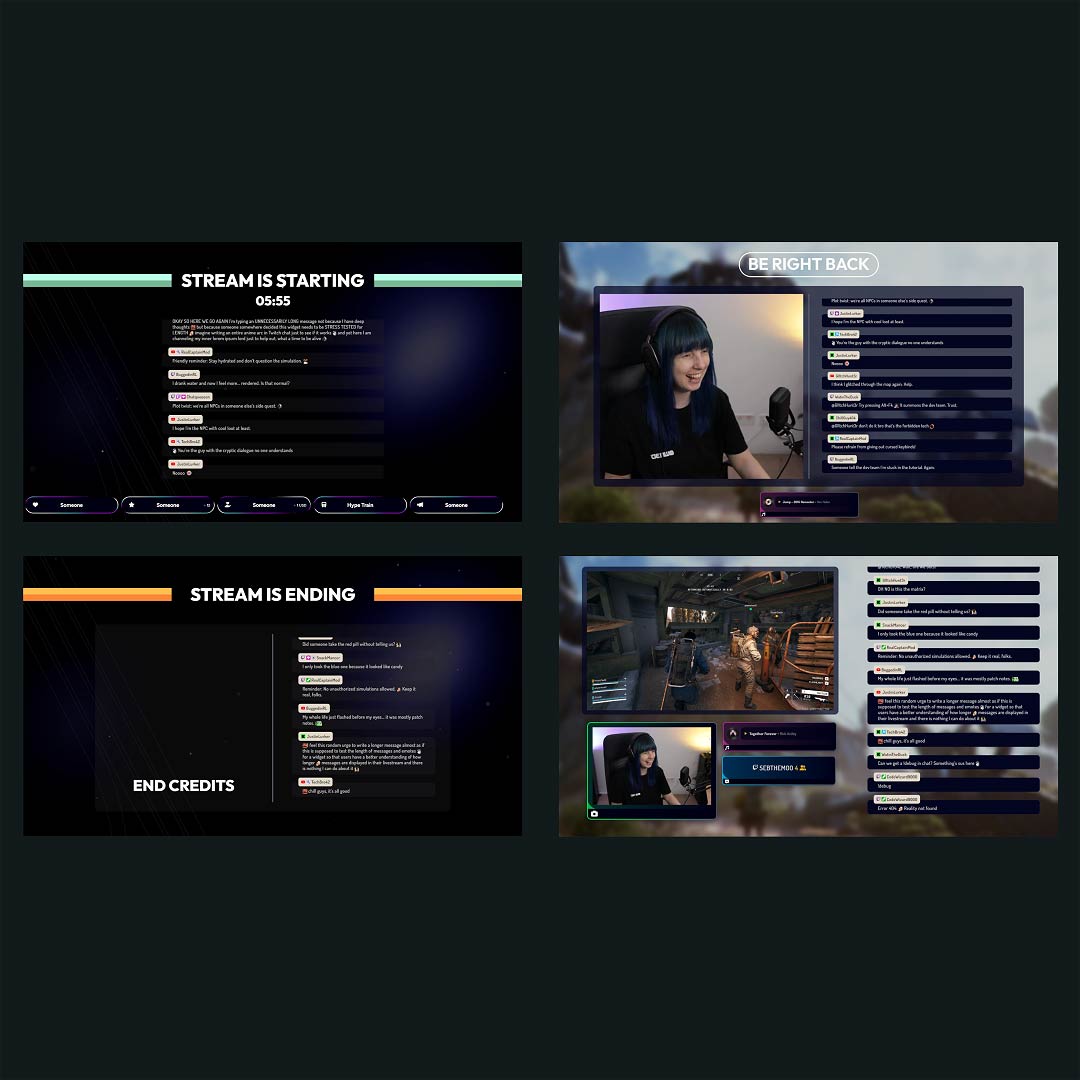
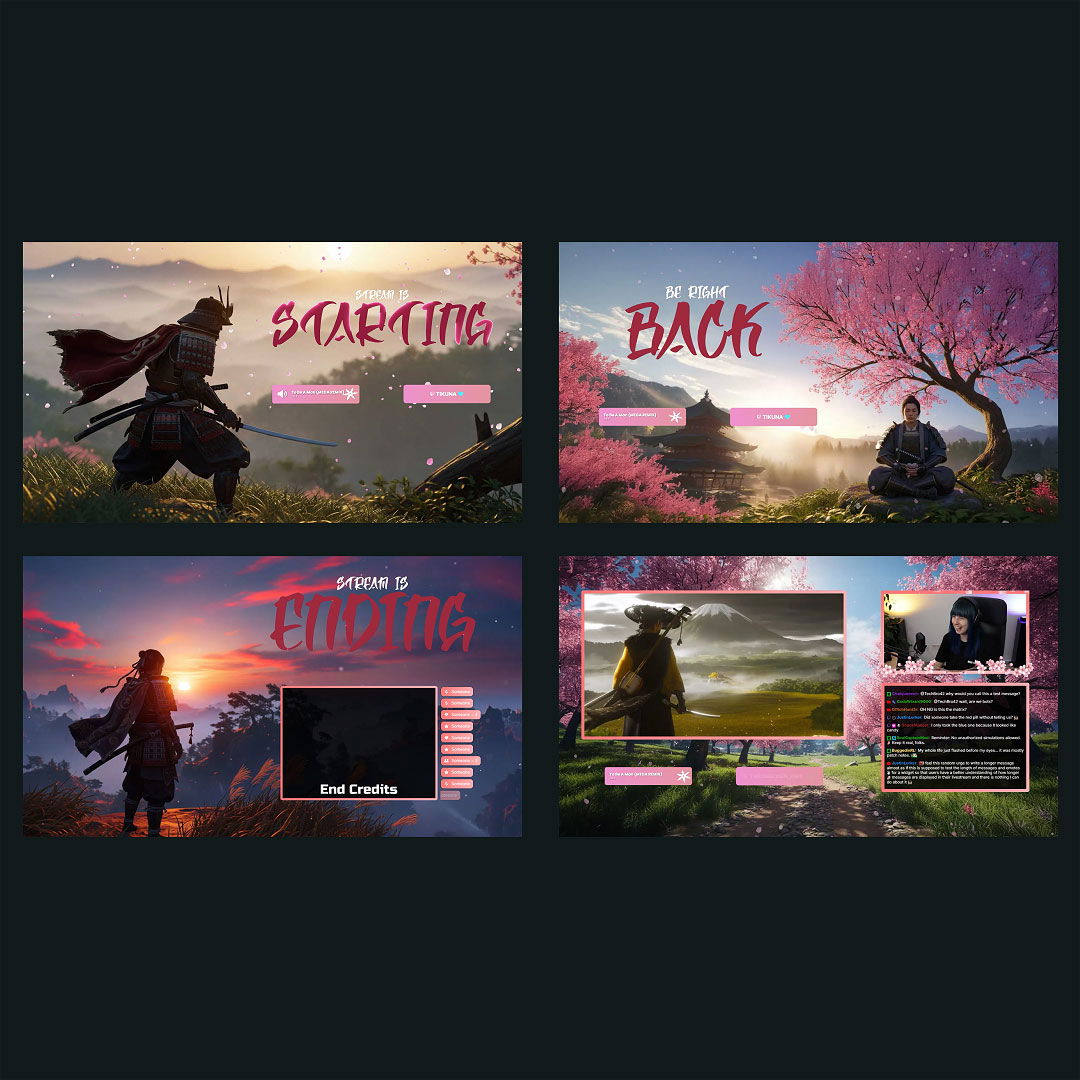
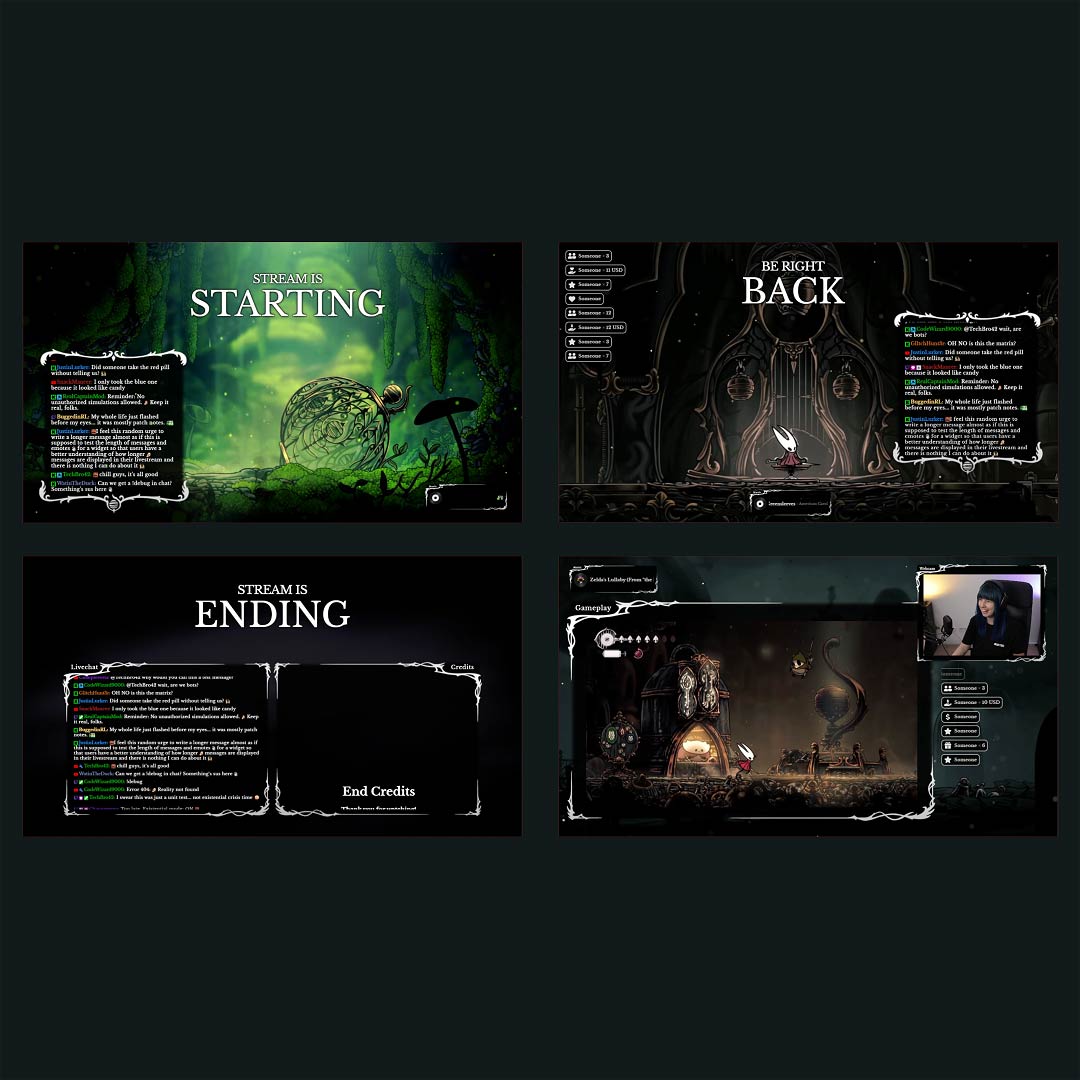
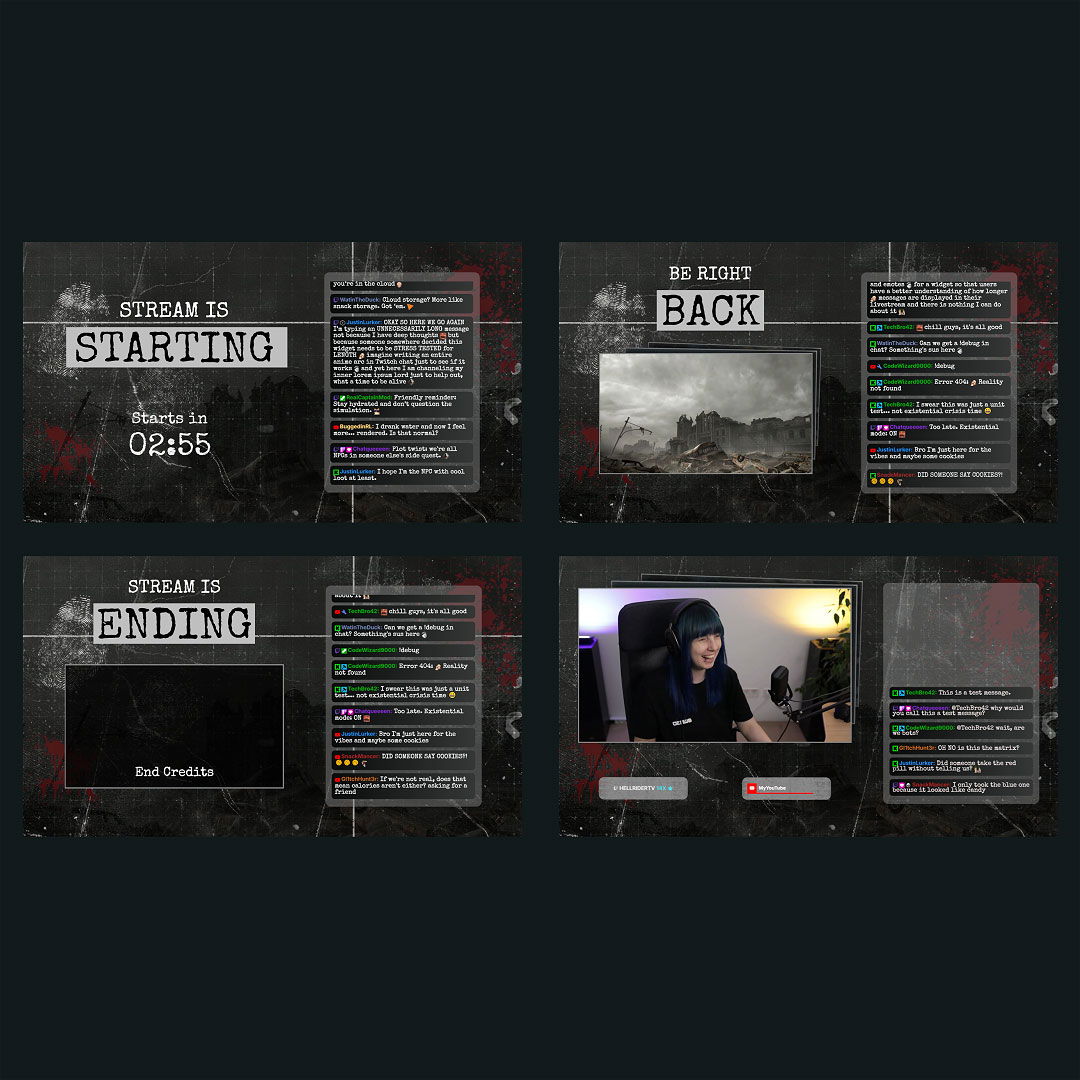
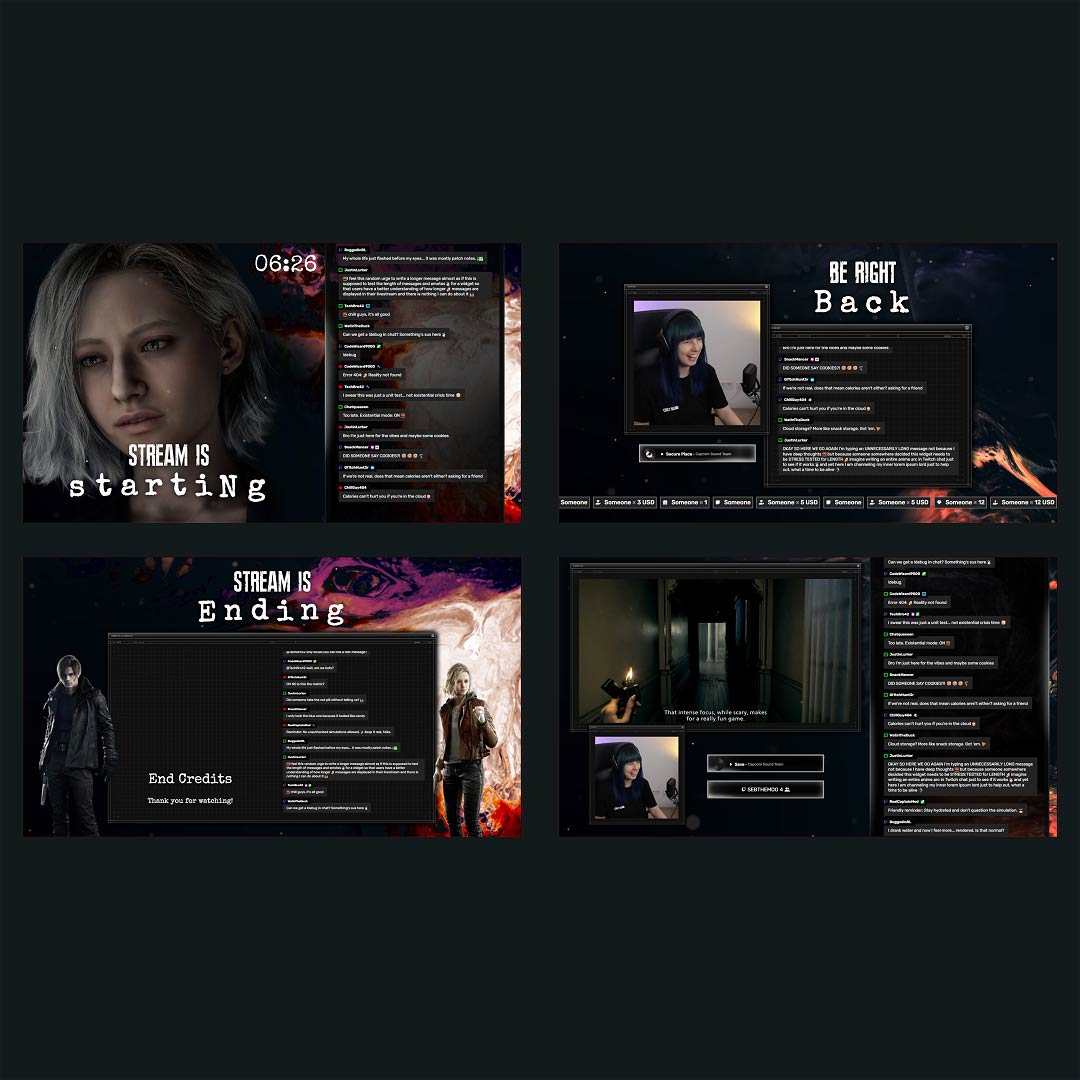
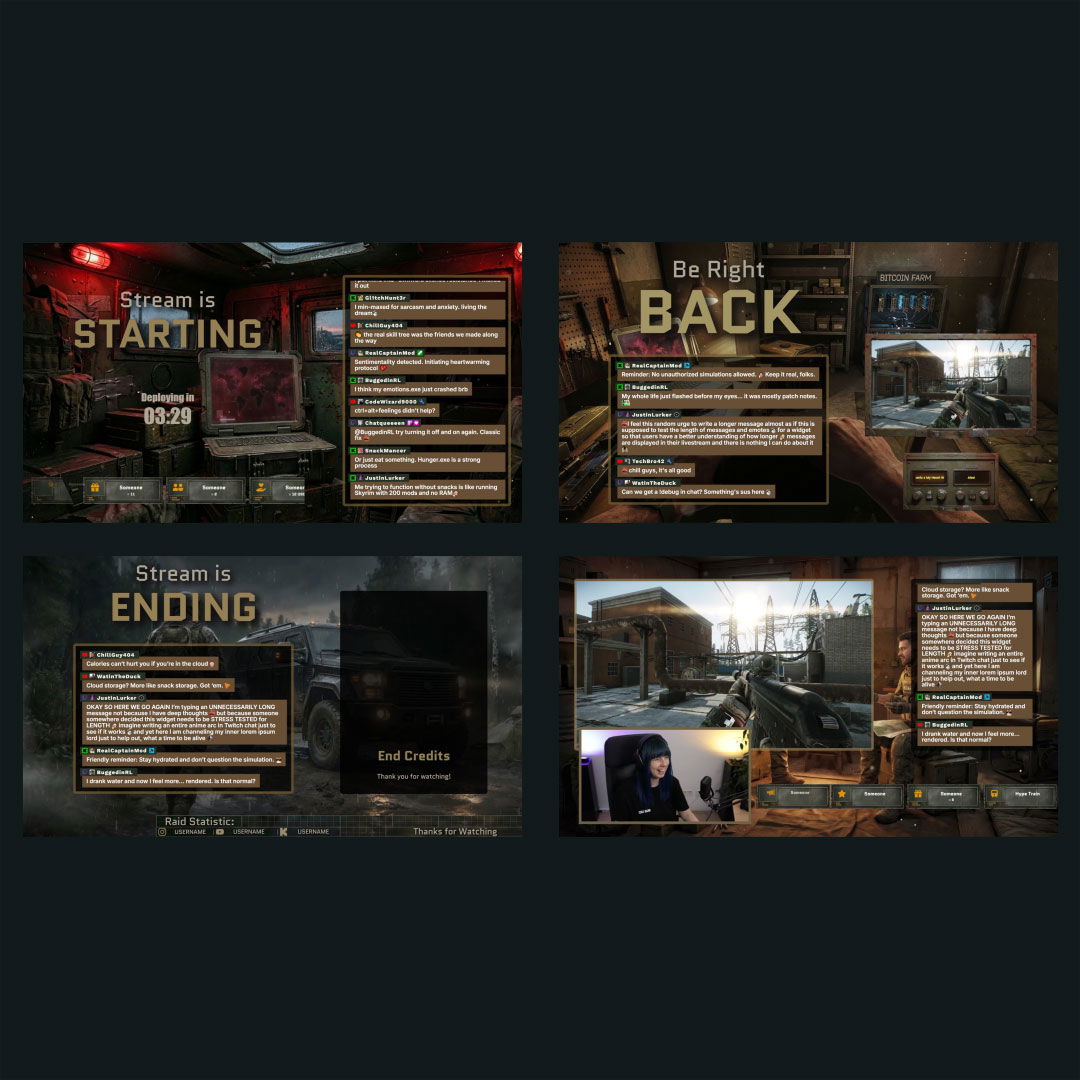
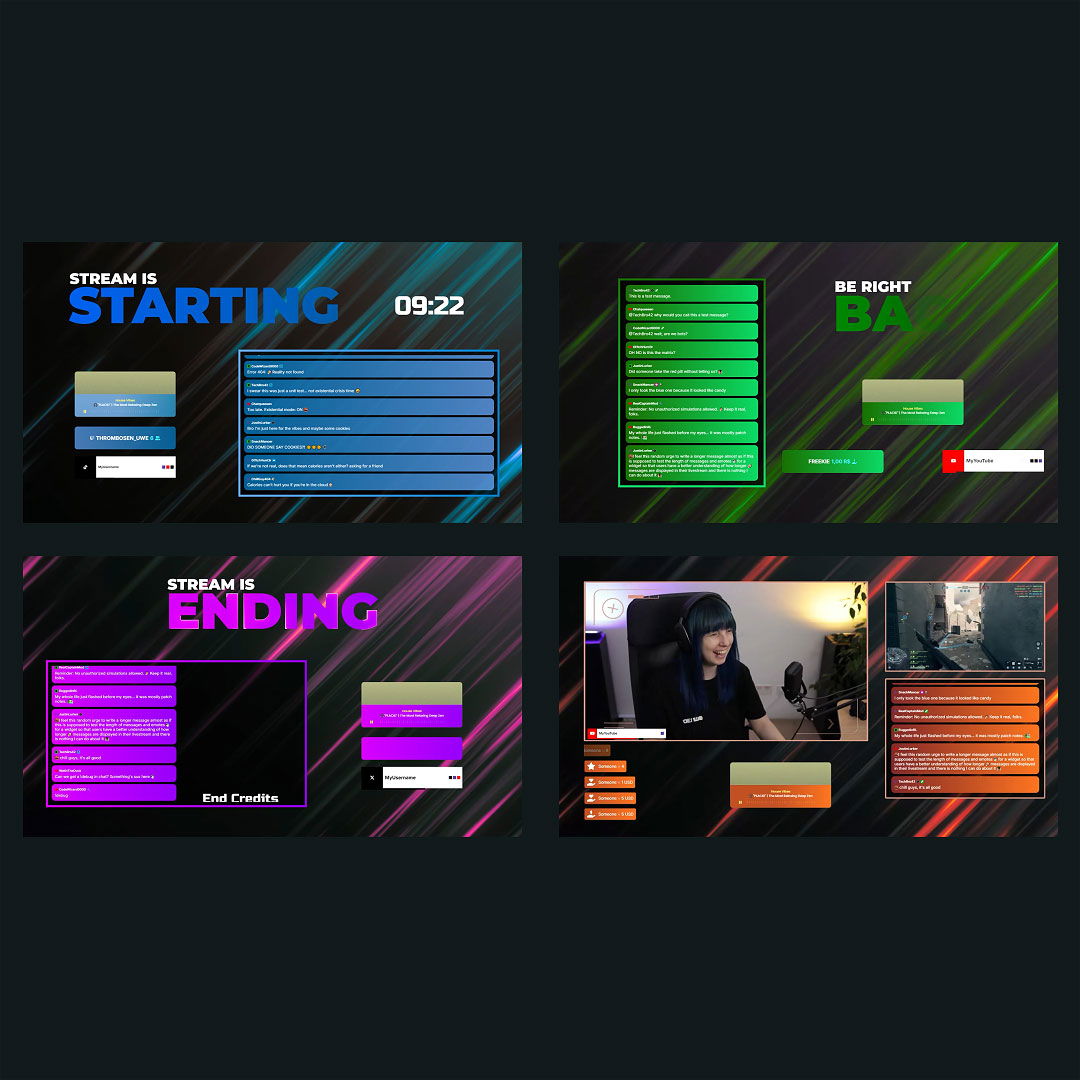
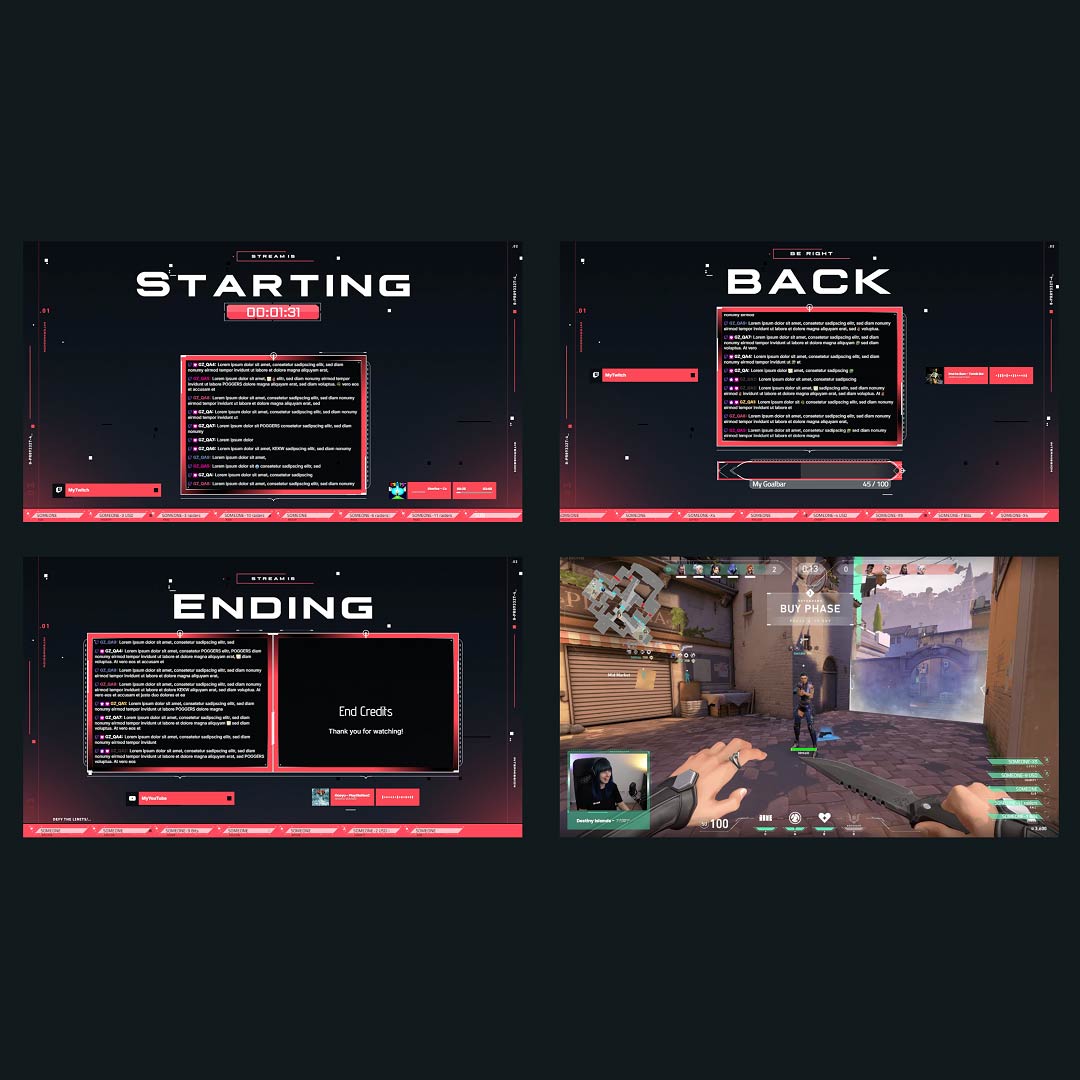
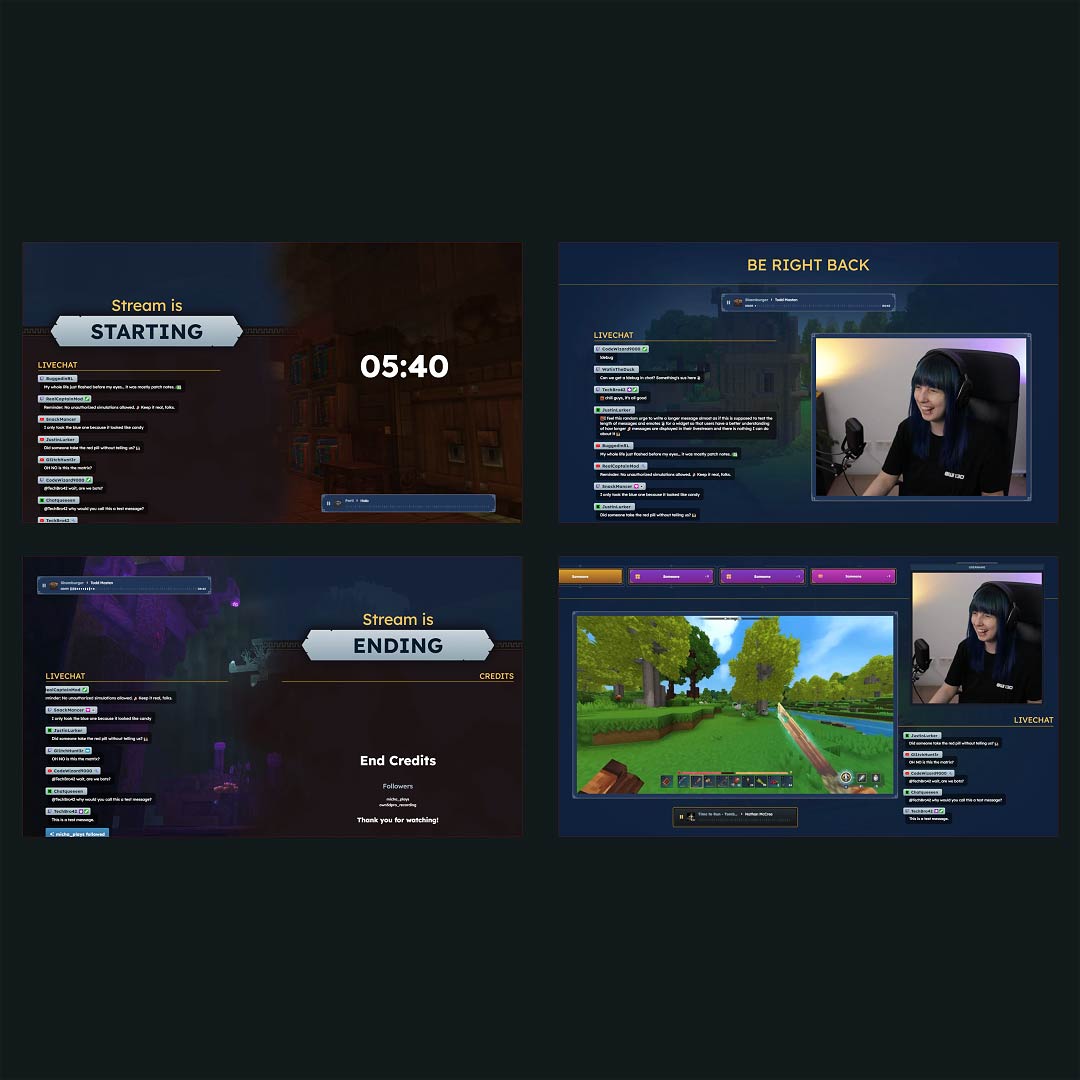
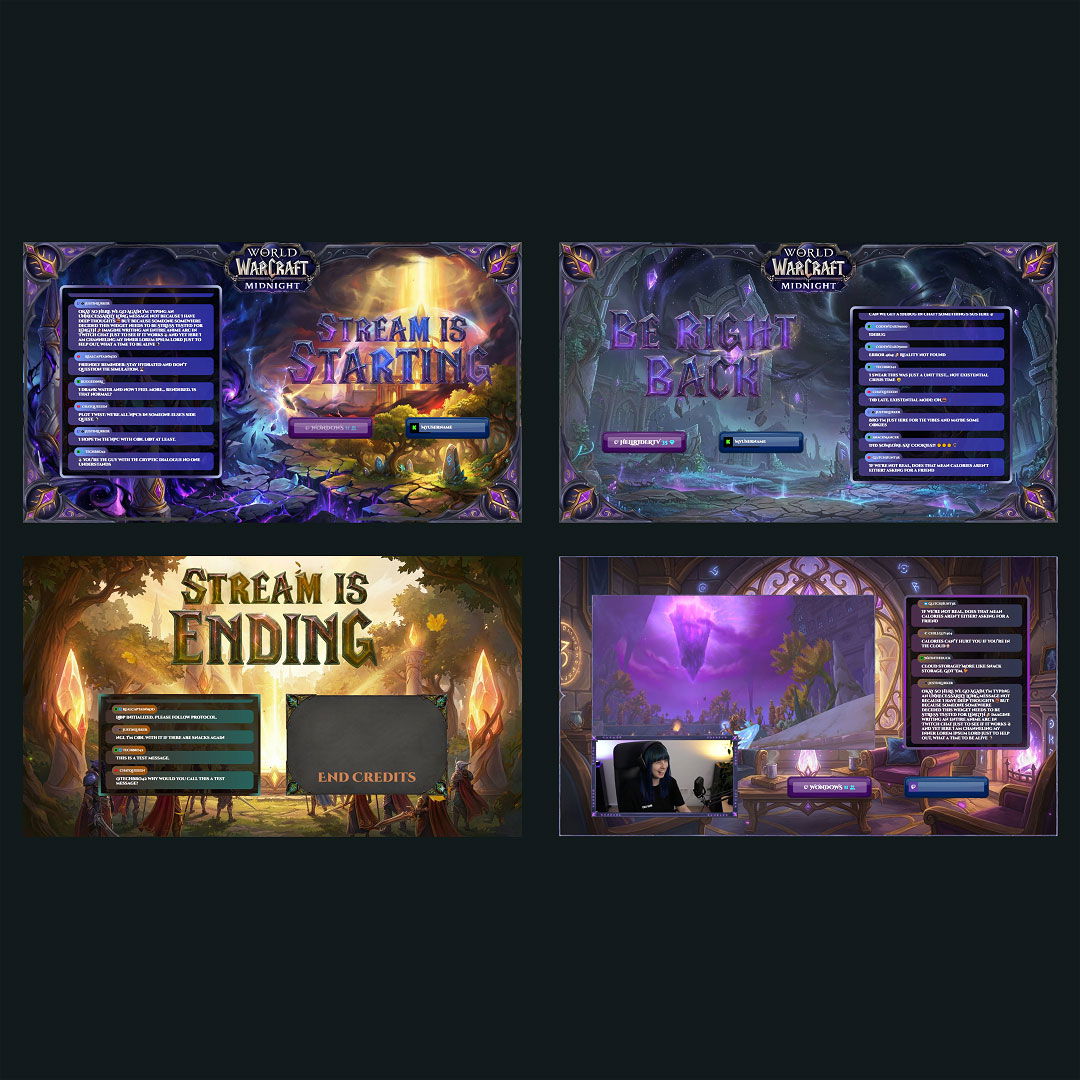
Every great YouTube stream tells a story. With the right overlays, your content becomes more than just a video. It becomes an experience. Whether you are just starting out or taking your stream to the next level, our YouTube Overlay Maker gives you the tools to create a look that feels like you. As an all-in-one overlay creator for YouTube, it’s built to help you stand out without any design experience.
Most Installed YouTube Overlay Maker Creations
All Free/Premium YouTube Overlay Maker Creations
What Happy Customers Say About Our YouTube Overlay Maker
See what other creators say about the YouTube overlay maker.
One Pass. Everything Included.
The Stream Pass gives you full access to everything OWN3D Pro has to offer. All products, including custom YouTube overlay assets, alerts, widgets, emotes, and more, are included and not sold separately.
Works with all broadcasting tools
Build custom overlays in the YouTube overlay maker and use them with OBS Studio, Streamlabs, XSplit, and more. Easy to integrate with any setup.
Unlimited* asset downloads
Download emotes, badges, panels, and more static assets. *Our unlimited plan is subject to fair use.
AI-powered creations
Get 50 AI credits with your Stream Pass to generate custom stream widgets, webcam frames, emotes, and more.
Multistreaming ready
Multistream on Twitch, YouTube, and Kick with custom overlays and all the tools you need for a professional-looking livestream.
FAQs About Our YouTube Overlay Maker

What is a YouTube overlay maker, and why should I use one?
A YouTube overlay maker helps you design professional-looking overlays for your stream without needing any design tools. It’s perfect for creating webcam frames, alerts, and backgrounds for your YouTube streams that reflect your unique style.
Is there a free YouTube overlay maker I can use right now?
Yes, our YouTube overlay maker is free to use. You can start creating overlays with a variety of free templates and customize them to match your brand instantly.
Can I create vertical overlays for YouTube Shorts or 9:16 streams?
Yes. Our YouTube stream overlay maker supports both 16:9 and 9:16 formats, so you can create overlays for vertical content like YouTube Shorts livestreams. It’s a great way to give mobile-friendly vertical streams a branded look.
How does the overlay creator for YouTube work?
The overlay creator for YouTube is browser-based and easy to use. Choose a full overlay pack or a template on OWN3D Pro, customize it to fit your style, then install your overlays as browser sources in any broadcasting tool, such as OBS Studio, Streamlabs, or others.
How fast can I create YouTube livestream overlays with this tool?
With our YouTube livestream overlay maker, you can go from idea to live in just a few minutes. Pick a pack or template, customize it to your liking, and add it to your stream using browser sources in OBS Studio or Streamlabs. You can go live in no time!
Do I need Photoshop or design experience to use the YouTube overlay maker?
Not at all. The interface is made for beginners. You can drag and drop elements, adjust layouts, and apply your branding in just a few clicks.
Can I really start streaming with overlays for free?
Yes. The free overlay maker for YouTube lets you access templates, customize them, and add them to your stream without any cost. It’s perfect for starting out.
Can I use overlays from the YouTube overlay maker on Twitch or other platforms?
Yes. Overlays created with the YouTube overlay maker are also compatible with Twitch and Kick. You can use them across all those platforms, and multistreaming is supported.
Will overlays from this overlay creator for YouTube work with OBS and Streamlabs?
Yes, they are fully compatible. Simply download your assets and import them into OBS Studio, Streamlabs, or your preferred broadcasting tool.
Can I update or customize my overlays after creating them?
Yes. You can return to the overlay creator for YouTube at any time to update your overlays. Adjust colors, text, layout, or create entirely new scenes as your content grows. Your designs stay flexible, so your stream always matches your style.