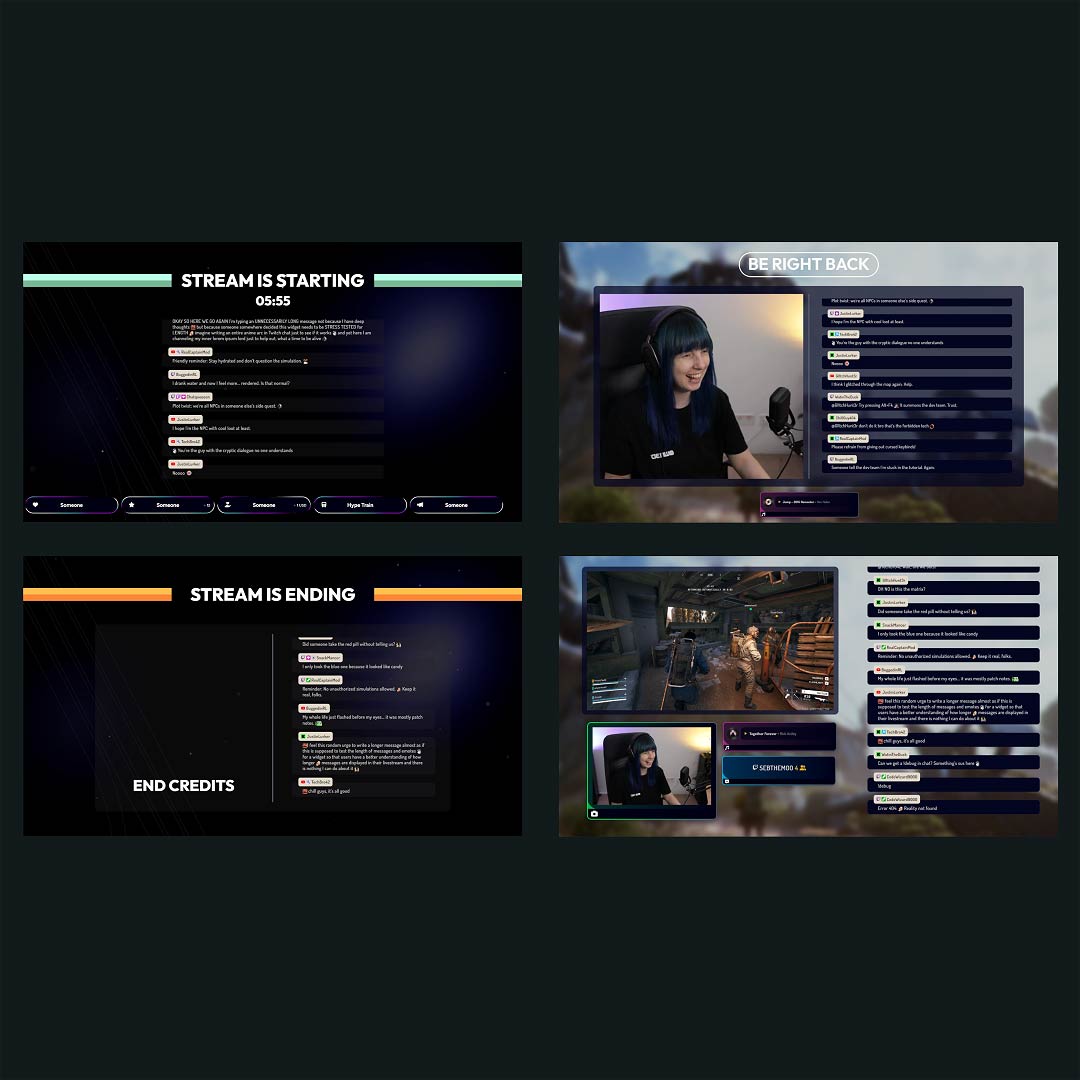
Free OBS Overlay Maker
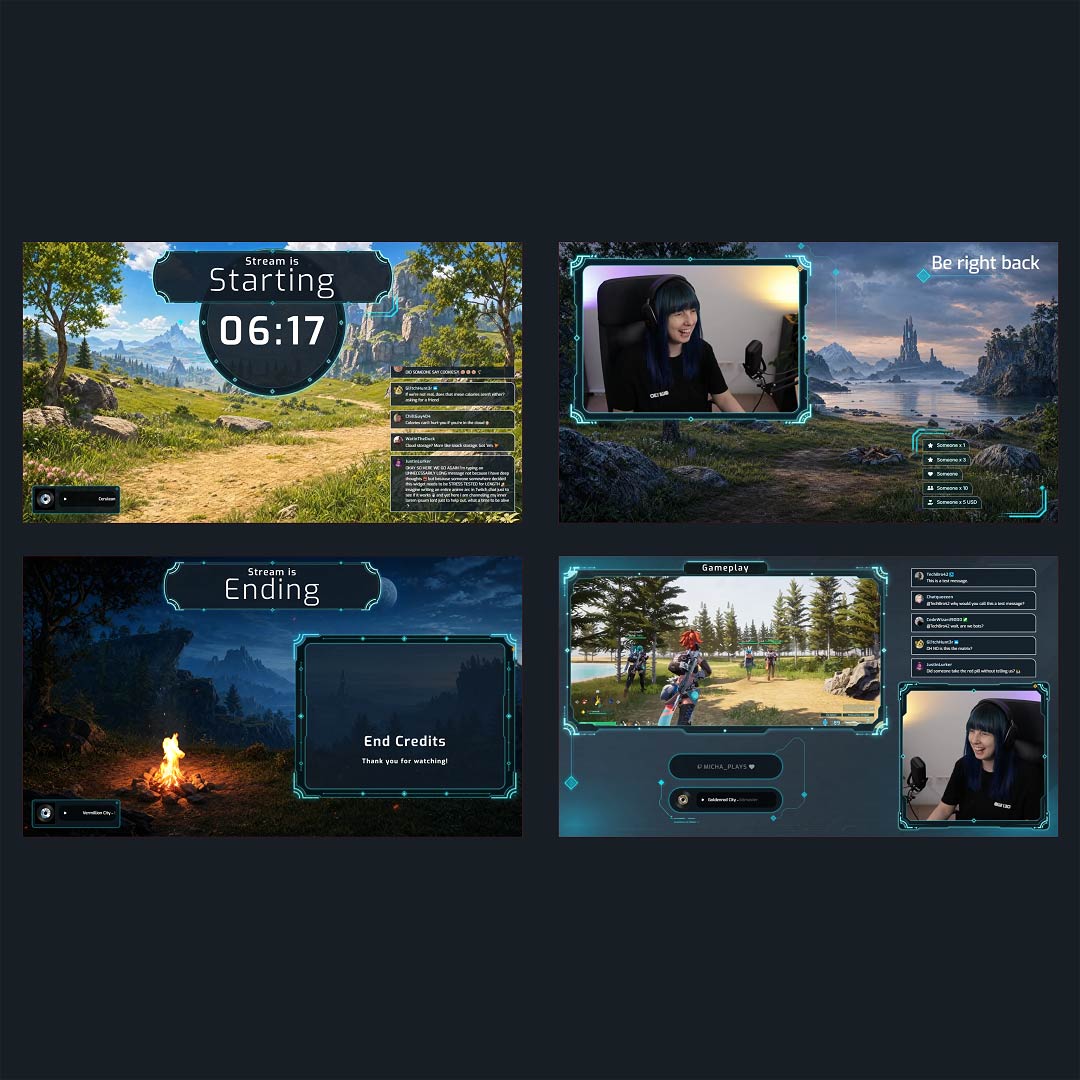
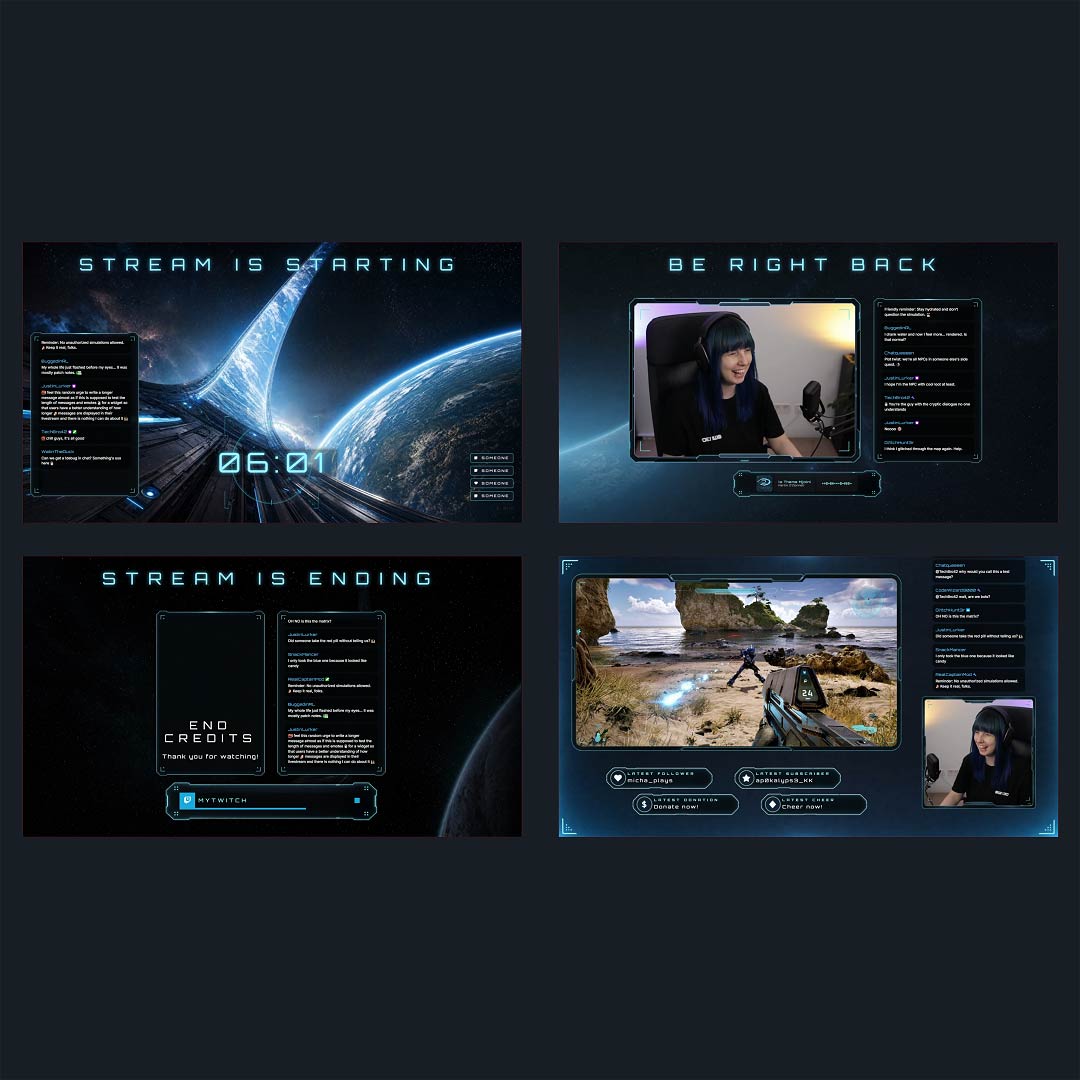
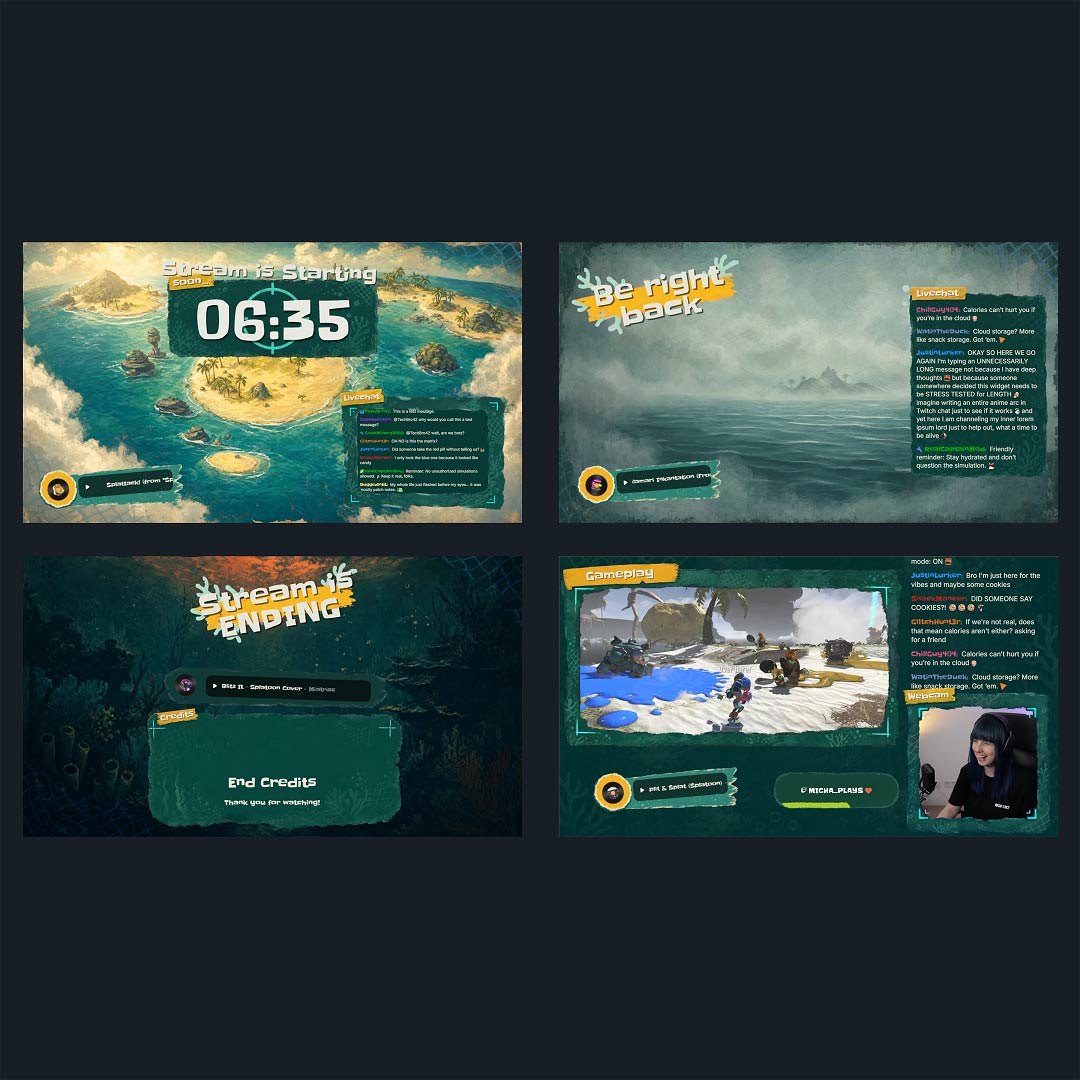
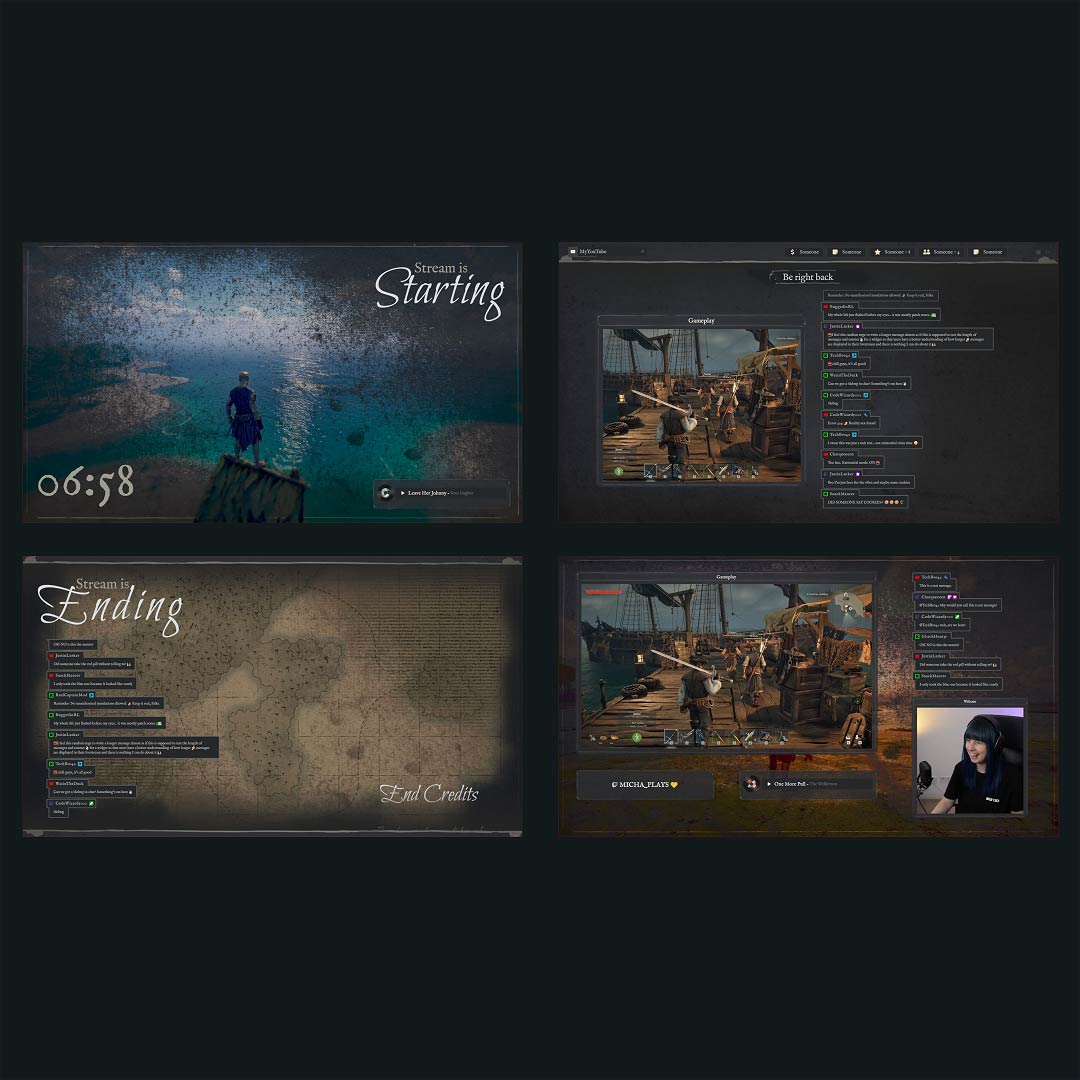
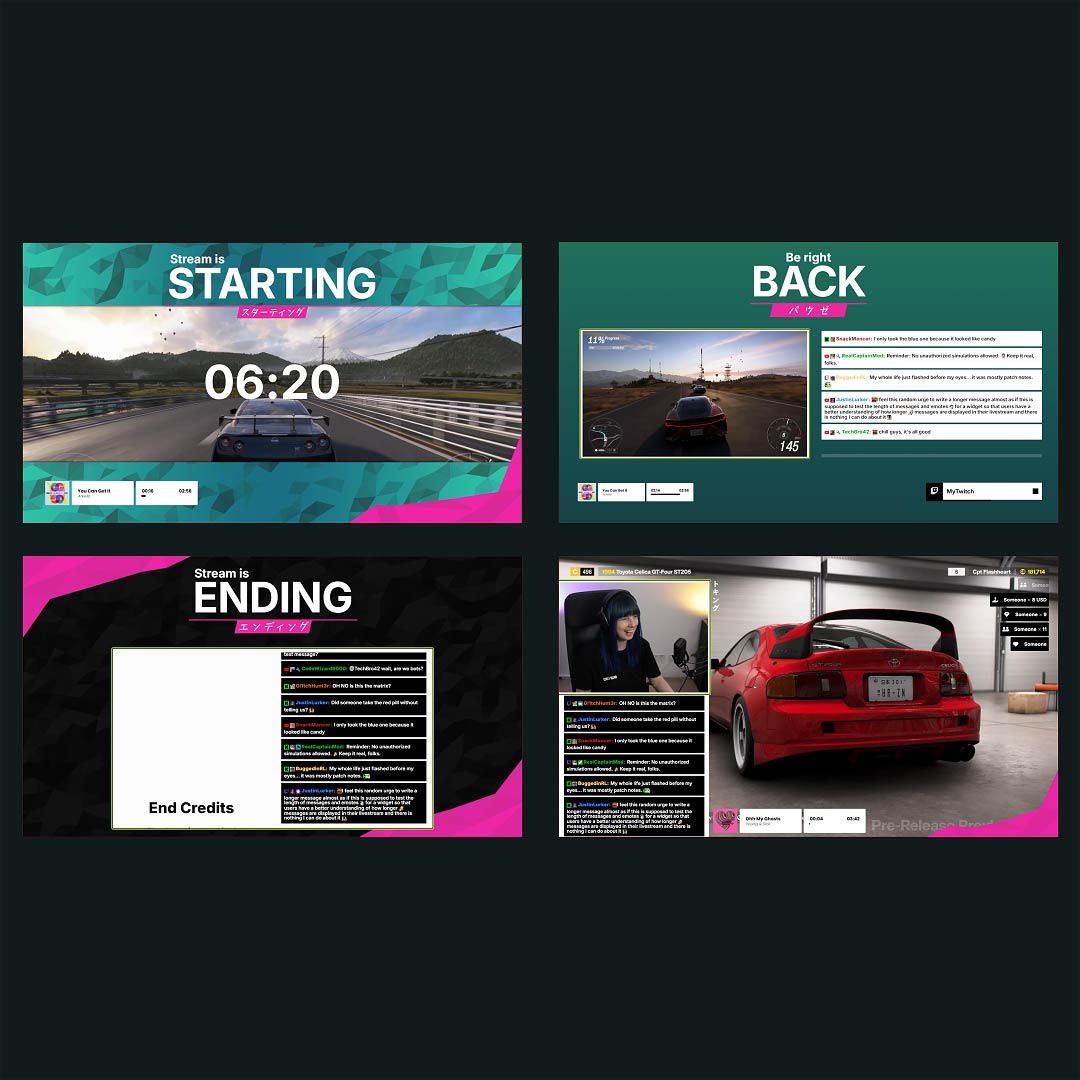
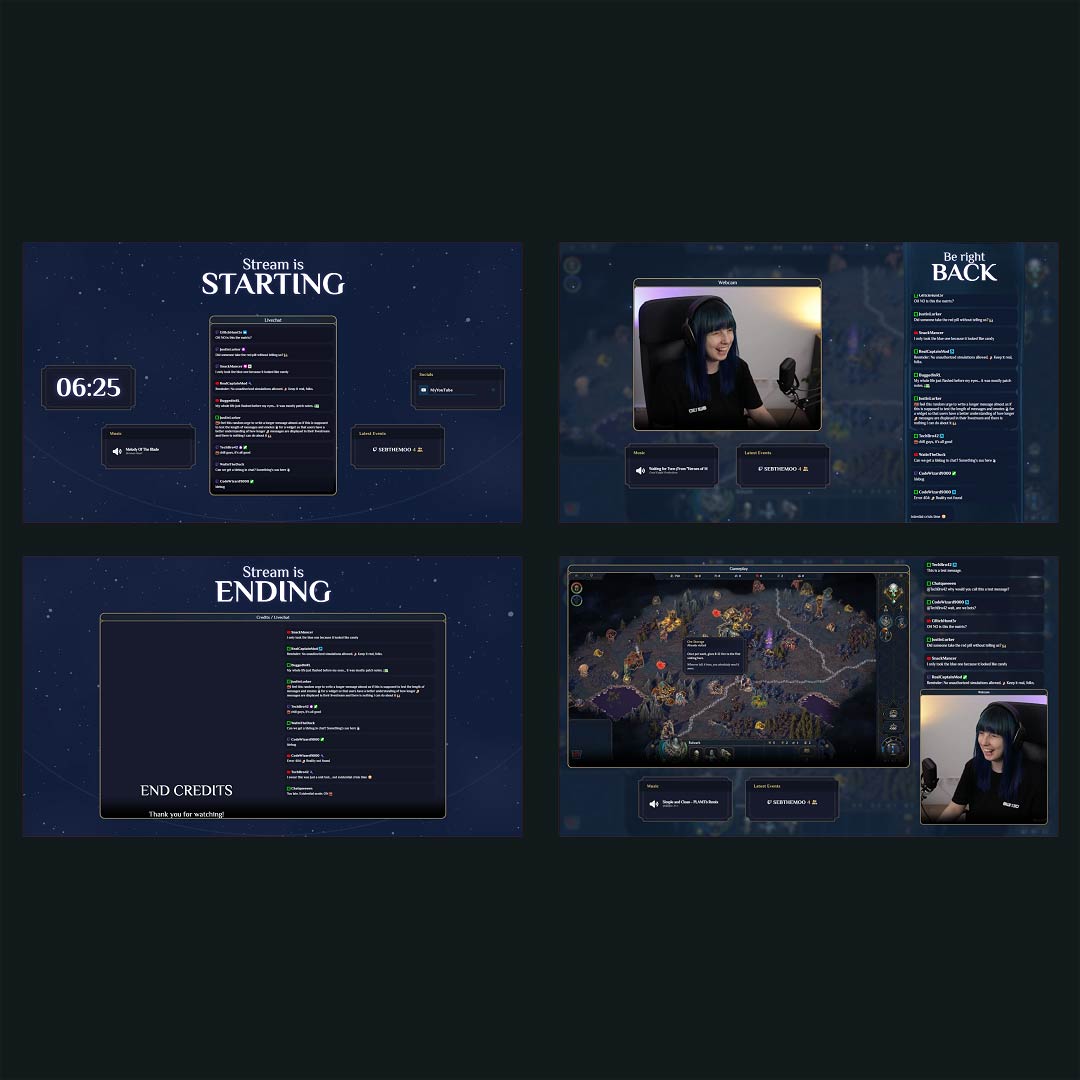
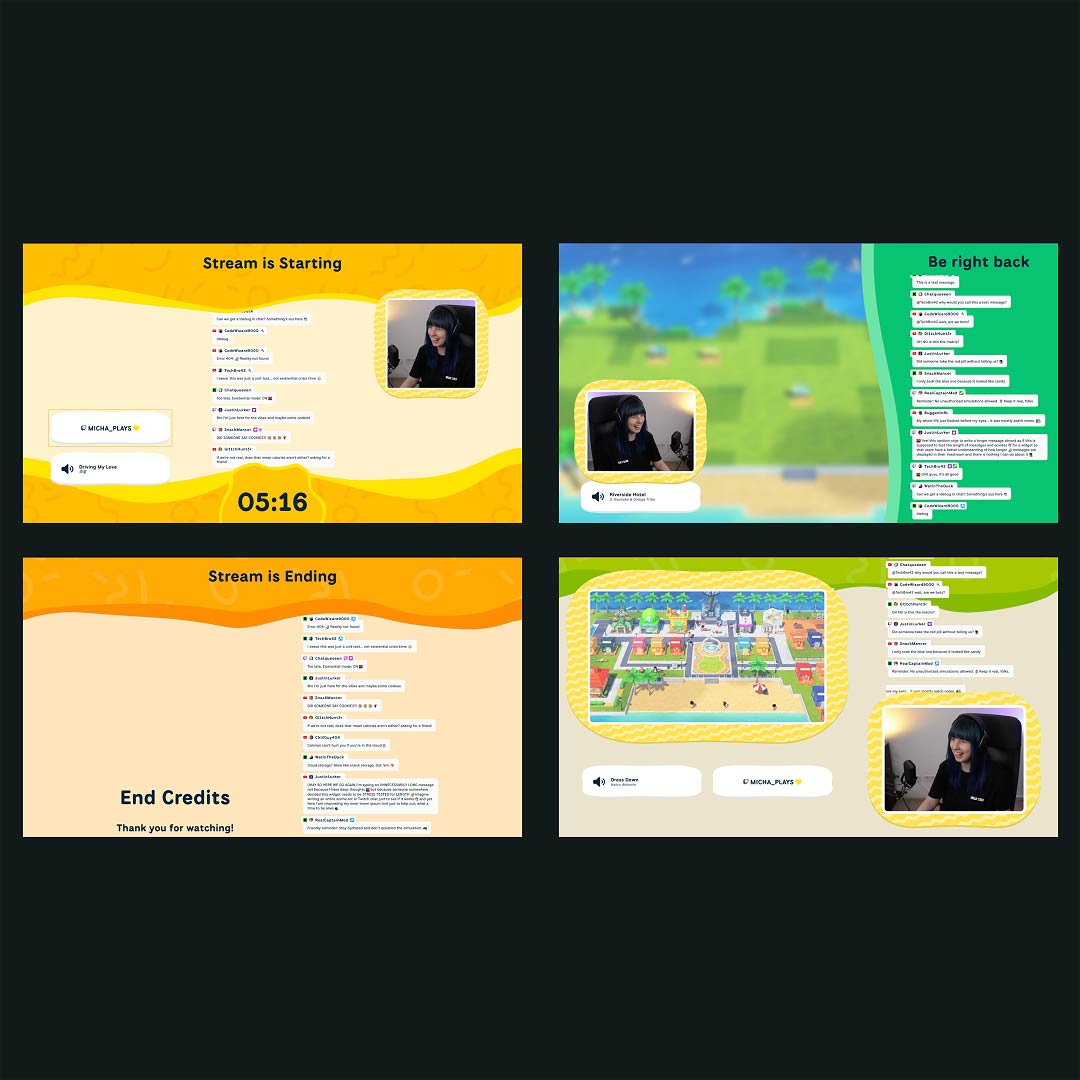
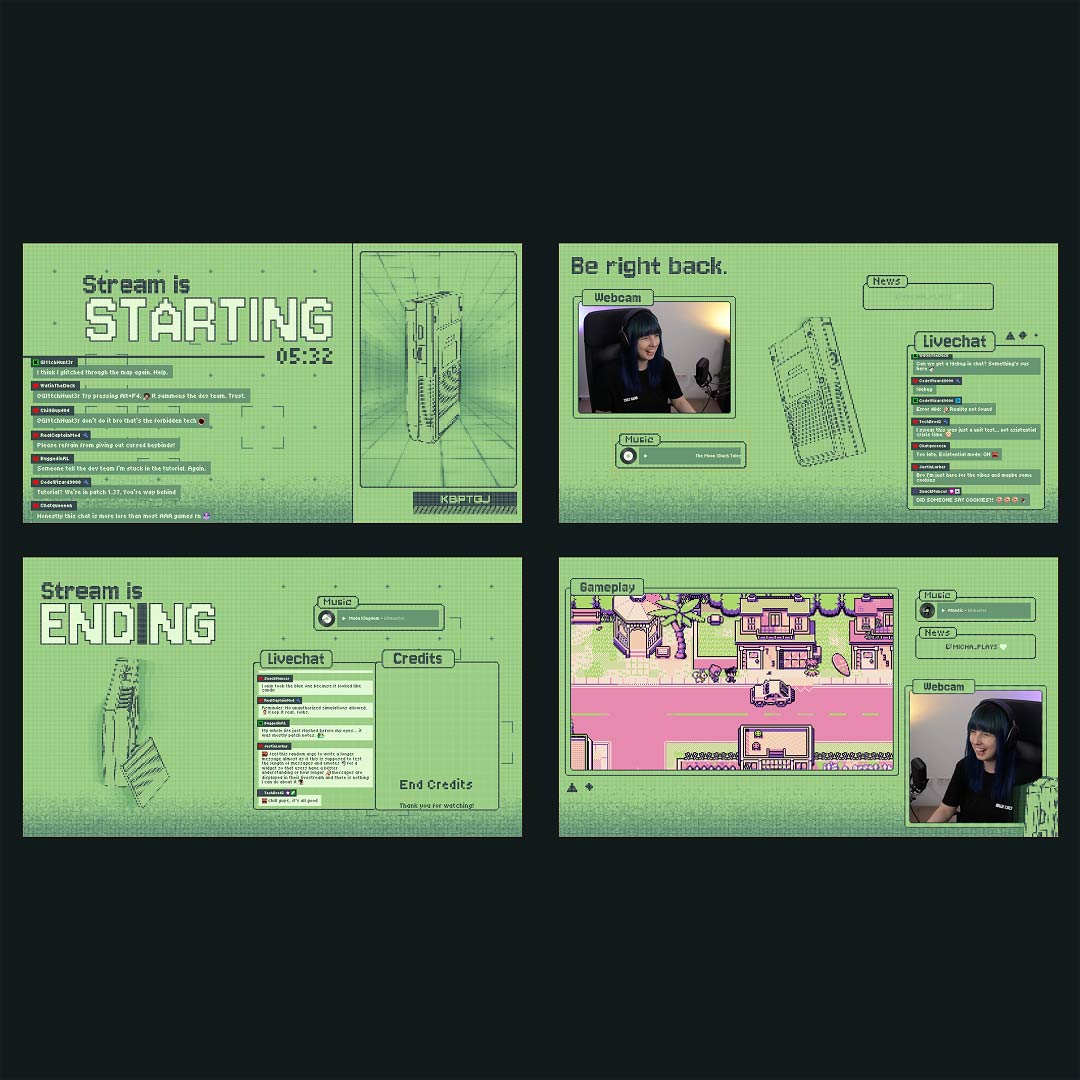
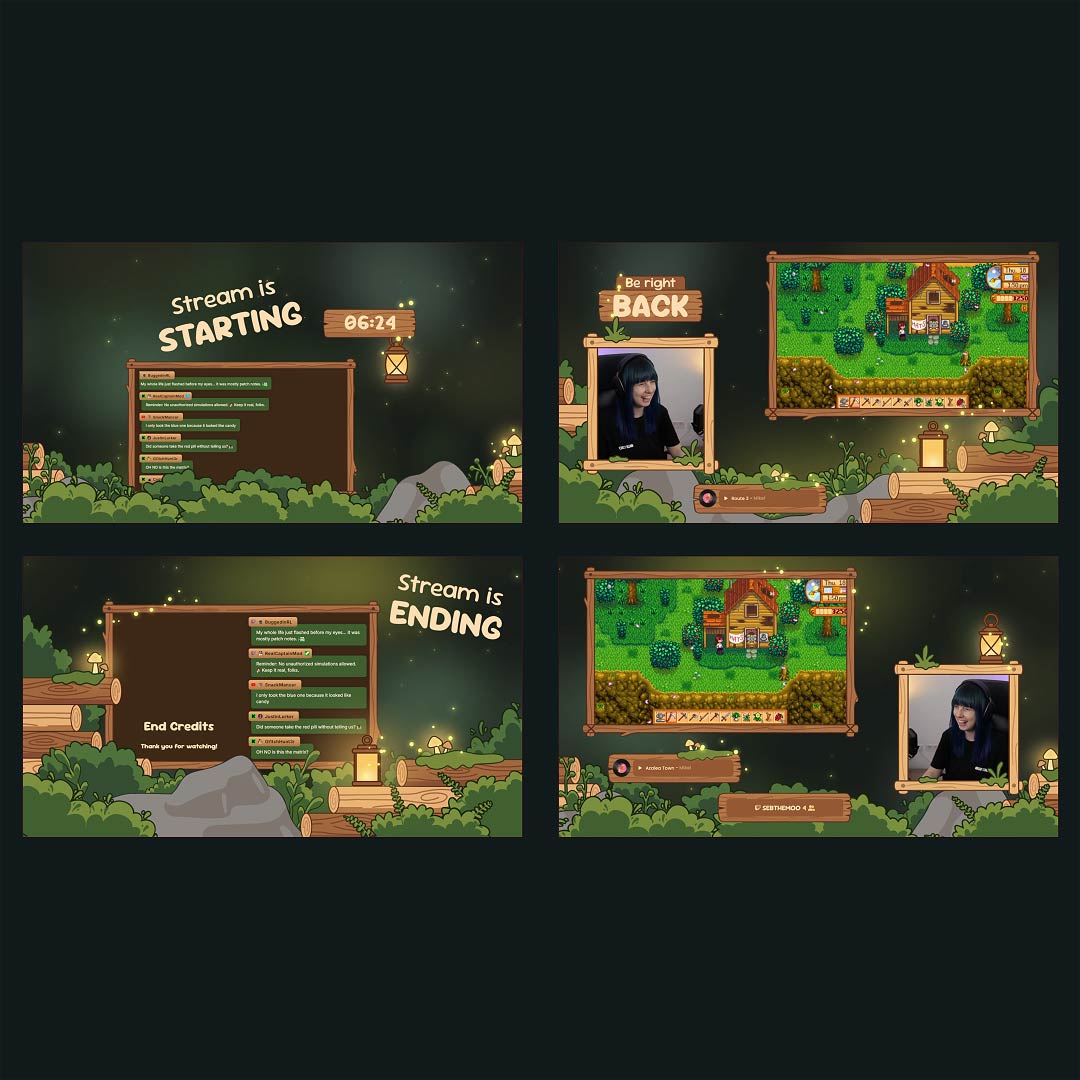
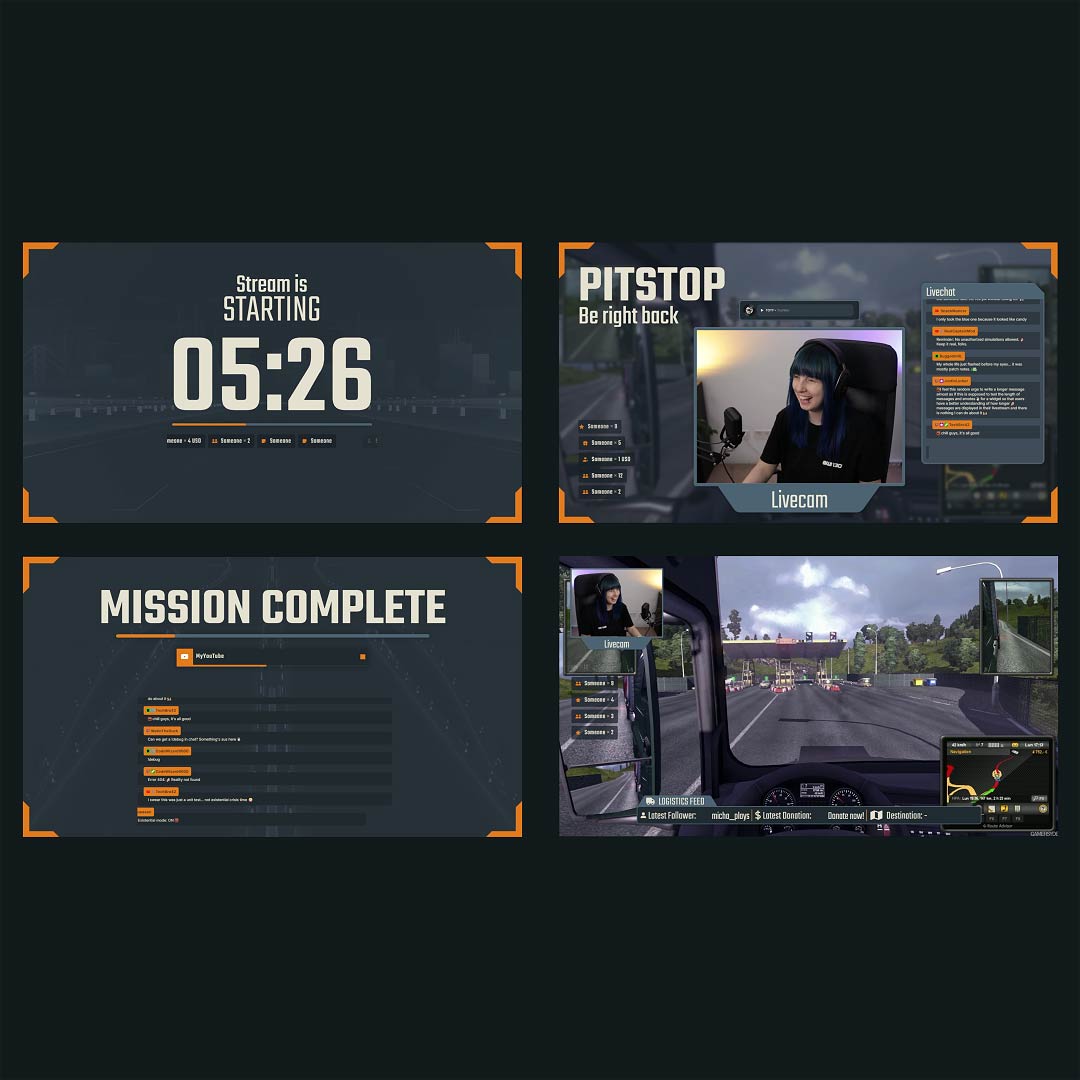
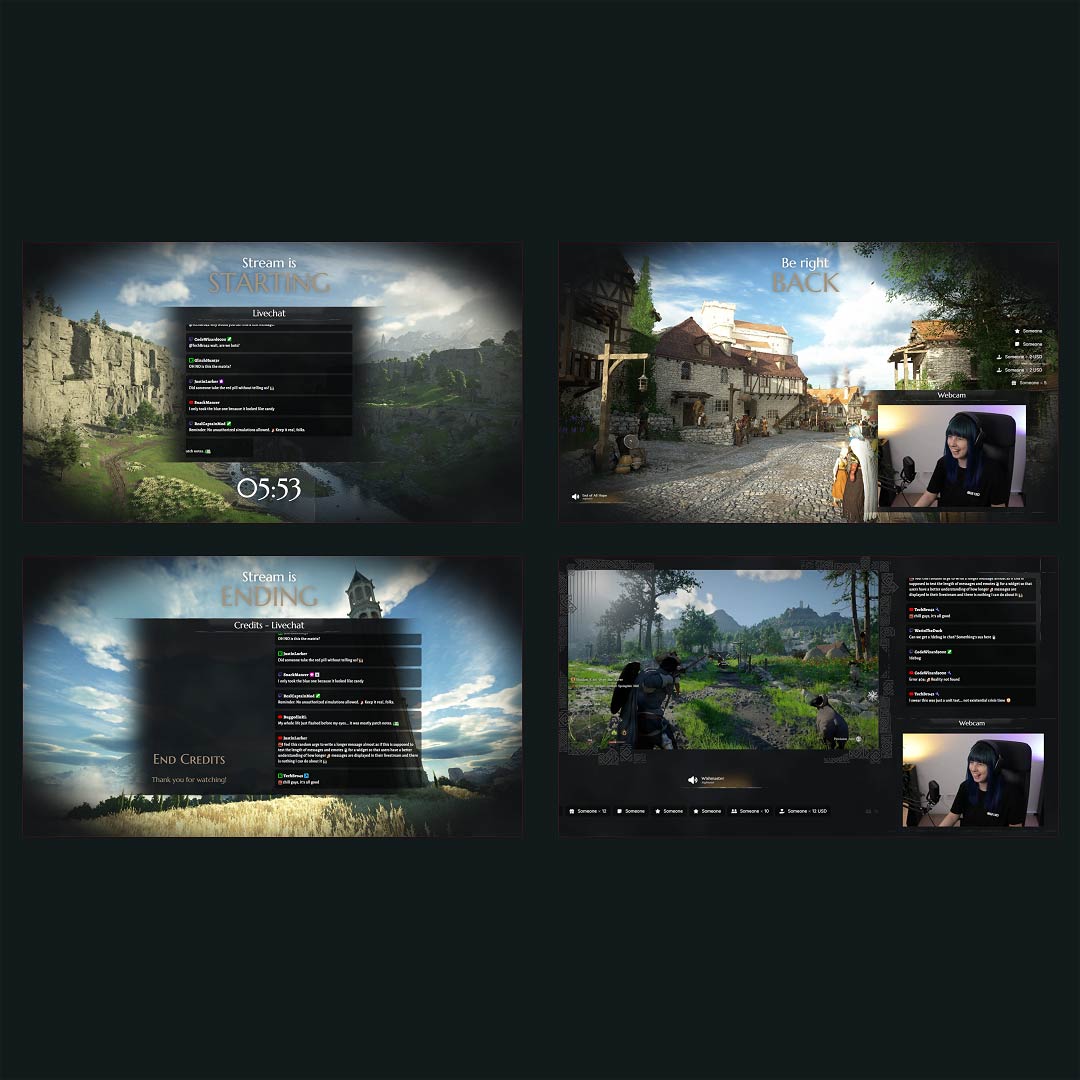
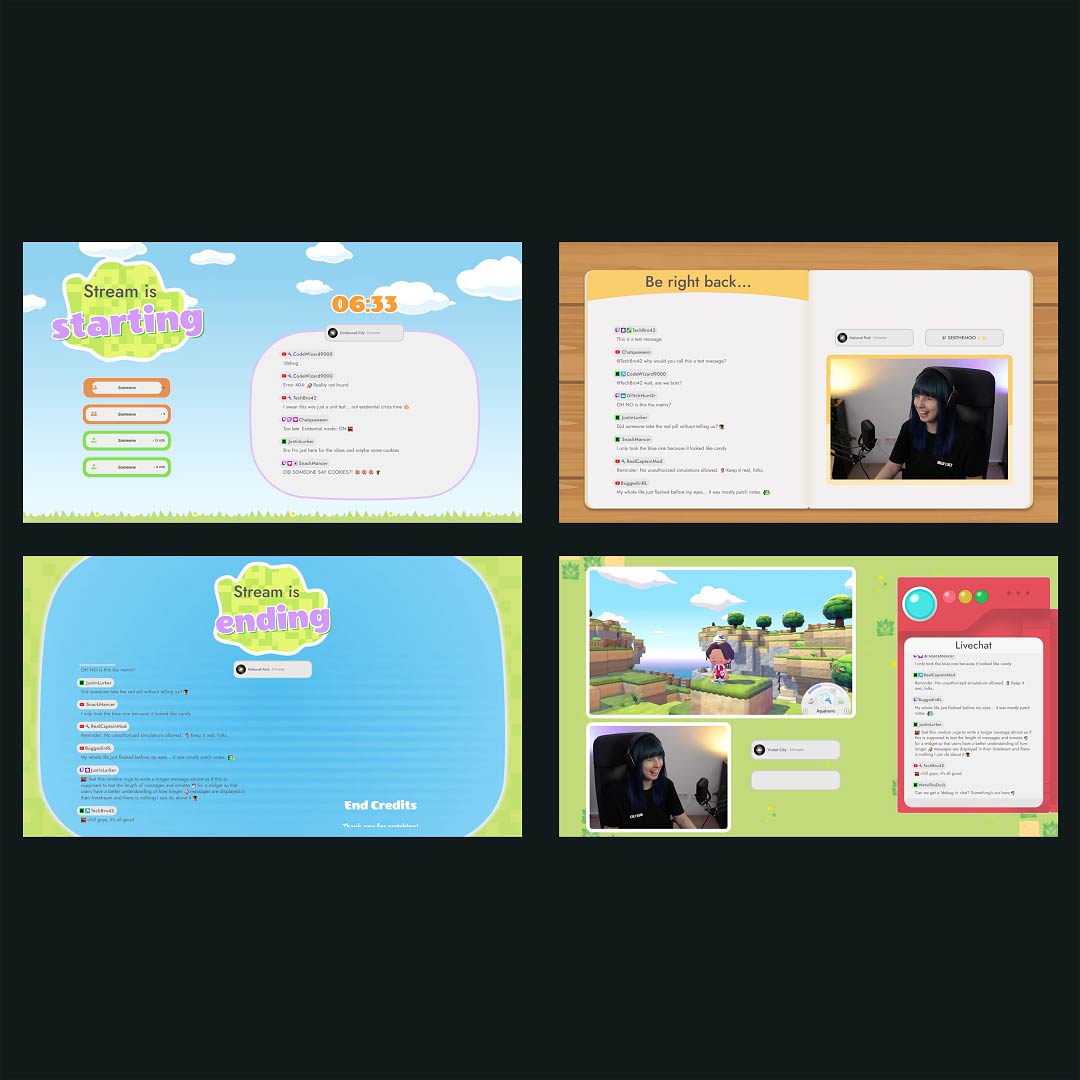
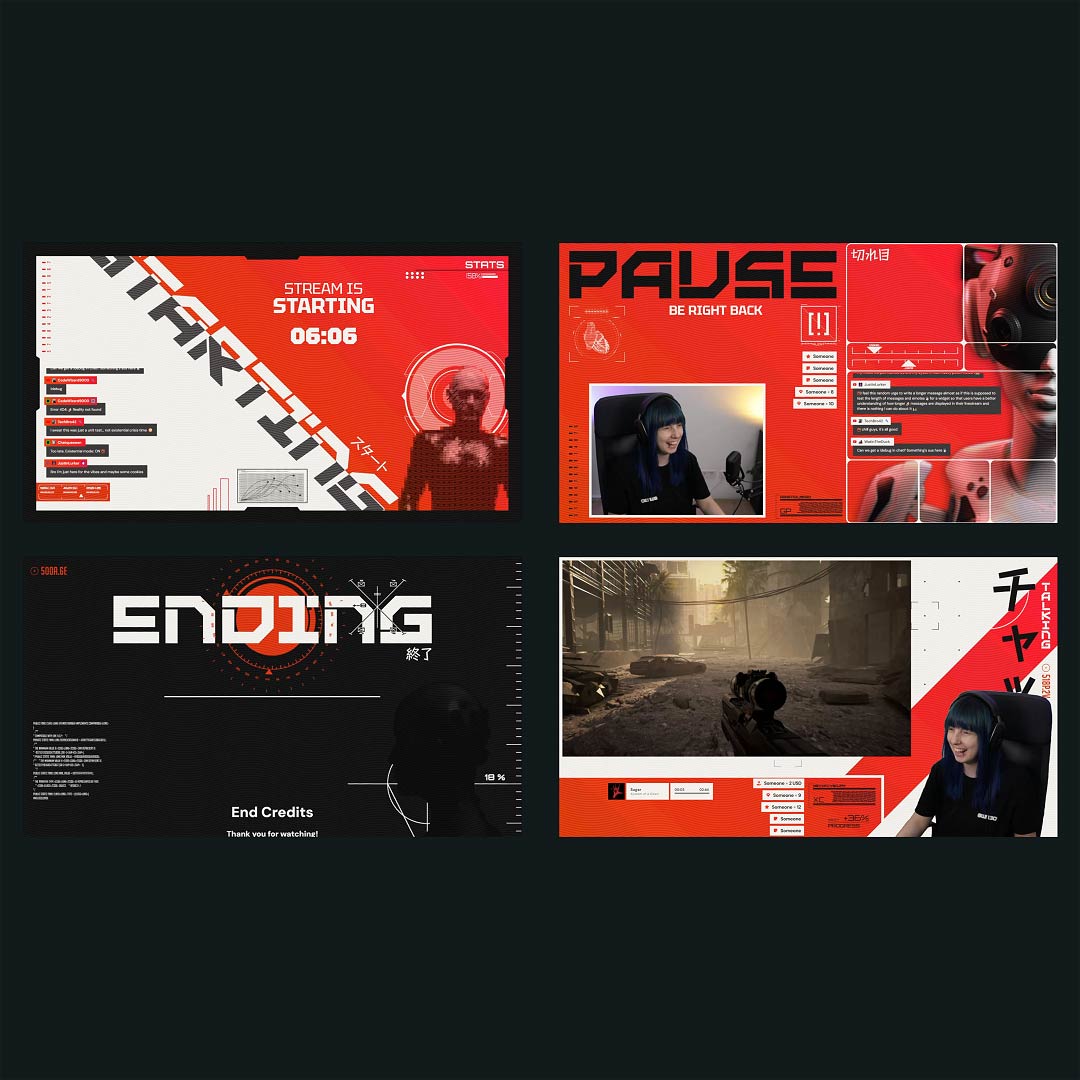
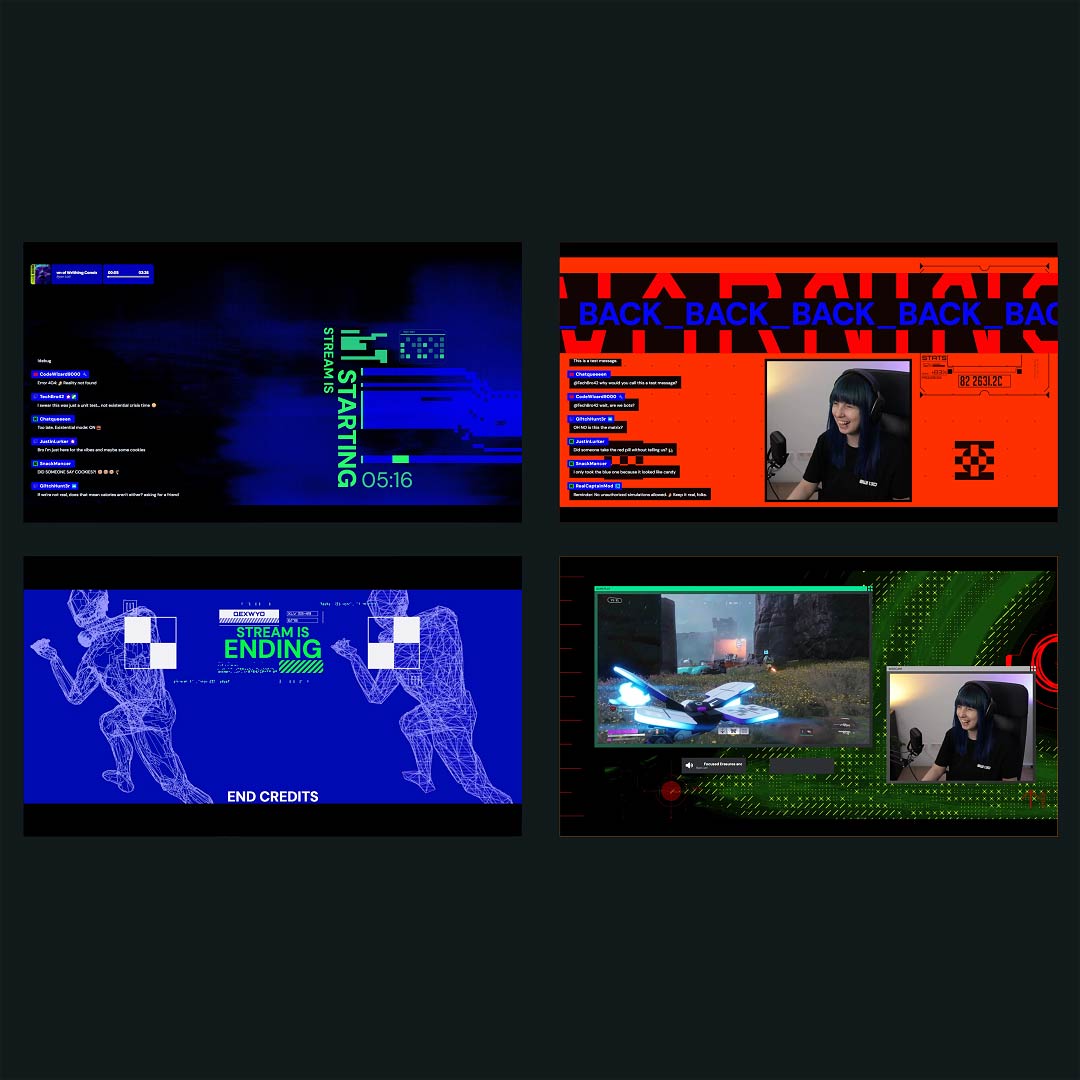
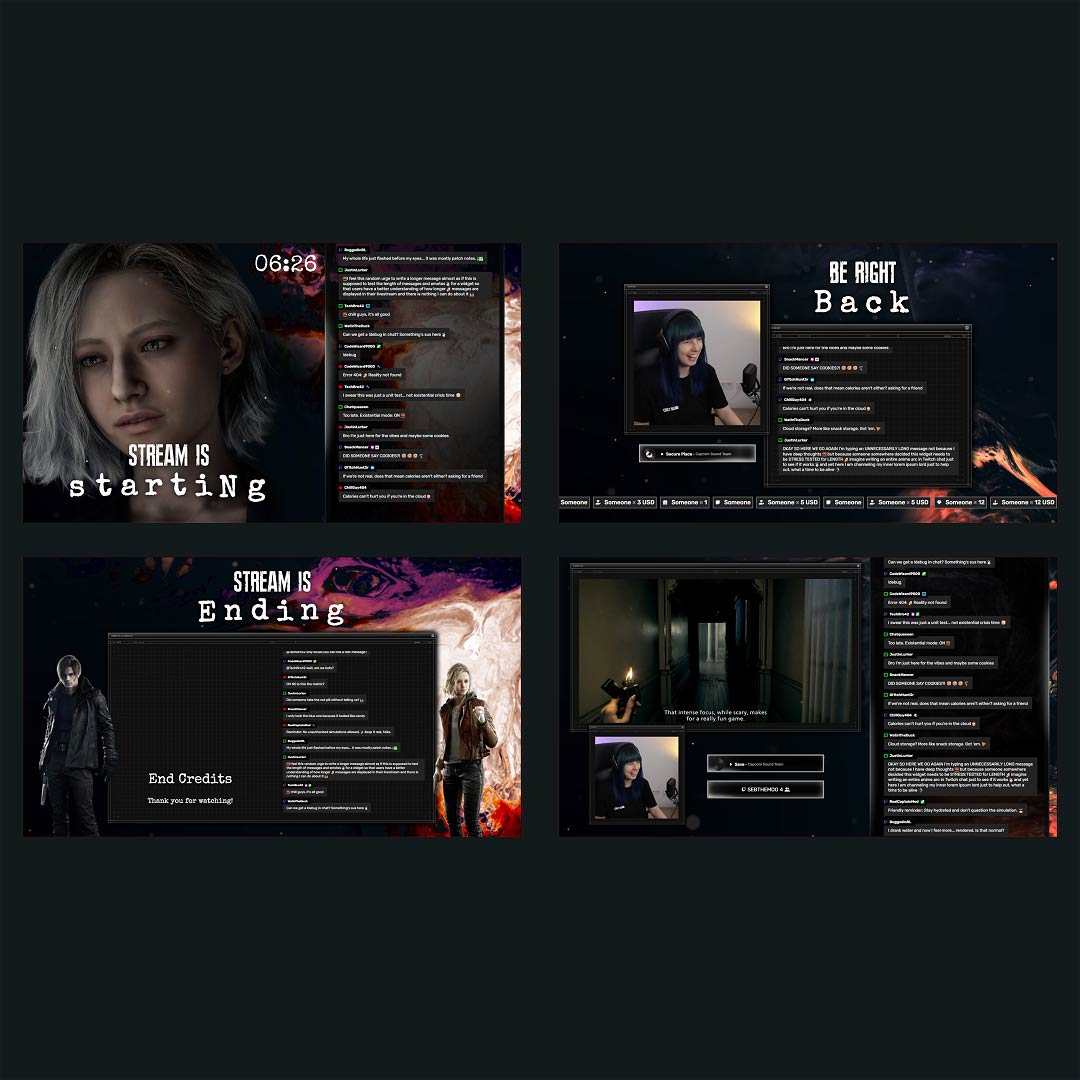
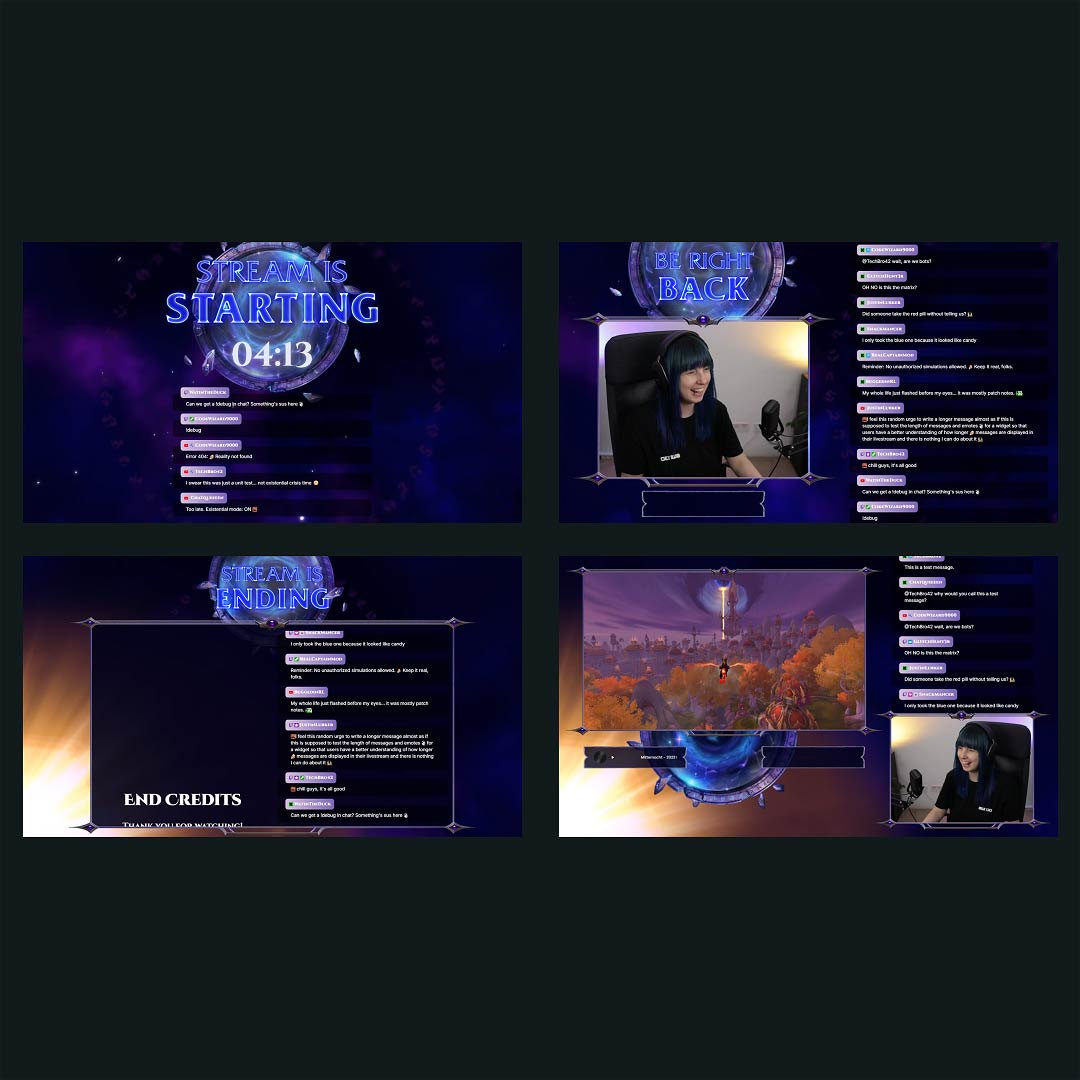
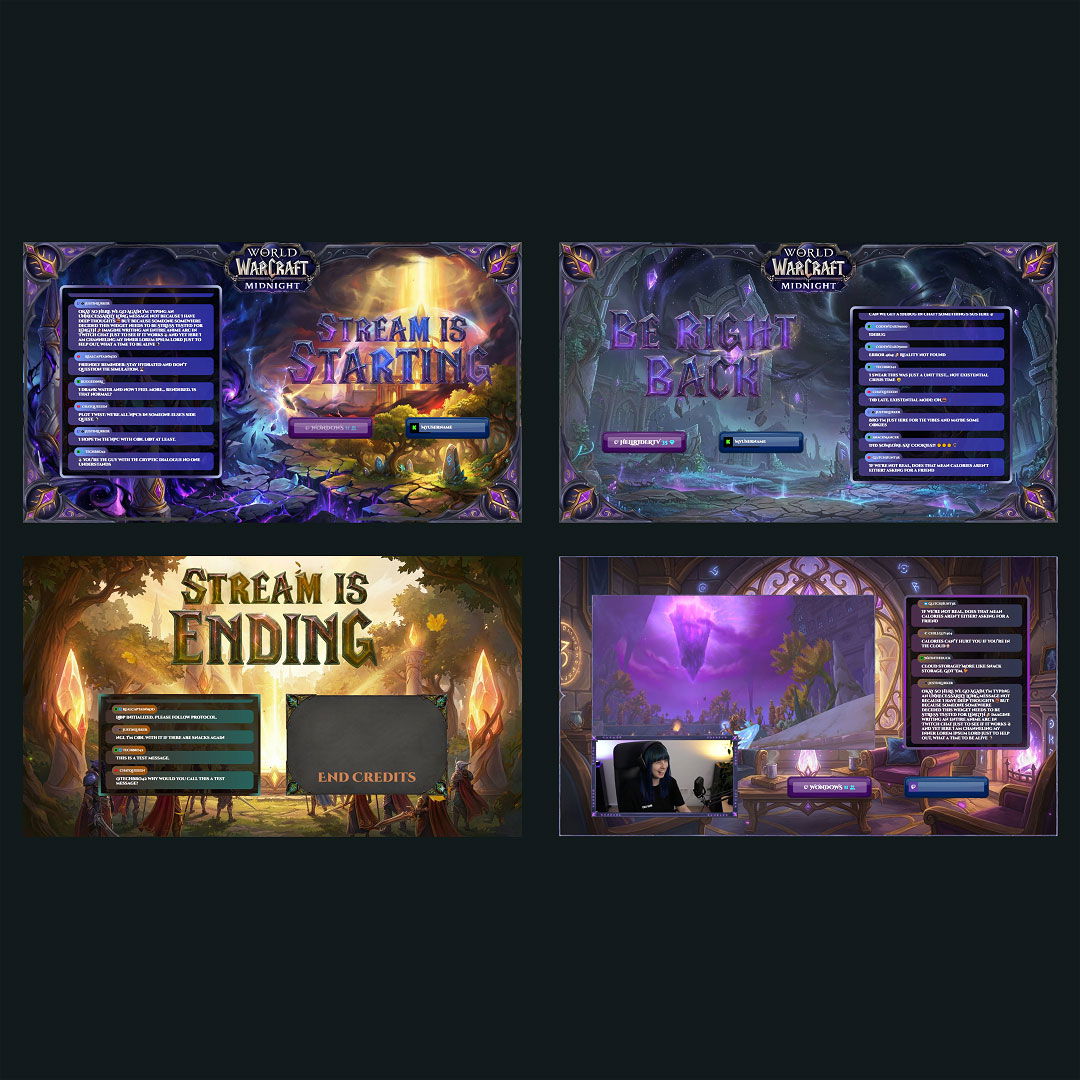
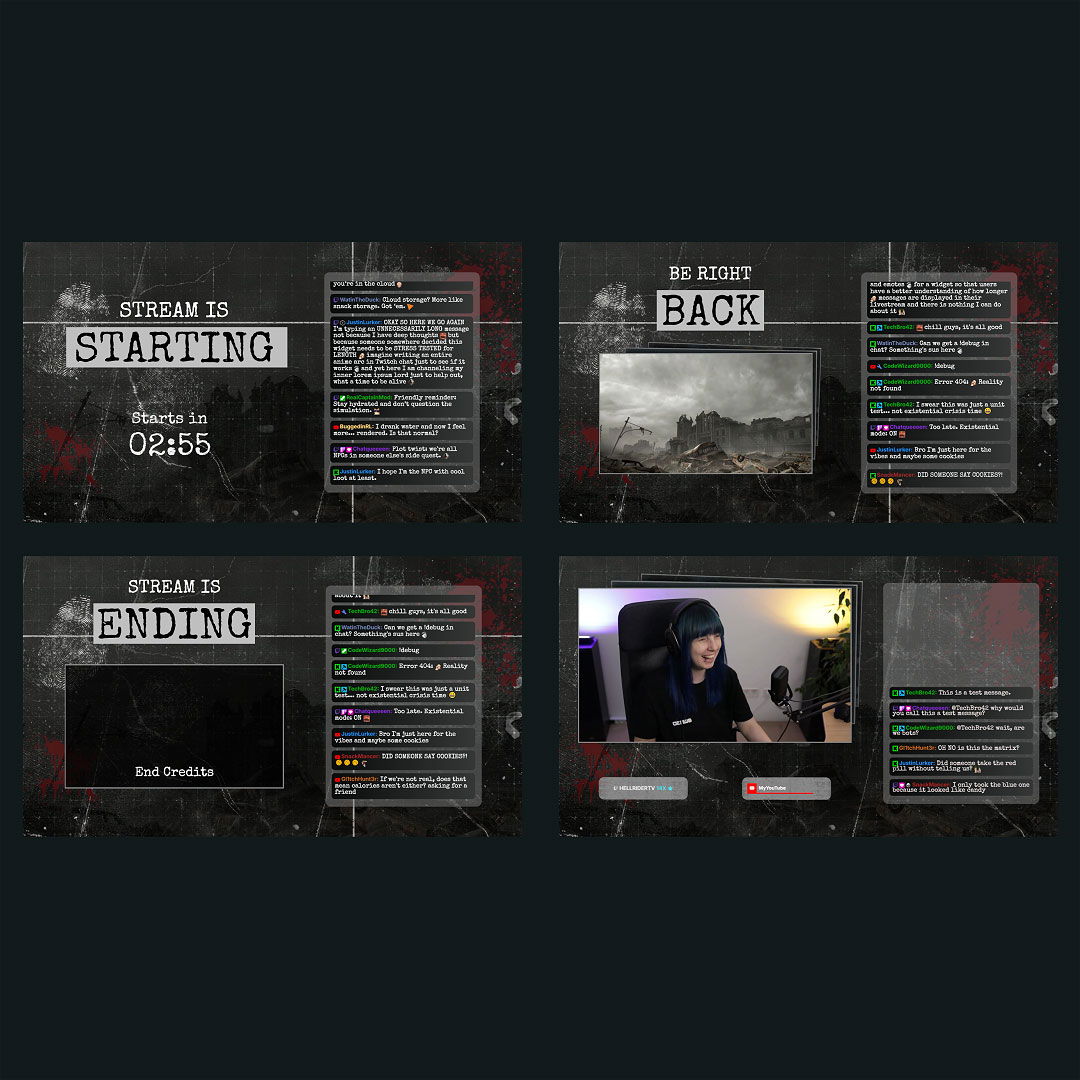
Starting your stream should feel exciting, not overwhelming. With our free OBS overlay maker, you can create your own custom stream look in just a few minutes. No design skills needed. The free overlay maker for OBS Studio works perfectly with Twitch, Kick, and YouTube, so you can start streaming with confidence and a style that feels like you.
Most Installed OBS Overlay Maker Creations

All Free/Premium OBS Overlay Maker Creations
What Happy Customers Say About Our OBS Overlay Maker
See what other creators say about the OBS overlay maker.
One Pass. Everything Included.
The Stream Pass gives you full access to everything OWN3D Pro has to offer. This includes our entire library of custom OBS overlay assets, alerts, widgets, emotes, and more.
Works with all broadcasting tools
Build custom overlays in the OBS overlay maker and use them with OBS Studio, Streamlabs, XSplit, and more. Easy to integrate with any setup.
Unlimited* asset downloads
Download emotes, badges, panels, and more static assets. *Our unlimited plan is subject to fair use.
AI-powered creations
Get 50 AI credits with your Stream Pass to generate custom stream widgets, webcam frames, emotes, and more.
Multistreaming ready
Multistream on Twitch, YouTube, and Kick with custom overlays and all the tools you need for a professional-looking livestream.
FAQs About Our OBS Overlay Maker
What is the OBS overlay maker, and how does it work?
The OBS overlay maker in OWN3D Pro is an easy-to-use, browser-based tool that helps you design professional stream layouts without any design experience. Simply choose a template, customize it with your colors, text, and branding, and add it directly to OBS Studio using browser sources. It’s quick, flexible, and built to get you from setup to live in just a few clicks.
How do I add overlays from the OBS overlay maker to OBS Studio?
Is the OBS overlay maker free to use?
Yes. Our free OBS overlay maker gives you access to high-quality templates and simple tools to build your stream design for free. You can upgrade later for more options.
Do I need graphic design skills to use the OBS overlay creator?
Not at all. The OBS overlay creator is built for beginners and pros alike. No Photoshop or editing tools required. Just customize your overlay on OWN3D Pro, integrate it into your broadcasting tool, and go live.
Can I use the overlay maker for OBS on Twitch, YouTube, or Kick?
Yes. Overlays you create with the overlay maker for OBS work seamlessly across platforms like Twitch, YouTube, and Kick. Simply import them into OBS Studio as browser sources. You can also create platform-specific scenes or set up your stream for multistreaming, all within the same maker.
What makes your OBS stream overlay maker unique?
Can I edit my overlays later in the OBS overlay maker?
Yes. You can log in anytime, edit your scenes, update colors or text, and save changes instantly. Your overlays grow with your channel.
Are premium features available in the OBS overlay maker?
Yes. Unlock advanced templates, animated overlays, and widgets with the Stream Pass. You can also use the Widget Pass if you only want access to widgets.
Is the OBS overlay maker compatible with OBS Studio and other tools?
Yes. Overlays work perfectly with OBS Studio and other broadcasting tools that support browser sources, making setup quick and easy.
Can I use overlays from the OBS overlay creator for multistreaming?
Yes, but check platform rules first. While technically possible, some platforms limit multistreaming for affiliates or partners. Always review the terms of service.
Can I buy individual designs or widgets for the OBS overlay maker without a Pass?
Absolutely! While the OBS overlay maker offers many free options, you can also choose to buy and unlock your favorite premium designs or widgets separately if you don’t want to upgrade to the Widget Pass or Stream Pass.
This gives you full access to that specific product within the maker, allowing you to customize all purchased assets, alerts, or widgets to fit your brand. Take a look at our store to see which products can be purchased for the OBS overlay maker. Once unlocked, you have unlimited access to use your purchased product with your account!
Keep in mind that each overlay pack is unique, so the specific assets, scenes, and widgets included can vary from design to design. To see exactly what you’re getting, you can always install the preview first.
One quick tip: Standard free access to the OBS overlay maker normally includes a limit of 6 installable scenes. However, this limit does not apply to any premium pack you have purchased! Any overlay pack you buy and unlock can be installed regardless of the regular scene limit. If you have any more questions, feel free to reach out to our support team anytime!