Free and Premium YouTube Overlays

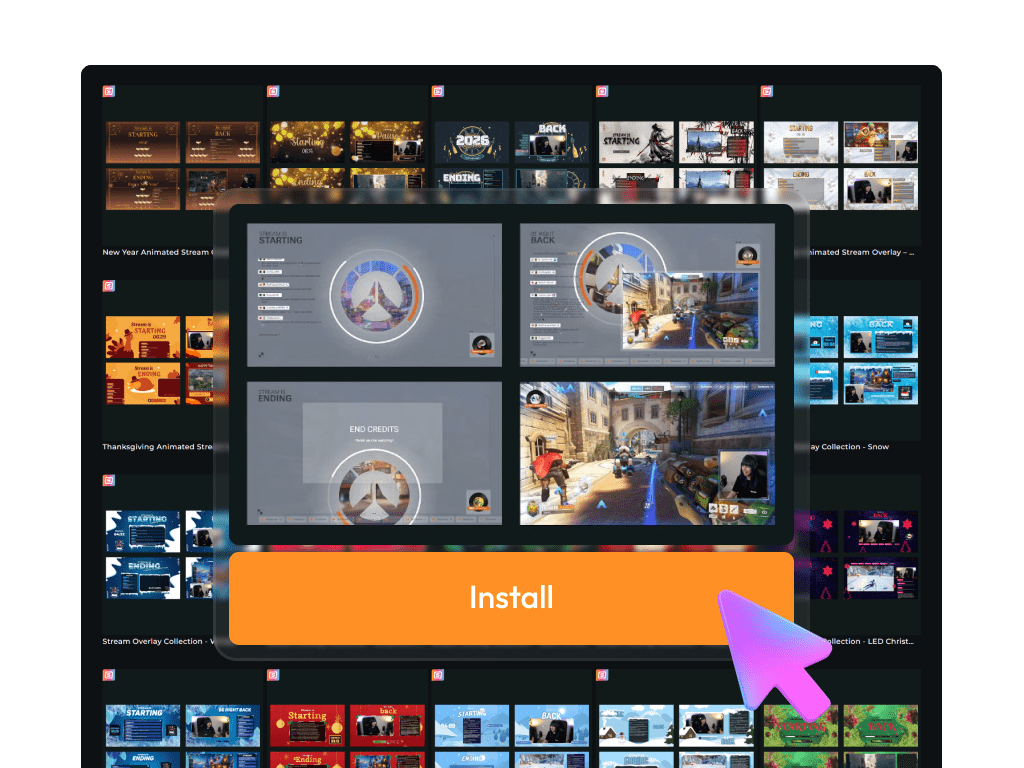
Your YouTube stream should reflect your style and stand out from the first second. With customizable YouTube overlays from OWN3D Pro, you get everything you need, from full stream layouts to alerts and labels. Start with ready-made premium or free YouTube overlays and add them to your stream in seconds. Use any broadcasting tool that supports browser sources, like OBS Studio or Streamlabs.

The Largest YouTube Overlay Library

Create free YouTube overlays

Start with high-quality free overlays for YouTube, including backgrounds, webcam frames, alerts, and stream labels. Tools like the Scene Builder, donation page, and many free stream widgets make setup quick and beginner-friendly.

Premium overlays for YouTube

Want to change your YouTube streaming overlay more often or make your stream stand out? The Stream Pass unlocks over 100 YouTube overlays and more than 400 overlay templates. Every design is customizable, so your channel always reflects your style.

What Happy Customers Say About Our YouTube Overlays

See how our YouTube overlays make a difference for content creators.

One Pass. Everything Included.

The Stream Pass gives you full access to everything OWN3D Pro has to offer. All products, including YouTube overlays, alerts, widgets, emotes, and more, are included and not sold separately.

Works with all broadcasting tools

Customize your YouTube overlays in the Scene Builder and use them with OBS Studio, Streamlabs, XSplit, or other tools. Everything works smoothly with your setup.

Unlimited* asset downloads

Download emotes, badges, panels, and more static assets. *Our unlimited plan is subject to fair use.

AI-powered creations

Get 50 AI credits with your Stream Pass to generate custom stream widgets and webcam frames.

Multistreaming ready

Stream on Twitch, YouTube, and Kick with all the tools you need for a consistent and professional livestream.
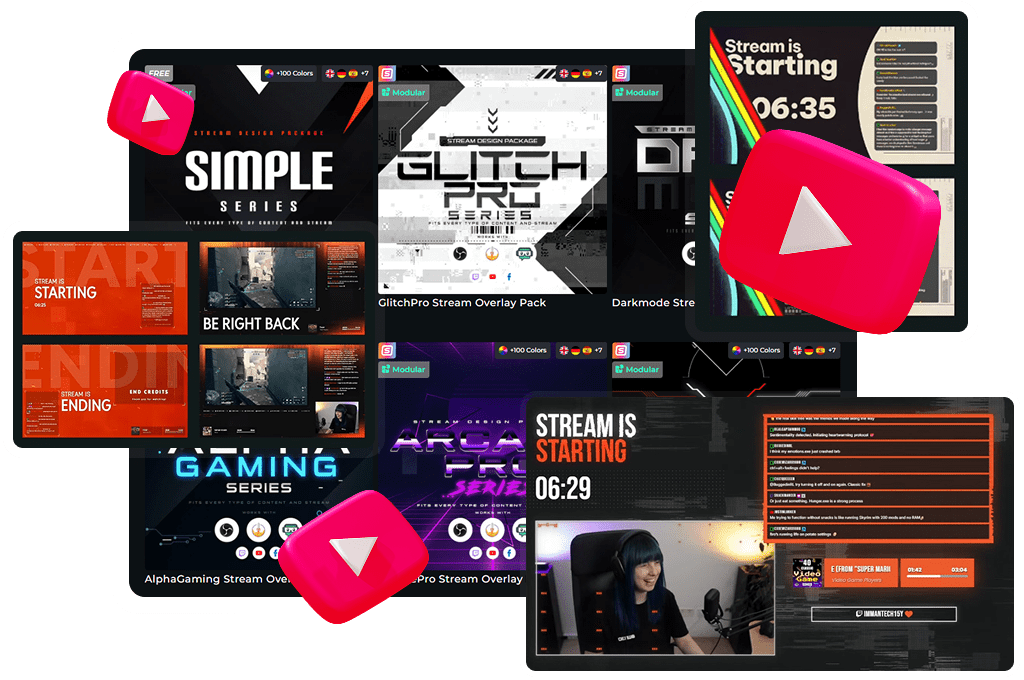
What’s Inside Your YouTube Stream Overlay

From stream labels to custom scenes – everything your stream needs


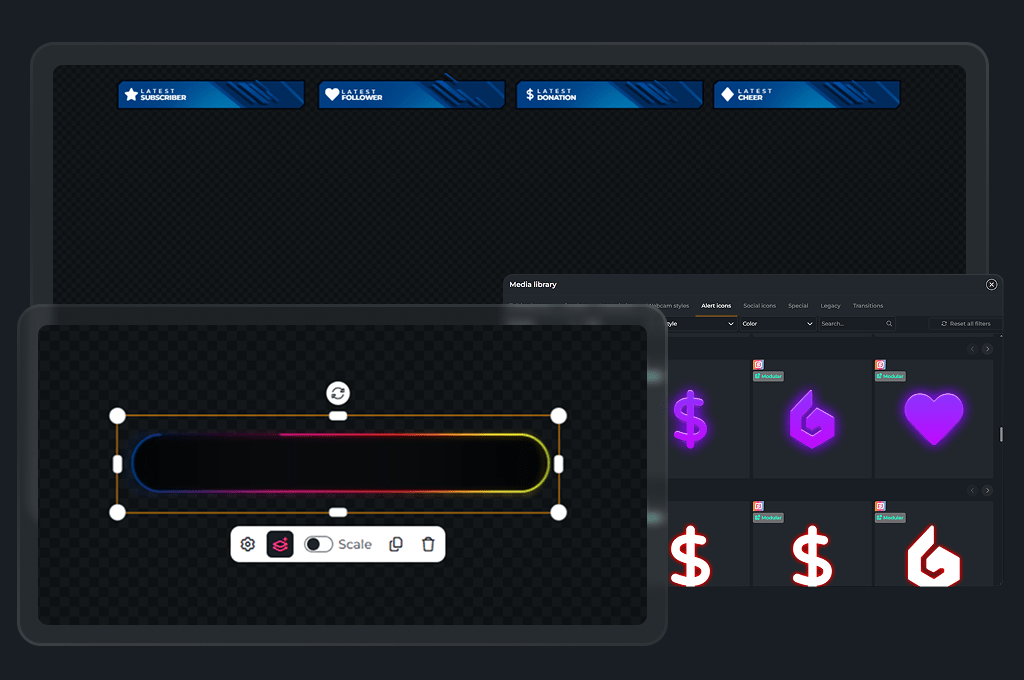
With the Scene Builder, you can easily create your YouTube stream overlay and see the results in real time. Add stream labels, banners for starting or breaks, webcam frames, and more. Each element can be positioned, customized, or hidden with just a few clicks.

Select your favorite overlay for YouTube, customize it to your liking, and add it to your broadcasting tool as a browser source. Your stream will be live and looking great in minutes.

YouTube Stream Overlay

Each YouTube overlay is designed to improve your livestream’s style and clarity. Whether you start with free YouTube overlays or go premium, every component, from webcam frames to stream labels, works together to create a consistent, professional look. All overlays are built to work with YouTube, Twitch, and Kick.

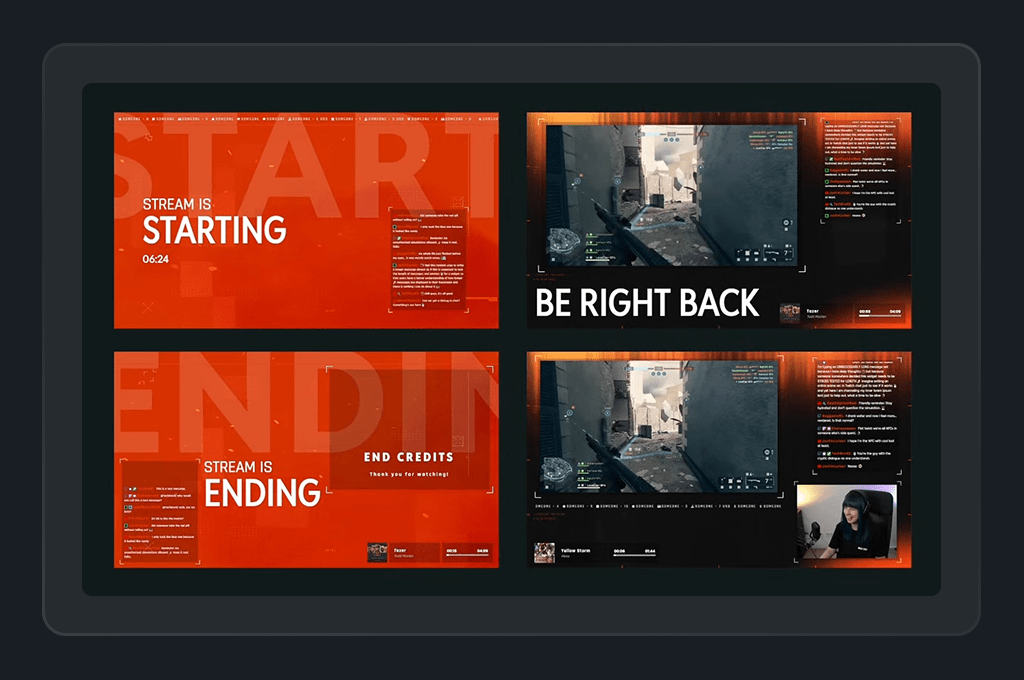
Starting, Intermission, End and Offline Banners

Keep your viewers in the loop with full-screen banners that guide them through your stream. Use “Starting Soon”, “Be Right Back”, or “Stream Ending” screens for a polished stream experience. These banners are an integral part of every YouTube streaming overlay, helping to build a consistent brand identity.

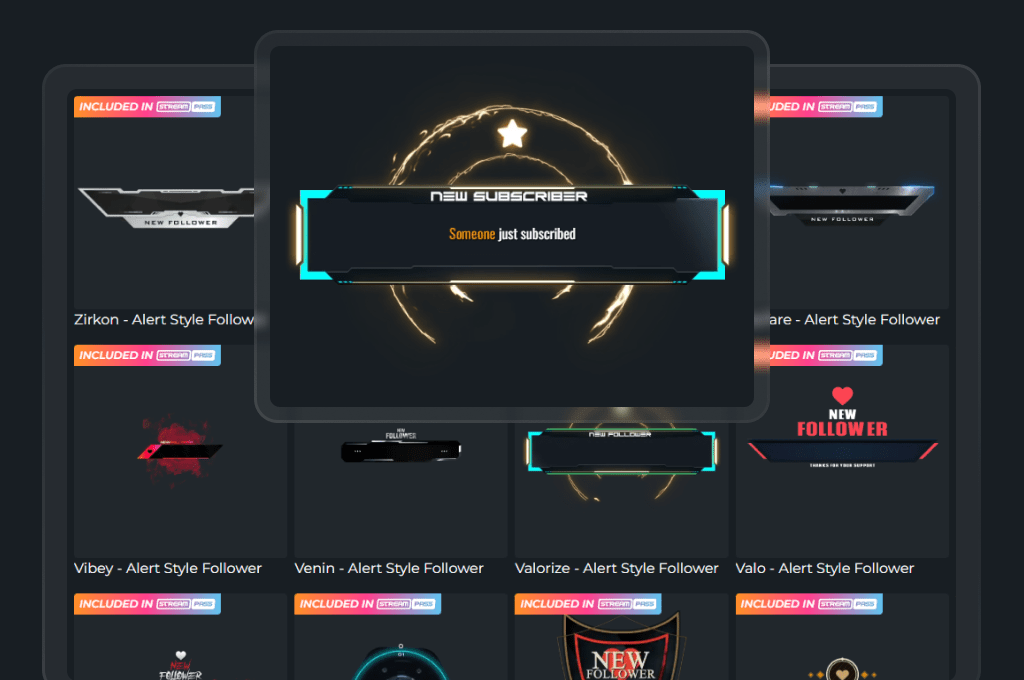
YouTube Alerts

Choose from hundreds of alert designs to celebrate key moments in your YouTube stream. Subscriber alerts, super chats, donations, and more – every event feels special with over 500 animated alerts included in your YouTube overlay setup. These moments boost interaction and make your YouTube viewers feel seen.

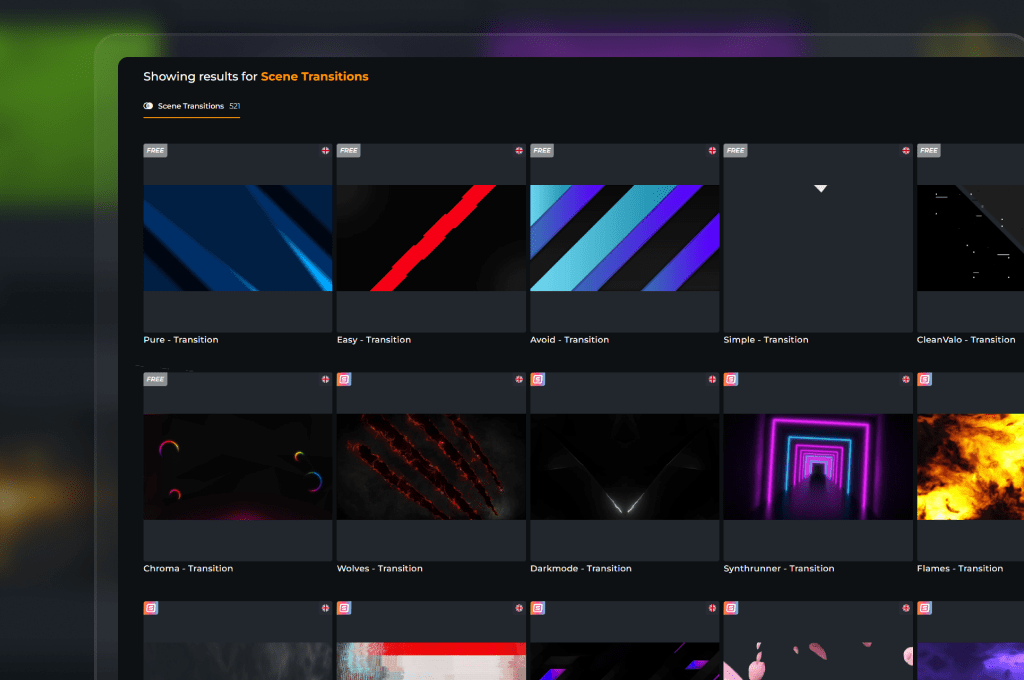
500+ Animated YouTube Transitions

Scene transitions add a professional touch to your YouTube streaming overlay. Whether you’re switching between gameplay, chat, or ending scenes, smooth animated transitions keep your stream looking polished. With over 500 to choose from, even free stream overlays for YouTube look next-level.

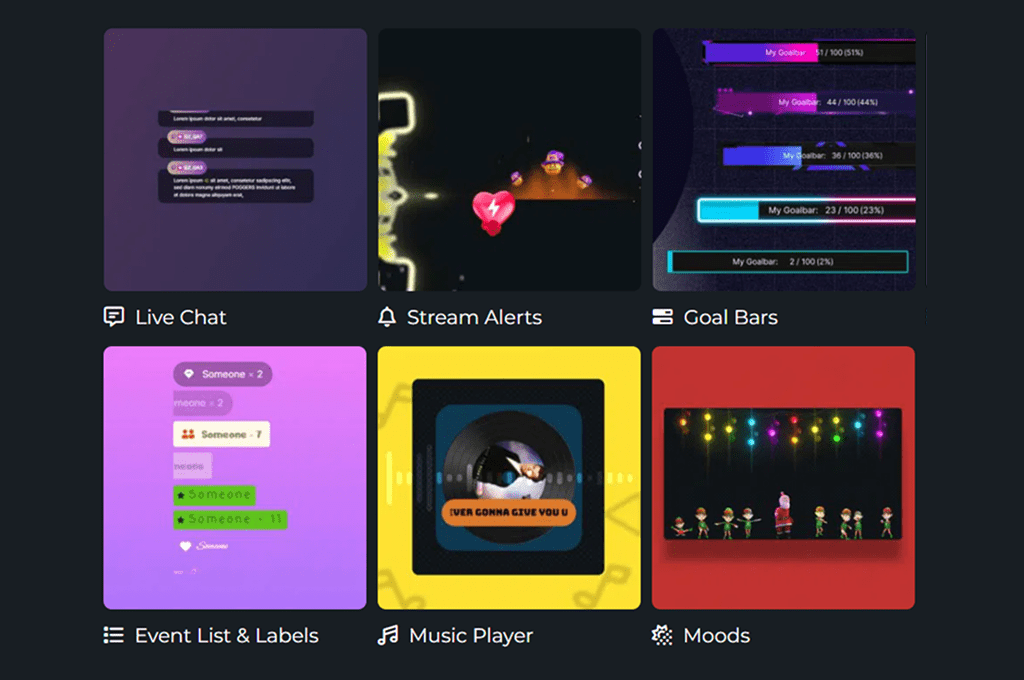
YouTube Widgets and More

From live chat to sub goals, interactive widgets take your YouTube overlays further. With over 200 widget options, you can enhance viewer engagement and customize your layout in seconds. Works seamlessly for YouTube streams or multistream setups with Twitch and Kick.

Why Choose OWN3D Pro YouTube Overlays?

YouTube overlays
from other providers

YouTube Overlays from OWN3D Pro

FAQs About YouTube Overlays

What is a YouTube overlay?

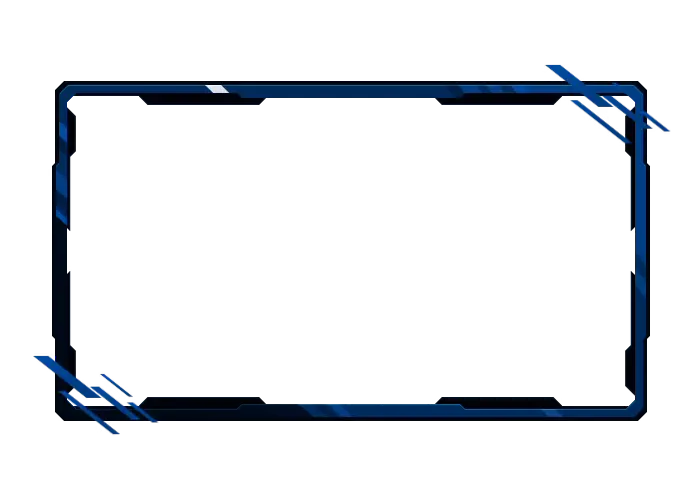
A YouTube overlay is a visual layer that adds design and structure to your YouTube stream. It can include webcam frames, alerts, labels, livechat boxes for your YouTube chat, and full scenes like intros and outros. Overlays help make your content look polished and more engaging for viewers.

OWN3D Pro offers a wide selection of free YouTube overlays that are easy to customize and use. You can access full stream layouts, alerts, and widgets directly in your browser on OWN3D Pro, no design skills needed.

In OBS, click the “+” under Sources, choose “Browser”, and paste your overlay link from OWN3D Pro. Set the correct resolution (usually 1920 x 1080), click OK, and your overlay will appear in your scene. You can also use the automatic OBS setup provided by our OWN3D Pro app for even faster integration.

Yes, you should! Imagine scrolling through tons of streams and videos that all look the same. Then you spot one that pops with clean layouts, cool graphics, and clear structure. That’s the power of a well-made YouTube overlay. It helps your content stand out, builds your visual identity, and keeps viewers engaged from the start.

Absolutely. Whether you’re using free or premium YouTube overlays, you can adjust colors, fonts, labels, and layout directly in the Scene Builder. No extra software or design experience required.

Yes. YouTube overlays from OWN3D Pro work with any broadcasting tool that supports browser sources, including OBS Studio, Meld Studio, Streamlabs, XSplit, and more.

Create or customize your overlay in the OWN3D Pro Scene Builder. Copy the provided link and paste it into your broadcasting tool as a browser source. Your design appears immediately, and updates live.

Yes, most YouTube stream overlays from OWN3D Pro include animated elements, such as transitions, alerts, or looping backgrounds. They add movement, energy, and that extra layer of polish that makes your stream feel more alive, without needing complex setup or editing skills.

Yes. Your YouTube stream overlay works whether you’re going live instantly or scheduling a stream in advance. Set it up in your scene before going live.

Yes. OWN3D Pro offers YouTube overlays for both horizontal streams and vertical formats like YouTube Shorts or mobile live streams. Whether you’re creating a full YouTube stream overlay or a layout for Shorts, you’ll find templates that perfectly fit your content and resolution.