Stream Overlays

Fortnite Stream Overlays for Twitch, YouTube & Kick – Create a High-Impact, Professional Stream Setup. Upgrade your livestream with premium Fortnite overlays, animated stream graphics, alerts, banners, and panels. Perfect for streamers who want a clean, modern, and high-quality look on every platform.

All Stream Overlays

1

The Largest Stream Overlay Library

Use free stream overlays

Sign up and get direct access to exclusive, free streaming overlays. Use all the free features, including the Scene Builder, free stream widgets, the donation page, the free stream overlays, and much more.

Hundreds of premium stream overlays

Want more variety or change your overlay regularly? With the Stream Pass, you get access to 100+ customizable stream overlays and 400+ overlay templates, ready to enhance Twitch, YouTube, and Kick streams.

What happy customers say about our Stream Overlays

See how our stream overlays make a difference for content creators

One Pass. Everything Included.

The Stream Pass gives you full access to everything OWN3D Pro has to offer. All products, including Streamlabs overlays, alerts, widgets, emotes, and more, are included and not sold separately.

Works with all broadcasting tools

Customize your stream overlays in the Scene Builder and use them with OBS Studio, Streamlabs, XSplit, or other tools. Everything works smoothly with your setup.

Unlimited* asset downloads

Download emotes, badges, panels, and more static assets. *Our unlimited plan is subject to fair use.

AI-powered creations

Get 50 AI credits with your Stream Pass to generate custom stream widgets and webcam frames.

Multistreaming ready

Stream on Twitch, YouTube, and Kick with all the tools you need for a consistent and professional livestream.
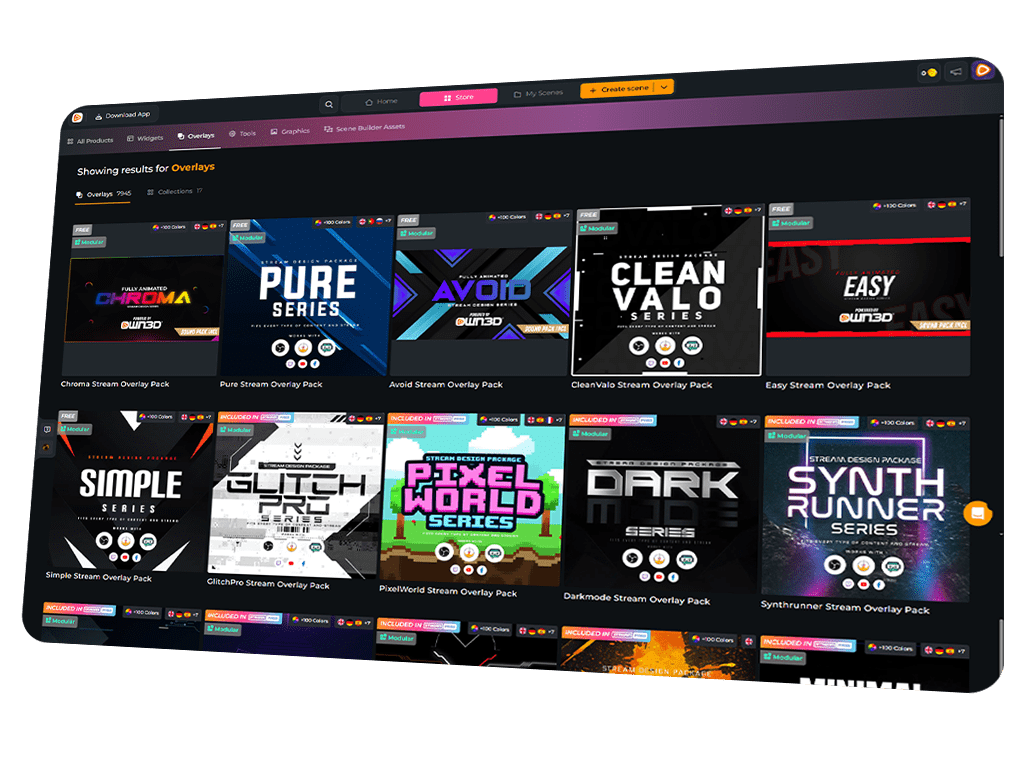
Which Elements are included in a Stream Overlay Package?

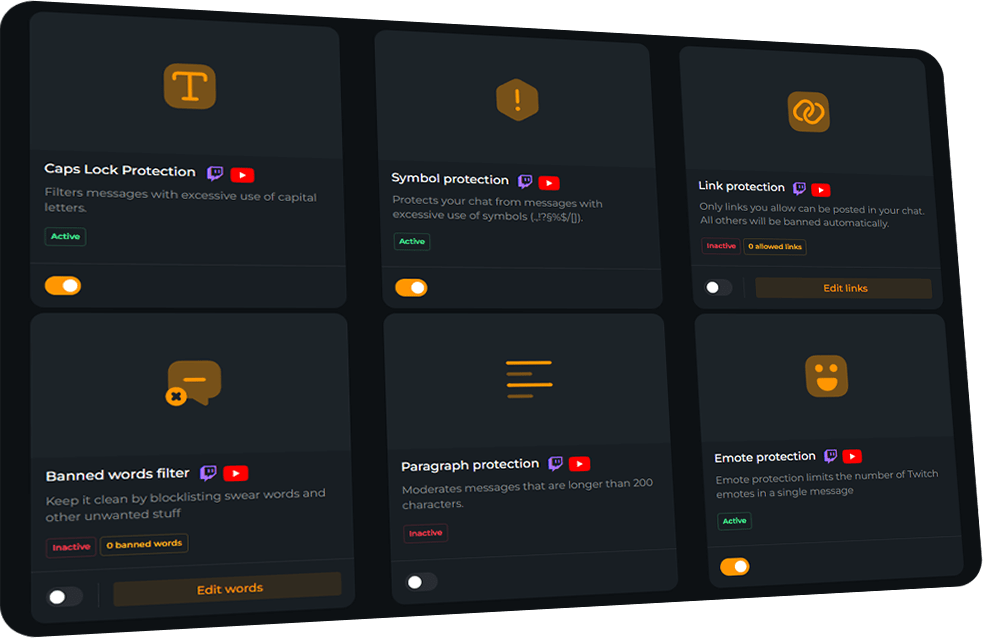
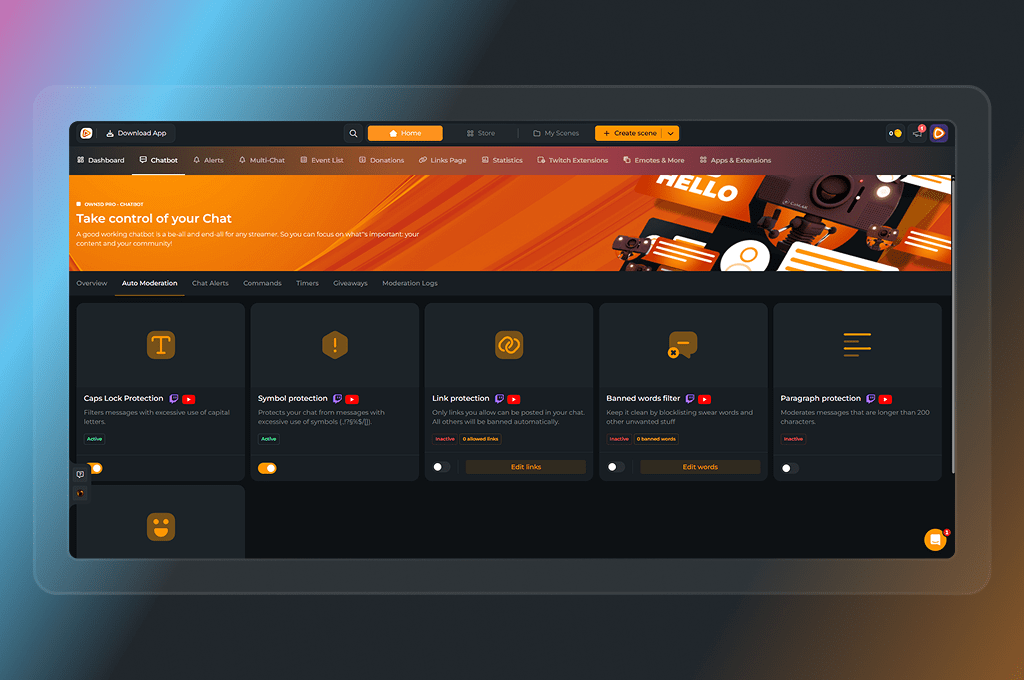
Easily organize your chat with the OWN3D Pro chatbot. Create commands that viewers can enter in your chat and link to important notes and web links. You can also set up timers that automatically post essential info every few minutes. Once set up, you don’t have to think about anything – OWN3D will do the rest!
Stream Overlay

Easily organize your chat with the OWN3D Pro chatbot. Create commands that viewers can enter in your chat and link to important notes and web links. You can also set up timers that automatically post essential info every few minutes. Once set up, you don’t have to think about anything – OWN3D will do the rest!

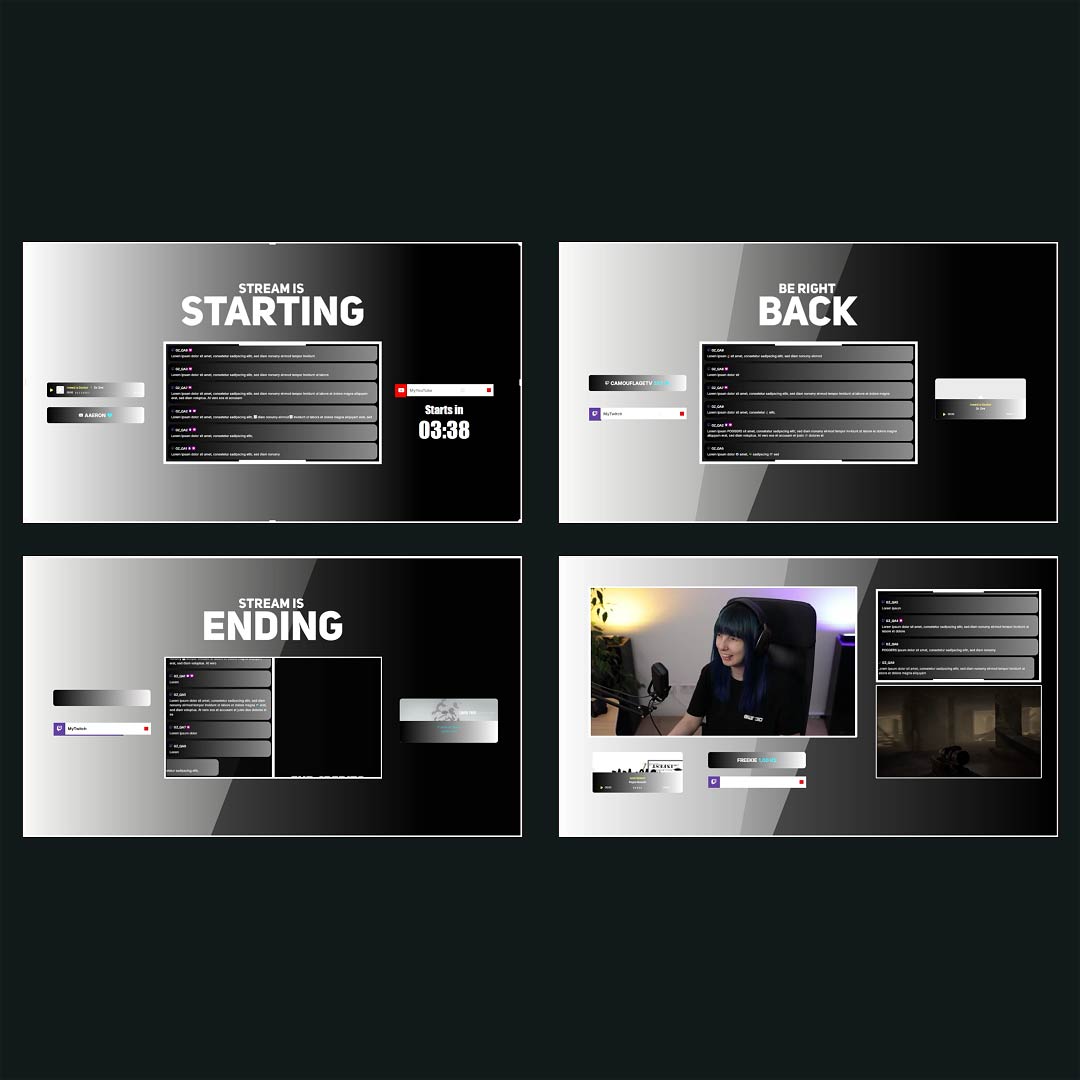
Starting, Intermission, End and Offline Banners

Easily organize your chat with the OWN3D Pro chatbot. Create commands that viewers can enter in your chat and link to important notes and web links. You can also set up timers that automatically post essential info every few minutes. Once set up, you don’t have to think about anything – OWN3D will do the rest!

Stream Alerts

Easily organize your chat with the OWN3D Pro chatbot. Create commands that viewers can enter in your chat and link to important notes and web links. You can also set up timers that automatically post essential info every few minutes. Once set up, you don’t have to think about anything – OWN3D will do the rest!

Animated stream transitions

Easily organize your chat with the OWN3D Pro chatbot. Create commands that viewers can enter in your chat and link to important notes and web links. You can also set up timers that automatically post essential info every few minutes. Once set up, you don’t have to think about anything – OWN3D will do the rest!

Panels, Backgrounds and more static graphics

Easily organize your chat with the OWN3D Pro chatbot. Create commands that viewers can enter in your chat and link to important notes and web links. You can also set up timers that automatically post essential info every few minutes. Once set up, you don’t have to think about anything – OWN3D will do the rest!

What makes Stream Overlays from OWN3D
different from other providers

Stream Overlays from others

Stream Overlays from OWN3D

Frequently Asked Questions

Why should I use the chatbot as a streamer?

A chatbot makes streaming much easier: it takes care of moderation, posts useful commands, and keeps your community engaged. Instead of stressing about spam or trolls, you can focus fully on your stream.

The OWN3D Pro Chatbot is designed for streamers who want a simple, quick-to-set-up bot without unnecessary extras. It reliably manages your chat, keeps trolls away, and ensures everything runs smoothly.

Absolutely! It’s super simple: just log in, set up the bot, and OWN3D will join your chat. Don’t forget to add the bot as a moderator. Not sure if it’s connected? You can check here: Chatbot Dashboard.

You can create custom commands, add chat alerts (e.g. for new followers), set up timers, run giveaways, and decide how strict the bot should moderate your chat.