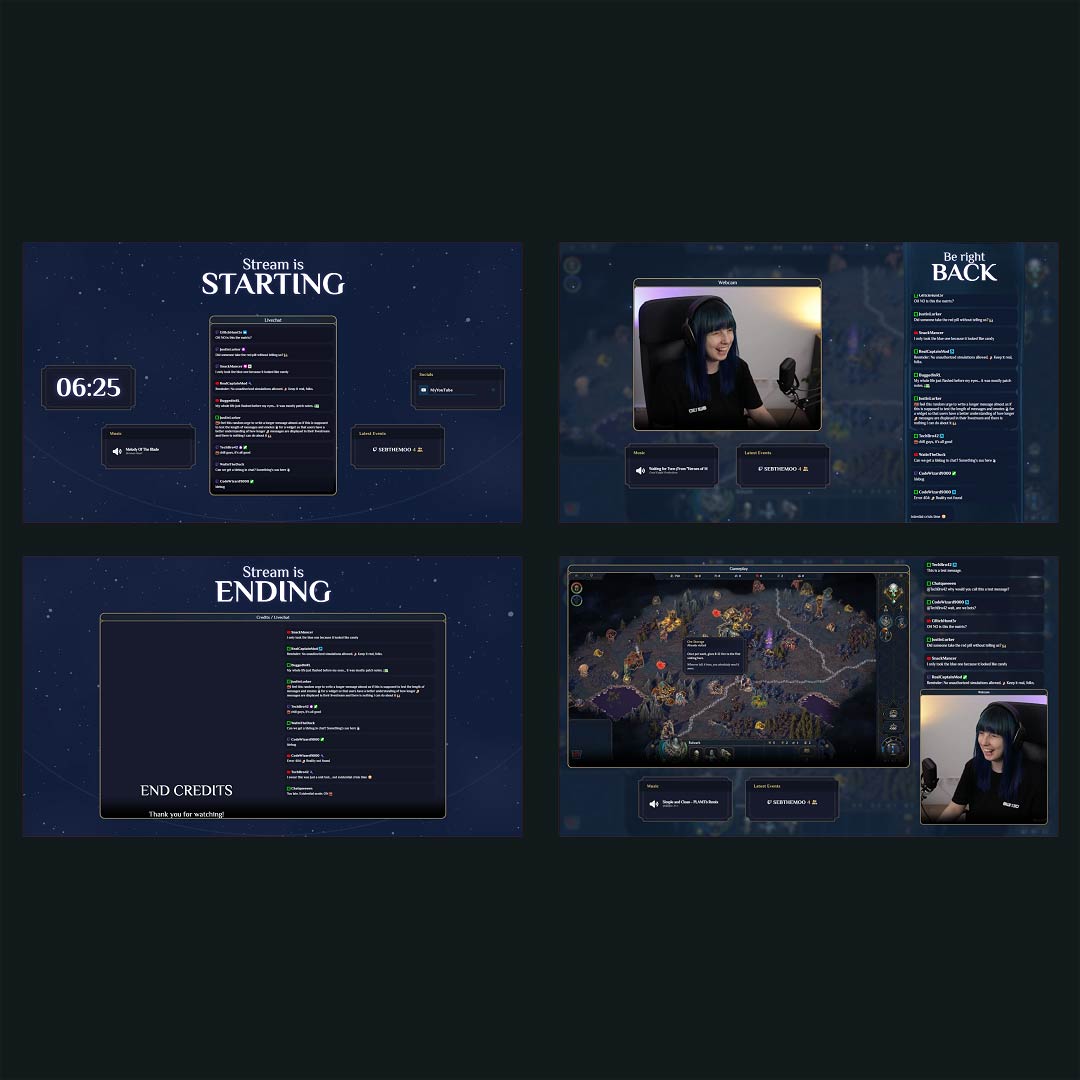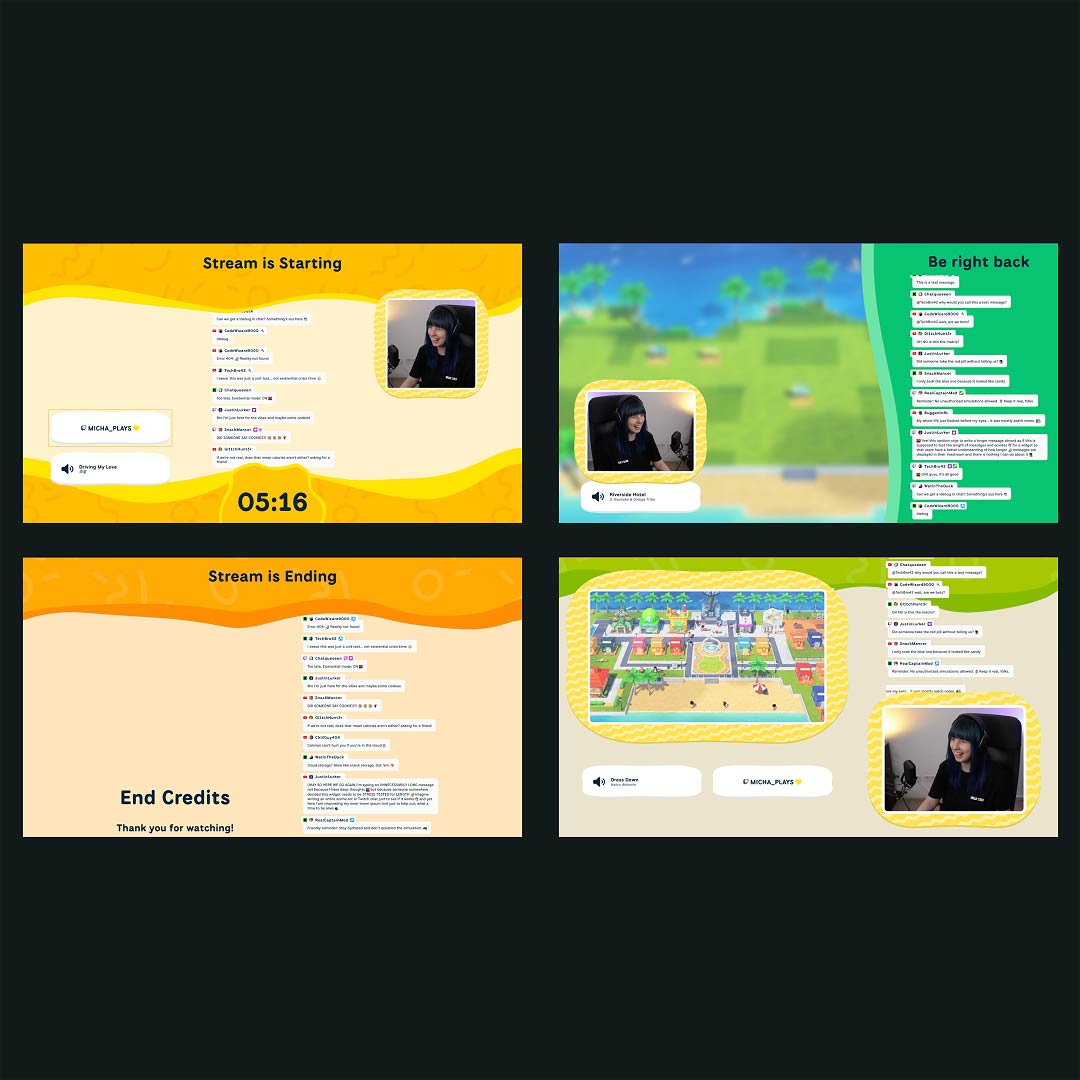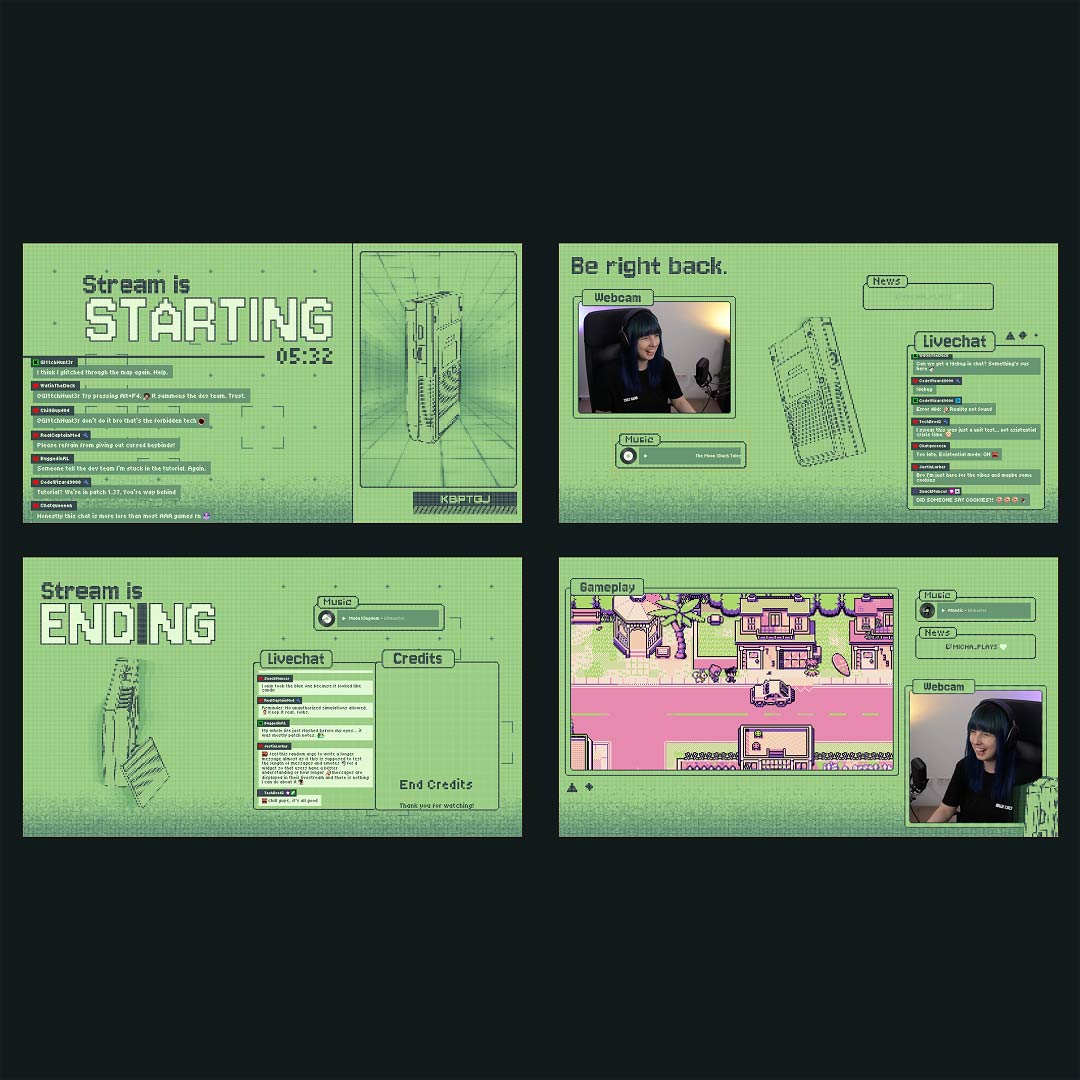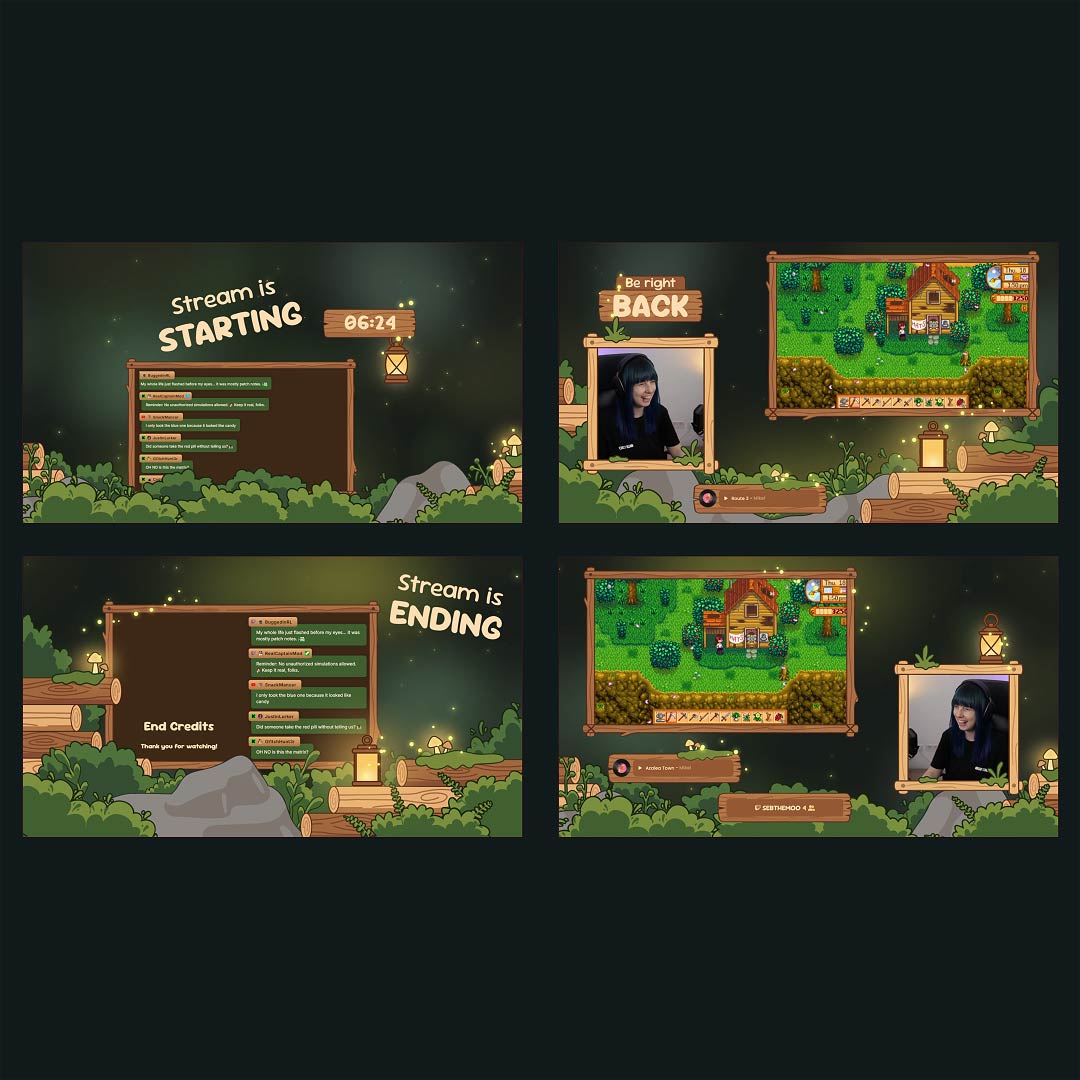
Free and Premium
Twitch Overlays
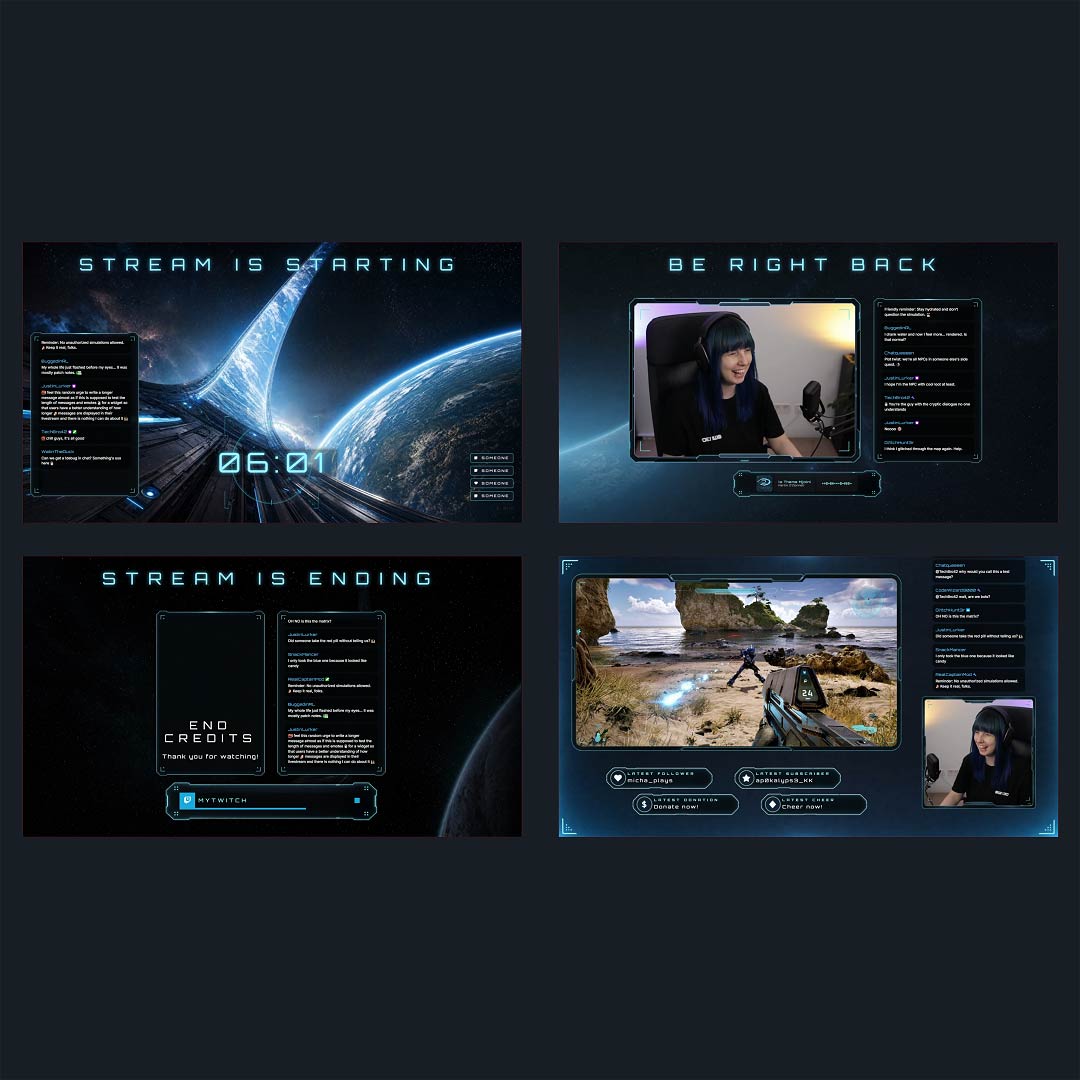
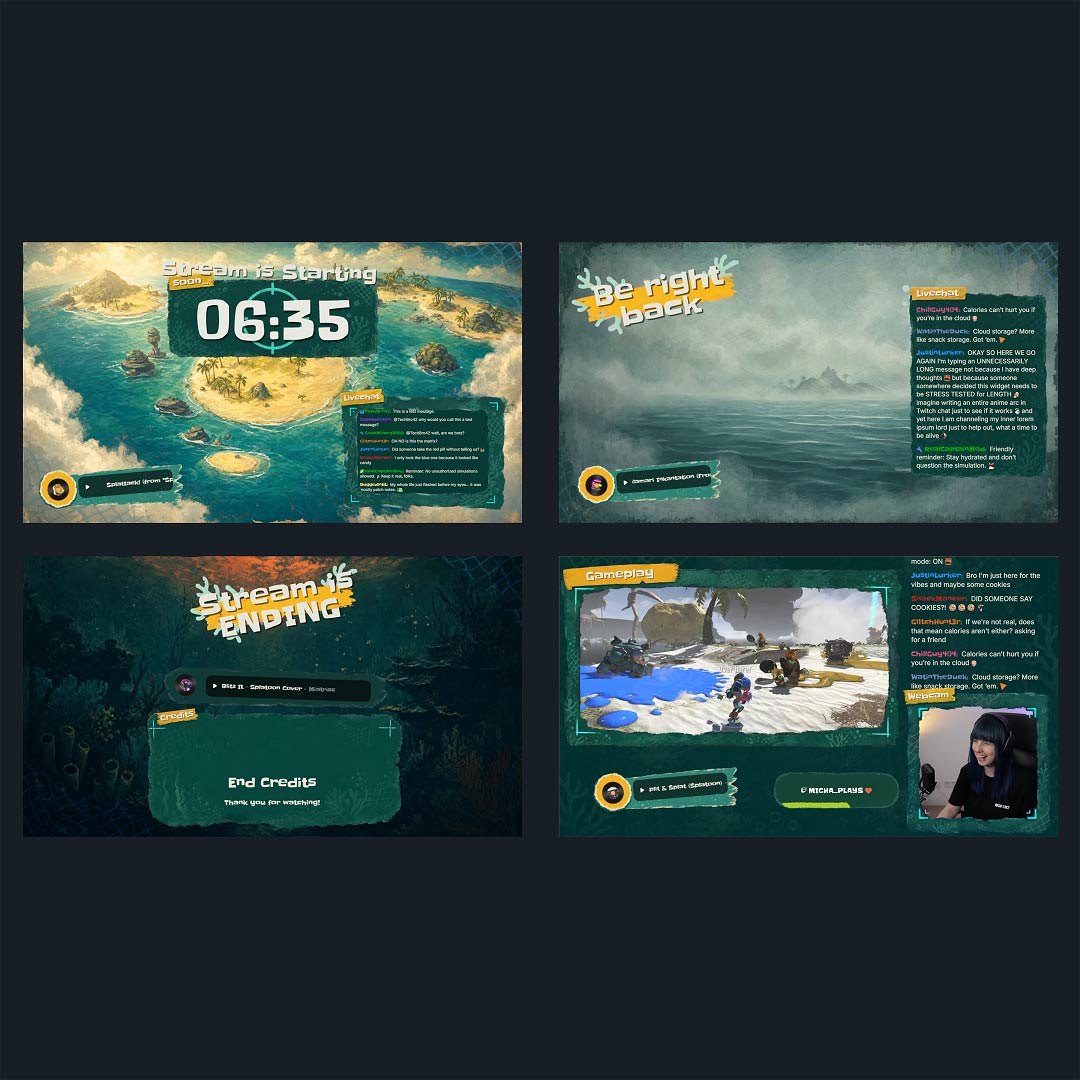
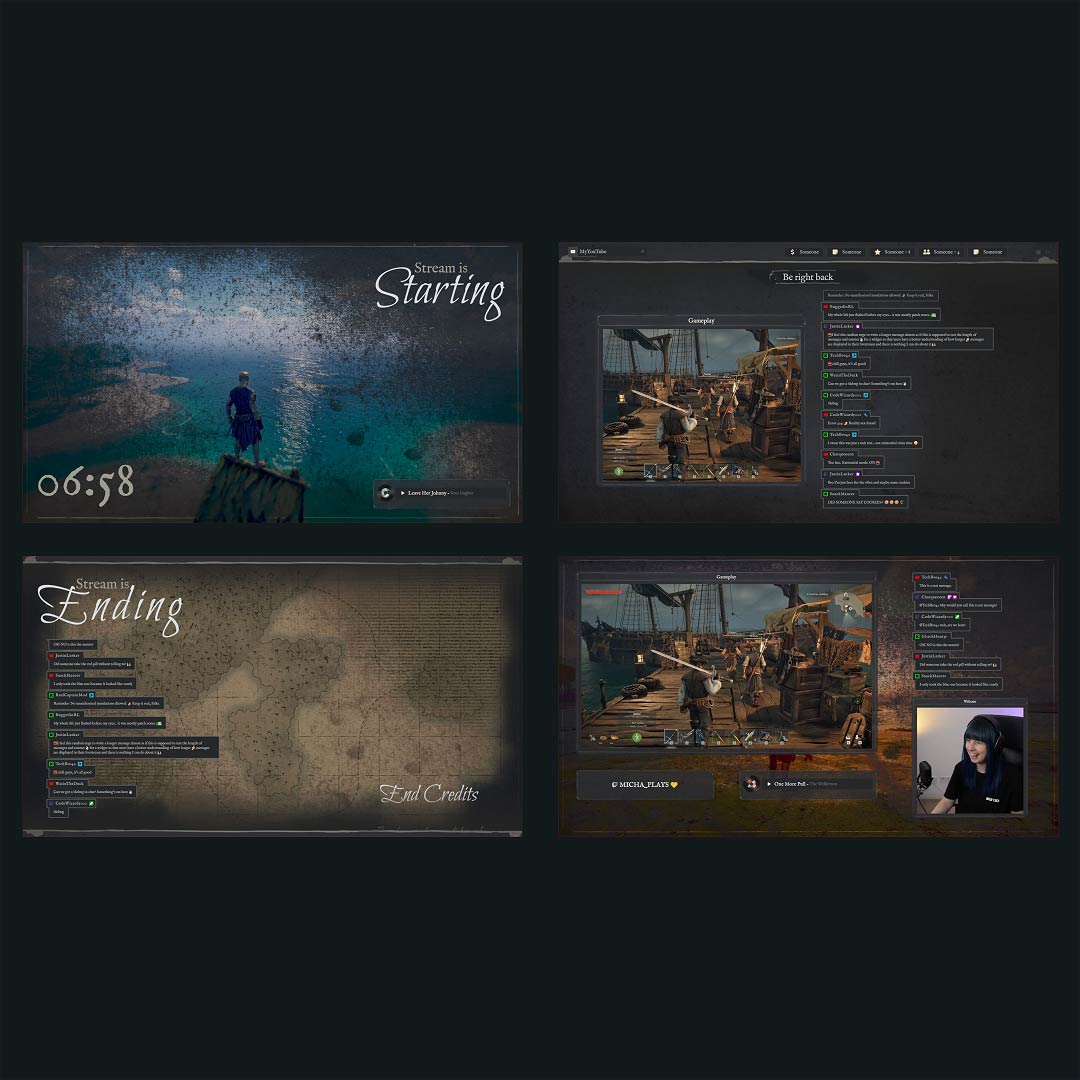
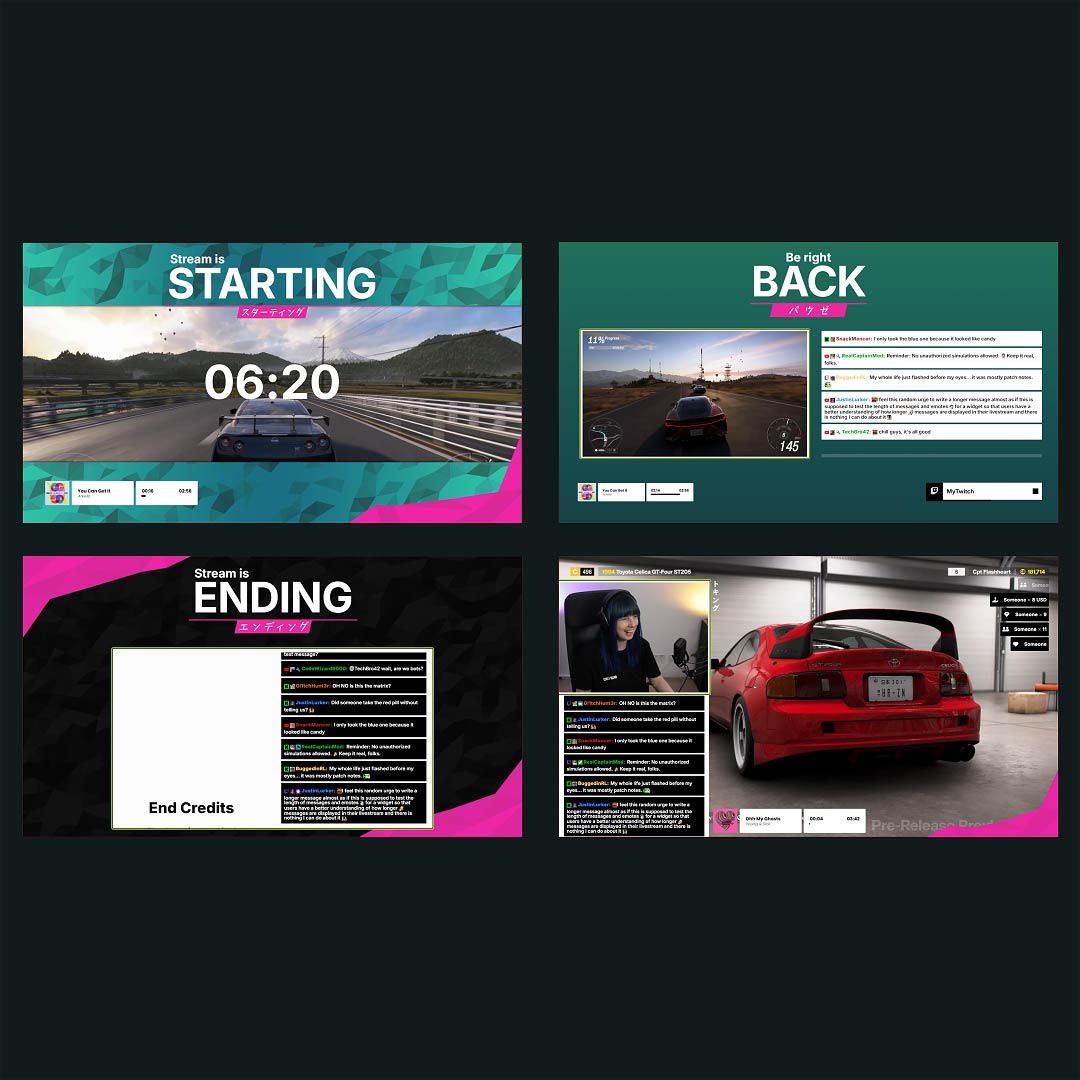
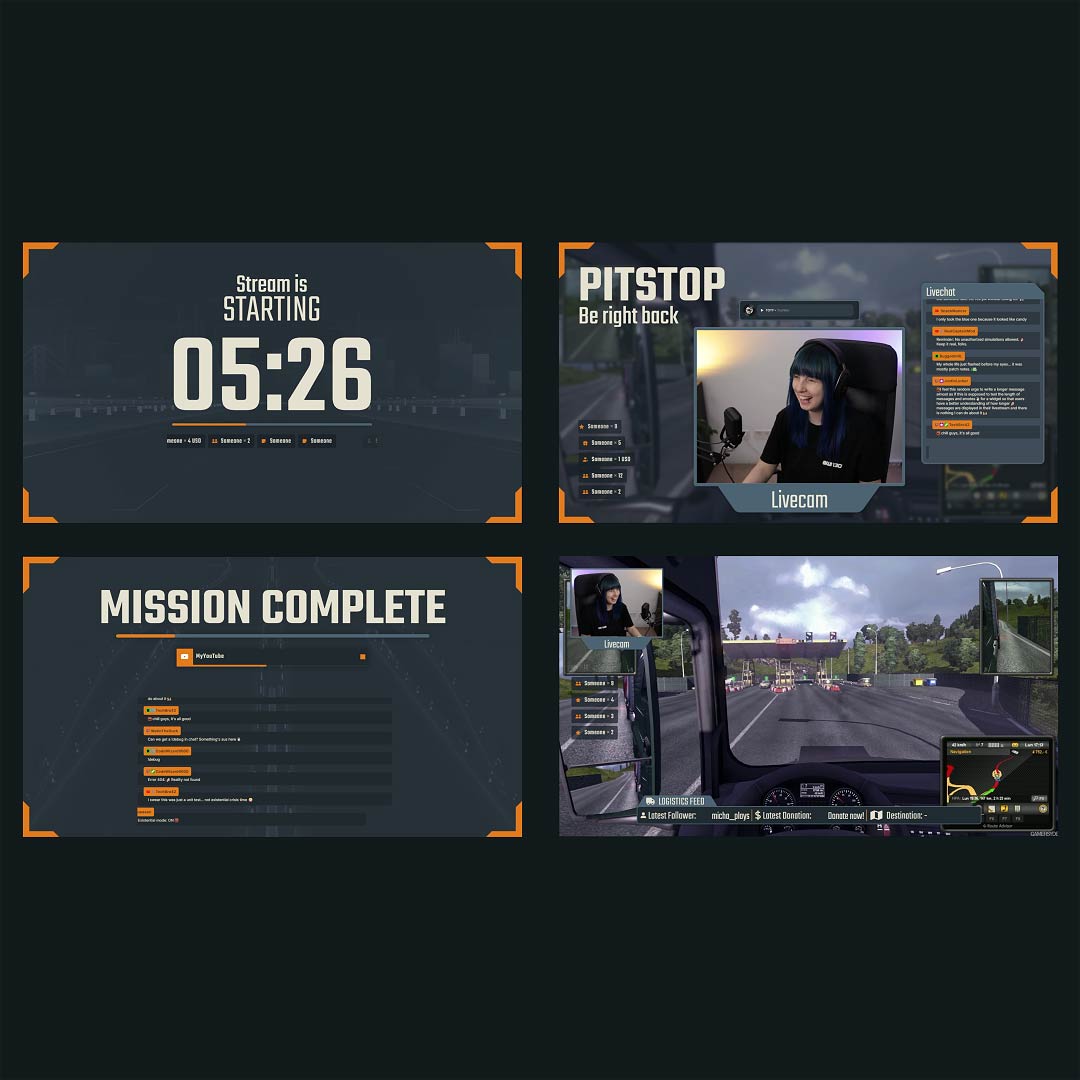
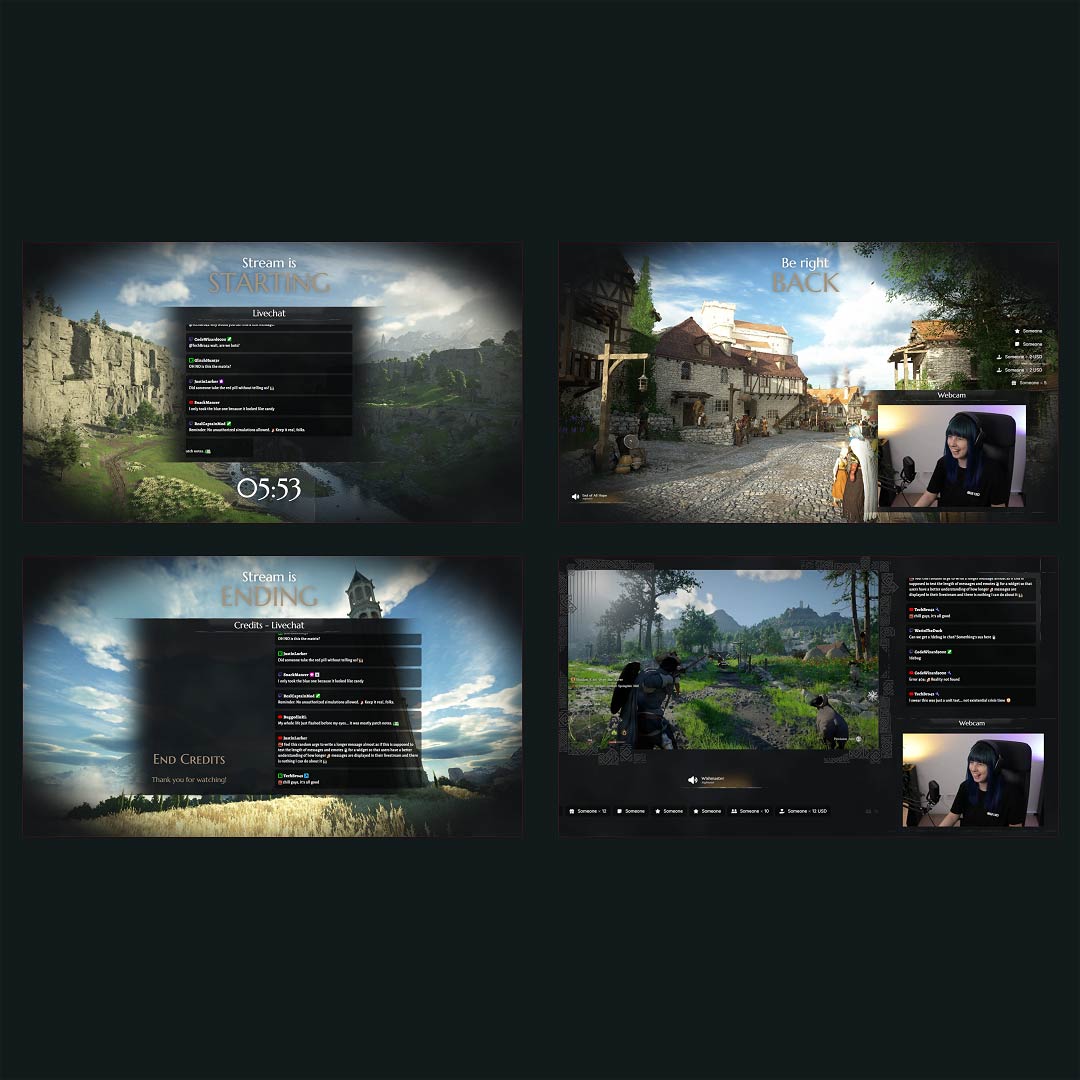
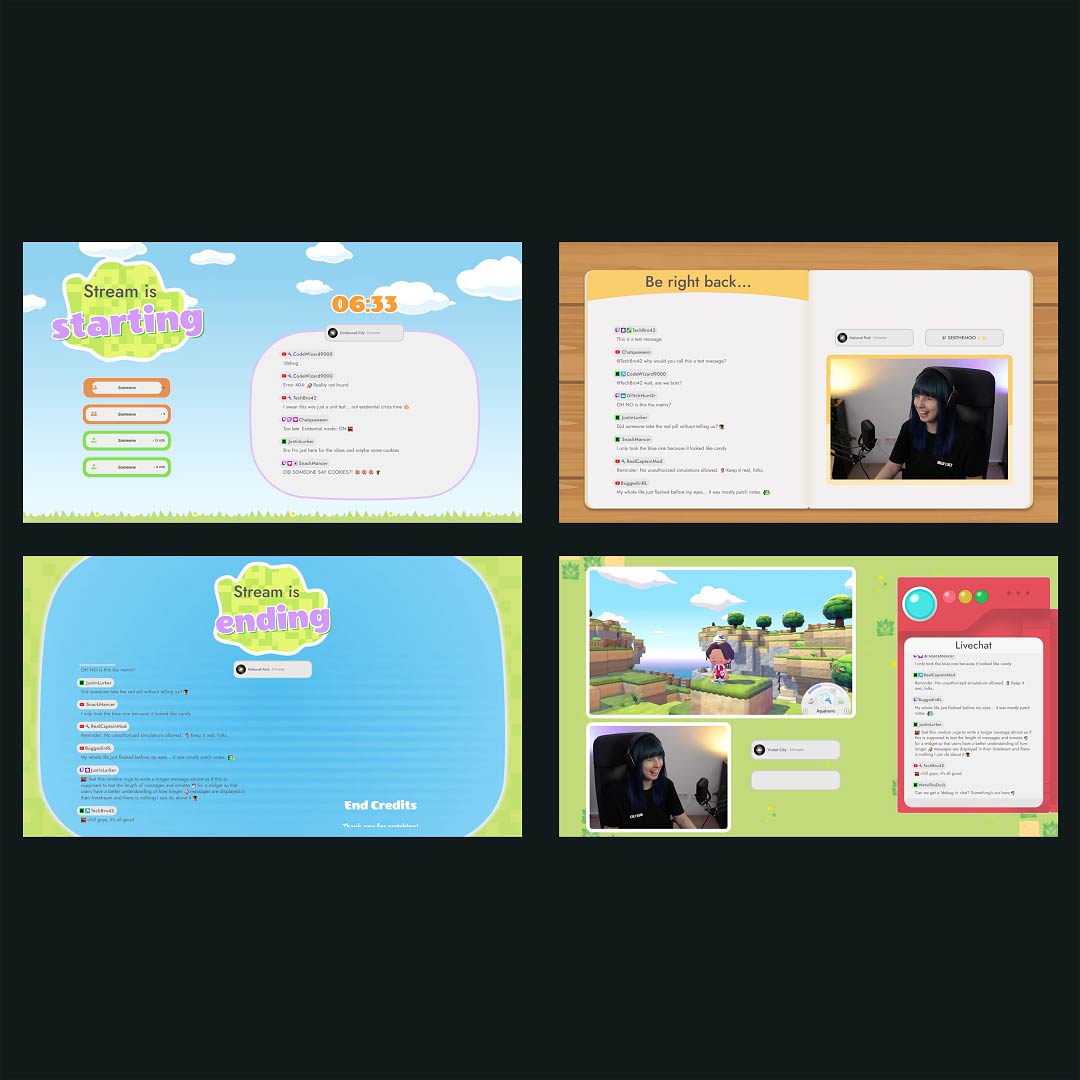
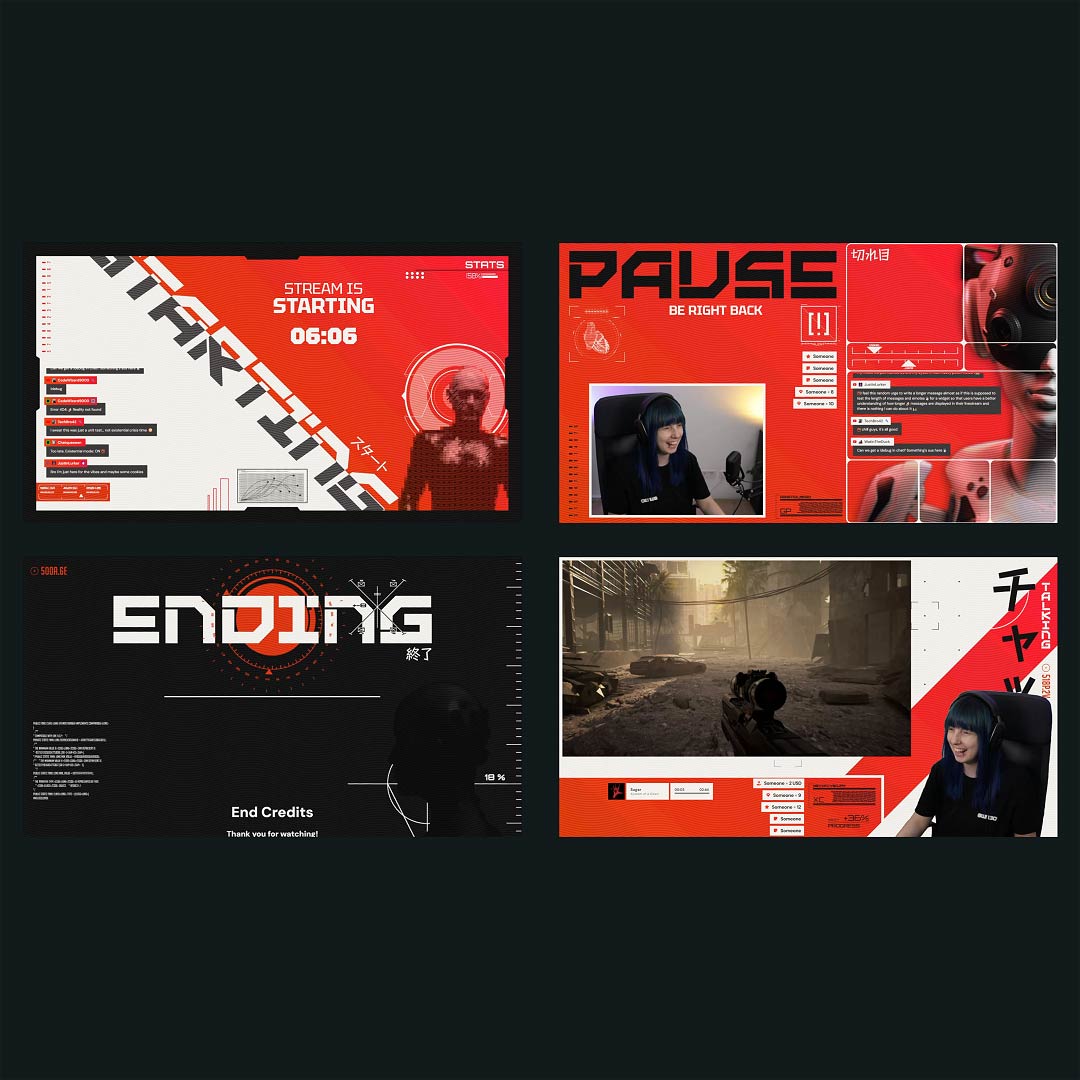
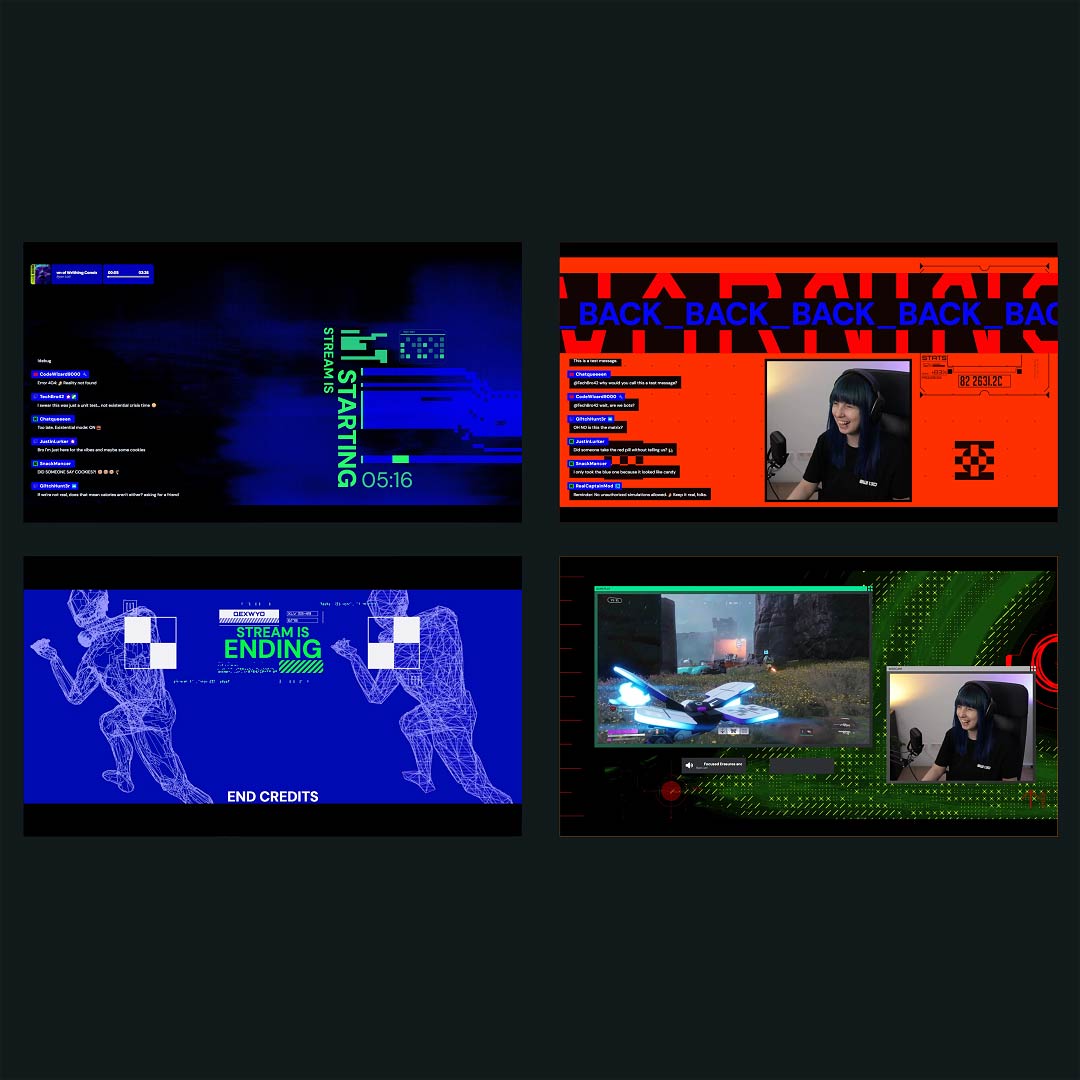
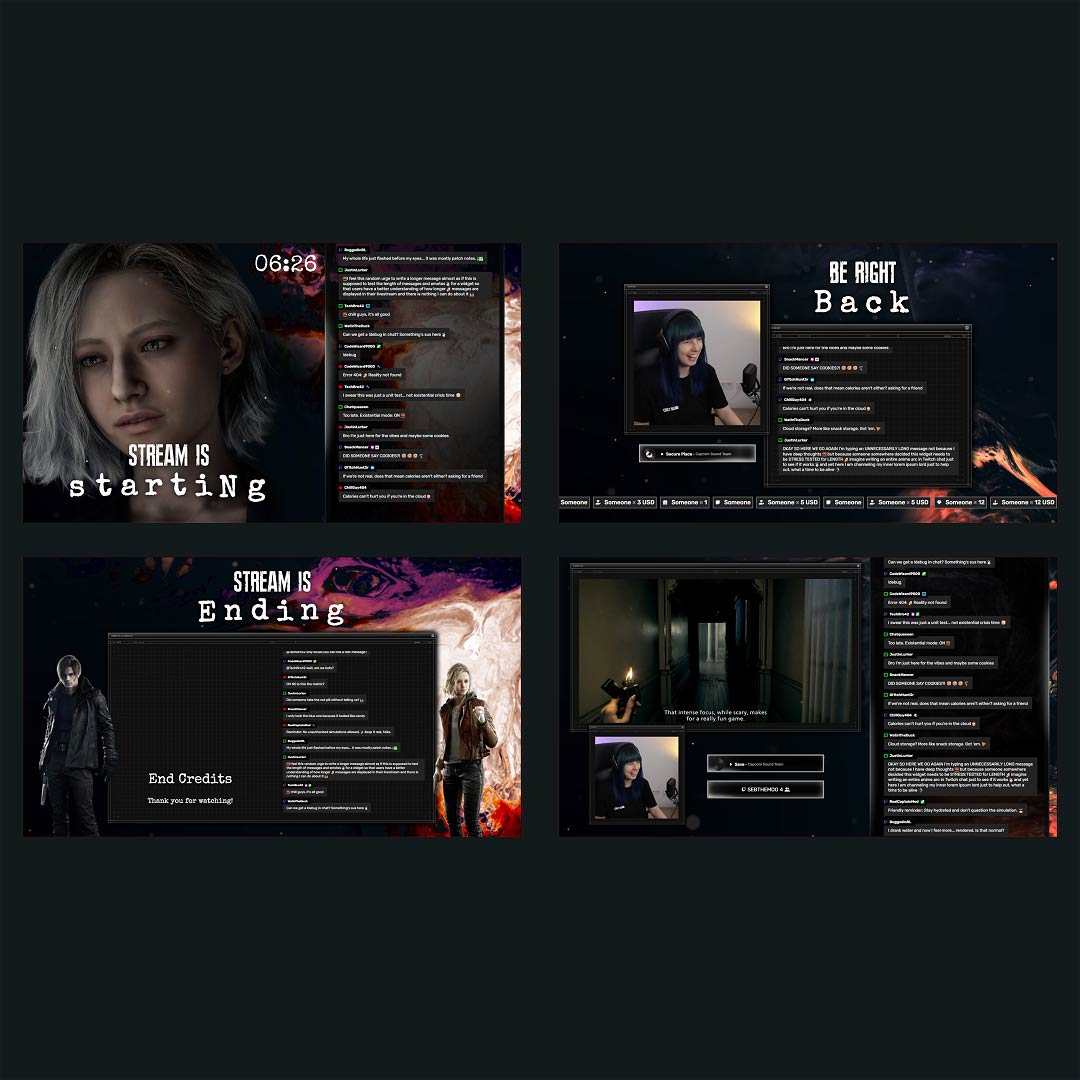
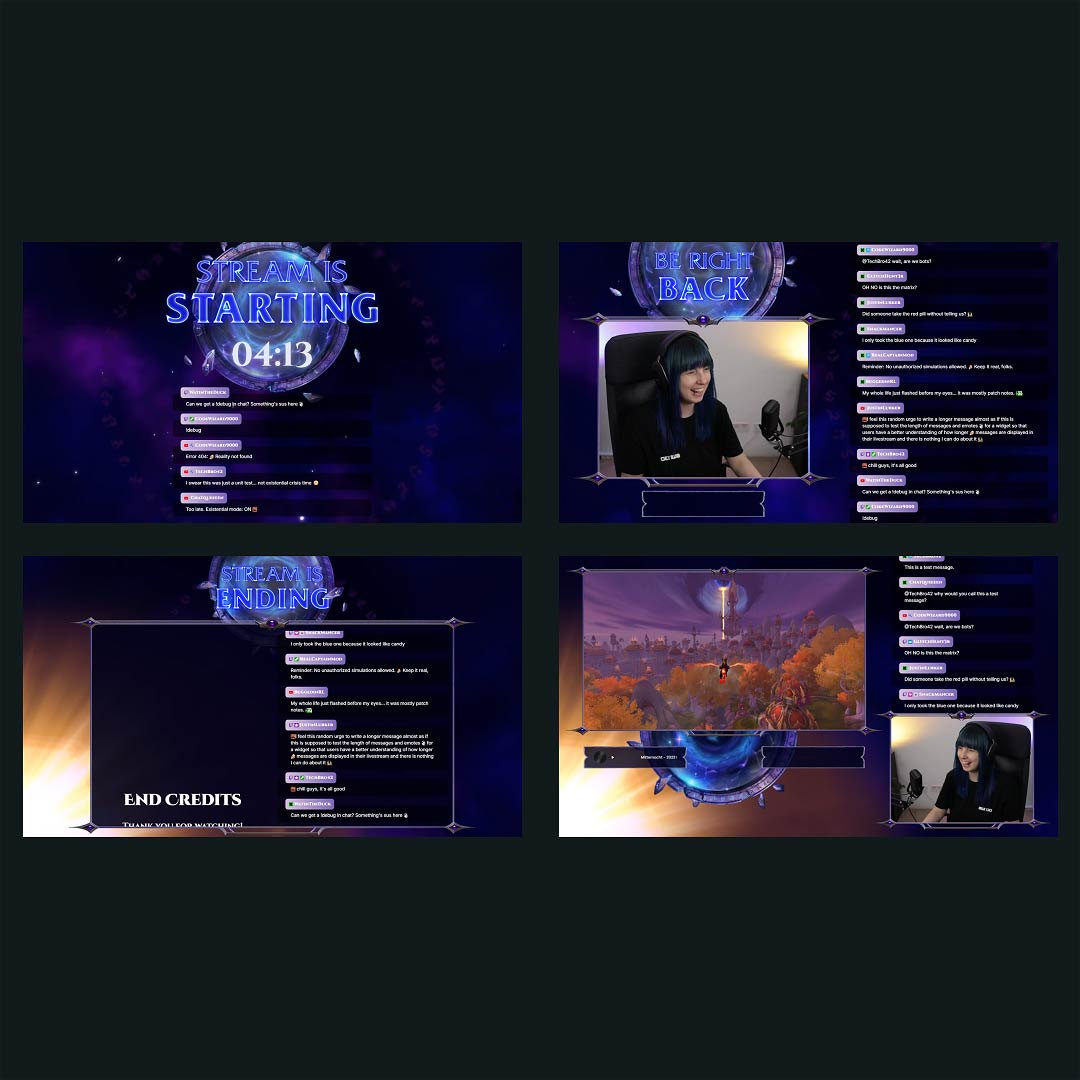
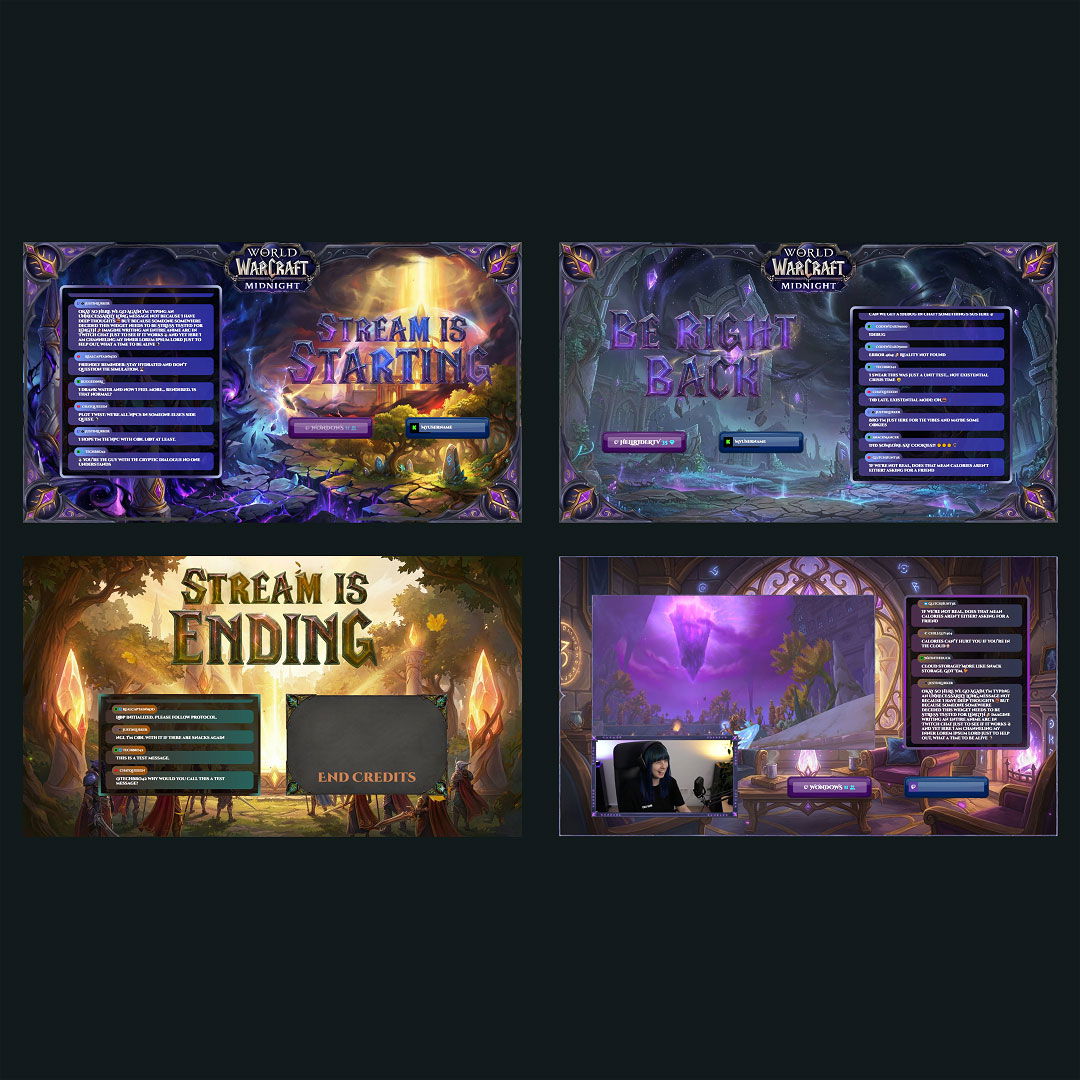
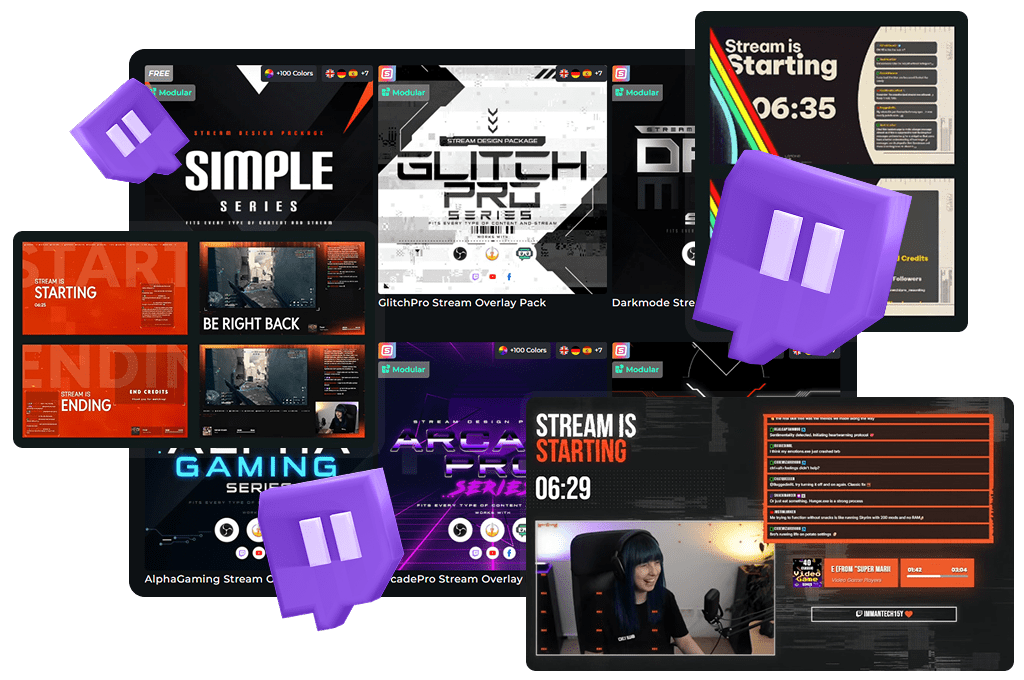
Your Twitch stream should feel like your space, and Twitch overlays help bring that feeling to life. With OWN3D Pro, you get access to a huge collection of Twitch overlays, including free Twitch overlays and animated designs that match your personal style. Whether you’re just starting out or refining your Twitch layout, everything works seamlessly with any broadcasting tool, helping your stream look clean, consistent, and professional.
Our Community’s Favorite Twitch Overlays
All Twitch Overlays Free/Premium
The Largest Twitch Overlay Library
Start with free Twitch overlays
Kick off your stream with high-quality free Twitch overlays, including webcam frames, stream labels, alerts, and backgrounds. With free tools like the Scene Builder, free widgets, and a donation page, setting up your Twitch stream is fast, easy, and beginner-friendly.
Upgrade with premium Twitch stream overlays
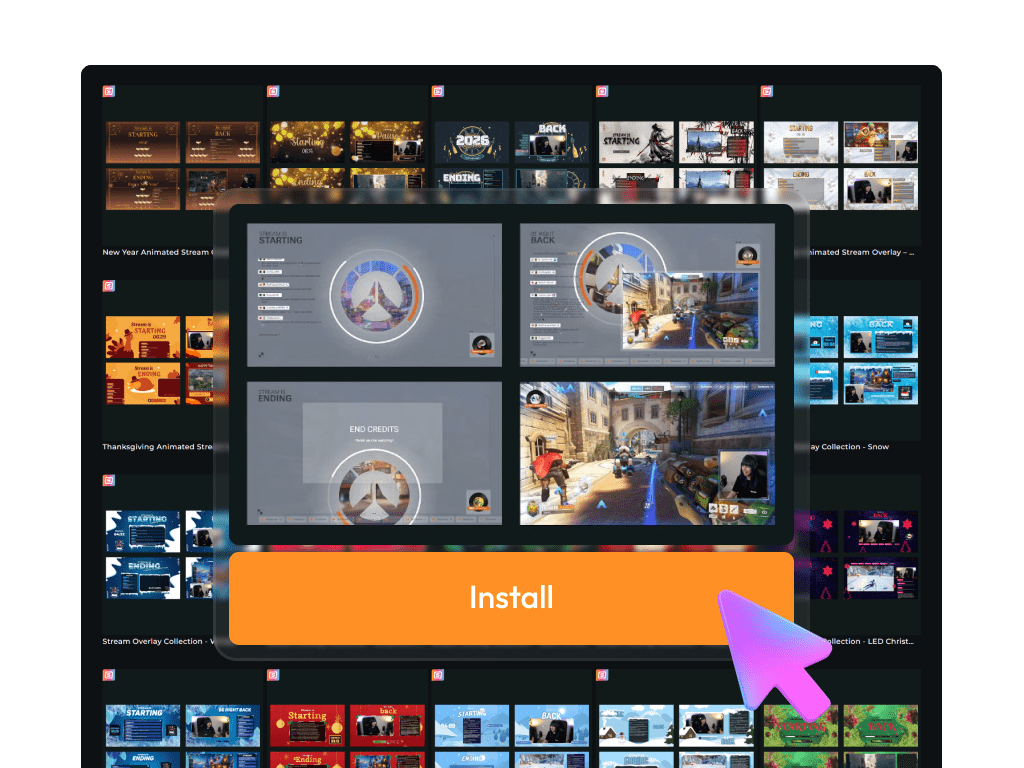
Looking to update your look more often or build a layout that’s truly yours? The Stream Pass gives you access to 100+ premium Twitch overlays and over 400 Twitch overlay templates. Each design is fully customizable, so your stream stays fresh and on-brand.
What Happy Customers Say About Our Twitch Overlays
See how our Twitch overlays make a difference for content creators.
One Pass. Everything Included.
The Stream Pass gives you full access to everything OWN3D Pro has to offer. All products, including Twitch overlays, alerts, widgets, emotes, and more, are included and not sold separately.
Works with all broadcasting tools
Customize your stream overlays in the Scene Builder and use them with OBS Studio, Streamlabs, XSplit, or other tools. Everything works smoothly with your setup.
Unlimited* asset downloads
Download emotes, badges, panels, and more static assets. *Our unlimited plan is subject to fair use.
AI-powered creations
Get 50 AI credits with your Stream Pass to generate custom stream widgets, webcam frames, emotes, and more.
Multistreaming ready
Stream on Twitch, YouTube, and Kick with all the tools you need for a consistent and professional livestream.
What’s Inside Your Twitch Stream Overlay
Everything you need to create a polished and personal Twitch stream
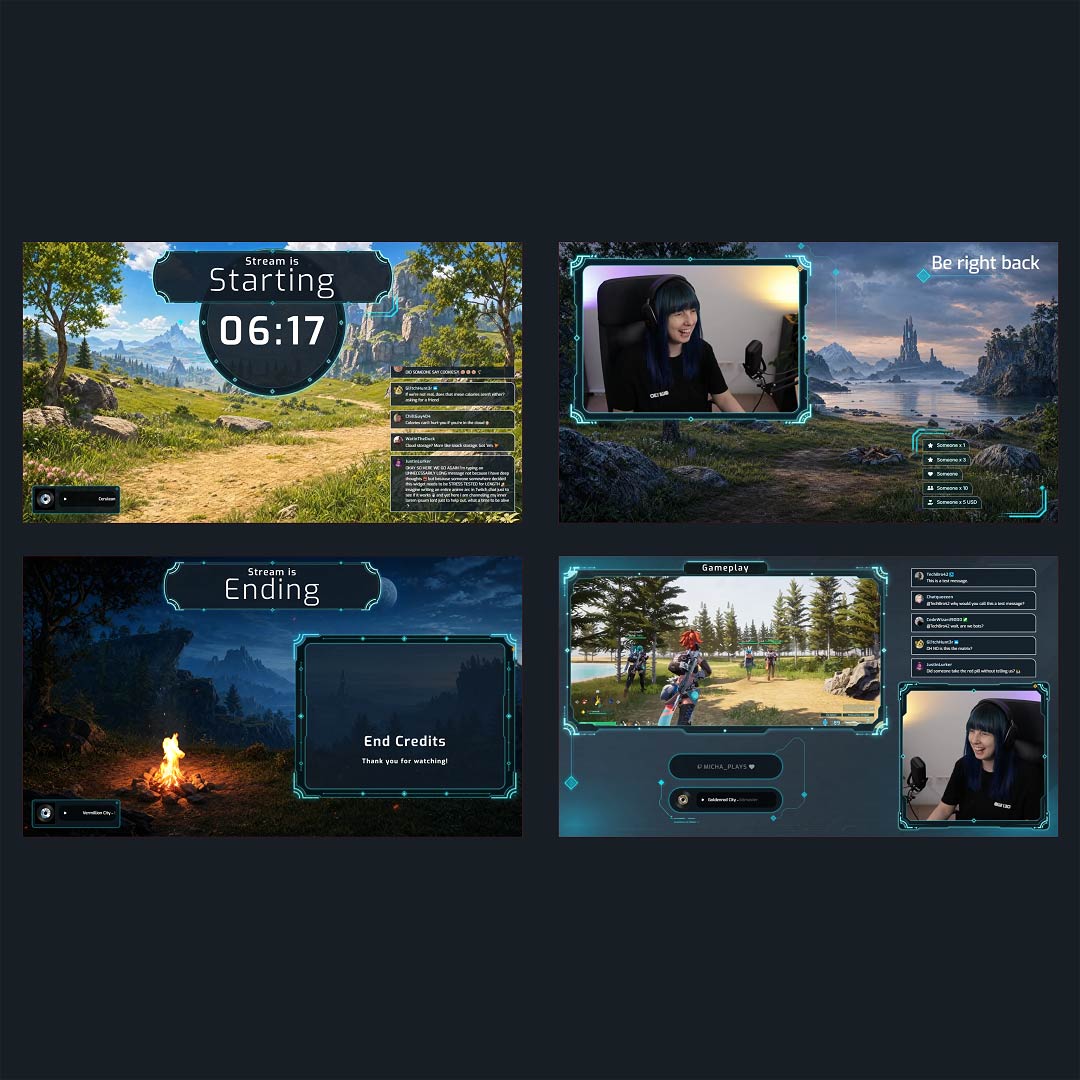
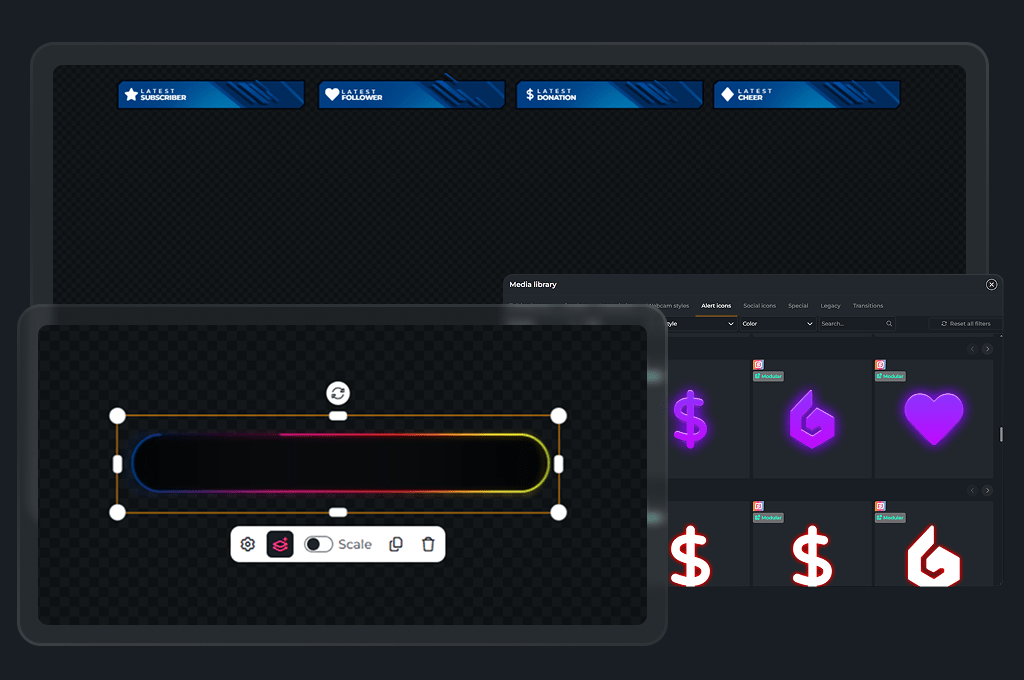
Designing your Twitch stream overlay is easy with the Scene Builder. You can preview changes in real time while adding stream labels, starting or break scenes, webcam frames, and more. All elements are fully customizable and can be arranged exactly how you want them.
Pick your Twitch overlay template, personalize it to match your brand, and add it as a browser source in OBS Studio, Streamlabs, or any other broadcasting tool. You’ll be ready to go live in just minutes.
Twitch Stream Overlay
Twitch overlays are built to elevate your stream. Whether you start with free Twitch overlays or premium Twitch templates, every asset works together to give your channel a professional and consistent look. Each Twitch layout is compatible with YouTube and Kick as well, making your setup flexible and future-proof.
Starting, Intermission, End, and Offline Banners
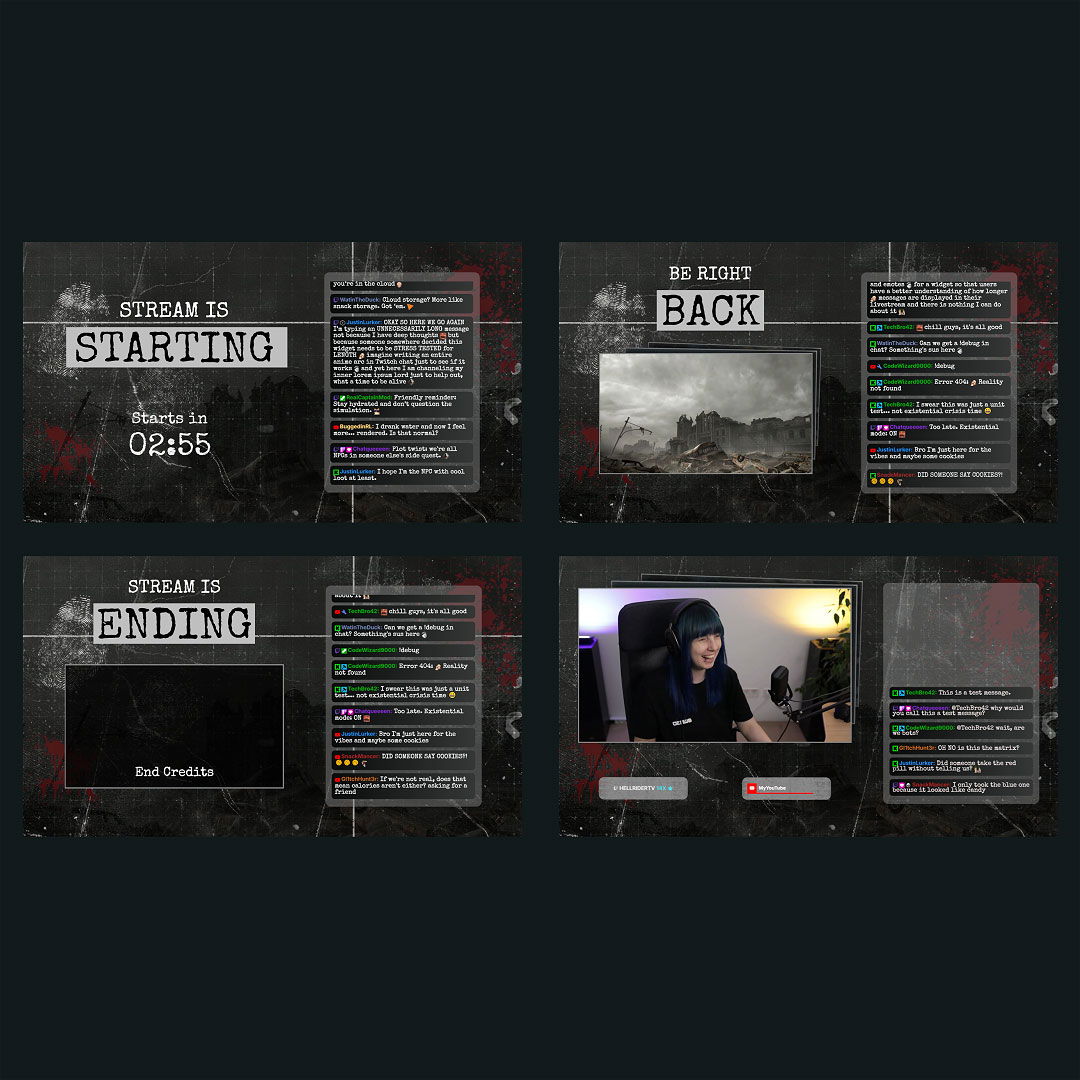
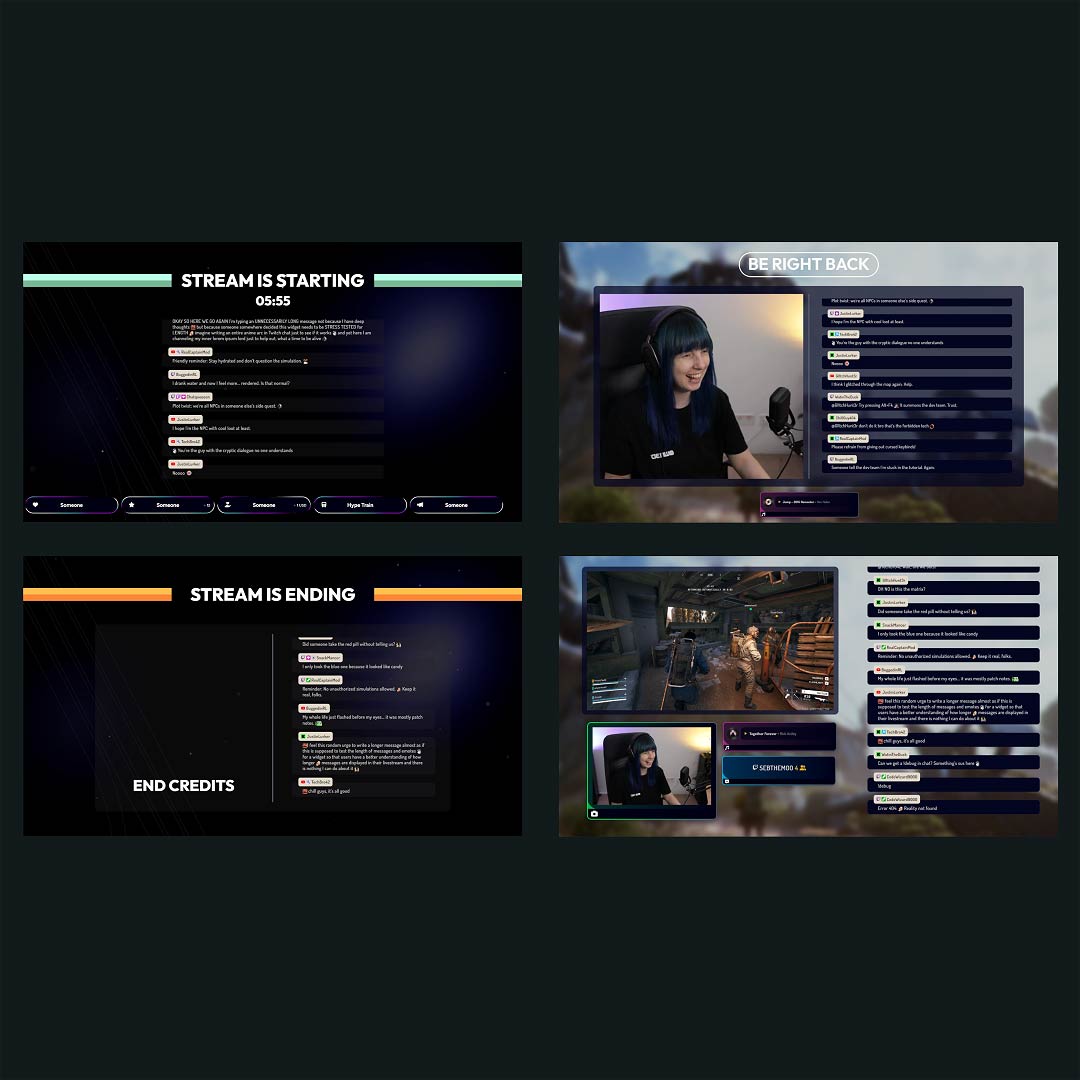
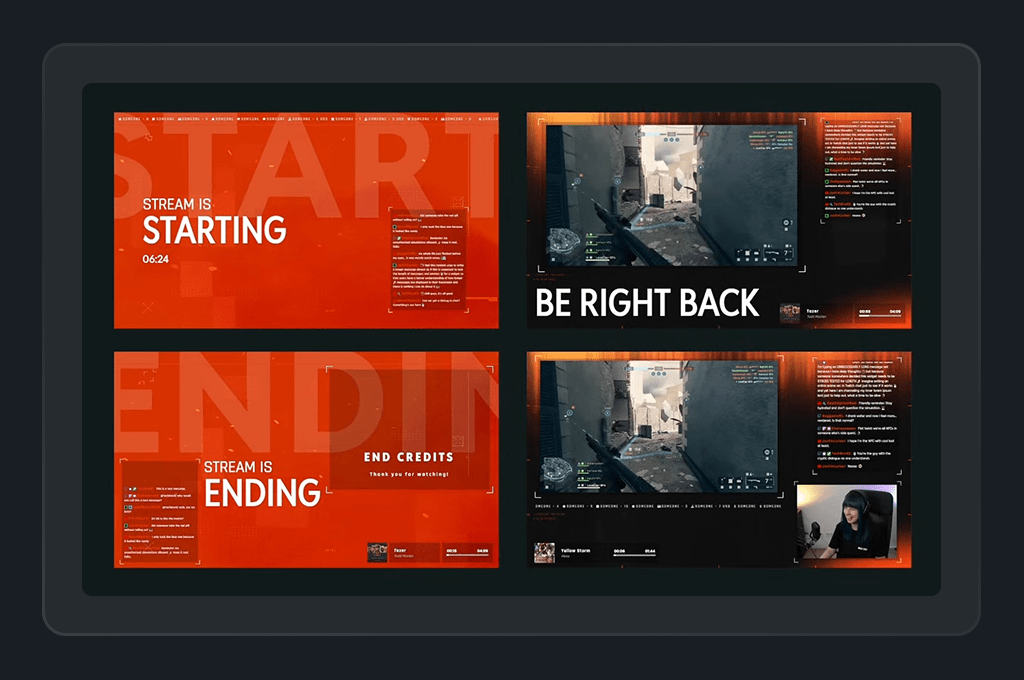
Use scenes like “Starting Soon”, “Be Right Back”, or “Stream Ending” to guide your viewers. These banners make your stream look complete and give it structure from beginning to end. A well-rounded Twitch streaming overlay always includes these scenes to keep your viewers informed.
Twitch Alerts
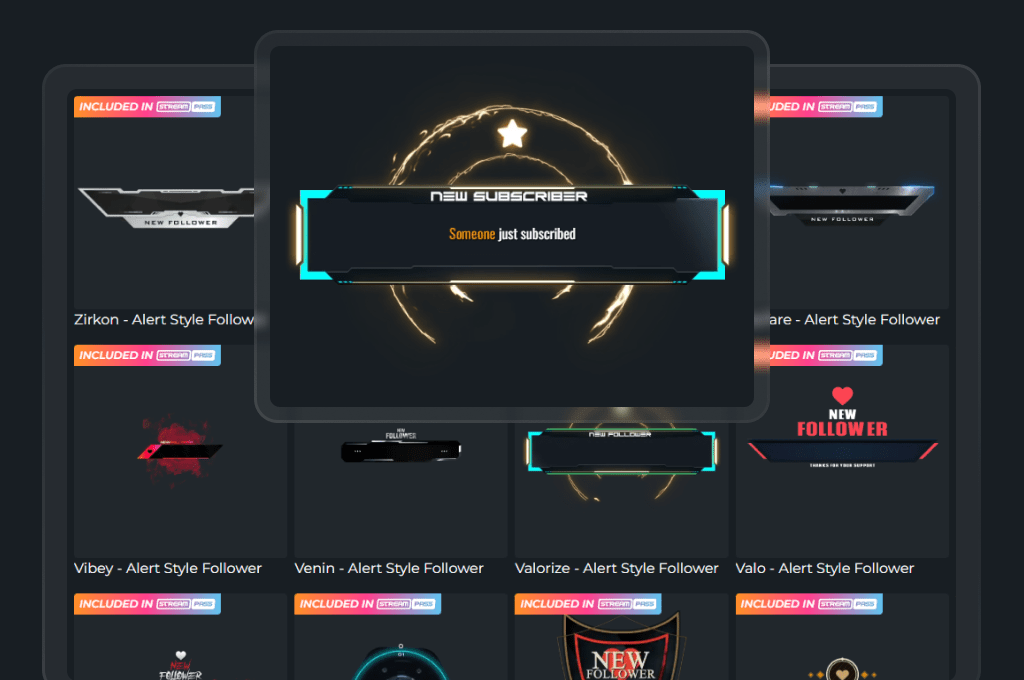
With over 500 animated alerts included, you can highlight every follow, sub, raid, or donation. Alerts are one of the most engaging parts of your Twitch stream overlay. They create exciting moments that keep your viewers involved and coming back.
500+ Animated Twitch Transitions
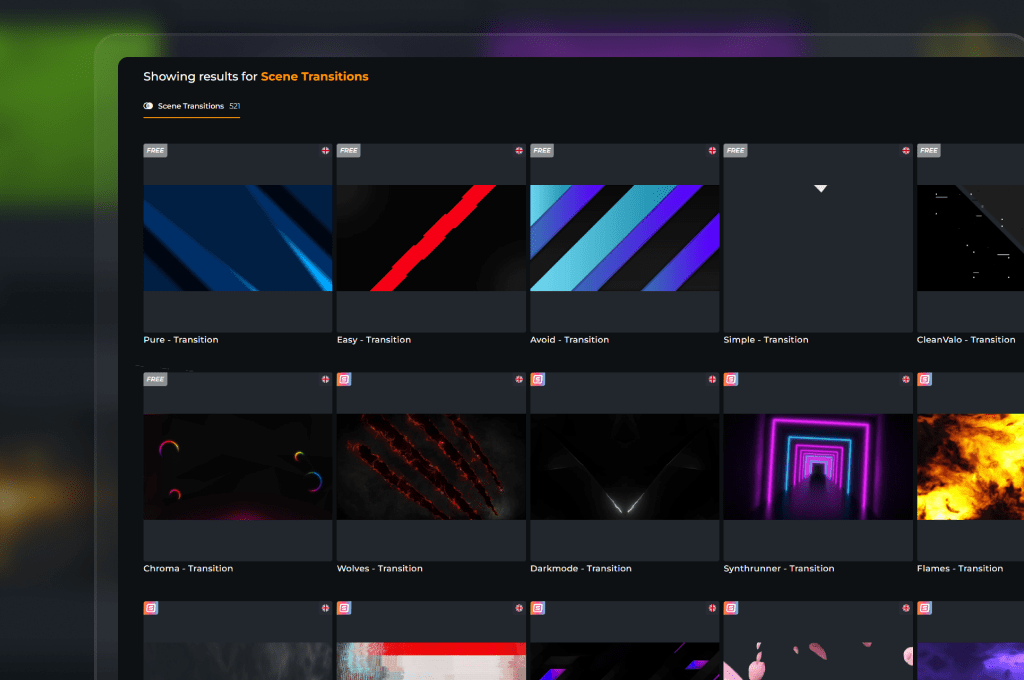
Smooth scene transitions help your Twitch stream feel professional. Whether you’re switching between gameplay, chatting, or ending the stream, animated Twitch transitions tie everything together. Even our free Twitch overlays come with polished transitions that bring your scenes to life.
Twitch Widgets and More
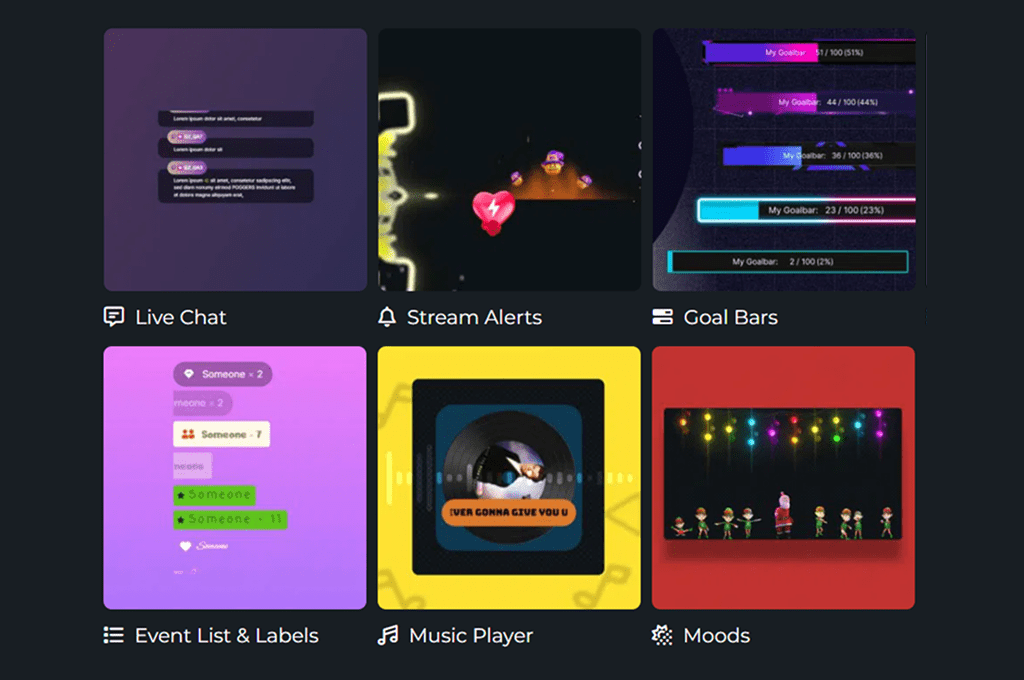
Interactive widgets, such as follower goals, alerts, and chatboxes, make your Twitch layout more dynamic and engaging. With more than 200 widgets, your Twitch stream overlay becomes a space that’s not just visually clean but also interactive. Everything integrates easily, whether you stream on Twitch only or across multiple platforms.
What makes Stream Overlays from OWN3D
different from other providers
Twitch overlays from other providers
- Limited selection and basic Twitch templates
- Often not optimized for Twitch streaming or OBS Studio
- No easy tools to customize your Twitch layout
- Setup can be confusing without clear guidance
Twitch Overlays from OWN3D Pro
- Over 500 Twitch overlays in different styles and formats
- Built for Twitch streaming and multistreaming support
- Edit your Twitch stream overlay directly in the browser with the Scene Builder
- Works with all major broadcasting tools, including OBS Studio and Streamlabs
- Includes alerts, widgets, and Twitch overlay templates that match perfectly
- Twitch overlays for horizontal and vertical streams
FAQs About Twitch Overlays
What are Twitch overlays?
A Twitch overlay is a graphical frame or template that streamers use to enhance the visual appeal of their stream. Twitch overlays can include everything from webcam borders and livechat designs to labels and intermission banners. They help create a more engaging experience for the community and make your stream stand out as an eye-catcher.
Where can I get free Twitch overlays?
You can find a variety of free Twitch overlays with OWN3D Pro. Just choose a design, customize it to fit your channel, and go live in minutes. No design skills needed.
How do I use a Twitch stream overlay in OBS?
Are Twitch overlays beginner-friendly?
Yes, especially the free Twitch overlays from OWN3D Pro. They’re designed to be easy to use and customize, so you can focus on streaming to Twitch without worrying about setup or design tools.
Should I use a Twitch overlay?
Yes, you should. Imagine scrolling through hundreds of streams that all look the same. Then, suddenly, you find one that stands out with a unique and catchy design. That’s the power of a well-made Twitch overlay.
Can I customize my Twitch overlay?
Yes. OWN3D Pro allows you to personalize your Twitch overlay directly within the Scene Builder. You can adjust colors, fonts, labels, widgets, and overall layout without using extra software.
Do the overlays work with Twitch alerts and widgets?
Yes. Many Twitch overlays from OWN3D Pro are designed to match alerts, widgets, and other elements, ensuring your entire stream setup looks consistent and cohesive.
What’s the difference between a Twitch overlay and a Twitch layout?
A Twitch overlay refers to the graphics shown on top of your stream. A Twitch layout describes how everything is arranged in your scene, like camera placement, alerts, and gameplay view.
What’s included in a Twitch overlay template?
A Twitch overlay template typically includes webcam frames, alert graphics, chatbox, stream labels, scene screens such as “Starting Soon” and “BRB,” and other elements that complete your Twitch stream setup.
Can I use Twitch overlays while multistreaming?
Yes, technically, you can use the same Twitch overlays while multistreaming to YouTube and Kick. However, keep in mind that Twitch may have restrictions. Always check Twitch’s current terms of service to ensure your Twitch streaming overlay complies with the rules.