Free and Premium Kick Overlays
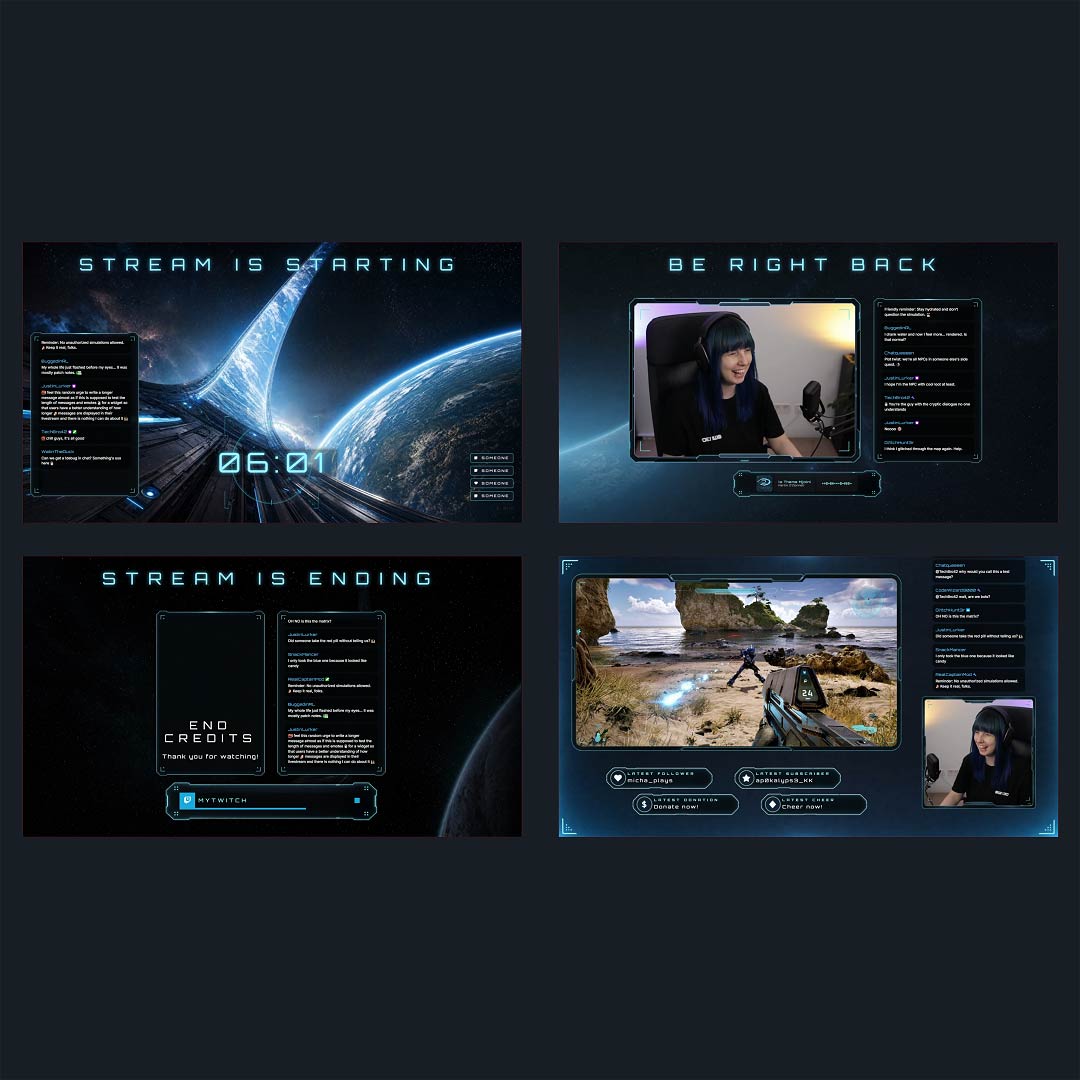
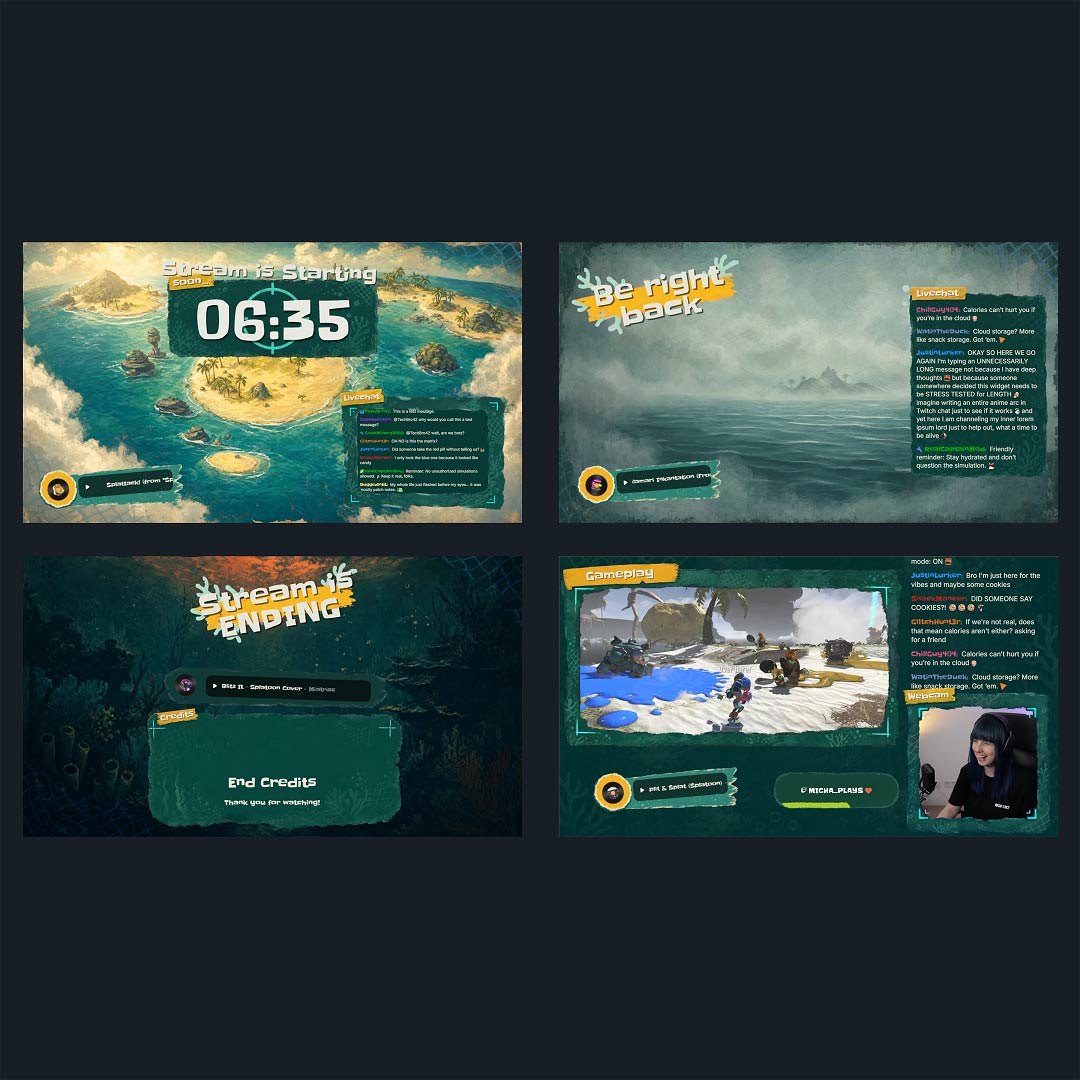
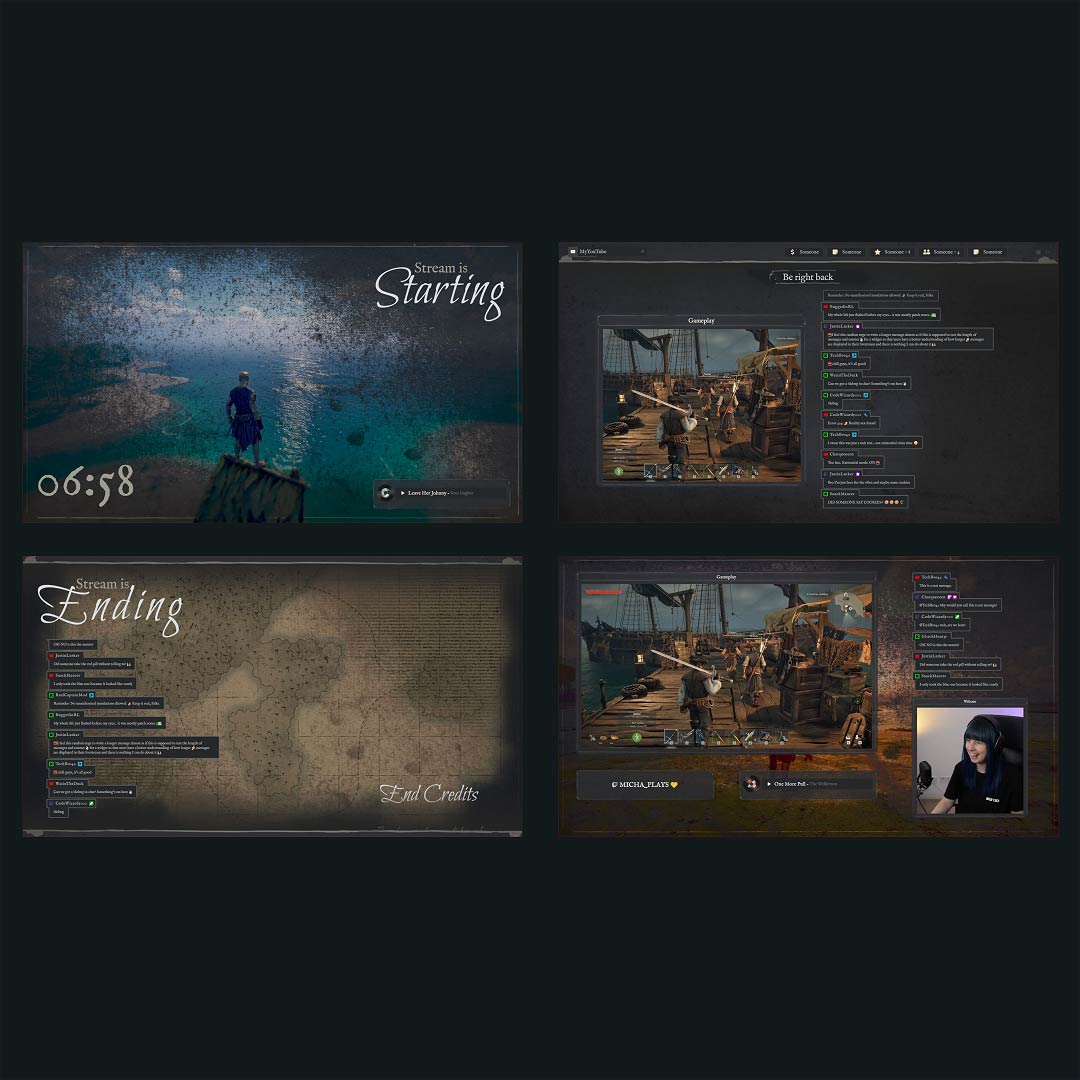
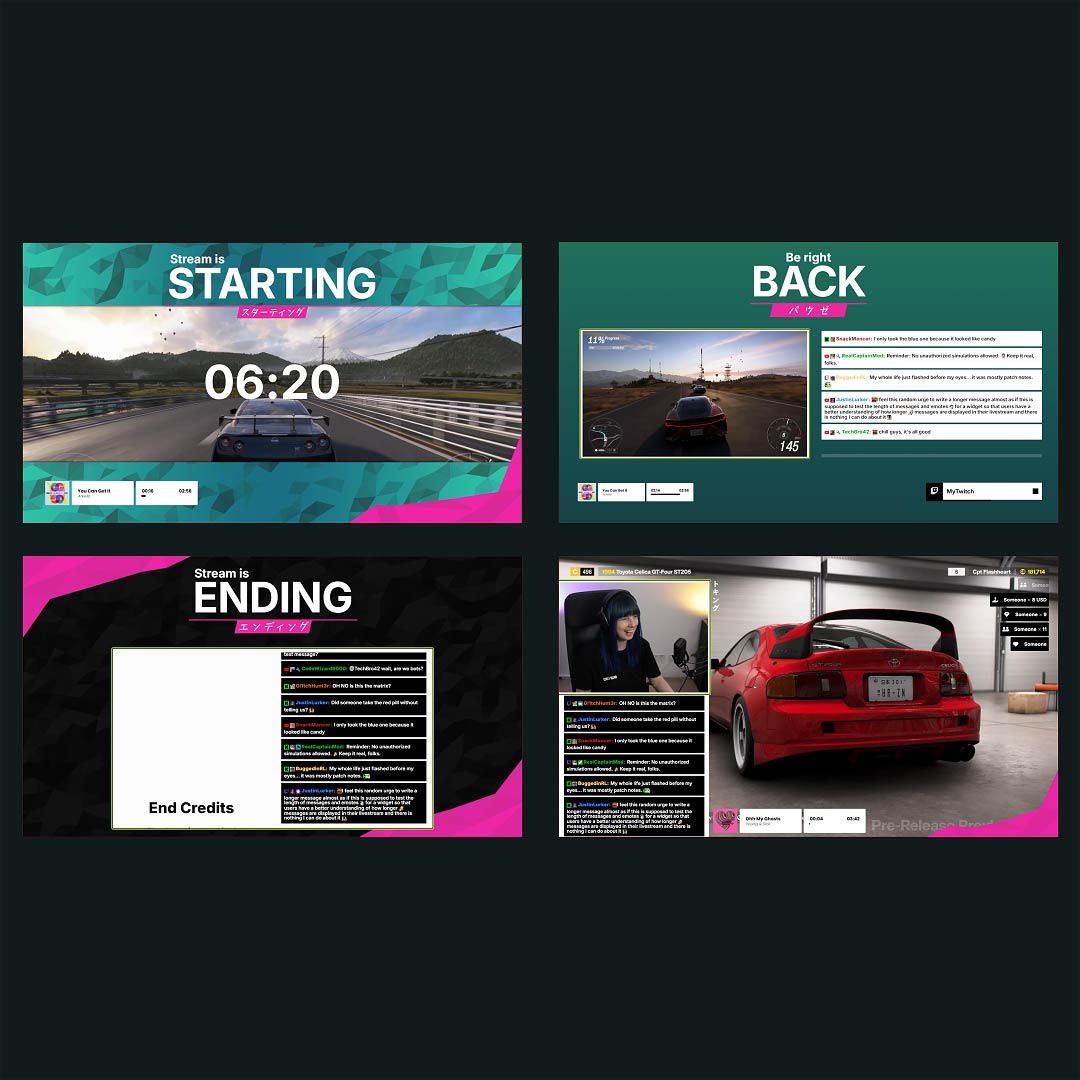
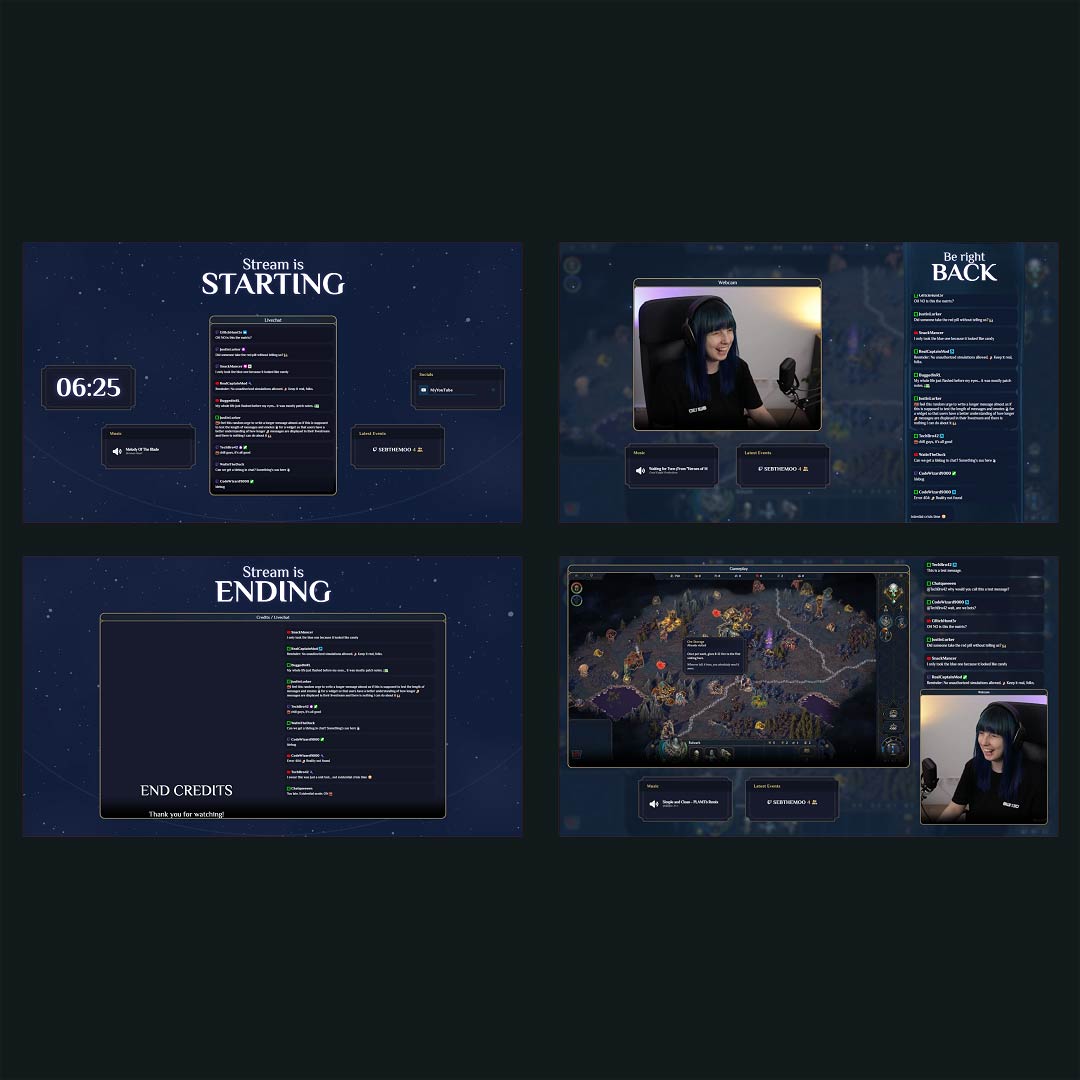
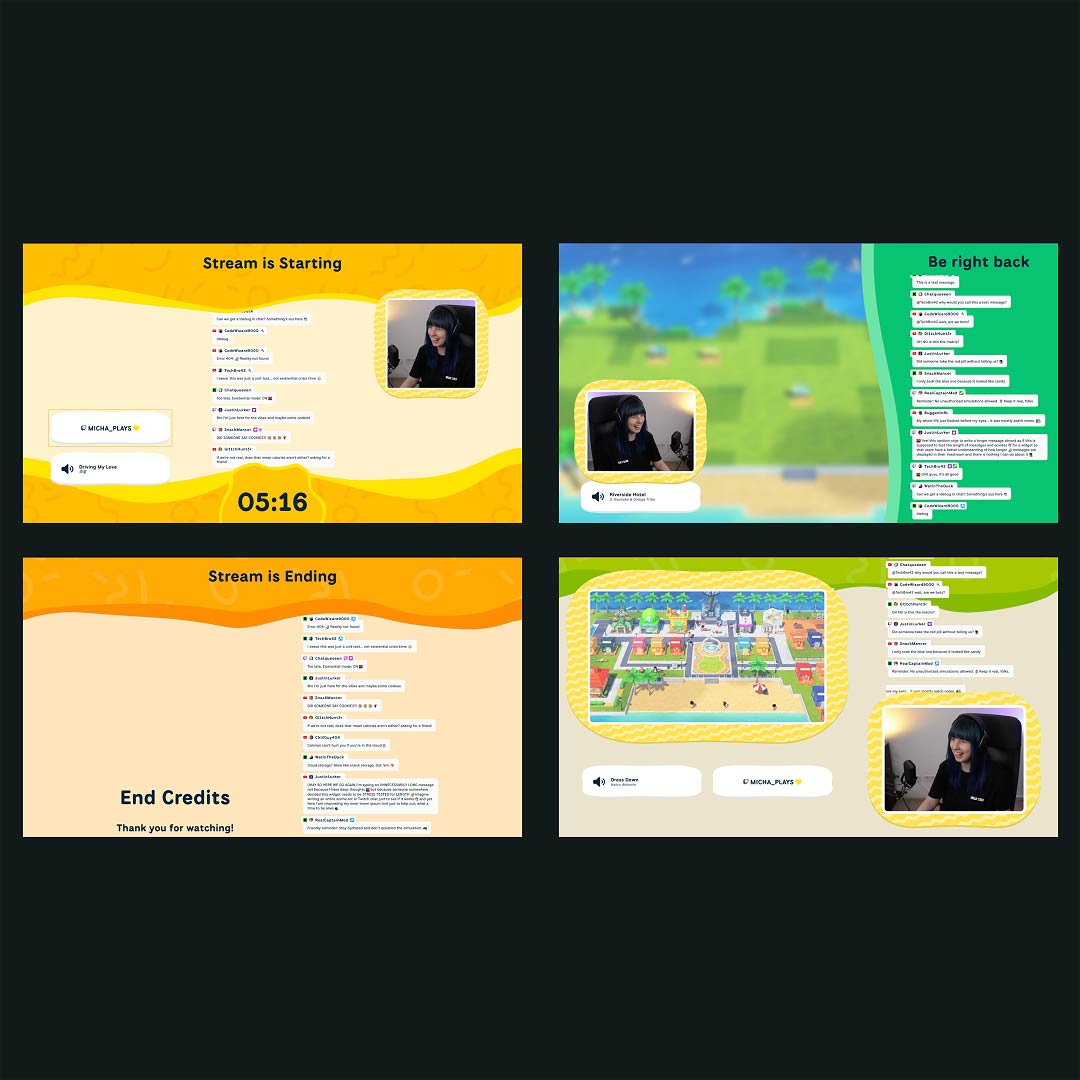
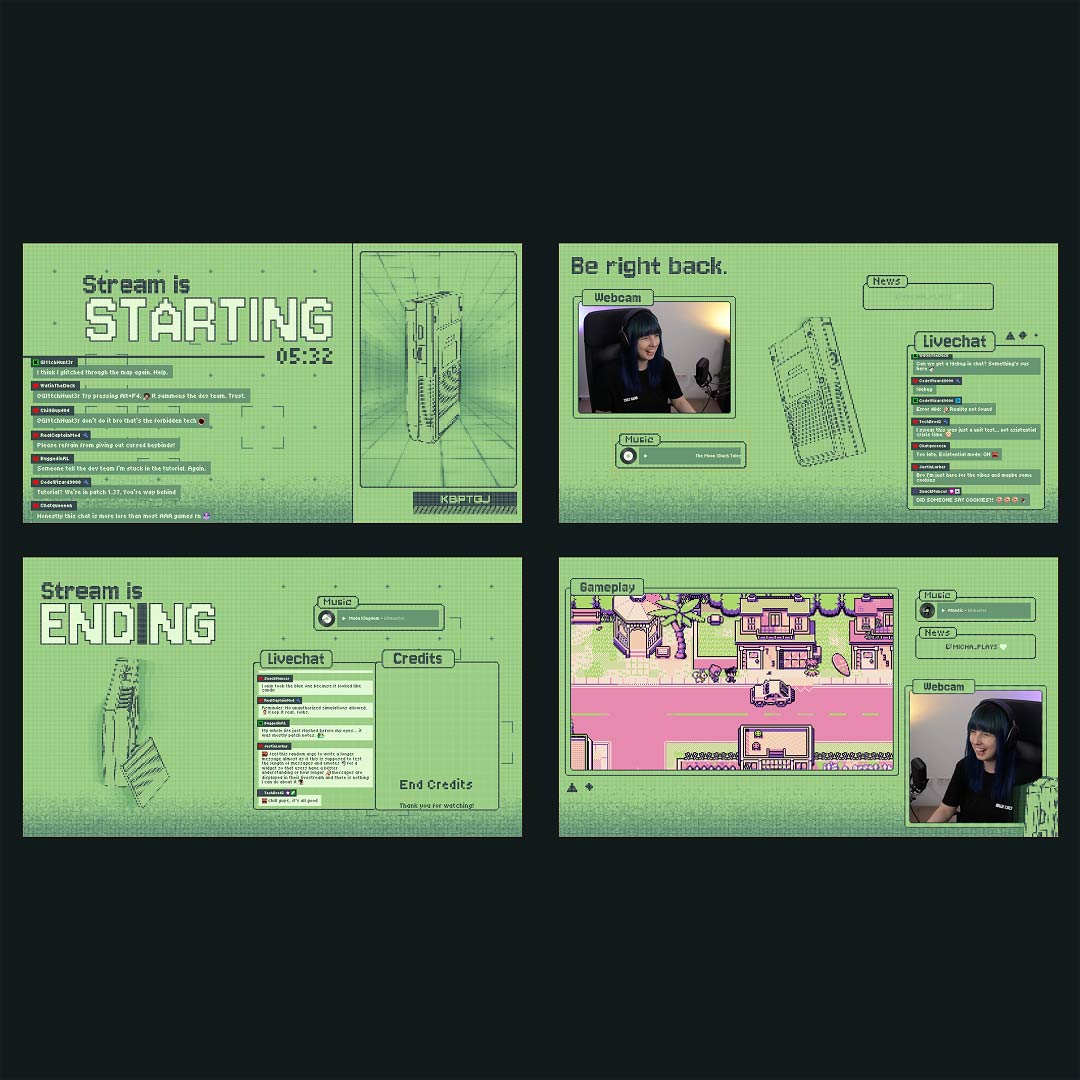
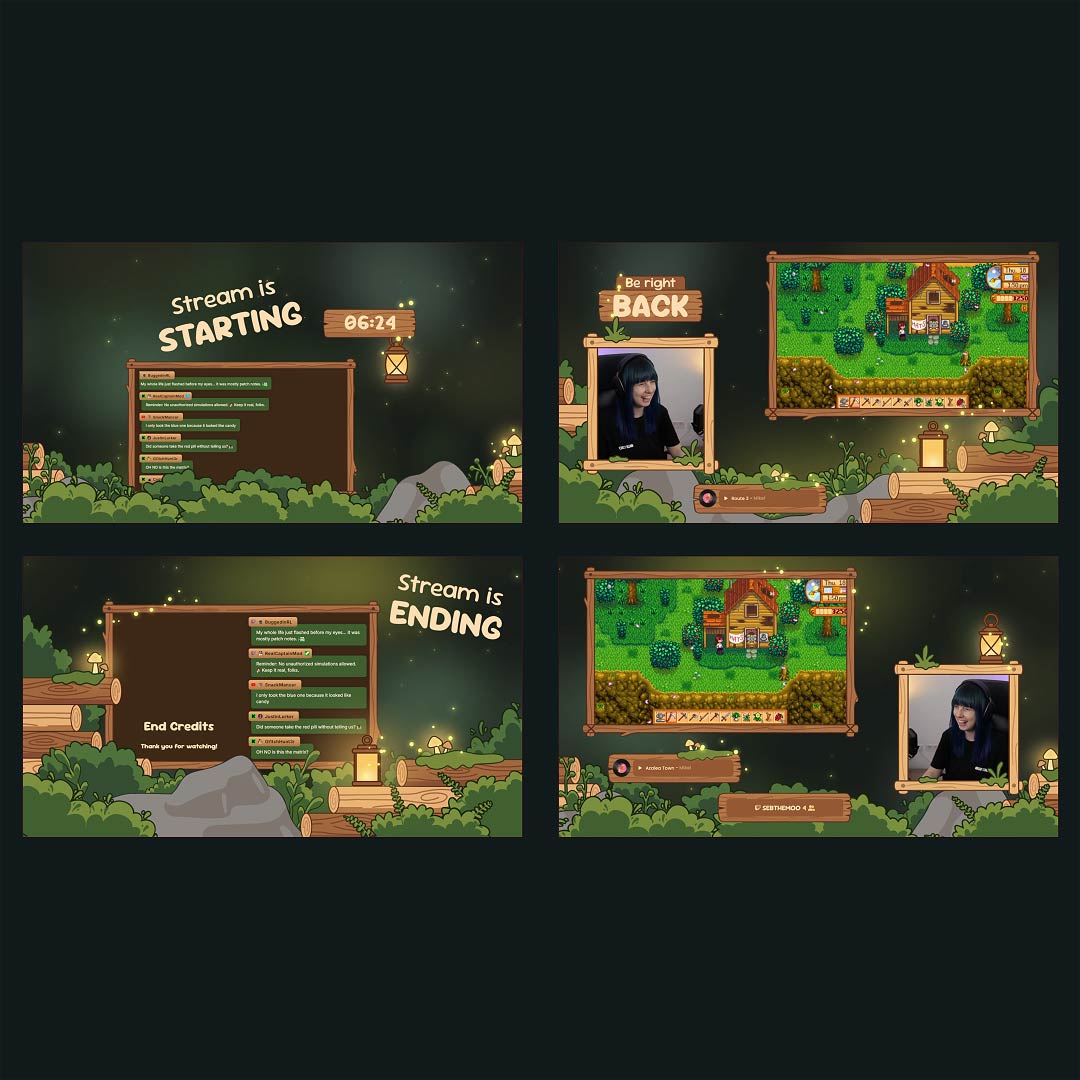
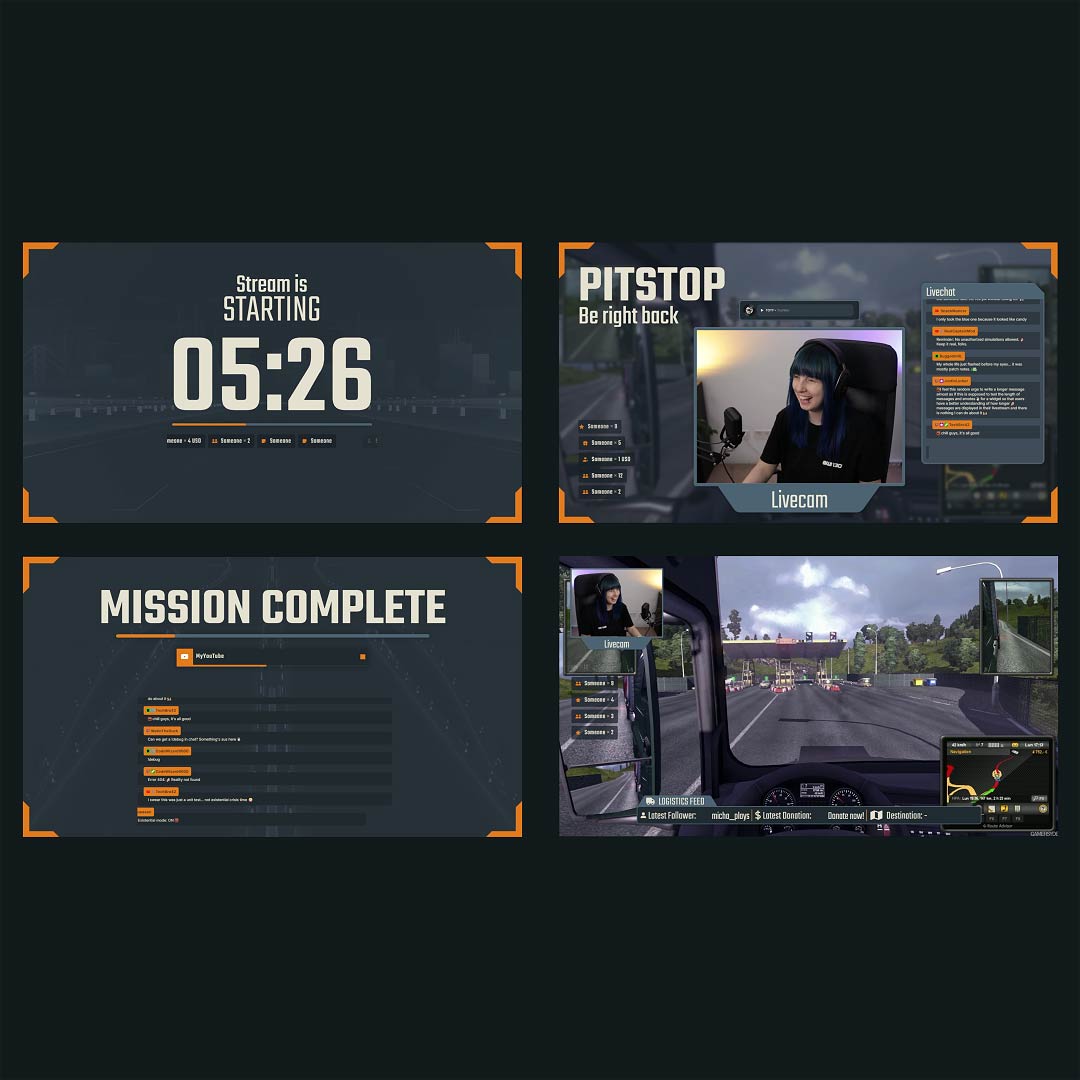
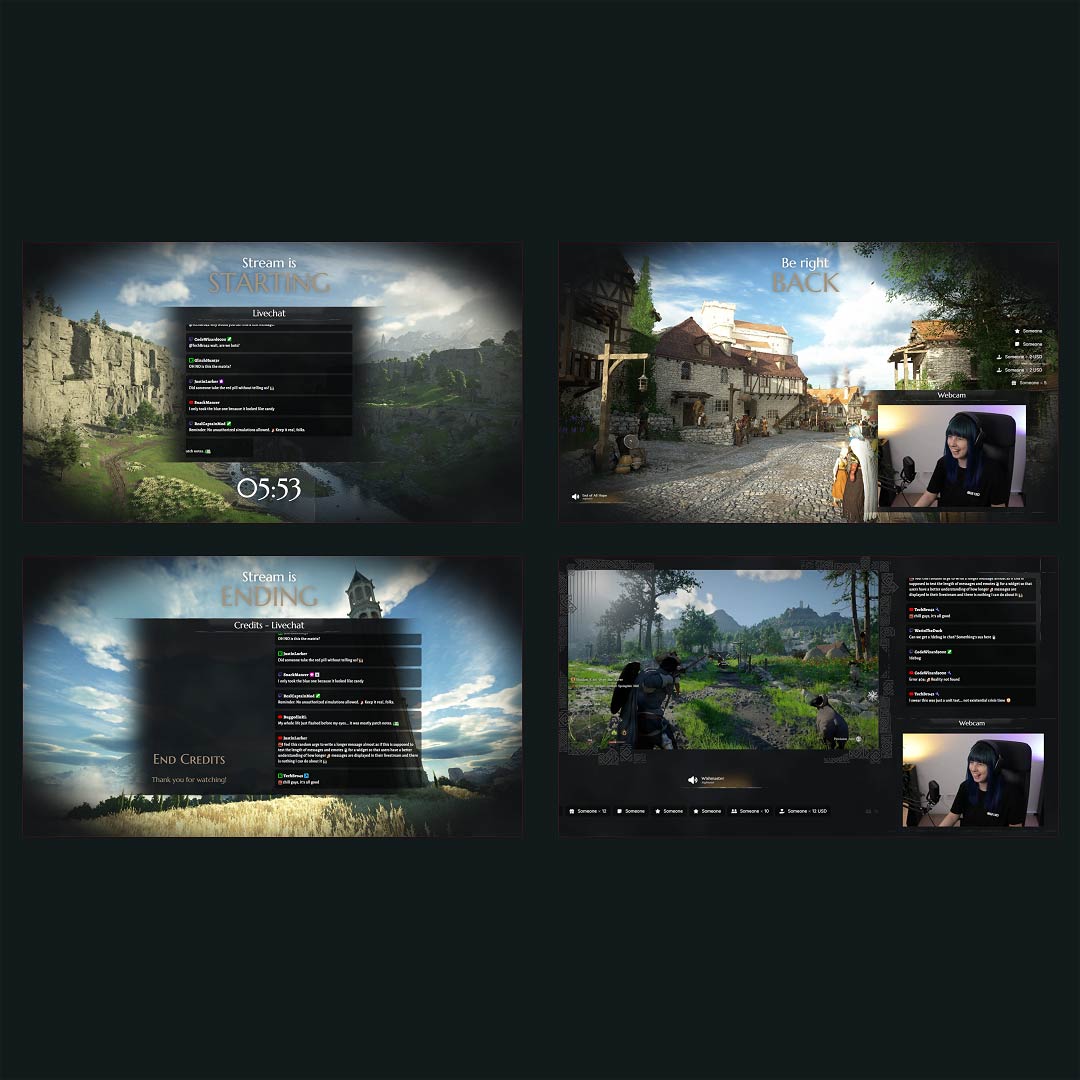
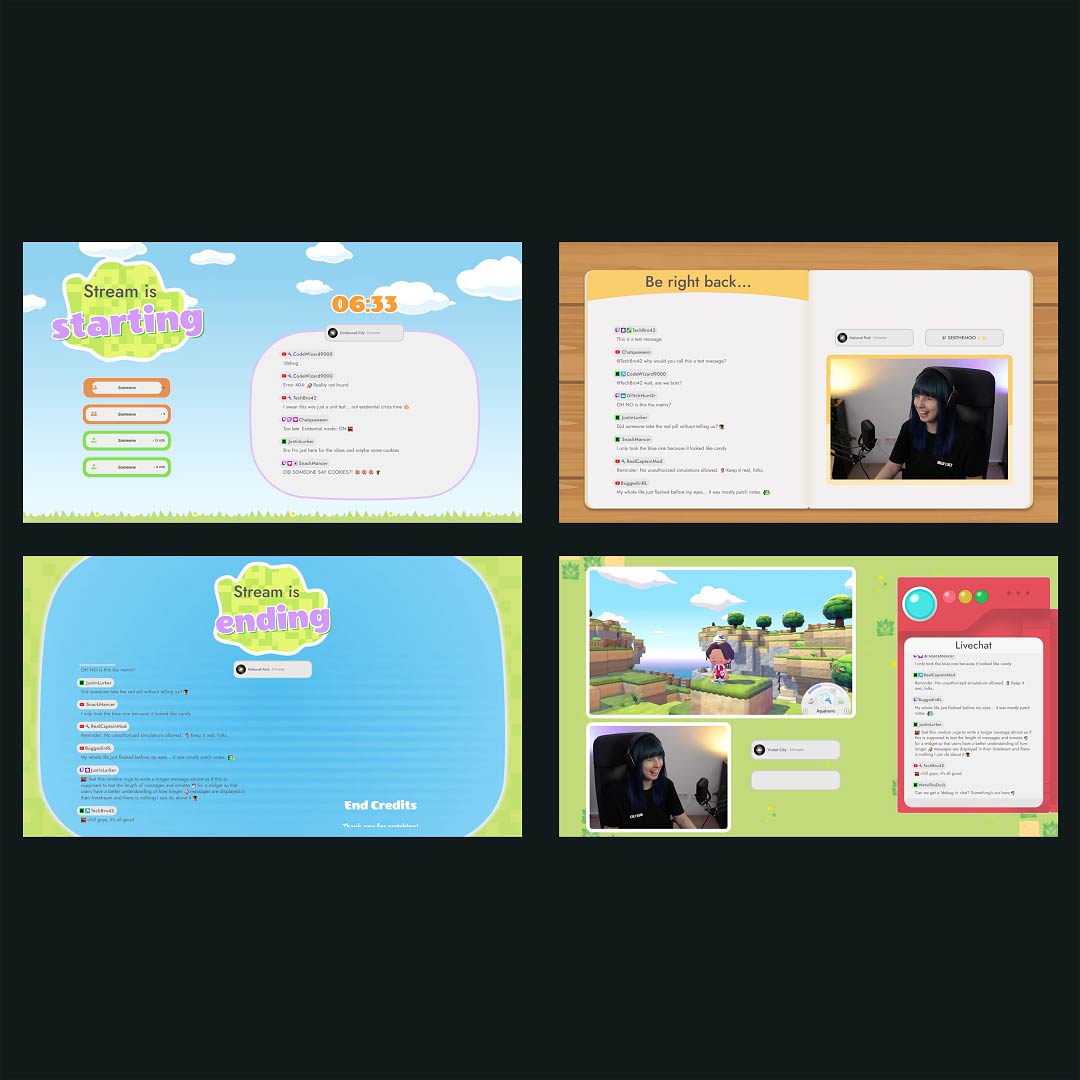
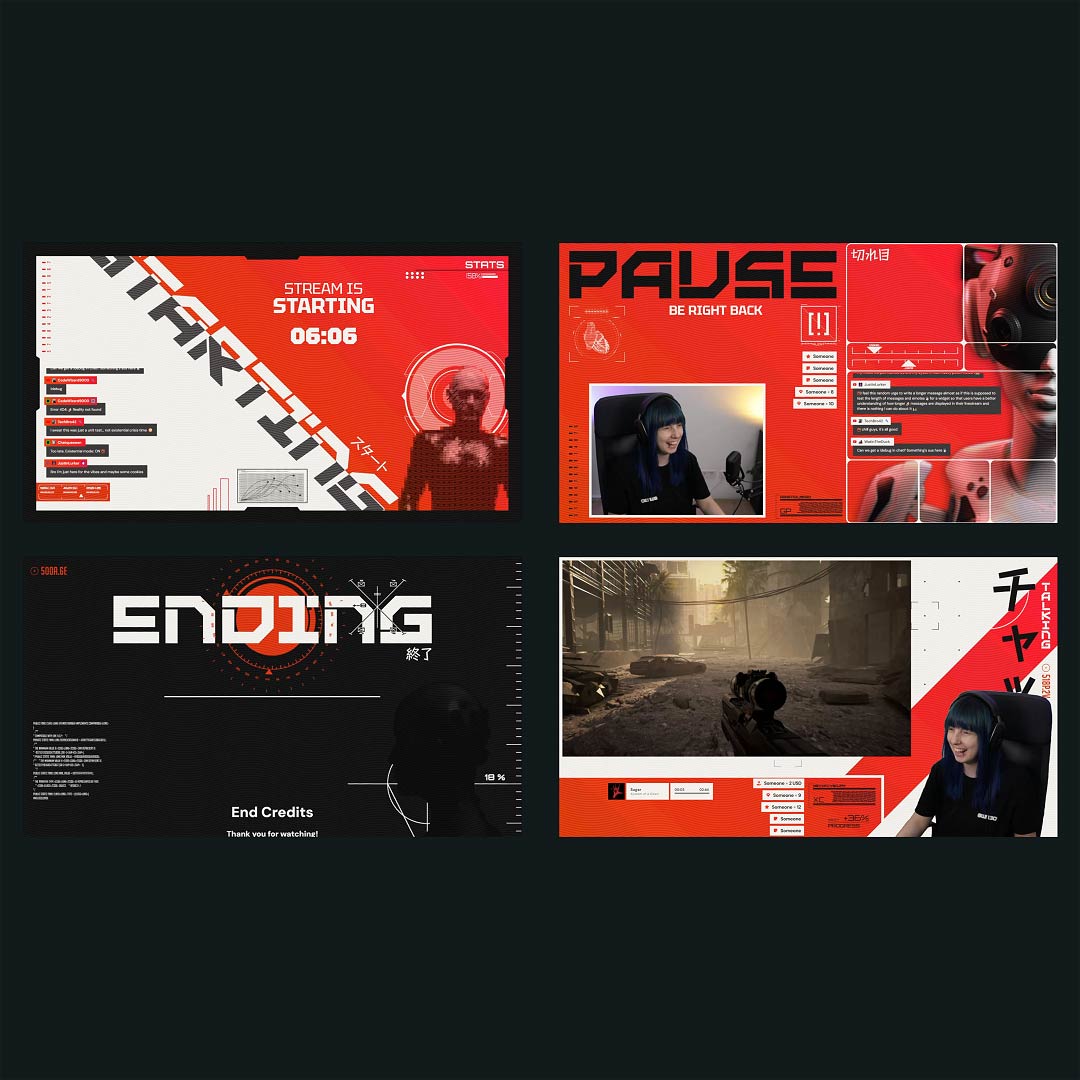
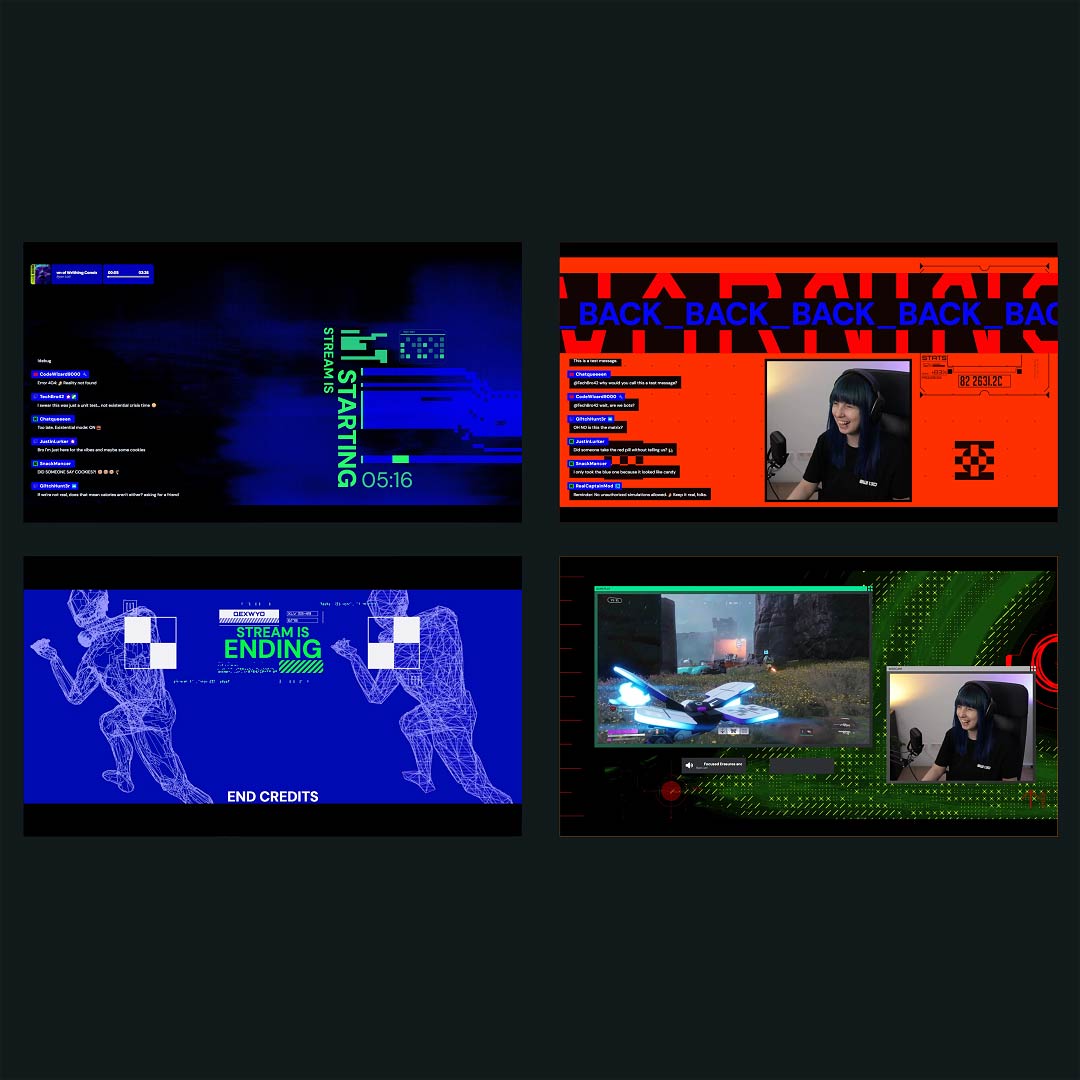
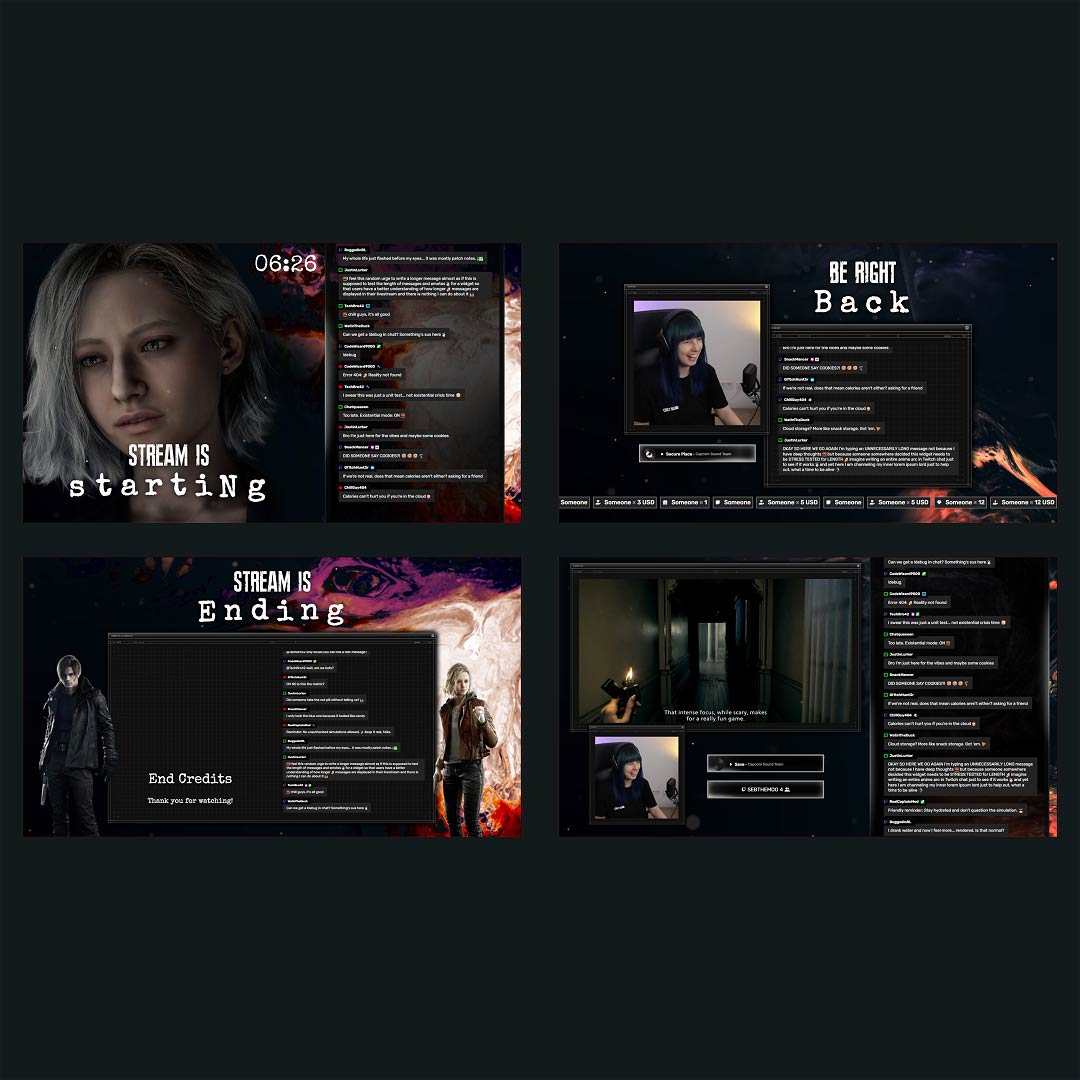
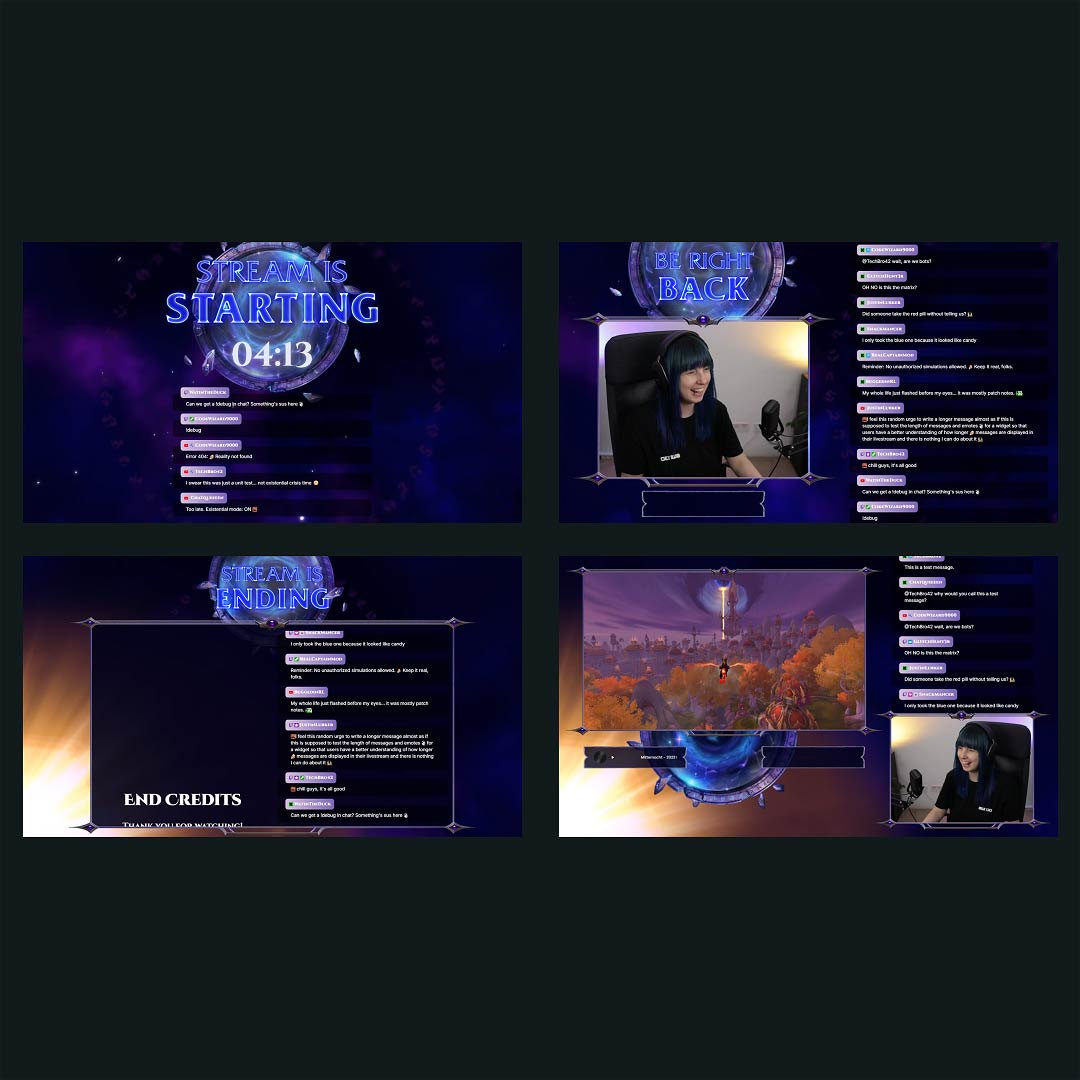
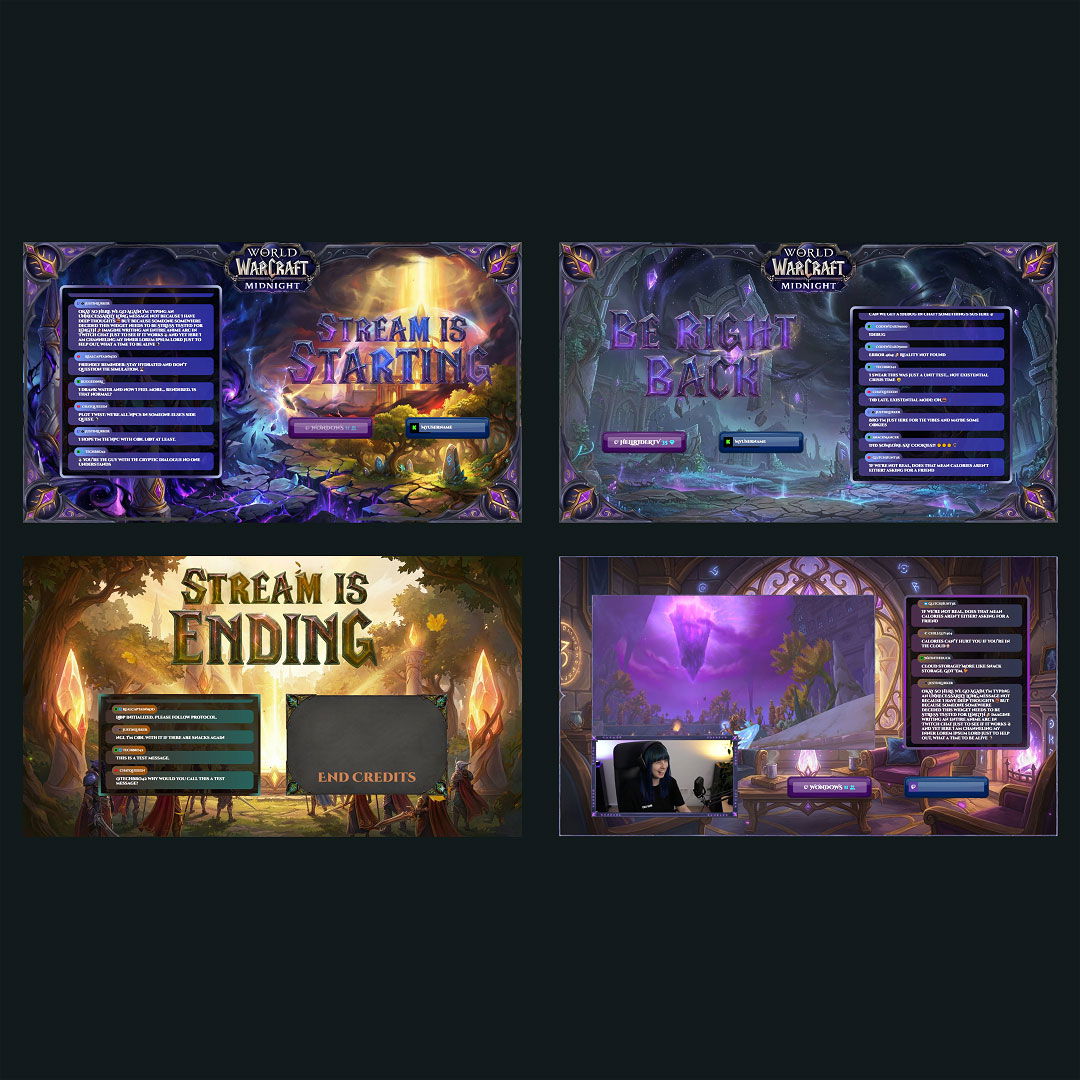
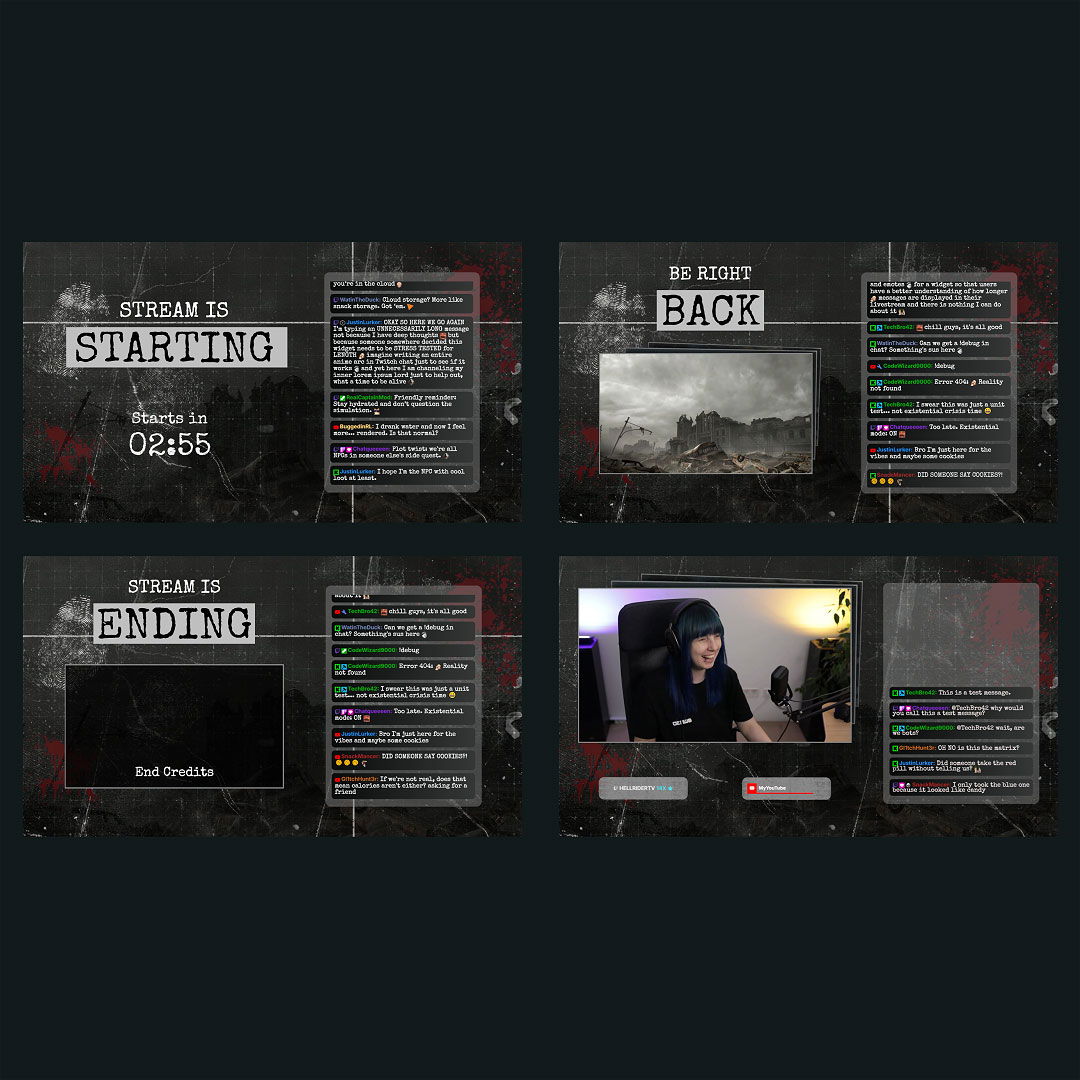
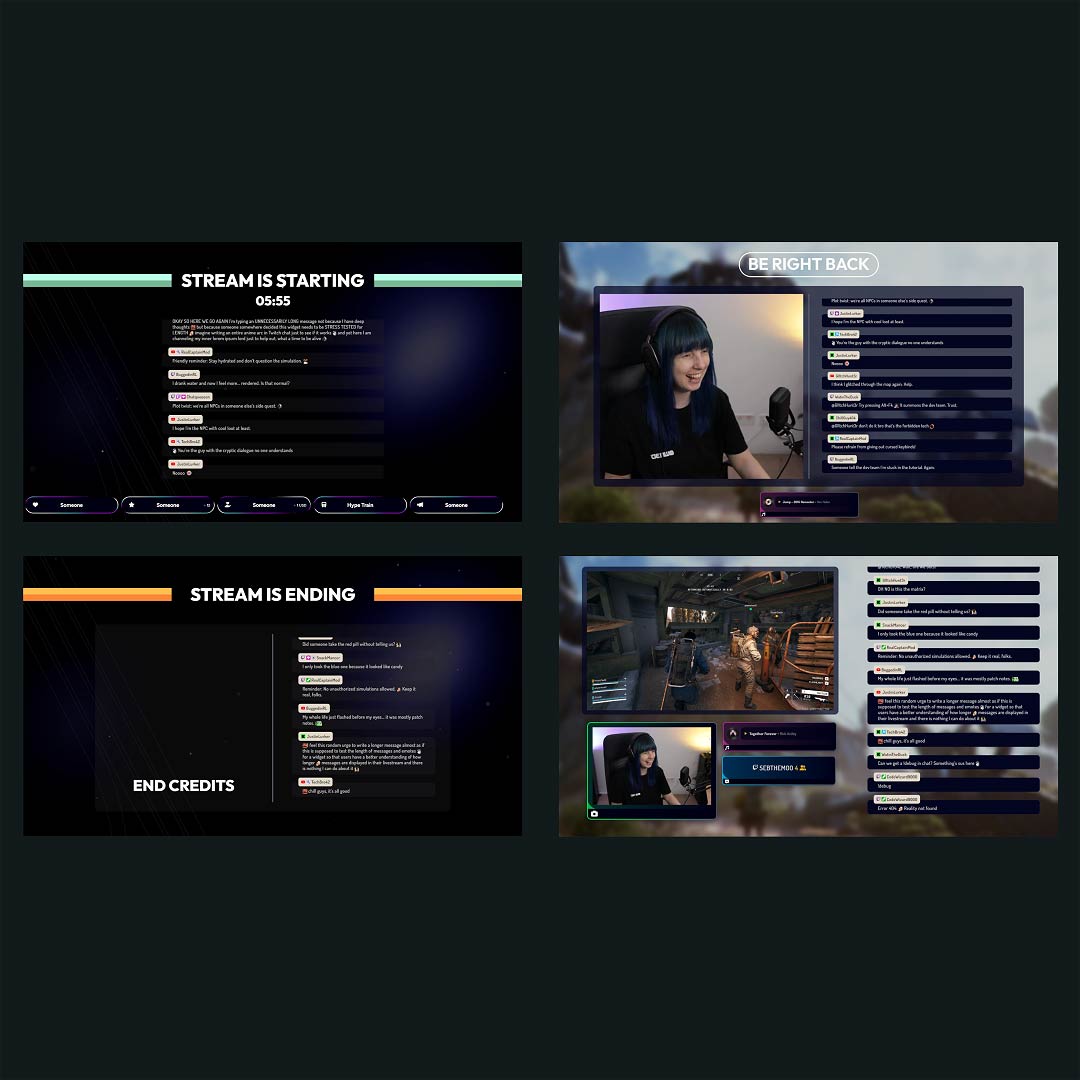
Creating your own stream overlays for Kick can be frustrating. Choosing colors, building layouts, and making everything feel on-brand takes time and energy you’d rather spend streaming. That’s where our kick overlays come in. With ready-to-use free kick overlays and premium templates, you can build a professional look in minutes and focus on what matters most: your content and your community.
Our Community’s Favorite Kick Overlays

All Kick Overlays Free/Premium
What Happy Customers Say About Our Kick Overlays
See how our Kick overlays make a difference for content creators.
One Pass. Everything Included.
The Stream Pass gives you full access to everything OWN3D Pro has to offer. All products, including Kick overlays, alerts, widgets, emotes, and more, are included and not sold separately.
Works with all broadcasting tools
Customize your Kick overlays in the Scene Builder and use them with OBS Studio, Streamlabs, XSplit, or other tools. Everything works smoothly with your setup.
Unlimited* asset downloads
Download emotes, badges, panels, and more static assets. *Our unlimited plan is subject to fair use.
AI-powered creations
Get 50 AI credits with your Stream Pass to generate custom stream widgets, webcam frames, emotes, and more.
Multistreaming ready
Stream on Twitch, YouTube, and Kick with all the tools you need for a consistent and professional livestream.
FAQs About Kick Overlays
What are Kick overlays?
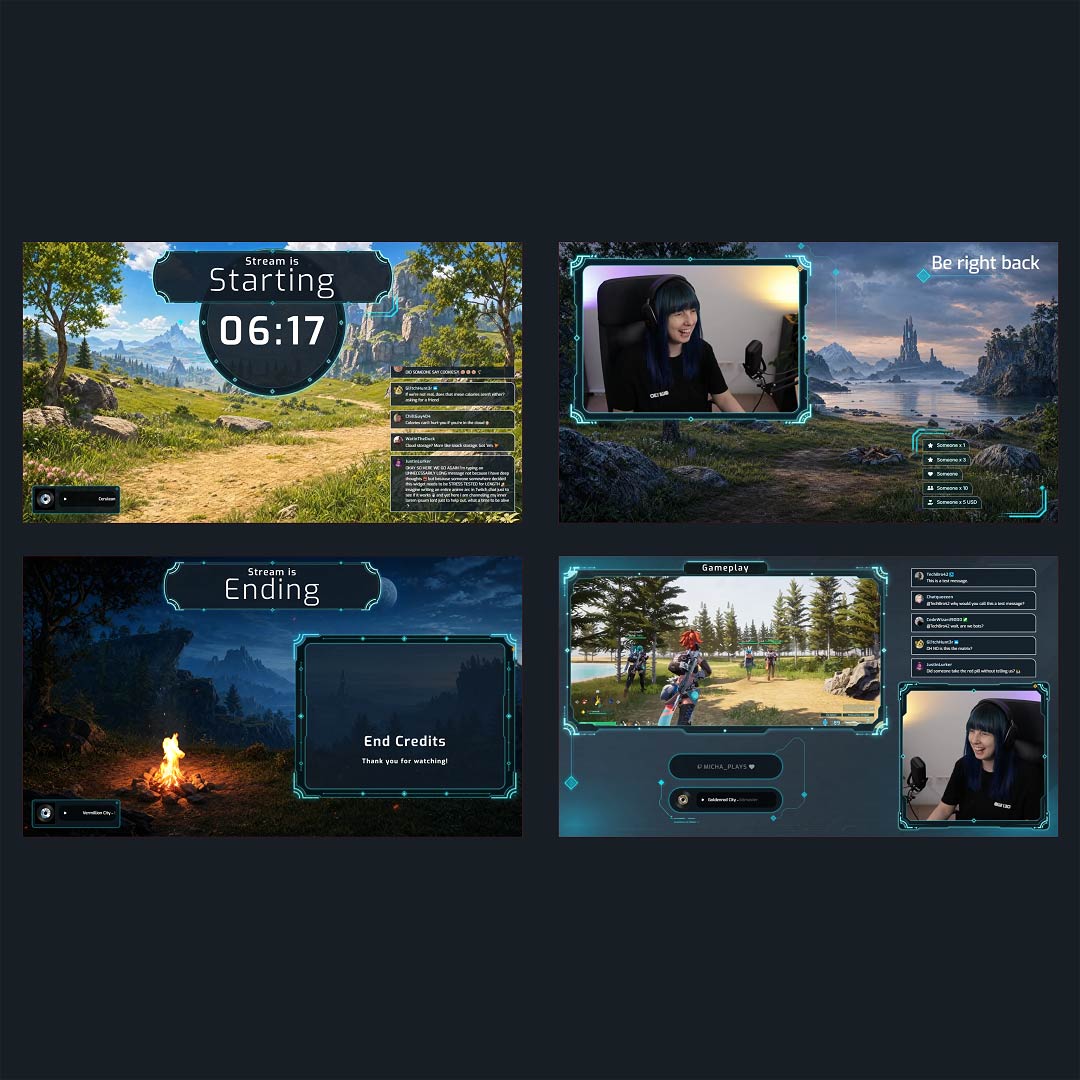
Kick overlays are visual elements that appear on top of your stream. They include designs and widgets, such as Kick chat, webcam frames, game overlays, Kick alerts, and Kick labels that give your stream a structured appearance and help it look more professional.
Where can I find free Kick overlays?
Free Kick overlays are available directly in our store or in the Scene Builder. They’re ready-to-use, customizable, beginner-friendly, and made to help you go live fast with a great-looking stream.
Are the overlays made specifically for Kick?
Yes, all stream overlays for Kick are designed to fit the platform’s layout and format perfectly. They look right and work right out of the box.
How do I set up a Kick overlay in OBS?
Can I personalize my Kick overlays?
Yes, every Kick overlay can be fully customized. You can tweak colors, fonts, labels, and layout directly in the Scene Builder, eliminating the need for design software. You can also add widgets to your Kick stream overlay at any time, including Kick chatbox, alerts, goal bars, interactive widgets, and more to make your Kick overlay truly your own.
Are animated stream overlays available for Kick?
Definitely. You’ll find a wide range of animated Kick overlays that add motion and energy to your stream with zero hassle. In fact, most of our overlay library is animated, giving your Kick stream that extra visual punch that really catches attention.
What’s included in a Kick overlay template?
A typical Kick overlay template includes webcam frames, alert boxes, Kick chat areas, Kick labels, and stream screens, such as “Starting Soon” or “Be Right Back.”
Do Kick overlays support alerts and widgets?
Yes, our Kick overlays are designed to work seamlessly with alerts and stream widgets, ensuring your layout looks clean and interactive from top to bottom.