Free Twitch Overlay Maker

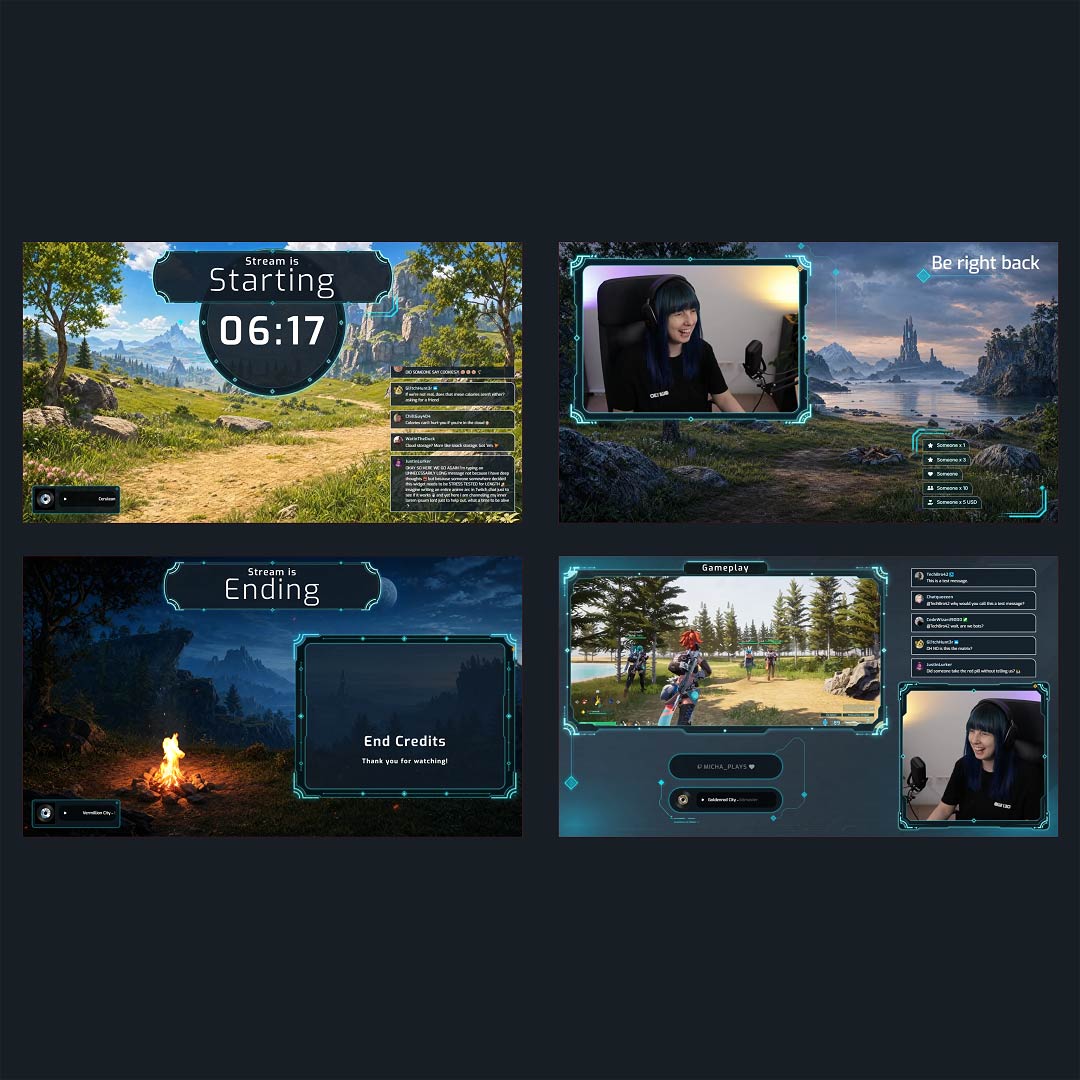
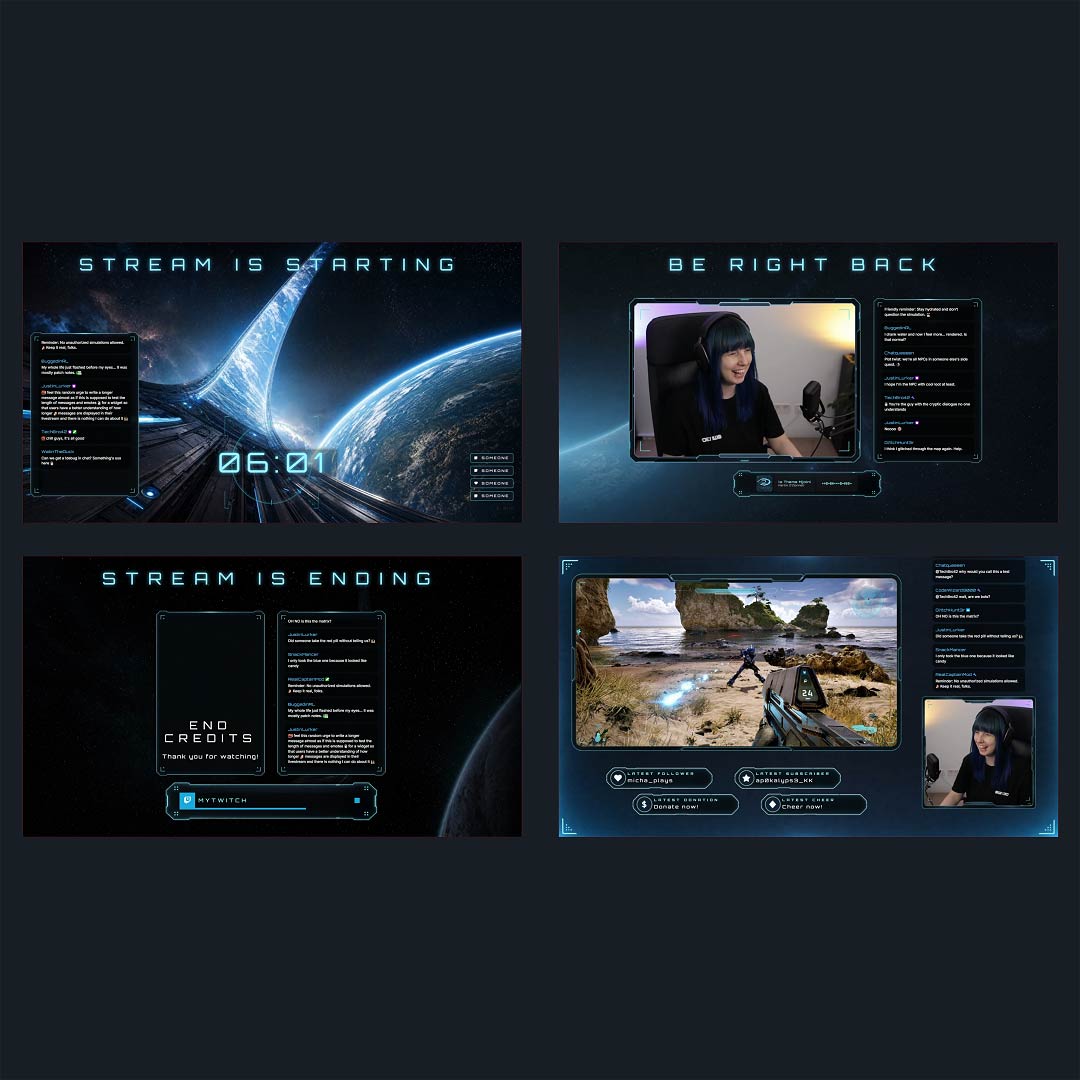
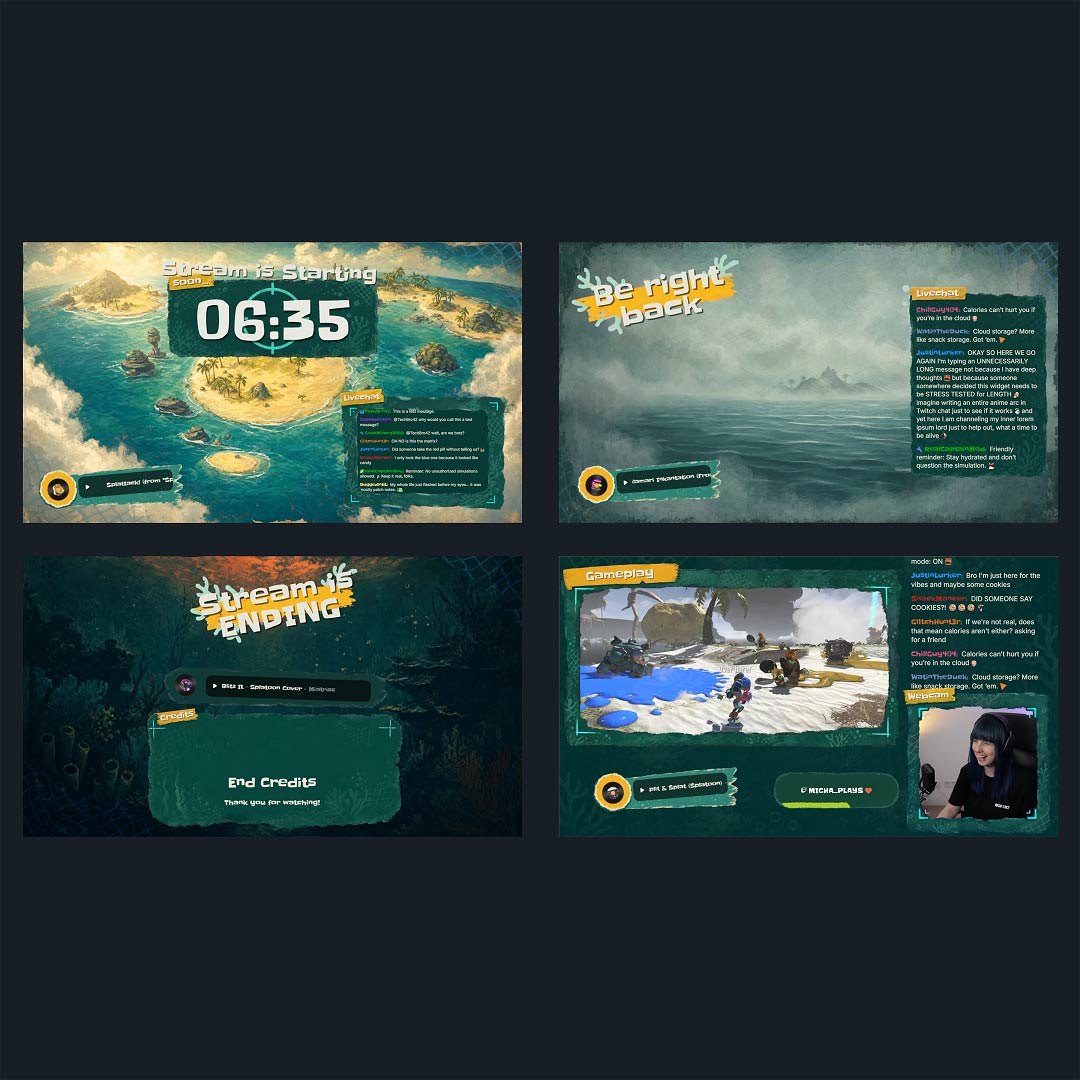
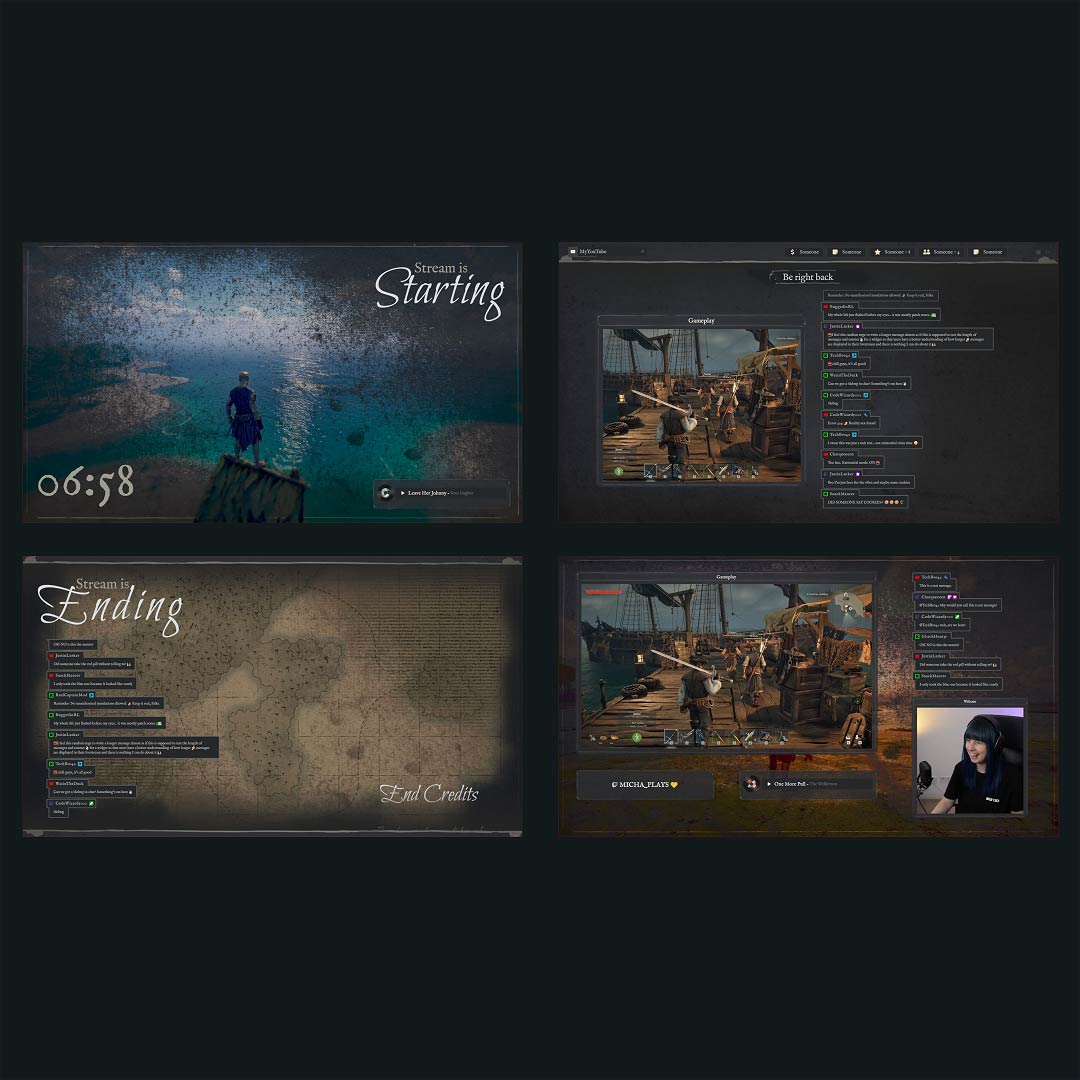
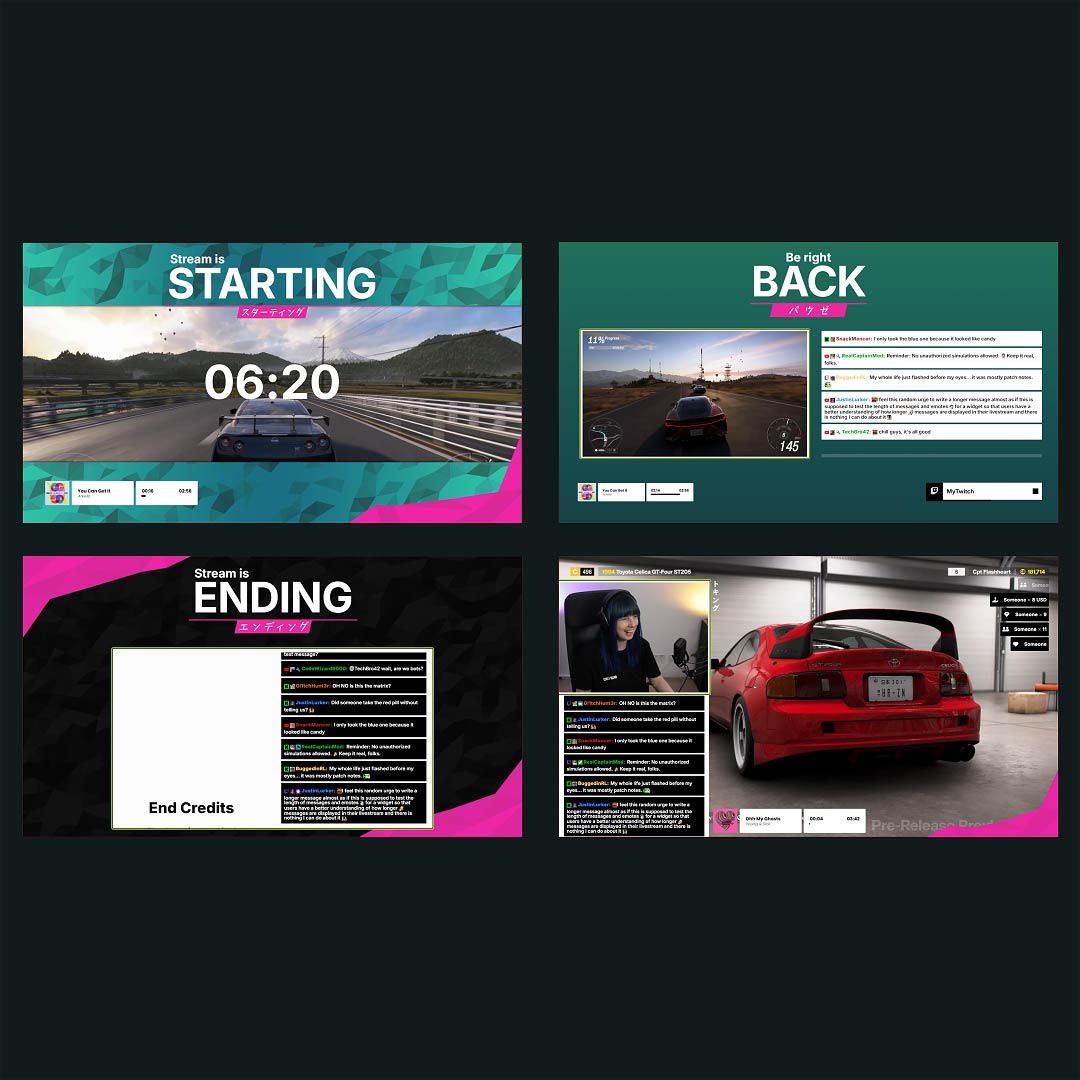
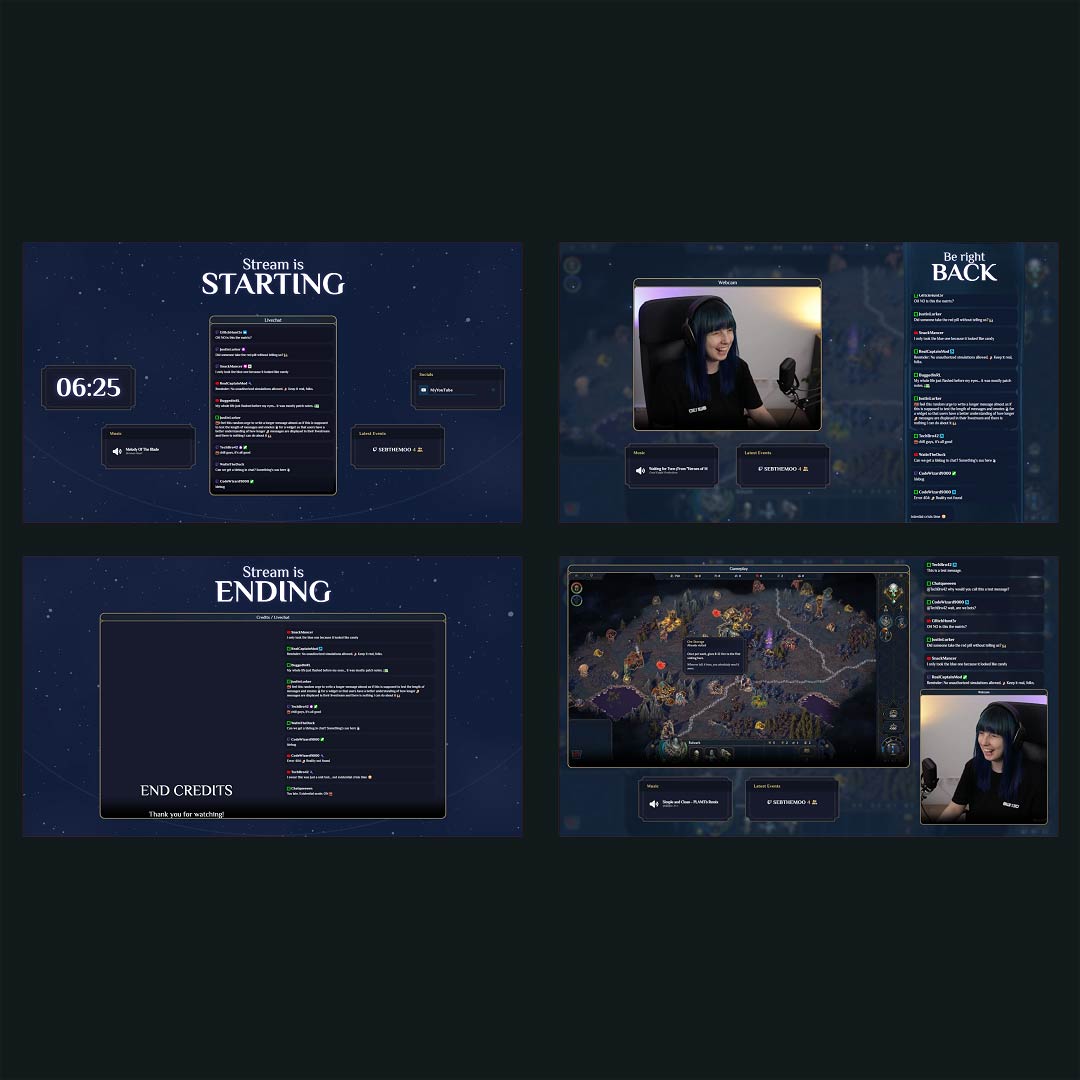
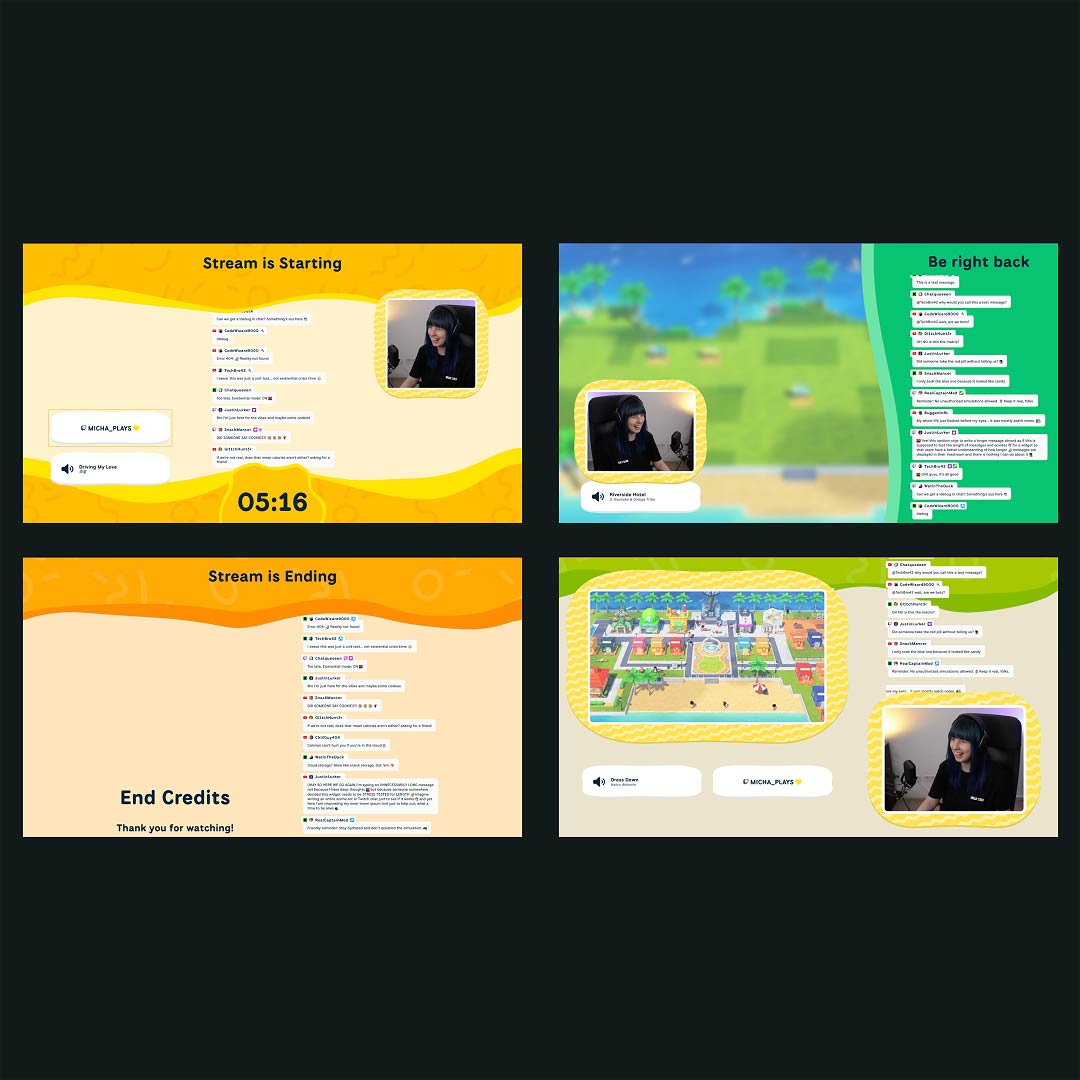
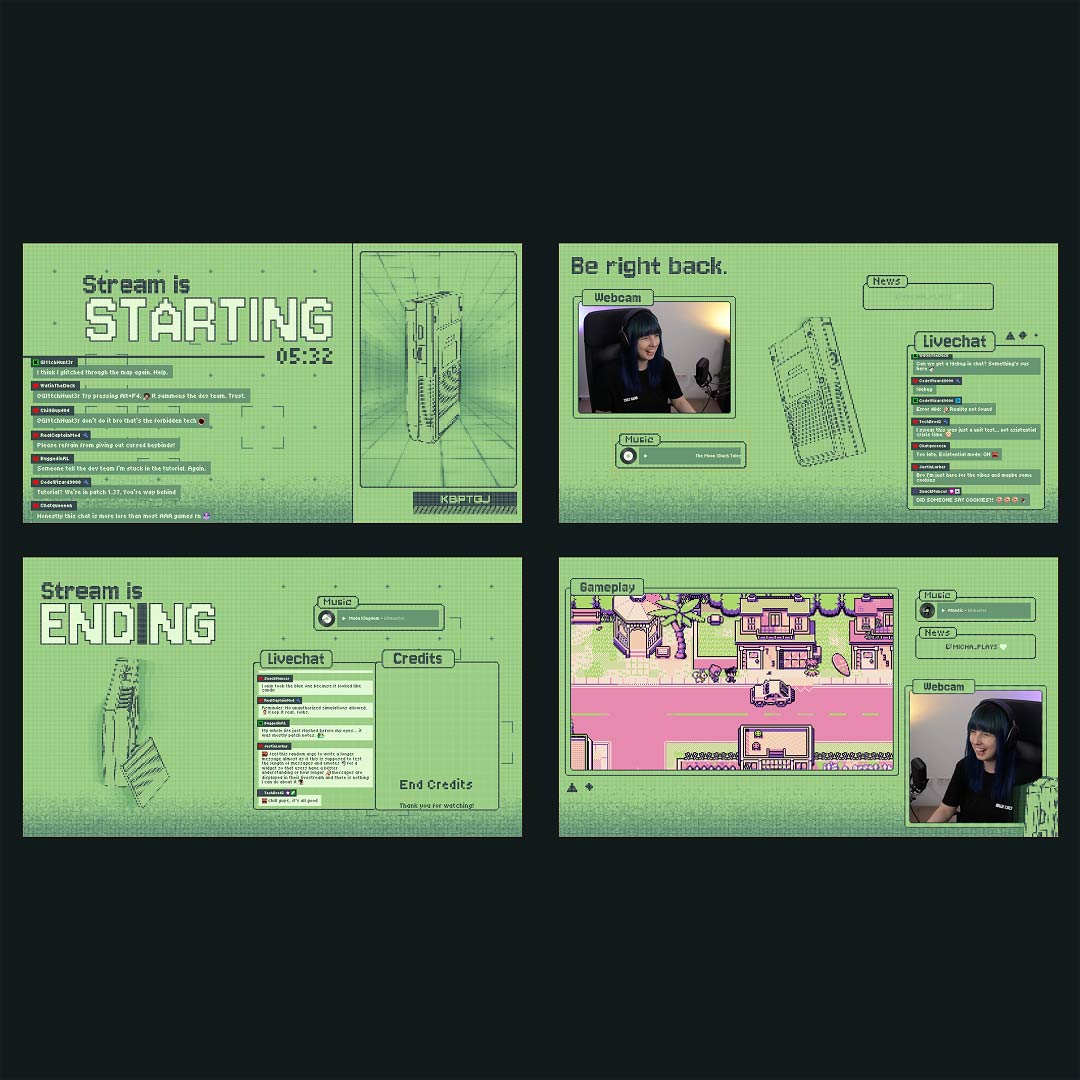
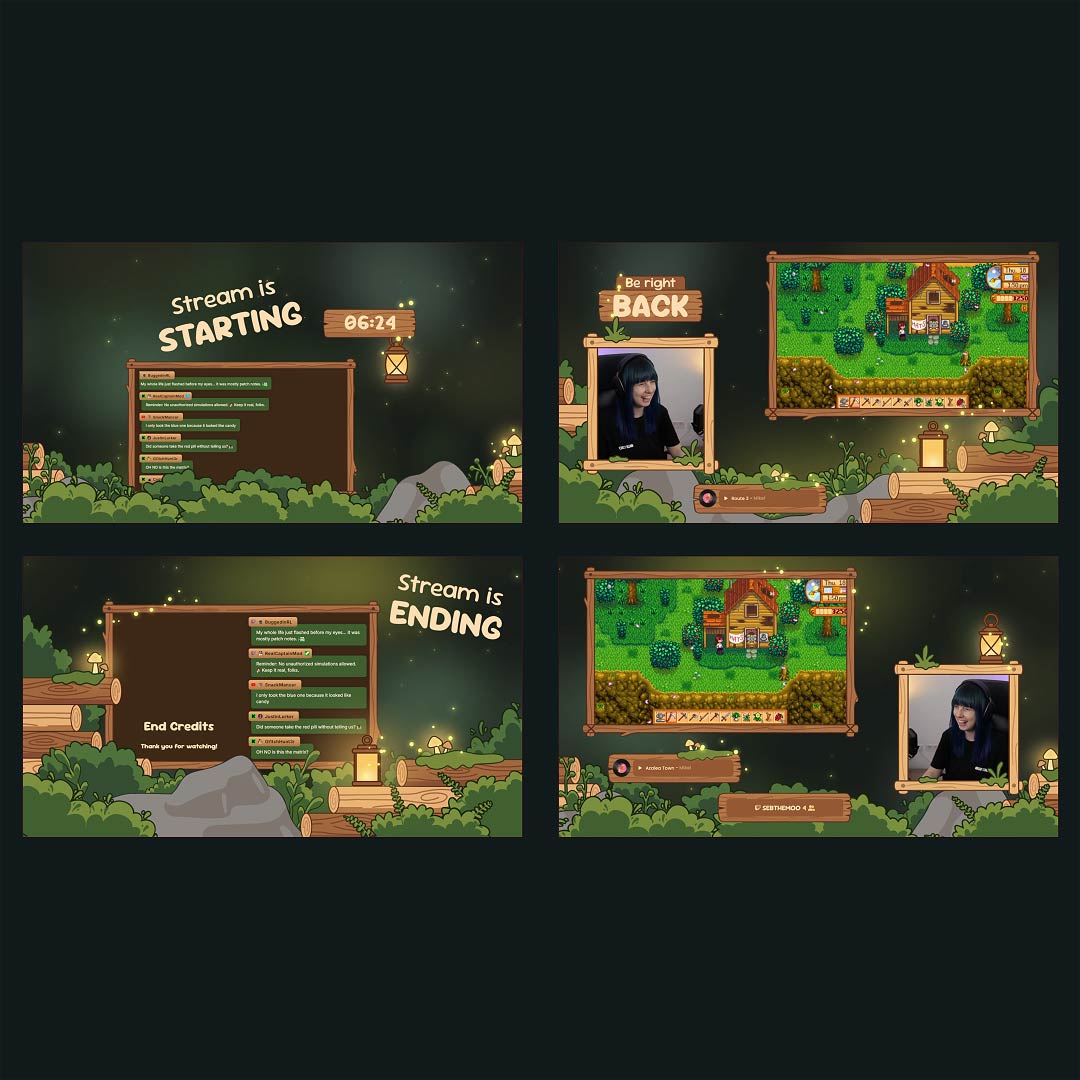
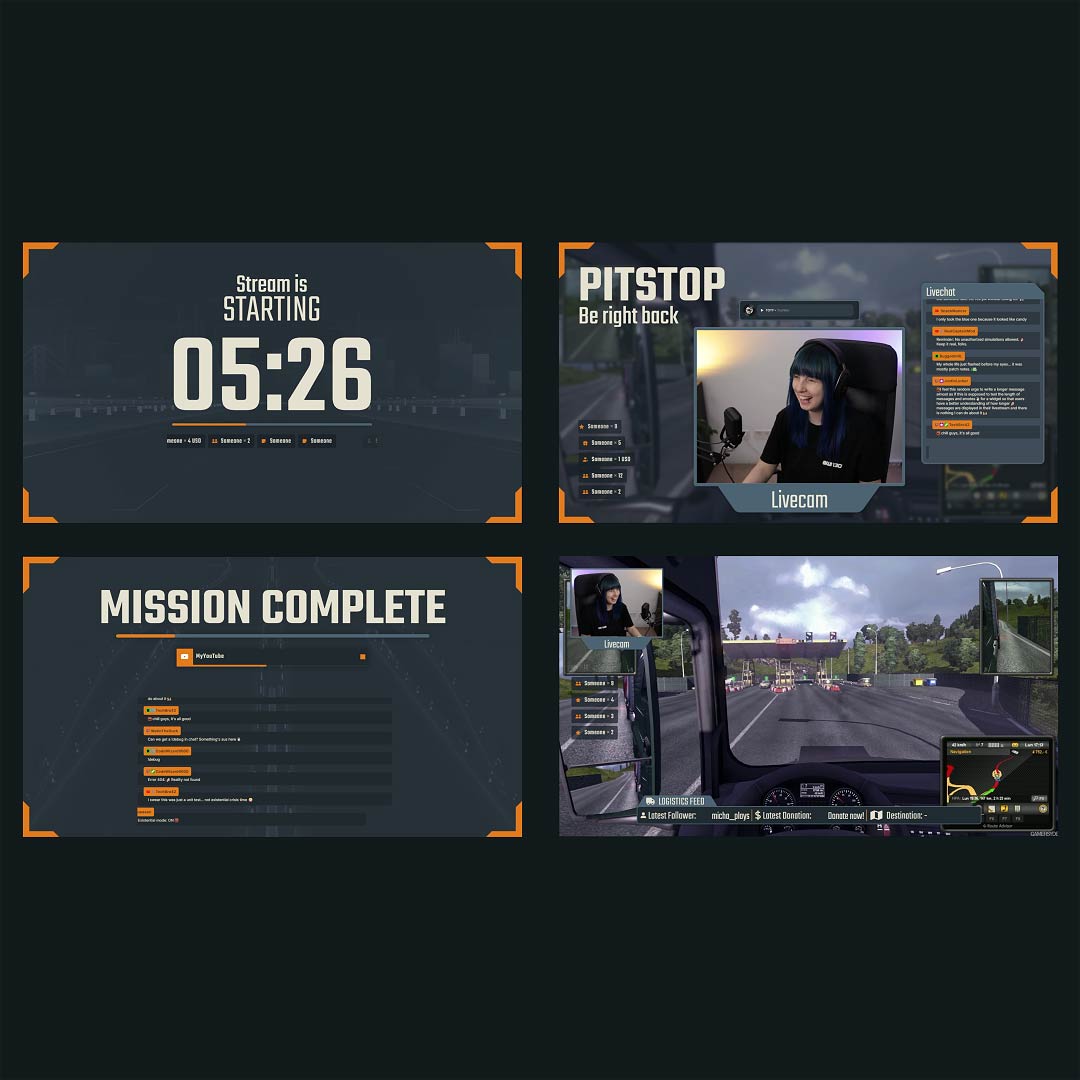
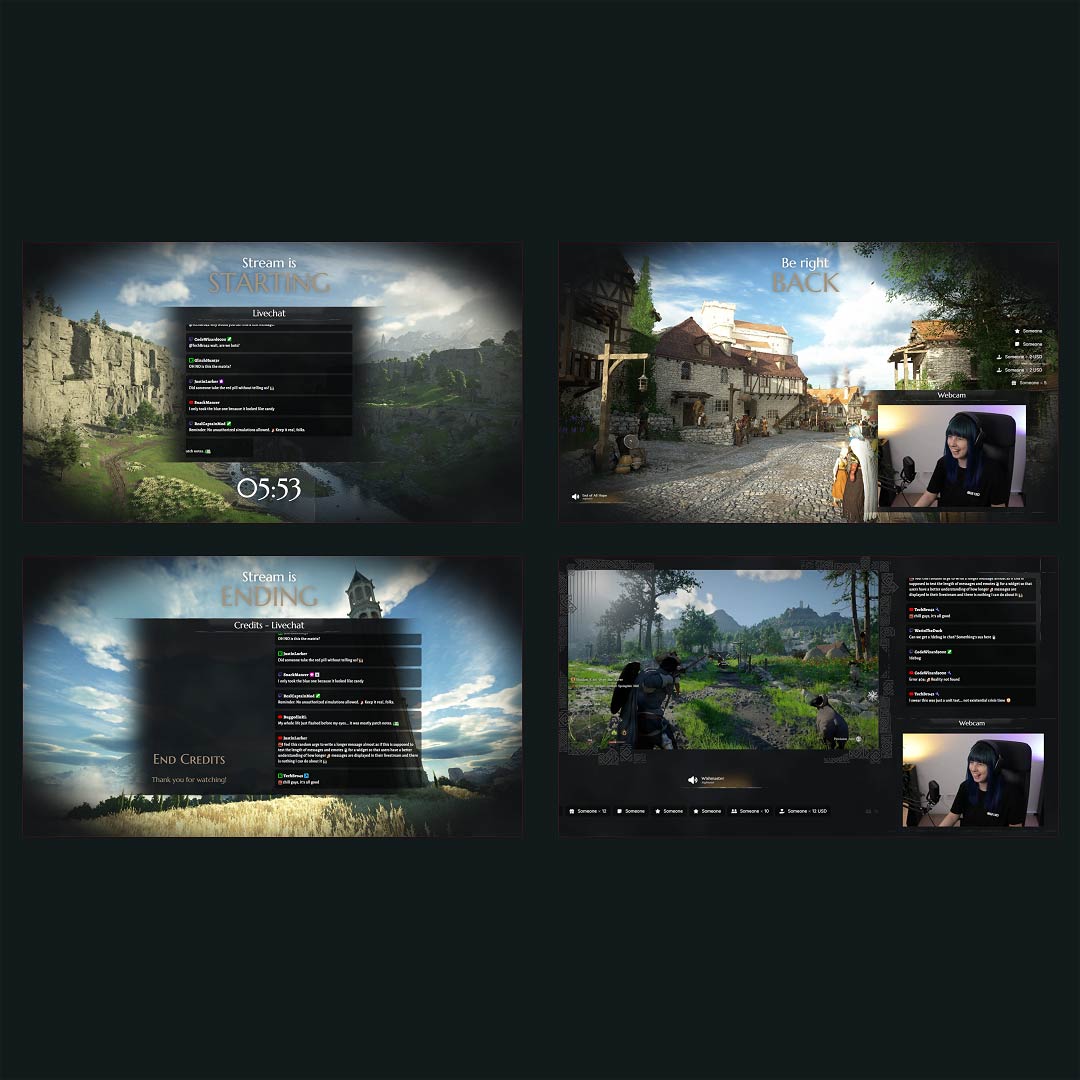
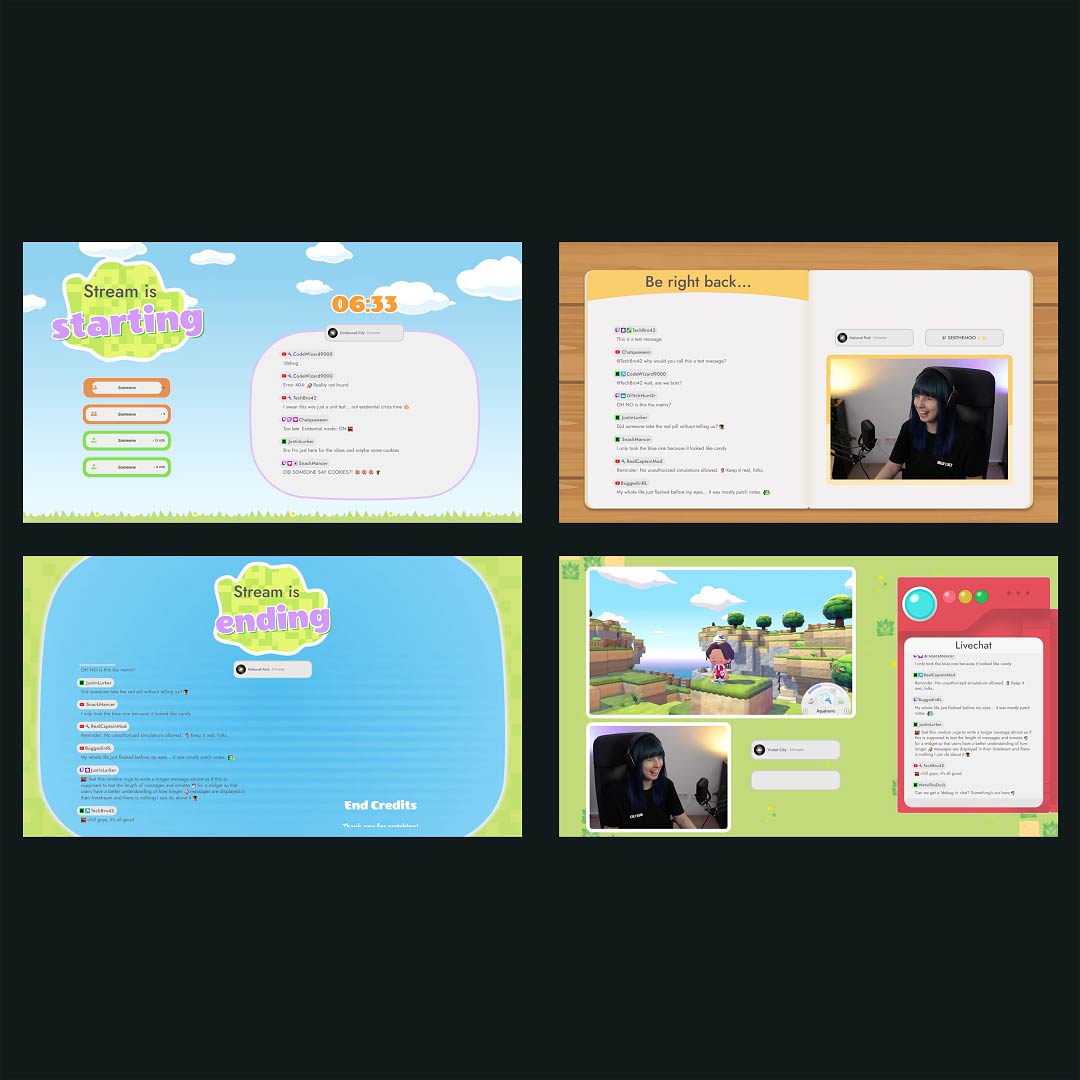
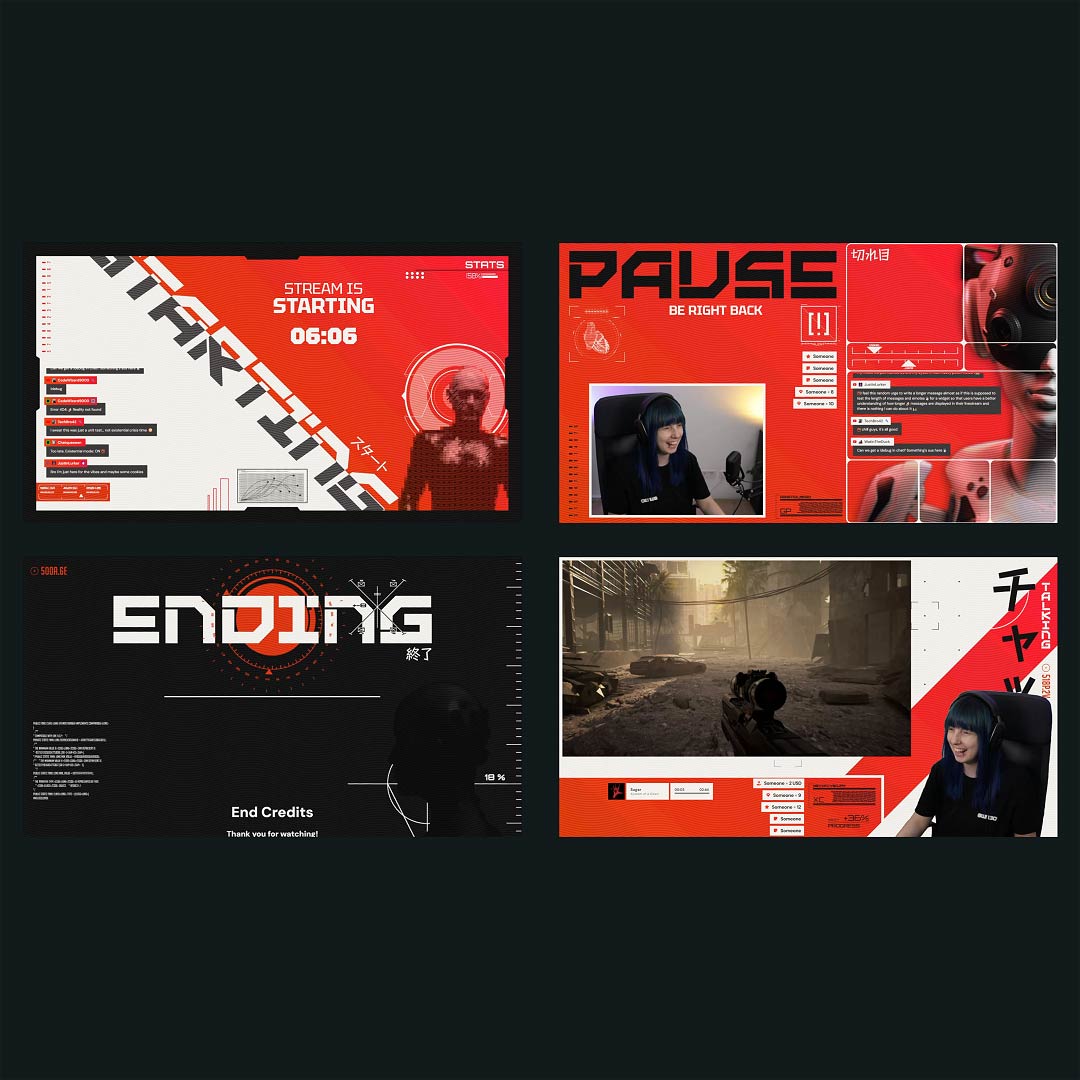
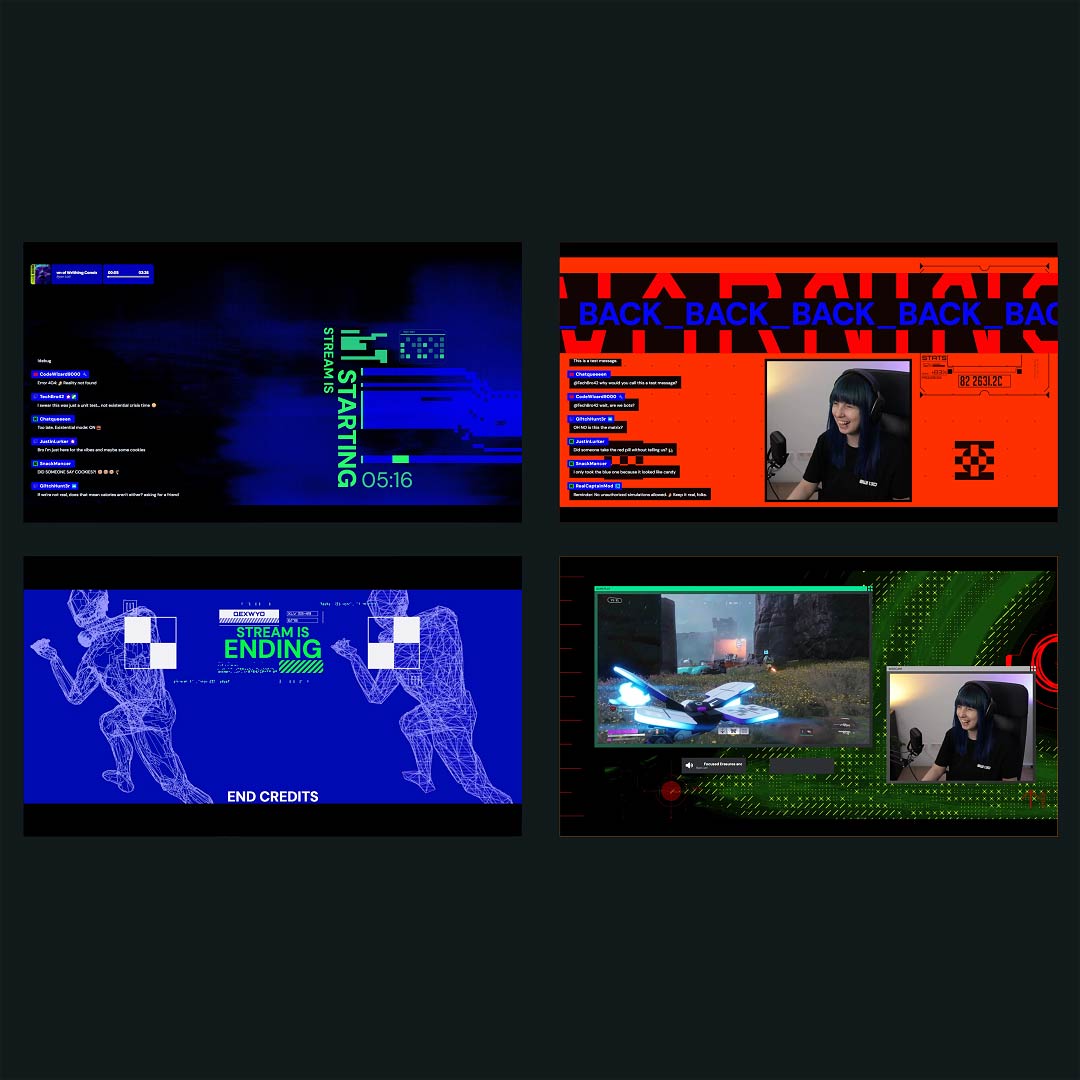
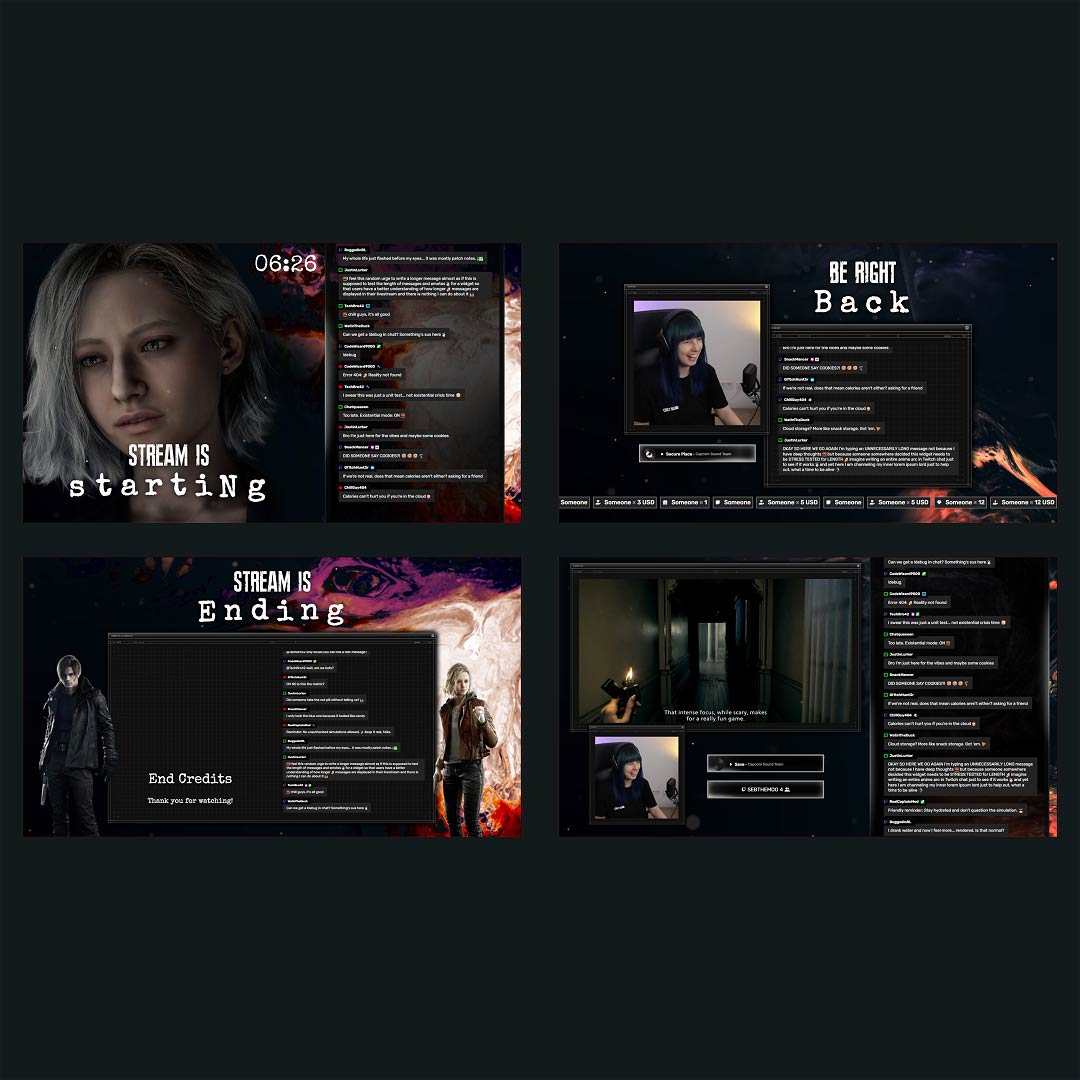
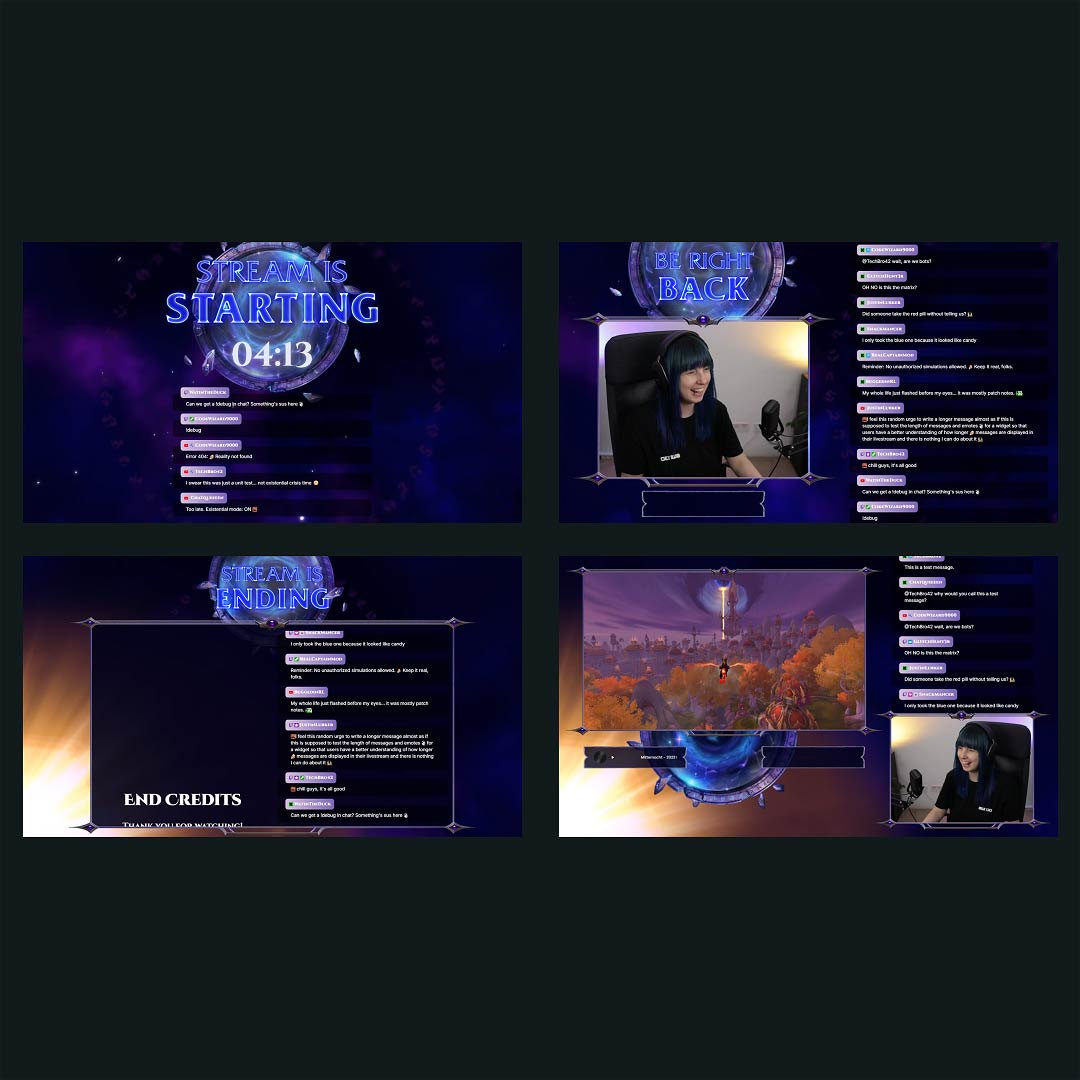
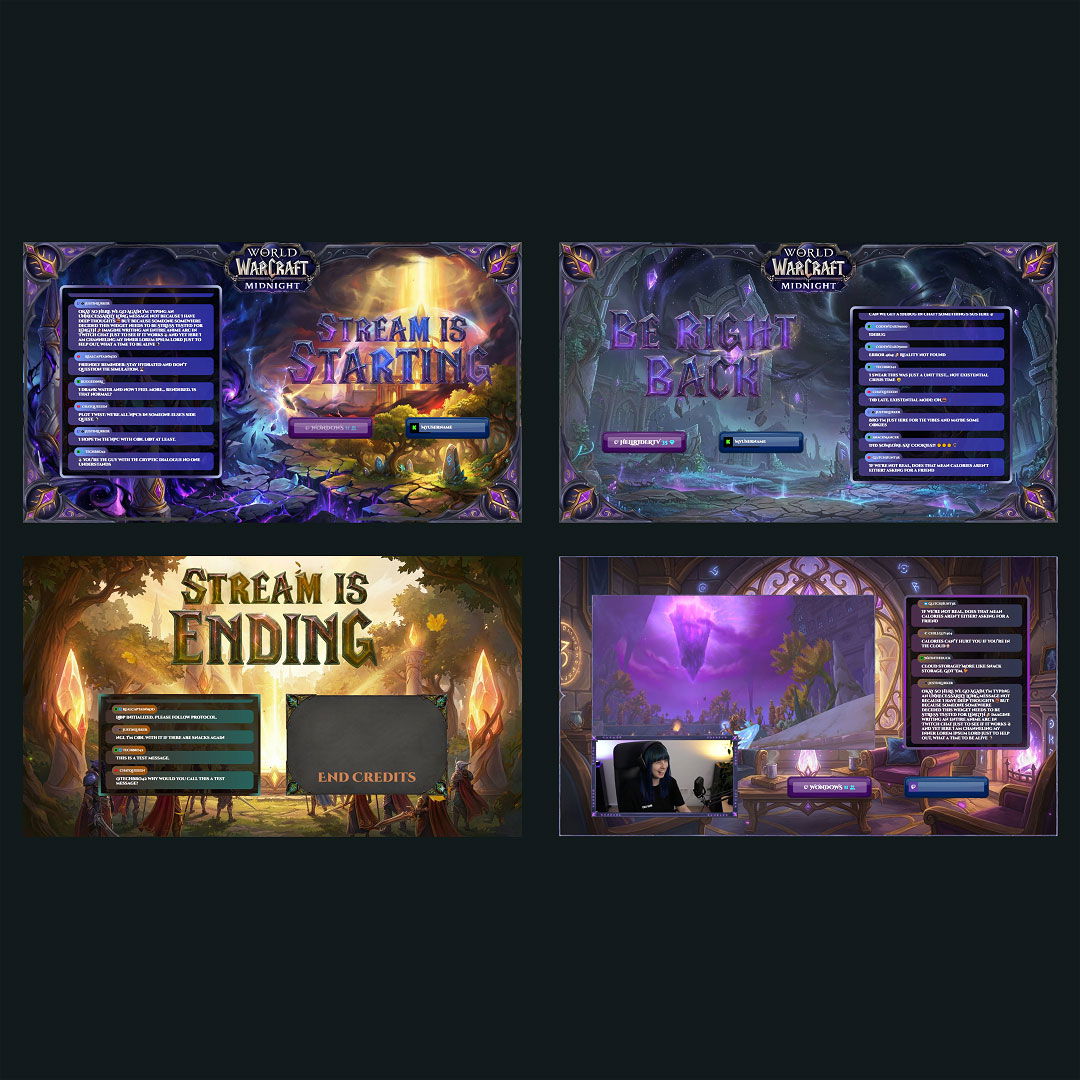
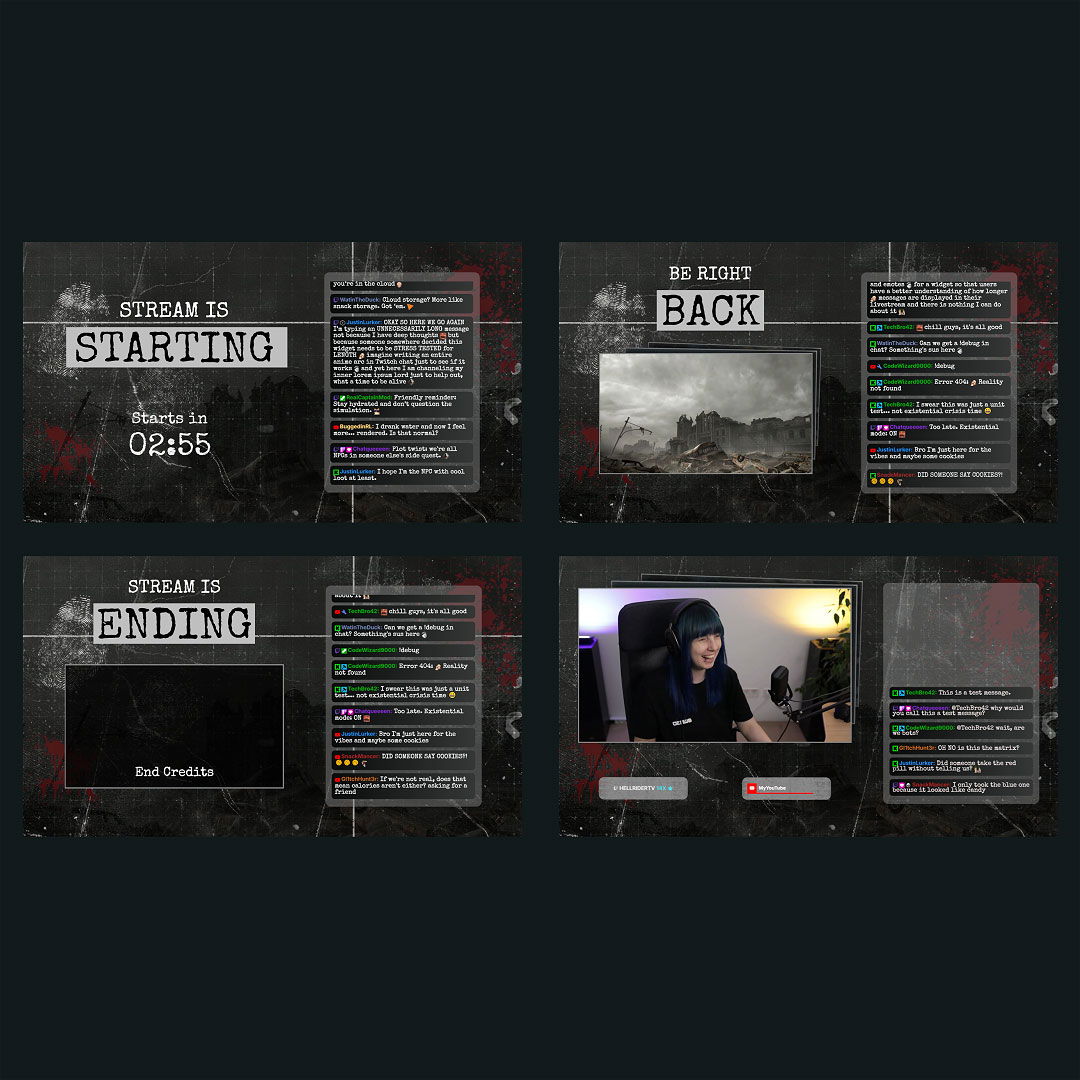
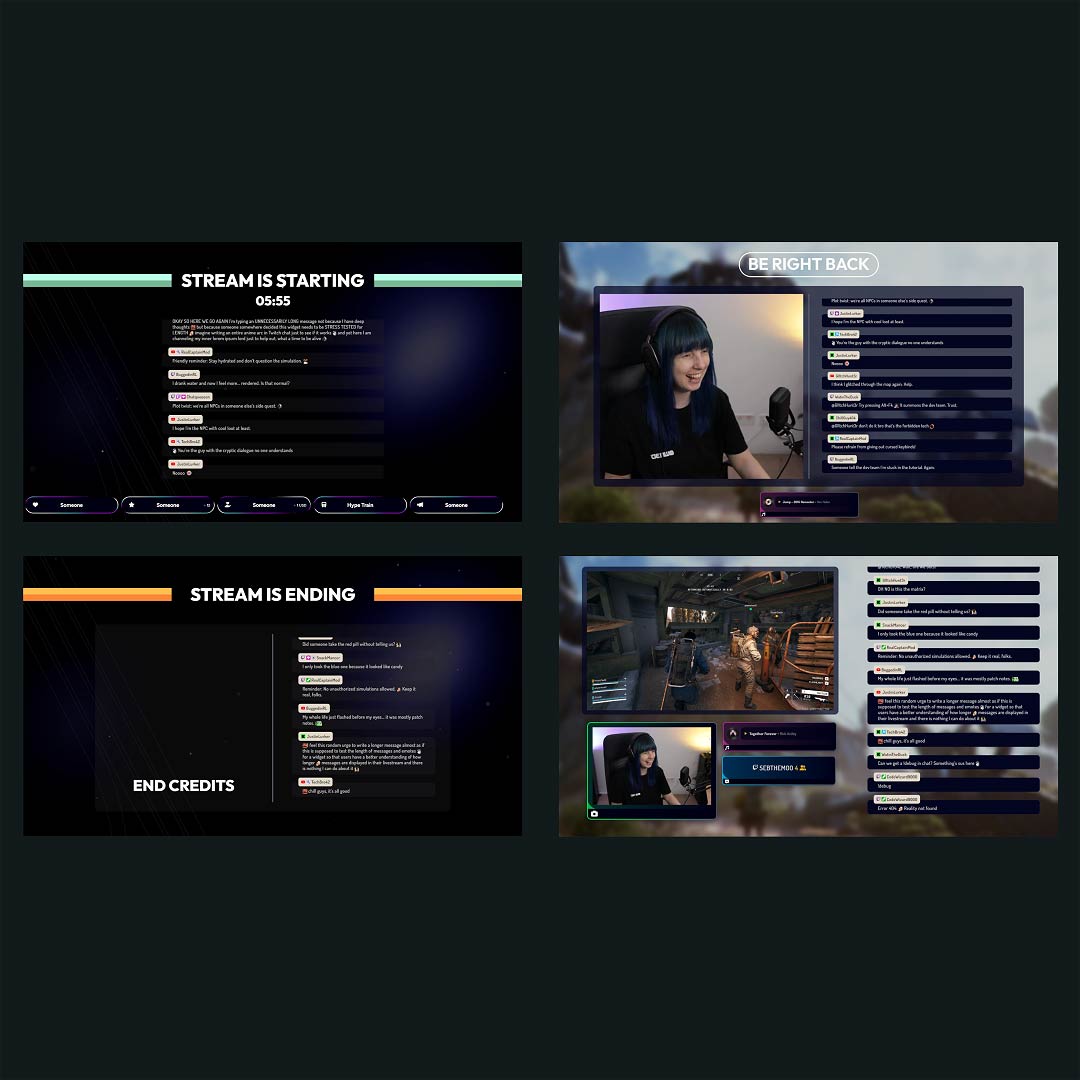
Your Twitch stream is more than just gameplay and chat: it’s your stage. With the right overlays, every scene feels intentional, immersive, and uniquely yours. Whether you’re just getting started or building a recognizable brand, our Twitch overlay maker gives you everything you need to create a custom look without any design experience. Works with any broadcasting tool, such as OBS Studio, Meld Studio or Streamlabs.

All Free/Premium Twitch Overlay Maker Creations

1

What Happy Customers Say About Our Twitch Overlay Maker

Don’t just take our word for it. See what other creators say about the Twitch overlay maker.

One Pass. Everything Included.

The Stream Pass gives you full access to everything OWN3D Pro has to offer. All products, including custom Twitch overlay assets, alerts, widgets, emotes, and more, are included and not sold separately.

Works with all broadcasting tools

Build custom overlays in the Twitch overlay creator and use them with OBS Studio, Streamlabs, Meld Studio, XSplit, and more. Easy to integrate with any setup.

Unlimited* asset downloads

Download emotes, badges, panels, and more static assets. *Our unlimited plan is subject to fair use.

AI-powered creations

Get 50 AI credits with your Stream Pass to generate custom stream widgets, webcam frames, emotes, and more.

Multistreaming ready

Multistream on Twitch, YouTube, and Kick with custom overlays and all the tools you need for a professional-looking livestream.

FAQs About Our Twitch Overlay Maker

What is the Twitch overlay maker, and what can I create with it?

The Twitch overlay maker is a free tool that lets you design and customize your entire Twitch stream layout in one place. With its help, you can create scenes using webcam frames, alerts, labels, scene backgrounds, stream widgets, and branded graphics to build a unique Twitch overlay that matches your style and makes your stream instantly recognizable. Alternatively, you can use ready-made overlay packs in the Twitch overlay maker and customize them to fit your needs.

Yes. The Twitch overlay creator is free to use and includes free templates and layouts you can use right away. Premium Twitch overlay designs and additional assets are available with the Stream Pass for more customization options.

Yes. The Twitch overlay maker uses visual editing and ready-made templates, so you can build a custom Twitch overlay without Photoshop or any graphic design experience.

Yes. Overlays created with the Twitch overlay maker are fully compatible with OBS Studio, Streamlabs, XSplit, and other broadcasting tools. You simply integrate the overlay assets into your broadcasting tool as browser sources and add them to your scenes.

Absolutely. You can update your Twitch overlays at any time in the Twitch overlay creator. Adjust colors, add new elements, or switch layouts as your brand and stream style evolve.

Yes. The Stream Pass unlocks all Twitch overlay templates, premium assets, widgets, and customization tools available in the Twitch overlay maker.

Yes. Designs created with the Twitch overlay maker are platform-independent, so you can reuse the same overlays on Twitch, YouTube, and Kick to maintain a consistent brand look across platforms. You can even multistream with the same overlays, but always check the platform rules first. While it’s technically possible, some platforms restrict multistreaming for affiliates or partners, so review the terms of service beforehand.

No. Overlays created with the Twitch overlay maker are optimized for streaming and have minimal impact on performance. They are added as browser sources in your broadcasting tool, making them lightweight and resource-efficient so your stream stays smooth and stable.

Yes. You can fully customize certain webcam frames, labels, alerts, backgrounds, stream widgets, and other layout elements in the Twitch overlay maker to match your channel identity.