Free Kick Chatbox Widgets

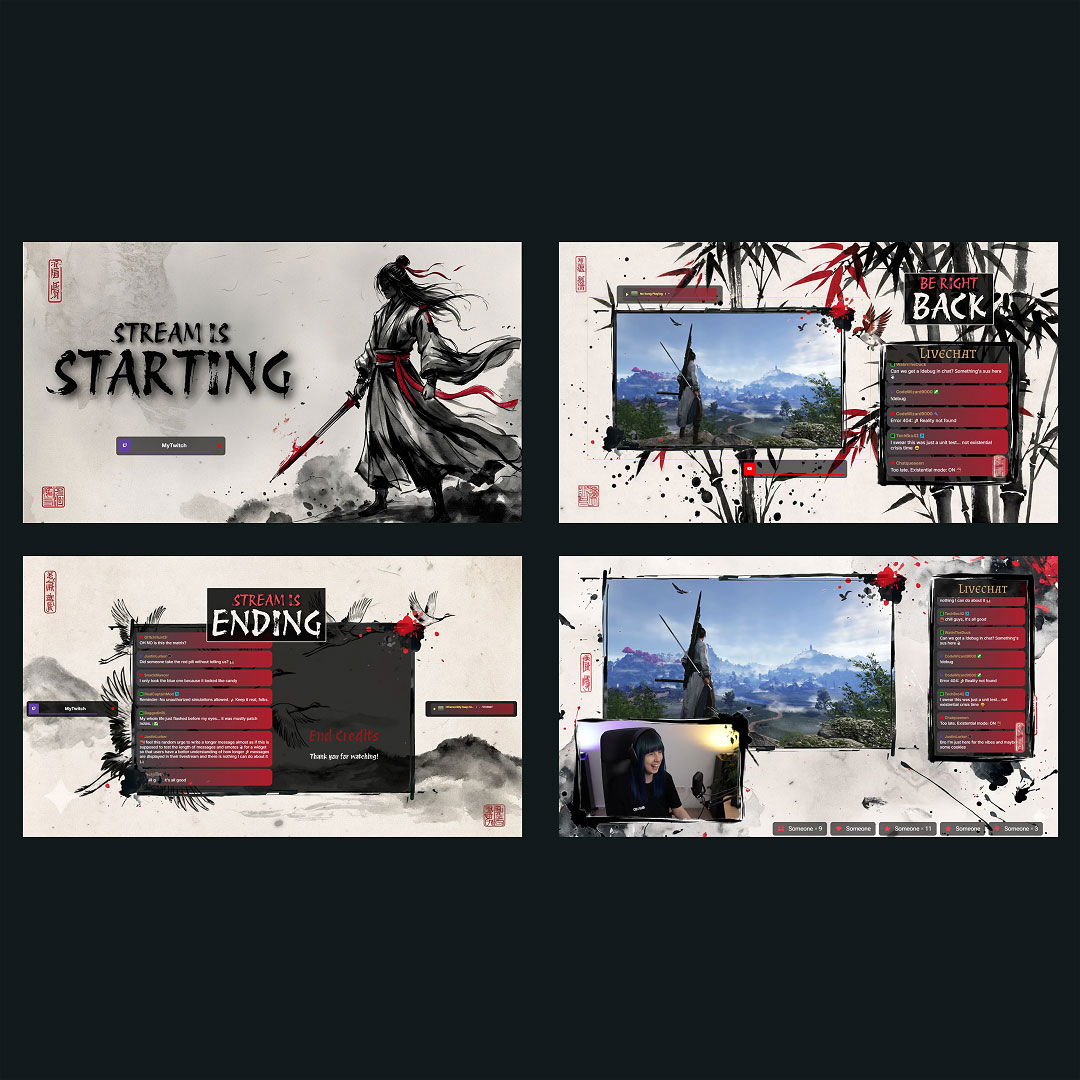
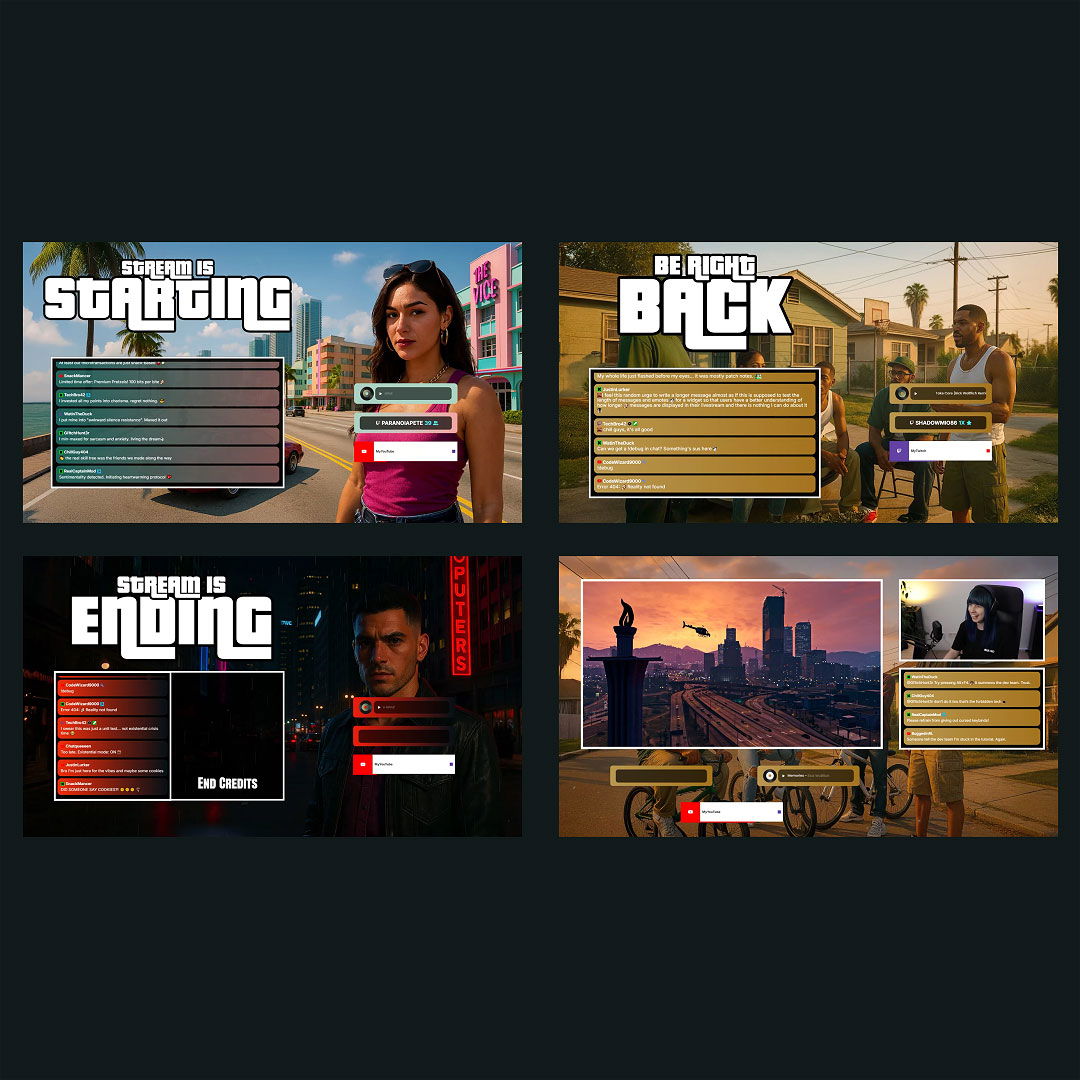
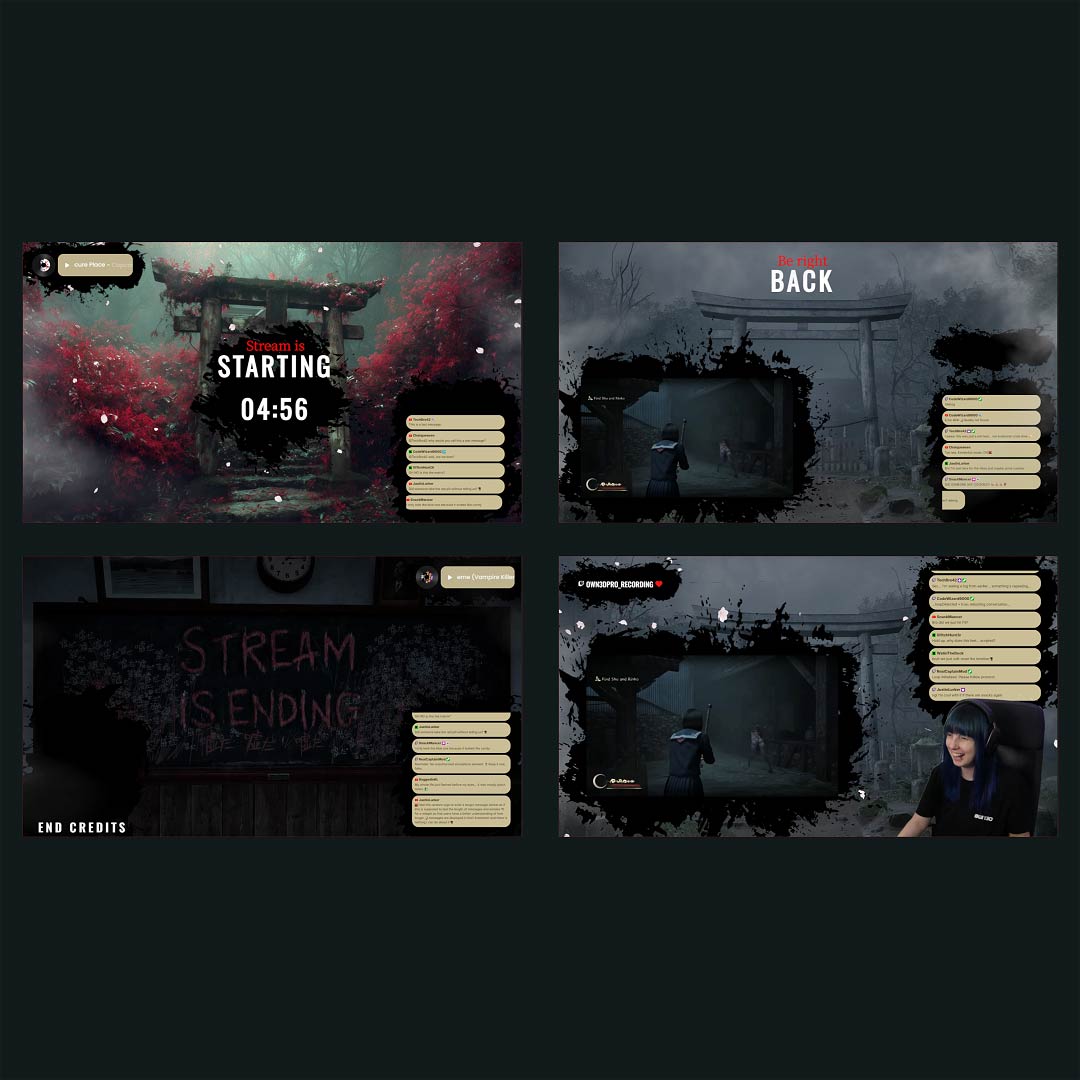
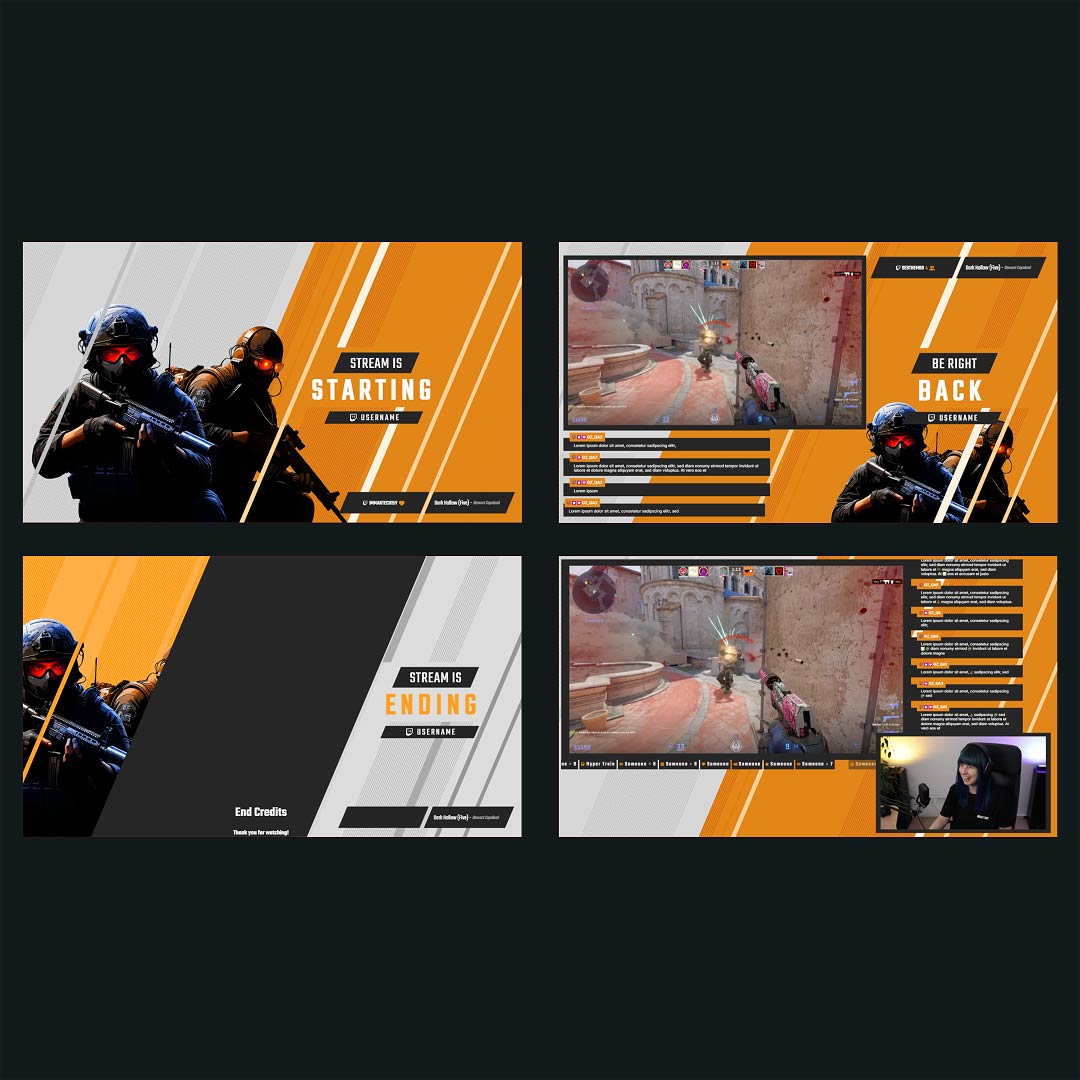
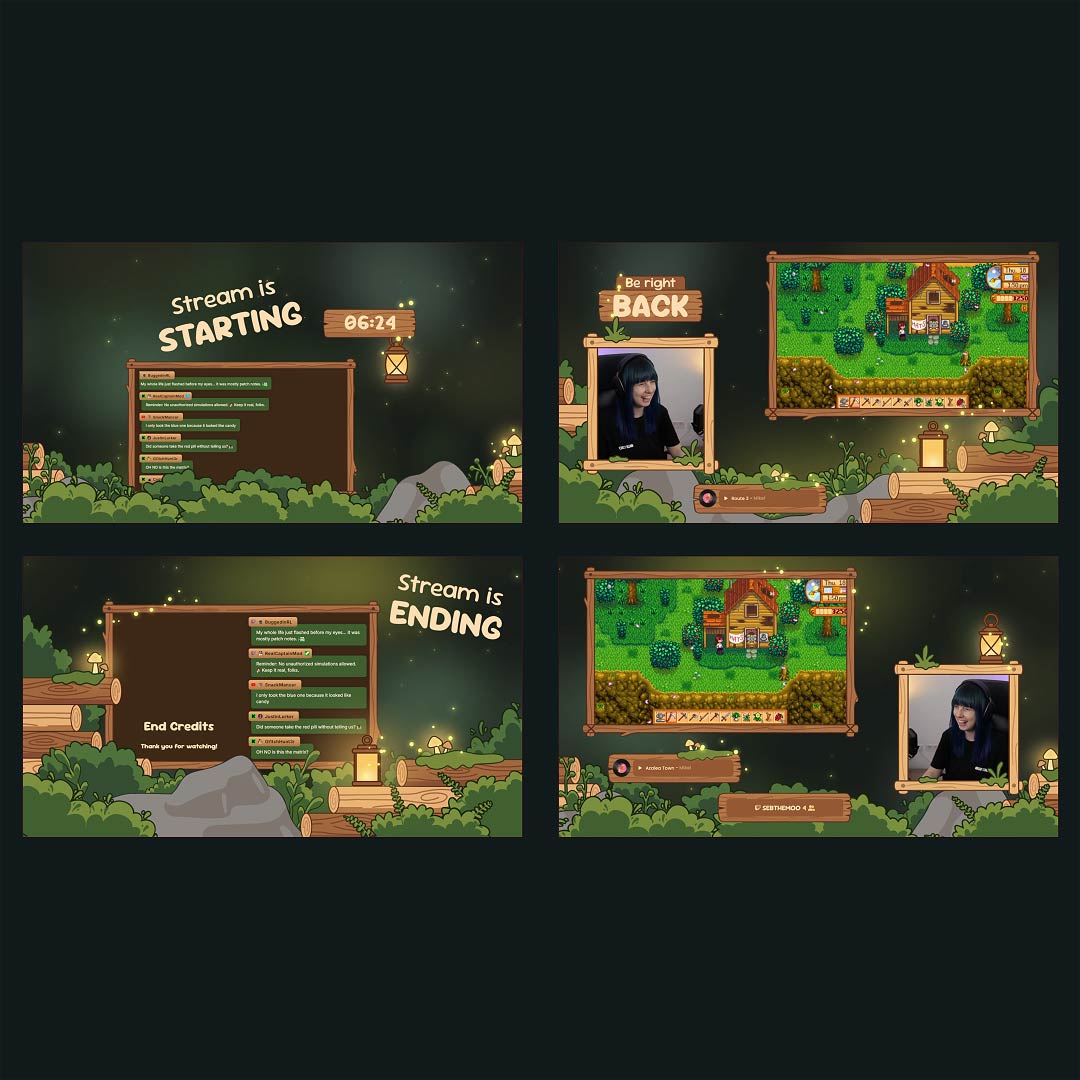
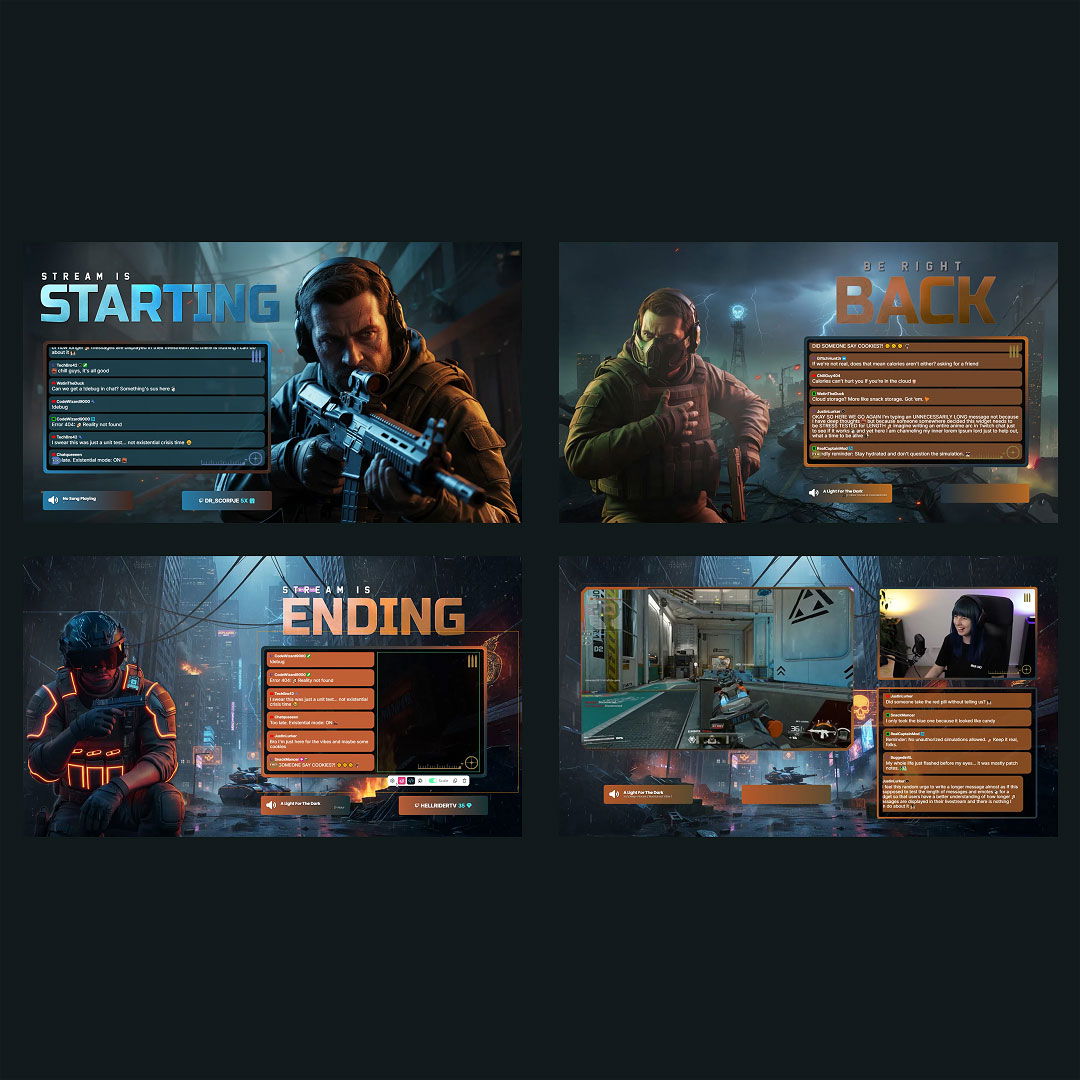
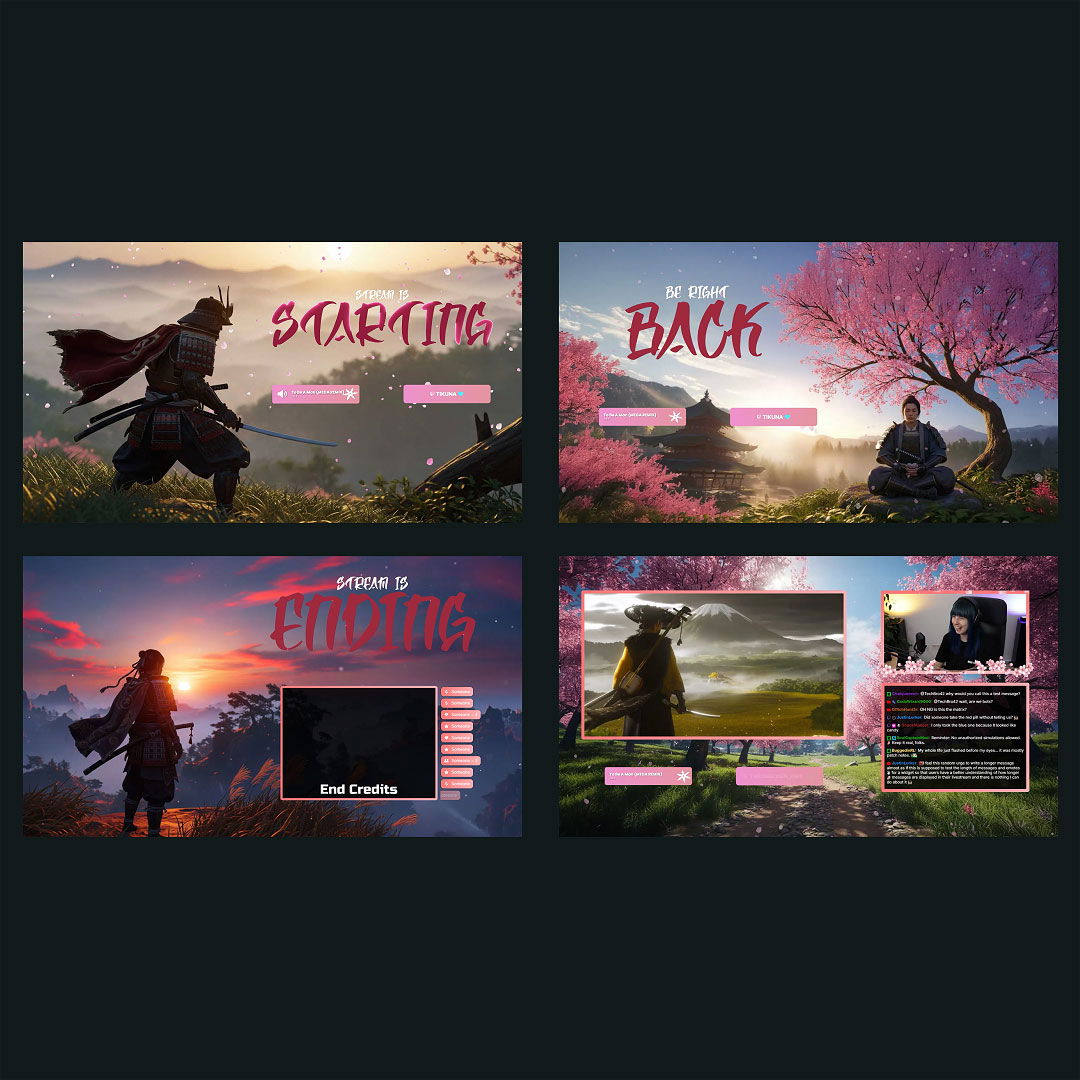
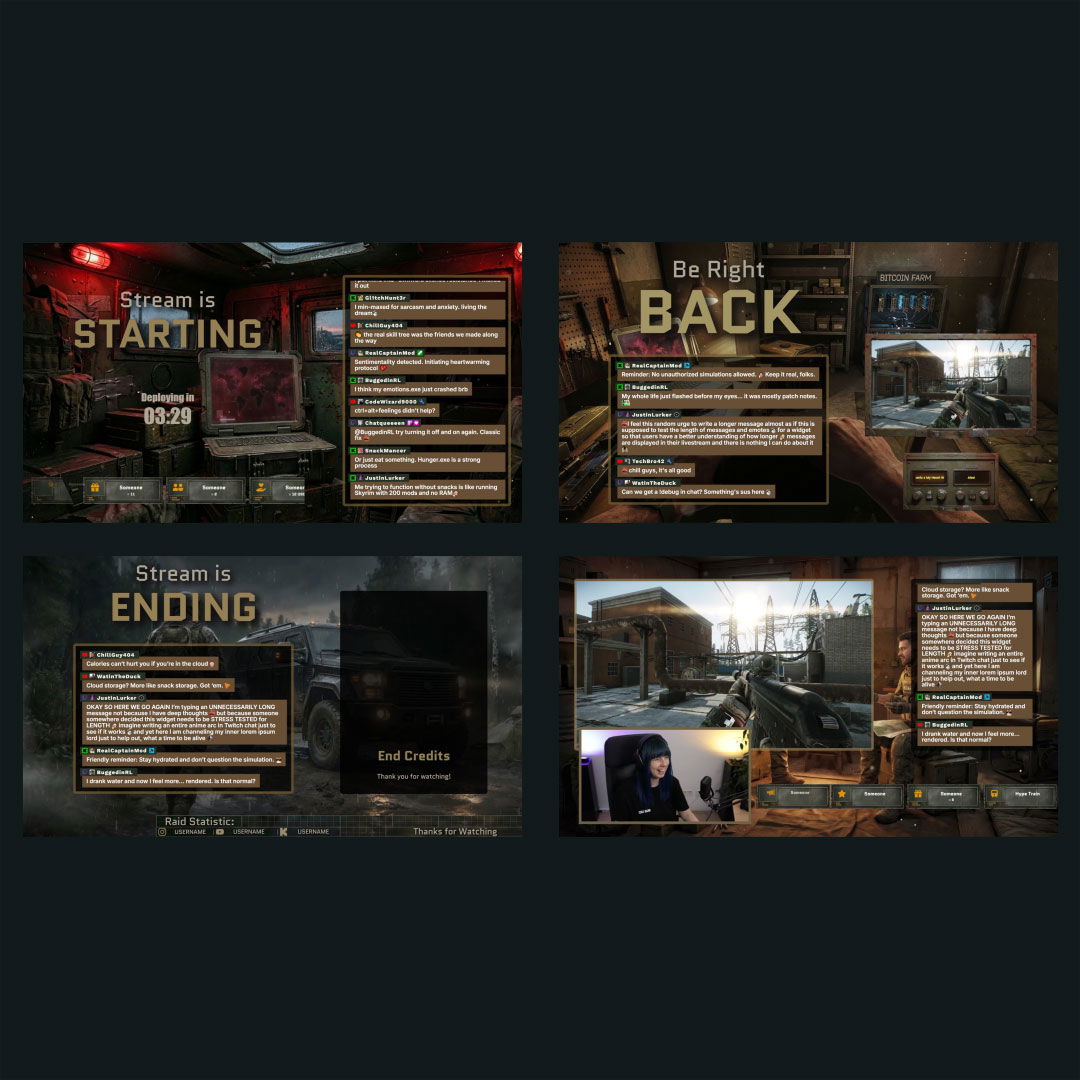
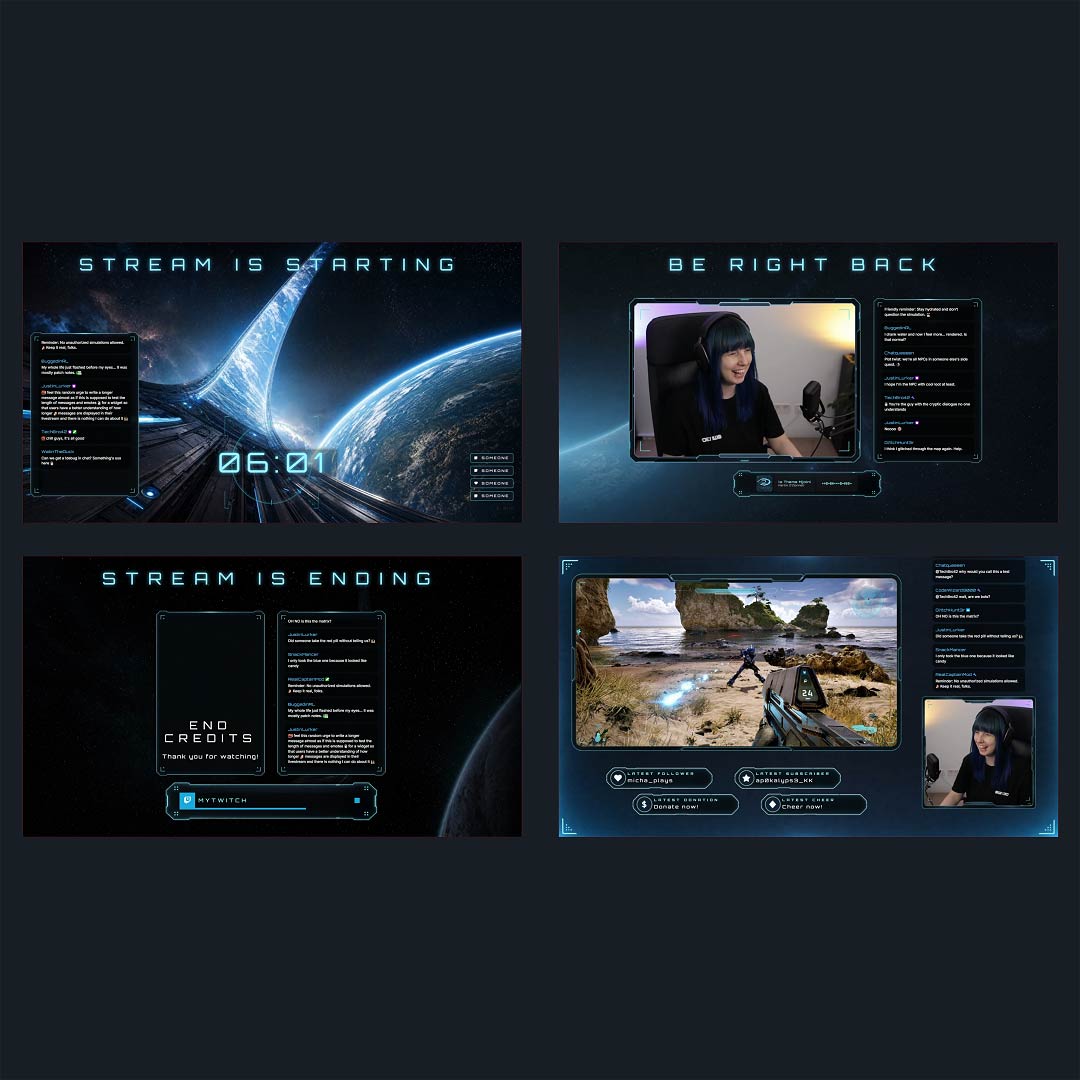
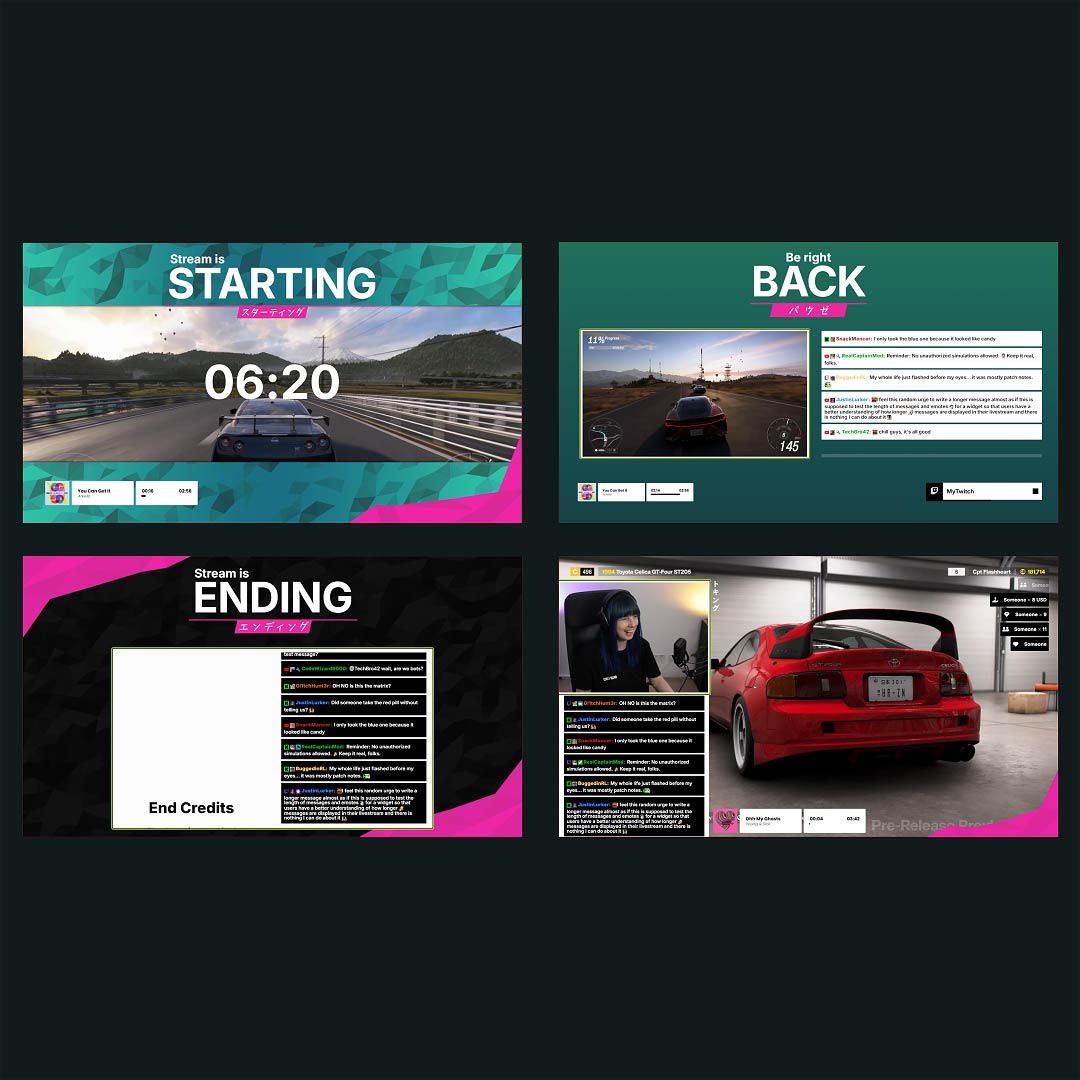
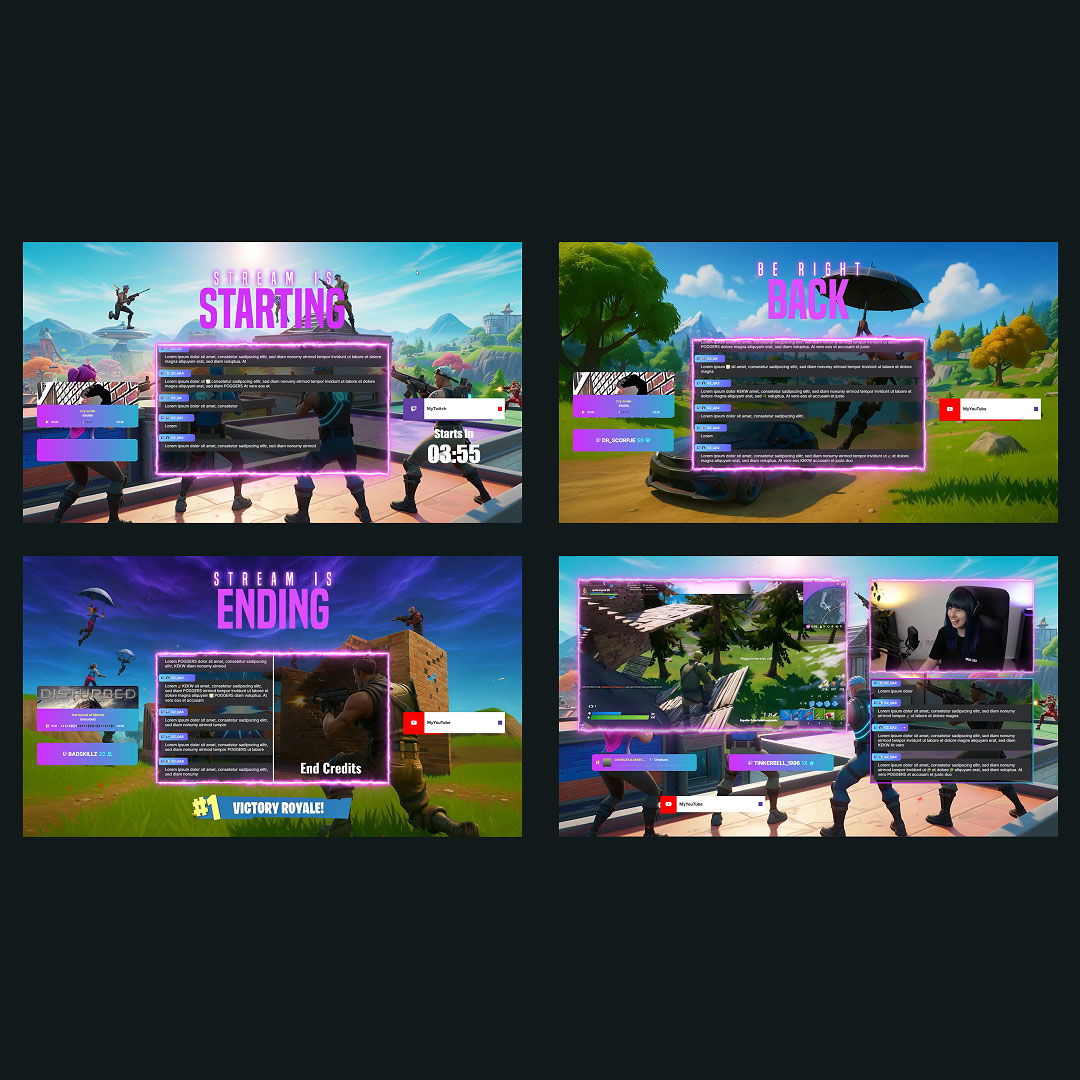
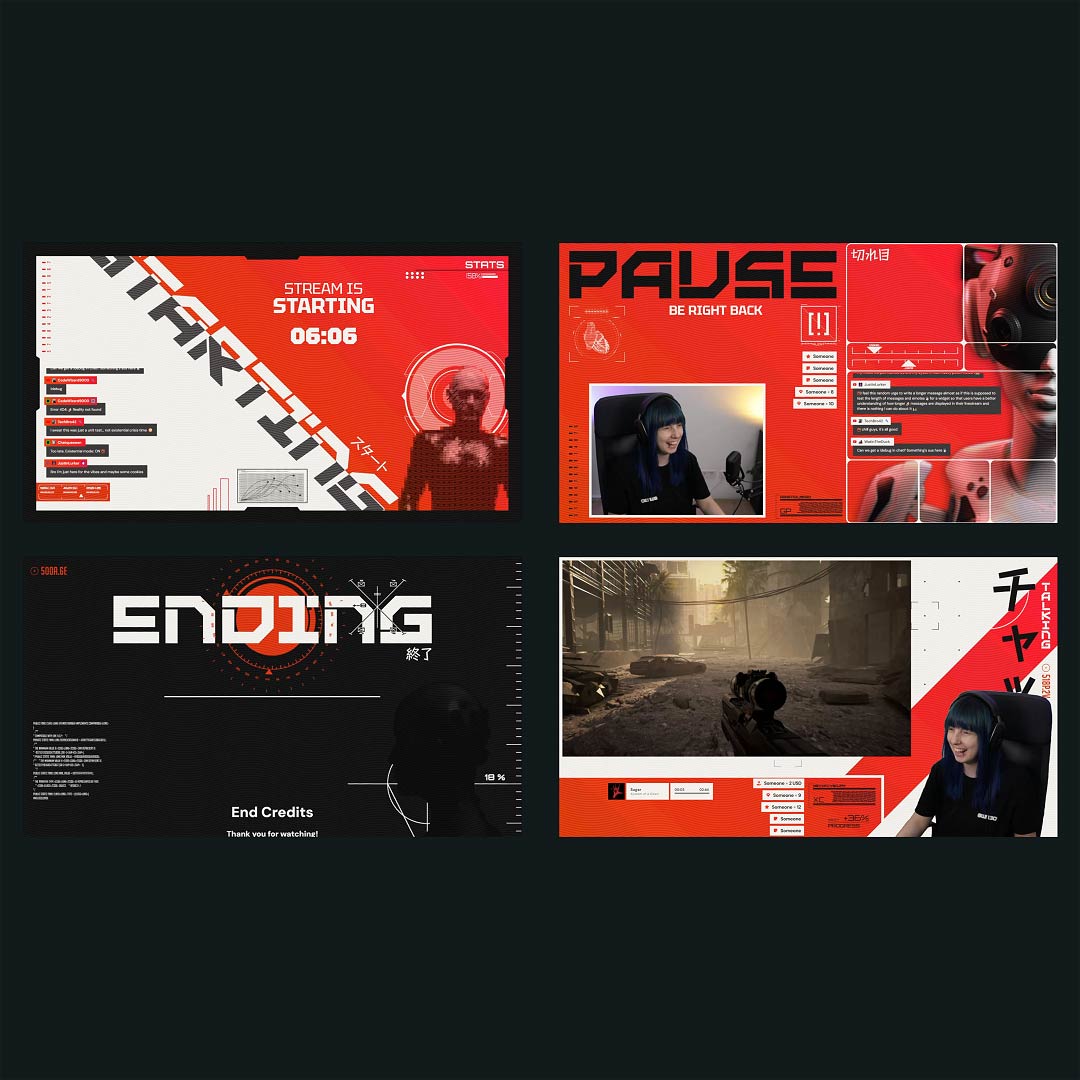
Kick chat moves with a different kind of energy, fast, honest, and right in the moment. One line makes you laugh, the next one turns into a running joke, and suddenly your stream feels like a real hangout, not just a stream. With a Kick chatbox widget, that feeling shows up on screen, so your community is not hidden off to the side; it is part of the vibe you are building live.

Make Your Kick Chat Feel Like Part of the Stream

Customize the Kick chat until it feels like you

Your overlay is your vibe. Tune your Kick chat design with fonts, colors, spacing, alignment, scroll direction, and message visibility until it matches your channel perfectly. A Kick chatbox widget should blend in as it belongs there.

Keep it readable when chat goes wild

Not every line deserves the spotlight. Filter bots, commands, and specific users so your on-screen chat highlights real conversation, reactions, jokes, and the messages your viewers actually care about.

One Feed for Every Moment

Show emotes that carry the energy

When chat explodes, you should see it. Your Kick chatbox widget supports emotes, so reactions appear instantly and keep the mood visible without turning your overlay into chaos.

Multistream ready, if you need it

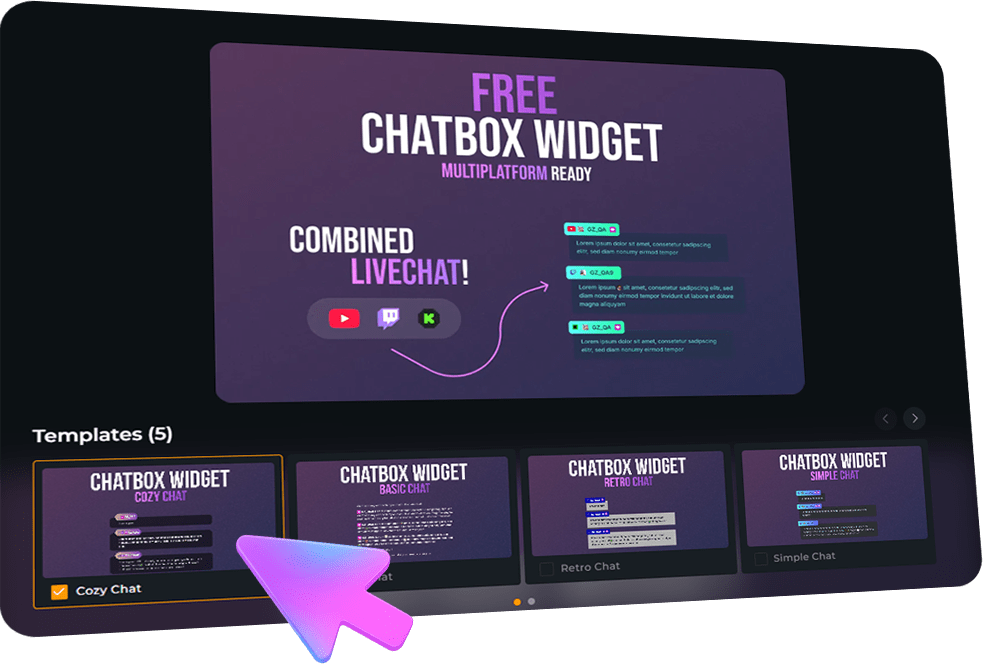
The Kick chatbox widget is multistream ready for Kick, Twitch, and YouTube so that you can keep everything in one clean feed: your chat plus key moments like new followers, subs, gifted subs, members, and more.

Kick Chatbox Widget Features

Everything you need to make your Kick chat look clean, feel alive, and fit your overlay.

Easy Customization
Multiple Themes
Emote Support
Fast Setup
Kick Chat & Events

What Happy Customers Say About Our Kick Chatbox Widgets

See how our product makes a difference for content creators.

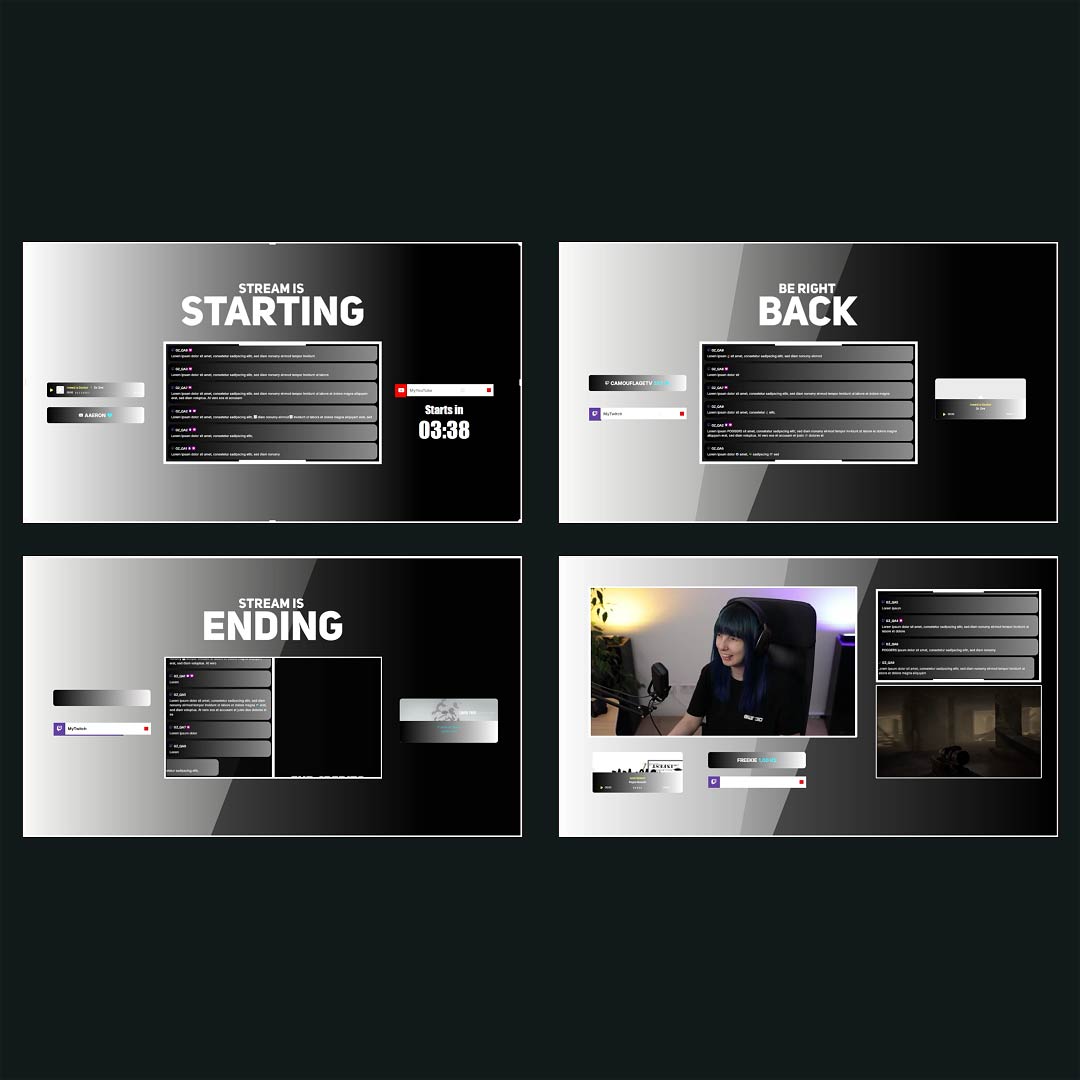
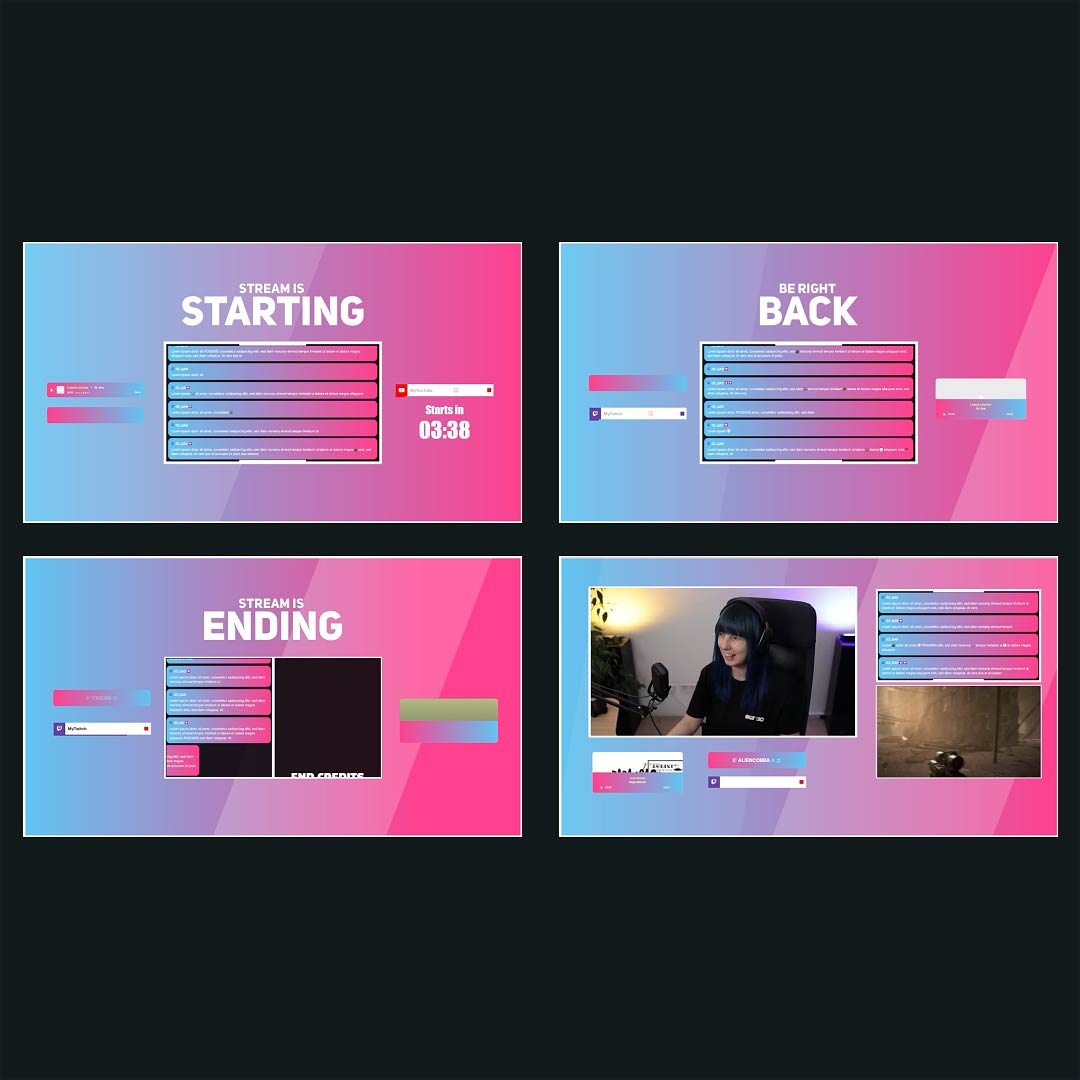
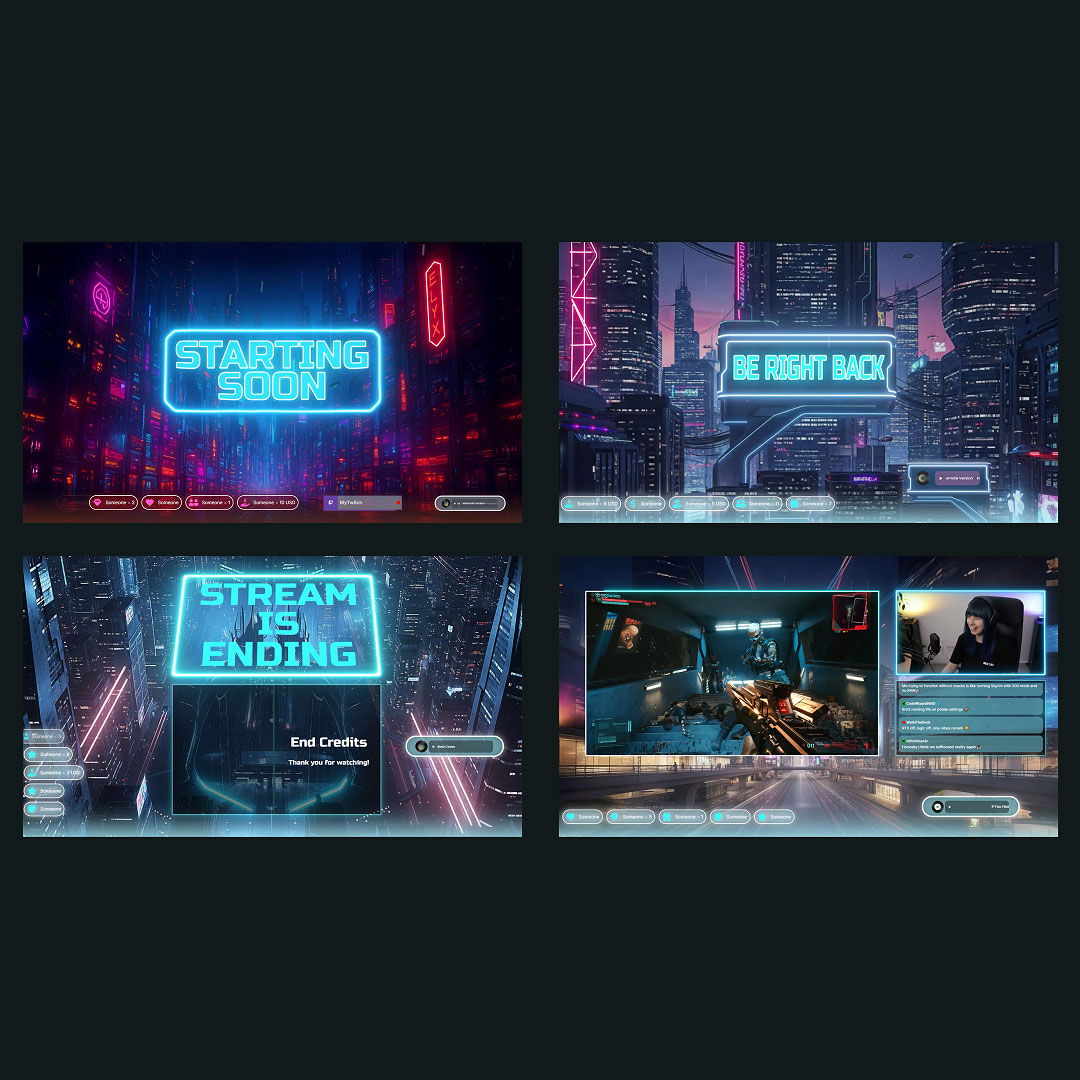
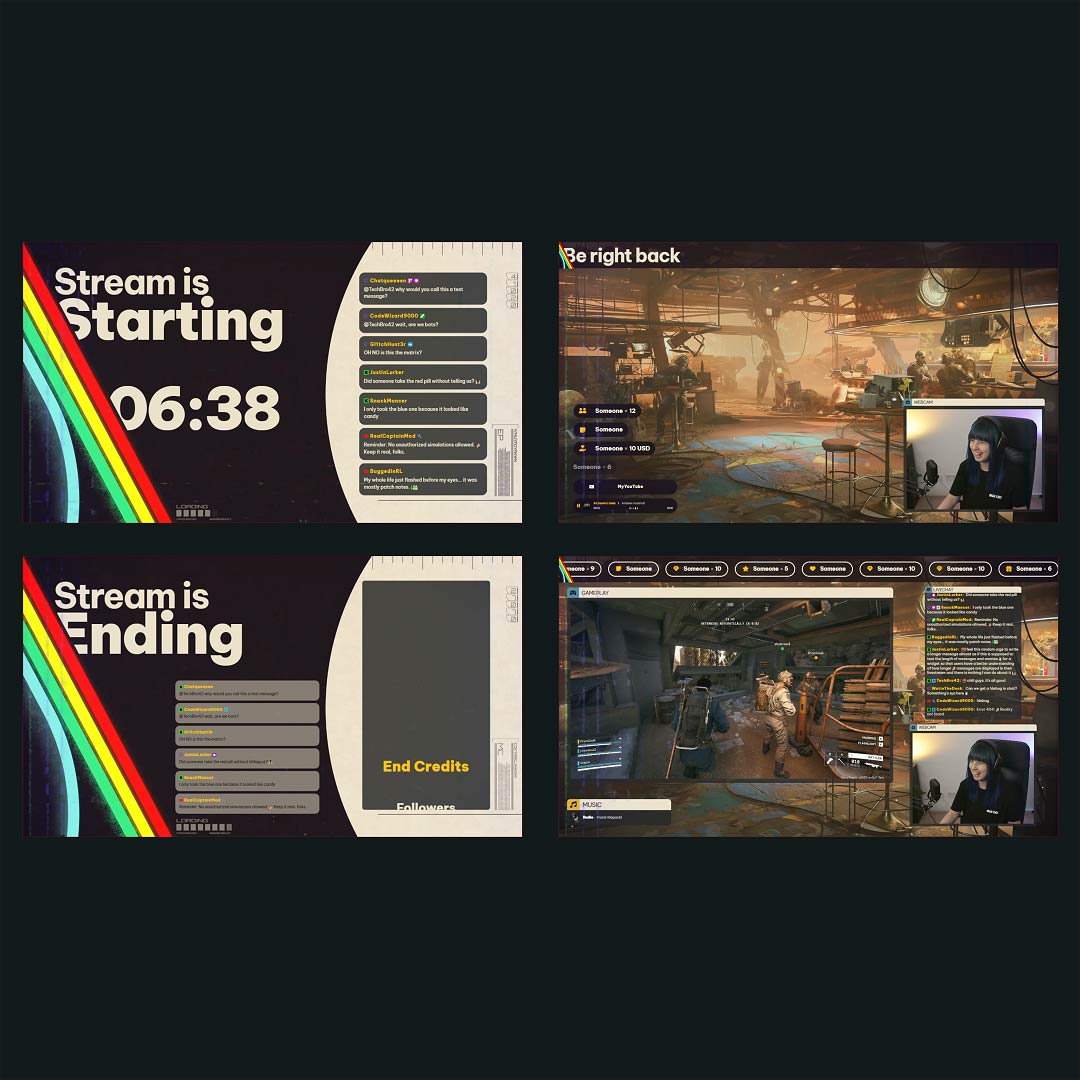
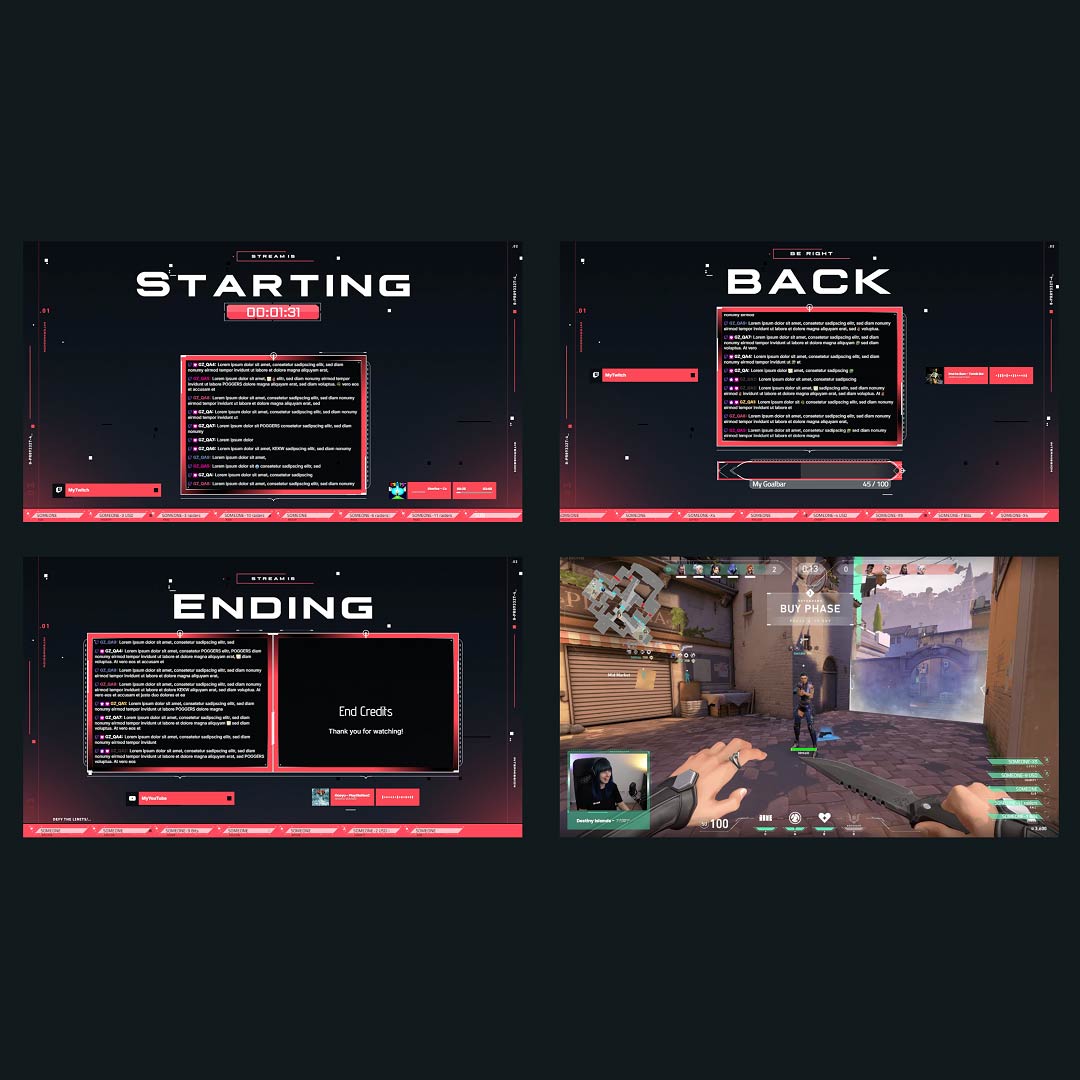
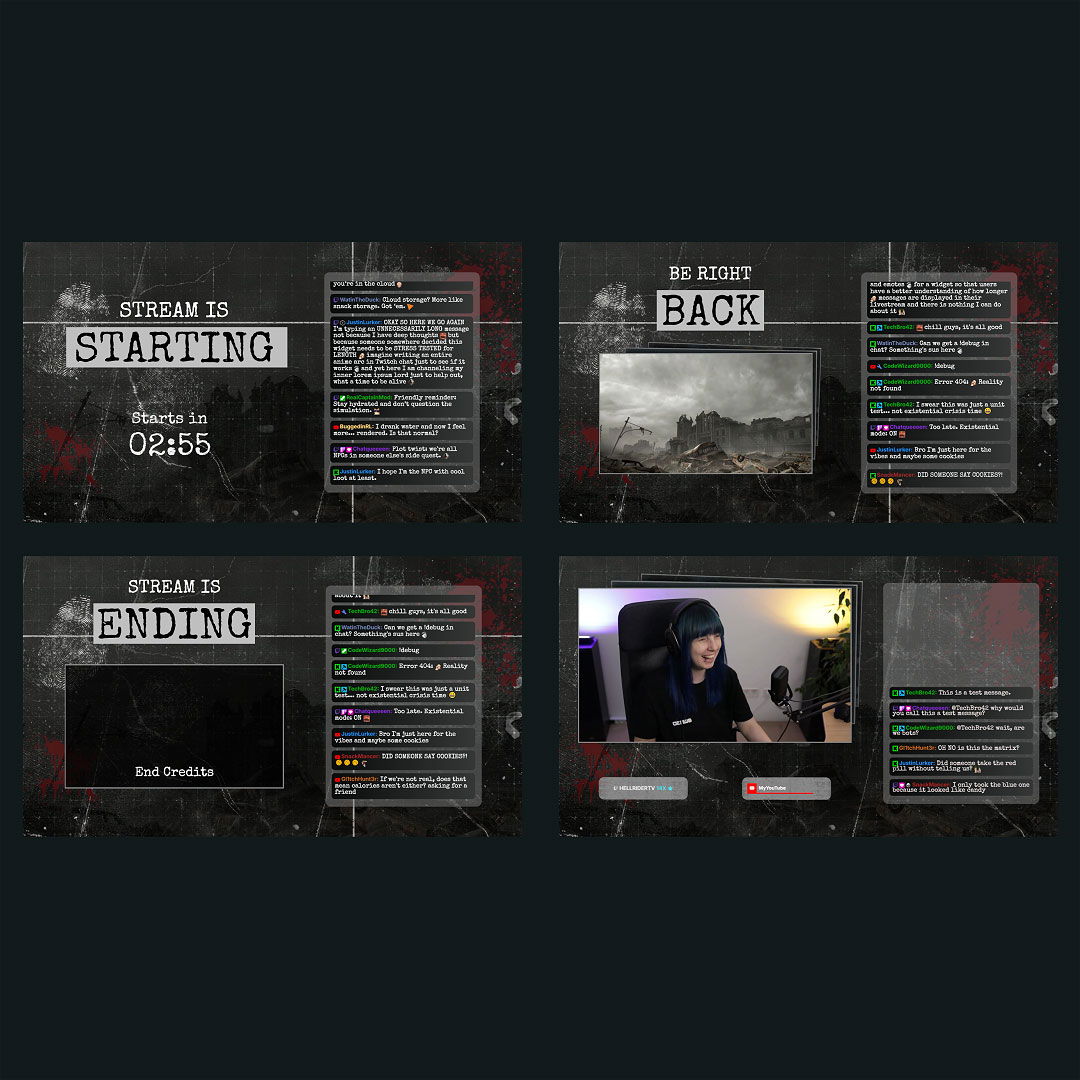
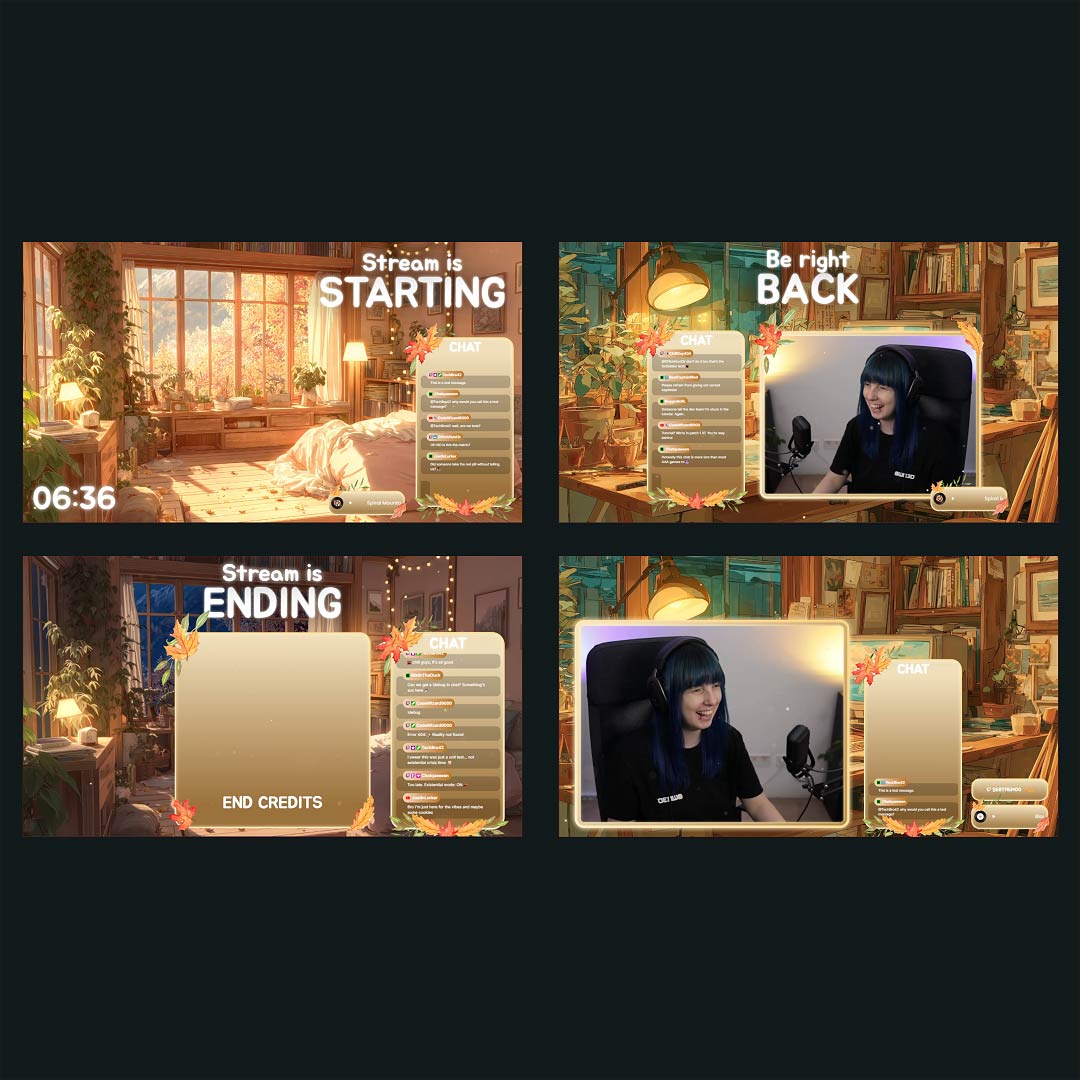
Overlays with Kick Chatbox Widgets Free/Premium

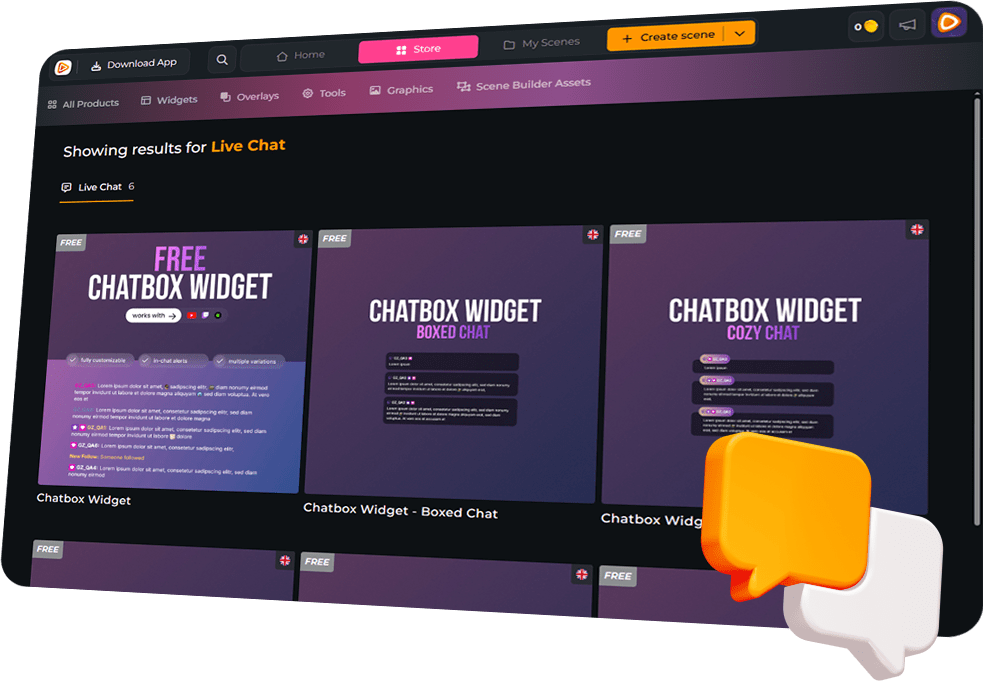
Ready-to-use overlays with built-in Kick chatbox widgets that make chat feel like part of the scene.

1

One Pass. Everything Included.

The Stream Pass gives you full access to everything OWN3D Pro has to offer. All products, including overlays, alerts, widgets, emotes, and more, are included and not sold separately.

Works with all broadcasting tools

Build overlays with the Kick chatbox widget in the Scene Builder and use them with OBS Studio, Streamlabs, XSplit, Meld Studio and more. Easy to integrate with any setup.

Unlimited* asset downloads

Download emotes, badges, panels, and more static assets. *Our unlimited plan is subject to fair use.

AI-powered creations

Get 50 AI credits with your Stream Pass to generate custom stream widgets, webcam frames, emotes, and more.

Multistreaming ready

Stream on Twitch, YouTube, and Kick with all the tools you need for a professional-looking livestream.
FAQs About Our Kick Chatbox Widgets

Is the Kick chatbox widget free?

Yes, it’s 100% free. You can set it up quickly and start showing your Kick chat on stream without paying for access or unlocking features first.

Create the widget, copy the link, then add it to your broadcasting tool as a browser source. Place it in your scene, resize it to fit your layout, and you’re ready to go live with chat on screen.

Absolutely. You can adjust the style to match your channel, fonts, colors, sizes, spacing, alignment, layout, scroll direction, and message visibility. The goal is simple: your chat should look like it belongs in your overlay, not like an add-on.

Yes. You can filter bots, commands, and specific users so your overlay stays readable and focused on real conversation. That way, viewers see the jokes, reactions, and community moments, not the clutter.

Yes. The Kick chatbox widget supports emotes, so reactions show up instantly on stream. When chat gets hyped, your overlay reflects it, which makes the stream feel more alive and connected.
Yes. Alongside chat messages, the Kick chatbox widget can show stream events in your overlay, so key moments get the attention they deserve.

Yes. The Kick chatbox widget is multistream ready, so you can bring chat and key moments into a single, clean feed across Kick, Twitch, and YouTube. If you combine platforms, make sure you follow each platform’s rules and permissions when showing cross-platform chat or events on stream.

No. It runs as a browser source, so there are no downloads, plugins, or complicated setup steps. It keeps your streaming setup simple and stable.

Yes. You can customize the design to match minimal overlays, colorful themes, bold layouts, or anything in between. Your chat will fit your stream, no matter the style.