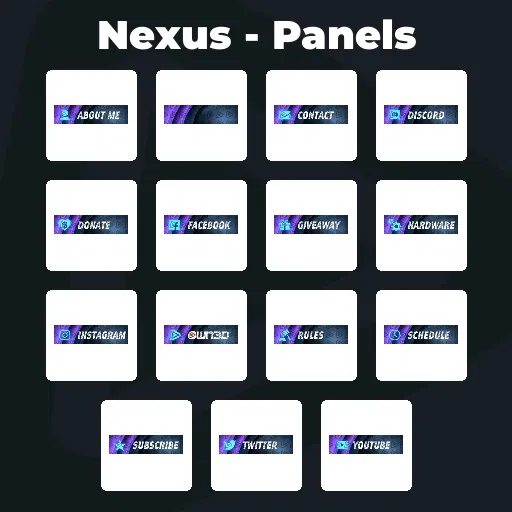
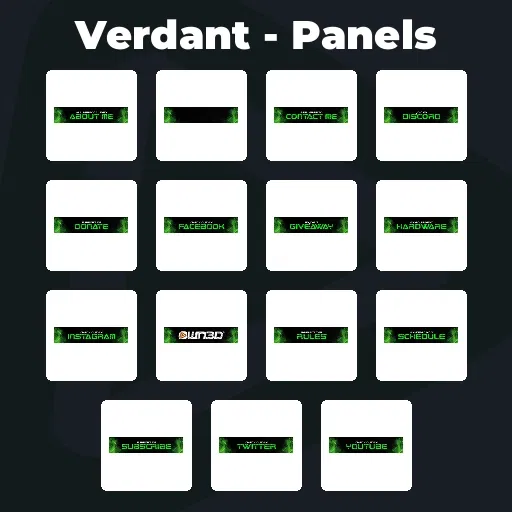
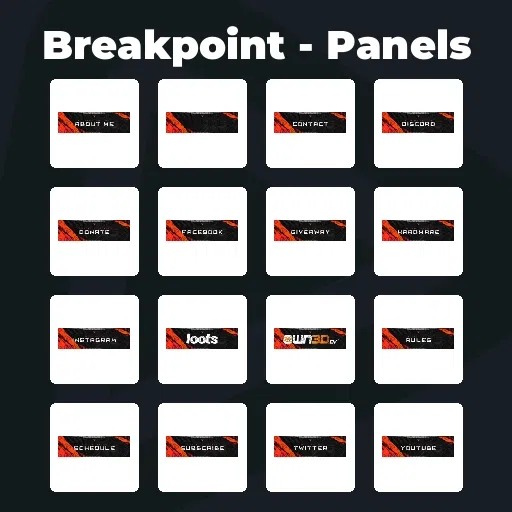
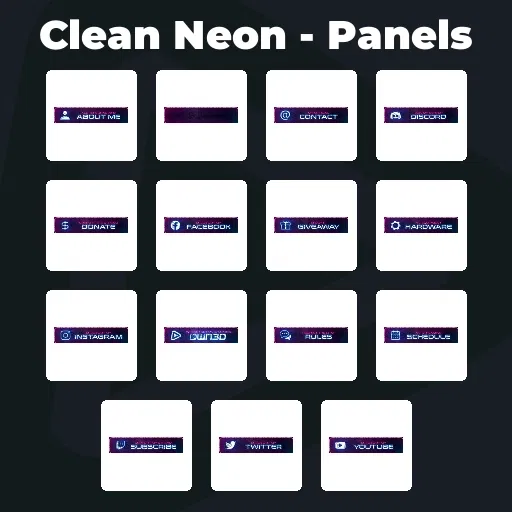
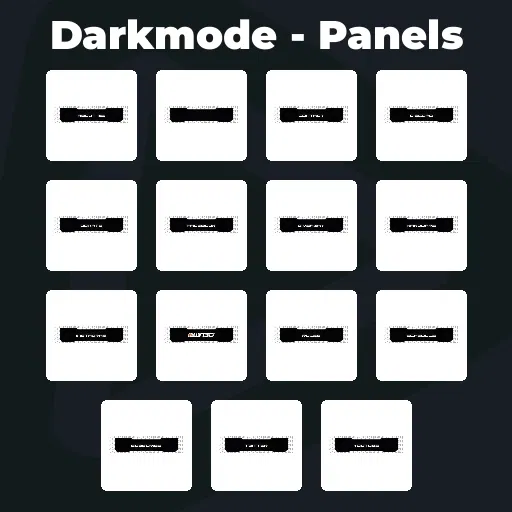
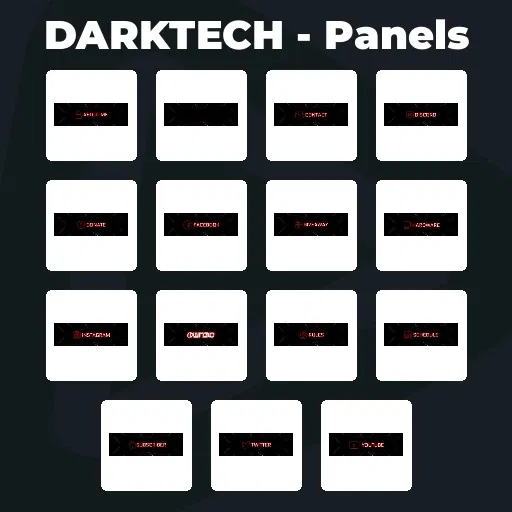
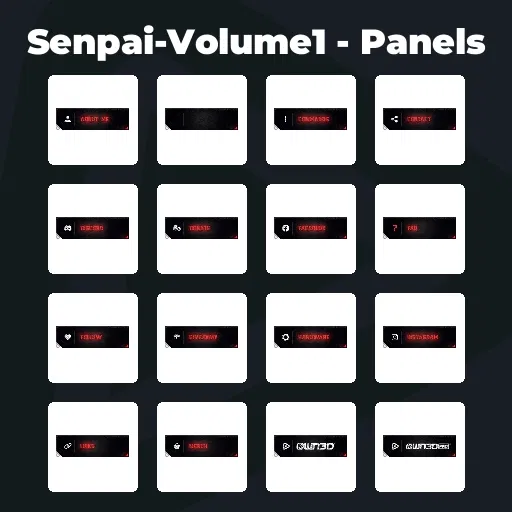
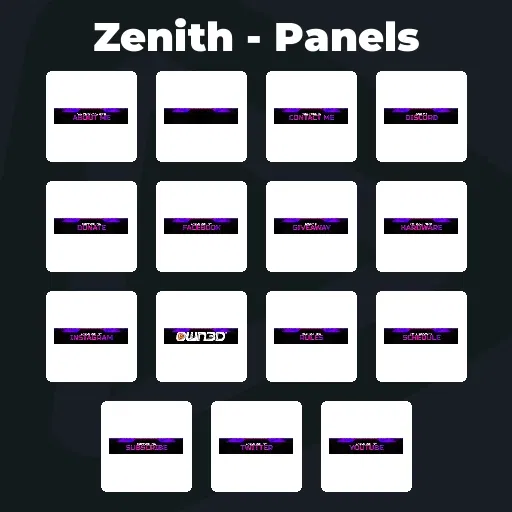
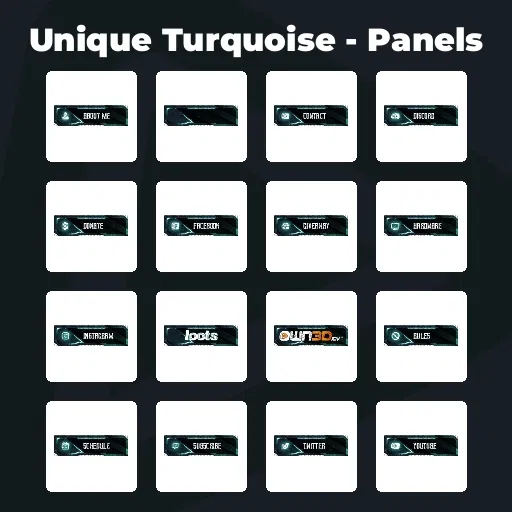
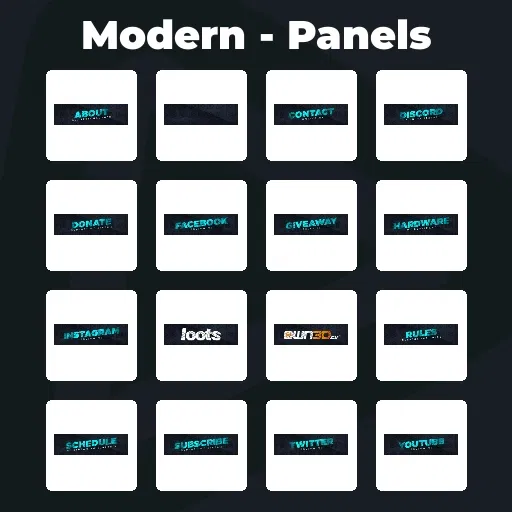
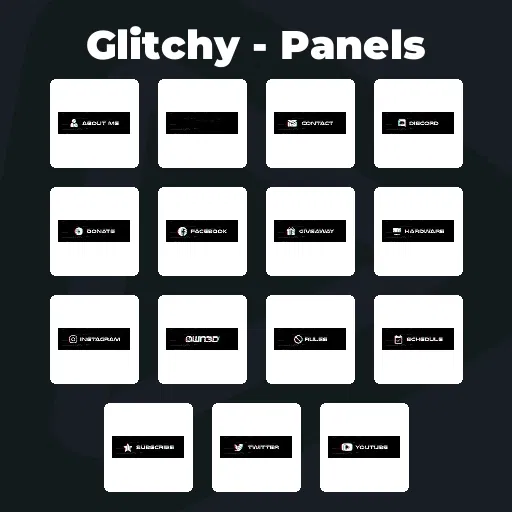
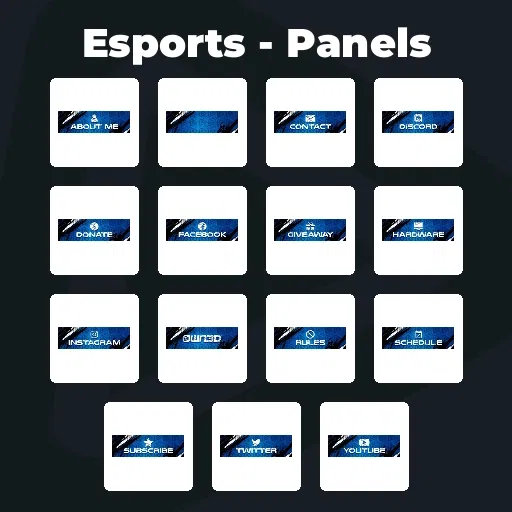
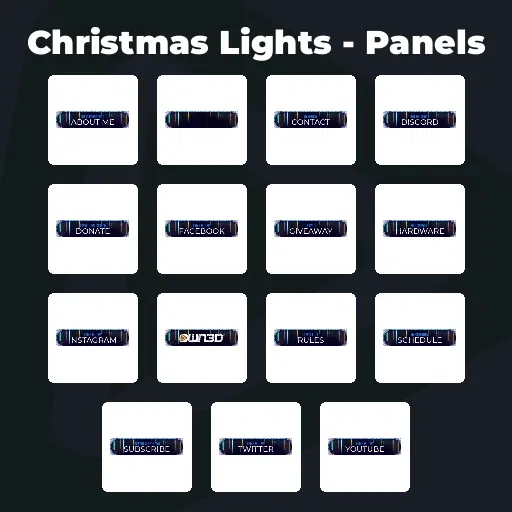
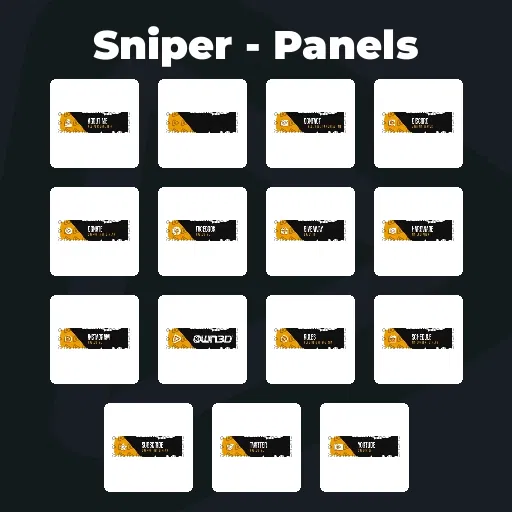
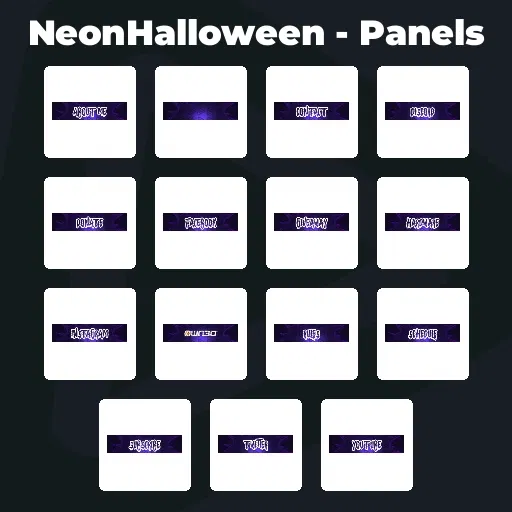
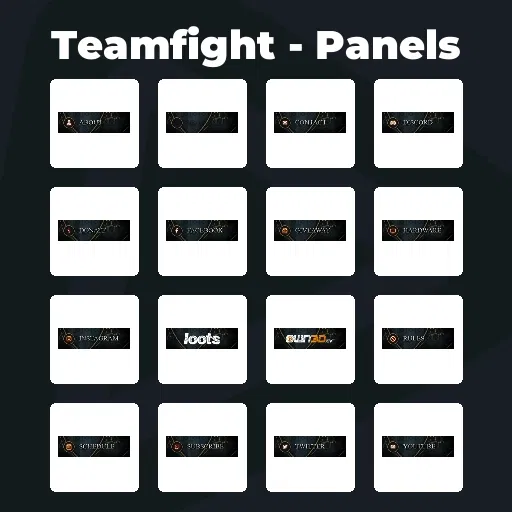
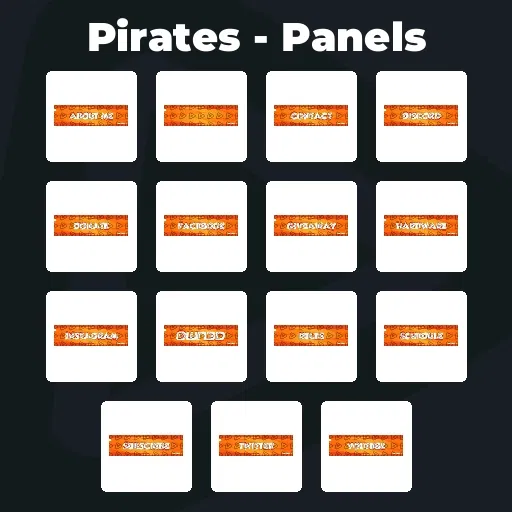
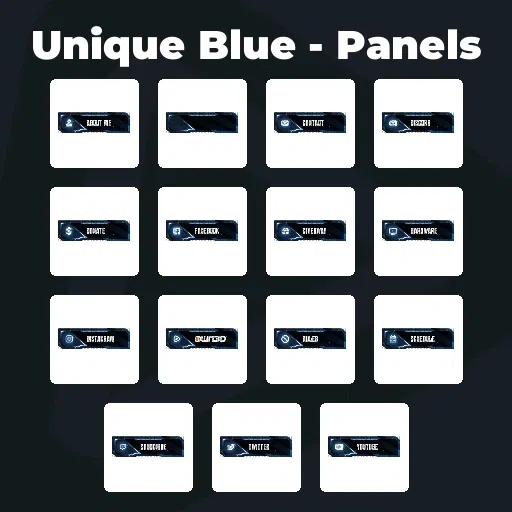
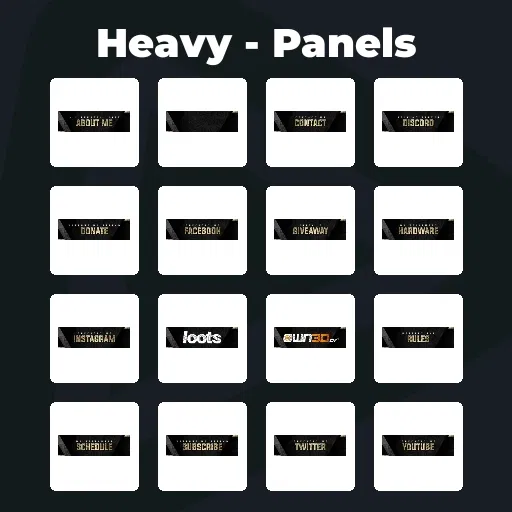
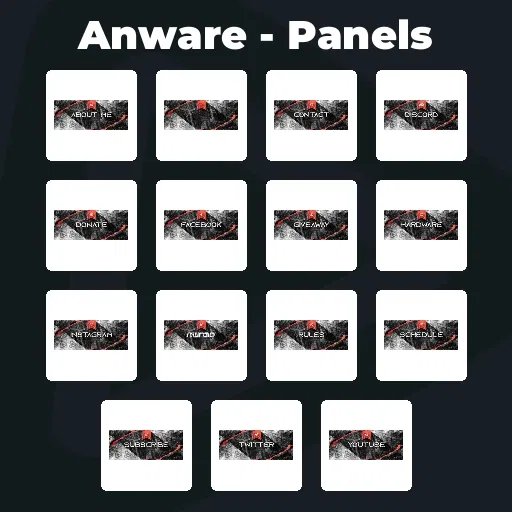
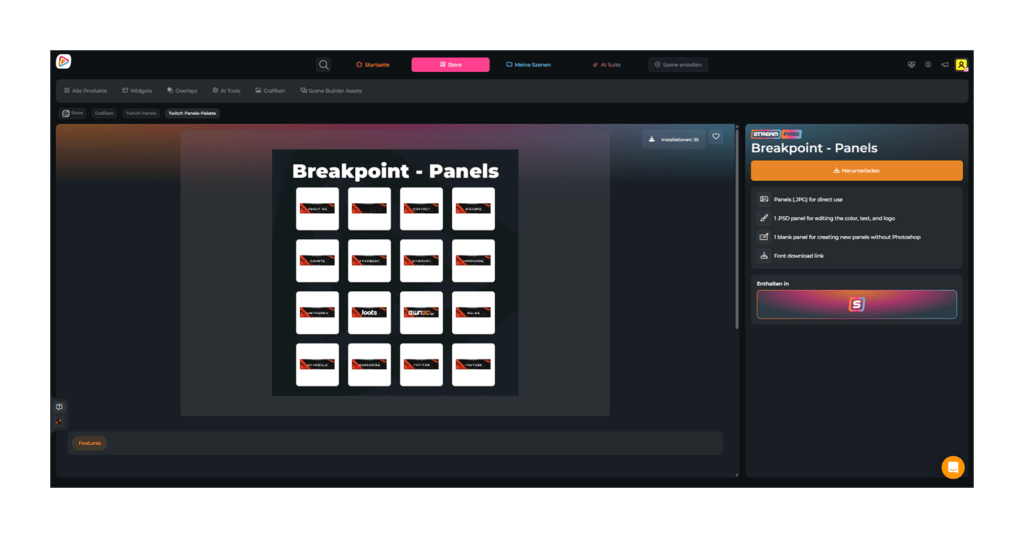
Premium Streaming Panels

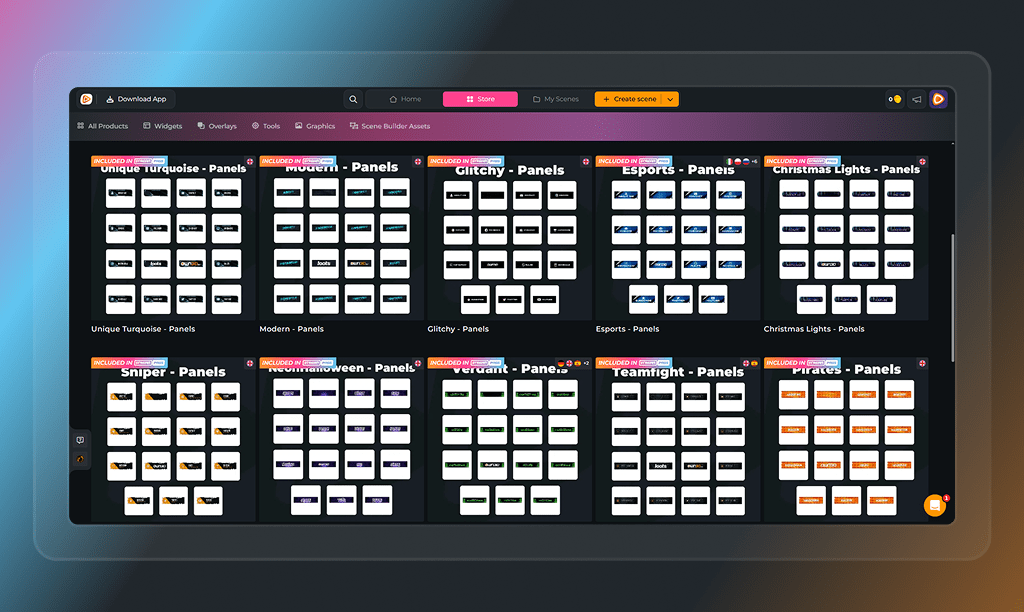
Your stream has a vibe. Your panels give it structure. Streaming panels are where your story, your rules, and your links come together. They turn your channel into something people understand instantly. With the Stream Pass, you unlock unlimited* streaming panels that help you build a clear, consistent identity across your entire profile.

All Premium Streaming Panels

1

Build Your Channel Identity

Your panels are your silent pitch

They introduce you, explain your vibe, and show viewers exactly how to connect with you. From your story to your rules, your socials, and your support options, every streaming panel adds structure and personality to your channel.

Turn Viewers Into Community

A good stream entertains, a great profile converts

Panels for streaming help viewers take the next step. Join your Discord. Follow your socials. Support your content. Understand your world. It is where curiosity turns into engagement and viewers become part of your world.

What Happy Customers Say About Our Streaming Panels

See how our product makes a difference for content creators.

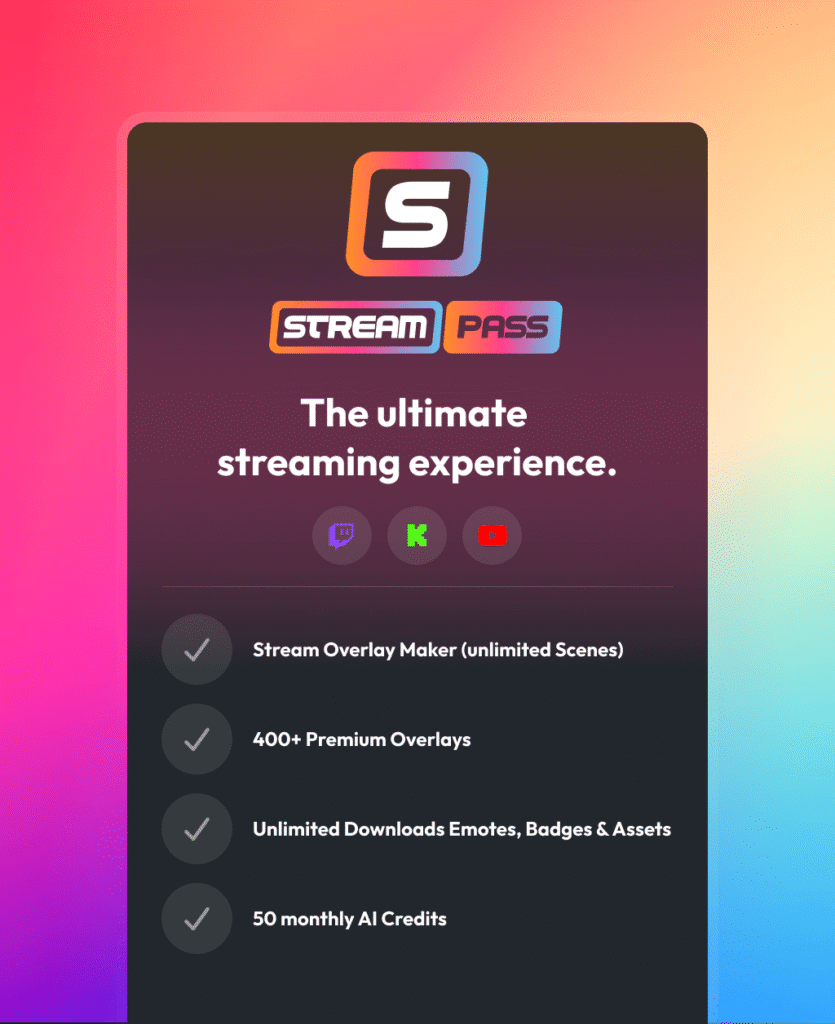
One Pass. Everything Included.

The Stream Pass gives you full access to everything OWN3D Pro has to offer. This includes our entire library of overlays, alerts, badges, widgets, streaming panels, and more.

Works with all broadcasting tools

Customize your overlays in the Scene Builder and use them with OBS Studio, Streamlabs, XSplit, and more. Easy to integrate with any setup.

Unlimited* asset downloads

Download sub emotes, badges, streaming panels, and more static assets. *Our unlimited plan is subject to fair use.

AI-powered creations

Get 50 AI credits with your Stream Pass to generate custom stream widgets, webcam frames, emotes, and more.

Multistreaming ready

Stream on Twitch, YouTube, and Kick with all the tools you need for a professional-looking livestream.


How to Set Up Your Streaming Panels

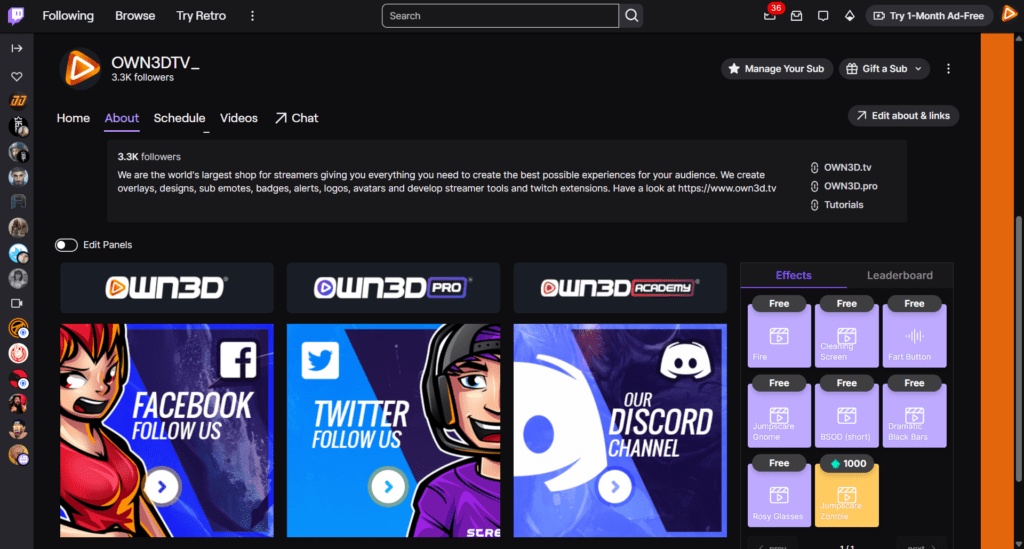
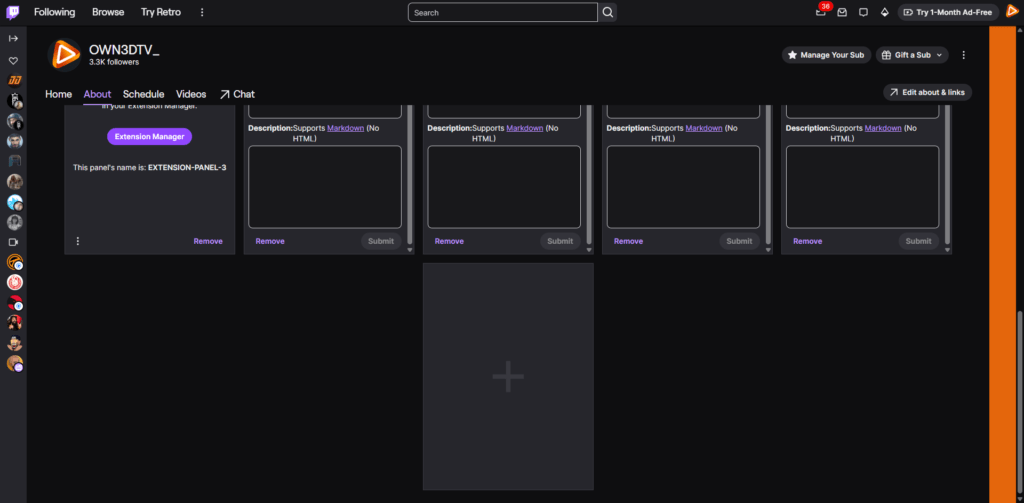
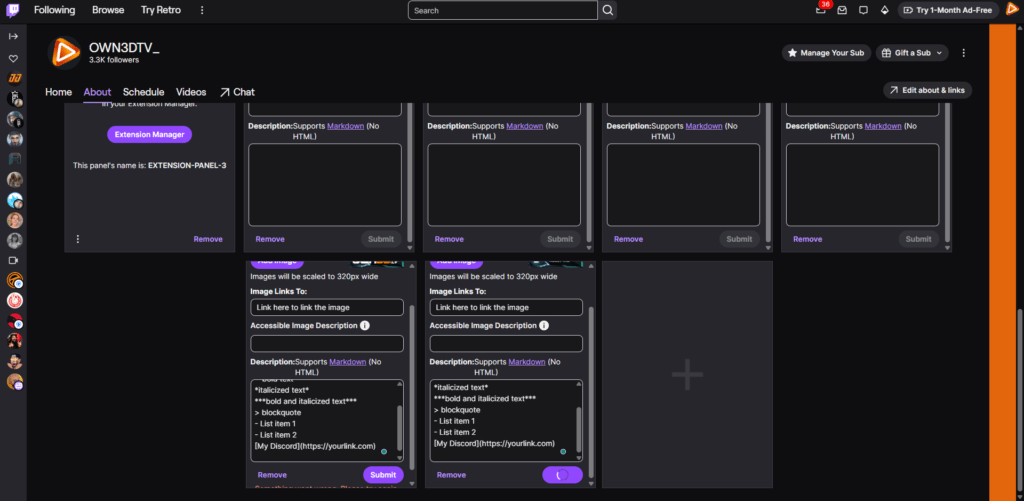
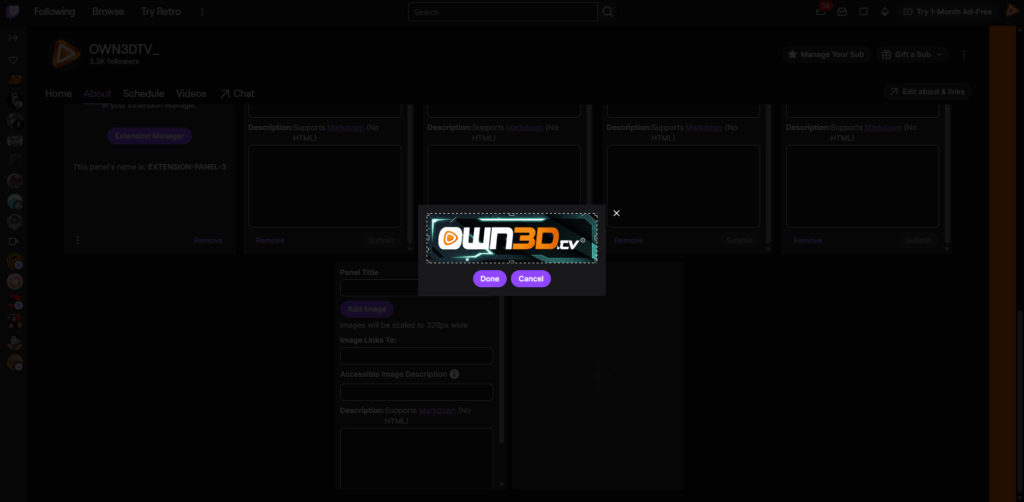
Getting your streaming panels live is simple. Here is how to set them up on Twitch. For Kick panels, you will find a dedicated guide here.

FAQs About Streaming Panels

What are streaming panels?

Streaming panels are visual sections on your channel profile that display information like your bio, rules, links, and support options. They help structure your content and guide viewers beyond the stream.
Stream panels improve first impressions, build trust, and guide viewers toward actions like following, joining your community, or supporting your content. They are a click booster for every creator.
Yes. Our streaming panels are designed for platforms like Twitch and Kick. You can upload them directly to your profile and organize them however you like.

No. There are no free stream panels included. All panels are premium and part of the Stream Pass, ensuring high-quality, consistent designs that elevate your channel. However, you can use the OWN3D Twitch Panel Extension as a free alternative. It allows you to create and display panels directly on your profile, even with interactive or animated elements.

Most creators use a mix of panels like About Me, Rules, Discord, Social Links, Donations, Schedule, and Setup. This structure helps viewers quickly understand your channel and engage with it.

Yes. You can arrange, combine, and update your panels anytime. This gives you full creative freedom to evolve your channel as your content grows.

With the Stream Pass, you can download unlimited* streaming panels, subject to fair use.

Our unlimited plan allows up to 25 downloads per day per category. This ensures fair access for all users while still giving you the freedom to explore and build your channel without limits.

Because your channel evolves. Your content changes, your community grows, and your branding develops over time. With unlimited* stream panel access, you can experiment, adapt, and always keep your profile fresh.

Yes. Platforms like Twitch support basic Markdown formatting in your panel descriptions. This lets you structure your content, highlight important info, and make your panels much easier to read.


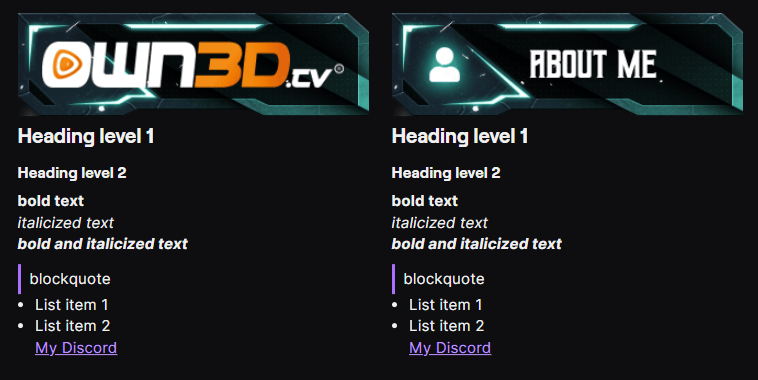
Here are some simple examples you can use:

# Heading level 1

## Heading level 2

**bold text**

*italicized text*

***bold and italicized text***

> blockquote

– List item 1

– List item 2

[My Discord](https://yourlink.com)


With just a few lines like these, your streaming panels go from plain text to clean, structured, and way more engaging for your viewers. You can read more about Markdown basics here.

Yes. Besides classic image panels, you can also use tools like the OWN3D Twitch Panel Extension to unlock entirely new possibilities. It is currently the only way to use animated panels directly on your profile, offering a way beyond static designs.


You can also integrate elements such as mini-games or interactive extensions, such as our Visuals & Sound Alerts extension. This turns your streaming panels into more than just information blocks.

Yes. Many streaming panel packs include blank panels that you can customize. You can add your own text or branding elements to fit your channel perfectly and adapt your panels to your content.

Yes. You are not locked into one format. Most of our streaming panels are designed in a classic wide layout, which works perfectly for clean and structured profiles.

But if you prefer a different look, you can easily adapt your setup. For example, you can turn a blank panel into a square panel to create a more unique layout and fill it with text. It all depends on your style and how you want your channel to feel.

You do not need advanced tools. With free editors like Photopea, you can easily open, edit, and customize your stream panels directly in your browser. This makes it simple to personalize your panels without any design experience.