Free Stream Overlay Maker
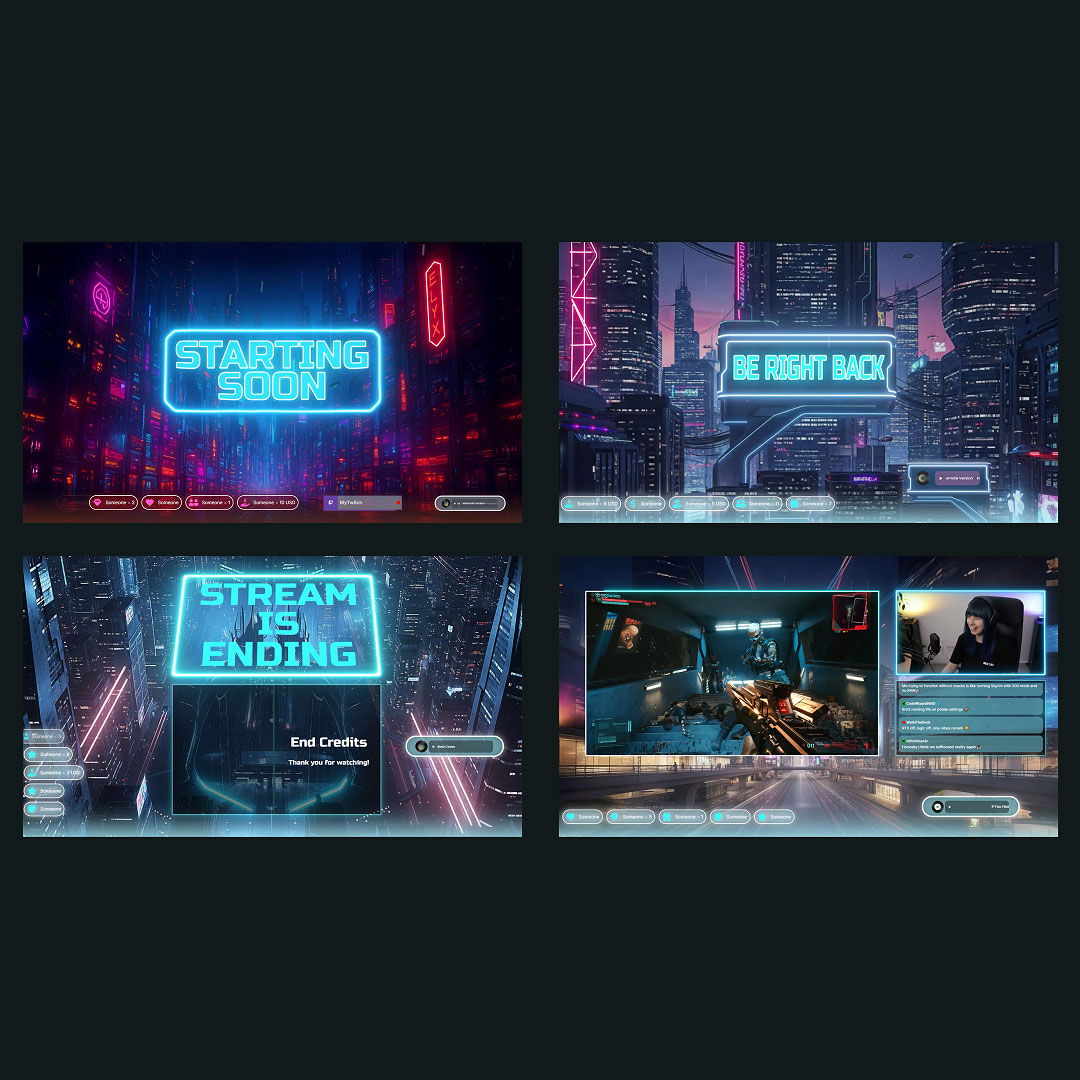
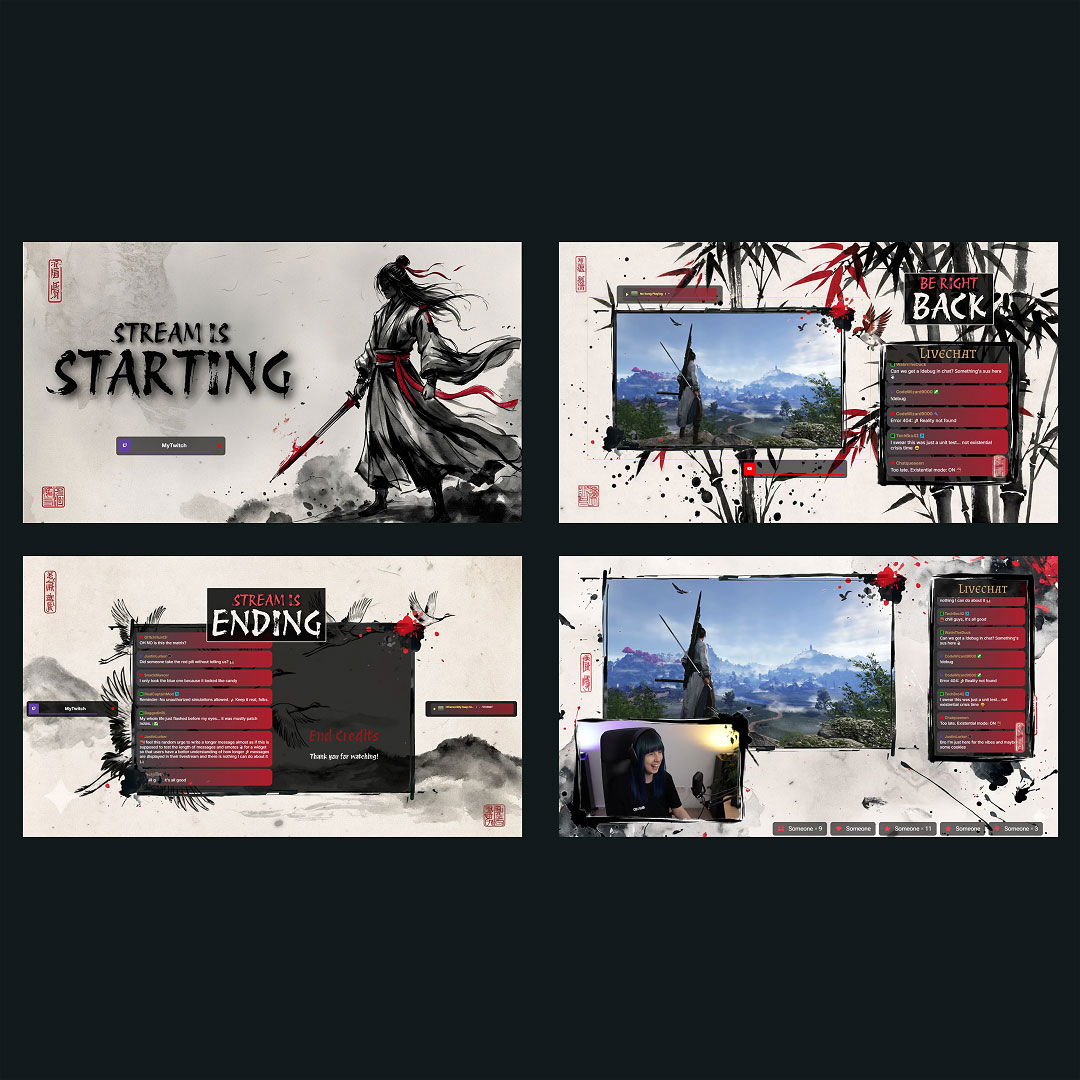
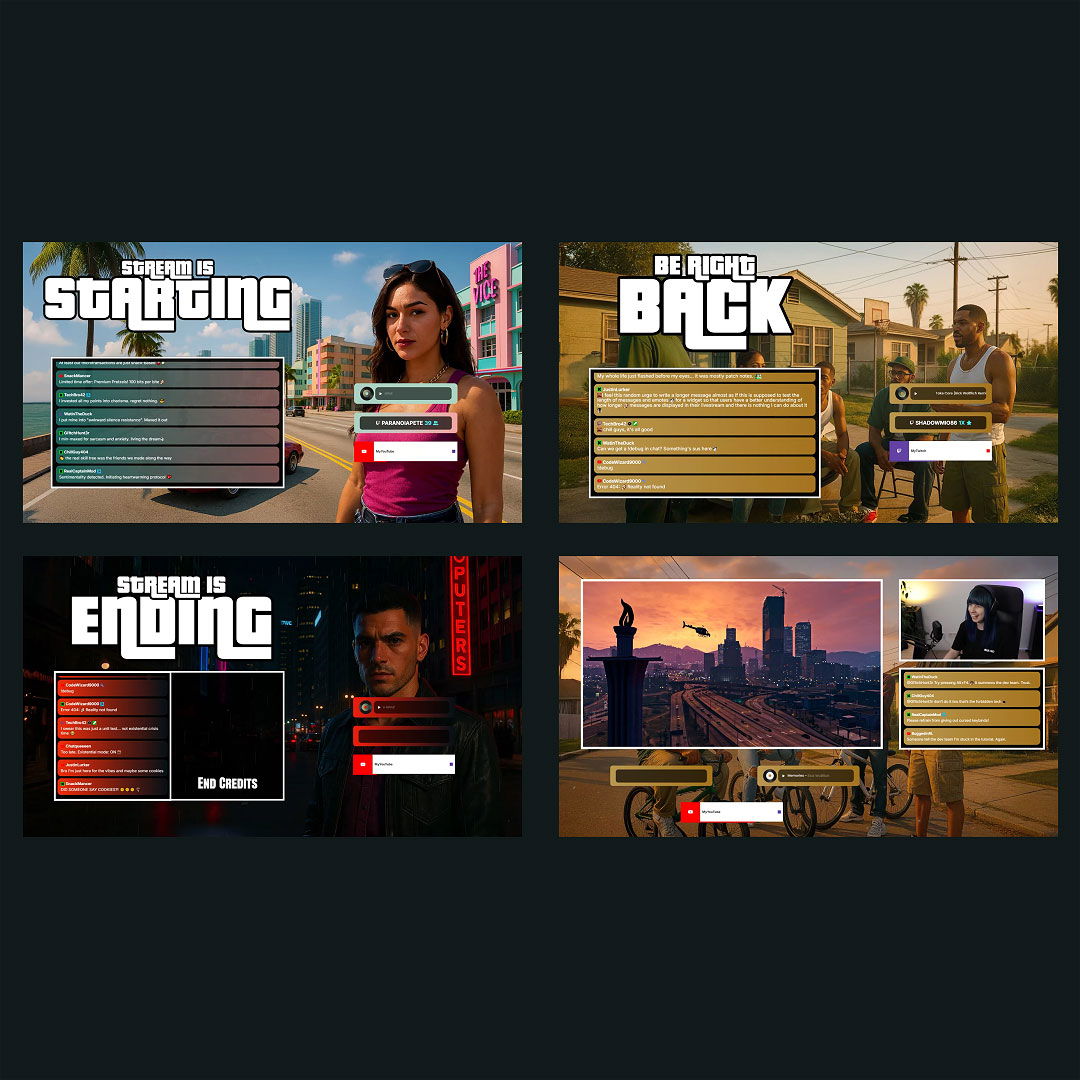
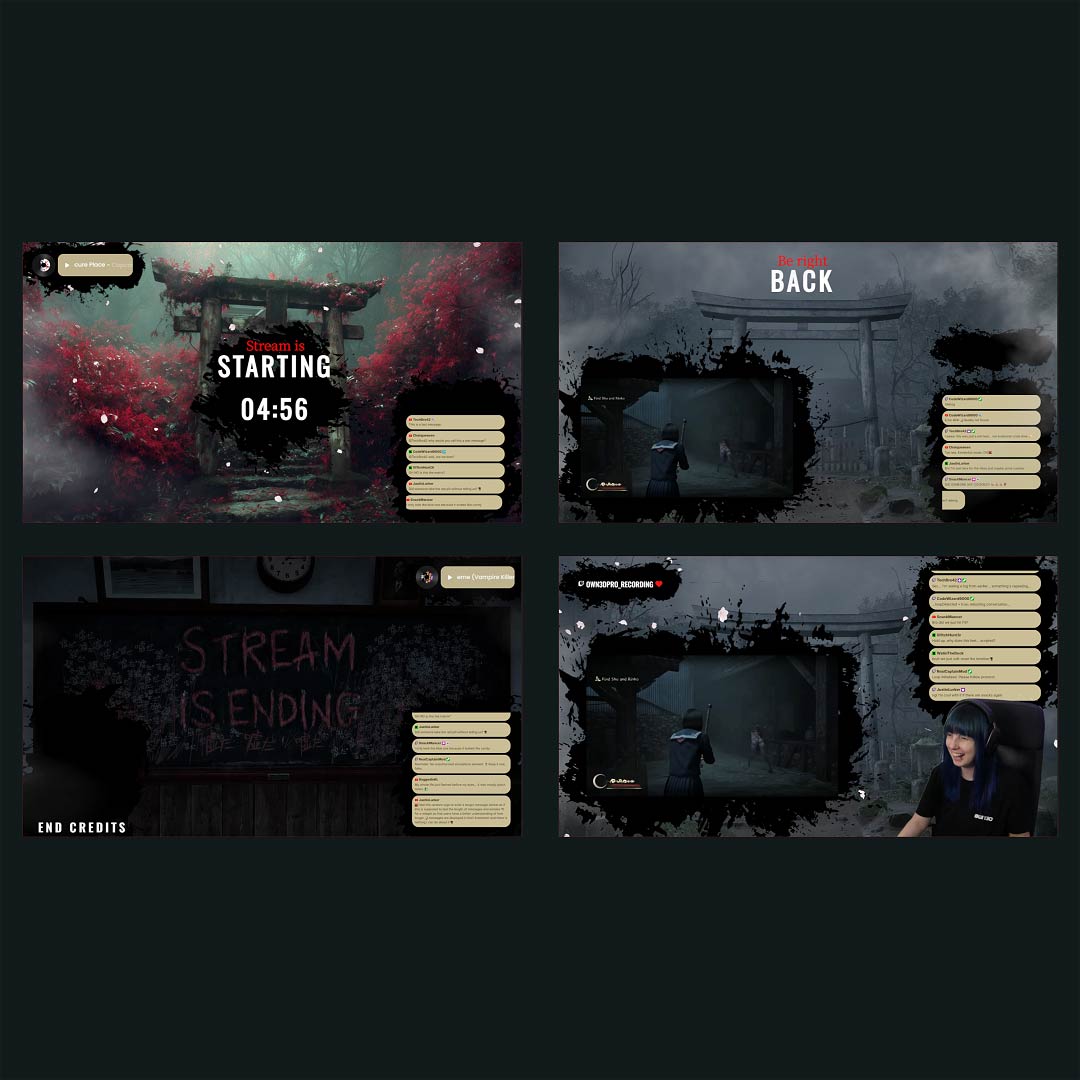
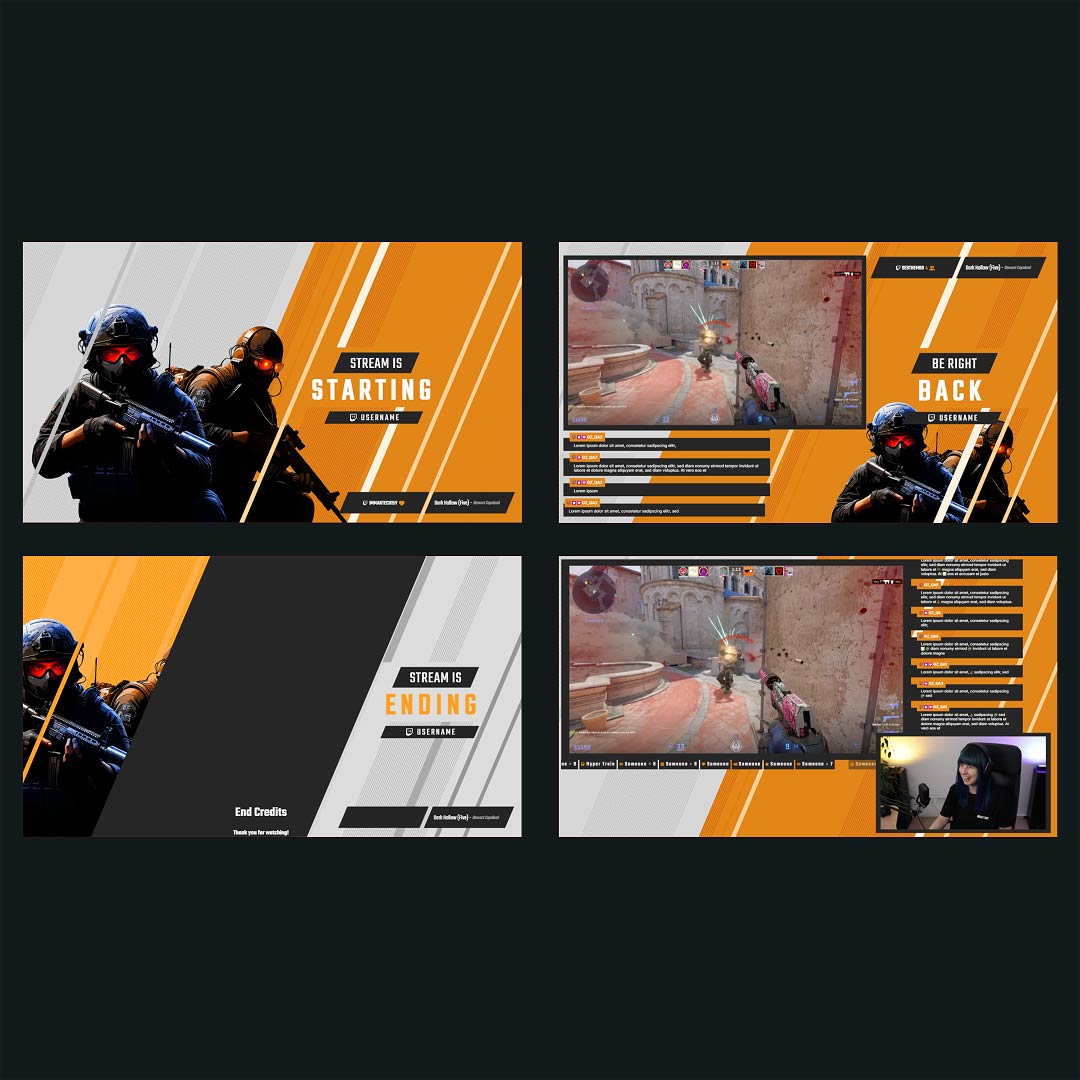
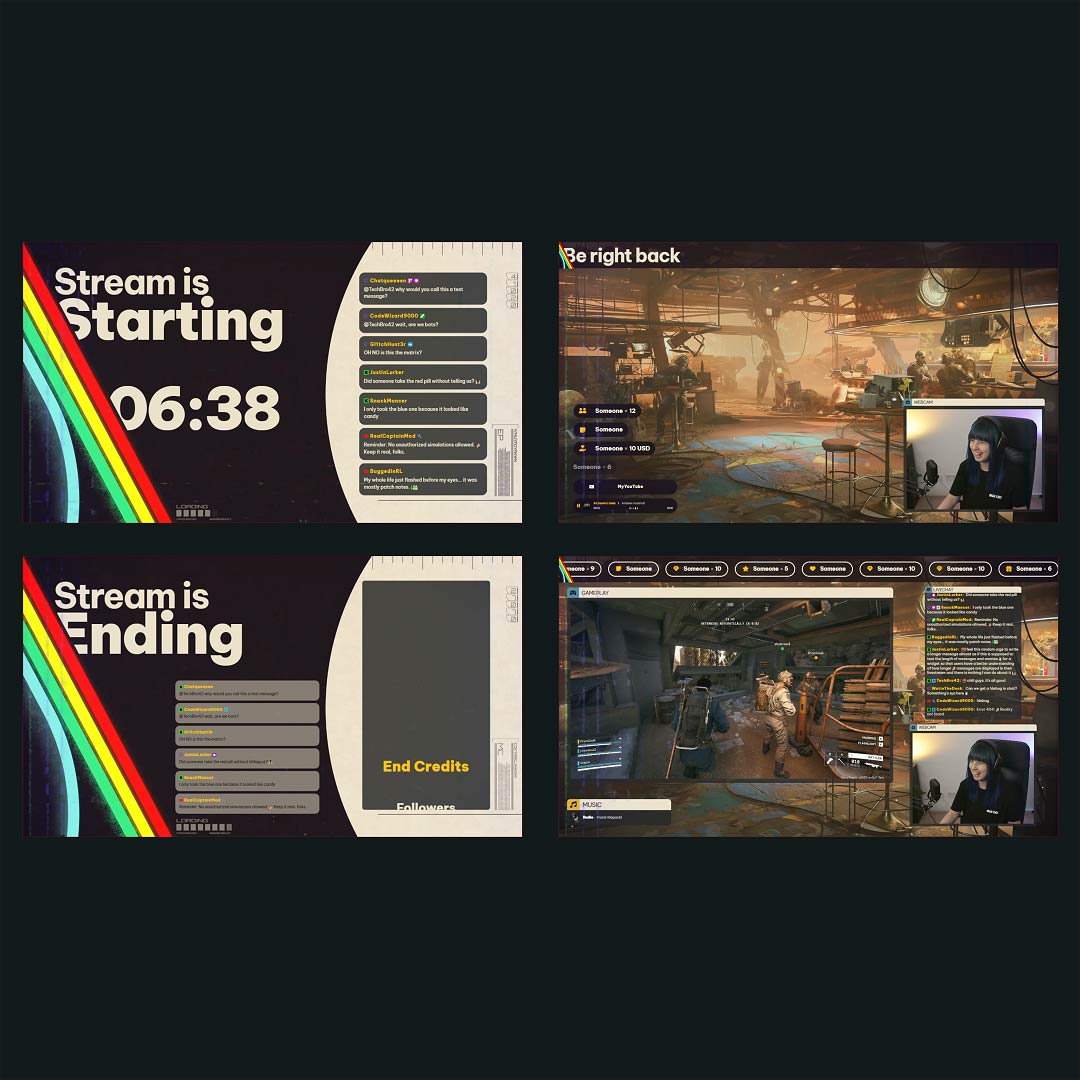
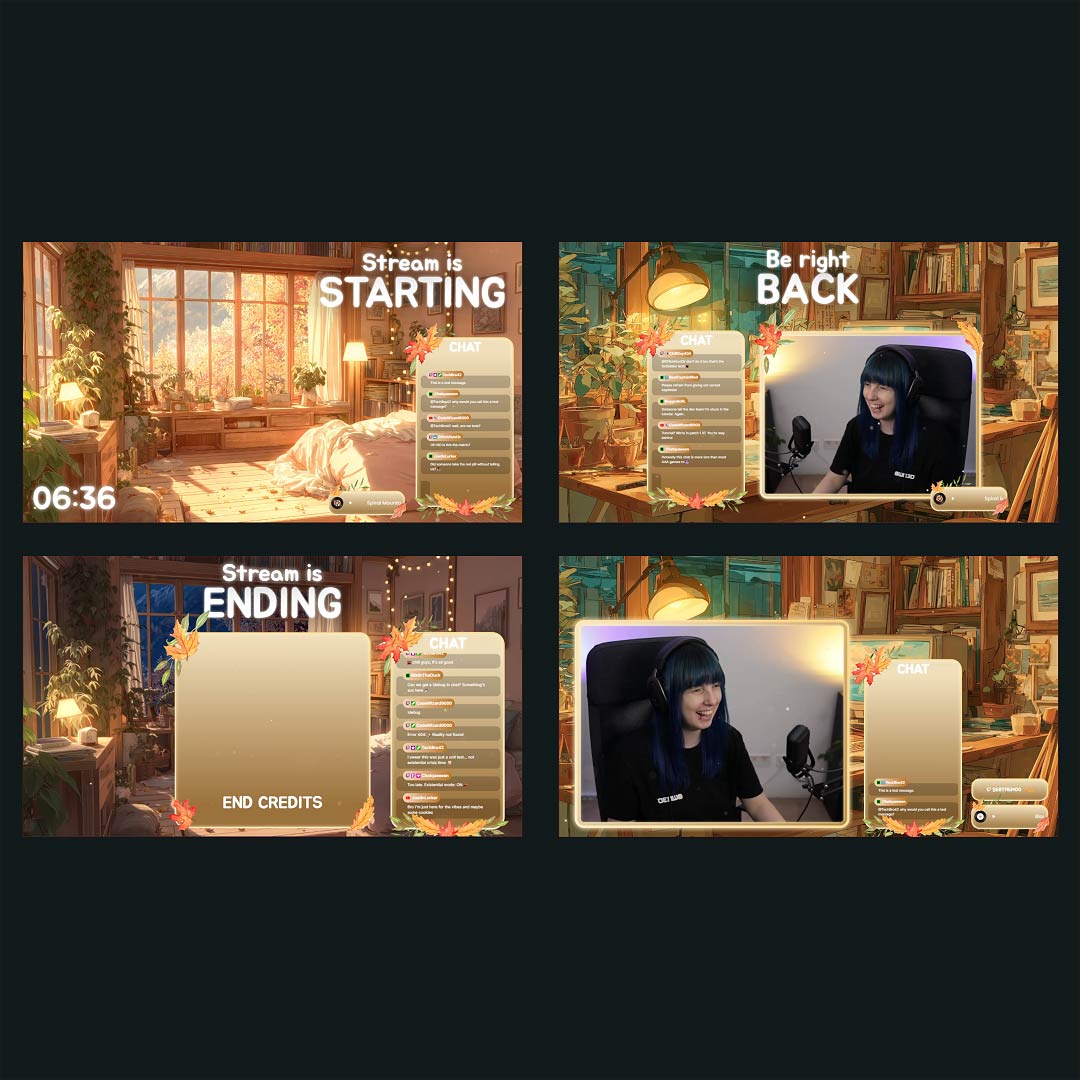
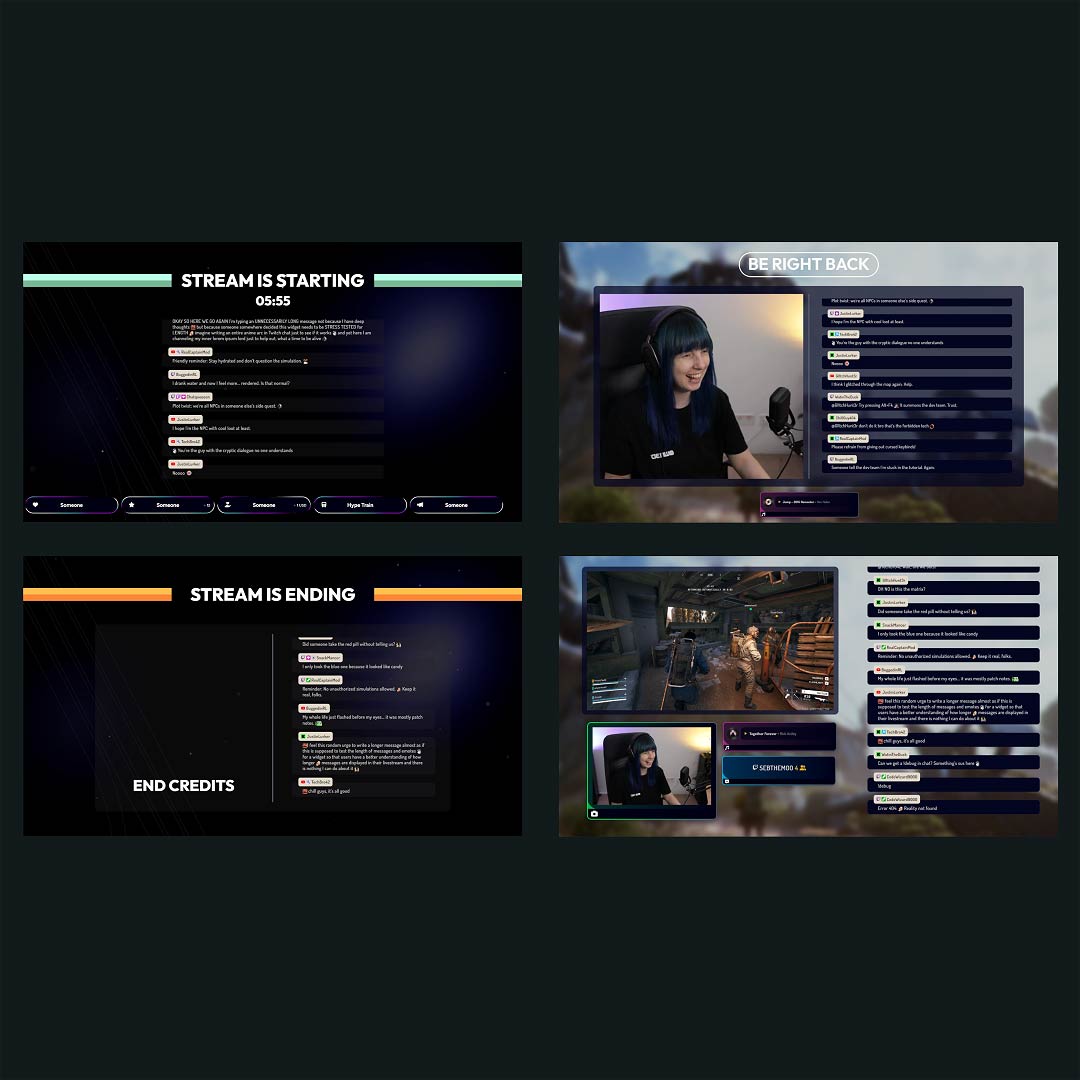
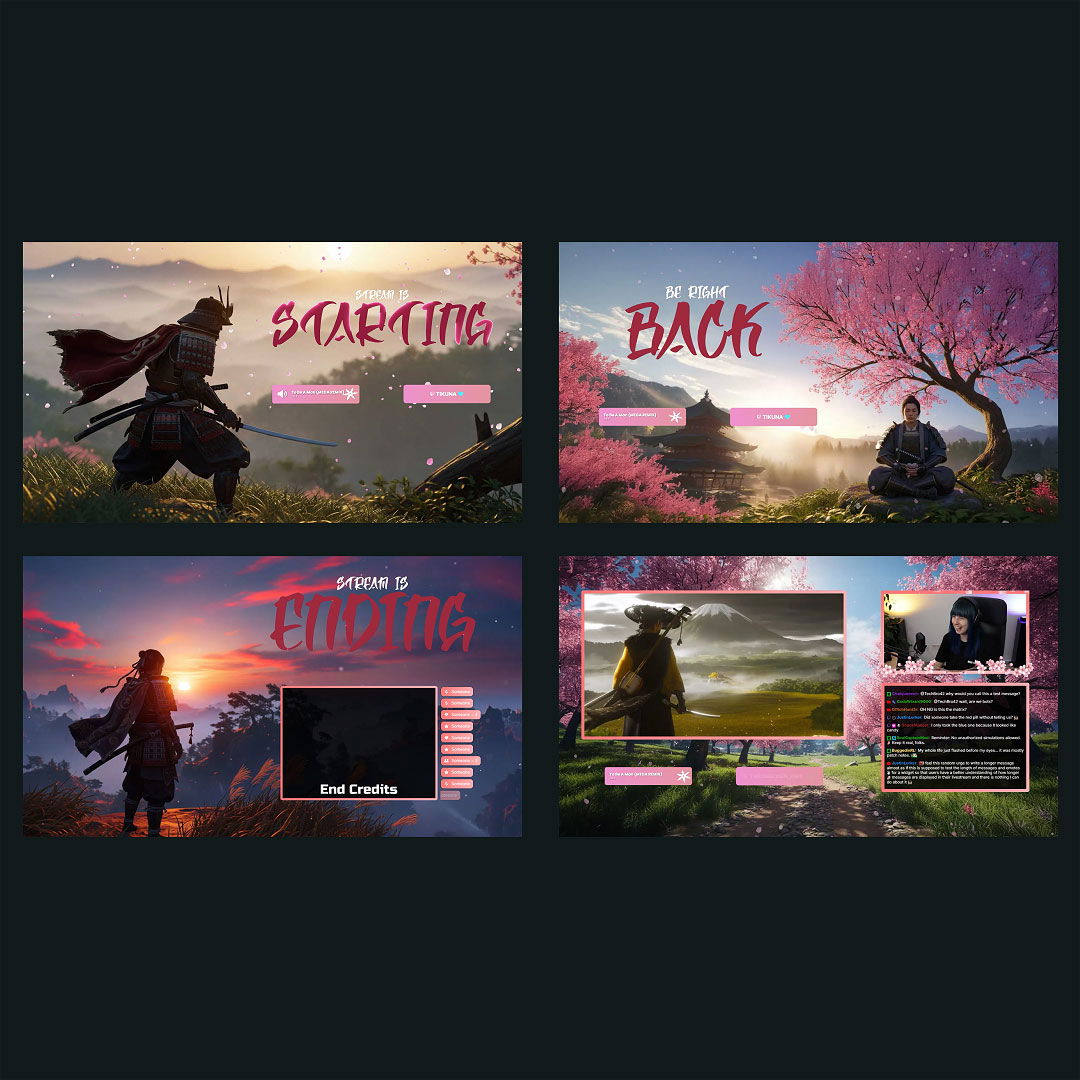
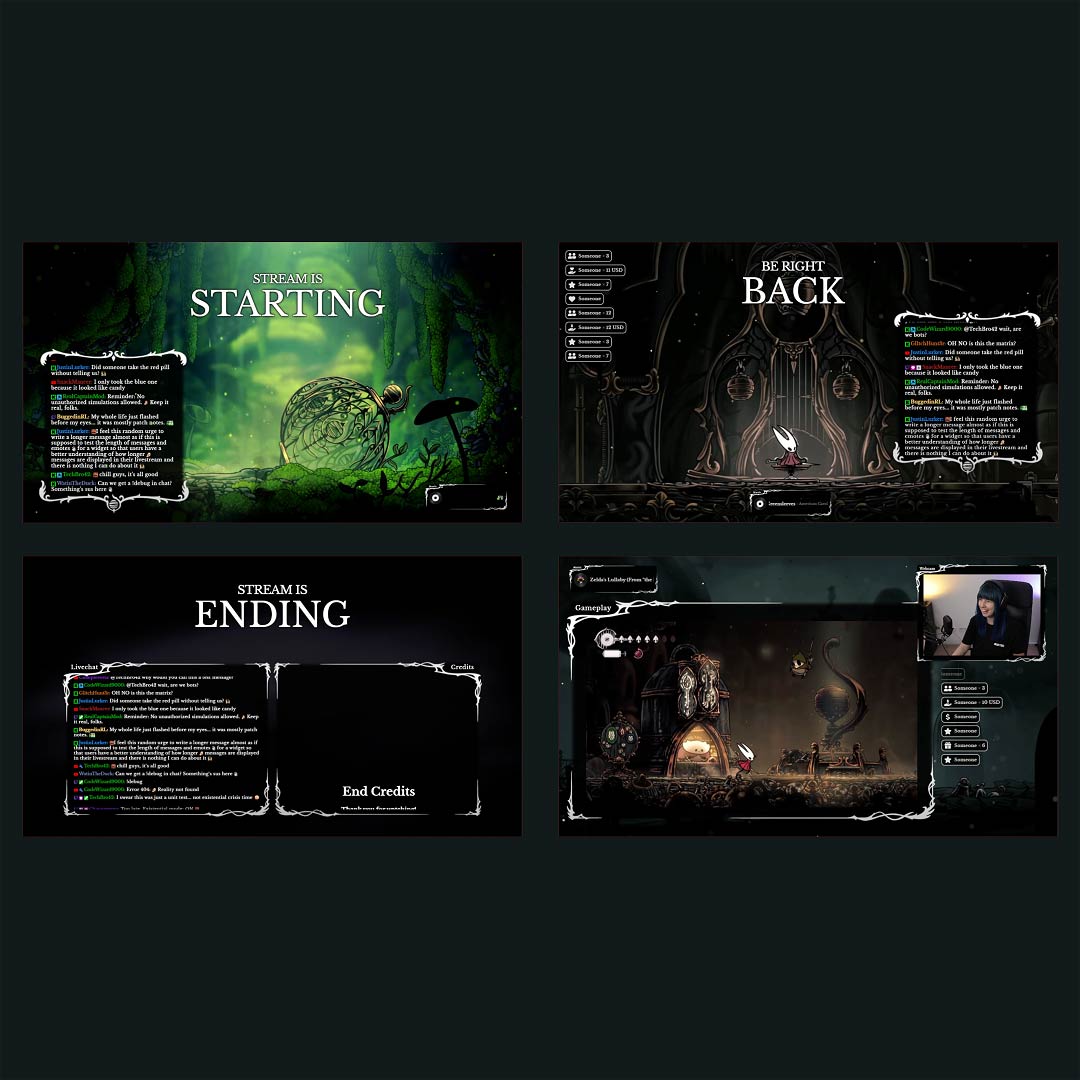
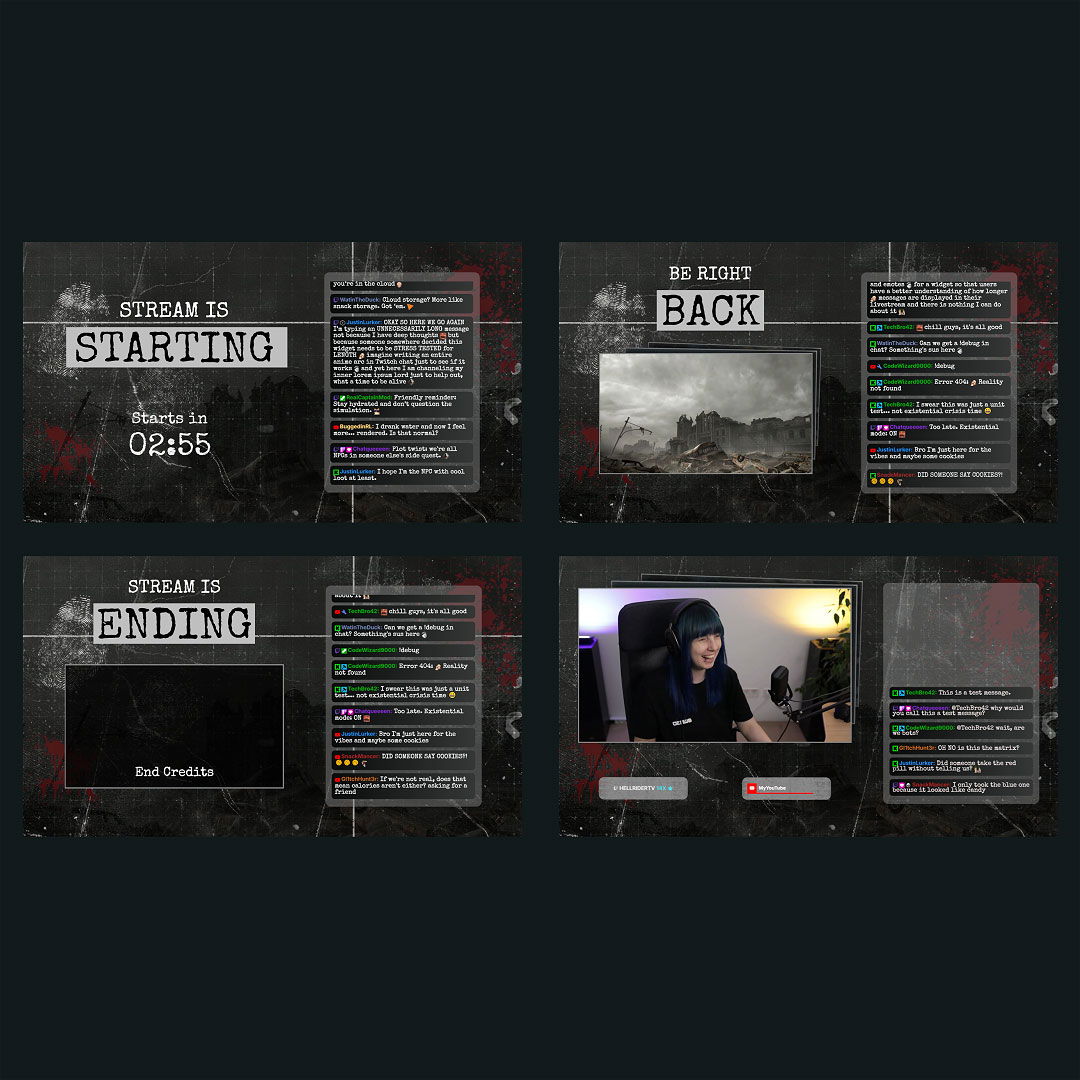
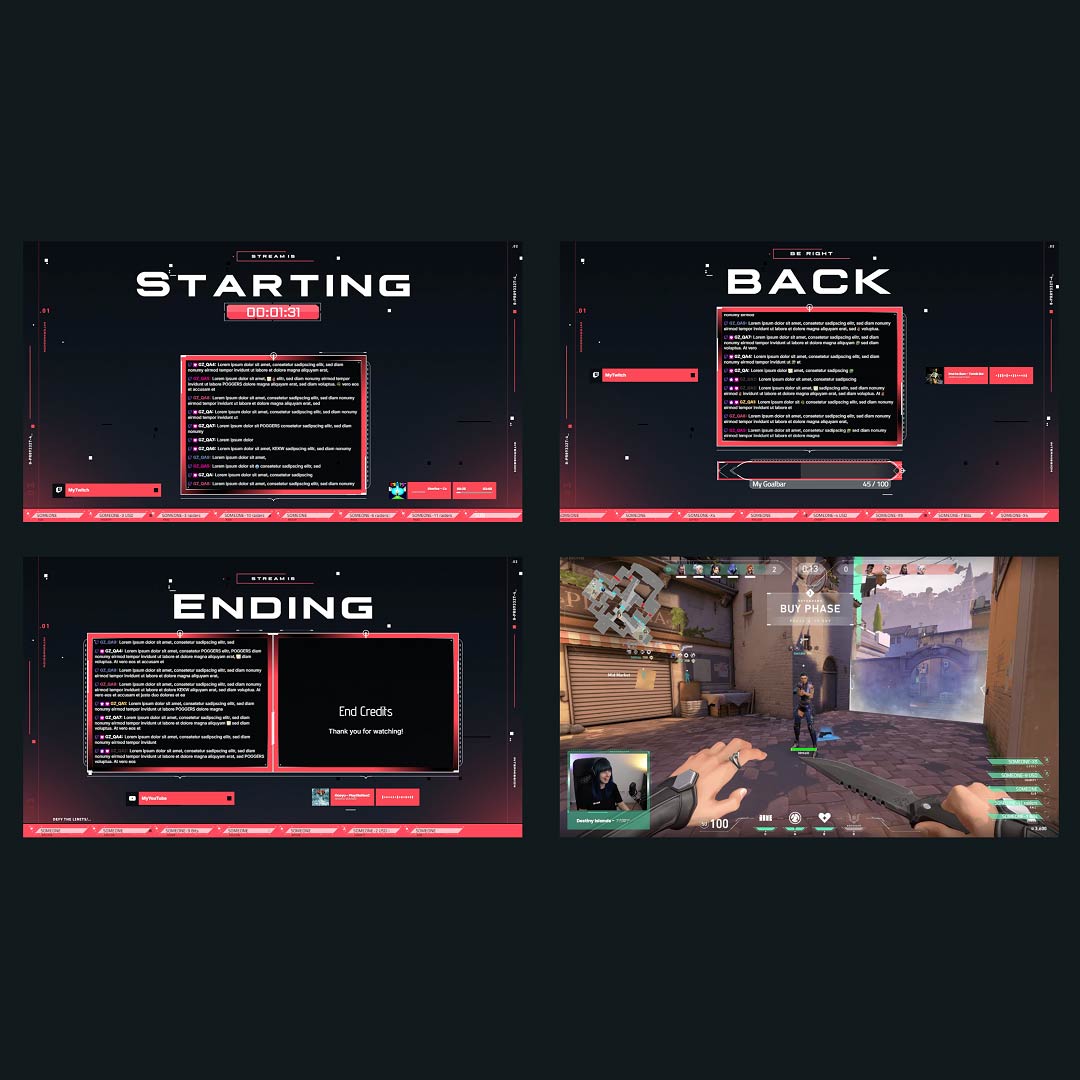
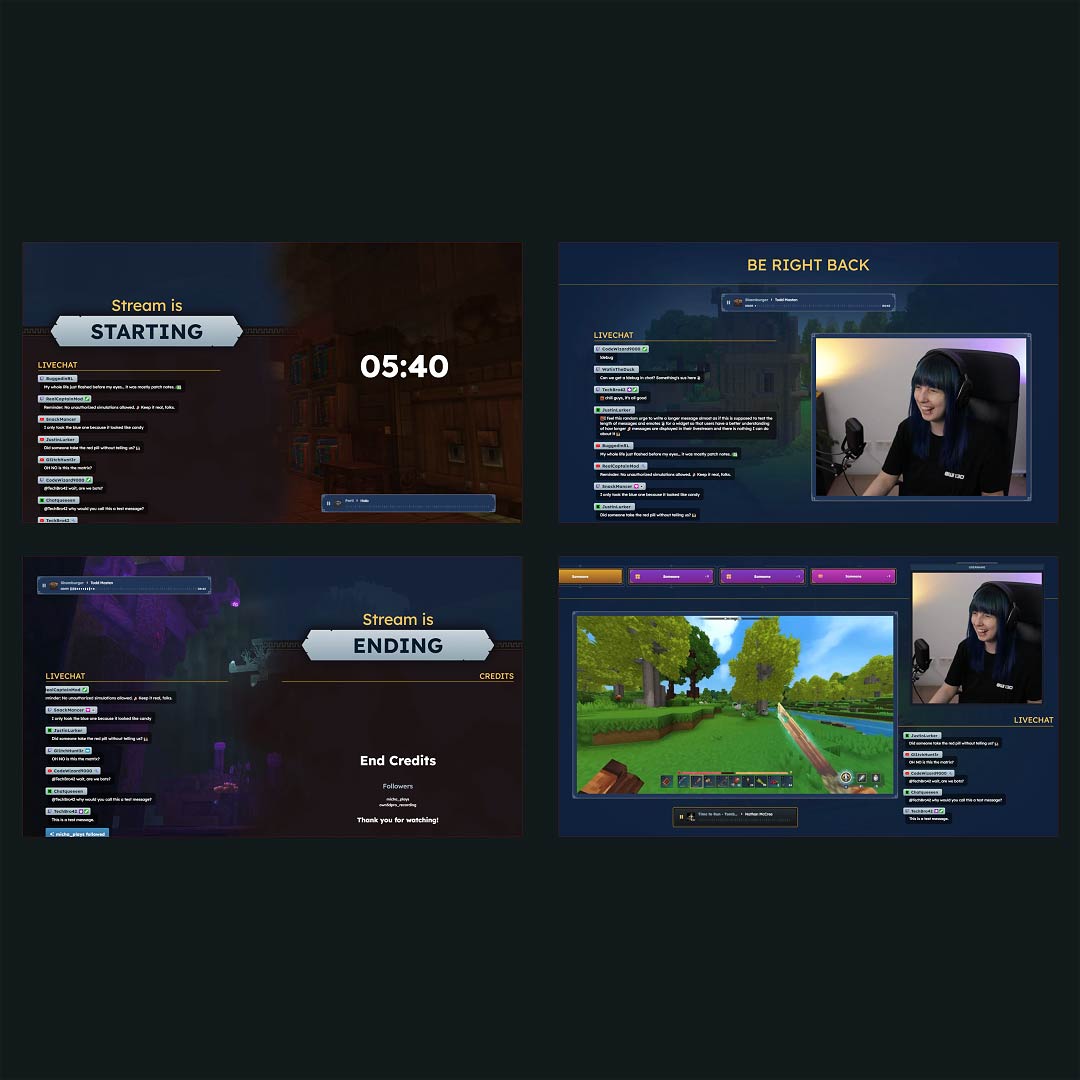
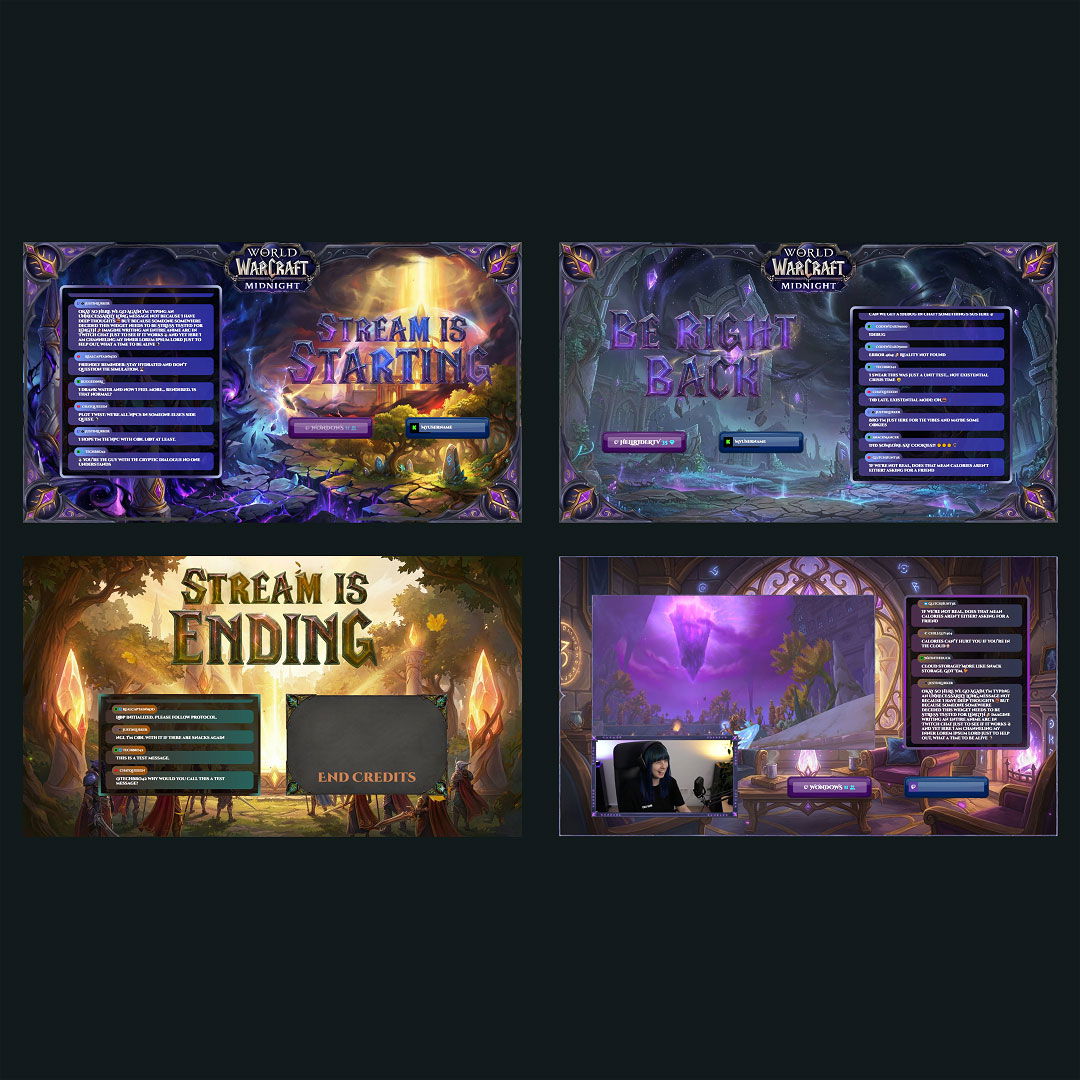
Create eye-catching, custom stream overlays with the stream overlay maker for Twitch, YouTube, and Kick. Whether you’re a beginner or a seasoned streamer, our free overlay maker allows you to design overlays that perfectly match your unique vibe. Choose from hundreds of customizable templates or start from scratch using over 12,000 stream assets. Let your creativity shine and build something truly your own.
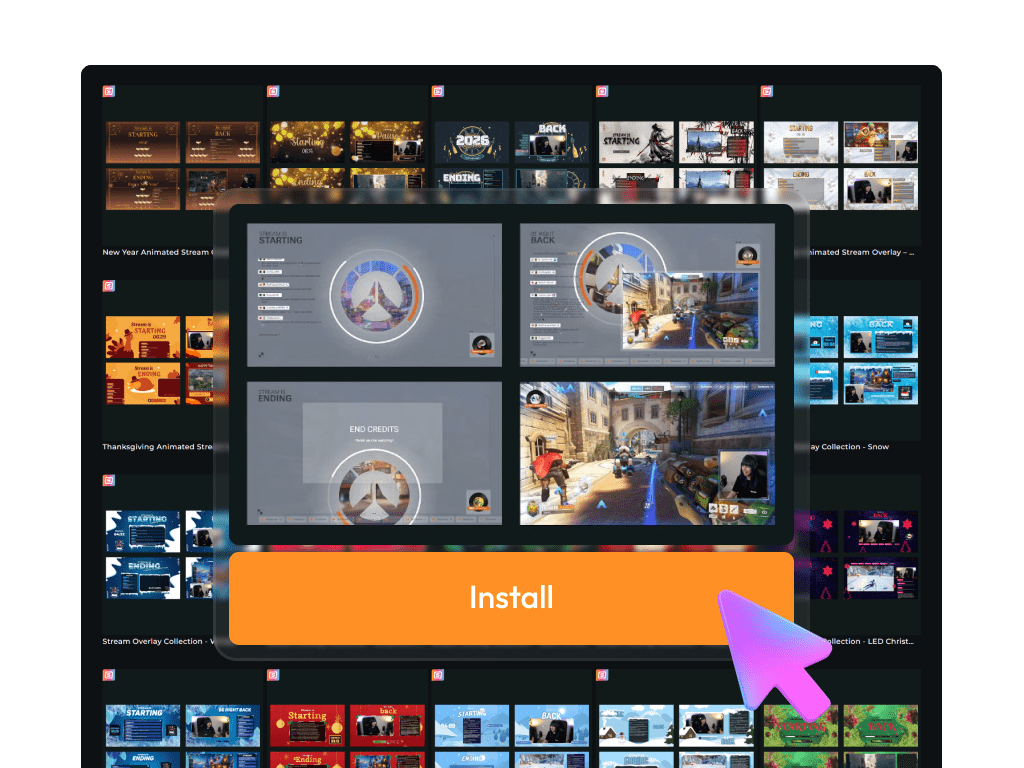
Most Installed Stream Overlay Maker Creations
All Free/Premium Stream Overlay Maker Creations
Your Custom Overlay Journey Starts Here
Plenty of free designs to start with
Sign up and unlock access to free designs and widgets in our free overlay maker. Experiment with free custom overlays, add free interactive widgets, or use ready-to-use overlays to launch your content in style.
Unlock all custom overlay features
Want more flexibility or love to switch things up? With the Stream Pass, you get full access to over 100 custom stream overlays, 400+ templates, and a massive library of 12,000+ assets inside the stream overlay maker. All fully customizable and ready to elevate your Twitch, YouTube, or Kick stream.
What Happy Customers Say About Our Stream Overlay Maker
Don’t just take our word for it. See what other creators say about the stream overlay maker.
One Pass. Everything Included.
The Stream Pass gives you full access to everything OWN3D Pro has to offer. All products, including custom stream overlay assets, alerts, widgets, emotes, and more, are included and not sold separately.
Works with all broadcasting tools
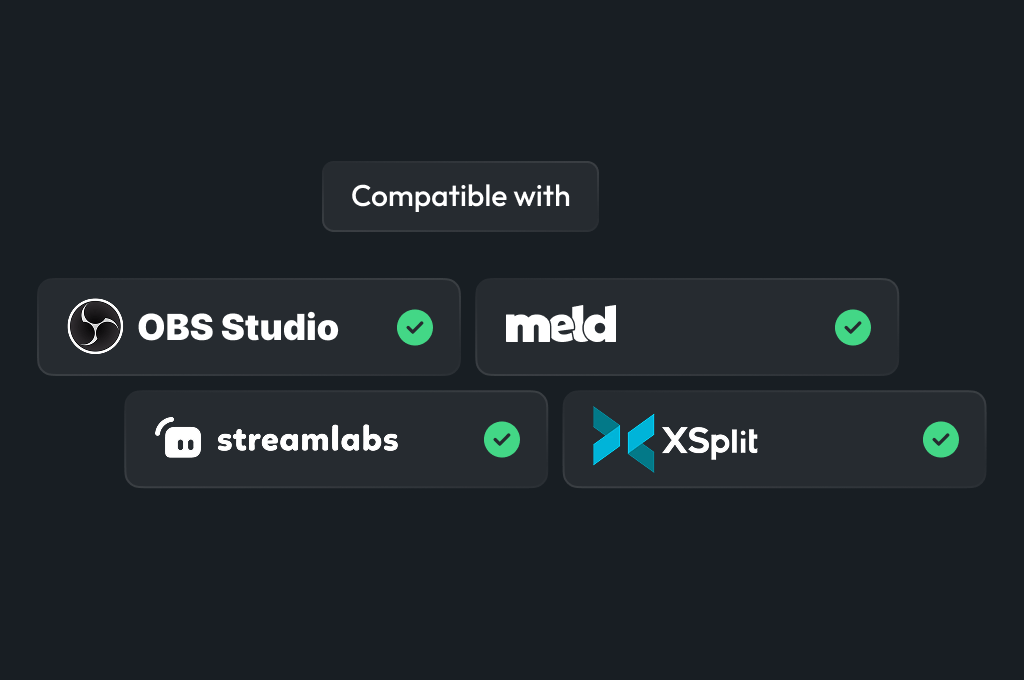
Build custom overlays in the Scene Builder and use them with OBS Studio, Streamlabs, XSplit, and more. Easy to integrate with any setup.
Unlimited* asset downloads
Download emotes, badges, panels, and more static assets. *Our unlimited plan is subject to fair use.
AI-powered creations
Get 50 AI credits with your Stream Pass to generate custom stream widgets, webcam frames, emotes, and more.
Multistreaming ready
Multistream on Twitch, YouTube, and Kick with custom overlays and all the tools you need for a professional-looking livestream.
What You Can Do With the Stream Overlay Maker
From widgets to full designs – unique or ready to use
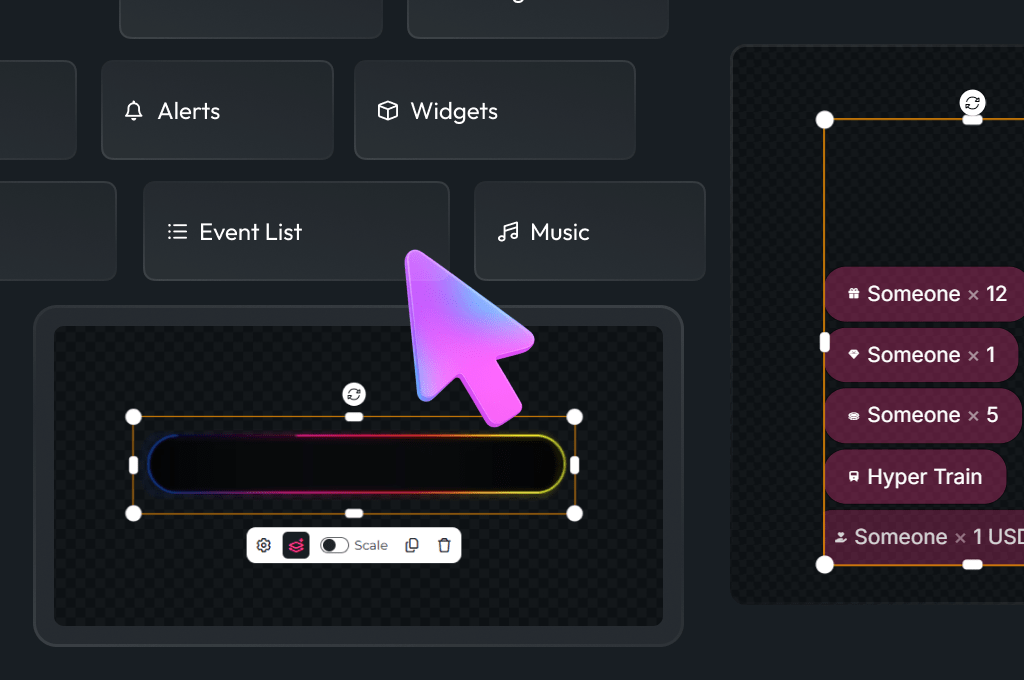
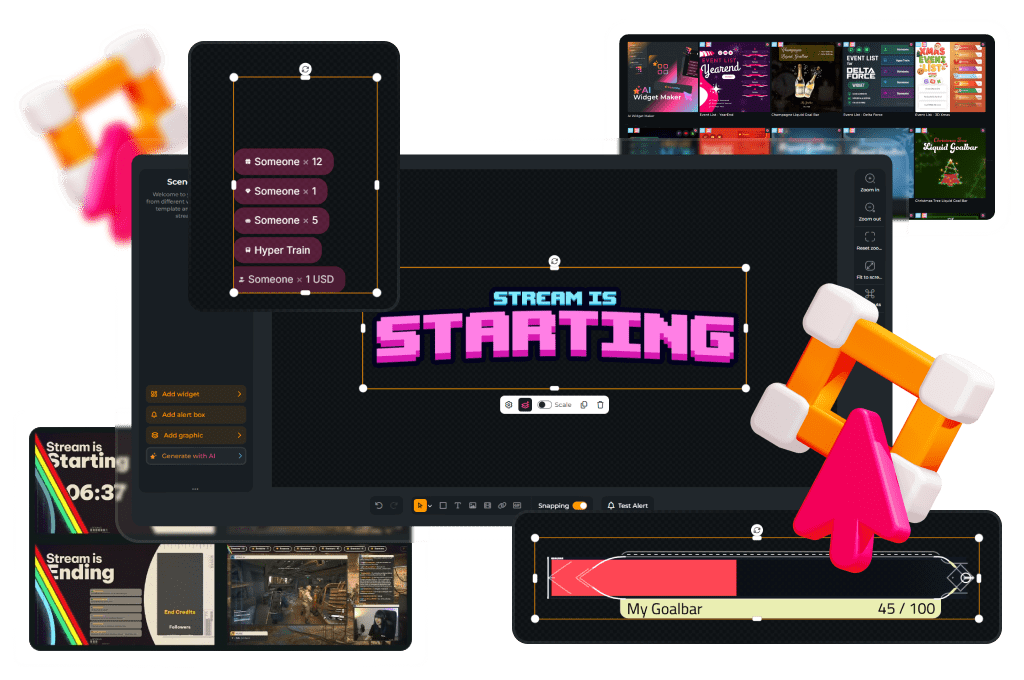
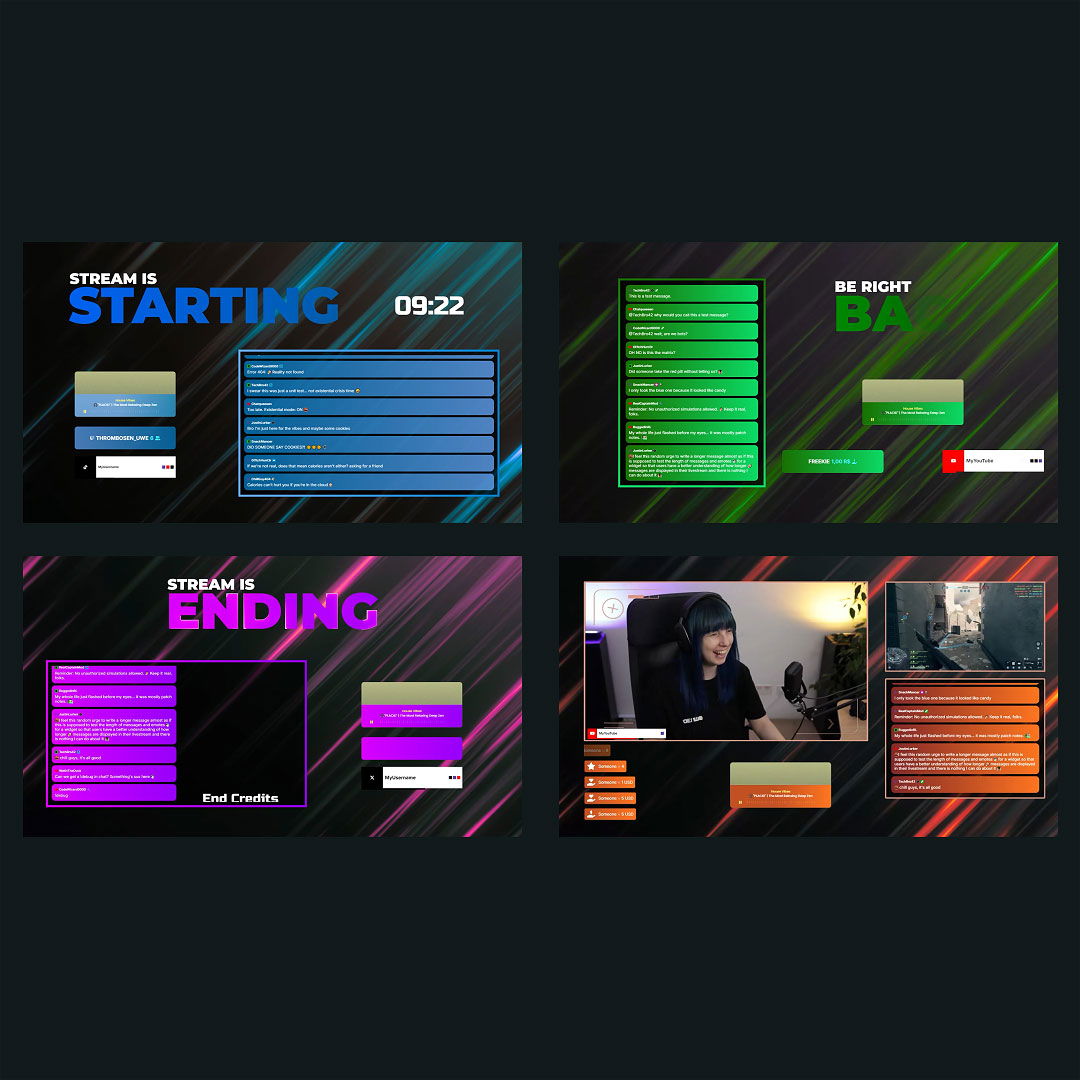
With the stream overlay maker, you have full creative control, whether you want to build something unique or start with a template. From interactive widgets to clean layouts, the stream overlay maker gives you everything you need to design overlays that match your style.
Create Your Own Overlay
Build your custom stream overlay from scratch using our free overlay maker. Choose from over 12,000 assets, including elements, graphics, and widgets, to craft a completely original setup. Perfect for creators who want full creative freedom with their custom overlays.
Work With Presets
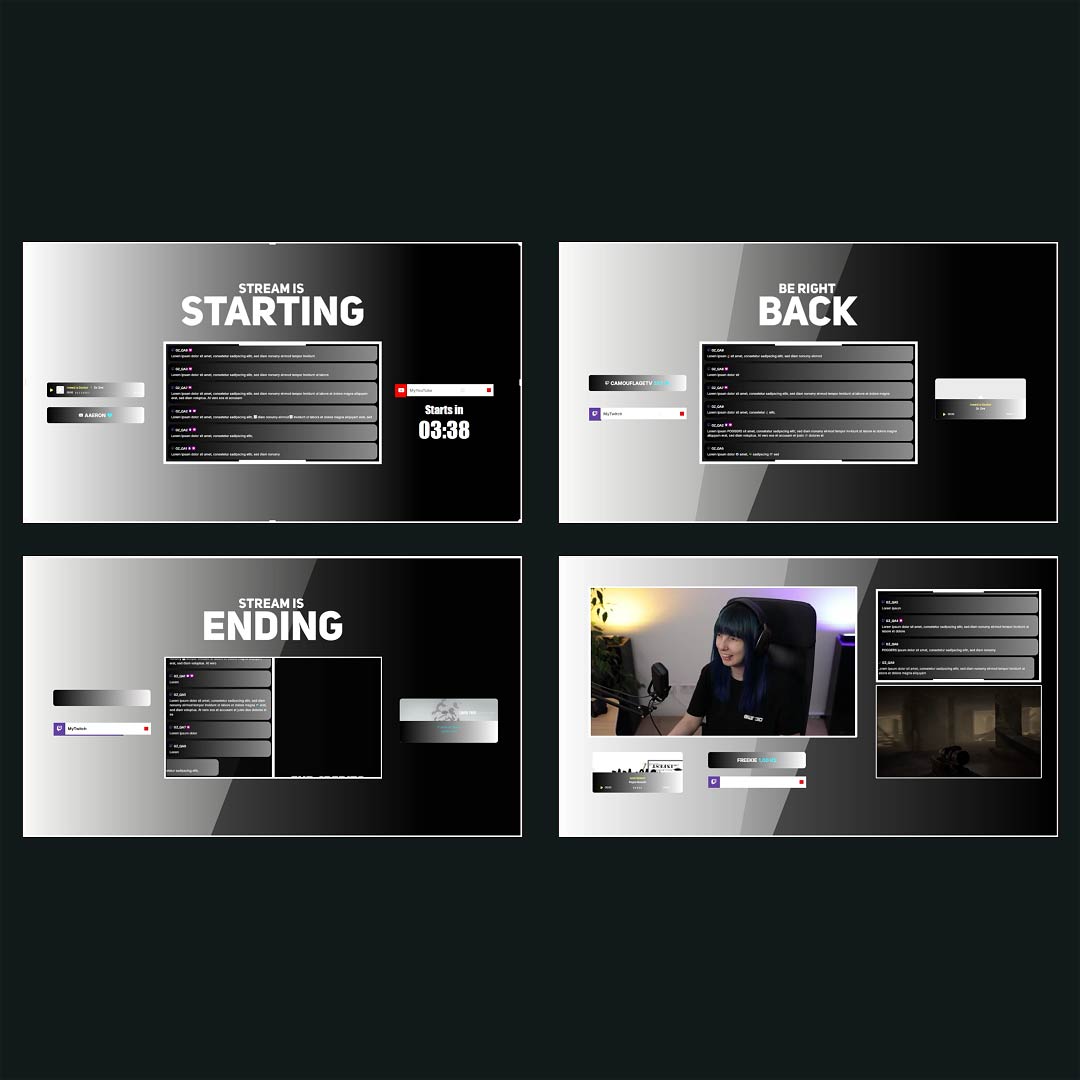
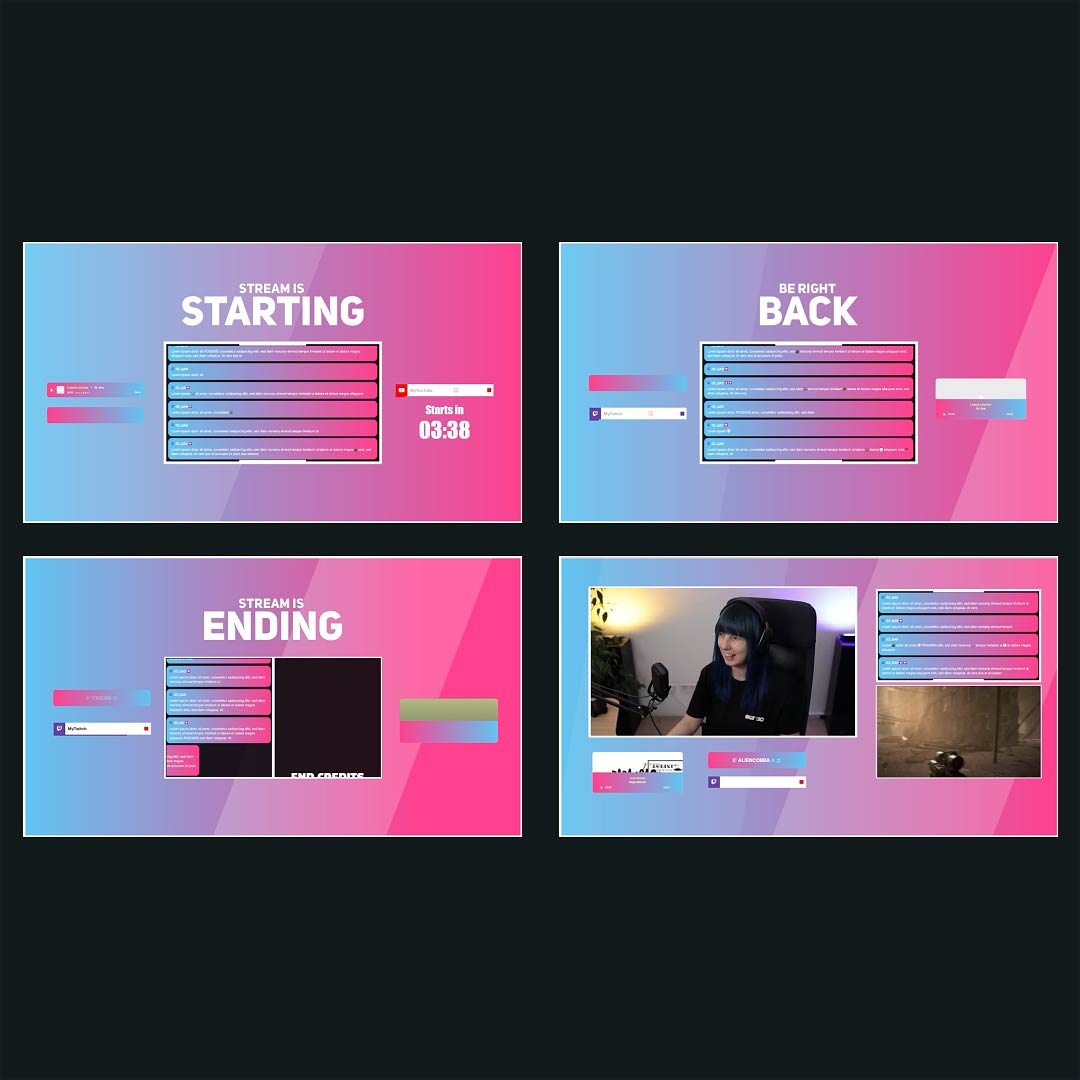
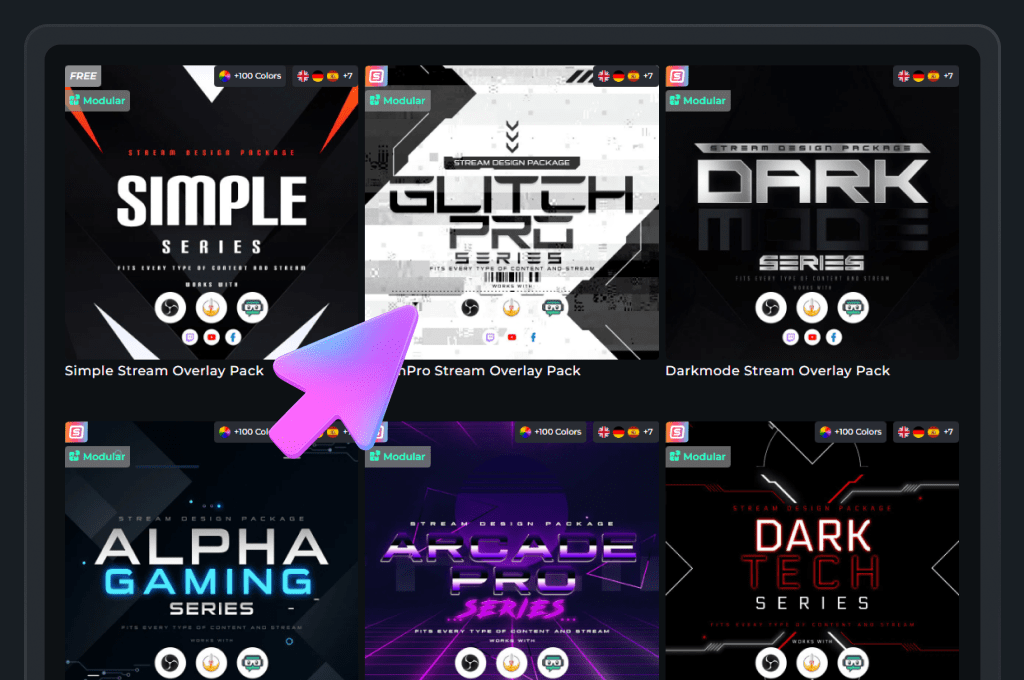
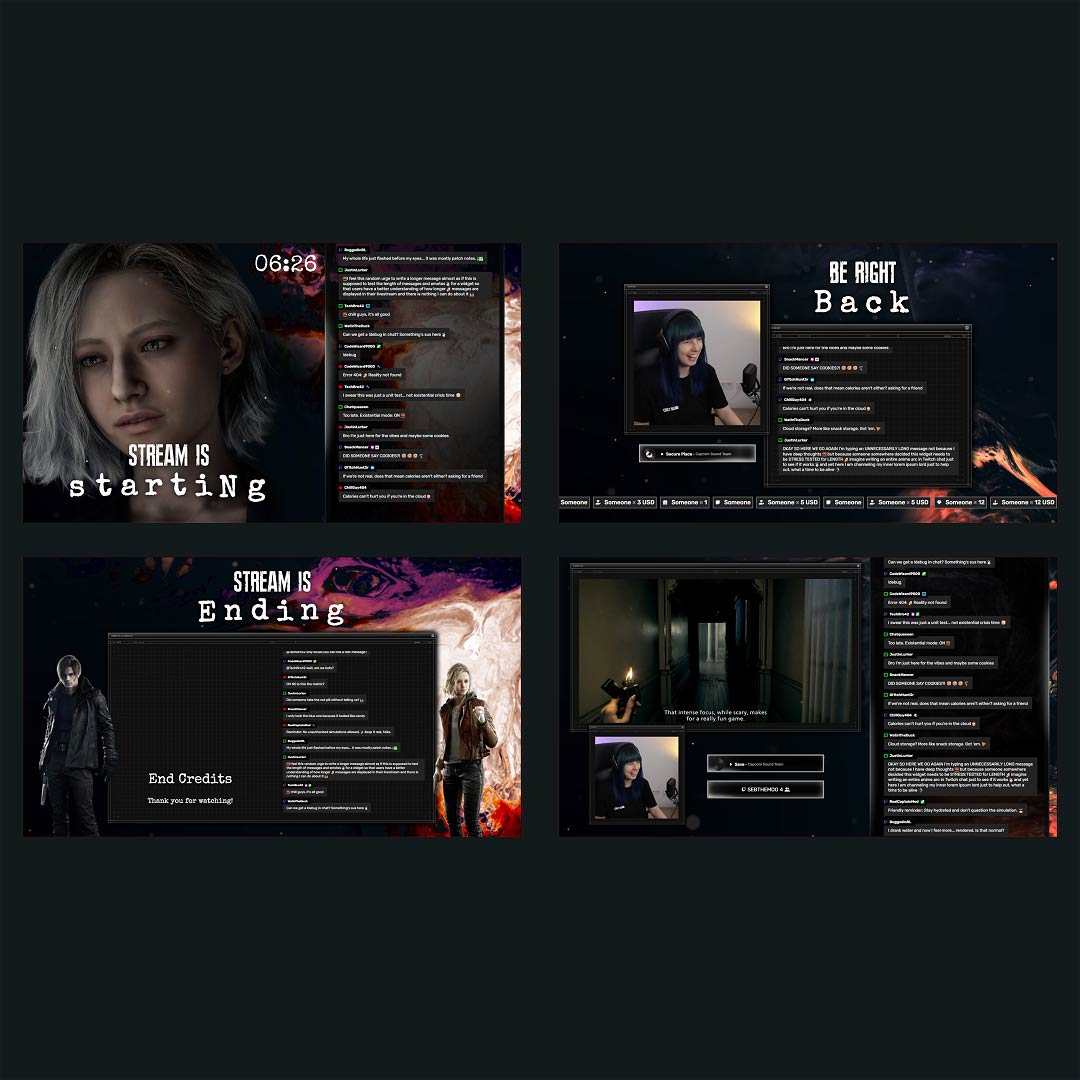
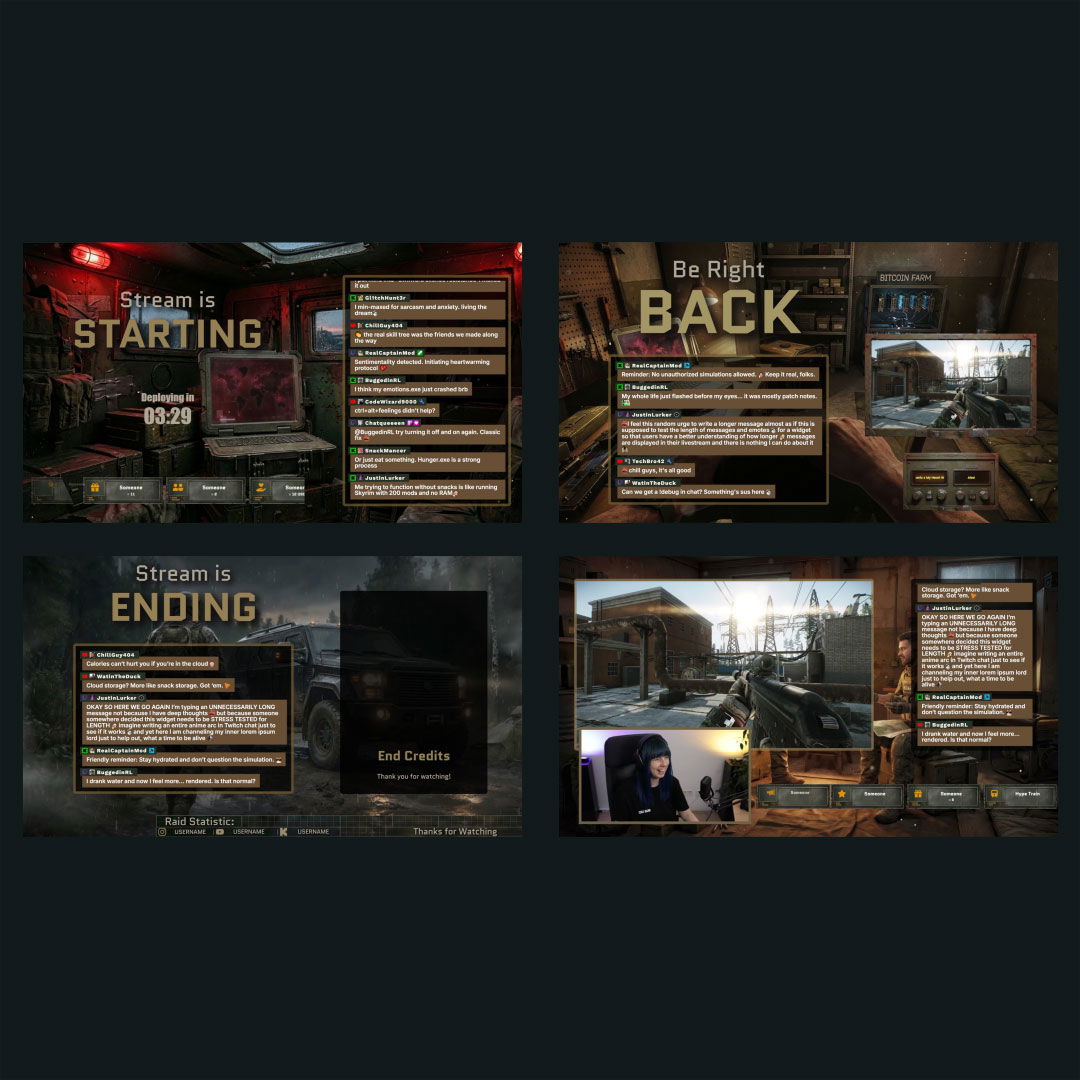
Pick from hundreds of ready-made templates for Twitch, YouTube, or Kick. Customize colors, fonts, widgets, and scenes to fit your brand. Great for fast, high-quality results with our stream overlay maker.
Interactive Stream Maker
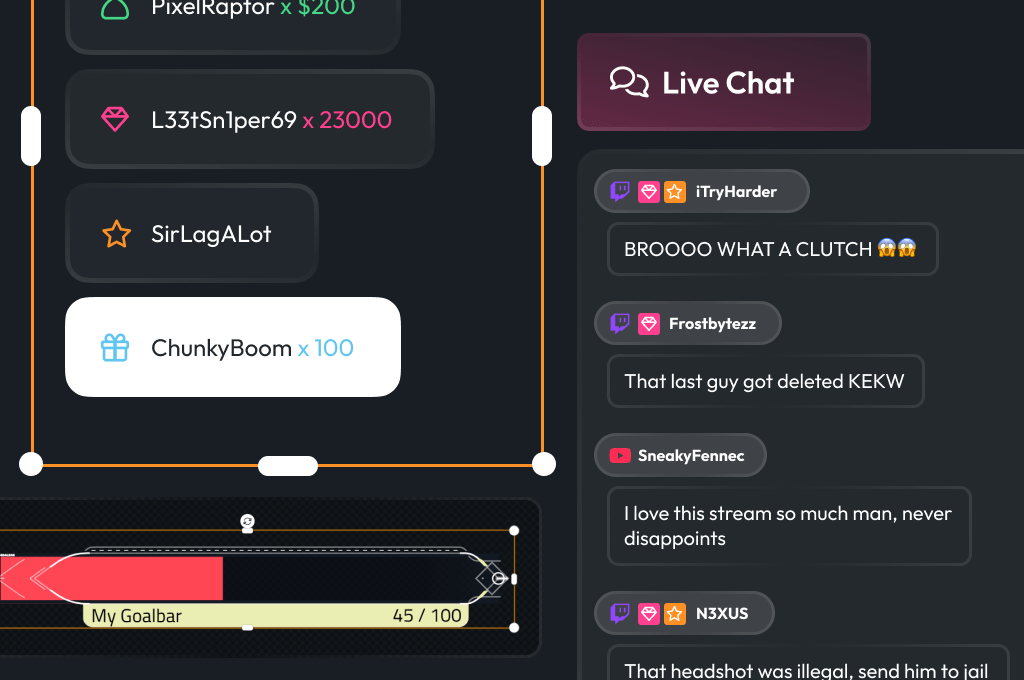
Keep your stream dynamic and your viewers involved. With widgets like alerts and chatboxes, you’re not just adding visuals, you’re creating real interaction inside your custom overlay.
Works With Any Broadcasting Tool
Use your custom overlay directly in OBS Studio, Meld Studio, Streamlabs, XSplit, and more. The stream overlay creator provides a browser source URL you can easily add to any broadcasting tool that supports browser-based overlays. Everything integrates seamlessly with your existing setup.
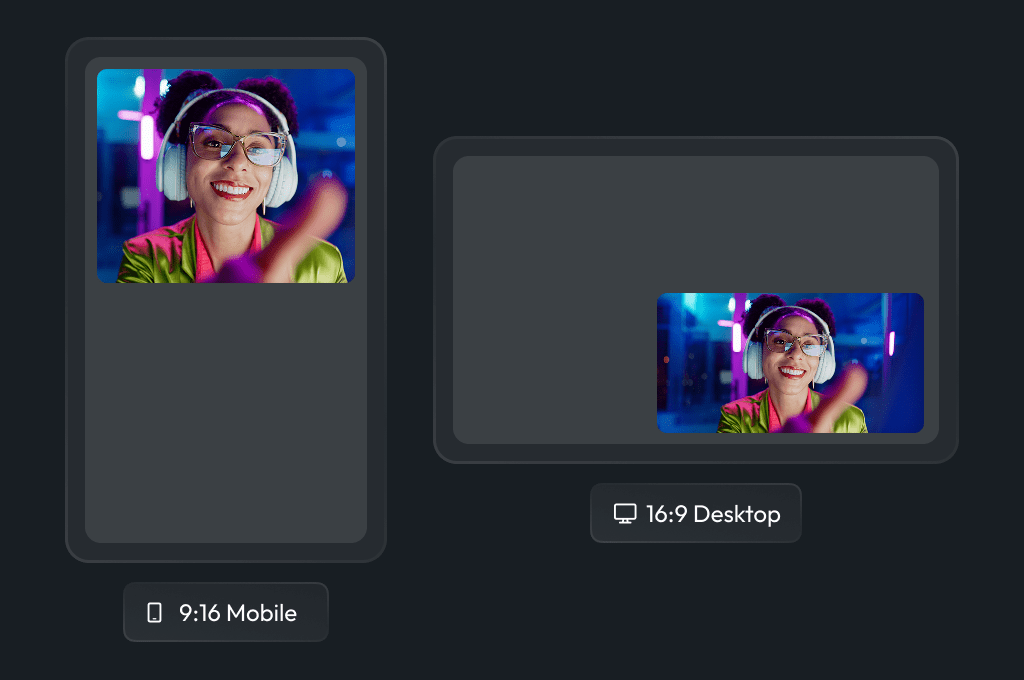
Horizontal & Vertical Layout
Create overlays that fit your content, whether you’re streaming in standard or vertical format. Perfect for Twitch, YouTube, Kick, or even YouTube Shorts.
Why Choose OWN3D Pro Overlay Maker?
Stream Overlay Maker from others
- Limited creative freedom
- Clunky interfaces and browser sources overload
- No vertical layouts
- Generic templates only
- Can slow down your PC
Stream Overlay Maker from OWN3D Pro
- Browser-based Stream Overlay Maker
- Unlimited creative possibilities with simple, powerful tools
- Horizontal AND vertical stream layouts
- Big library with premade overlays or start your own
- Super easy to use, even for beginners
- Fast loading & resource-friendly
- Regularly updated with fresh content
- Works across Twitch, YouTube, and Kick
FAQs About Our Stream Overlay Maker
What is a stream overlay maker?
A stream overlay maker is an online tool that allows you to create and customize overlays for your stream, including webcam frames, alerts, animated overlays, widgets, and more. With our stream overlay maker, you can design overlays that match your content and personal brand.
Can I use the stream overlay maker for free?
Yes! You can start with 300+ free design elements. With the Stream Pass, you get access to hundreds of additional overlays and design elements. If you only need widgets, you can subscribe to the Widget Pass and still use the free designs for your stream.
Do I need to download anything to use the overlay stream maker?
No downloads required! The overlay stream maker runs entirely in your browser, or you can use the free OWN3D Pro Desktop App for easier setup and integration. You can generate a browser source URL and add it directly to OBS, Streamlabs, or any other compatible broadcasting tool.
Is the stream overlay maker compatible with OBS and Streamlabs?
Yes, the stream overlay maker works with all major broadcasting tools, including OBS Studio, Streamlabs, XSplit, and Meld Studio. You simply add the browser source link to your broadcasting tool.
Can I use the stream overlay maker for Twitch, YouTube, and Kick?
Absolutely! Our tool is designed to work seamlessly across these major streaming platforms. Whether you’re on Twitch, YouTube, or Kick, your overlay will look great and stay consistent.
Are there vertical overlays for TikTok or mobile streaming?
Yes! You can create both horizontal and vertical layouts using our stream layout maker, which makes it easy to design overlays for TikTok Live, for example. If you’re using TikTok Live Studio, our overlays work visually, but please note that labels and widgets are only supported for Twitch, YouTube, and Kick. For interactive features like alerts or follower goals, you can use external services like TikFinity alongside your stream.
Can I make animated overlays with this tool?
Yes, you can design animated stream overlays using our editor or customize pre-animated templates. These work perfectly with OBS and other tools that support browser sources.
How do I create a custom stream overlay?
Simply open the stream overlay creator, choose a blank canvas or template, and start adding your elements. You can fully customize colors, fonts, widgets, and layout – no design skills required.
What’s included with the Stream Pass?
The Stream Pass unlocks 100+ customizable stream overlays, 400+ templates, unlimited asset downloads, AI tools, and full access to the live stream overlay maker, all in one subscription.