Free and Premium Streamlabs Overlays
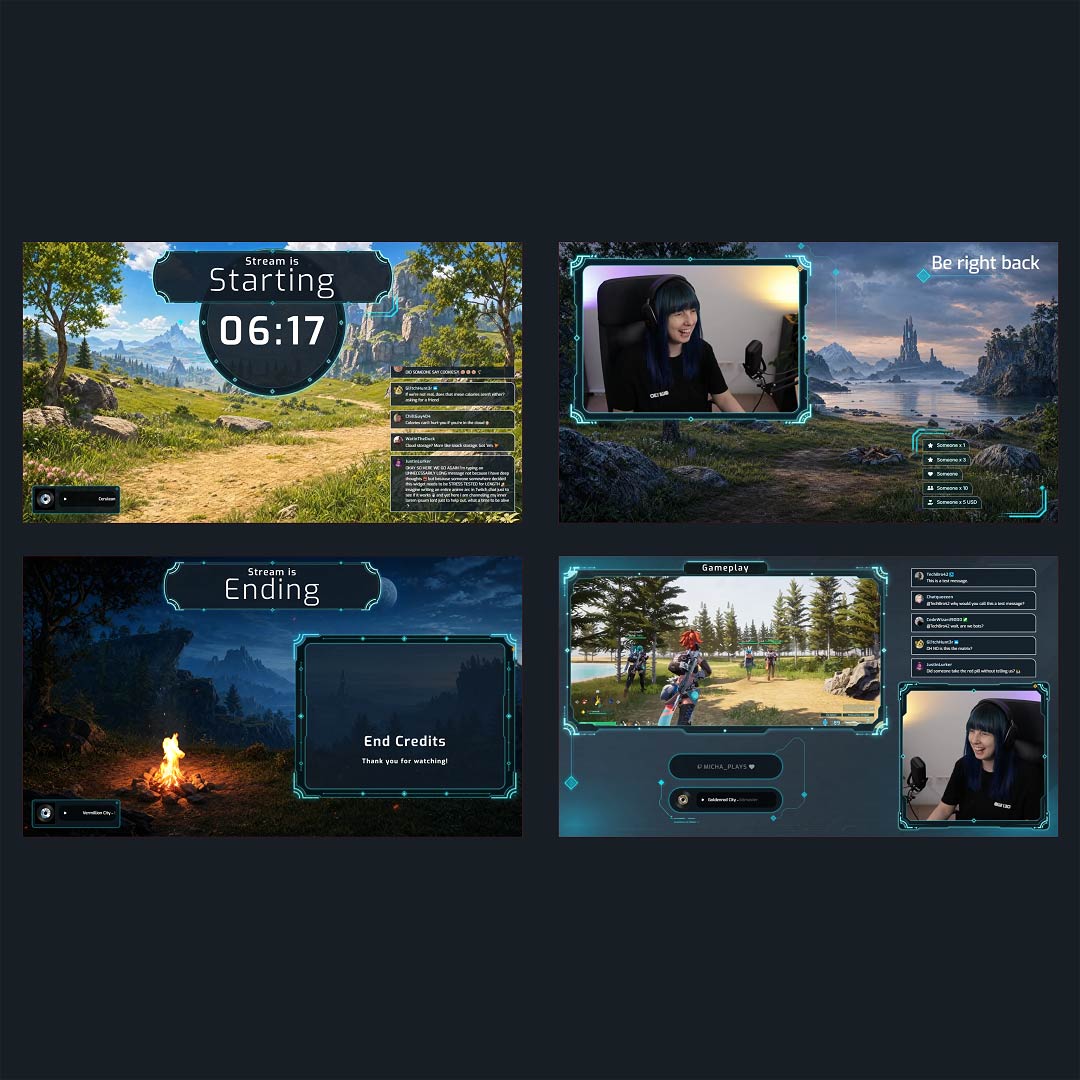
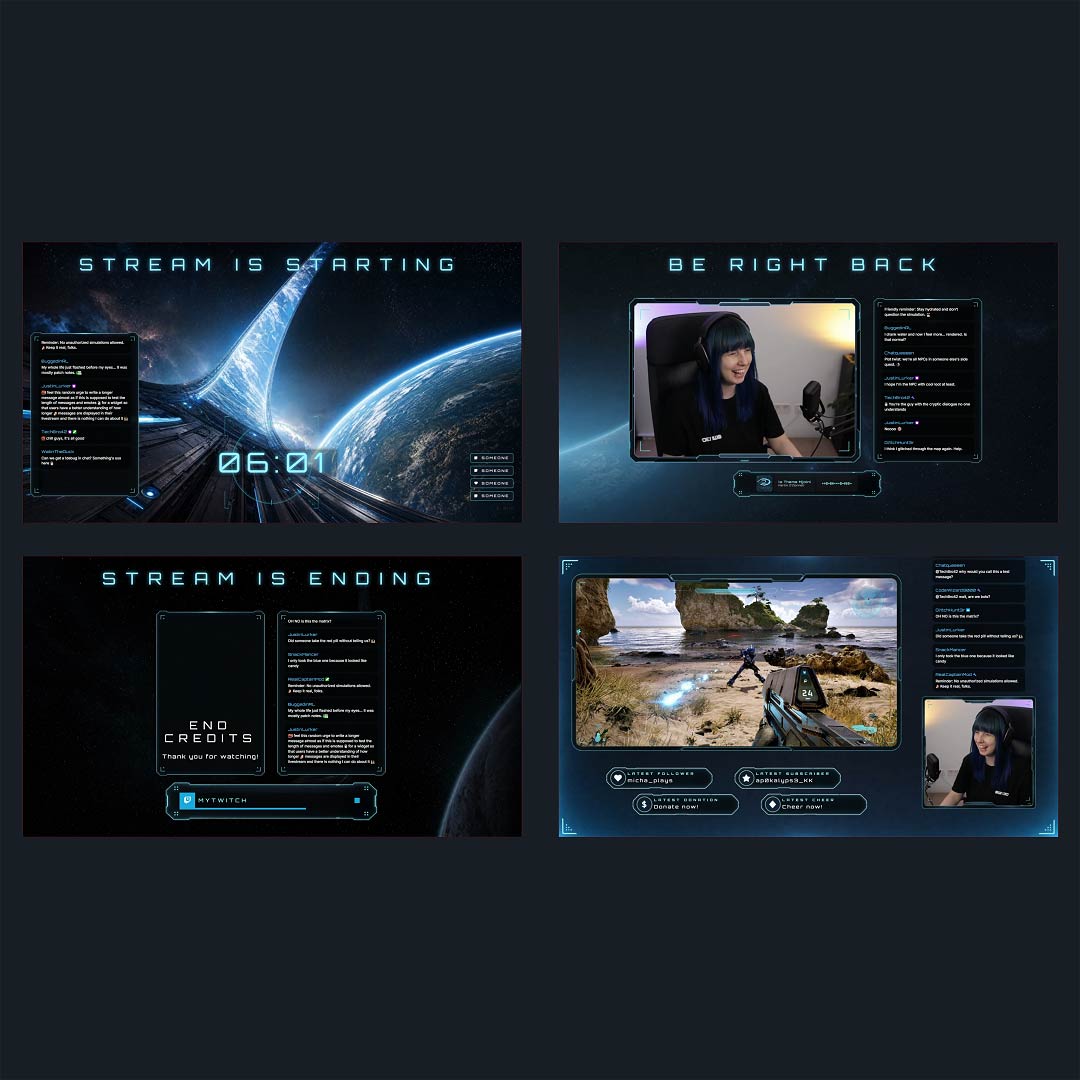
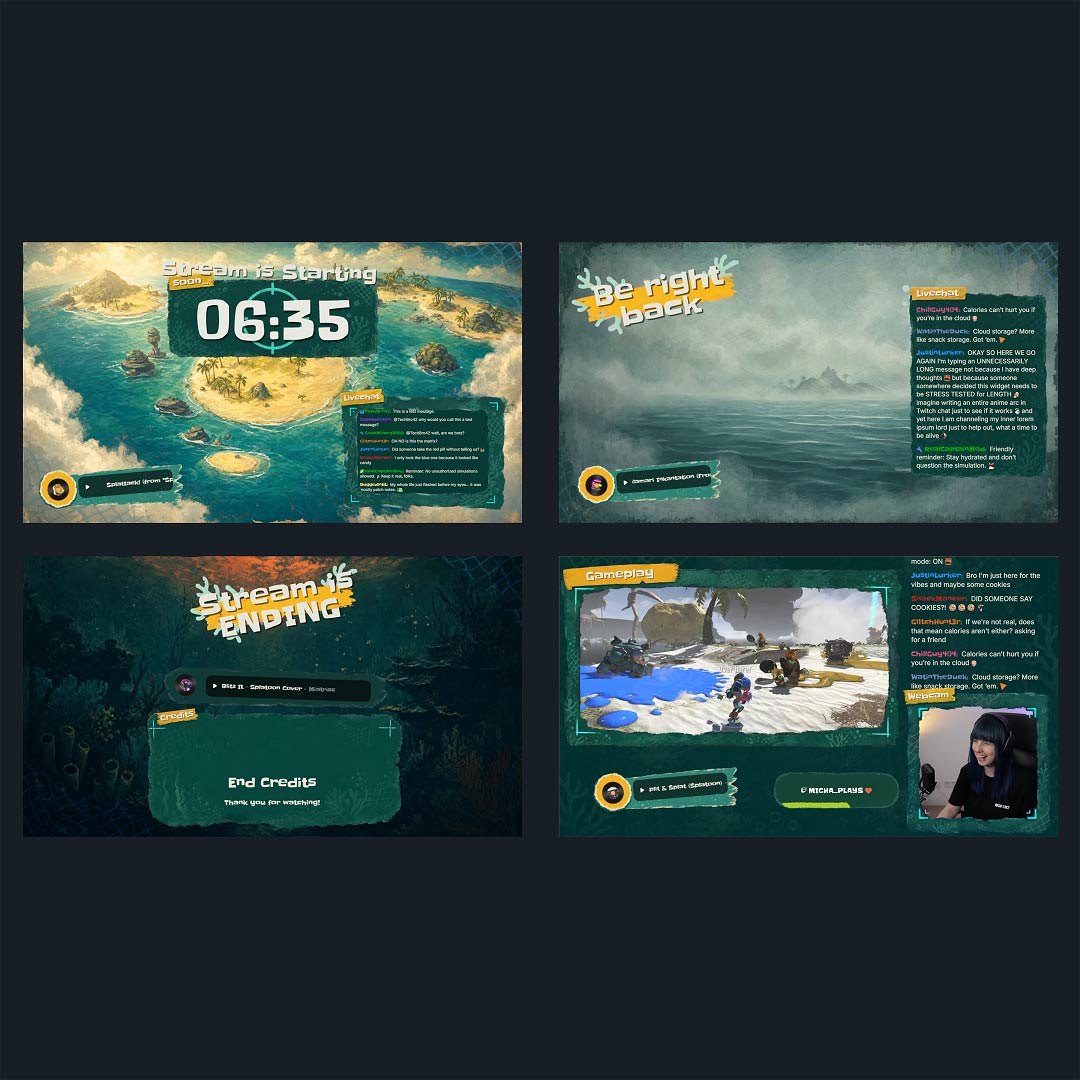
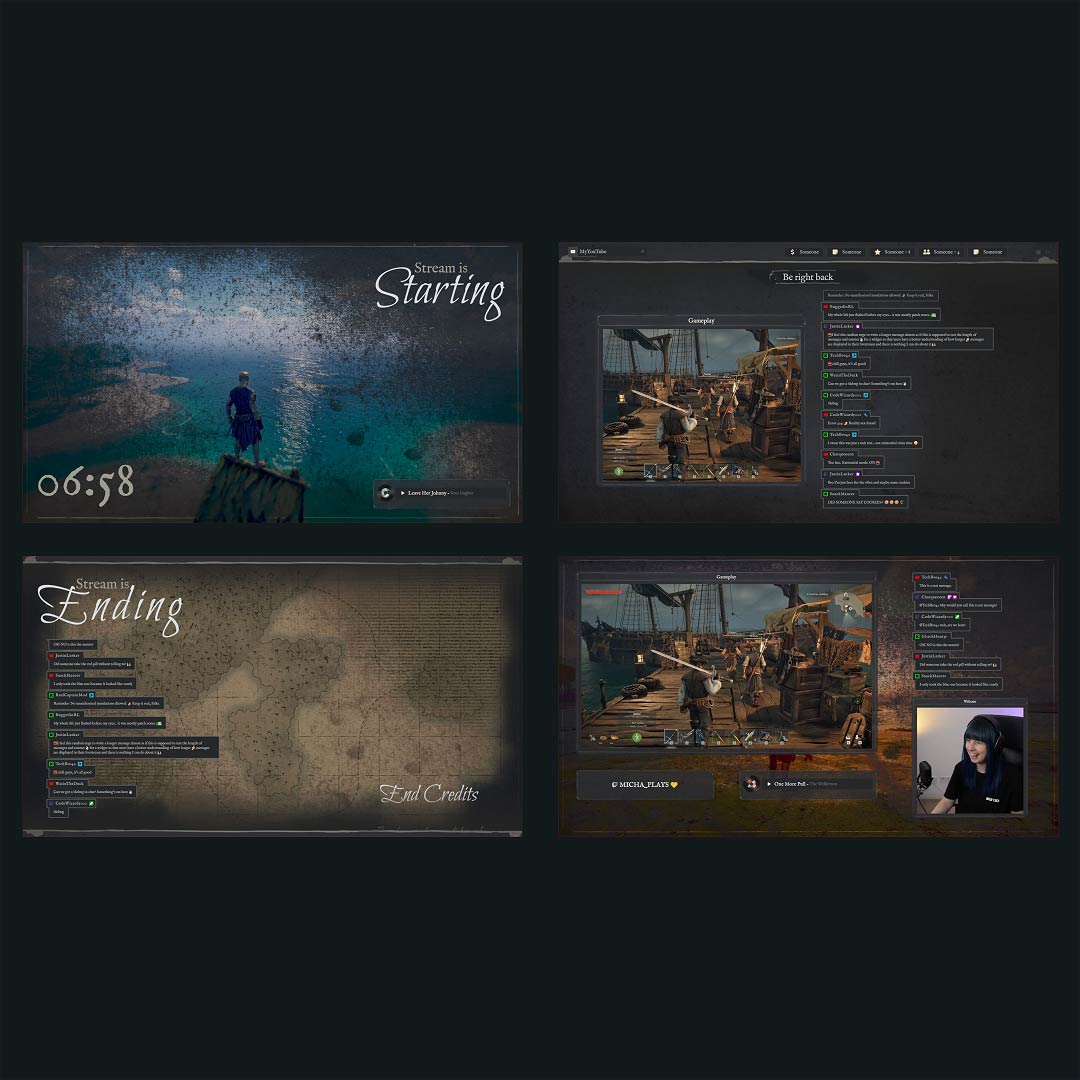
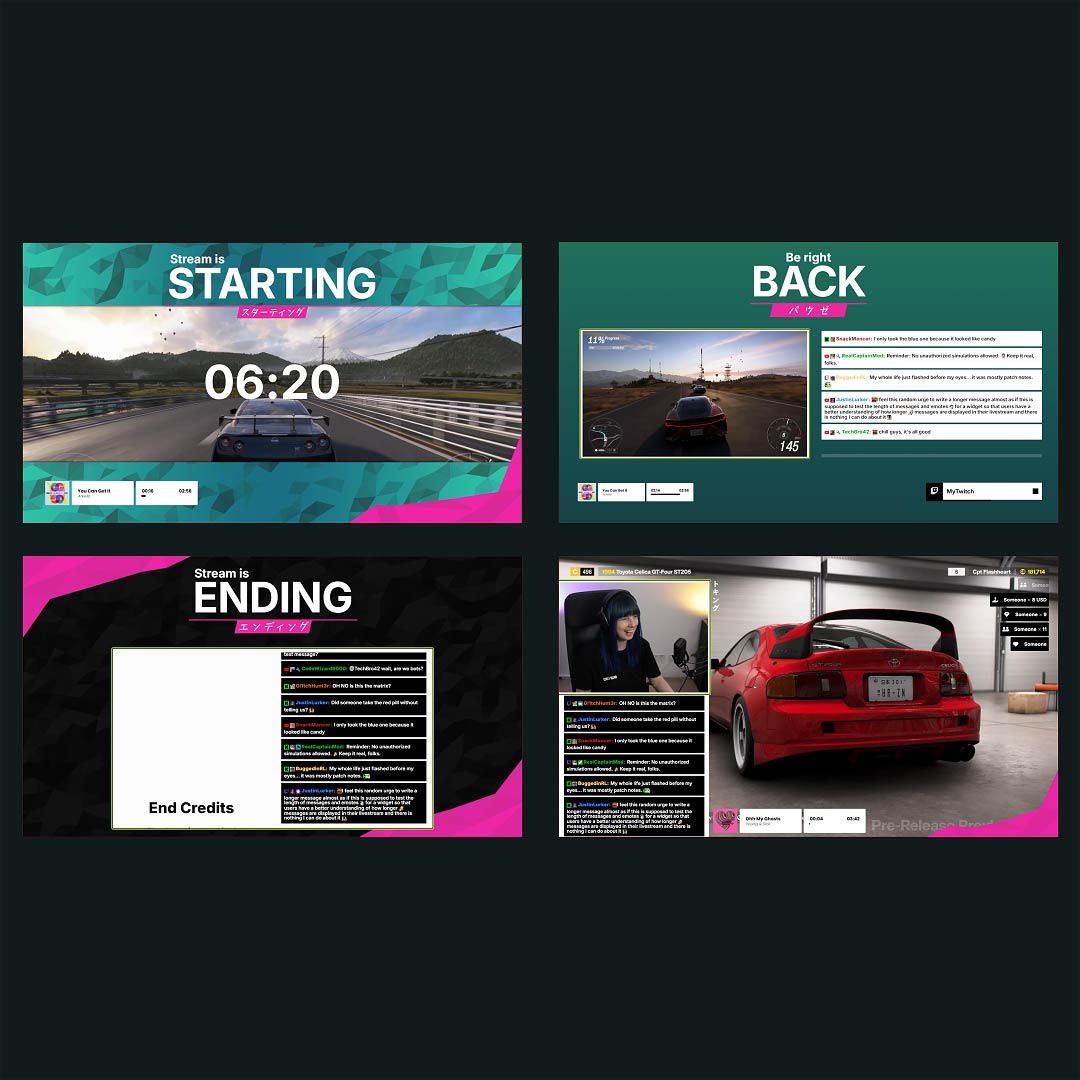
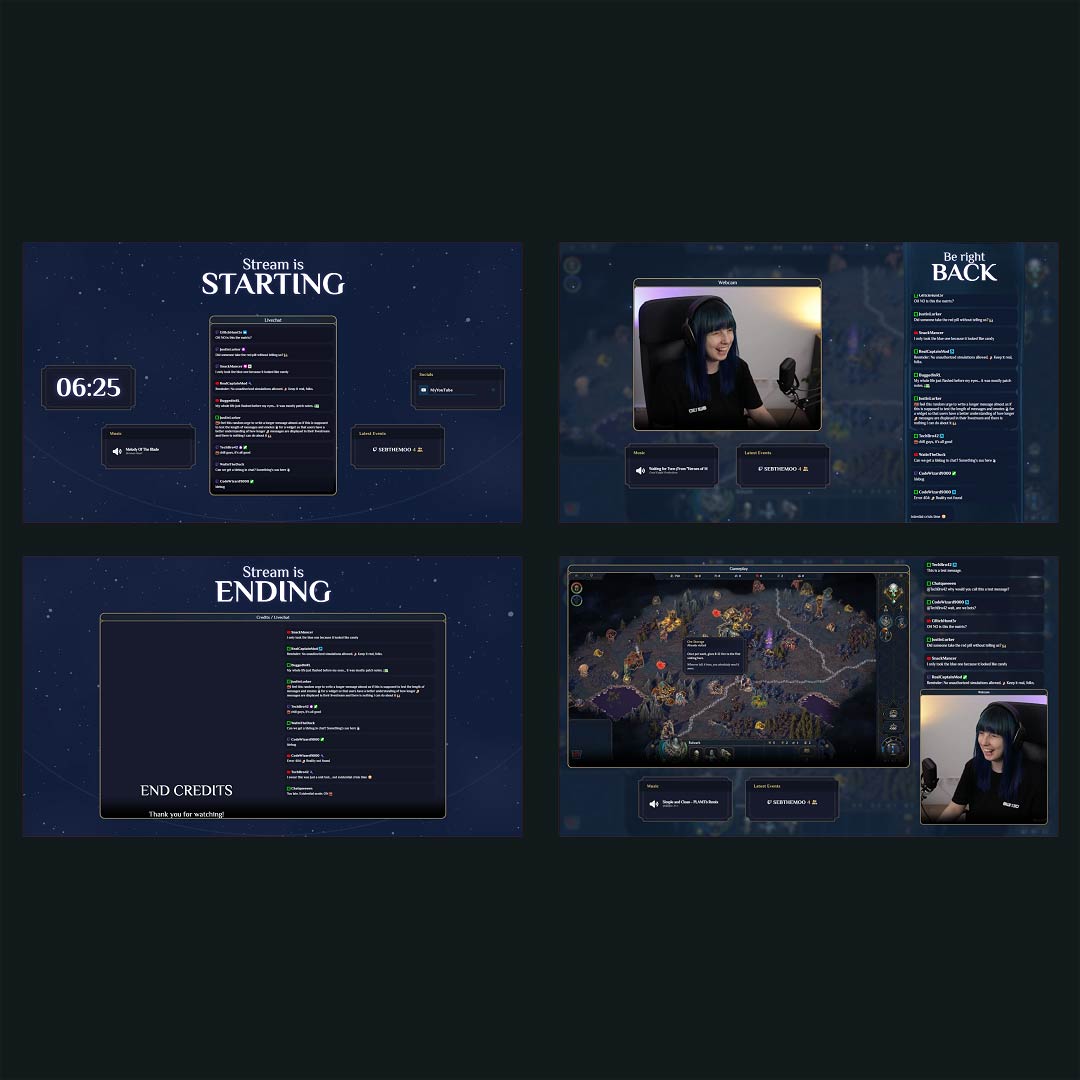
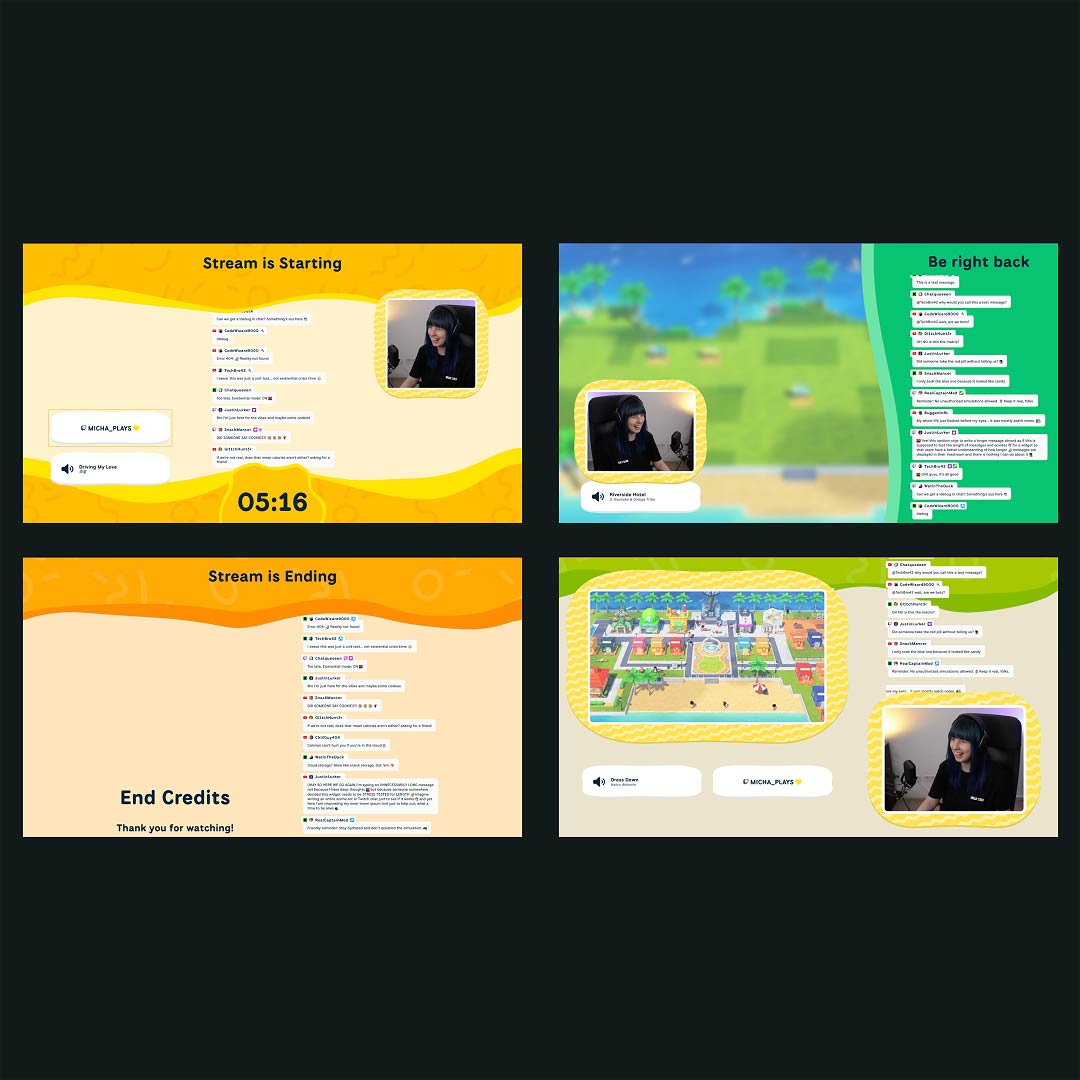
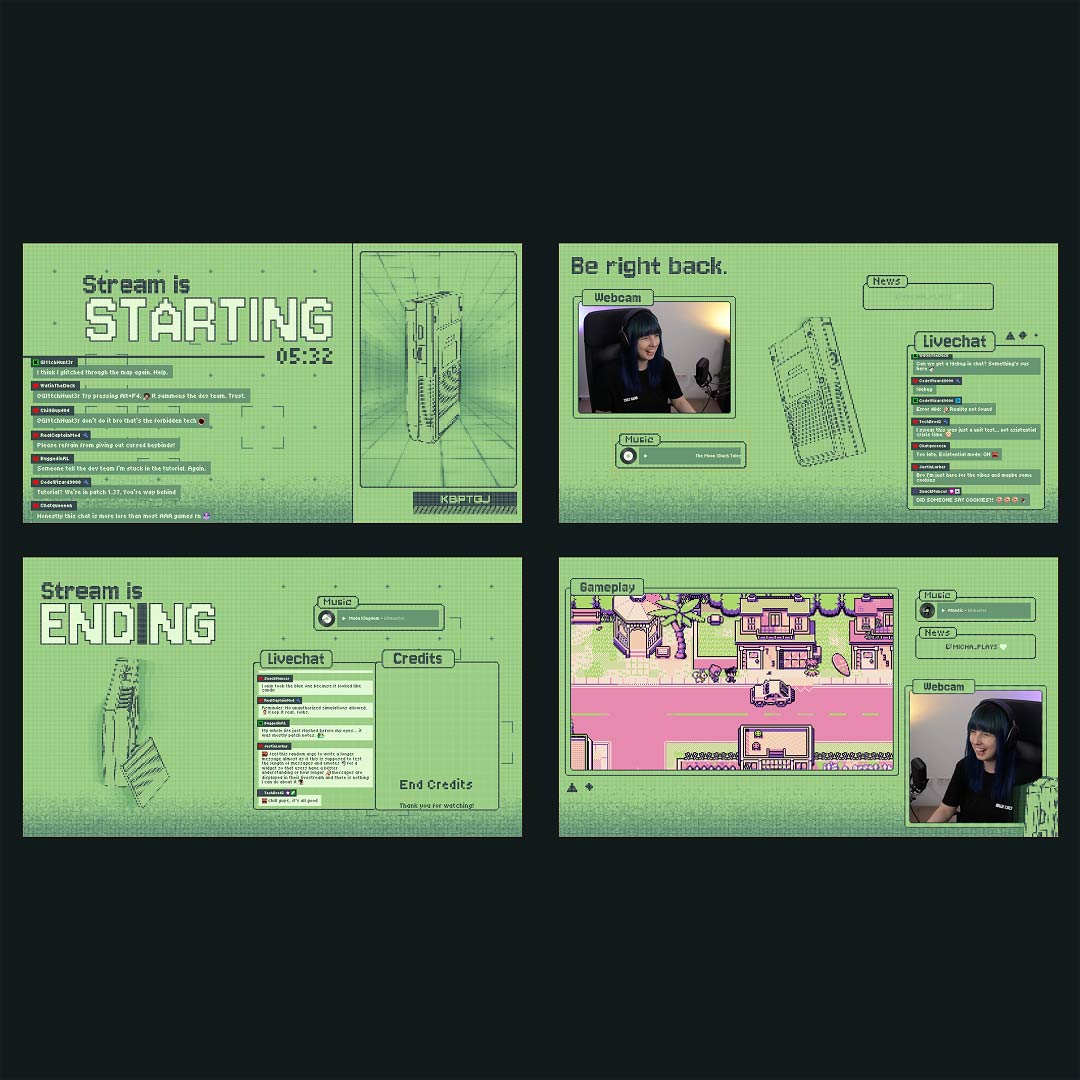
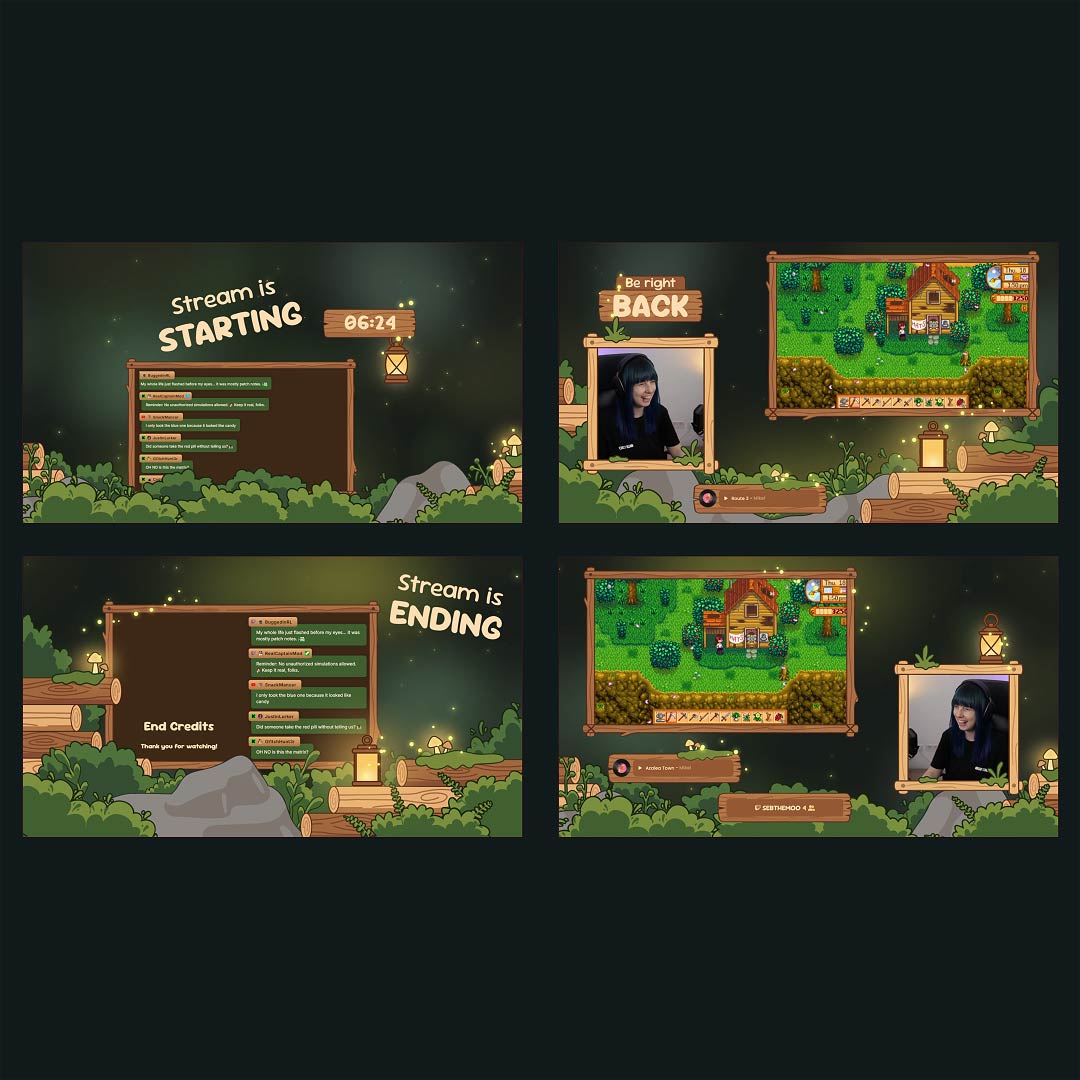
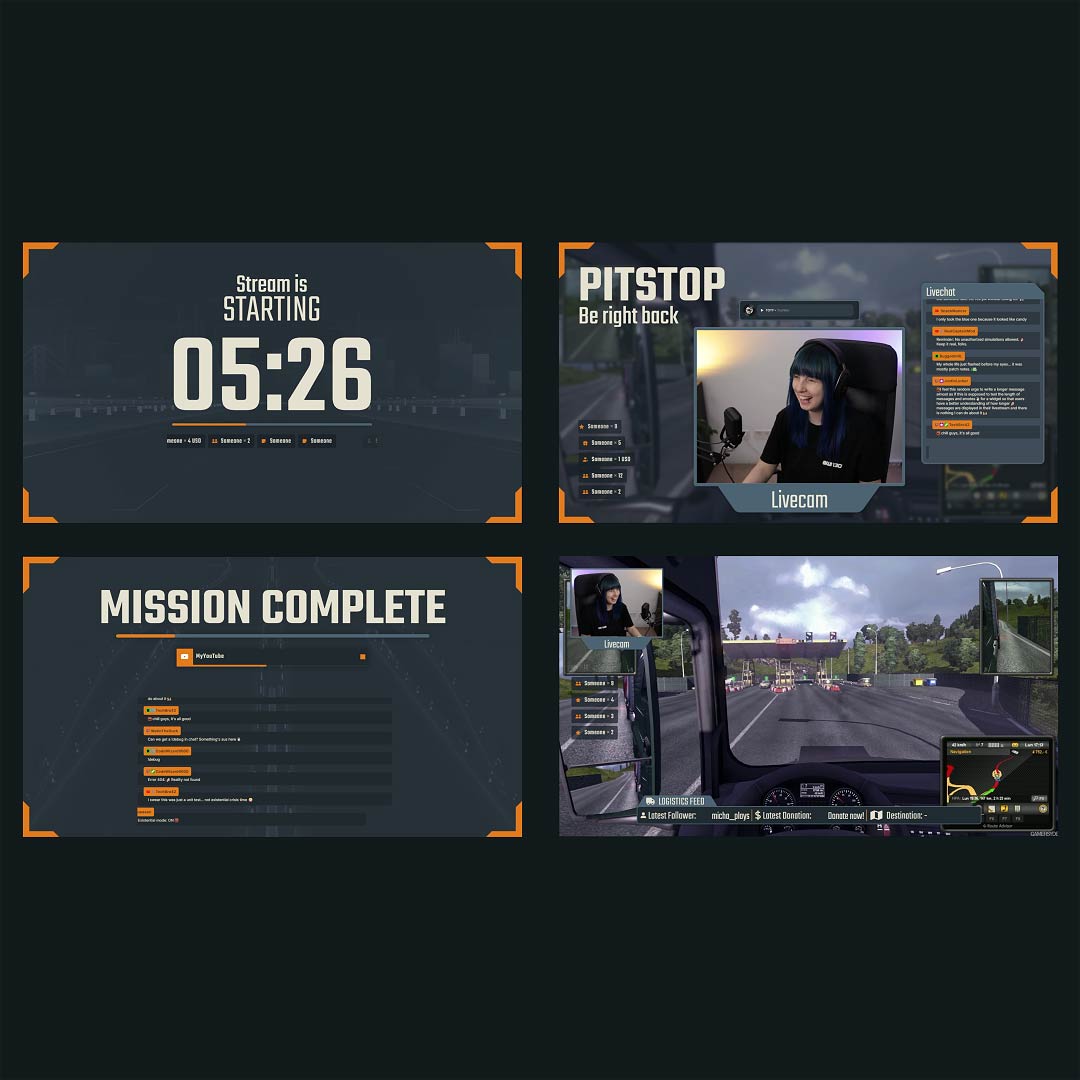
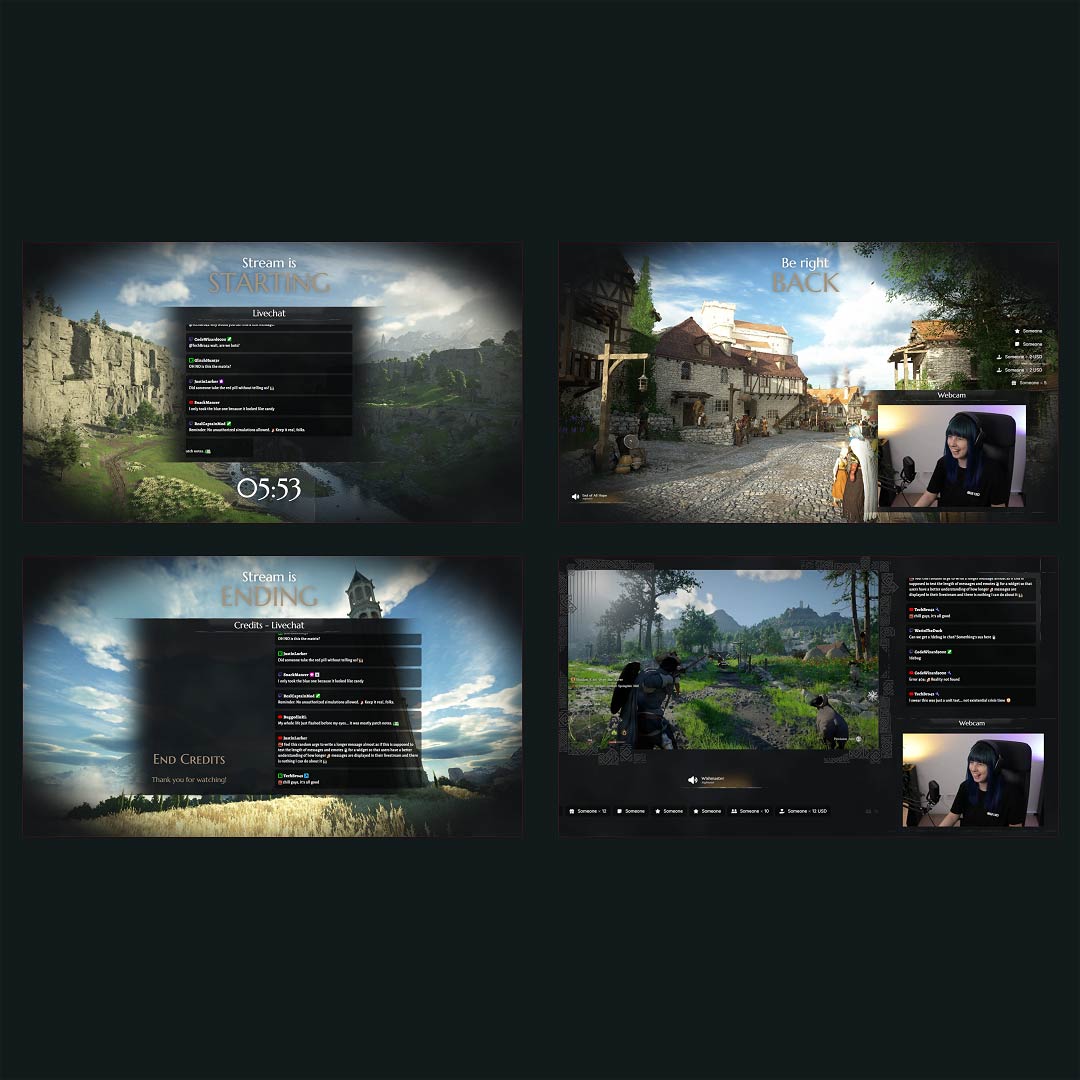
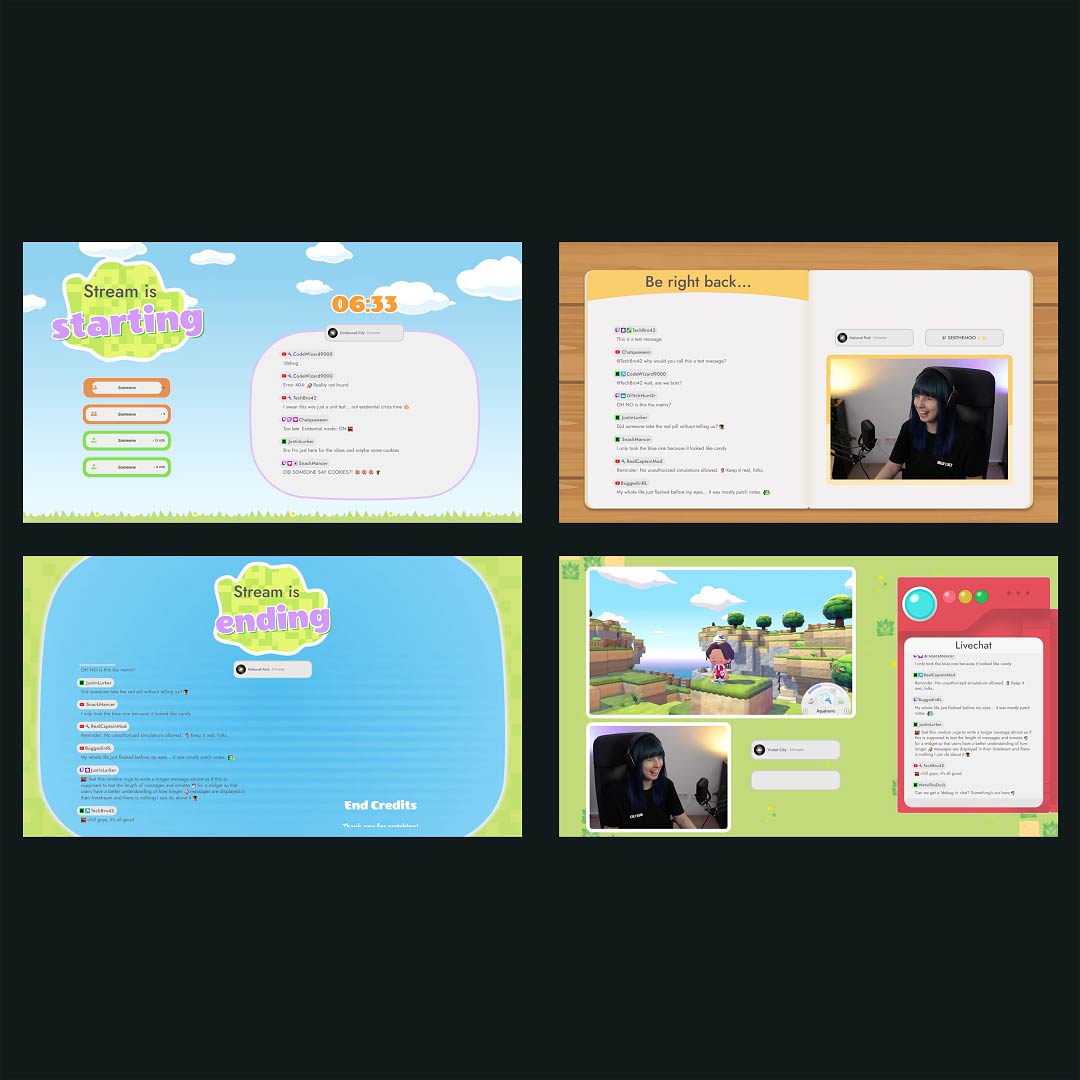
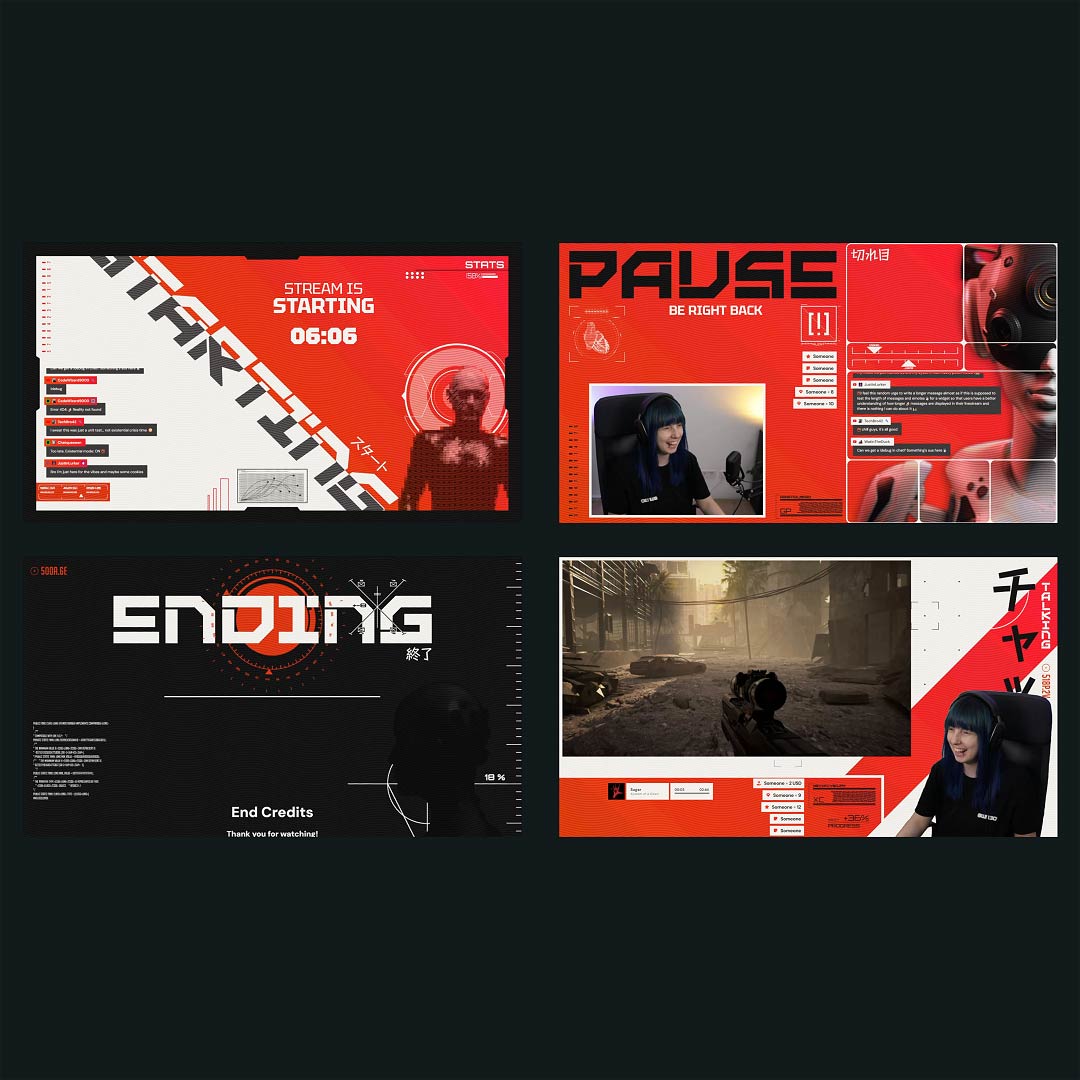
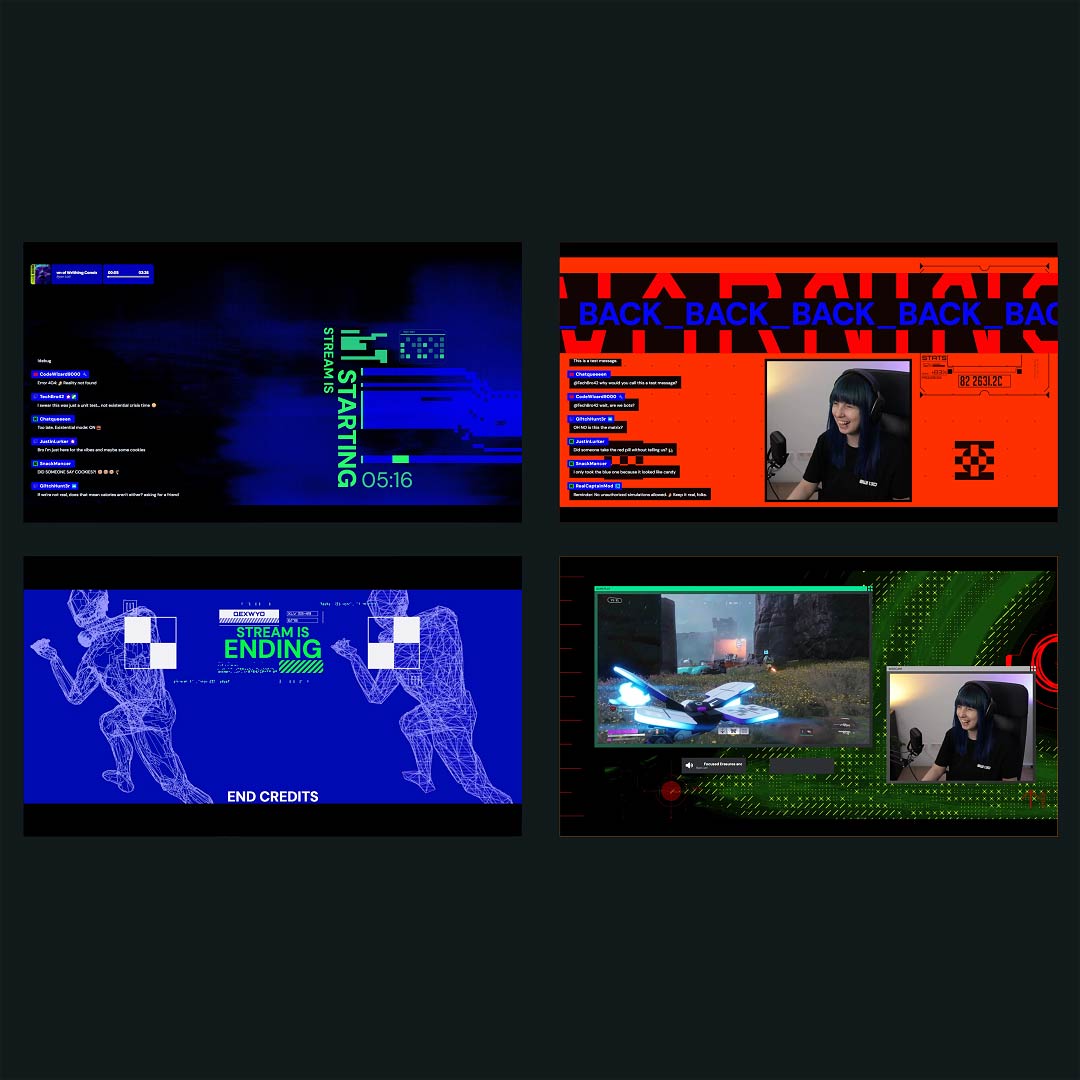
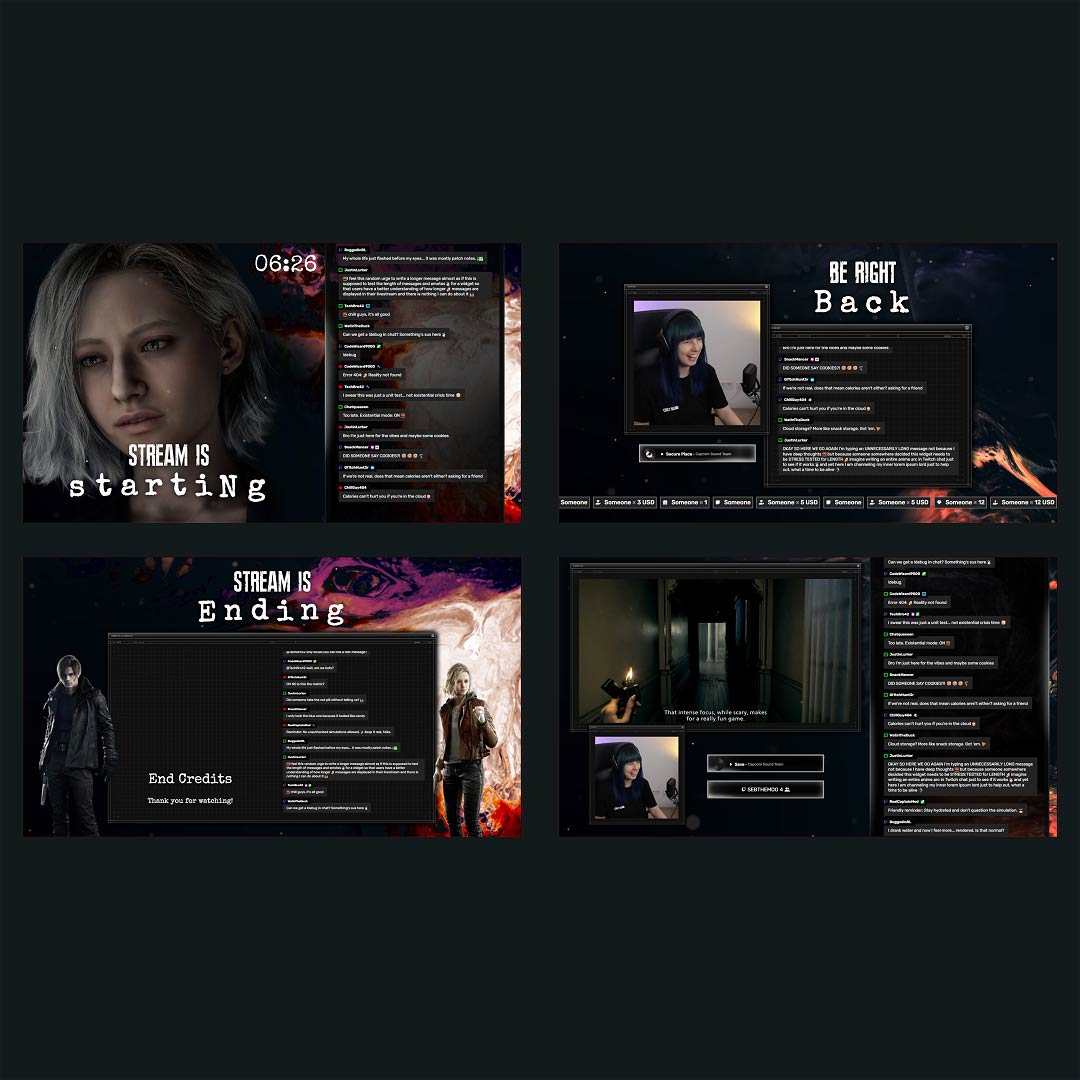
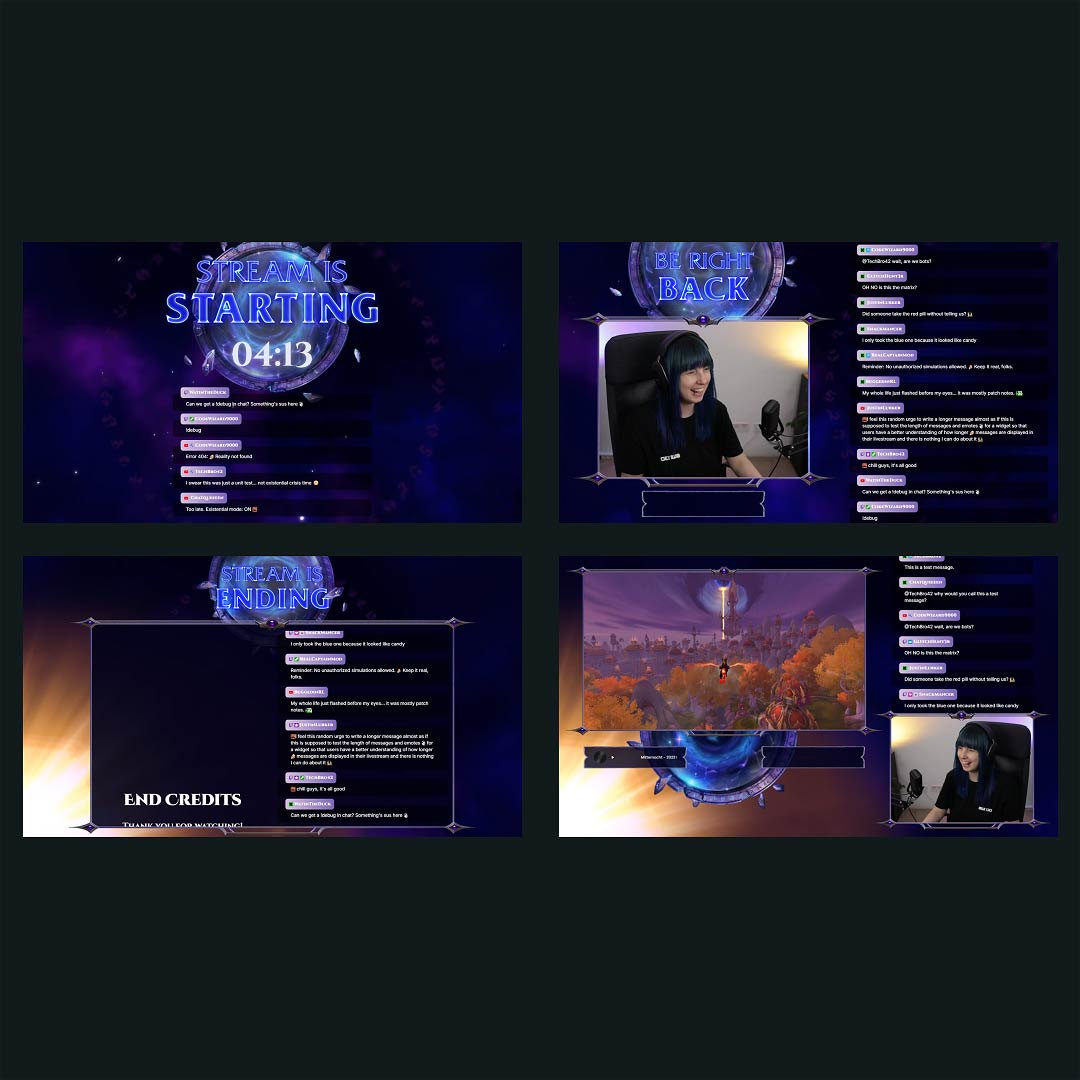
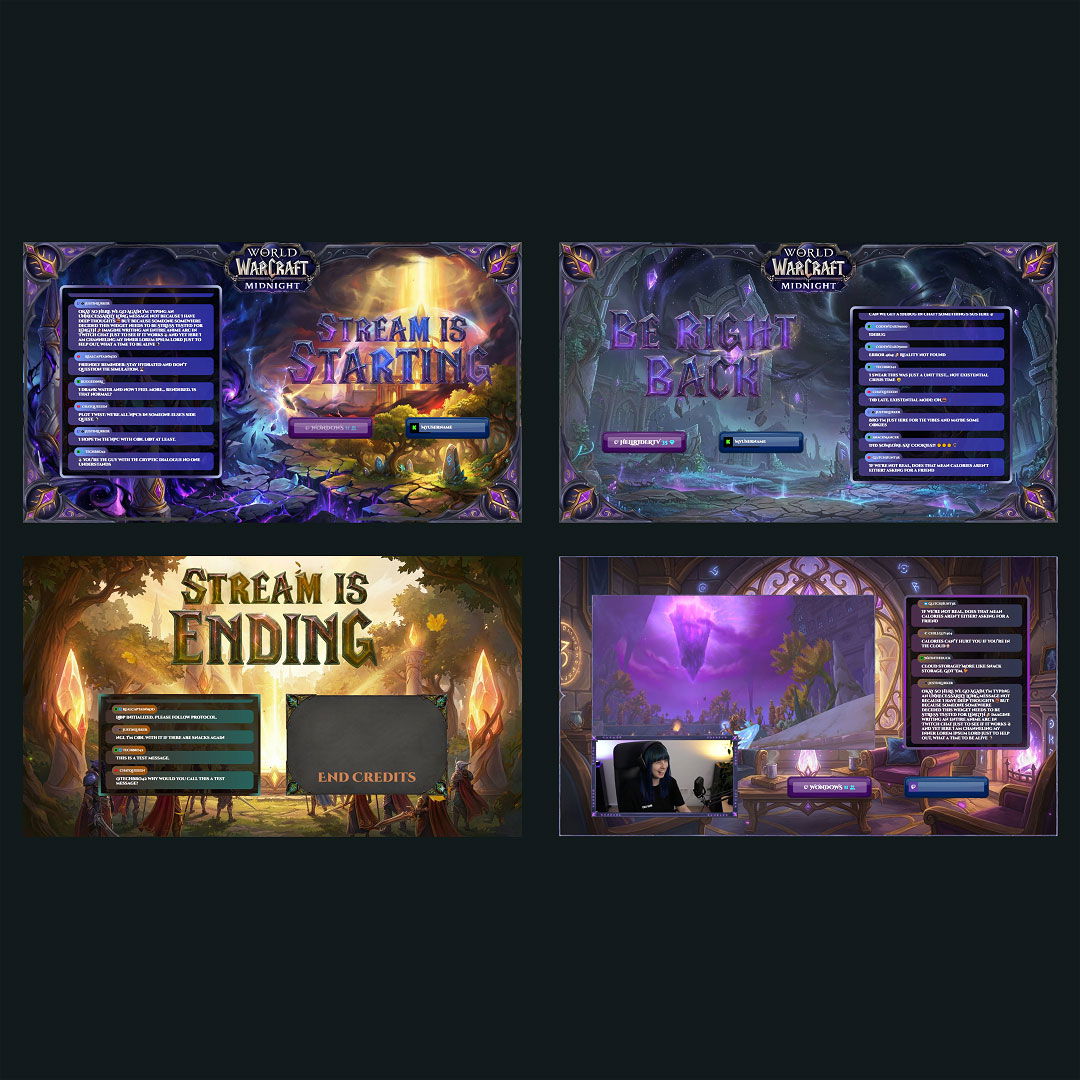
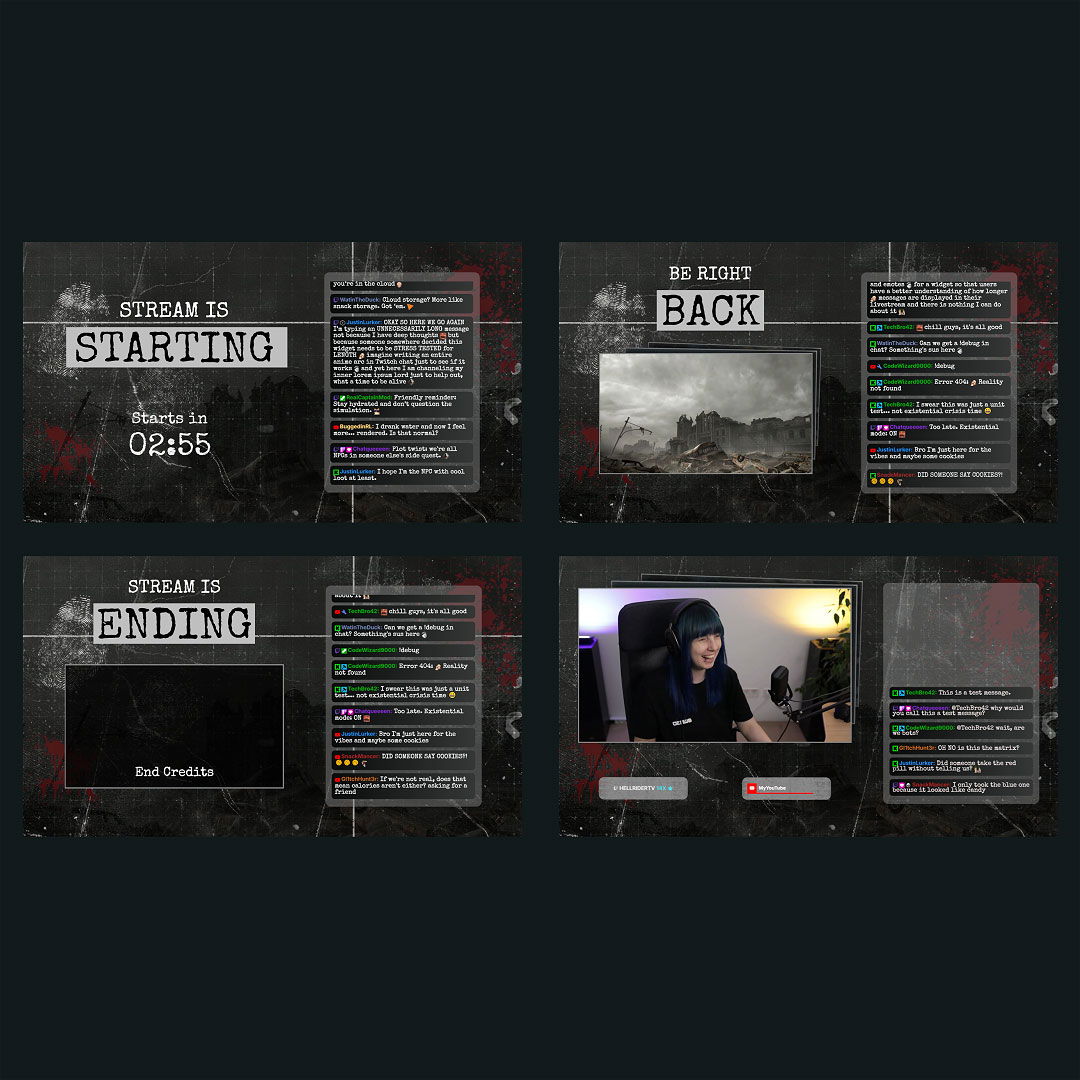
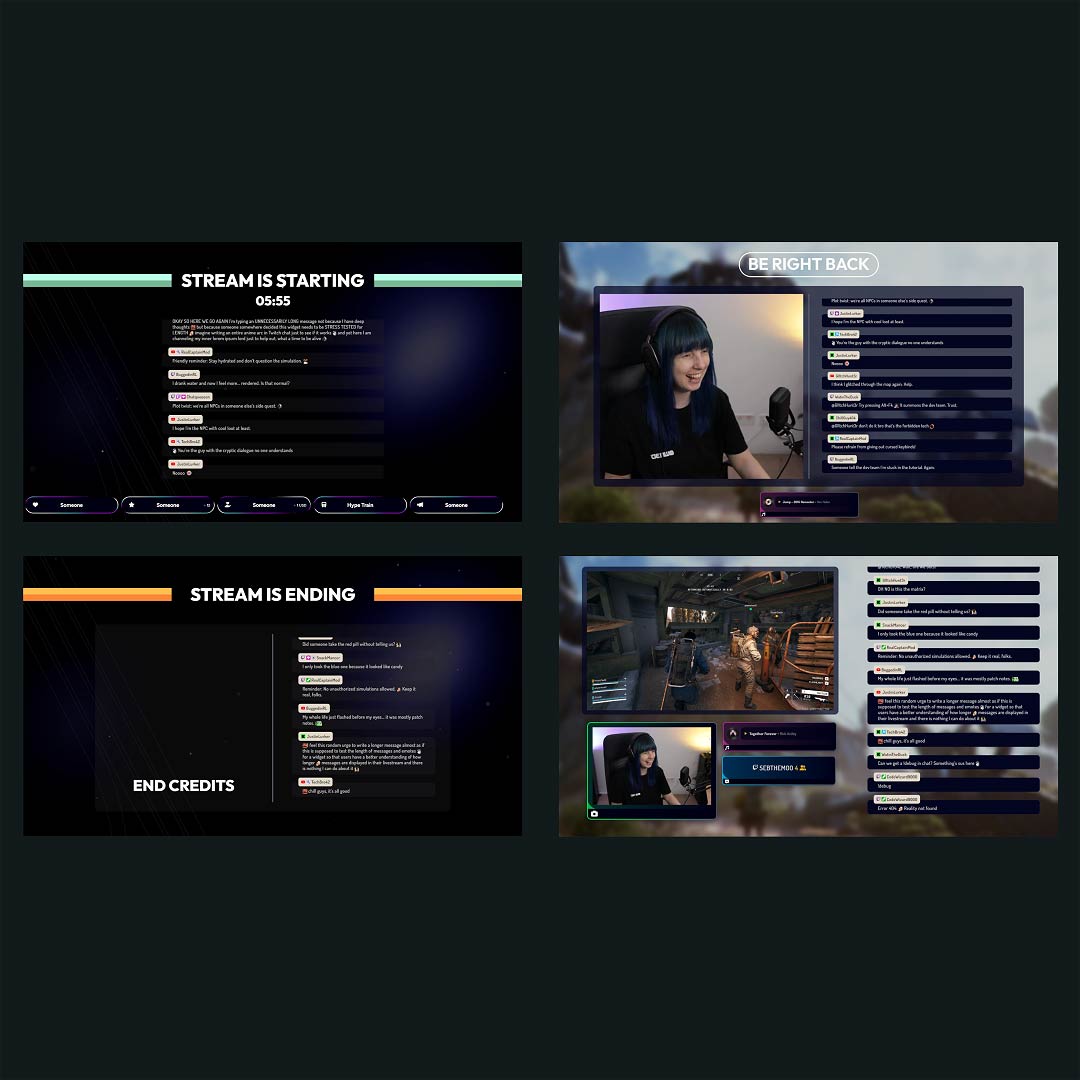
Are you struggling to make your Streamlabs designs look right? With our ready-to-use free Streamlabs overlays and premium Streamlabs themes, you don’t need to stress. Every design is built to help creators like you go live faster and look more professional instantly. Simply select your Streamlabs overlays, customize your design, and drop it directly into Streamlabs as browser sources. Easy, clean, and made for you.
Our Community’s Favorite Streamlabs Overlays

All Streamlabs Overlays Free/Premium
What Happy Customers Say About Our Streamlabs Overlays
See how our Streamlabs overlays make a difference for content creators.
One Pass. Everything Included.
The Stream Pass gives you full access to everything OWN3D Pro has to offer. All products, including Streamlabs overlays, alerts, widgets, emotes, and more, are included and not sold separately.
Works with all broadcasting tools
Customize your Streamlabs overlays in the Scene Builder and use them with OBS Studio, Streamlabs, XSplit, or other tools. Everything works smoothly with your setup.
Unlimited* asset downloads
Download emotes, badges, panels, and more static assets. *Our unlimited plan is subject to fair use.
AI-powered creations
Get 50 AI credits with your Stream Pass to generate custom stream widgets, webcam frames, emotes, and more.
Multistreaming ready
Stream on Twitch, YouTube, and Kick with all the tools you need for a consistent and professional livestream.
FAQs About Streamlabs Overlays
What are Streamlabs overlays, and why are they useful?
Streamlabs overlays are visual elements like webcam frames, alerts, labels, and scene layouts. They help make your stream look more professional, keep things organized, and give your content a unique, branded feel.
Where can I find free Streamlabs overlays?
The OWN3D Pro library offers a wide selection of free Streamlabs overlays and Streamlabs themes. They’re high quality, easy to customize, and ready to use for any type of content.
How do I integrate overlays in Streamlabs?
Just copy the browser source link from the Scene Builder and paste it into your Streamlabs scene as a browser source. Your overlay appears instantly, and you can start streaming with a polished and clean layout.
Can I customize Streamlabs overlays before using them?
Absolutely. Every Streamlabs overlay, whether free or premium, can be tailored to fit your style. You can adjust colors, fonts, text, and layout however you like. No design skills needed. It’s your stream, your look.
Are there Streamlabs templates for different types of streams?
Definitely, whether you stream gameplay, Just Chatting, music, or other content, there are Streamlabs templates made to match your content style. You can switch between layouts for different scenes, always maintaining a consistent and professional look for your stream.
Do free Streamlabs overlays support widgets and alerts?
Can I use overlays in multiple Streamlabs scenes?
Absolutely. You can assign overlays to different scenes like Starting Soon, Live, BRB, or Ending. This gives your stream a consistent look from start to finish, making switching between scenes feel seamless.
Do I need to set up anything special to use these overlays in Streamlabs?
No special setup is needed. You can stream directly with Streamlabs and simply add overlays to enhance your look. A clean stream overlay helps you stand out from thousands of other streamers and makes a strong first impression.
Is OWN3D Pro beginner-friendly for Streamlabs overlays?
Yes. OWN3D Pro is made for streamers of all levels. The overlays, themes, widgets, and designs are optimized for Streamlabs and are easy to set up. Even beginners can create a professional layout within minutes.