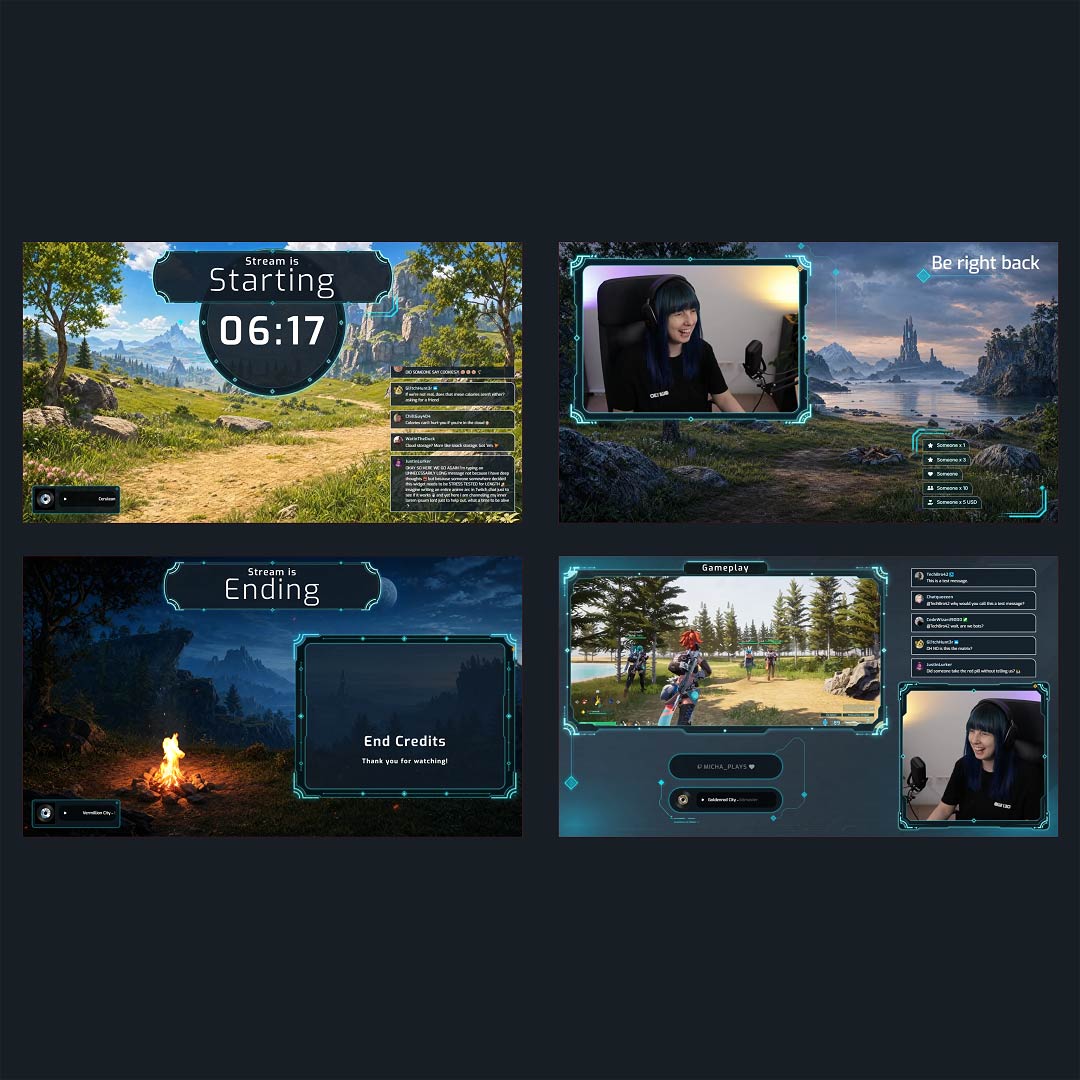
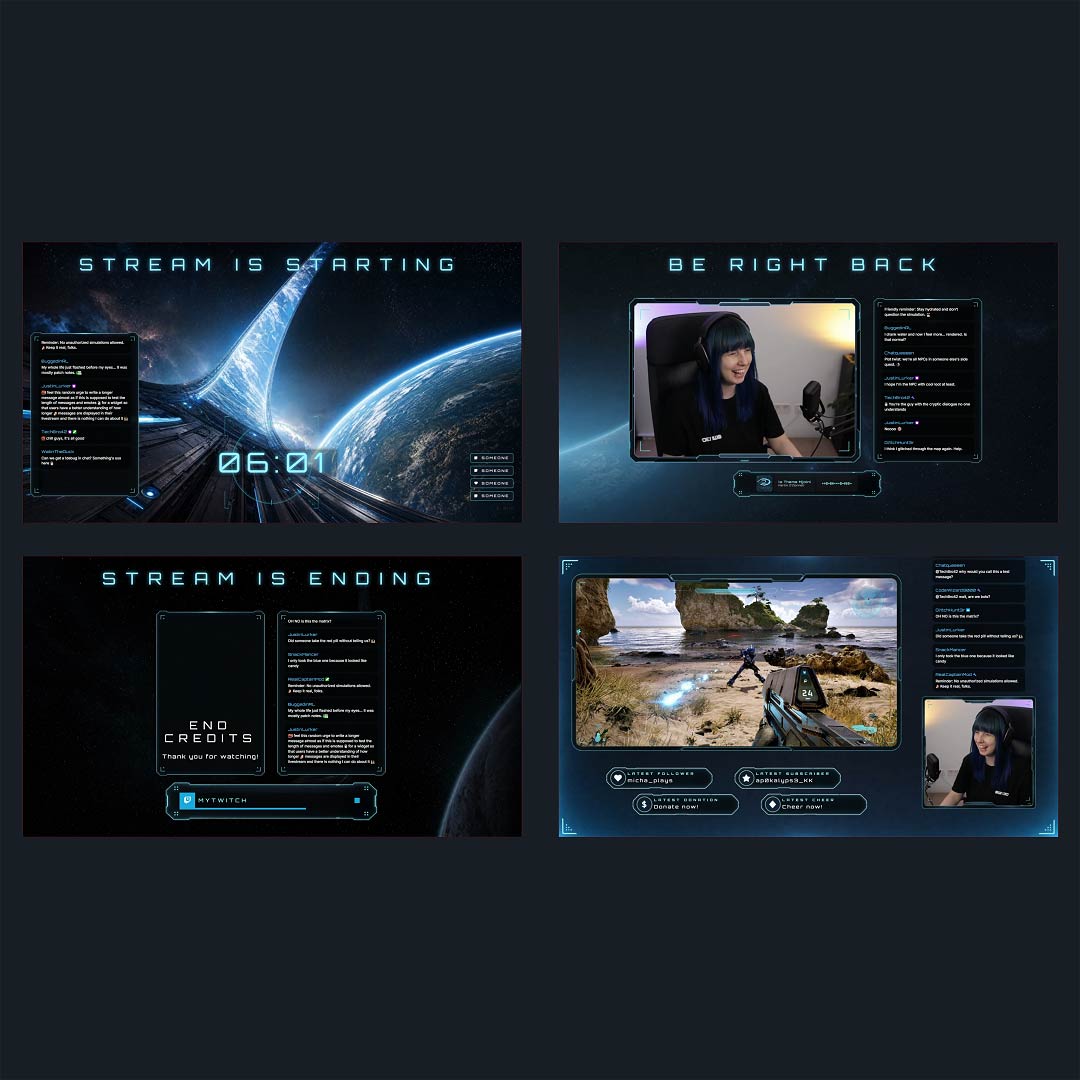
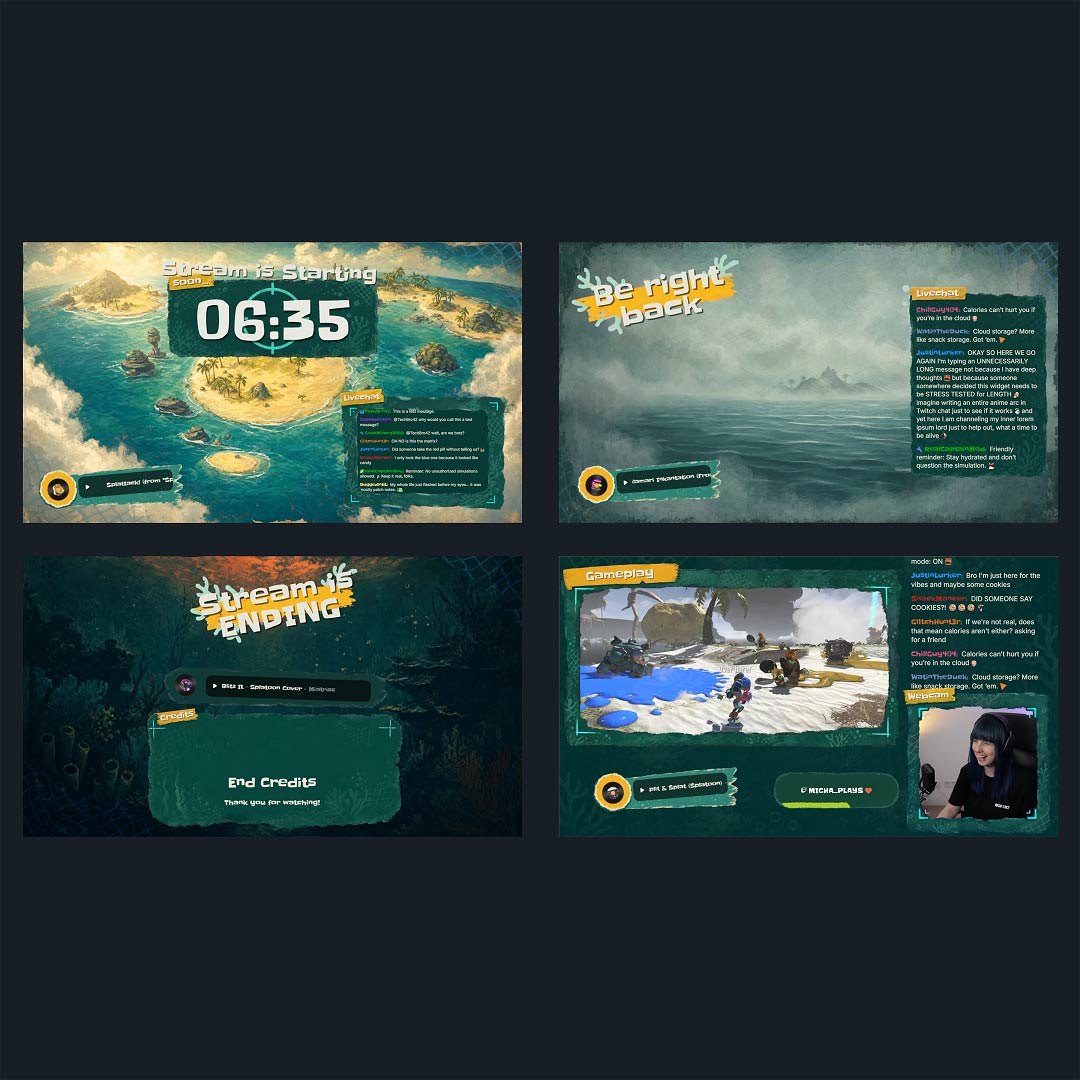
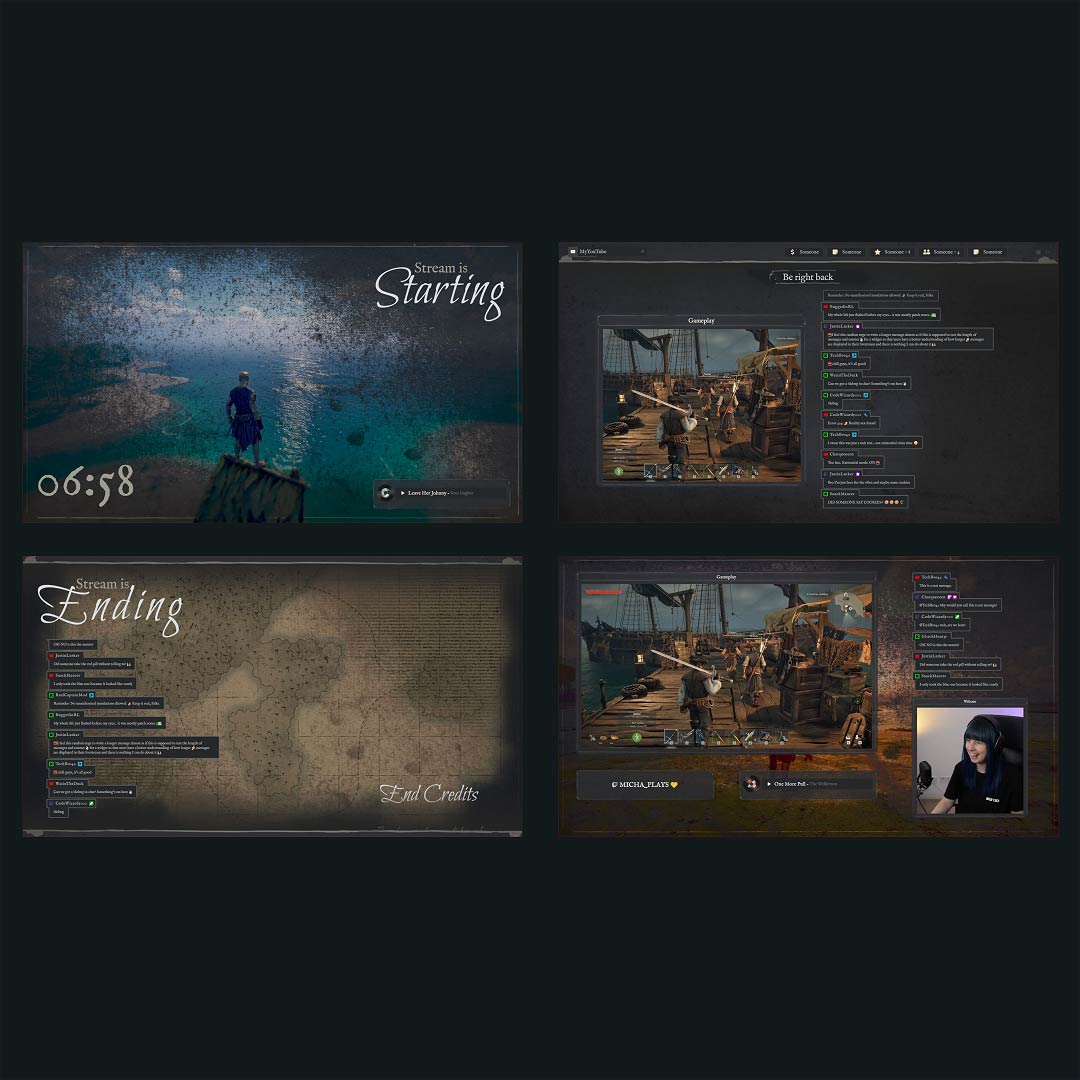
Free and Premium OBS Overlays
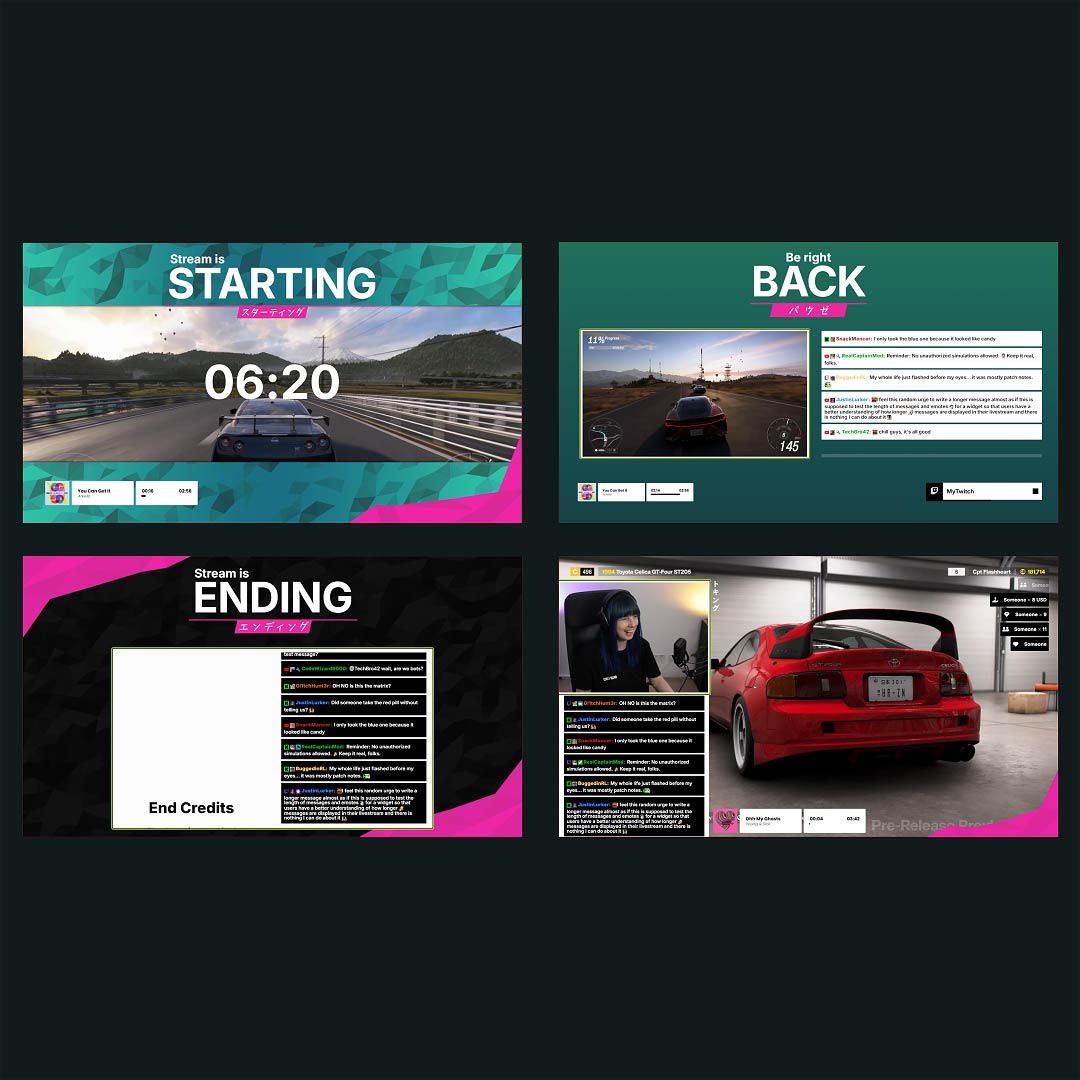
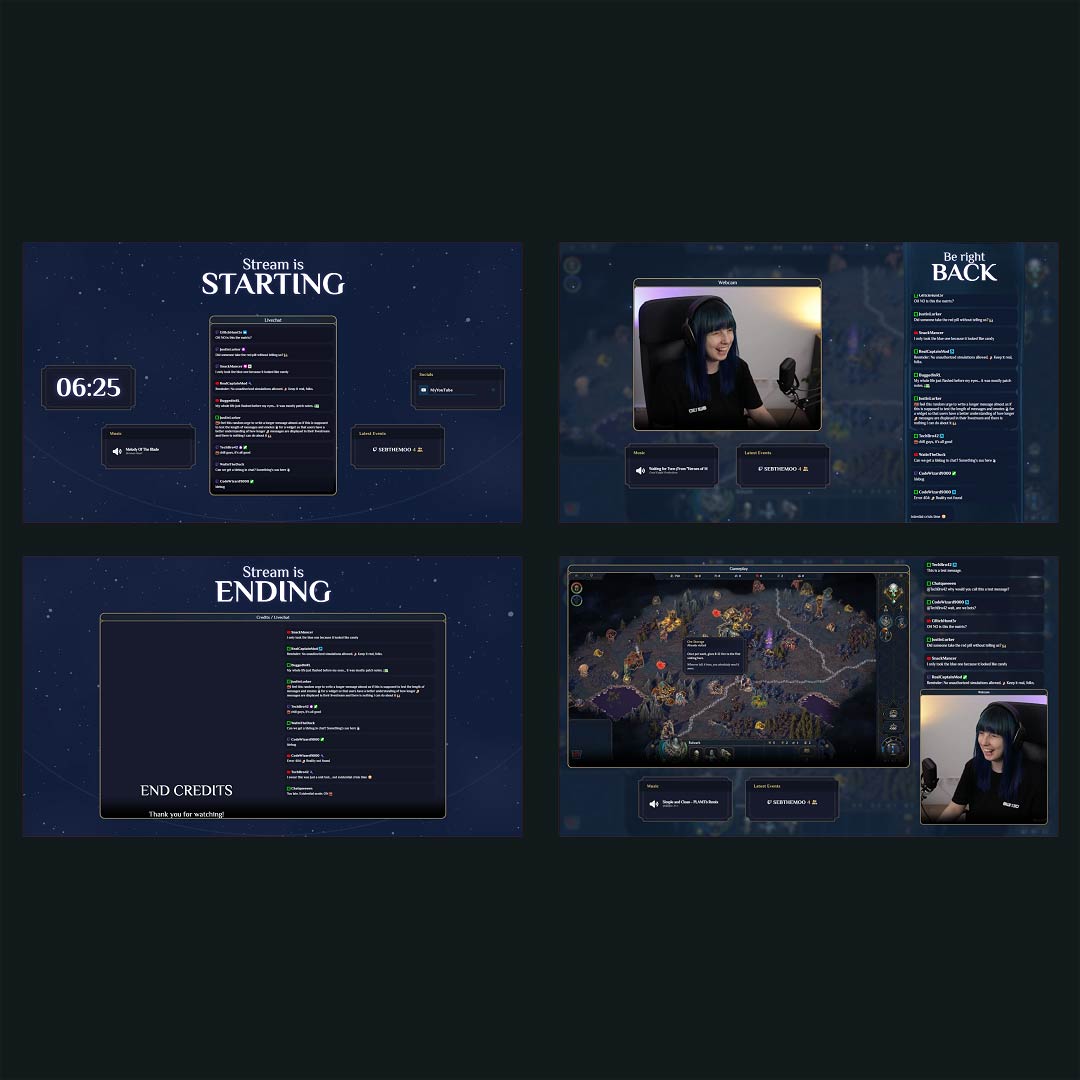
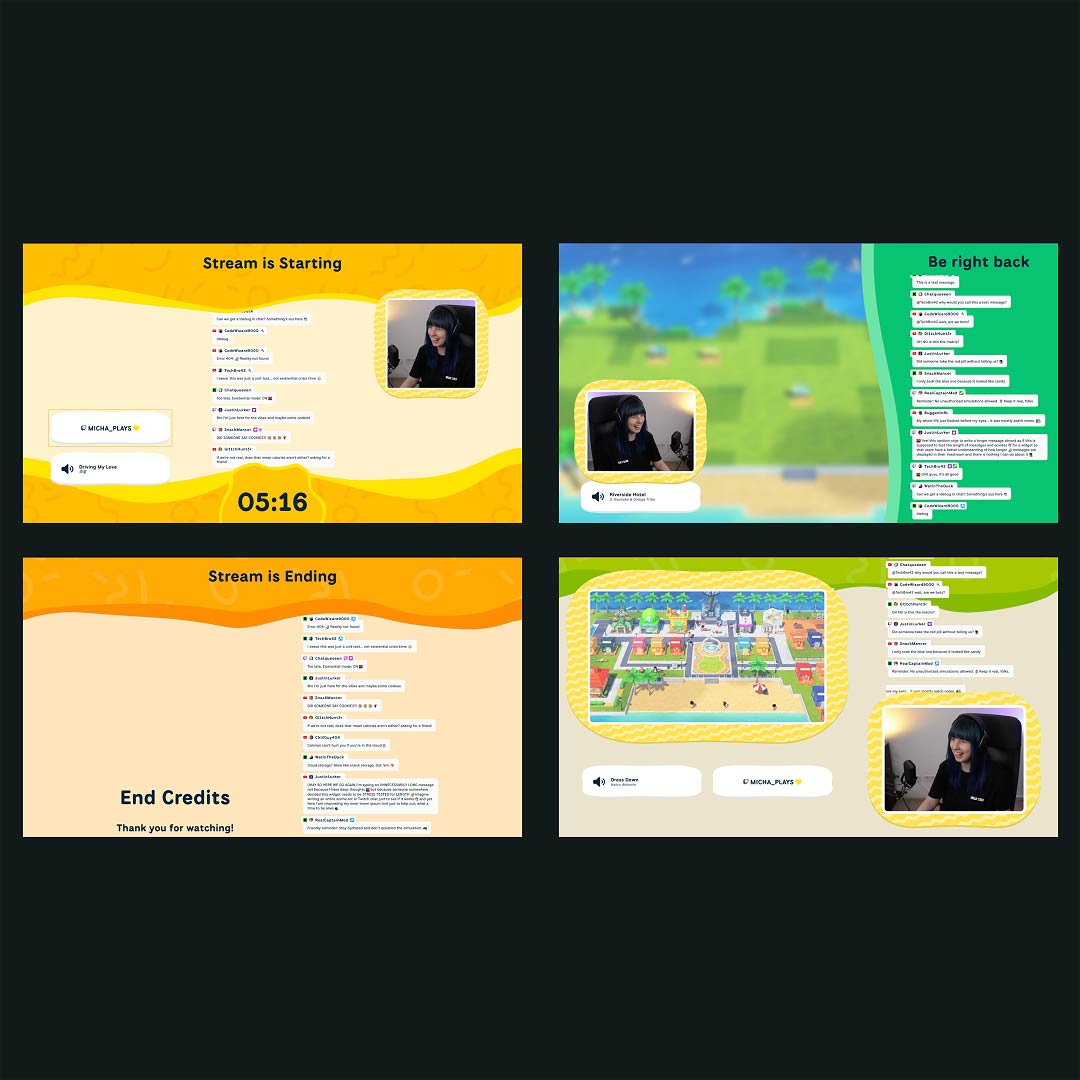
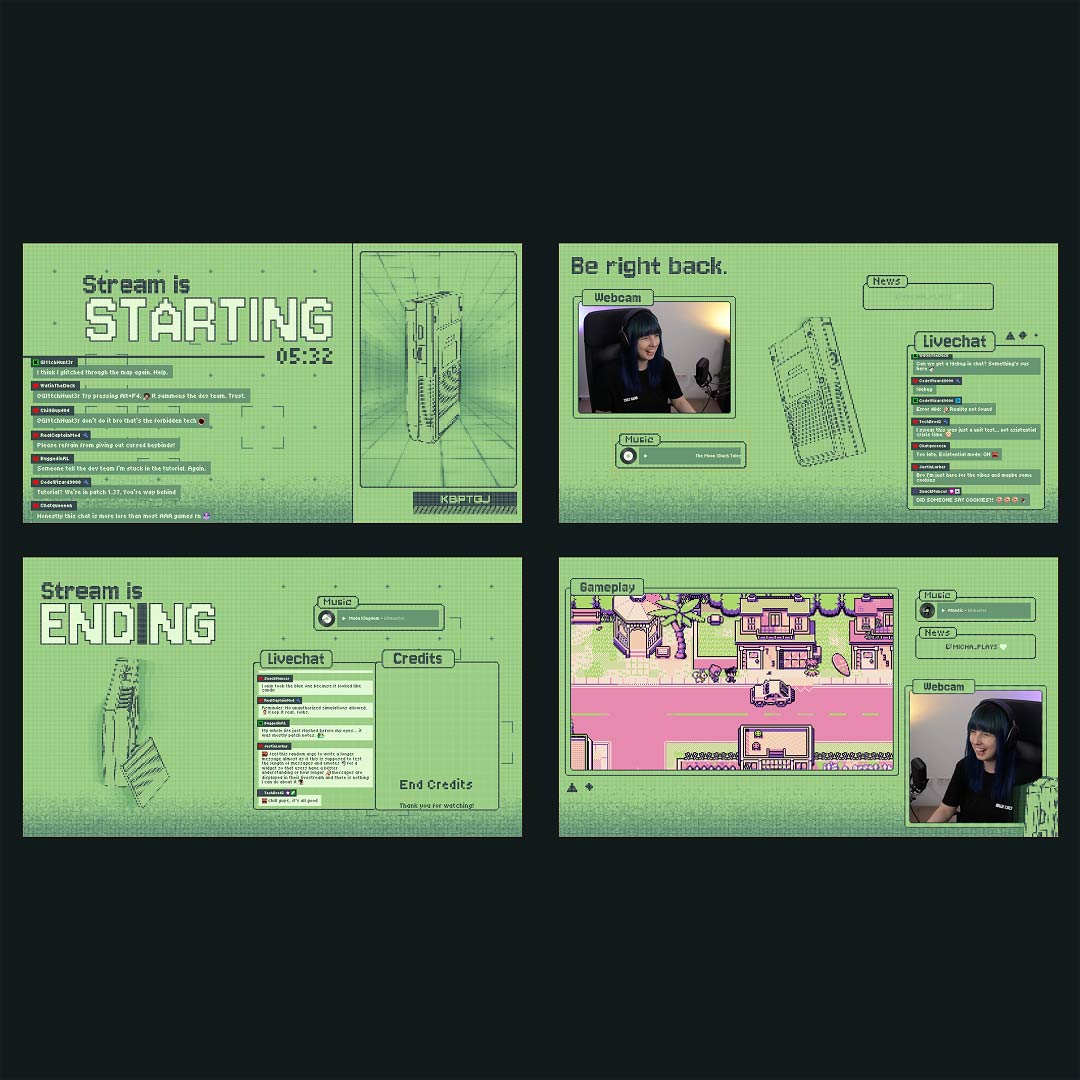
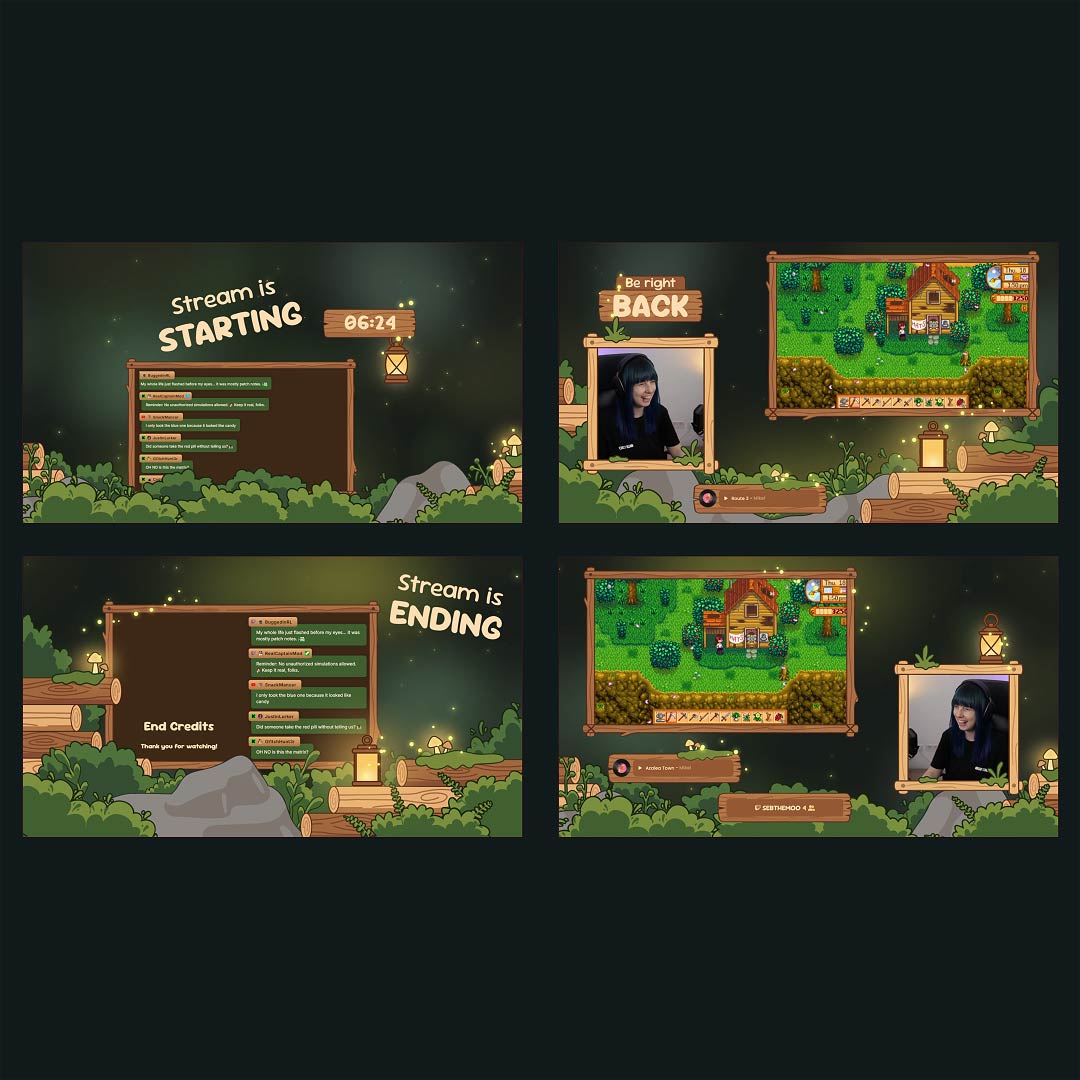
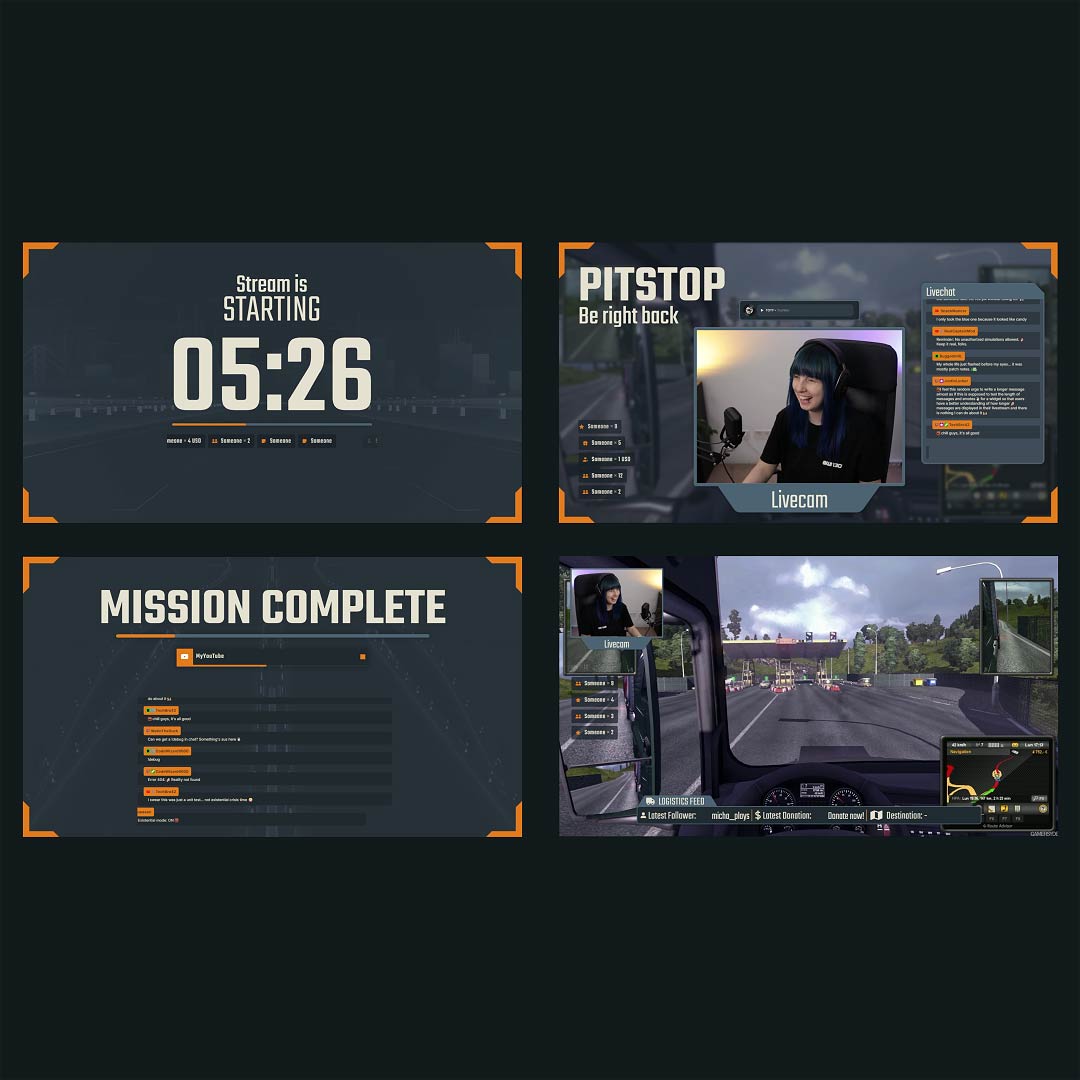
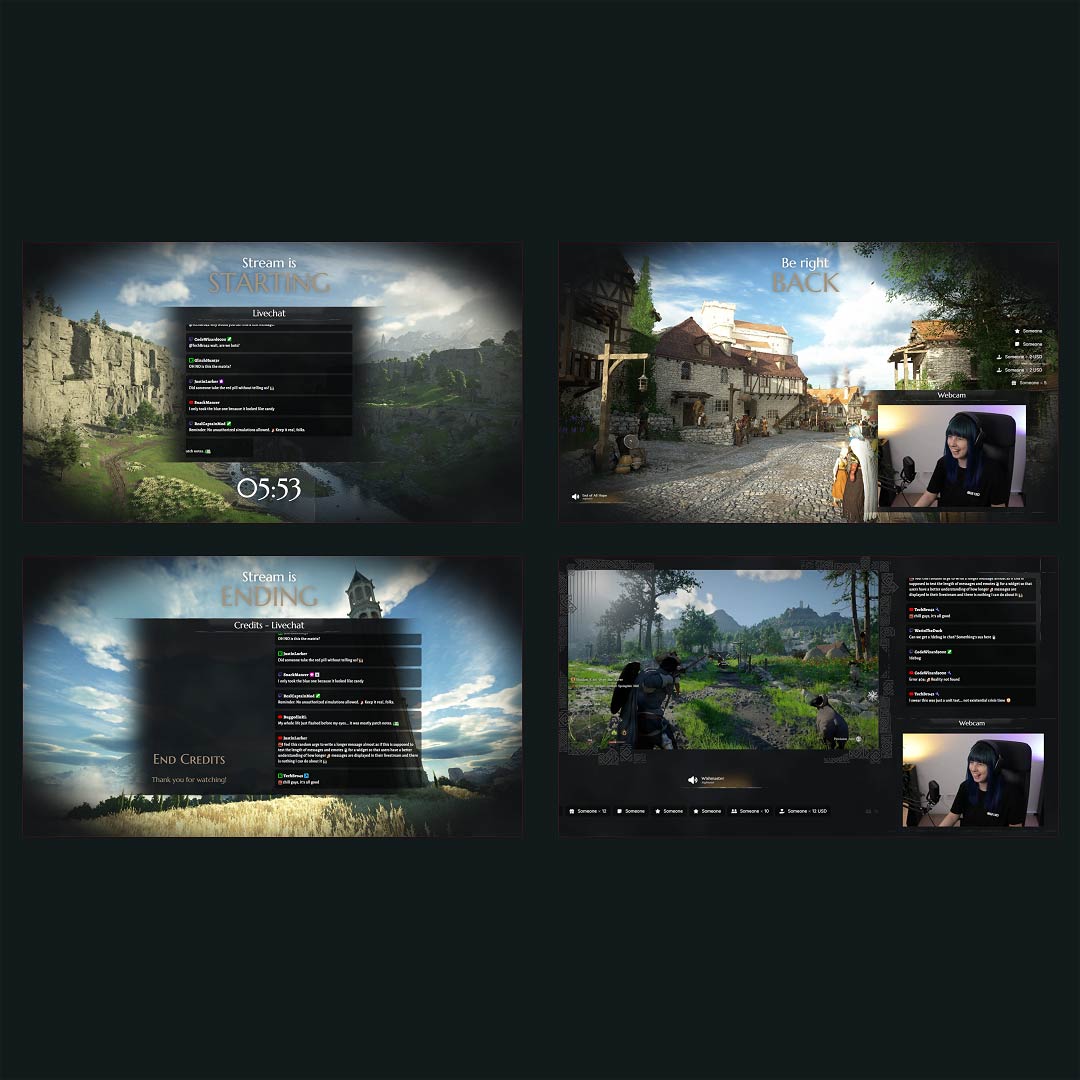
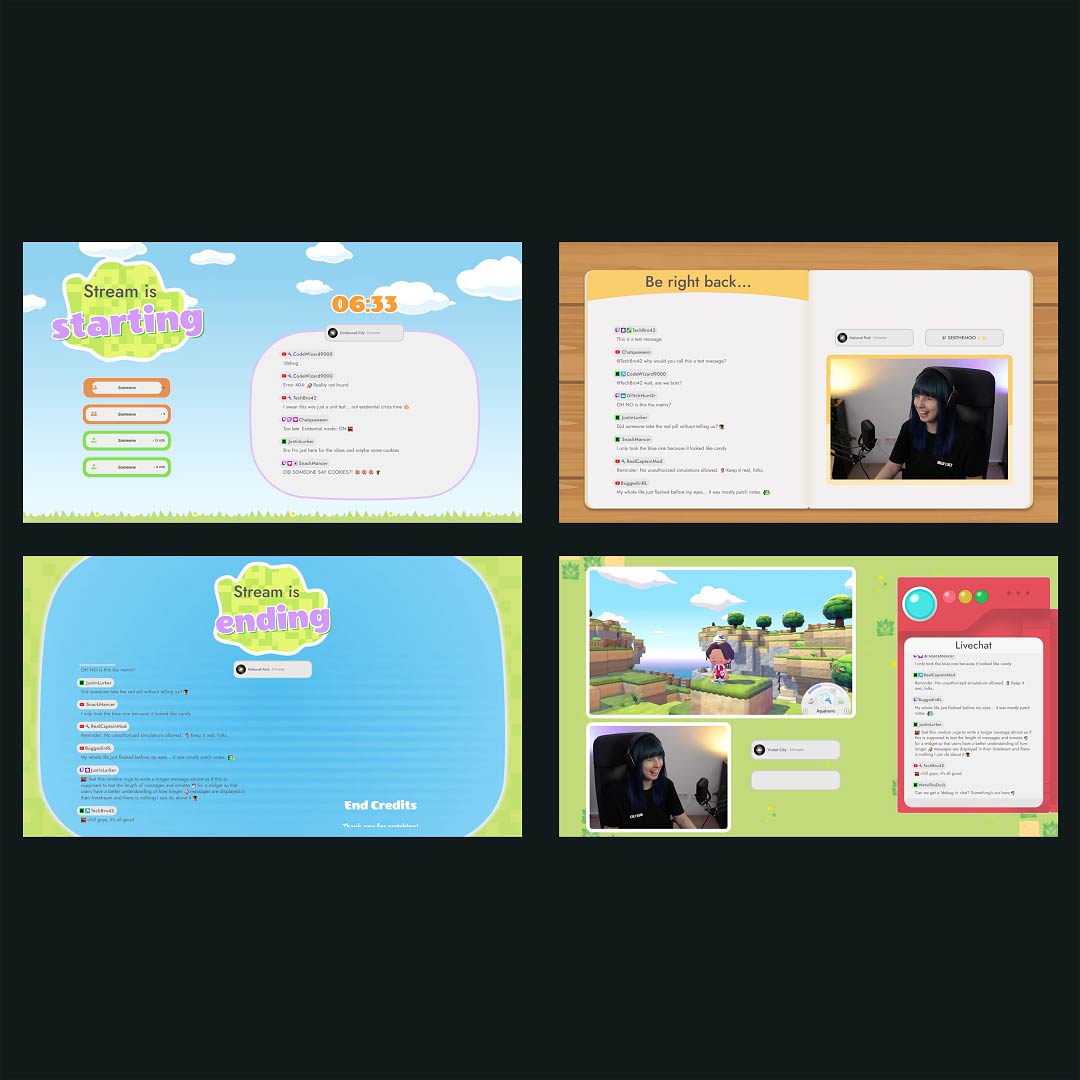
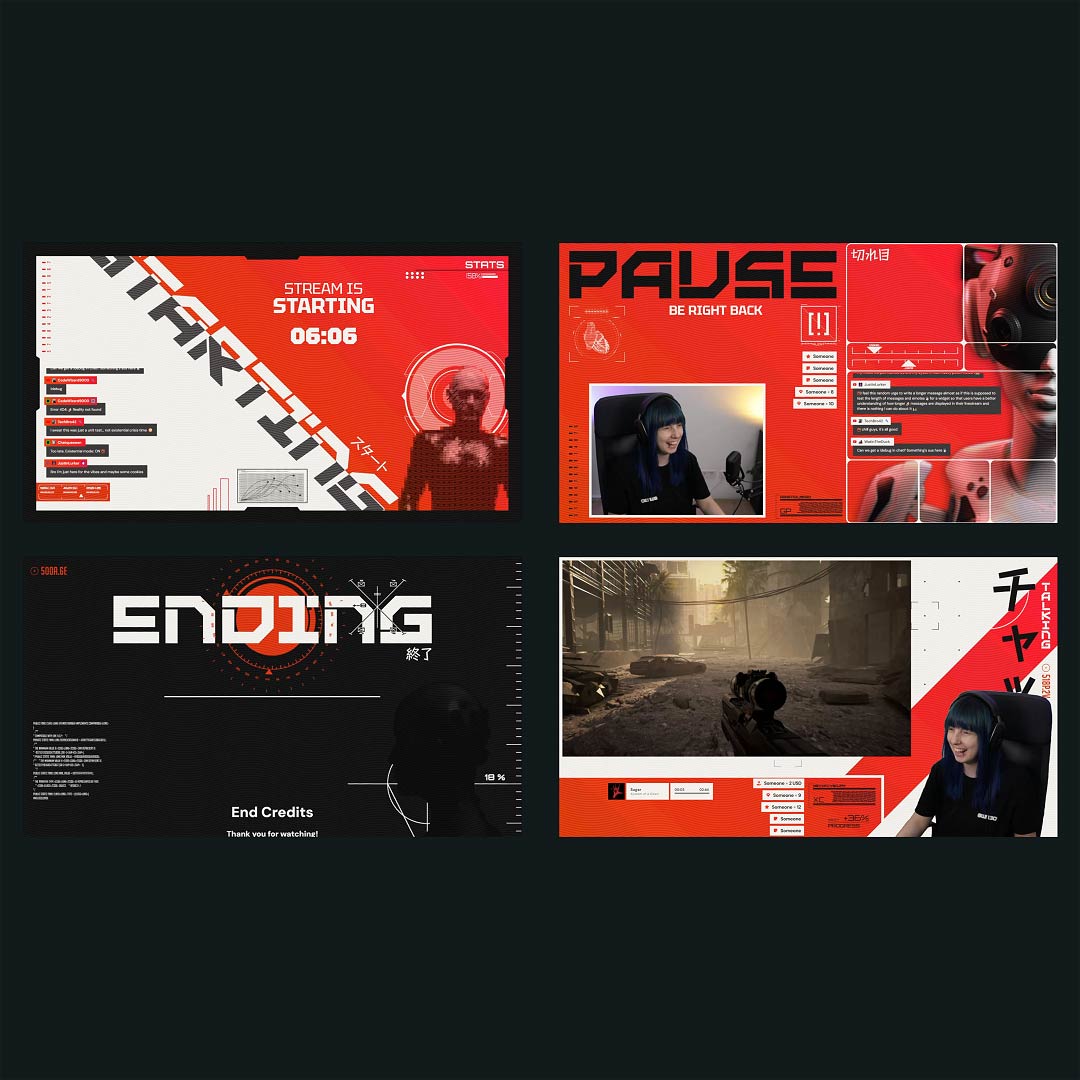
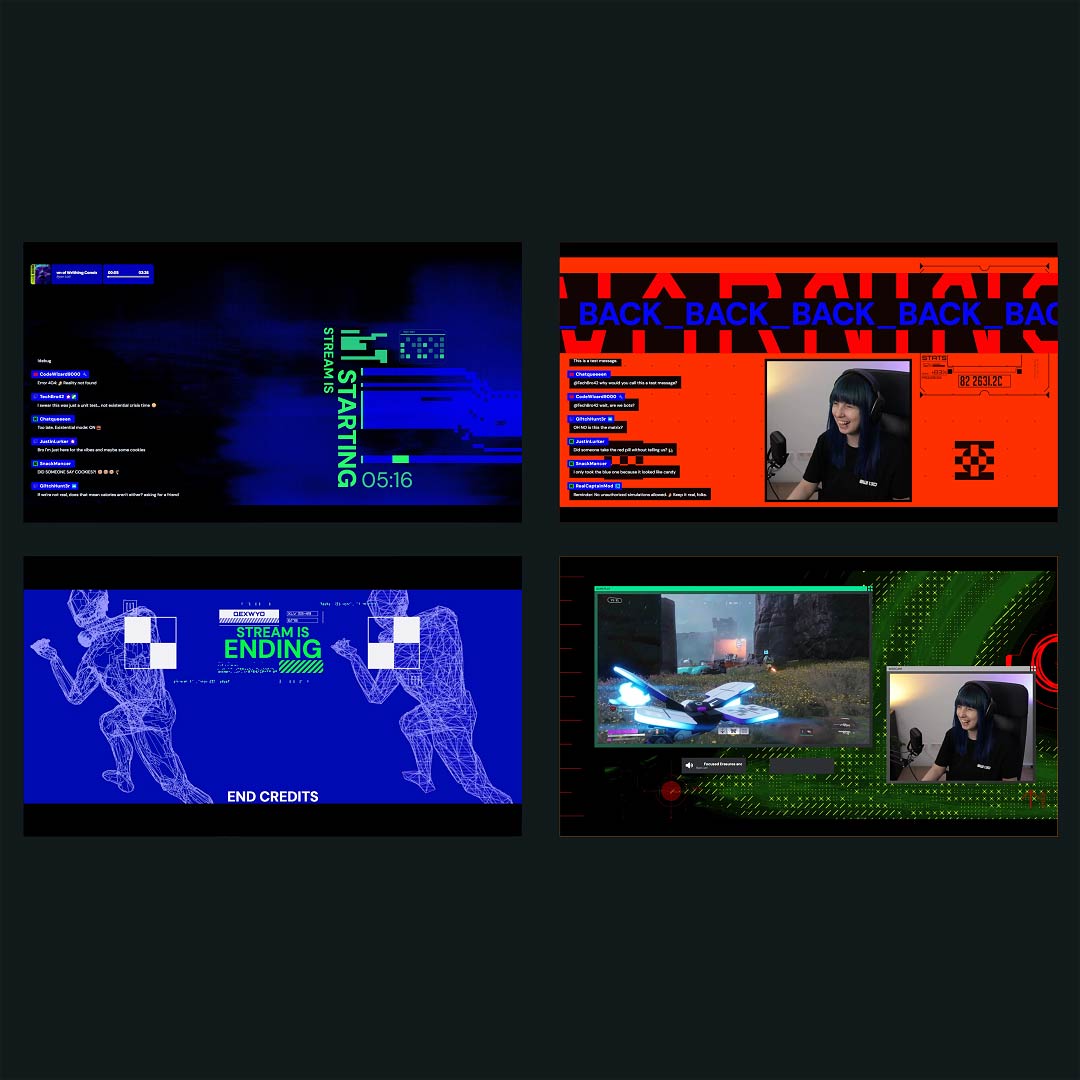
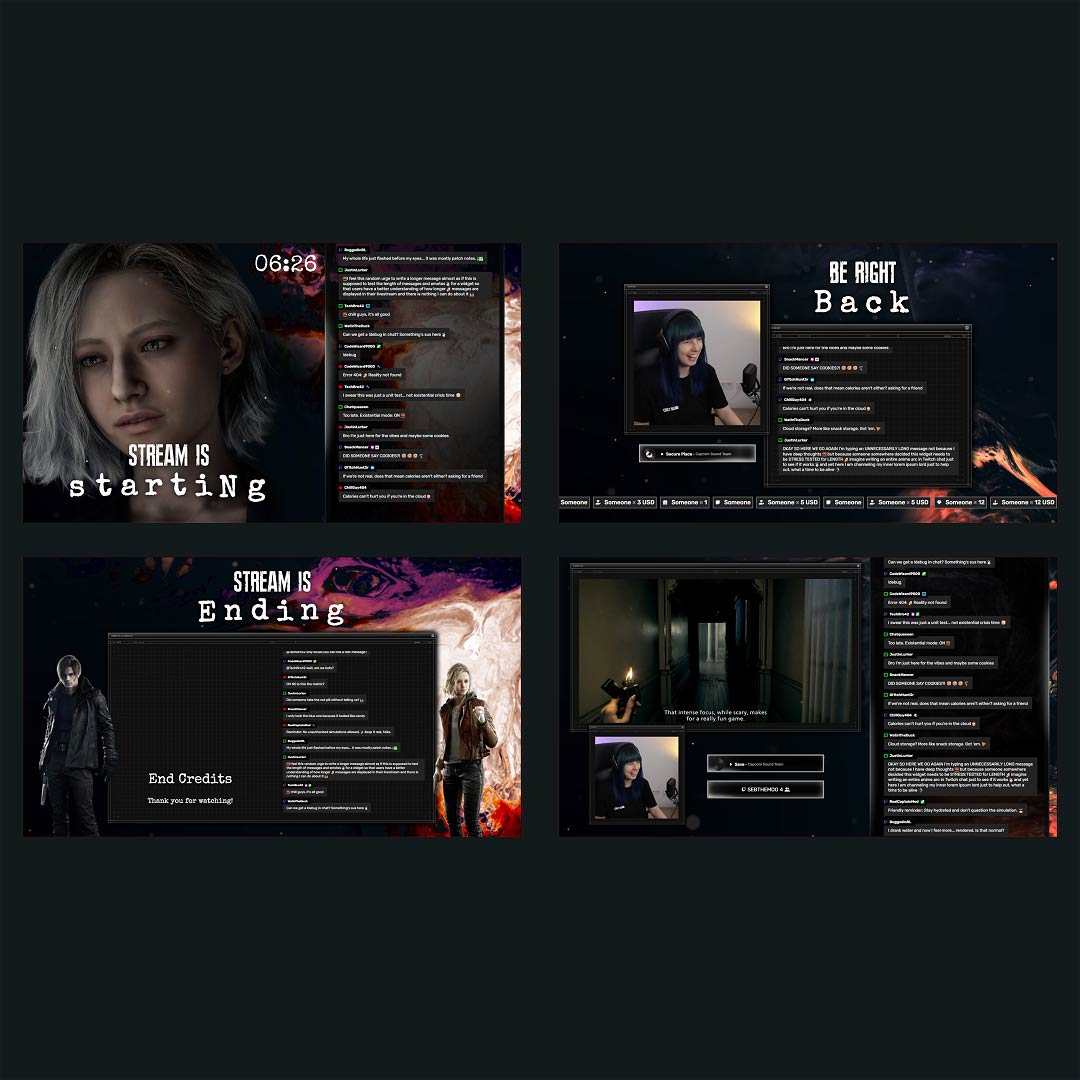
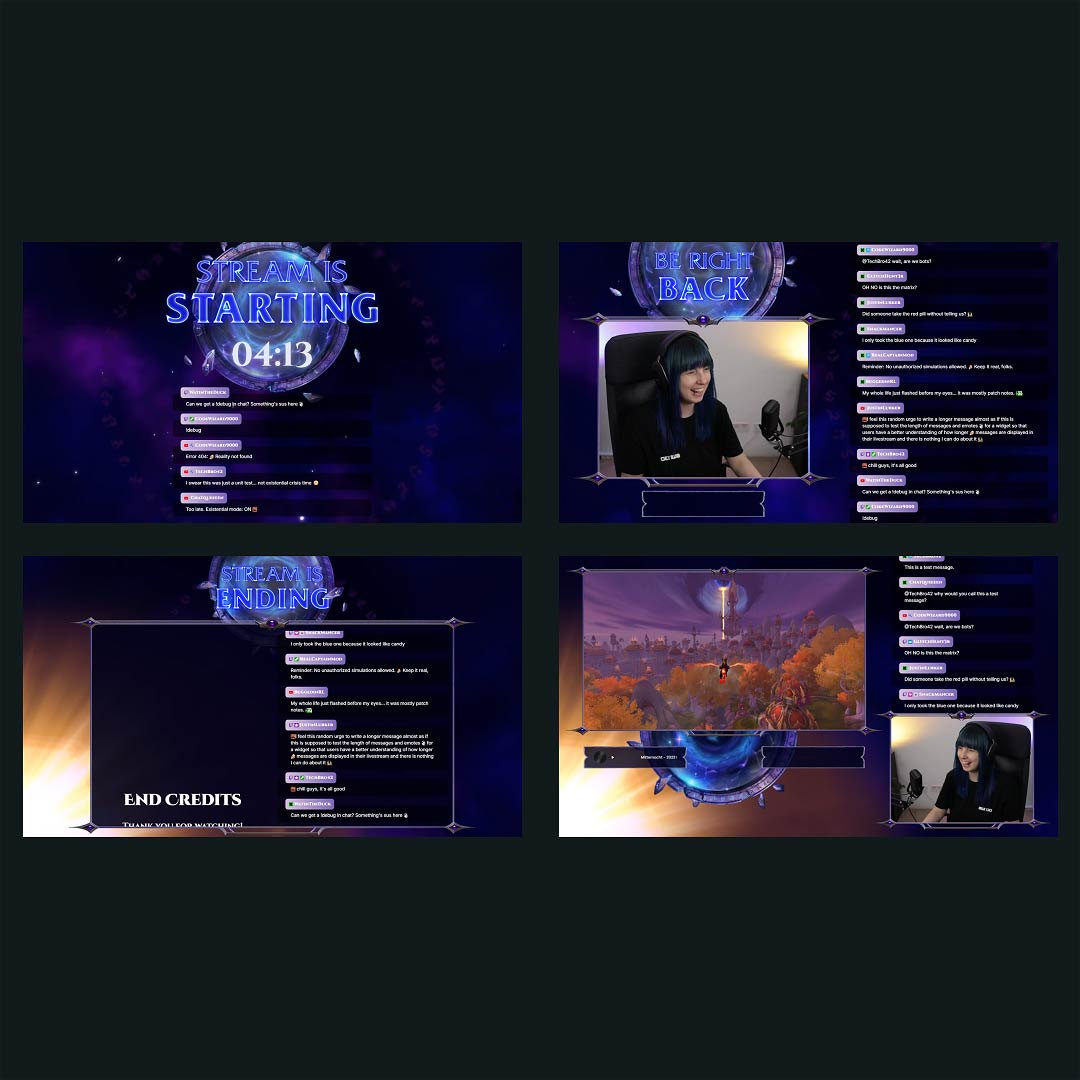
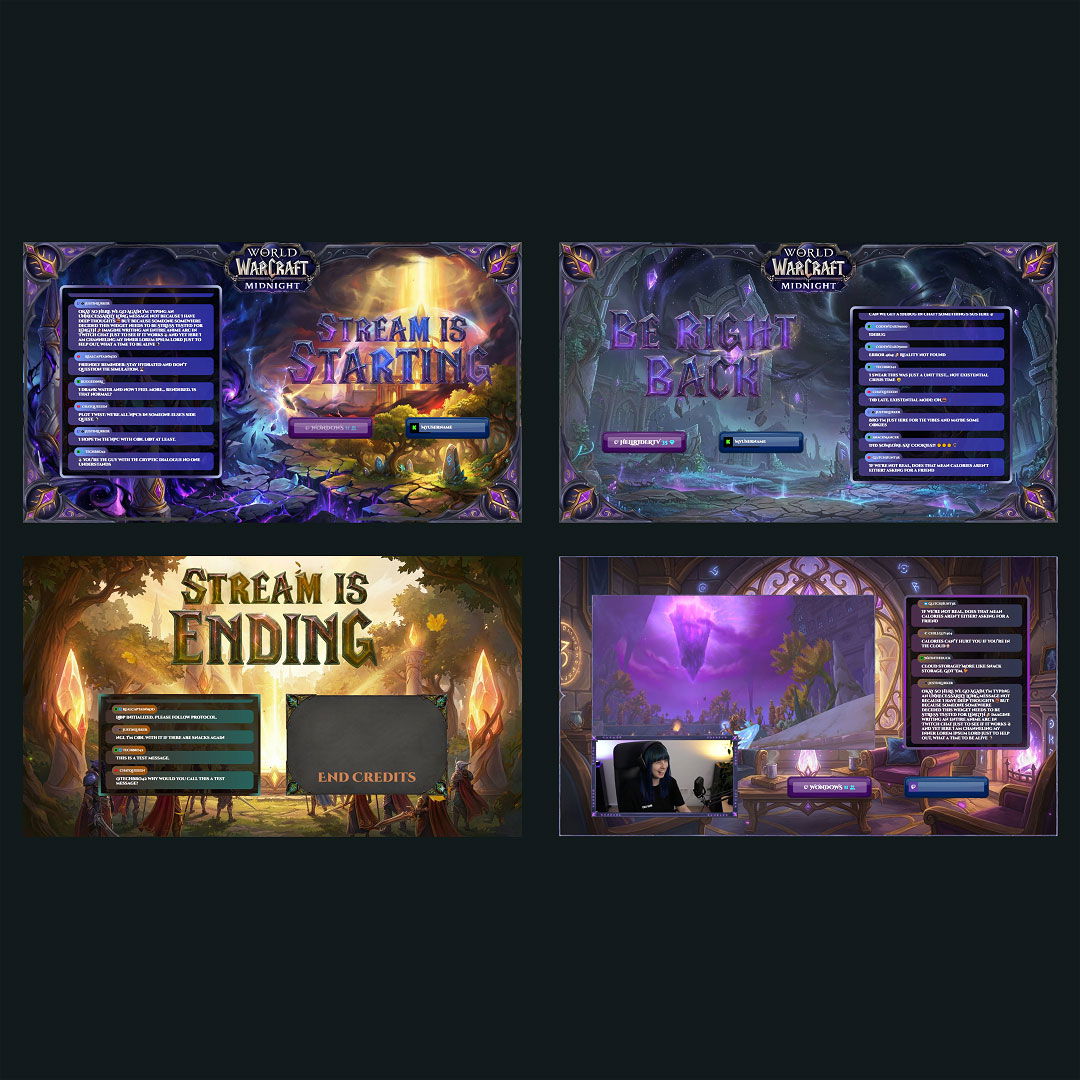
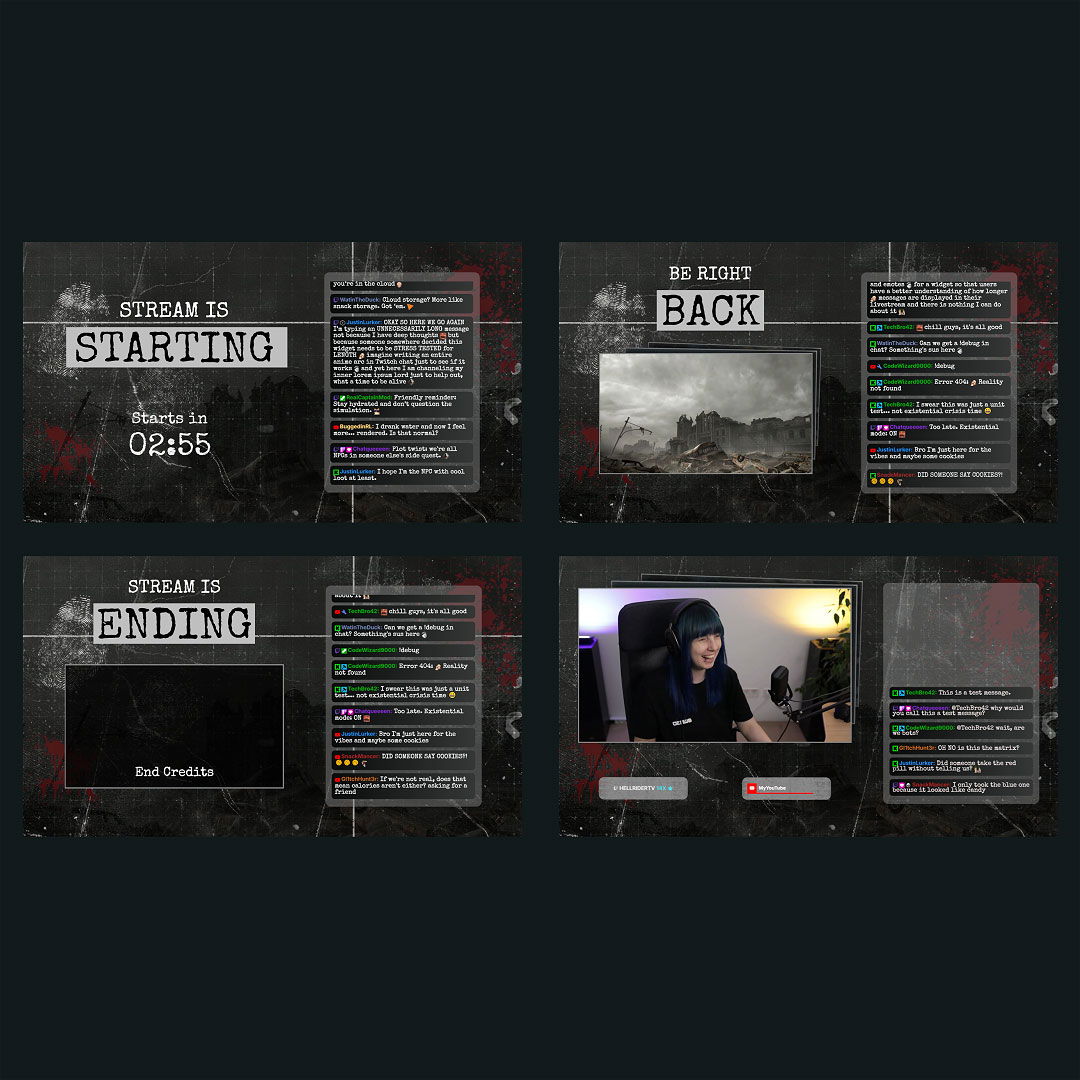
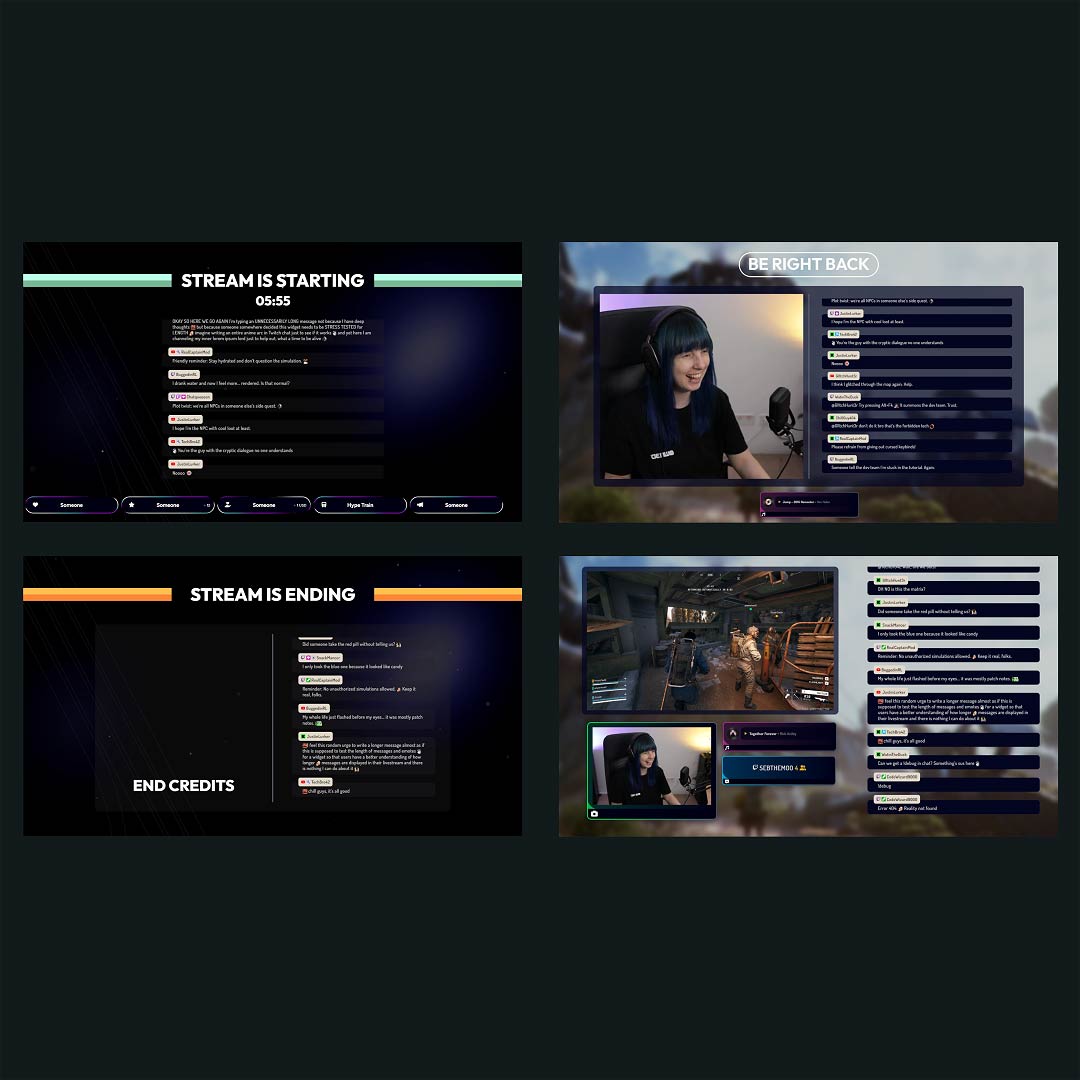
Designing a clean stream layout for OBS can be frustrating and time-consuming. That’s why we built our OBS overlays to do the work for you. With premium and free overlays for OBS, ready-made OBS import files, and our dedicated app designed for OBS Studio, your full setup is installed in a few clicks. No design skills needed, no stress. Just stream and create!
Our Community’s Favorite OBS Overlays

All OBS Overlays Free/Premium
What Happy Customers Say About Our OBS Overlays
See how our OBS overlays make a difference for content creators.
One Pass. Everything Included.
The Stream Pass gives you full access to everything OWN3D Pro has to offer. All products, including OBS overlays, alerts, widgets, emotes, and more, are included and not sold separately.
Works with all broadcasting tools
Customize your OBS overlays in the Scene Builder and use them with OBS Studio, Streamlabs, XSplit, or other tools. Everything works smoothly with your setup.
Unlimited* asset downloads
Download emotes, badges, panels, and more static assets. *Our unlimited plan is subject to fair use.
AI-powered creations
Get 50 AI credits with your Stream Pass to generate custom stream widgets, webcam frames, emotes, and more.
Multistreaming ready
Stream on Twitch, YouTube, and Kick with all the tools you need for a consistent and professional livestream.
FAQs About OBS Overlays
What is an OBS overlay, and how does it help your stream?
An OBS stream overlay is a visual layer that appears on top of your gameplay or camera in OBS Studio. It includes elements such as webcam frames, alerts, labels, and other screen designs. These overlays help you structure your scenes, build a clean stream layout, and give your channel a unique, professional look.
Where can I find free overlays for OBS Studio?
You can find a large selection of free overlays for OBS in the OWN3D Pro library. Each one is customizable, optimized for OBS Studio, and comes with matching scenes, transitions, and widgets. Whether you’re just starting out or upgrading your setup, our free stream overlays for OBS are a great place to begin.
How do I install stream overlays for OBS?
Installing OBS stream overlays is fast and beginner-friendly. You can use the OWN3D Pro Desktop App for OBS Studio to instantly install full layouts, widgets, and scenes. No manual setup, no complicated steps. Just plug and play.
Are complete OBS templates included?
Yes. Many overlay packs include full OBS templates with pre-built scenes, such as “Starting Soon,” “Intermission,” or “Stream Ending”, plus alert and label designs. You can import everything directly into OBS Studio with a few clicks.
Can I change the layout for OBS without any design skills?
Absolutely. In the Scene Builder, you can change fonts, colors, text, and layout elements to match your style. Once you’re done, export your custom OBS layout and load it into OBS Studio with ease.
Do OBS overlays work with alerts and stream widgets?
Yes, all OBS overlays from OWN3D Pro are built to work seamlessly with alerts and widgets. You can add chat boxes, follower goals, recent events, and more to make your stream interactive without messing up your design.
Are animated overlays available for OBS?
Indeed, many OBS overlays feature smooth animations that add movement and energy to your scenes. They’re ready to use right away in OBS Studio – no extra software or setup needed.
Can I use overlays in different OBS scenes?
Yes, you can apply overlays across any scene in OBS Studio. Whether you’re switching between gameplay, Just Chatting, or a break screen, your layout stays clean and consistent.
Can I use free OBS overlays in other streaming tools, such as Streamlabs?
Yes. These overlays also work in Streamlabs, XSplit, or any broadcasting tool that supports browser sources. Your stream layout stays flexible across all tools.
Is OWN3D Pro beginner-friendly for OBS users?
Totally. OWN3D Pro is built for creators of all levels. With import-ready OBS templates and the OWN3D Pro Desktop App for OBS Studio, you can install complete overlay packs in minutes – no design experience needed.
Are there different OBS layouts for horizontal and vertical streams?
Yes. OWN3D Pro offers OBS layouts for both horizontal (16:9) and vertical (9:16) streaming formats. Whether you’re streaming gameplay on desktop or going live vertically, you’ll find layouts that match your setup perfectly.