Free and Premium Kick Alerts

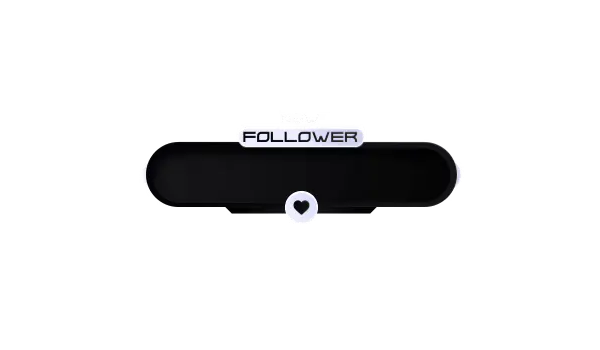
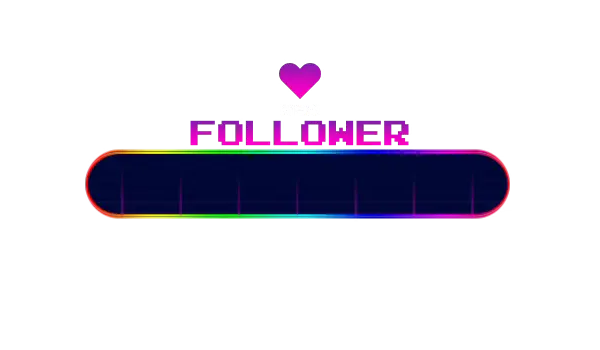
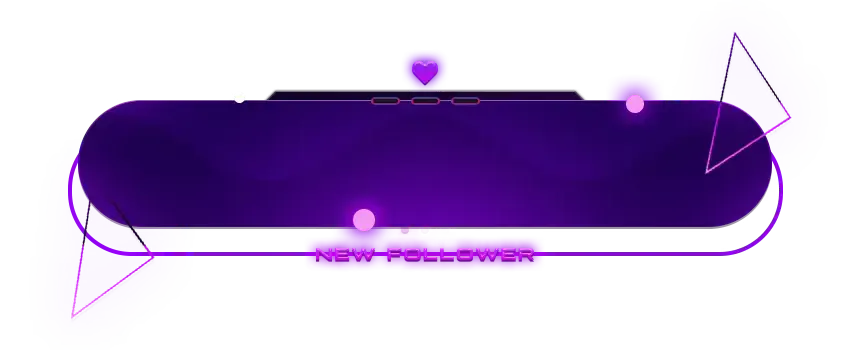
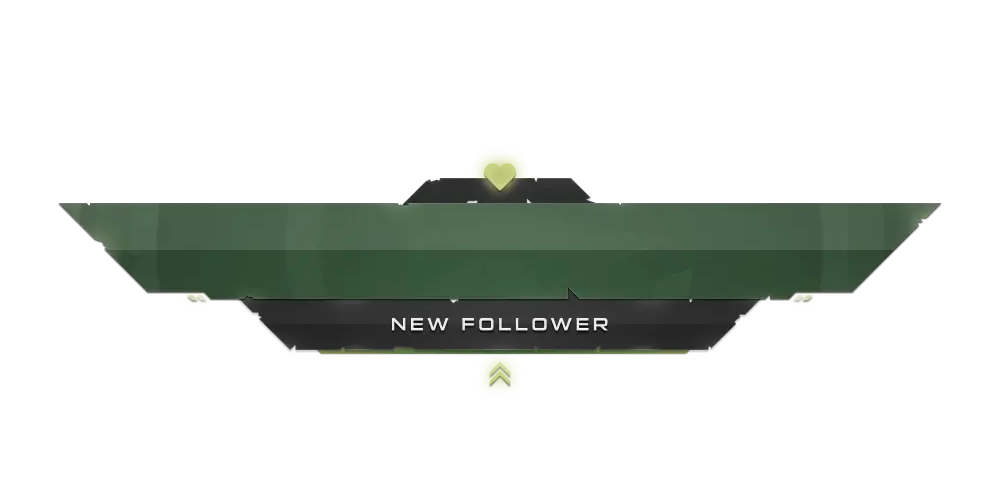
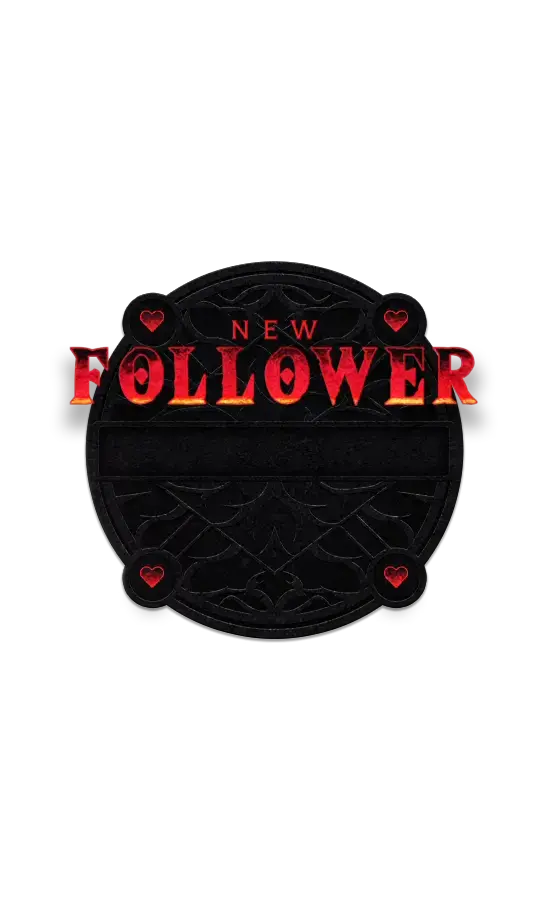
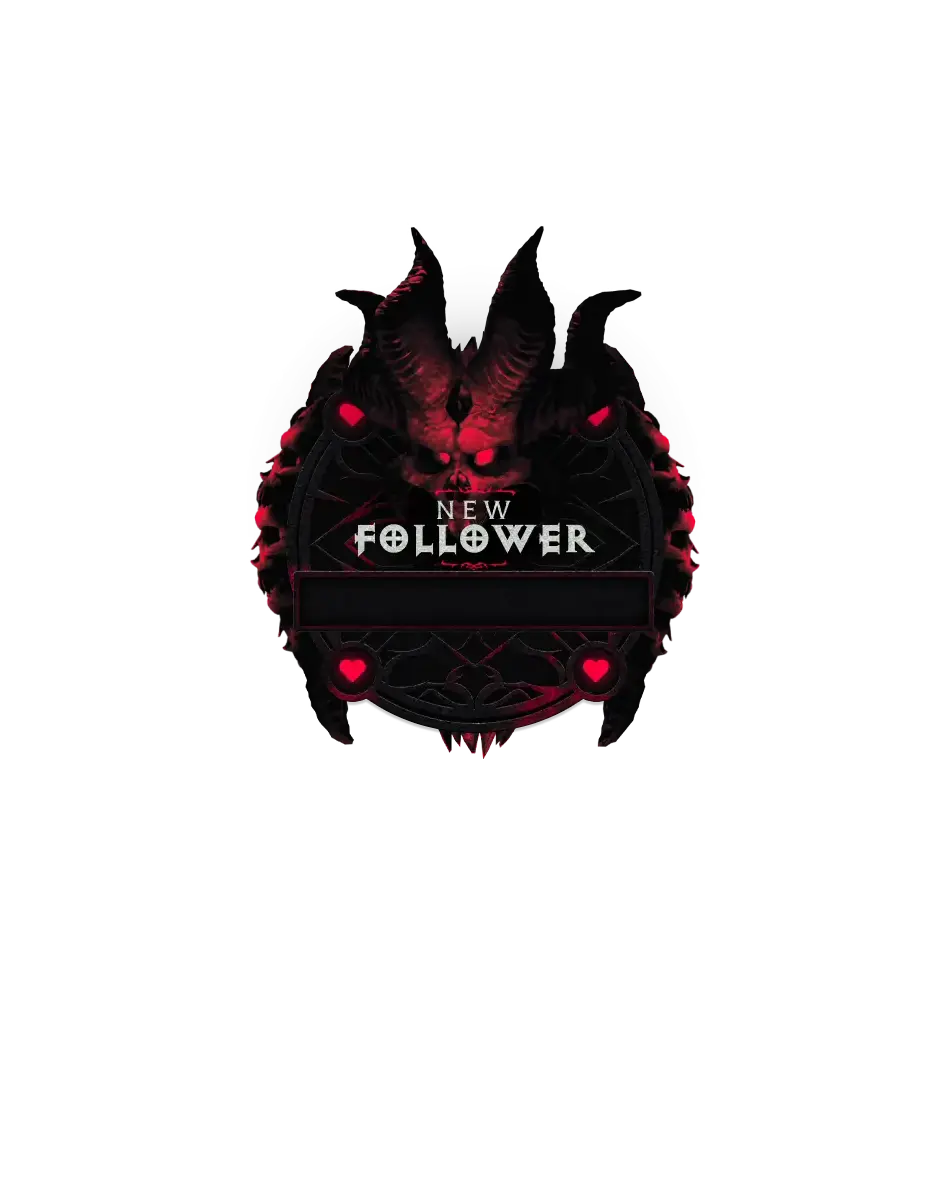
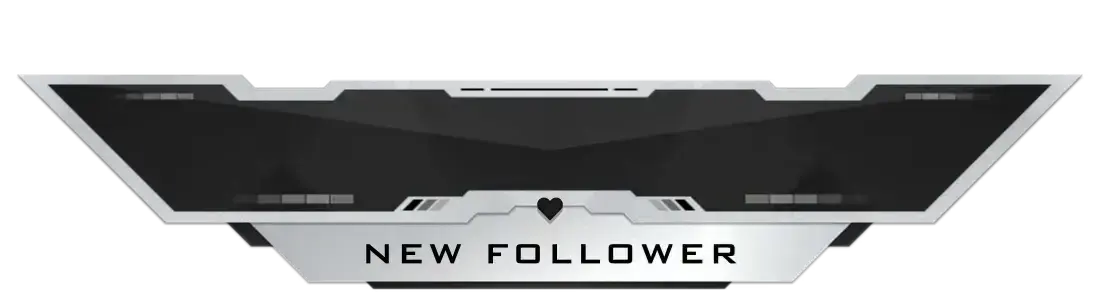
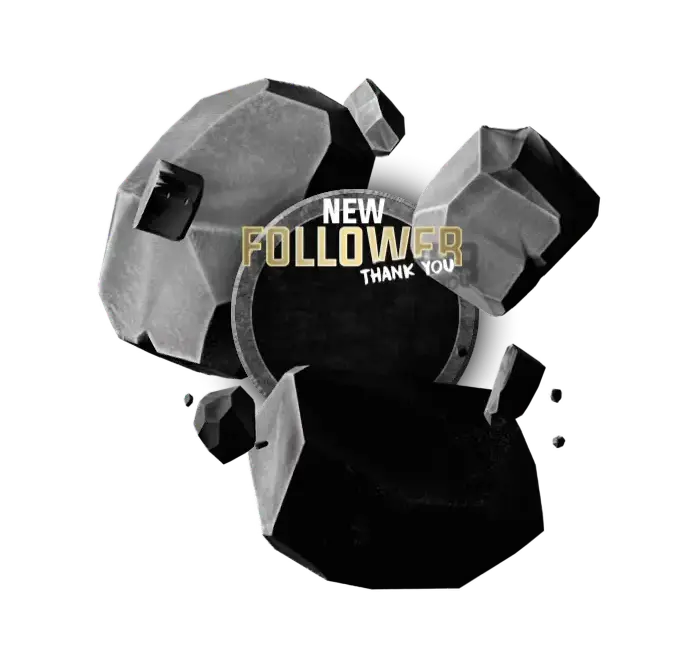
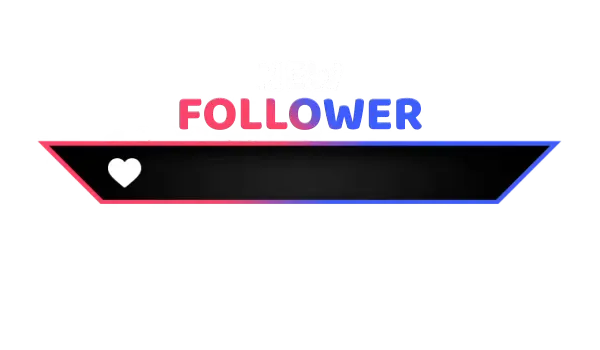
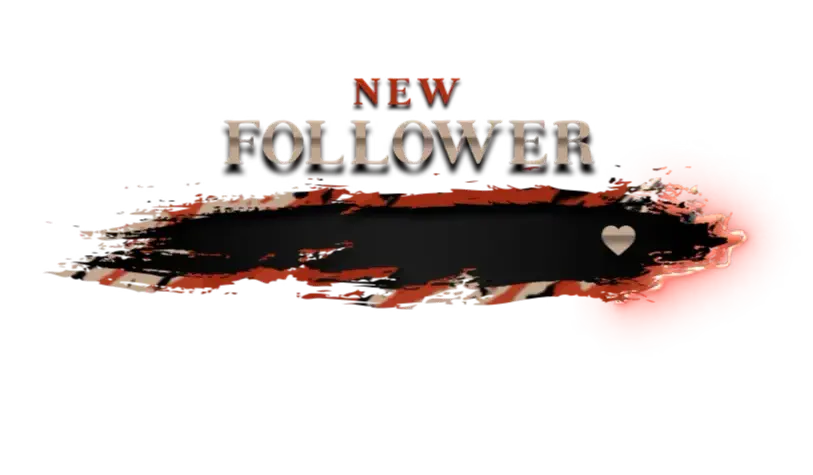
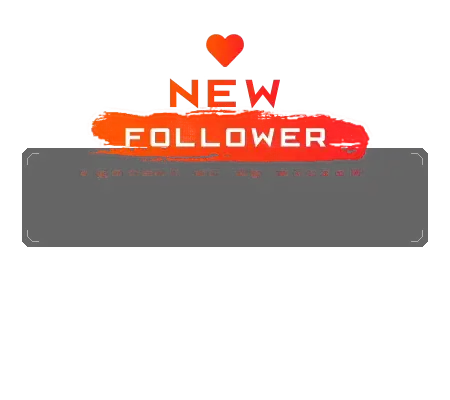
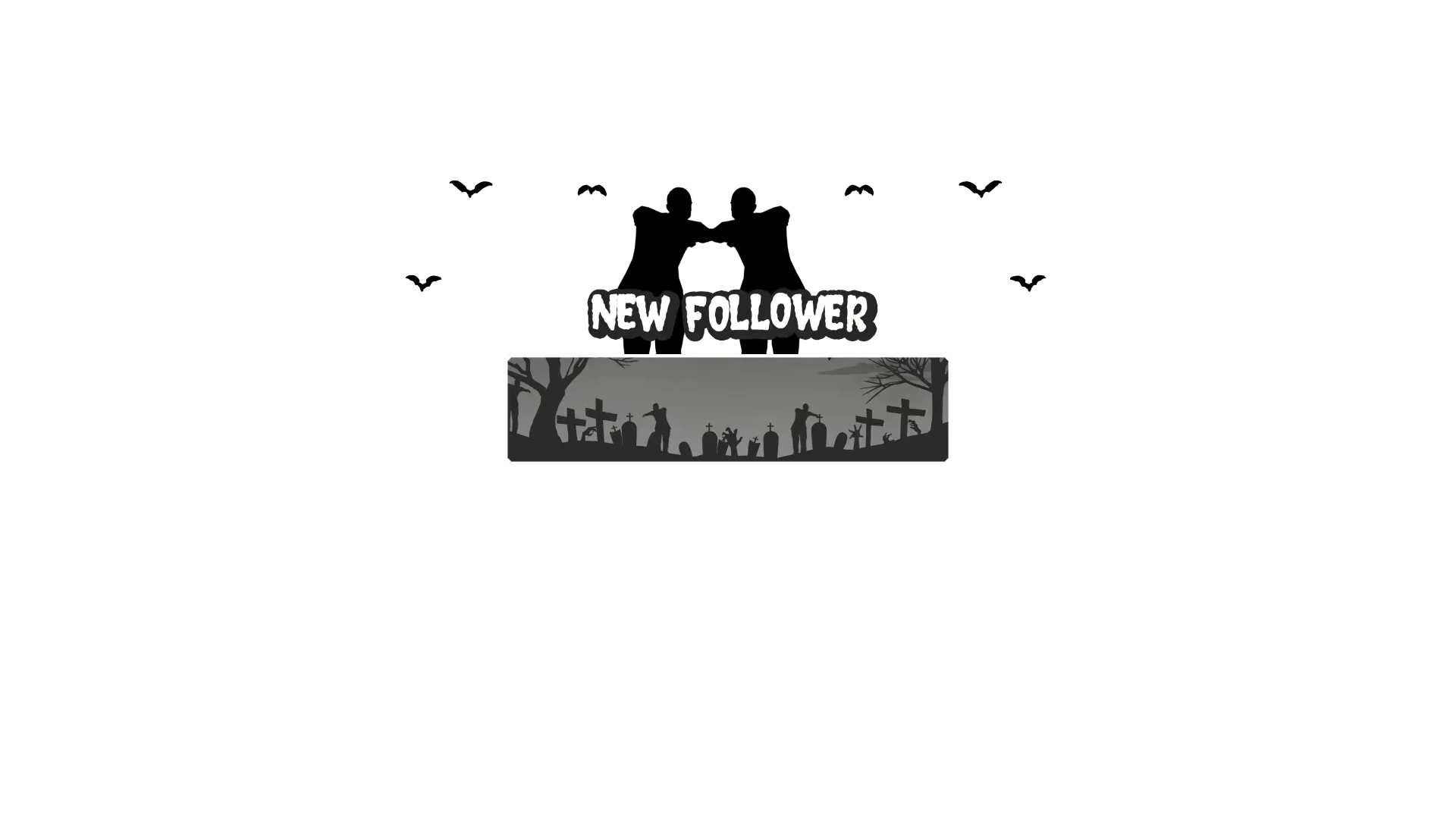
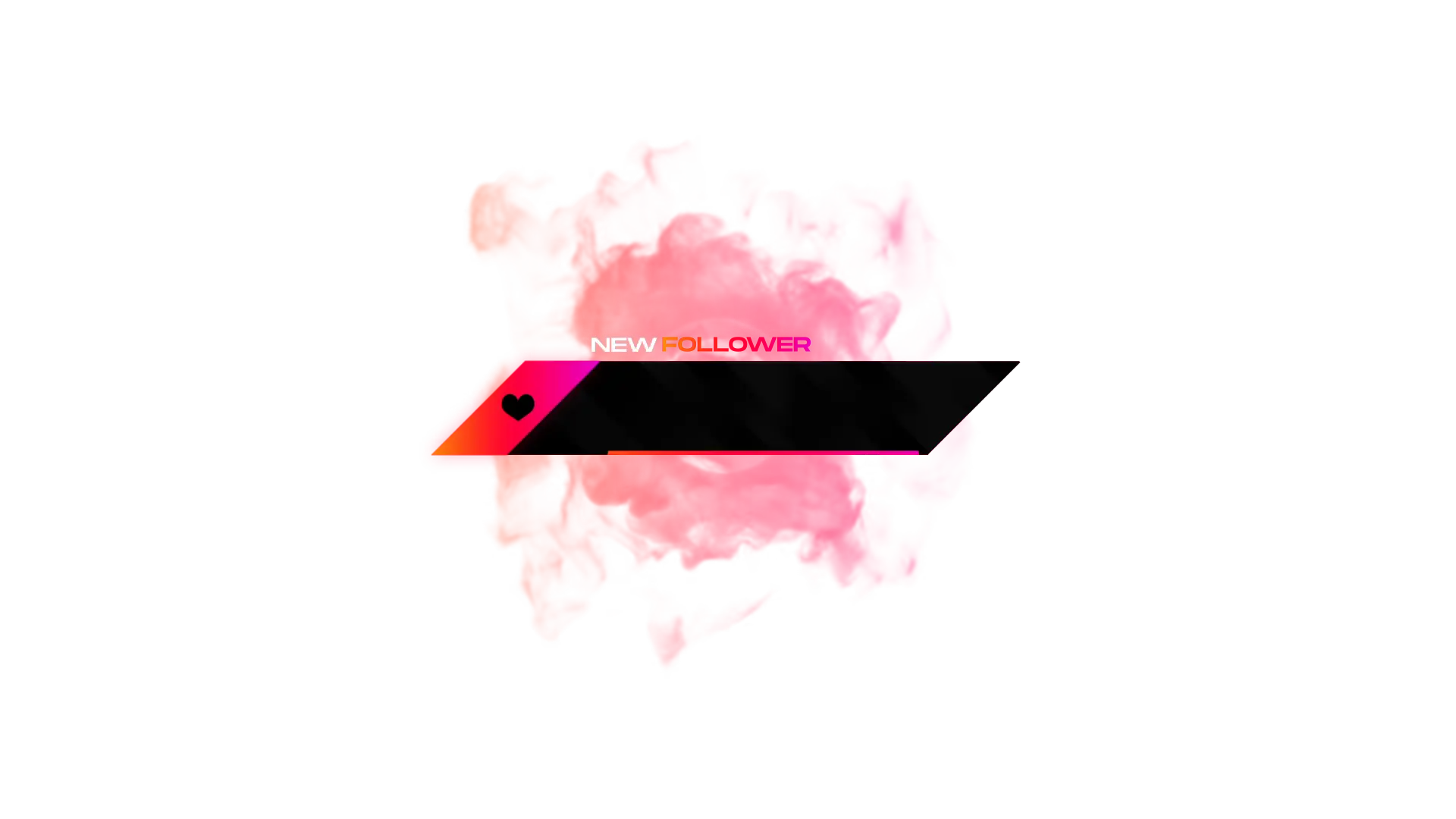
Every Kick stream is built from small moments. A new follow, a quick reaction, an alert on screen. Kick alerts make those moments visible. From Kick follower alerts to other Kick stream alerts, everything reacts in real time. Choose between free and premium Kick alerts to keep your livestream interactive without slowing down your setup.

All Free/Premium Kick Alerts

1

What Happy Customers Say About Kick Alerts

See how our Kick alerts make a difference for content creators.

One Pass. Everything Included.

The Stream Pass gives you full access to everything OWN3D Pro has to offer. All products, including overlays, Kick alerts, widgets, emotes, and more, are included and not sold separately.

Works with all broadcasting tools

Customize your Kick alerts in the Scene Builder and use them with OBS Studio, Streamlabs, XSplit, or other tools. Everything works smoothly with your setup.

Unlimited* asset downloads

Download emotes, badges, panels, and more static assets. *Our unlimited plan is subject to fair use.

AI-powered creations

Get 50 AI credits with your Stream Pass to generate custom stream widgets, webcam frames, emotes, and more.

Multistreaming ready

Stream on Twitch, YouTube, and Kick with all the tools you need for a consistent and professional livestream.

FAQs About Kick Alerts

What are Kick alerts used for?

Kick alerts are on-screen notifications that appear during your livestream when someone follows or interacts with your channel. They help viewers notice important moments without interrupting your content.

Yes. You can use Kick’s free alerts, which are ready to set up and work right away. They’re a great option if you want a cool look without upgrading.

A Kick alert box is the visual element that displays notifications on your stream, including follower alerts and other Kick notifications.

A Kick follower alert appears the moment someone follows your channel. The alert appears directly on stream, allowing you to acknowledge new followers in real-time. Kick follow alerts help turn simple follows into shared moments between you and your community.

Yes. Kick stream alerts are added as browser sources and work smoothly with OBS Studio, Streamlabs, and similar tools that support browser sources.

No. The alerts are designed to be noticeable without pulling focus away from your content or gameplay.

Free Kick alerts are perfect for getting started and already look professional on stream. If you’re satisfied with these options, there’s no need to upgrade. For more variety, exclusive designs, and advanced animations, premium Kick alerts can be unlocked with the Stream Pass.

Absolutely. You can switch alert designs or update your Kick alert box at any time.