Free and Premium Streamlabs Alerts
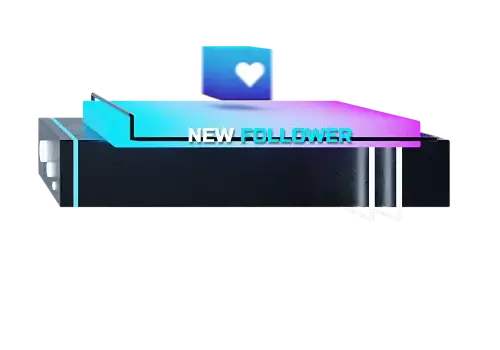
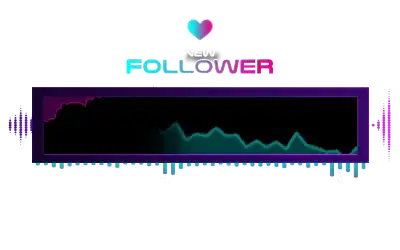
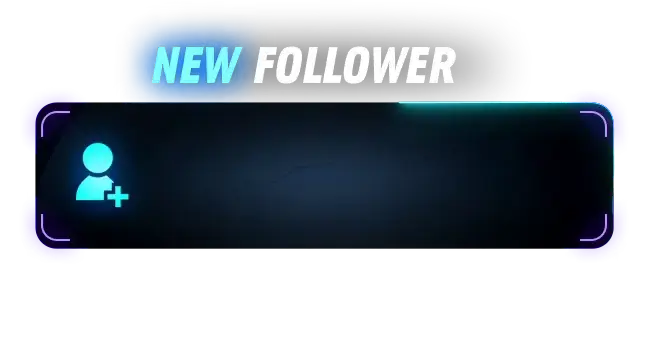
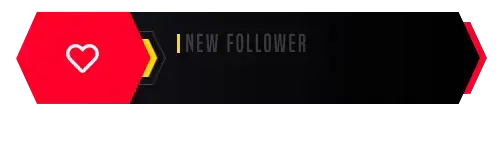
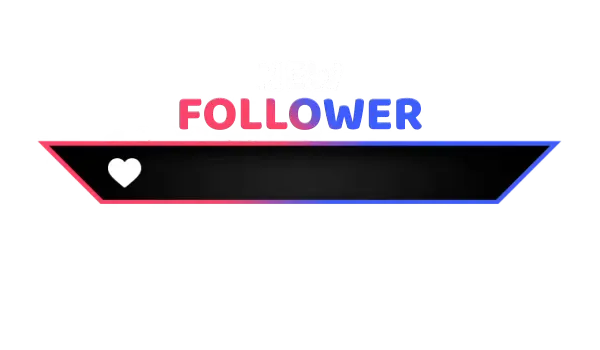
Imagine this: You’re live and fully focused on your stream. Chat is active, the vibe feels right, and then someone new follows. The Streamlabs follower alert appears, the Streamlabs alert box shows the moment, and everything falls into place. Streamlabs alerts turn quiet support into shared reactions, helping your stream feel alive, personal, and connected for everyone watching.
All Free/Premium Streamlabs Alerts
What Happy Customers Say About Streamlabs Alerts
See how our Streamlabs alerts make a difference for content creators.
One Pass. Everything Included.
The Stream Pass gives you full access to everything OWN3D Pro has to offer. This includes our entire library of overlays, Streamlabs alerts, widgets, emotes, and more.
Works with all broadcasting tools
Customize your Streamlabs alerts in the Scene Builder and use them with OBS Studio, Streamlabs, XSplit, or other tools. Everything works smoothly with your setup.
Unlimited* asset downloads
Download emotes, badges, panels, and more static assets. *Our unlimited plan is subject to fair use.
AI-powered creations
Get 50 AI credits with your Stream Pass to generate custom stream widgets, webcam frames, emotes, and more.
Multistreaming ready
Stream on Twitch, YouTube, and Kick with all the tools you need for a consistent and professional livestream.
FAQs About Streamlabs Alerts
What are Streamlabs alerts used for?
Streamlabs alerts are live notifications that appear on your stream when viewers interact with your channel. Alerts Streamlabs users rely on include follower alerts and other notifications that help you respond in real time and make activity visible on stream.
Is there a difference between Streamlabs alerts and stream labs alert setups?
No. Both terms refer to alerts designed to work with Streamlabs. The wording may vary, but the functionality is the same.
What is a Streamlabs alert box?
A Streamlabs alert box is the visual element that displays notifications on your stream, including animations, names, and sounds.
How does a Streamlabs follower alert work?
A Streamlabs follower alert is triggered the moment someone follows your channel. The alert appears live on stream through the alert box, giving you a chance to react and making the follow feel like a shared moment with the chat.
Are there free Streamlabs alerts available?
Do Streamlabs alerts work with OBS?
Yes. Streamlabs alerts, formerly known as Streamlabs OBS alerts, function similarly to standard OBS alerts. They are added to your broadcasting tool as a browser source, which means you can choose freely which broadcasting tool you want to use.
Can I adjust Streamlabs notifications after I've set them up?
Yes. You can change text, sounds, and alert styles at any time to better match your stream.
What is the difference between free and premium Streamlabs alerts?
Can I switch the alert box Streamlabs designs later?
Of course. You can update or replace your alert box Streamlabs setup whenever your stream style changes or if you want to stream special events, such as Christmas or Halloween.
Can I purchase and unlock individual Streamlabs alerts?
Yes! If you are not ready to upgrade to the Stream Pass yet and just fell in love with a specific design, this is the perfect alternative for you. You can purchase and unlock individual Streamlabs alert sets to own them for your account. Each set includes professional designs and sounds for Twitch, YouTube, and Kick, as well as integrated OWN3D donation designs.
Once purchased, your Streamlabs alerts will be available on the Alerts Page for configuration. You can easily customize the text, fonts, and animations to match your style and use the preview mode to see your changes in real time. To display them in your stream, simply use the provided browser source link in Streamlabs Desktop or any other broadcasting tool, or add your Streamlabs alerts to the OWN3D Pro Scene Builder in a scene of your choice.
One quick tip: As a free user, you can always use the direct browser source link from your alerts configuration page, which does not count toward the 6 scenes limit. If you prefer using the Scene Builder, you can install your Streamlabs alerts into any of your 6 free scenes or simply add them to a premium overlay pack you have purchased. Purchased packs do not count toward the regular scene limit, giving you even more flexibility. If you have any more questions, feel free to reach out to our support team anytime!