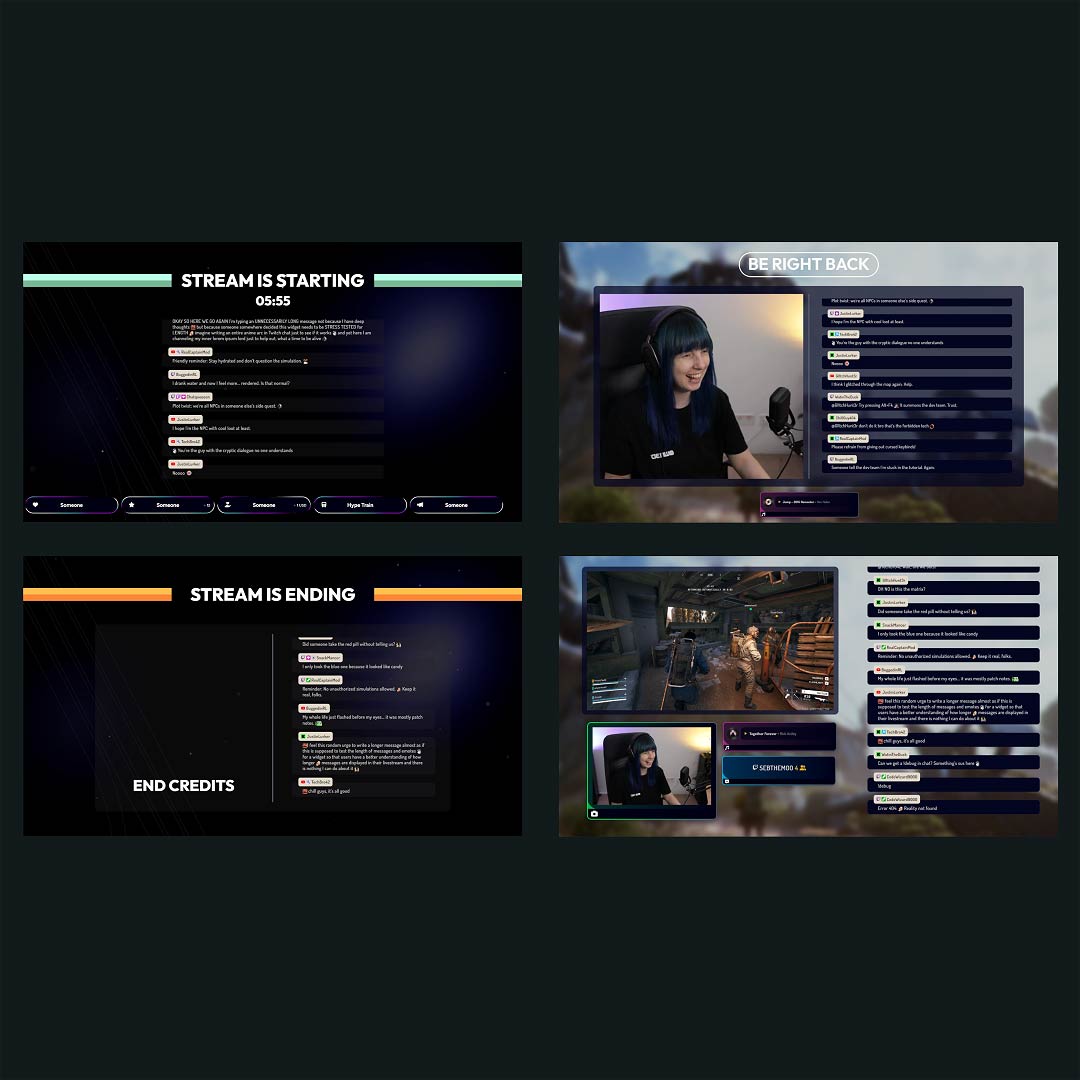
Free Streamlabs Overlay Maker

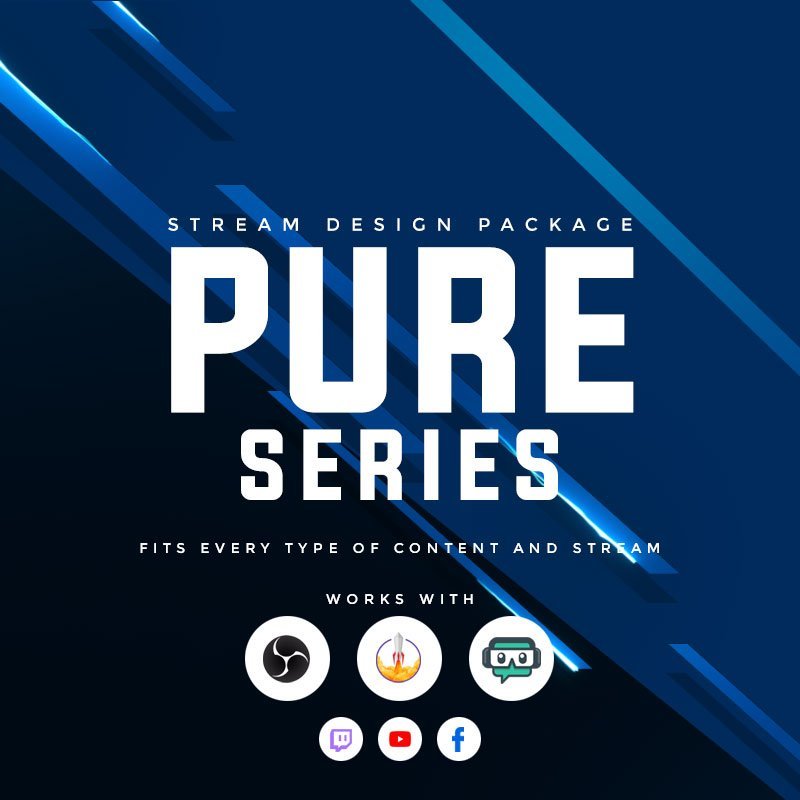
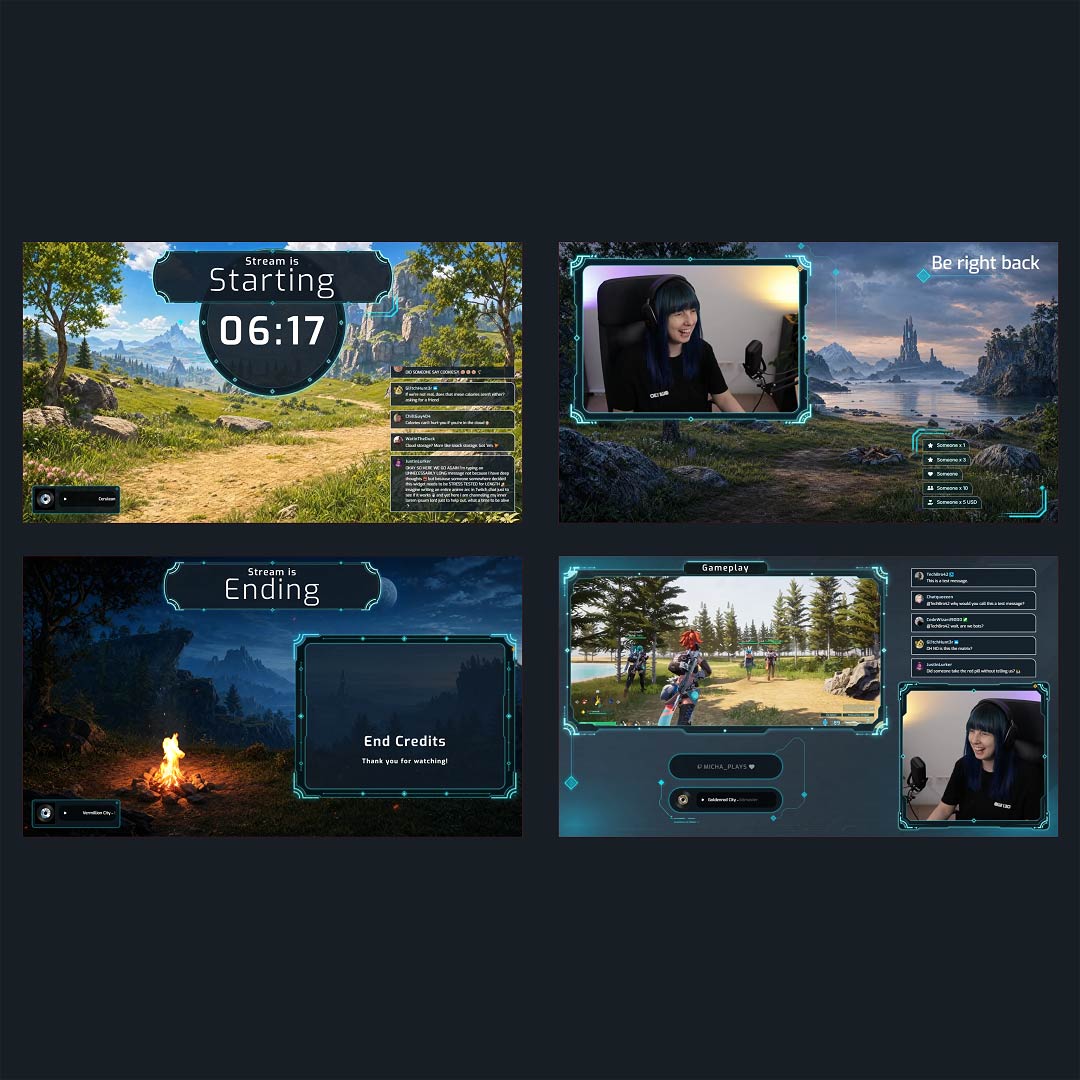
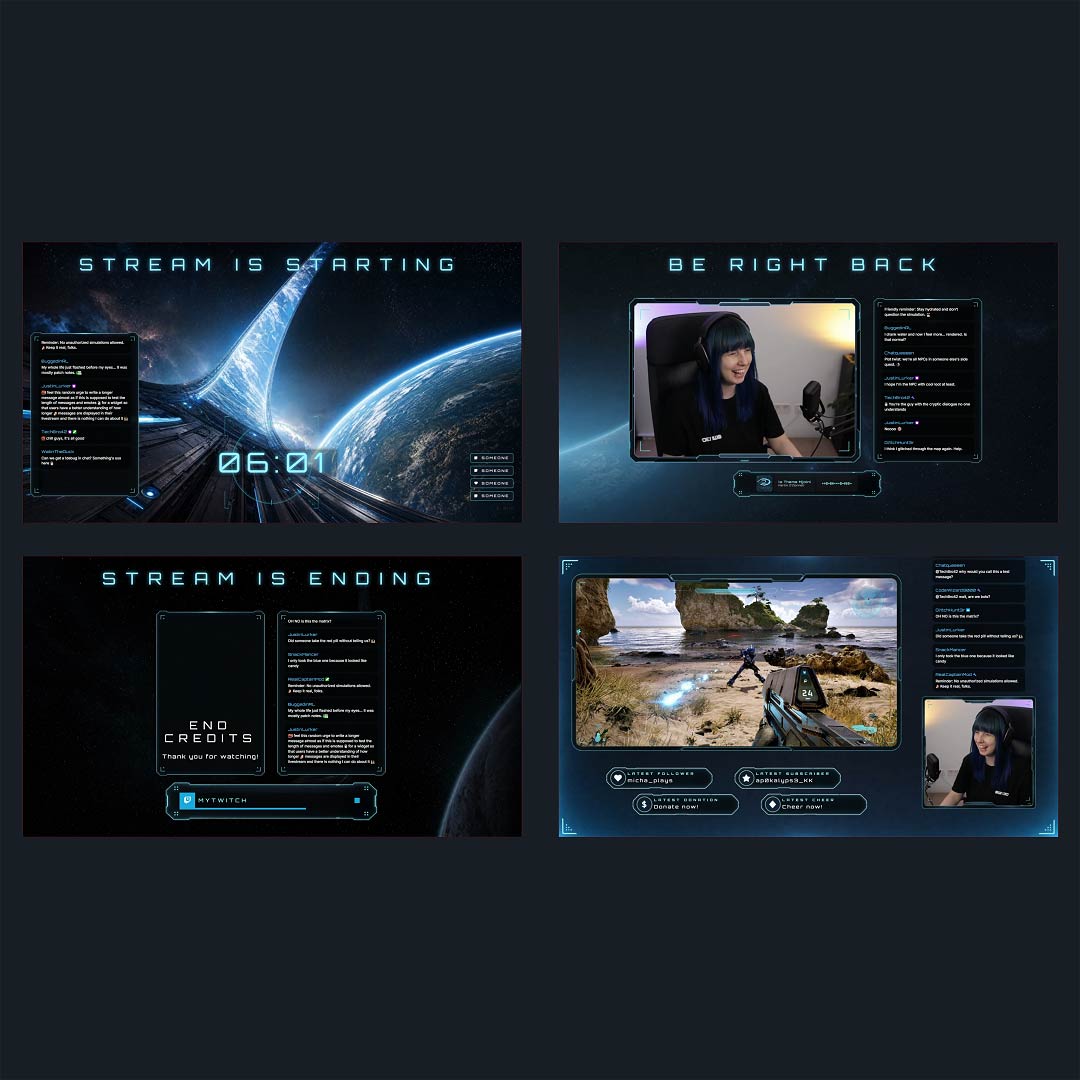
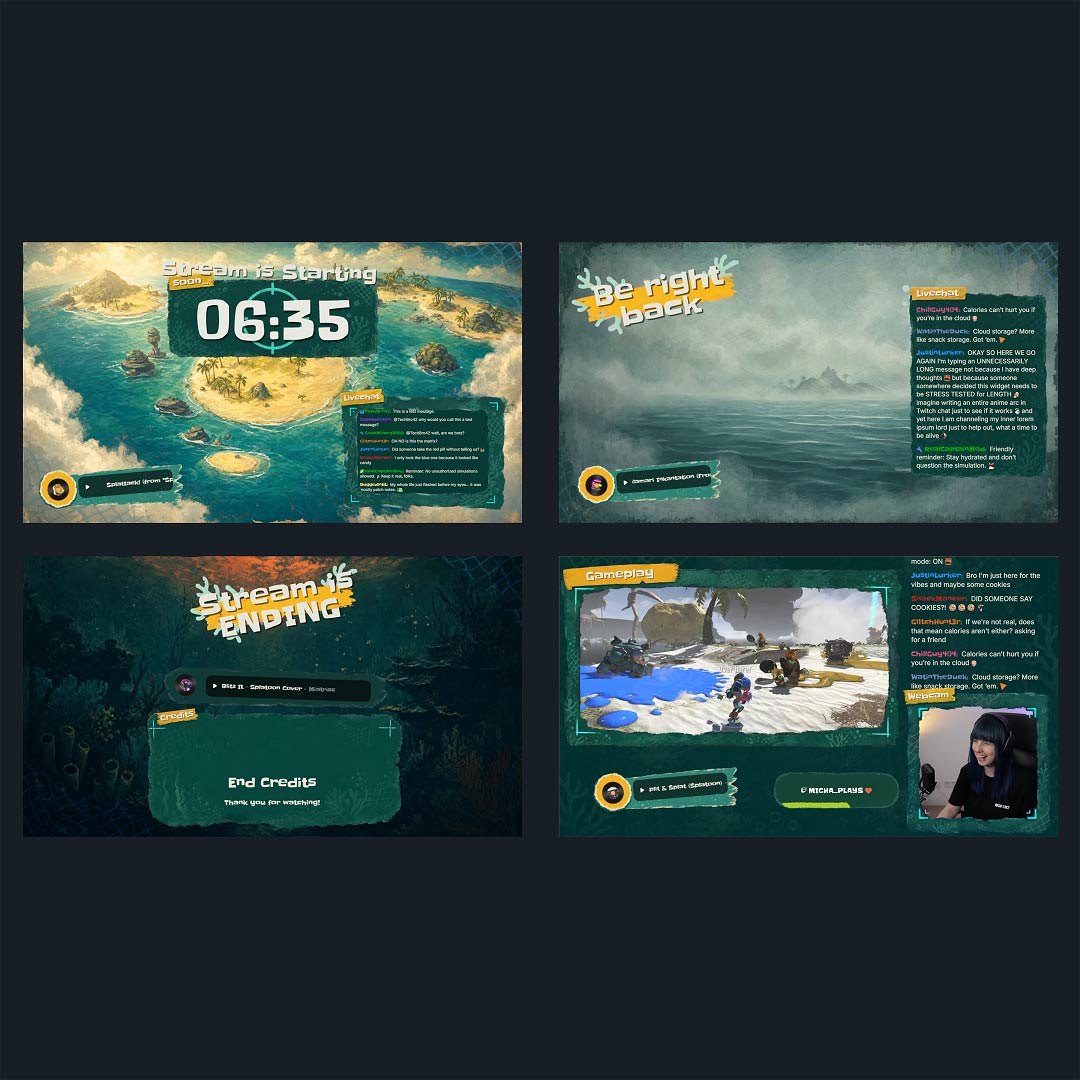
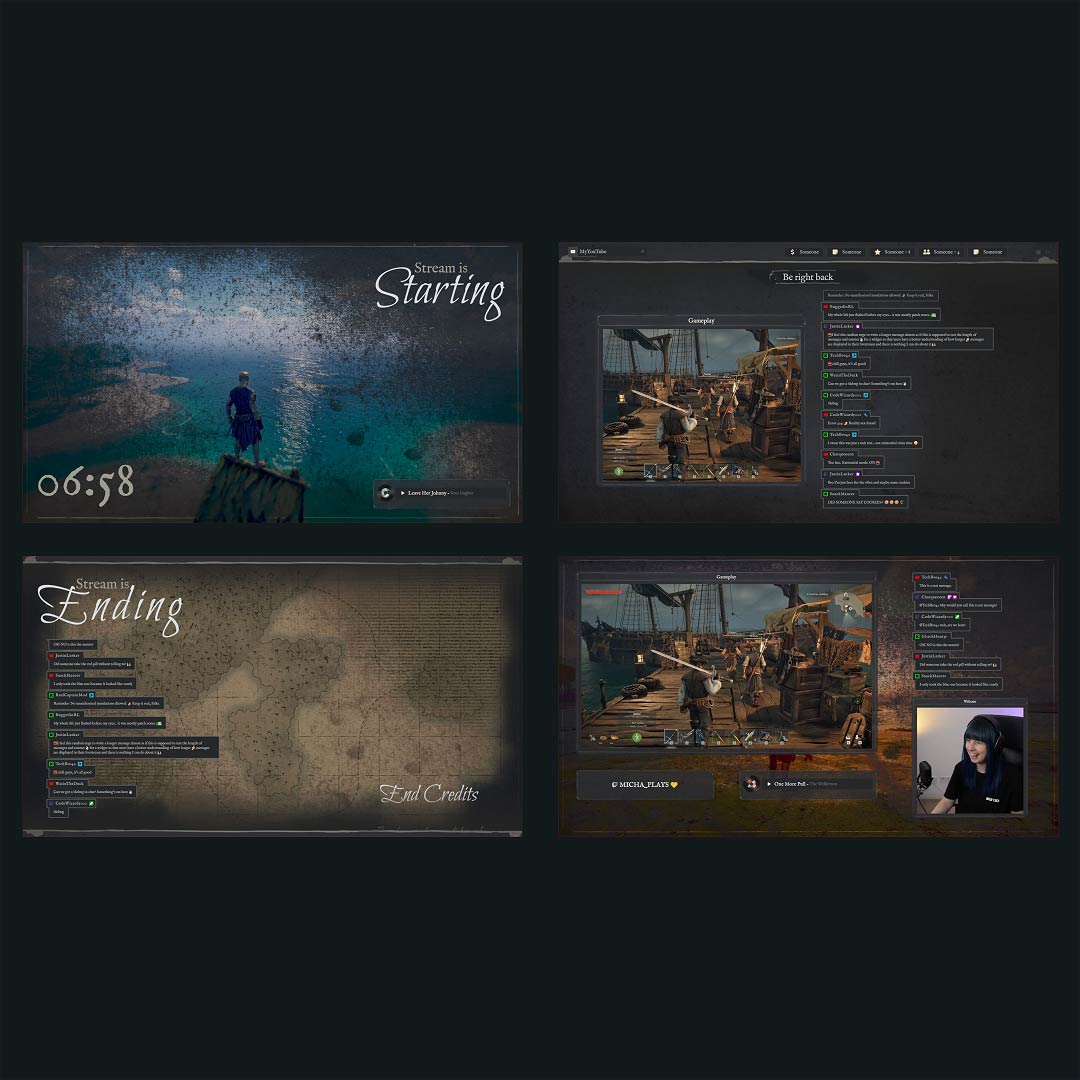
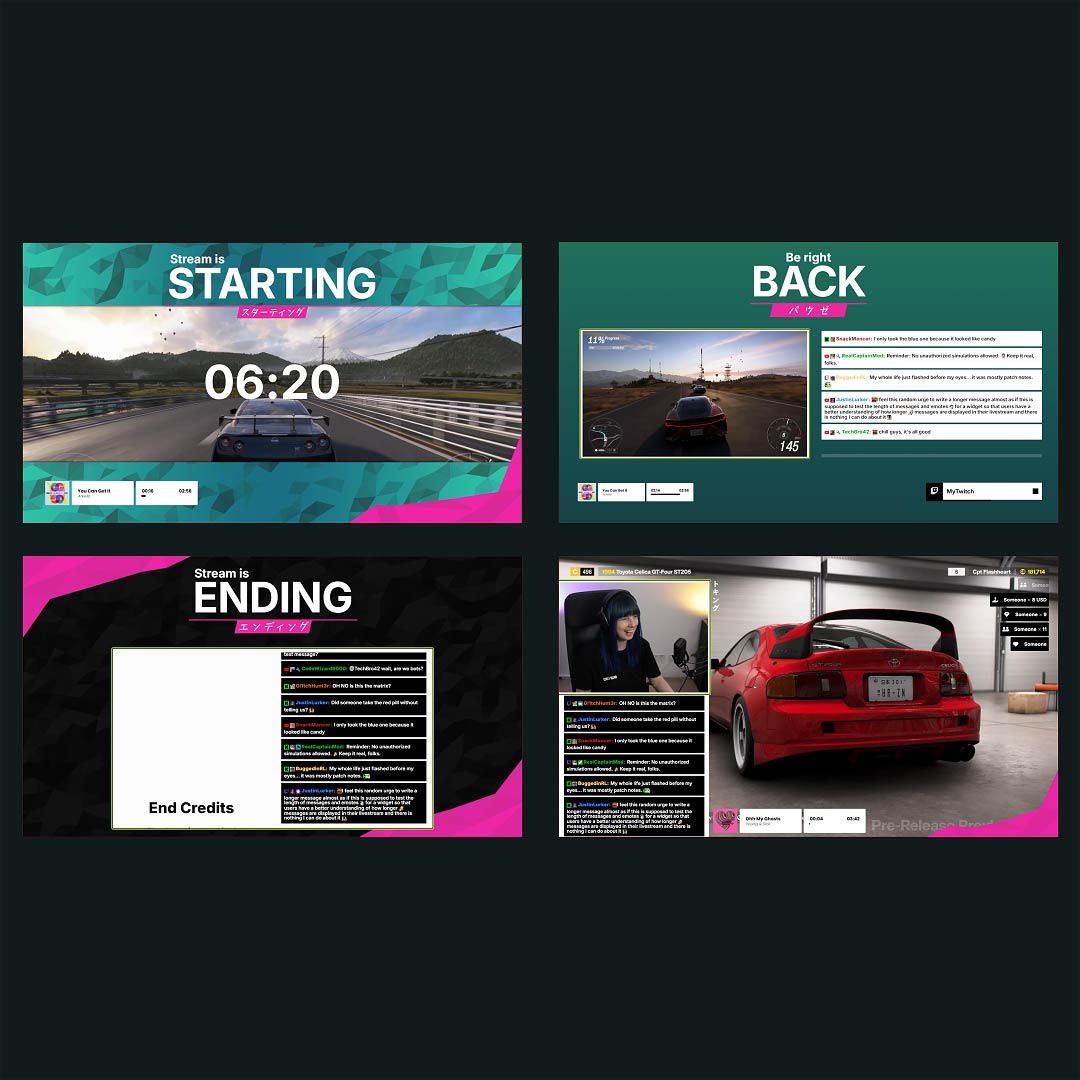
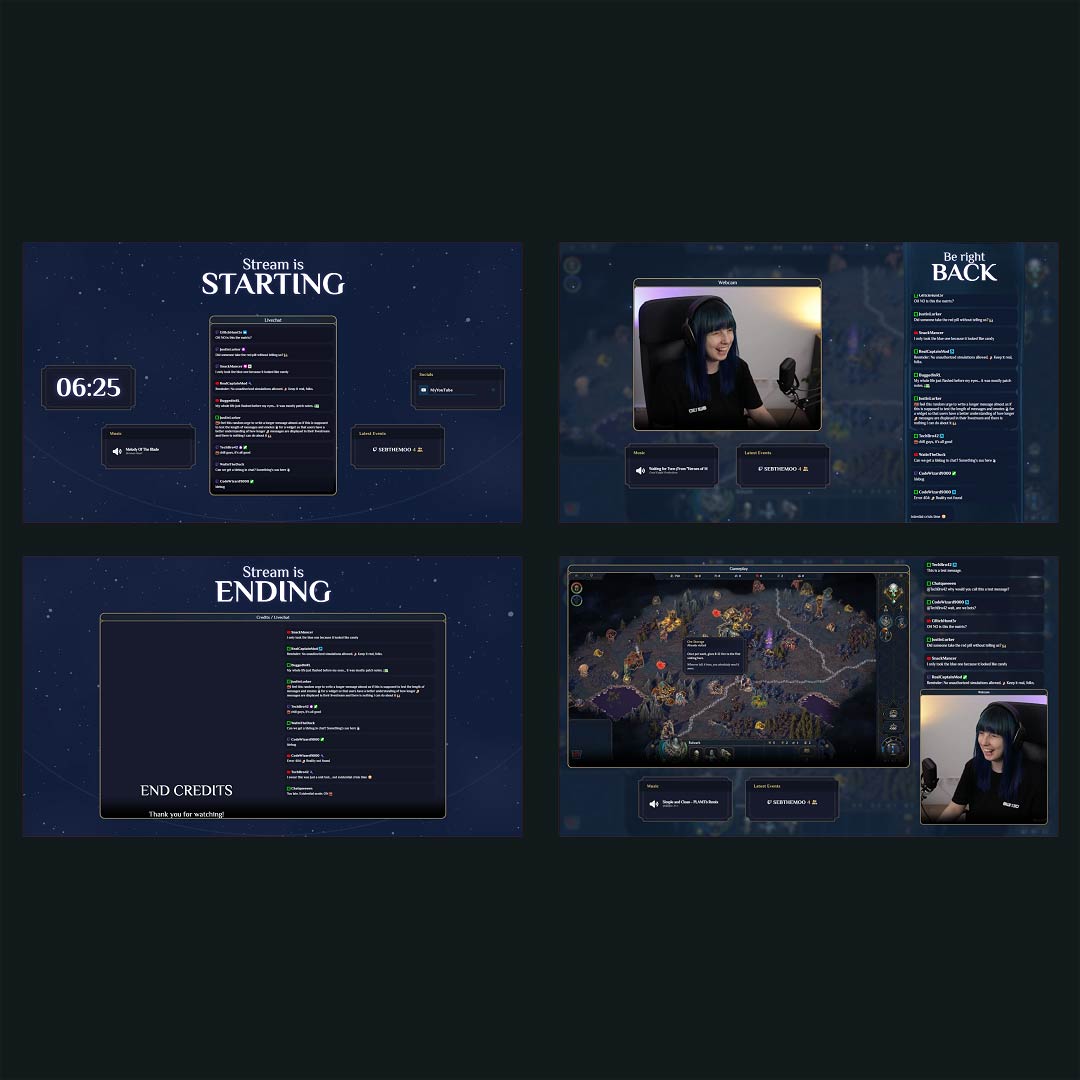
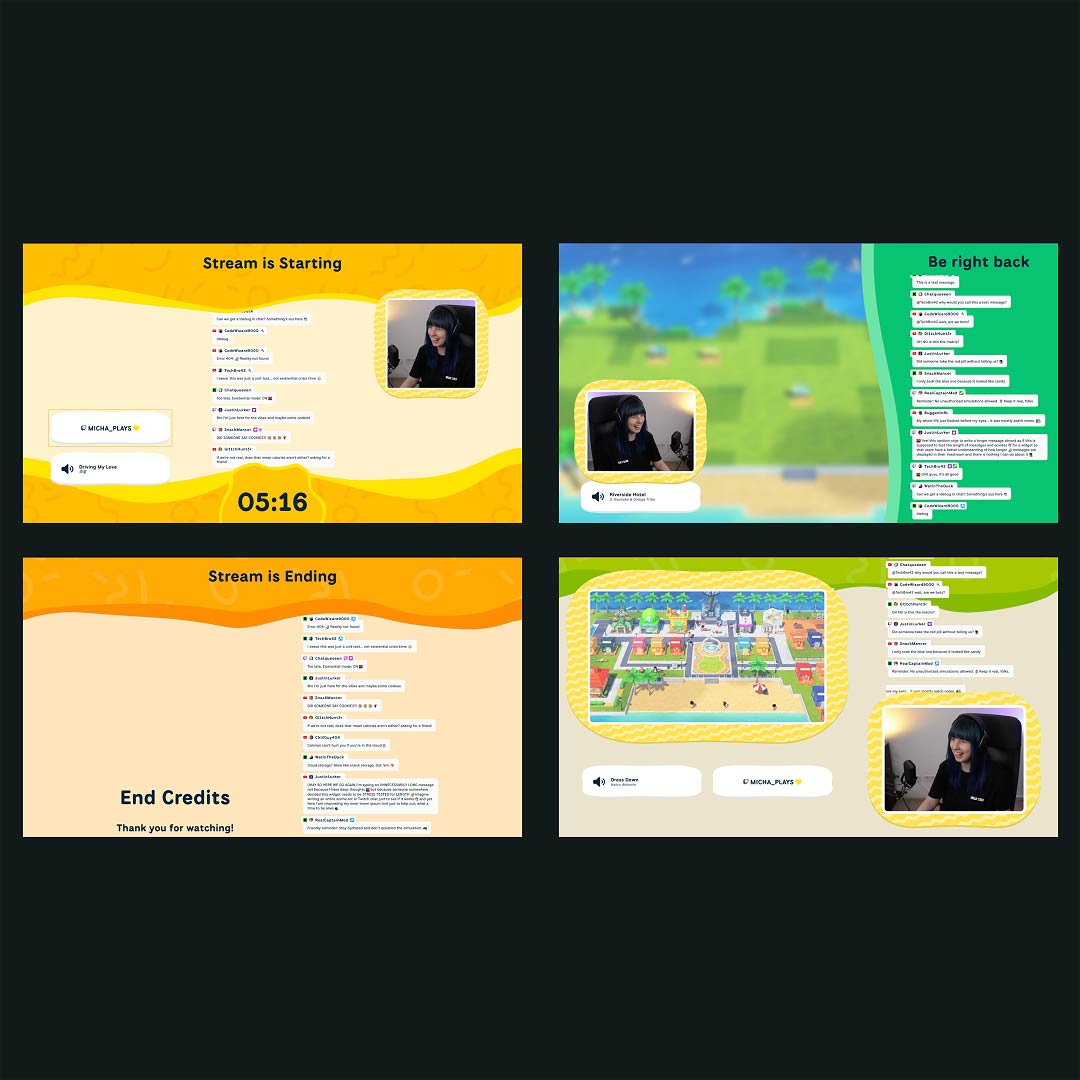
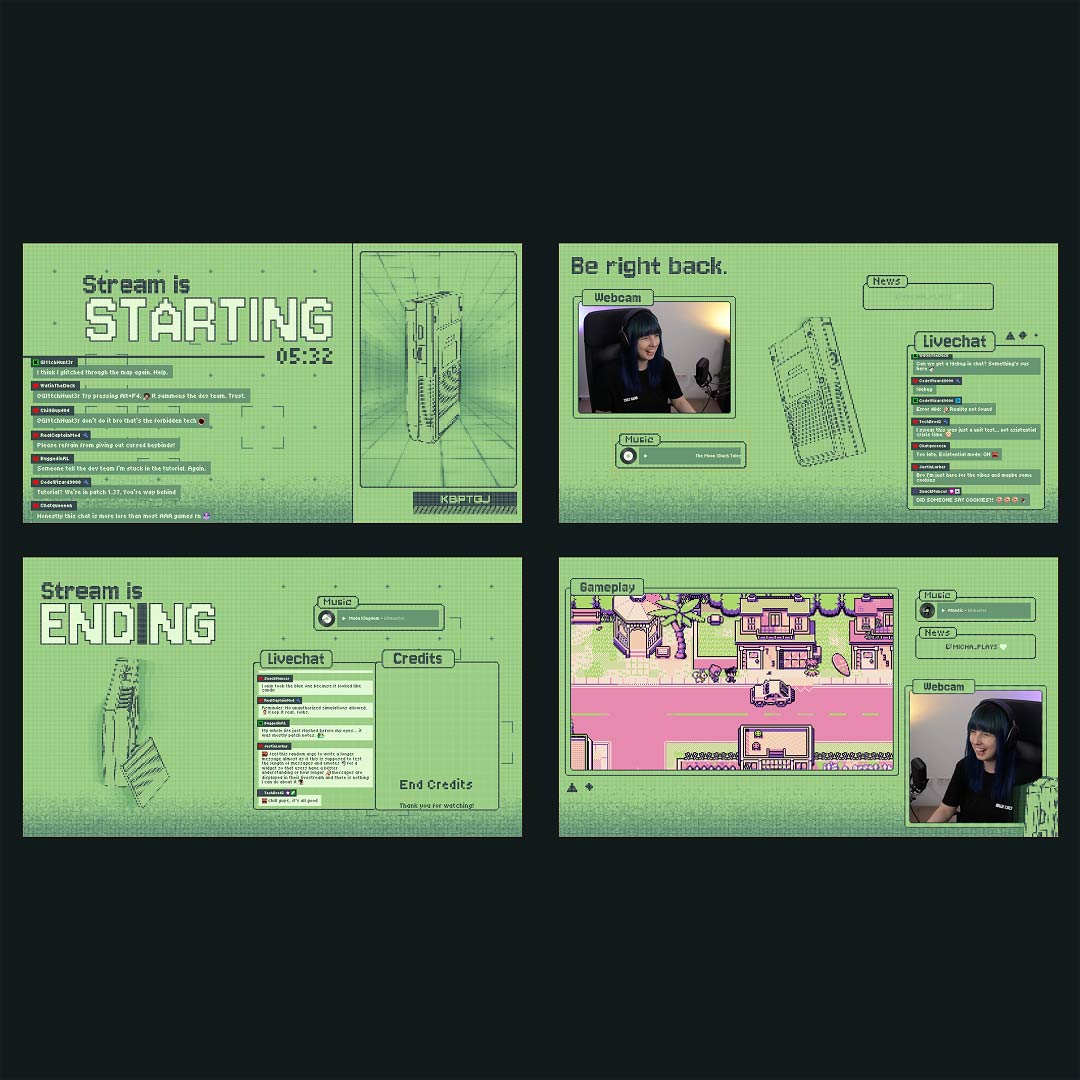
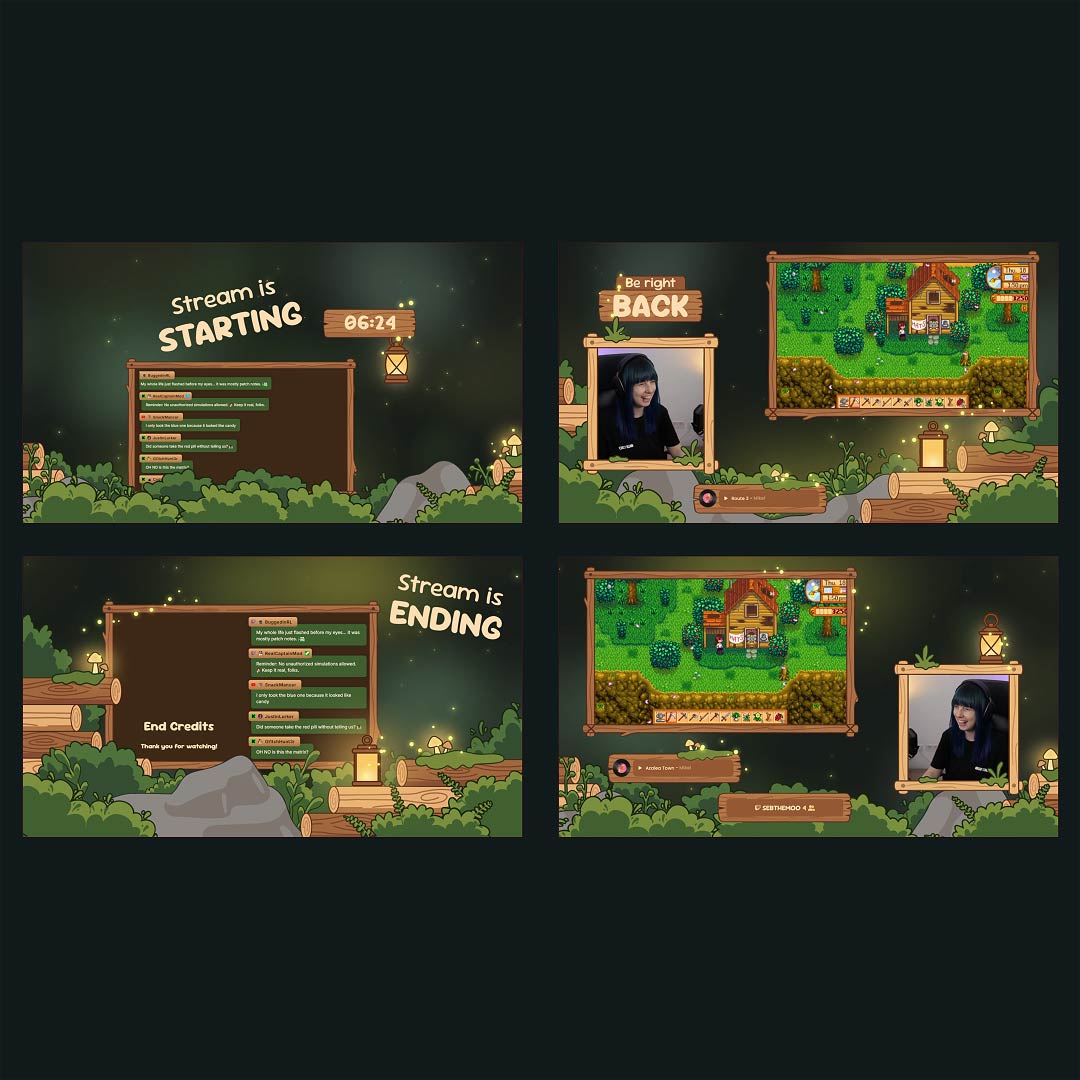
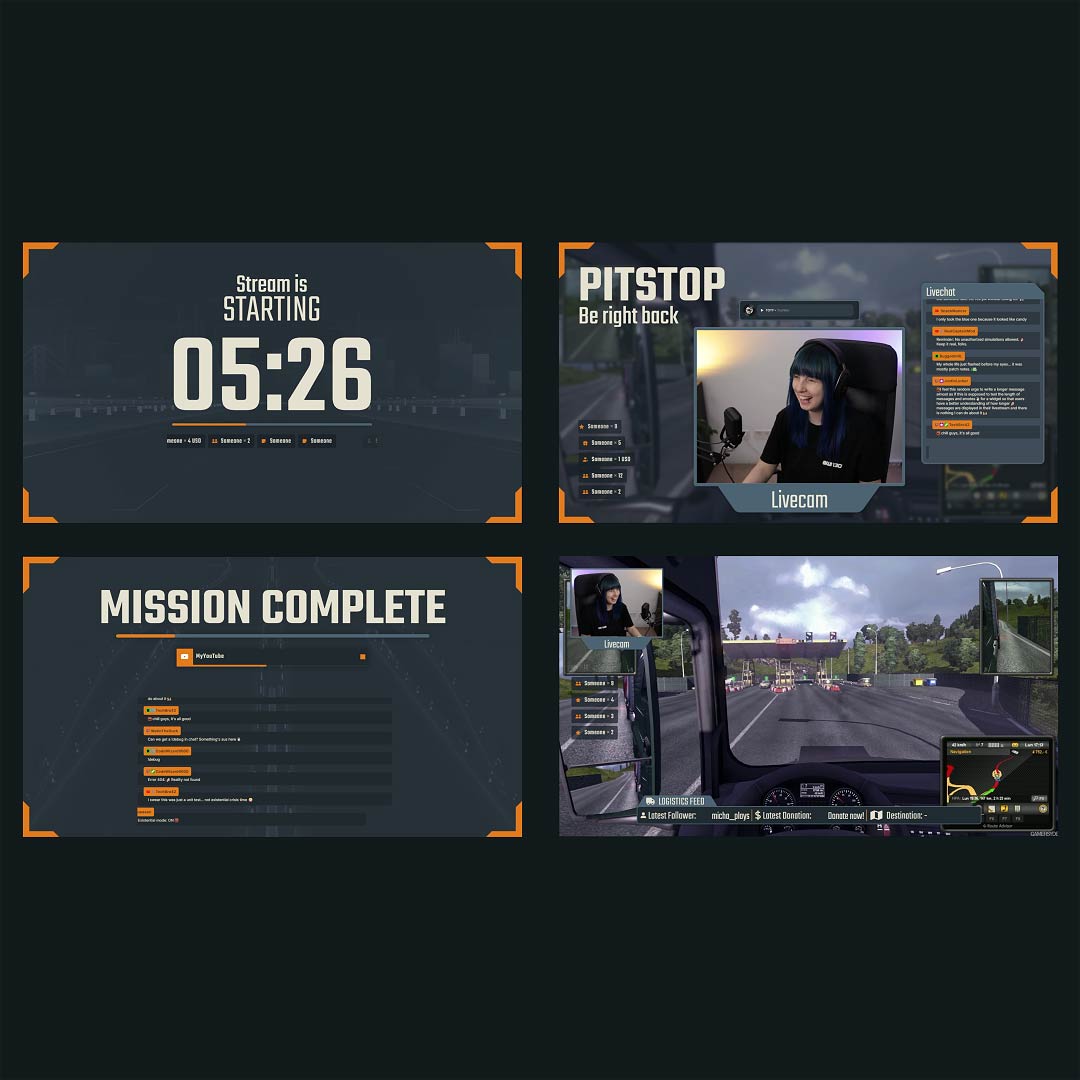
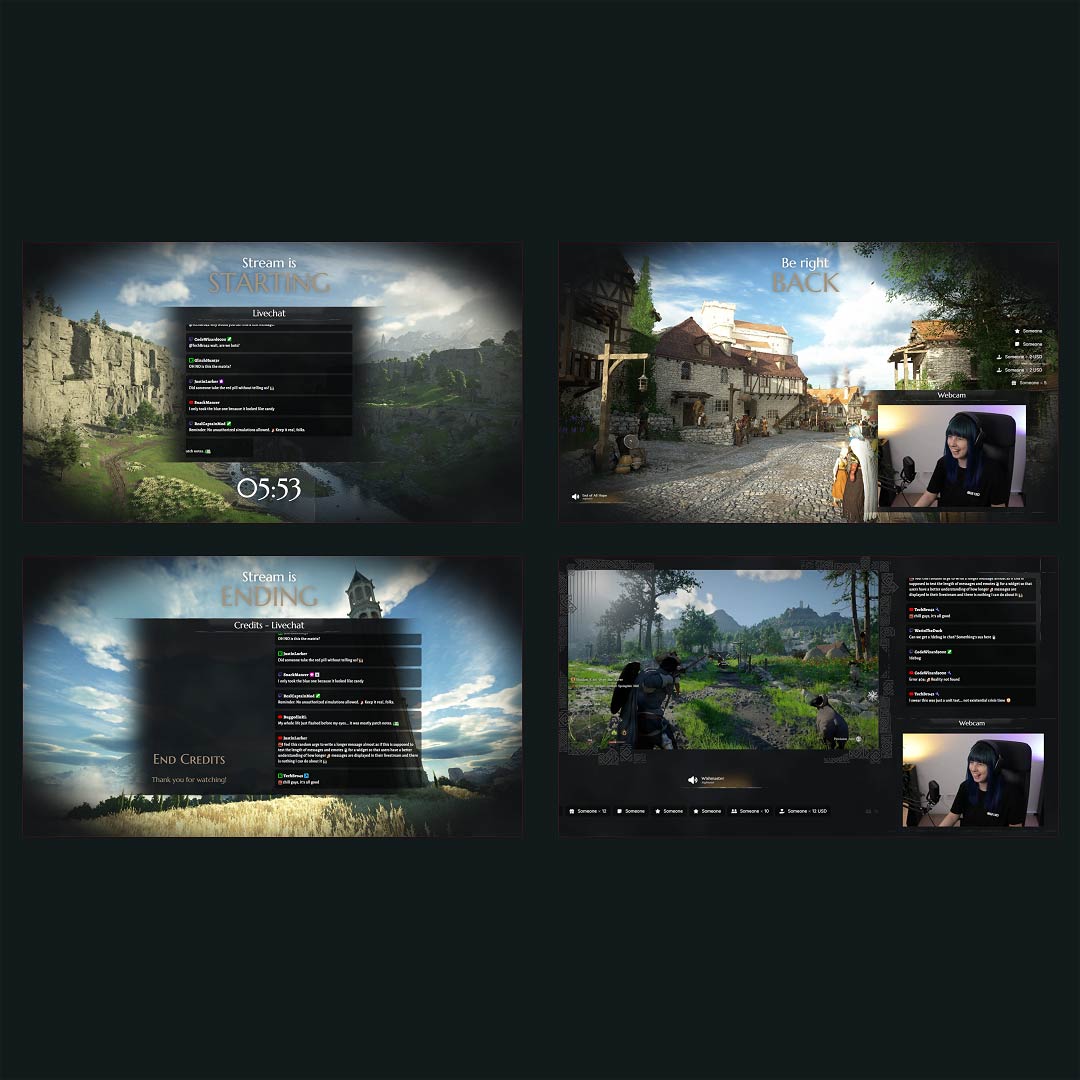
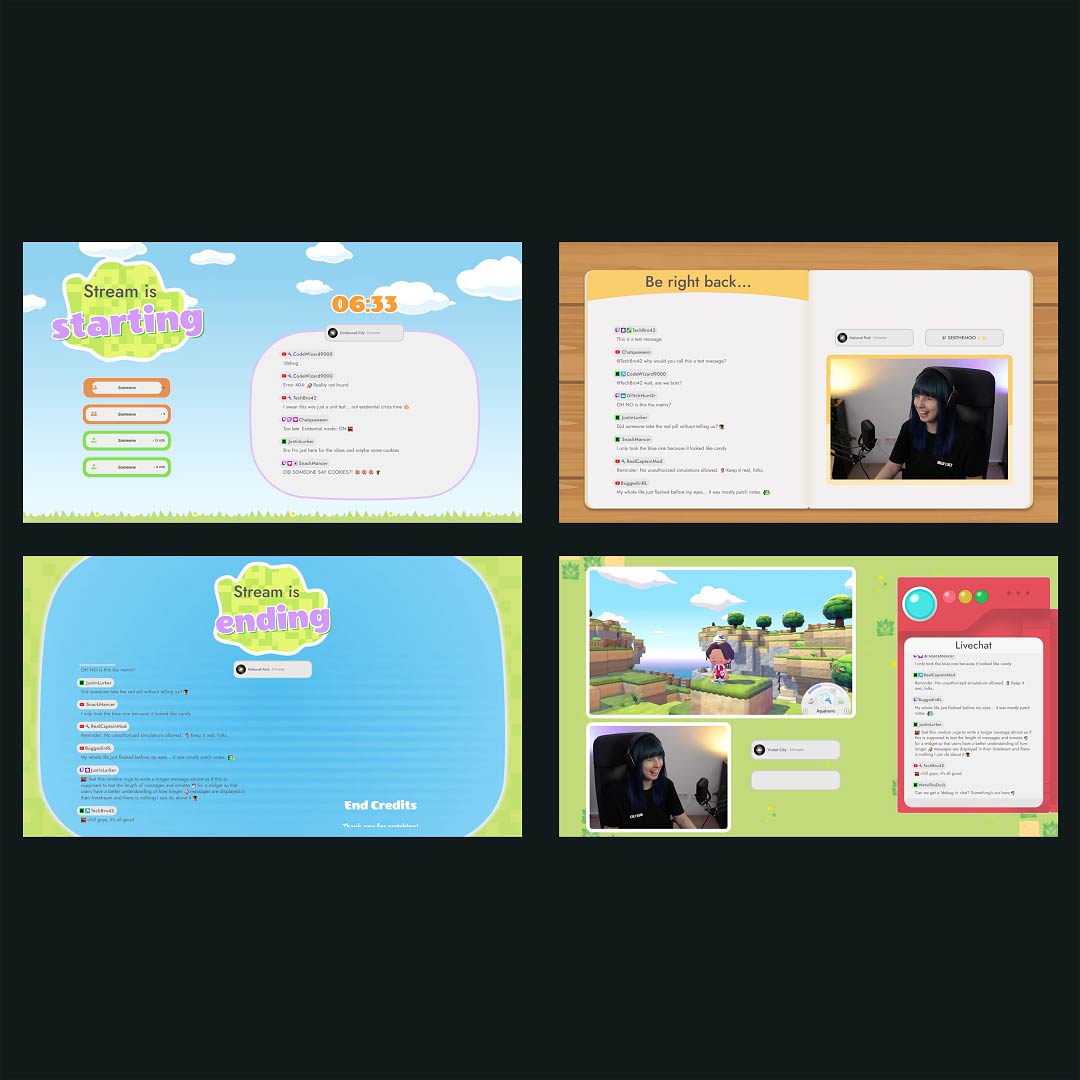
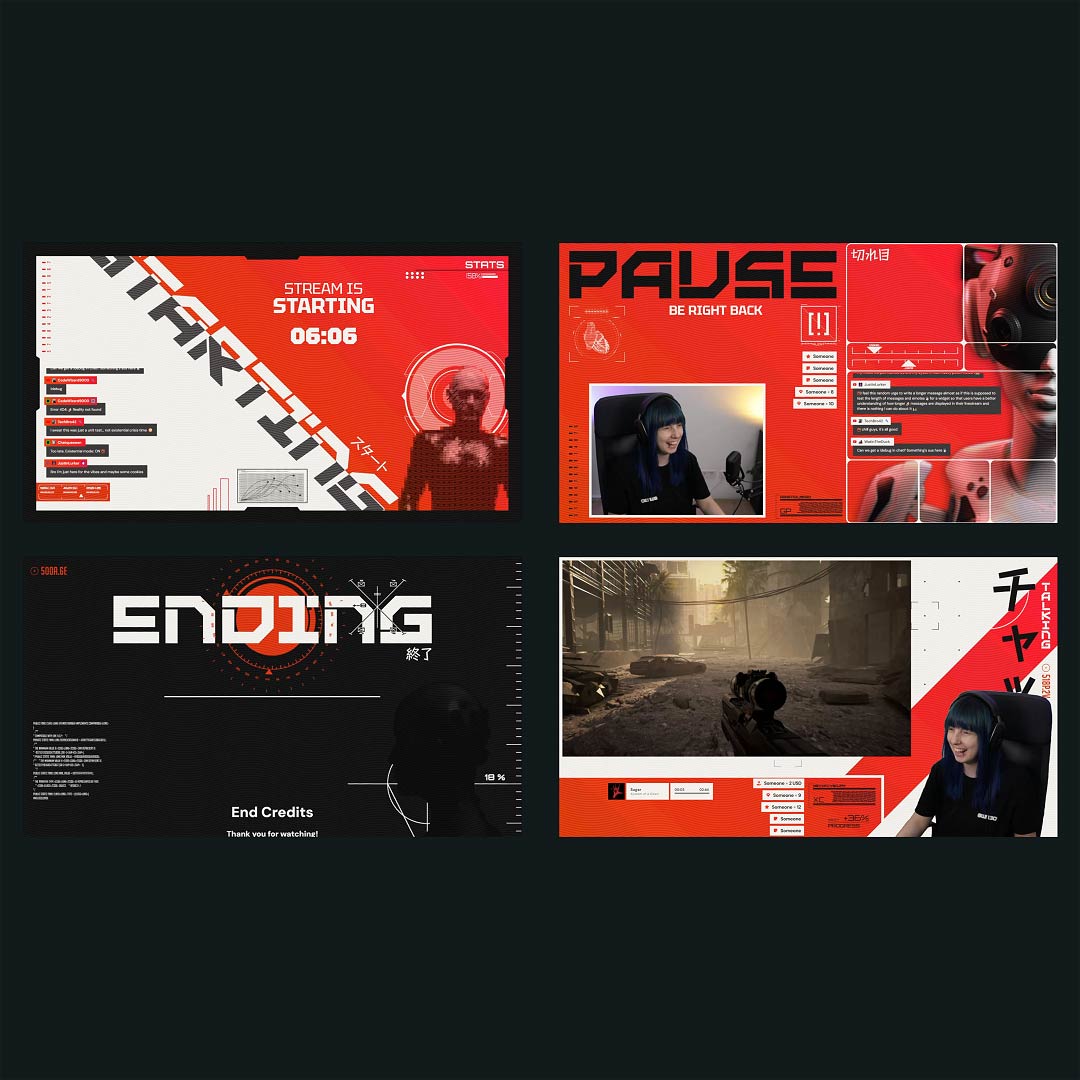
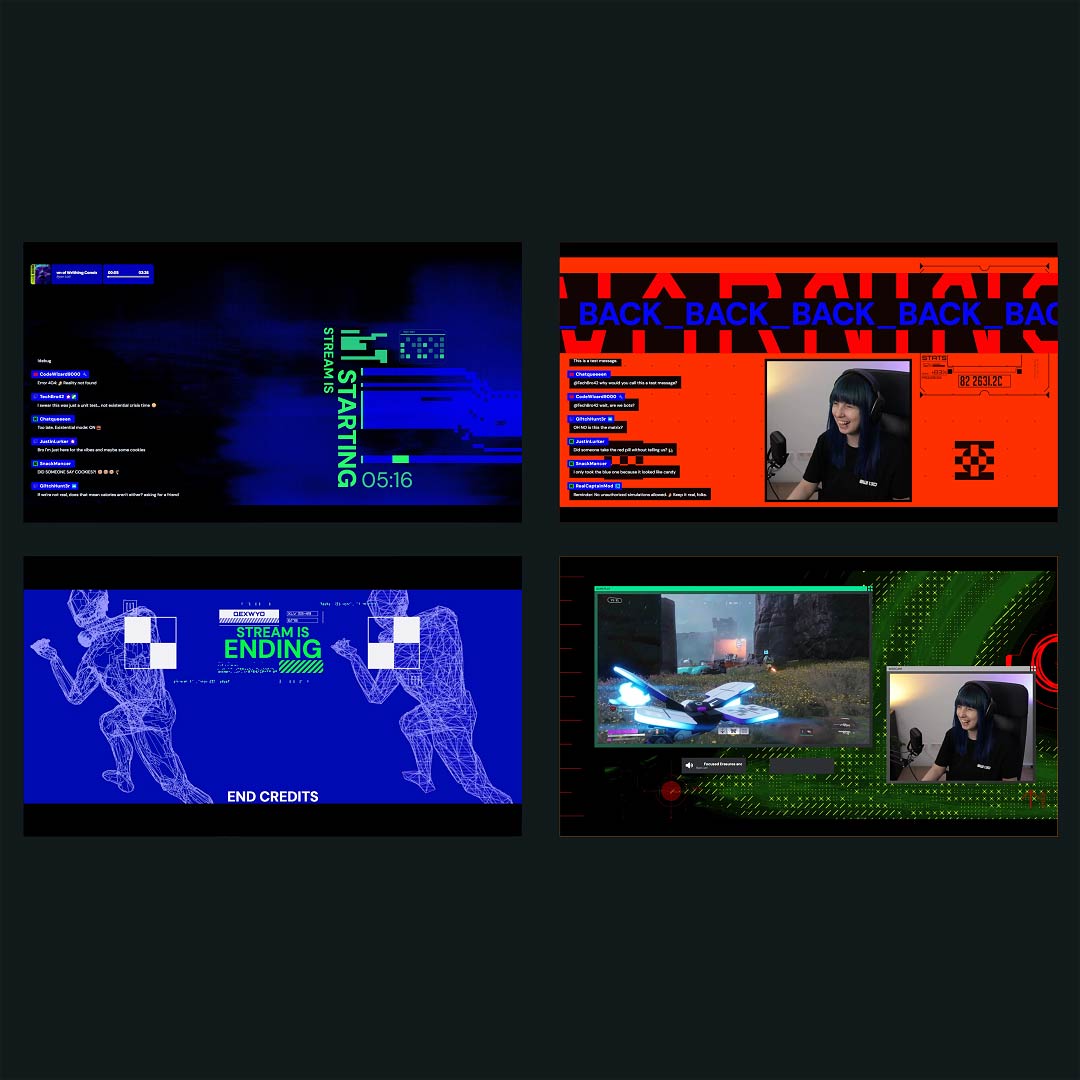
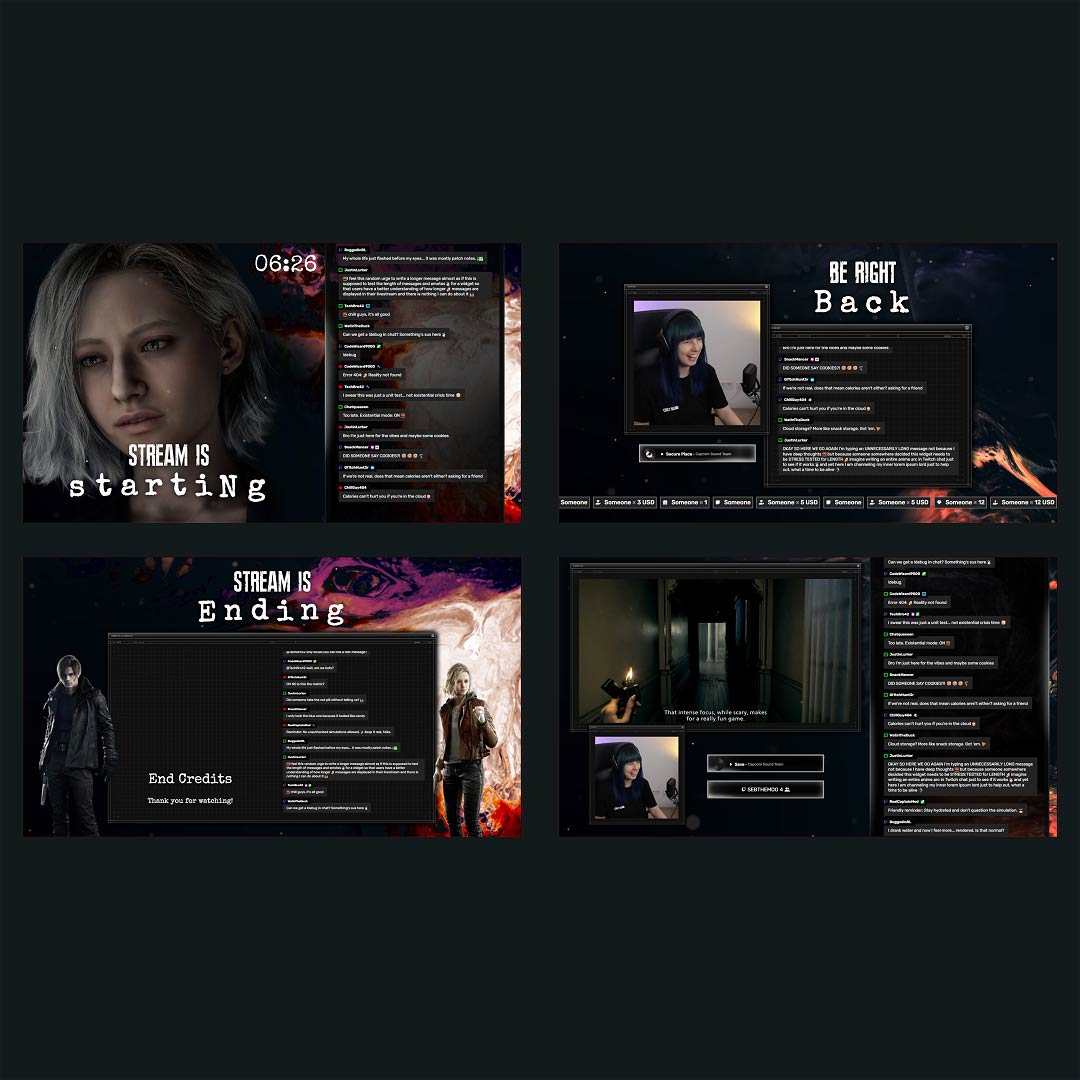
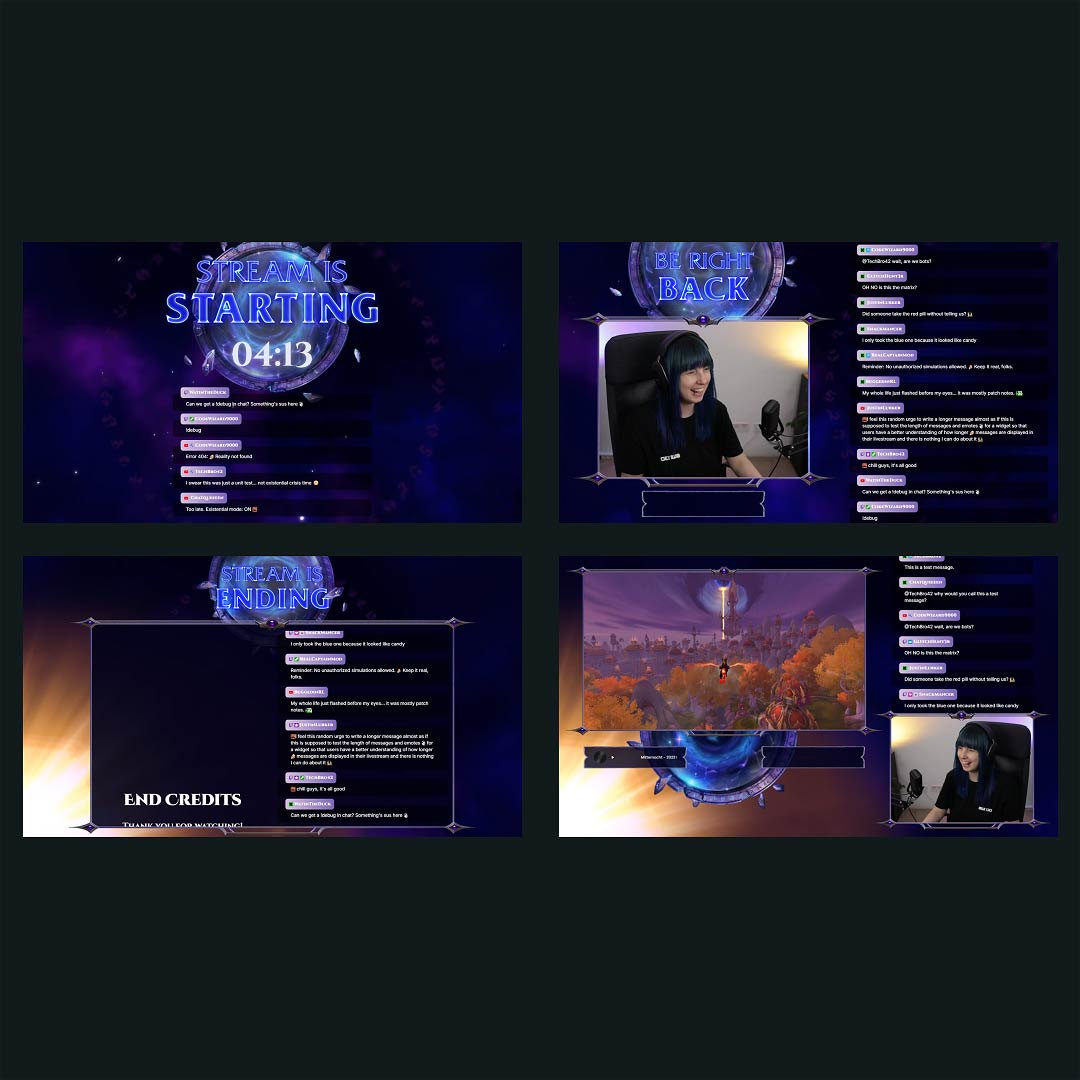
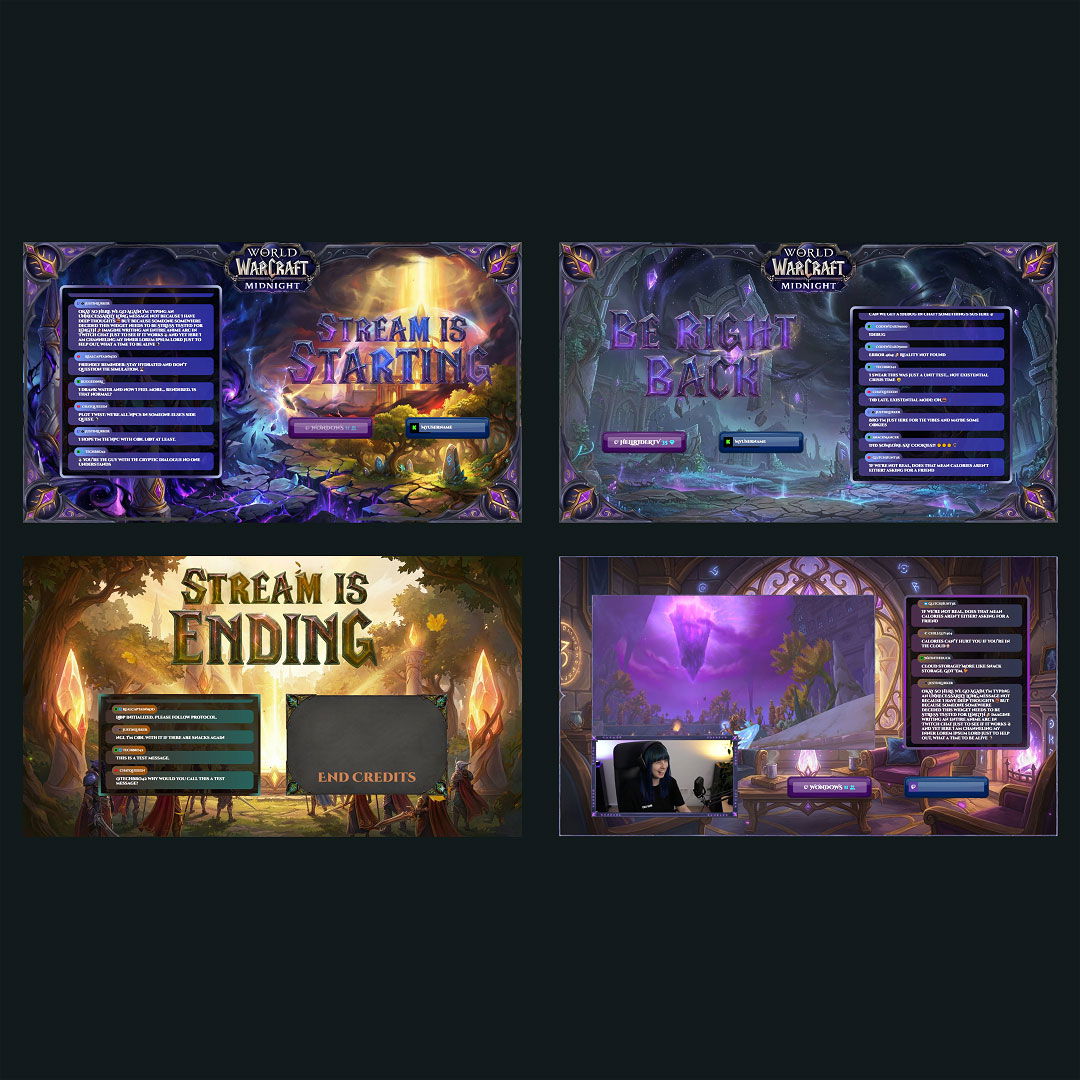
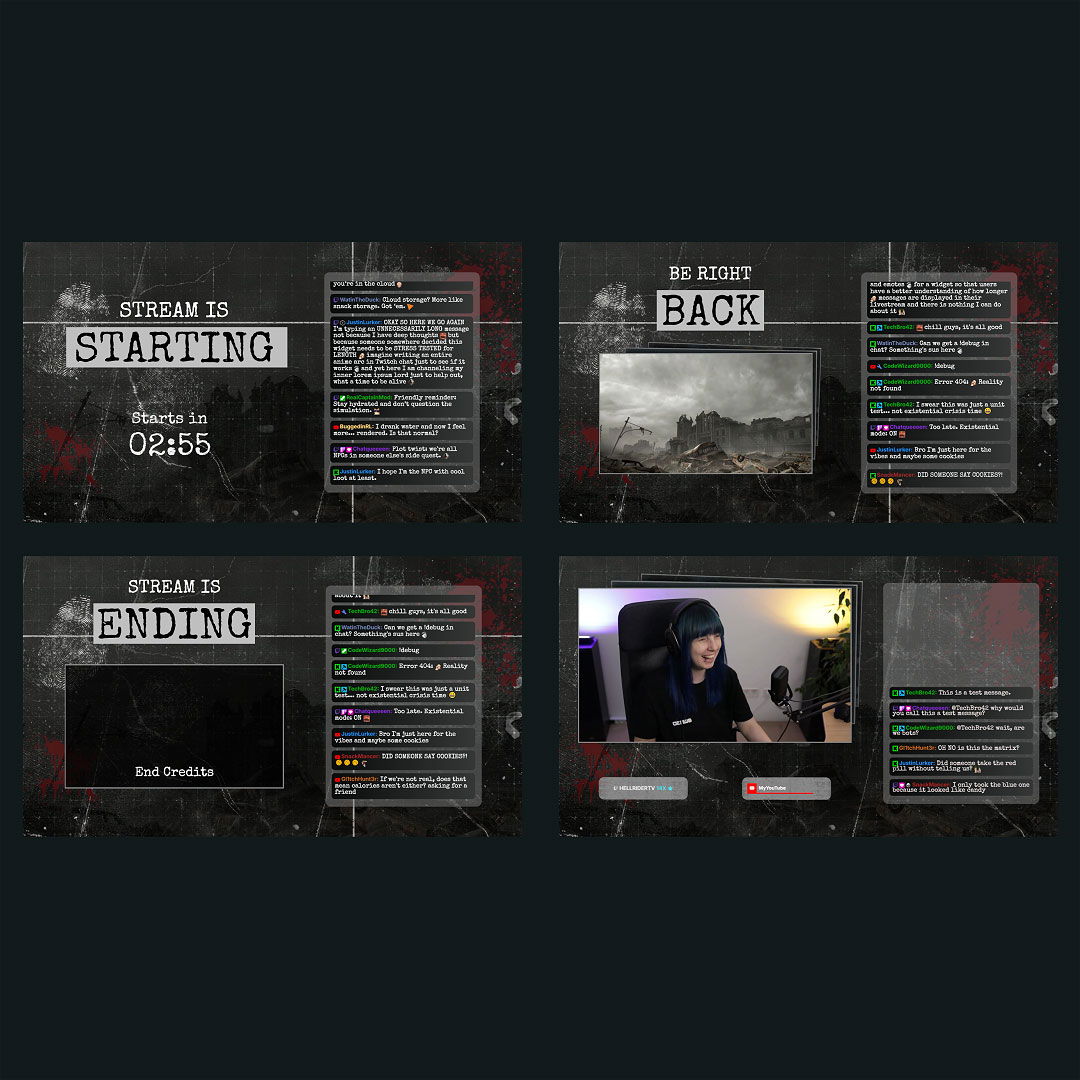
Your stream is your space to connect, express, and grow. With our Streamlabs overlay maker, you can create a look that feels like you. The free overlay maker for Streamlabs helps you shape every scene with purpose and personality. Create your perfect scene in OBS Studio or Streamlabs and share it with the world on Twitch, Kick, or YouTube. Your story deserves to be seen everywhere.

All Free/Premium Streamlabs Overlay Maker Creations

1

What Happy Customers Say About Our Streamlabs Overlay Maker

See what other creators say about the overlay maker for Streamlabs.

One Pass. Everything Included.

The Stream Pass gives you full access to everything OWN3D Pro has to offer. All products, including custom Streamlabs overlay assets, alerts, widgets, emotes, and more, are included and not sold separately.

Works with all broadcasting tools

Build custom overlays in the Streamlabs overlay maker and use them with OBS Studio, Streamlabs, XSplit, and more. Easy to integrate with any setup.

Unlimited* asset downloads

Download emotes, badges, panels, and more static assets. *Our unlimited plan is subject to fair use.

AI-powered creations

Get 50 AI credits with your Stream Pass to generate custom stream widgets, webcam frames, emotes, and more.

Multistreaming ready

Multistream on Twitch, YouTube, and Kick with custom overlays and all the tools you need for a professional-looking livestream.

FAQs About Our Streamlabs Overlay Maker

What is the Streamlabs overlay maker, and how does it help streamers?

The Streamlabs overlay maker is a browser-based tool that helps you build custom stream layouts without needing design software. It’s perfect for creators using Streamlabs to create a professional stream look in minutes.

Yes, the overlay maker for Streamlabs includes ready-to-use, free templates you can customize instantly. It’s an easy way to get started with stream design at no cost.

No. The overlay maker for Streamlabs is made for creators of all levels. You can edit templates visually with drag-and-drop tools and intuitive setting controls.

The Streamlabs OBS overlay maker is designed for smooth integration with Streamlabs (formerly known as Streamlabs OBS), OBS Studio, and other broadcasting tools. You can easily add your custom overlays using browser sources, with no complicated setup. Just create your design or choose a template, edit it to your liking, add it to Streamlabs as a browser source, and go live in minutes.

Yes. With OWN3D Pro, you can log in with your preferred platform like Twitch, YouTube, or Kick, or connect multiple platforms. Once connected, you can choose an overlay for the platform you want to stream on, customize it, or set up a layout that’s ready for multistreaming.

Absolutely. You can return to the overlay maker at any time to update your scenes, change visuals, or adjust your branding as your content evolves.

Yes. With the Stream Pass, you unlock premium overlay templates, widgets, and additional customization tools to enhance your stream’s design. If you only need access to widgets, the Widget Pass lets you unlock those separately without the full Stream Pass.

Yes. You can create full multi-scene setups for gameplay, chatting, breaks, and more—all in one streamlined workflow.

No. Everything runs as browser source, and overlays are optimized for smooth performance with Streamlabs, OBS, and similar tools.