Free Kick Overlay Maker

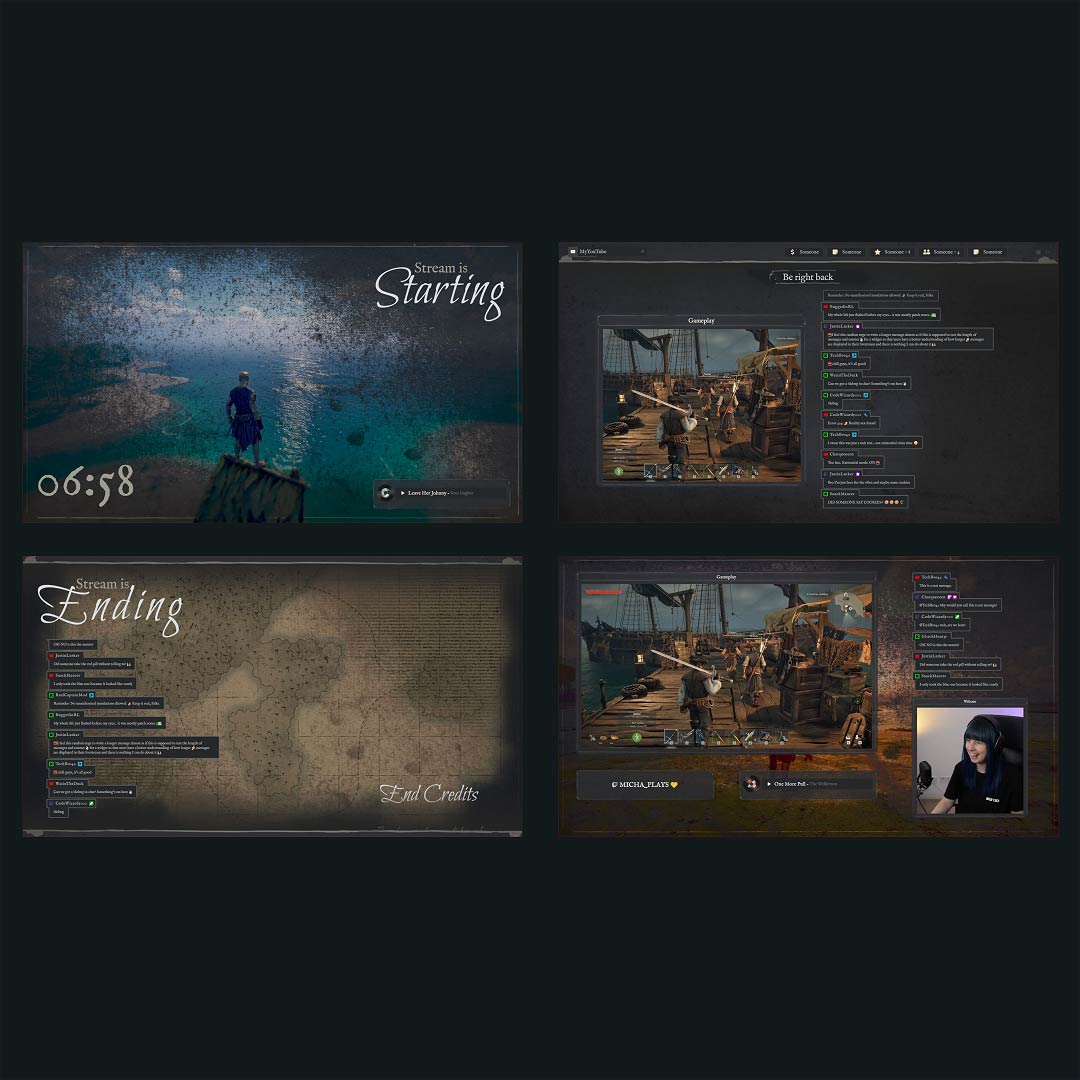
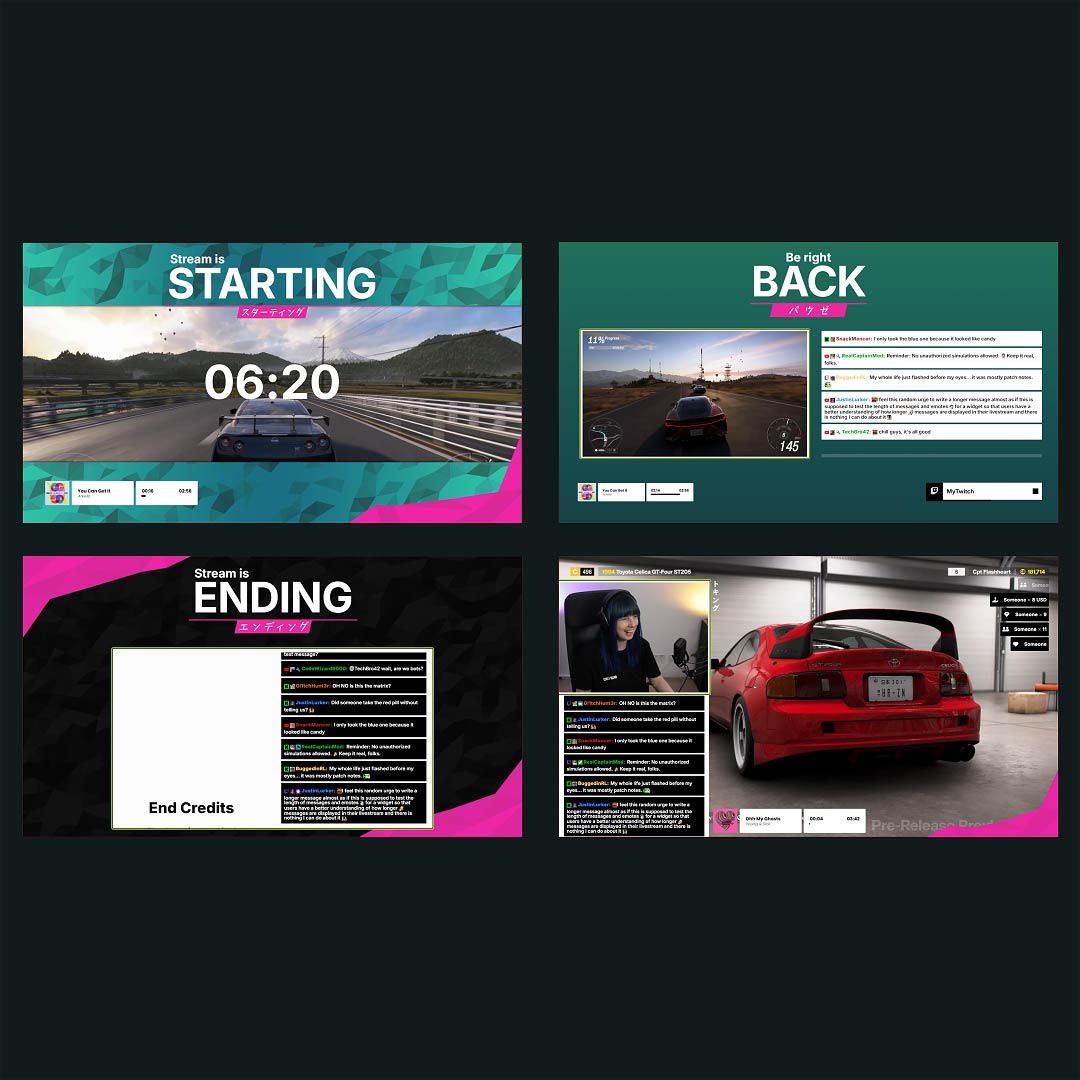
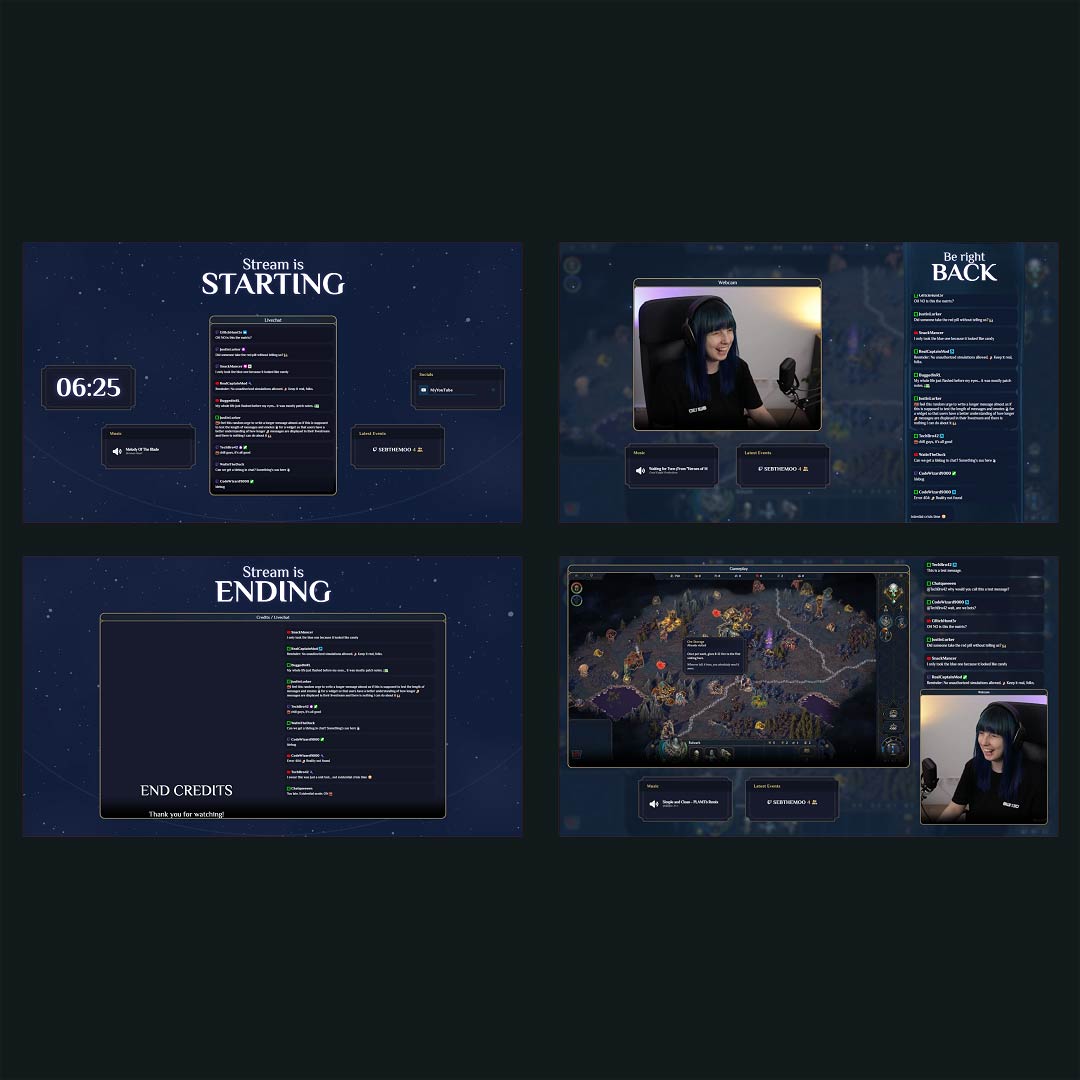
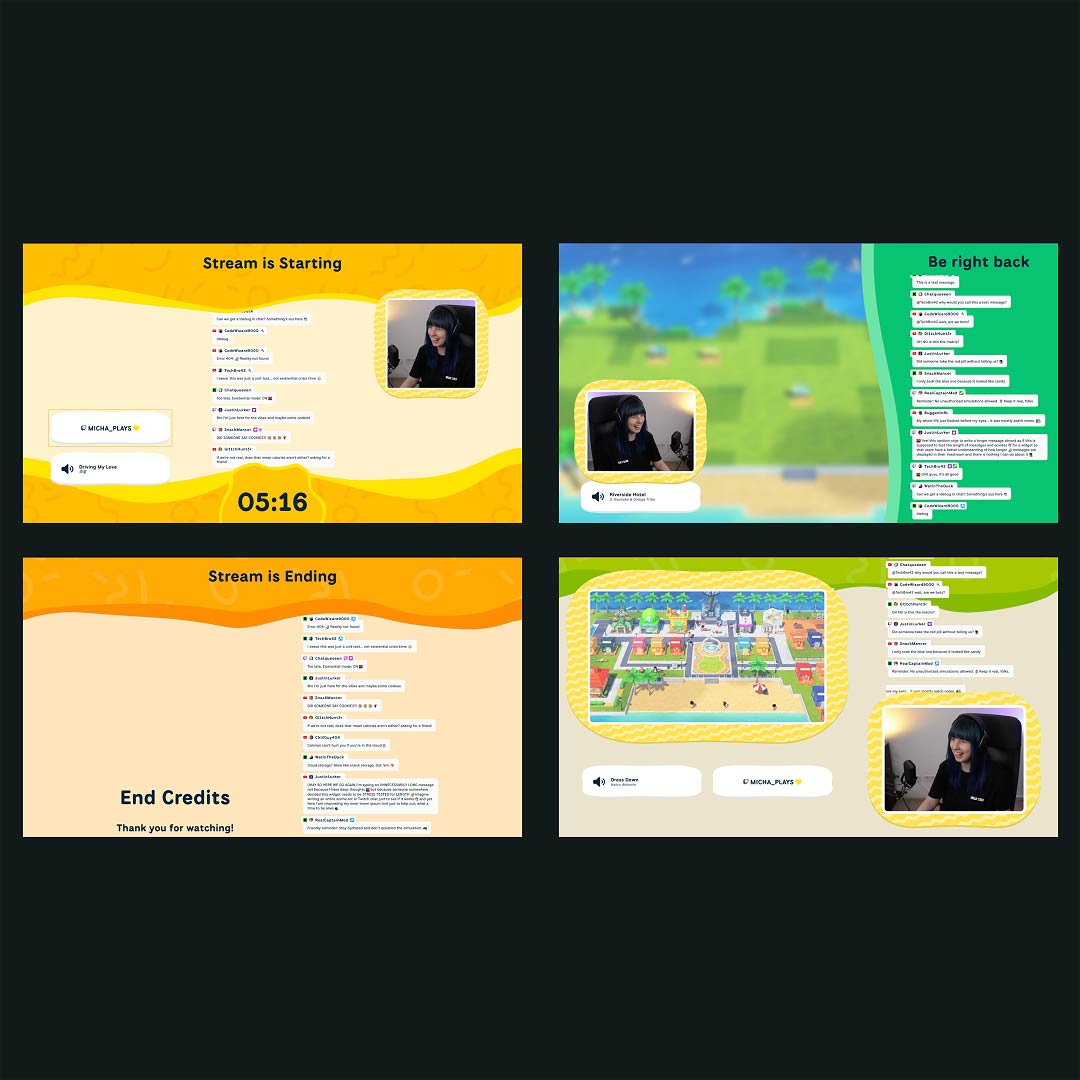
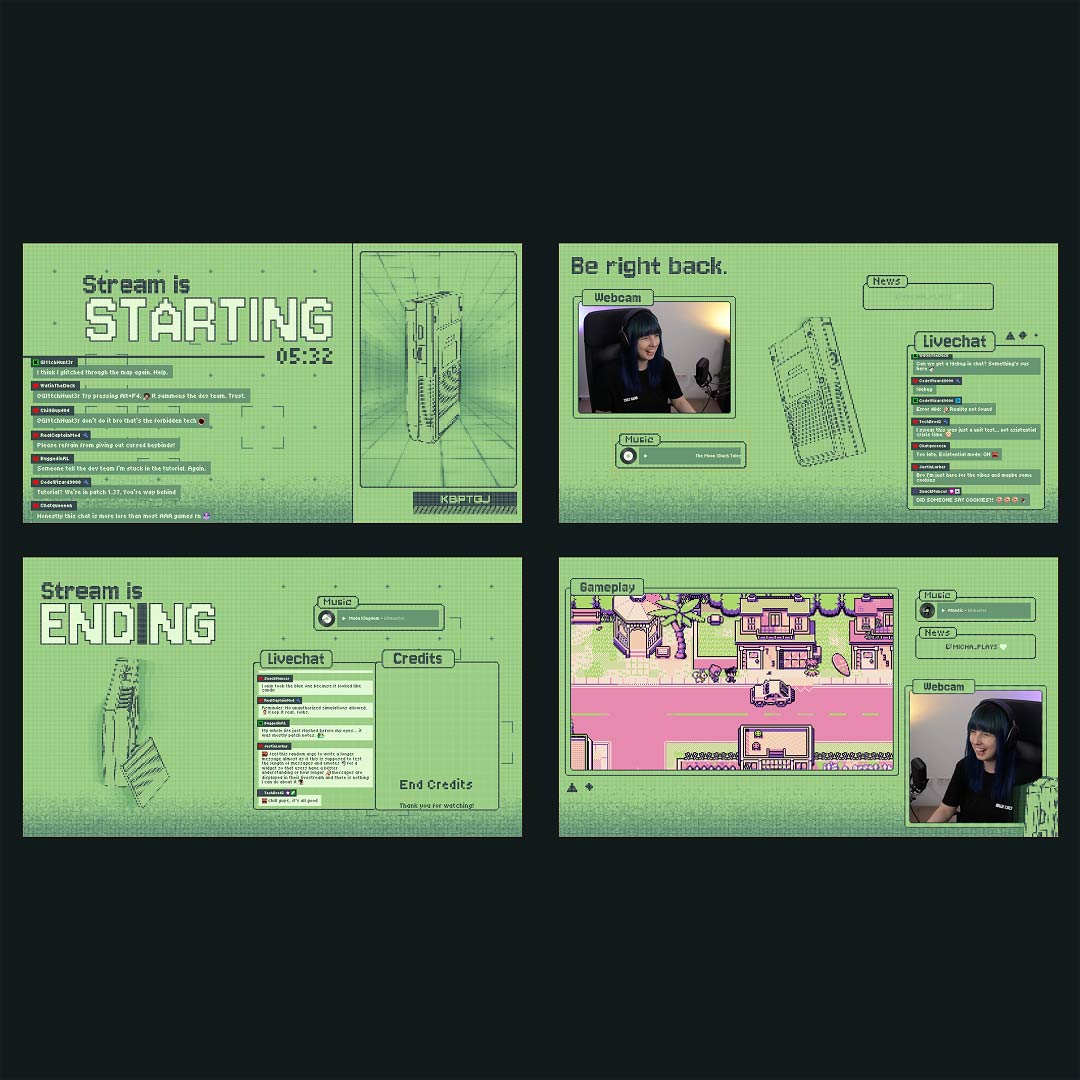
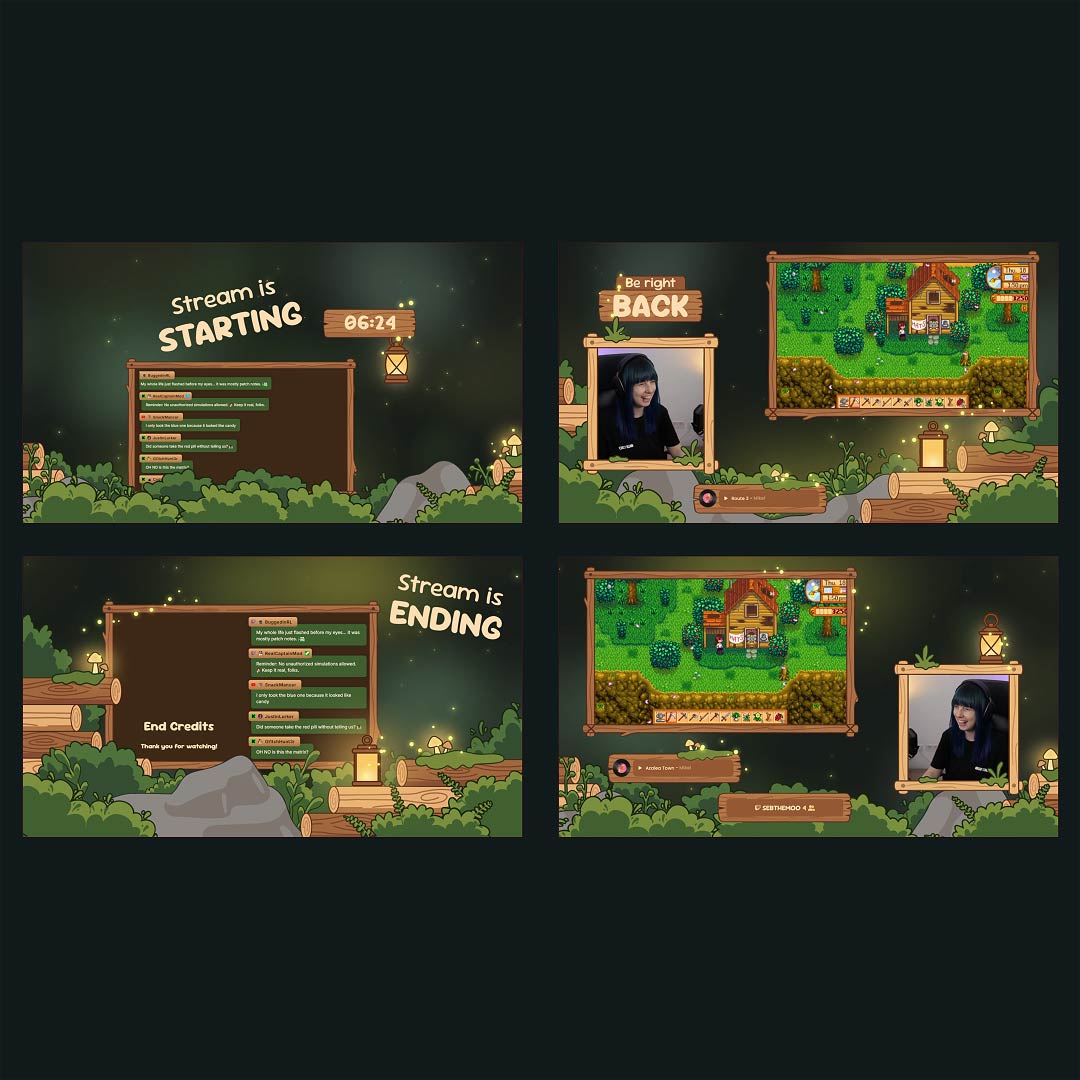
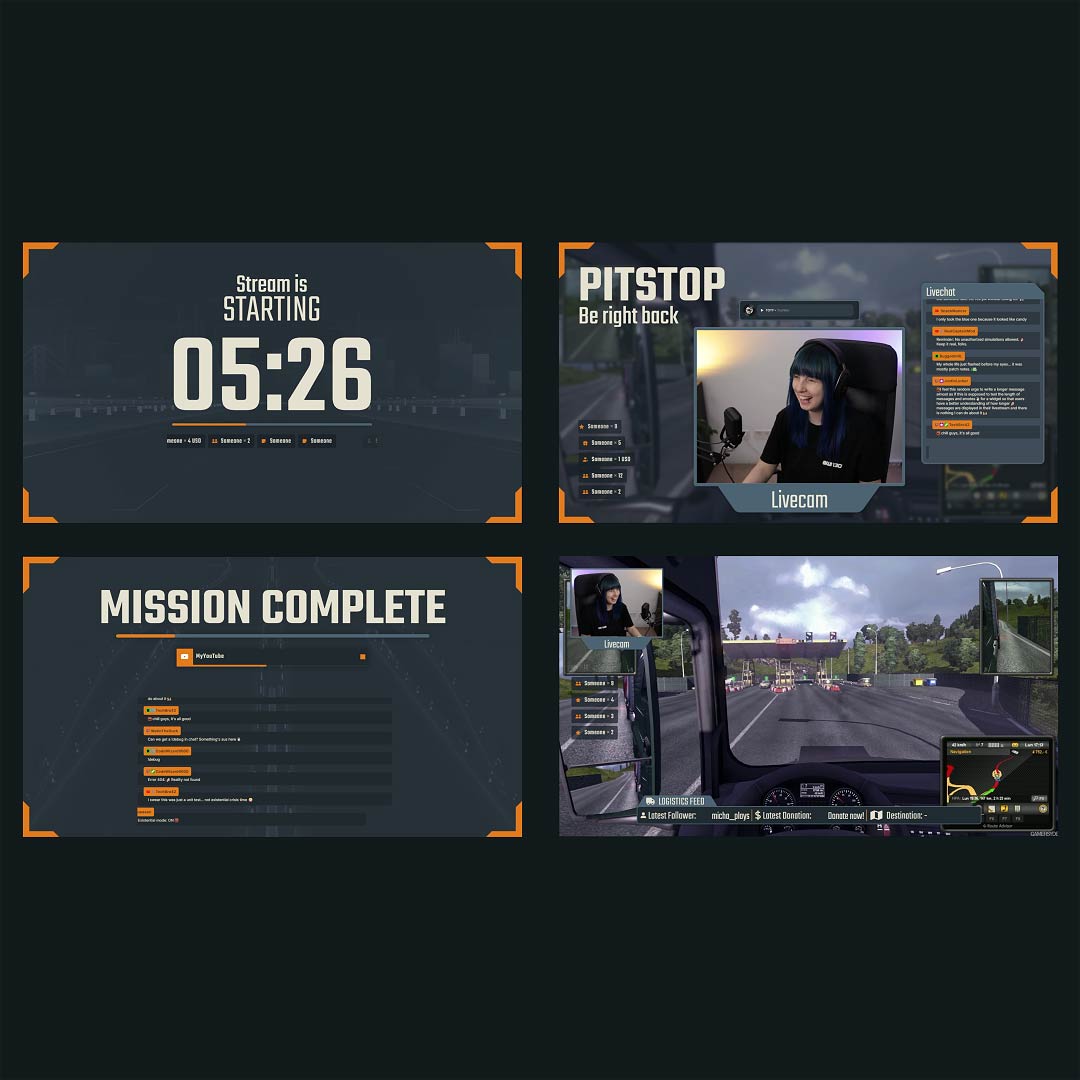
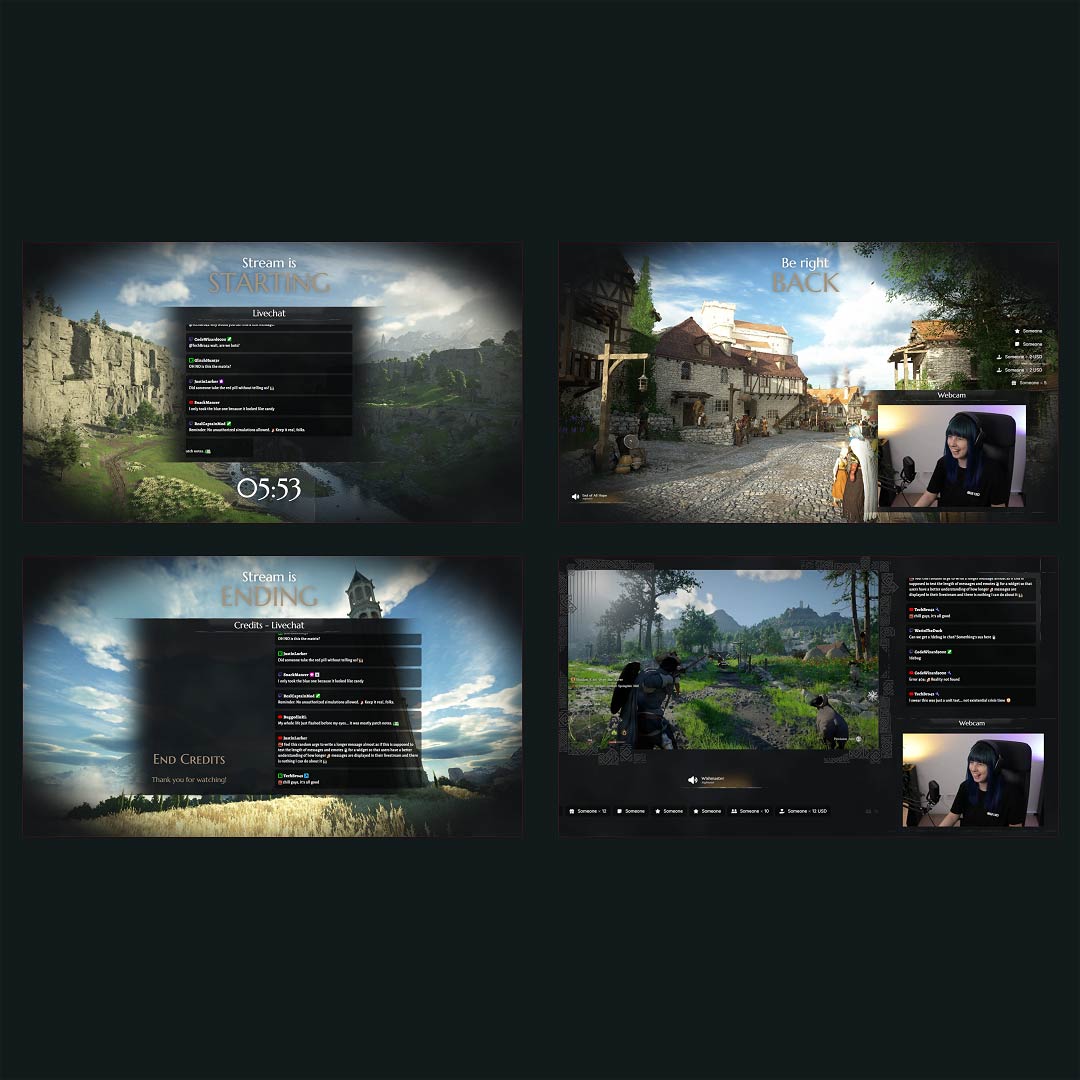
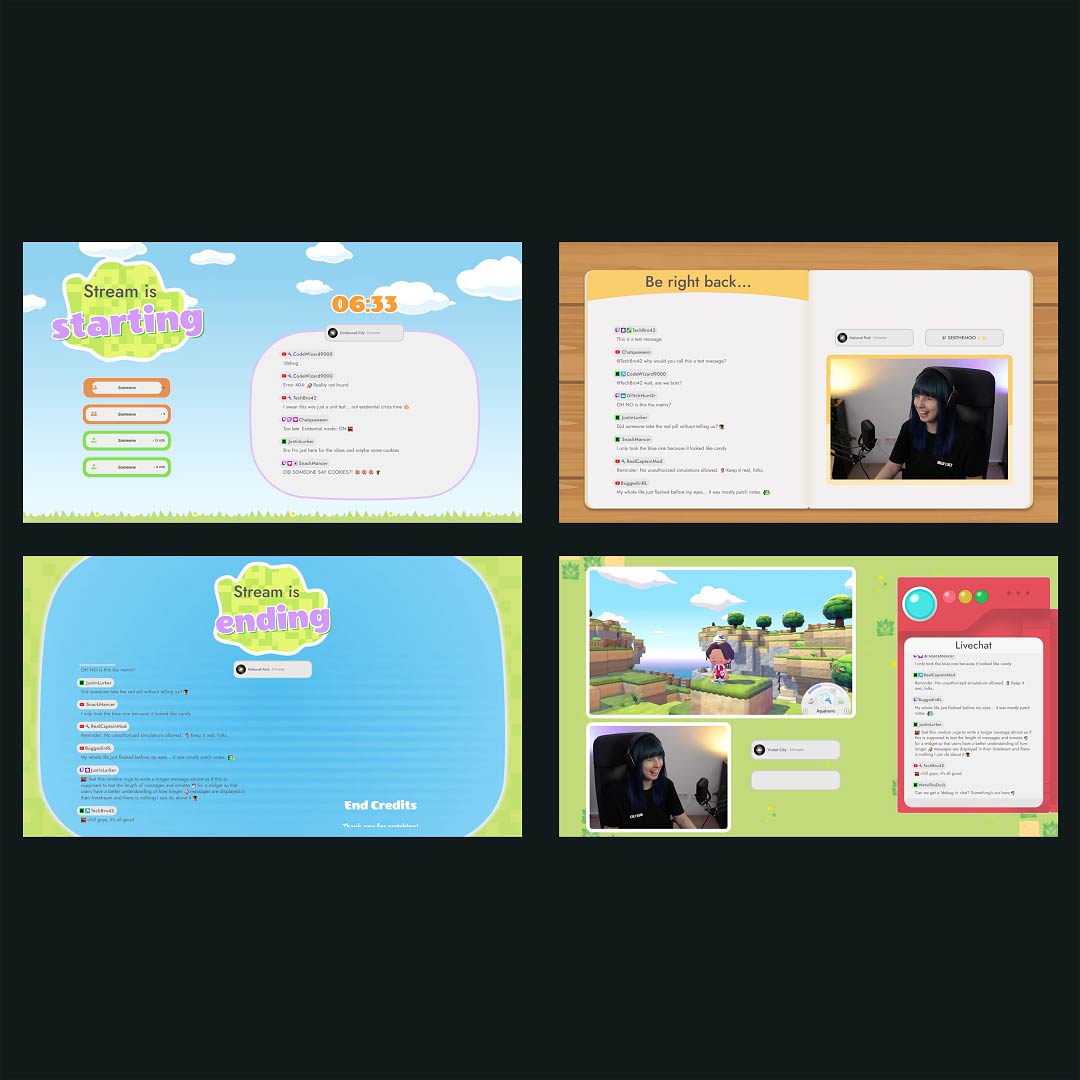
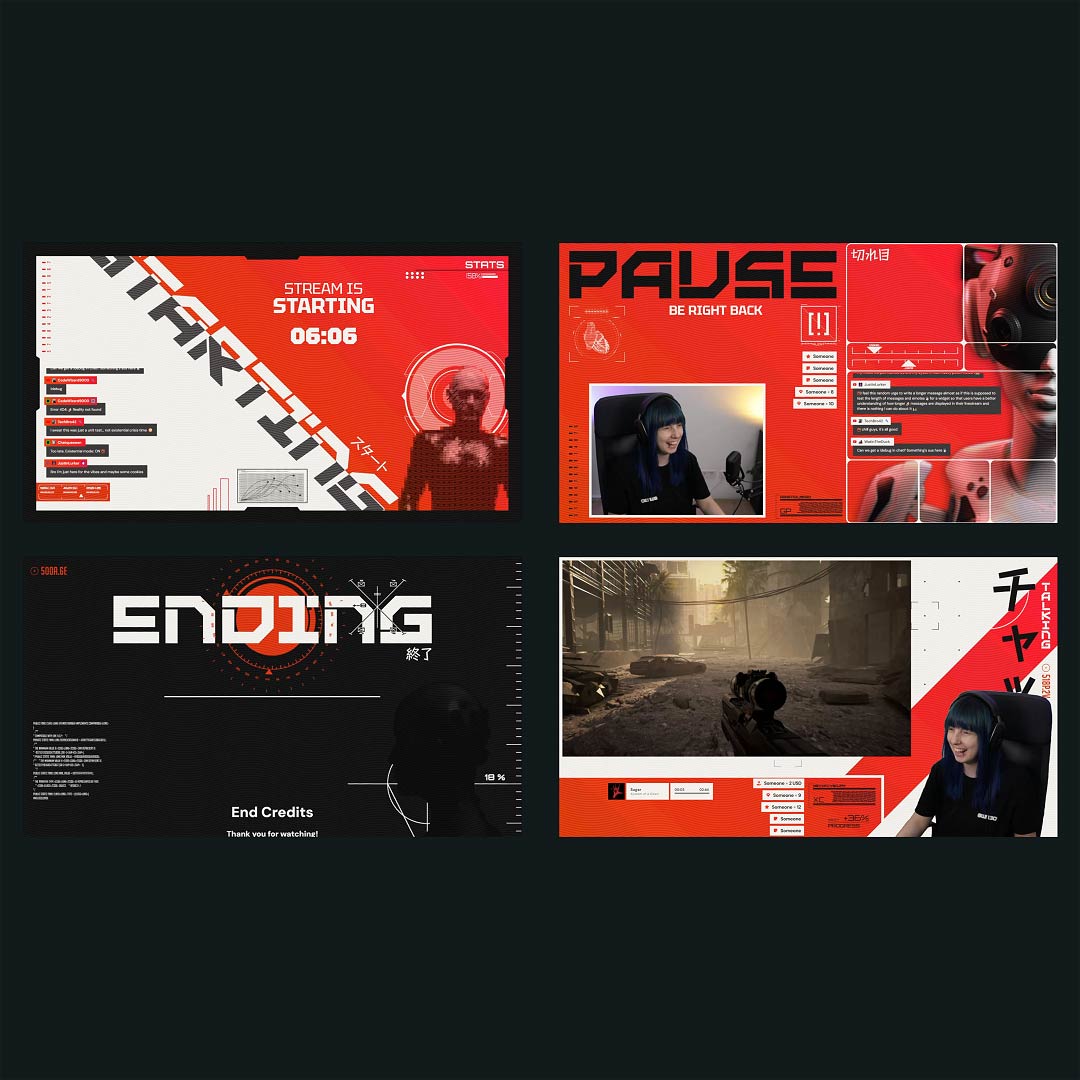
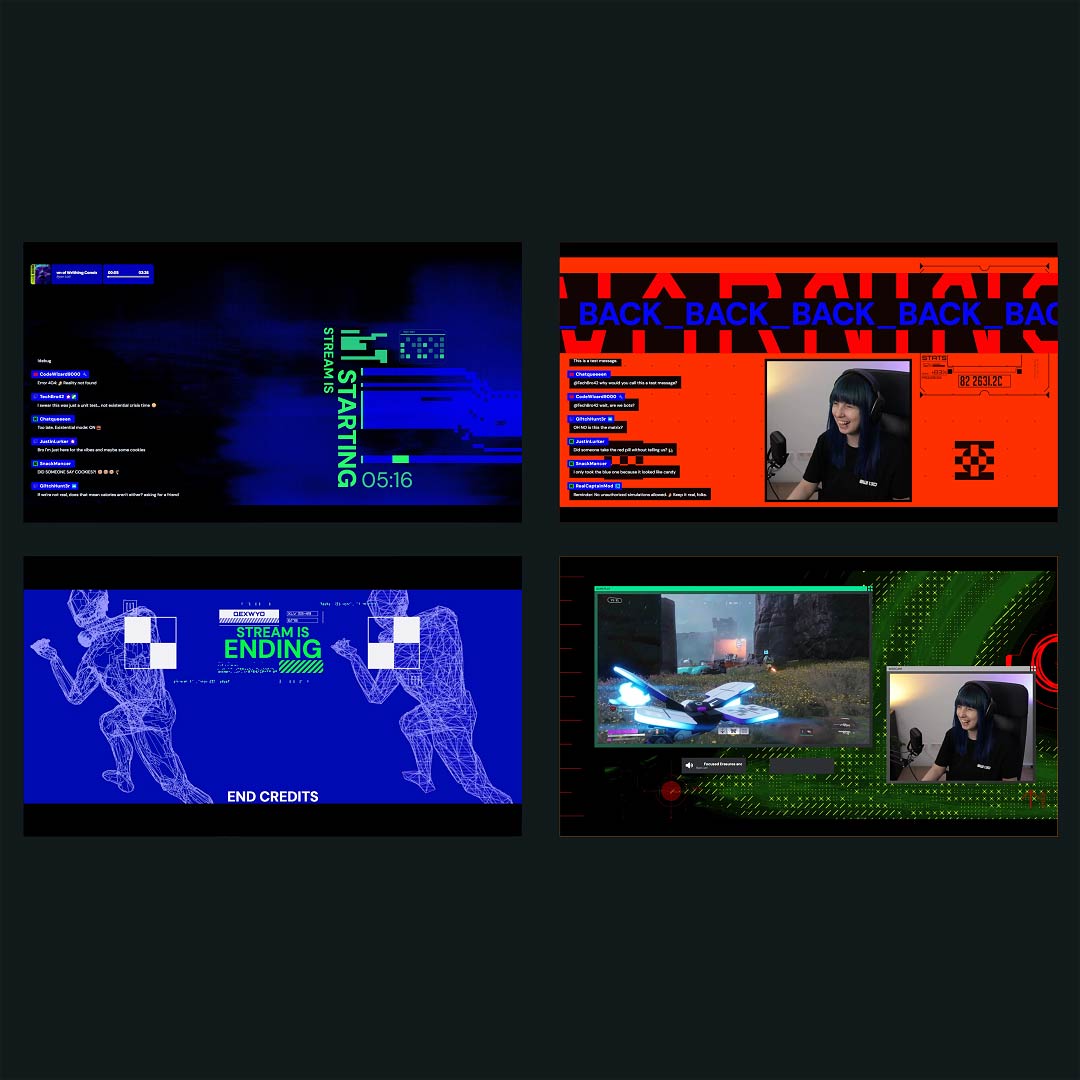
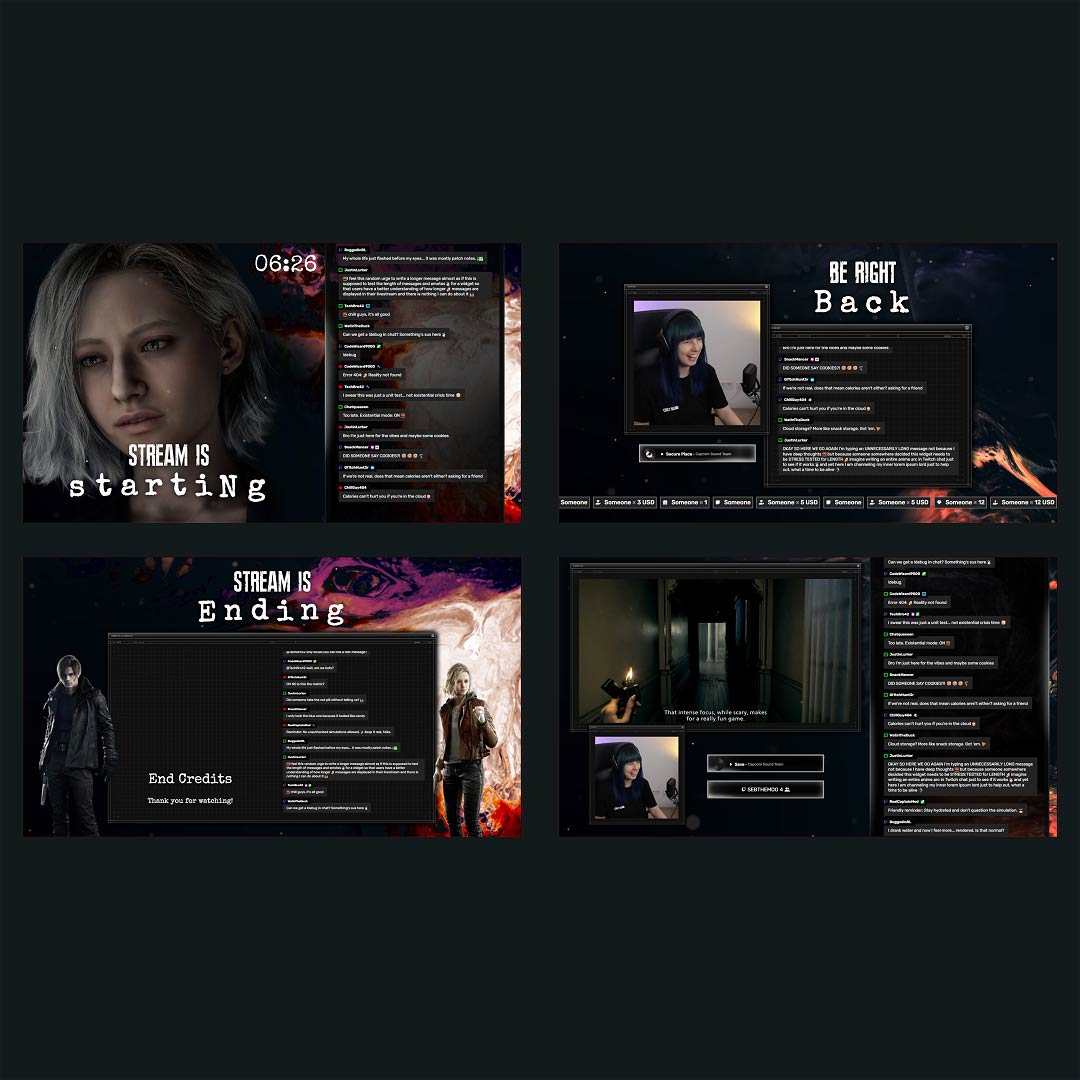
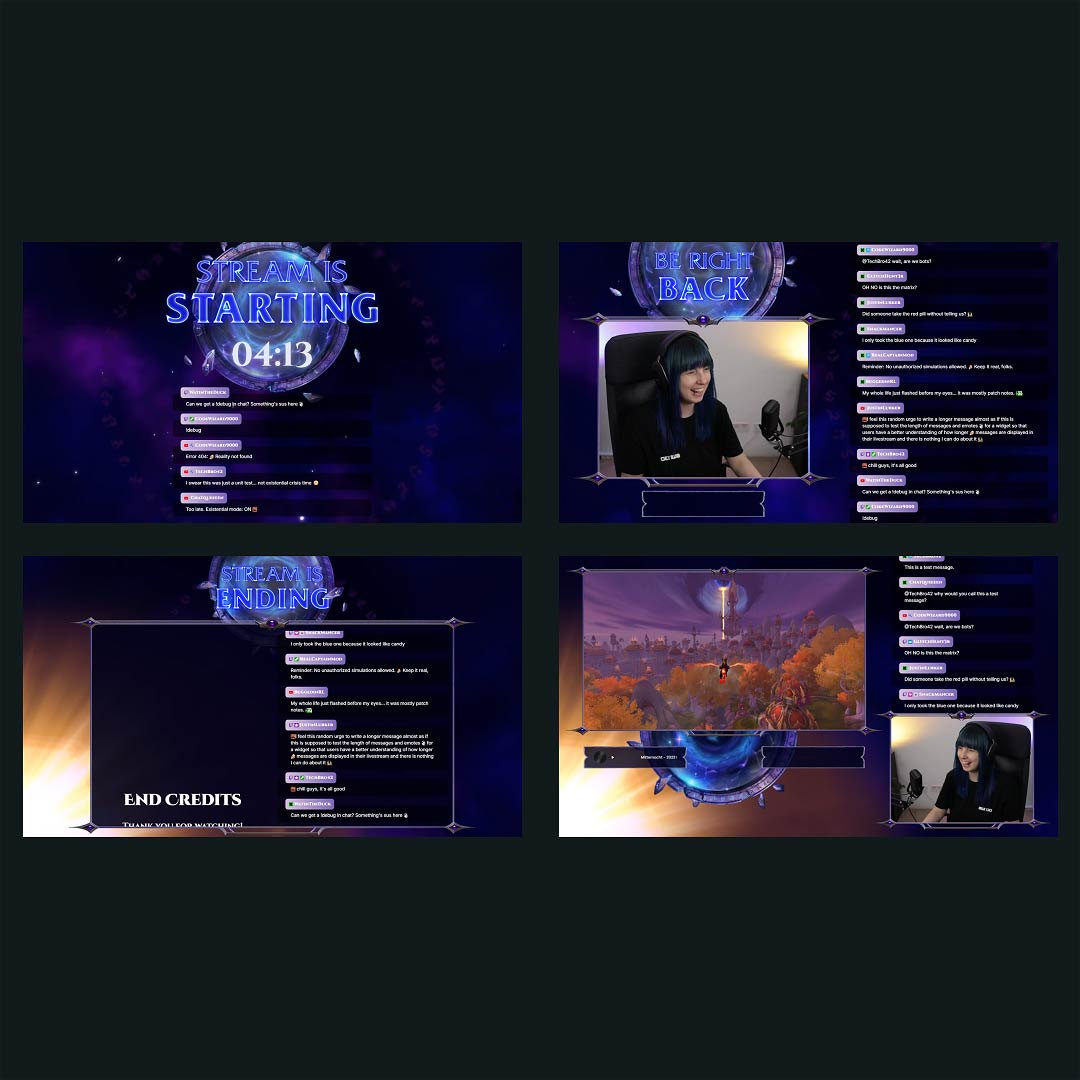
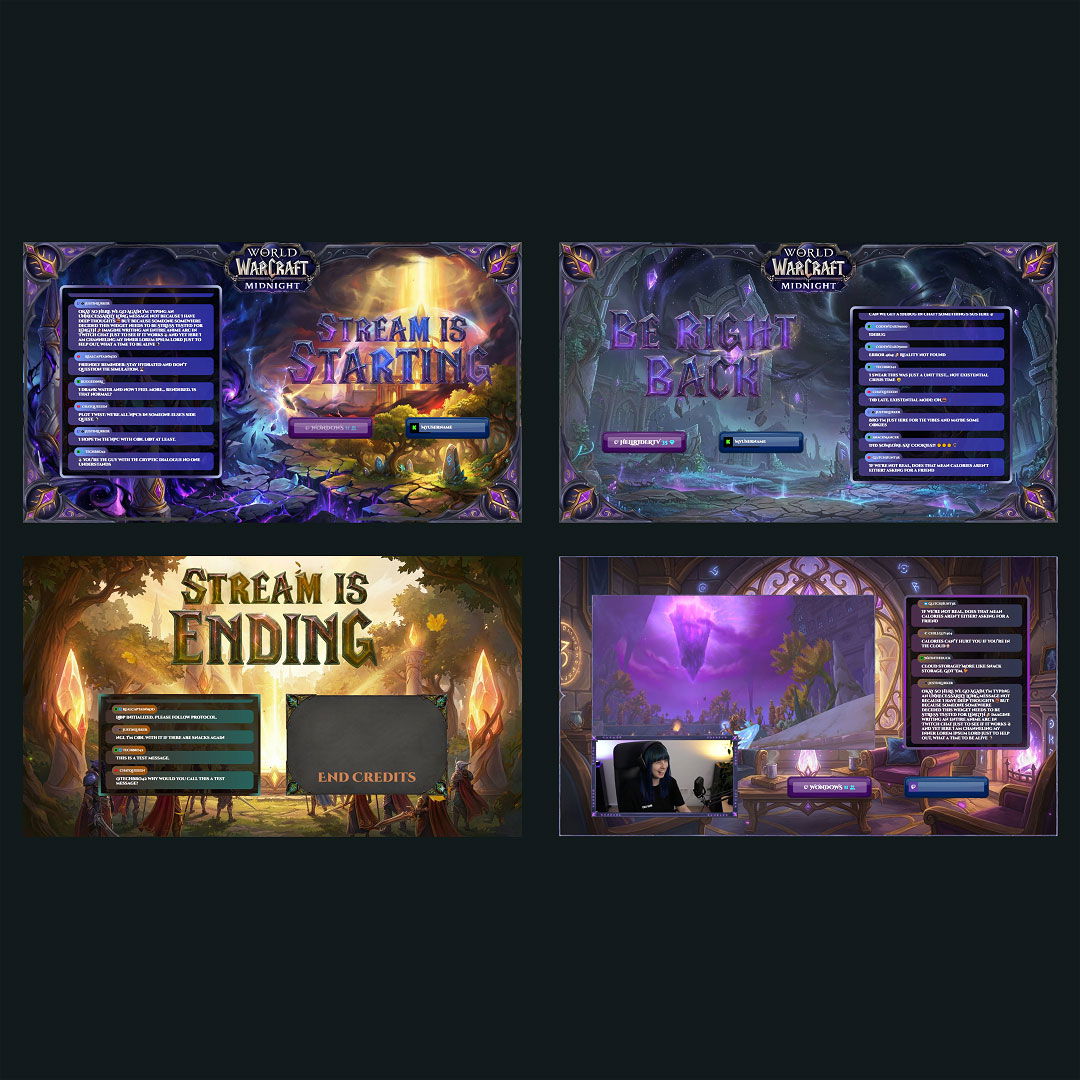
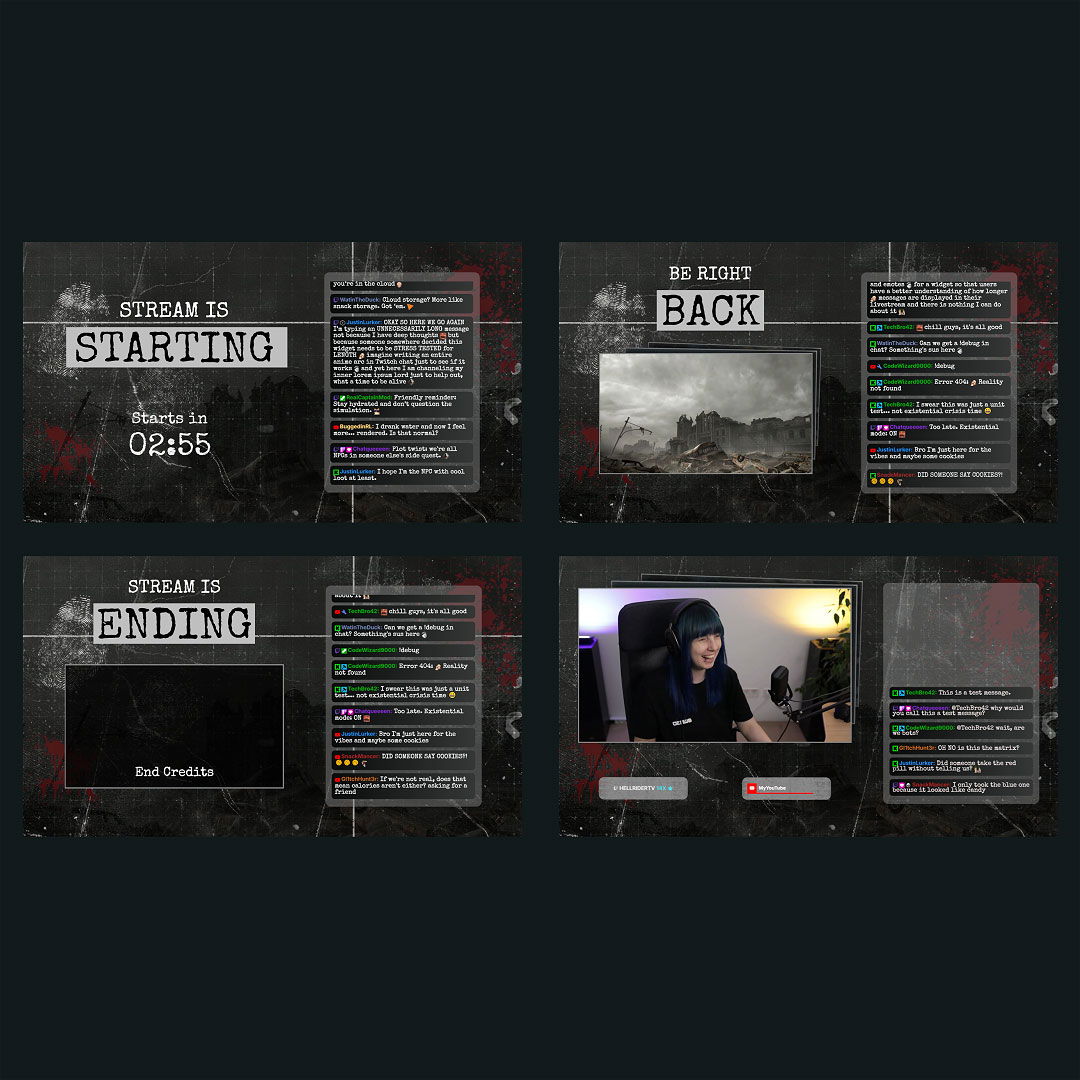
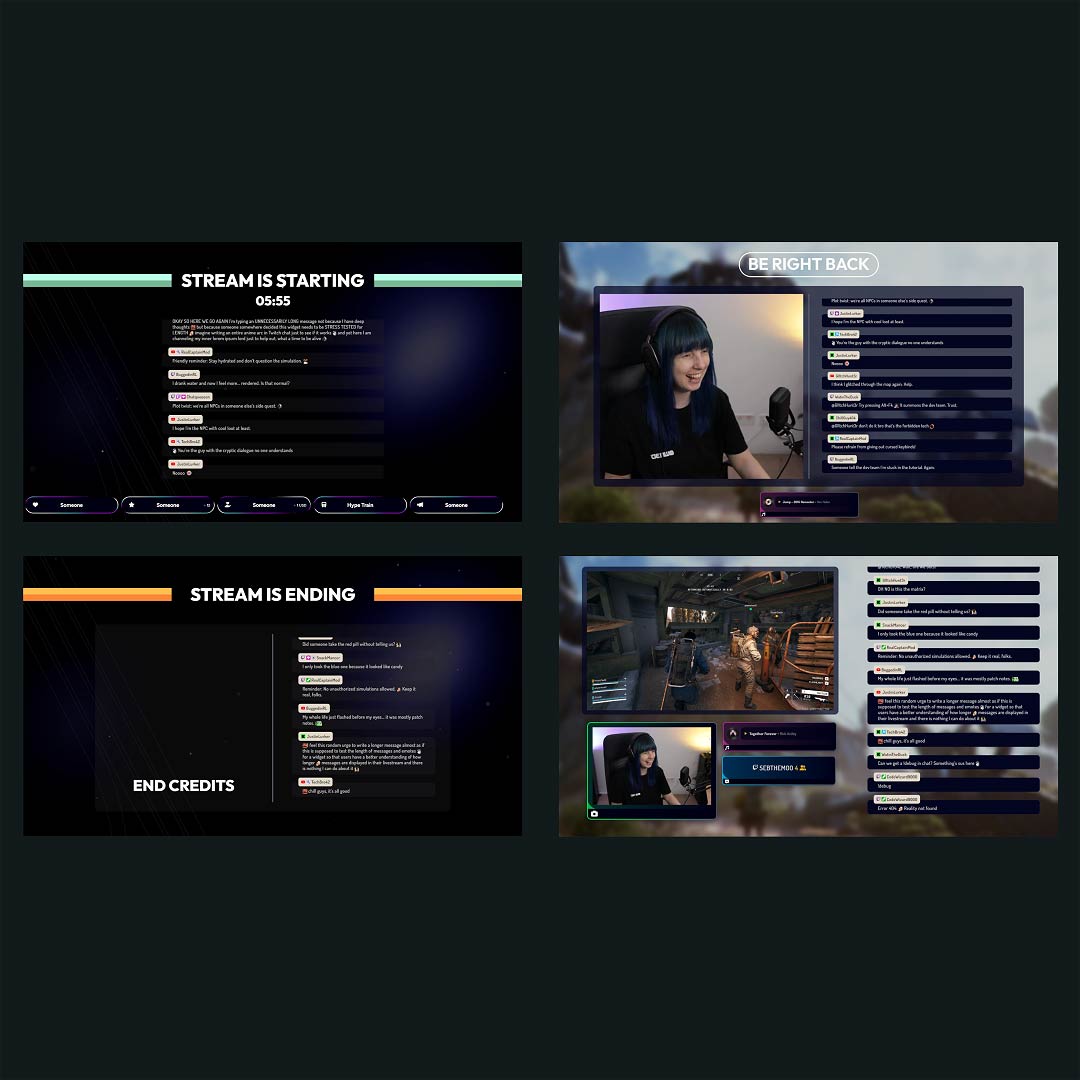
A strong visual identity can turn a Kick stream into a brand people recognize instantly. With the right overlays, your content feels polished and personal. Whether you’re just starting out or building your community, our free Kick overlay maker helps you create a look that feels like you. It works with any broadcasting tool, such as OBS Studio, Meld Studio or Streamlabs. No design skills needed.

All Free/Premium Kick Overlay Maker Creations

1

What Happy Customers Say About Our Kick Overlay Maker

Don’t just take our word for it. See what other creators say about the Kick overlay maker.

One Pass. Everything Included.

The Stream Pass gives you full access to everything OWN3D Pro has to offer. All products, including custom Kick overlay assets, alerts, widgets, emotes, and more, are included and not sold separately.

Works with all broadcasting tools

Build custom overlays in the Kick overlay maker and use them with OBS Studio, Streamlabs, Meld Studio, XSplit, and more. Easy to integrate with any setup.

Unlimited* asset downloads

Download emotes, badges, panels, and more static assets. *Our unlimited plan is subject to fair use.

AI-powered creations

Get 50 AI credits with your Stream Pass to generate custom stream widgets, webcam frames, emotes, and more.

Multistreaming ready

Multistream on Twitch, YouTube, and Kick with custom overlays and all the tools you need for a professional-looking livestream.

FAQs About Our Kick Overlay Maker

What can I create with the free Kick overlay maker?

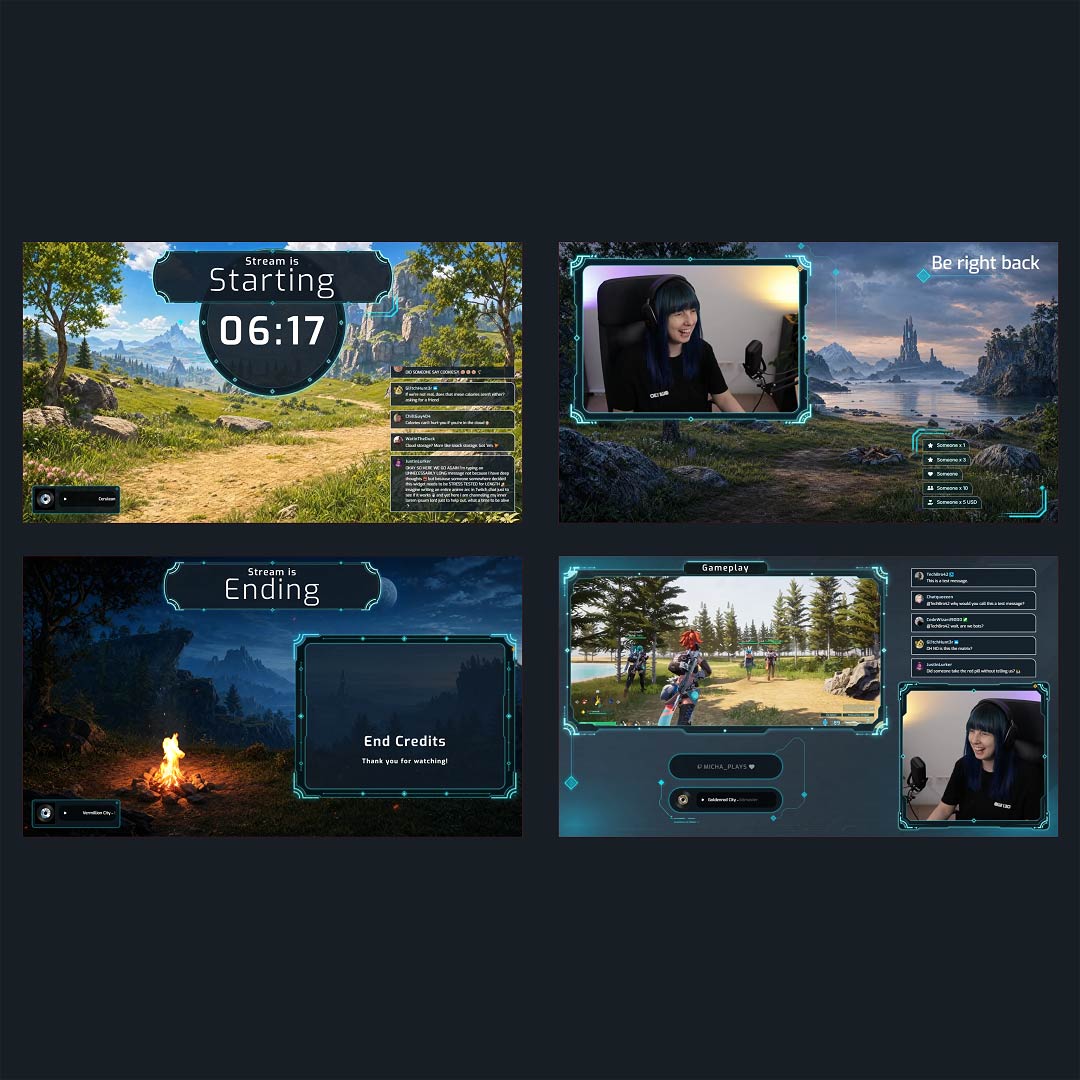
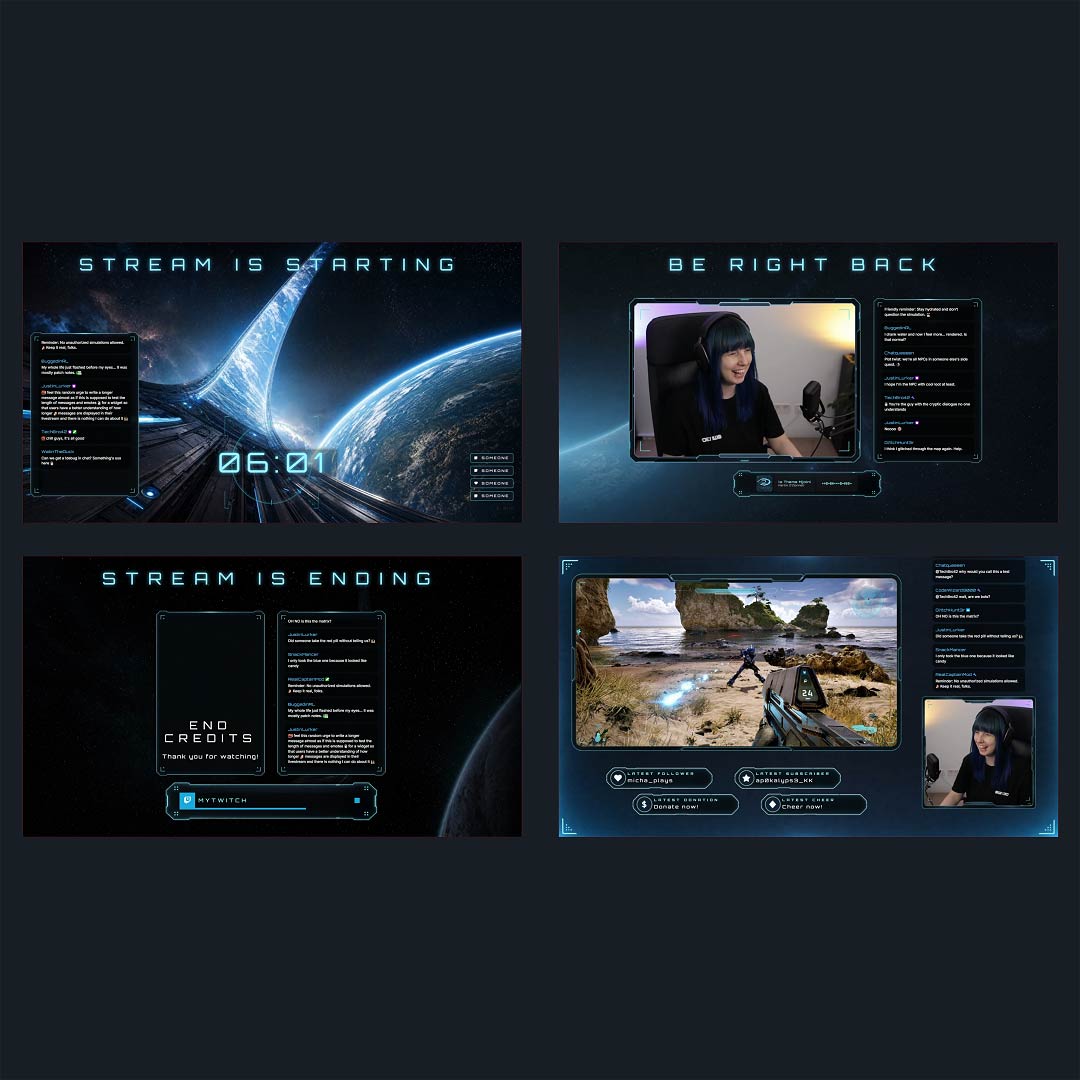
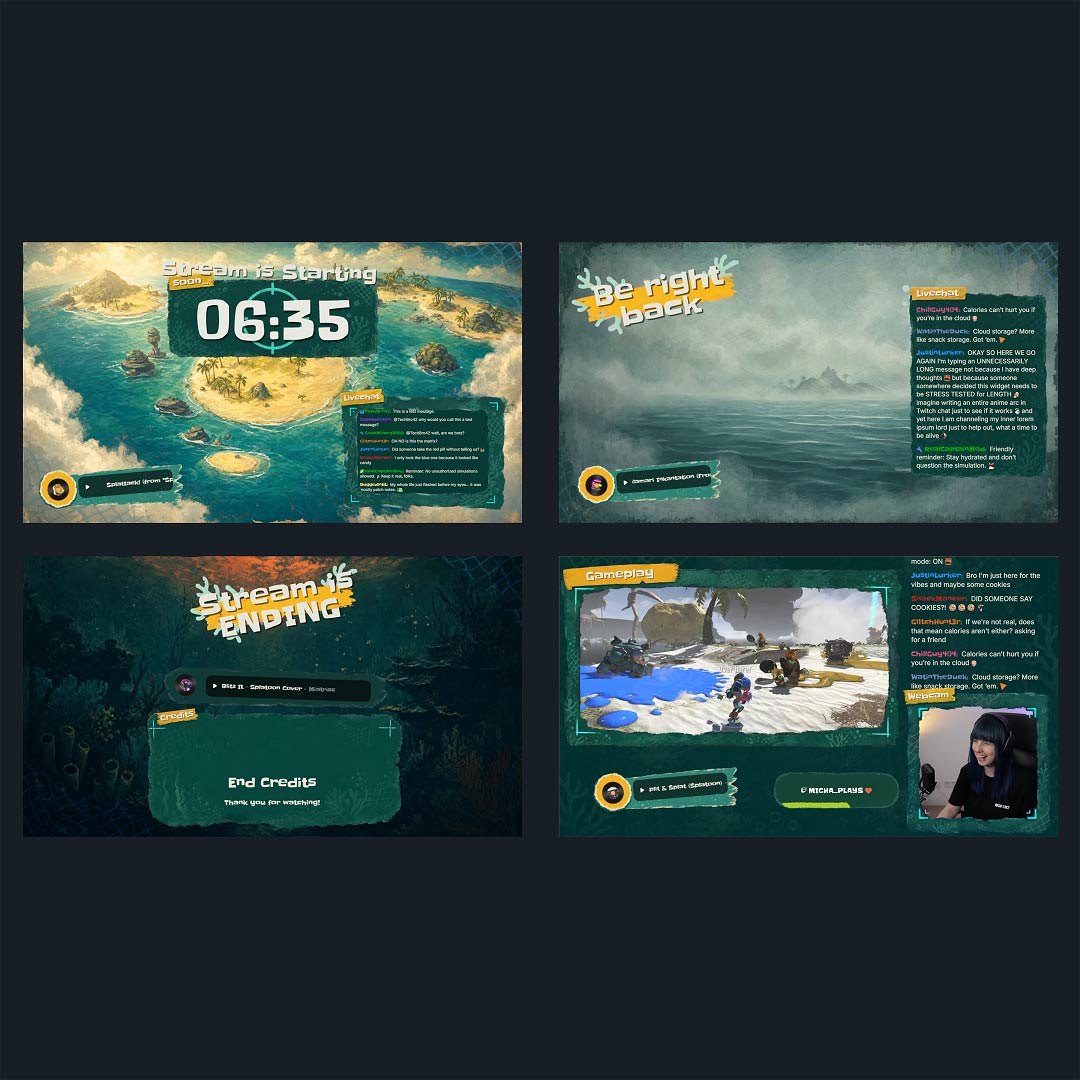
The free Kick overlay maker gives you full creative control over your stream layout. Build scenes with webcam frames, alerts, backgrounds, labels, and stream widgets that match your content and your style. It is everything you need to give your Kick stream a unique and professional look.

No design background? No problem. The Kick overlay maker is made for creators of all levels. Start with templates, tweak colors and text, and make it your own with just a few clicks.

Yes. You get access to a range of free Kick overlay templates within the free Kick overlay maker to help you get started fast. Want more variety? Unlock premium overlays and extra assets with the Stream Pass.

Yes. Everything you create works with OBS Studio, Streamlabs, XSplit, and other broadcasting tools. Just add your overlays as browser sources.

Use the Kick overlay maker directly inside the OWN3D Pro Desktop App for OBS Studio. You can choose and customize your overlay, then import the entire setup, including scenes, sources, and widgets, into OBS with a single click. It is the easiest way to get your Kick stream ready without any manual steps.

Absolutely. Whether you want to refresh your colors, adjust a layout, or completely redesign your stream, you can log in anytime and update your Kick overlays in minutes using the Kick overlay maker.

With the Stream Pass, you unlock the full overlay collection and premium widgets inside the Kick overlay maker. Perfect if you want to level up your stream visuals.

Yes, your overlays are not locked to Kick. You can use them on Twitch or YouTube to keep your look consistent across platforms. Simply connect your streaming platforms, and you can use stream widgets like labels and alerts across all supported platforms right away. Just be sure to check each platform’s rules if you plan to multistream.

No. All overlays are optimized for smooth performance and won’t slow down your stream when used in OBS Studio, Streamlabs, or similar tools.

Yes. You can fine-tune everything from fonts and colors to alerts, labels, and backgrounds. The Kick overlay maker gives you the freedom to build a stream layout that feels like you.