
Free AI Discord Emoji Maker
Create custom Discord emojis with the power of AI
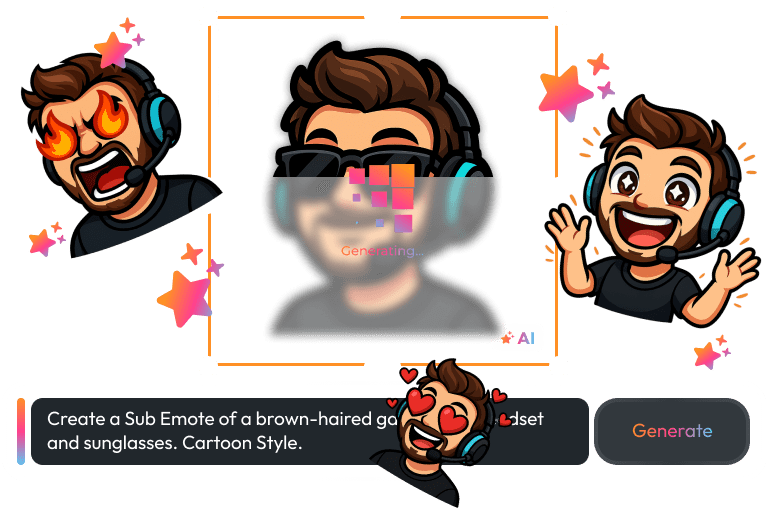
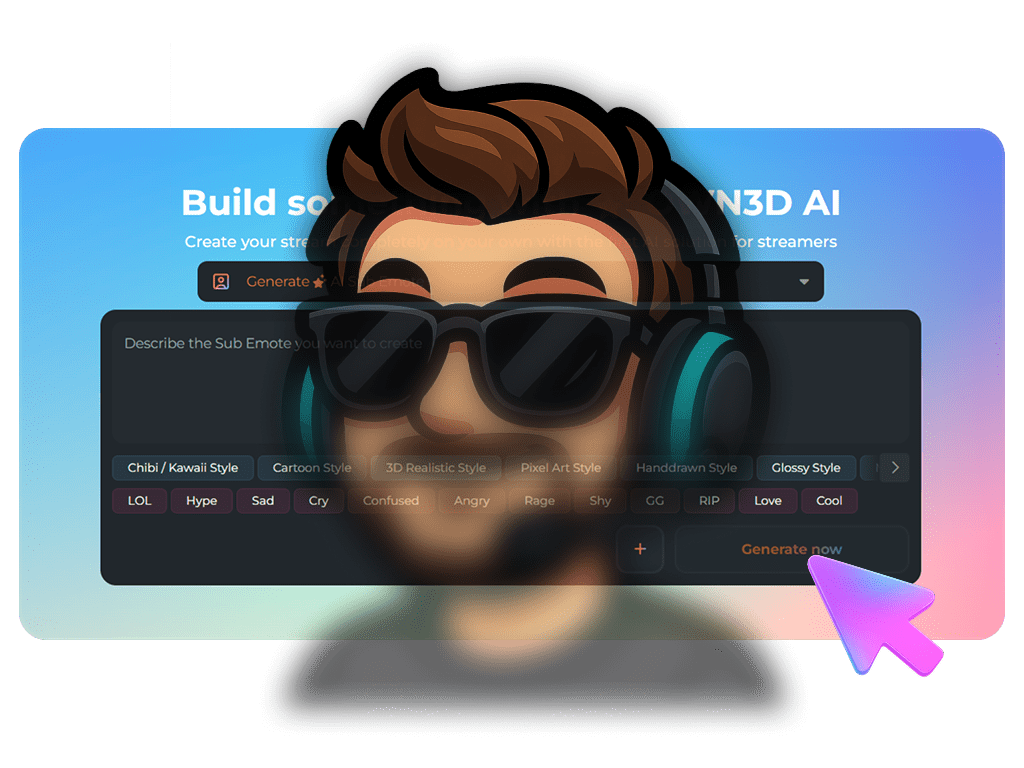
Your Server. Your Reactions.
From idea to Discord emoji in seconds
No design skills required. No complicated software. Just a simple prompt and a spark of imagination. Want a cute sleepy cat? A chaotic gremlin? A dramatic “no way” face for your mod chat? Create it, tweak it, and build a set that matches your server personality.
For consistency, upload a reference image and generate variations that maintain the same style throughout your emoji pack.
What Happy Customers Say About Our Free Discord Emoji Maker
See how our product makes a difference for content creators.


One Pass. Everything Included.
The Stream Pass gives you full access to everything OWN3D Pro has to offer. This includes our entire library of overlays, alerts, widgets, emotes, and more.
Works with all broadcasting tools
Customize your overlays in the Scene Builder and use them with OBS Studio, Streamlabs, XSplit, and more. Easy to integrate with any setup.
Unlimited* asset downloads
Download emotes, sub badges, panels, and more static assets. *Our unlimited plan is subject to fair use.
AI-powered creations
Get 50 AI credits with your Stream Pass to generate custom emotes with the AI Discord Emoji Maker, stream widgets, webcam frames, and more.
Multistreaming ready
Stream on Twitch, YouTube, and Kick with all the tools you need for a professional-looking livestream.
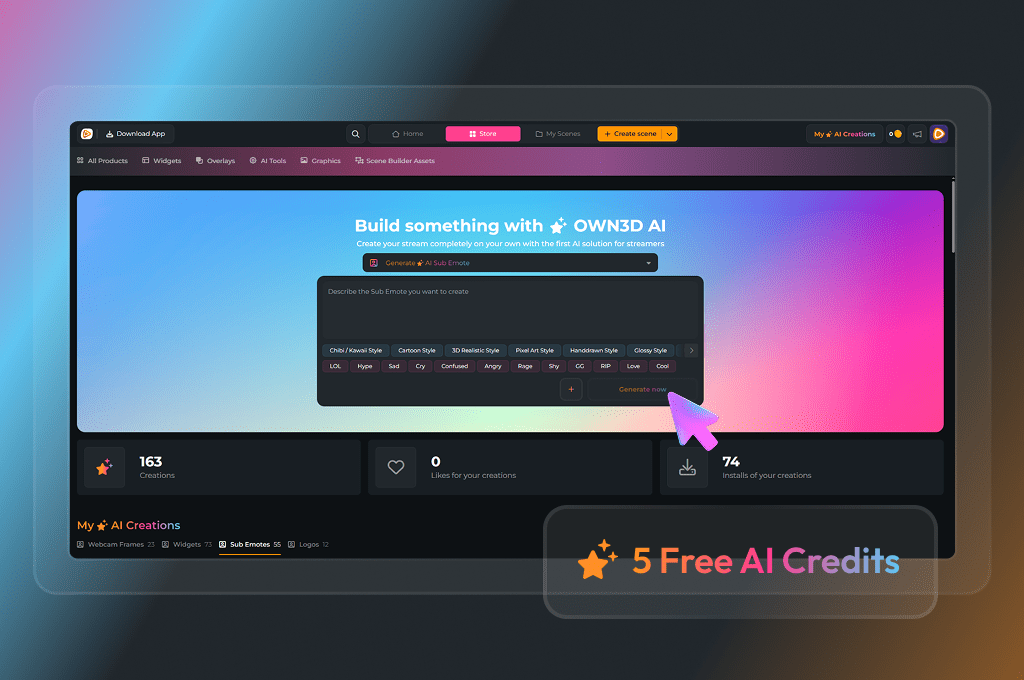
Create Free Custom Emojis for Discord
If your server has been using the same reactions for a long time, give it a fresh heartbeat. Start with 5 free AI credits and create your first custom emojis for Discord right away.
Test styles, generate variations, and find the look that fits your Discord server’s mood. When you are ready for more, upgrade to the Stream Pass for 50 monthly AI credits or the Widget Pass for 20 monthly AI credits.
Fast Results
Go from prompt to Discord emoji in seconds.
Consistent Style
Upload a reference and build a full matching set.
Ready to Upload
Download PNG files and add them to your Discord server.
Discord Emoji Maker Features
Create expressive, server-ready emojis with AI and build a style your community recognizes instantly.
Custom Emojis on Discord
Server Reactions
Reference Upload Variations
High Quality Output
Community Sharing
Frequently Asked Questions
What is the Discord Emoji Maker?
The Discord Emoji Maker is an AI-powered tool that helps you create Discord-ready emojis in a few clicks. You can type a prompt like “shy axolotl waving” or “dramatic facepalm robot” and it generates an emoji you can download and upload to your server. You can generate a few options, pick your favorite, then refine your prompt to get the exact vibe you want.
How do I create custom emoji Discord designs that look consistent as a set?
The tool supports uploading a reference image, which you can use to guide the look across multiple generations. This is the easiest way to build a pack that feels like it belongs together, rather than a mix of random styles.
How do I add custom emojis to Discord after downloading them?
Download your emojis as PNG files, then open your Discord server and go to Server Settings → Emoji. Upload the file, give it a short name, and save. Your emoji becomes available right away for anyone with access, depending on your server permissions and Nitro-related limitations.
What size should my Discord emojis be?
Discord will automatically resize your uploads, but emojis look best when they are simple and high-contrast. Aim for a square image with a clear subject and plenty of breathing room. Avoid thin lines, tiny text, or detailed backgrounds. If your design includes small facial features, ask the AI for “bold outline” and “simple shading” so the expression stays visible when Discord scales it down.
Can I make reaction emojis for different moods and server moments?
Yes, and this is where the tool shines. Build a mini library of emotions your server uses all the time, like hype, cringe, approval, confusion, heartbreak, and victory. Start with one character or mascot, then generate variations with different expressions so your community gets a full language of reactions. A strong set usually includes a few calm emojis, a few loud ones, and a couple of absurd inside joke emojis that only your members understand.
Can I upload my own image and generate variations?
Yes. Upload a reference image if you want the AI to keep a similar character, style, or vibe. This is perfect if you already have a server mascot, a streamer avatar, or an existing emoji you want to expand into a full pack. Generate variations like “laughing,” “angry,” “sleepy,” or “shocked,” then keep adjusting until the set feels cohesive.
Are the emojis animated?
No. The output is a static PNG. If you need a custom animated emoji, you would typically create that in a separate tool and upload it as an animated emoji.
Can I use the emojis outside of Discord, too?
Yes. Since the downloads are standard PNG files, you can also use them on other platforms that support custom emotes. Just keep in mind that each platform may have different size limits or upload requirements.
Is there a free option?
Yes. You can start for free with 5 AI credits and test the workflow before upgrading for more monthly credits. This makes it easy to experiment, find your style, and build your first few emojis without pressure. If you plan to create large packs for multiple servers or communities, upgrading to the Stream Pass gives you more room to create and polish.
What should I avoid when creating emojis?
Avoid copyrighted characters, trademarked logos, and artwork you do not have the rights to use. Even if the AI can generate something similar, that does not mean it is safe to upload or share. The best approach is to create original characters and ideas, or to use references you own or have permission to use. If you are unsure, keep your prompts generic and focus on unique designs that reflect your own community identity.





