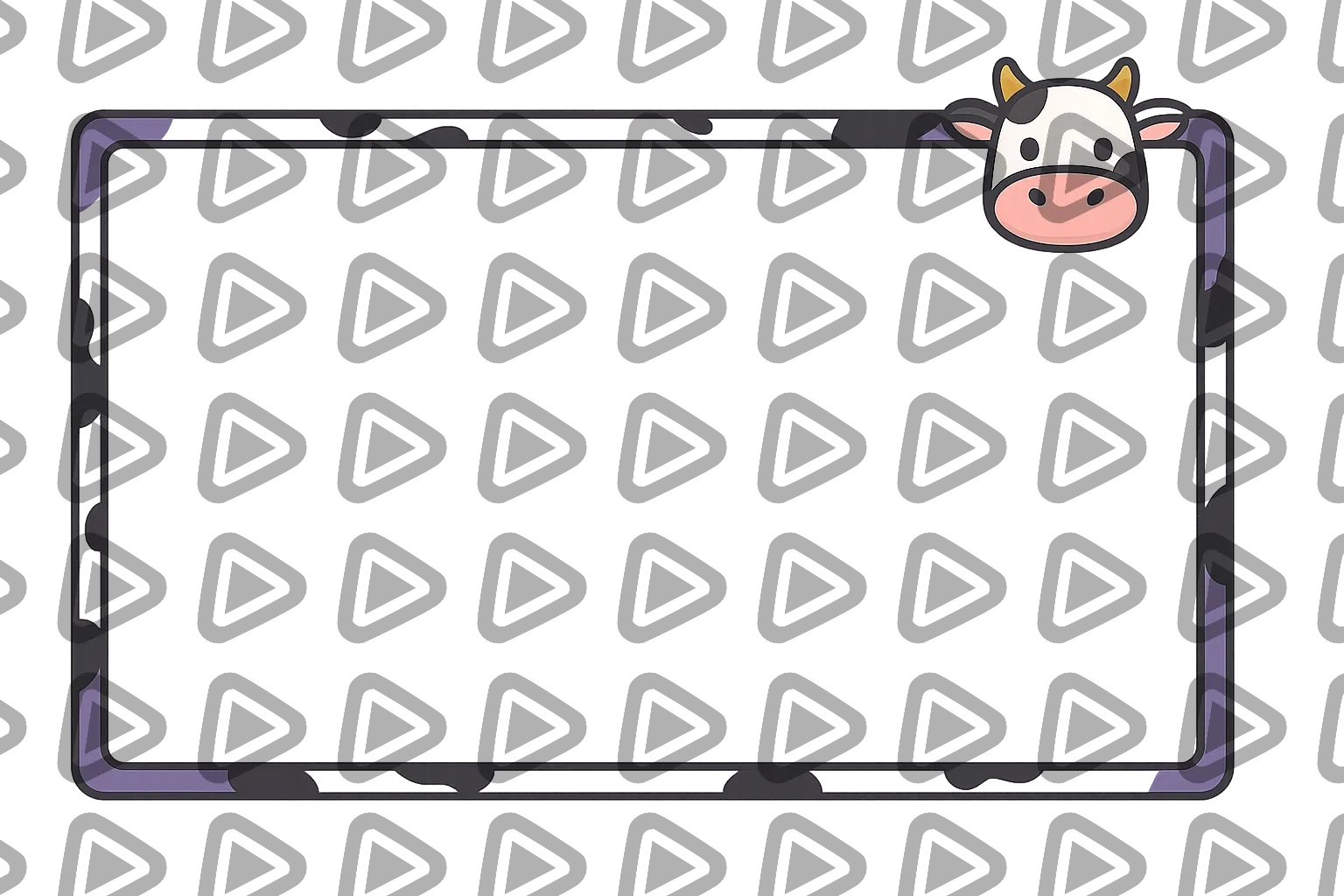
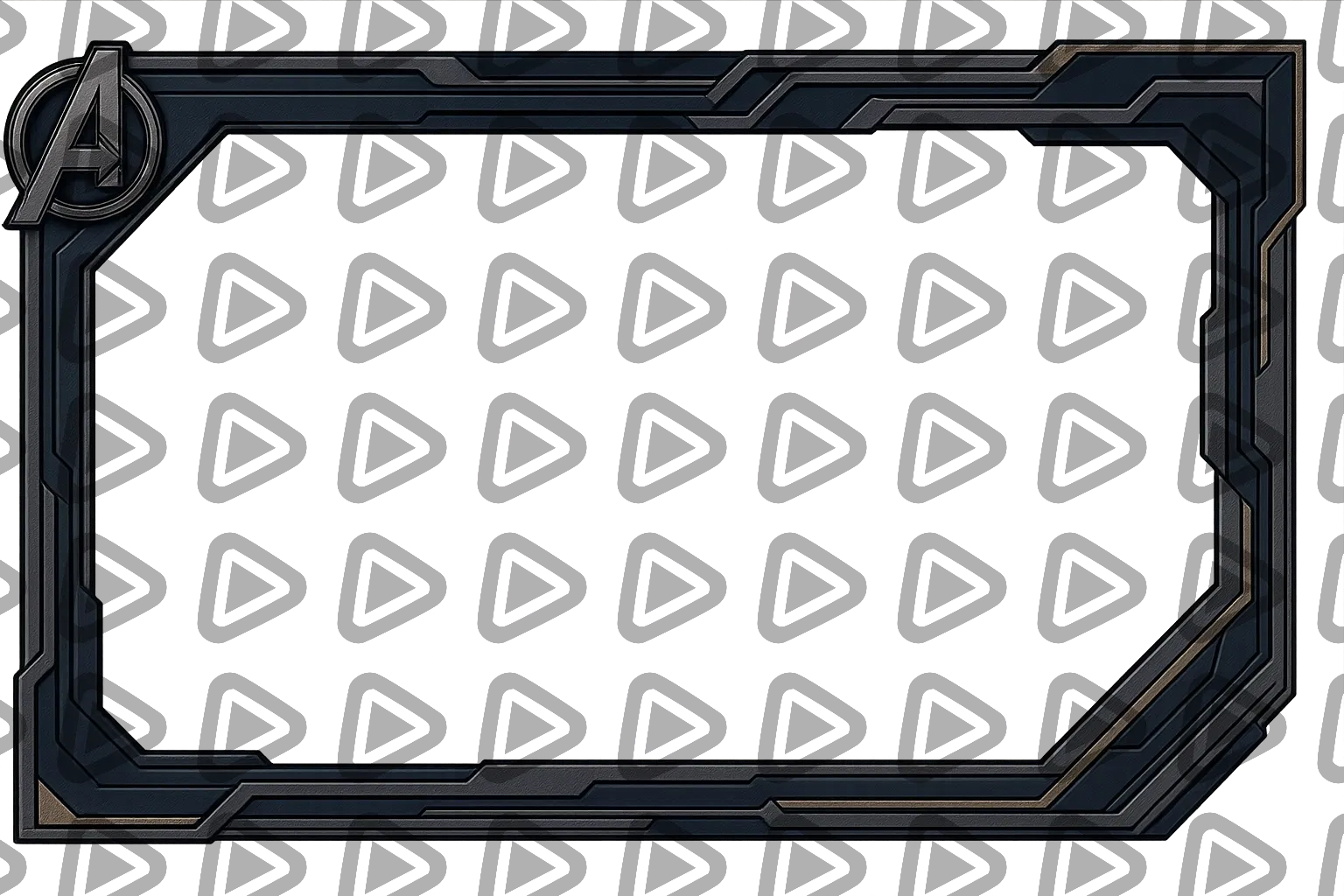
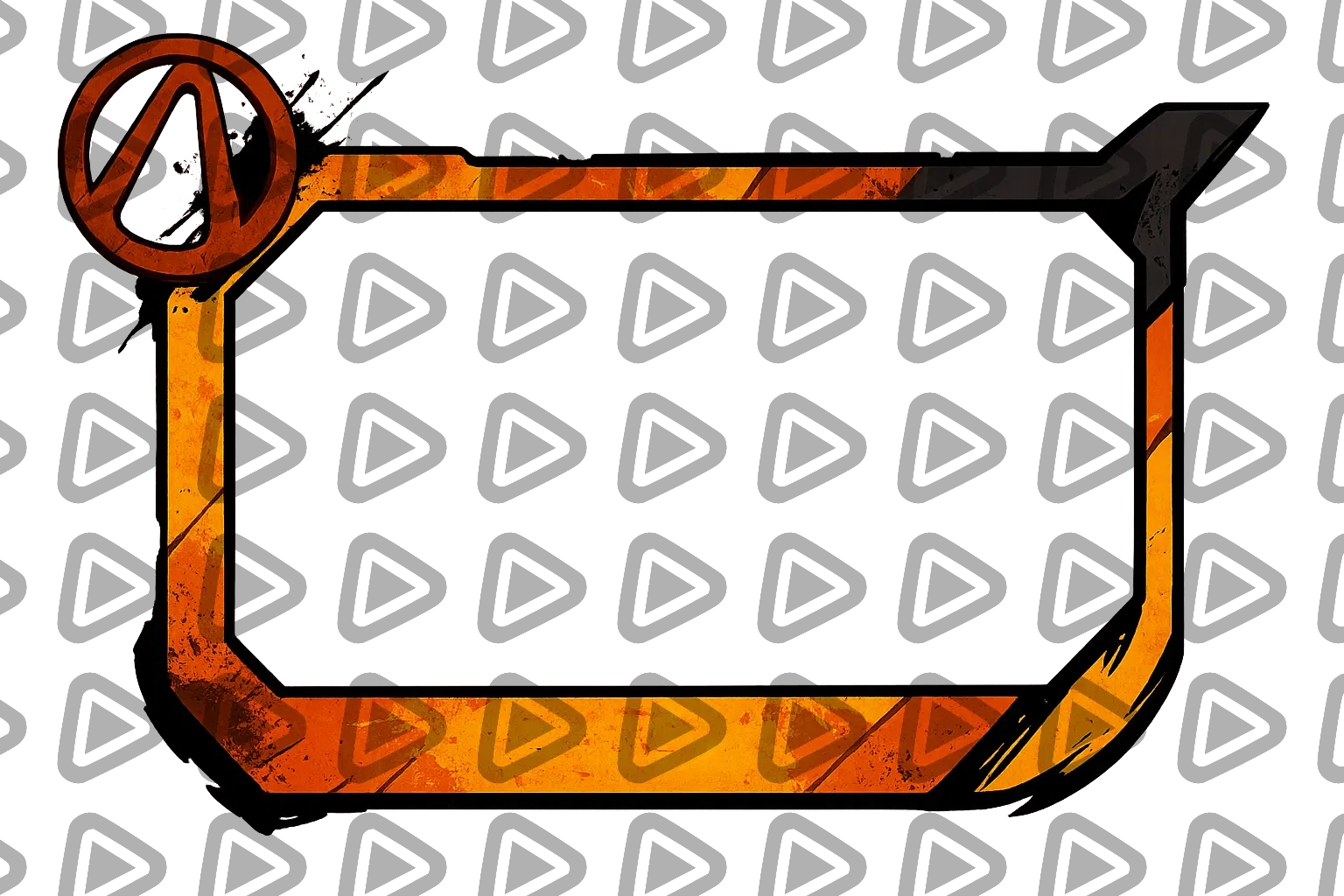
Free & Premium Kick Webcam Overlays

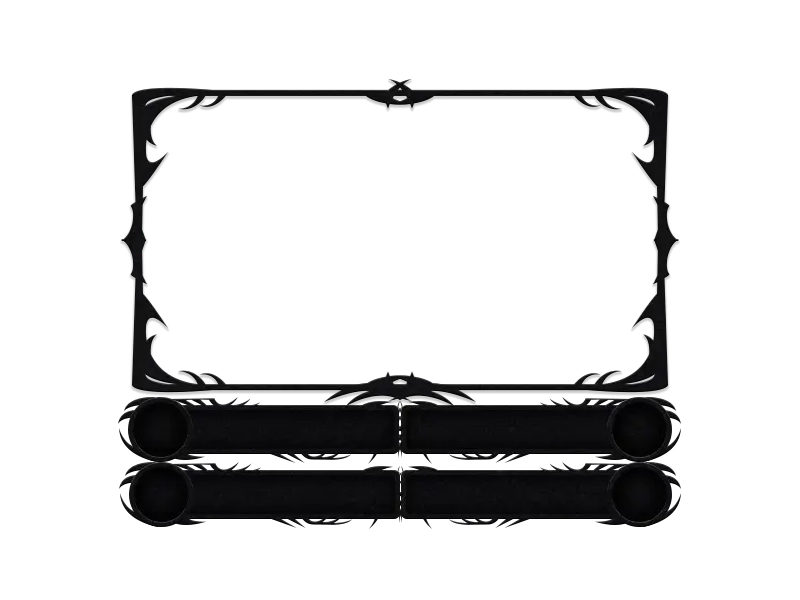
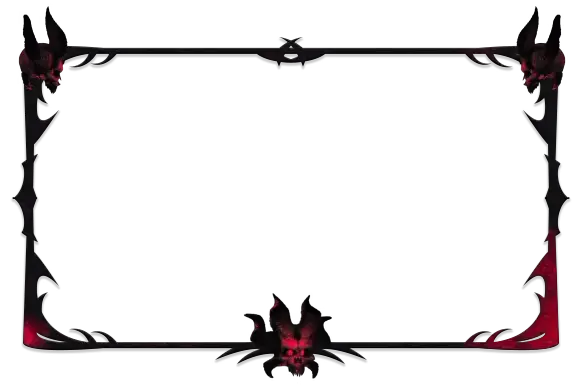
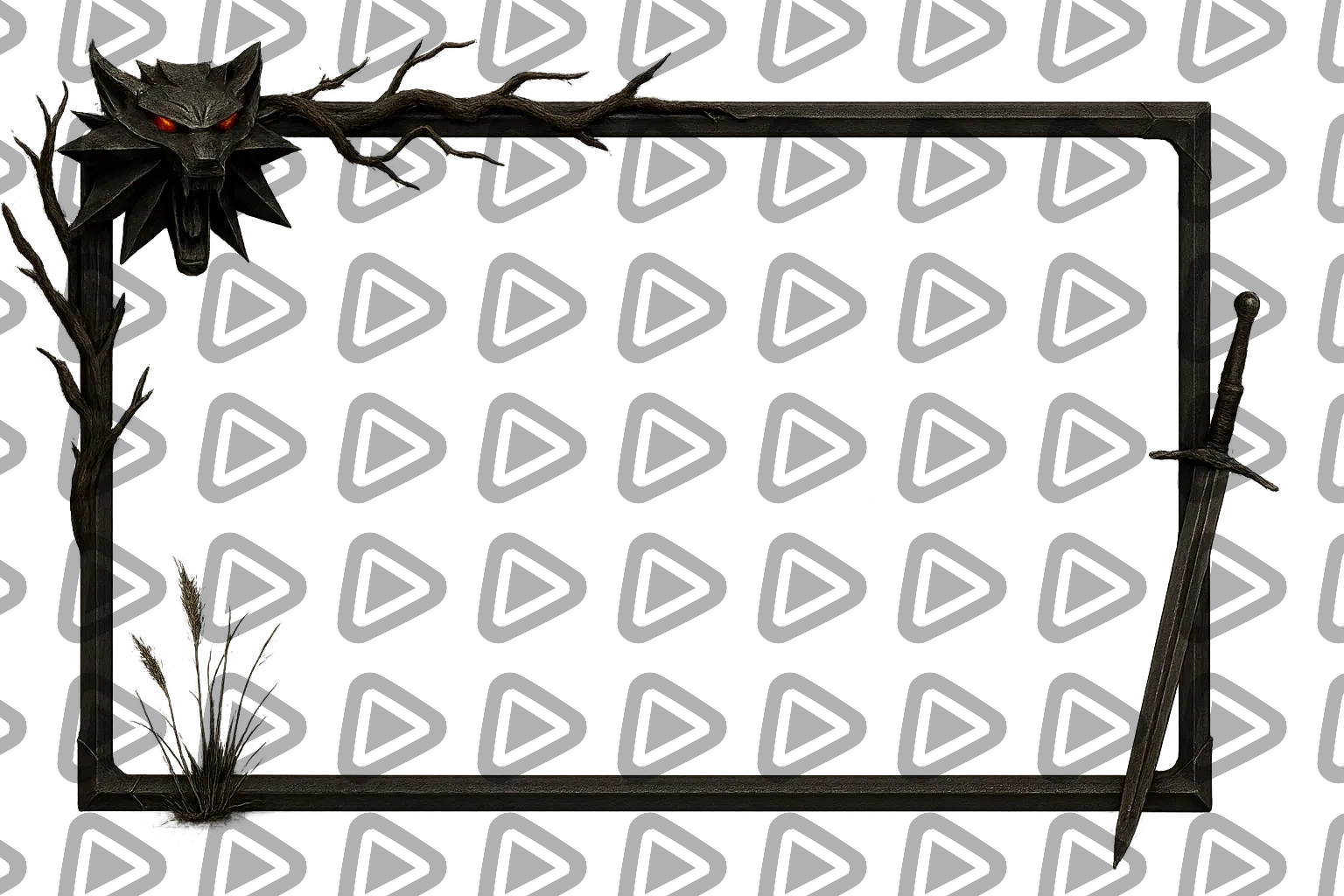
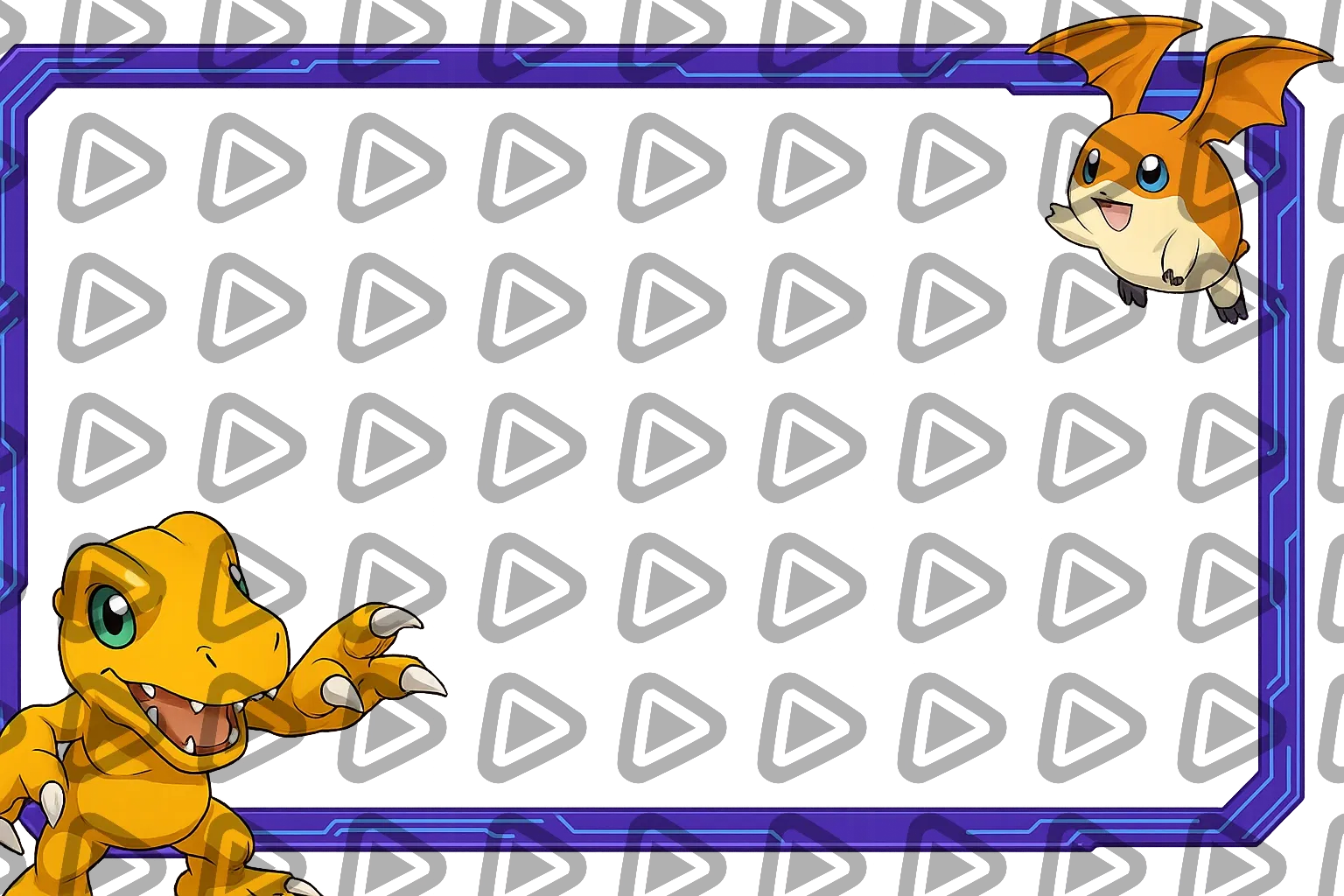
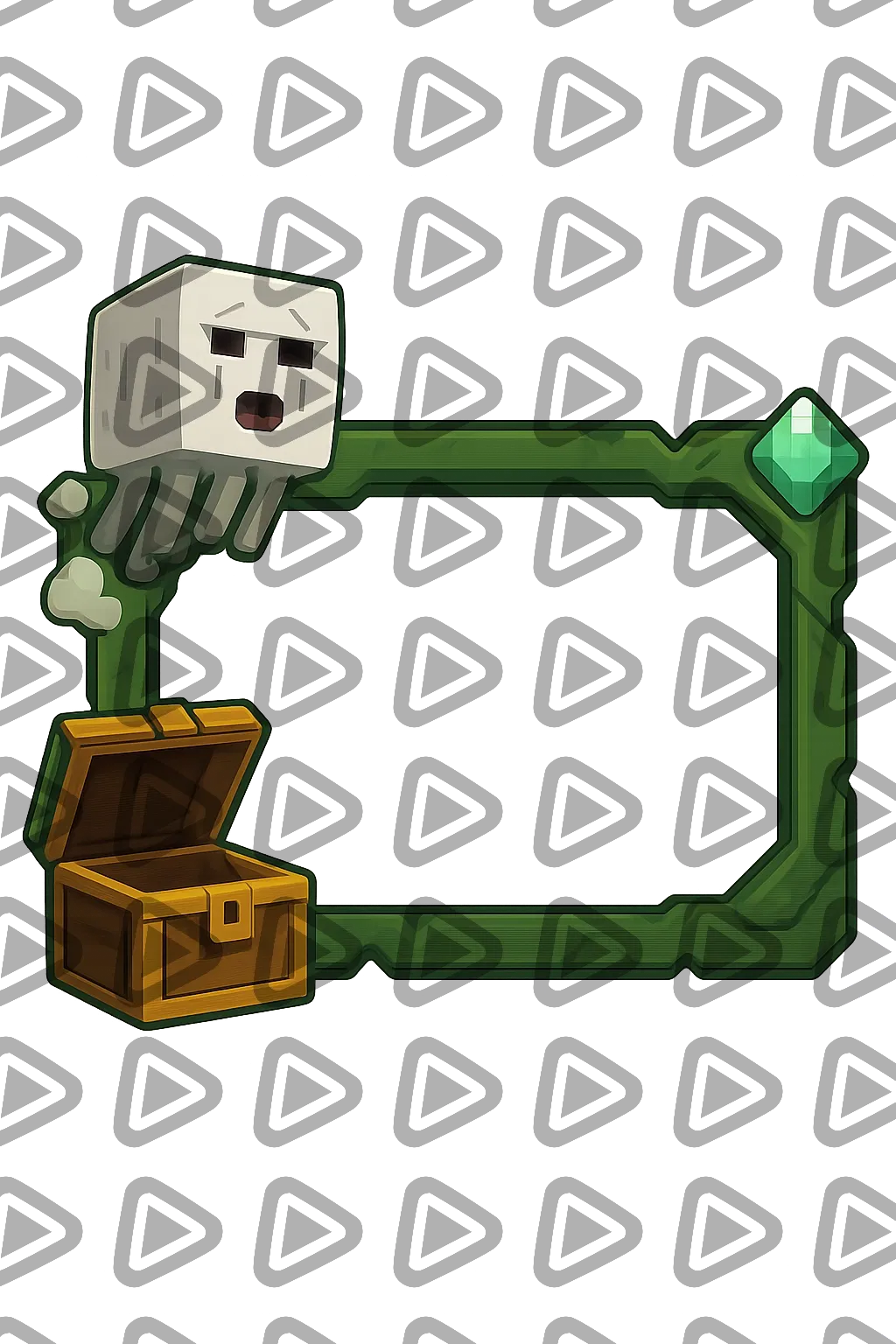
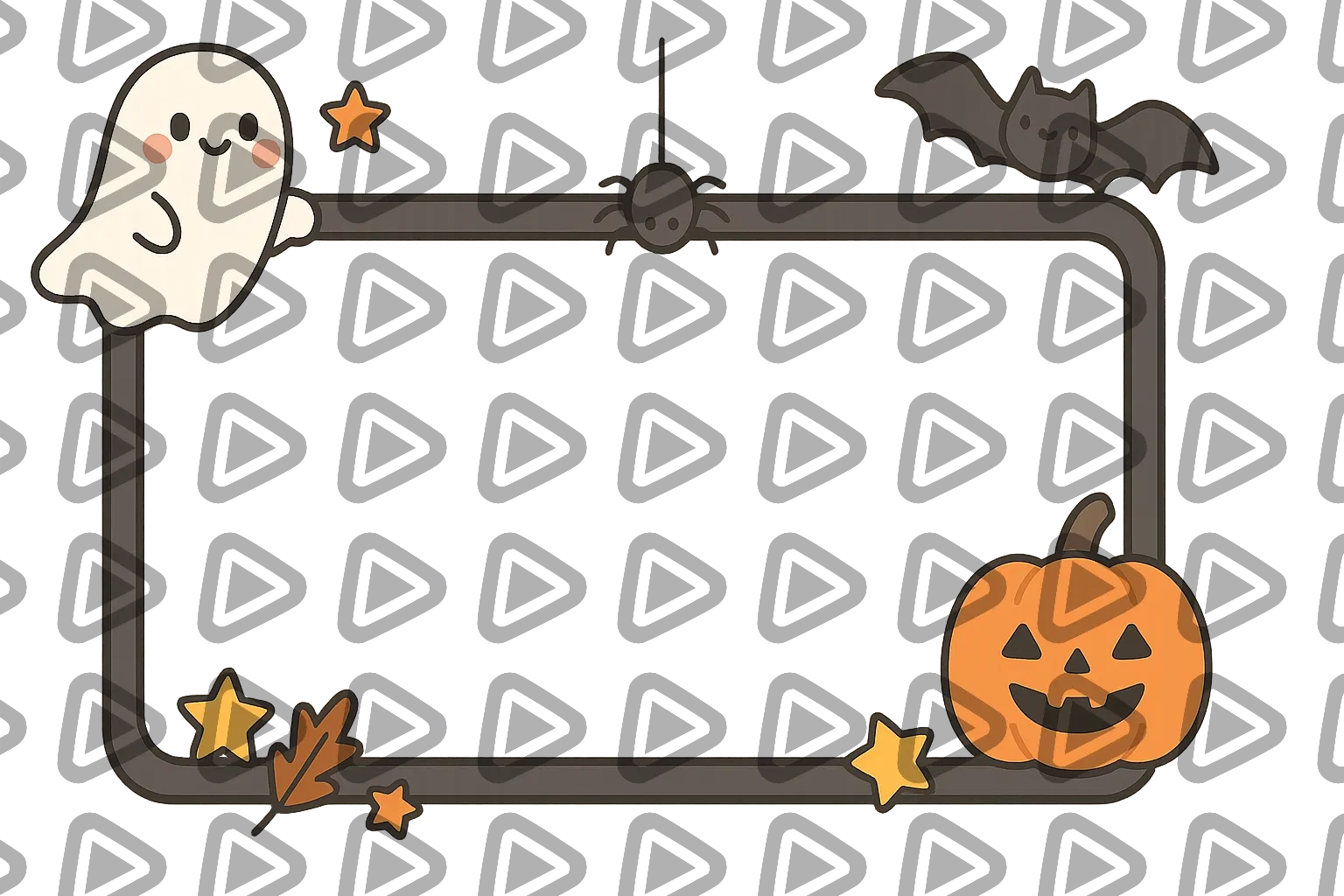
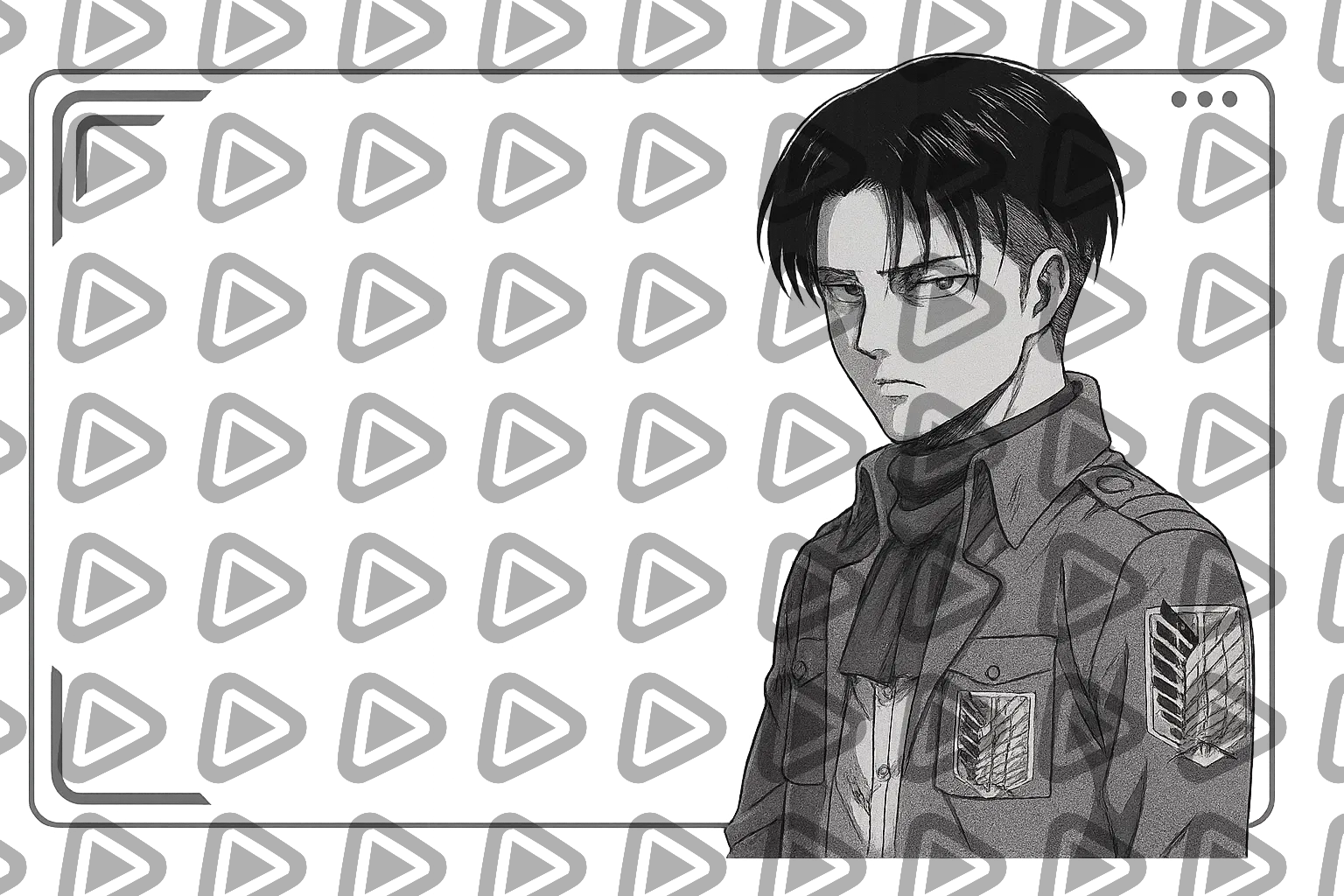
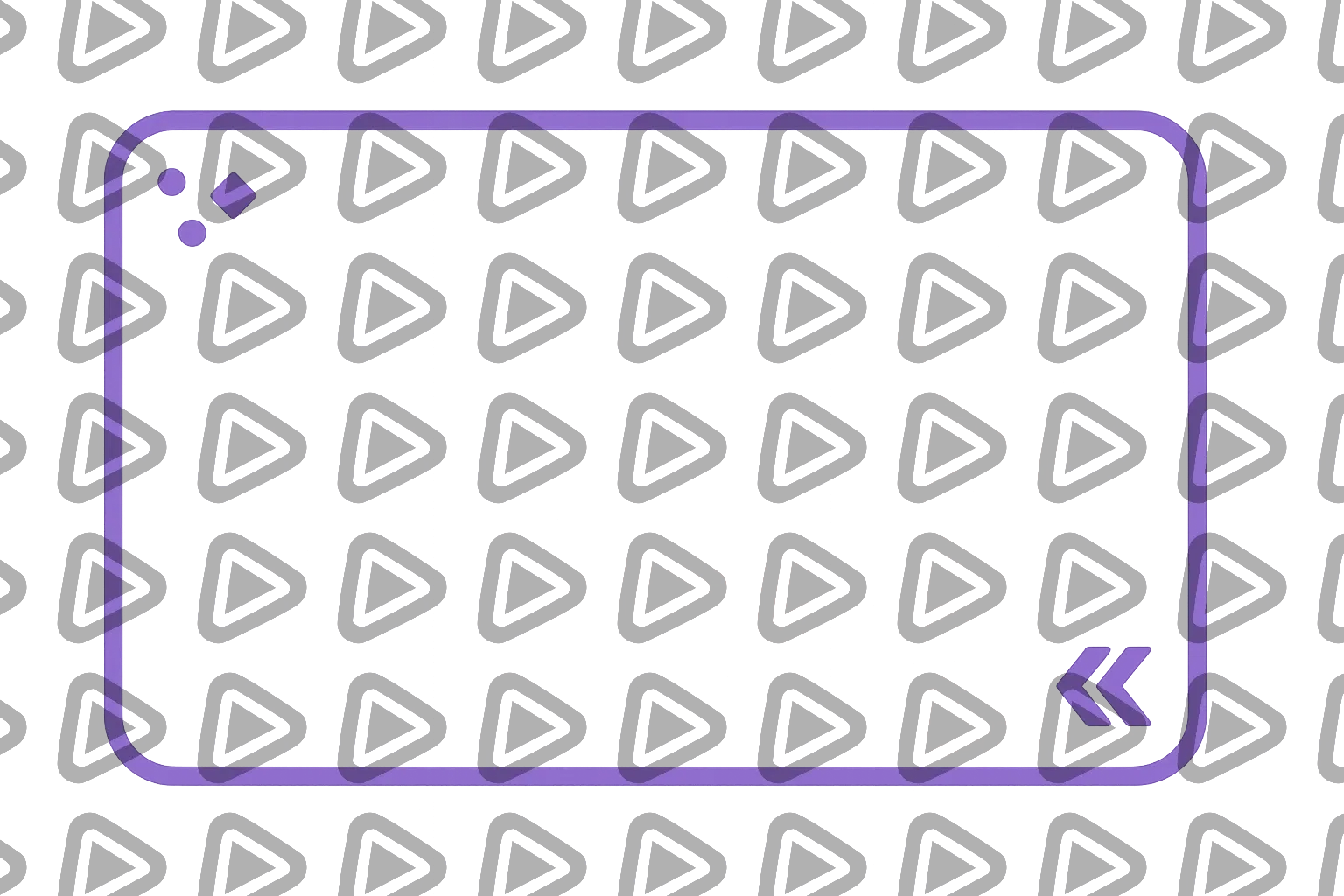
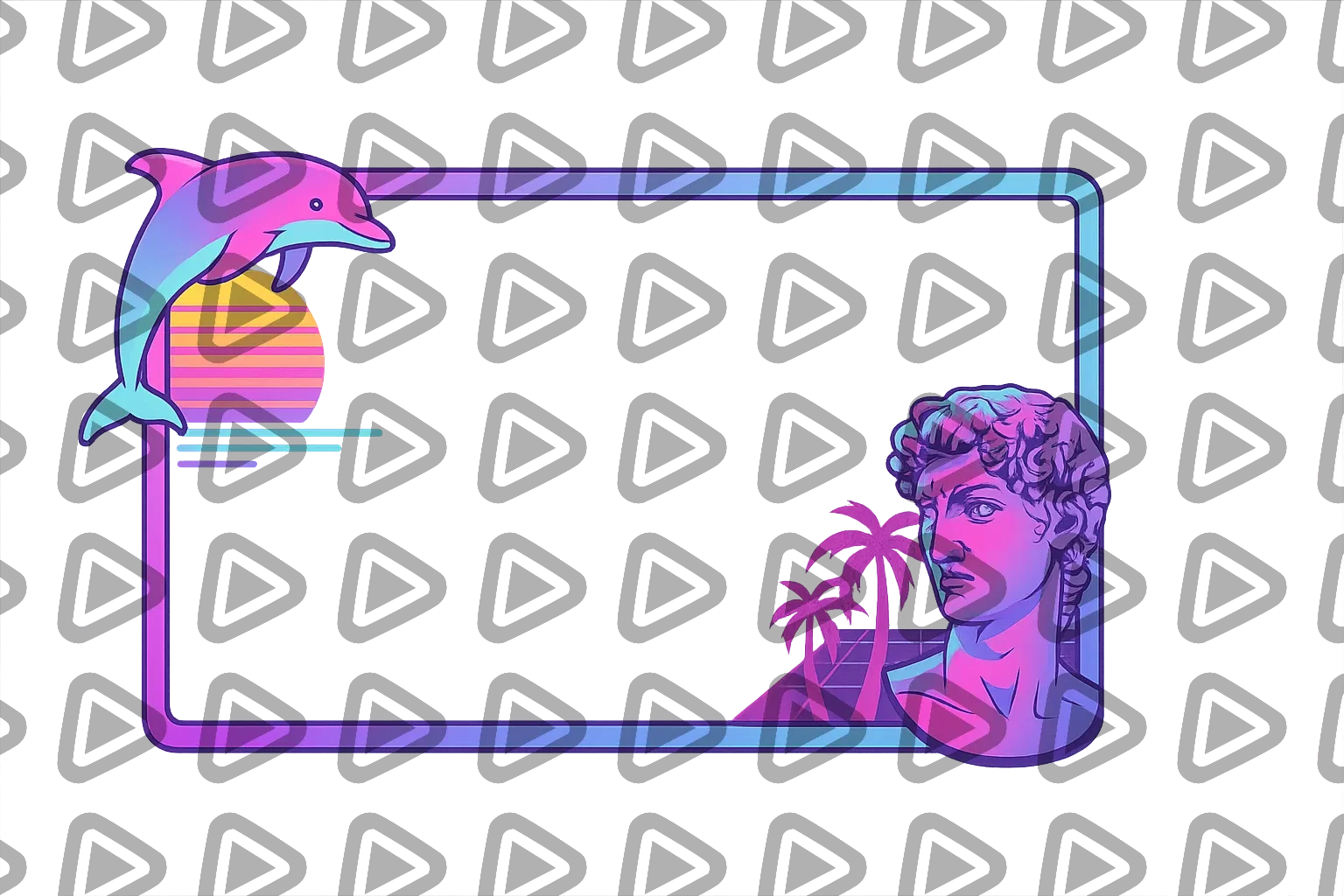
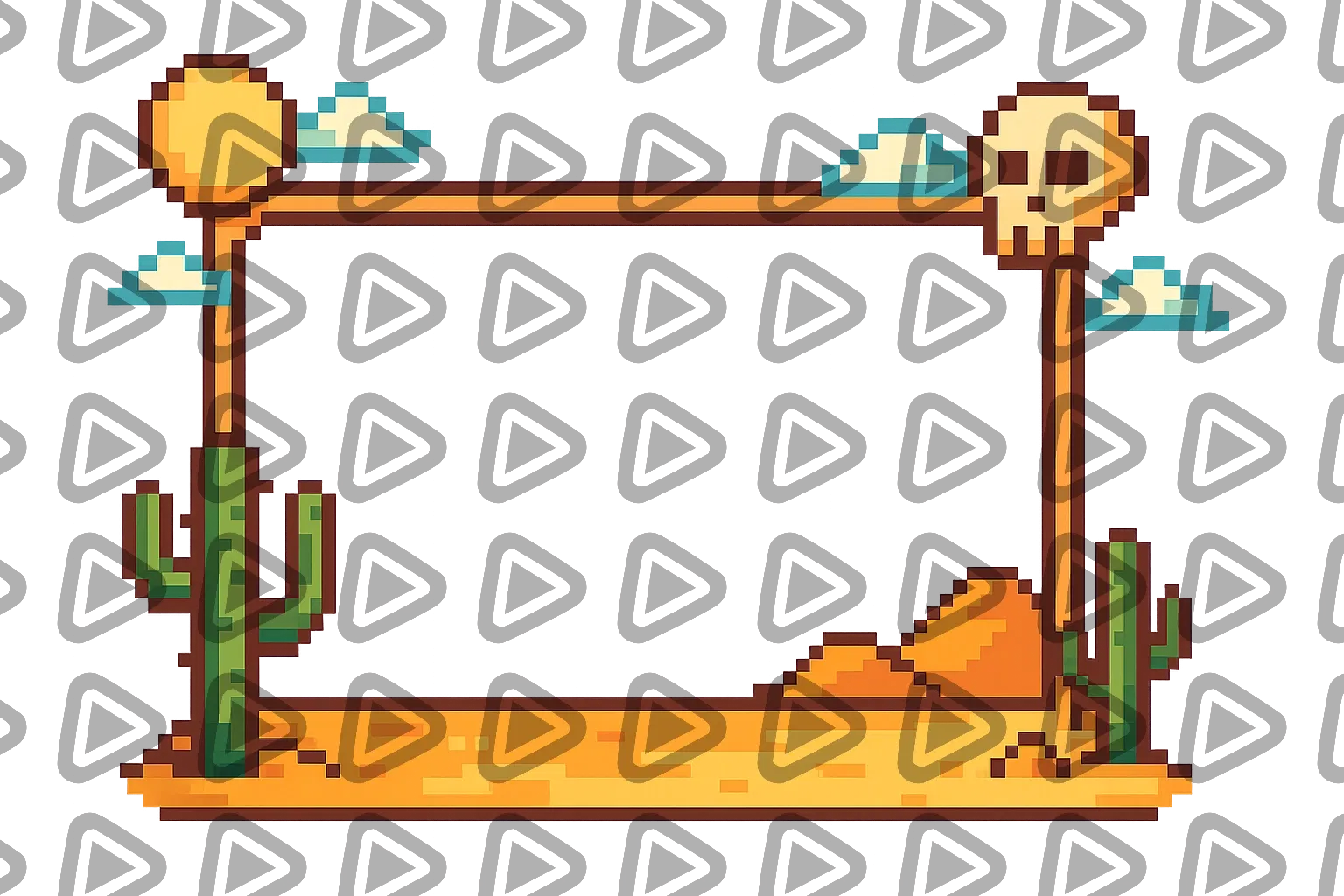
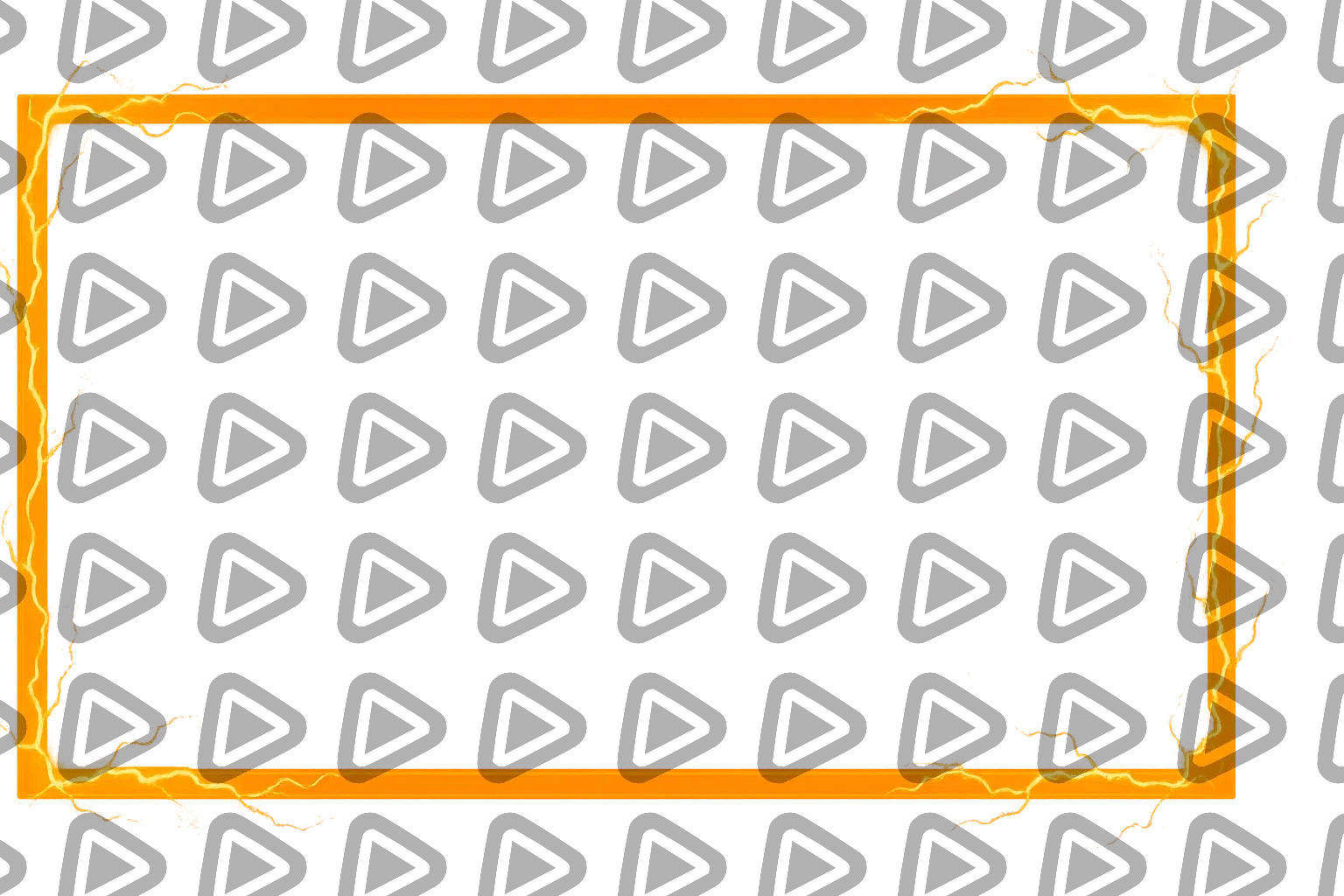
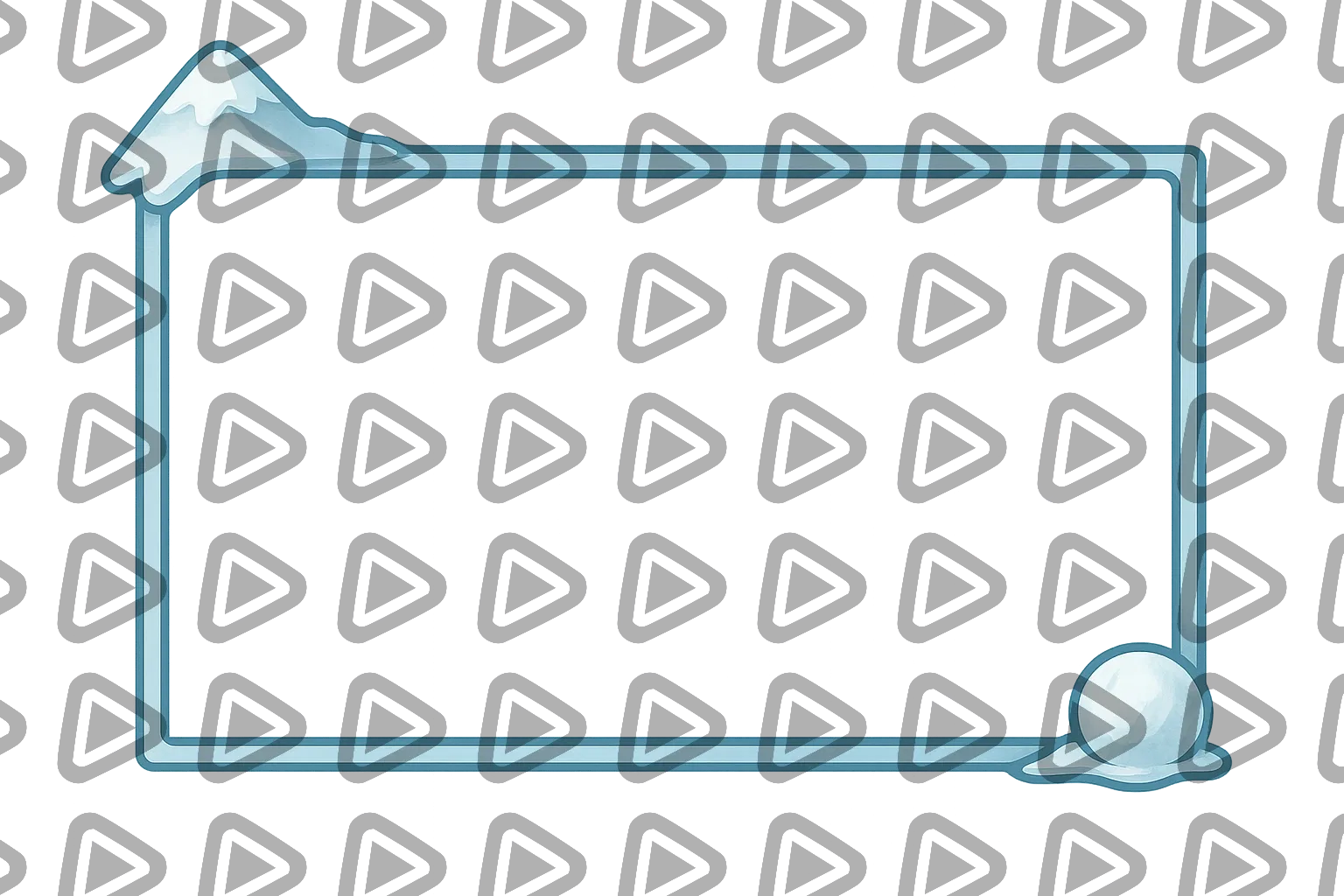
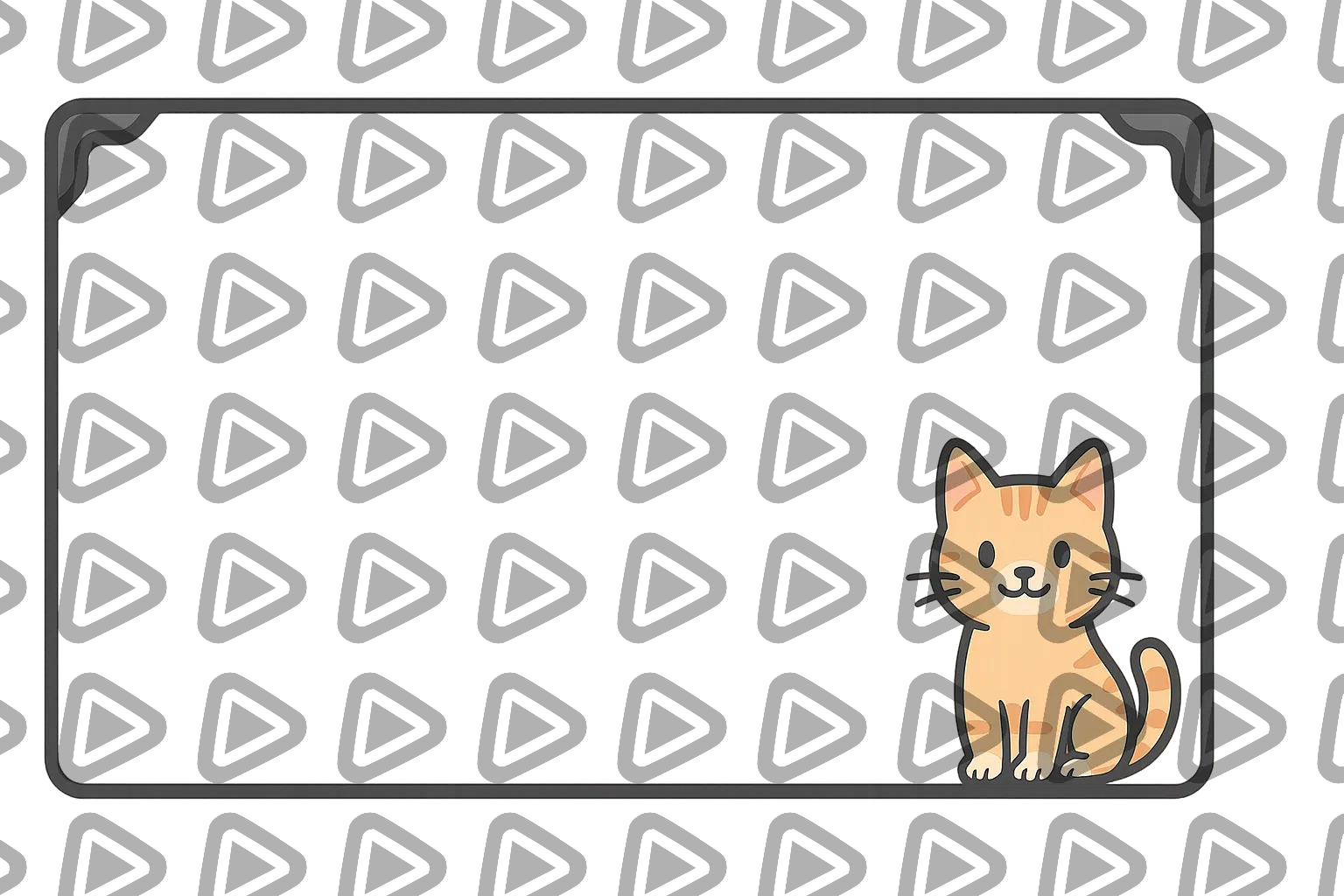
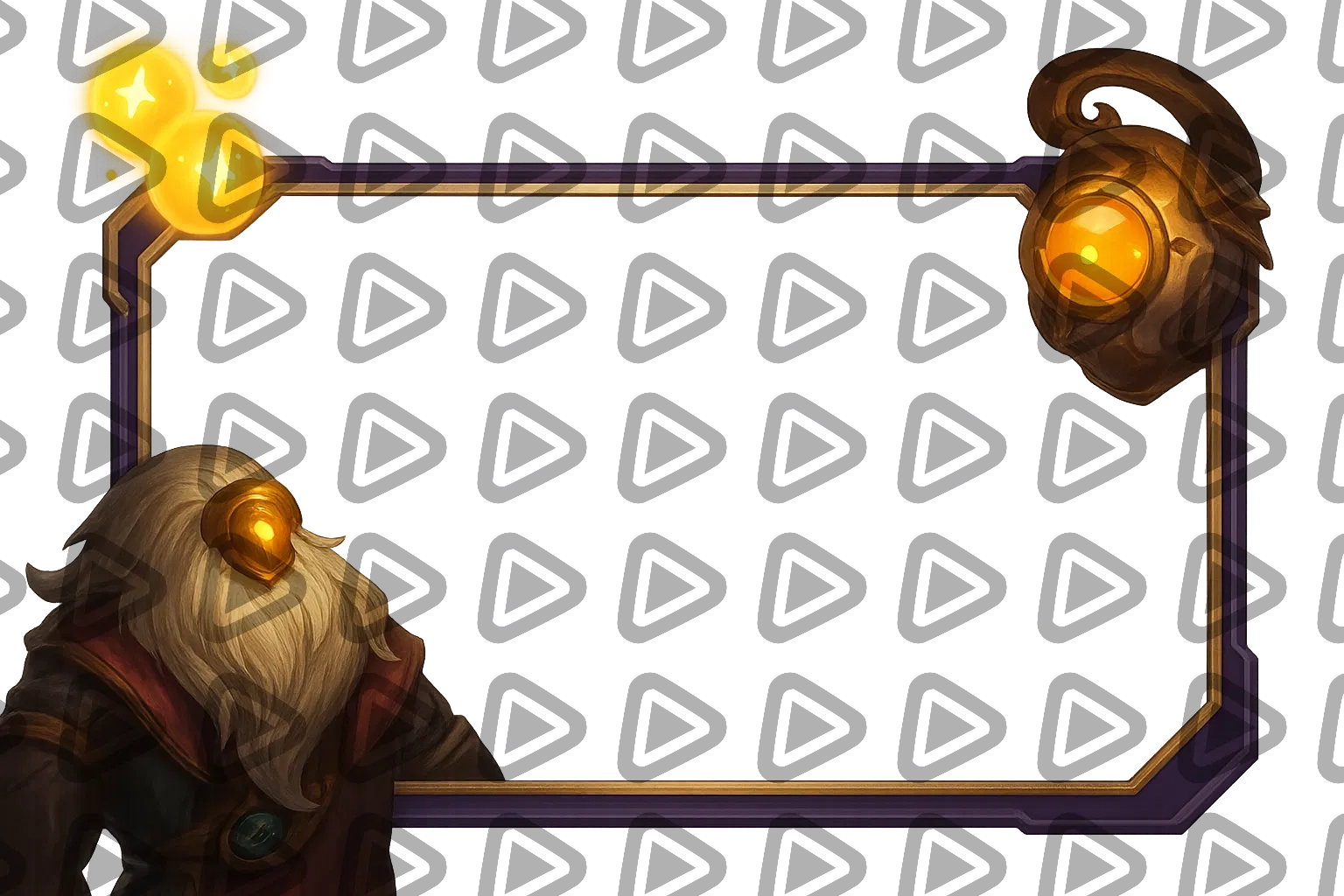
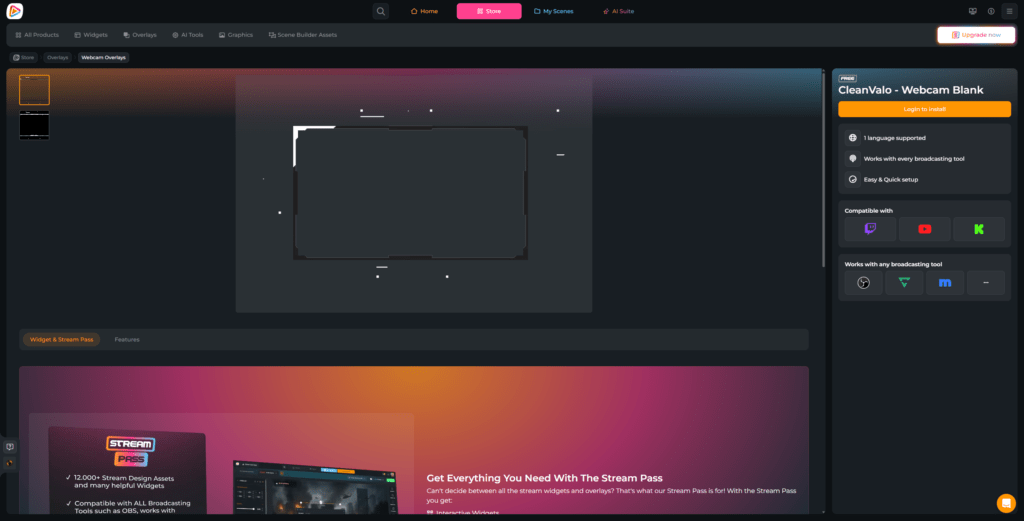
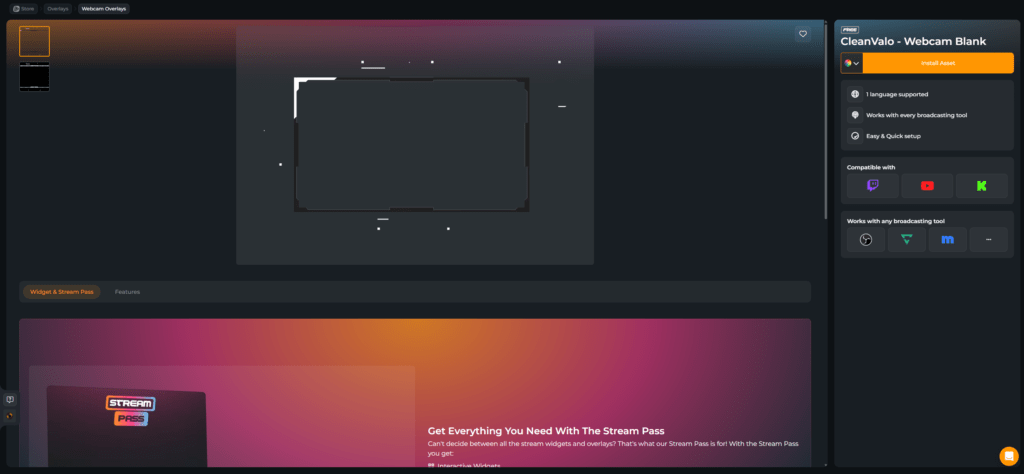
Your stream on Kick is more than gameplay. It is personality. It is reactions. It is that split second where chat explodes, and all eyes are on you. A Kick webcam overlay makes sure your camera is not just “there.” It becomes part of your identity. Clean. Animated. With labels for Kick supporters, or kept sleek and minimal. Start with free Kick webcam overlays and upgrade anytime. Works with OBS Studio, Streamlabs, XSplit, and any broadcasting tool.

All Kick Webcam Overlays Free/Premium

1

Your Camera Is the Connection

Turn reactions into impact on Kick

Your laugh after a clutch. Your disbelief after a wild moment. Your quiet focus before a big play. A Kick webcam overlay gives those moments a frame that feels intentional. You can keep it clean with a subtle webcam border, or choose a layout that integrates Kick supporter labels directly around your cam. 


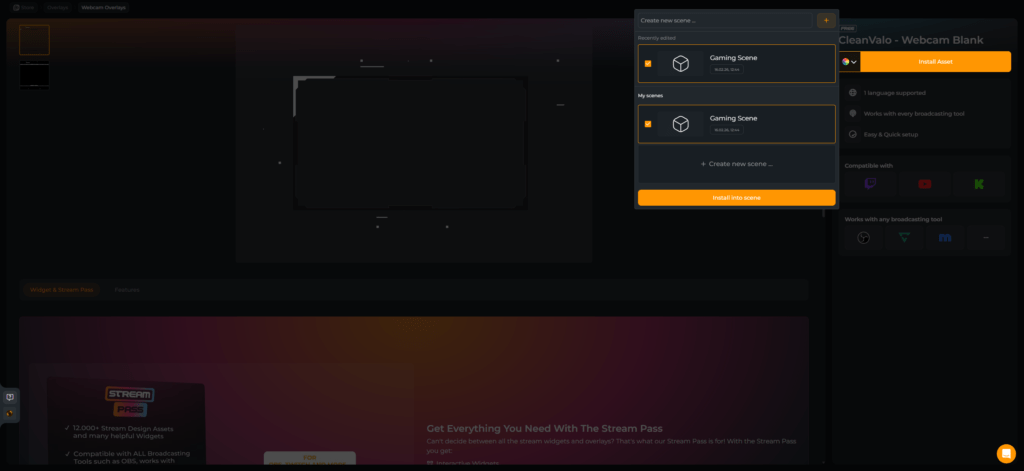
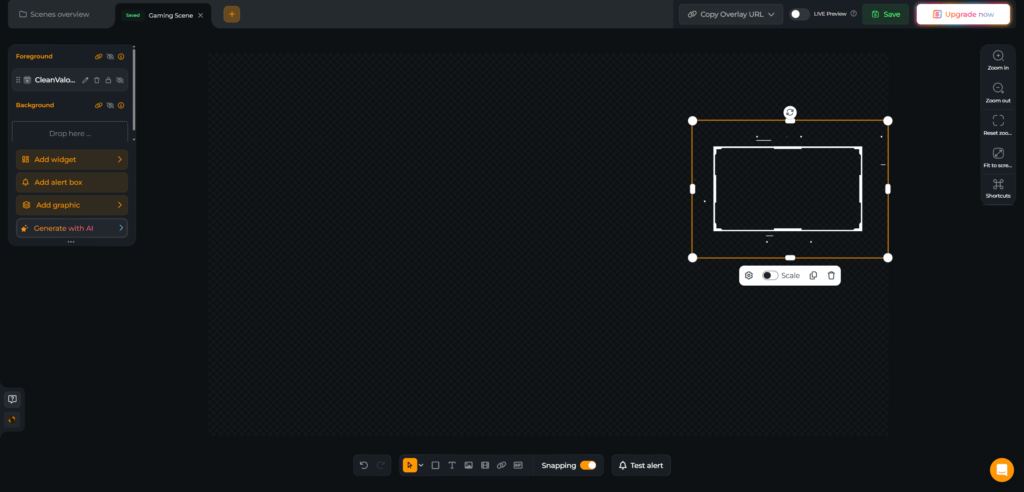
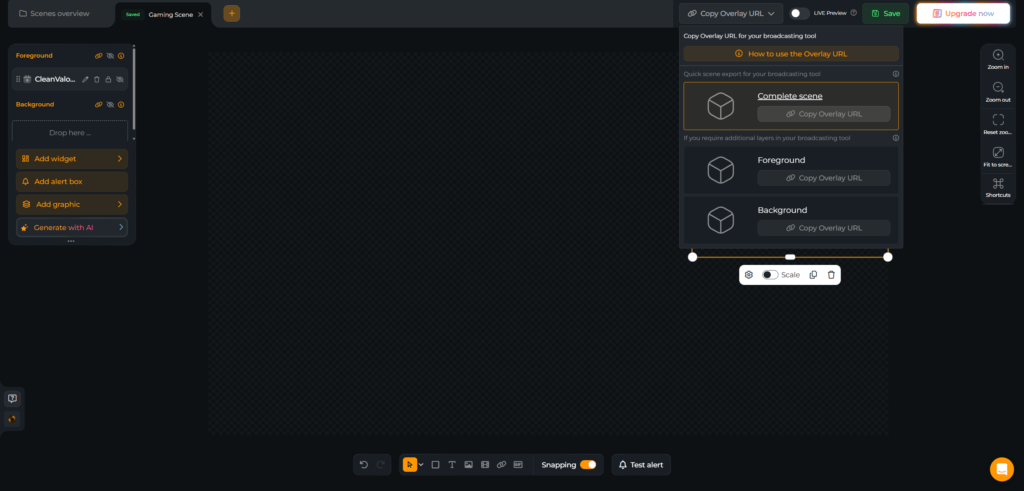
Either way, your face becomes a designed element of your stream. Everything is built inside the Scene Builder and added as a browser source in OBS Studio, Streamlabs, XSplit, Meld Studio, or any broadcasting tool.

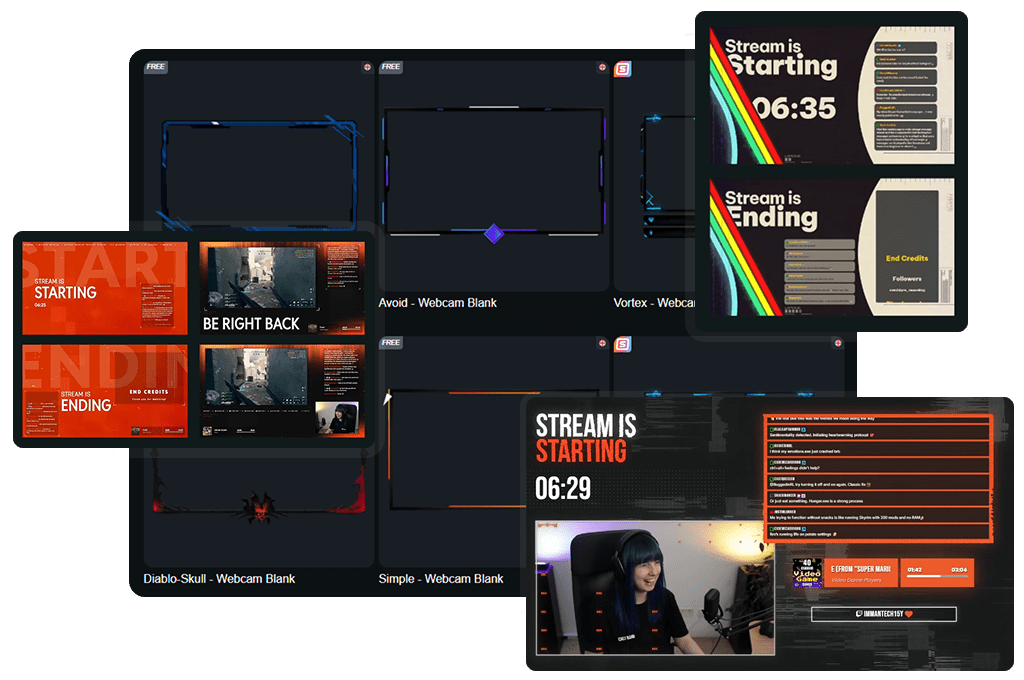
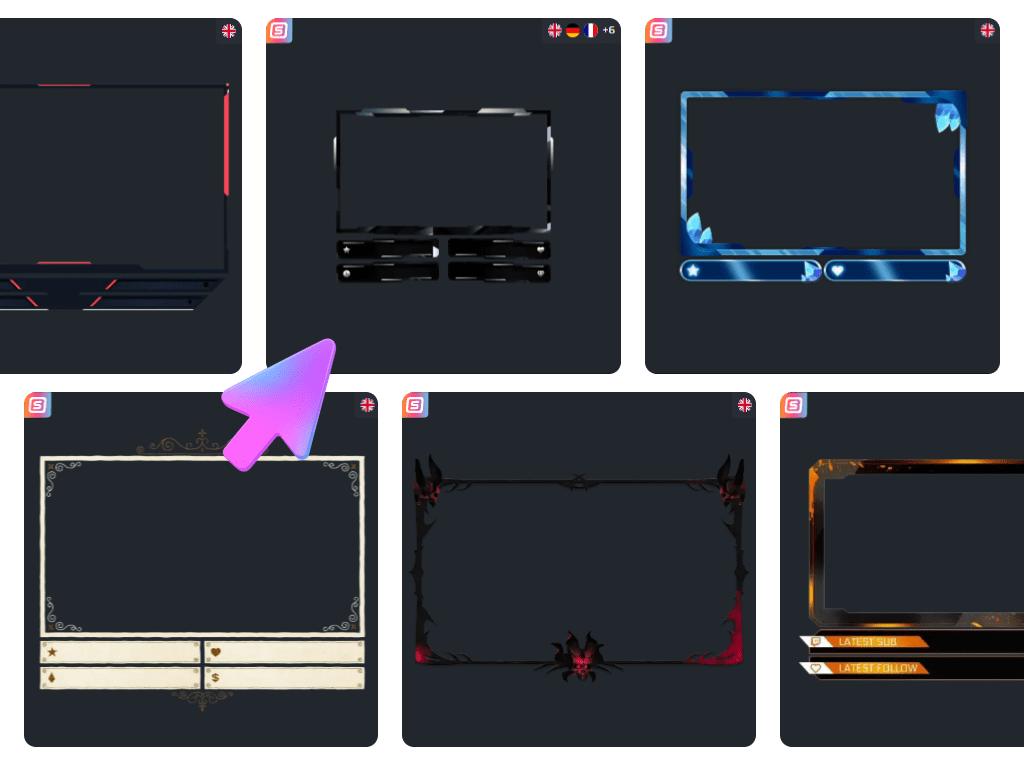
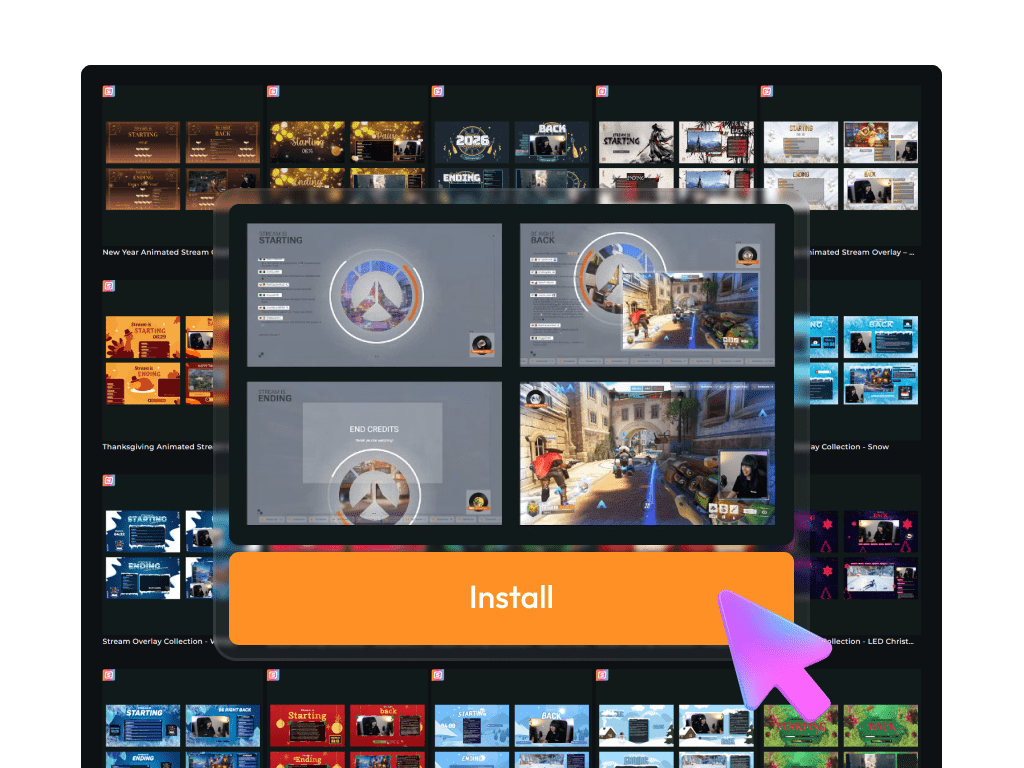
Discover the Big Kick Webcam Overlay Collection

Build your Kick presence step by step

Free Kick webcam overlays give you a clean and professional starting point in minutes. Test different vibes, adjust your layout, and shape your identity on screen. 


When you want more variety, animated designs, and exclusive styles, the Stream Pass lets you expand your look without rebuilding your entire setup.

What Happy Customers Say About Our Kick Webcam Overlays

See how our product makes a difference for content creators.

One Pass. Everything Included.

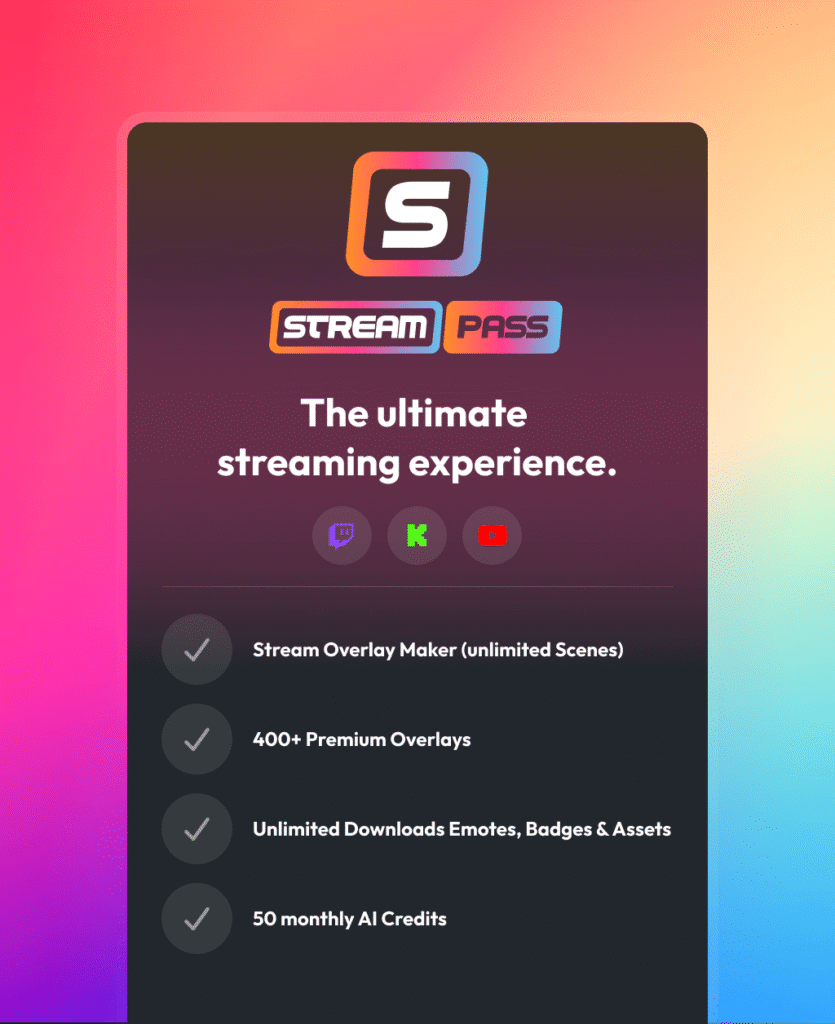
The Stream Pass gives you full access to everything OWN3D Pro has to offer. All products, including Kick webcam overlays, alerts, widgets, emotes, and more, are included and not sold separately.

Works with all broadcasting tools

Customize your Kick webcam overlays in the Scene Builder and use them with OBS Studio, Streamlabs, XSplit, and more. Easy to integrate with any setup.

Unlimited* asset downloads

Download emotes, badges, panels, and more static assets. *Our unlimited plan is subject to fair use.

AI-powered creations

Get 50 AI credits with your Stream Pass to generate custom stream widgets, Kick webcam overlays, emotes, and more.

Multistreaming ready

Stream on Twitch, YouTube, and Kick with webcam overlays and all the tools you need for a professional-looking livestream.

How to Set Up a Kick Webcam Overlay

Your Kick webcam overlay is ready in just a few steps. Need help? This guide has you covered.

FAQs About Kick Webcam Overlay

What does a Kick webcam overlay actually do?

A Kick webcam overlay gives your camera a clear visual identity inside your stream. Instead of a random rectangle on top of your gameplay, your cam becomes part of a designed layout. It gives your stream visual balance, highlights your personality, and keeps your reactions front and center.

Yes. You can begin with a free Kick webcam overlay and upgrade your stream look right away. Premium versions inside the Stream Pass offer more variety, exclusive themes, and additional animated styles for creators who want a broader selection.

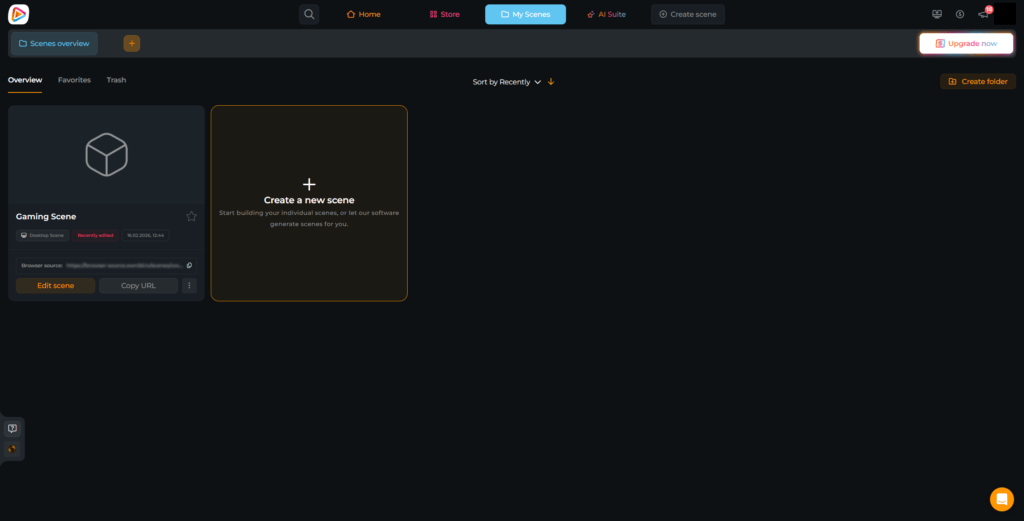
No downloads are required. You create and manage your Kick webcam overlay directly in the OWN3D Pro Scene Builder. Then you integrate it into OBS or another broadcasting tool via browser source. This setup makes edits and updates fast and effortless.

Yes. Some Kick webcam overlay designs focus on a clean and minimal frame. Others include built-in areas for supporter labels, so you can display your latest Kick follower or subscriber around your cam. You decide whether you want a subtle structure or a more interactive camera space.

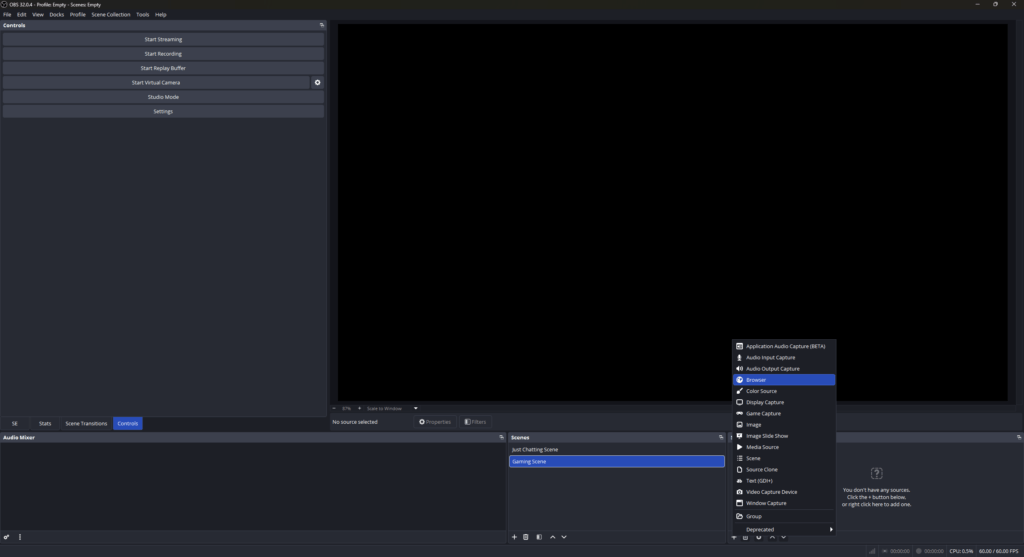
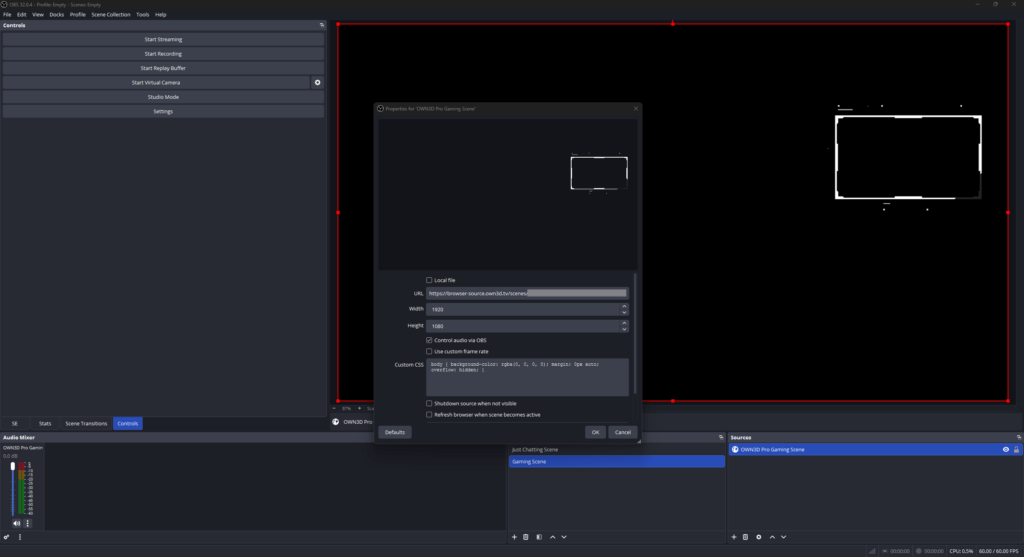
After setting up your Kick webcam overlay in the Scene Builder, copy the browser source link. In OBS, create a new browser source, paste the link, set the resolution to 1920×1080, and place it above your camera layer. From there, adjust everything to fit your scene.

Yes. Because the Kick webcam overlay runs through your broadcasting tool, the visual frame works on any platform you stream to. If you use additional OWN3D Pro labels or widgets, they are optimized for Kick, Twitch, and YouTube.

The AI Webcam Frame Generator lets you design a custom Kick webcam overlay that fits your personal brand. You receive 5 free AI credits to start creating. If you want more creative flexibility and additional credits, the Stream Pass unlocks more possibilities.

Yes. You can choose between static and animated Kick webcam overlay styles. Animated versions add extra movement and energy, while static designs keep things clean and focused. You can switch between them at any time to match your stream’s vibe.