Free & Premium Kick Transitions

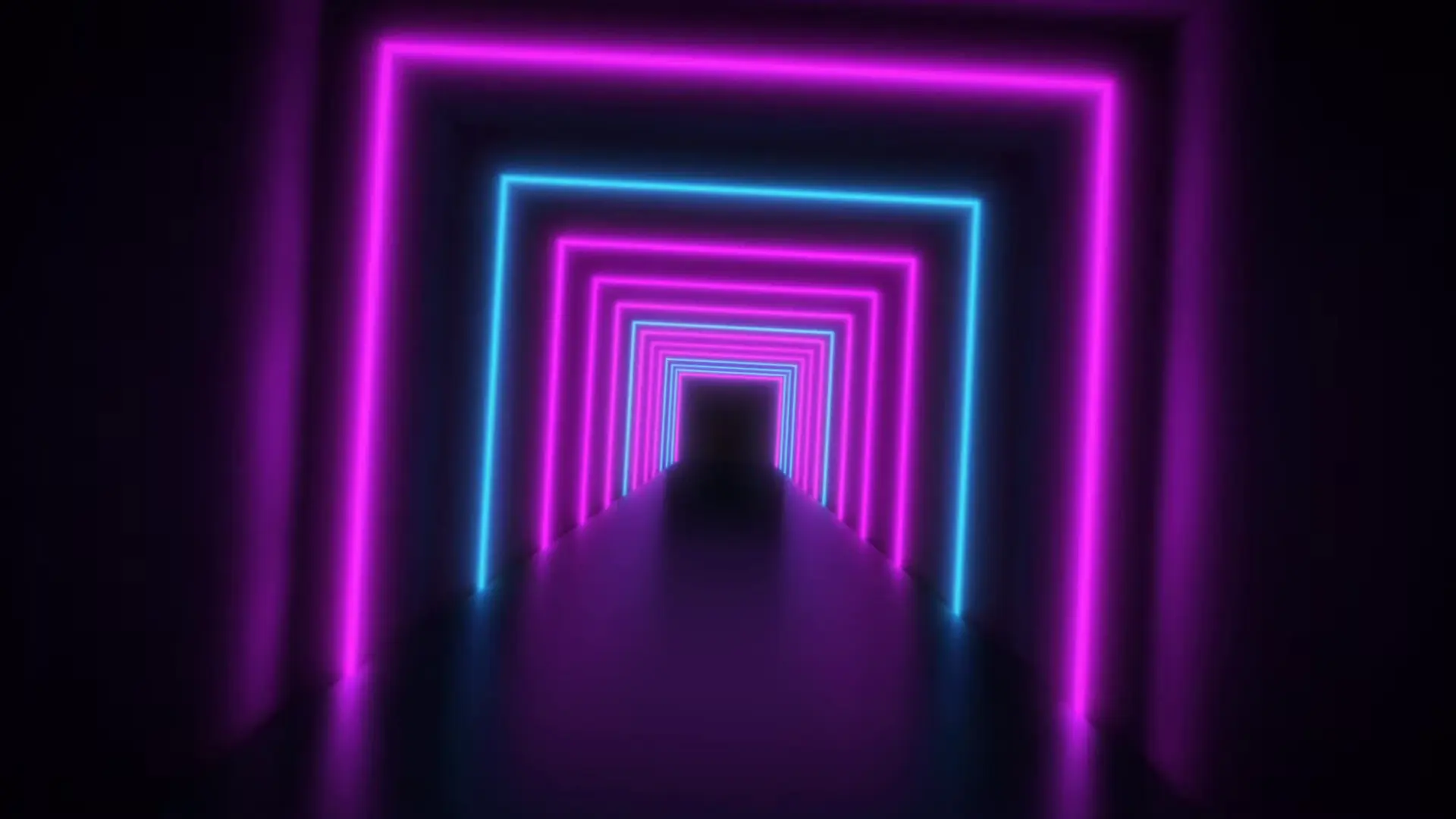
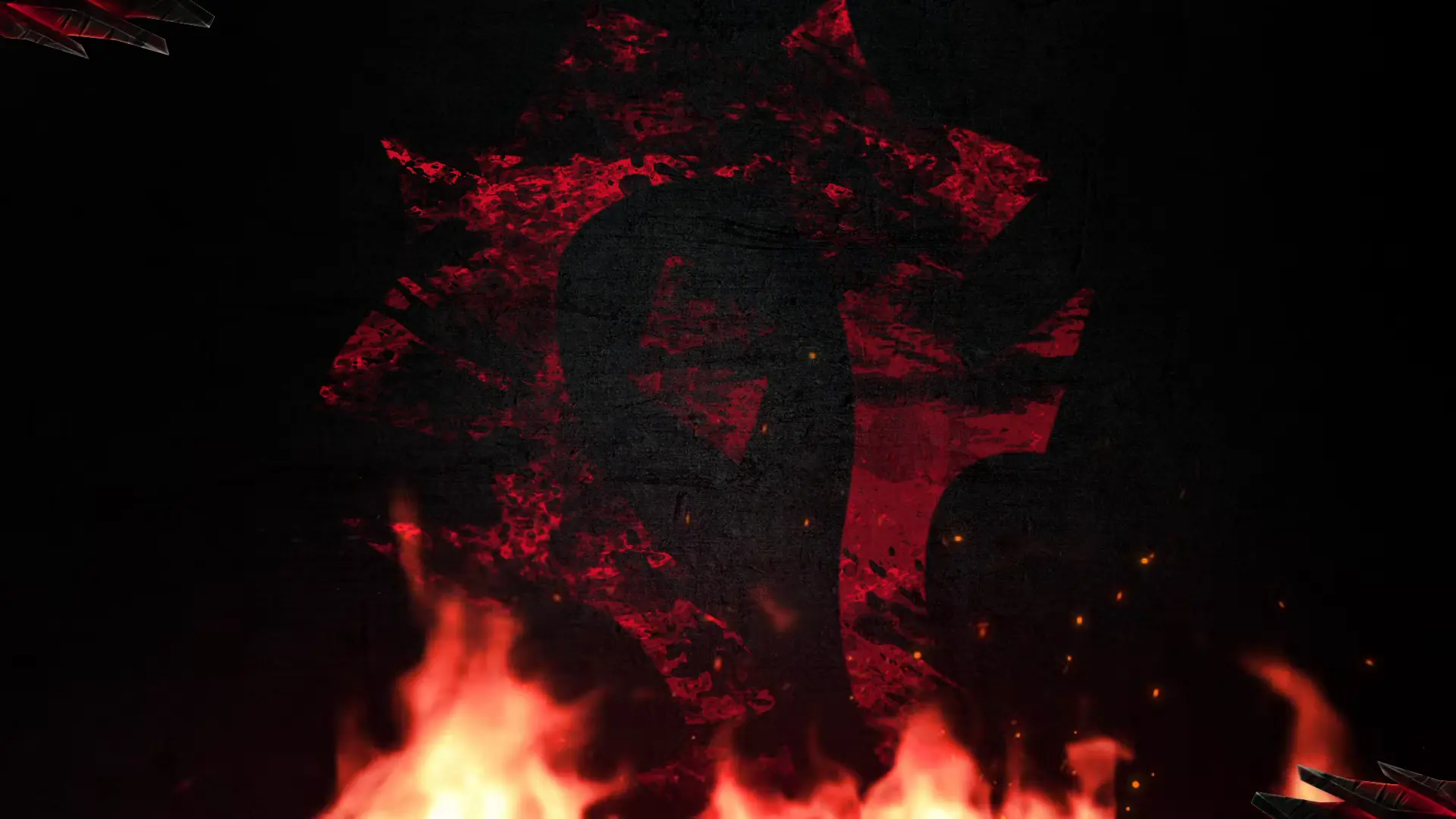
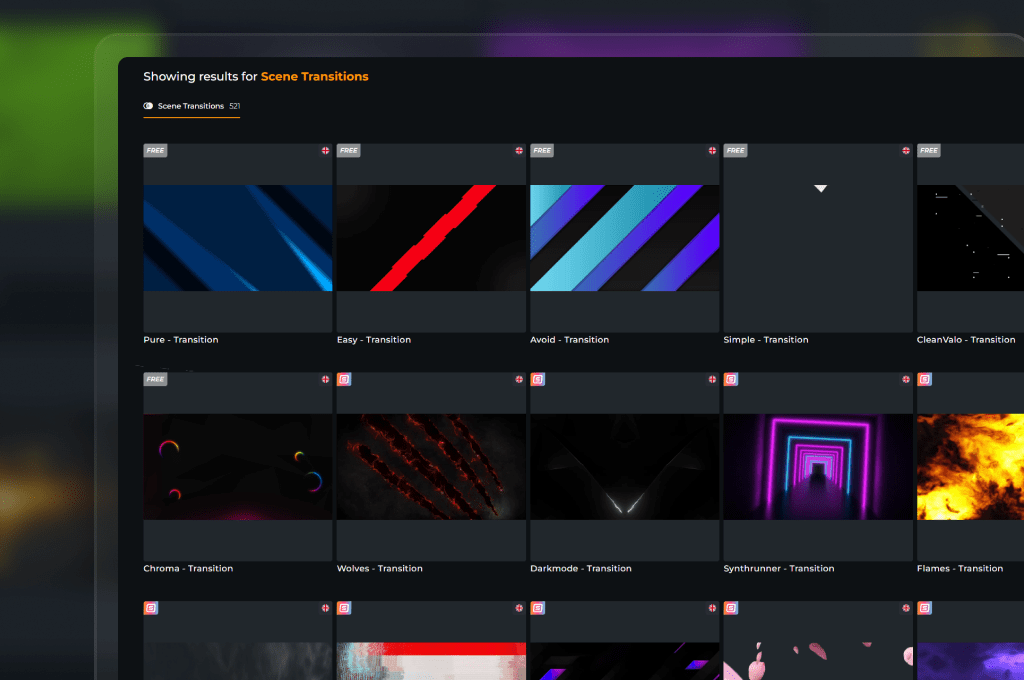
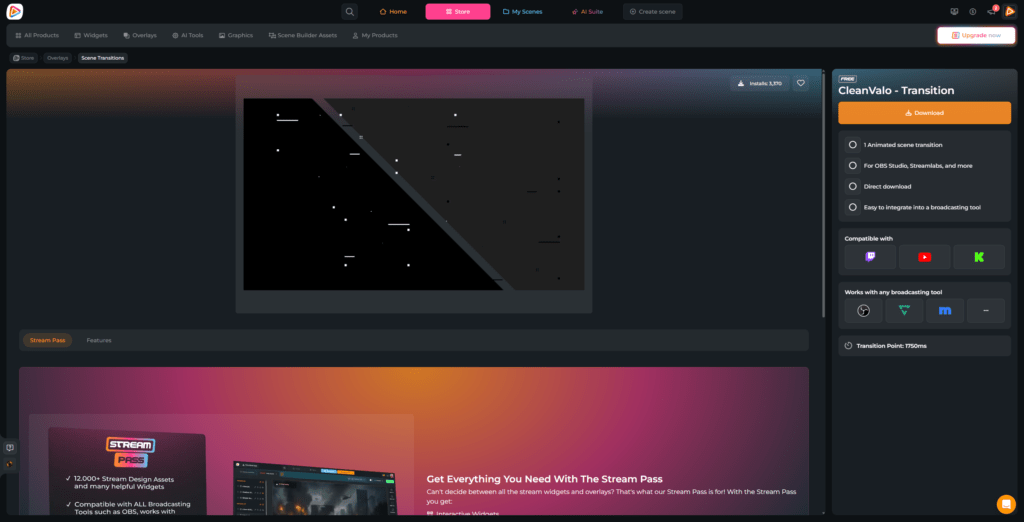
Kick transitions provide a professional visual bridge, turning simple scene changes into cinematic moments that keep your viewers engaged. They effectively mask technical transitions and eliminate jarring jump cuts, maintaining a high-energy pace for your stream. With OWN3D Pro, you can instantly access a massive library of both free Kick transitions and premium animated Kick stingers tailored for every style of content.

Flawless Cuts for Your Kick Channel

Start making entrance moves into your scenes

Every scene change is your shot to flash some real personality. Swapping from your pre-stream countdown straight into your main gameplay loop needs a proper entrance move instead of dropping into sudden silence.


Integrating specialized Kick transitions instantly transforms your stream into a premium, high-budget show.

Perfect Stream Pacing Made Simple

Drive high-impact visual shifts without any frame drops

Clean layout switches demand perfect timing, synchronized sound effects, and lightweight performance to keep your hardware running smoothly. This requires reliable Kick transitions to protect your technical flow, and our pre-optimized files deliver exactly that reliable stability.

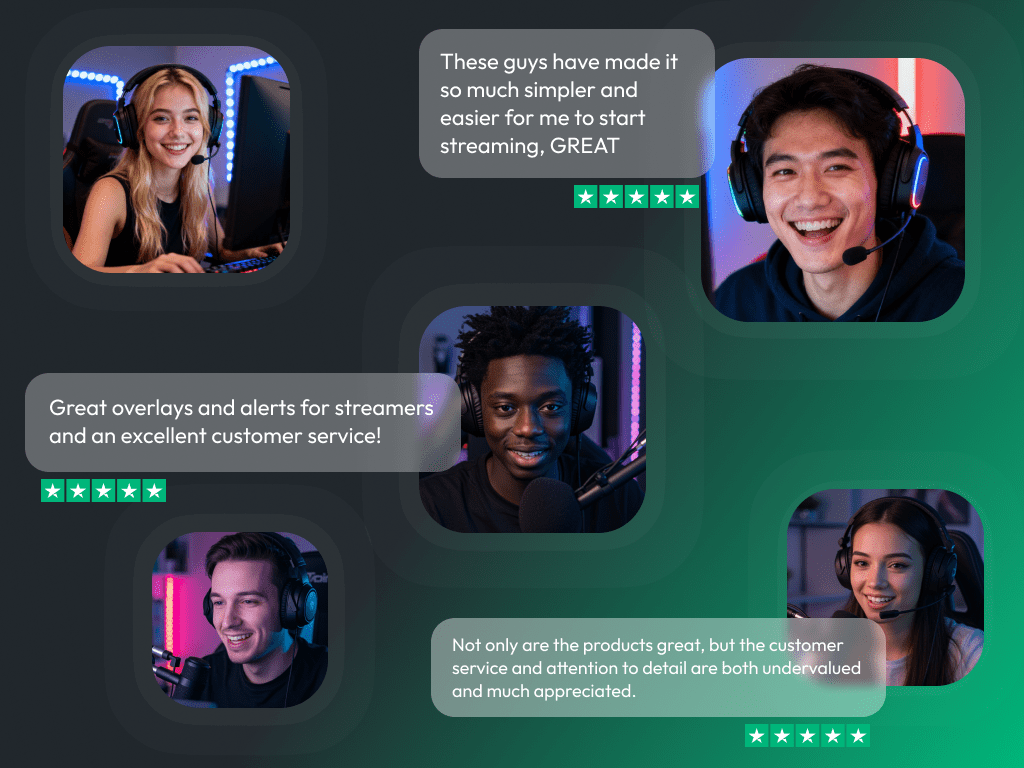
What Happy Customers Say About Our Kick Transitions

See how our product makes a difference for content creators.

One Pass. Everything Included.

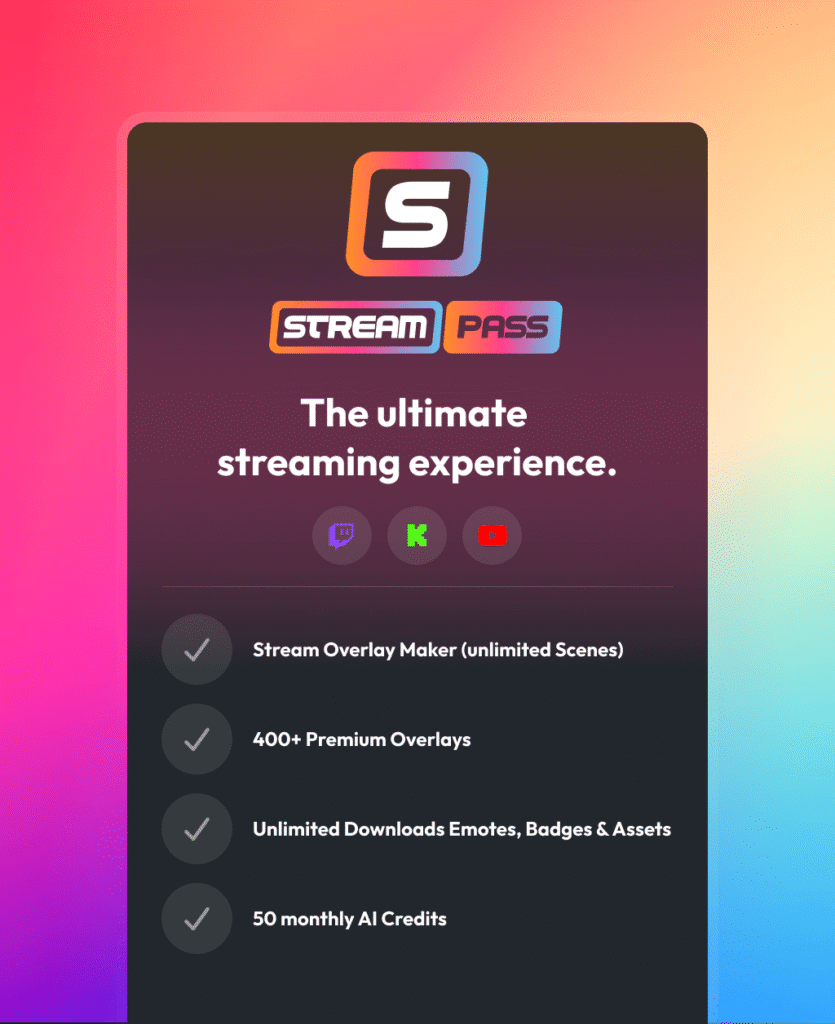
The Stream Pass gives you full access to everything OWN3D Pro has to offer. This includes our entire library of overlays, alerts, badges, widgets, animated Kick transitions, and more.

Works with all broadcasting tools

Customize your overlays in the Scene Builder and use them with OBS Studio, Streamlabs, XSplit, and more. Easy to integrate with any setup.

Unlimited* asset downloads

Download sub emotes, badges, Kick stinger transitions, and more static assets. *Our unlimited plan is subject to fair use.

AI-powered creations

Get 50 AI credits with your Stream Pass to generate custom stream widgets, webcam frames, emotes, and more.

Multistreaming ready

Stream on Twitch, YouTube, and Kick with all the tools you need for a professional-looking livestream.


How to Add Your Kick Transition

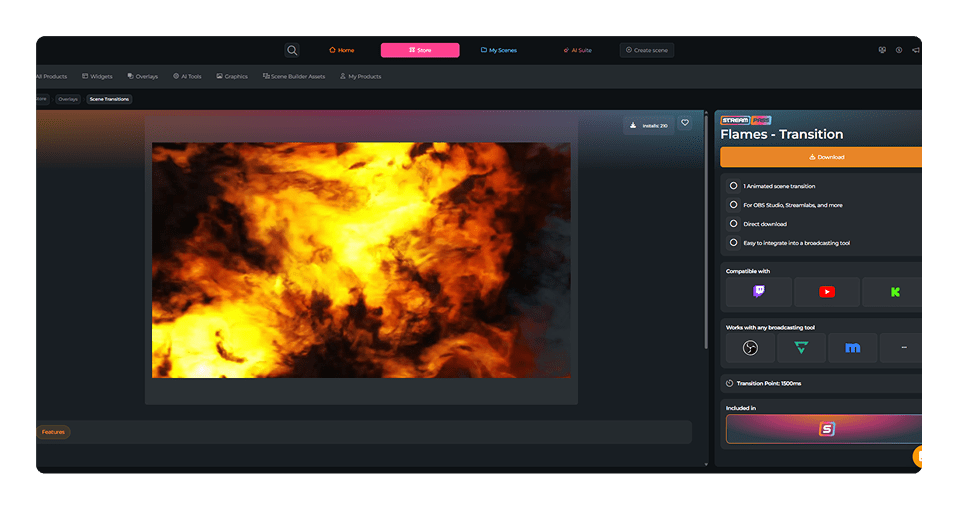
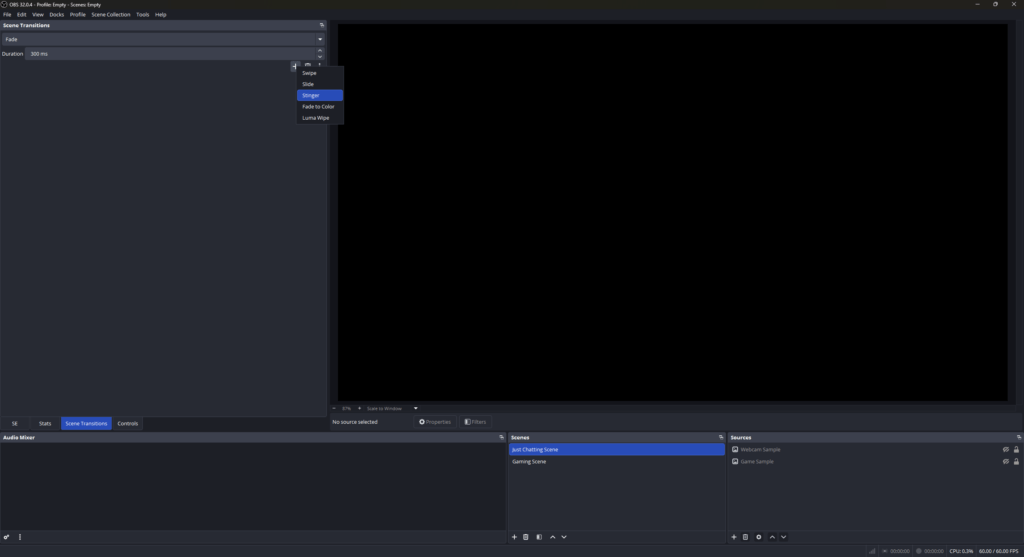
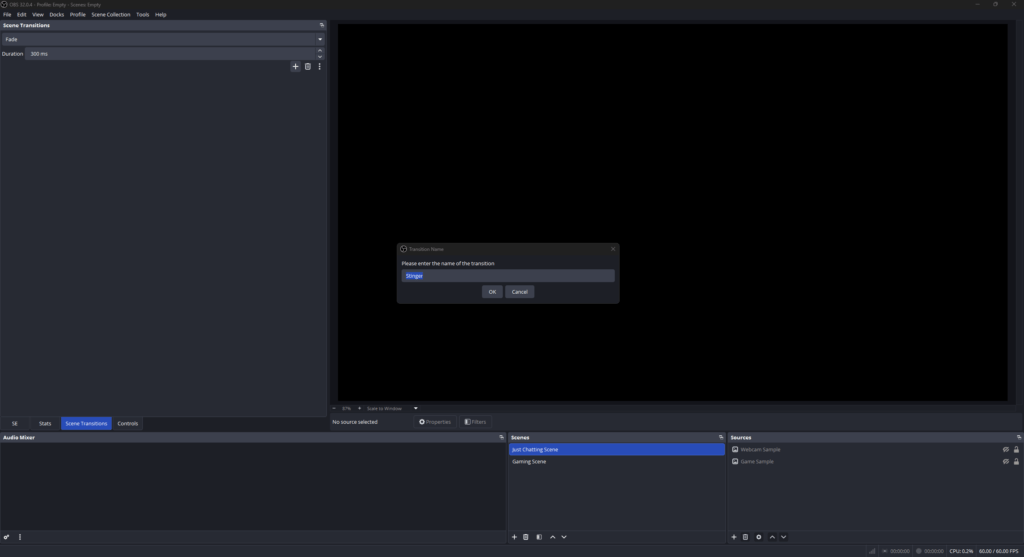
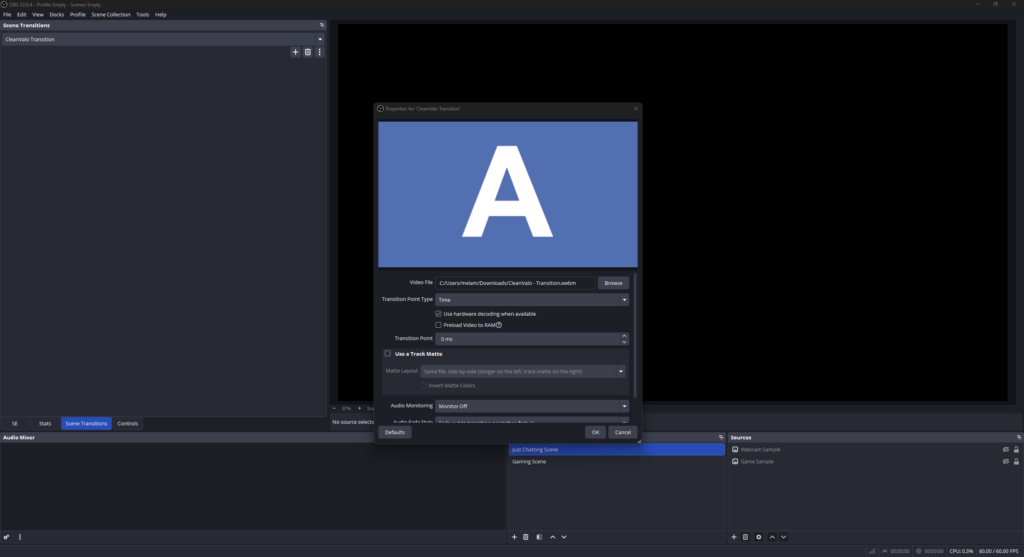
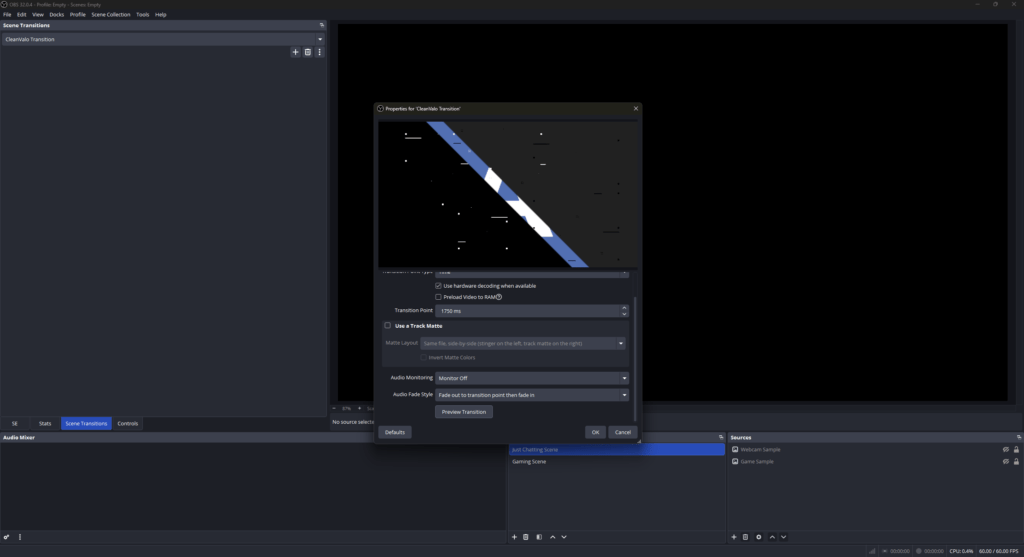
Integrating a new transition for Kick into OBS Studio is a quick process that significantly boosts your stream value. Follow these steps to get started:

FAQs About Kick Transitions

What exactly is a Kick transition?

A Kick transition is an animated video file that triggers when you switch scenes in your broadcasting tool. It replaces abrupt cuts with professional animation, smoothly transitioning viewers from your “Starting Soon” screen to your live gameplay.

You can find high-quality free transitions right here at OWN3D Pro. By creating a free account, you can download stream transitions to give your Kick channel a professional look at no cost.

Yes. Every stinger transition file from OWN3D Pro is fully optimized, clean, and safe for your system, ensuring your broadcasting tool runs smoothly.

Absolutely. Our Kick transitions work perfectly with OBS Studio, Streamlabs, XSplit, and any other tool that supports media-based stinger transitions.

Yes, the Stream Pass gives you unlimited access to our entire premium library. To ensure platform stability, we apply a fair use policy of 25 downloads per day per category.

While a fade is functional, a dedicated Kick stinger transition builds your brand identity. It shows your viewers that you are committed to a high-quality stream, which helps convert them into long-term followers.

Yes, you have full control. If you fall in love with a specific style but are not ready to upgrade to the Stream Pass, you can purchase individual Kick transitions. Once unlocked, you can access it with your account.

Creating a custom Kick transition from scratch requires specialized video editing skills and animation software like Adobe After Effects. Getting the perfect transition point right takes a lot of time and effort. While designing your own is an option, it’s often more efficient to grab a ready-to-use, professional animation from our collection, allowing you to instantly upgrade your stream without the tech headache and focus on your content.

Yes, absolutely. We recognize that audio quality is crucial when you switch scenes on your Kick stream. That’s why every single Kick stinger transition in our premium and free library comes with a professionally mixed sound effect that perfectly matches the animation’s timing and visual impact.