Free & Premium YouTube Transitions

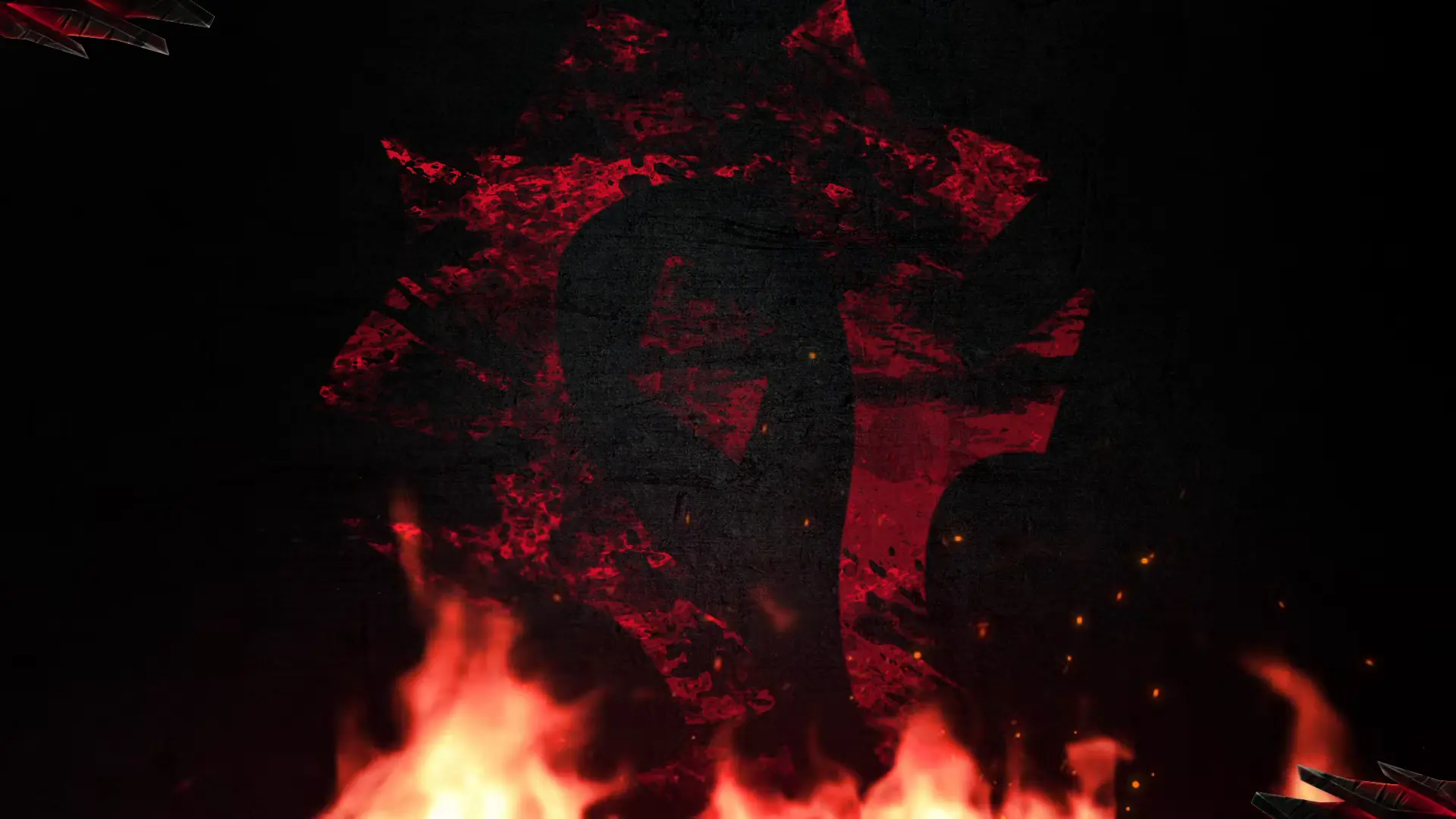
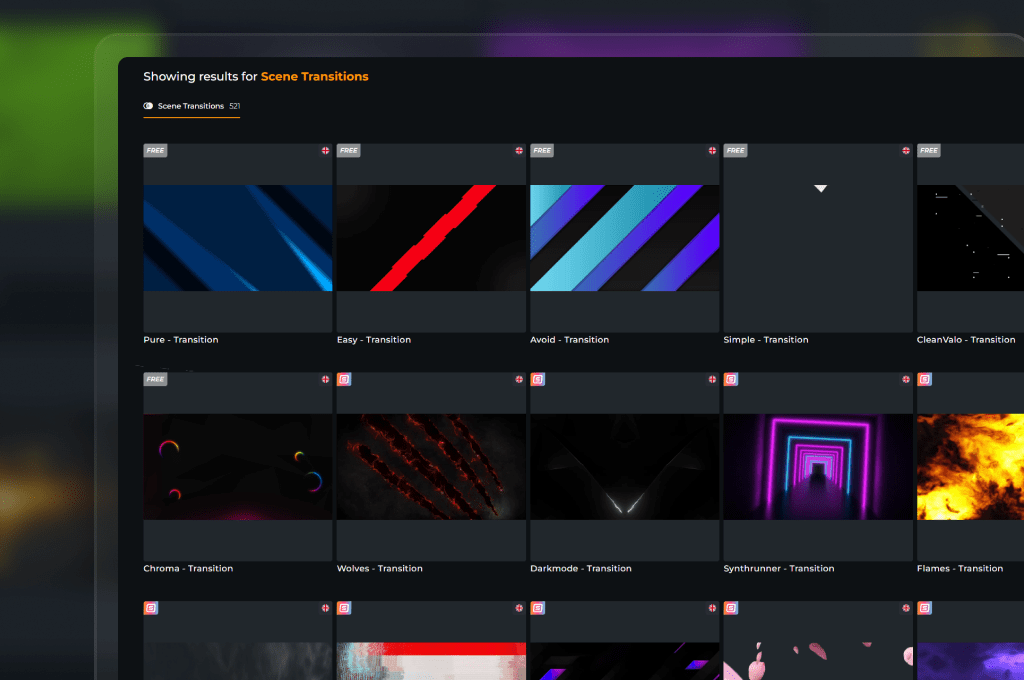
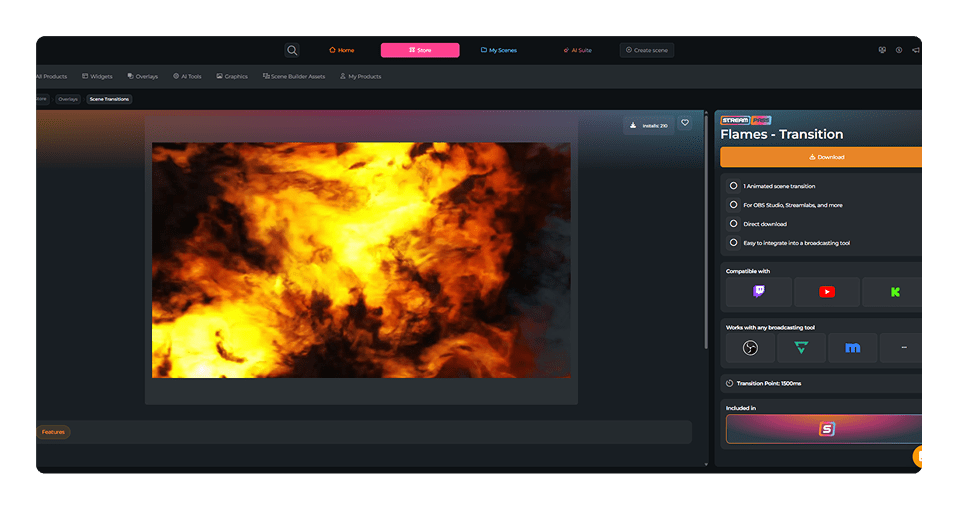
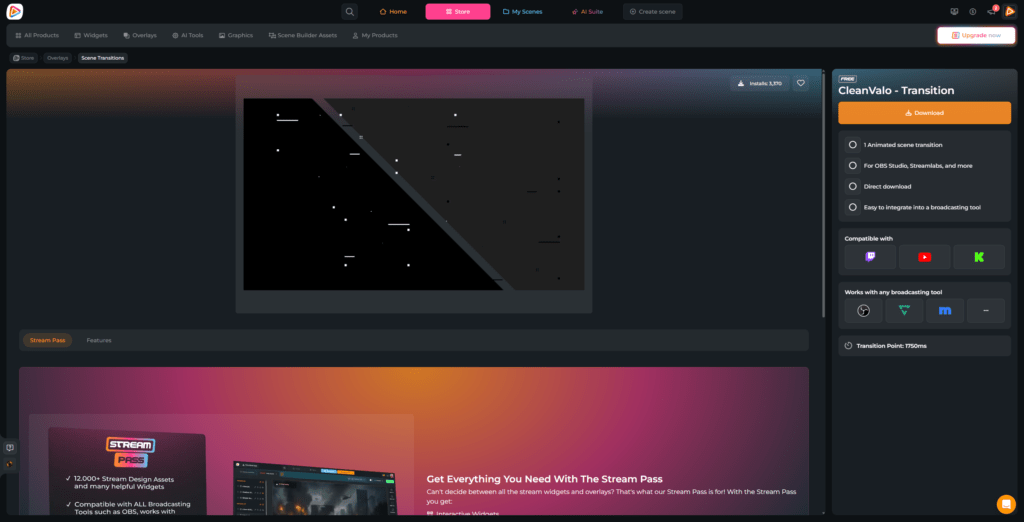
When you switch from your countdown to your live gameplay on YouTube, you want to keep your viewers hooked. Sudden cuts break the immersion, but a dedicated YouTube transition turns every scene change into a massive highlight. It builds anticipation and gives your stream a smooth, uninterrupted rhythm. With OWN3D Pro, you gain instant access to clean, free stream transitions and premium animated YouTube stinger designs that integrate seamlessly with your preferred broadcasting tool.

Give Your Stream a Flawless Rhythm

Ditch sudden cuts and make smooth moves

Every layout change is an opportunity to showcase your channel’s unique style. Moving between your starting screen and your main content on YouTube shouldn’t feel jarring or happen in complete silence.


Using an animated YouTube transition frames your content like a professional show. It lets your community know that the action is starting, and makes your digital stage look incredibly polished.

Sync Your Scene Changes on Point

Perfect audio-visual sync

A perfect YouTube transition relies on proper timing, matching audio, and hardware-friendly performance to keep your gameplay smooth. 


That is precisely what our optimized animated YouTube transitions deliver right from the start, making it easy to achieve a high-end look without any technical hassle.

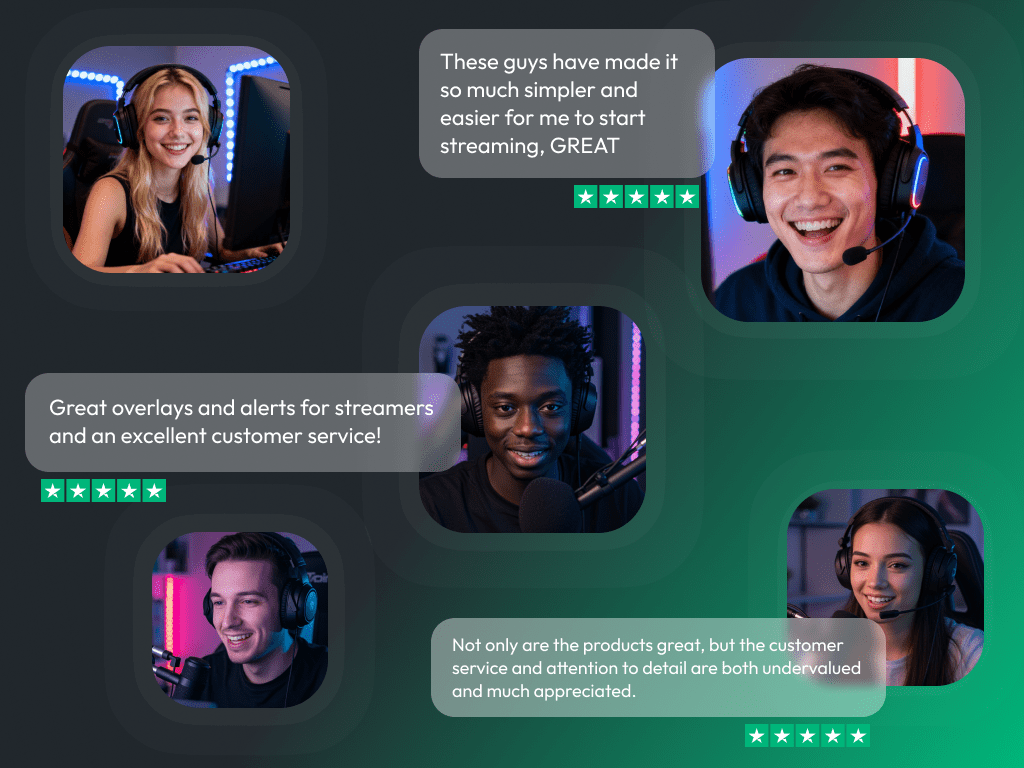
What Happy Customers Say About Our YouTube Transitions

See how our product makes a difference for content creators.

One Pass. Everything Included.

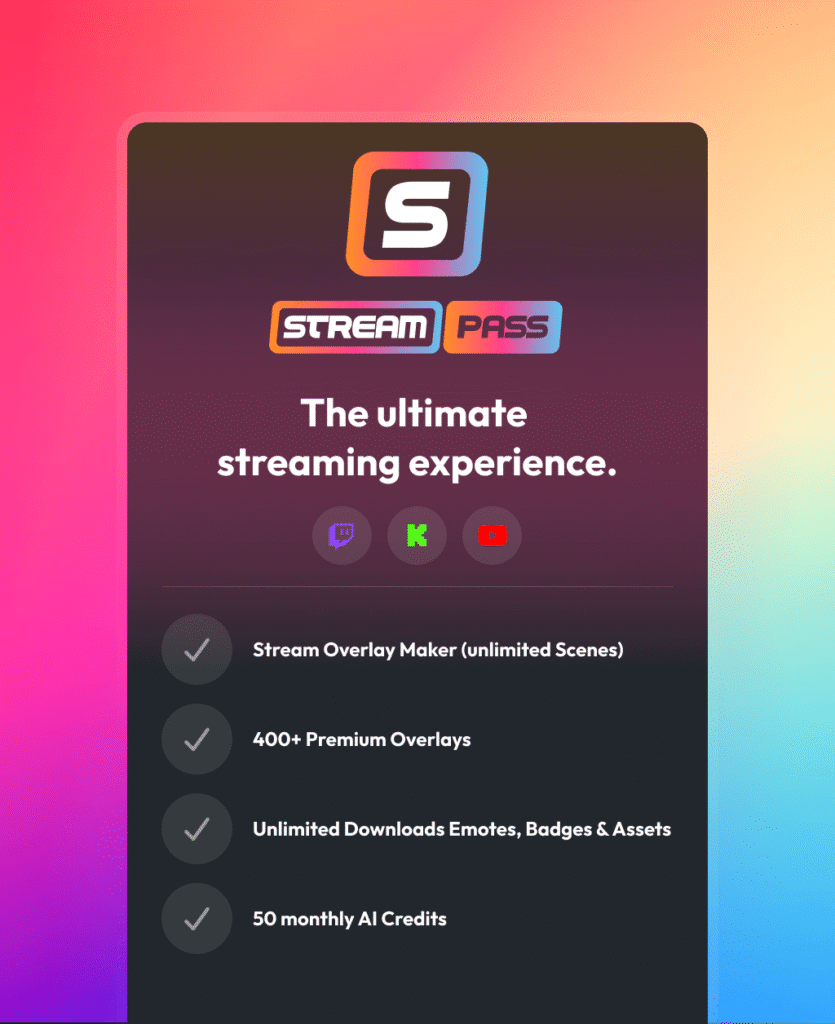
The Stream Pass gives you full access to everything OWN3D Pro has to offer. This includes our entire library of overlays, alerts, badges, widgets, YouTube transitions, and more.

Works with all broadcasting tools

Customize your overlays in the Scene Builder and use them with OBS Studio, Streamlabs, XSplit, and more. Easy to integrate with any setup.

Unlimited* asset downloads

Download sub emotes, badges, YouTube transitions, and more static assets. *Our unlimited plan is subject to fair use.

AI-powered creations

Get 50 AI credits with your Stream Pass to generate custom stream widgets, webcam frames, emotes, and more. 

Multistreaming ready

Stream on Twitch, YouTube, and Kick with all the tools you need for a professional-looking livestream.

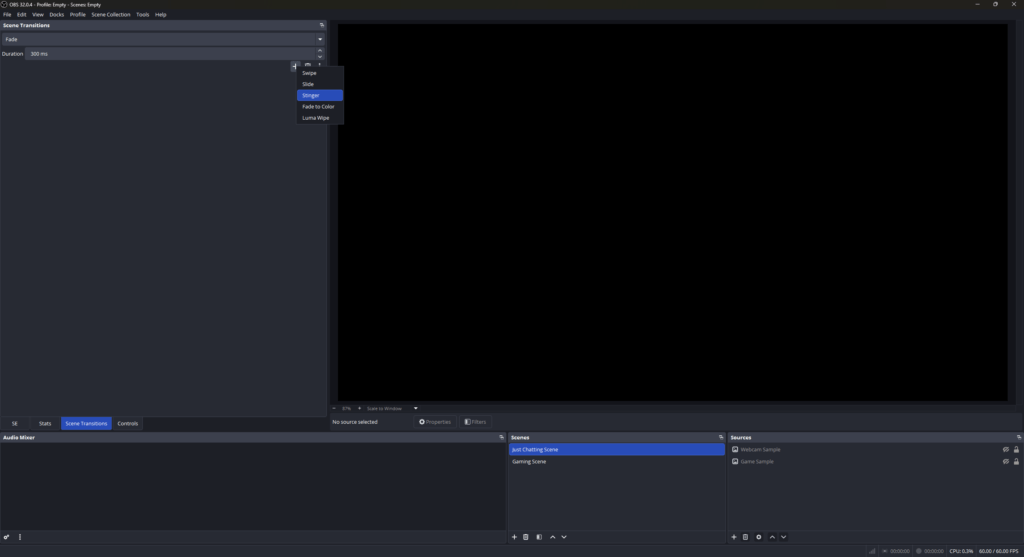
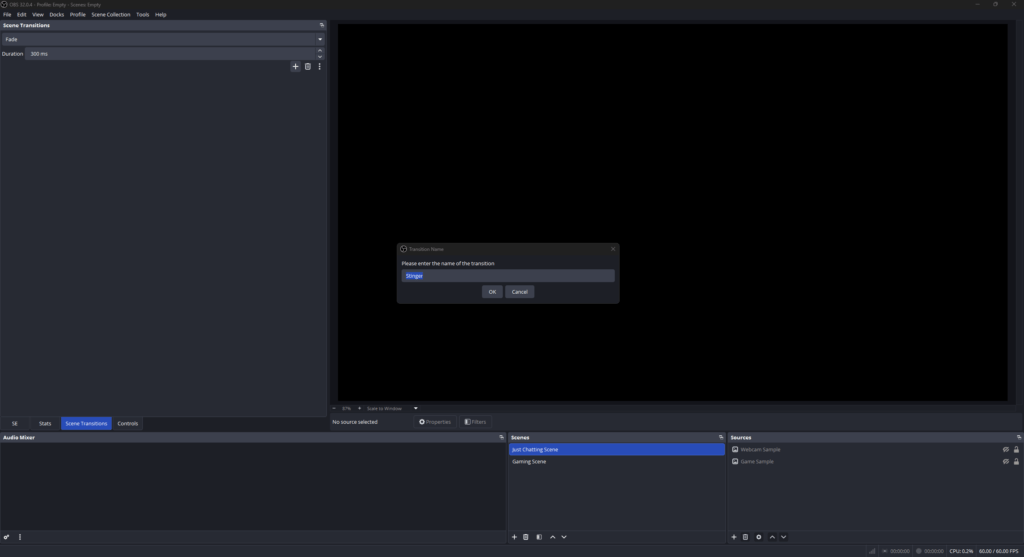
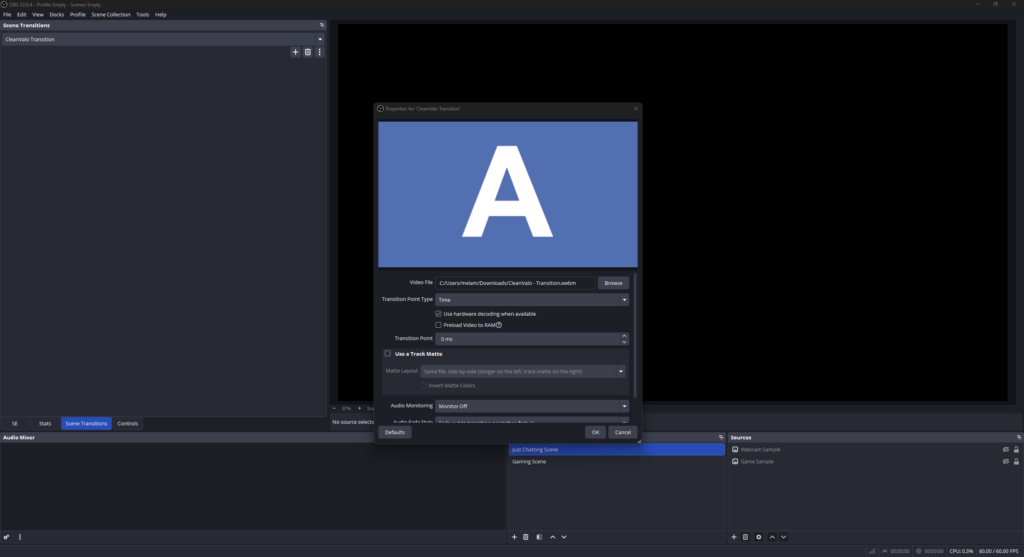
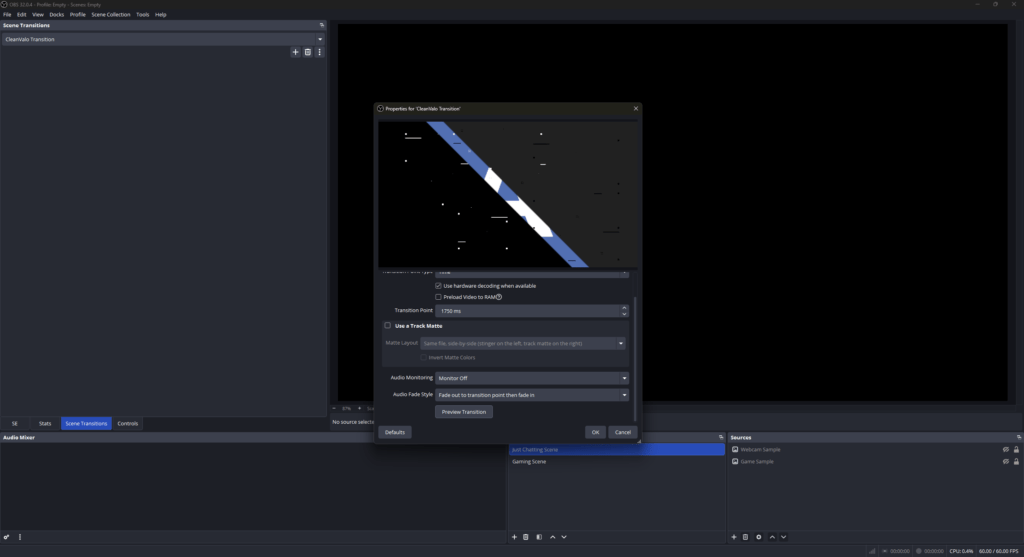
How to Add Your YouTube Transitions to OBS

Setting up your new transitions inside OBS Studio is a fast and simple process. Follow these quick steps to get clean, professional scene switches on your YouTube channel.

FAQs About YouTube Transitions

What is a YouTube transition, and how does it upgrade my stream?

A YouTube transition is a brief, animated overlay that covers your entire screen right as you swap scenes. Instead of a sudden jump, it serves as a visual bridge when you switch between your gameplay, chat layouts, or break screens.

You are already in the right spot. Here at OWN3D Pro, we design assets with creators in mind. Every animation frame is carefully designed to give you the confidence to focus entirely on your game and your community.

Yes, you can. We believe everyone should have a professional digital stage from day one, even if you are just starting out. OWN3D Pro offers a variety of free YouTube transitions that you can unlock by setting up a free account.

The setup is identical for both free and premium assets. Because our transitions are delivered as clean video files, you can import them into your broadcasting tool manually. We have included a quick step-by-step guide for OBS Studio right above to help you get it running in under two minutes.

Yes, you do. The Stream Pass gives you the freedom to refresh your channel’s look whenever you like. You can download any animated YouTube transition from our library to match your latest stream style. To ensure platform stability, a fair use limit of 25 downloads per day per category is active.
Yes, you have complete freedom. If you find a specific style you love but prefer not to upgrade to the Stream Pass, you can purchase that individual transition. Once unlocked, you can download it with your account.

Yes, our files work with any software that supports video scene transitions. Whether you use OBS Studio, Streamlabs, or XSplit, our assets fit right into your stream.
Yes, they are completely platform-independent. Because you install the animations directly inside your broadcasting tool, they will look great whether you stream exclusively to YouTube or use a multistream setup.
Building a custom YouTube stinger transition from scratch requires specialized software like Adobe After Effects, video editing skills, and a lot of patience to sync the transition frame exactly. It can be a fun project, but it is often time-consuming for beginners. Choosing a ready-to-use animation from our store saves you the technical headache, so you can start streaming immediately.

Yes, audio is a huge part of the experience. Every YouTube transition in our collection features a professionally mixed sound effect that perfectly matches the animation’s visual movement.