Free & Premium Kick Stream Labels

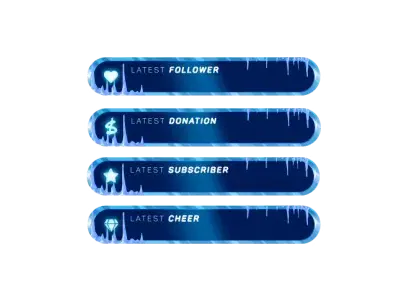
When you go live on Kick, it is all about your community. Every new follower is a virtual high-five. Every subscriber is someone directly supporting your dream. Kick stream labels let you celebrate these people instantly on your screen. You do not just show names. You show appreciation. Your livestream reacts in real time without any technical hassle. You get the ultimate freedom: trusting your tech so you can focus completely on your chat and your content.

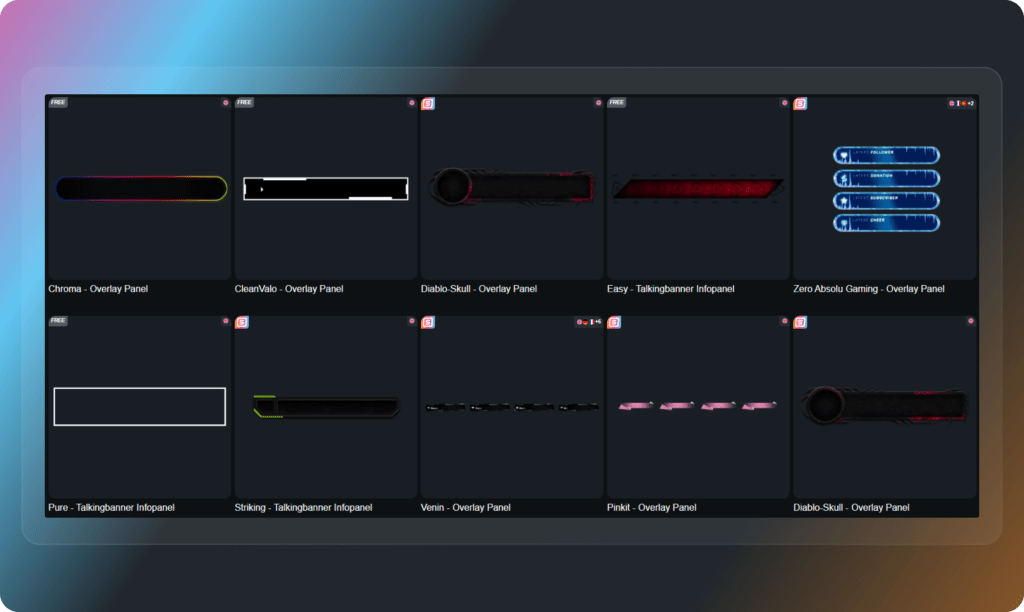
All Kick Stream Labels Free/Premium

1

Your Stream, Your Digital Stage

Find a look that gives you confidence

You want to feel great when you hit that “Start Streaming” button. A clean overlay gives you the security to just be yourself. Kick stream labels are designed to fit perfectly into your visual identity. Whether you prefer a minimal aesthetic or an energetic, animated vibe, you can build a consistent layout. Your stream looks highly professional from day one, and your community gets a perfect spot to highlight their actions.

Less Tech Stress, More Community Time

Get your Kick labels live in minutes

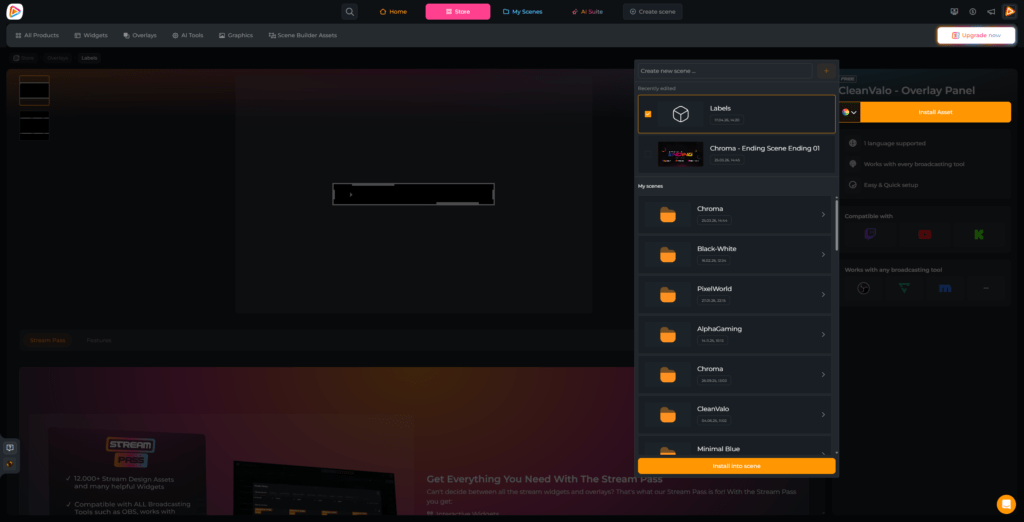
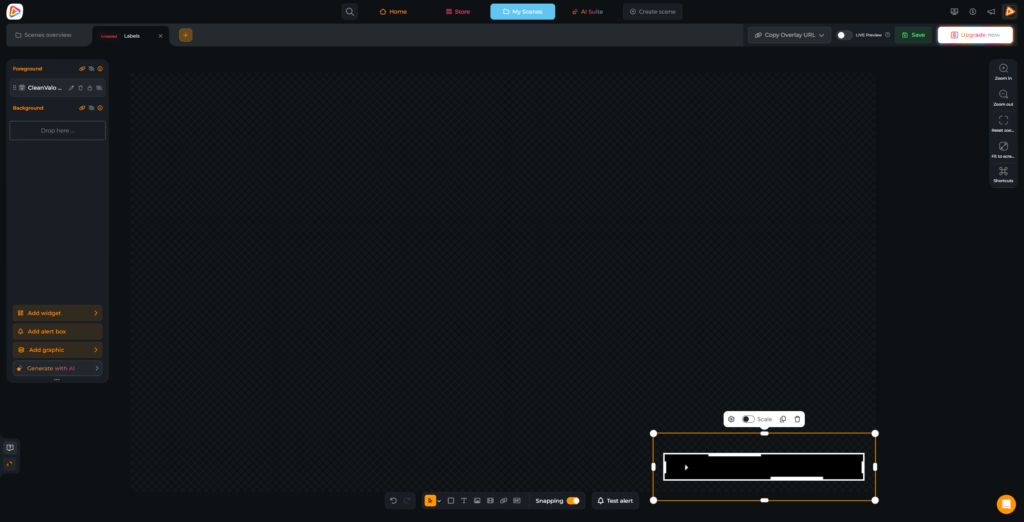
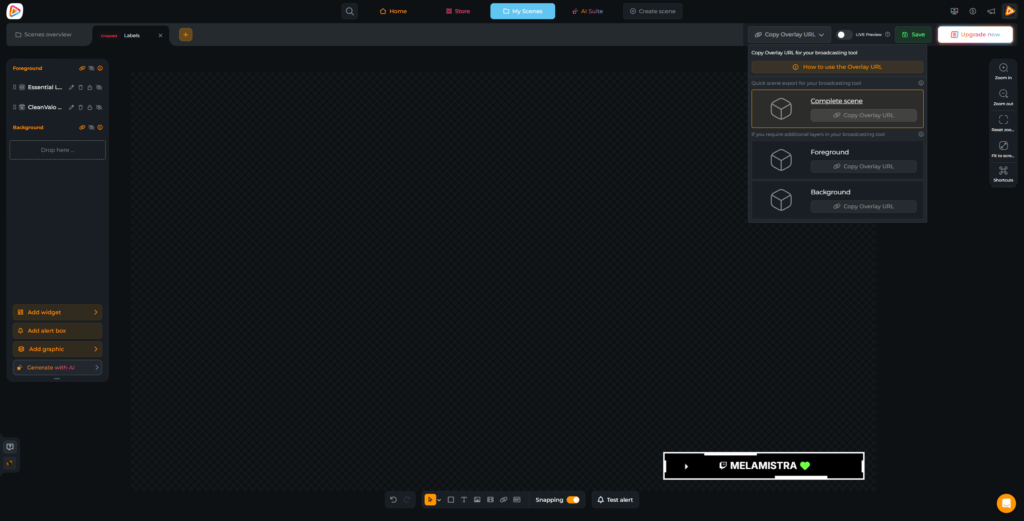
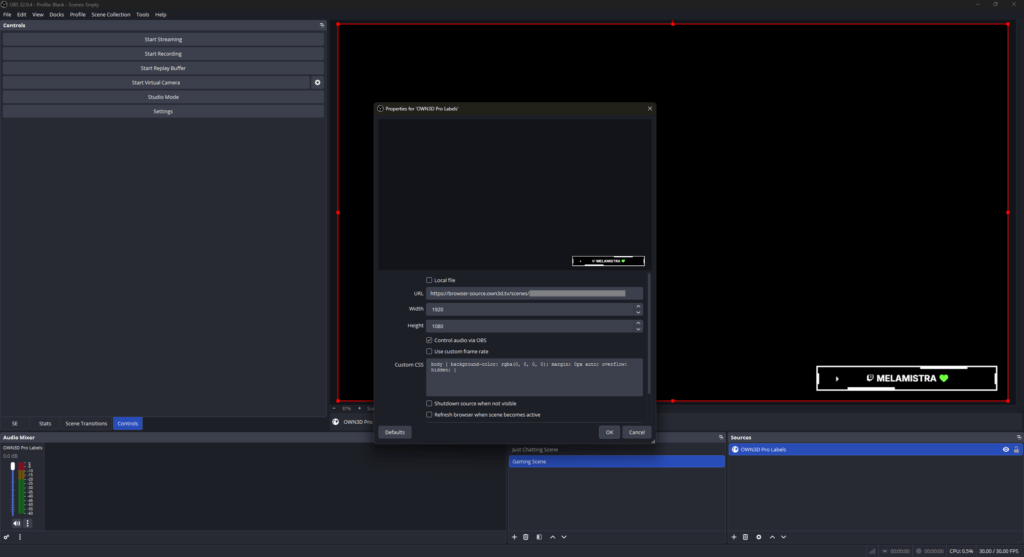
Setting up Kick stream labels is simple and does not require technical experience. Everything runs inside OWN3D Pro, so there are no downloads or manual files. You build your scene, add your widgets, copy your browser source, and paste it into OBS Studio, Streamlabs Desktop or another streaming tool. Your labels are live instantly and update automatically while you stream.

Free Rotating Kick Label Widget

Clean look, full recognition

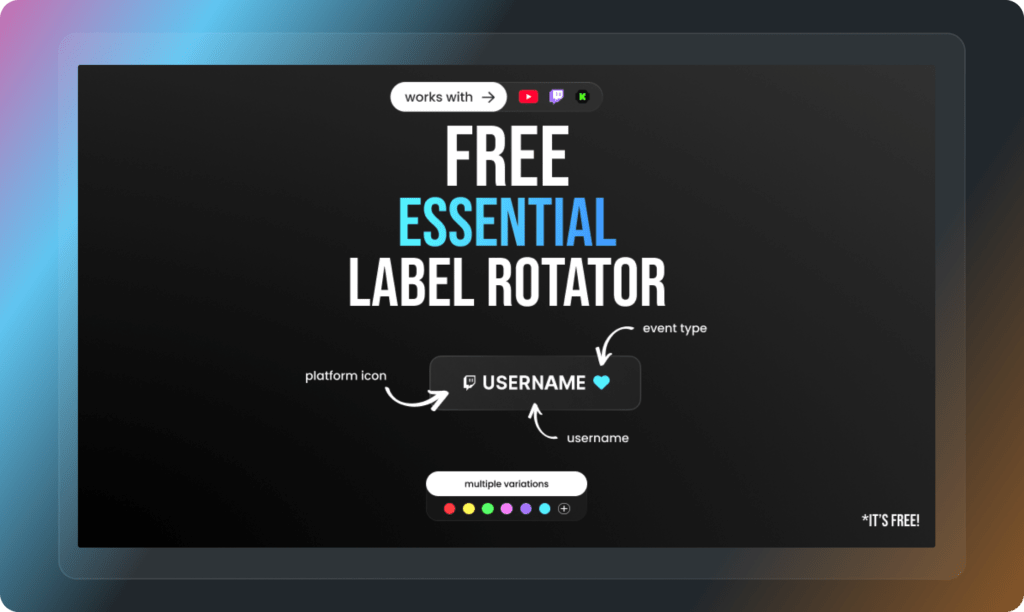
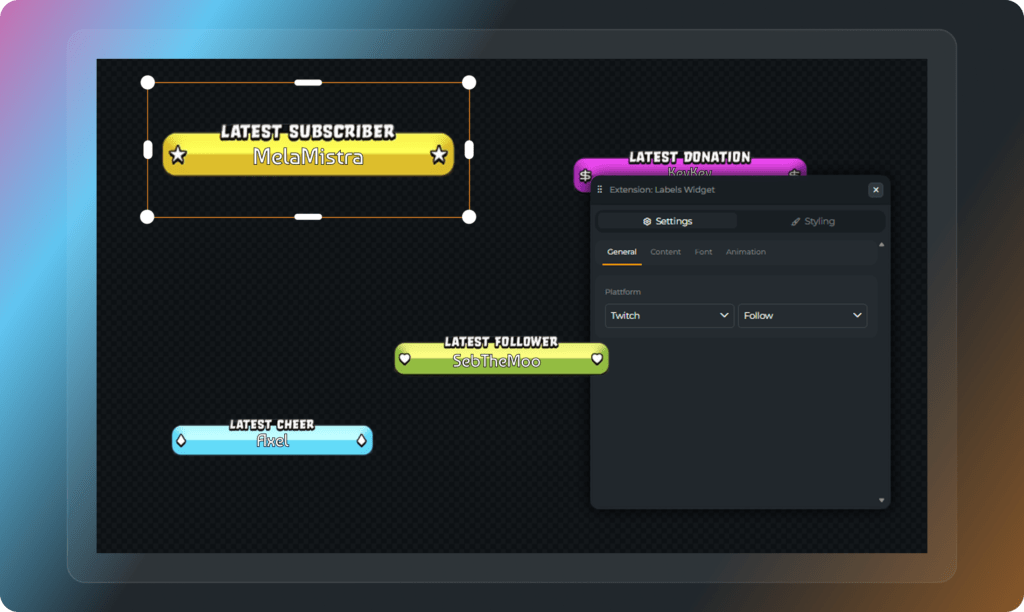
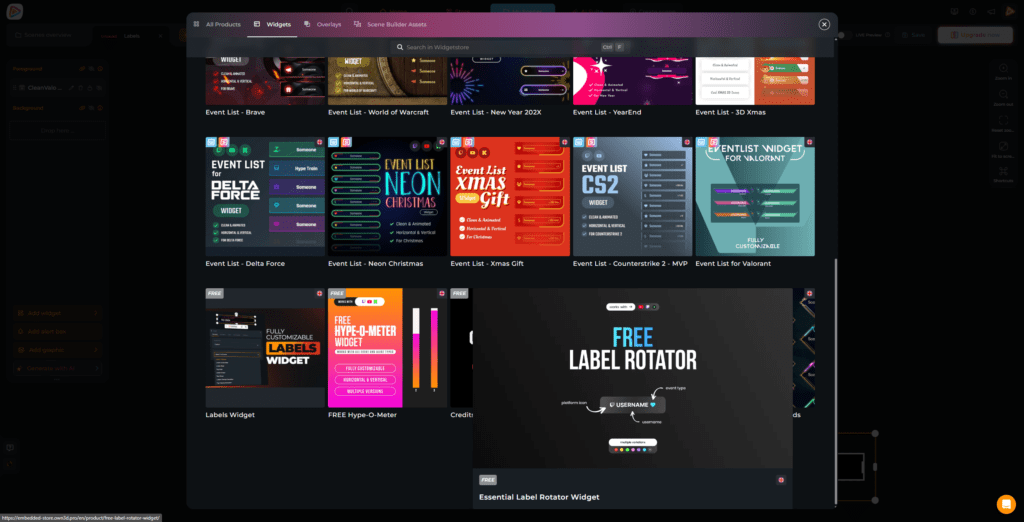
You want to shout out your supporters but keep your gameplay visible? The rotating label widget is your best friend. It gently cycles through your latest followers, subs, and other events in one compact area on your overlay. Your stream overlay stays clean, but everyone in your community still gets their well-deserved moment in the spotlight.

Highlight What Matters Most

Place your labels your way

With our customizable free Kick stream labels, you decide exactly what appears on your stream. Highlight your latest follower, show subscriber activity, or combine multiple labels across your overlay. This gives you full control while keeping your layout structured and easy to understand.

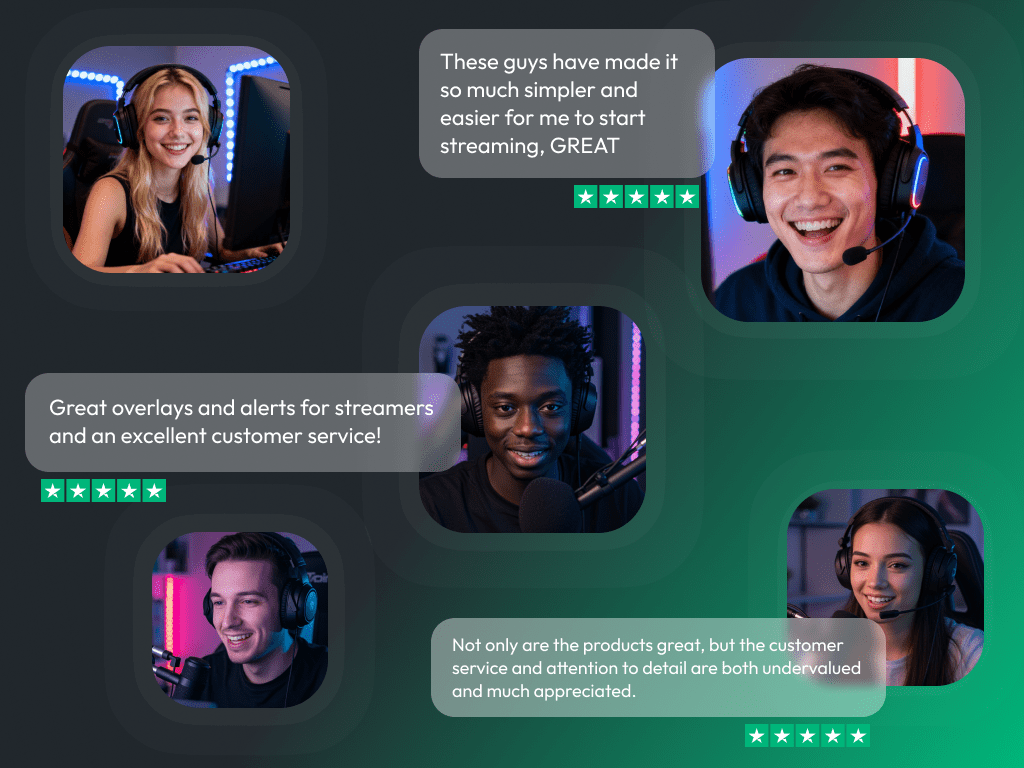
What Creators Say About Our Kick Stream Labels

See how our product makes a difference for content creators.

One Pass. Everything Included.

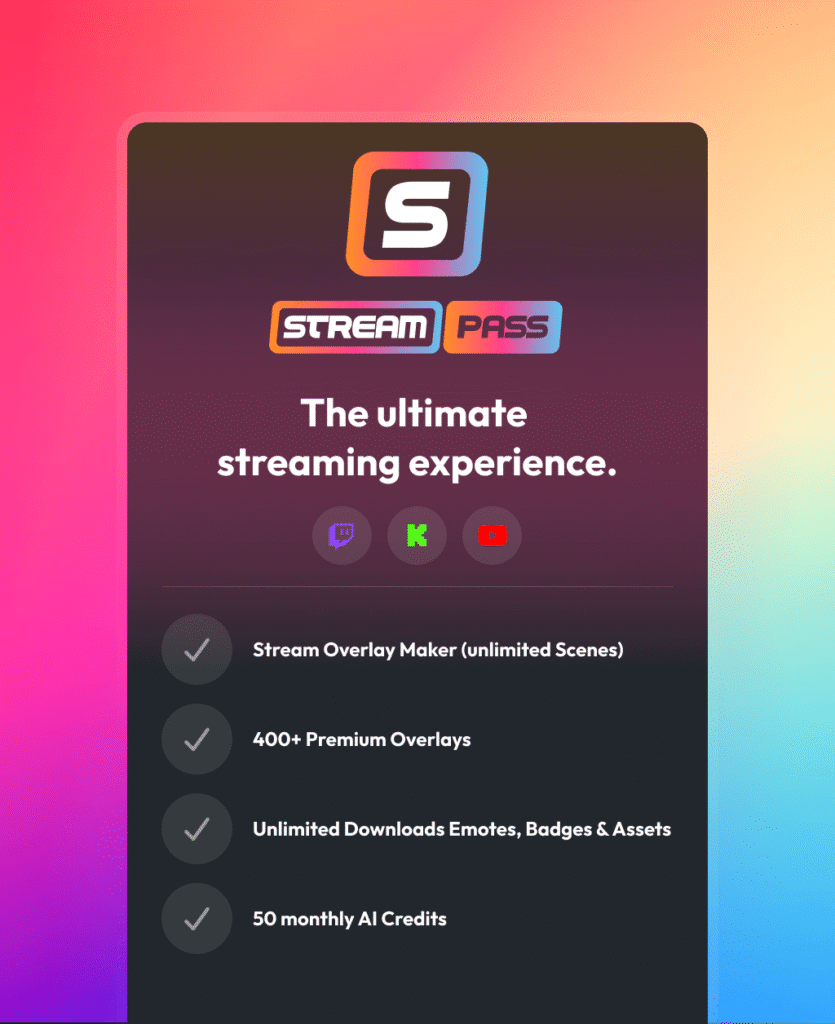
The Stream Pass gives you full access to everything OWN3D Pro has to offer. This includes our entire library of overlays, Kick stream labels, alerts, badges, widgets, emotes, and more.

Works with all broadcasting tools

Customize your Kick stream labels in the Scene Builder and use them with OBS Studio, Streamlabs, XSplit, and more. Easy to integrate with any setup.

Unlimited* asset downloads

Download emotes, badges, panels, and more static assets. *Our unlimited plan is subject to fair use.

AI-powered creations

Get 50 AI credits with your Stream Pass to generate custom stream widgets, webcam frames, emotes, and more.

Multistreaming ready

Stream on Twitch, YouTube, and Kick with all the tools you need for a professional-looking livestream.

How to Set Up Kick Stream Labels

Setting up Kick stream labels is quick and beginner-friendly while giving you full control over your overlay:

FAQs About Our Kick Stream Labels

What exactly are Kick stream labels?

Kick stream labels are dynamic graphics in your overlay that react to your community. They automatically display the names of your newest Kick followers, subscribers, or supporters while you are live.

Not at all. Everything happens inside OWN3D Pro. You just copy a link into your broadcasting tool as a browser source, and your Kick stream labels appear instantly.

Yes. We offer high-quality free Kick stream label designs and widgets so you can include your community support right away. If you want more animations or specific styles, you can always check out the premium options later.

It takes seconds. Copy your browser source URL from OWN3D Pro, create a new browser source in your broadcasting tool, and paste the link into those settings. That is it. You can find a short step-by-step tutorial above.

You can show your latest followers, subscribers, re-subscribers, and gifted subscriptions. It is completely up to you which interactions you want to highlight.

Absolutely. If you love multistreaming, you can easily show events from Twitch, YouTube, and Kick all at the same time. Your stream labels will react to Twitch subs, YouTube Super Chats, Kick followers, and more in real time. You do not need multiple overlay setups. Everything merges perfectly into your scene, so you can celebrate your entire community together, no matter where they are watching.

If you want to save screen space and keep things minimal, use rotating labels. They cycle through different events in one spot. If you want specific events permanently visible in fixed places, go with standard labels.

No. You focus on your gameplay and your chat. Your Kick stream labels will update automatically the second someone supports your channel.

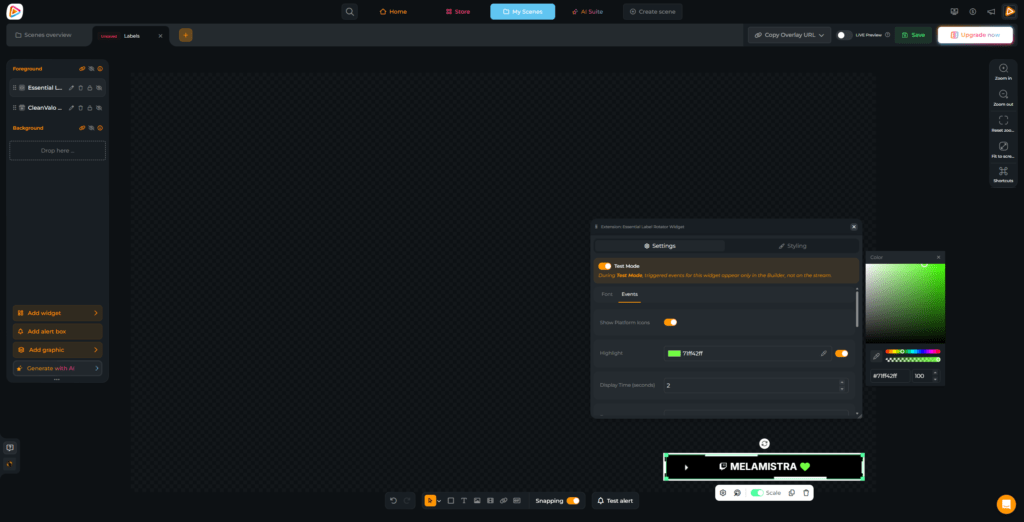
Absolutely. You can easily tweak colors, sizes, and fonts right inside the Scene Builder. Your stream is your stage, and everything should match your unique style.