Free and Premium
Stream Alerts
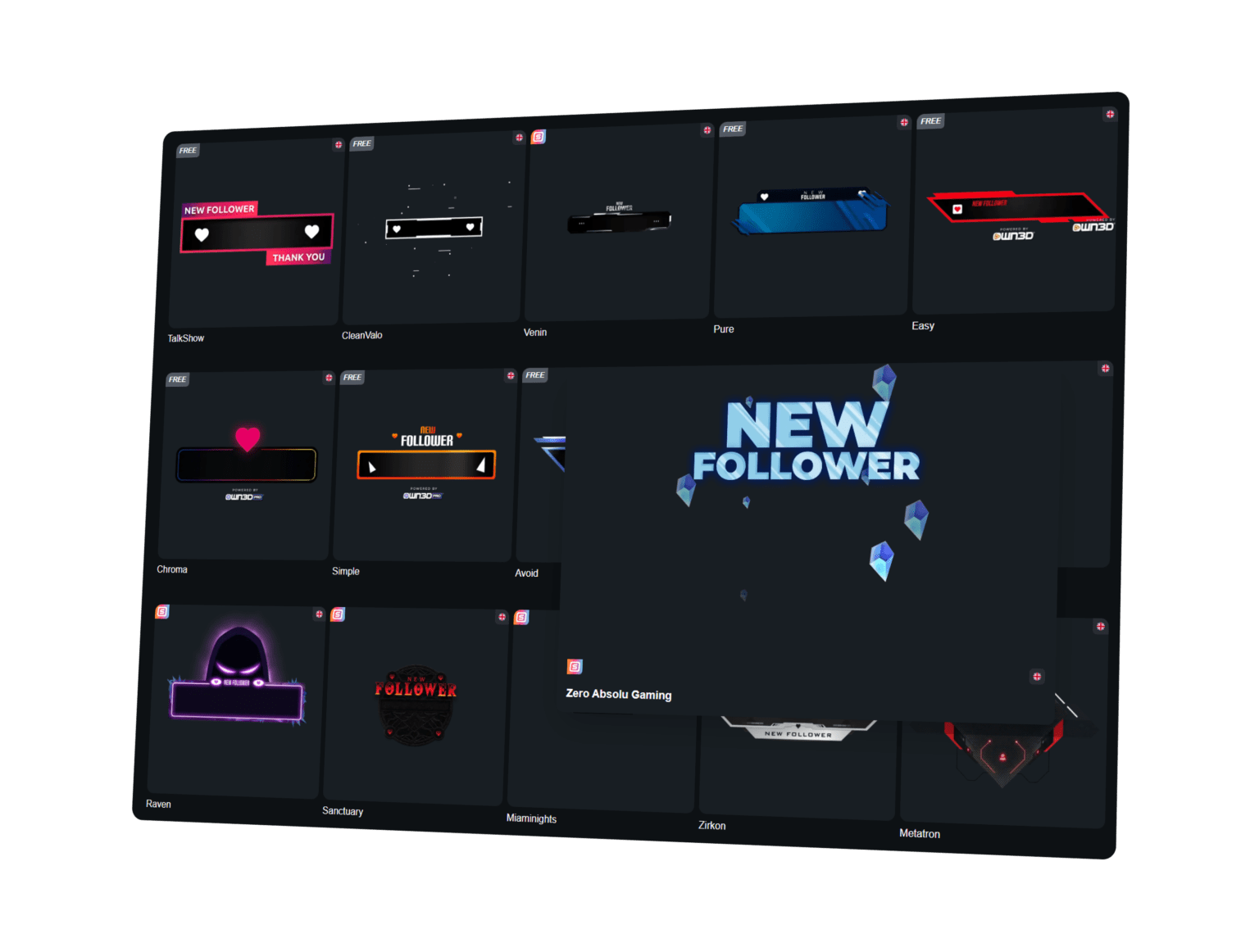
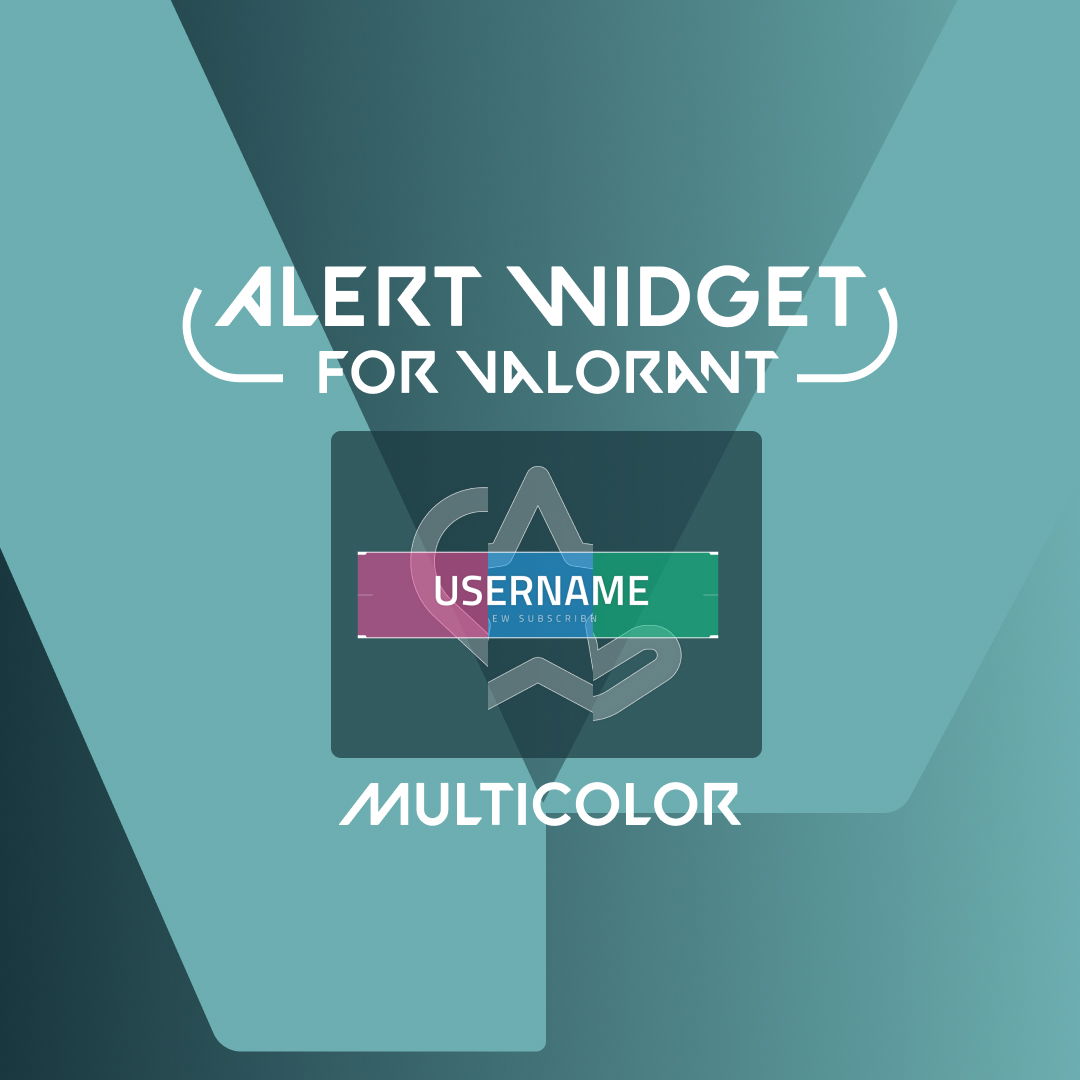
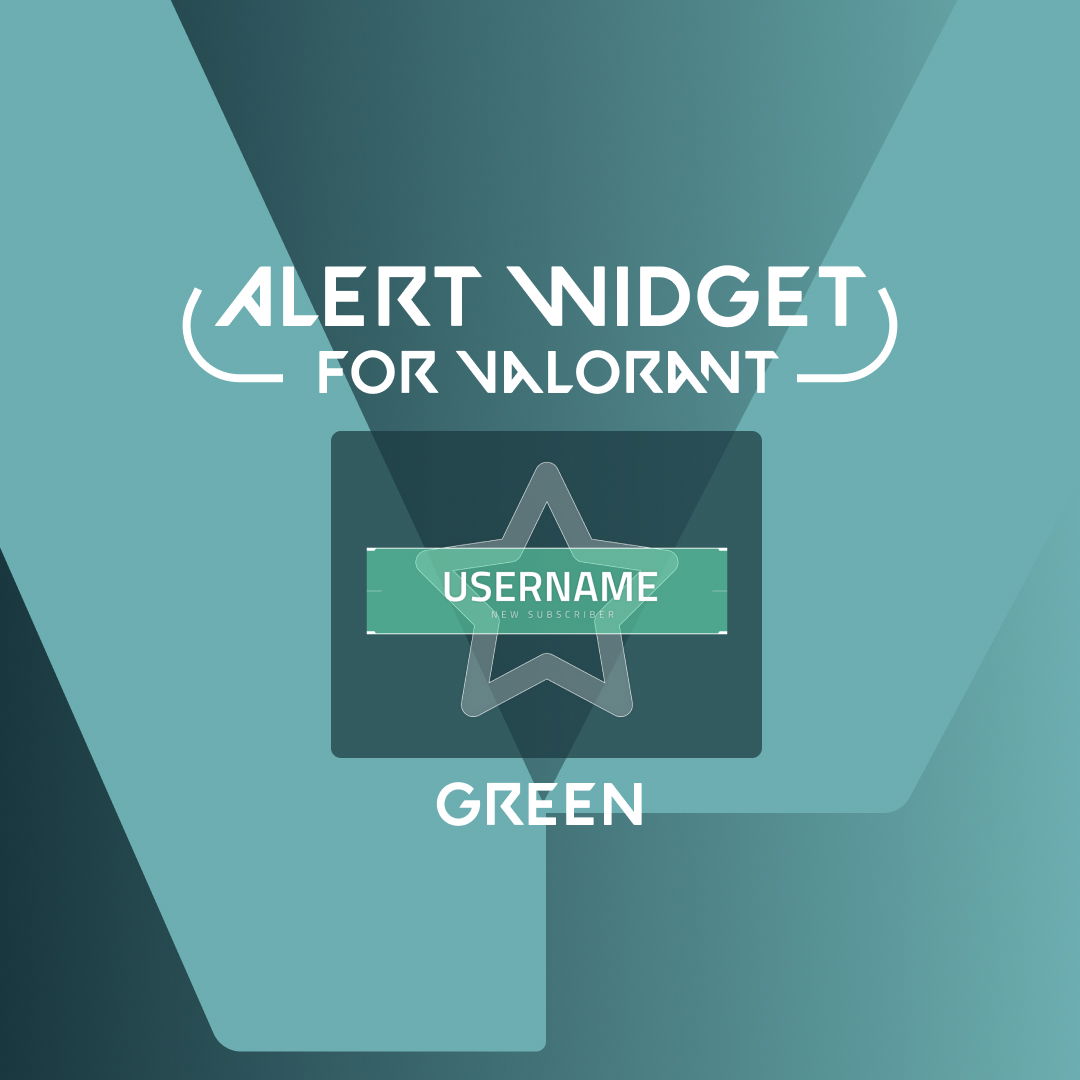
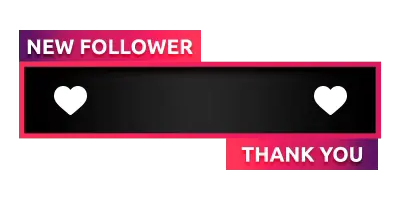
Viewers come and go, but when someone follows, subscribes, or donates, that is your chance to make an impression. With OWN3D Pro, you can set up premium and free stream alerts that highlight every interaction and bring your stream to life. Whether you are using follower alerts to welcome new fans or designing fully custom stream alerts to match your brand, every stream alert creates a moment worth remembering.
Our Community’s Favorite Stream Alerts
All Free/Premium Stream Alerts
Free and Premium Stream Alerts to Choose From
Free stream alerts are included
Sign up and get free alert boxes for Twitch, Kick, and YouTube. Create a set from our library and add it to any broadcasting tool in minutes.
Premium stream alerts with Stream Pass
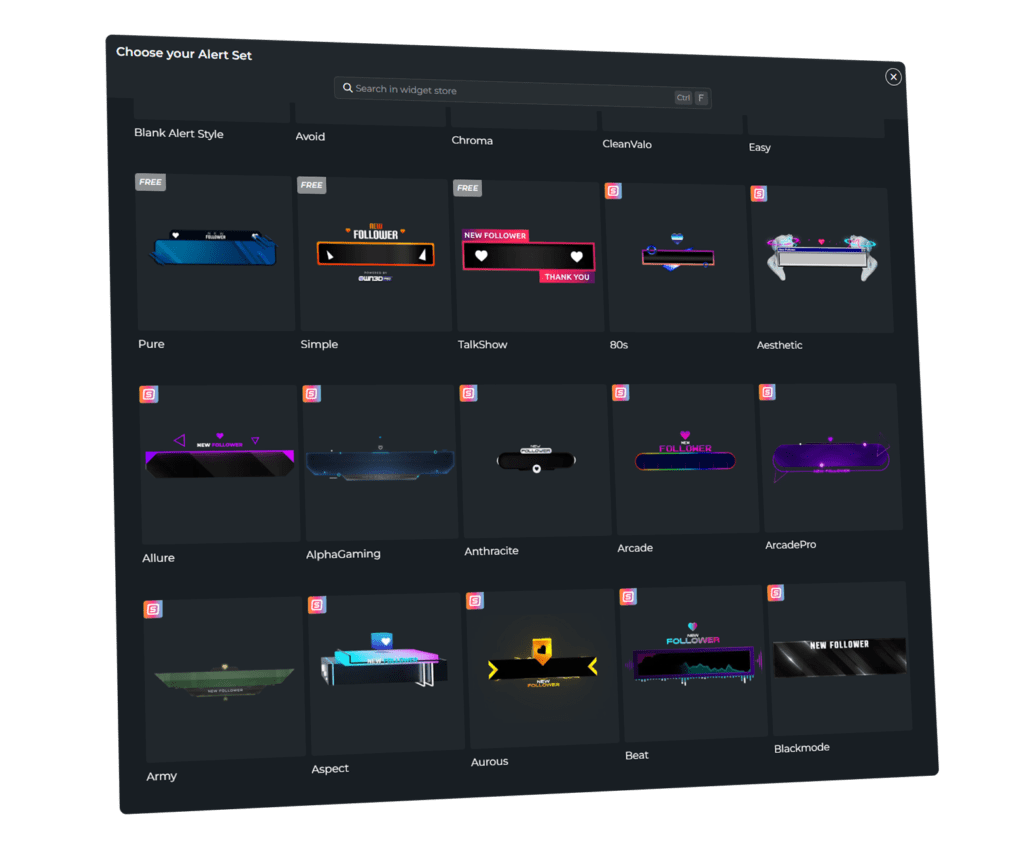
With the Stream Pass, unlock hundreds of premium stream alerts. Install your alerts in a few clicks and customize them!
What Happy Customers Say About Stream Alerts
See how our stream alerts make a difference for content creators.
One Pass. Everything Included.
The Stream Pass gives you full access to everything OWN3D Pro has to offer. All products, including overlays, stream alerts, widgets, emotes, and more, are included and not sold separately.
Works with all broadcasting tools
Customize your stream alerts in the Scene Builder and use them with OBS Studio, Streamlabs, XSplit, or other tools. Everything works smoothly with your setup.
Unlimited* asset downloads
Download emotes, badges, panels, and more static assets. *Our unlimited plan is subject to fair use.
AI-powered creations
Get 50 AI credits with your Stream Pass to generate custom stream widgets, webcam frames, emotes, and more.
Multistreaming ready
Stream on Twitch, YouTube, and Kick with all the tools you need for a professional-looking livestream, including stream alerts.
Customizable Stream Alerts That Stand Out
Keep your viewers engaged with stream alerts that showcase real-time events
Stream alerts are more than pop-ups. They are engagement tools. Every alert is a reaction, a thank-you, a reason for someone to stick around. OWN3D Pro gives you access to a massive library of animated stream alerts, ready to install and easy to customize. From your first follower alert to your hundredth sub, your alerts will always be ready to hype the moment.
Quick Setup
Choose a design, click “Install,” and OWN3D Pro sets everything up for you. Stream alerts for Twitch, YouTube, or Kick are created in the background and ready as browser sources for your broadcasting tool. You focus on streaming, we handle the setup.
Customize Your Stream Alerts
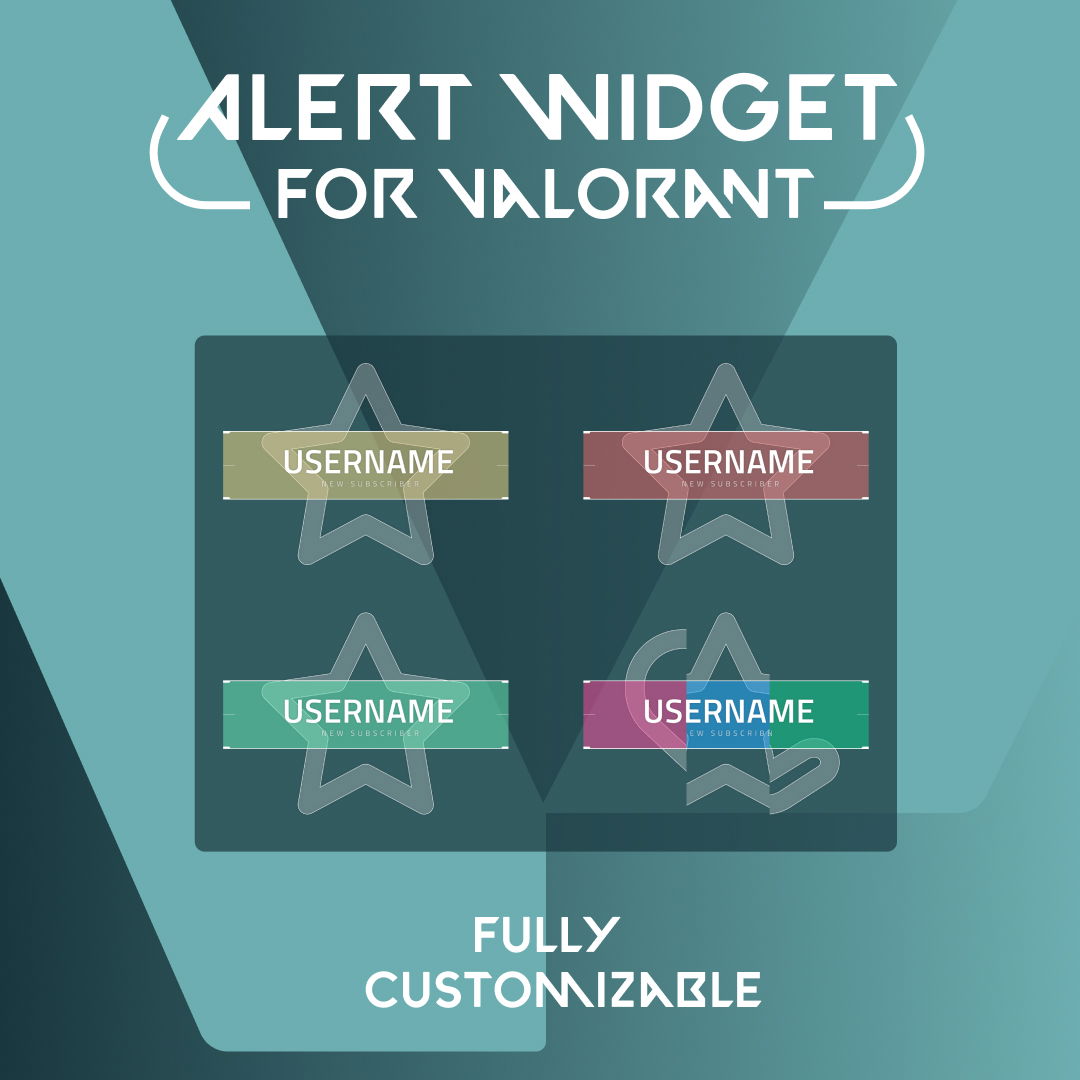
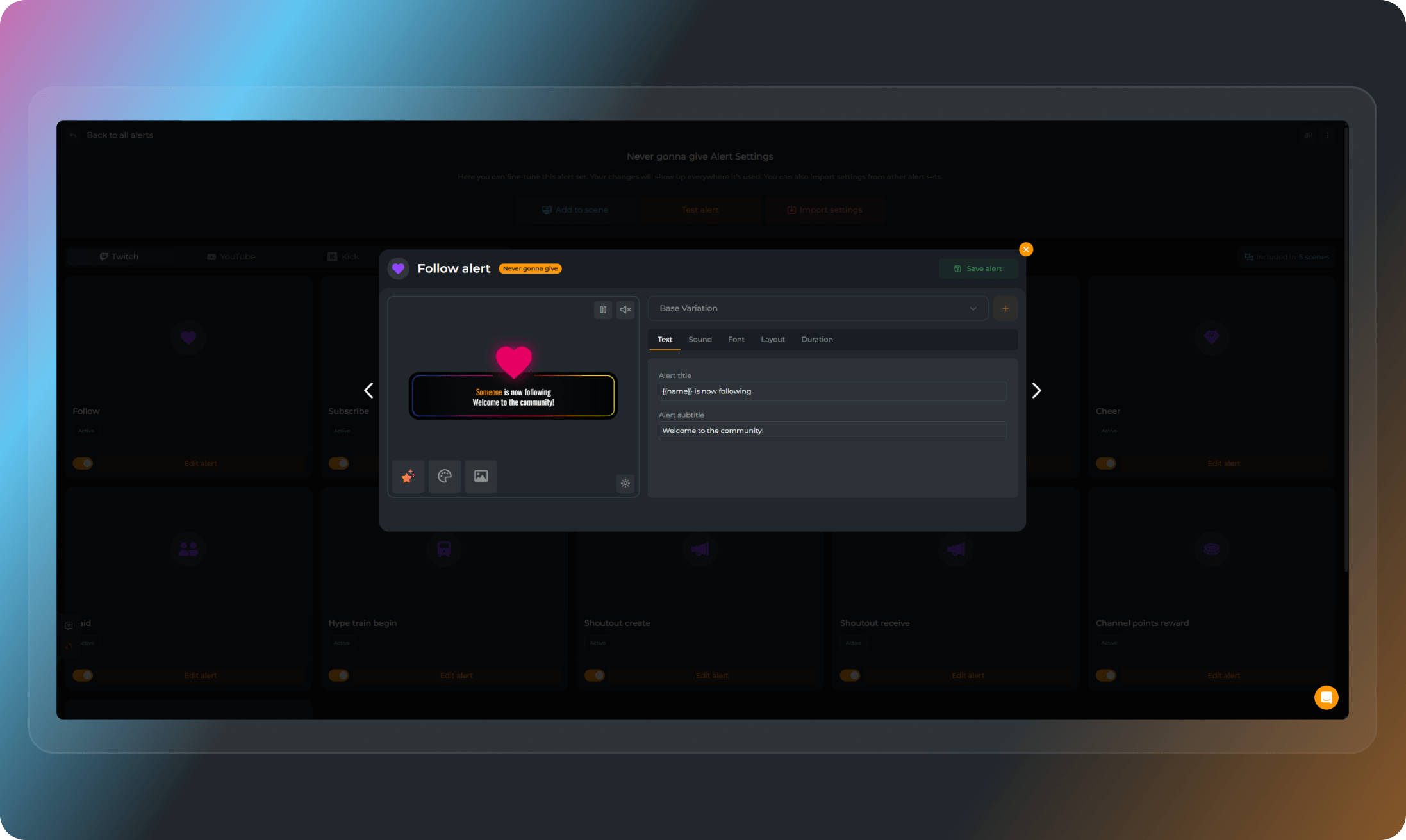
Want more than the default sounds and messages? OWN3D Pro lets you take control. Create custom stream alerts with your own text, sounds, and visuals. Personalize every follower alert, sub alert, and more so they match your stream’s energy and style.
Big Stream Alerts Library
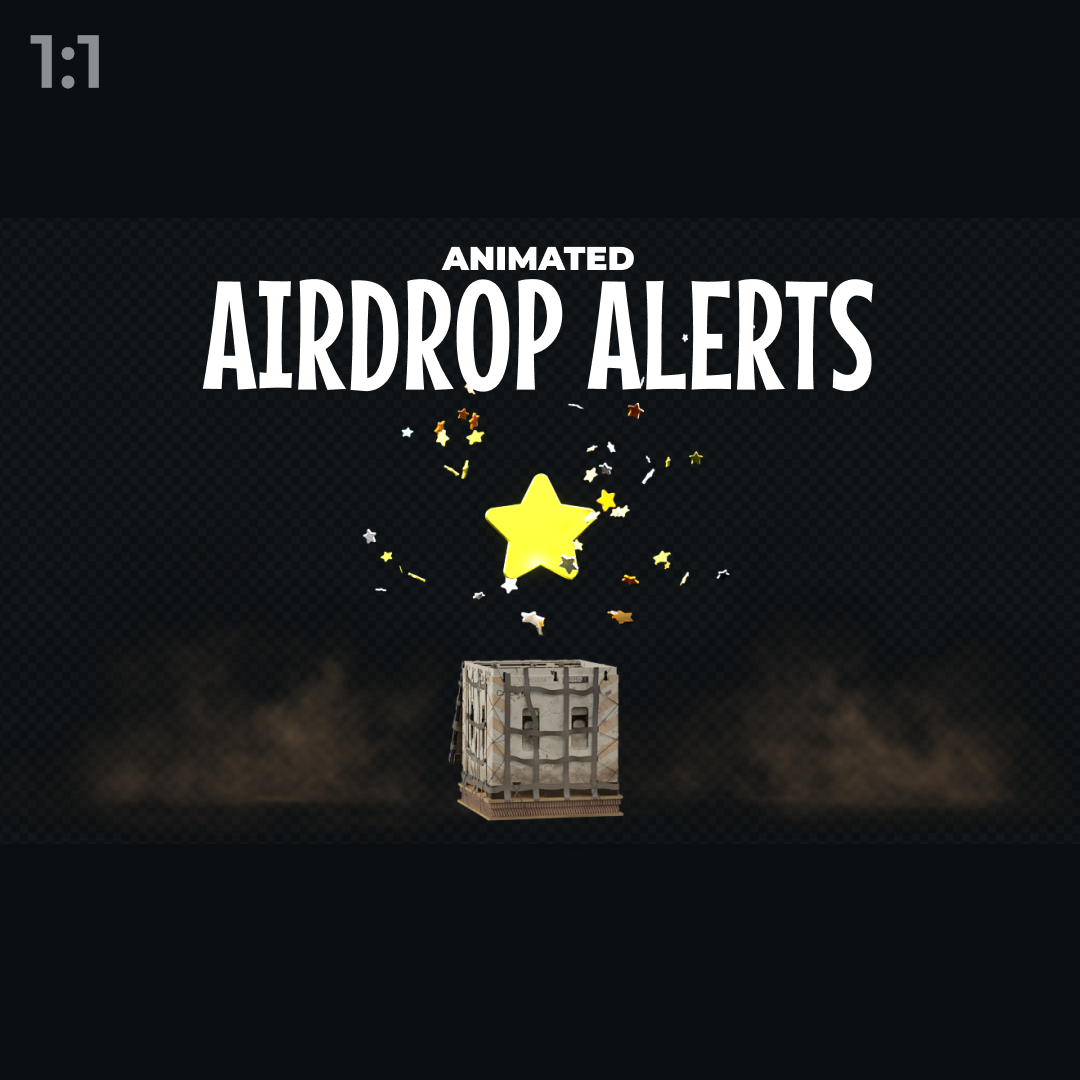
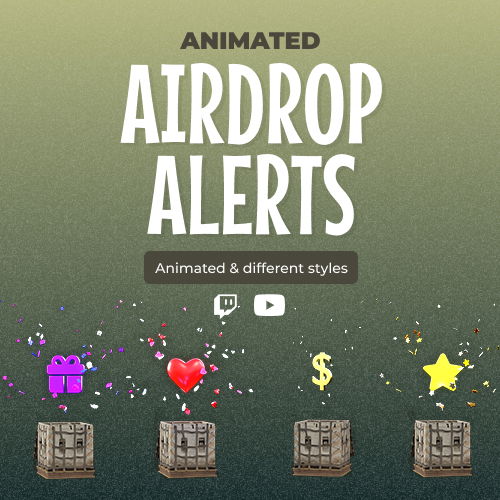
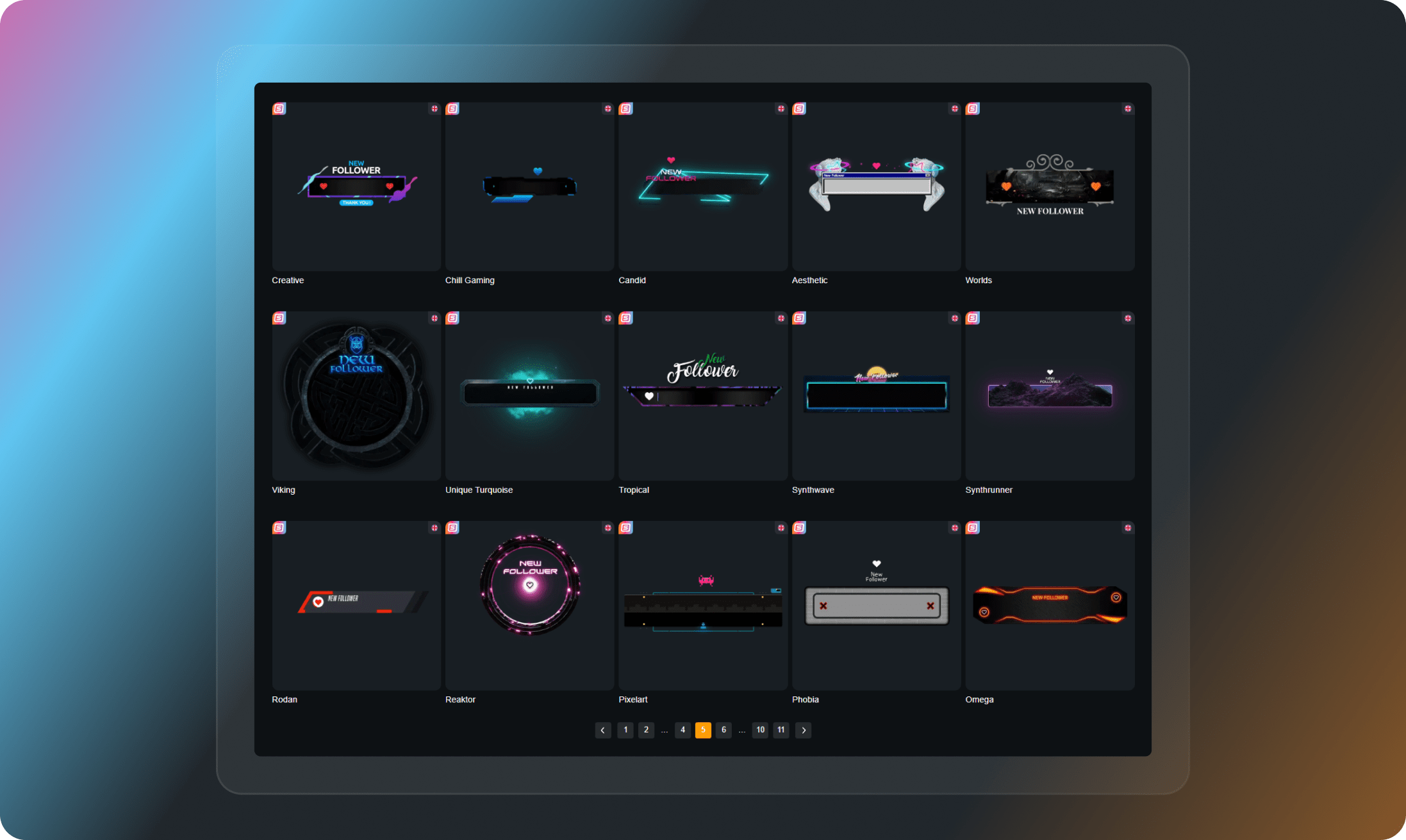
Includes over 500 animated stream alerts for follows, subs, members, raids, or donations. Alerts create exciting moments for your community and are a must-have feature in any Twitch, YouTube, or Kick stream overlay setup.
Switch Between Alert Styles Anytime
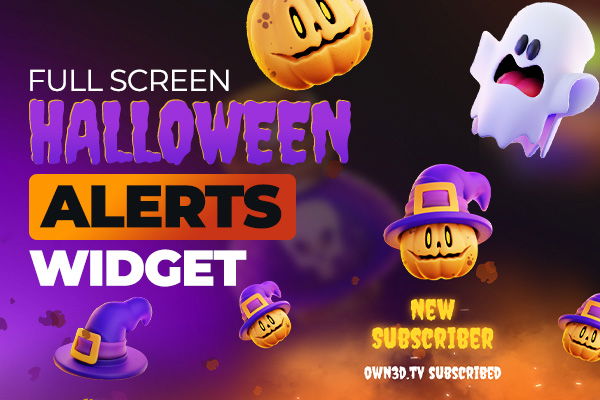
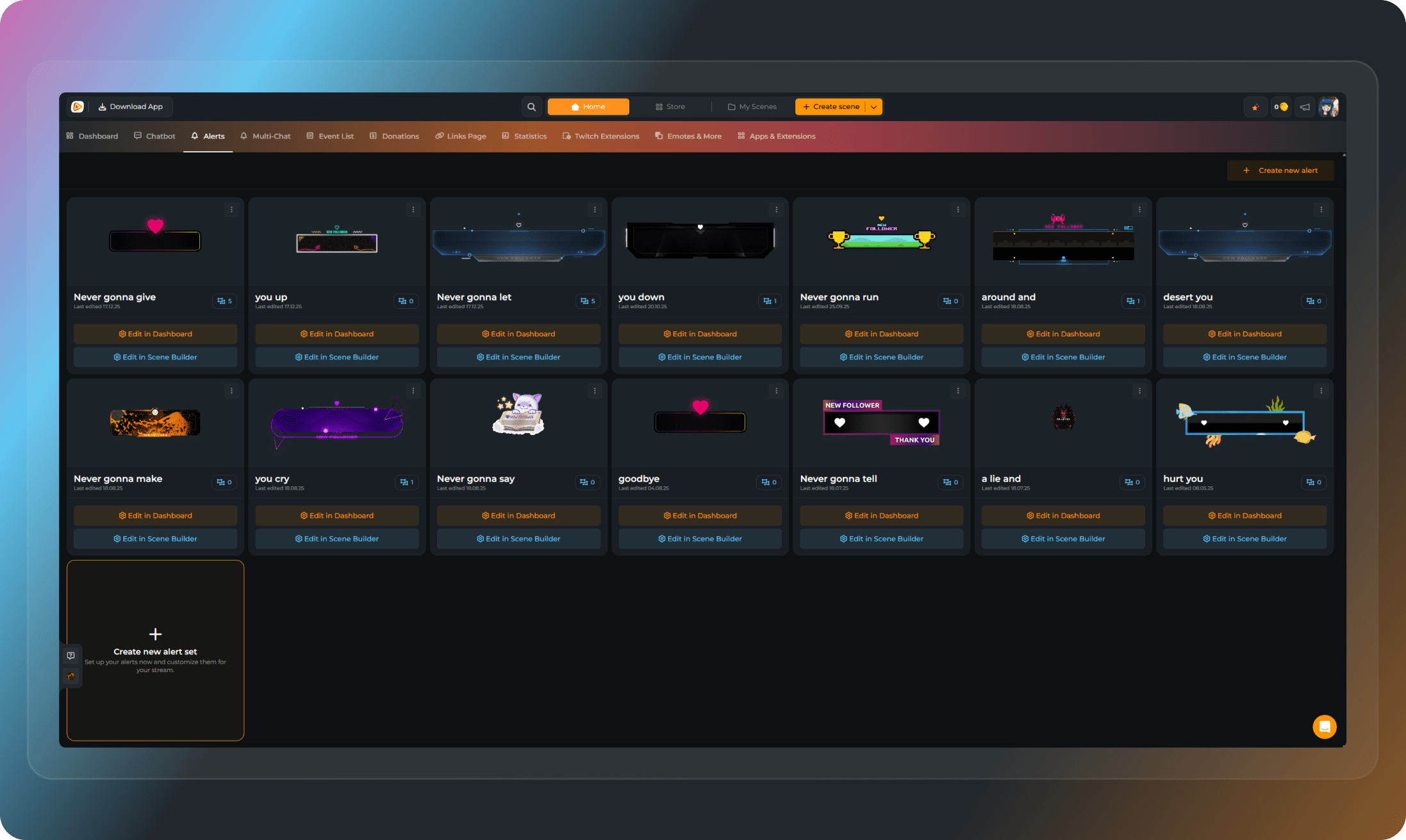
Your stream is always evolving, and your stream alerts should keep up. With OWN3D Pro, you can create as many alert sets as you need. Whether you want to match the vibe of a new game, switch things up for a seasonal event like Halloween, or give your stream a full refresh, your stream stays flexible, just like your content.
Matching Sounds for Each Alert
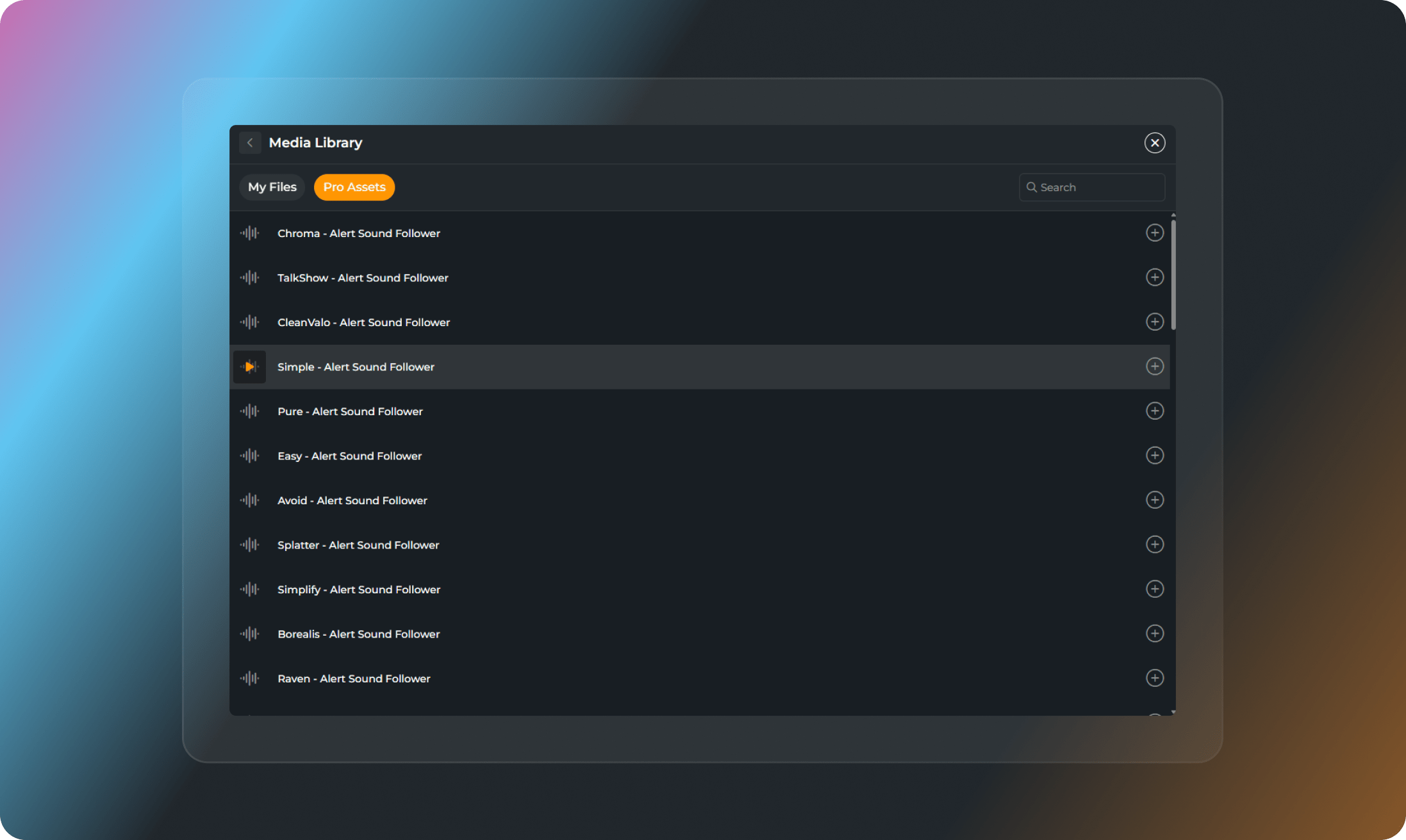
Every alert comes with a matching sound. Choose subtle, exciting, or over-the-top options depending on your style. You can also upload your own designs. With OWN3D Pro, your follower alerts and notifications do more than just appear. They connect.
Why Choose OWN3D Pro Stream Alerts?
Stream alerts from others
- Limited designs that viewers ignore
- Often not optimized for Twitch, YouTube, and Kick (Multistreaming)
- No customization options
- Difficult setup
Stream alerts from OWN3D Pro
- Over 500 high-quality stream alert animations
- Built for Twitch, YouTube & Kick & full multistreaming support
- Includes alerts for followers, members, subs, raids, and more
- Works with any broadcasting tool like OBS Studio, XSplit, or Streamlabs
- Custom sounds and messages, upload your own
- Free stream alerts to get started
FAQs About Stream Alerts
What exactly are stream alerts, and why do I need them?
Stream alerts are on-screen notifications that appear when something important happens during your stream, such as a new follow, subscription, donation, or raid. They help you engage with your viewers in real time, making your stream feel more interactive. If you want to build a strong connection with your community, stream alerts are essential.
Can I customize my stream alerts to match my style?
Yes, definitely. OWN3D Pro makes it easy to create custom stream alerts that fit your stream’s look and feel. You can change the text, animation, and sound to match your branding, your content, or even the current vibe of your stream.
Are follower alerts included in the alert packs?
Absolutely. Follower alerts are a key part of every alert set. You can customize how they appear, what they say, and what sound plays when someone follows. It’s a great way to welcome new viewers and encourage more interaction.
Do these stream alerts work with OBS and Streamlabs?
Yes, they do. All alerts are fully compatible with OBS Studio, Streamlabs, and any broadcasting tools that support browser sources. Setup is simple and doesn’t require any technical experience.
Can I use the alerts on Twitch, YouTube, and Kick?
Yes. The alerts are designed to work smoothly on Twitch, YouTube, and Kick. You can also multistream across platforms while keeping your alerts running without issues. When multistreaming, ensure your alert setup aligns with each platform’s expectations and content guidelines.
Is there a way to try stream alerts for free?
Yes. You can explore free stream alerts to get a feel for the look and setup. If you’re just starting out, free alert boxes are a great way to begin. When you’re ready to upgrade, you’ll unlock access to hundreds of premium designs, widgets, and fully customizable options.
How fast can I set everything up?
Very quickly. Just pick your alert set, click install, and OWN3D Pro will do the rest. Your stream alerts will be ready to use in minutes, no complicated setup required. They’re added as a browser source and work with any broadcasting tool, such as OBS Studio, Streamlabs, or XSplit.
Can I switch between different alert styles or sets?
Yes. You can create multiple alert sets and switch between them whenever you want. This is perfect if you want to change the theme based on the game you’re playing or update your alerts for seasonal events like Halloween.
For which events do you offer stream alerts?
Our stream alerts cover all the key moments that matter on Twitch, YouTube, and Kick. Whether it’s a new follower, a gifted sub, or a milestone celebration, you can highlight every interaction and keep your viewers engaged.
The best part: you only need one alert box to cover all platforms, even if you’re multistreaming. Your alerts will automatically adjust based on where the interaction comes from, so everything stays simple and consistent.
The available alerts depend on the platform and your setup, but we support a wide range of event types:
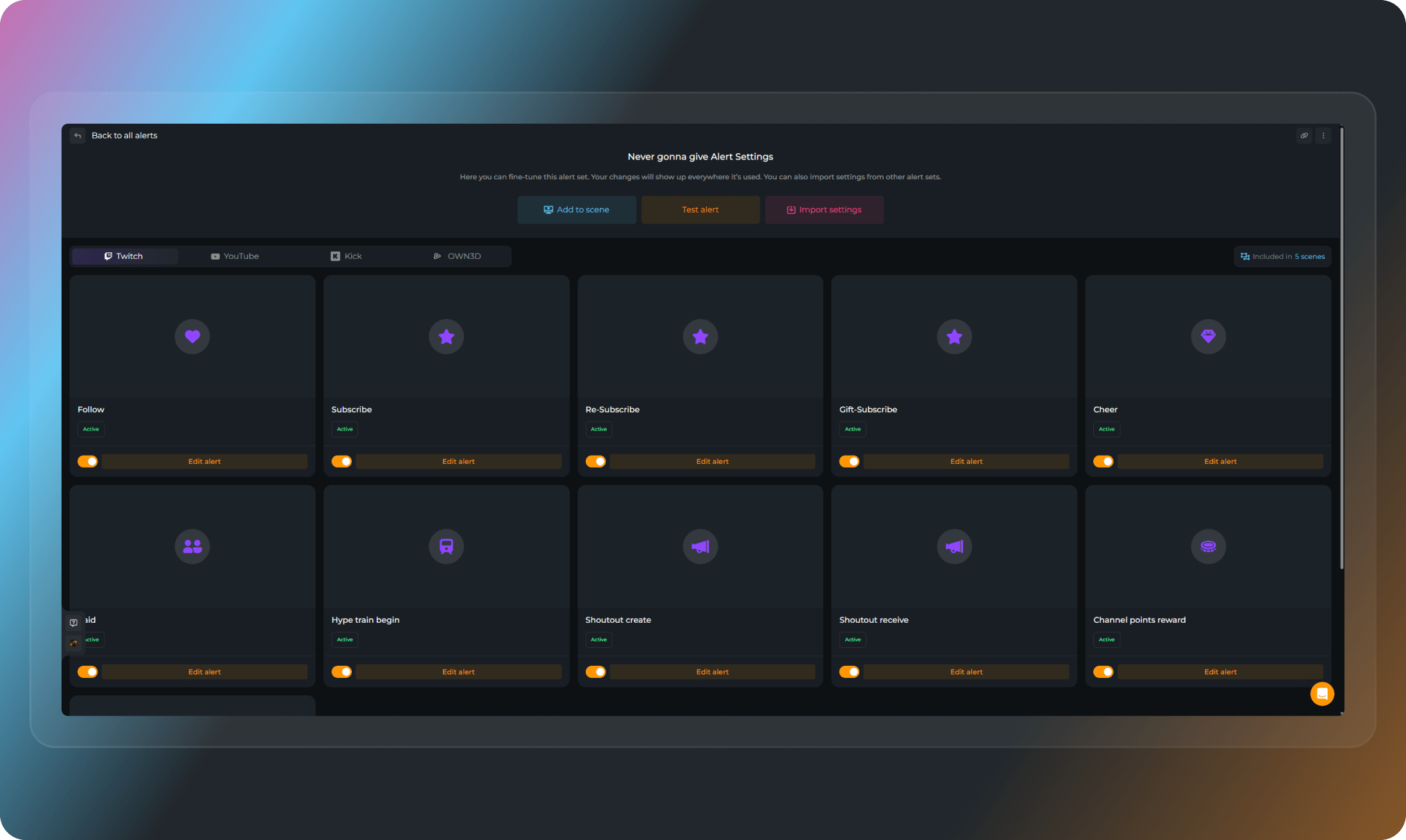
- On Twitch, you can trigger alerts for follows, subscribers, re-subscribers, gifted subs, cheers, raids, hype train starts, shoutouts (sent or received), channel point redemptions, and Twitch Charity donations.
On YouTube, alerts are available for new subscribers, memberships, member milestones, gifted memberships, Super Chats, and Super Stickers.
On Kick, alerts support follows, subscribers, re-subscribers, and gifted subs.
If you’re using OWN3D Pro, you can also display alerts for donations through our integrated donation page.
No matter where you stream, your alerts are built to react in real time and give every viewer interaction the spotlight it deserves.