Free & Premium OBS Transitions

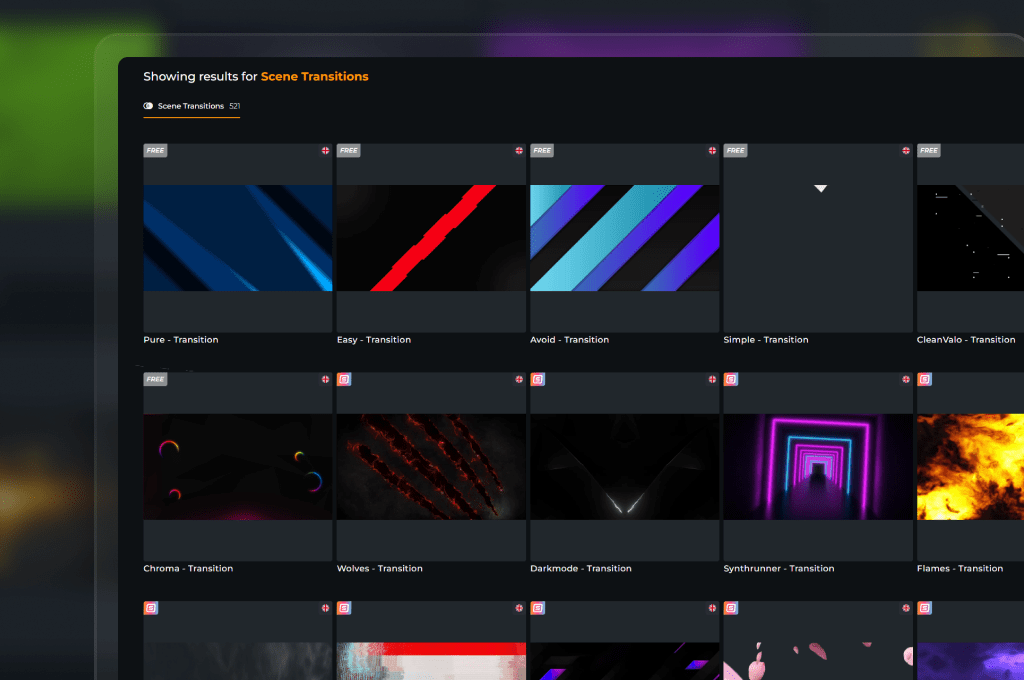
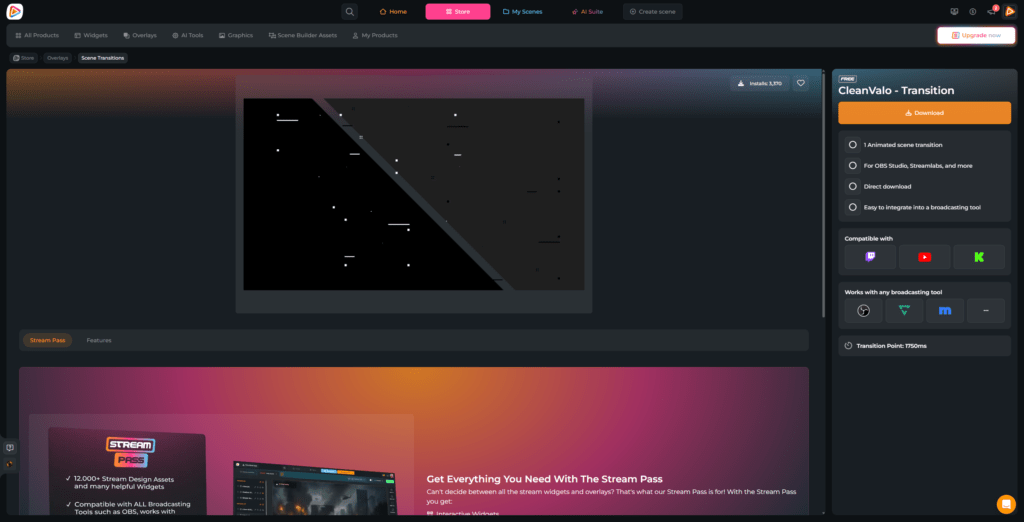
Hitting that “Scene Switch” button shouldn’t feel like a leap of faith. When you move from your countdown to live gameplay, you want a seamless flow, not an abrupt jump cut that breaks the momentum. An animation masks the technical swap, keeping your visual branding unbroken and your chat fully locked into the action. With OWN3D Pro, you get instant access to a massive library featuring clean, free OBS transitions and premium OBS stingers.

Instant Flow for Your OBS Studio Scenes

Perfect bridge between your stream scenes

Your overlays, webcam frames, and alerts form your unique brand, but hard cuts throw viewers out of the experience. An OBS stinger transition turns every scene change into a continuous, cinematic swap. 


Give your gameplay and Just Chatting scenes a dynamic entry move your viewers won’t forget.

Perfect Transitions Every Single Time

Frame-perfect cut points with synced audio

Manually timing a video cut, mixing the transitional audio, and praying it doesn’t drop frames during a heavy gaming session is a massive headache. Our assets solve this instantly. 


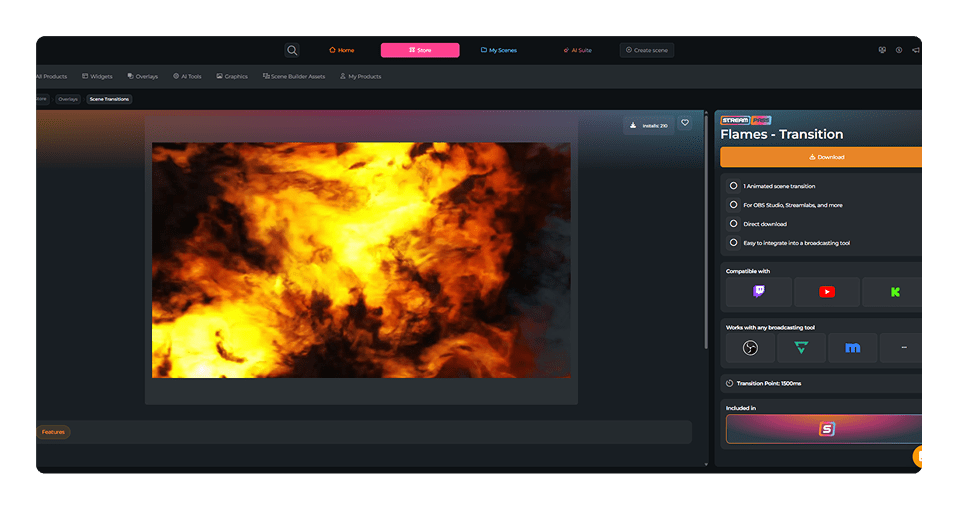
Every single free stinger transition OBS file and premium layout is fully optimized to run ultra-light inside OBS Studio, offering frame-perfect cut points straight out of the box.

What Happy Customers Say About Our OBS Transitions

See how our product makes a difference for content creators.

One Pass. Everything Included.

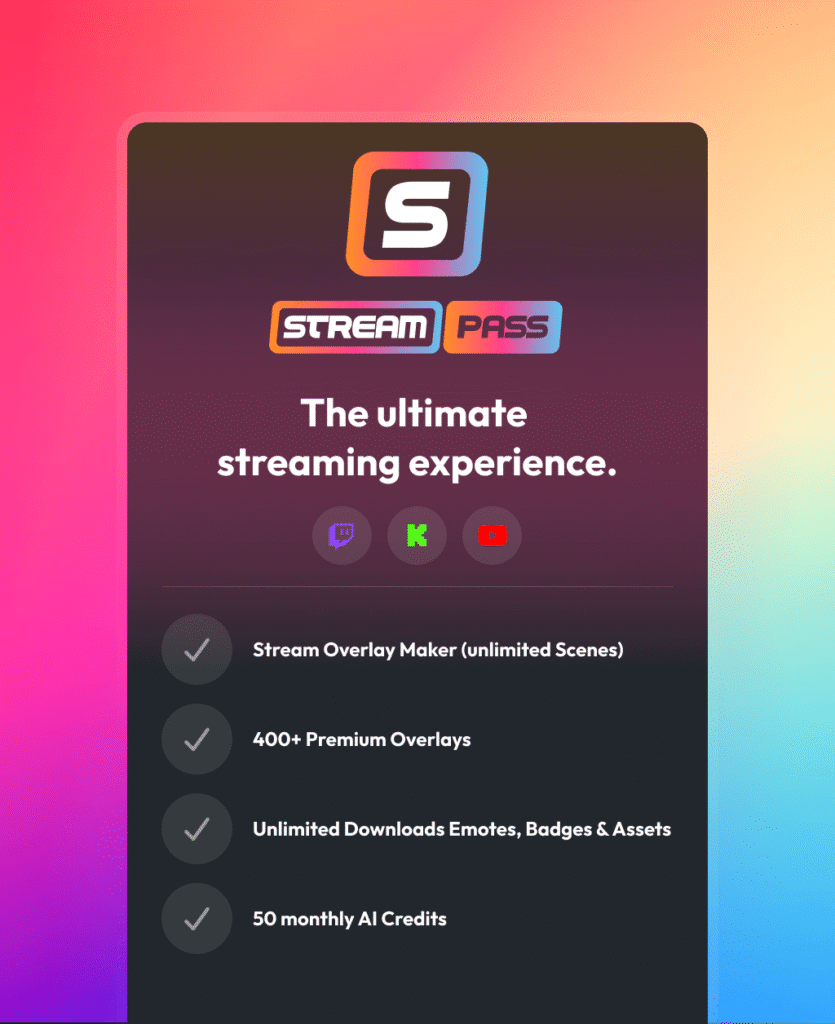
The Stream Pass gives you full access to everything OWN3D Pro has to offer. This includes our entire library of overlays, alerts, badges, widgets, OBS transitions, and more.

Works with all broadcasting tools

Customize your overlays in the Scene Builder and use them with OBS Studio, Streamlabs, XSplit, and more. Easy to integrate with any setup.

Unlimited* asset downloads

Download sub emotes, badges, OBS transitions, and more static assets. *Our unlimited plan is subject to fair use.

AI-powered creations

Get 50 AI credits with your Stream Pass to generate custom stream widgets, webcam frames, emotes, and more.

Multistreaming ready

Stream on Twitch, YouTube, and Kick with all the tools you need for a professional-looking livestream.

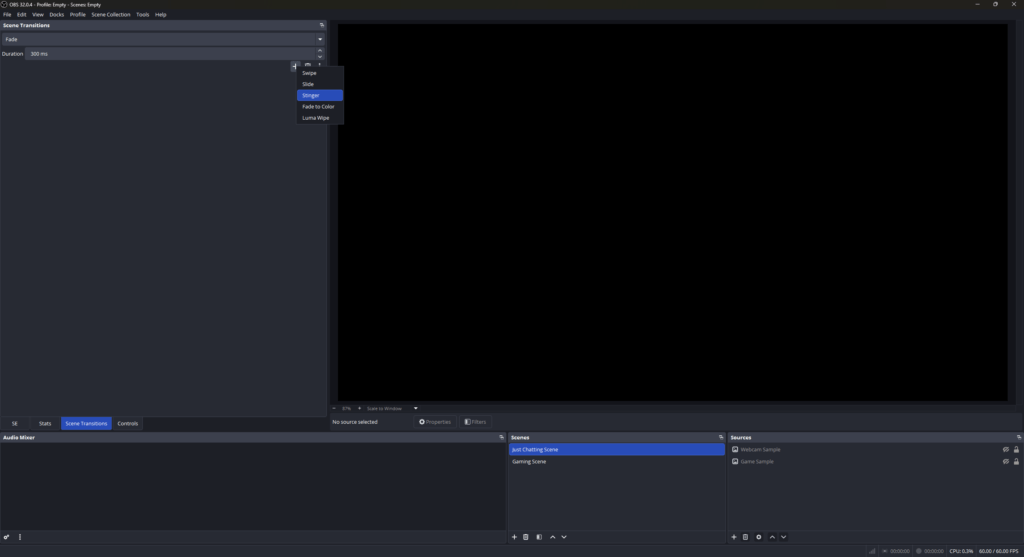
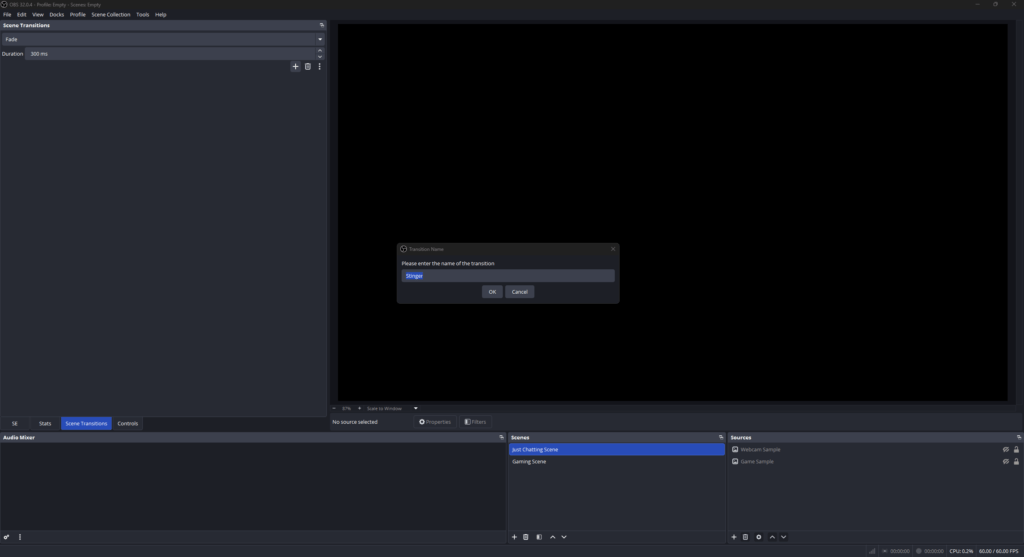
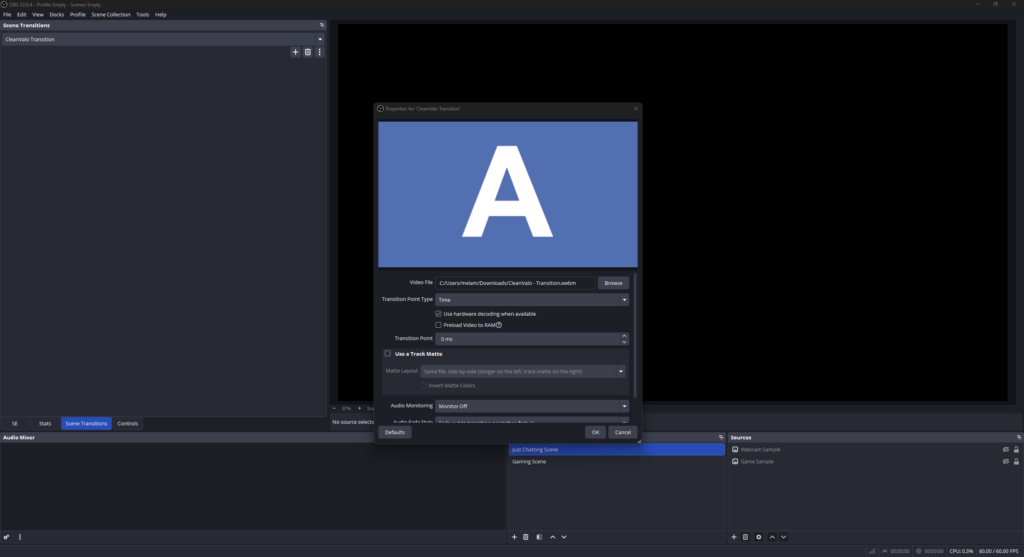
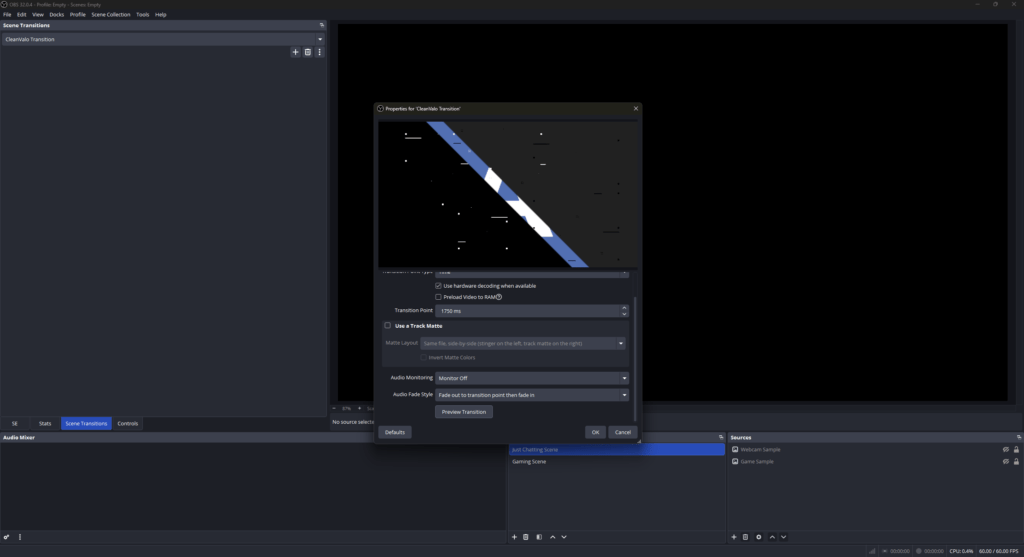
How to Configure a Stinger Transition in OBS Studio

Integrating a new stinger for OBS takes less than two minutes. Follow these simple steps:
FAQs About OBS Transitions

What is an OBS transition, and why do I need it?

An OBS transition is a short, animated overlay that triggers automatically the moment you switch scenes. Instead of an abrupt, unpolished camera cut, it creates a visual bridge as you move between your starting scene, live gameplay, or intermission screens. It gives your stream a premium look that keeps your community immersed.

Right here at OWN3D Pro! We want every single content creator to feel proud of their stream from day one, regardless of budget. You can unlock free OBS transitions by creating a free account and downloading our basic stream transitions.

It is completely hassle-free. If you want to use a free OBS transition file or upgrade your setup with a premium OBS stinger transition, the process is exactly the same. Since our assets are downloaded as clean, optimized video files, you can import them directly into your broadcasting tool yourself. We actually wrote a quick, easy-to-follow step-by-step guide for OBS Studio right above on this page to help you import your file and hit your transition point in less than two minutes.

Absolutely. When you grab an OBS stinger transition free download through OWN3D Pro, you are getting fully optimized, safe, and clean files that won’t lag your game or drop your frames.

Yes, 100 percent. Upgrading to the Stream Pass gives you the ultimate freedom to switch up your stream appearance whenever you want to change the mood. You can download and use any OBS stinger from our premium library to match your latest gaming vibes. Just keep in mind that while you have full creative freedom, our unlimited plan is subject to a fair use policy of 25 downloads per day per category to keep the platform stable and fair for every single creator in the community.

A standard fade gets the job done, but a stinger transition for OBS makes swaps look way cooler. It shows your chat that you care about your channel’s aesthetic, creating a cohesive visual brand that may make viewers want to hit that follow button.

Keen on just one look? Yes! While the Stream Pass gives you the best overall value with unlimited access to hundreds of OBS transitions, you are never locked in. If you fall in love with one specific premium stinger for OBS, you can buy it as an individual, standalone purchase to unlock it for your account.

Yes, they are highly flexible. Your OBS stinger transition will function flawlessly across OBS Studio, Streamlabs, XSplit, or any other broadcasting tool that supports custom media transitions.

Designing your own transitions from scratch means diving deep into animation programs like Adobe After Effects or DaVinci Resolve. It takes time to shift keyframes just to get the millisecond timing of the cut right. Great for creators who are used to designing their own and already work with these programs, but it can be hard for beginners. If you want to skip that steep learning curve and avoid the technical frustration, choosing a pre-made transition from our huge library gives you a polished, professional look in just a few clicks.

Yes, every single file delivers the full audio experience. Our transitions feature pre-synchronized sound effects that peak at exactly the moment the animation covers the screen, giving your scene cuts a powerful, television-like production value.